N26 user flows examples
Explore N26 user flow examples. Preview the opening screens and steps for each task. The bank you’ll love
Preview these flows
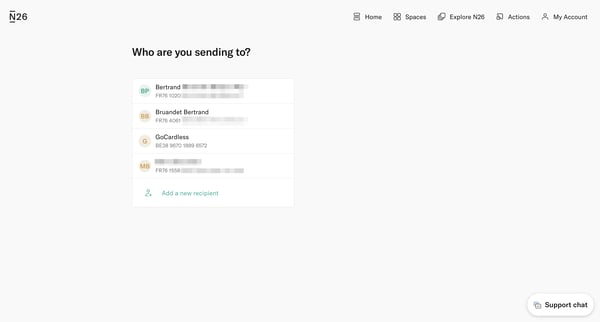
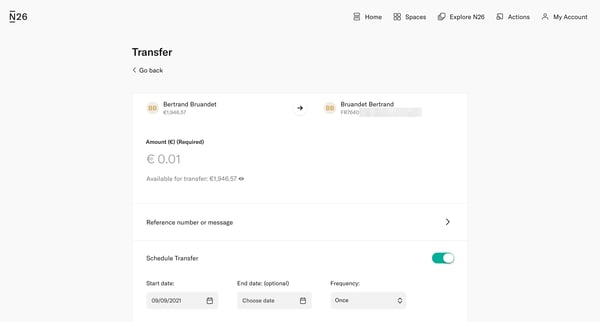
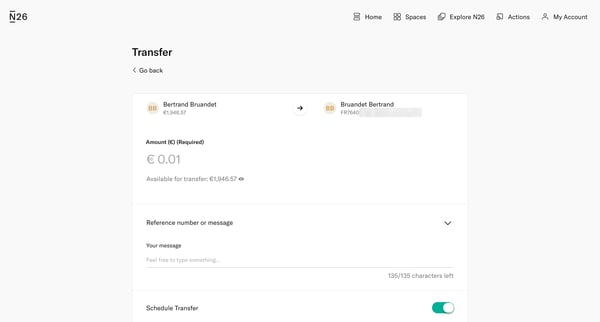
This flow guides a user through the process of setting up a financial transfer to a recipient, including selecting the recipient, entering amount details, scheduling the transfer, confirming
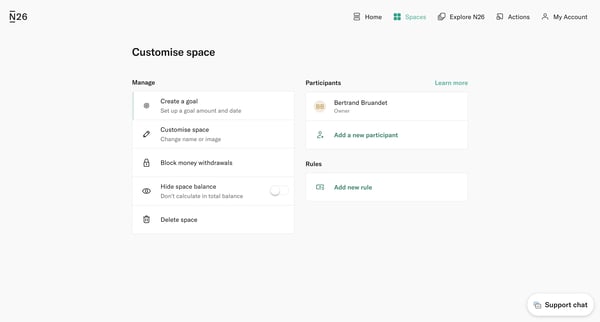
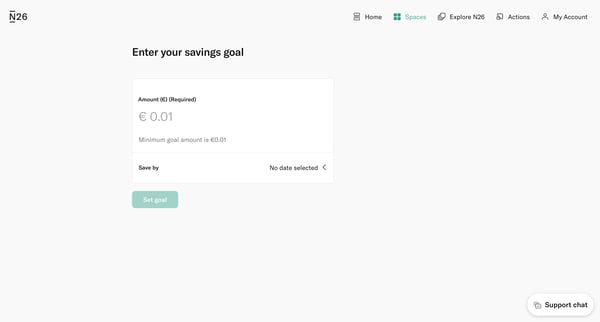
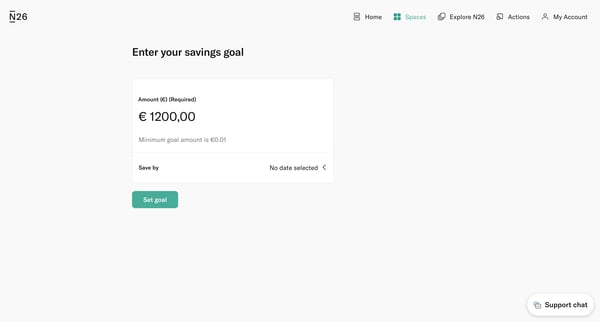
This flow enables users to create a personalized savings goal by specifying an amount, setting a target date, calculating the monthly savings needed, and customizing the space with a name.
Explore the full SaaS flow library
Browse the full SaaS flow library.
Trusted by the best teams







