Skip to content

N26 product screens examples

Browse N26 screen design examples. Preview the interface screenshots and explore related UI patterns. The bank you’ll love

Explore the examples

N26 - Open a bank account – Sign up — N26 screen
N26 logo
N26

Signup page where the user begins opening a bank account by confirming their country of residence.
N26 - Personal Information — N26 screen
N26 logo
N26

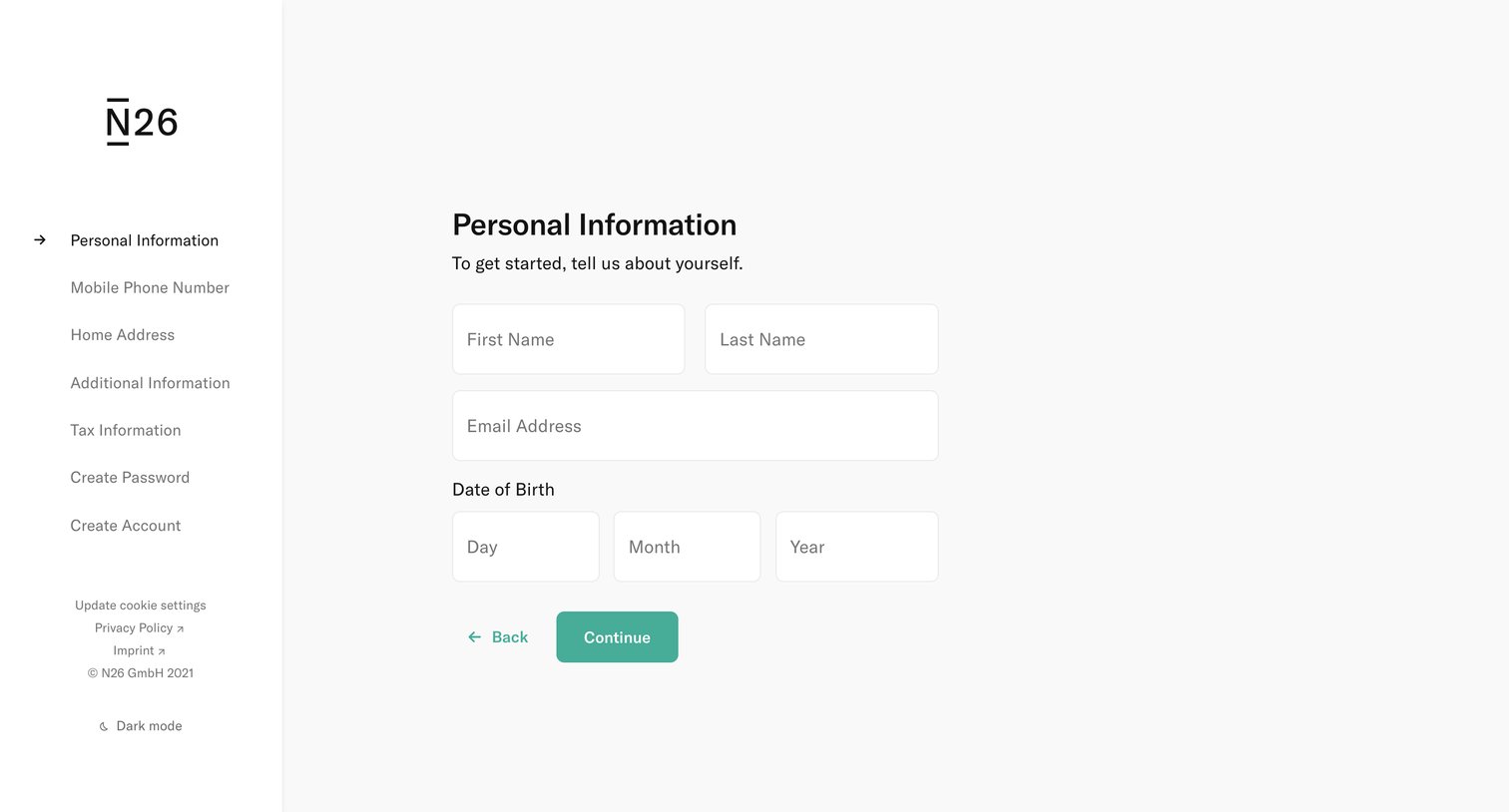
Signup step where the user enters their first name, last name, email address, and date of birth to begin creating an account.
N26 - Personal Information — N26 screen
N26 logo
N26

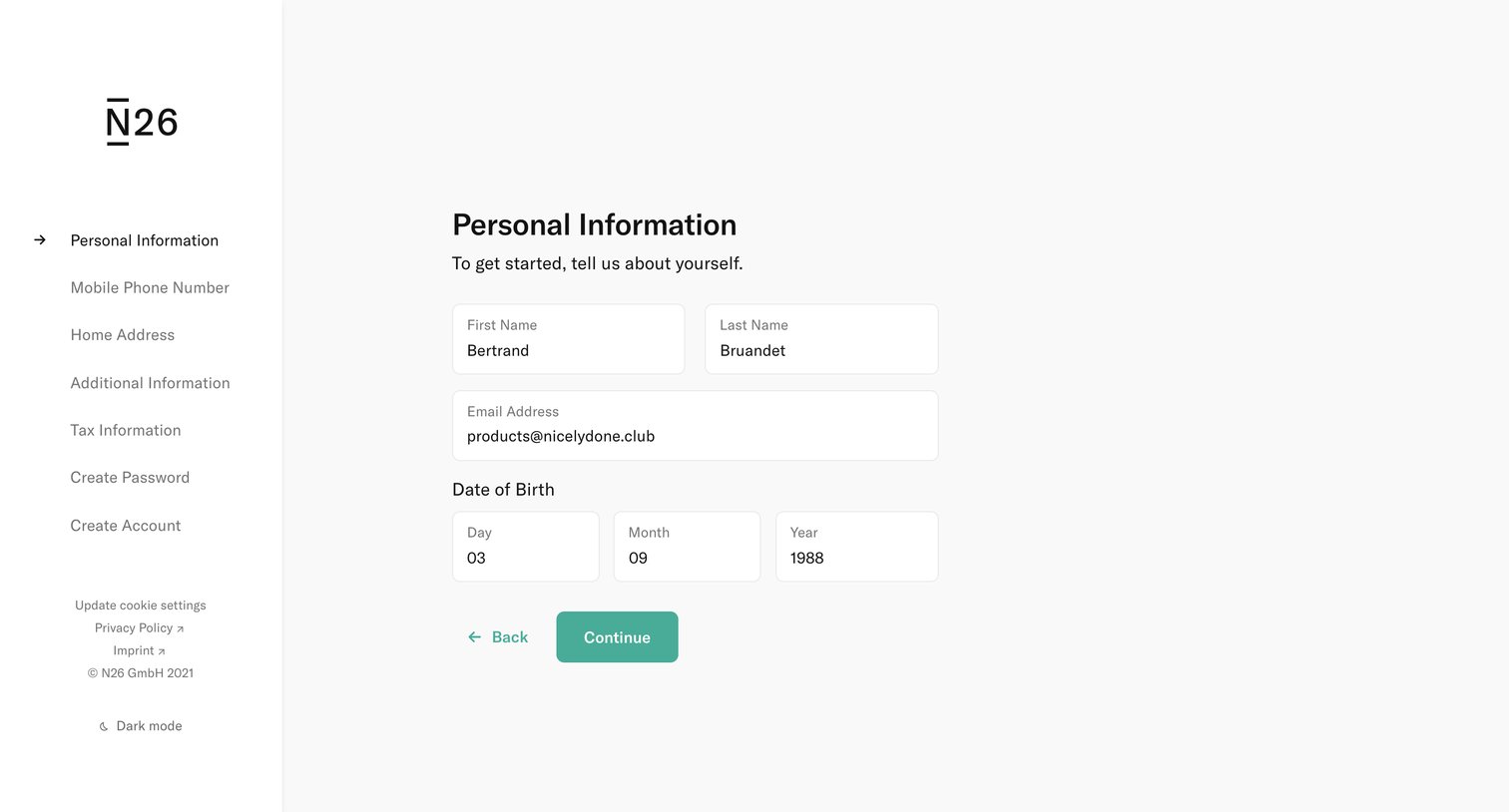
Signup step where the user enters their first name, last name, email address, and date of birth.
N26 - Mobile Phone Number — N26 screen
N26 logo
N26

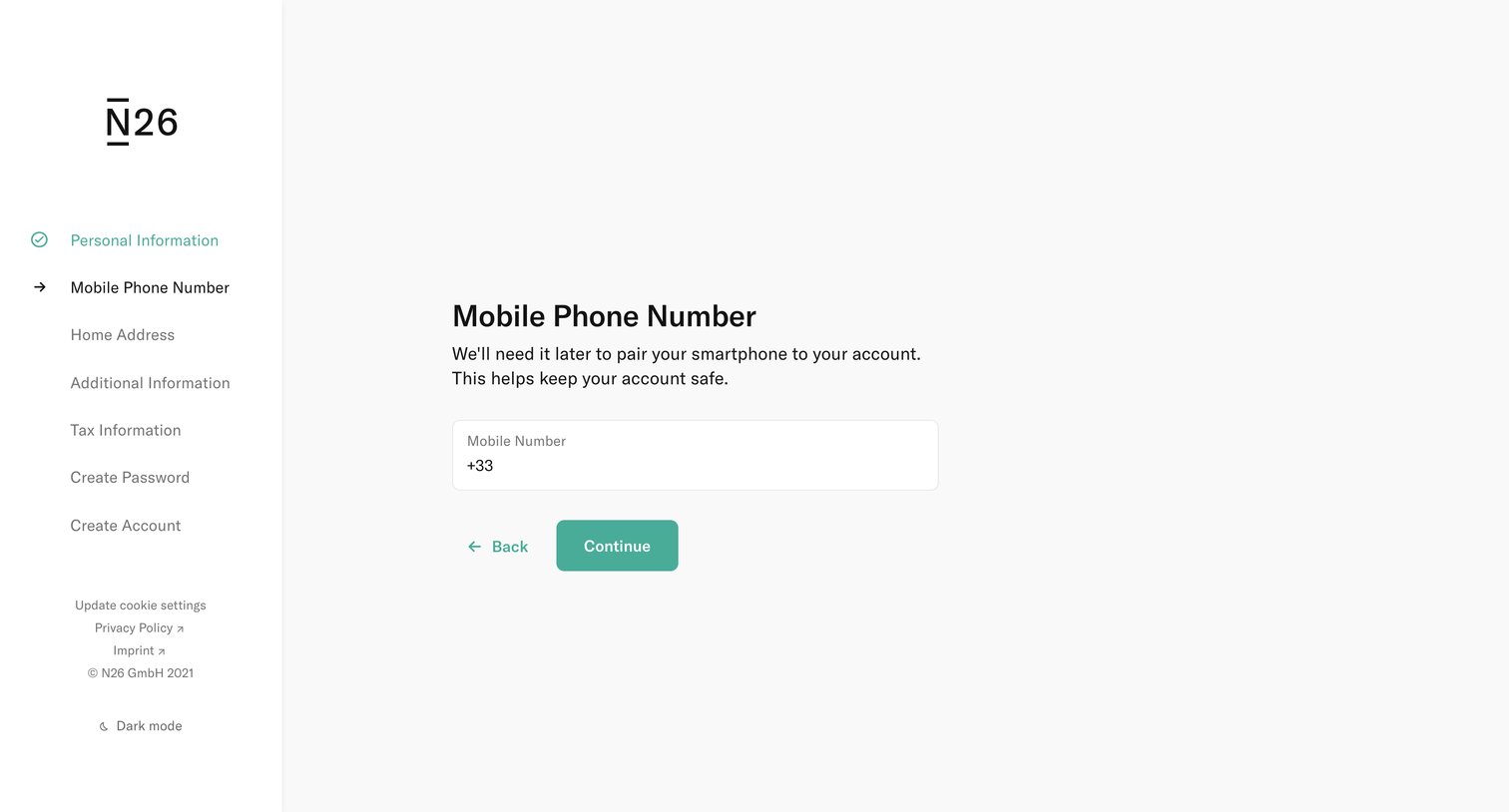
Onboarding step where the user enters their mobile phone number to pair their smartphone to their new bank account.
N26 - Login — N26 screen
N26 logo
N26

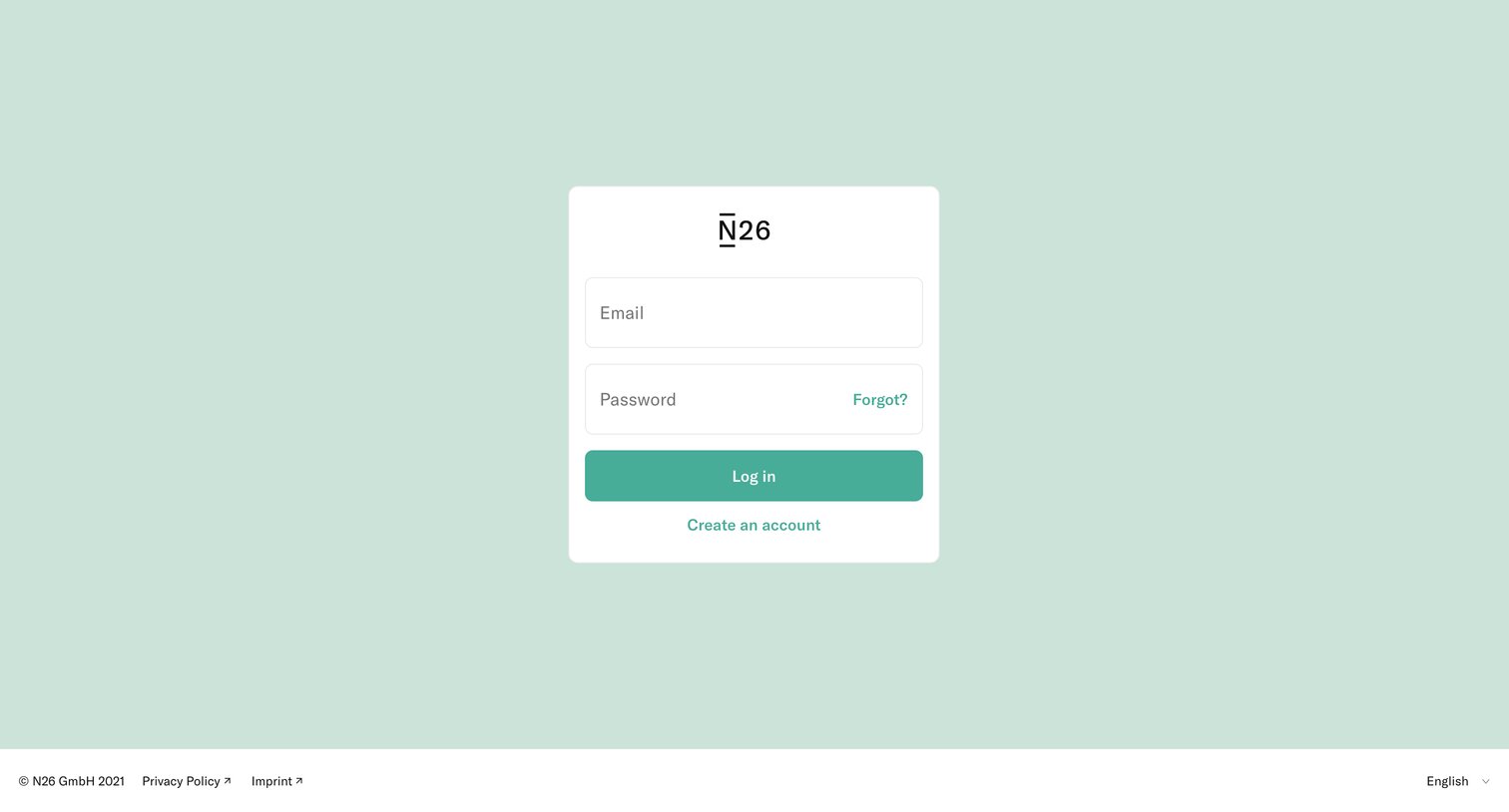
Sign-in screen where the user authenticates with their email and password, with options to recover a forgotten password or create a new account.
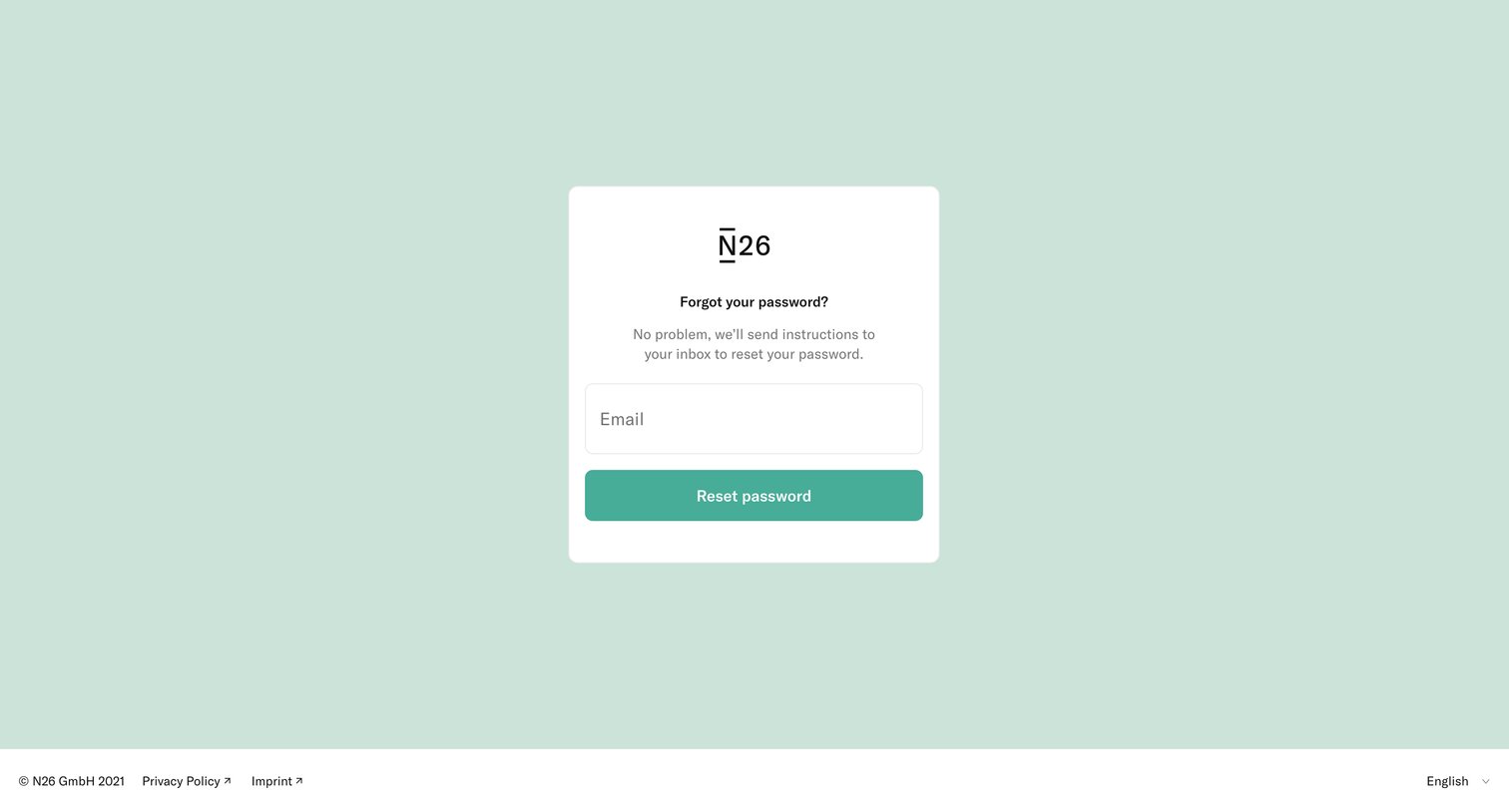
N26 - Forgot your password — N26 screen
N26 logo
N26

Password recovery screen where the user enters their email address to receive reset instructions.
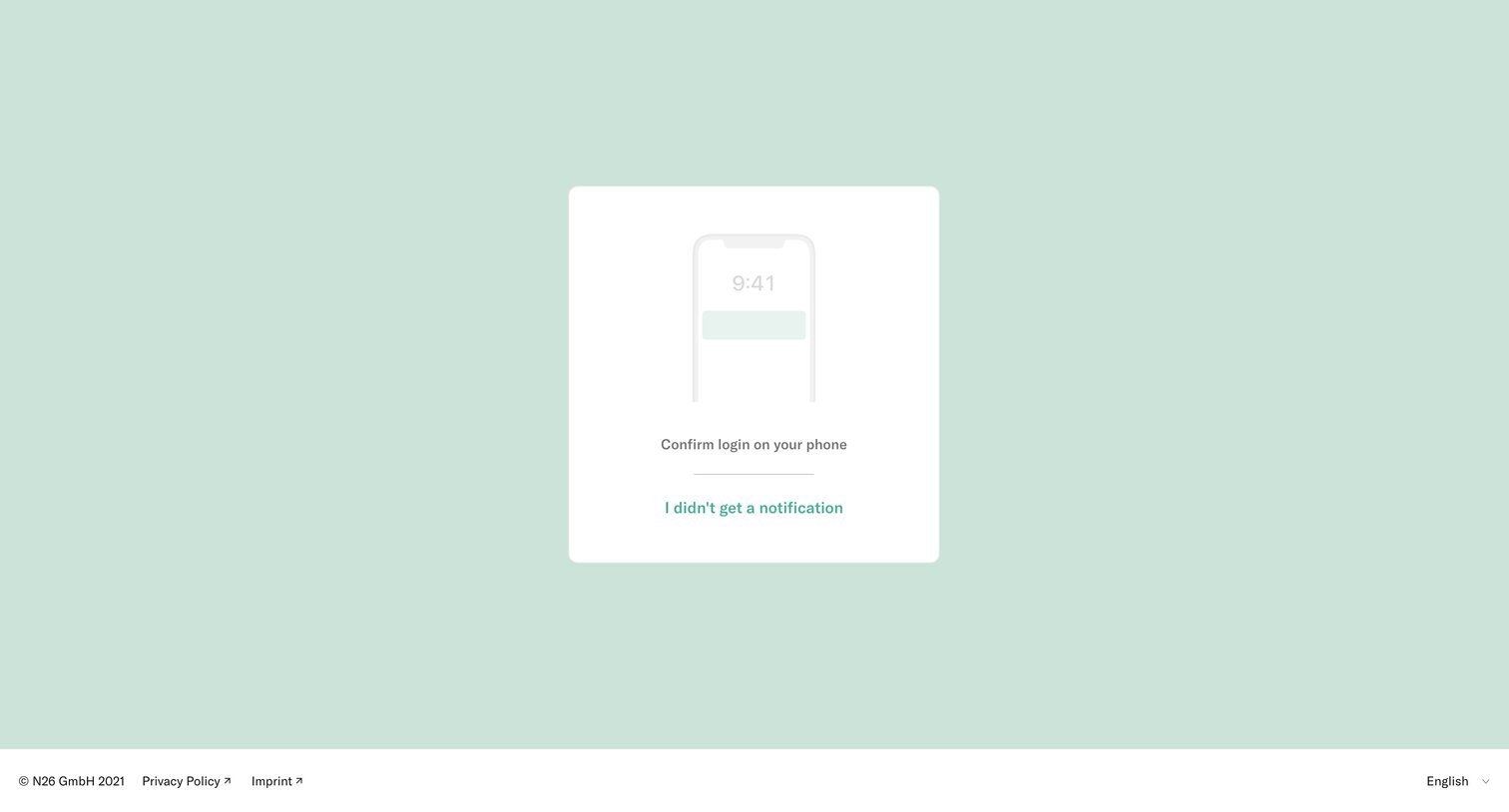
N26 - Login — N26 screen
N26 logo
N26

Verification screen where the user is prompted to confirm their login via a push notification sent to their phone.
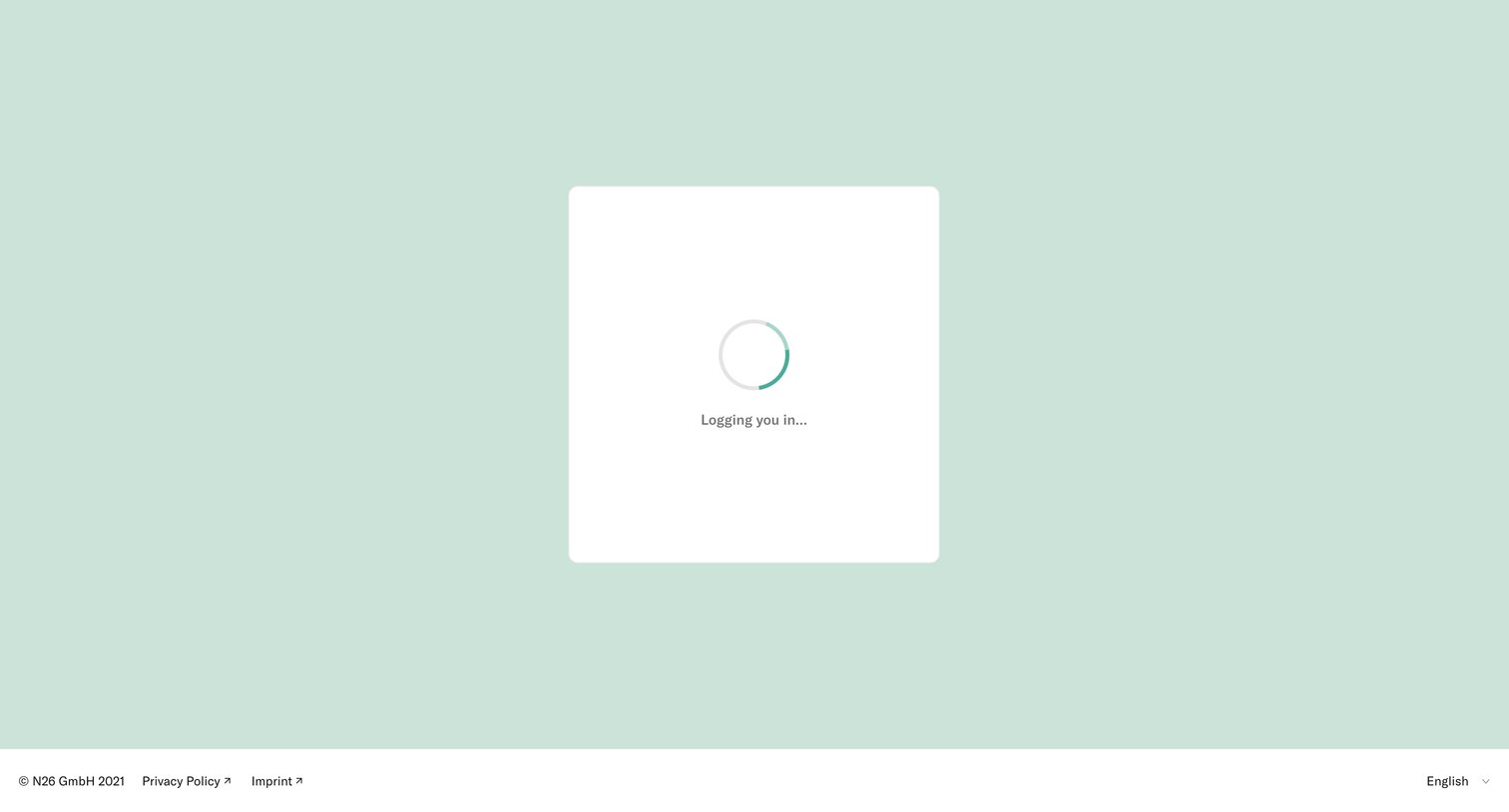
N26 - Login — N26 screen
N26 logo
N26

Sign-in screen where the user waits for the authentication process to complete, indicated by a 'Logging you in...' message and a loading spinner, with Privacy Policy and Imprint links in the bottom bar.

N26 - Home — N26 screen
N26 logo
N26

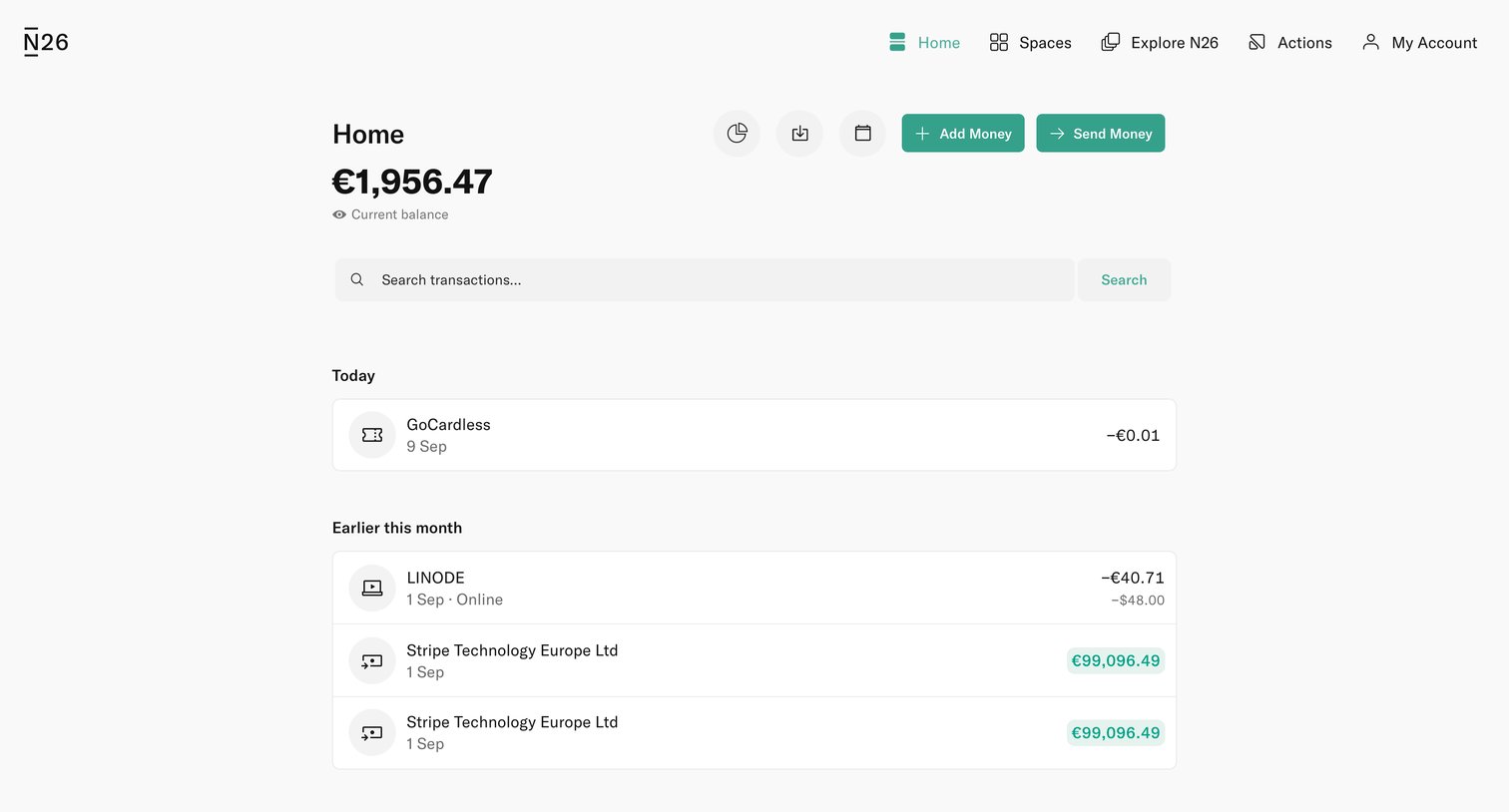
Home screen showing the user's current balance and a chronological list of recent transactions grouped by month.

N26 - Statistics — N26 screen
N26 logo
N26

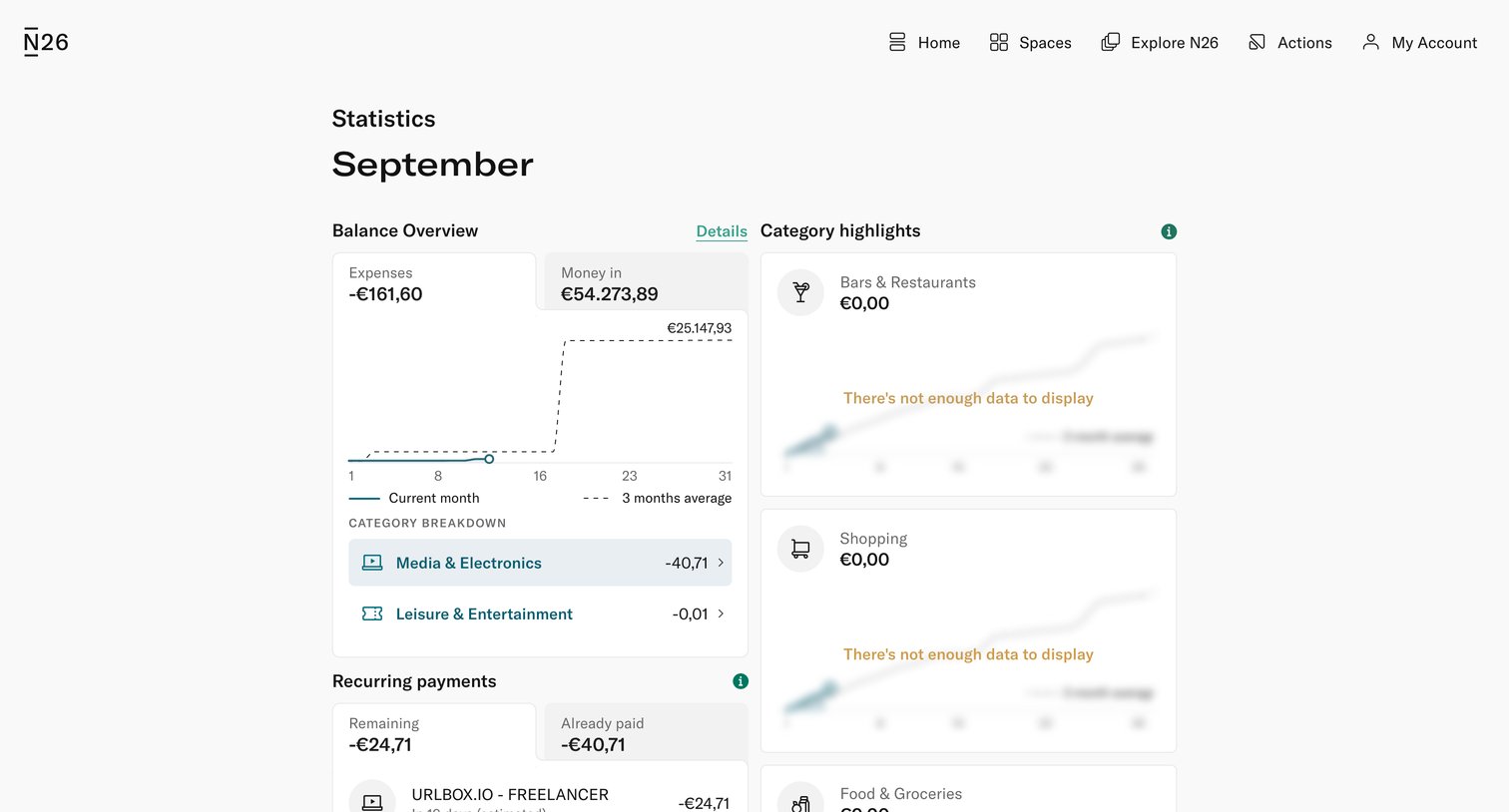
Dashboard showing a monthly financial overview with a balance chart, recurring payments list, and empty category highlight cards.

N26 - Balance Overview — N26 screen
N26 logo
N26

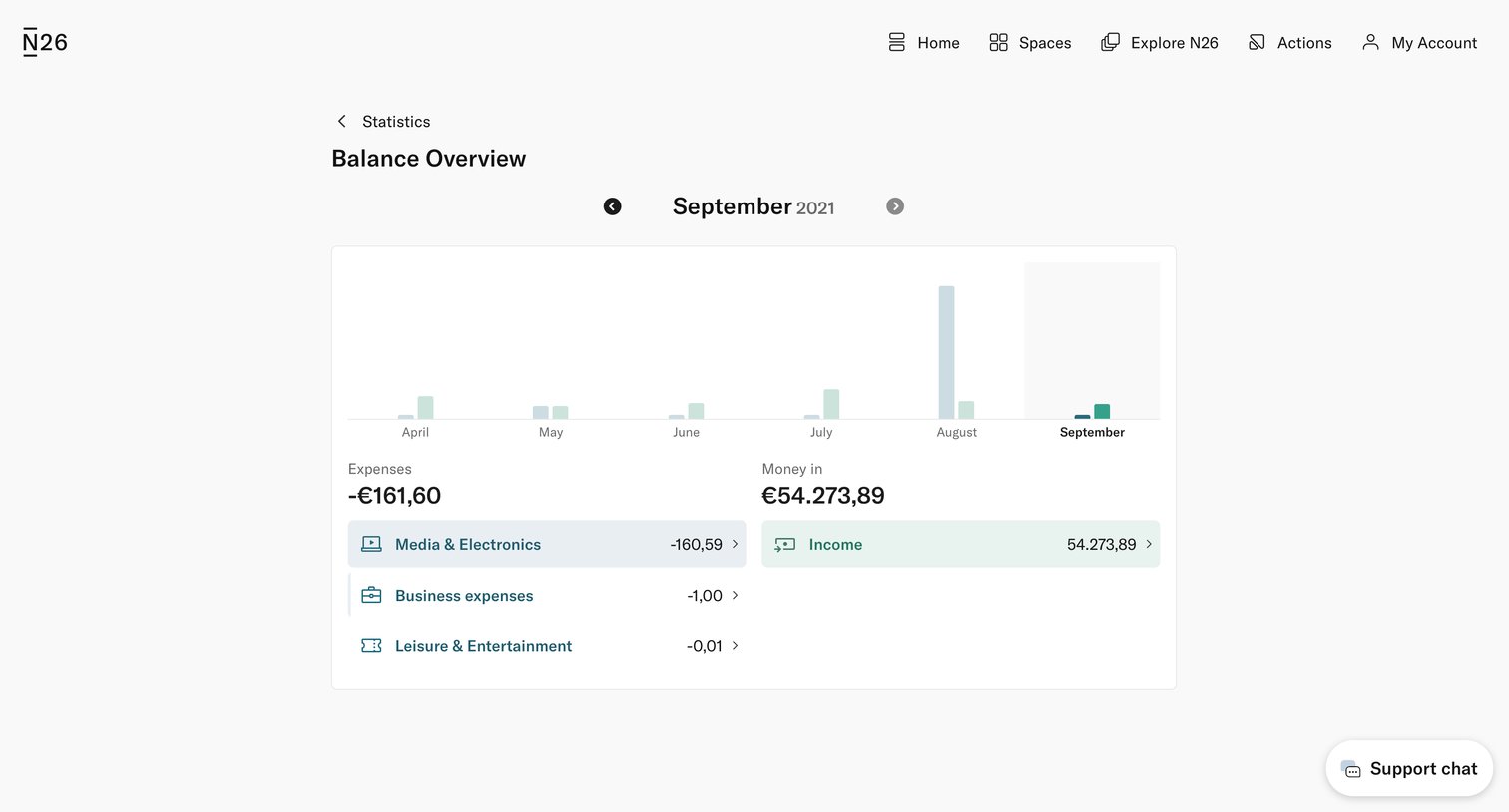
Dashboard showing a monthly balance bar chart and a categorized breakdown of expenses and income for September 2021.

N26 - Balance Overview — N26 screen
N26 logo
N26

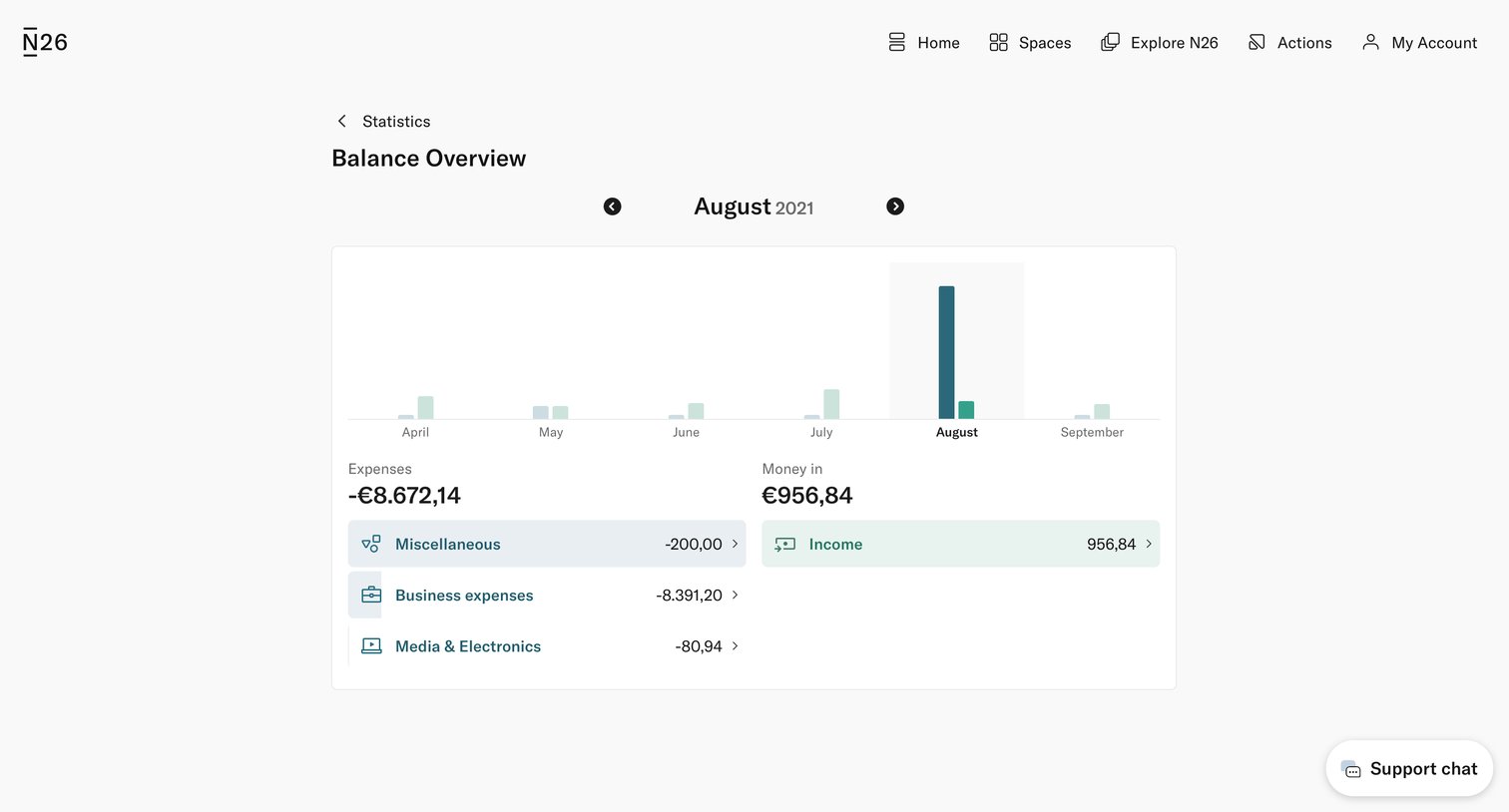
Dashboard showing a monthly balance overview with a bar chart and a breakdown of expenses and income categories for a specific month.

Explore the full SaaS screen library

Upgrade to unlock the full library.

Trusted by the best teams