Success screen examples
Success screen design examples from SaaS apps. See how apps confirm that an action has finished. Explore how completion messages summarize the result and offer a relevant next step without obscuring what…
Explore the examples
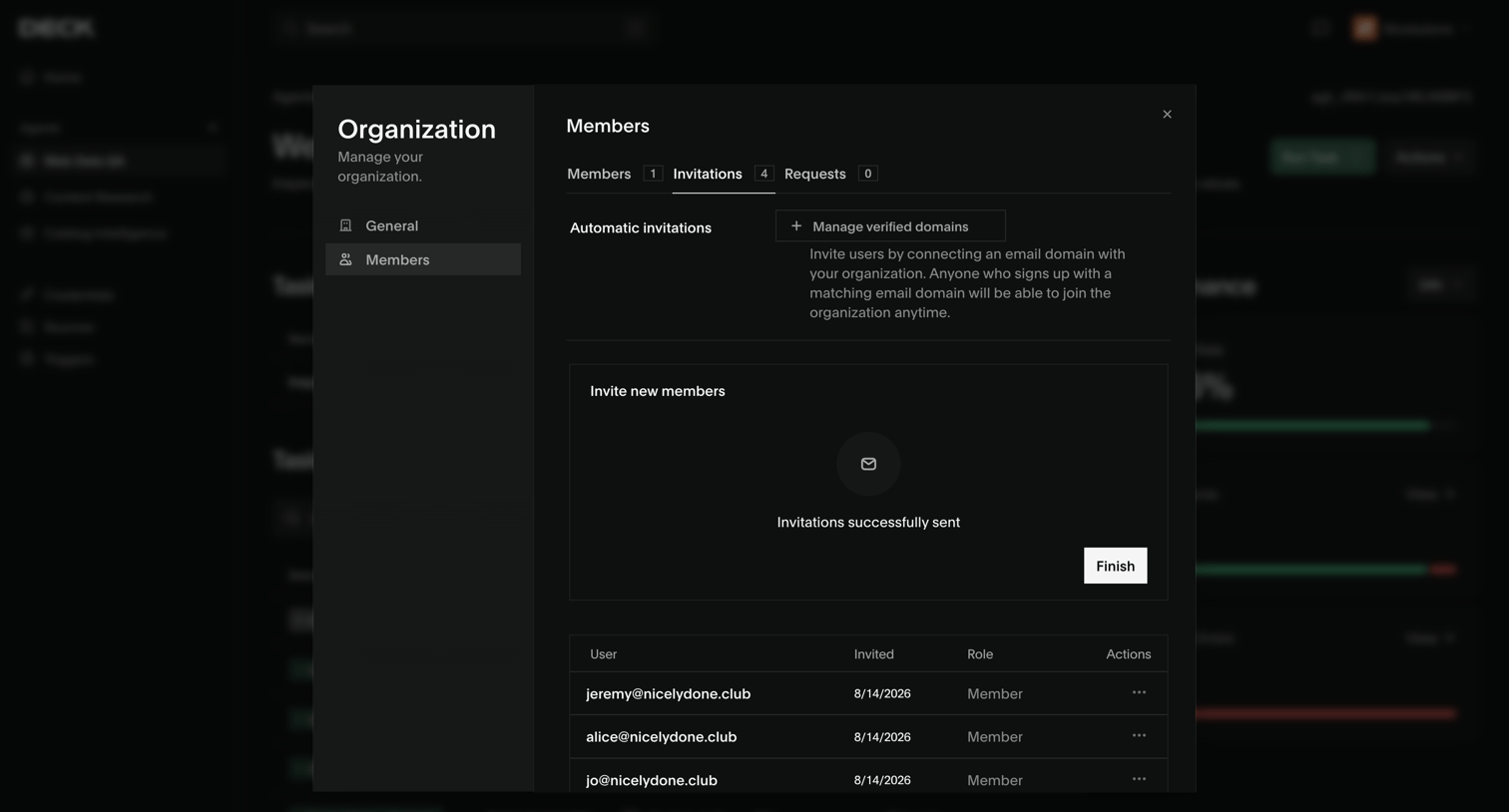

Organization settings modal where the user has successfully sent email invitations to new team members and is viewing the pending invitations list.
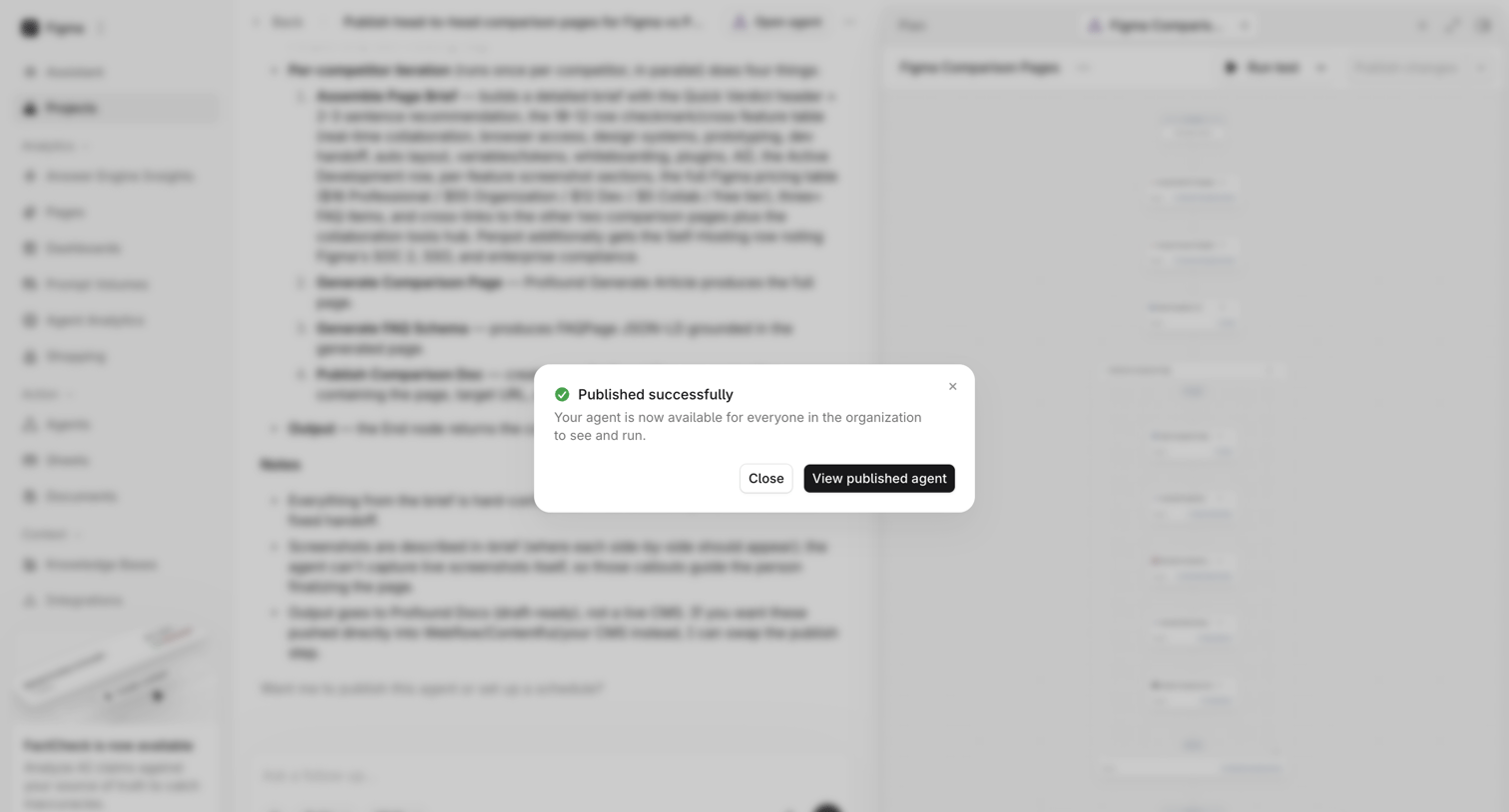

Agent trace view where a success modal confirms the user's Figma comparison agent has been published and is available for the organization.
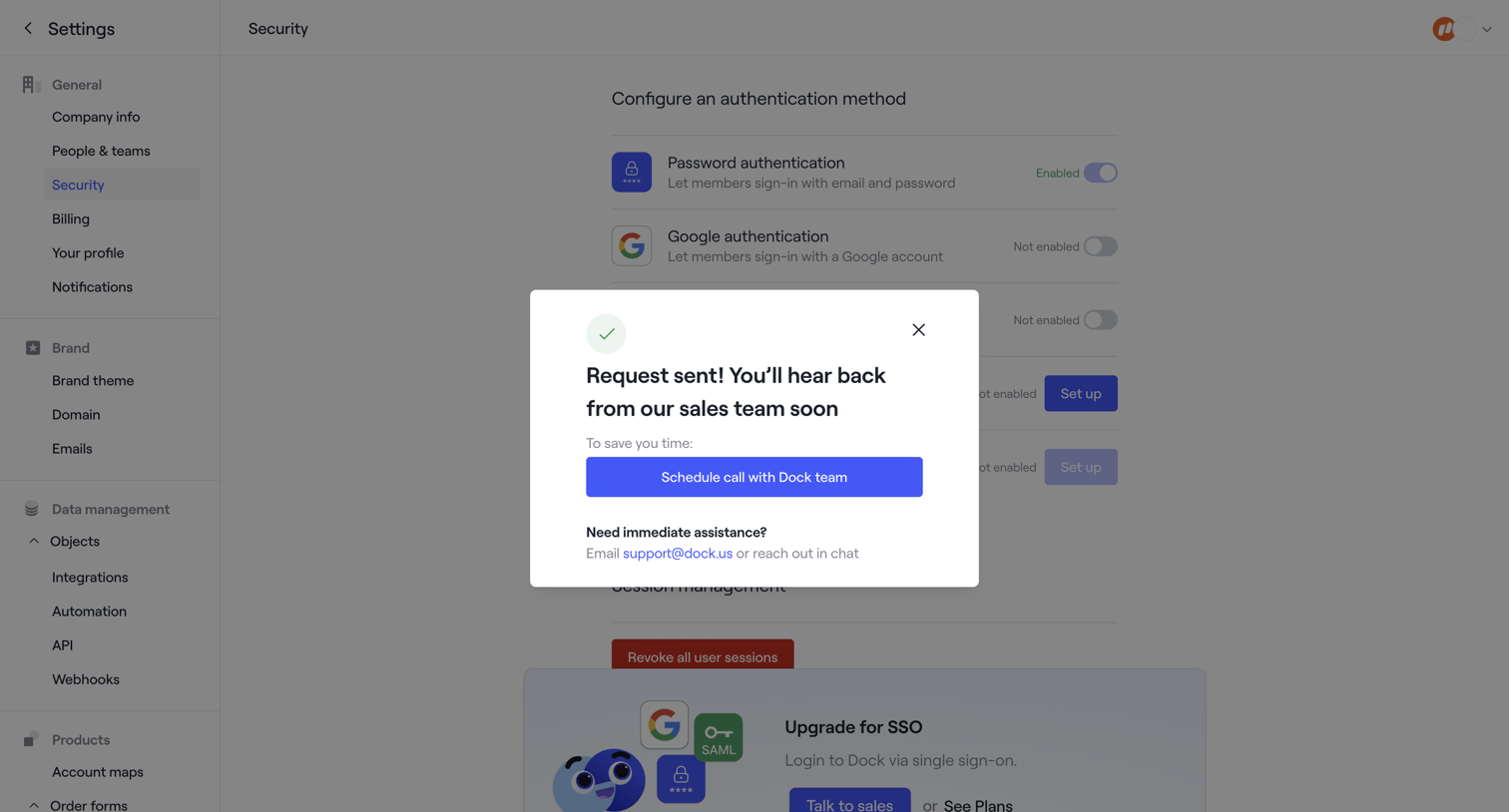

Security settings page showing a success modal after the user requests sales contact to set up SSO.
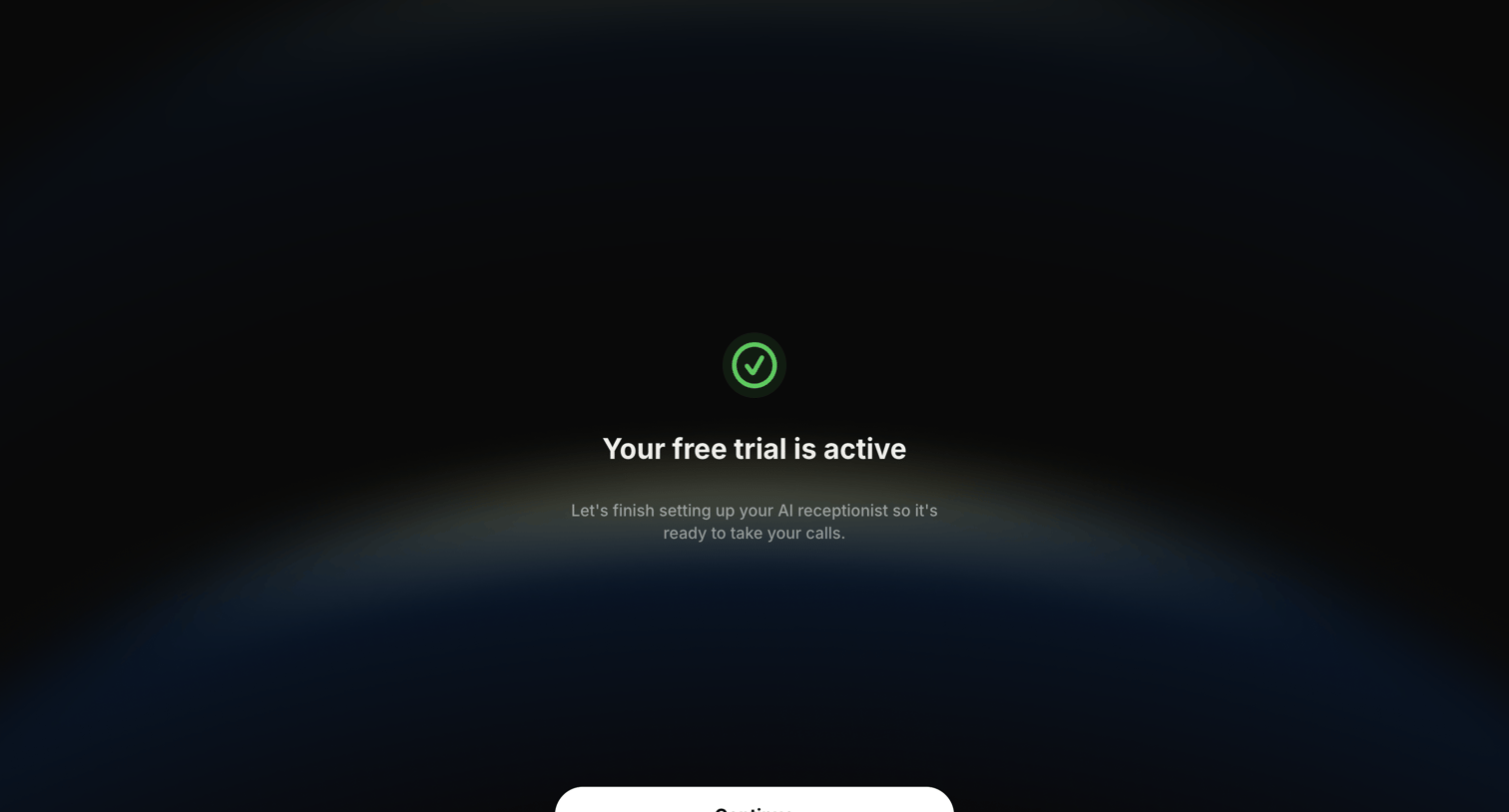

Onboarding interstitial confirming the user's free trial is active and prompting them to continue setting up their AI receptionist.
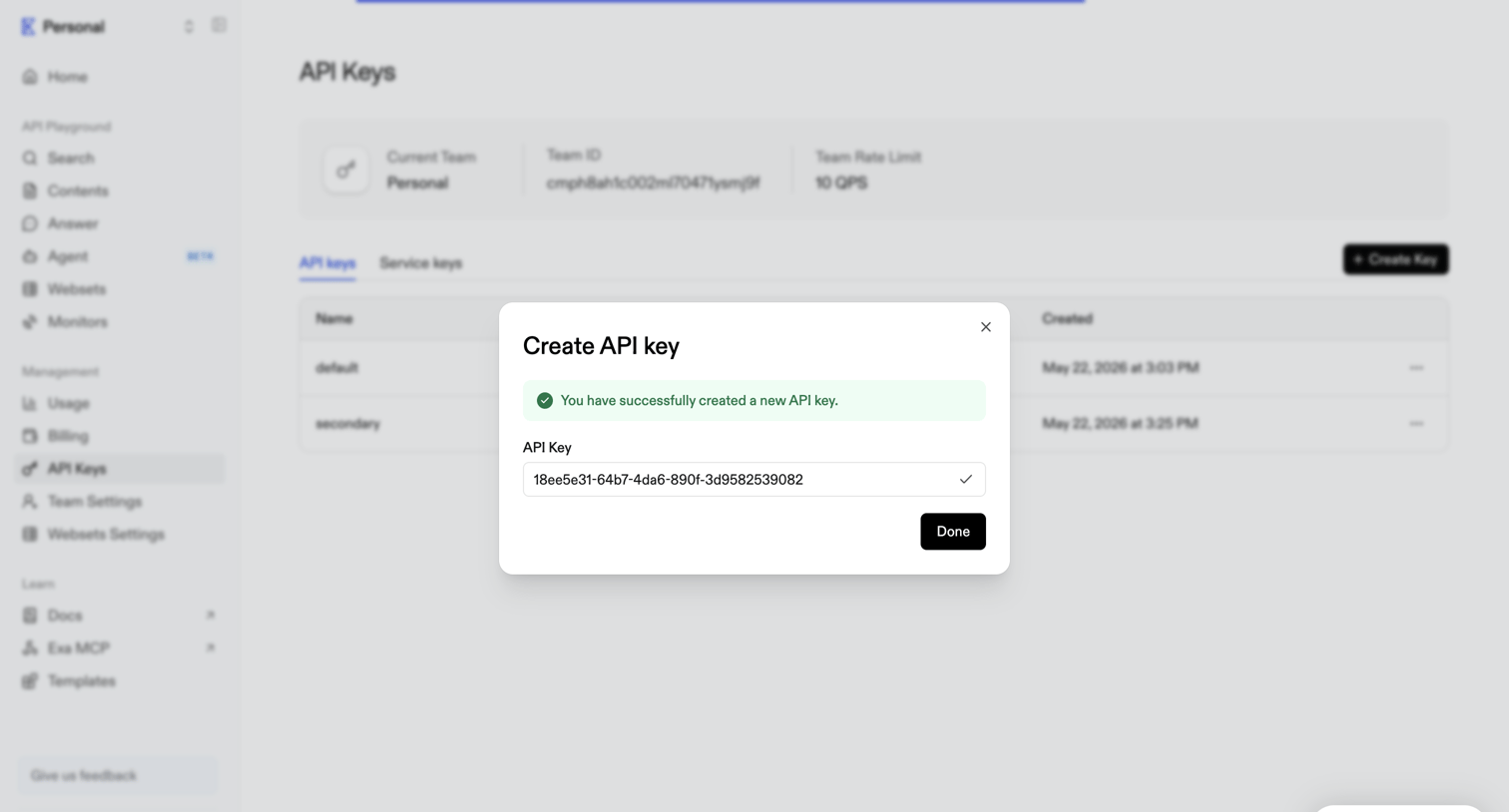

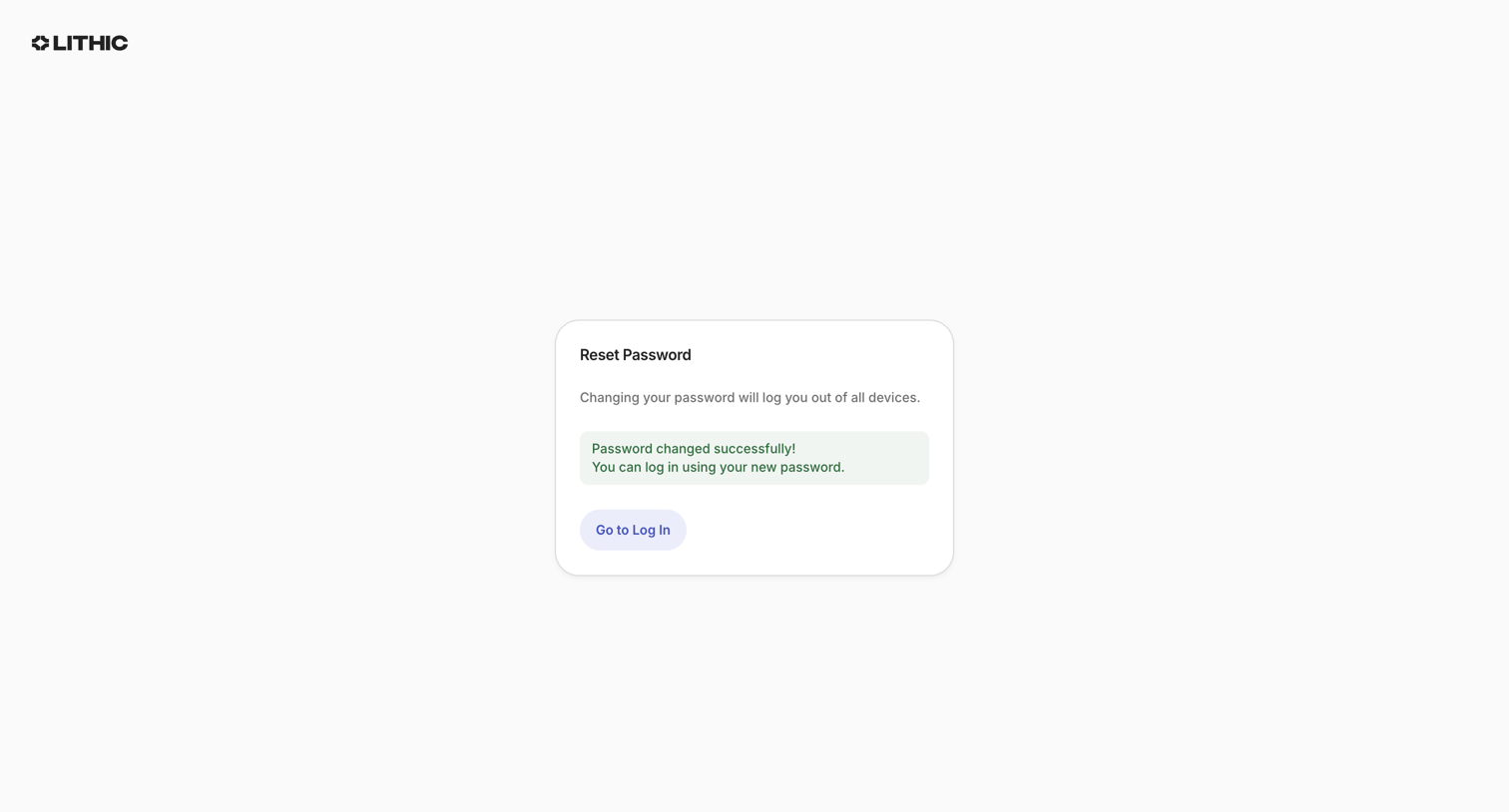

Password recovery screen where a success alert confirms the change and prompts the user to log in.
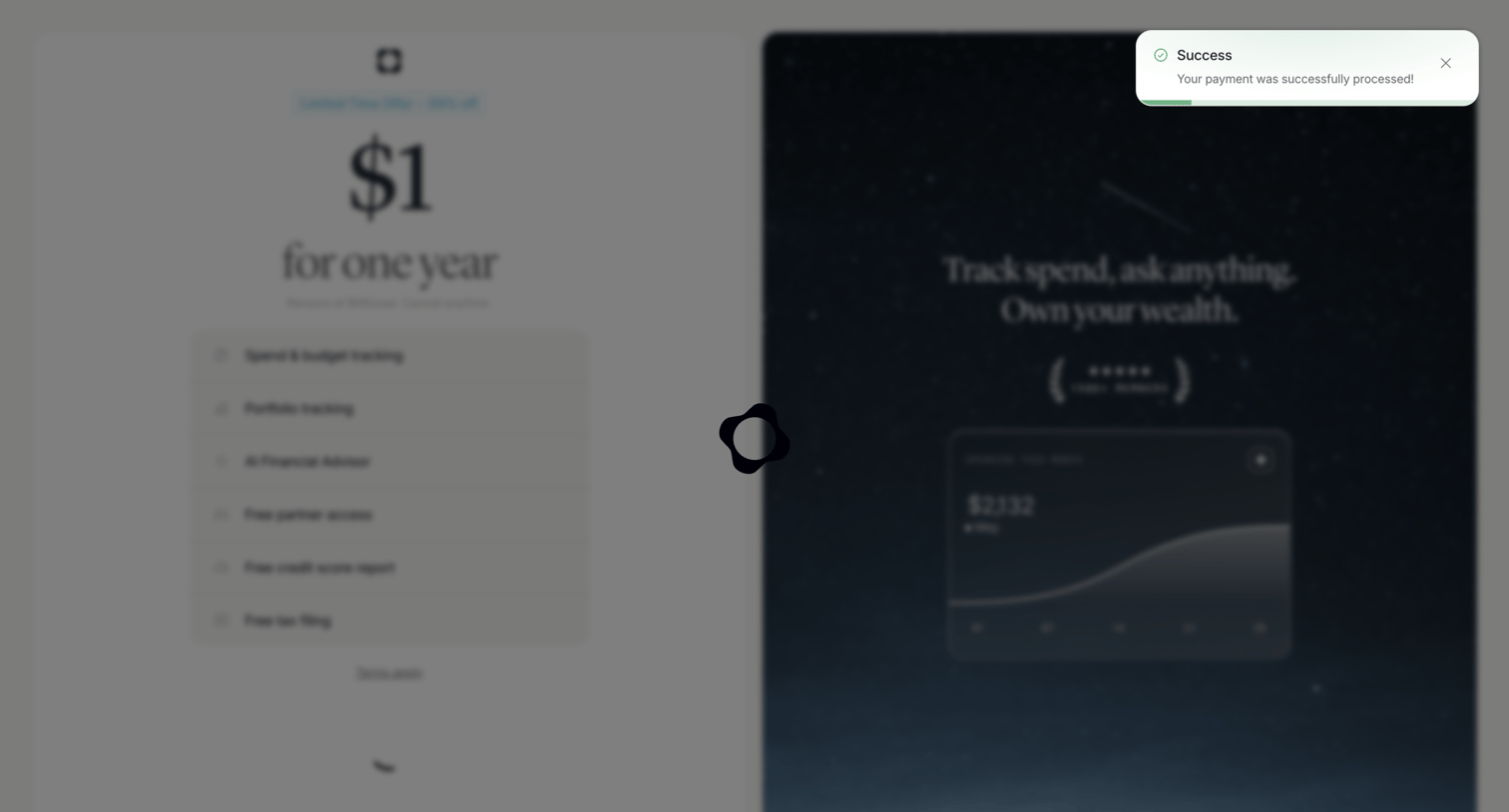

Checkout screen displaying a success toast after payment while transitioning, showing a discounted annual offer and product features.
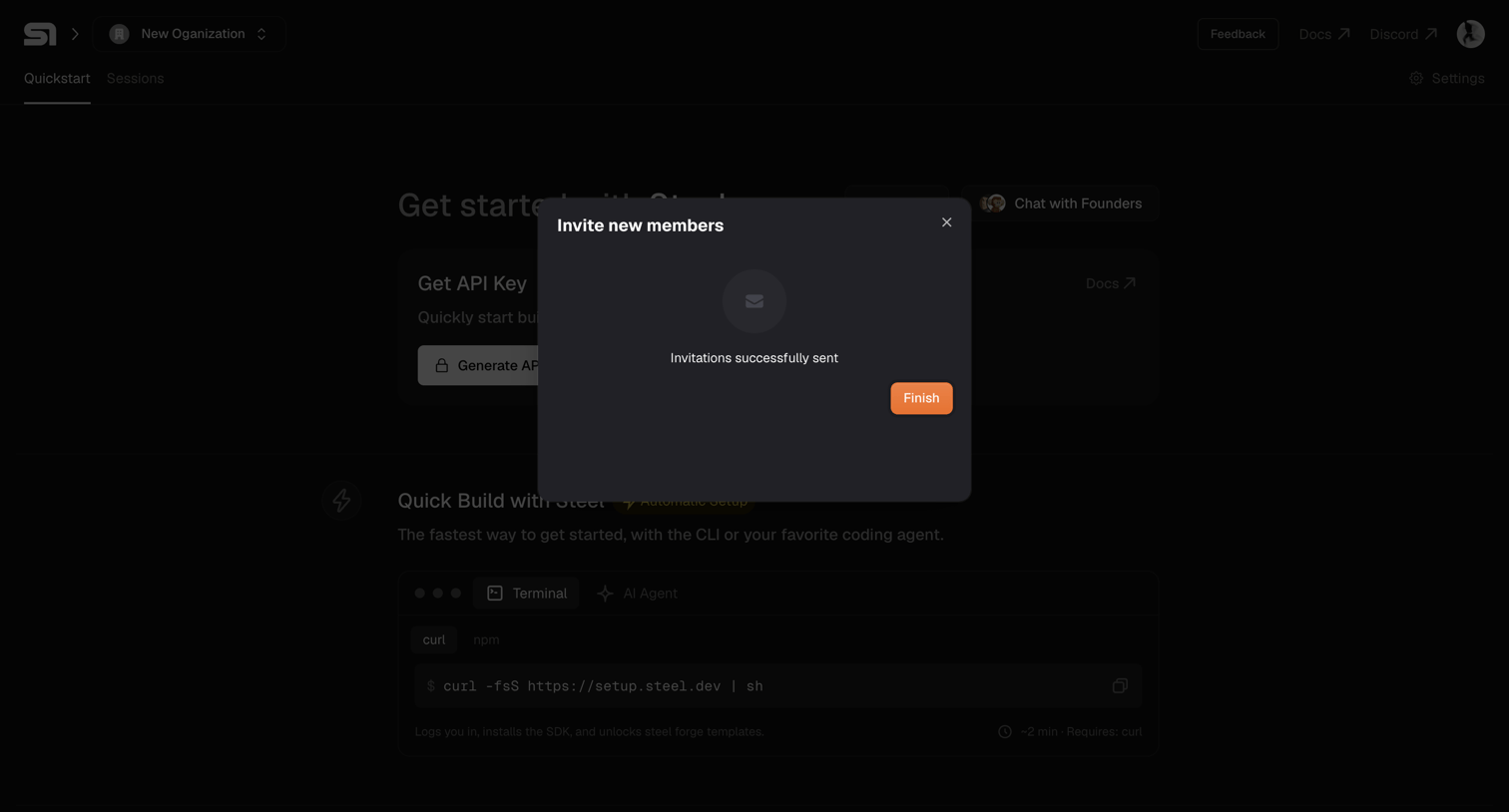

Onboarding quickstart page where a modal confirms that new team member invitations were successfully sent.
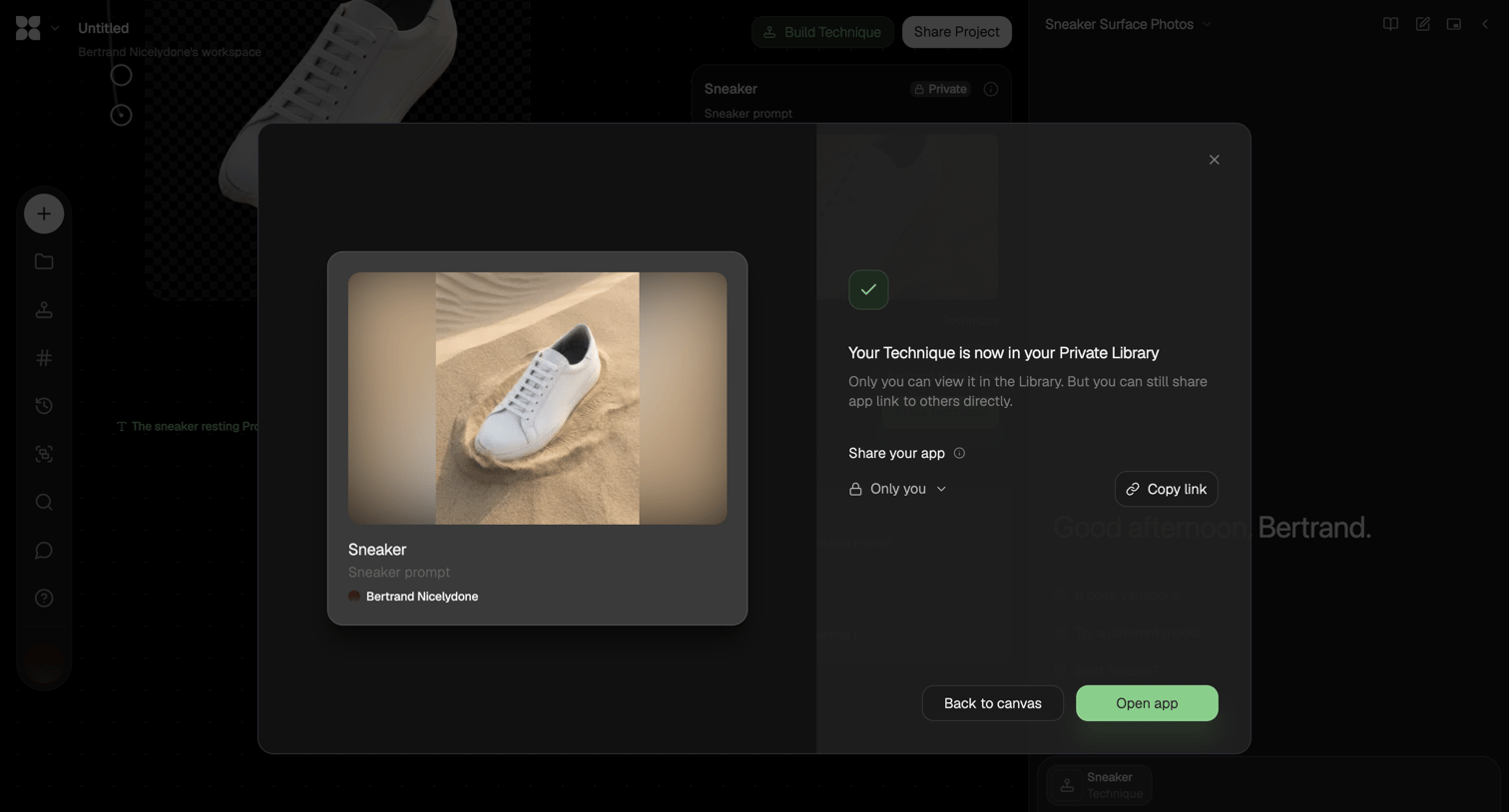

Success modal confirming a generated AI technique has been saved to a private library, offering options to adjust sharing permissions, copy a link, or open the generated app.
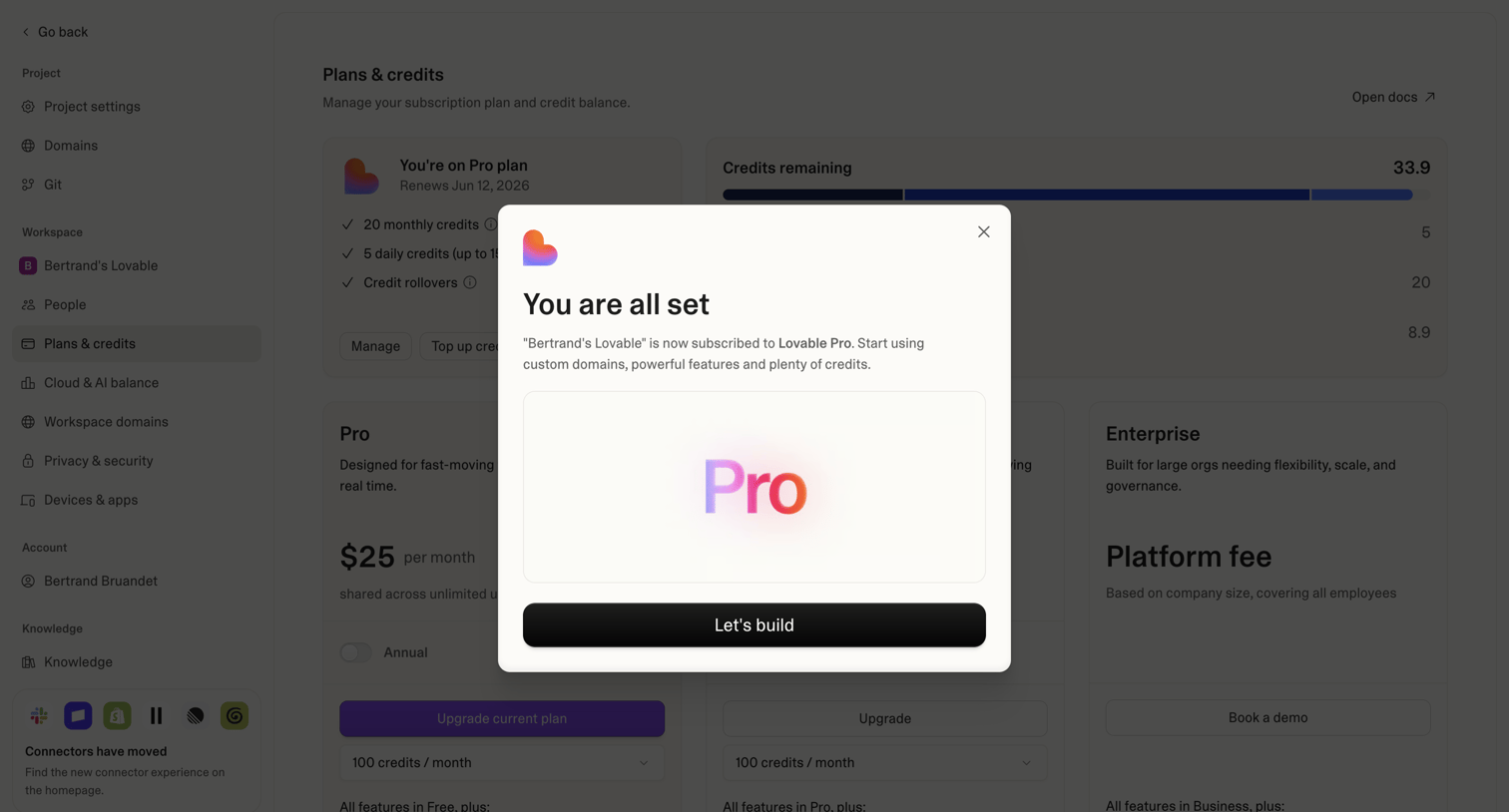

Settings page where a modal confirms the user has successfully upgraded to the Pro plan and prompts them to start building.
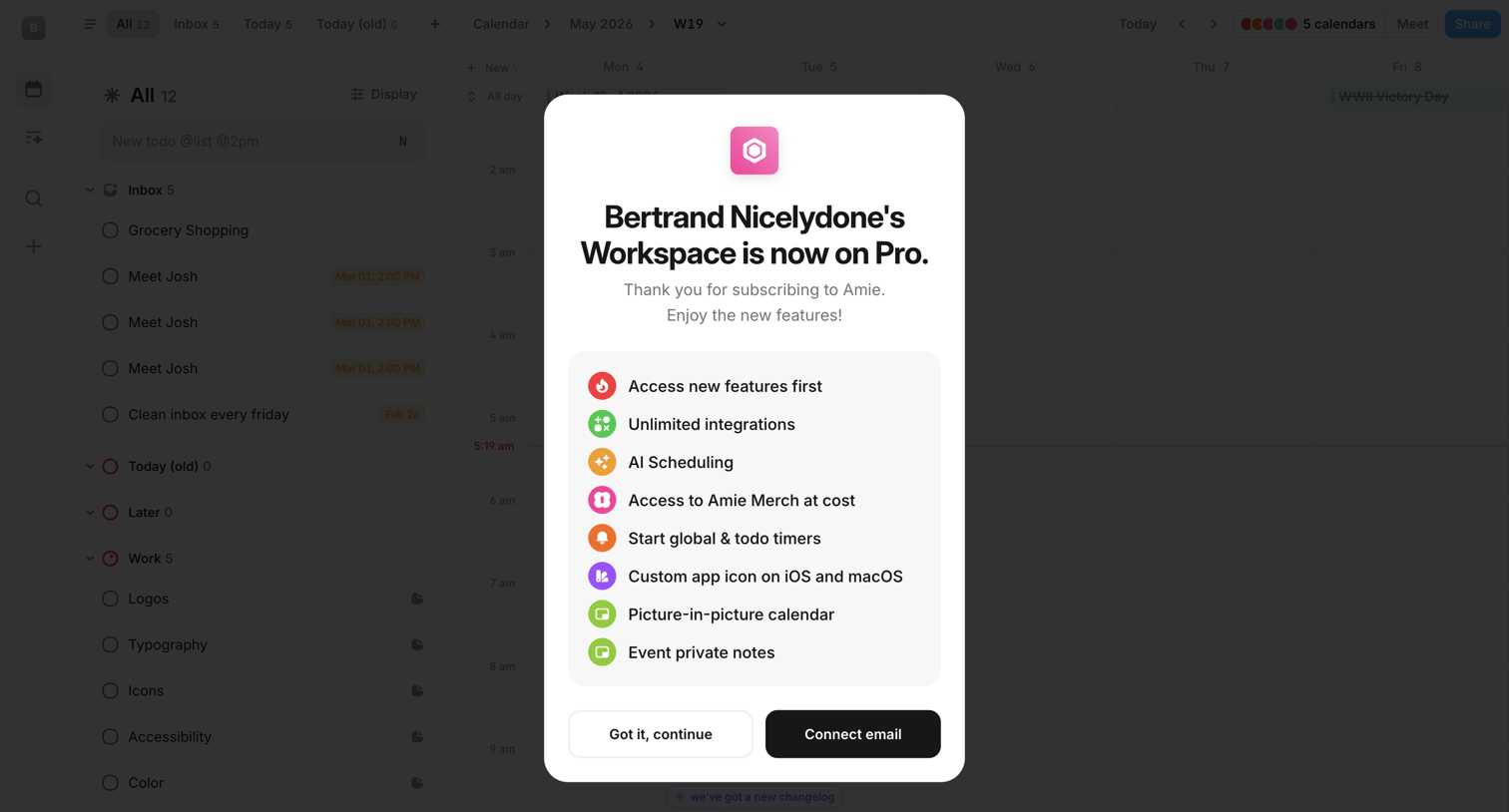

Calendar and task inbox view overlaid with a success modal confirming the workspace's upgrade to the Pro plan and prompting the user to connect their email.
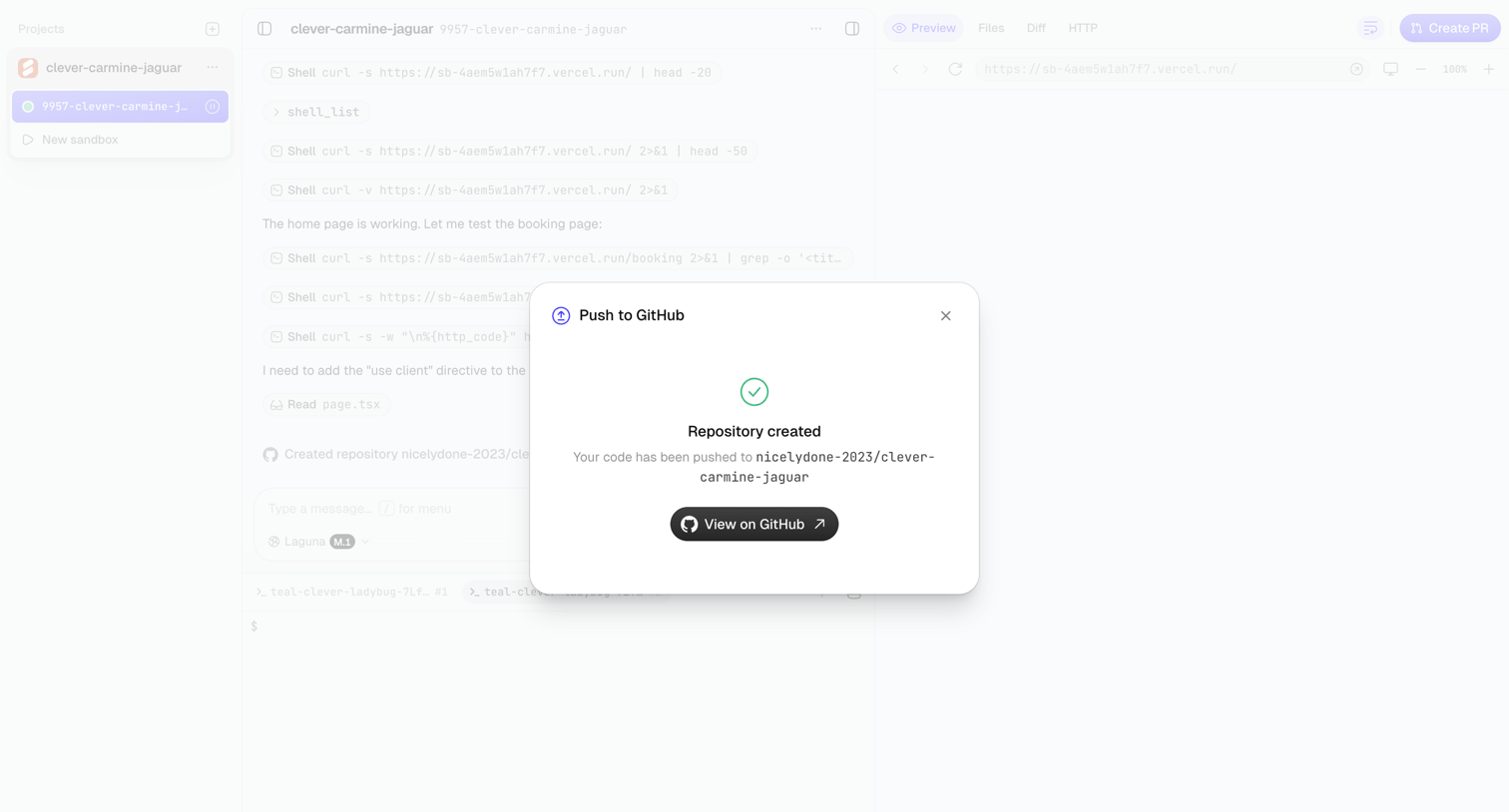

Agent trace interface displaying a success modal confirming that the generated code has been pushed to a new GitHub repository.
Explore the full SaaS screen library
Upgrade to unlock the full library.
Trusted by the best teams








About Success
See how apps confirm that an action has finished. Explore how completion messages summarize the result and offer a relevant next step without obscuring what just happened.