Sign In screen examples
Sign In screen design examples from SaaS apps. See how SaaS apps present the ways to access an existing account. Explore how login fields, identity providers, and recovery links are arranged within the…
Explore the examples
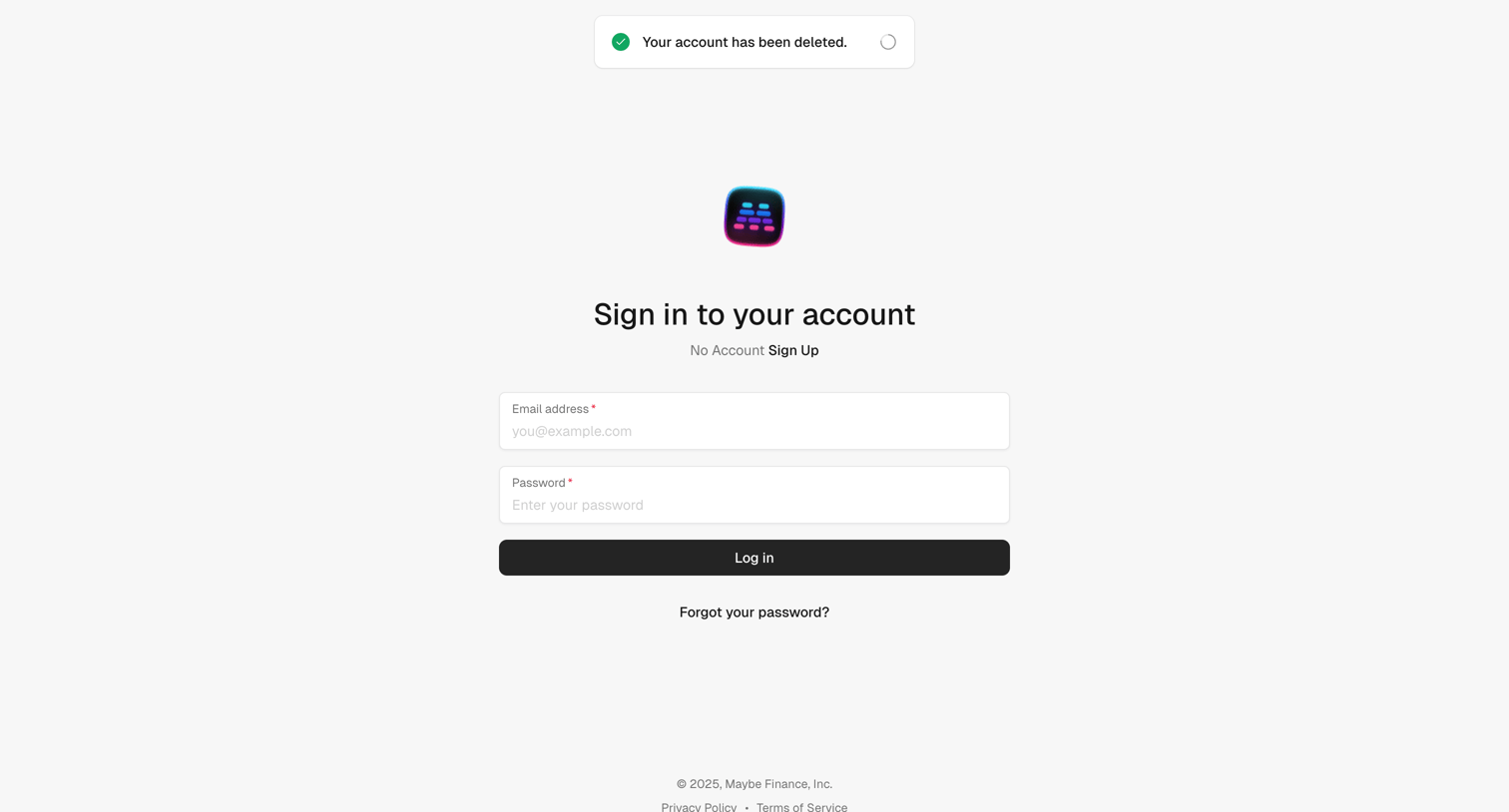

Sign-in screen where the user authenticates with email and password, featuring a success toast confirming their account has been deleted.
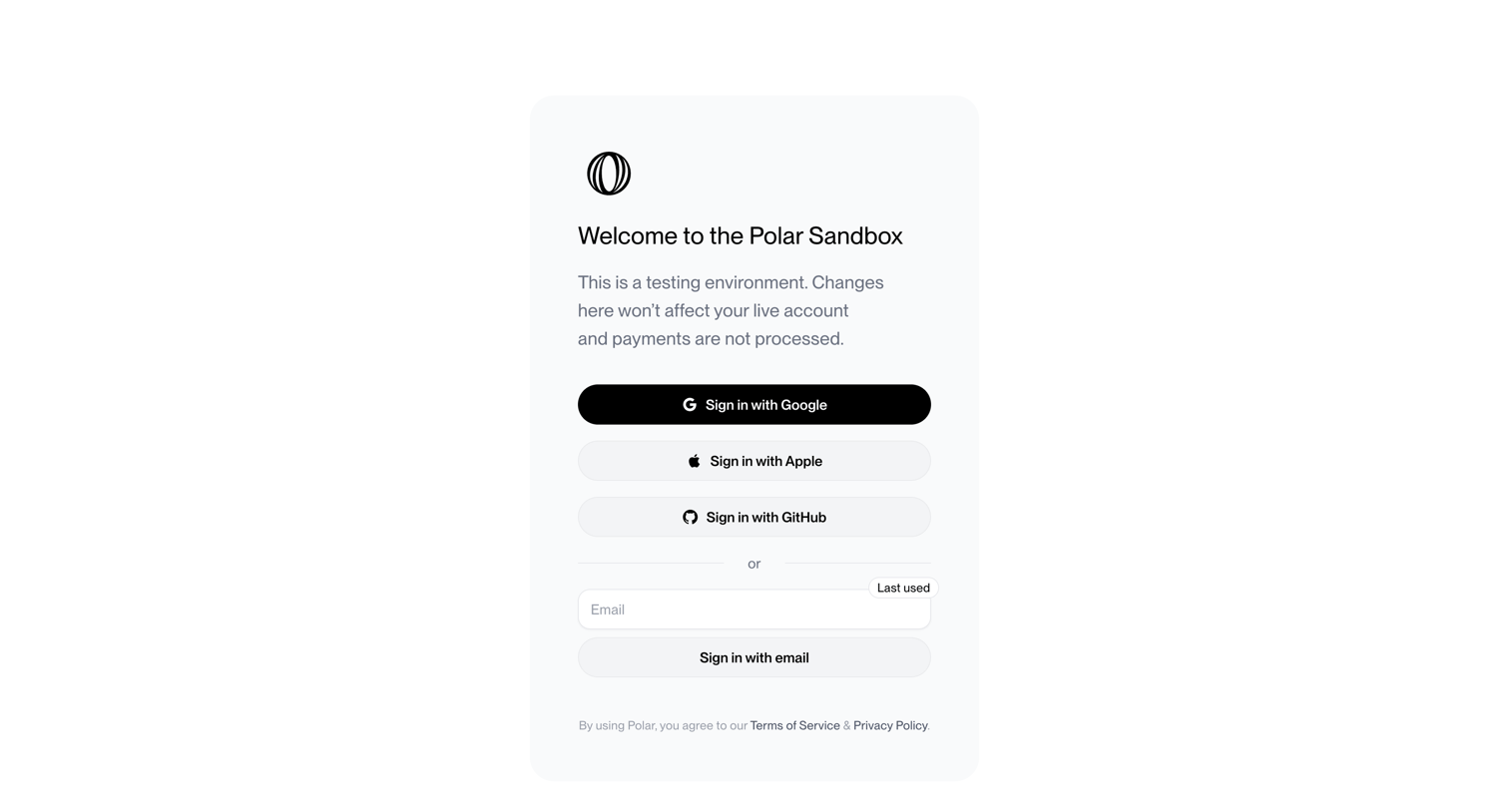

Sign-in screen for a developer sandbox where the user authenticates via Google, Apple, GitHub, or a passwordless email link.
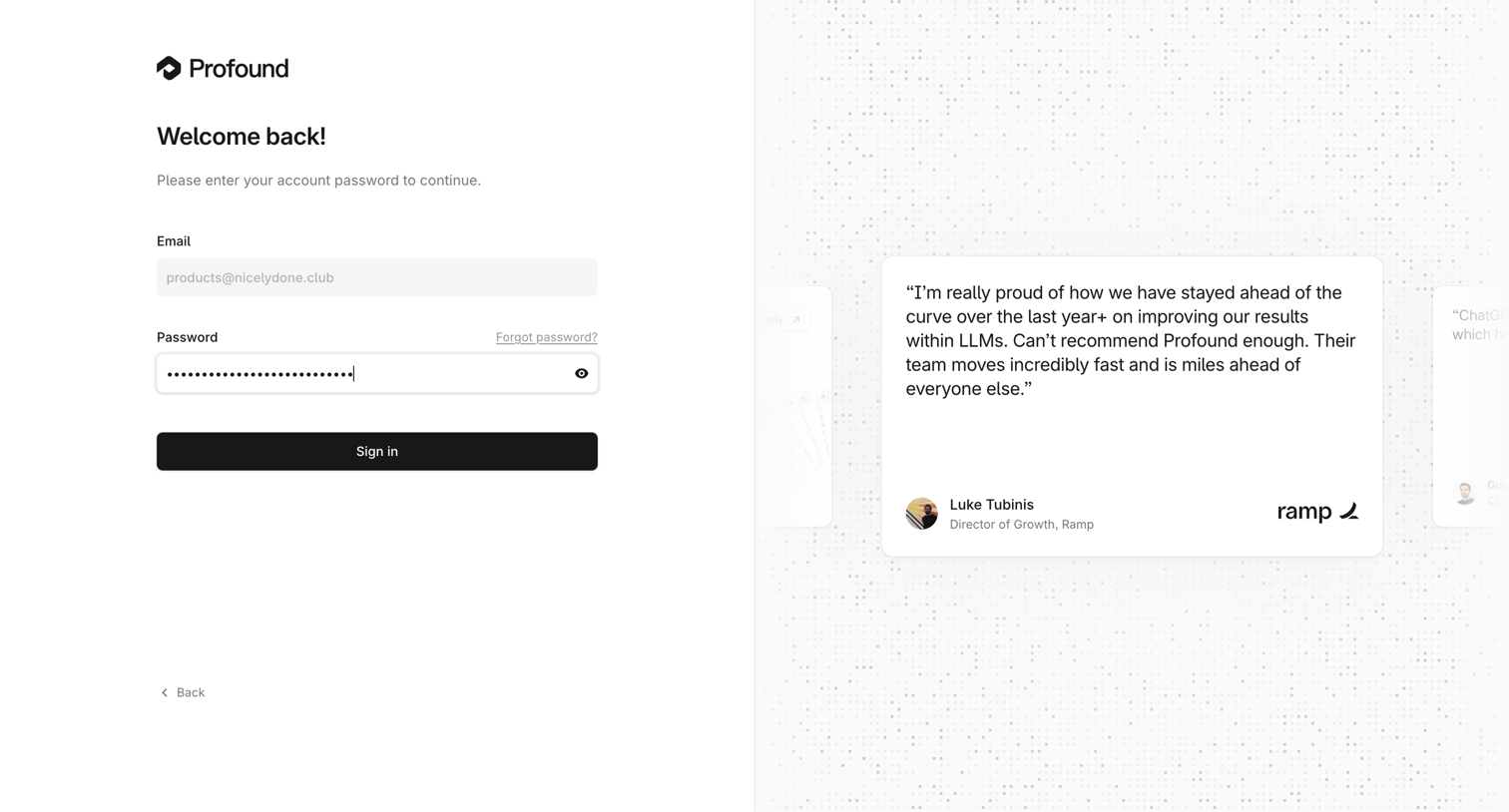

Sign-in screen for a returning user where they enter their password for a pre-filled email address, accompanied by a carousel of customer testimonials.
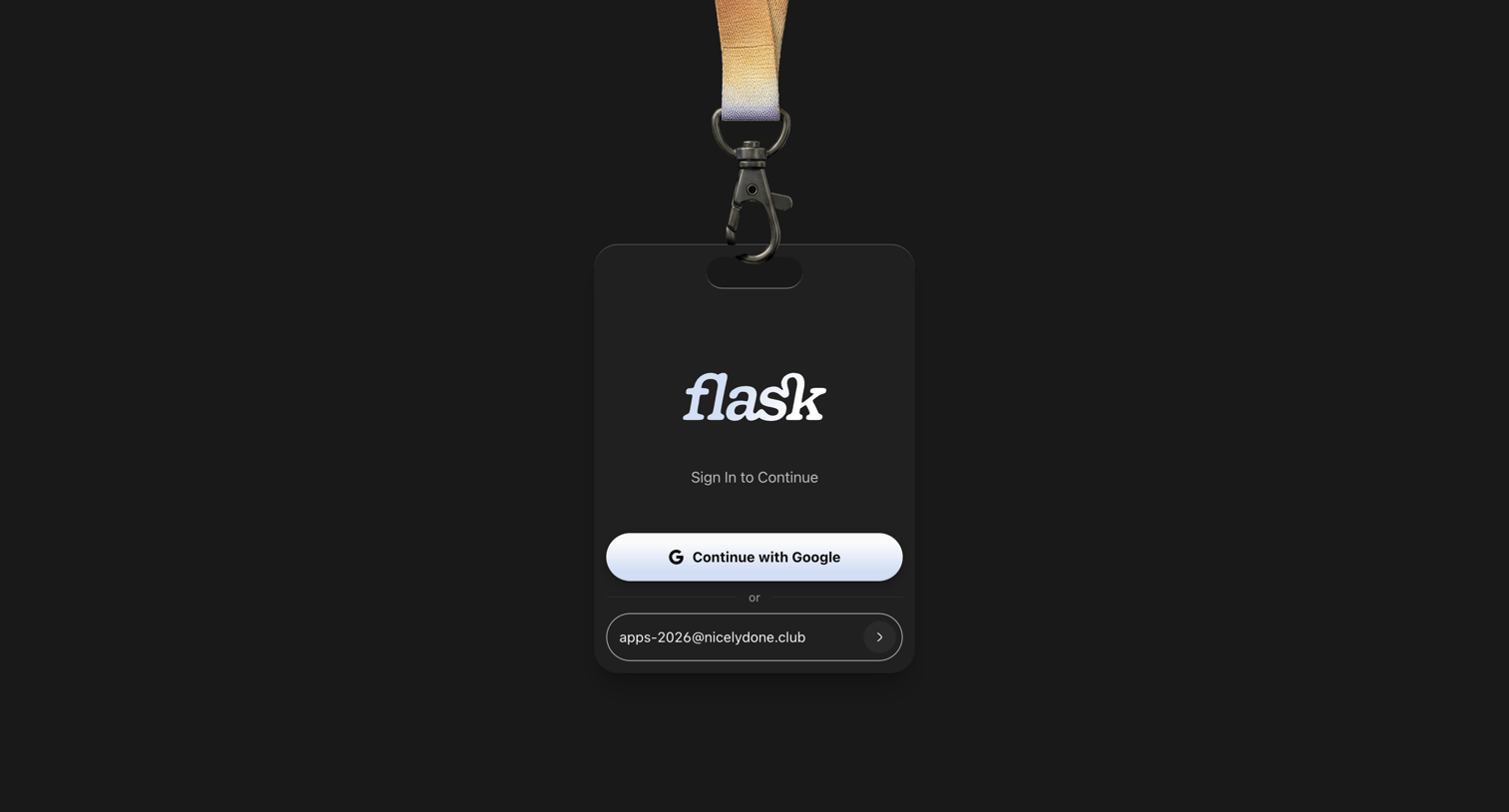

Sign-in screen where the user authenticates via Google or by entering their email address inside a physical badge-styled card.
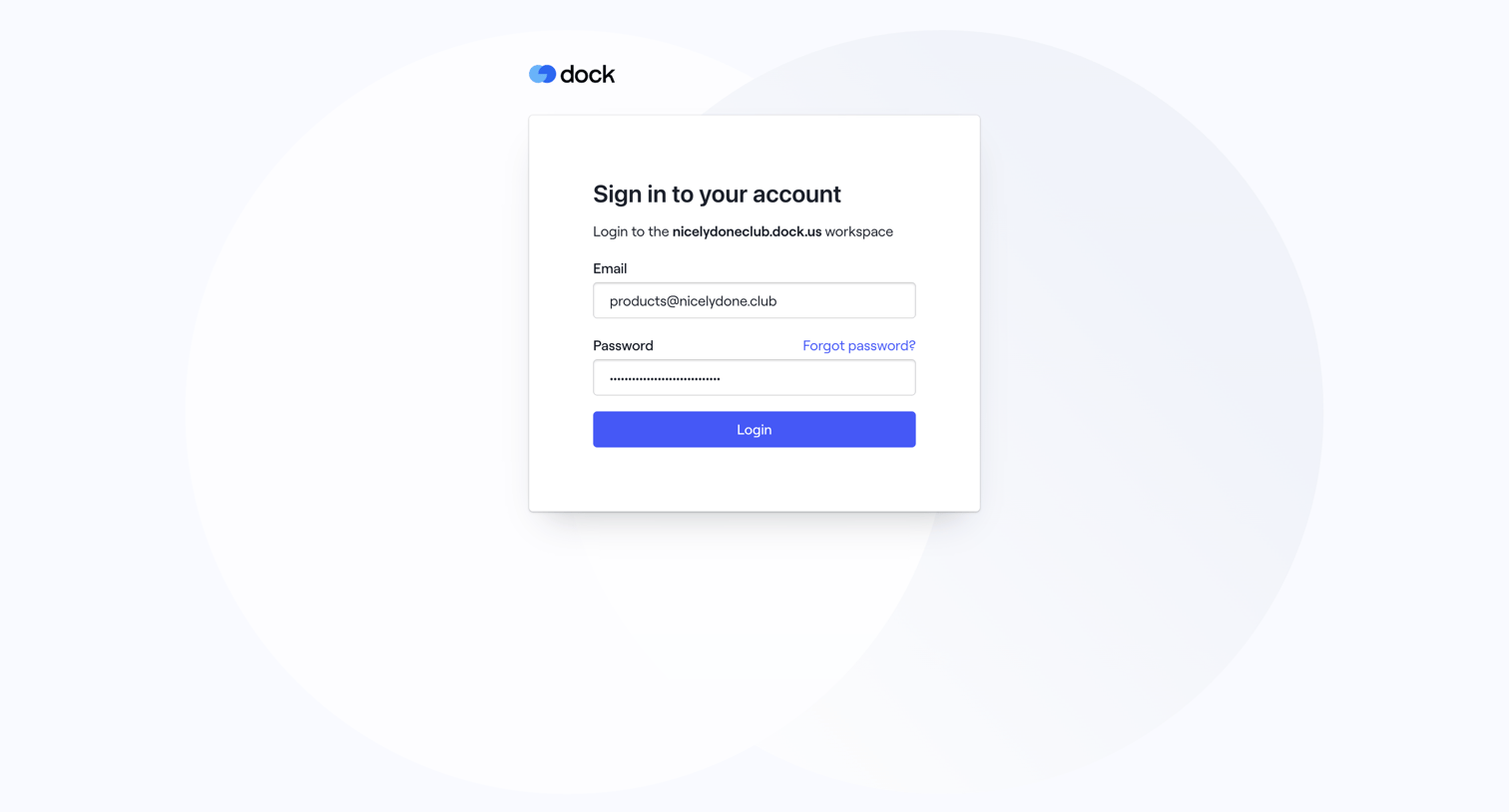

Sign-in screen where the user authenticates to the nicelydoneclub workspace using their email and password.
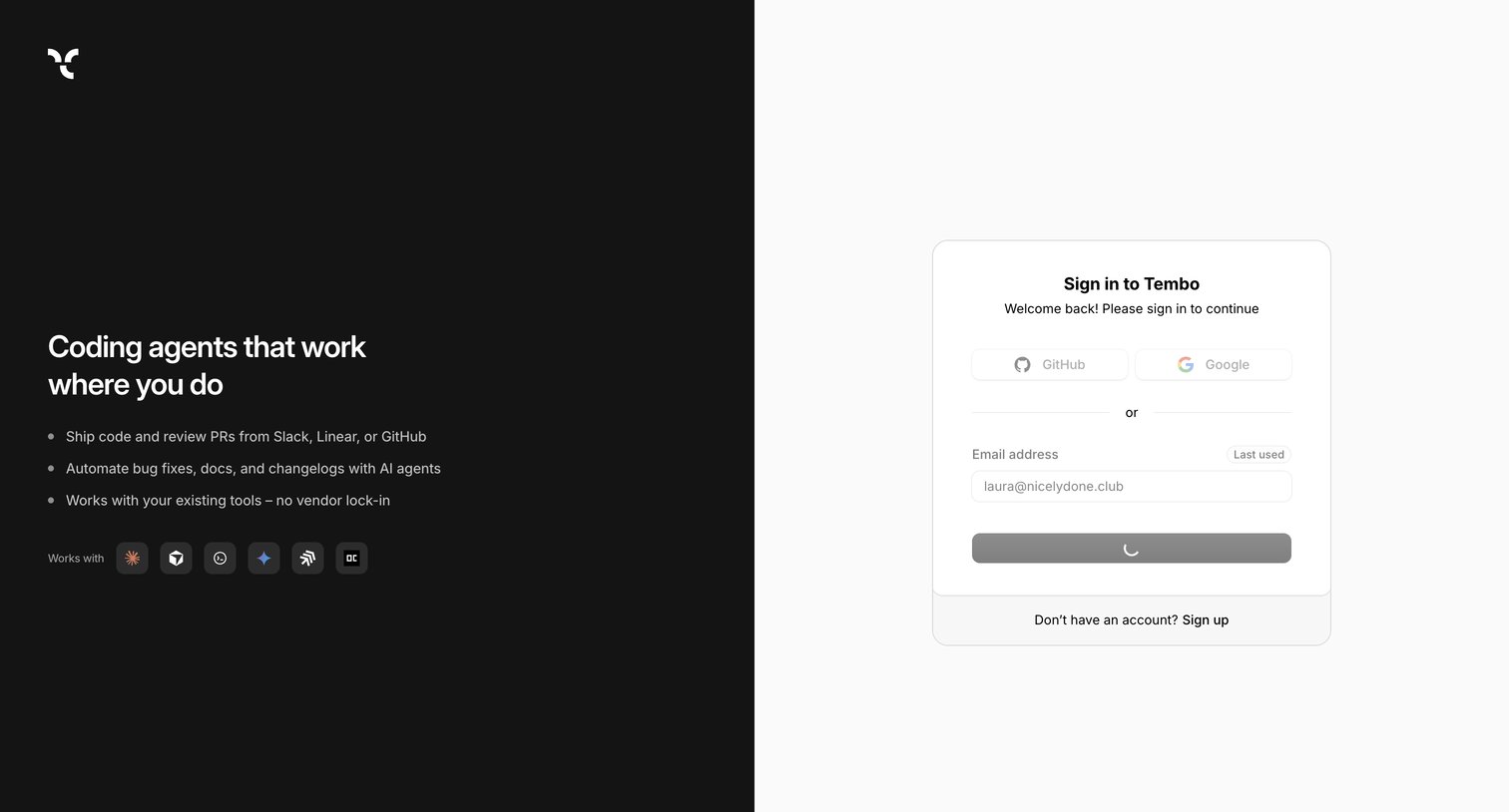



Sign-in screen where the user can authenticate using Google, Apple, email, or phone.
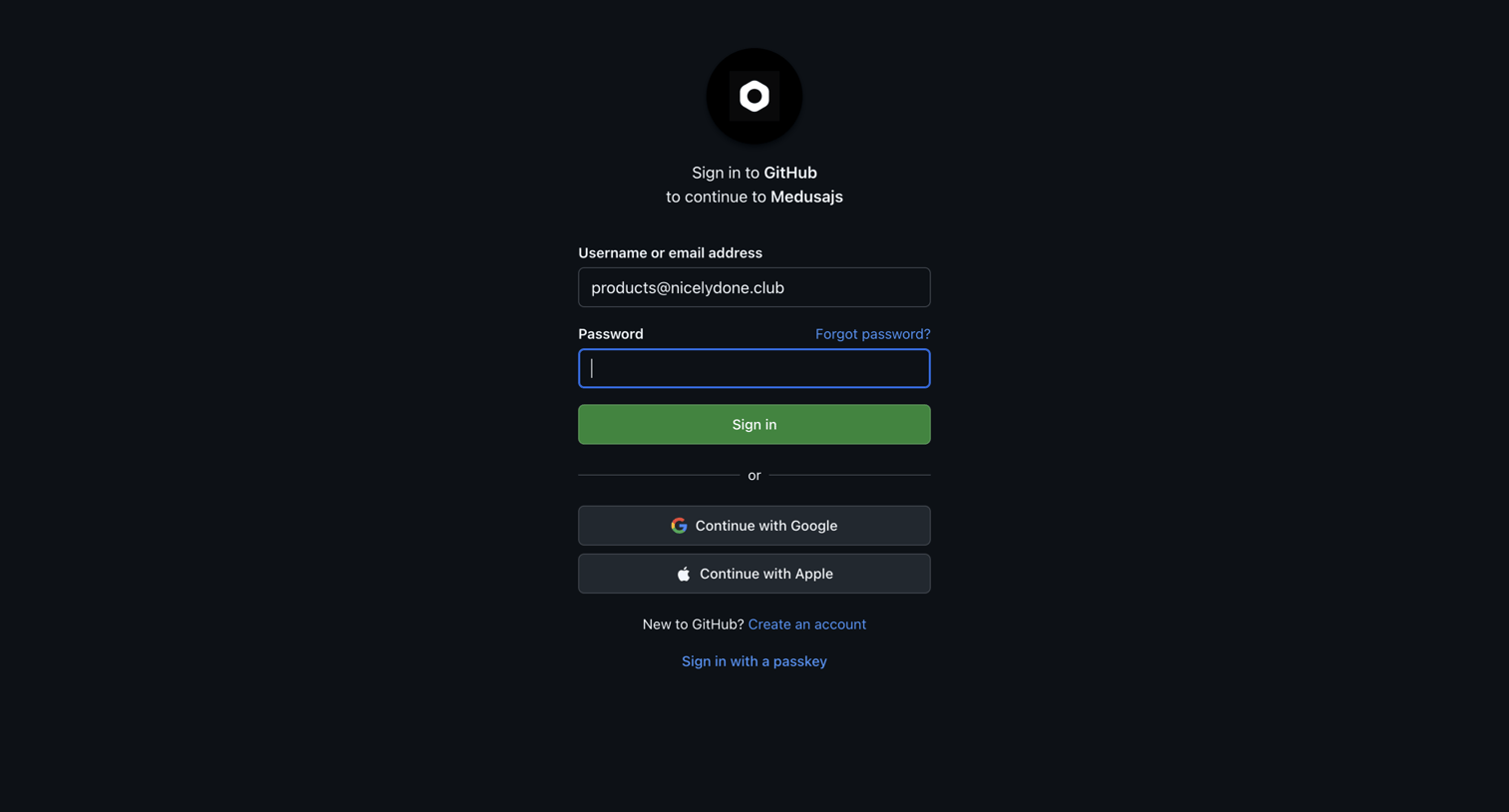

Sign-in screen where the user authenticates with GitHub via password, Google, Apple, or passkey to authorize the Medusajs integration.
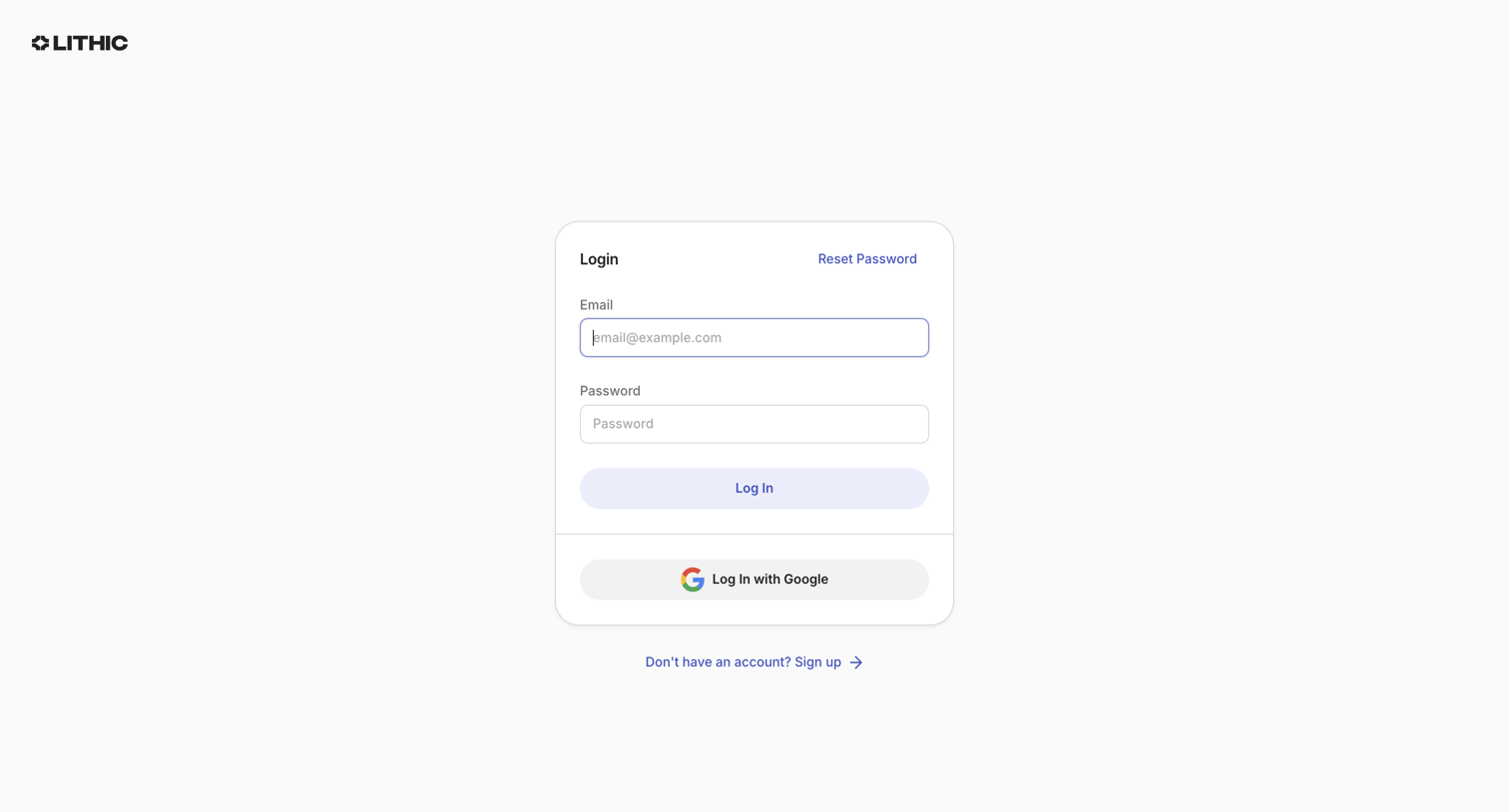

Sign-in screen where the user authenticates with an email and password or via Google SSO.
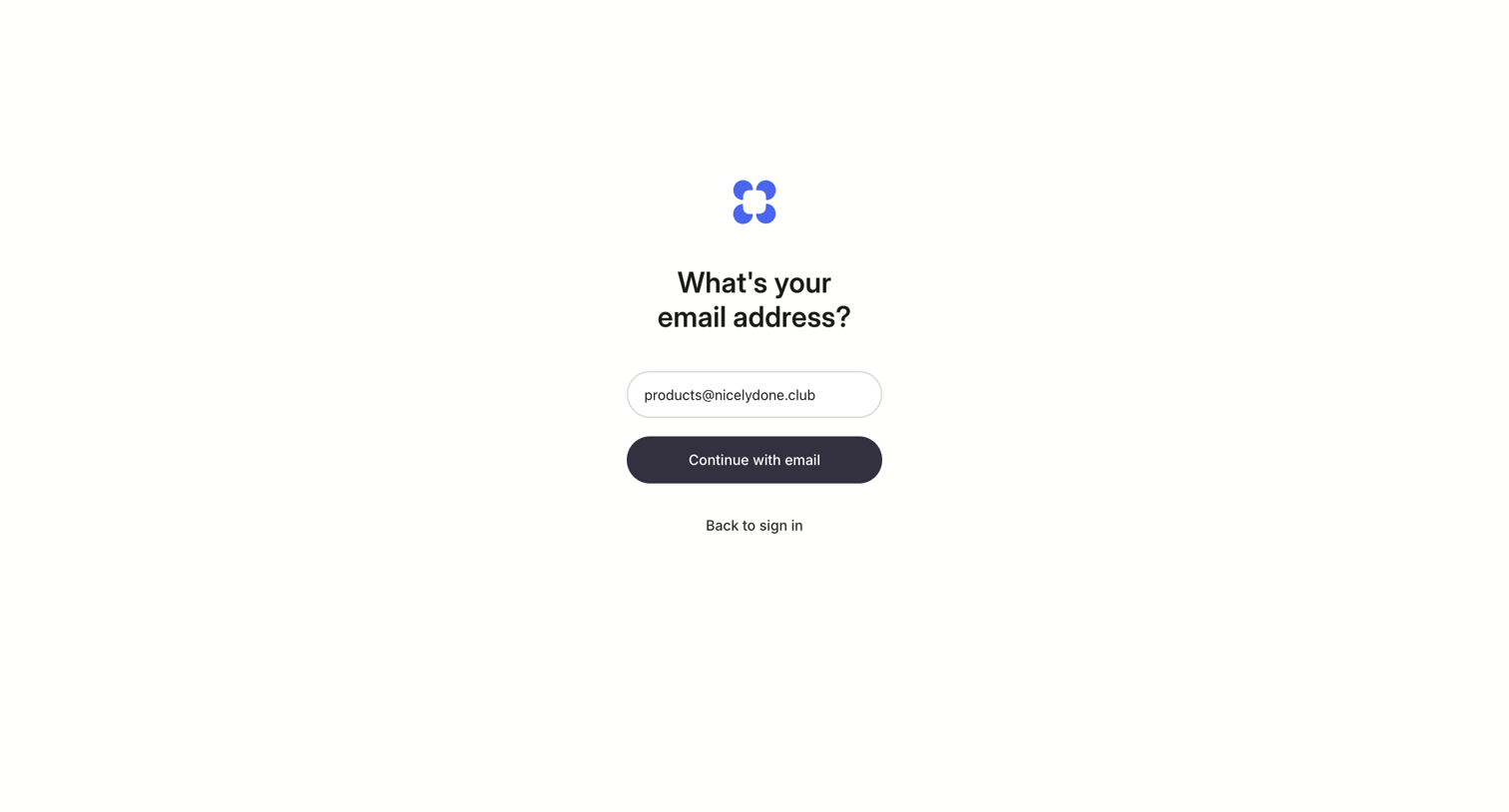

Sign-in screen where the user enters their email address to continue the authentication flow.
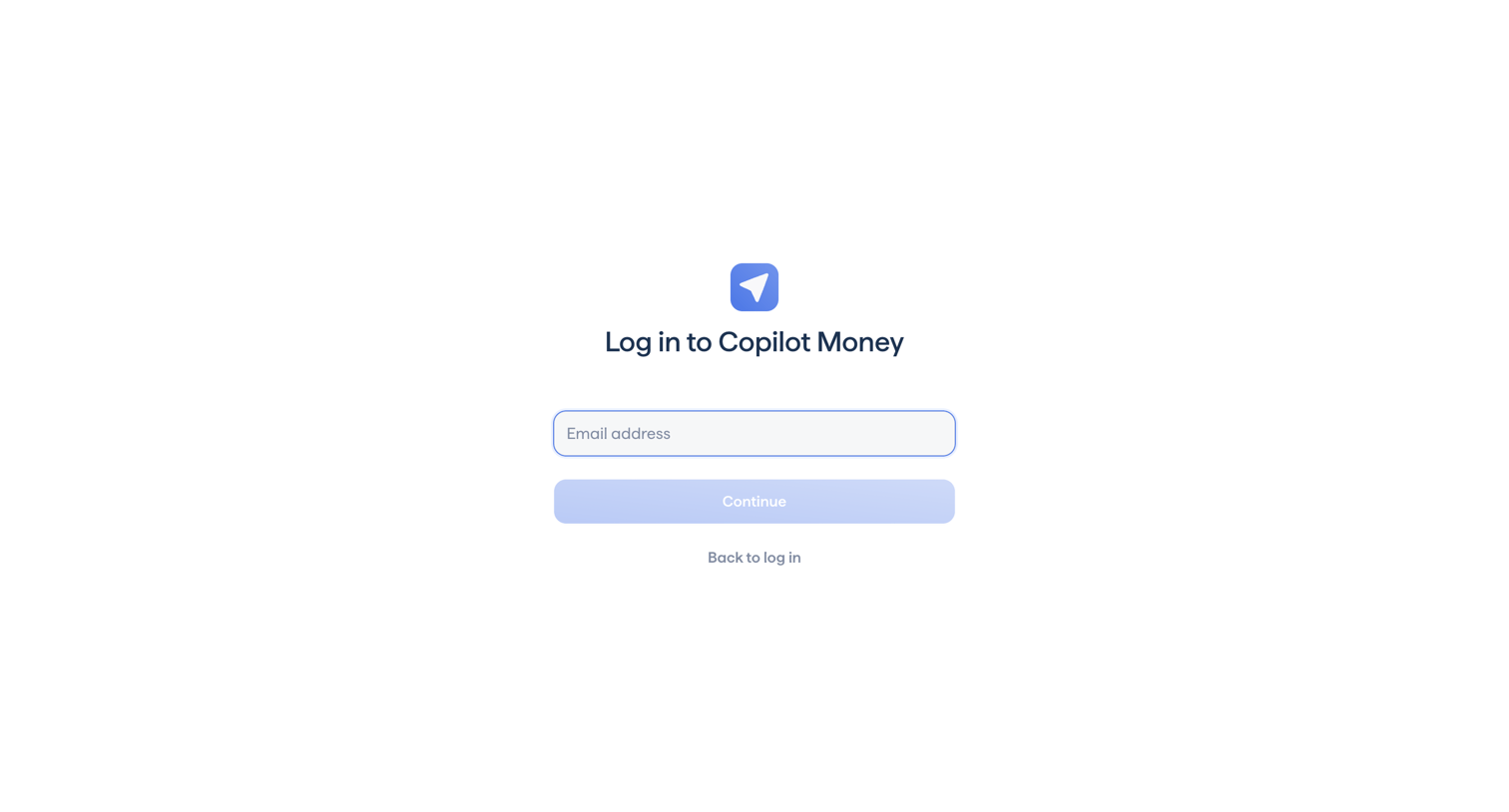

Sign-in screen where the user enters their email address to continue the authentication process.
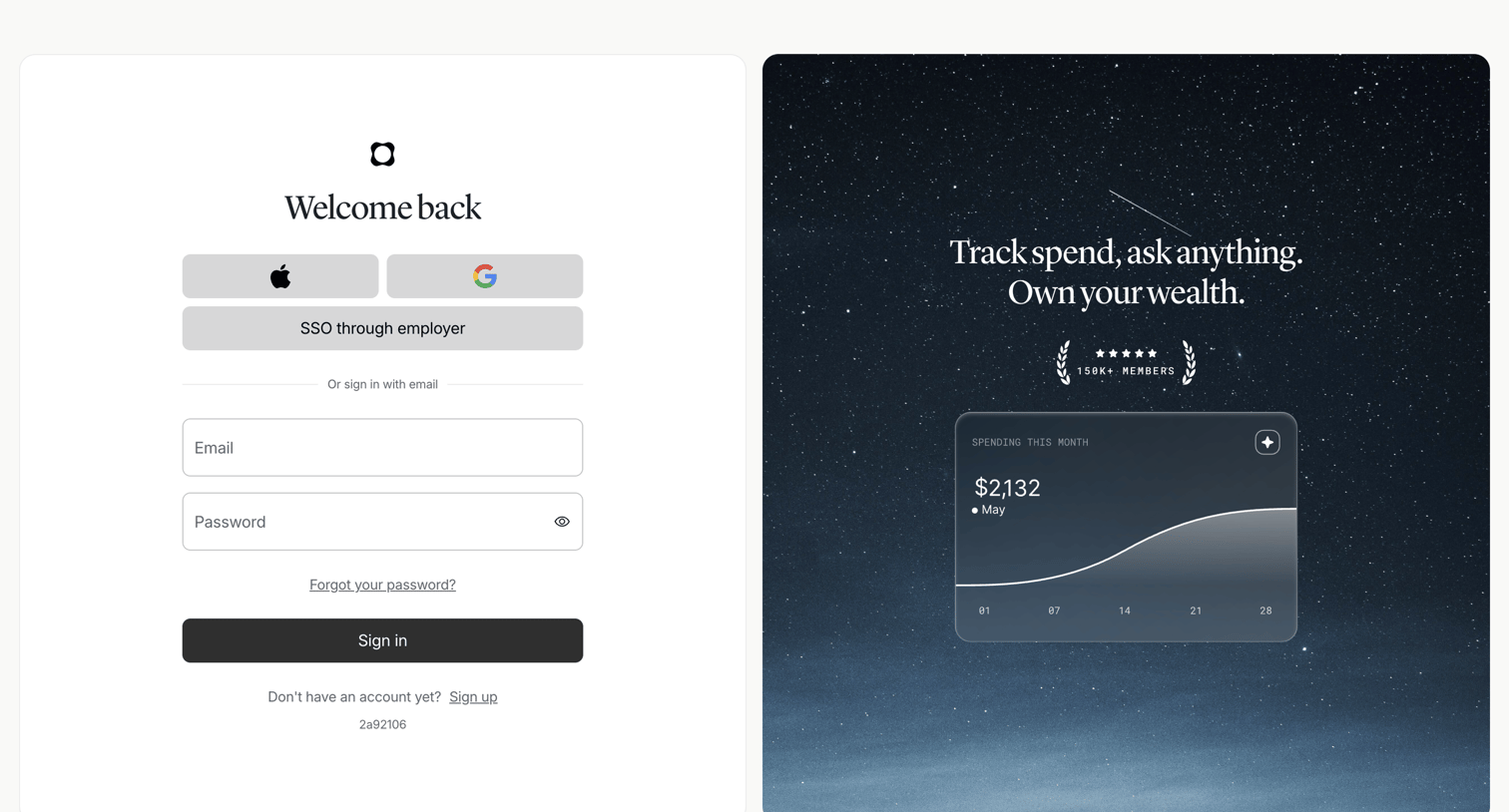

Sign-in screen where the user authenticates with Apple, Google, SSO, or email and password, alongside a promotional card highlighting a spending chart and member count.
Explore the full SaaS screen library
Upgrade to unlock the full library.
Trusted by the best teams








About Sign In
See how SaaS apps present the ways to access an existing account. Explore how login fields, identity providers, and recovery links are arranged within the sign-in screen.