Info screen examples
Info screen design examples from SaaS apps. See how SaaS apps present announcements and explanatory notices. Explore how supporting text and available actions fit around information that needs…
Explore the examples

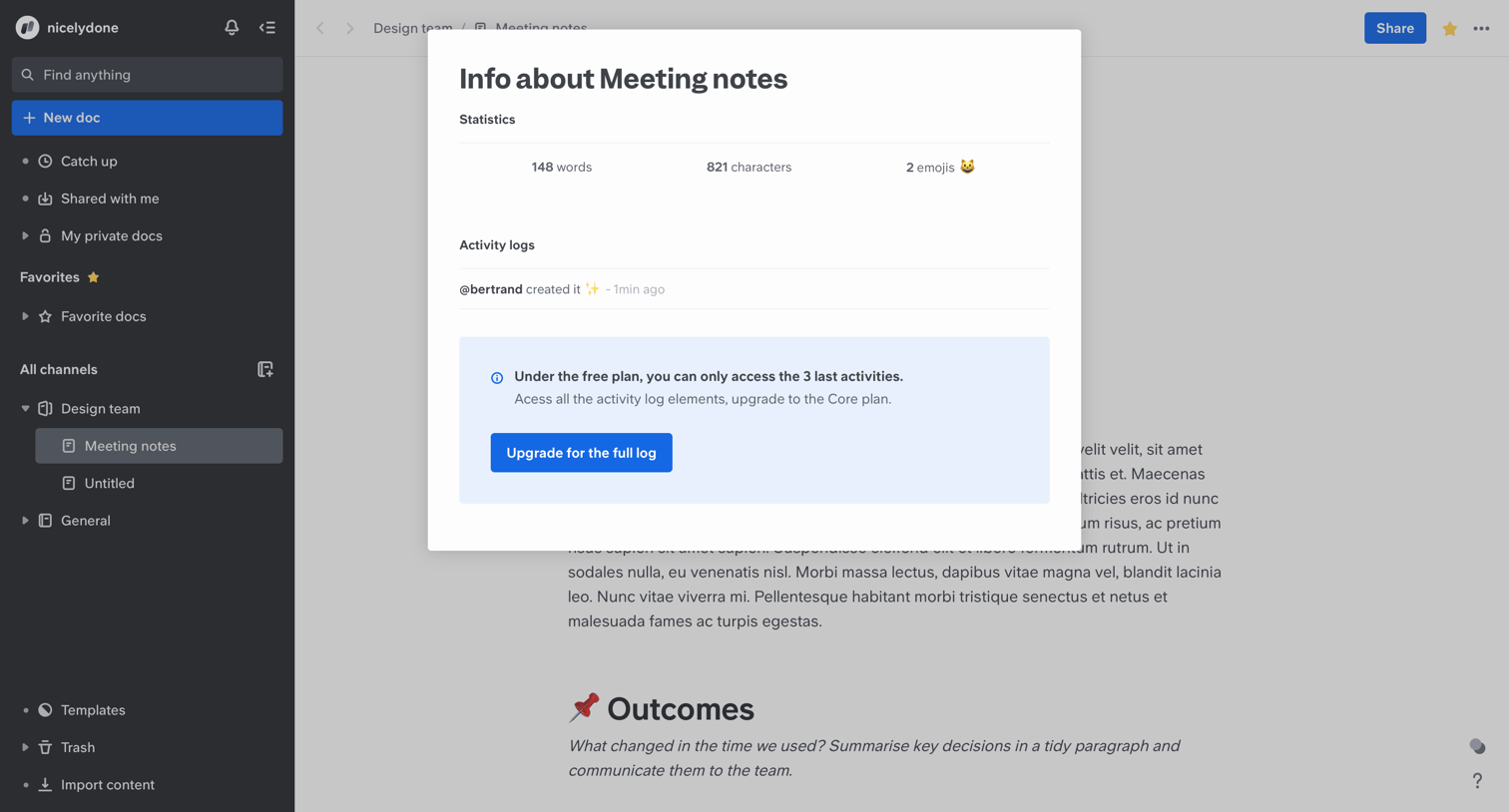

Content editor where a document info modal displays word count statistics and an activity log that is truncated with a prompt to upgrade to the Core plan.
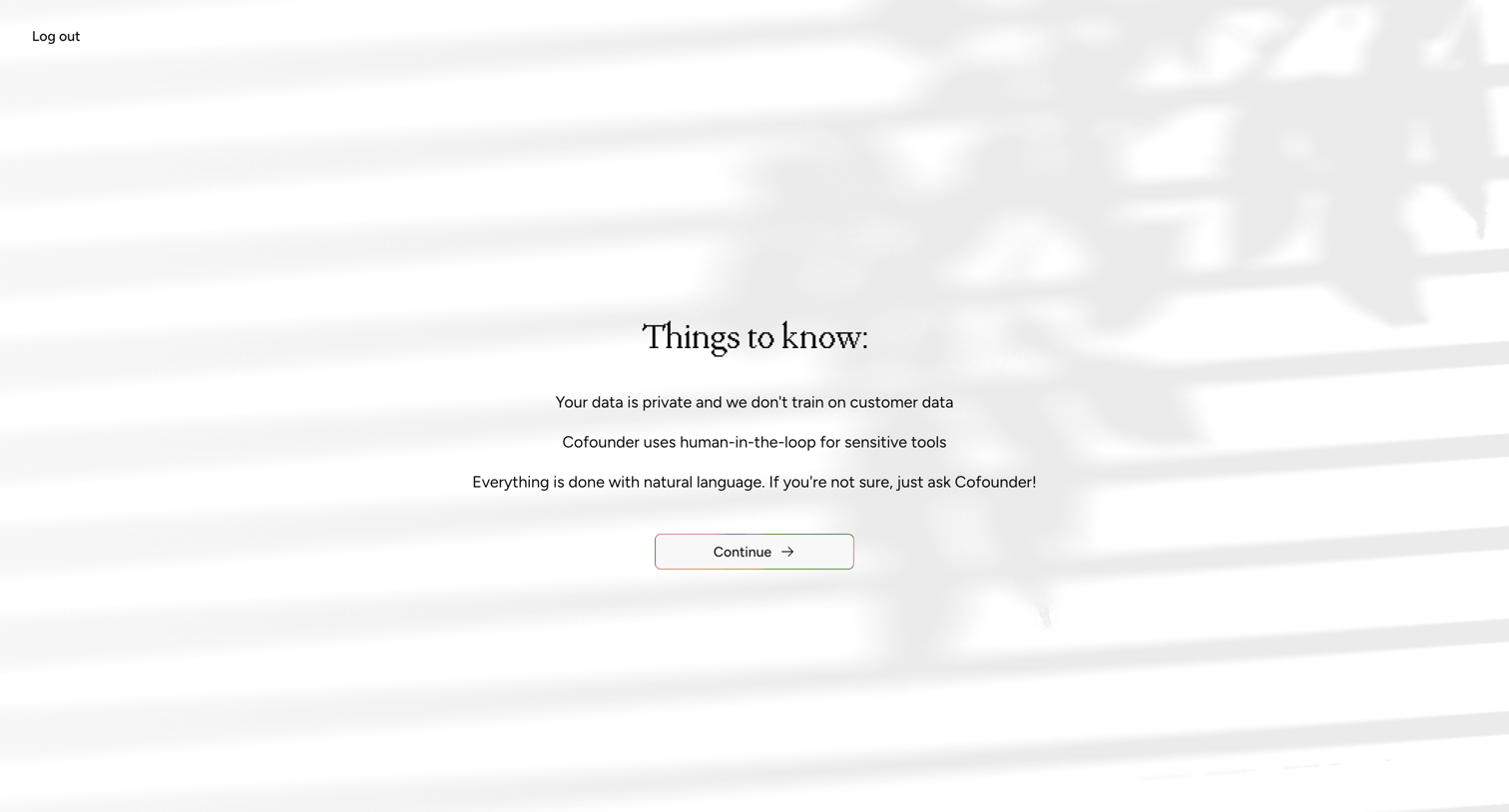

Onboarding step where the user reads privacy and operational information before continuing.
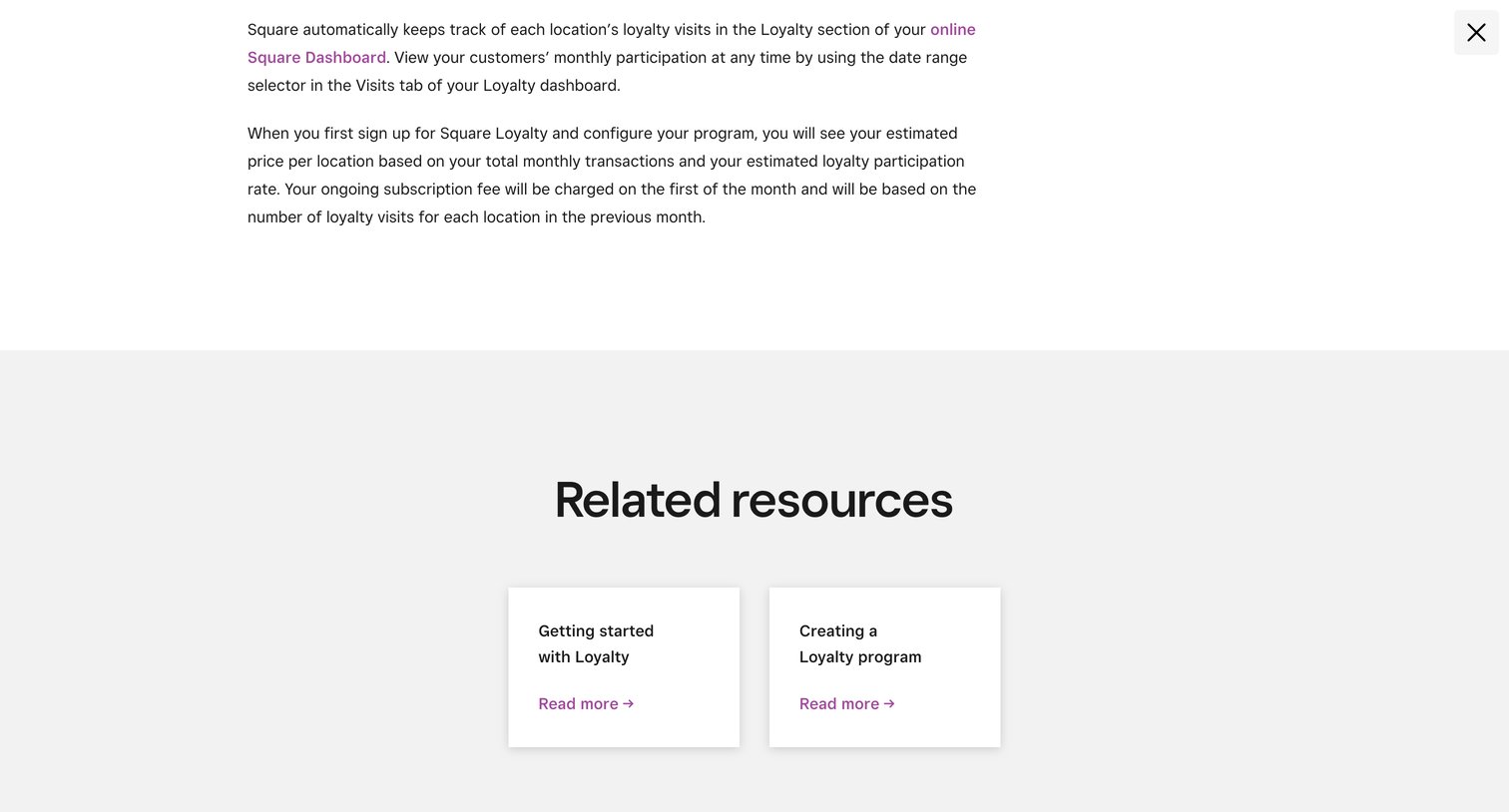

Informational overlay explaining Square Loyalty billing and tracking, with links to related setup resources.
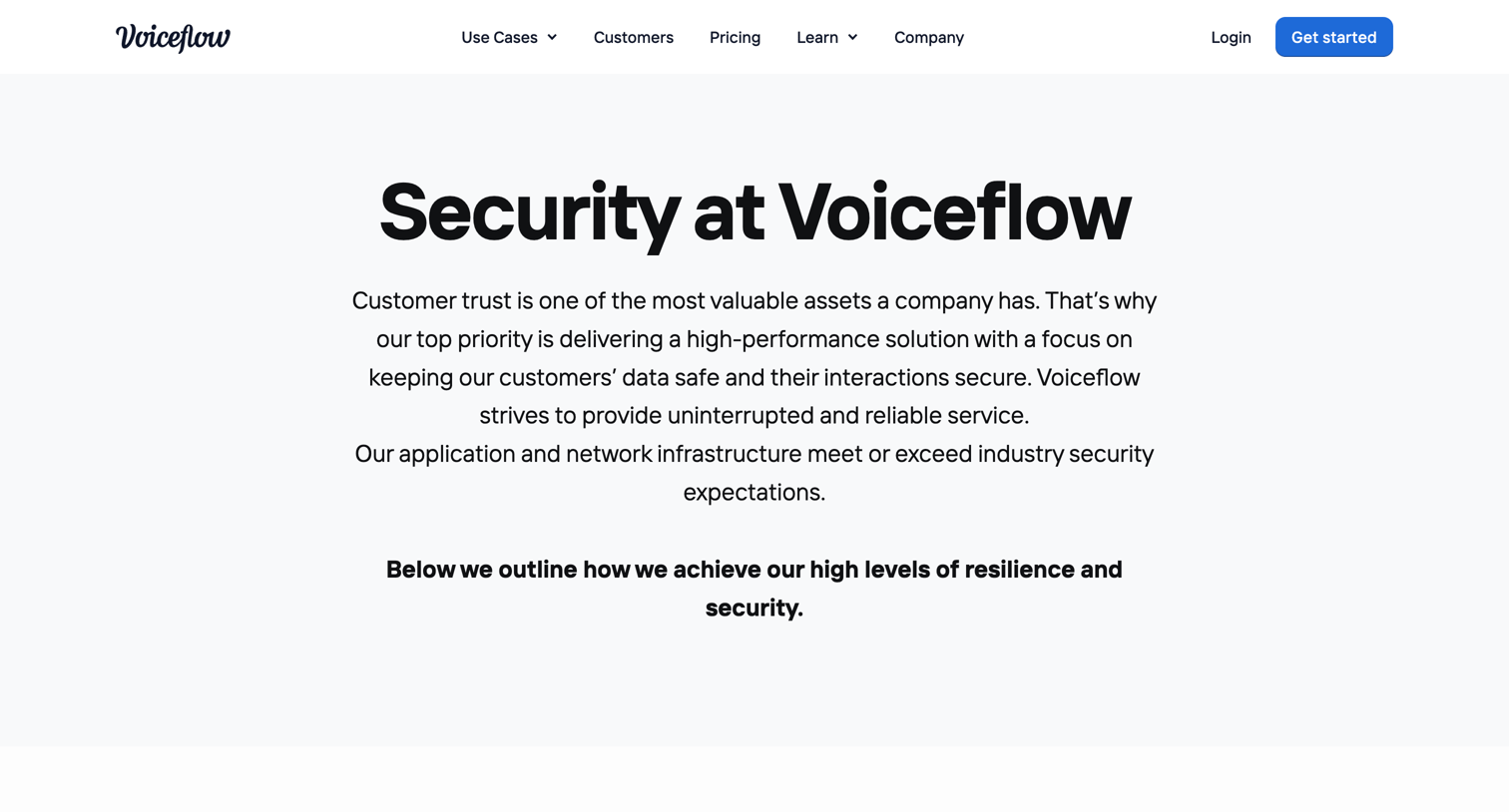

Security page detailing Voiceflow's compliance, reliability, data security, and application security practices.
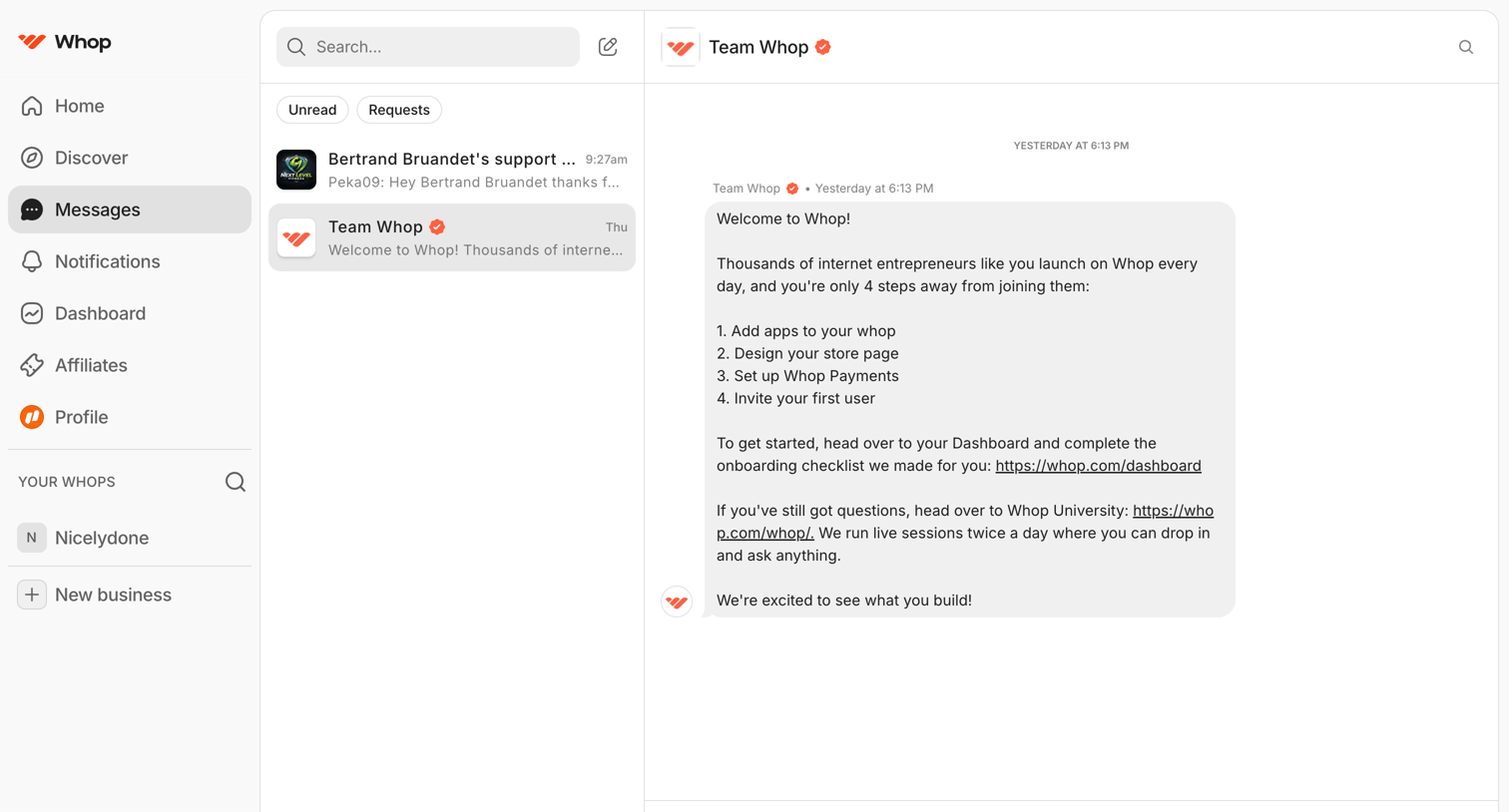

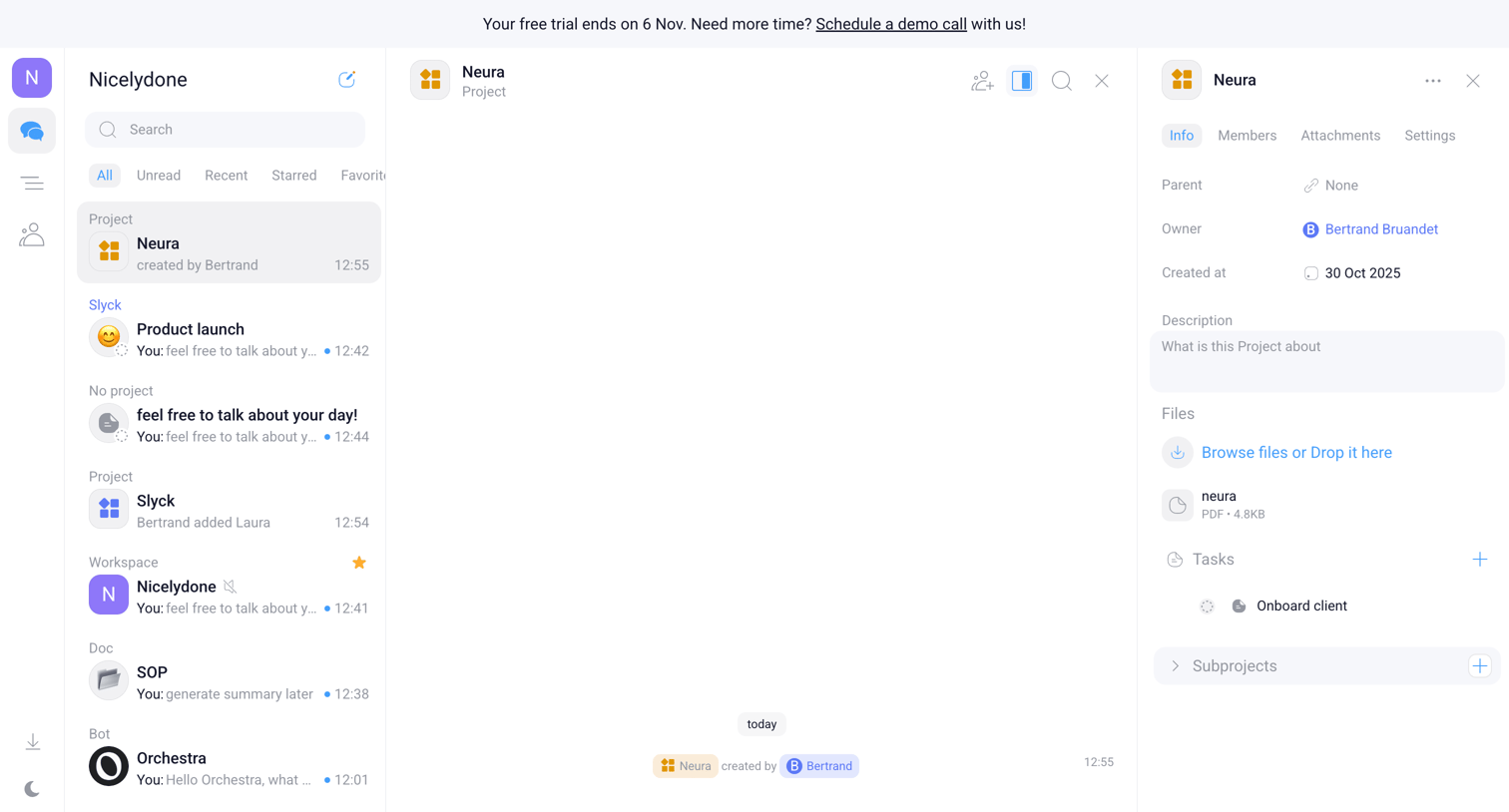

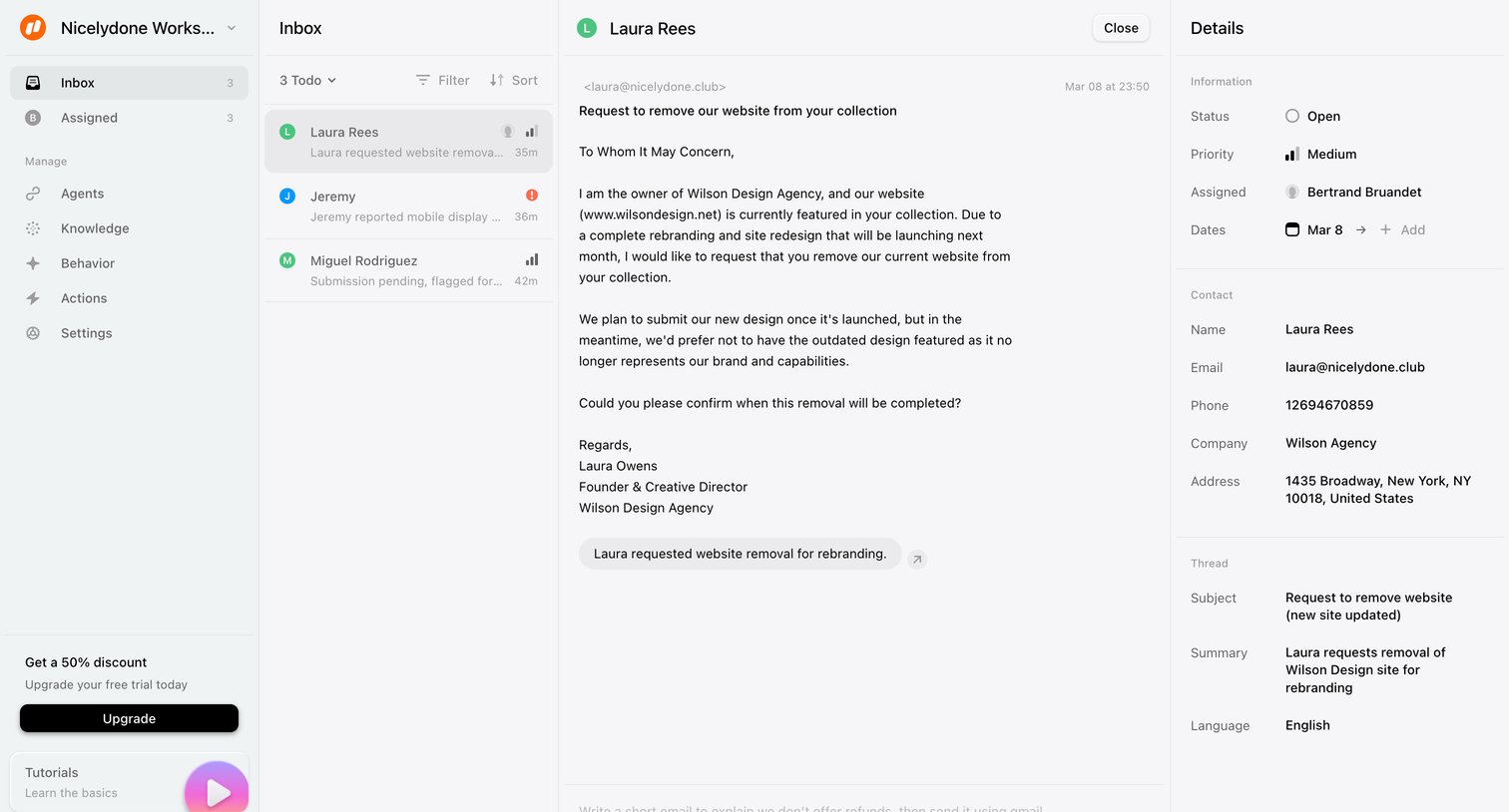

Inbox detail page where a user reads a customer request to remove a website and can view associated contact and thread details in a side panel.
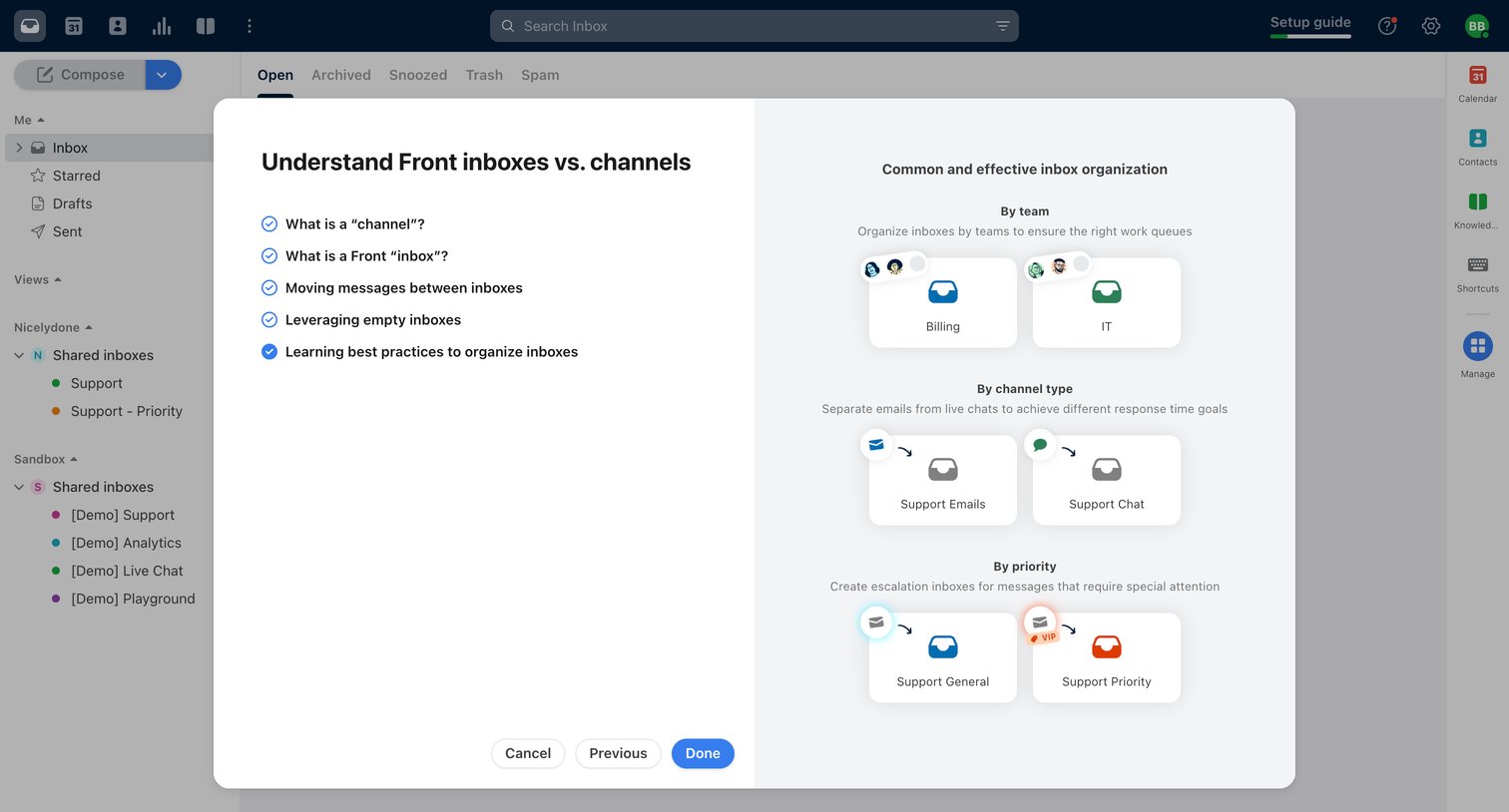

Onboarding modal explaining the difference between inboxes and channels with visual examples, overlaid on the main shared inbox view.
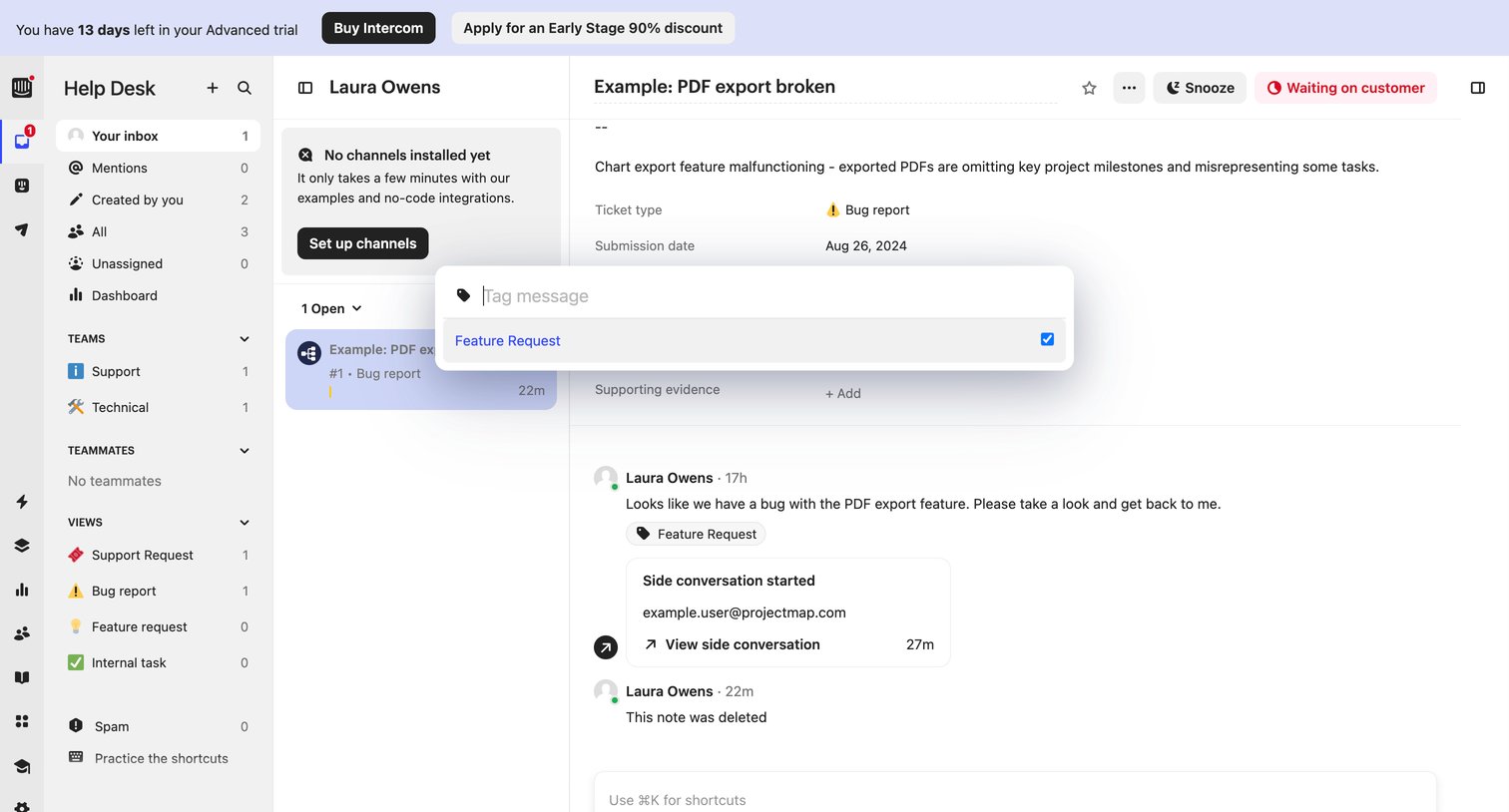

Help desk inbox where the user is viewing a bug report about a broken PDF export and has a tag popover open to label the conversation.
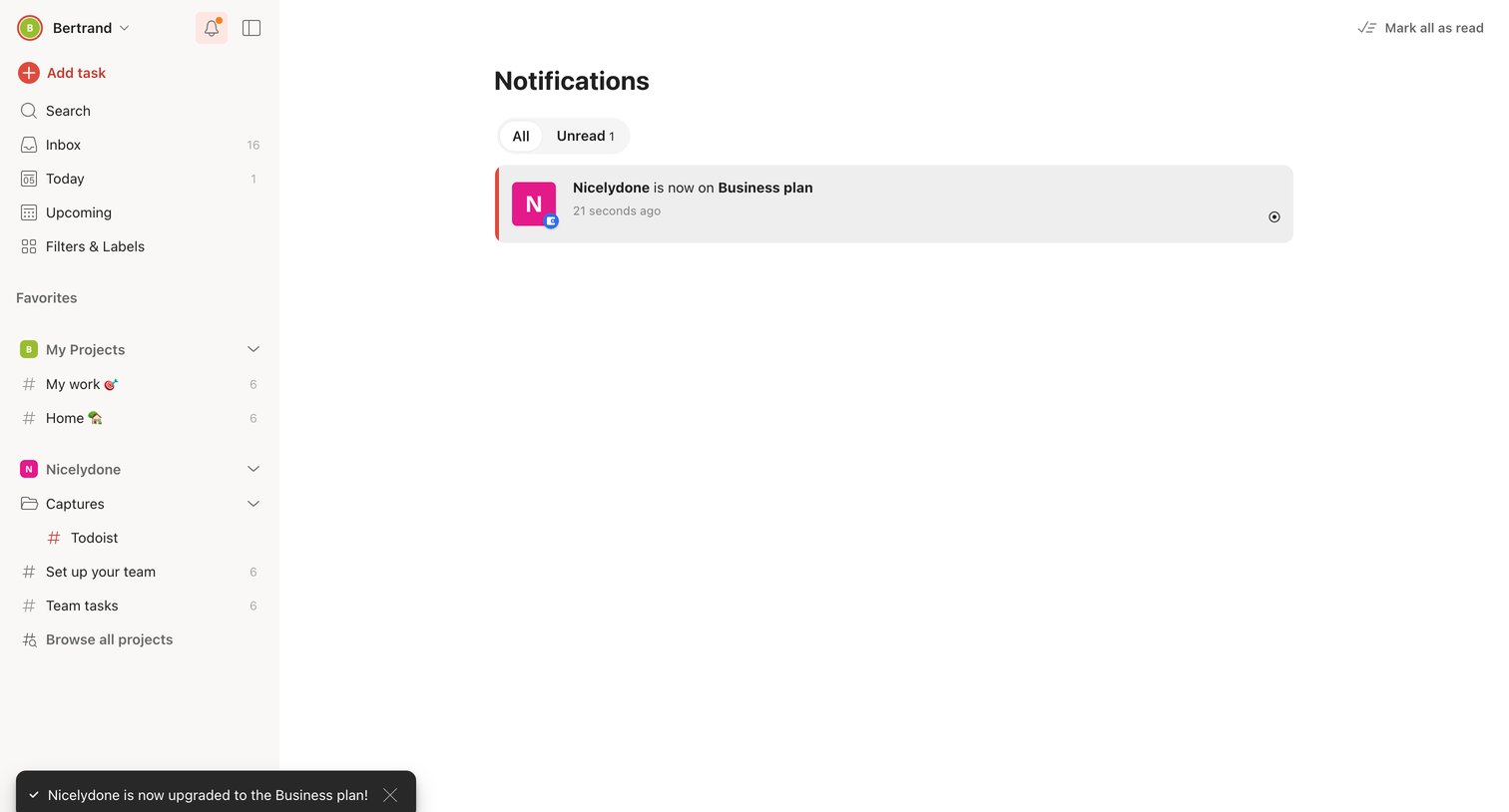

Notifications inbox where the user views recent alerts, including a toast confirming a workspace upgrade to the Business plan.
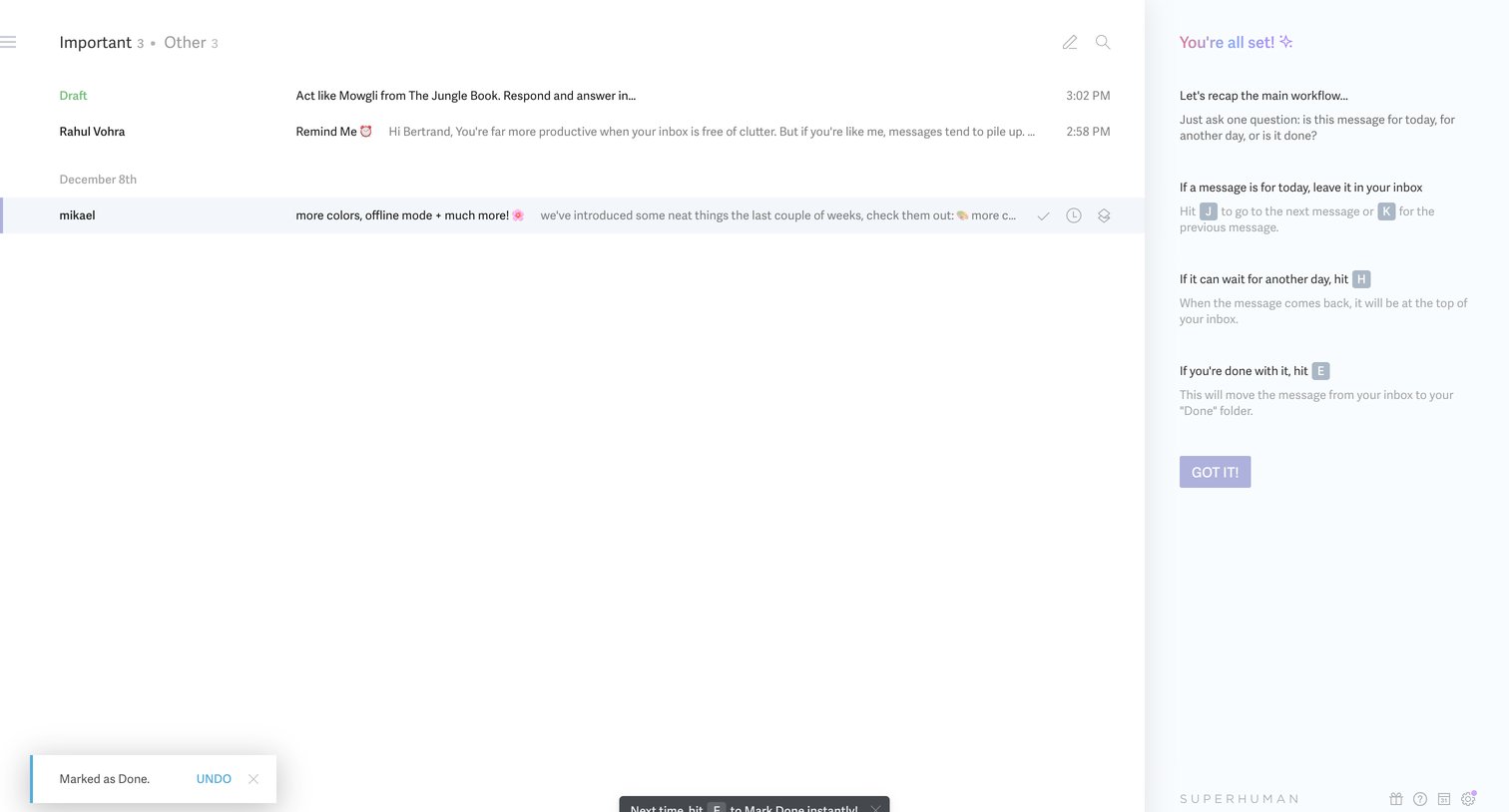

Email inbox view where the user is presented with a right sidebar explaining keyboard shortcuts for triage, alongside a toast confirming a message was marked as done.
Explore the full SaaS screen library
Upgrade to unlock the full library.
Trusted by the best teams








About Info
See how SaaS apps present announcements and explanatory notices. Explore how supporting text and available actions fit around information that needs attention without requiring an urgent decision.