Superhuman design examples
Explore Superhuman UI design examples. The fastest email experience ever made
Product screens
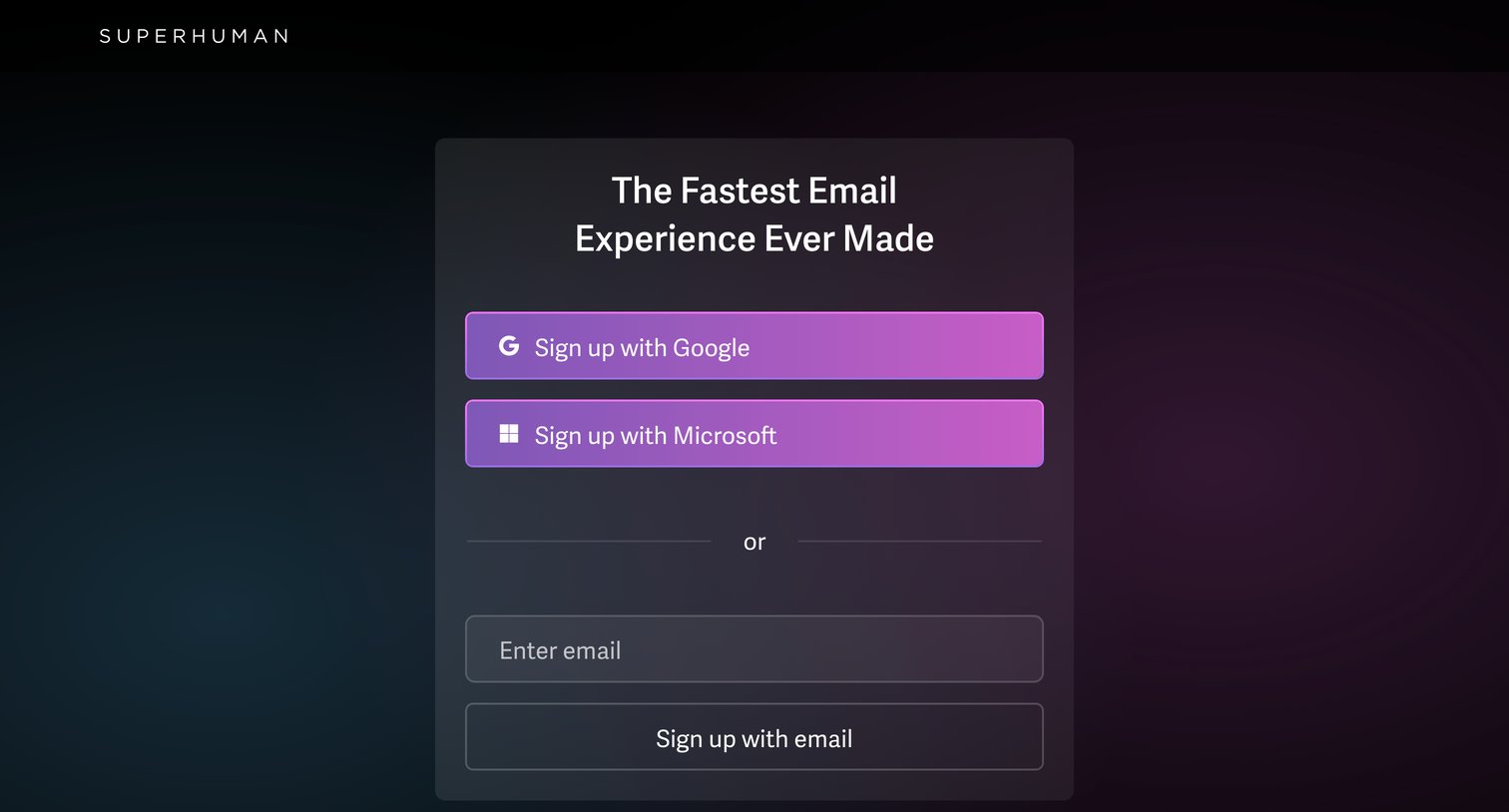

Signup screen where the user creates an account using Google, Microsoft, or an email address.
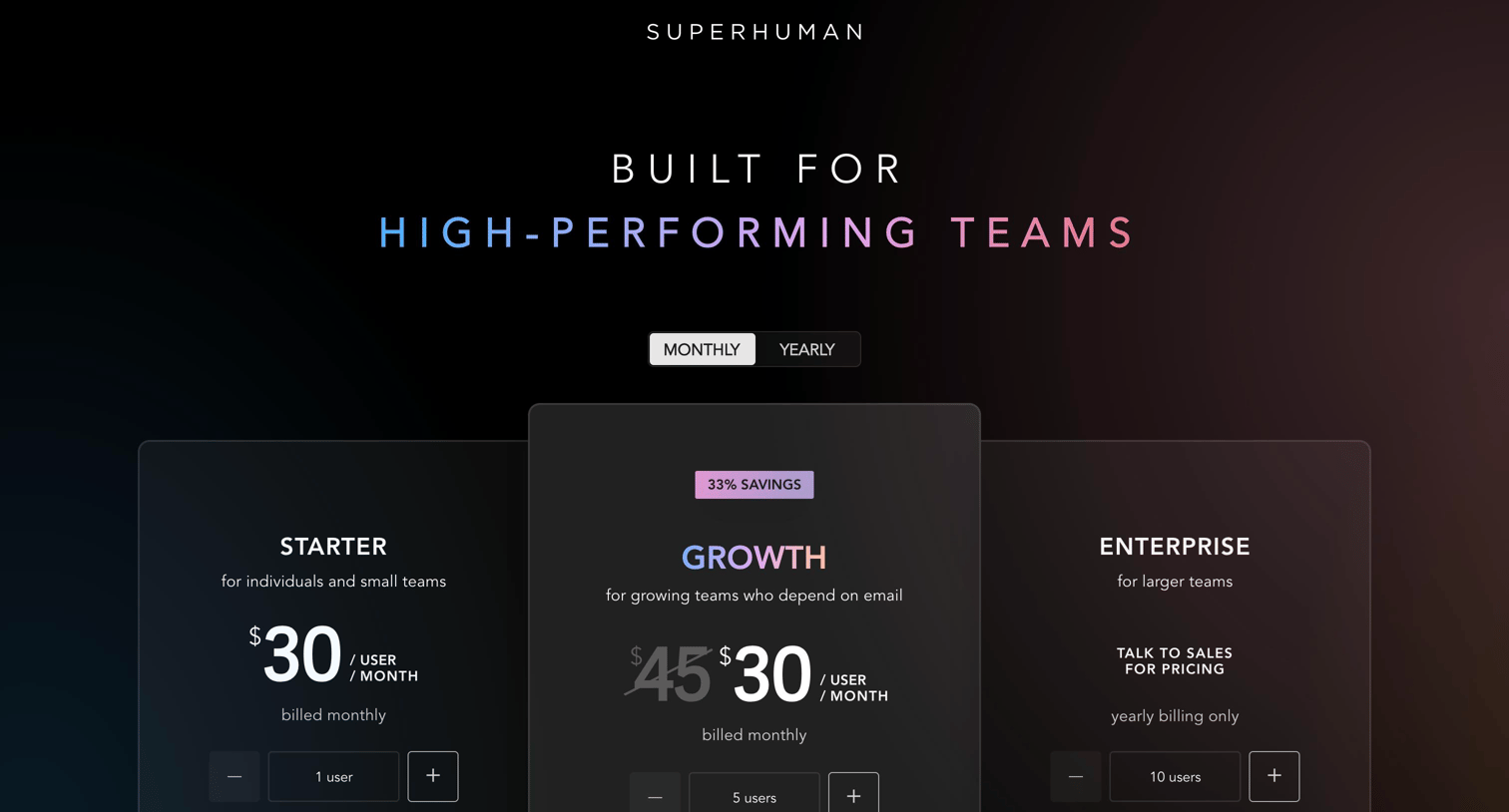
Pricing page where the user selects a subscription tier between Starter, Growth, and Enterprise, with a detailed feature comparison table and social proof sections below.
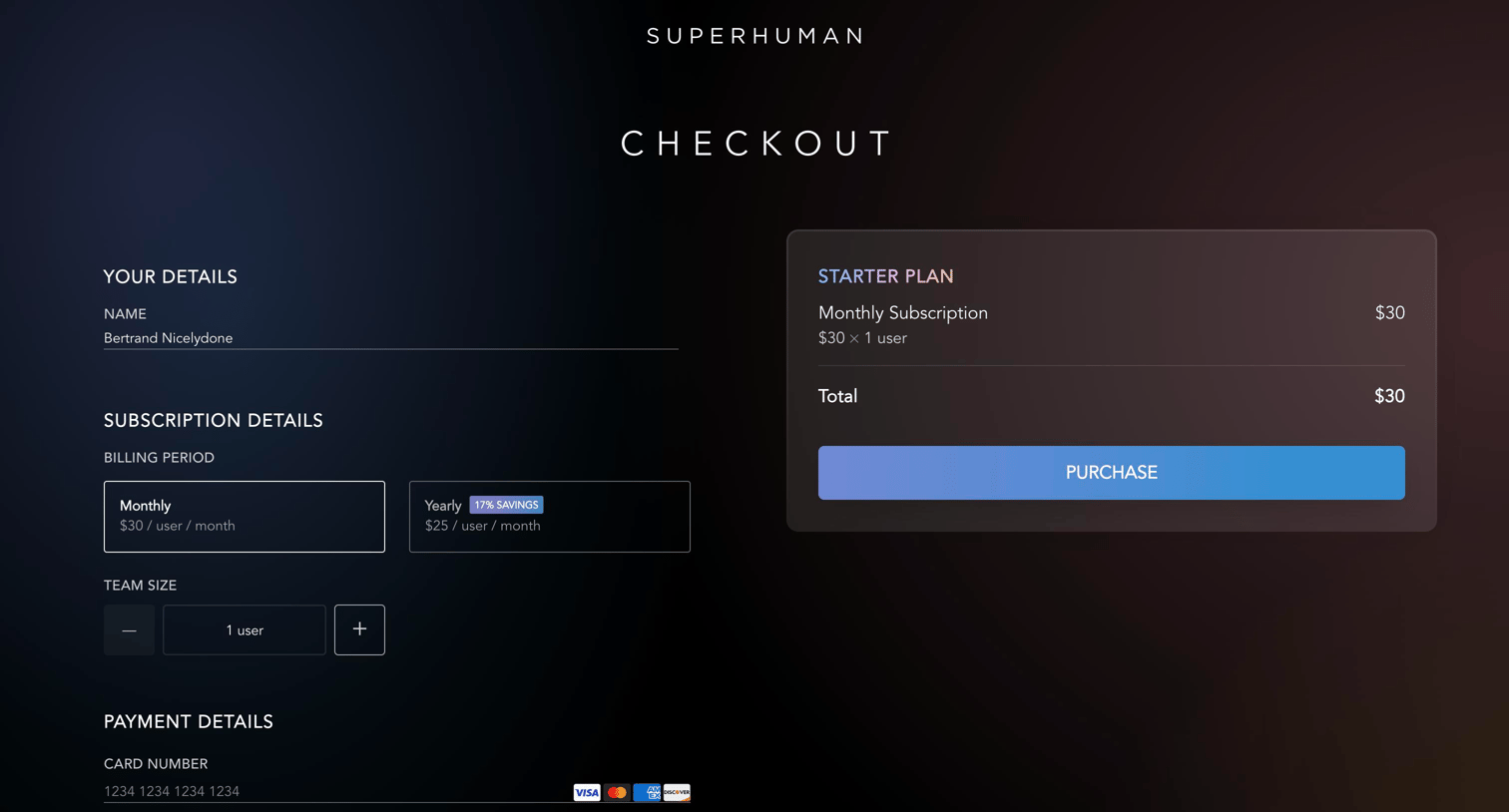
Checkout page where the user enters their payment details, selects a billing period, and confirms their team size to purchase a subscription.
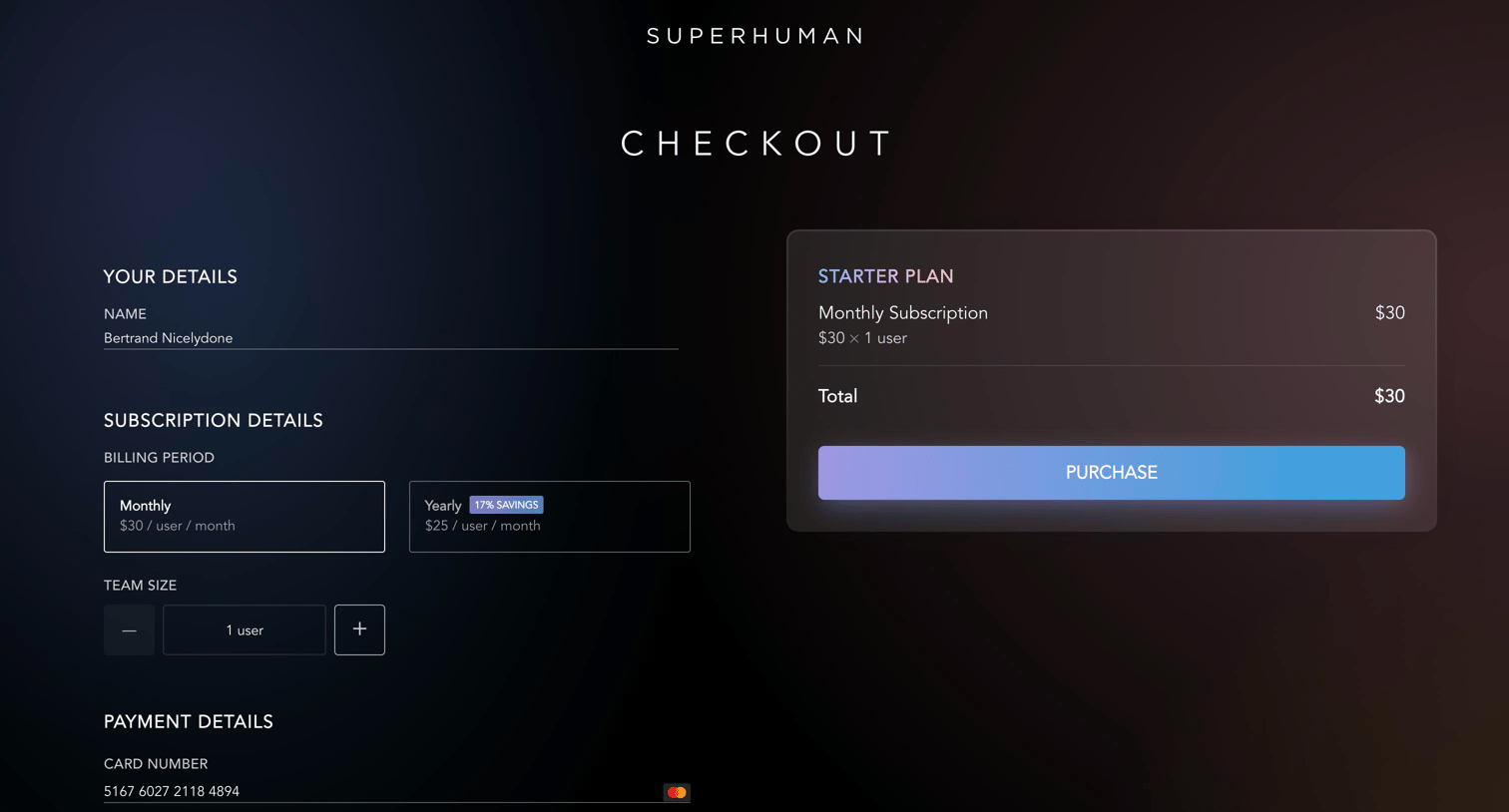
Checkout page where the user enters payment details and selects a billing period for a Starter plan subscription.
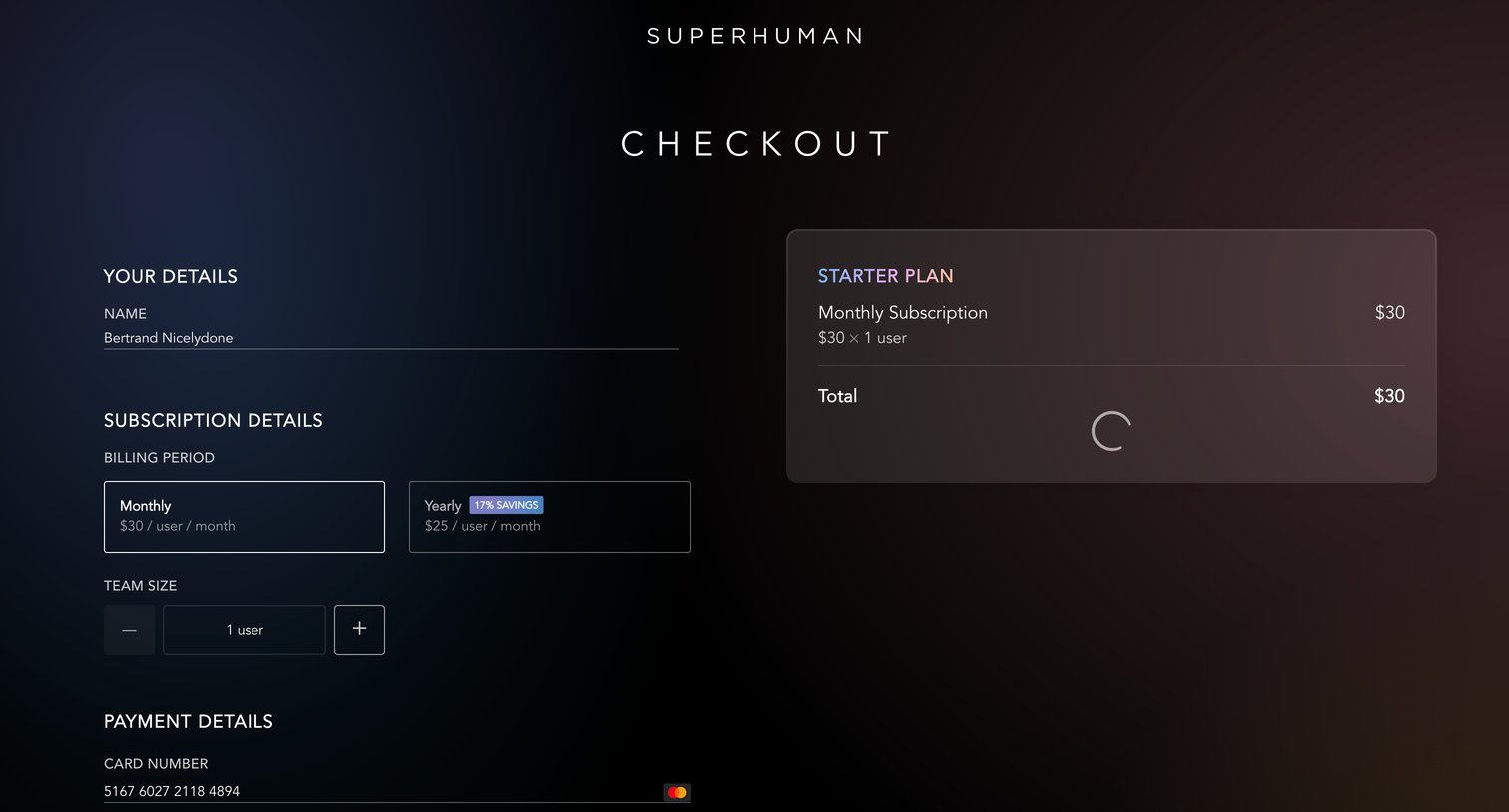
Checkout page where the user selects a billing period, sets team size, and enters payment details while the order summary loads.
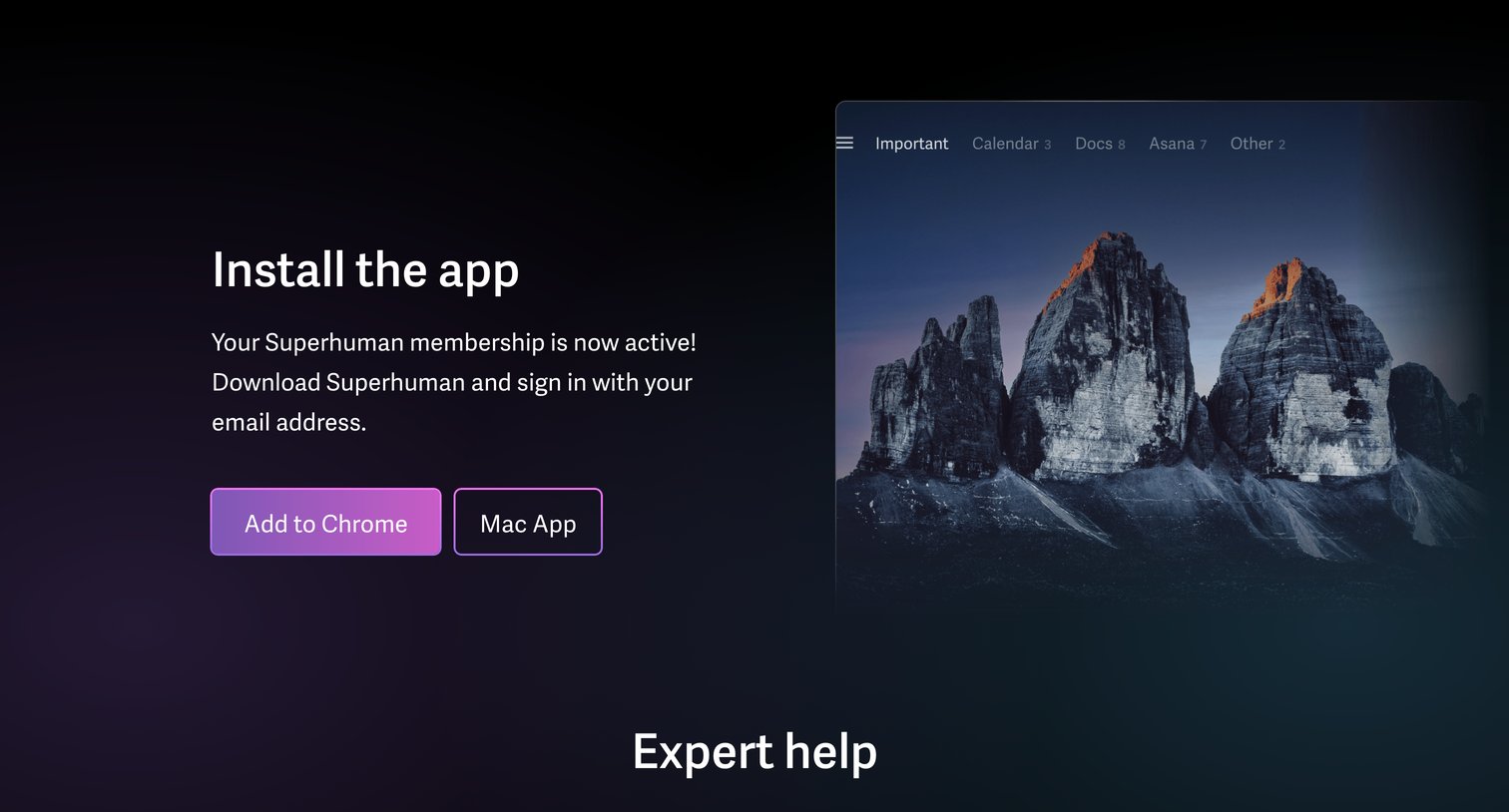
Application download page where the user is prompted to install the Chrome extension or Mac app after activating their membership.
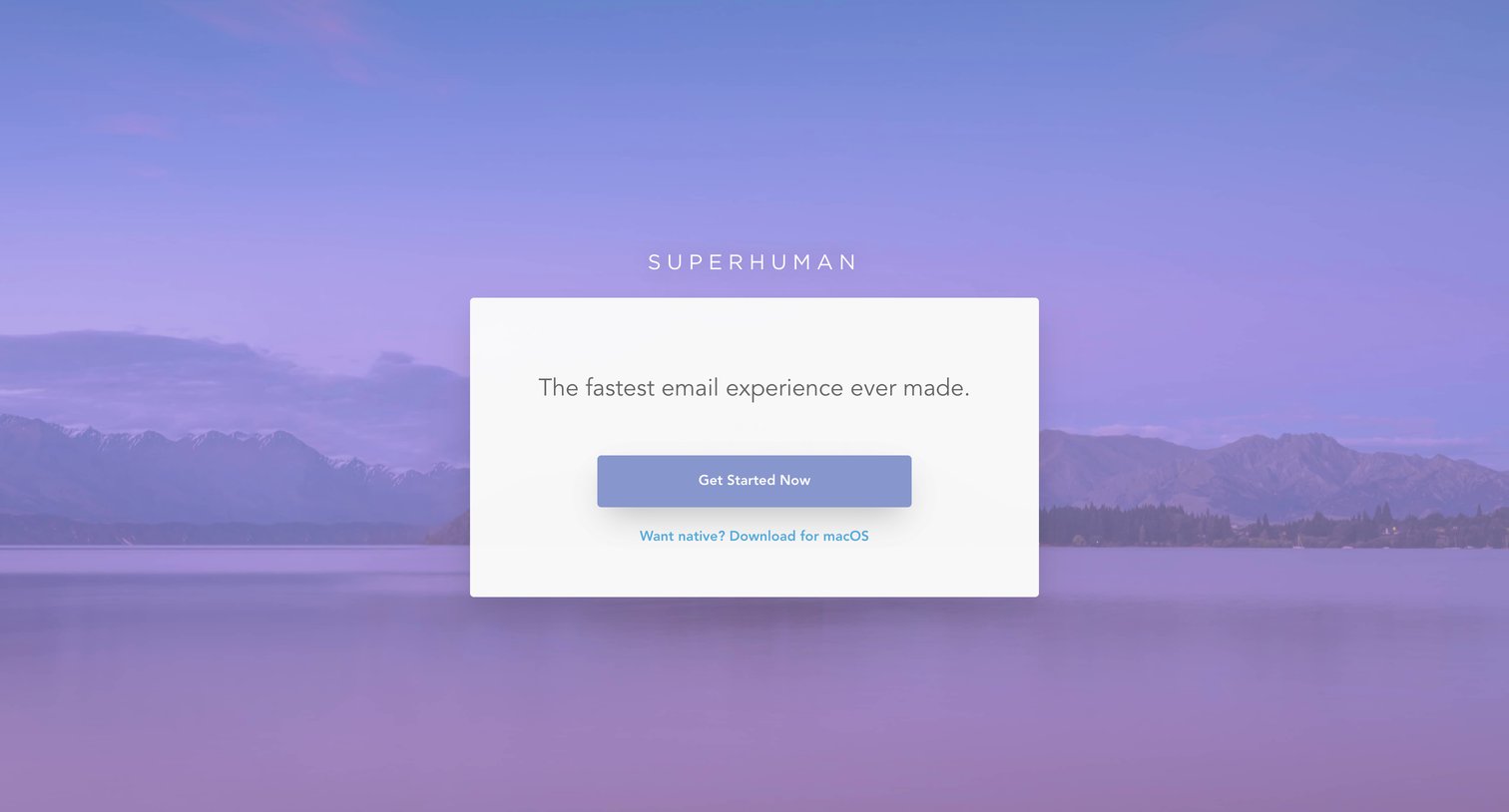
Landing page where the user is prompted to get started or download the macOS app against a scenic background.
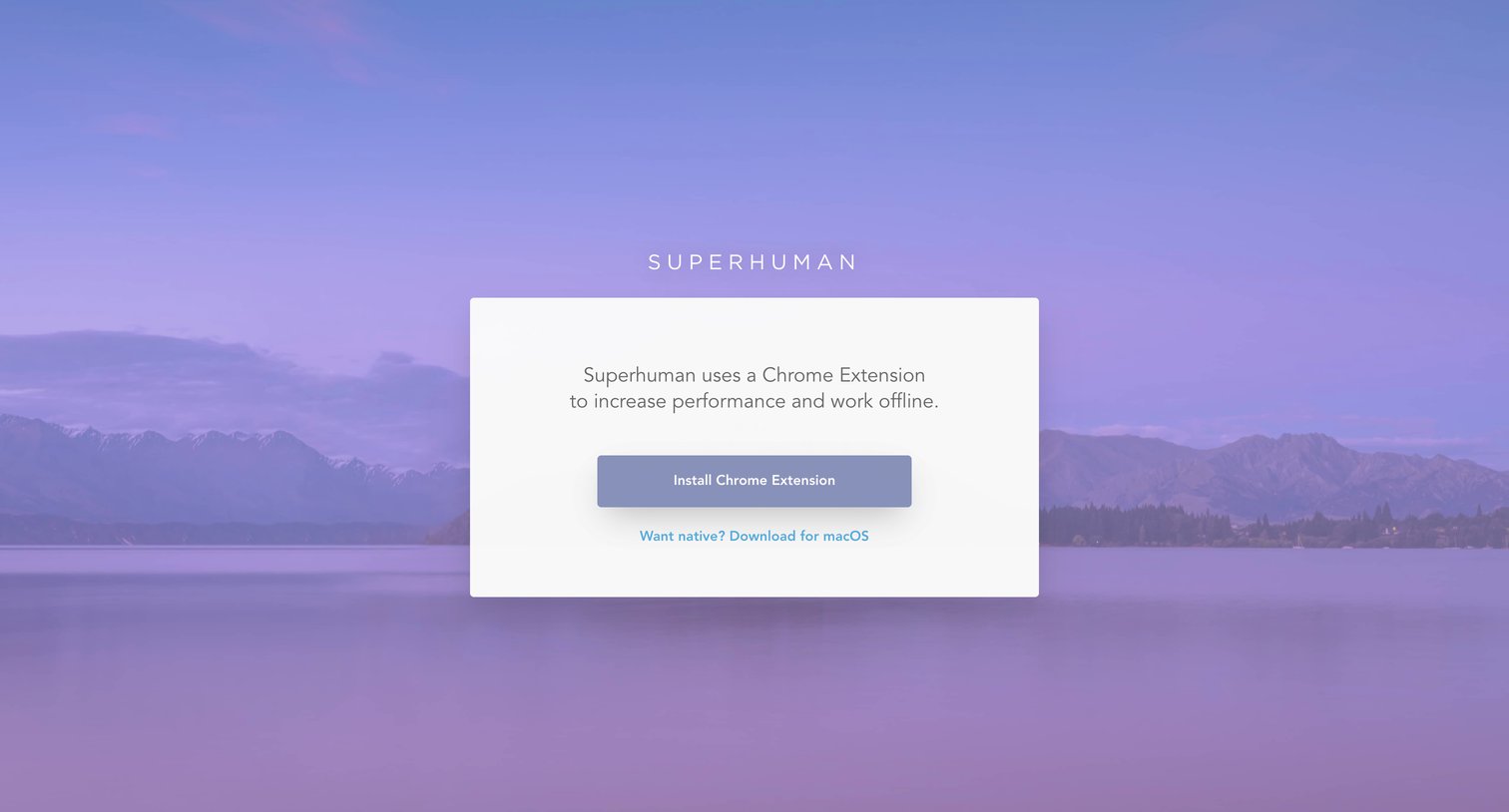
Application download screen prompting the user to install a Chrome extension or native macOS app to access the product.
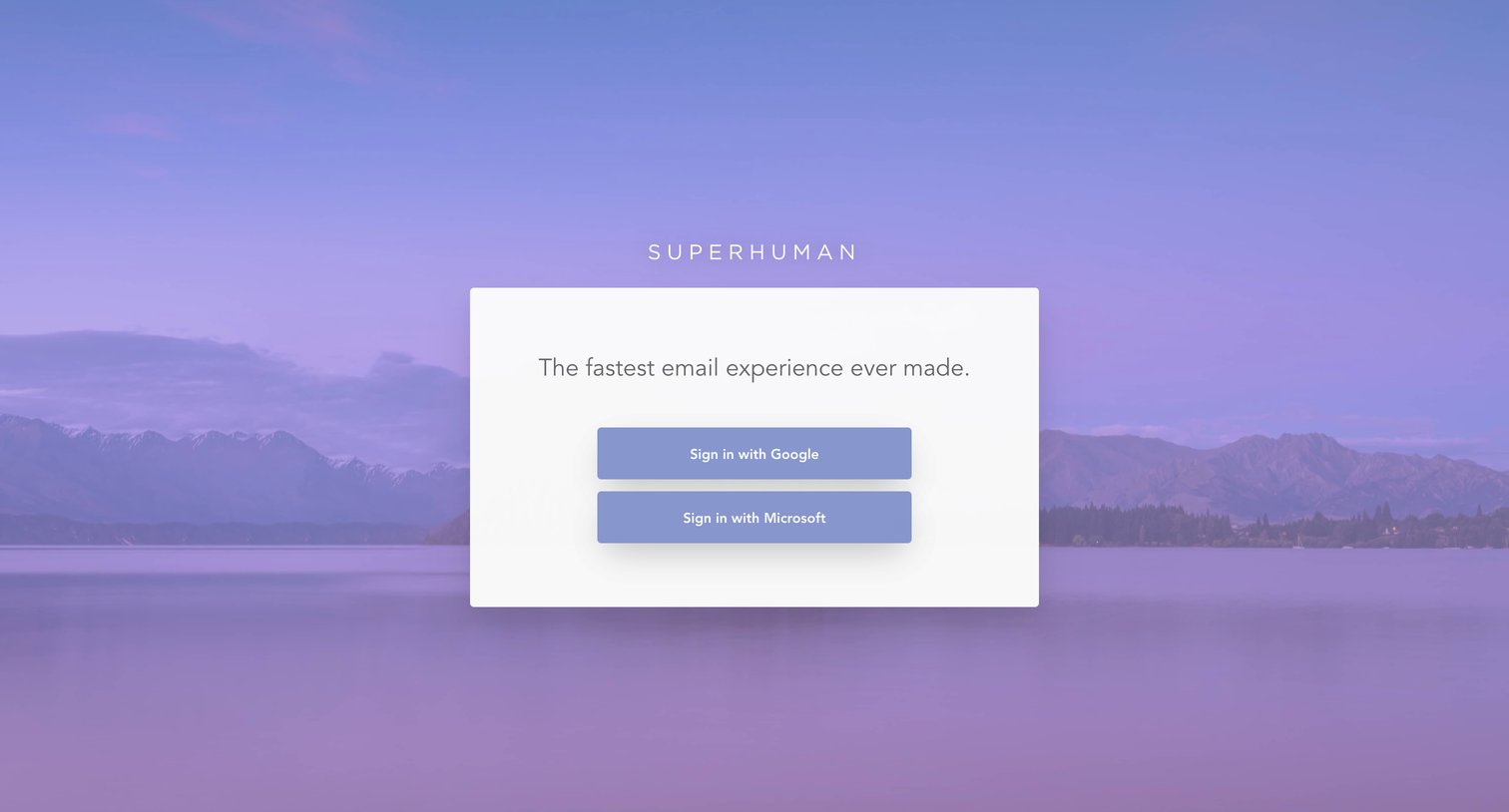
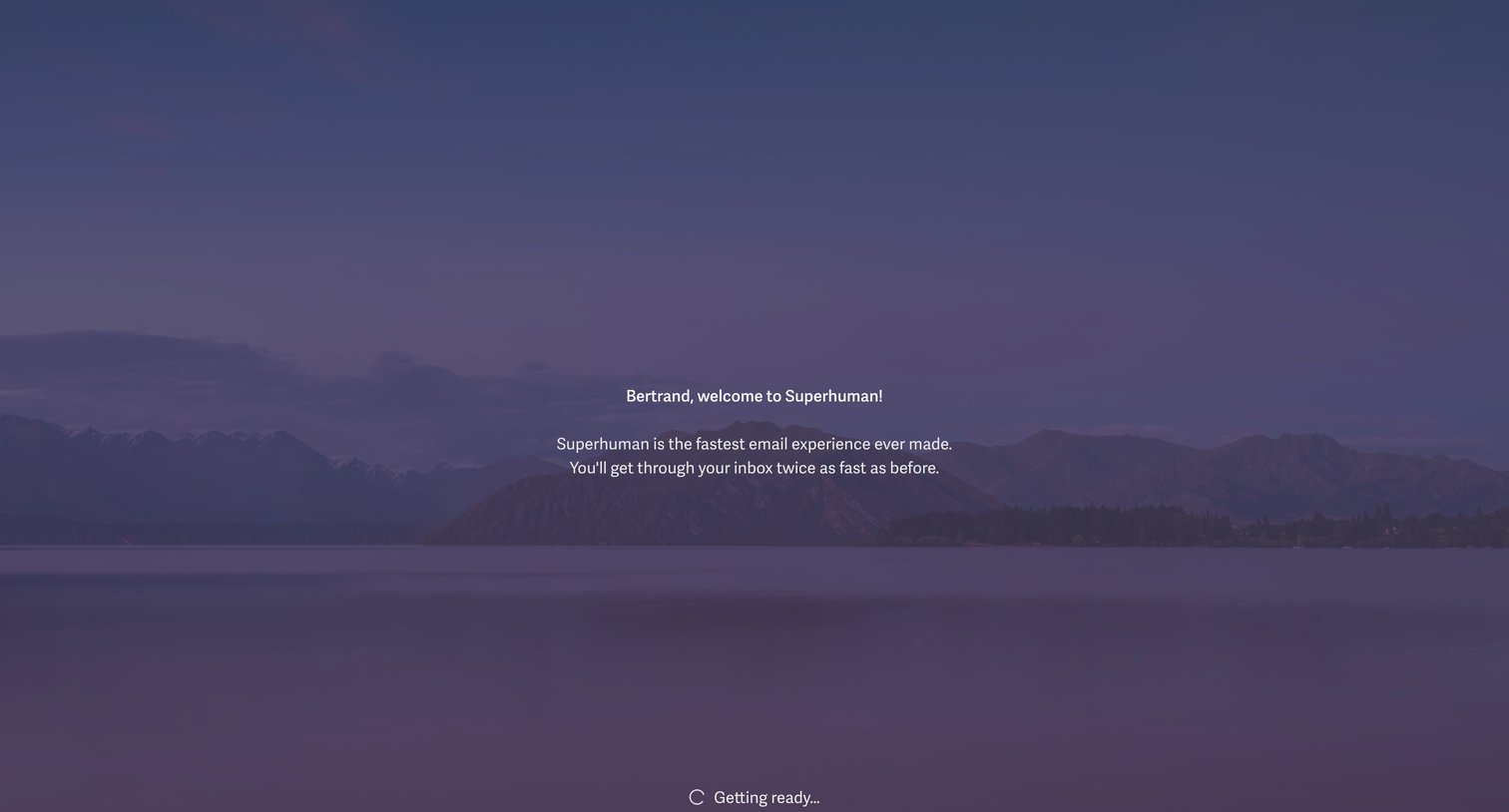
Onboarding screen where a personalized welcome message is displayed while the application finishes loading.
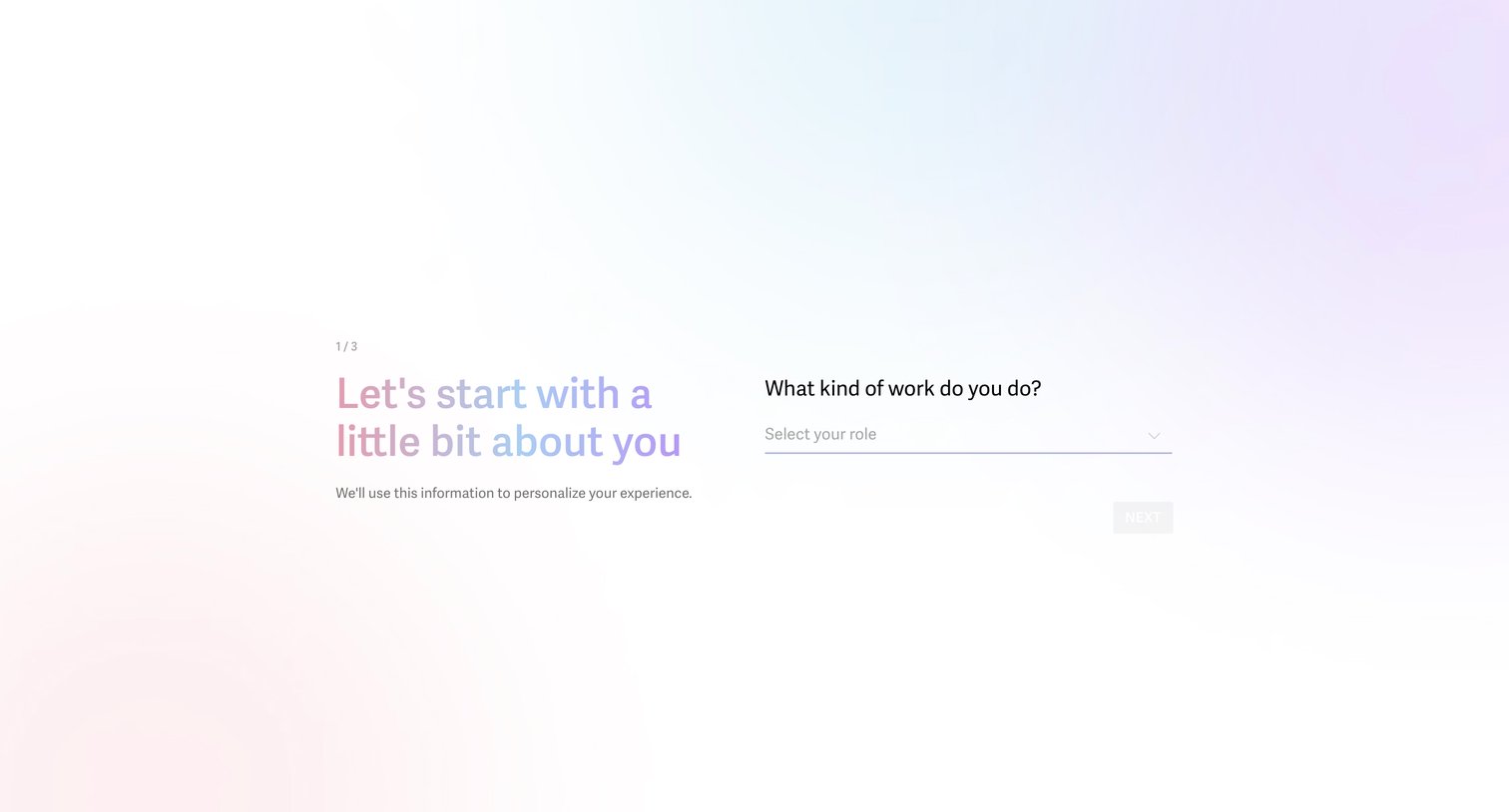
Onboarding step where the user selects their role to personalize their experience.
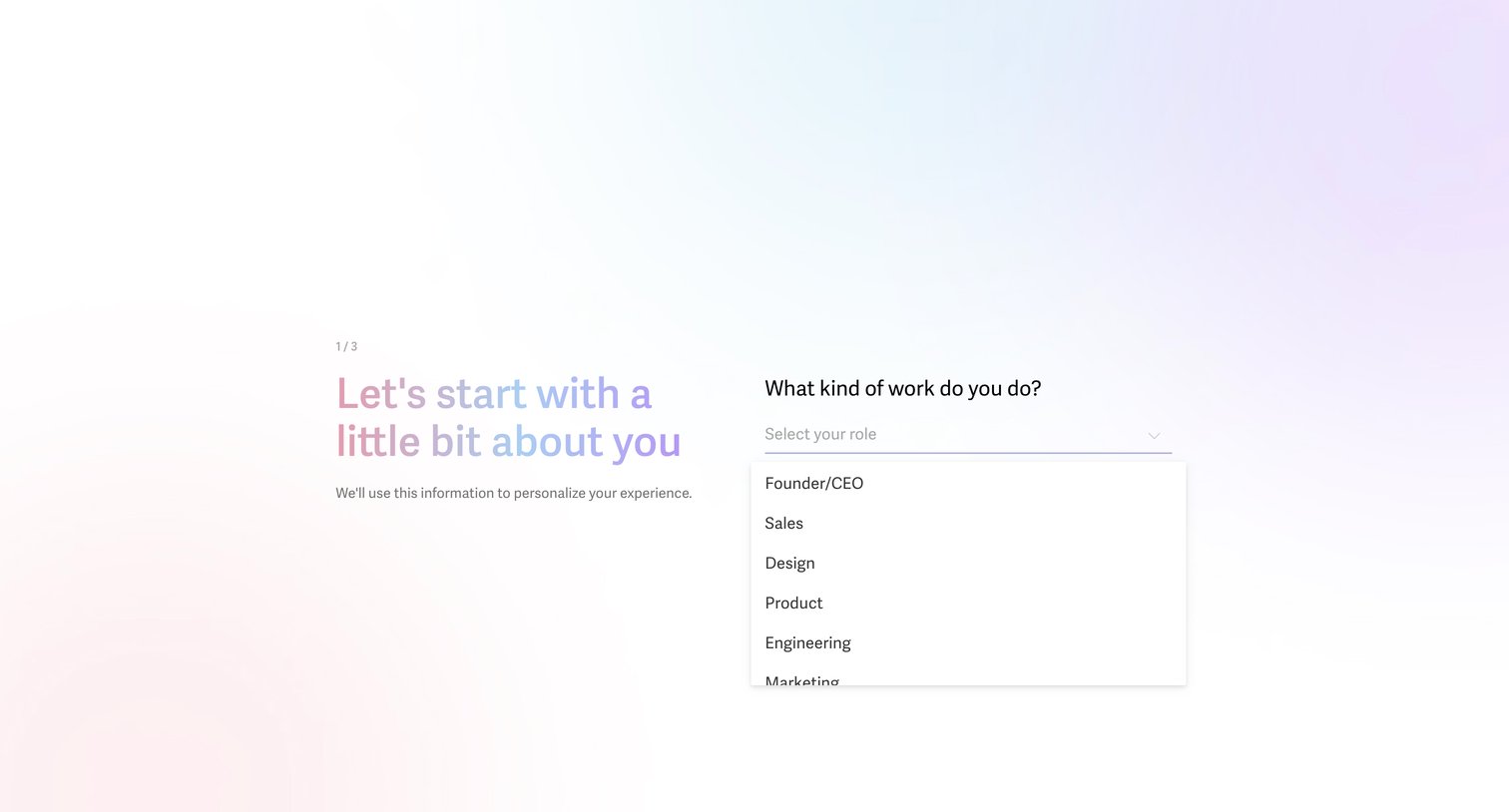
Onboarding step where the user selects their professional role, such as Founder, Sales, or Design, to personalize their experience.
Browse the full SaaS app library
Explore real SaaS apps with their product screens, marketing screens, flows, and components.
Trusted by the best teams







