Superhuman user flows examples
Explore Superhuman user flow examples. Preview the opening screens and steps for each task. The fastest email experience ever made
Preview these flows

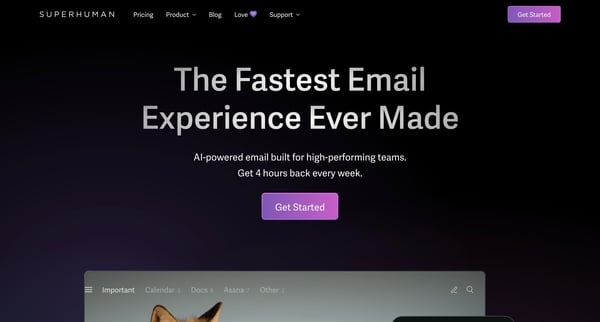
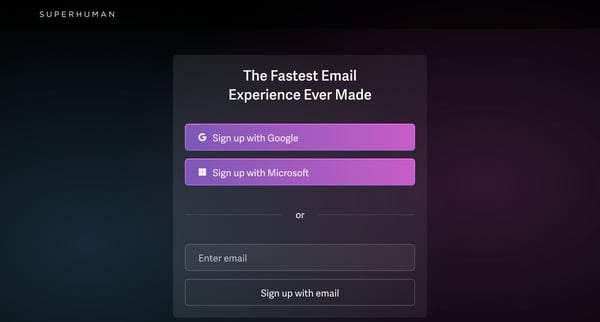
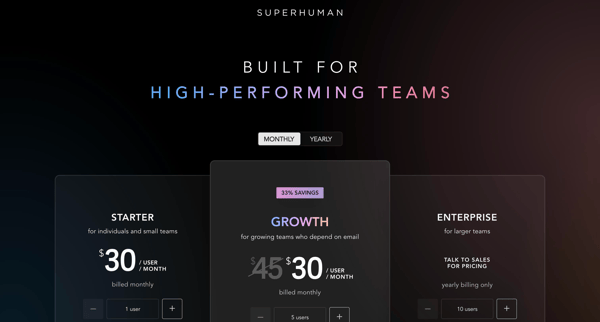
This flow guides a new user through the process of signing up for Superhuman, choosing a plan, setting up their account including payment, downloading the application, and customizing their S
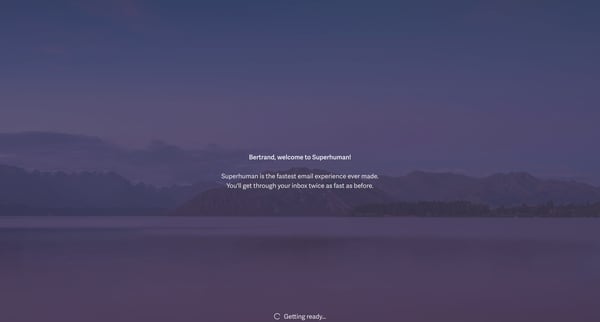
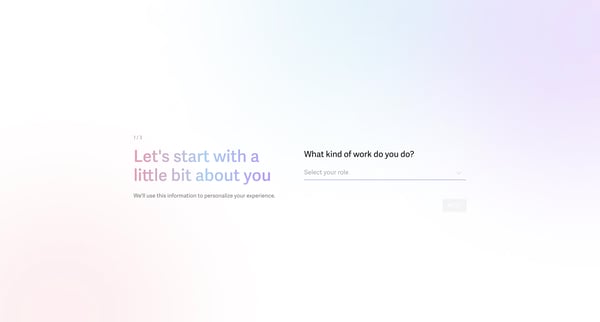
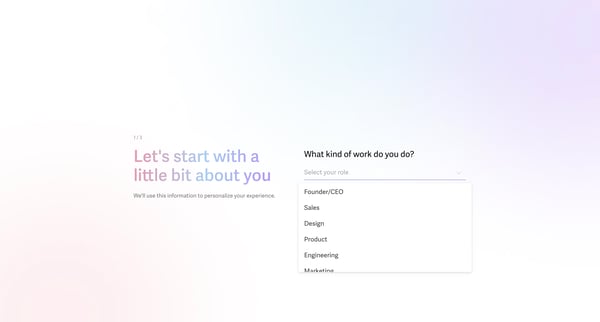
This flow introduces new users to Superhuman, guiding them through email management features and keyboard shortcuts to enhance their productivity.
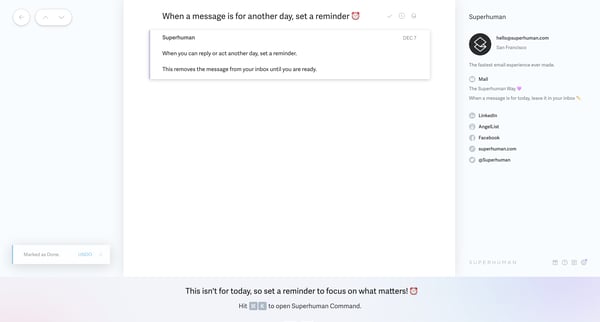
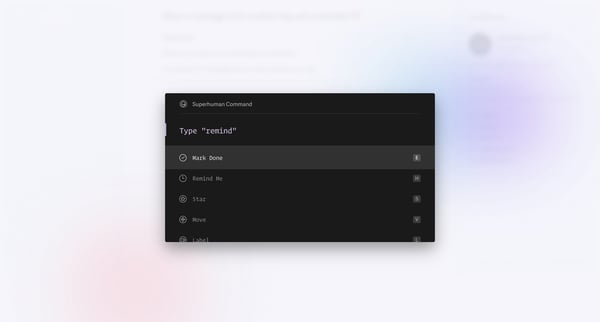
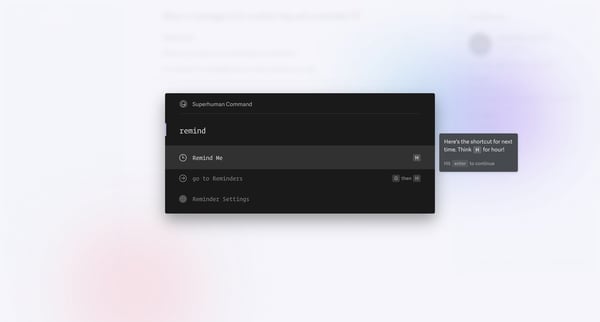
This flow guides a user through setting a reminder to revisit an email at a later date, clearing the inbox and focusing attention on immediate tasks.
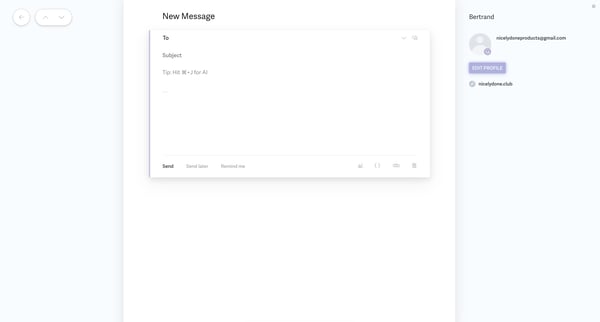
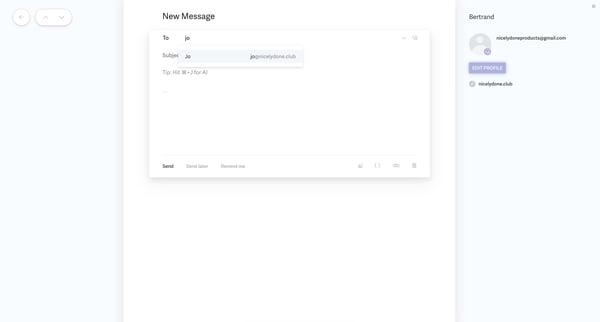
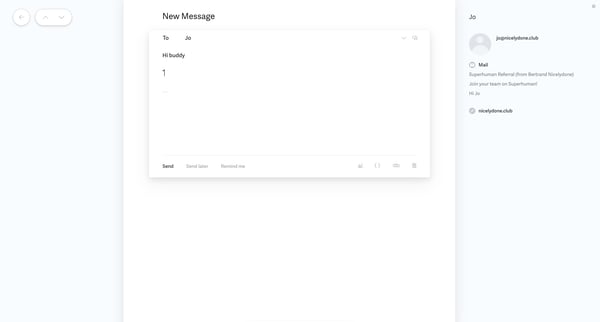
This user flow enables a user to craft a personalized message using AI, with steps for composing, editing, and sending the message.
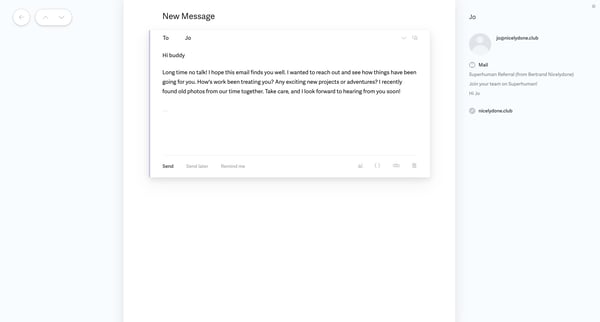
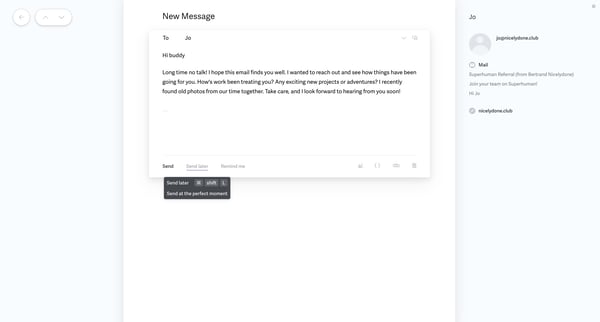
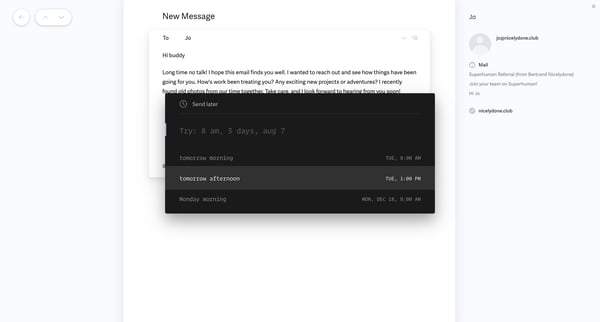
This user flow guides a user through the process of composing, scheduling, and sending a message, along with offering options for message scheduling and providing confirmation upon successful
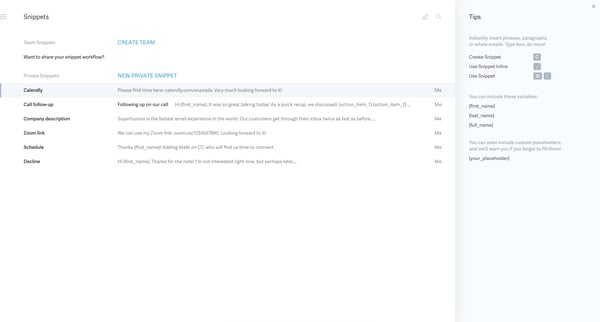
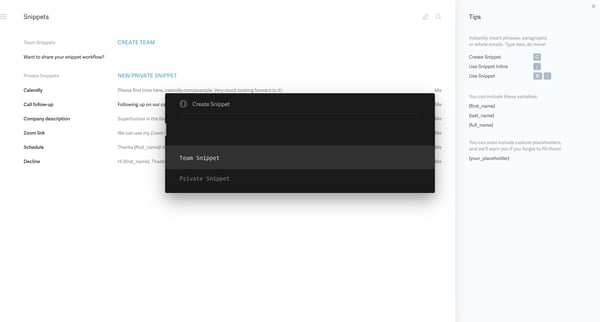
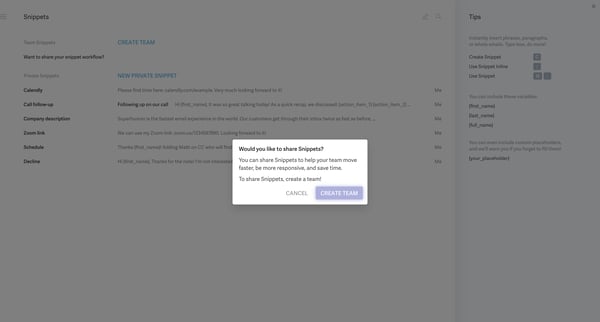
This user flow facilitates the creation, sharing, and management of email snippets within a team to enhance efficiency and collaboration.
Explore the full SaaS flow library
Browse the full SaaS flow library.
Trusted by the best teams







