Superhuman UI components examples
Browse Superhuman UI component design examples. Preview individual interface elements and explore related component categories. The fastest email experience ever made
Explore the examples
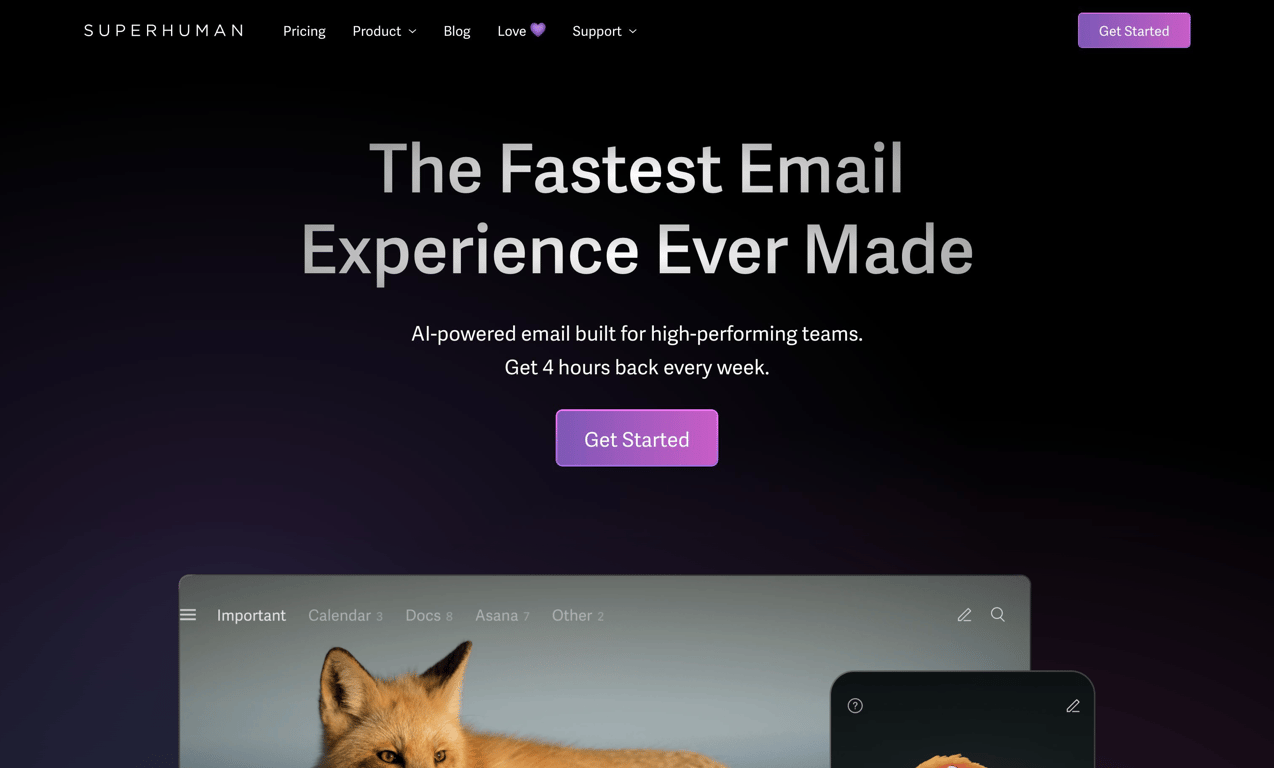

A dark-themed hero section featuring a top navigation bar, a bold headline, a subheadline, a primary call-to-action button, and a partial preview of the product interface.
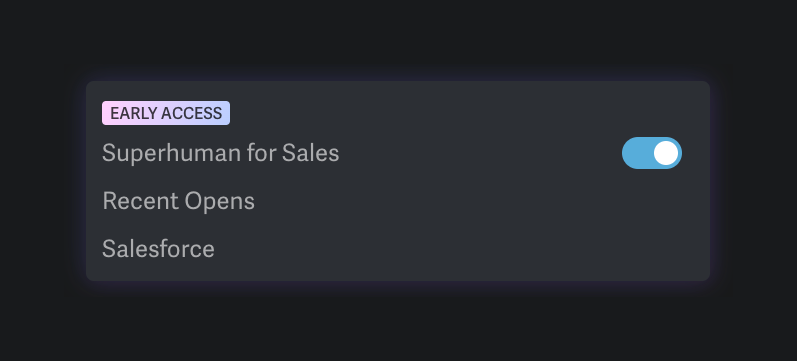
A dark-themed card containing a toggle switch to enable an 'Early Access' feature, along with a list of related sub-features.
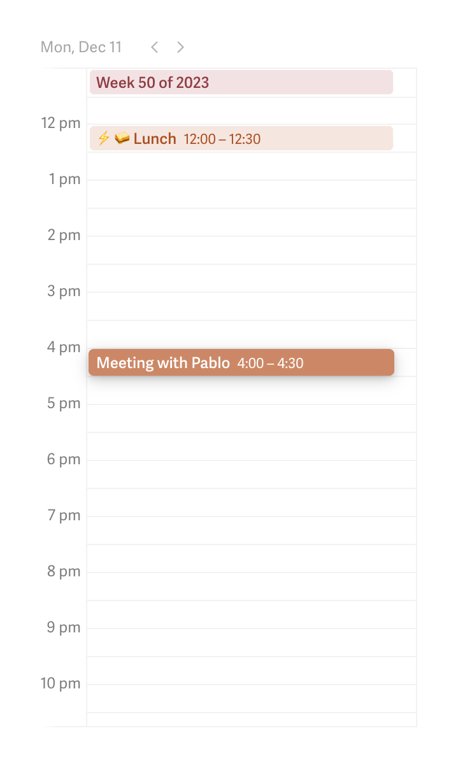
A daily calendar view showing scheduled events as blocks on a vertical timeline.
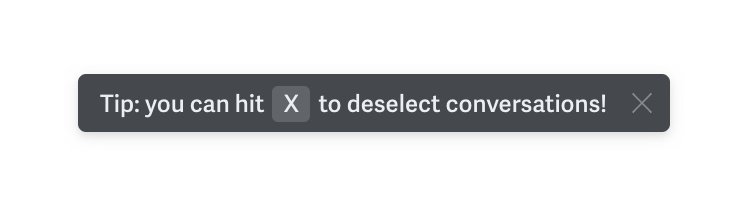
A dark, floating toast or tooltip displaying a keyboard shortcut tip with an inline key indicator and a close button.
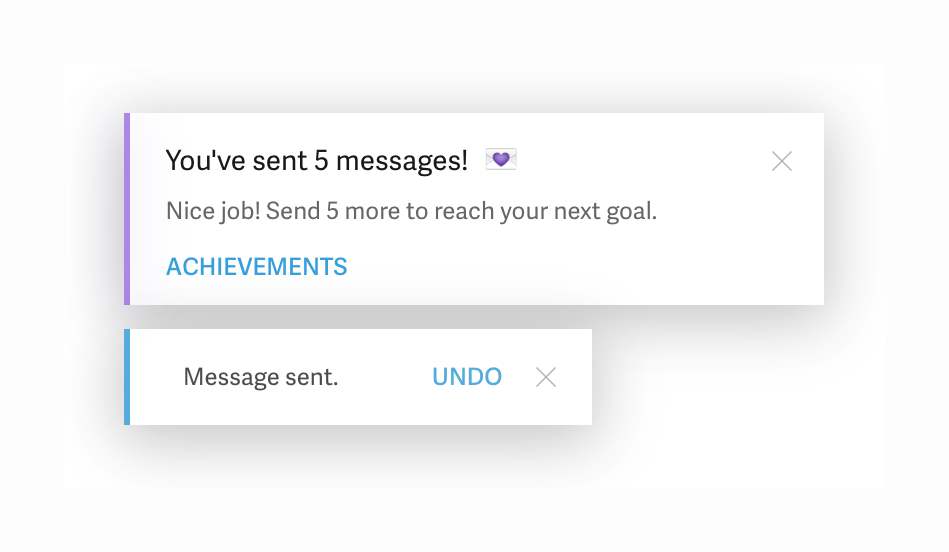
Two stacked toast notifications. The top one is an achievement notification with a title, description, and action link. The bottom one is a simple confirmation toast with an undo action.
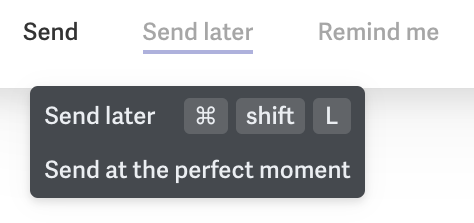
A dark tooltip displaying a keyboard shortcut and a brief description, appearing below a selected action in a top navigation bar.
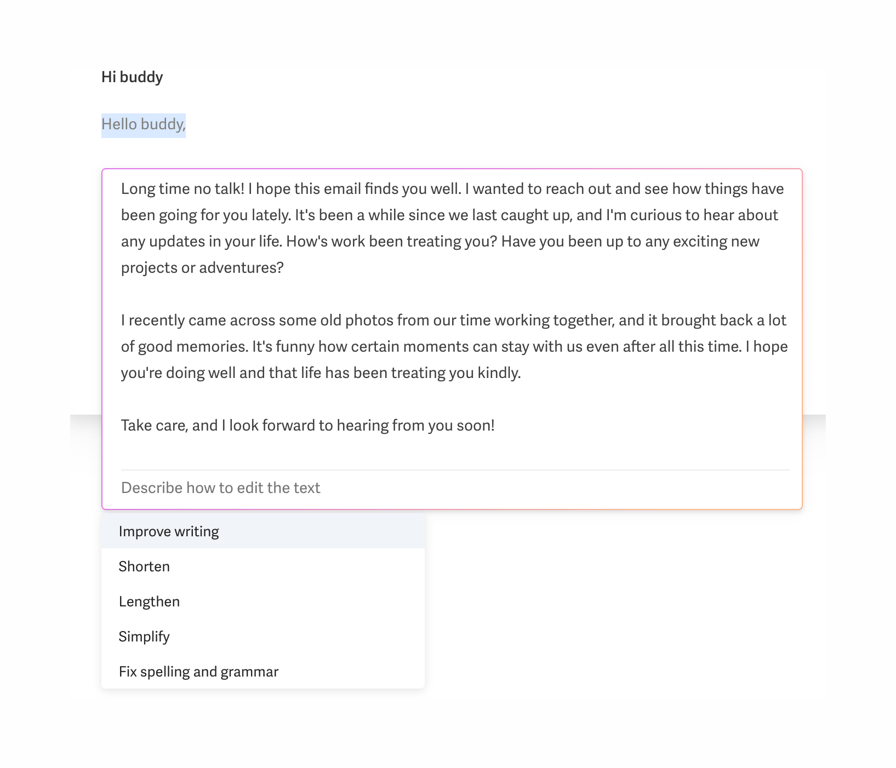
An inline AI assistant menu triggered within an email composer, offering options to rewrite, shorten, lengthen, simplify, or fix spelling and grammar of the selected text.
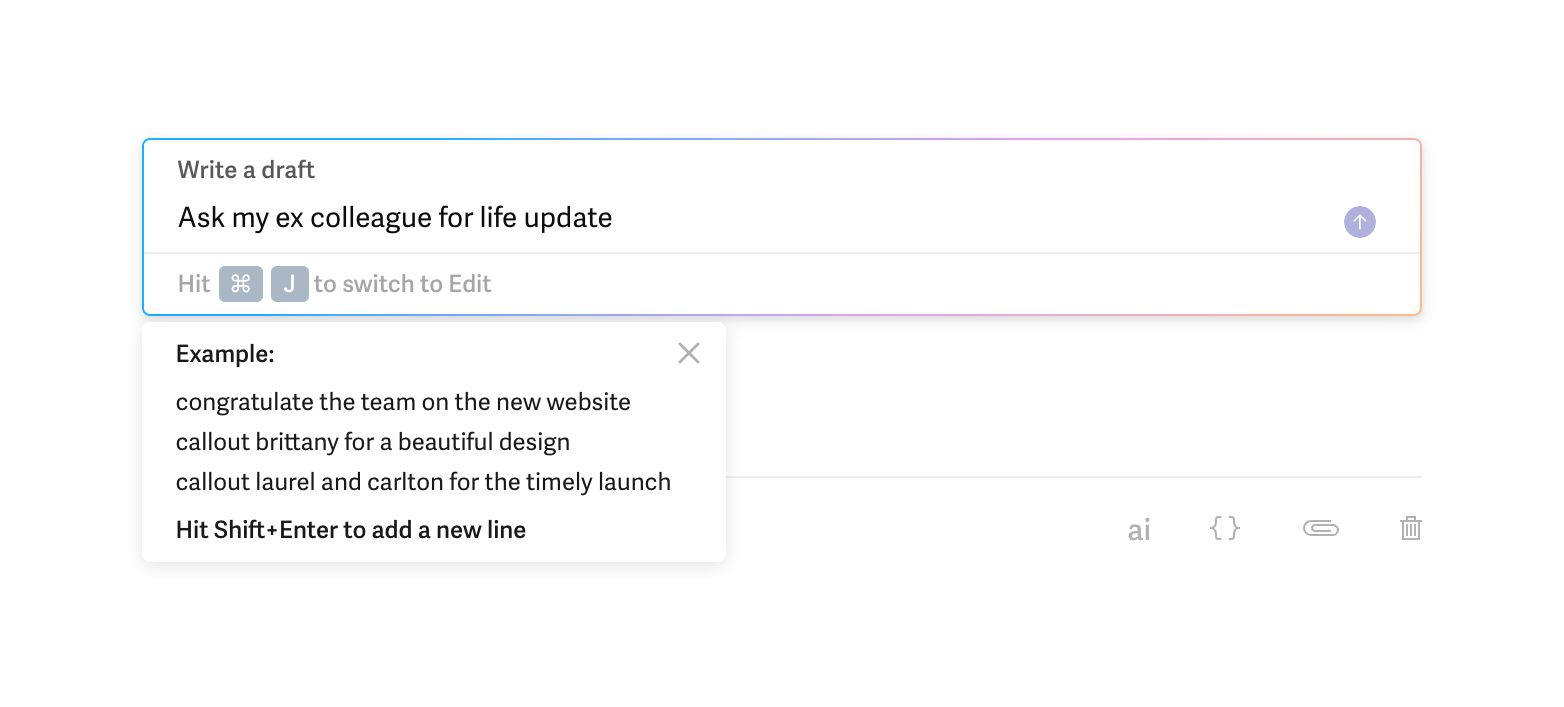
An inline AI prompt input field with a floating example tooltip, used to generate email drafts.
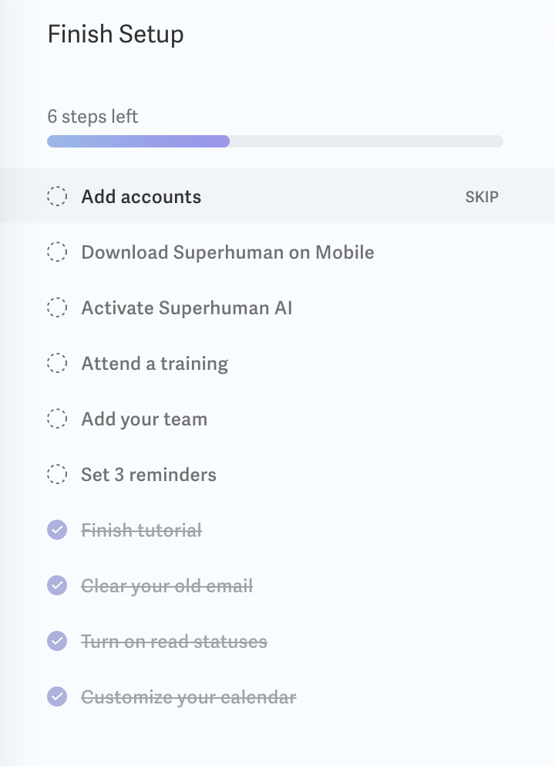
A vertical checklist showing onboarding progress with a progress bar and a list of completed and pending tasks.
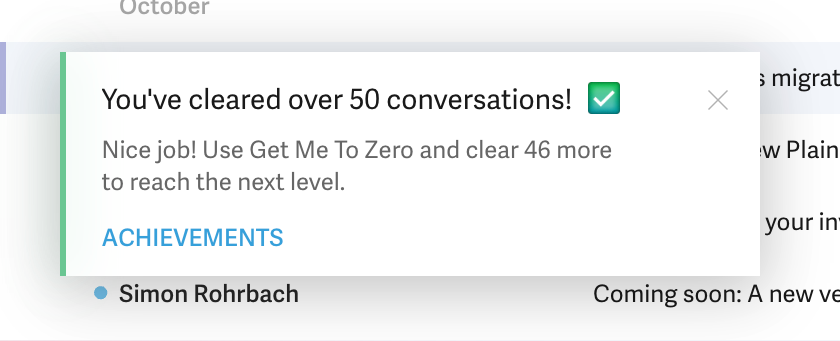
A notification toast celebrating a user milestone, featuring a title, descriptive text, an action link, and a close button. It has a green accent border on the left.
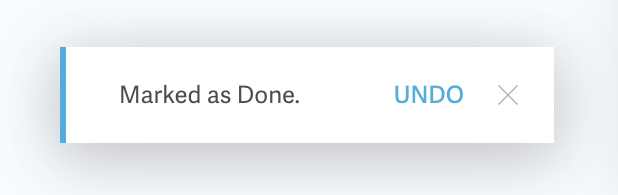
A notification toast confirming an action with an option to undo and a close button.
Browse the full component library
Browse the full UI component library.
Trusted by the best teams







