Skip to content

Design Editor screen examples

Design Editor screen design examples from SaaS apps. Explore how apps arrange tools around a visual design canvas. Look at how object selection, editing controls, and document structure remain available while…

Explore the examples
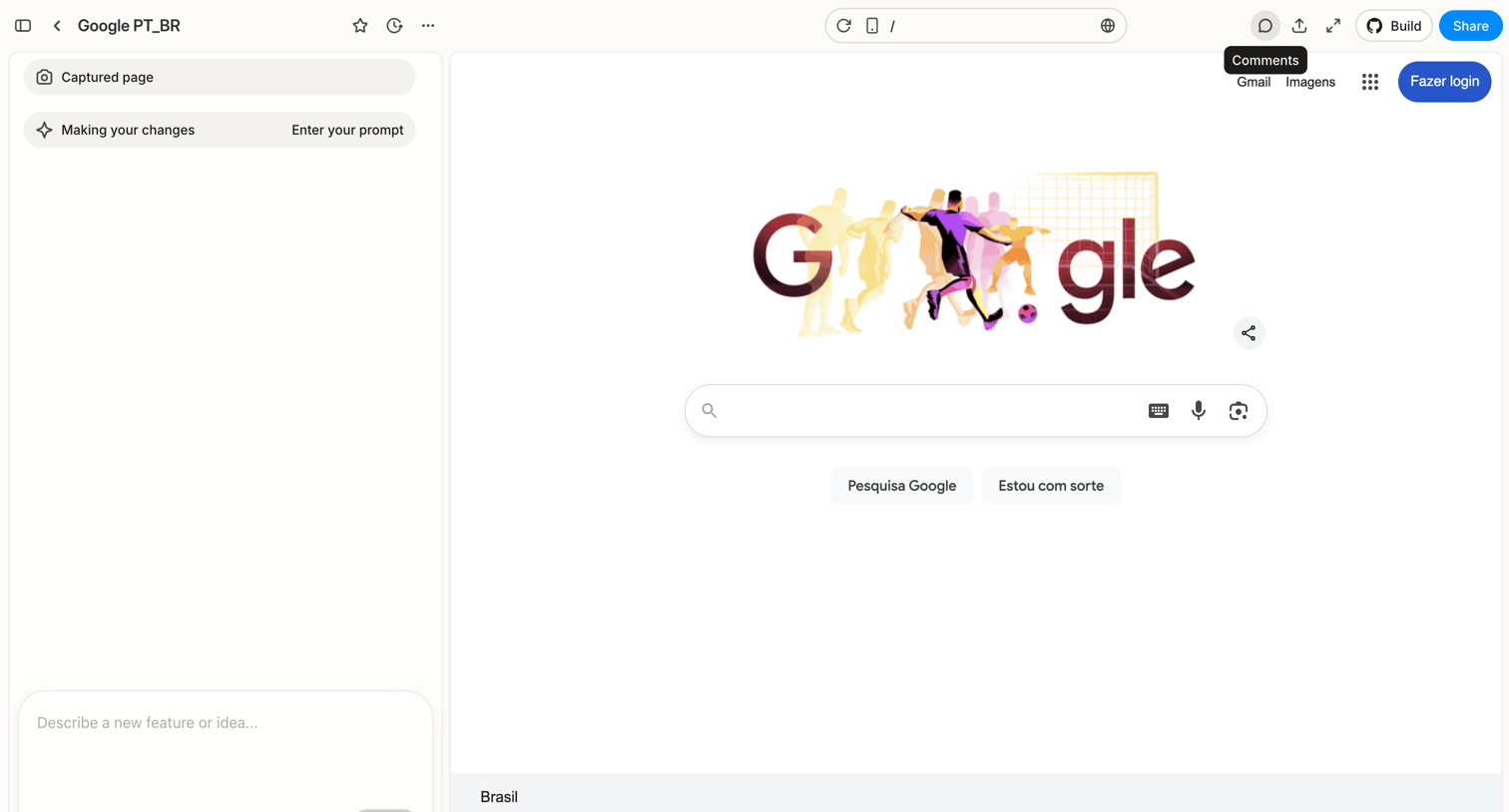
Nicelydone Social Variations - Spaces | Magnific AI from Magnific
Magnific logo
Magnific

Design editor whiteboard where the user configures multiple AI assistants with different system prompts and models to generate text variations.

Nicely Done » New view from Alloy
Alloy logo
Alloy

Whiteboard editor where the user organizes text cards on a dotted canvas, featuring a left sidebar for navigation and a floating bottom tool palette.

Riverside Studio from Riverside
Riverside logo
Riverside

Design editor where the user edits a video recording by modifying its text transcript, applying brand styles, and adjusting the audio timeline.

Editing: Business Case Section from Dock
Dock logo
Dock

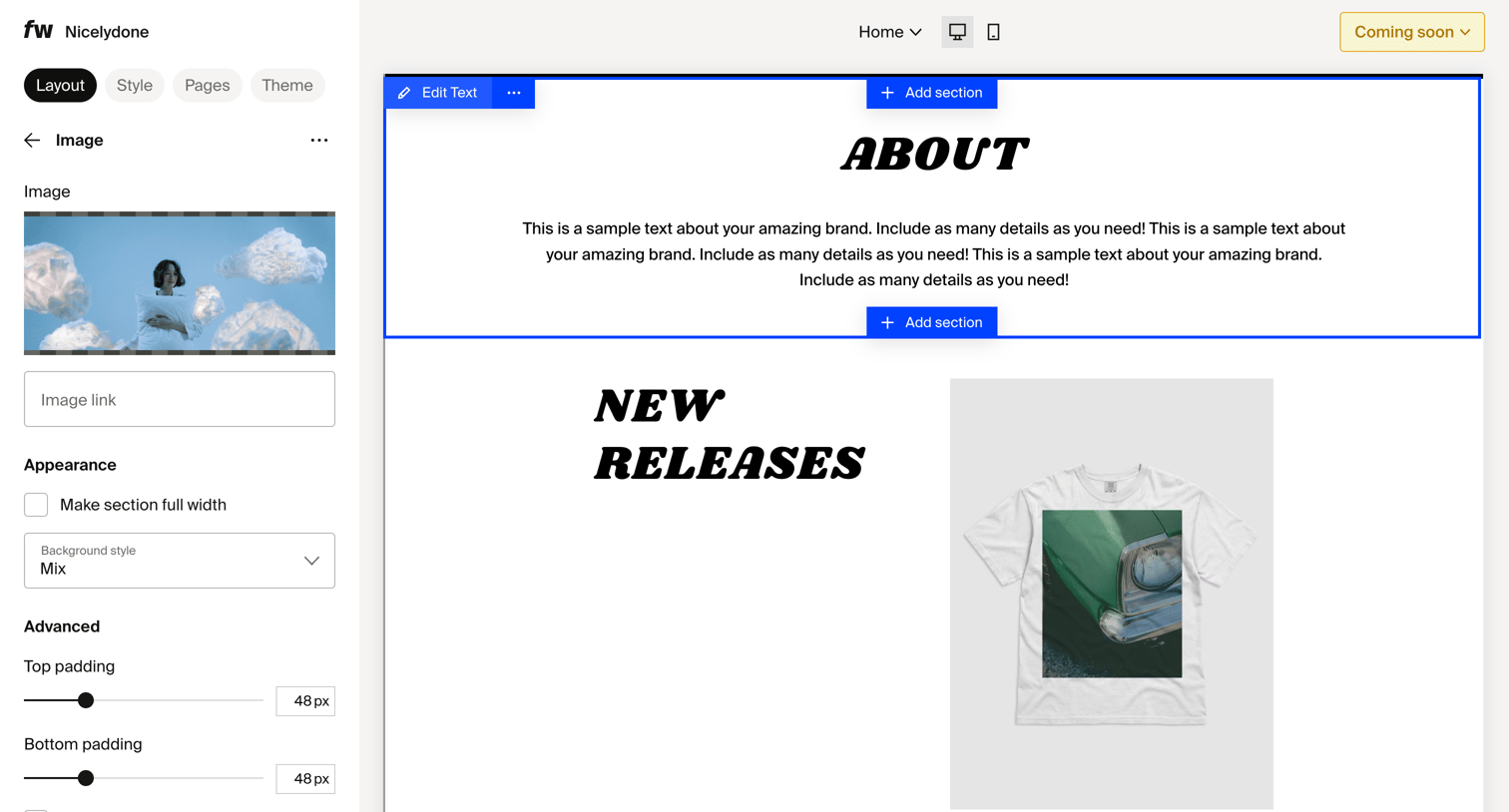
Page builder canvas where the user searches and selects from a menu of basic blocks and widgets like text, images, and price cards to add a new section.

FLORA - Untitled from Flora
Flora logo
Flora

Design editor canvas where the user can start generating content via an AI prompt or by double-clicking to create nodes.

Assembly Dashboard – Nicelydone Club from Assembly AI App Builder
Assembly AI App Builder logo
Assembly AI App Builder

Design editor where the user previews a client portal home page, switches between desktop and mobile views, and reviews missing CRM data in the inspector panel.

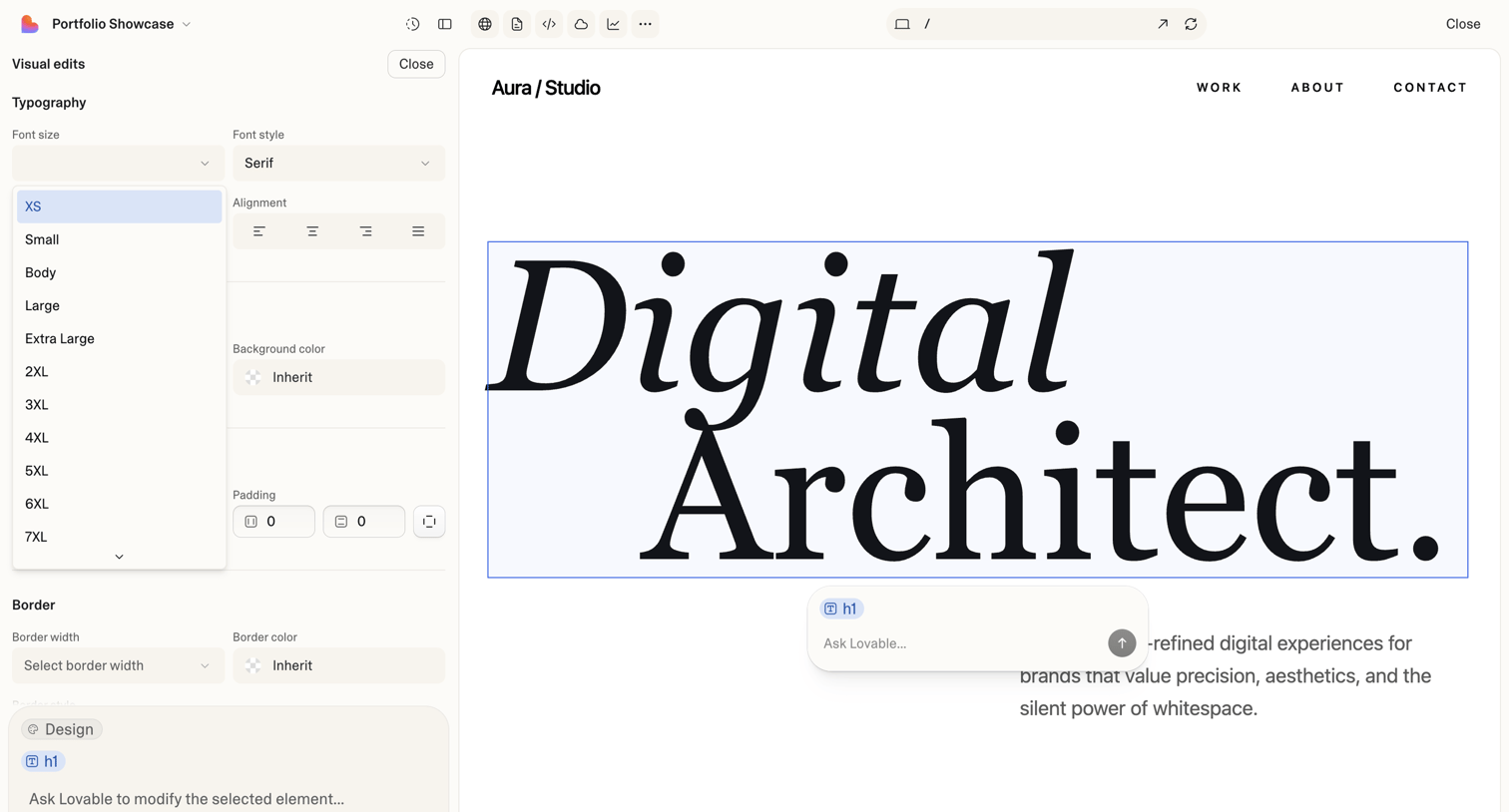
Portfolio Showcase - Lovable from Lovable
Lovable logo
Lovable

Design editor where the user modifies text, typography, colors, and spacing of a selected element on a web page canvas, with an AI prompt input for further modifications.

AI Voice Generator & Text to Speech | ElevenLabs from Elevenlabs
Elevenlabs logo
Elevenlabs

AI generation page where the user can create images or videos by entering a text prompt and configuring model settings.

Mobile swipe demo for title · nicelydone3 from Navattic
Navattic logo
Navattic

Design editor where a mobile demo is currently saving and adding a new swipe step, showing multiple loading indicators.

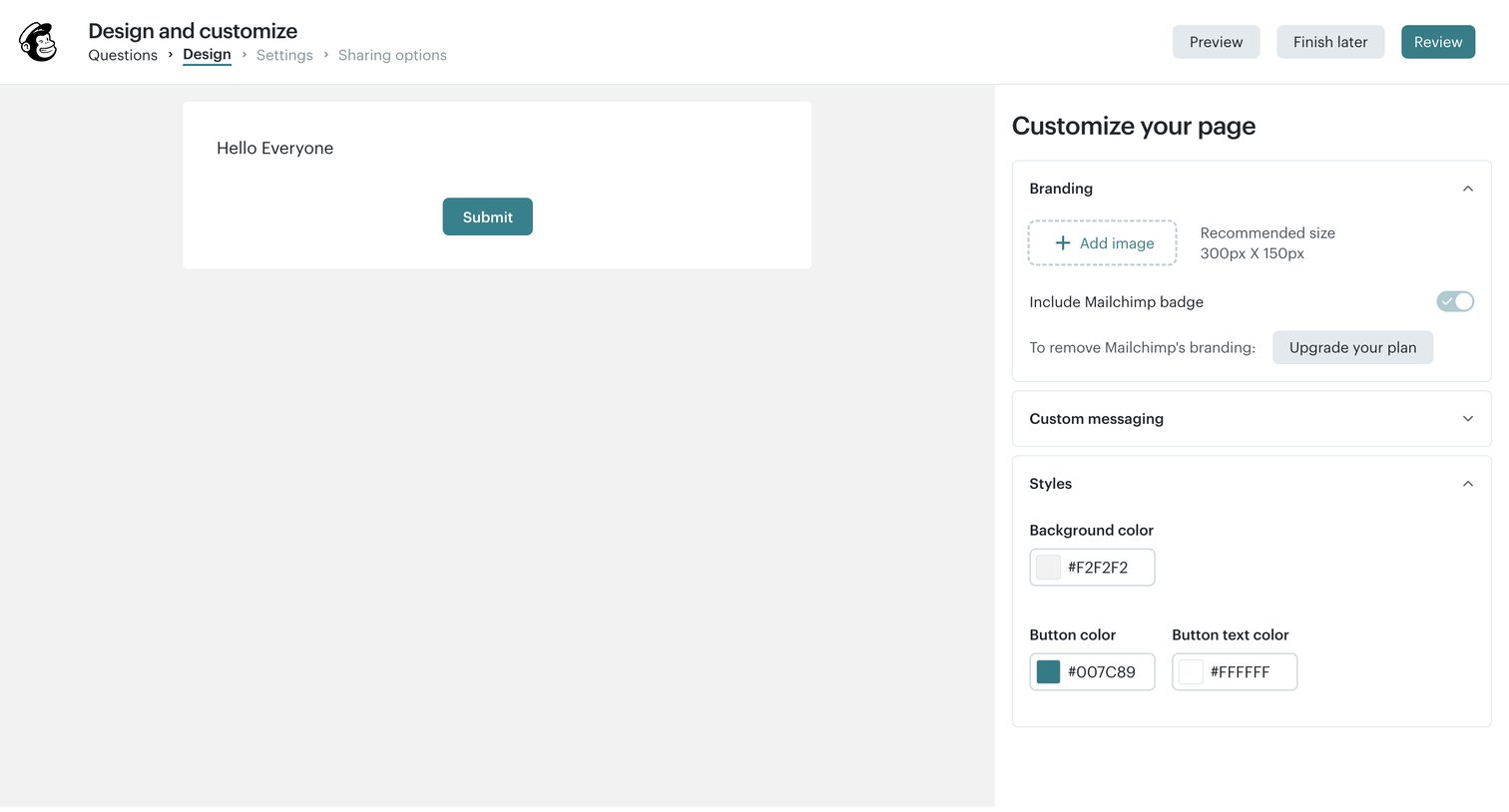
Create Preferences Center | Mailchimp from Mailchimp
Mailchimp logo
Mailchimp

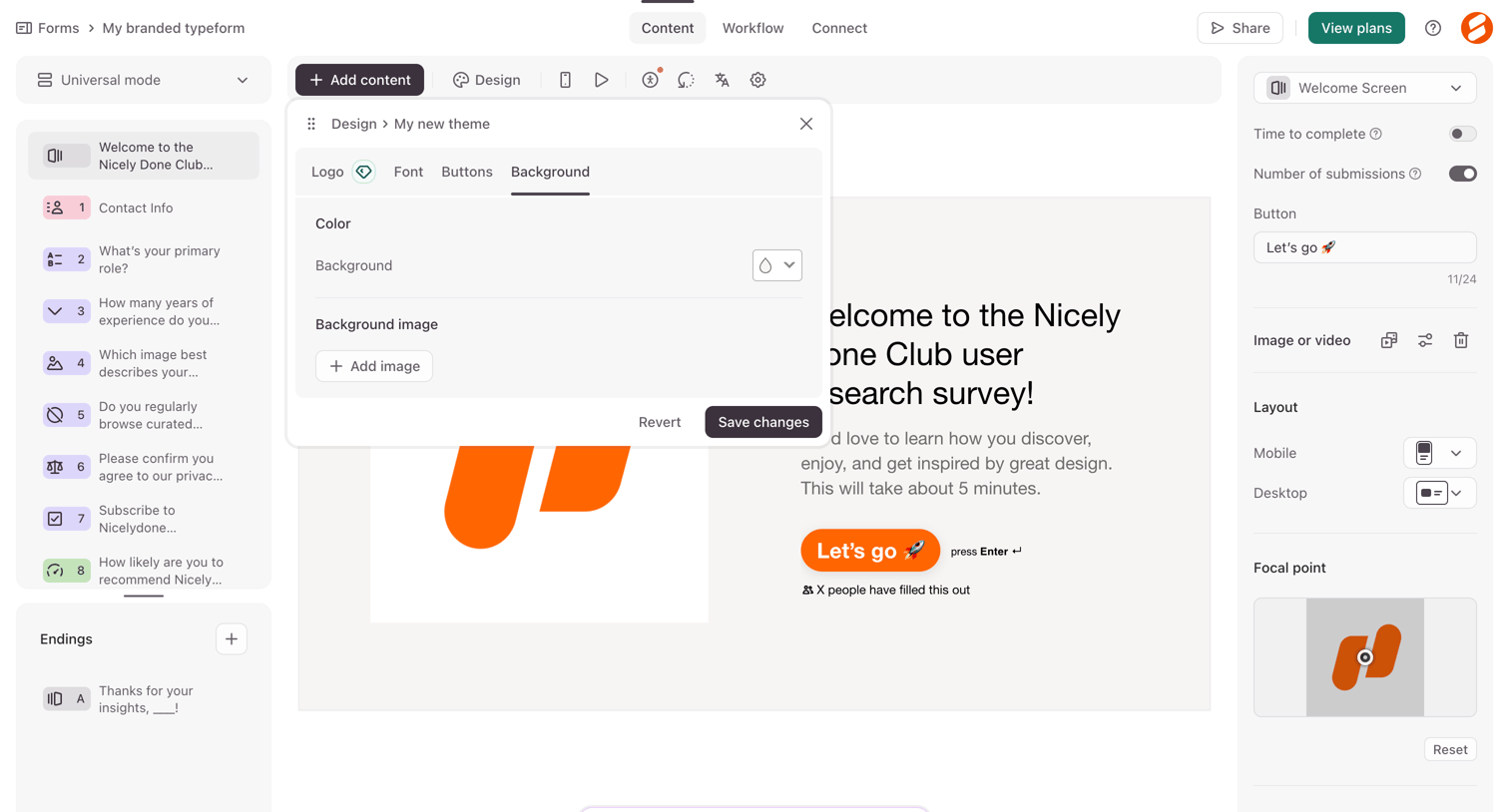
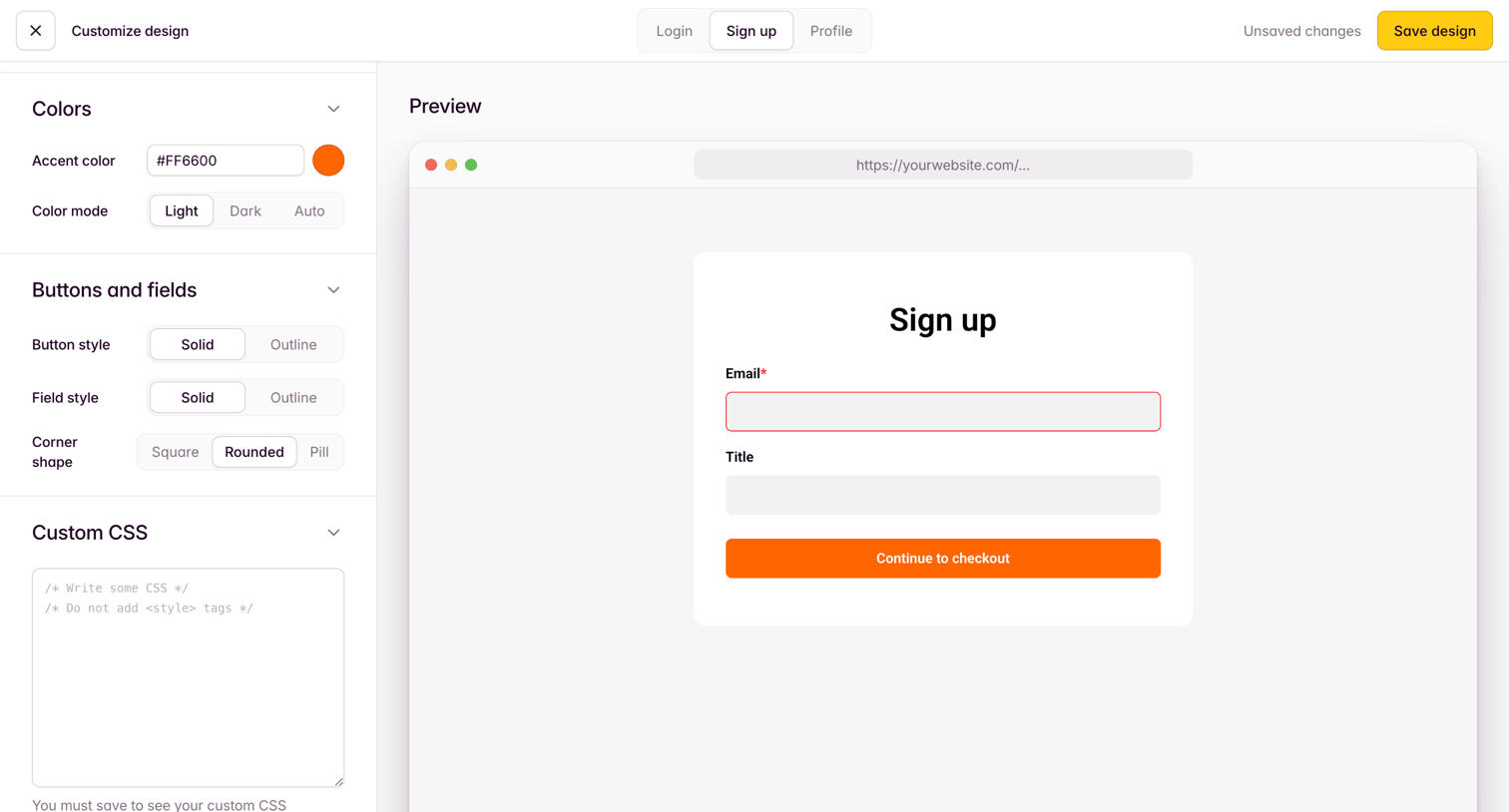
Design editor where the user customizes the layout, colors, and fields of their email preferences center form.

Your first project - Maze Draft from Maze
Maze logo
Maze

Design editor where the user configures a website test task, sets its title and description, and previews the participant experience in real-time.

Mocha from Mocha
Mocha logo
Mocha

AI app builder canvas in a loading state where the user's prompt to design a chat application is being generated, with a feature-highlight card explaining versioning time-travel while they wait.

Explore the full SaaS screen library

Upgrade to unlock the full library.

Trusted by the best teams