Workflow builder screen examples
Workflow builder screen design examples from SaaS apps. Explore how SaaS apps let people arrange a sequence of work. Look at how steps, connections, and configuration panels show the structure of a workflow as it…
Explore the examples
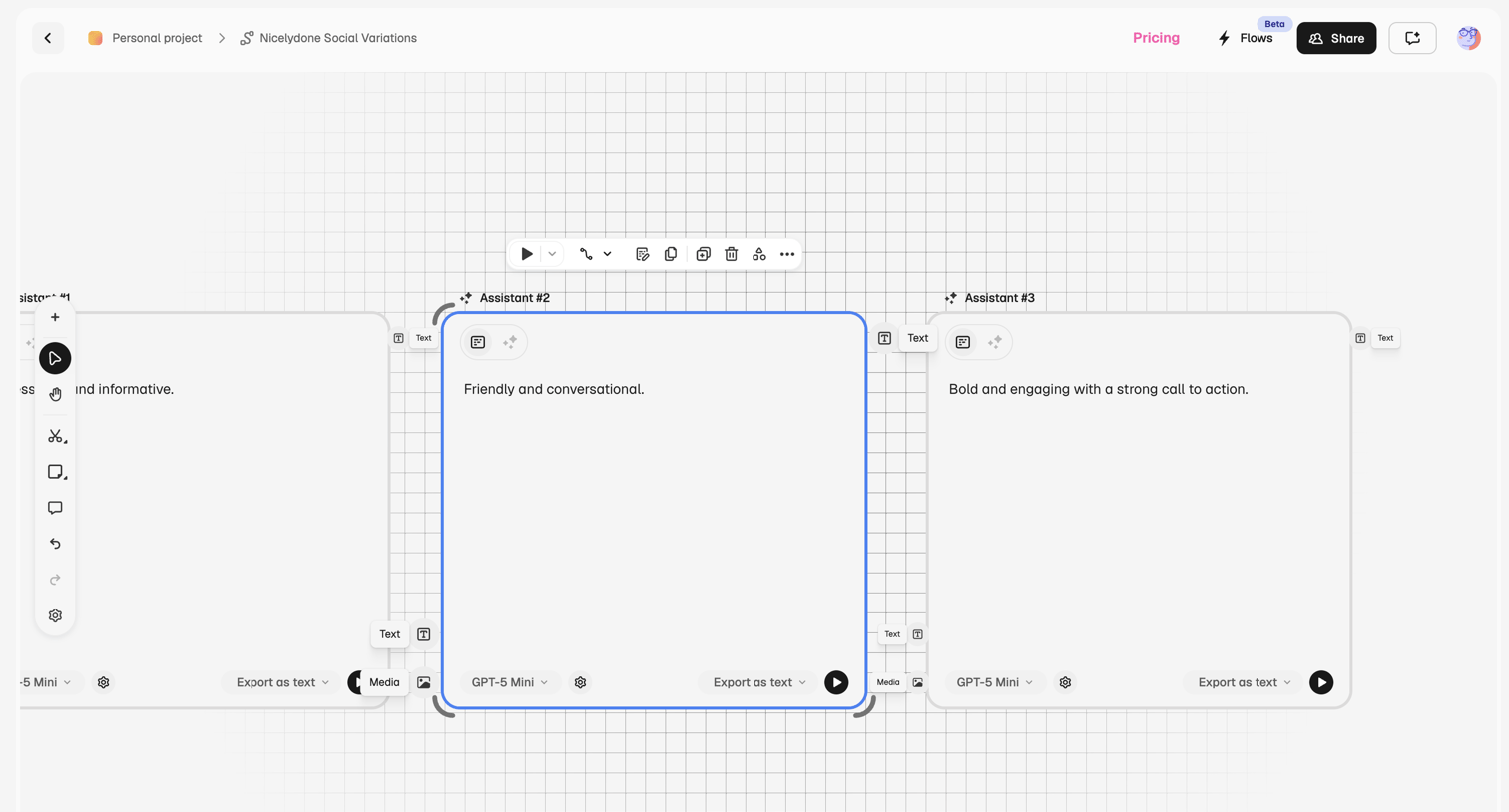

Design editor canvas where the user builds an AI prompt chain with sequential assistant nodes, configuring models and export formats for each step.
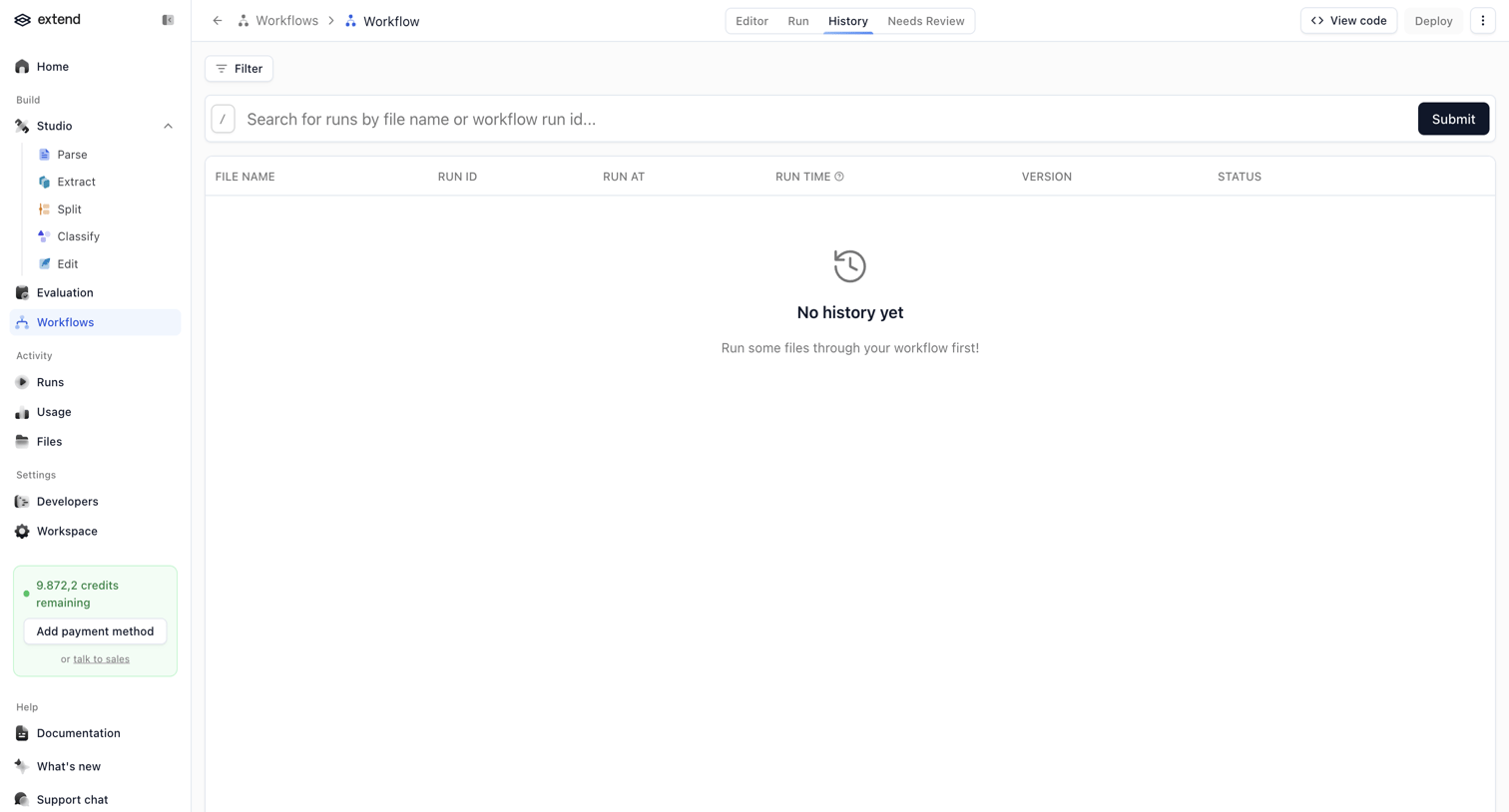

List view showing an empty state for workflow run history with a search bar, filter option, and a credit usage widget in the sidebar.
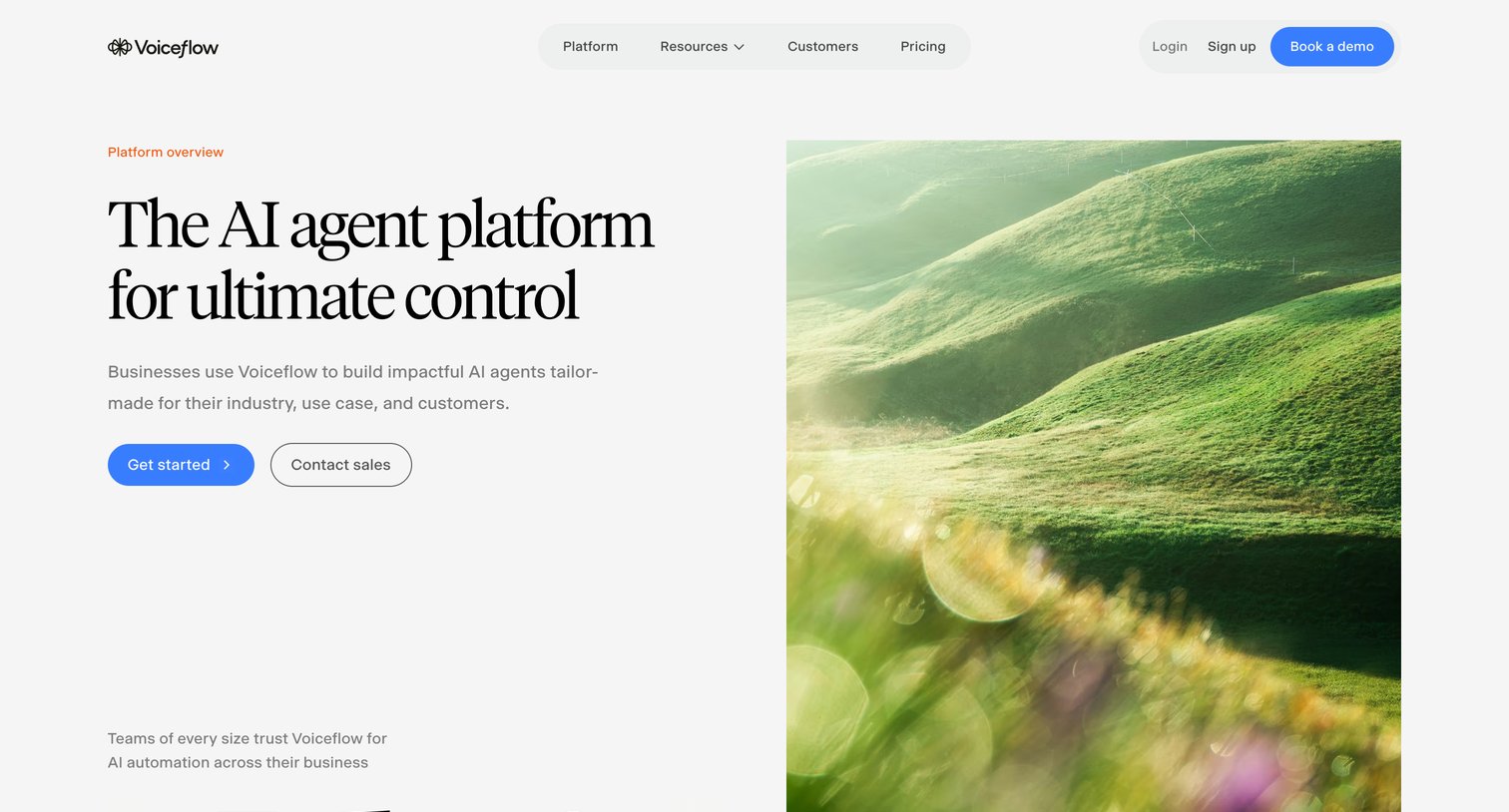

Product page detailing the capabilities of an AI agent platform, highlighting workflow building, enterprise security, and developer tools.
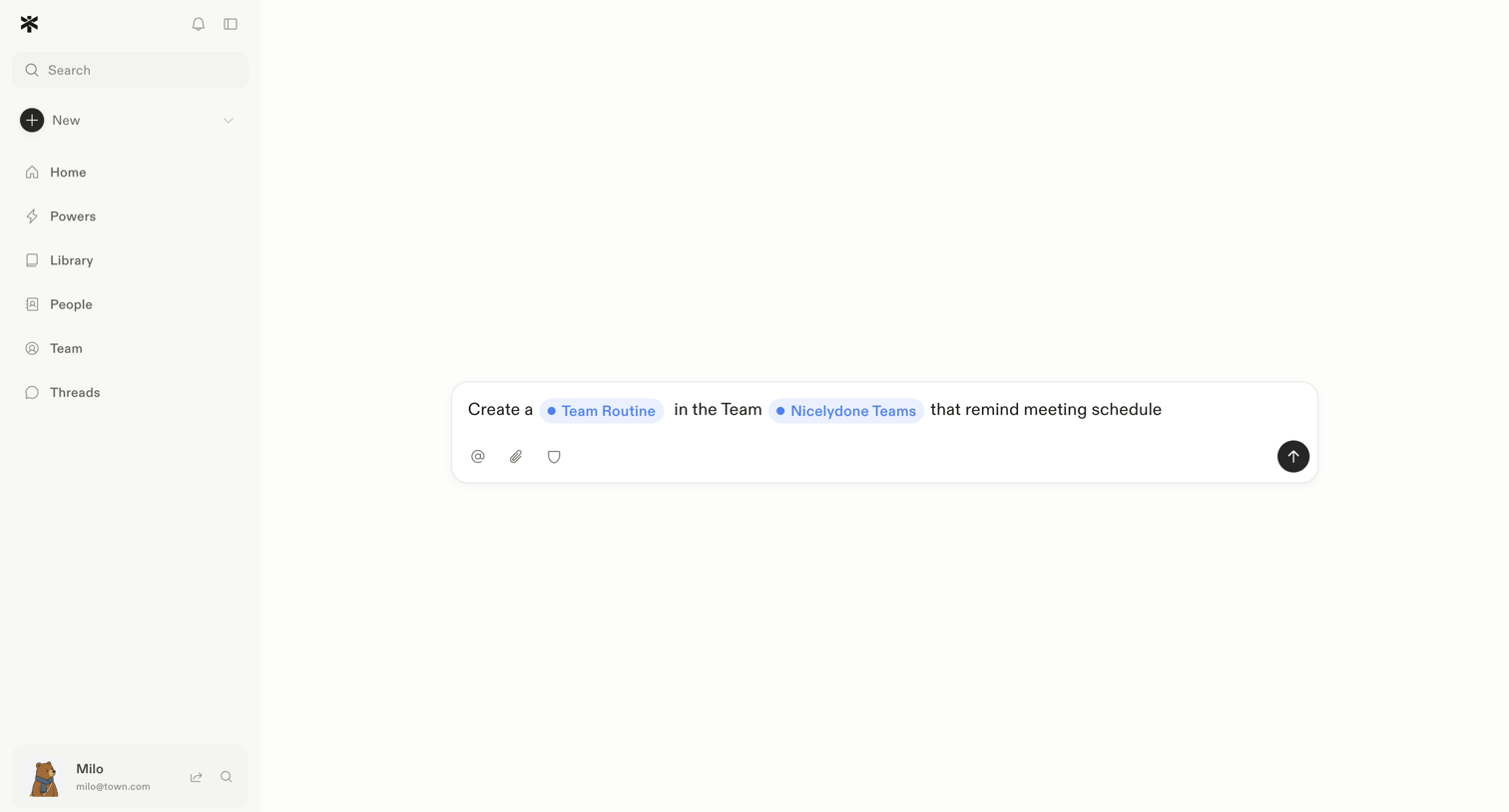

AI assistant interface where the user is drafting a natural language prompt to create a team routine workflow with specific variables.
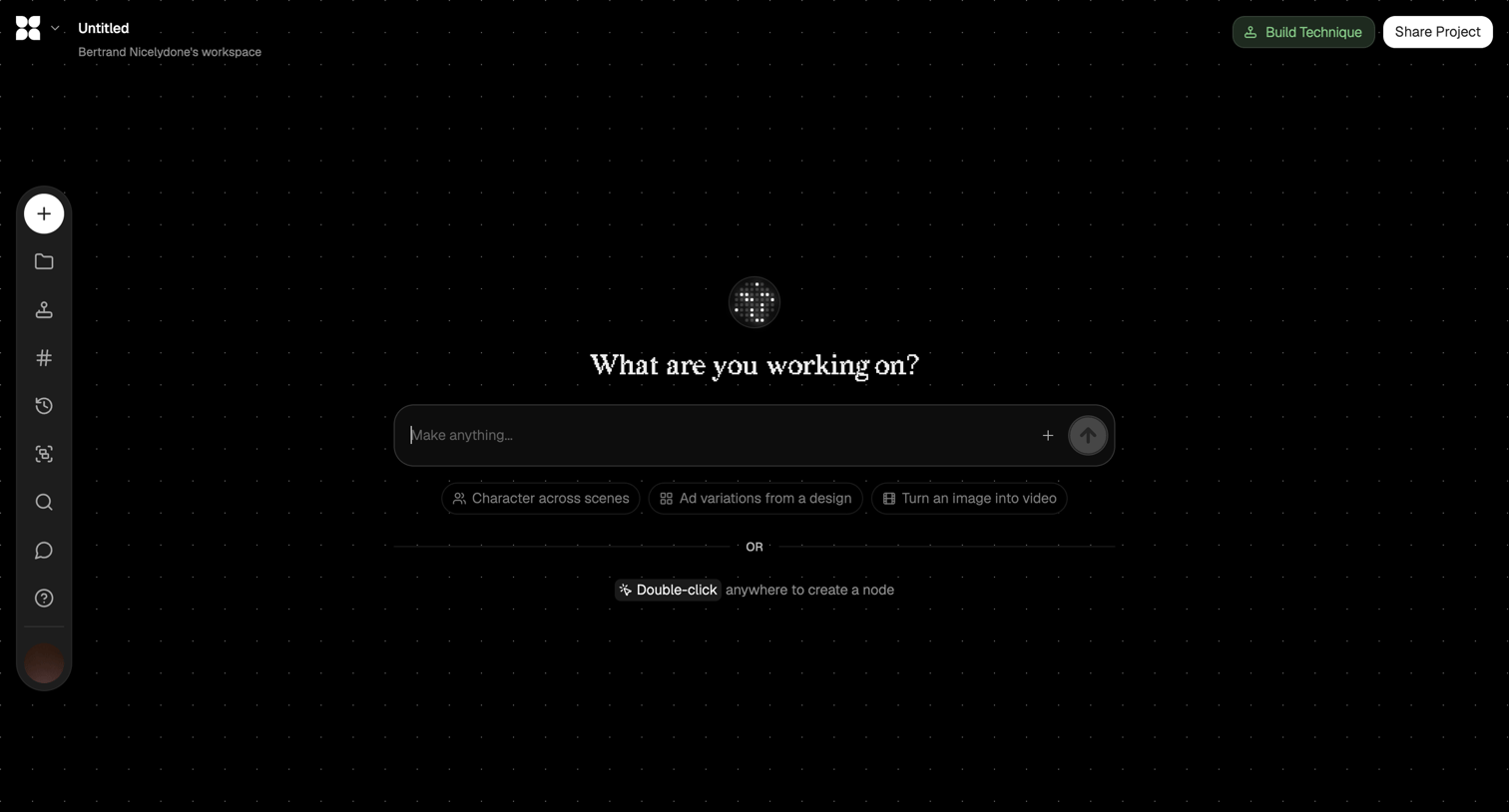

Design editor canvas where the user can start generating content via an AI prompt or by double-clicking to create nodes.
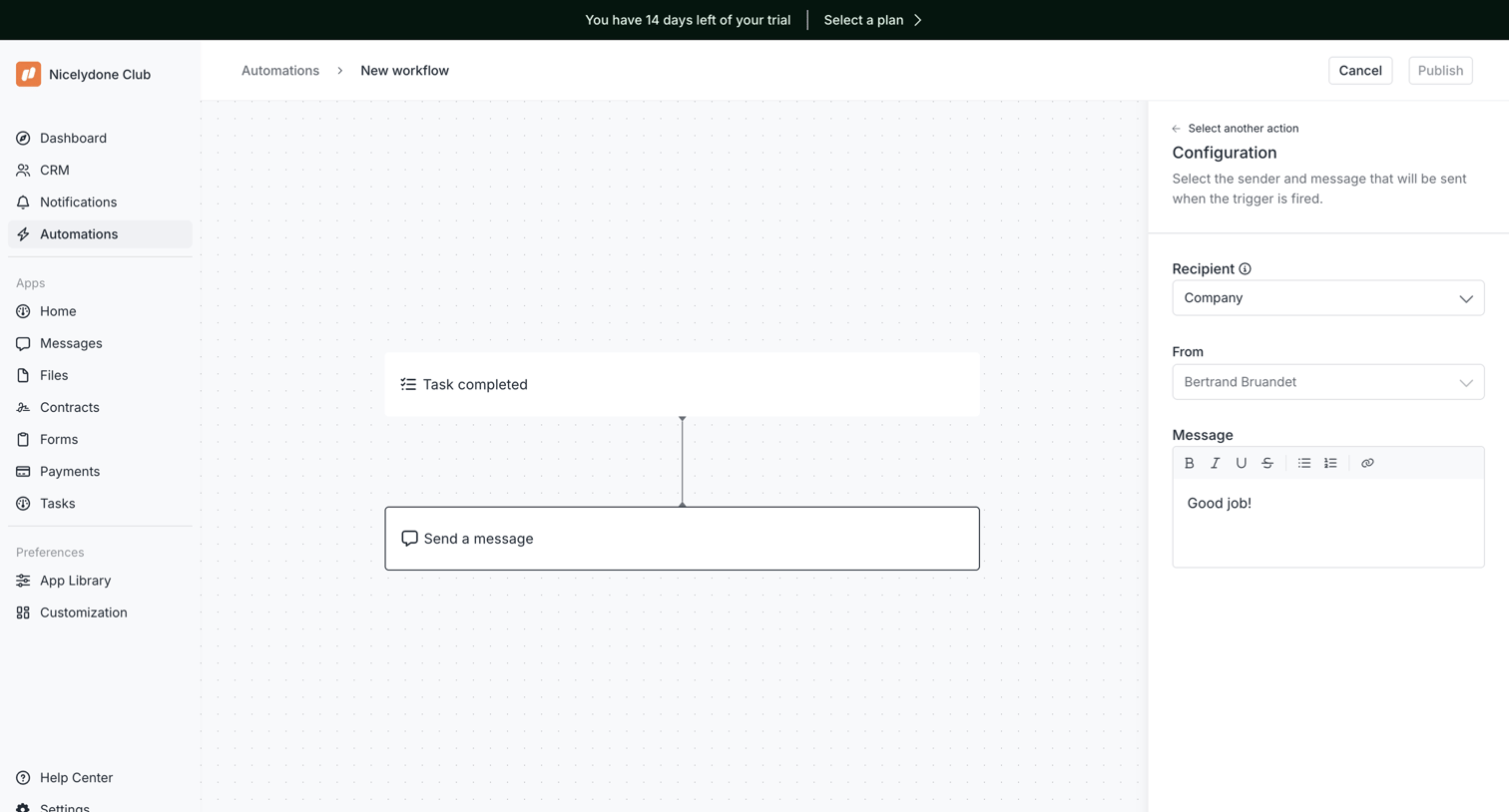

Workflow editor where the user configures a 'Send a message' action triggered by a 'Task completed' event, using a right-side configuration panel.
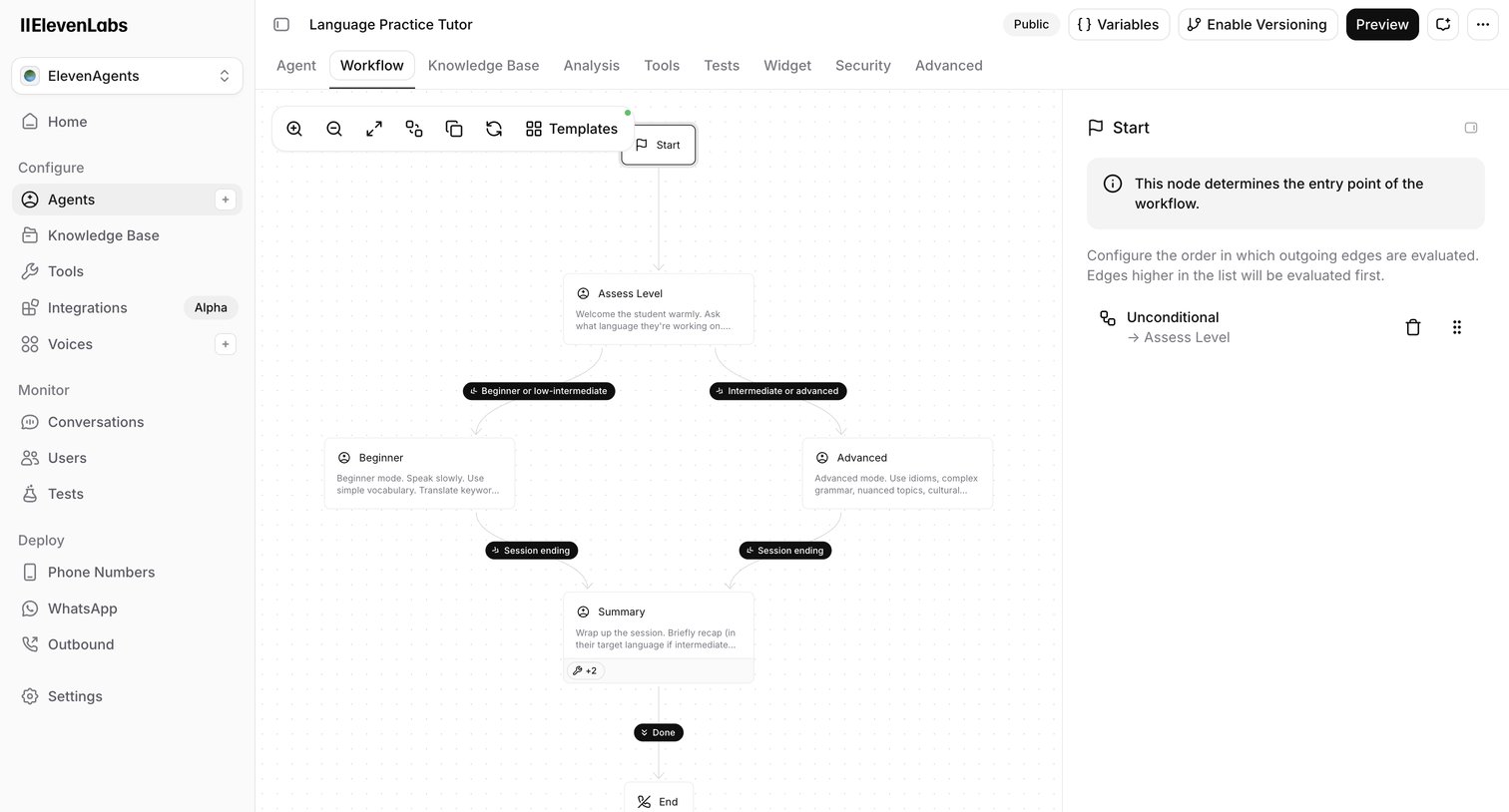

Design editor where the user configures the conversation flow of an AI language tutor agent using a node-based canvas and an inspector panel.
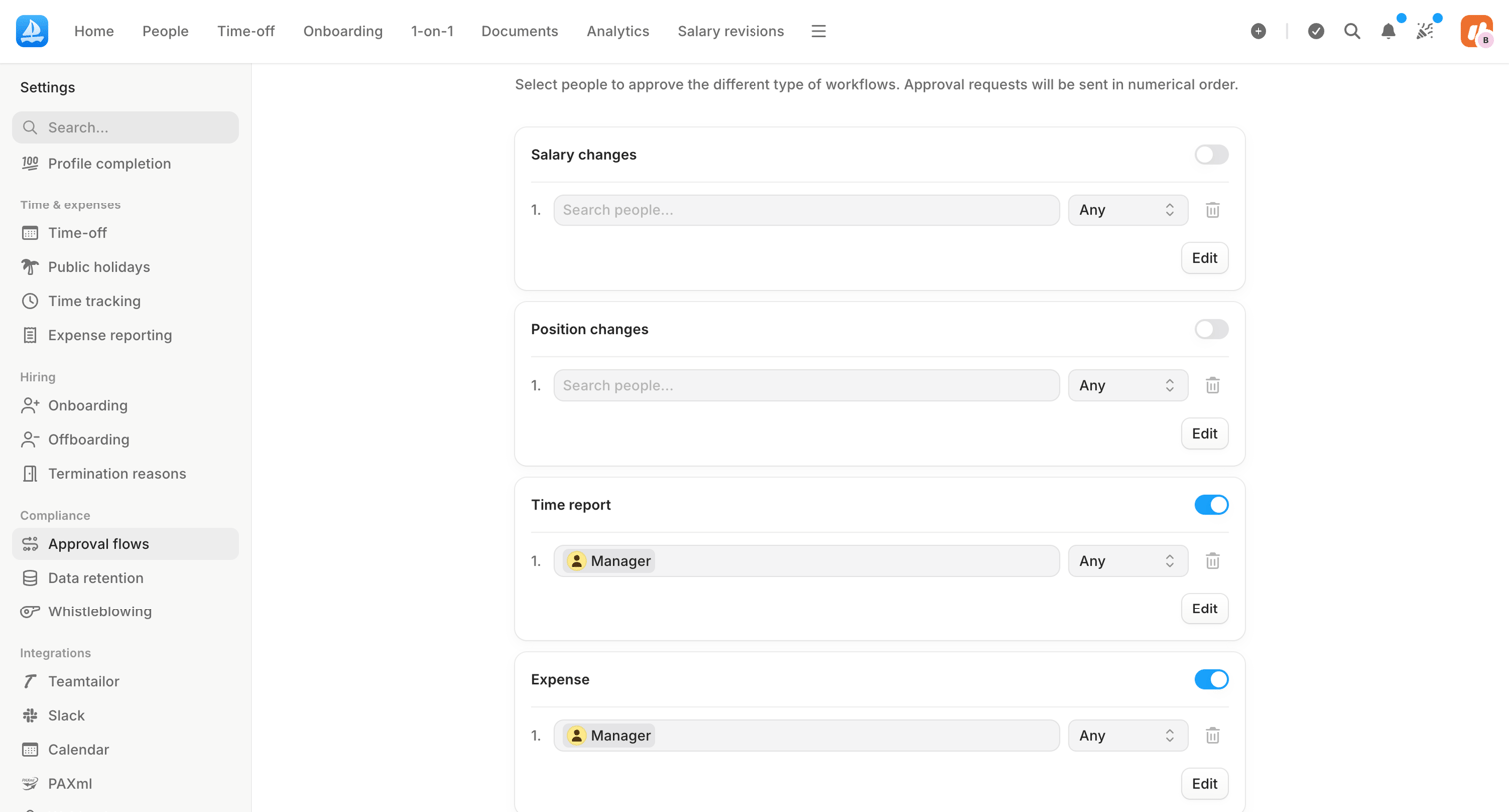

Settings page where the user configures multi-step approval workflows for salary changes, position changes, time reports, and expenses by assigning specific people or roles.
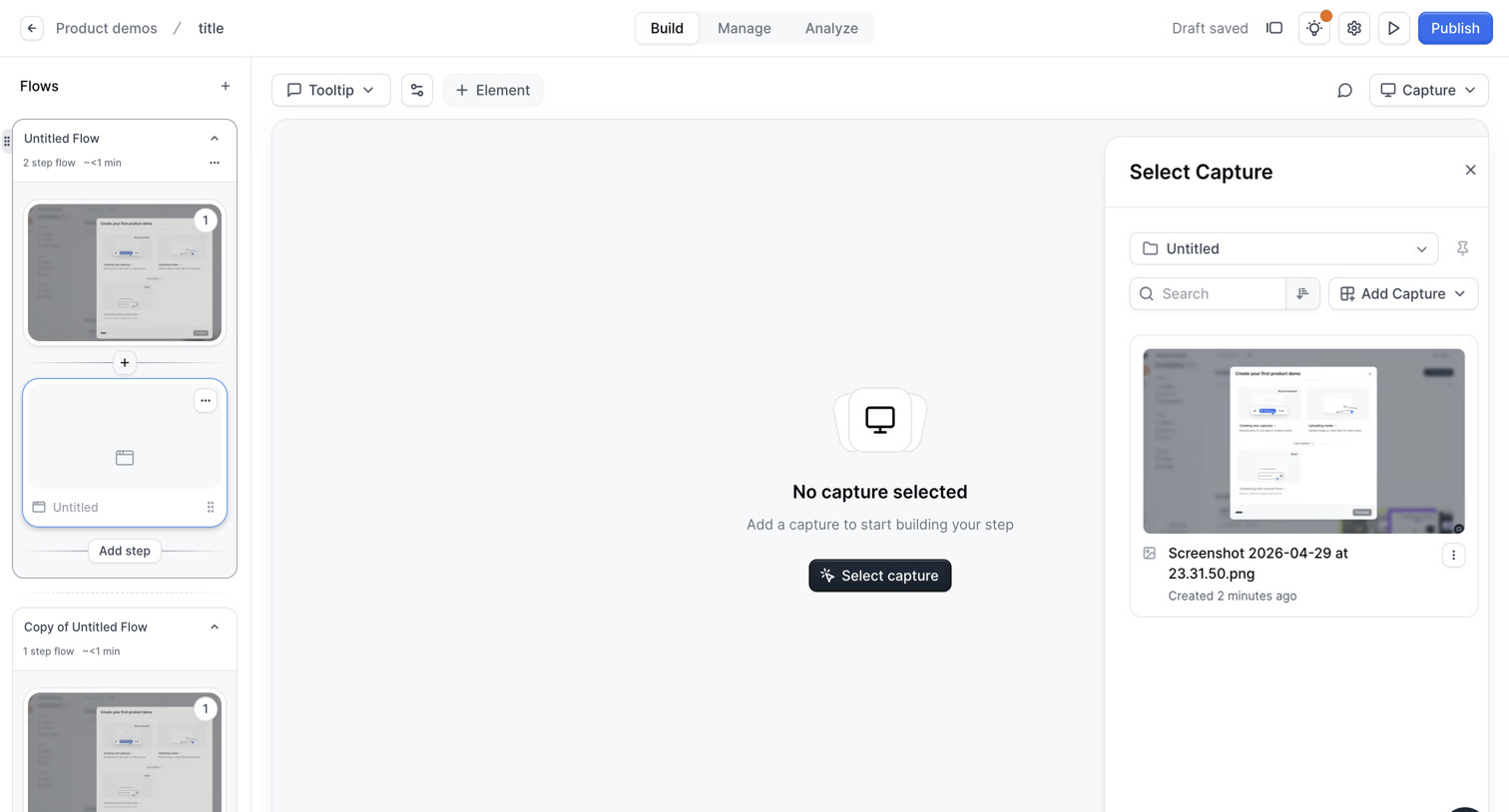

Design editor where the user builds an interactive product demo by arranging screen captures into a sequential flow.
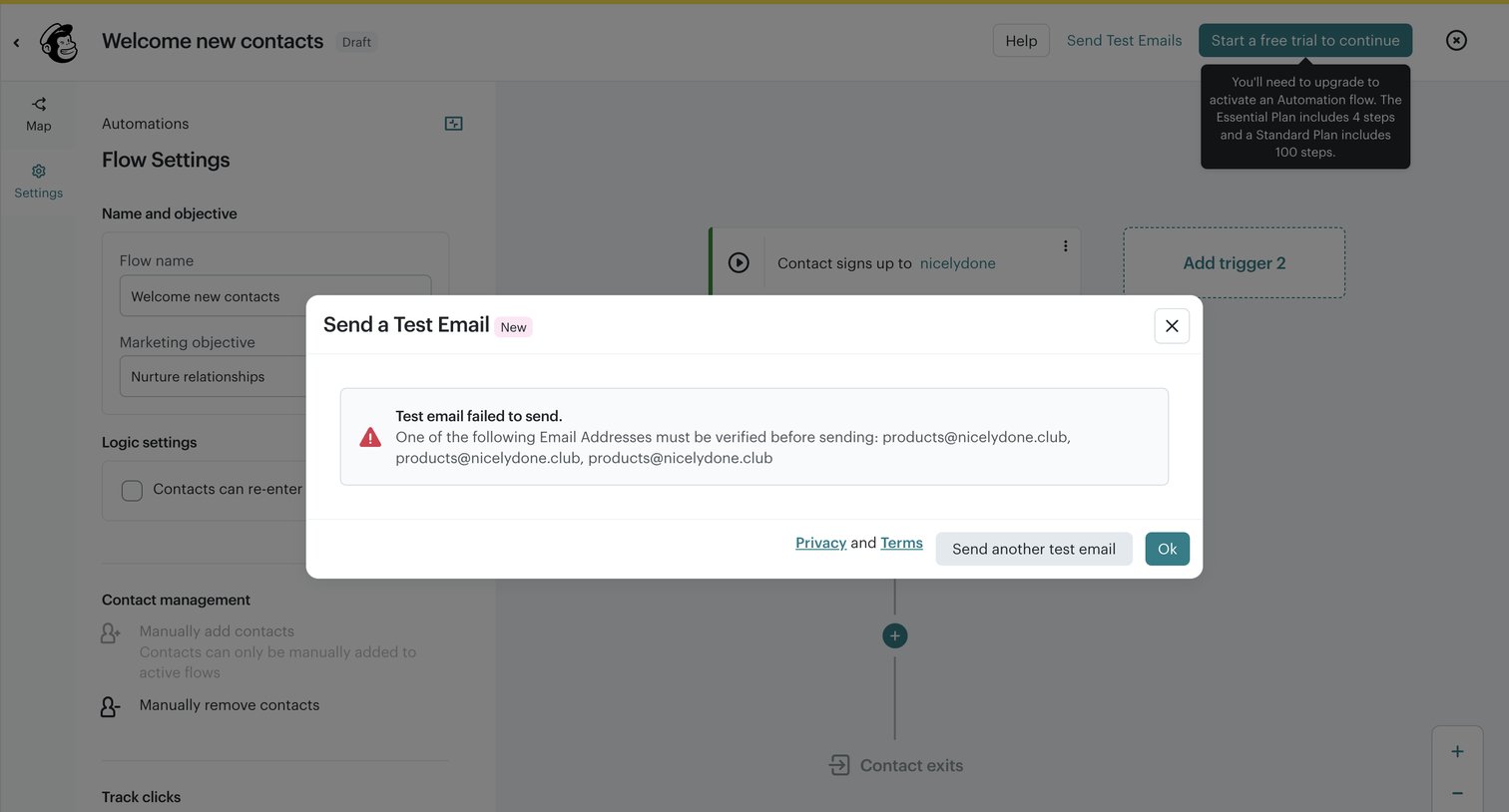

Workflow editor showing an error modal because the sender email addresses must be verified before sending a test email.
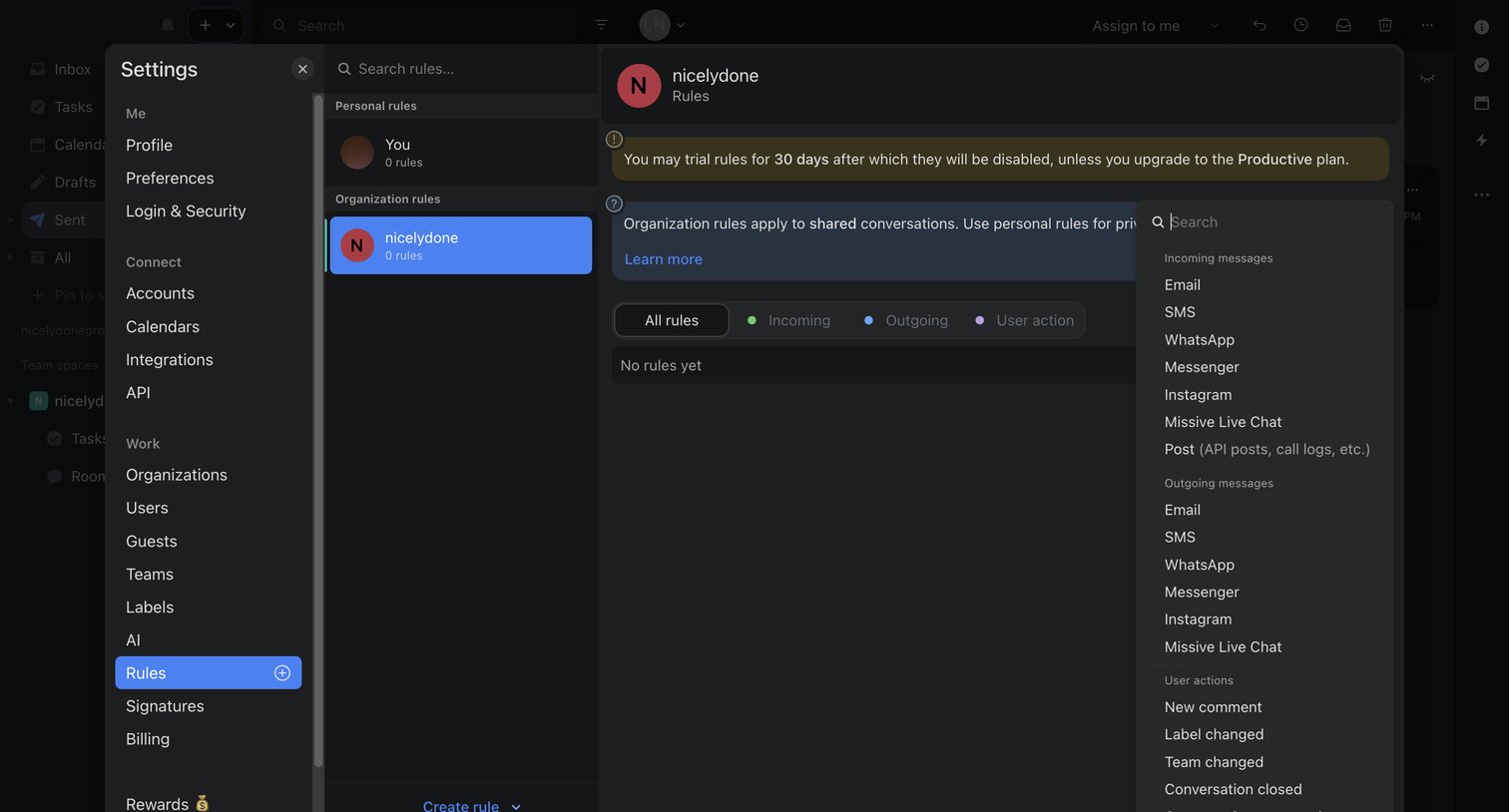

Settings modal where the user configures automation rules for their organization, currently showing an empty state and an open combobox to select a trigger like incoming emails or user actions, alongside a trial expiration warning.
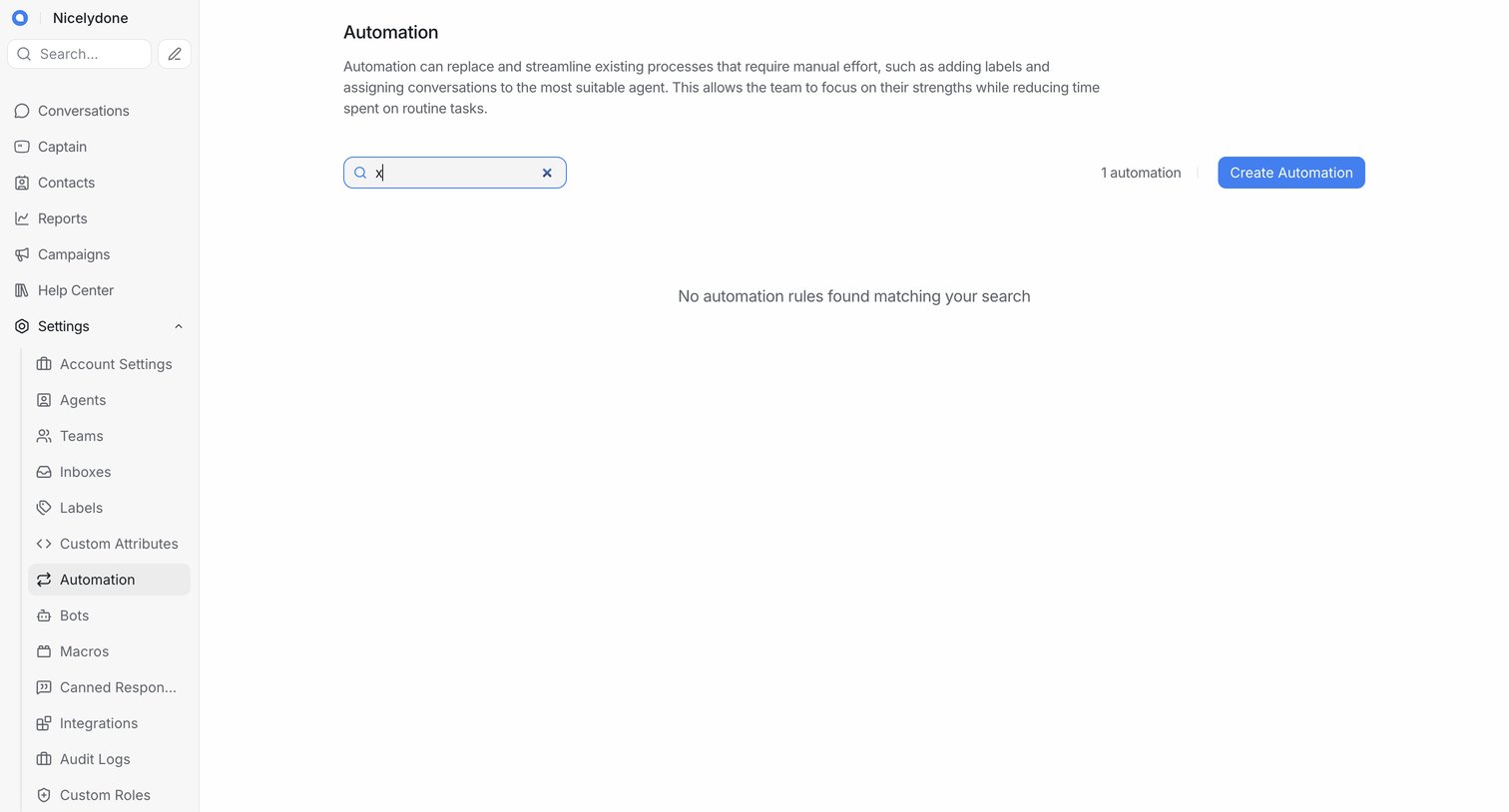

Settings page where the user manages automation rules, currently showing an empty state for a search query with an option to create a new automation.
Explore the full SaaS screen library
Upgrade to unlock the full library.
Trusted by the best teams








About Workflow builder
Explore how SaaS apps let people arrange a sequence of work. Look at how steps, connections, and configuration panels show the structure of a workflow as it is built.