Whiteboard screen examples
Whiteboard screen design examples from SaaS apps. Browse examples from Paper, Orchestra, Craft.
Explore the examples
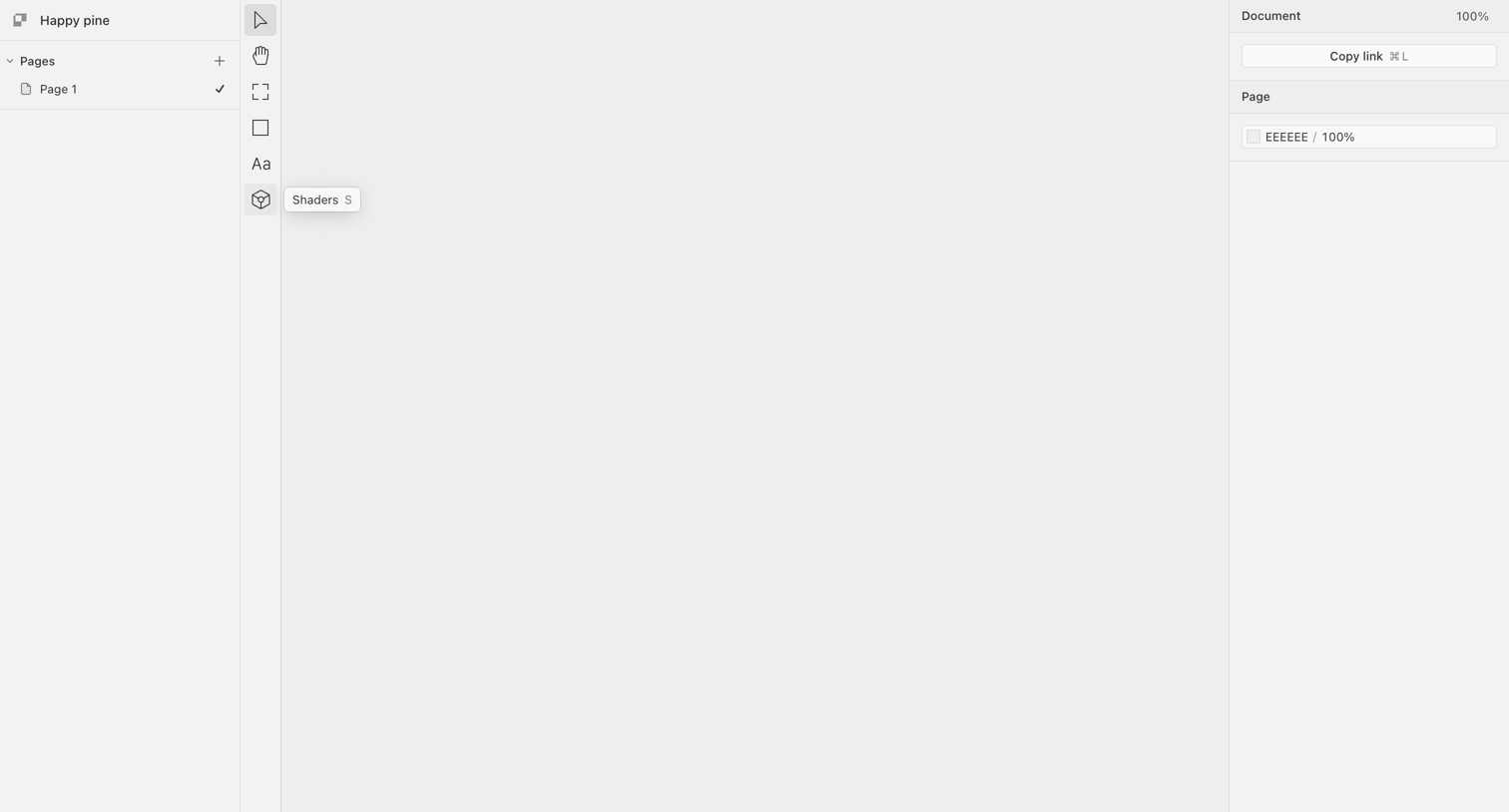

Design editor interface with a blank canvas, a left sidebar for page management, a vertical tool palette, and a right inspector panel for document properties.
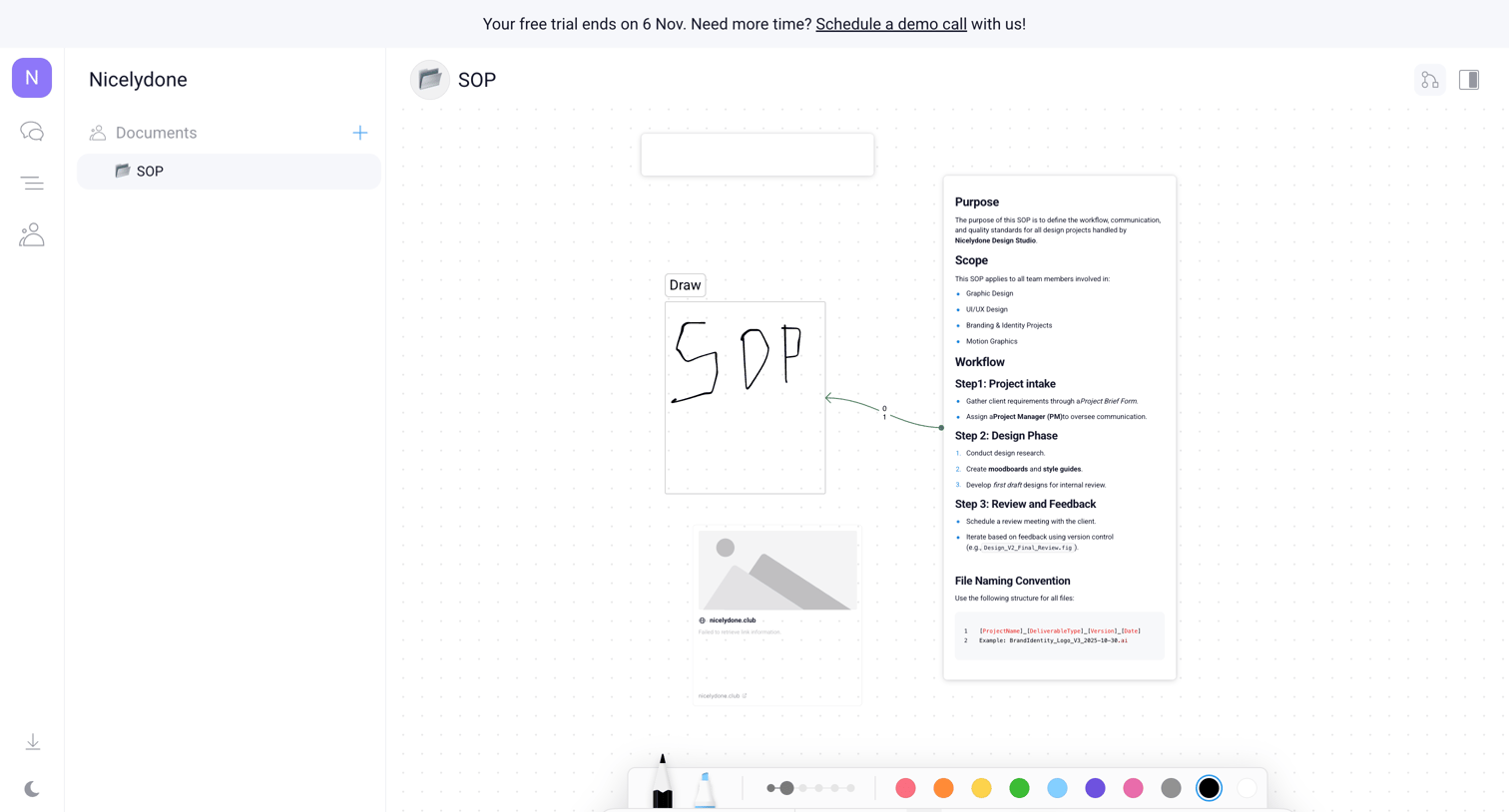

Whiteboard editor where the user creates an SOP using text blocks, drawing tools, and image placeholders on an infinite canvas.
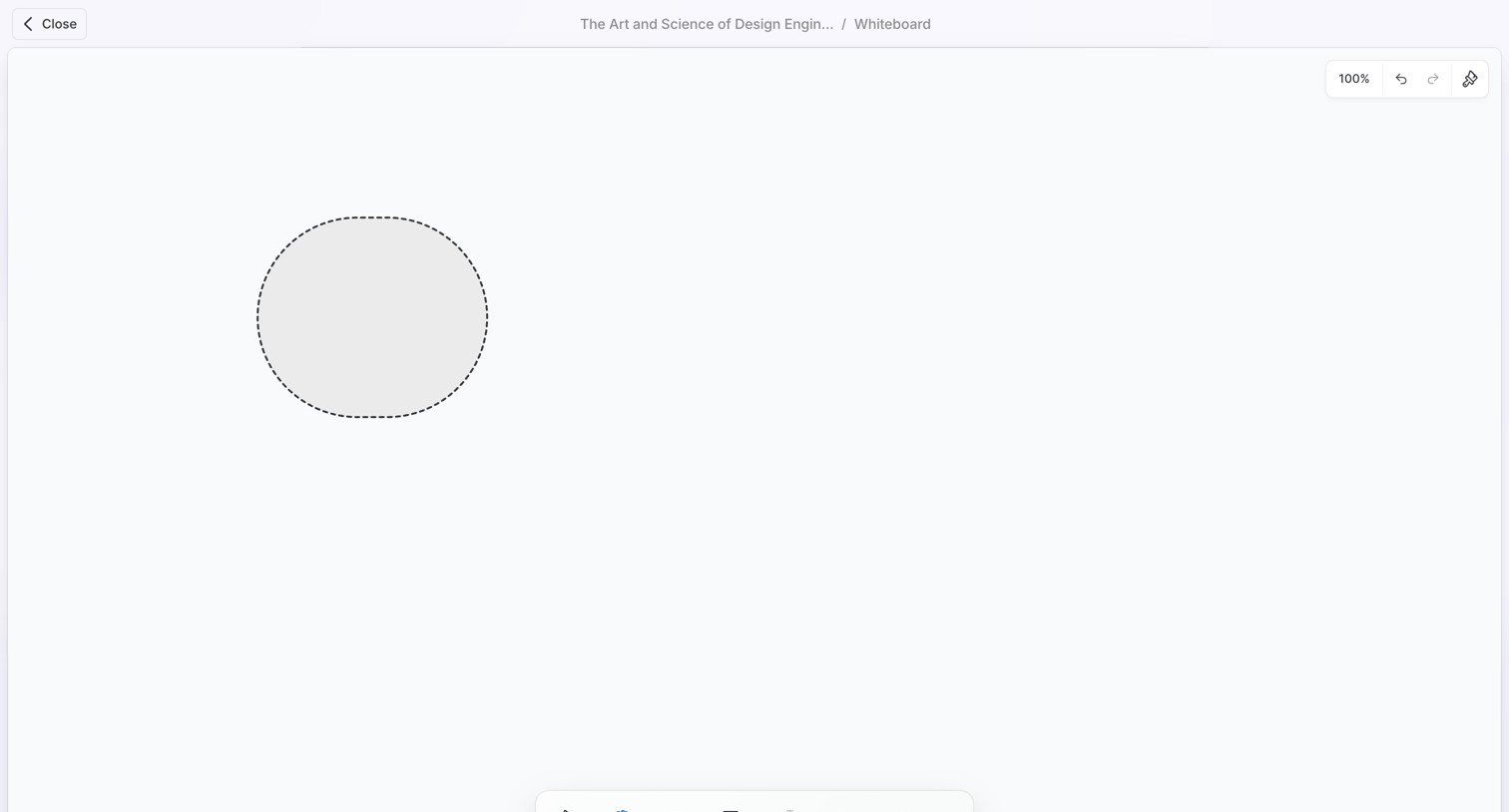

Whiteboard canvas where the user is drawing a shape, featuring a floating tool palette at the bottom and document navigation at the top.
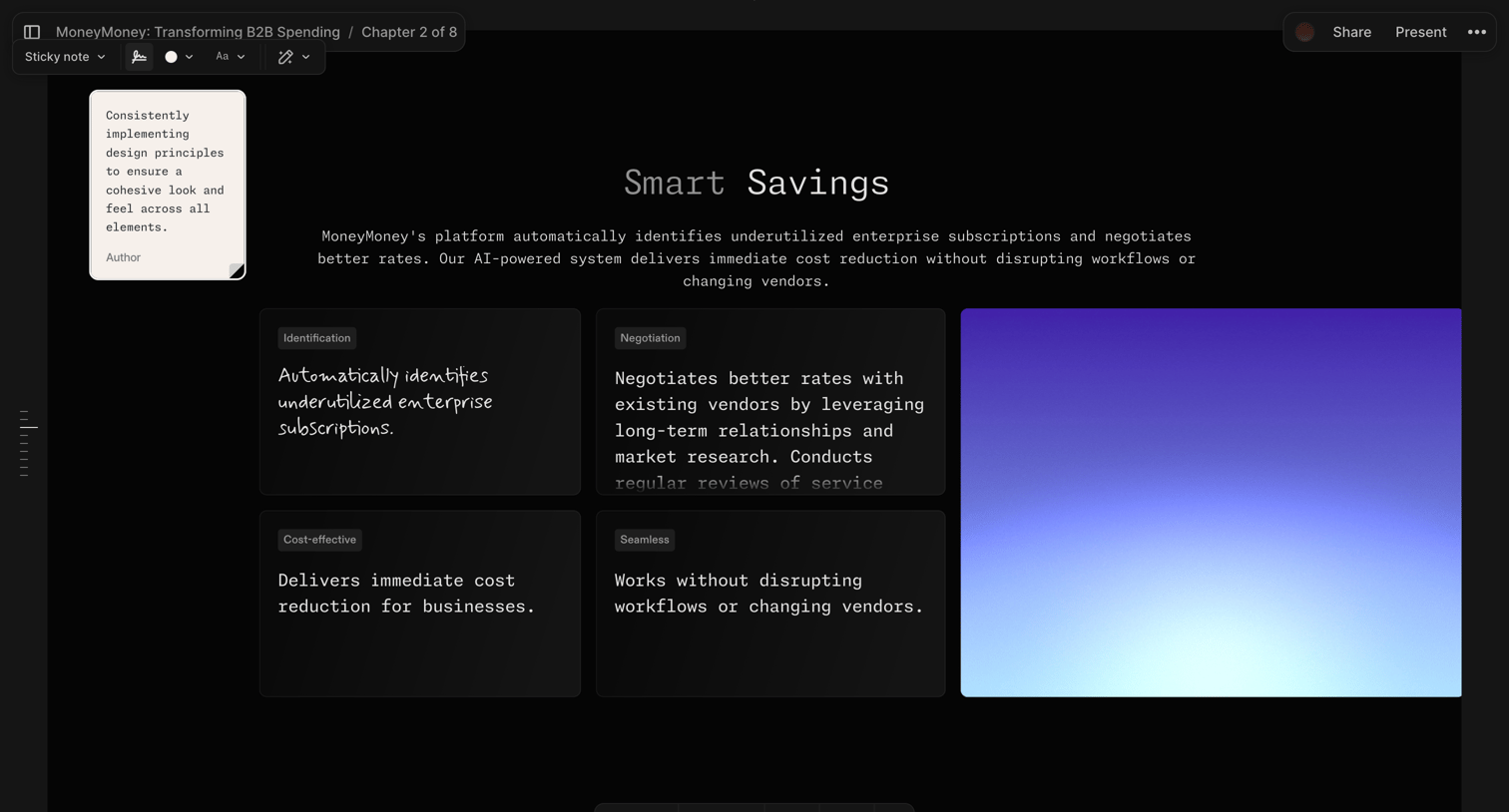

Design editor where the user is building a presentation slide about smart savings with text blocks, feature cards, and a sticky note.
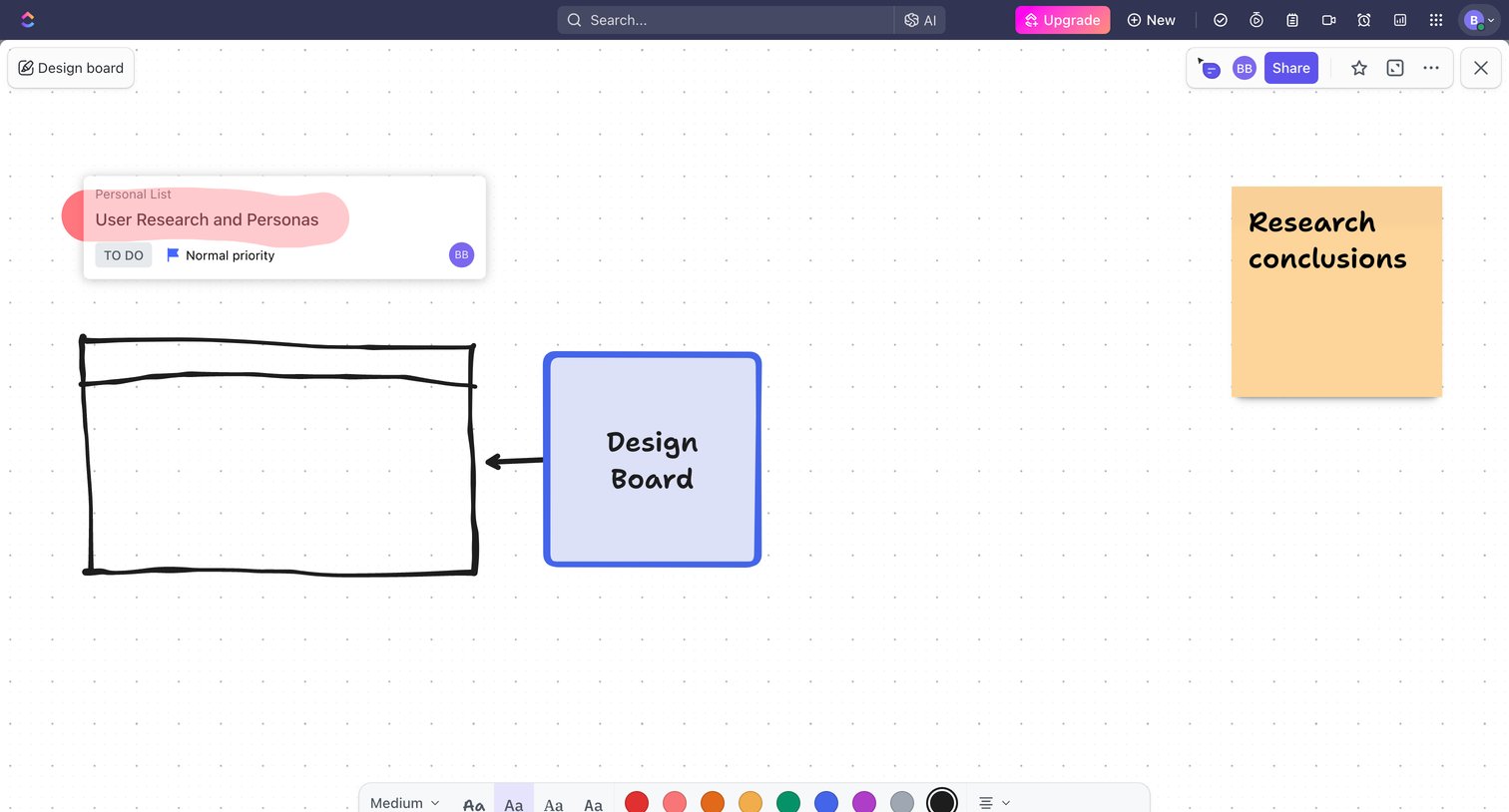

Design editor where the user builds a visual whiteboard with sticky notes, drawn shapes, and embedded task cards.

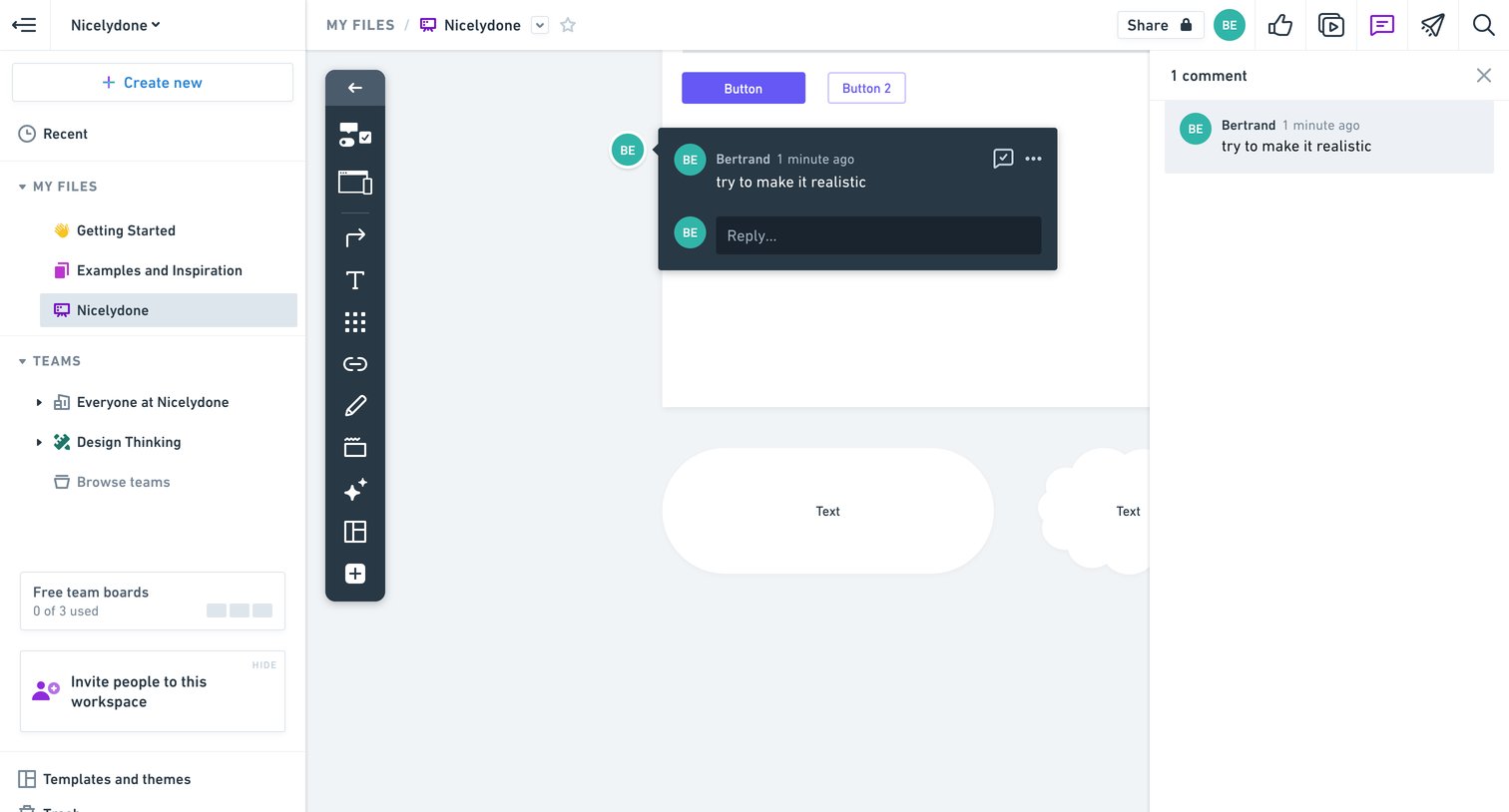

Design editor where the user is viewing a whiteboard canvas with an active comment thread open in the right sidebar and a floating comment popover on the canvas.
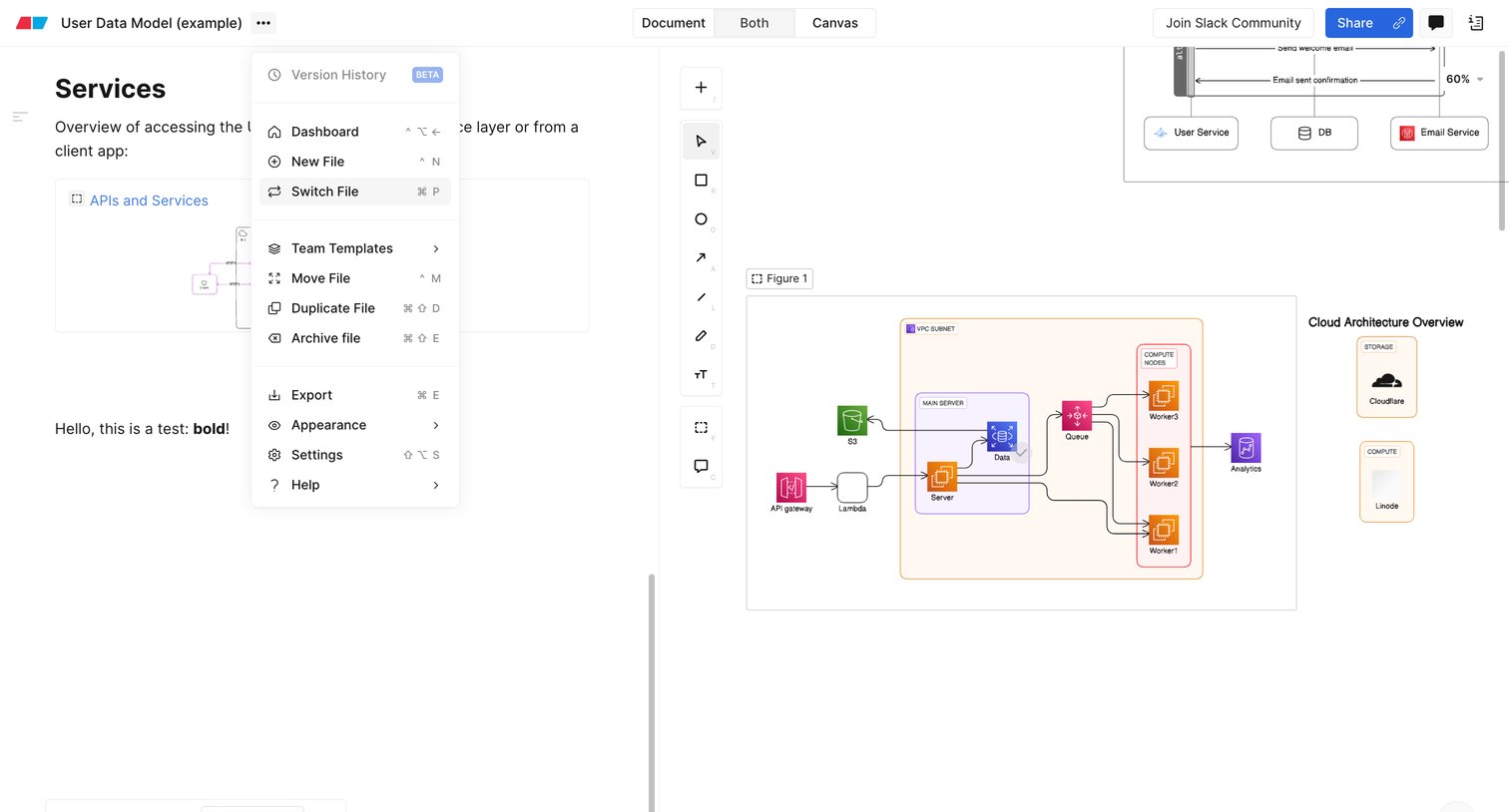

Design editor showing a split view with a rich text document on the left and an architecture diagram canvas on the right, featuring an open file menu.
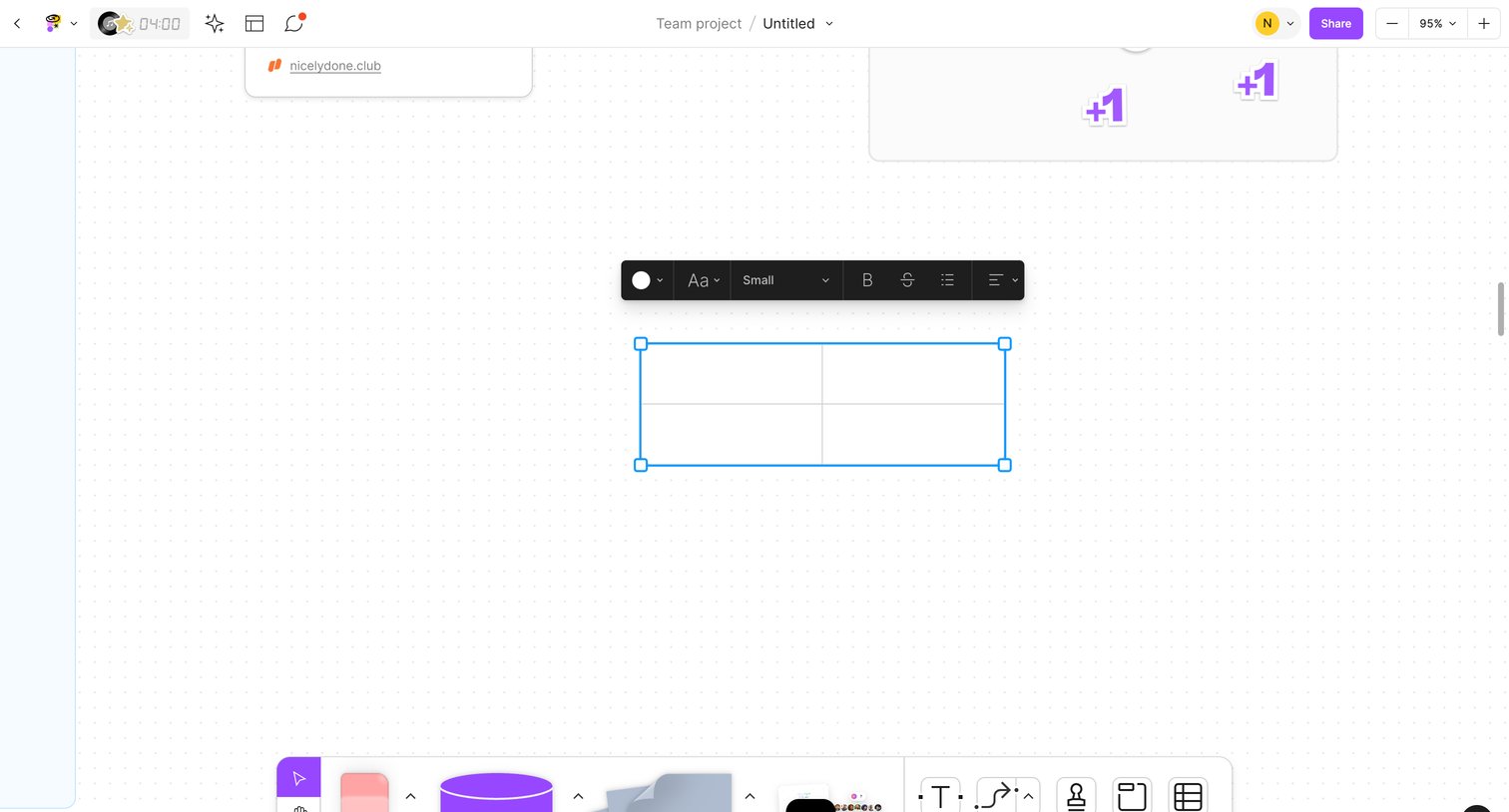

Whiteboard editor where the user is formatting a 2x2 table using a floating context menu.
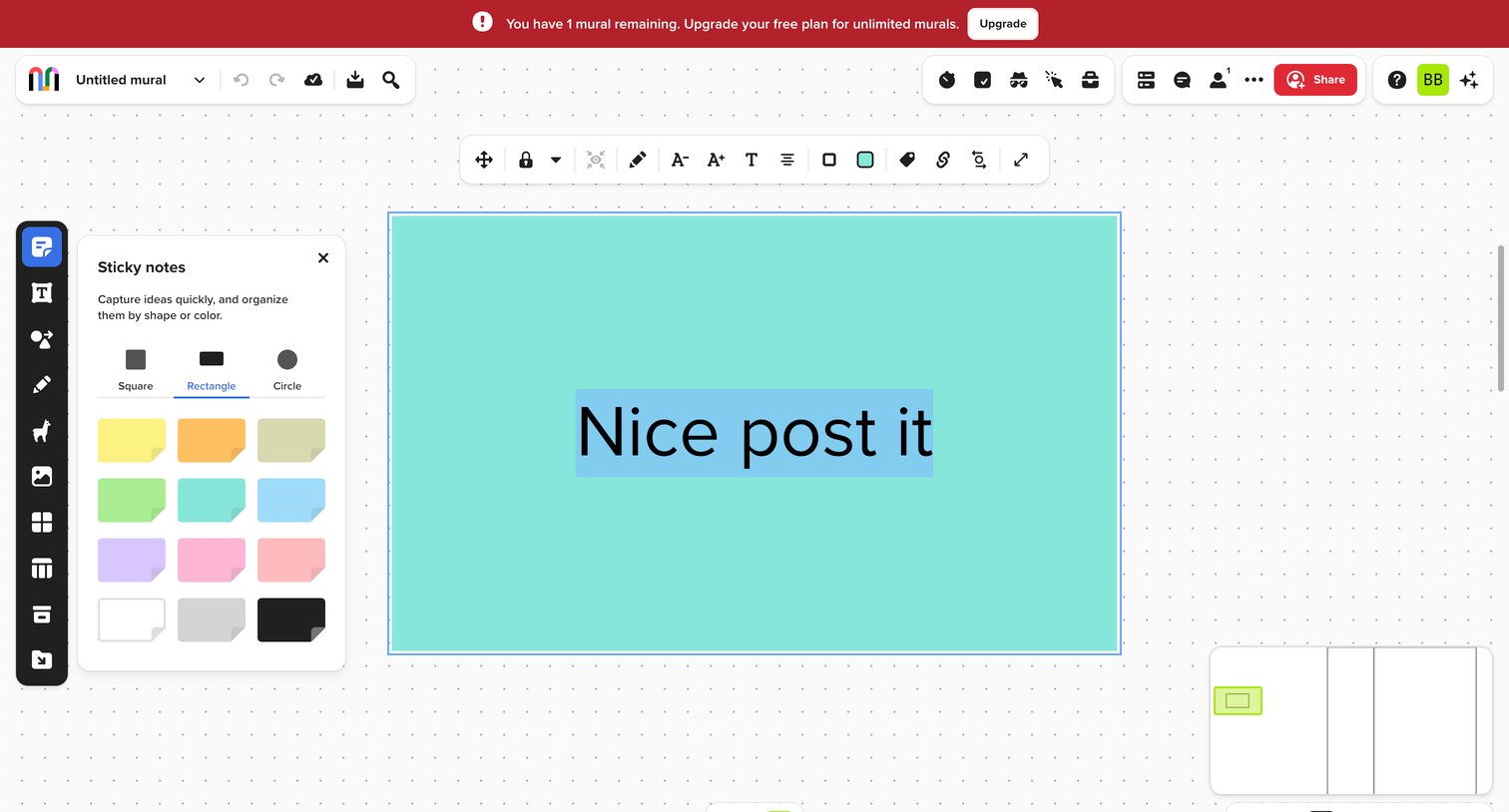

Digital whiteboard canvas where the user is editing a selected sticky note with a floating formatting toolbar, while a tool palette is open on the left.
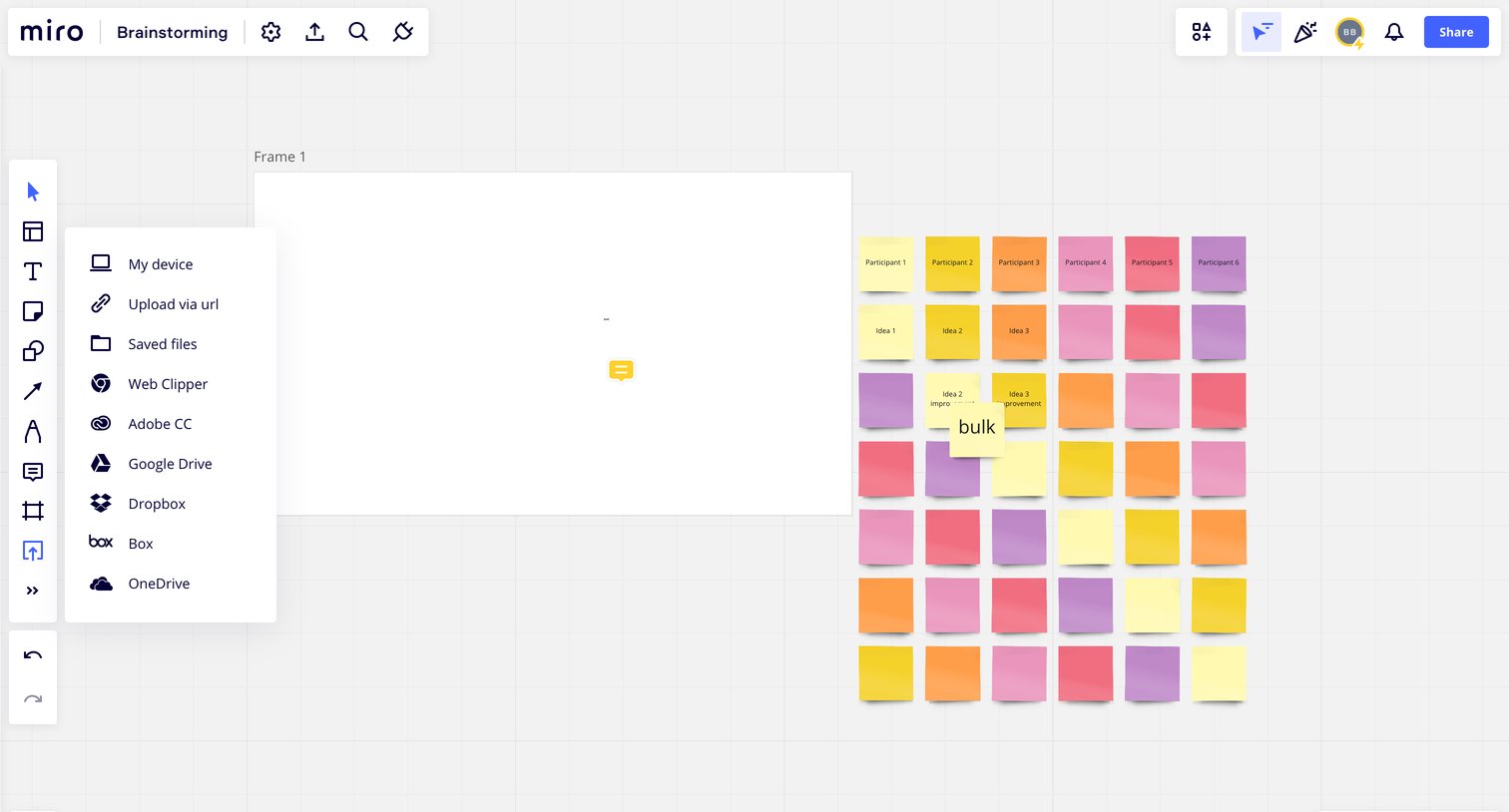

Whiteboard canvas where the user is brainstorming with sticky notes and has opened the upload menu to add files from various sources.
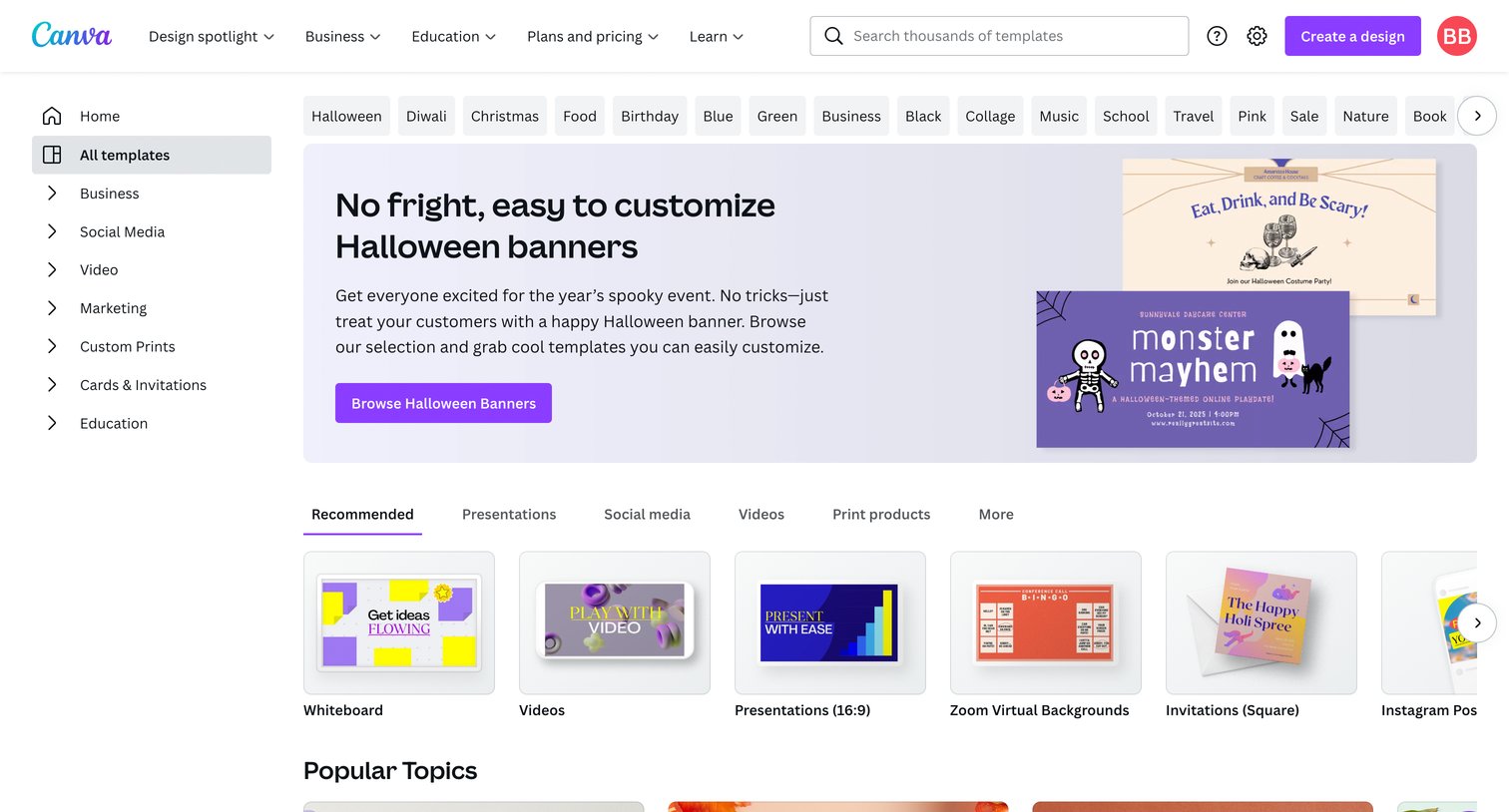

Explore the full SaaS screen library
Upgrade to unlock the full library.
Trusted by the best teams







