Miro design examples
Explore Miro UI design examples. An online visual collaboration platform for teamwork
Product screens
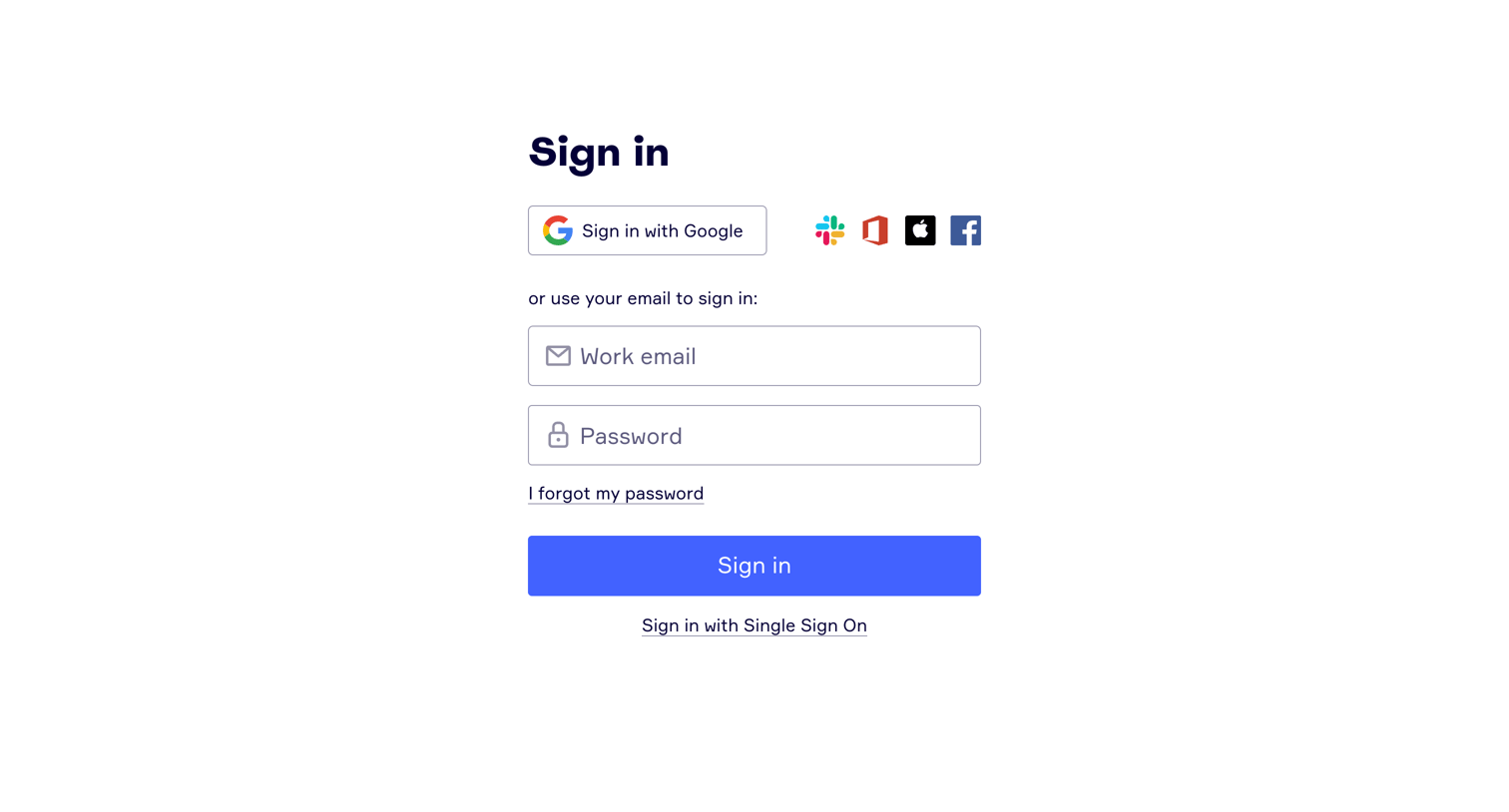
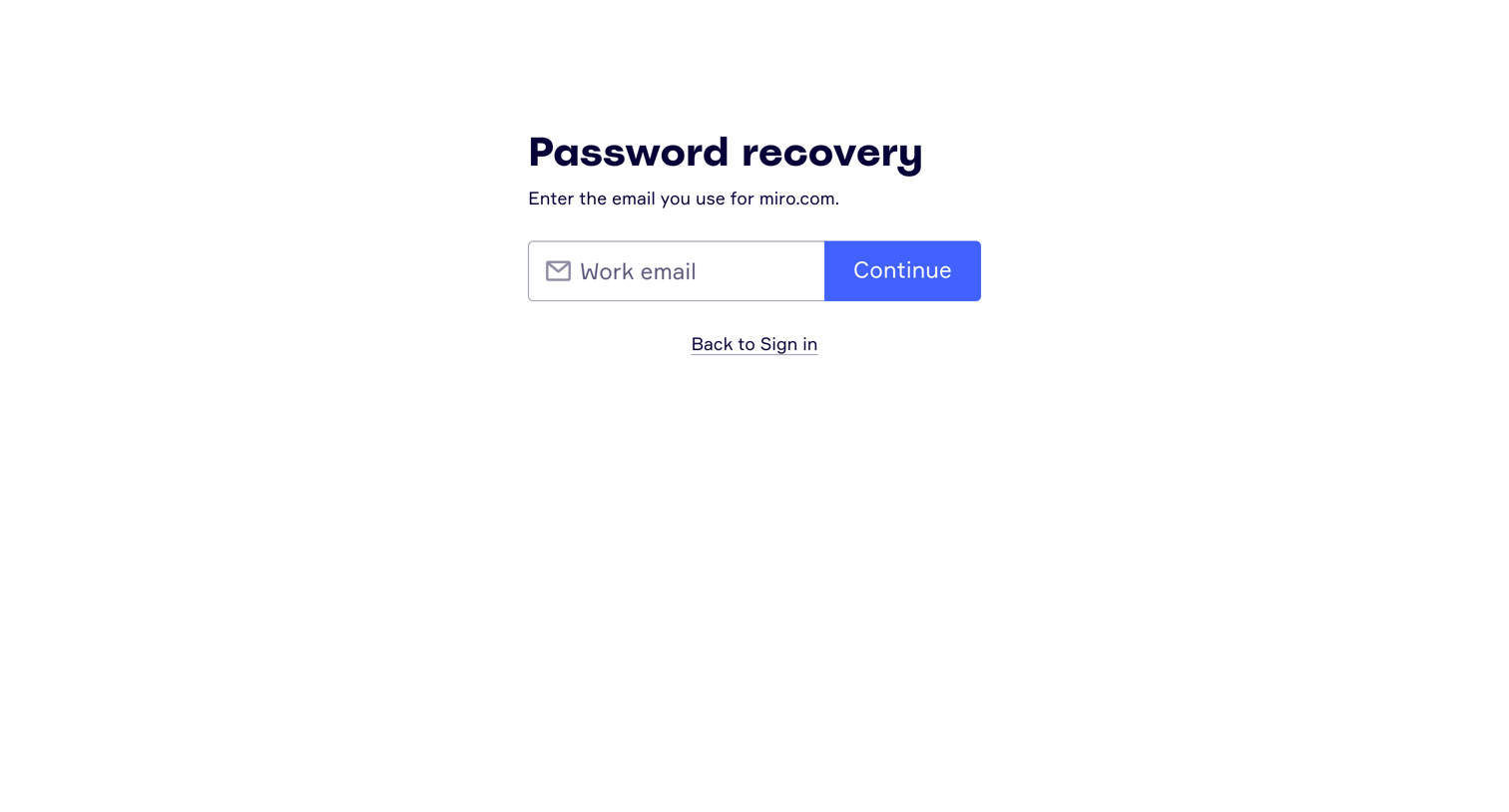

Password recovery page where the user enters their work email to receive a reset link.
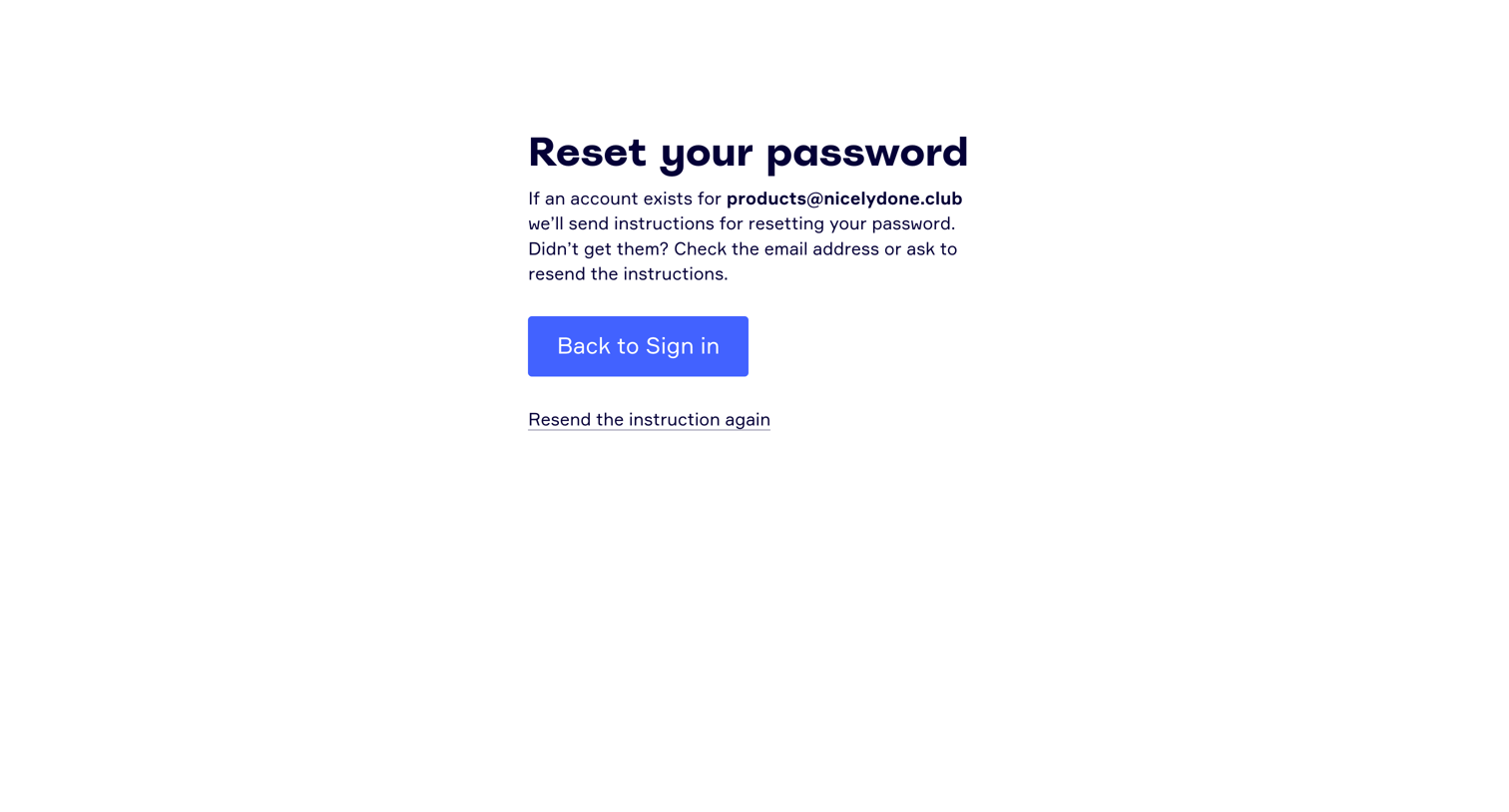
Password recovery screen confirming that reset instructions have been sent to the user's email address, with options to return to sign in or resend the email.
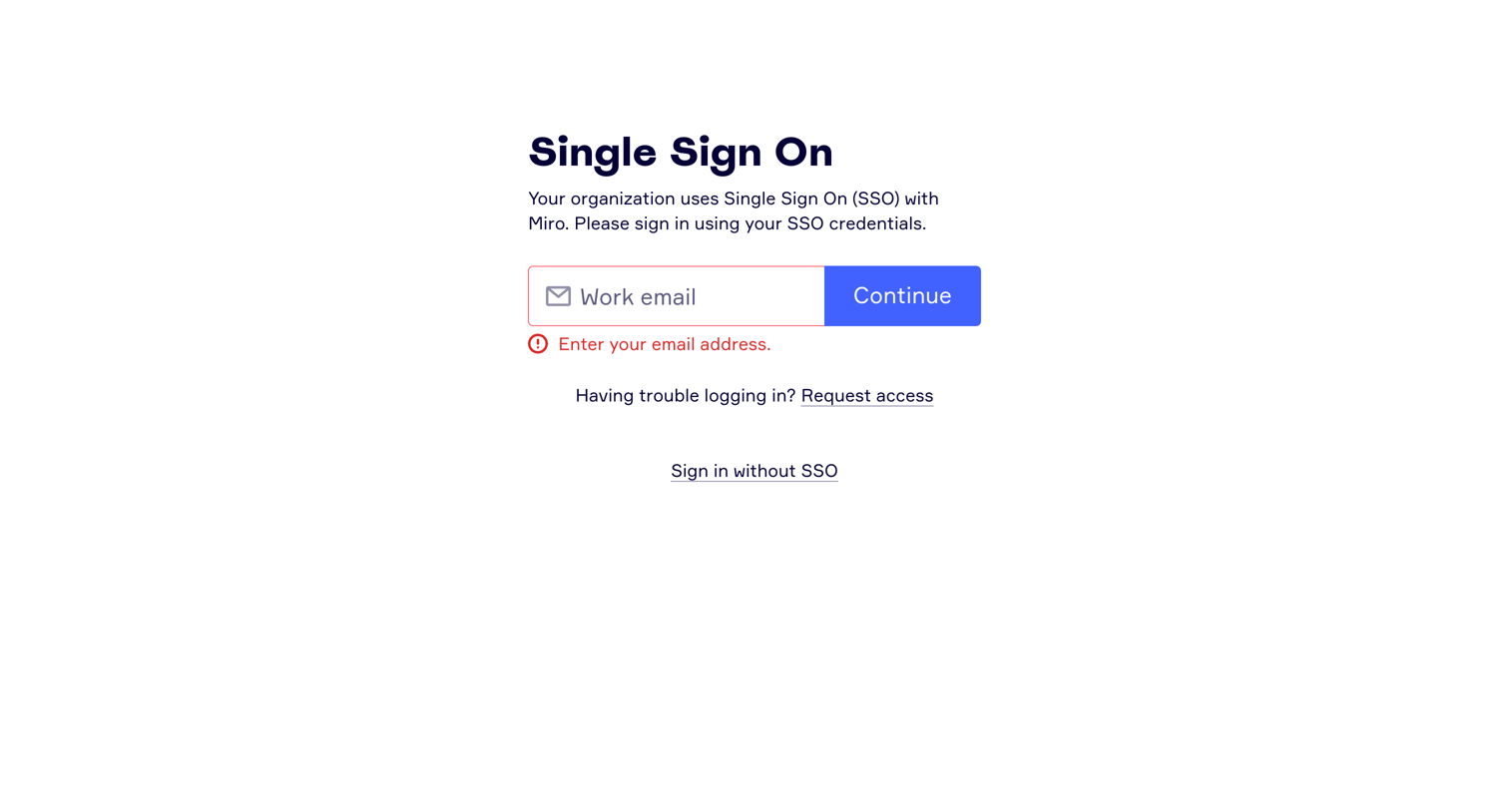
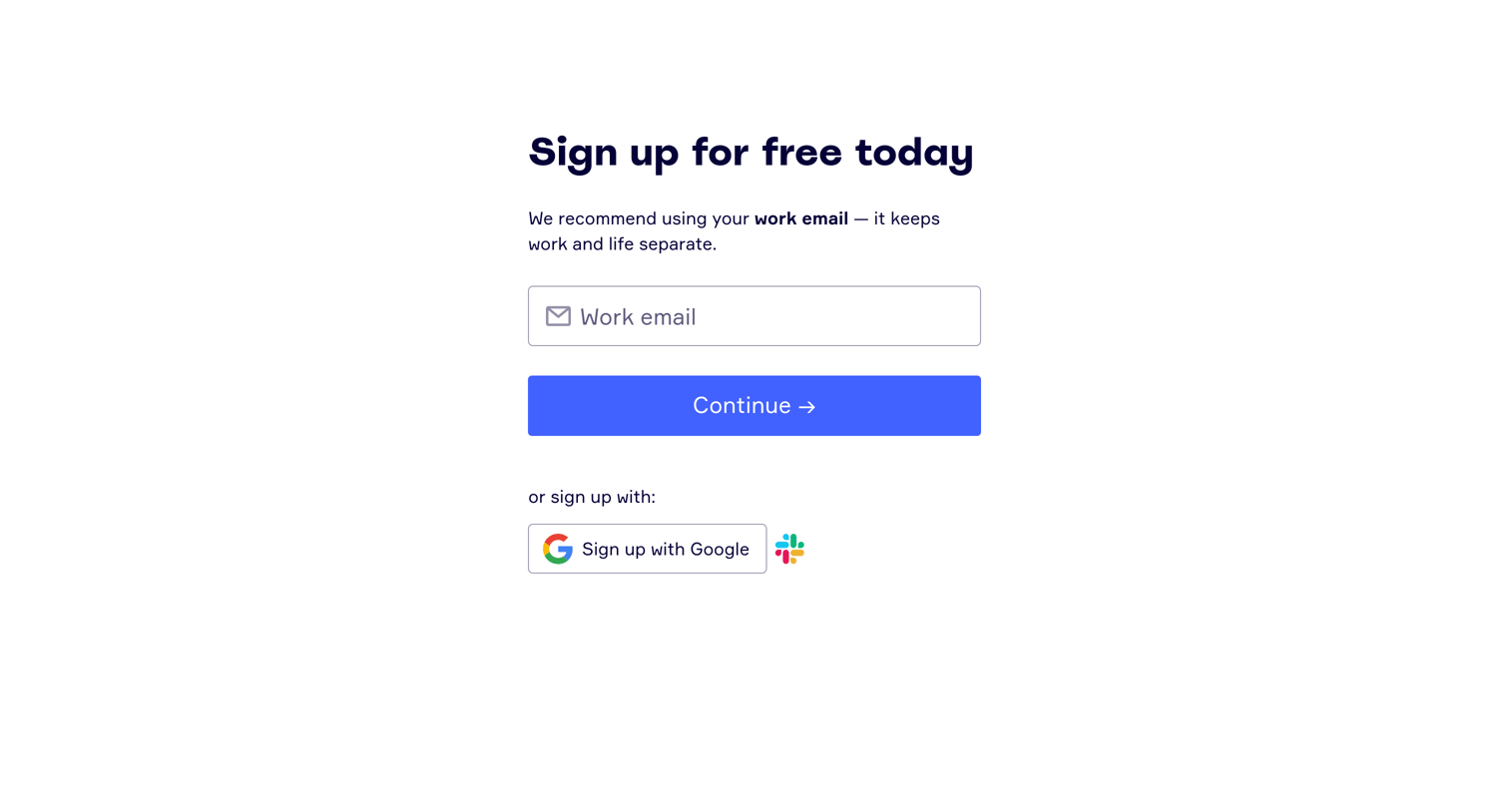
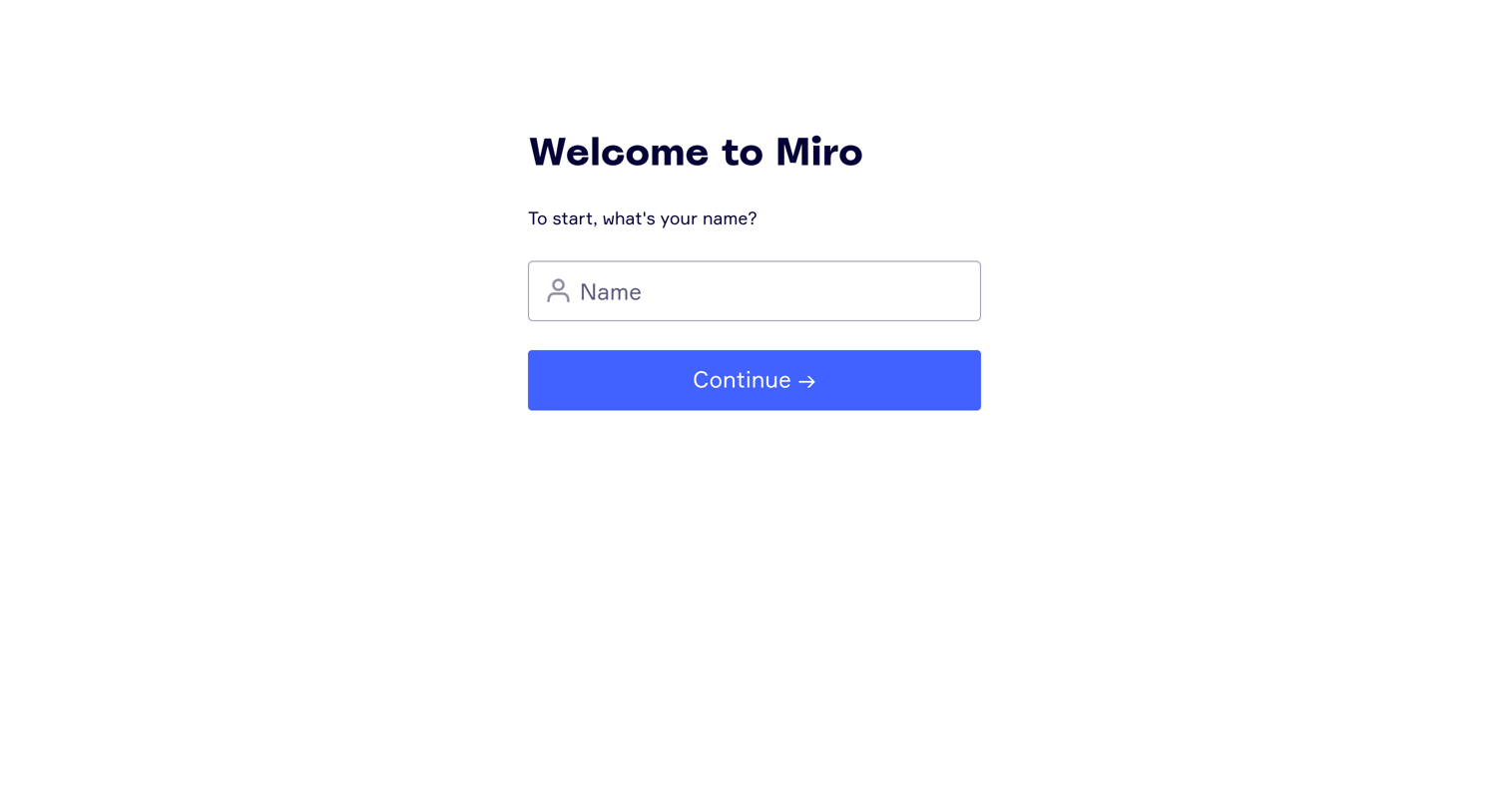
Onboarding step where the user is welcomed and prompted to enter their name to continue setting up their profile.
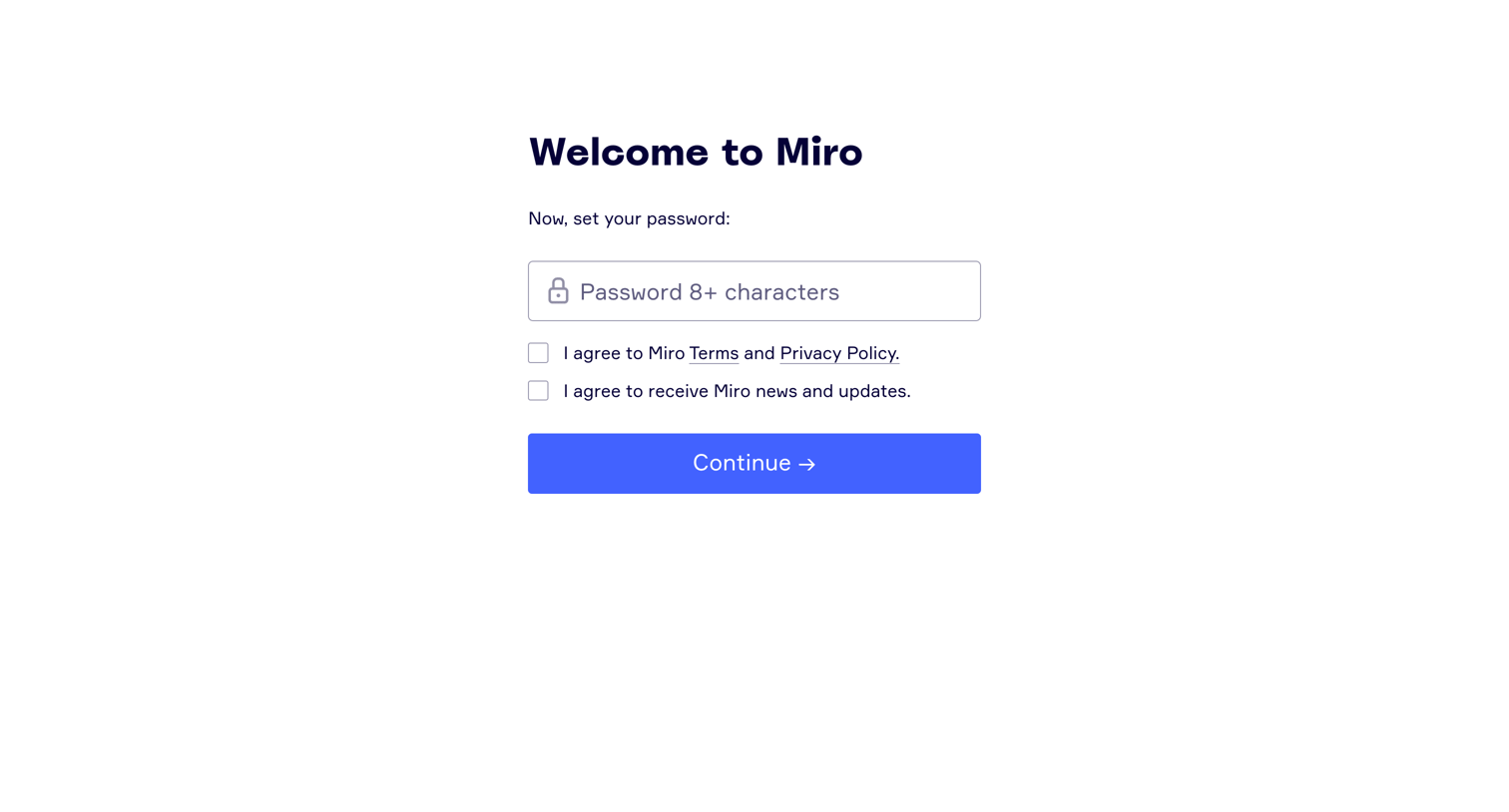
Signup step where the user sets a password and agrees to the terms and privacy policy to complete account creation.
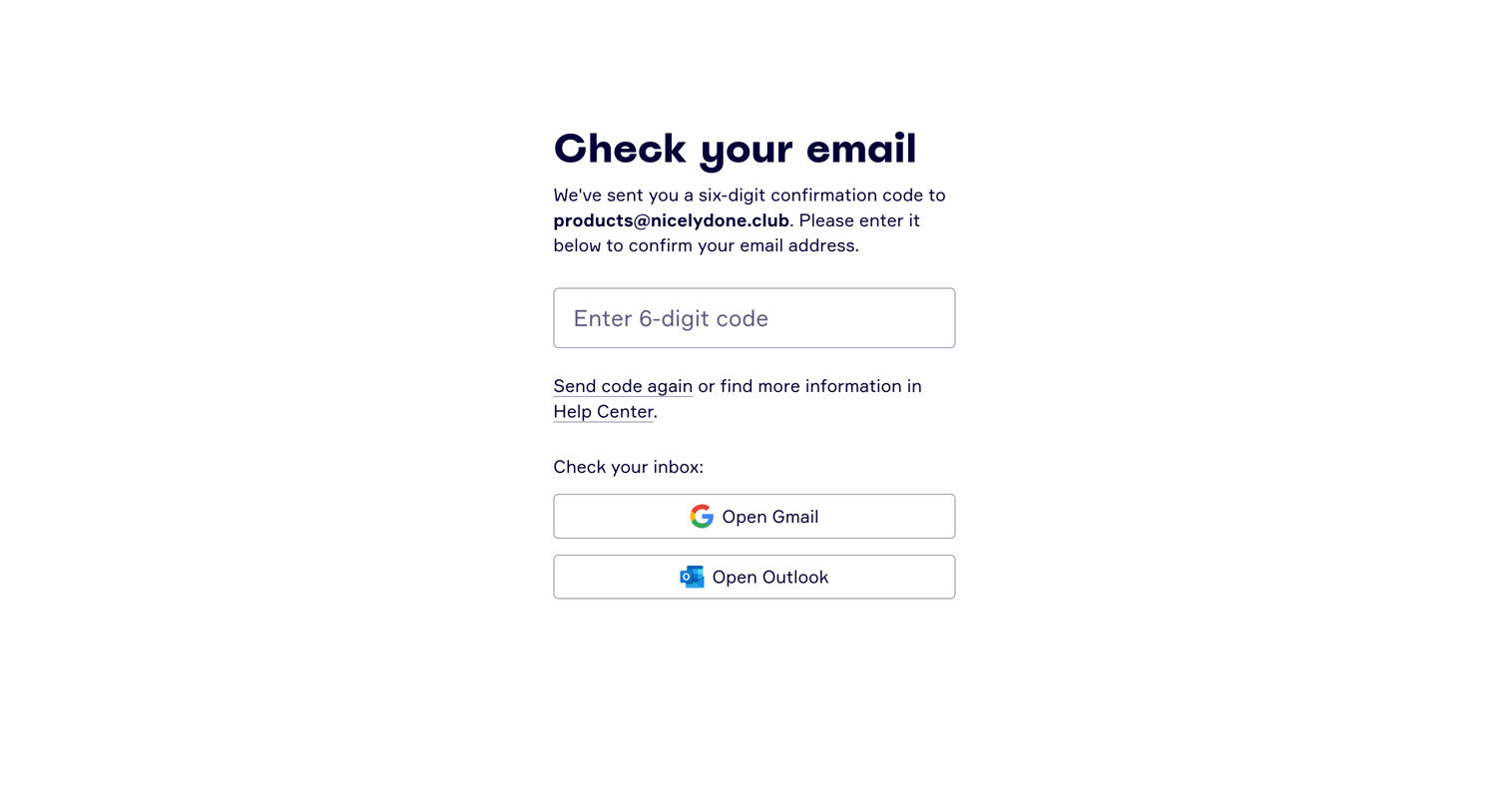
Auth screen where the user is prompted to enter a 6-digit confirmation code sent to their email, with quick links to open Gmail or Outlook.
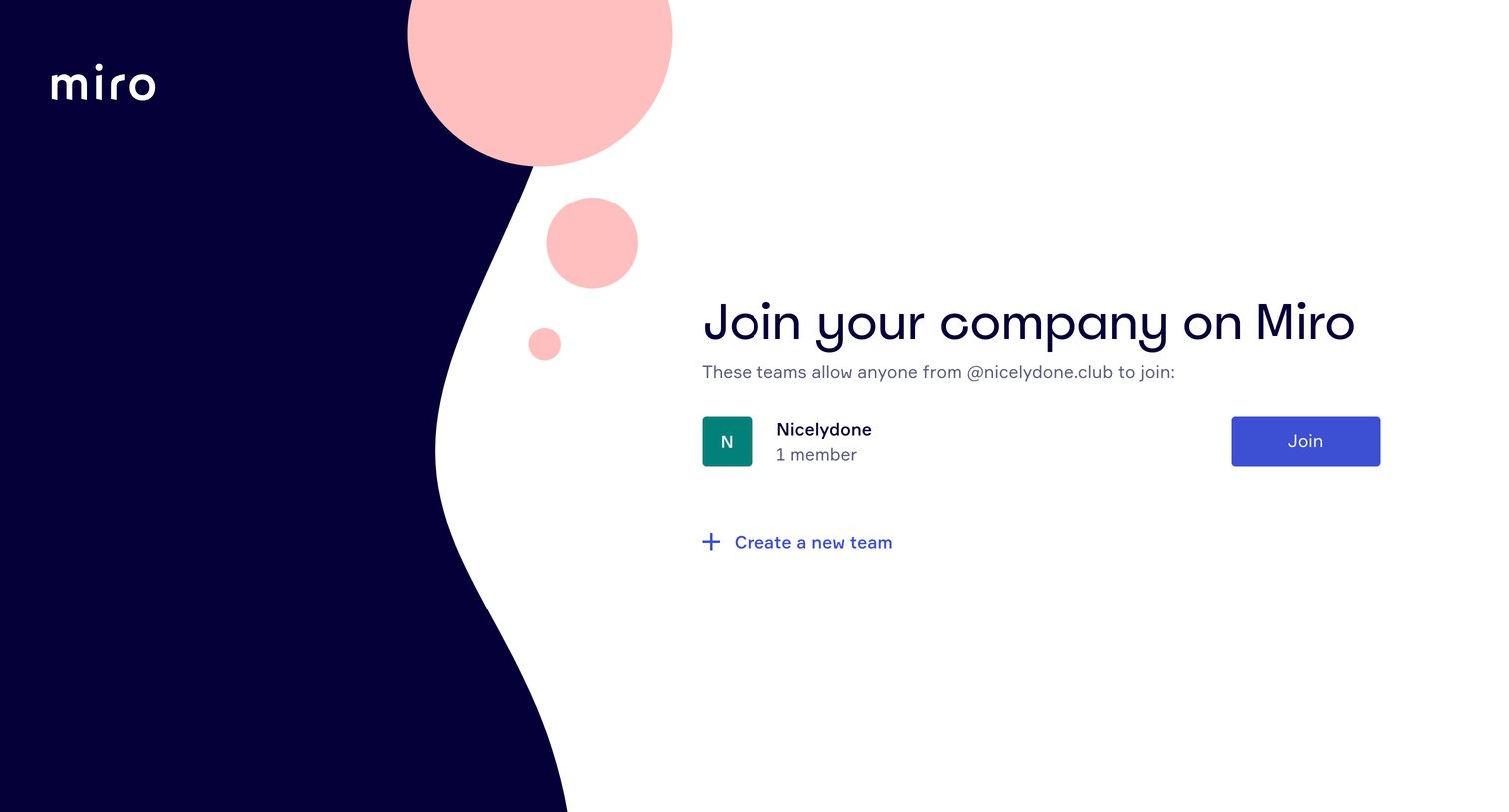
Signup step where the user can discover and join an existing team associated with their email domain or choose to create a new one.
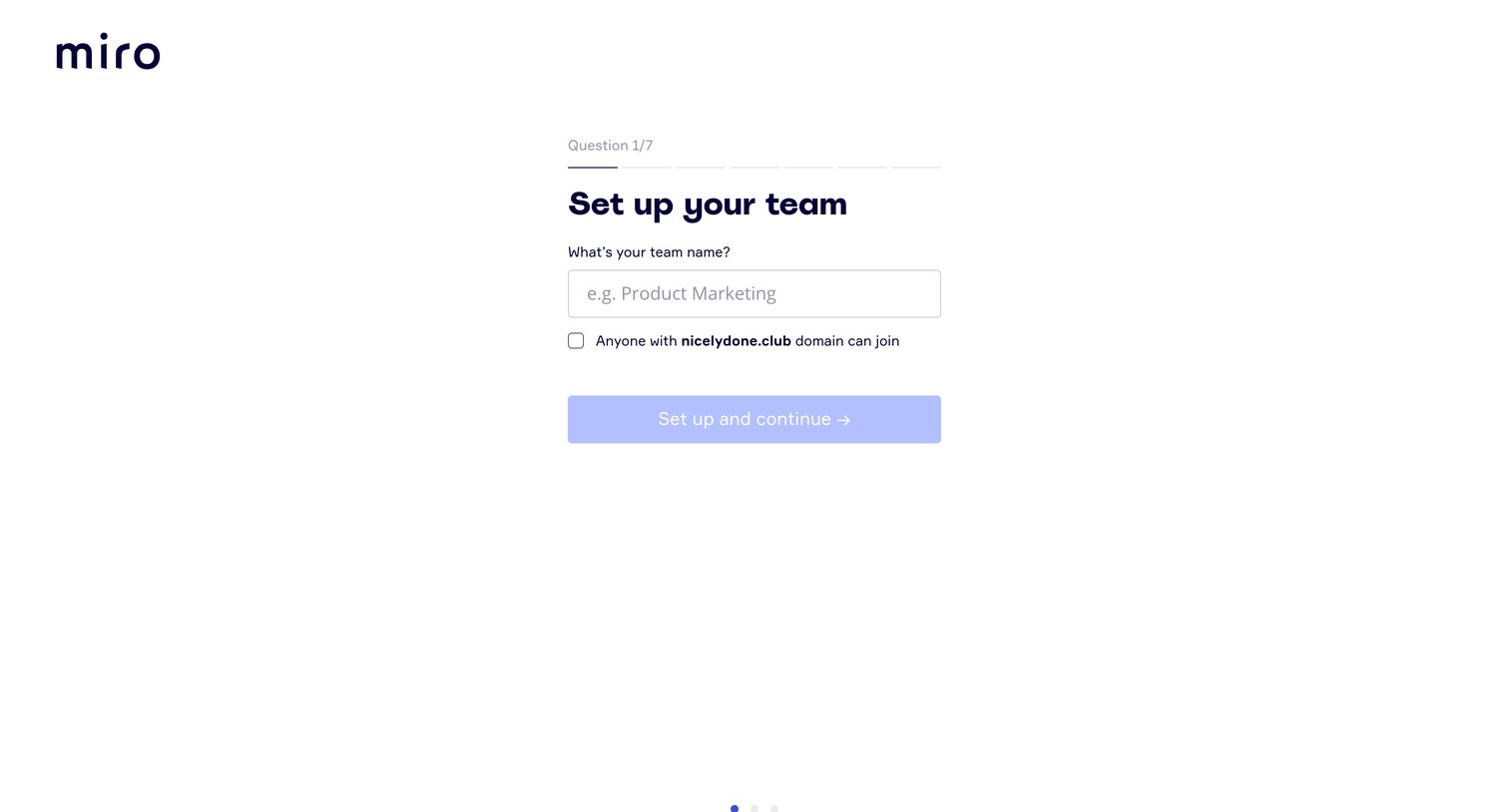
Onboarding step where the user names their team and optionally allows domain-based auto-join.
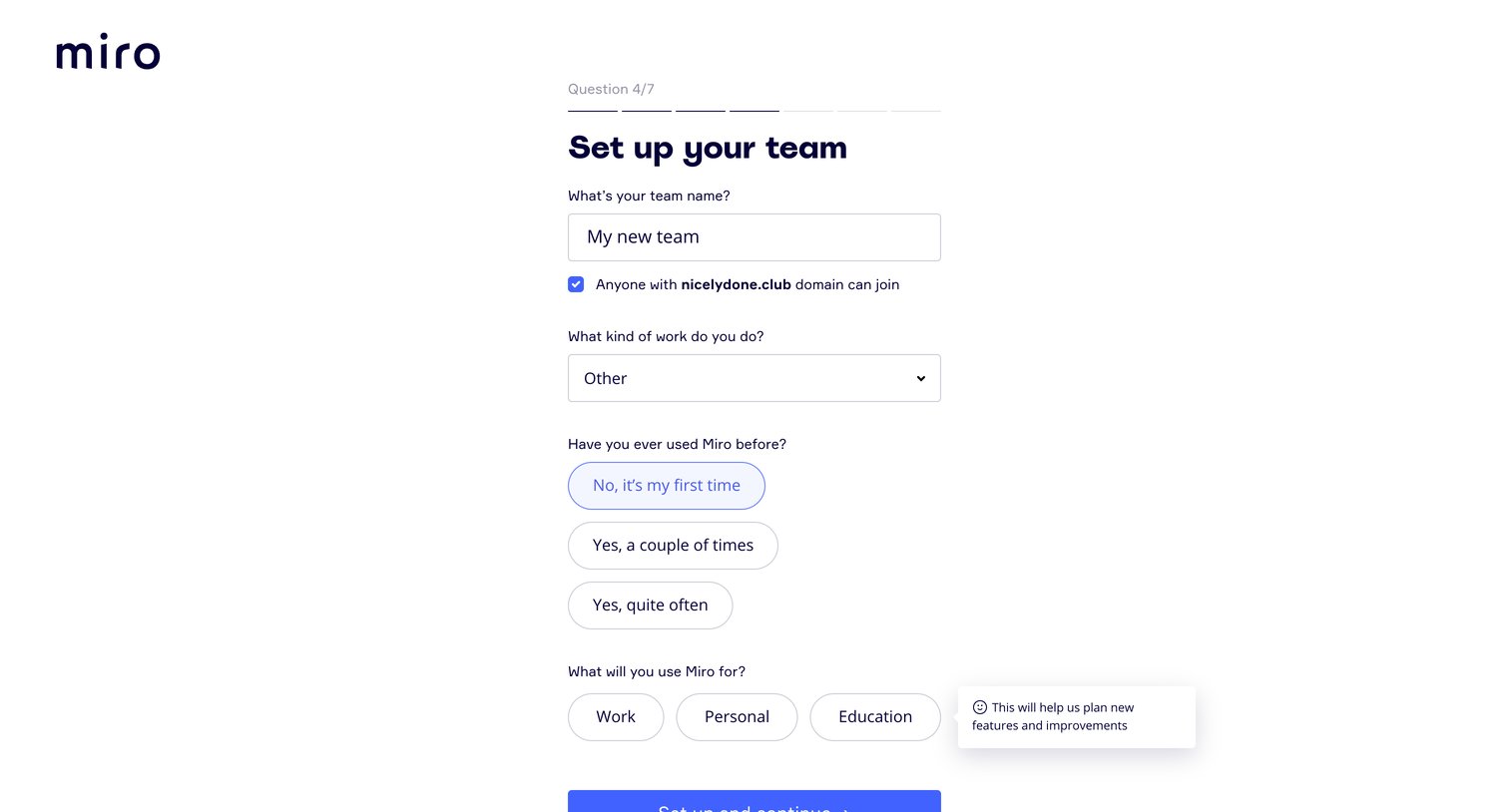
Onboarding step where the user names their team, configures domain access, and answers profiling questions about their experience and intent.
Browse the full SaaS app library
Explore real SaaS apps with their product screens, marketing screens, flows, and components.
Trusted by the best teams







