Miro user flows examples
Explore Miro user flow examples. Preview the opening screens and steps for each task. An online visual collaboration platform for teamwork
Preview these flows

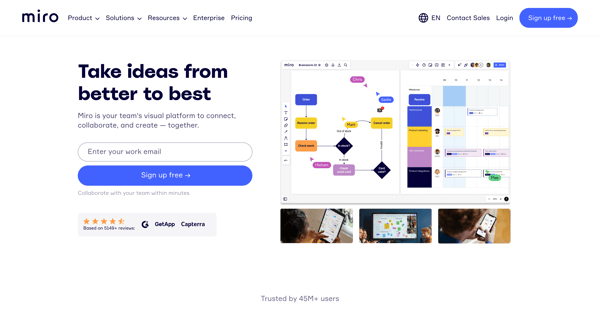
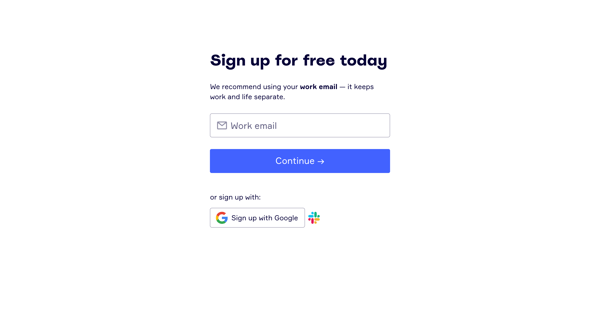
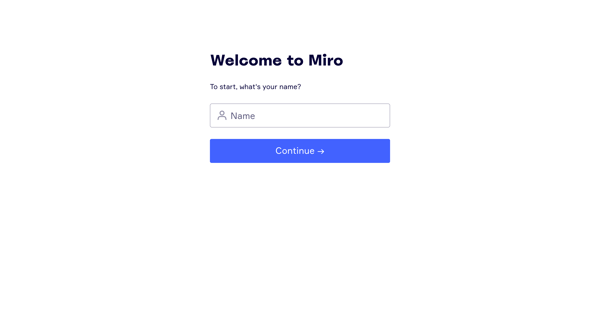
This user flow guides a new user through the process of signing up for Miro, setting up their account, joining a company team, inviting teammates, and selecting initial templates and settings
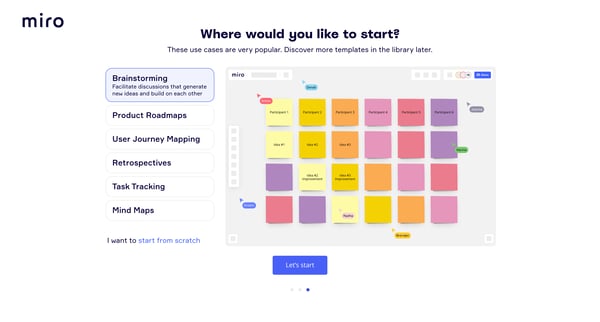
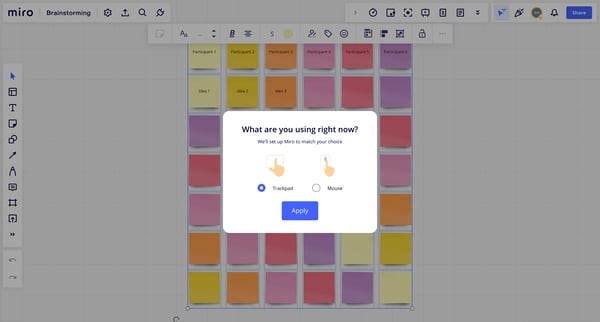
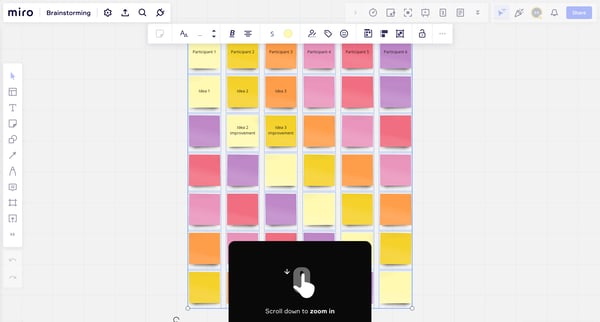
This flow guides users through the process of setting up and customizing their brainstorming sessions in Miro, from selecting templates and tools to inviting participants and sharing content.
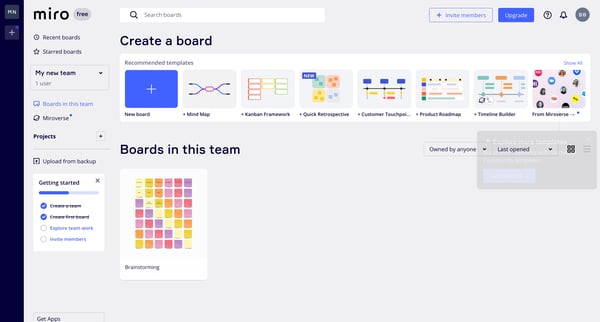
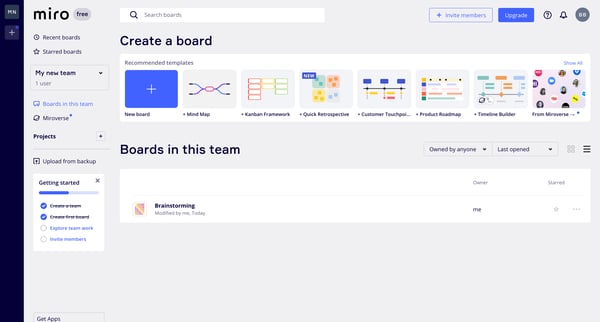
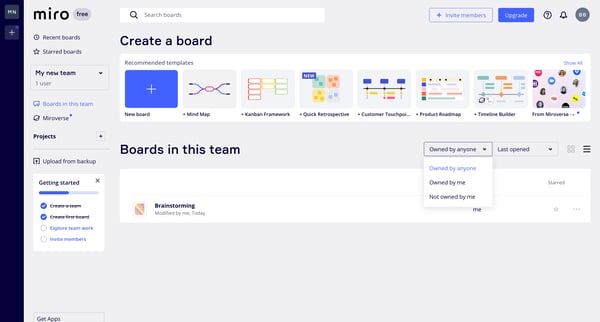
This user flow guides a user through exploring, managing boards, upgrading plans, and utilizing resources in a collaboration platform.
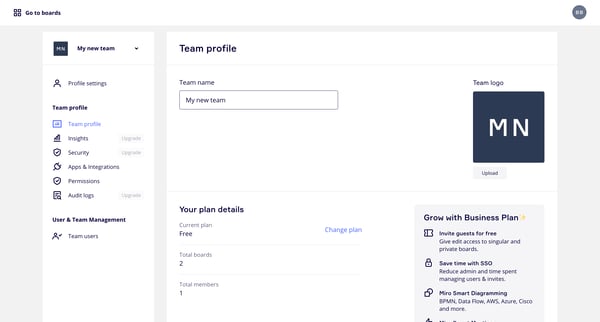
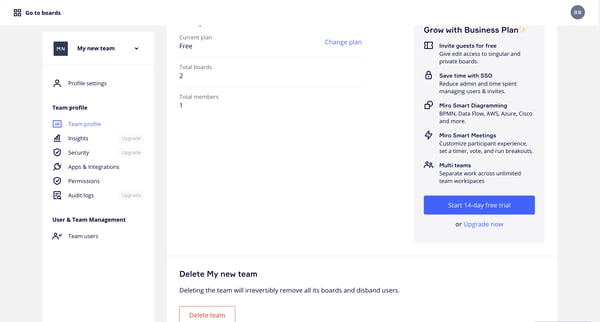
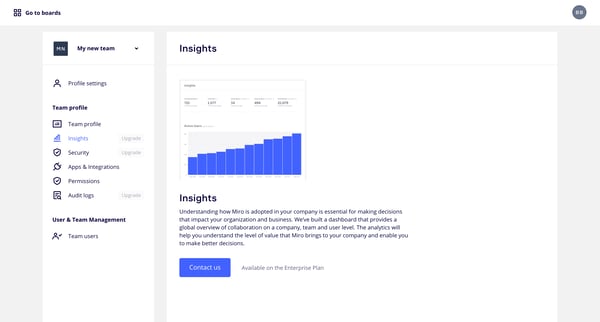
This flow manages team settings and permissions, allowing the user to customize various aspects such as security, user management, and integrations to streamline team collaboration and contro
Explore the full SaaS flow library
Browse the full SaaS flow library.
Trusted by the best teams







