Skip to content

Canva design examples

Explore Canva UI design examples. Free Design Tool: Presentations, Video, Social Media

Product screens
Canva - Login to your Canva account screen
Canva logo
Canva

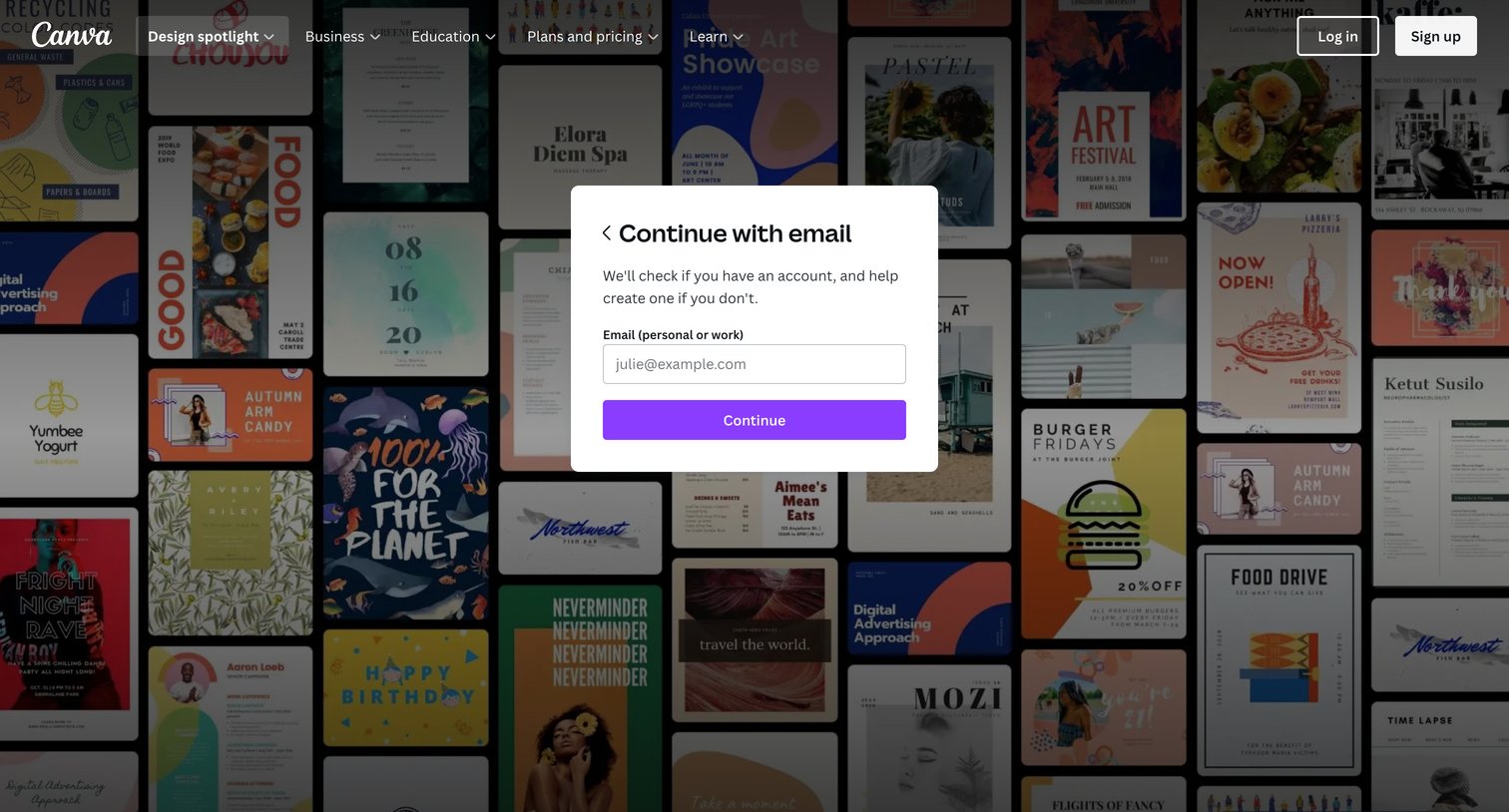
Sign-in screen where the user enters their email address in a central modal to continue the unified authentication process.

Canva - Login to your Canva account screen
Canva logo
Canva

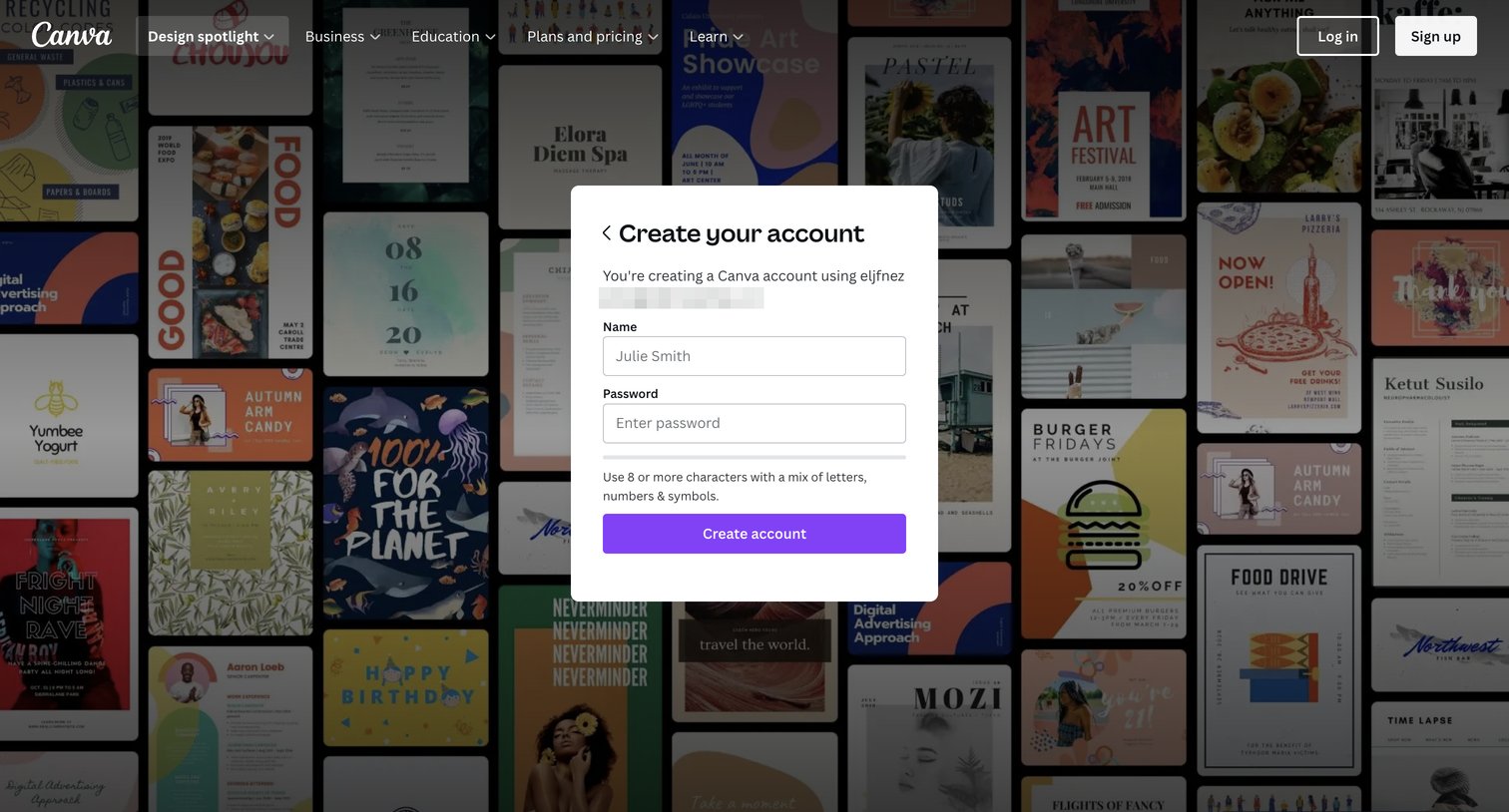
Signup screen where the user enters their name and password to finish creating an account via a modal over a template gallery.
Canva - Login to your Canva account screen
Canva logo
Canva

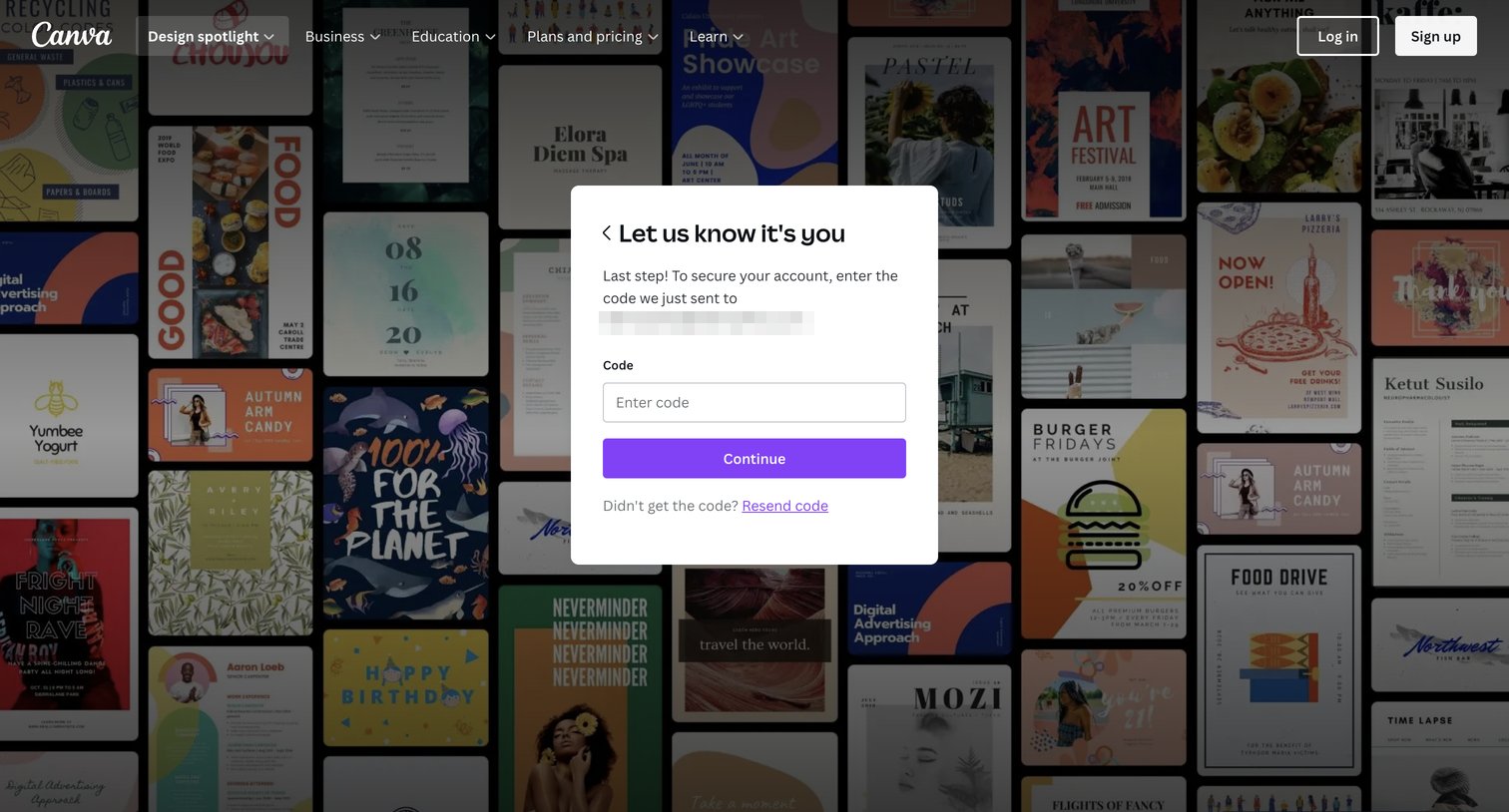
Verification screen where the user enters a security code sent to their contact method to confirm their identity and secure their account before continuing.
Canva - Login to your Canva account screen
Canva logo
Canva

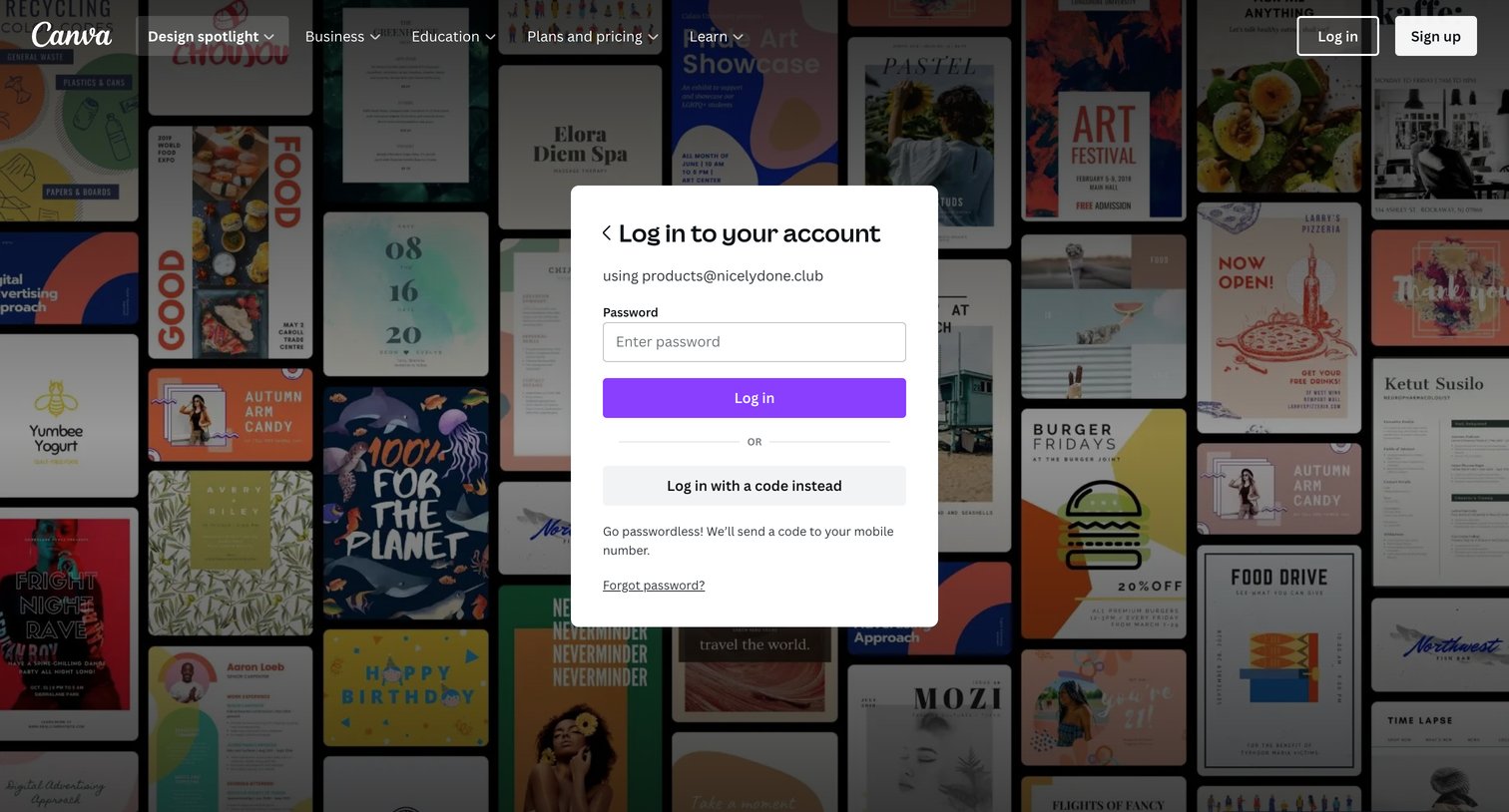
Sign-in screen where the user enters their password to access their account, with an alternative option to log in with a code instead.
Canva - Login to your Canva account screen
Canva logo
Canva

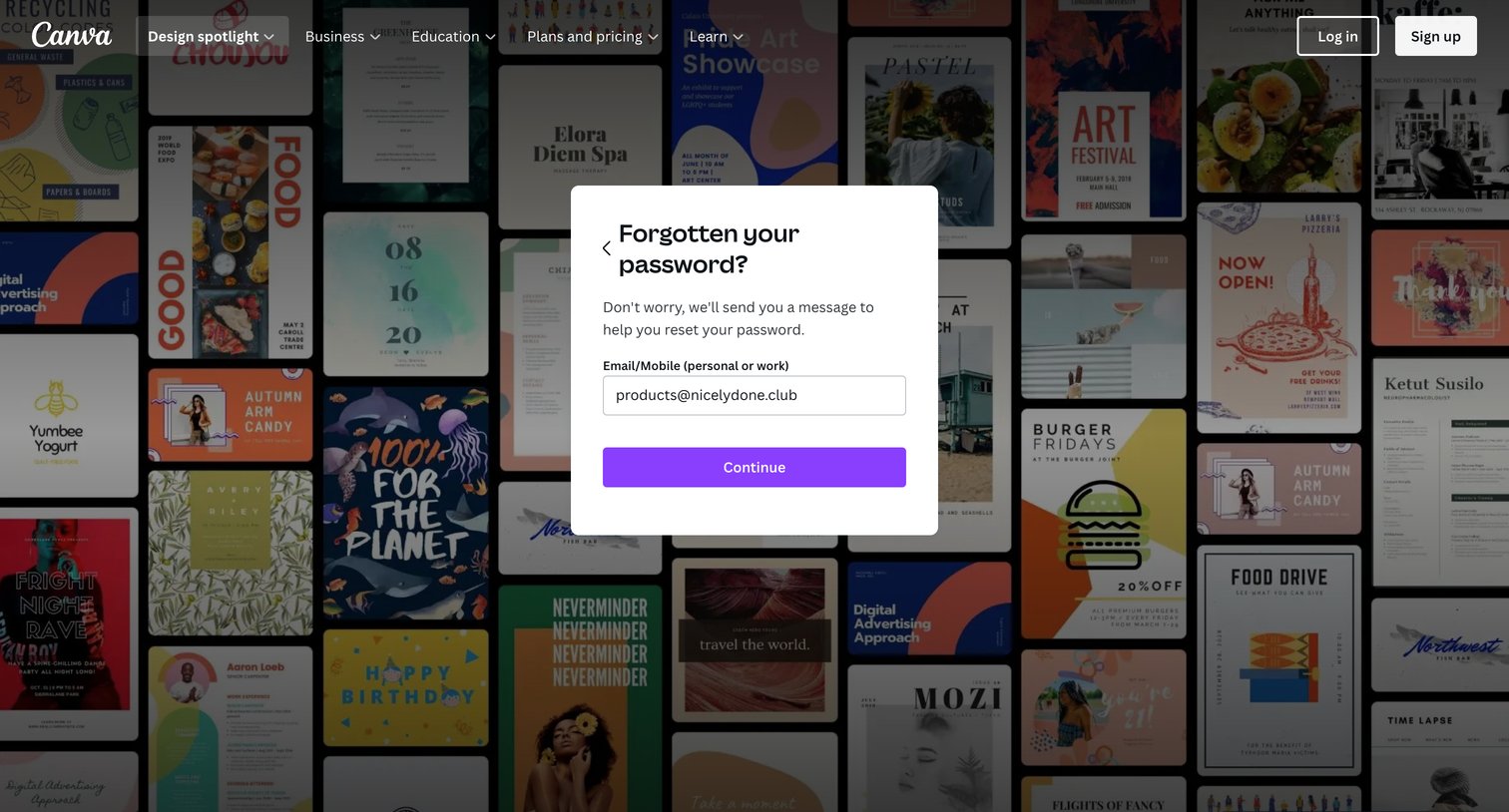
Password recovery modal where the user enters their email or mobile number to receive a reset message.
Canva - Templates screen
Canva logo
Canva

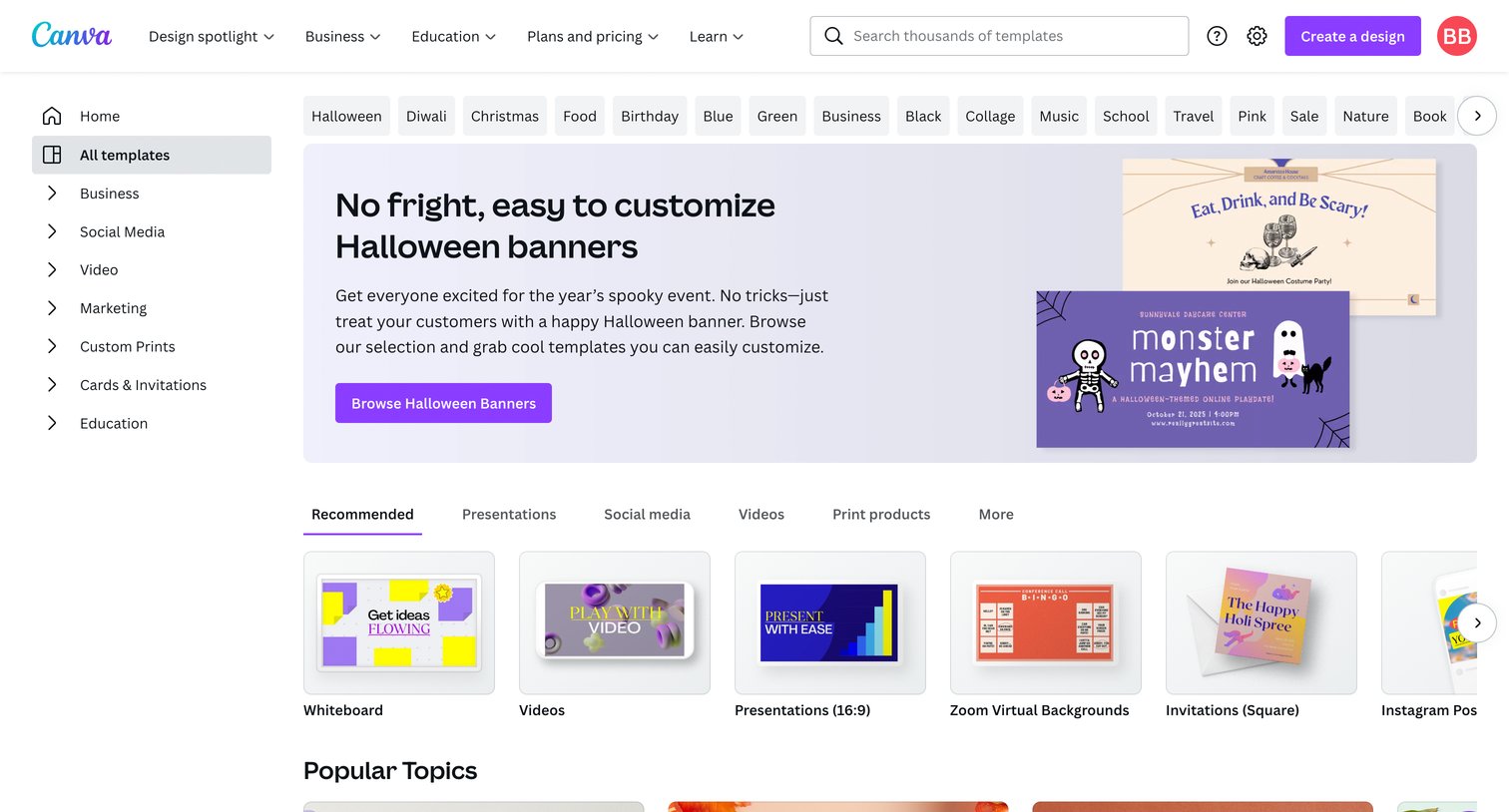
Template gallery where the user browses categorized carousels of design templates, searches for specific formats, and starts new designs.

Canva - Home - Canva screen
Canva logo
Canva

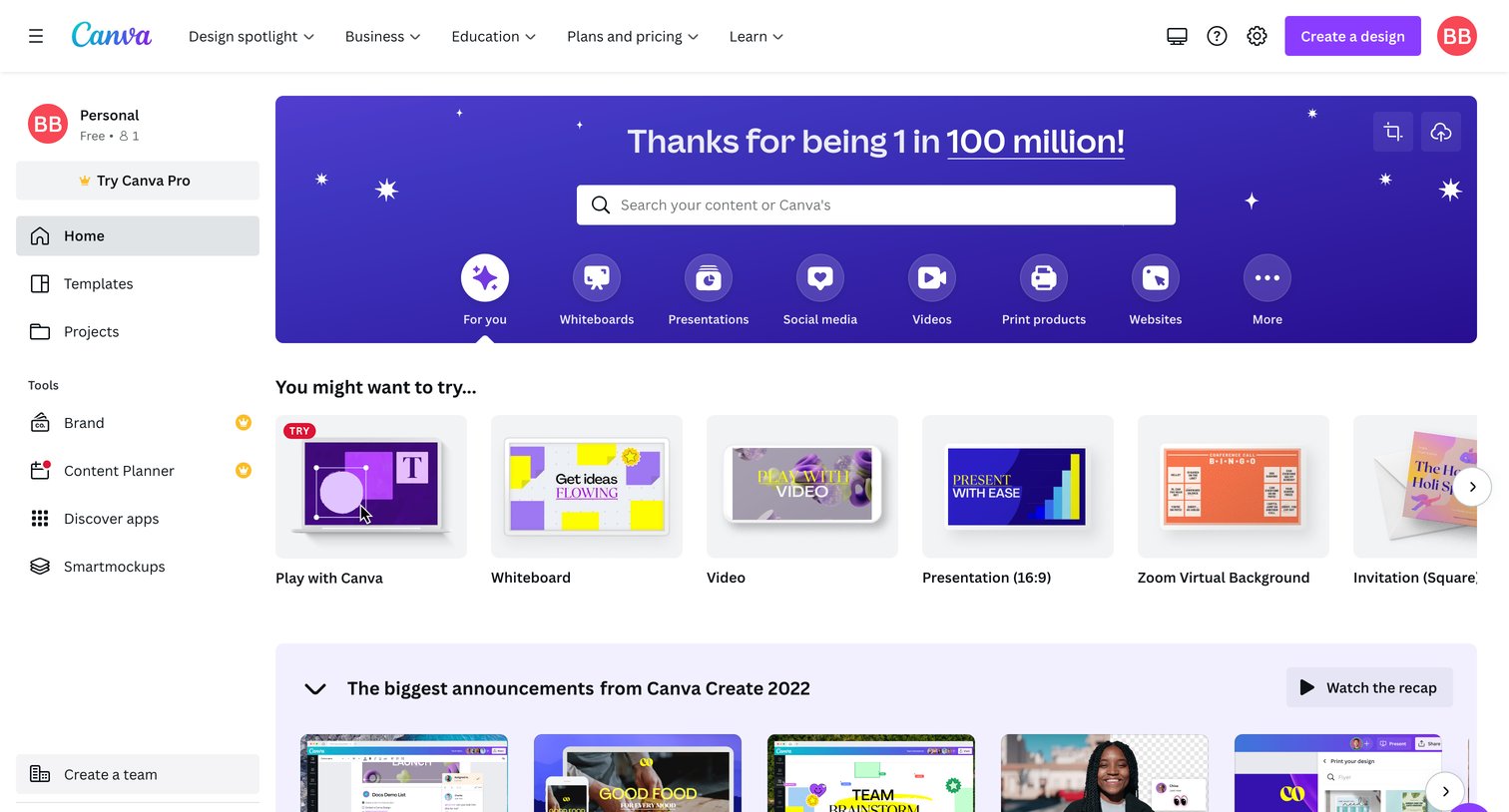
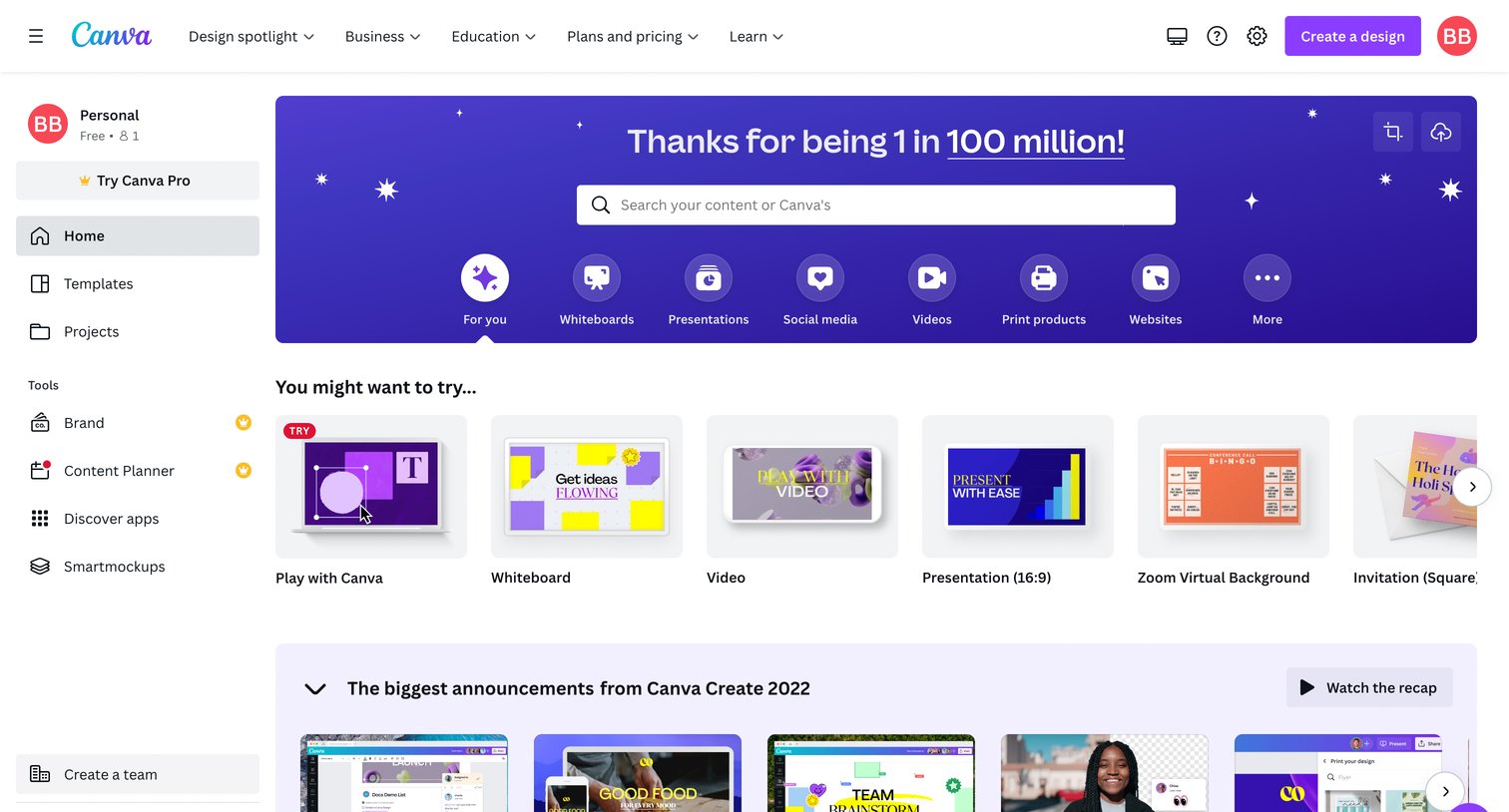
Home screen where the user can search for content, start a new design from suggested templates, review recent announcements, and access their recent designs.

Canva - Home - Canva screen
Canva logo
Canva

App home screen where the user can search for content, start a new design from templates, or jump into specific project types.

Canva - Projects - Canva screen
Canva logo
Canva

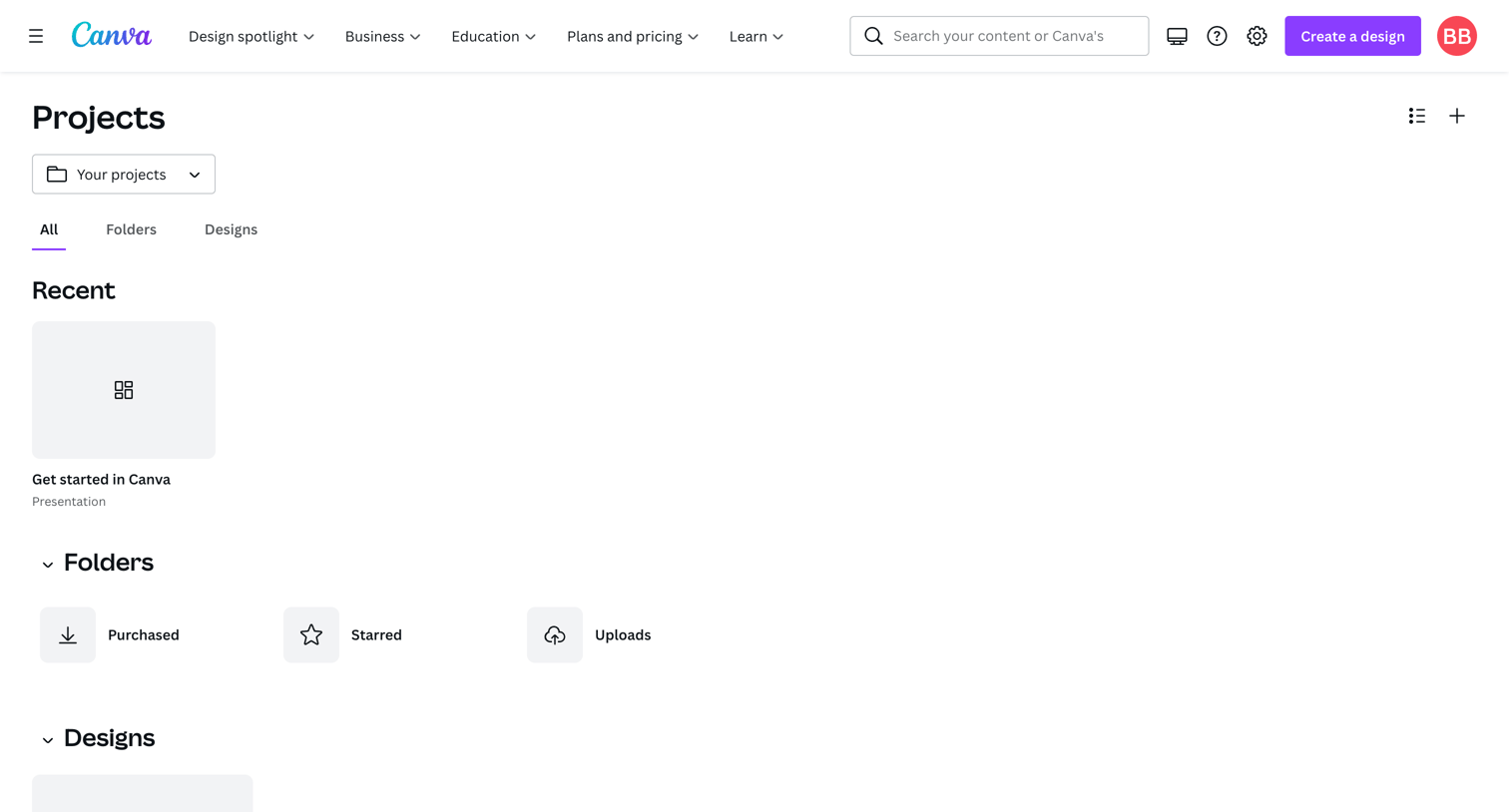
Projects list where the user browses recent designs, folders, and all designs.

Canva - Purchased - Canva screen
Canva logo
Canva

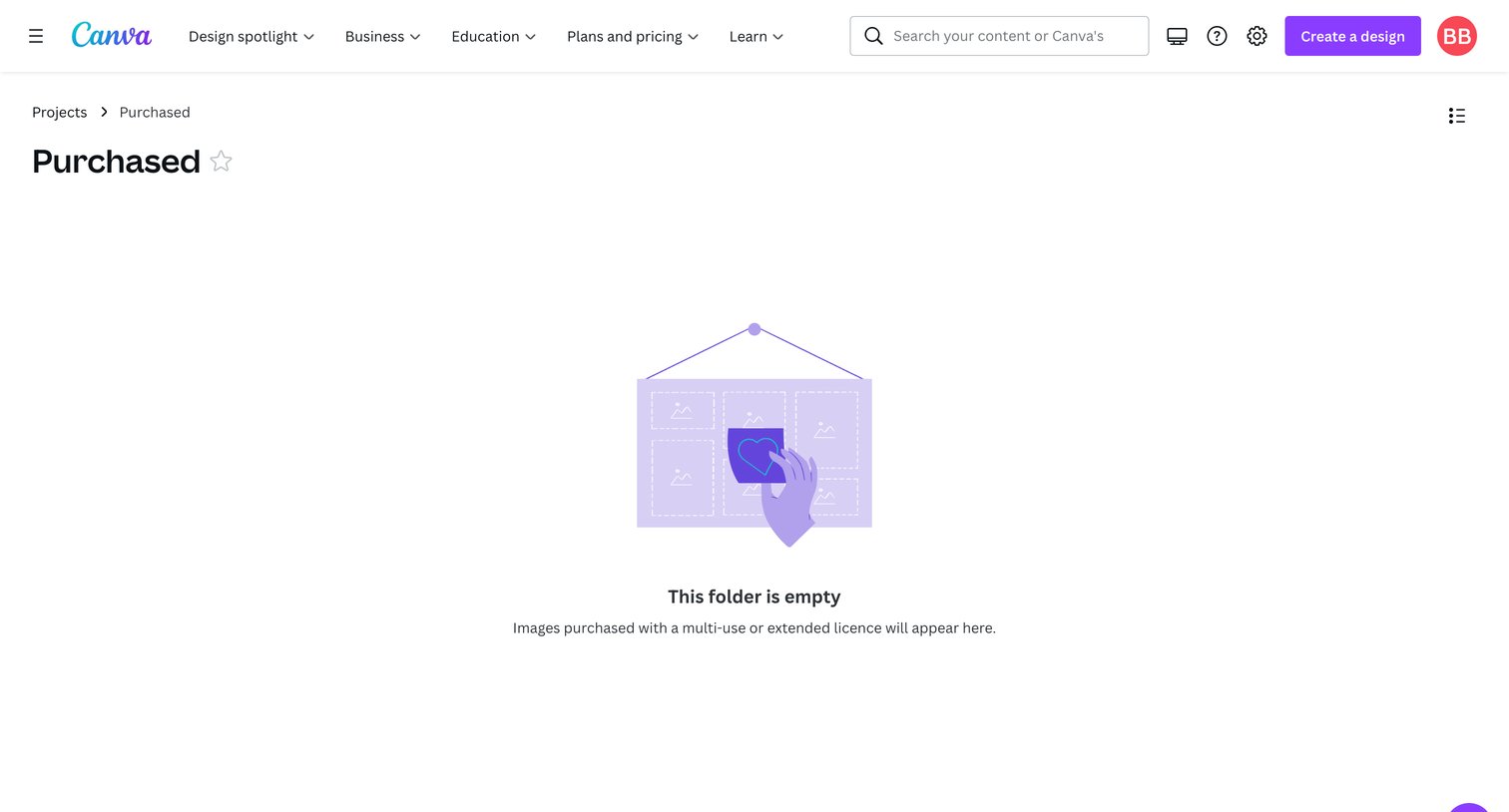
Folder view for purchased items showing an empty state with an illustration and a message explaining that multi-use licensed images will appear here.
Canva - Uploads - Canva screen
Canva logo
Canva

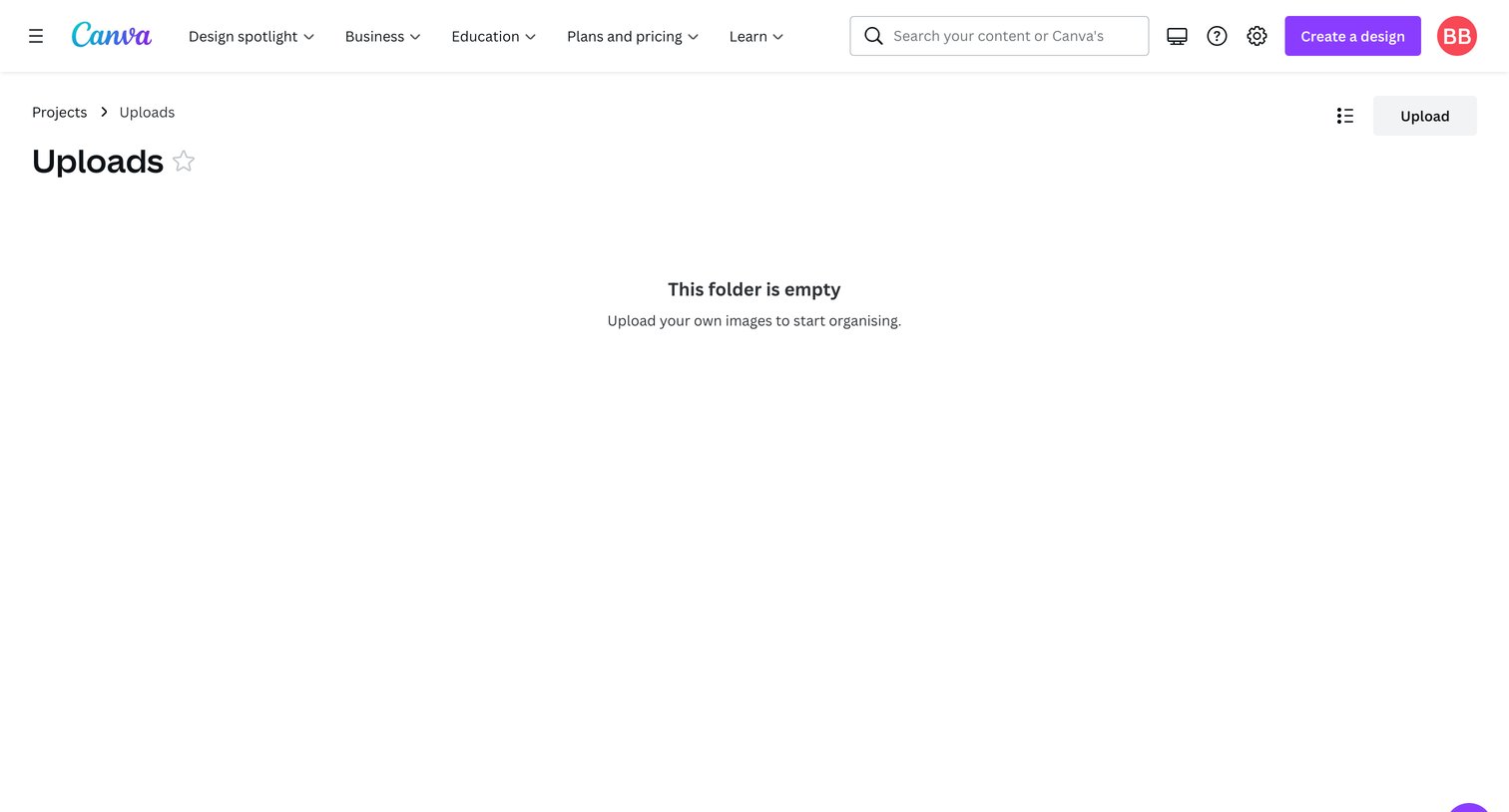
List view of the user's uploads folder showing an empty state with a prompt to upload images.
Canva - Brand - Canva screen
Canva logo
Canva

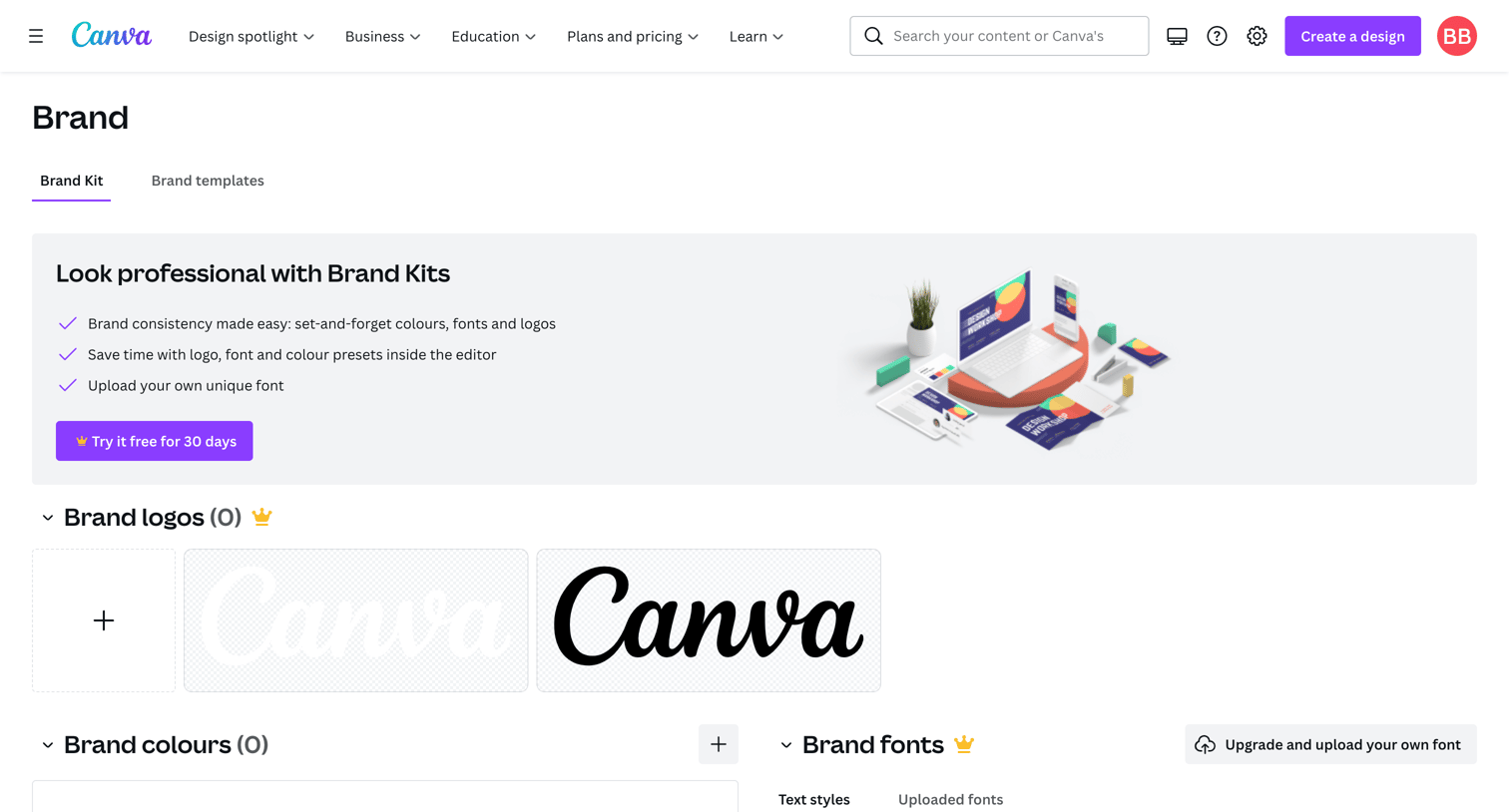
Settings page where the user configures their brand kit, including logos, colors, and fonts, with prompts to start a trial for premium features.

Browse the full SaaS app library

Explore real SaaS apps with their product screens, marketing screens, flows, and components.

Trusted by the best teams

More from Canva