Skip to content

Canva product screens examples

Browse Canva screen design examples. Preview the interface screenshots and explore related UI patterns. Free Design Tool: Presentations, Video, Social Media

Explore the examples
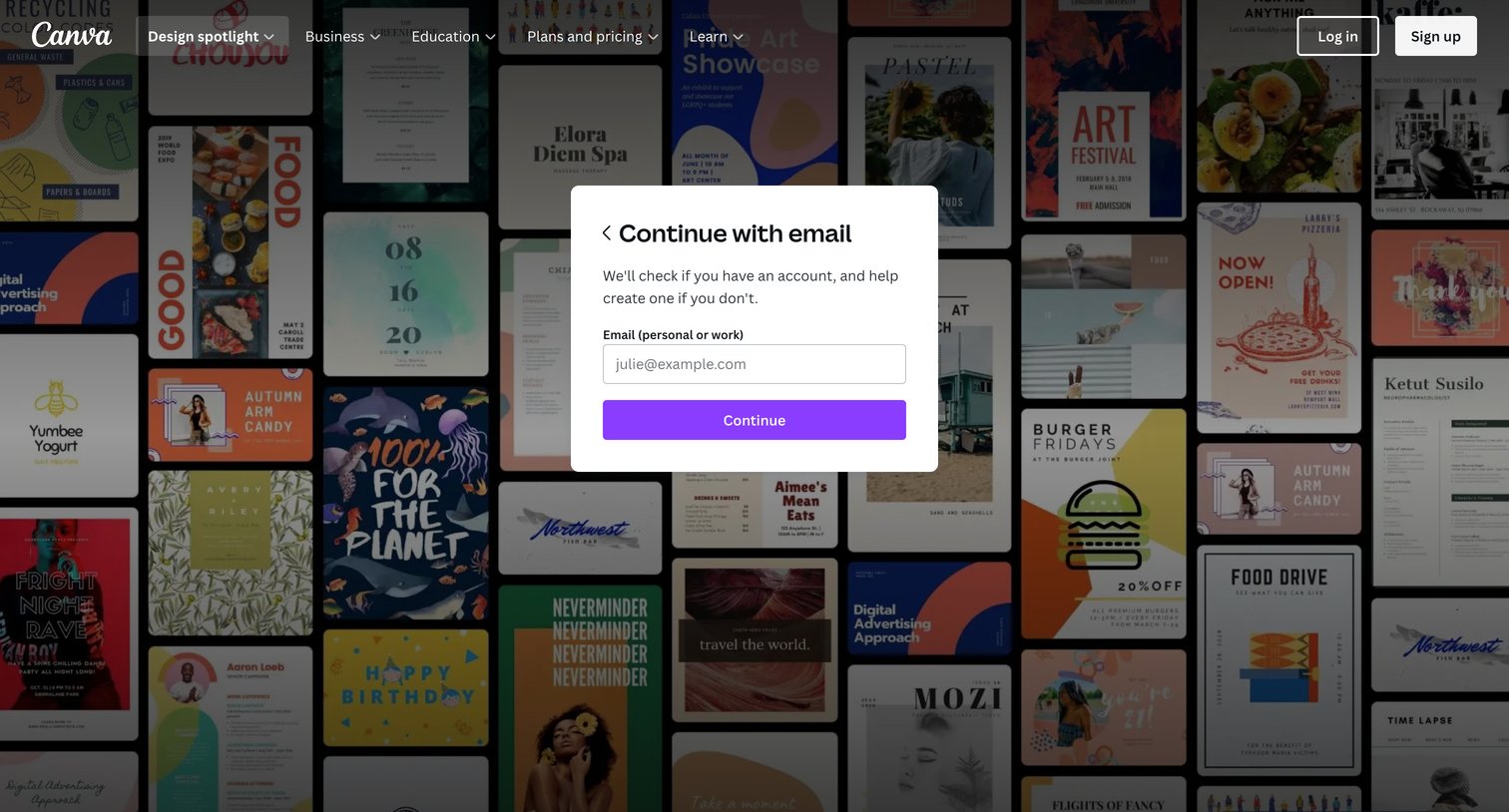
Canva - Login to your Canva account screen
Canva logo
Canva

Sign-in screen where the user enters their email address in a central modal to continue the unified authentication process.

Canva - Login to your Canva account screen
Canva logo
Canva

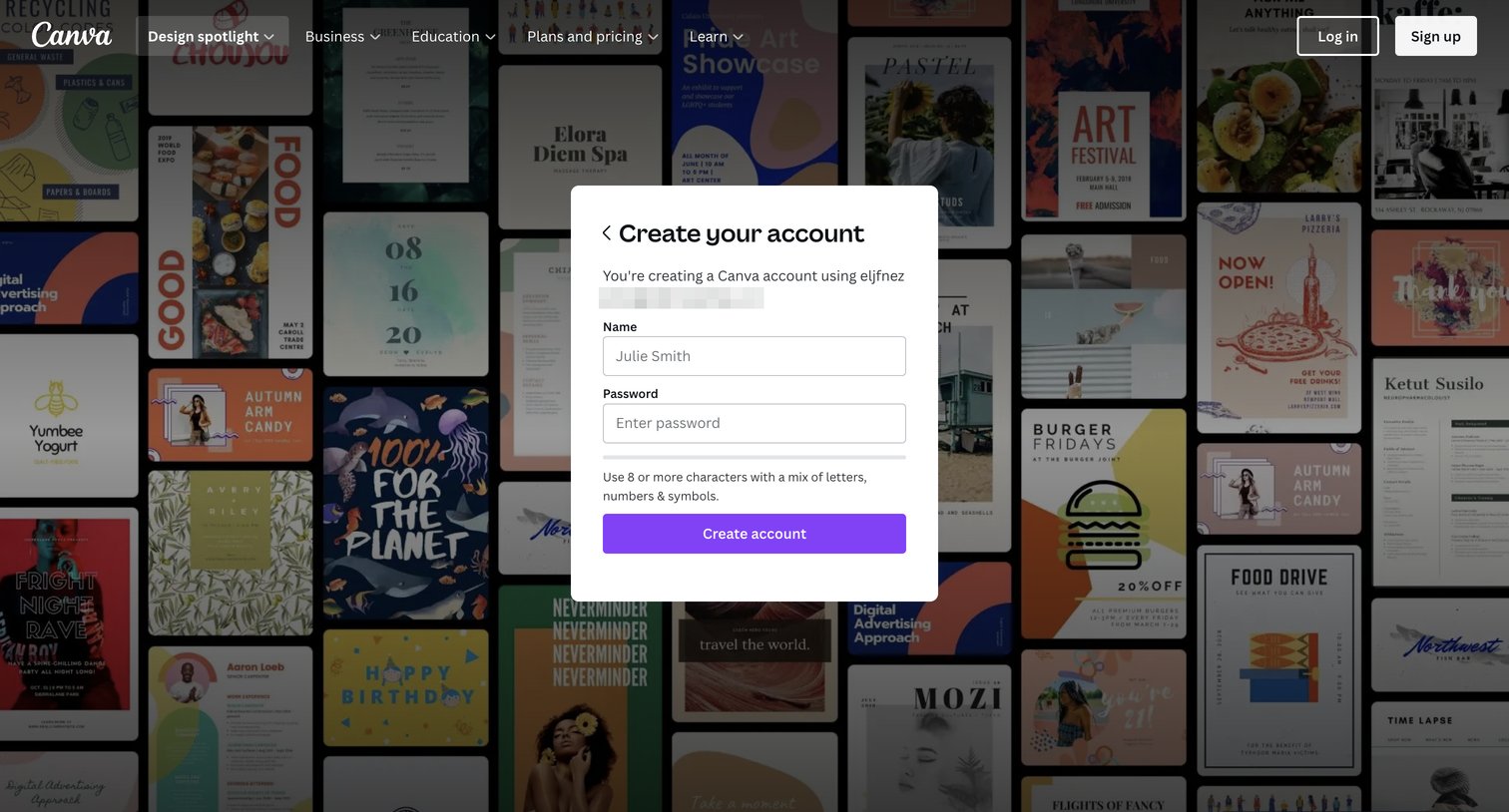
Signup screen where the user enters their name and password to finish creating an account via a modal over a template gallery.
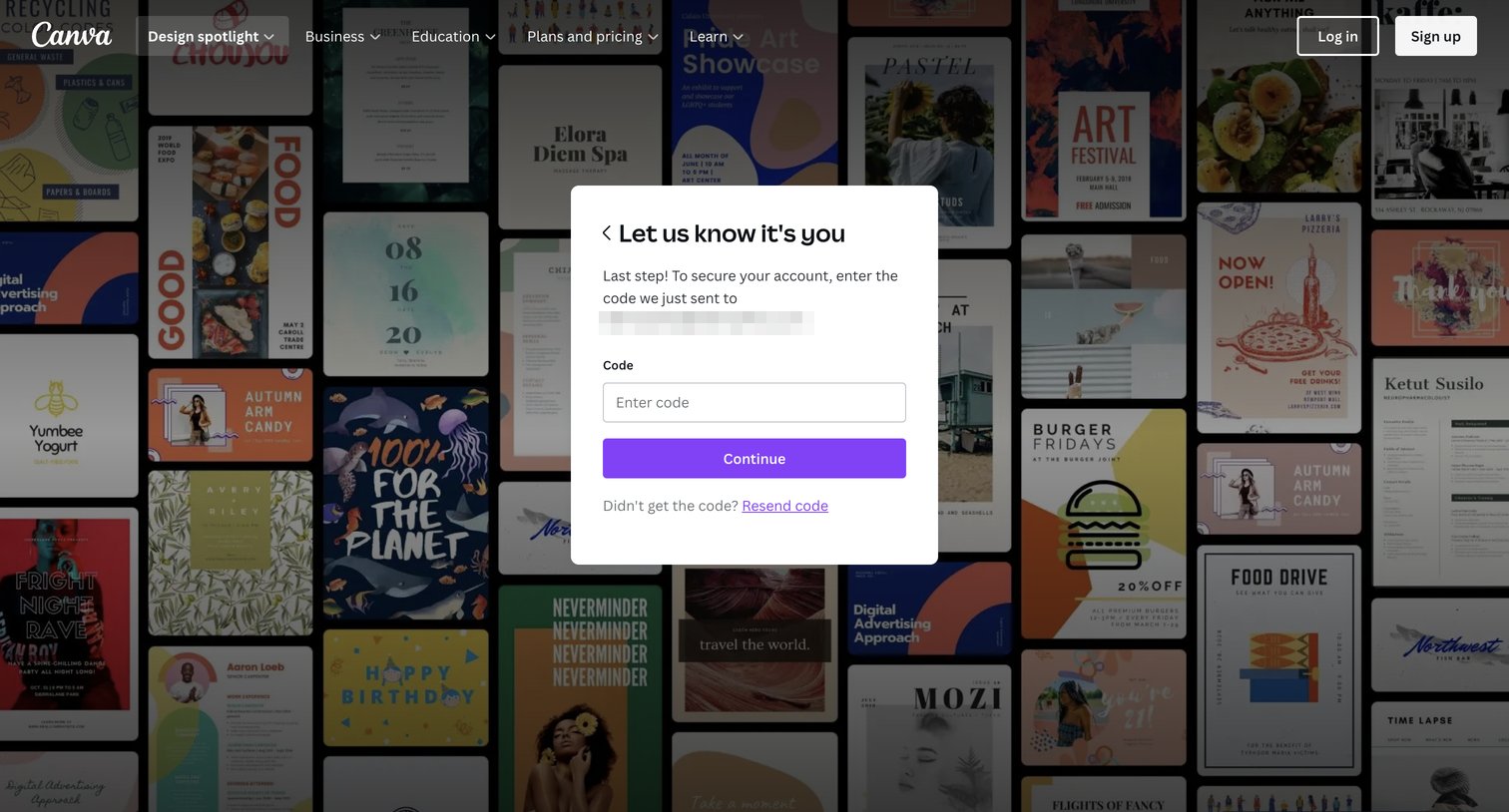
Canva - Login to your Canva account screen
Canva logo
Canva

Verification screen where the user enters a security code sent to their contact method to confirm their identity and secure their account before continuing.
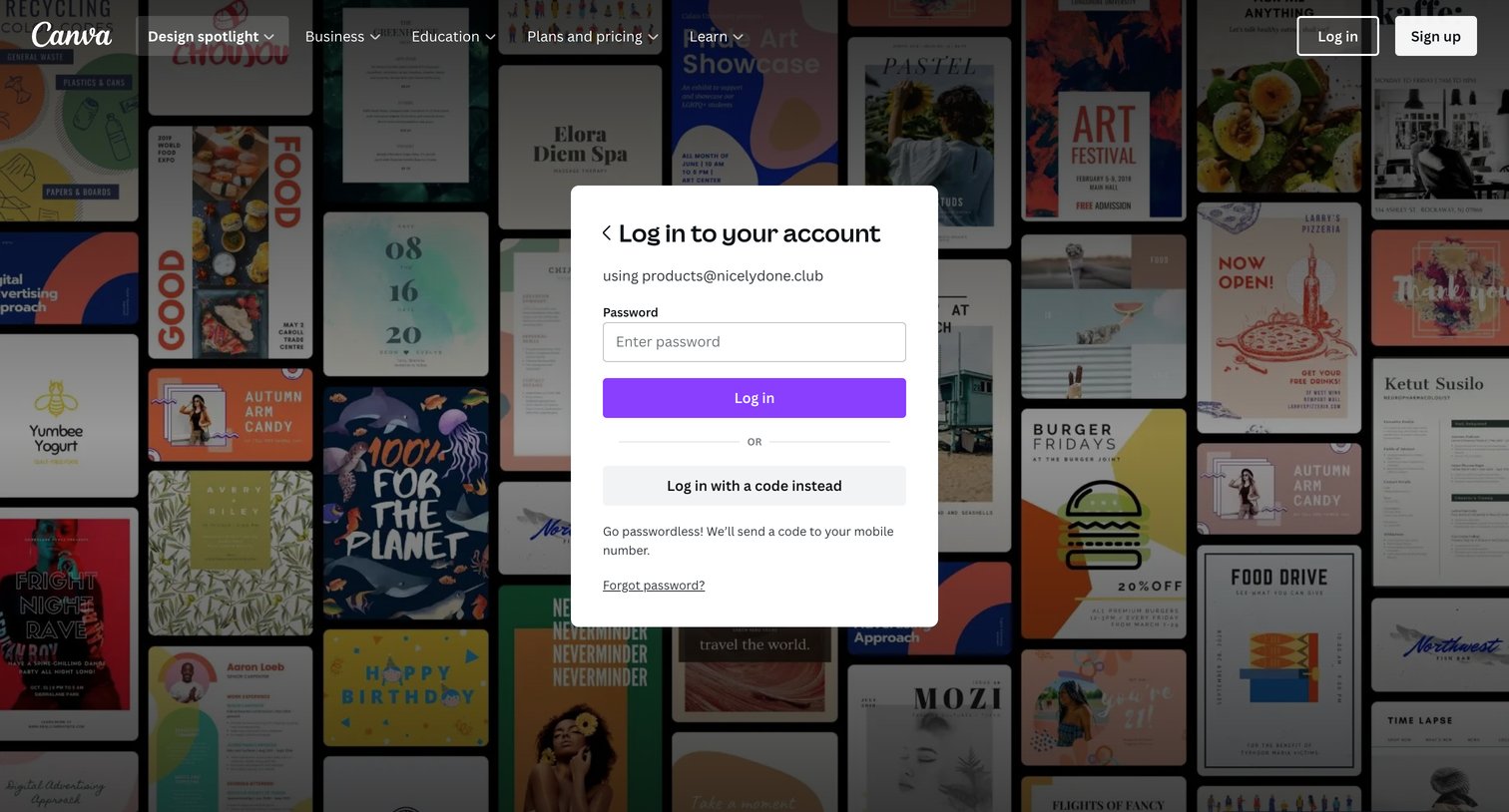
Canva - Login to your Canva account screen
Canva logo
Canva

Sign-in screen where the user enters their password to access their account, with an alternative option to log in with a code instead.
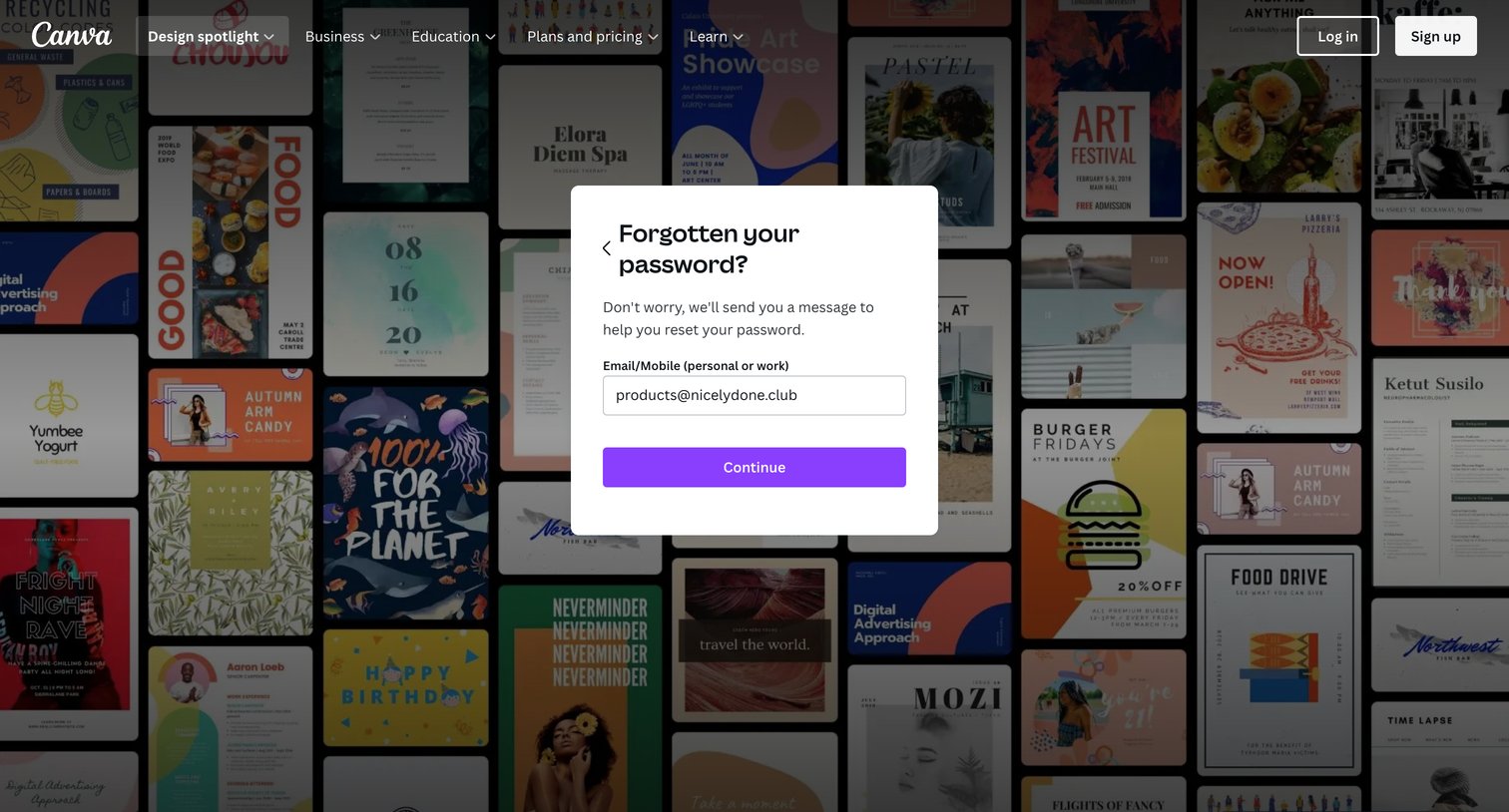
Canva - Login to your Canva account screen
Canva logo
Canva

Password recovery modal where the user enters their email or mobile number to receive a reset message.
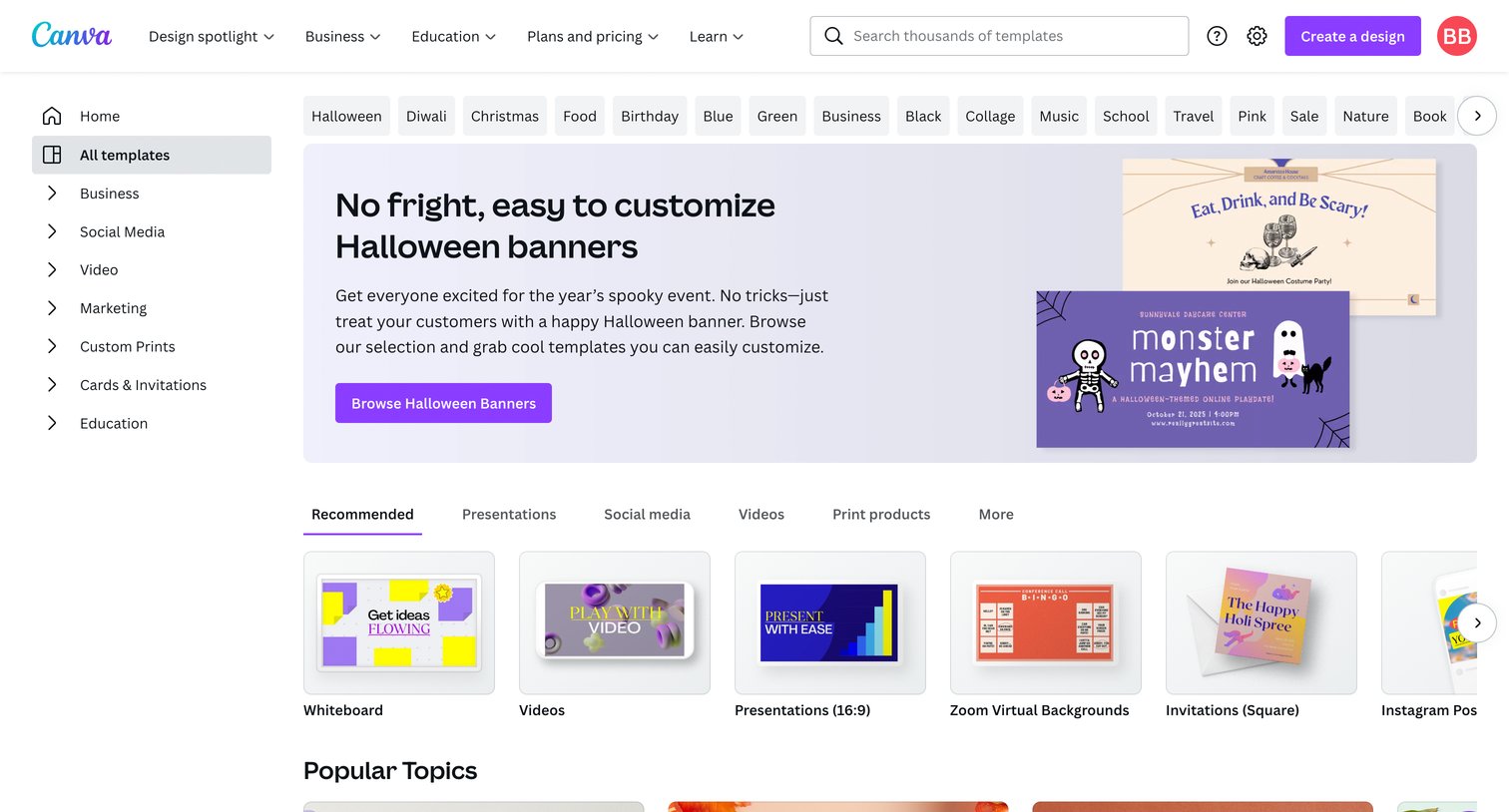
Canva - Templates screen
Canva logo
Canva

Template gallery where the user browses categorized carousels of design templates, searches for specific formats, and starts new designs.

Canva - Home - Canva screen
Canva logo
Canva

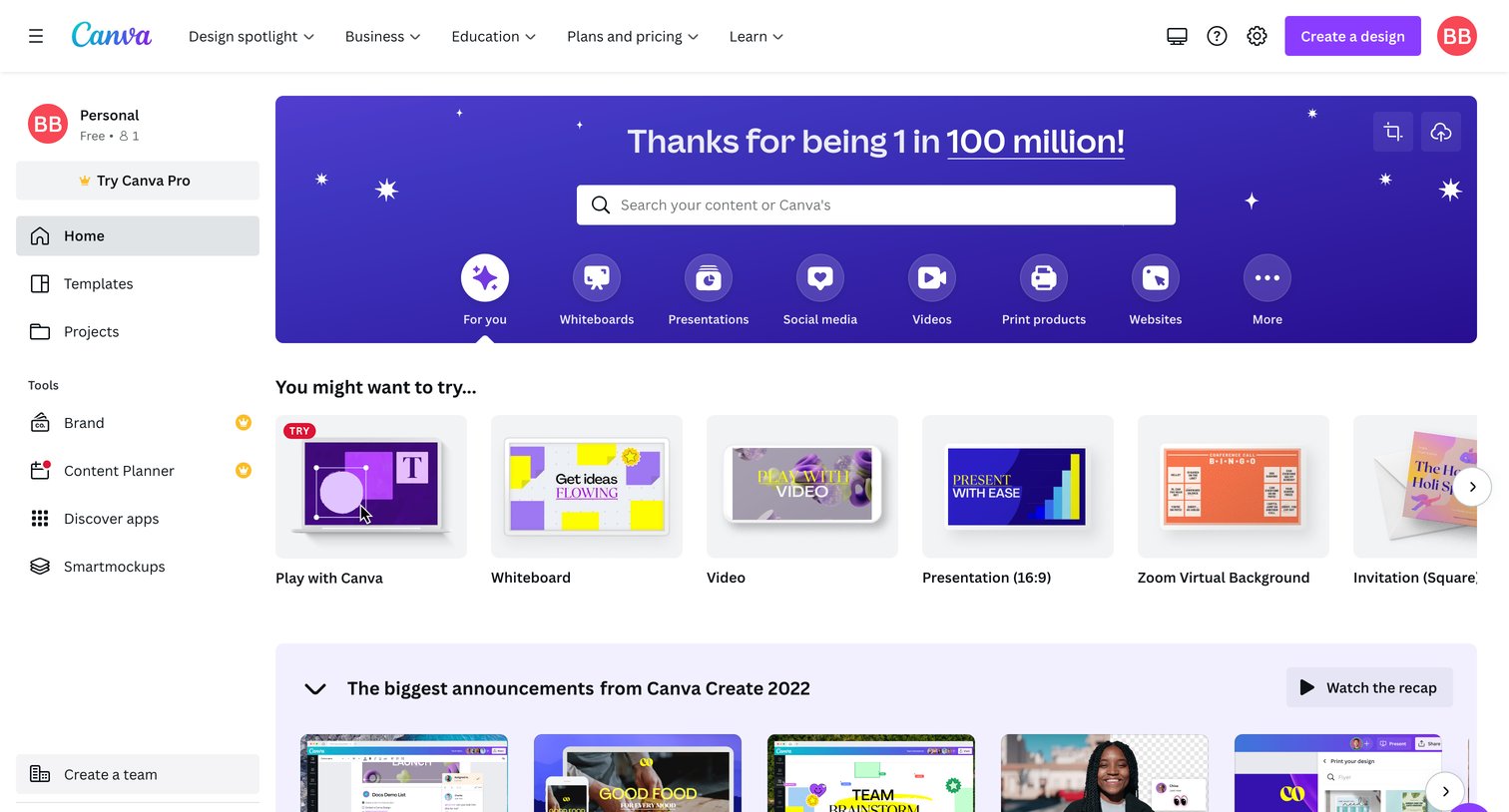
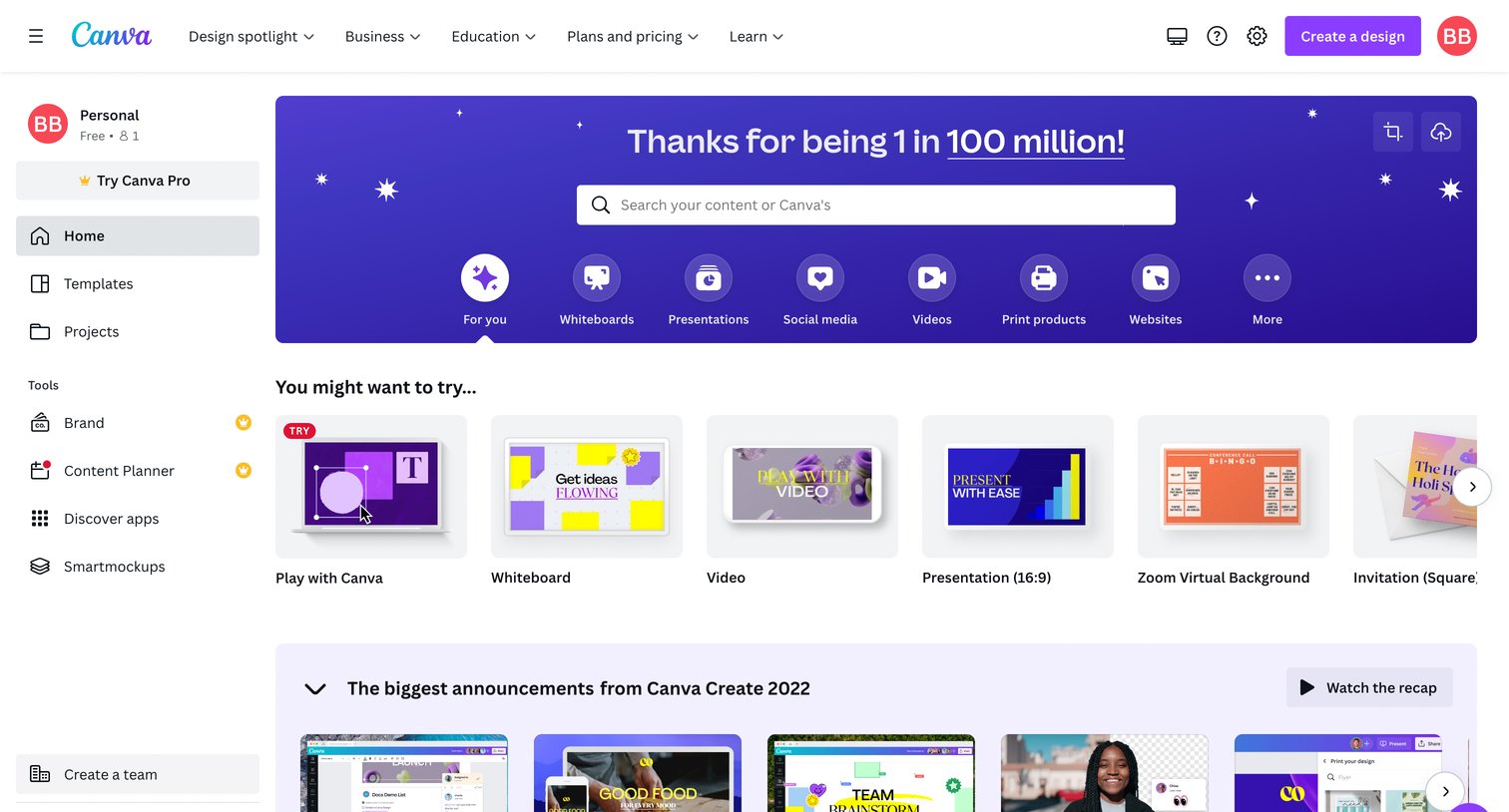
Home screen where the user can search for content, start a new design from suggested templates, review recent announcements, and access their recent designs.

Canva - Home - Canva screen
Canva logo
Canva

App home screen where the user can search for content, start a new design from templates, or jump into specific project types.

Canva - Projects - Canva screen
Canva logo
Canva

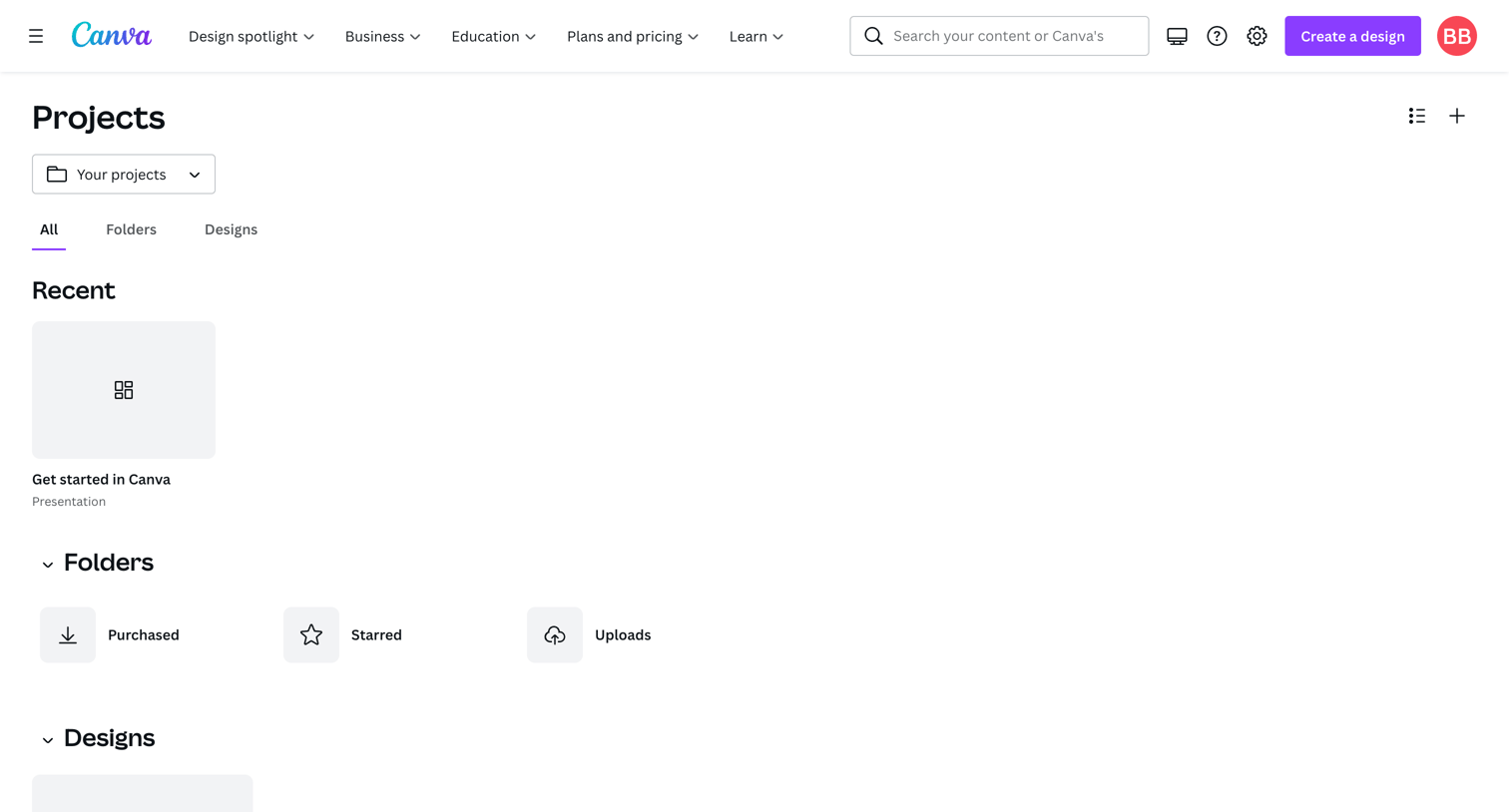
Projects list where the user browses recent designs, folders, and all designs.

Canva - Purchased - Canva screen
Canva logo
Canva

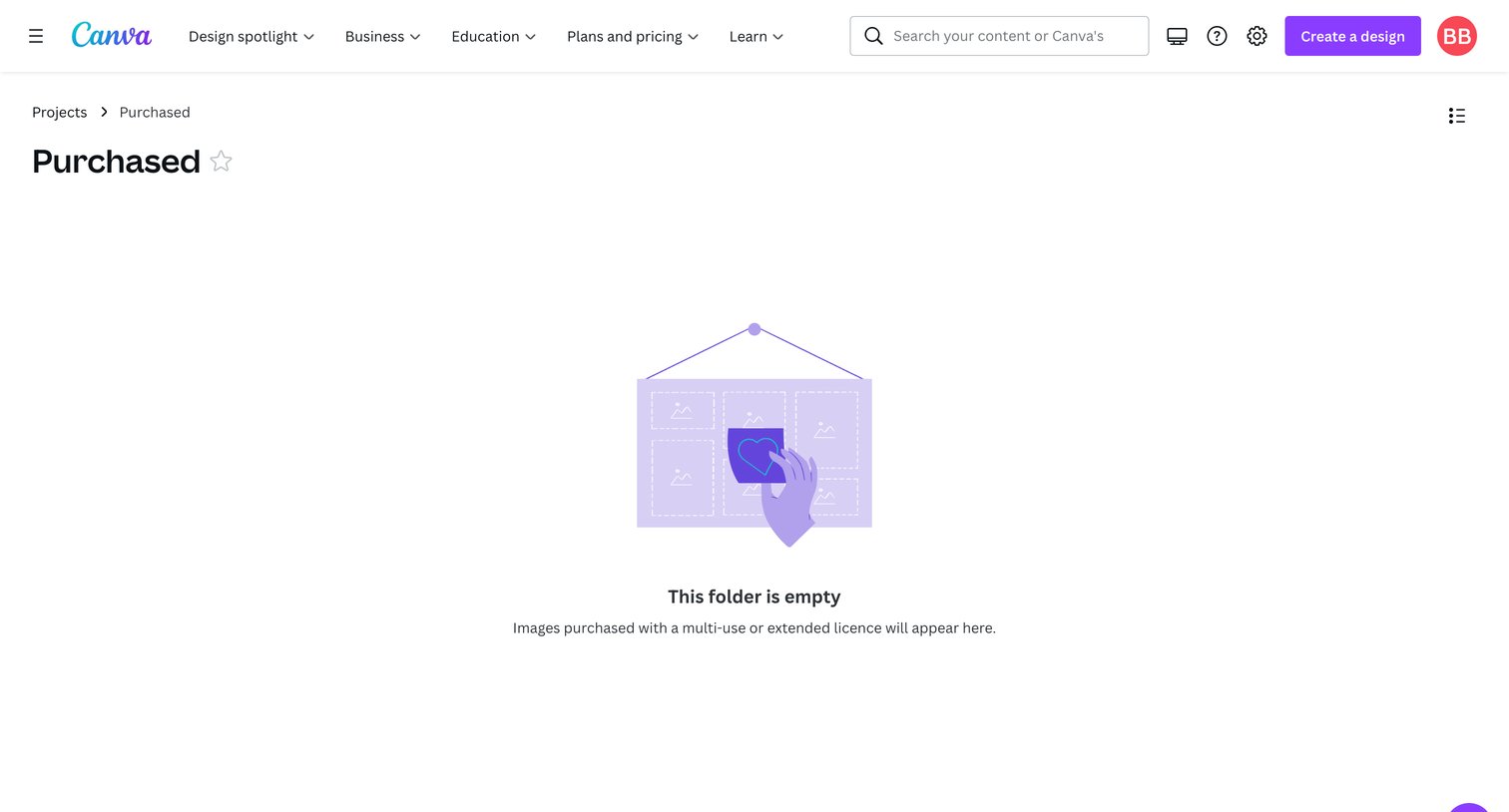
Folder view for purchased items showing an empty state with an illustration and a message explaining that multi-use licensed images will appear here.
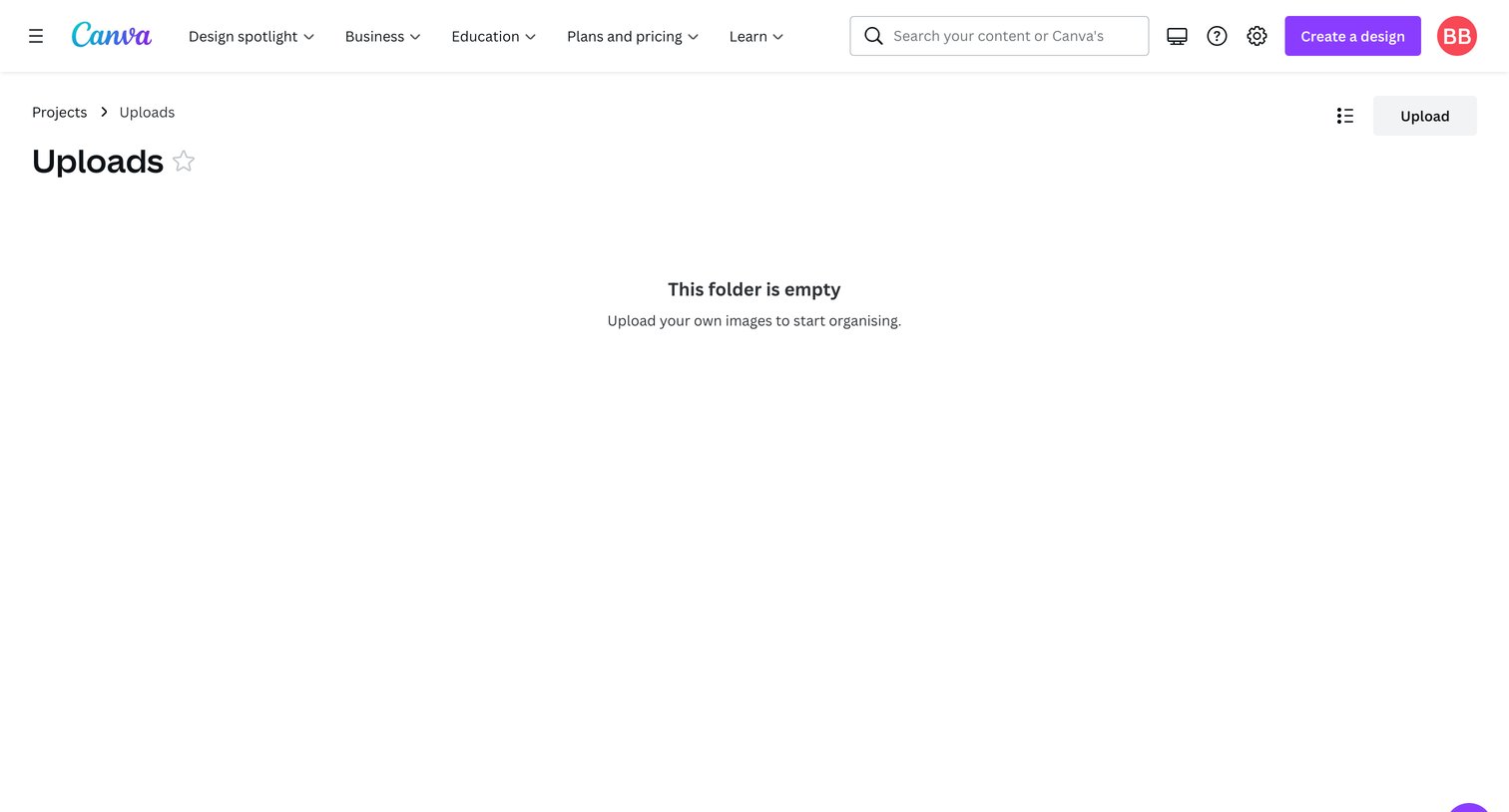
Canva - Uploads - Canva screen
Canva logo
Canva

List view of the user's uploads folder showing an empty state with a prompt to upload images.
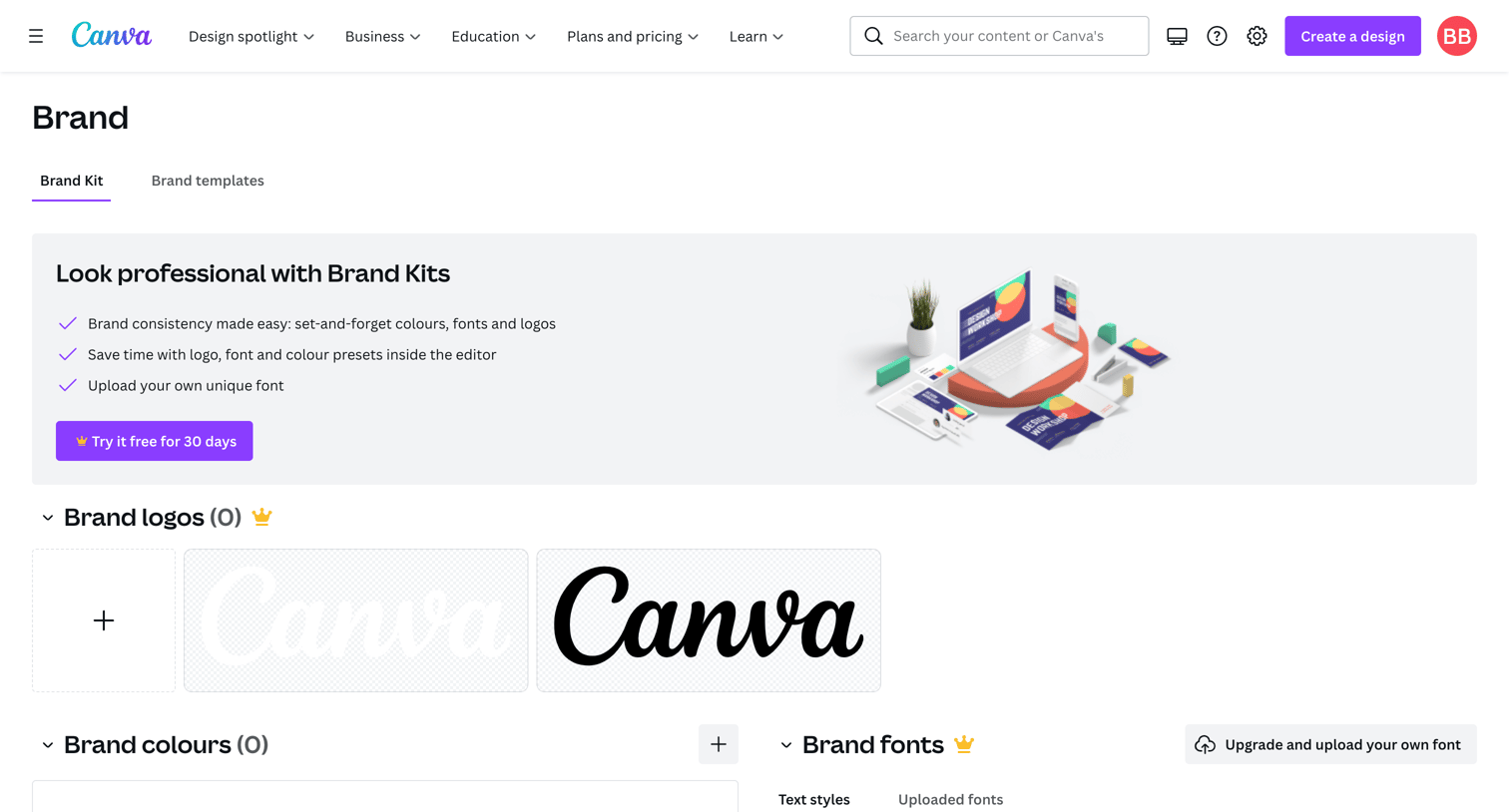
Canva - Brand - Canva screen
Canva logo
Canva

Settings page where the user configures their brand kit, including logos, colors, and fonts, with prompts to start a trial for premium features.

Explore the full SaaS screen library

Upgrade to unlock the full library.

Trusted by the best teams