Webhook management screen examples
Webhook management screen design examples from SaaS apps. Browse examples from Dock, Appwrite, Exa.
Explore the examples
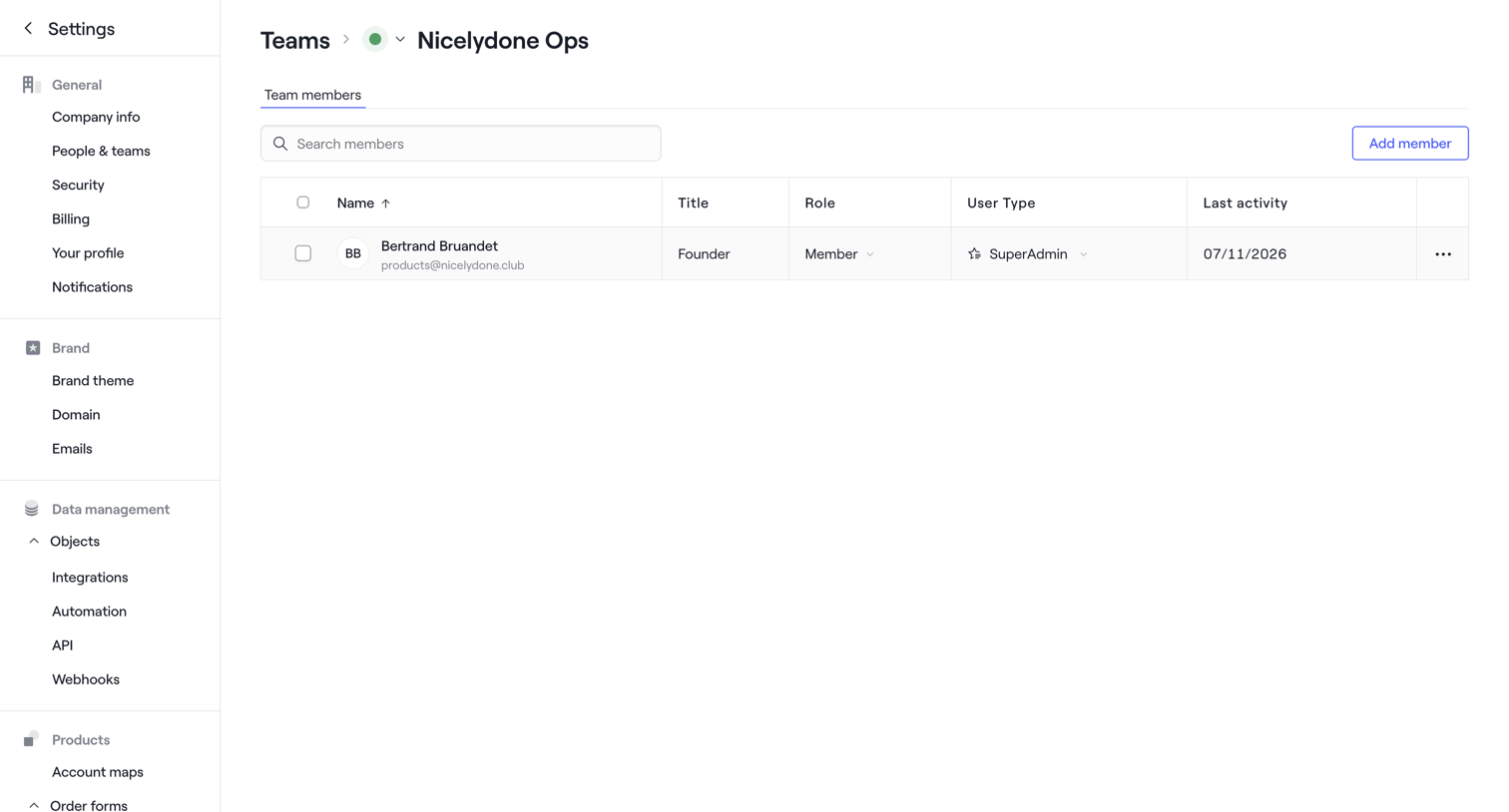

Settings page where the user manages members of the Nicelydone Ops team, displaying a data table with roles and user types.
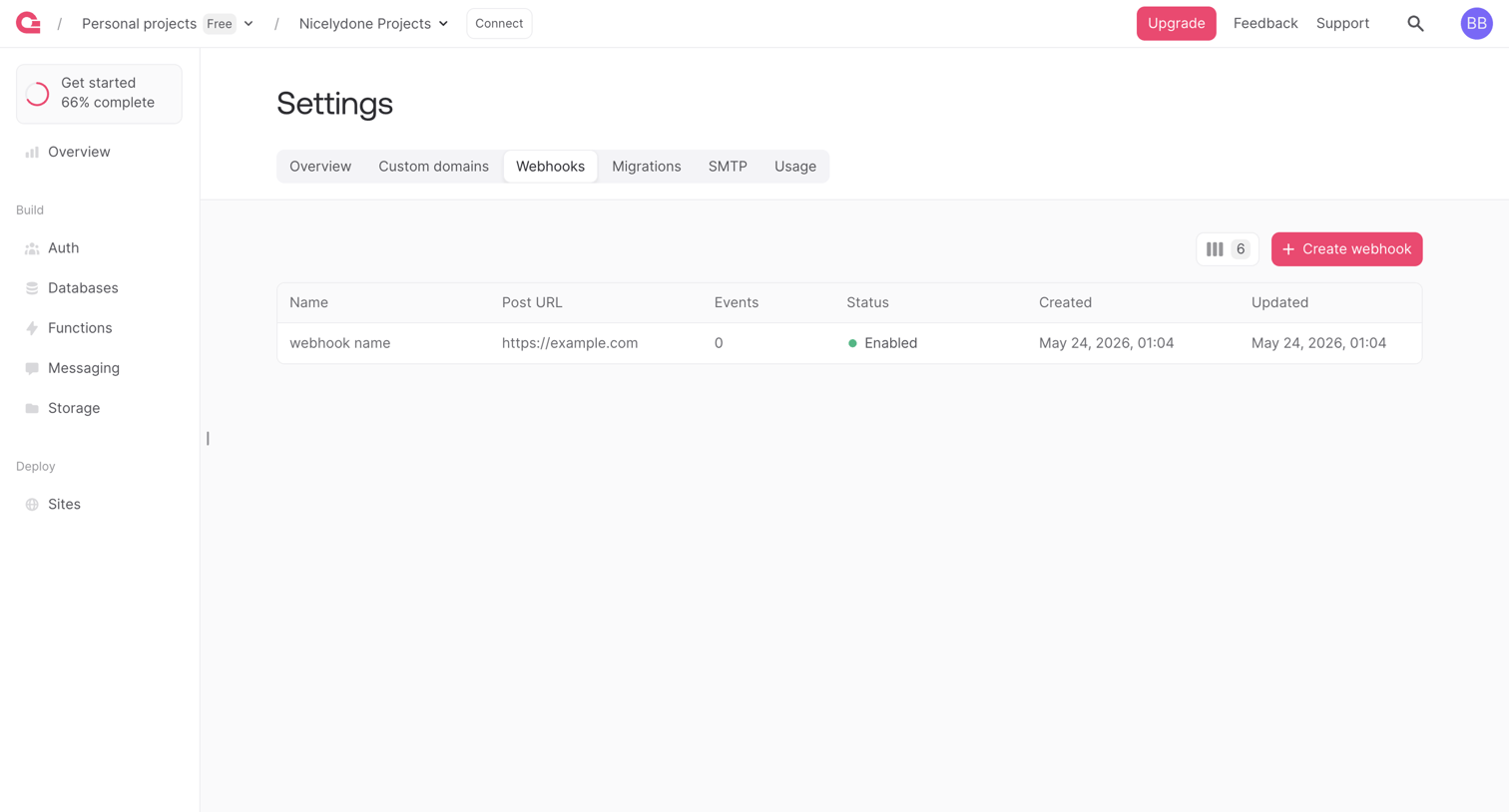

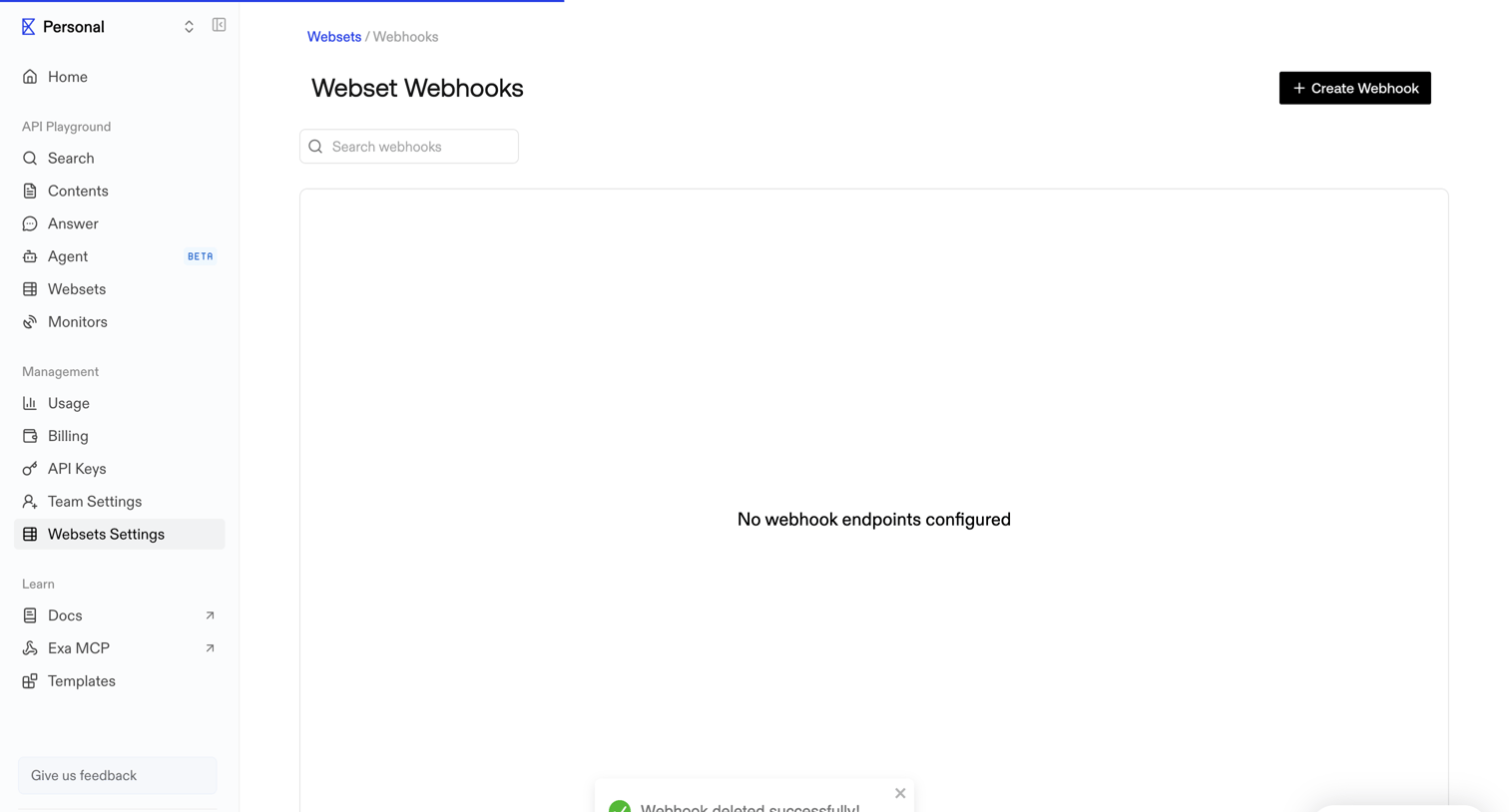

Settings page where the user manages webhook endpoints, currently showing an empty state immediately after a successful deletion.
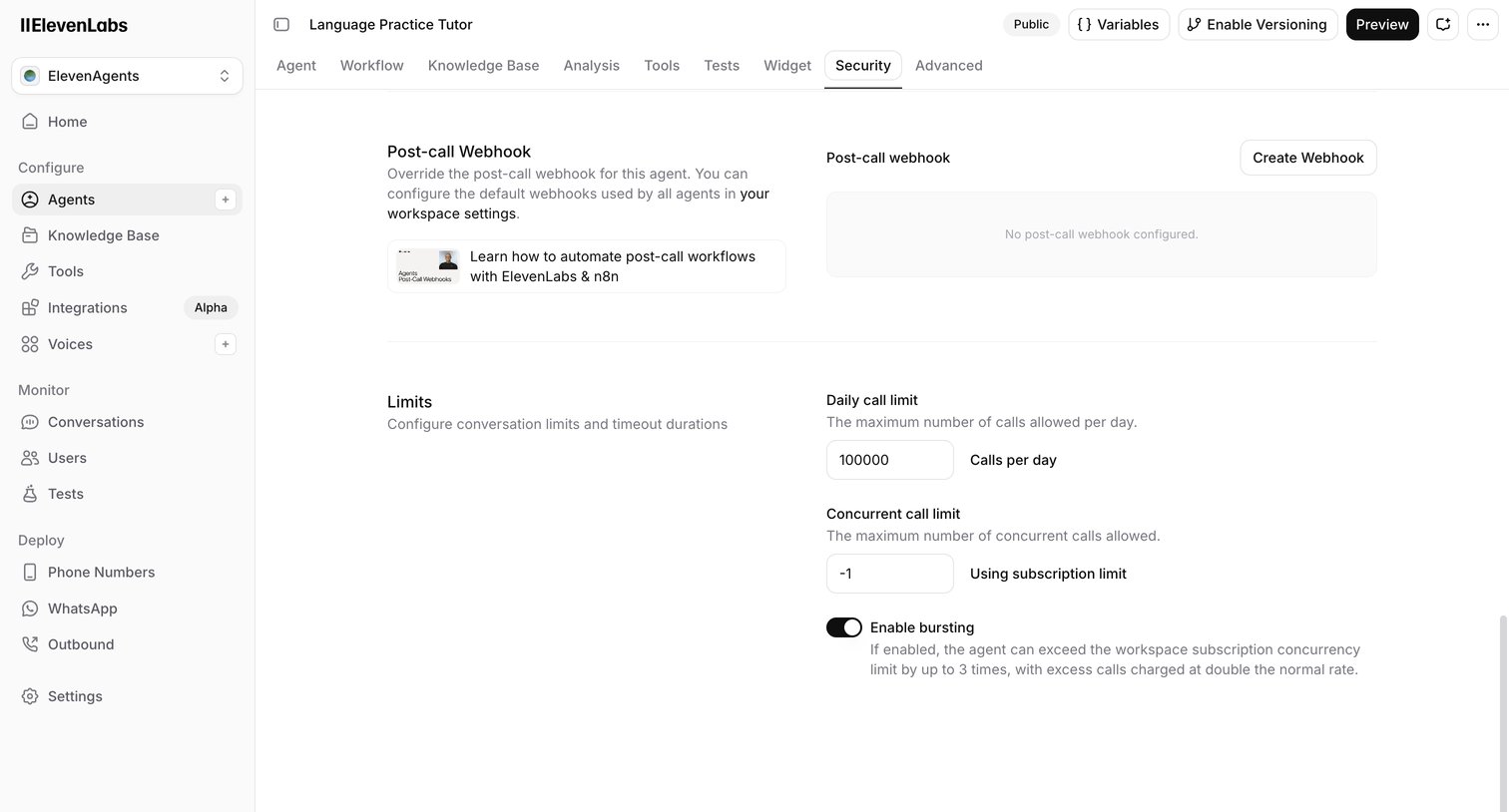

Settings page where the user configures security limits, concurrency, and post-call webhooks for a specific AI agent.
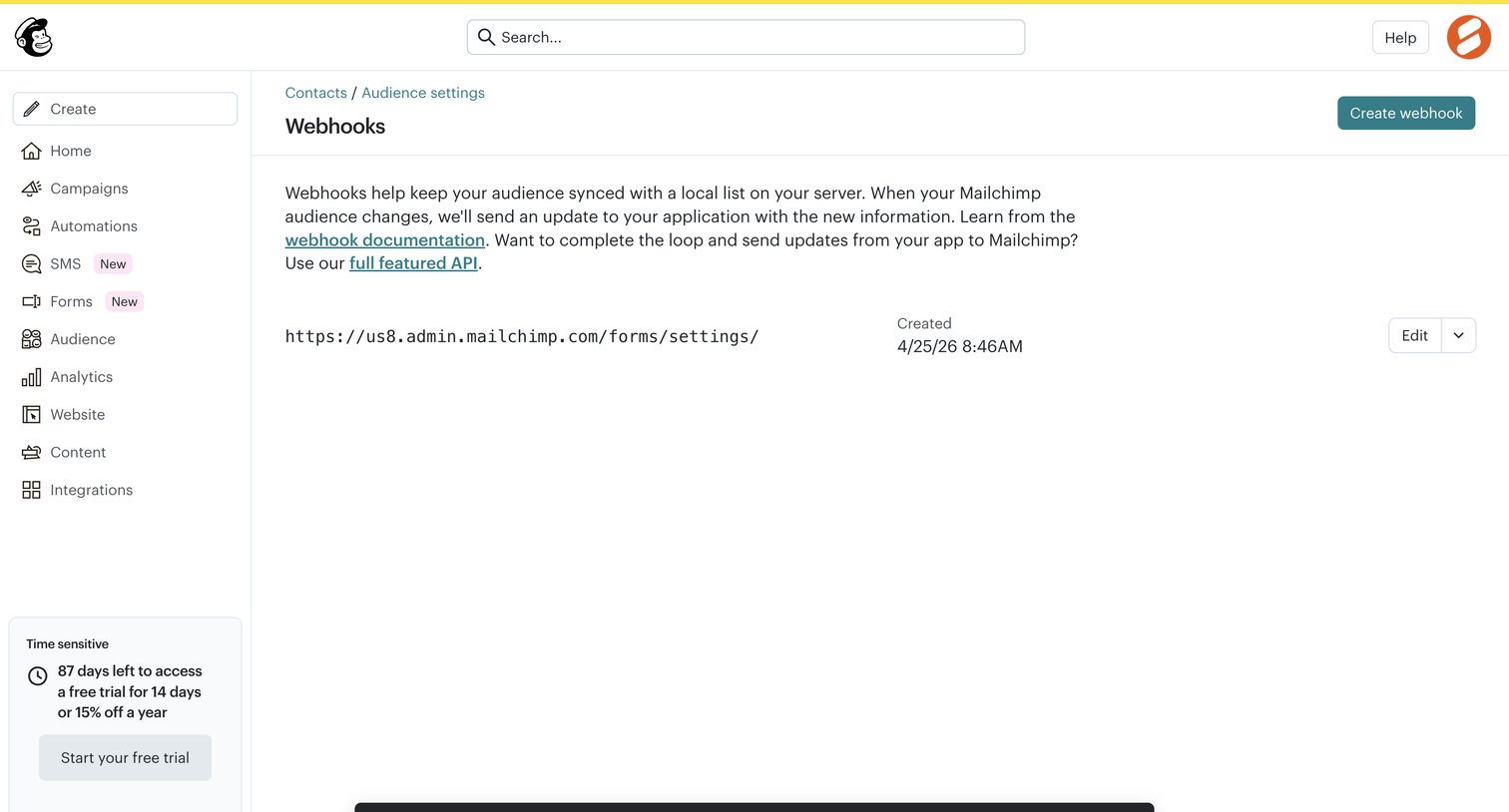

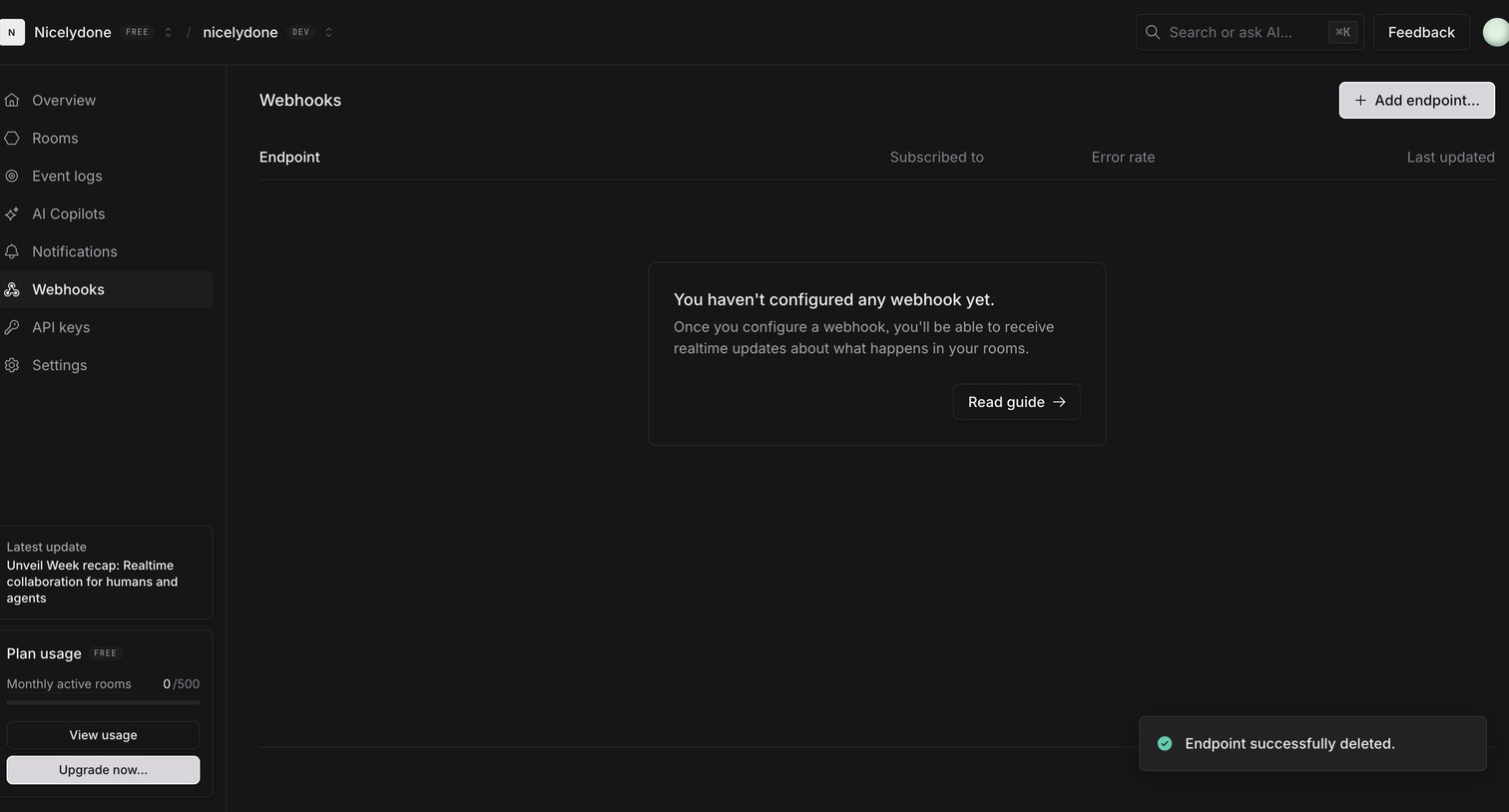

Webhooks settings page showing an empty state after an endpoint was successfully deleted, featuring an 'Add endpoint' action and a prompt to read the configuration guide.
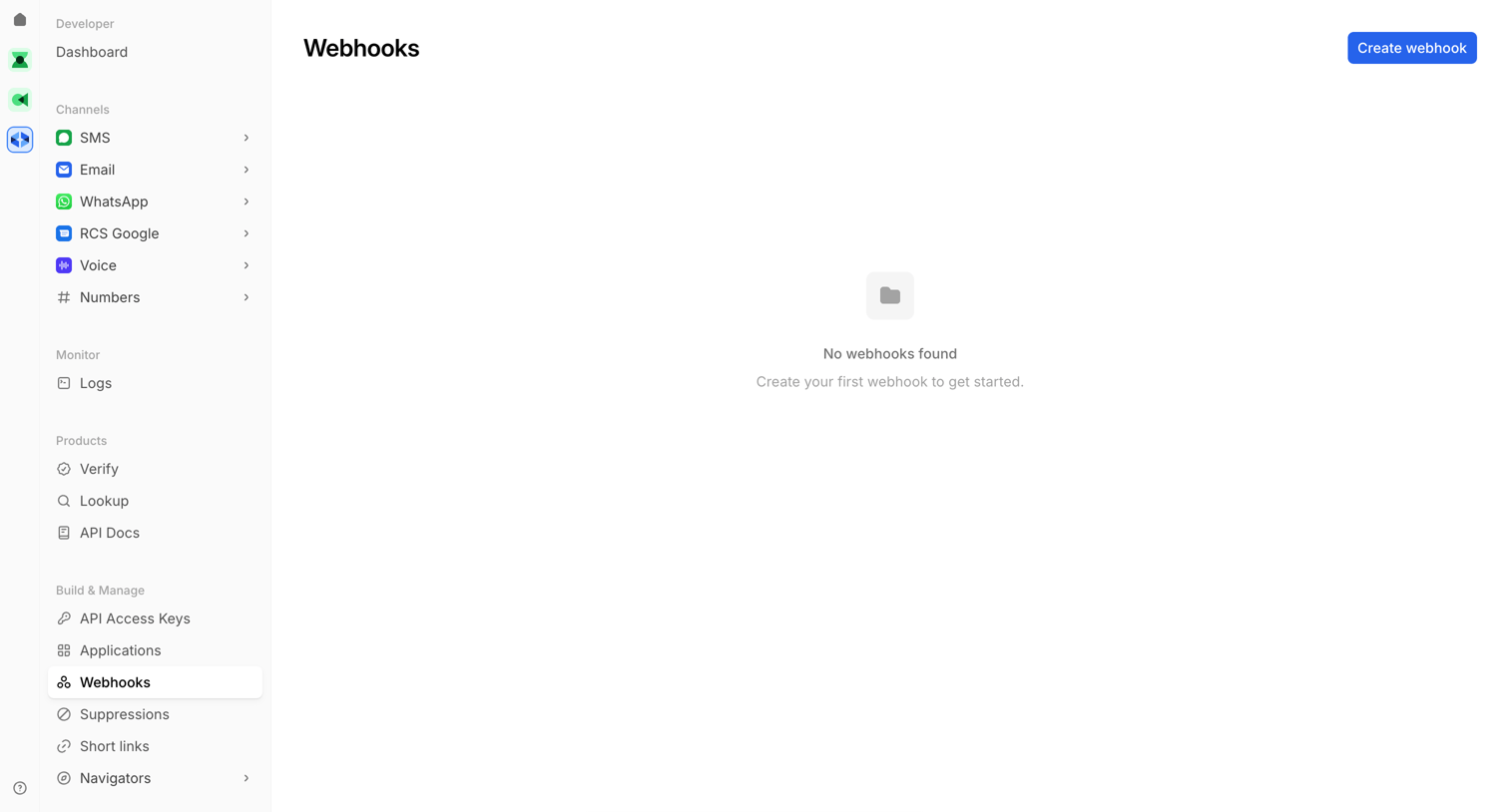

Settings page where the user manages webhooks, currently showing an empty state with a confirmation toast that a webhook was deleted.
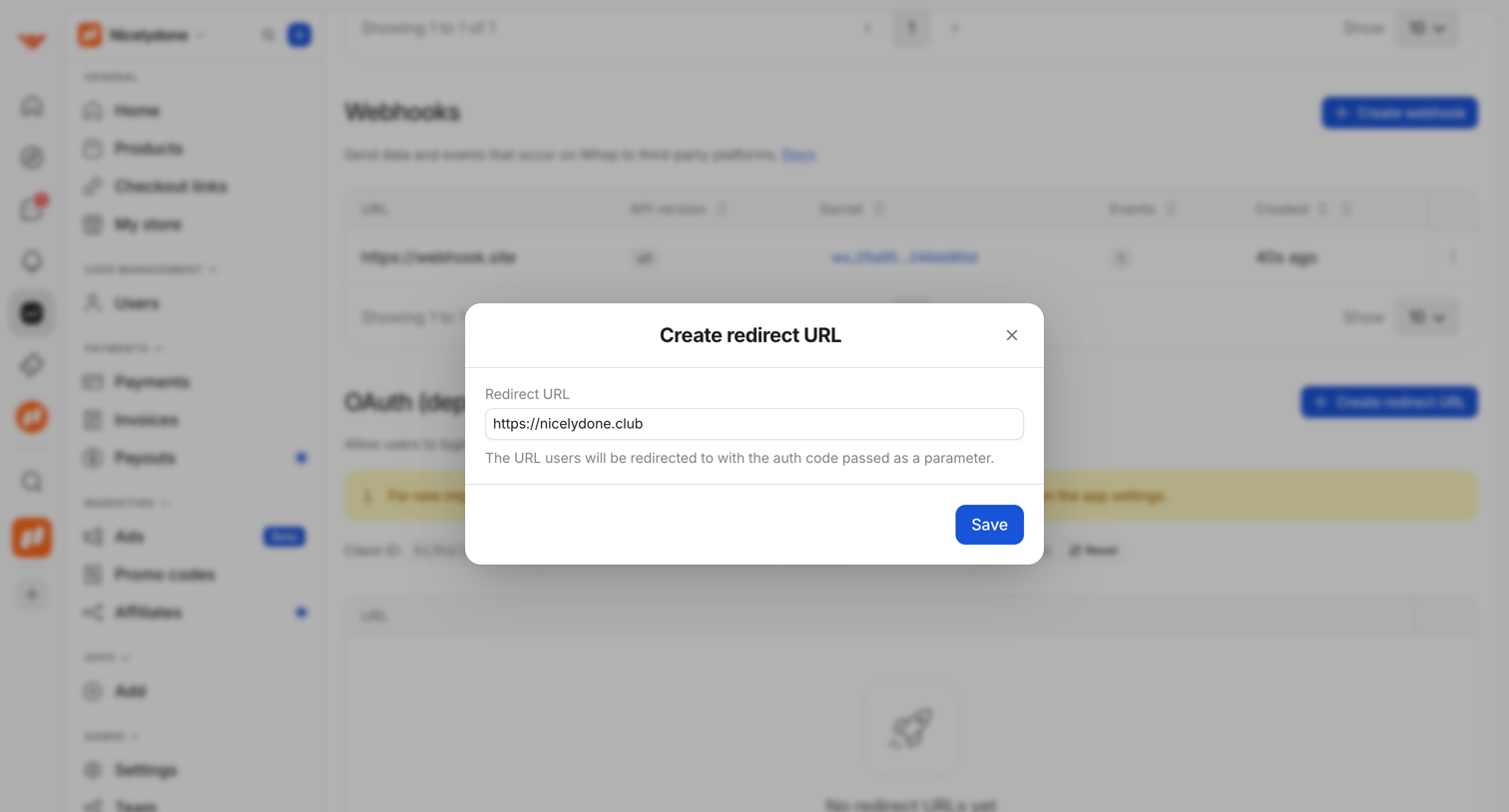

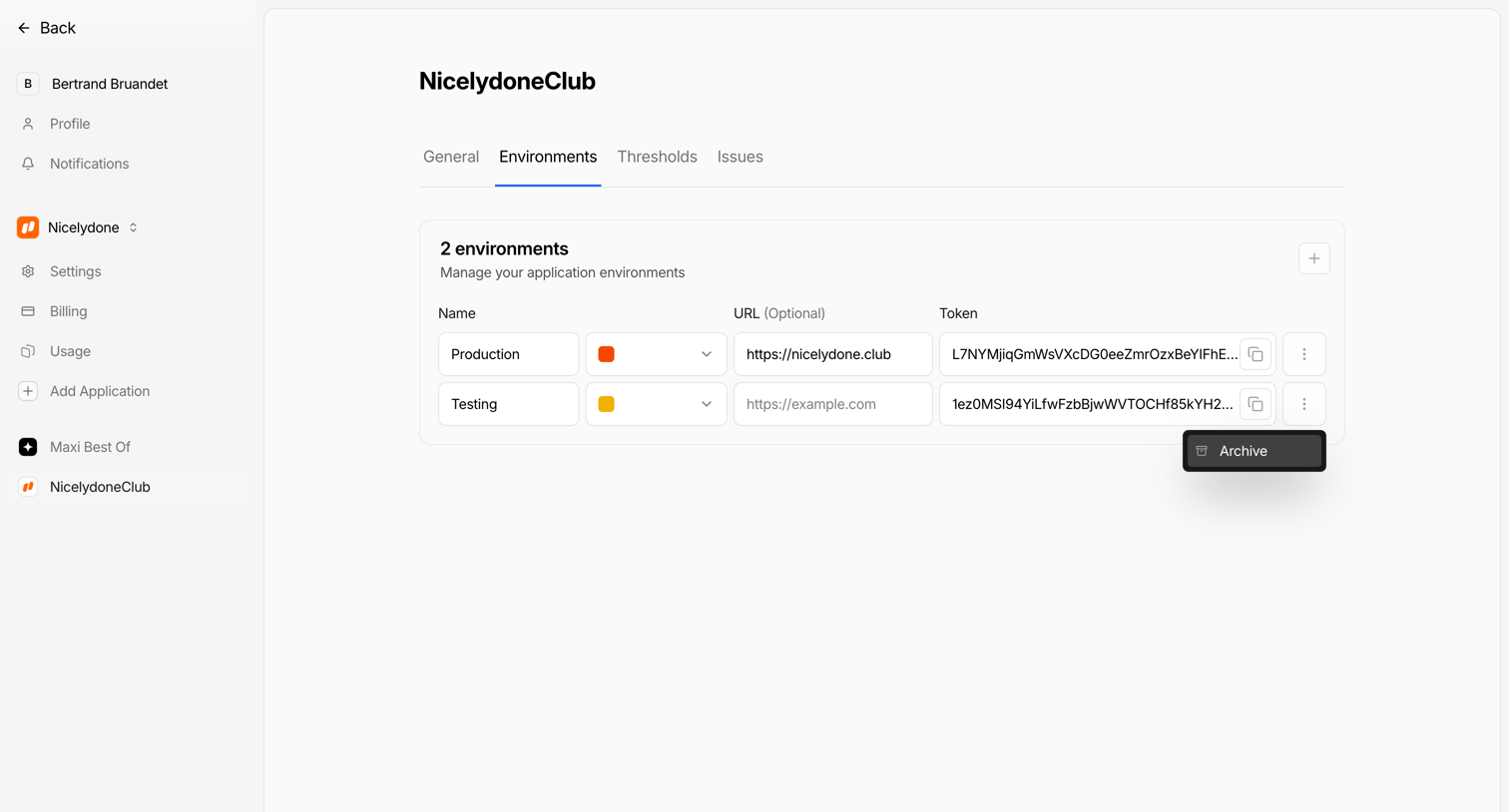

Settings page where the user manages production and testing environments for an application, including configuring URLs and copying access tokens.
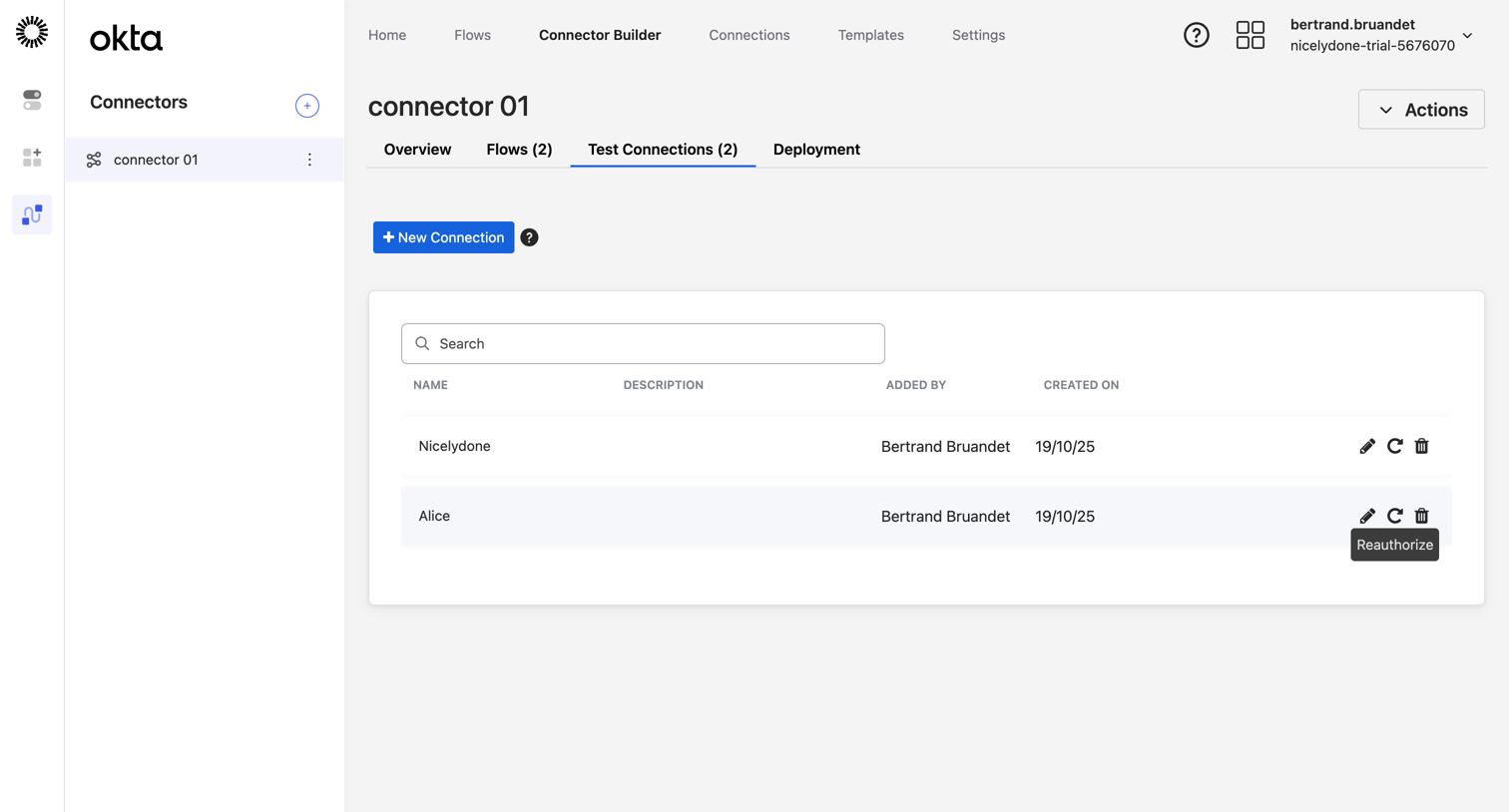

List view where the user searches and manages test connections for a specific connector build, with options to edit, reauthorize, or delete individual entries.
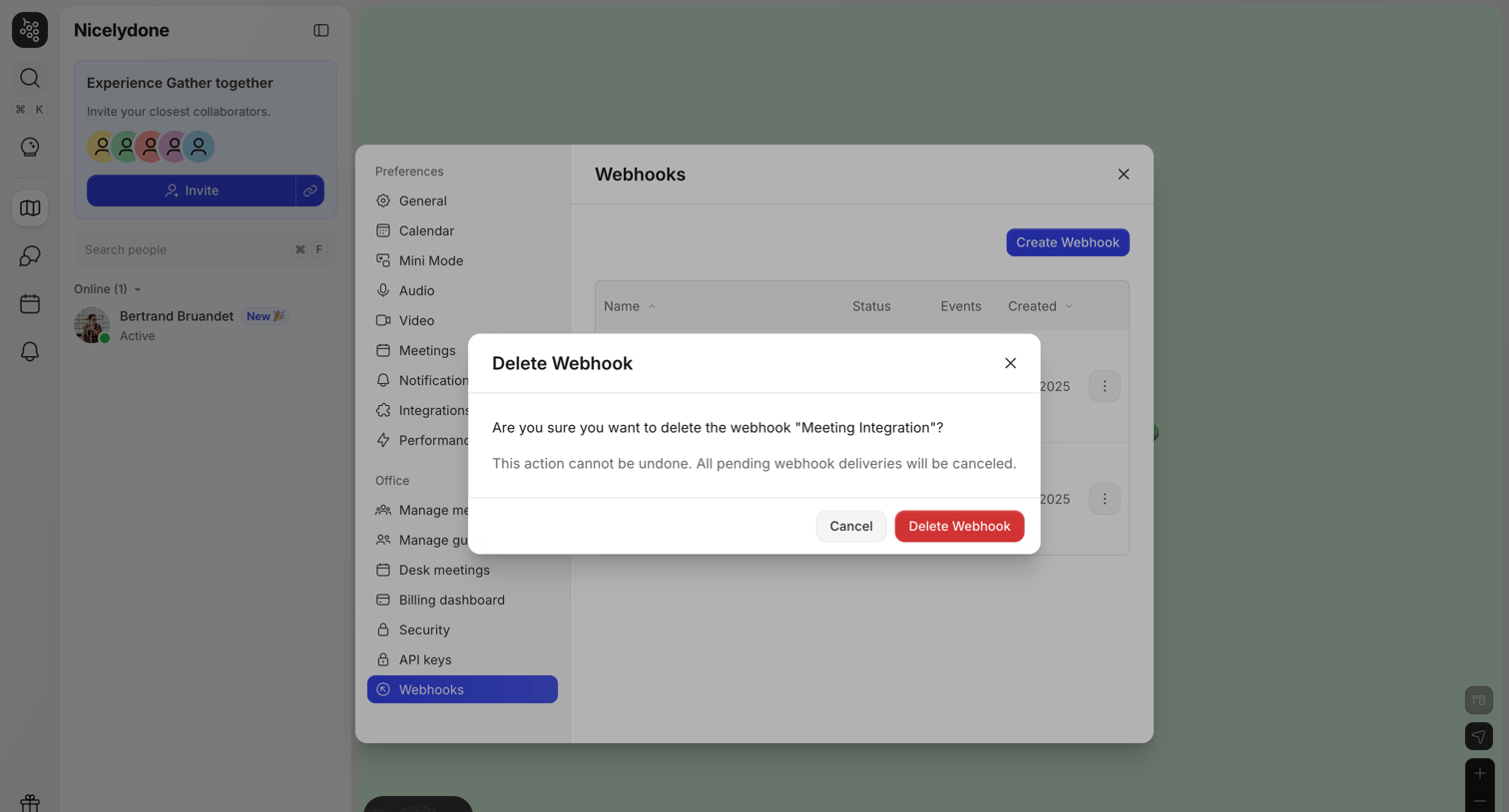

Settings modal where the user is prompted to confirm the deletion of a specific webhook named 'Meeting Integration'.
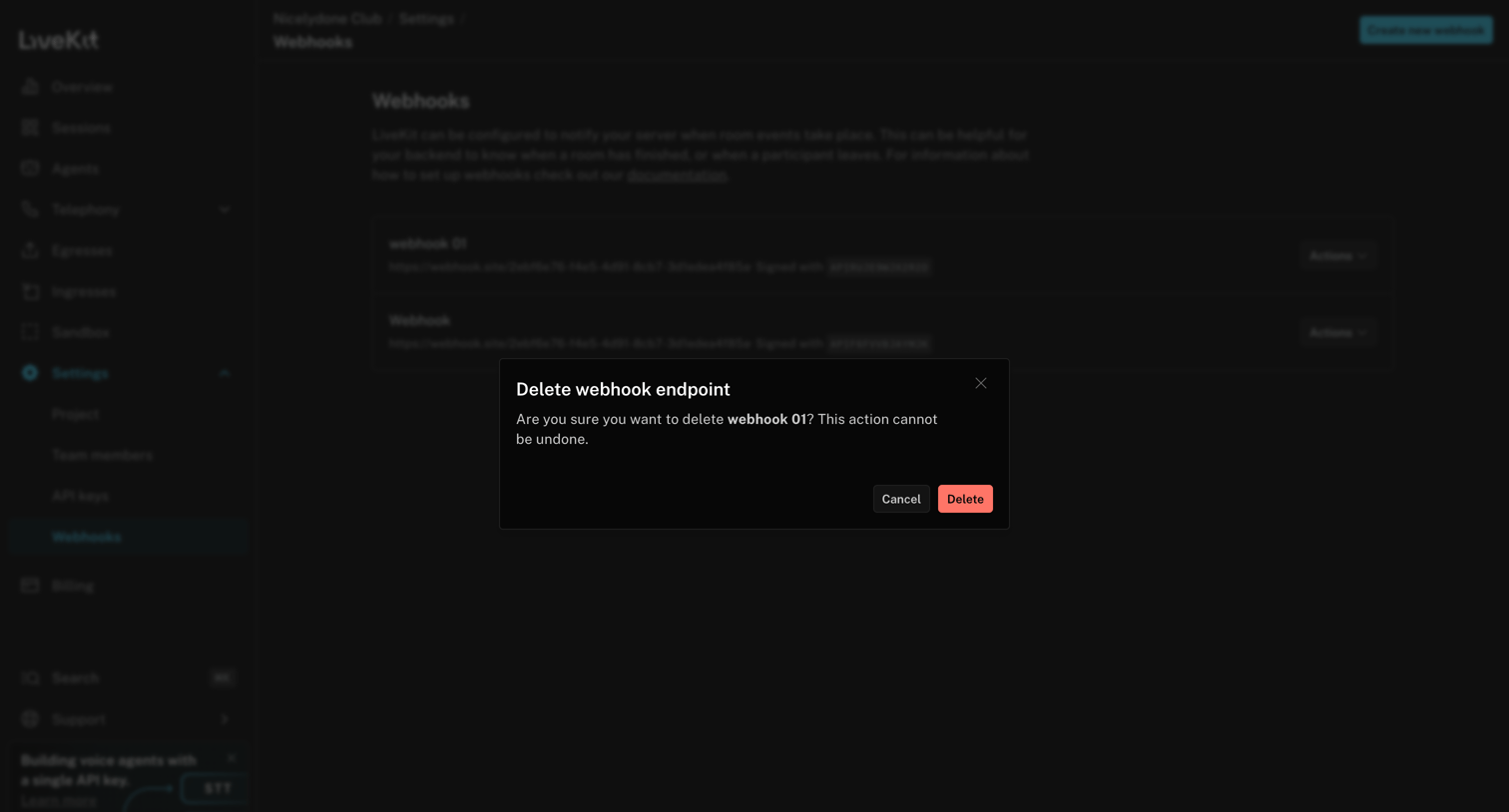

Settings page where the user is prompted to confirm the deletion of a specific webhook endpoint, 'webhook 01'.
Explore the full SaaS screen library
Upgrade to unlock the full library.
Trusted by the best teams







