User settings screen examples
User settings screen design examples from SaaS apps. Browse examples from Polar, Inference, Dock.
Explore the examples
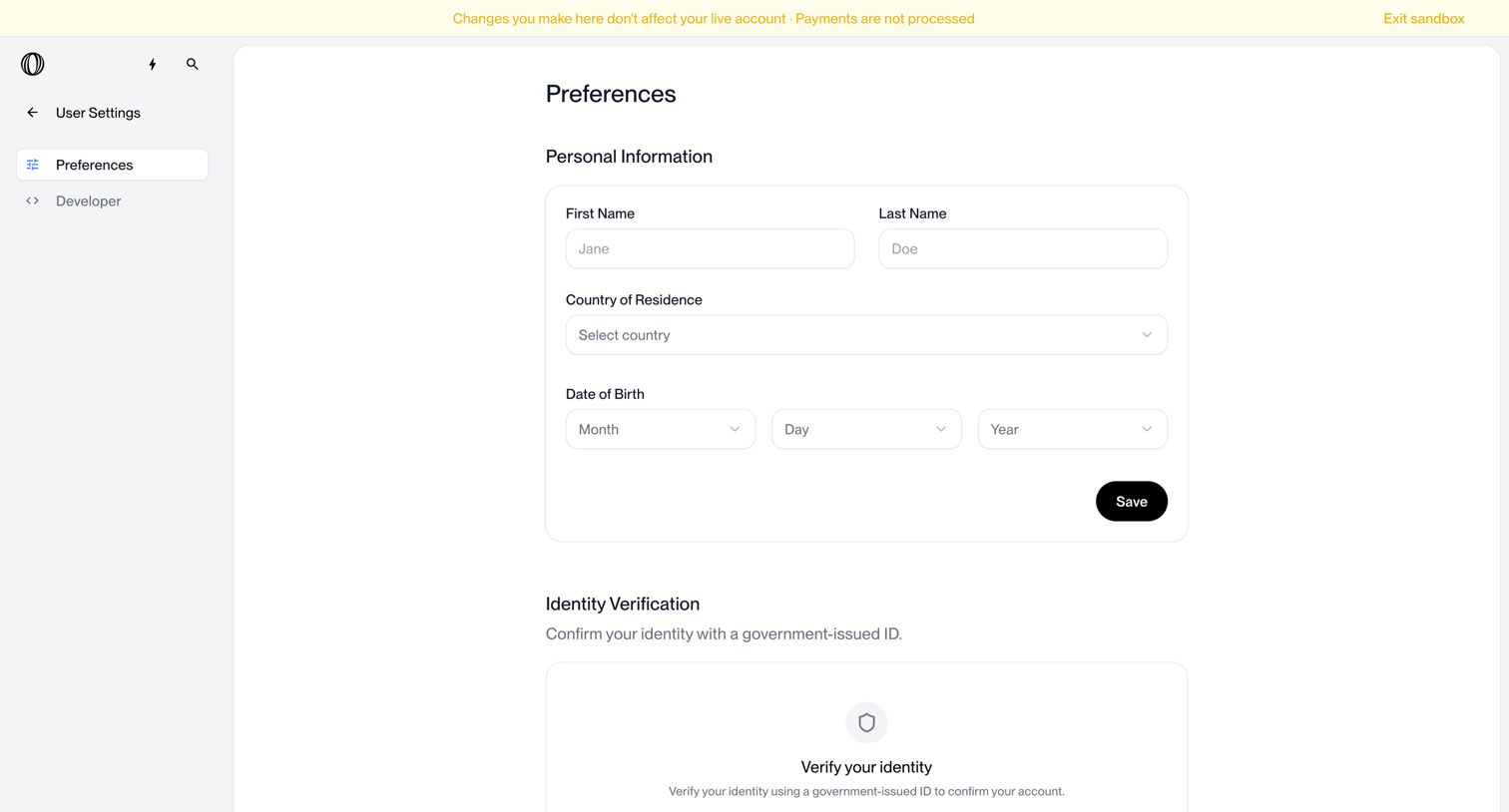

Settings page where the user updates their personal information and initiates identity verification.
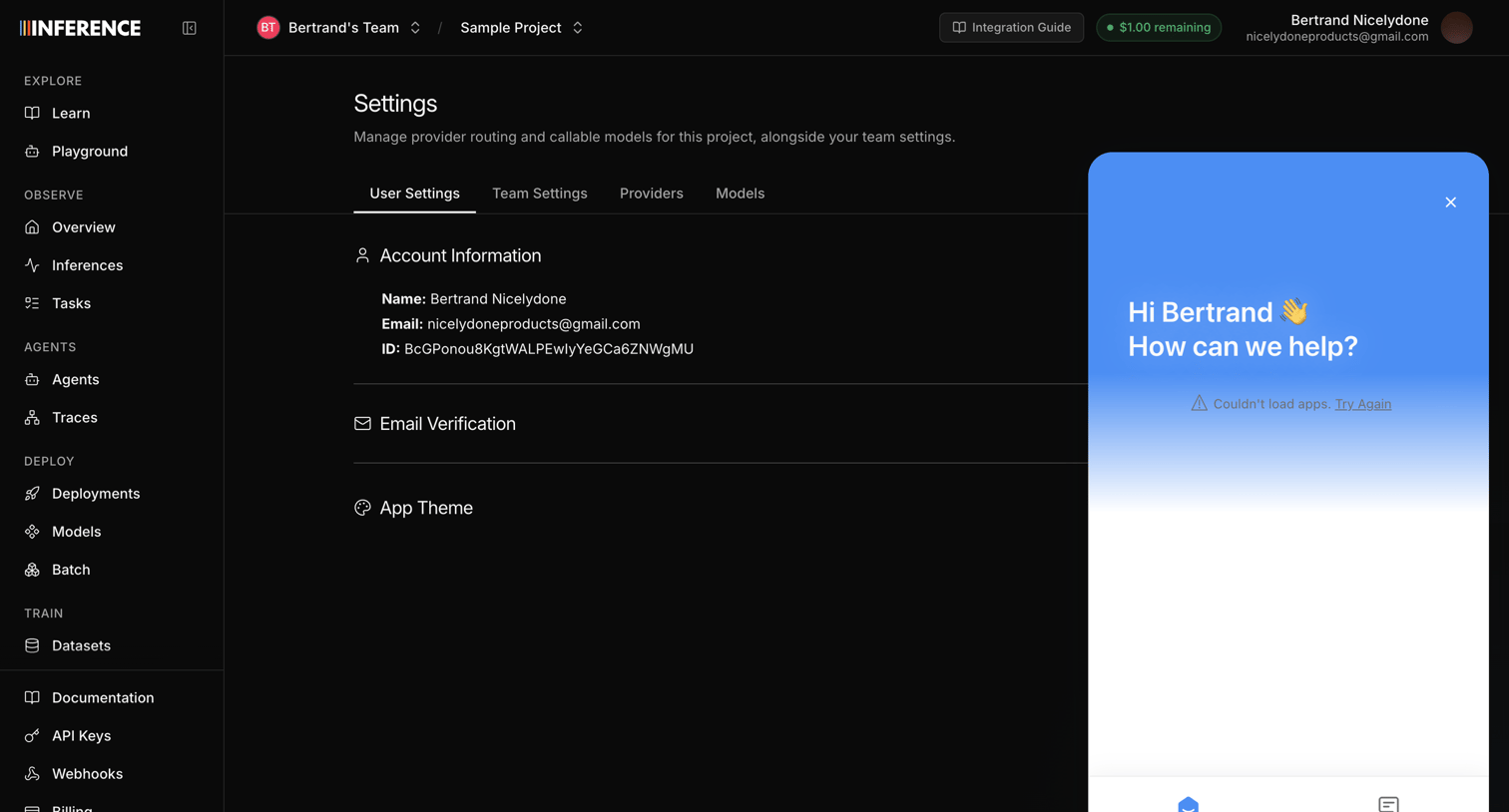

Settings page where the user views their account information, email verification status, and app theme preferences, with a support chat widget open.
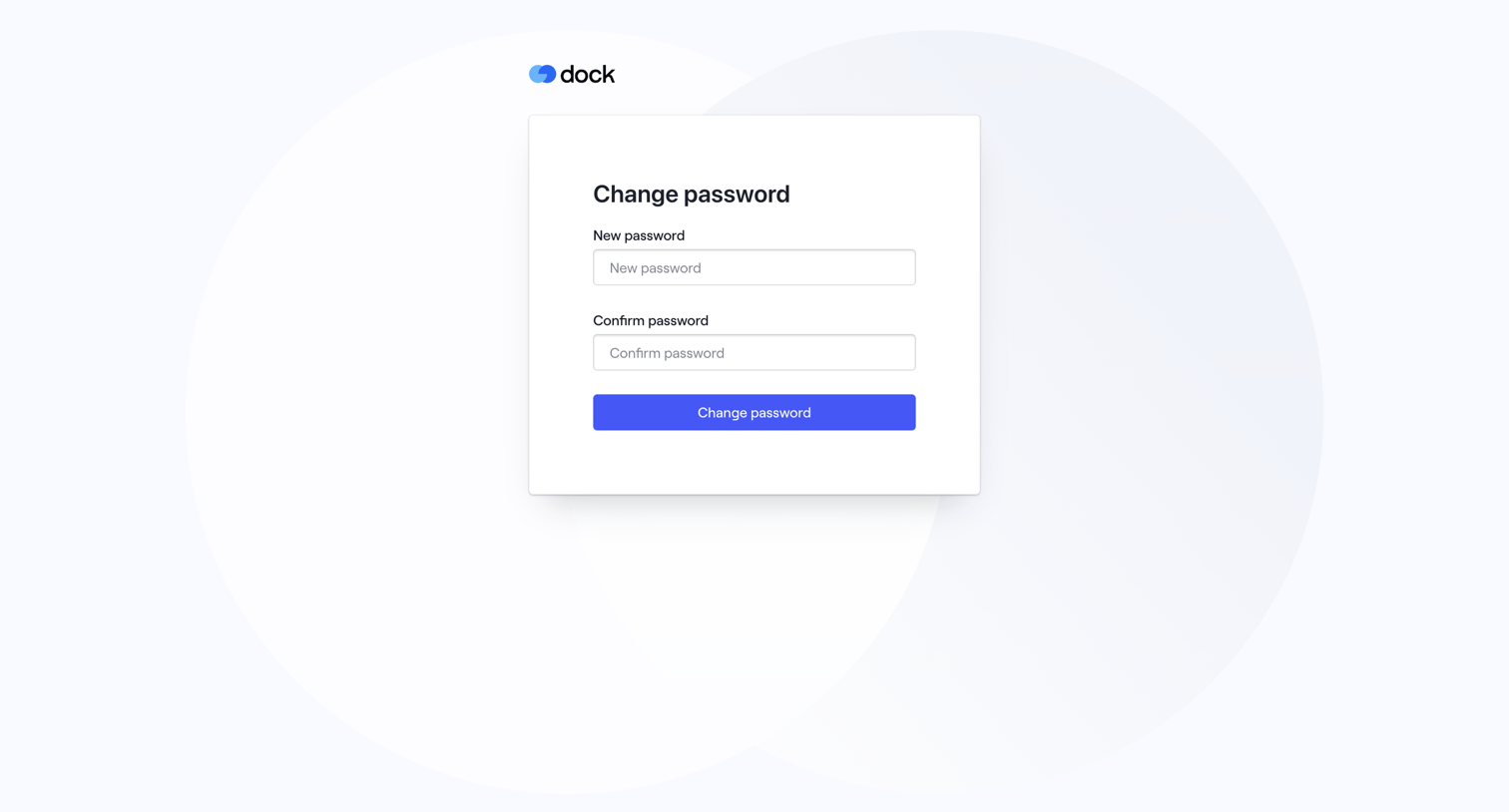

Authentication screen where the user sets and confirms a new password to recover their account.
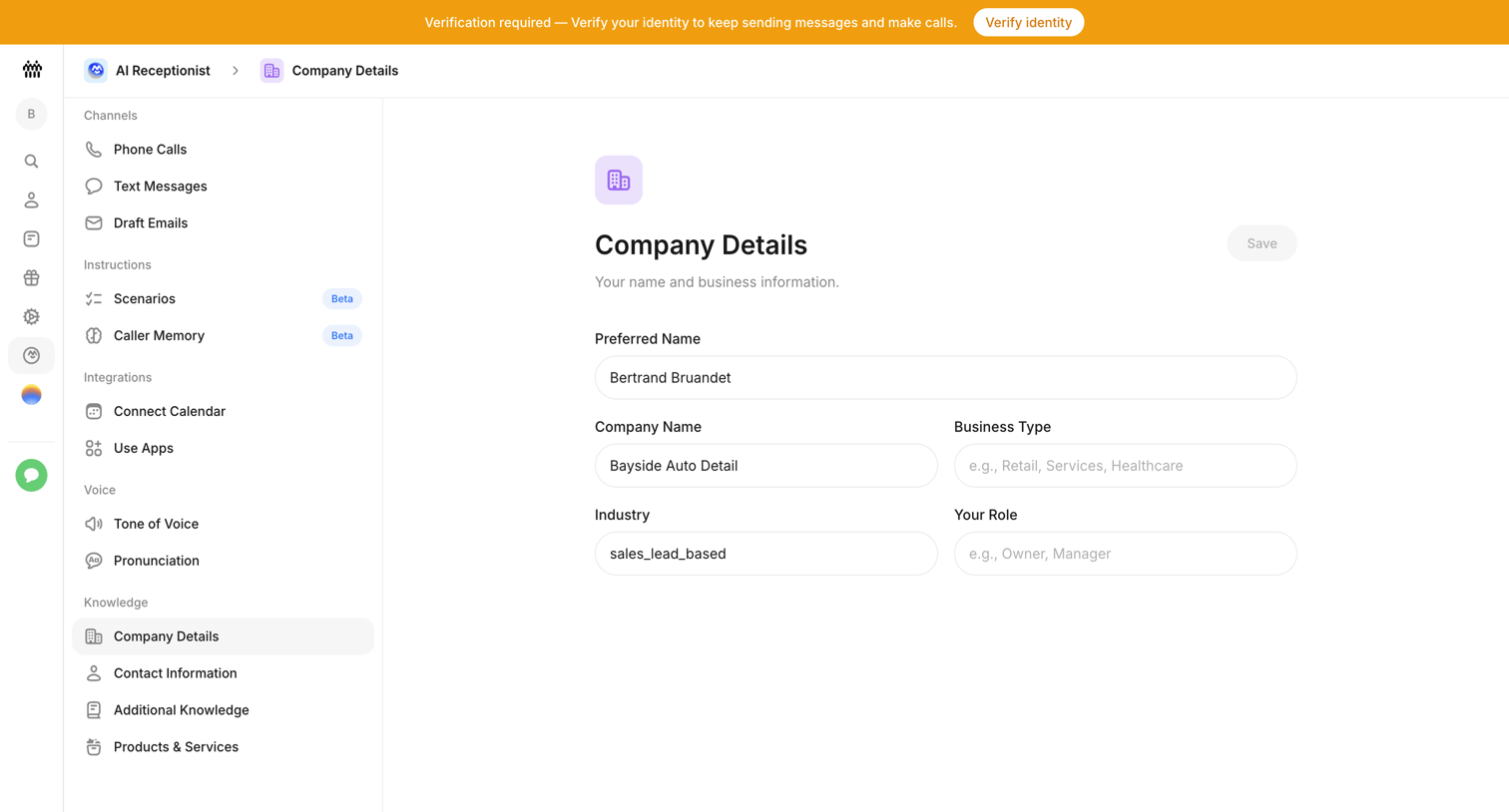

Settings page where the user configures company details like preferred name, business type, and industry for their AI receptionist.
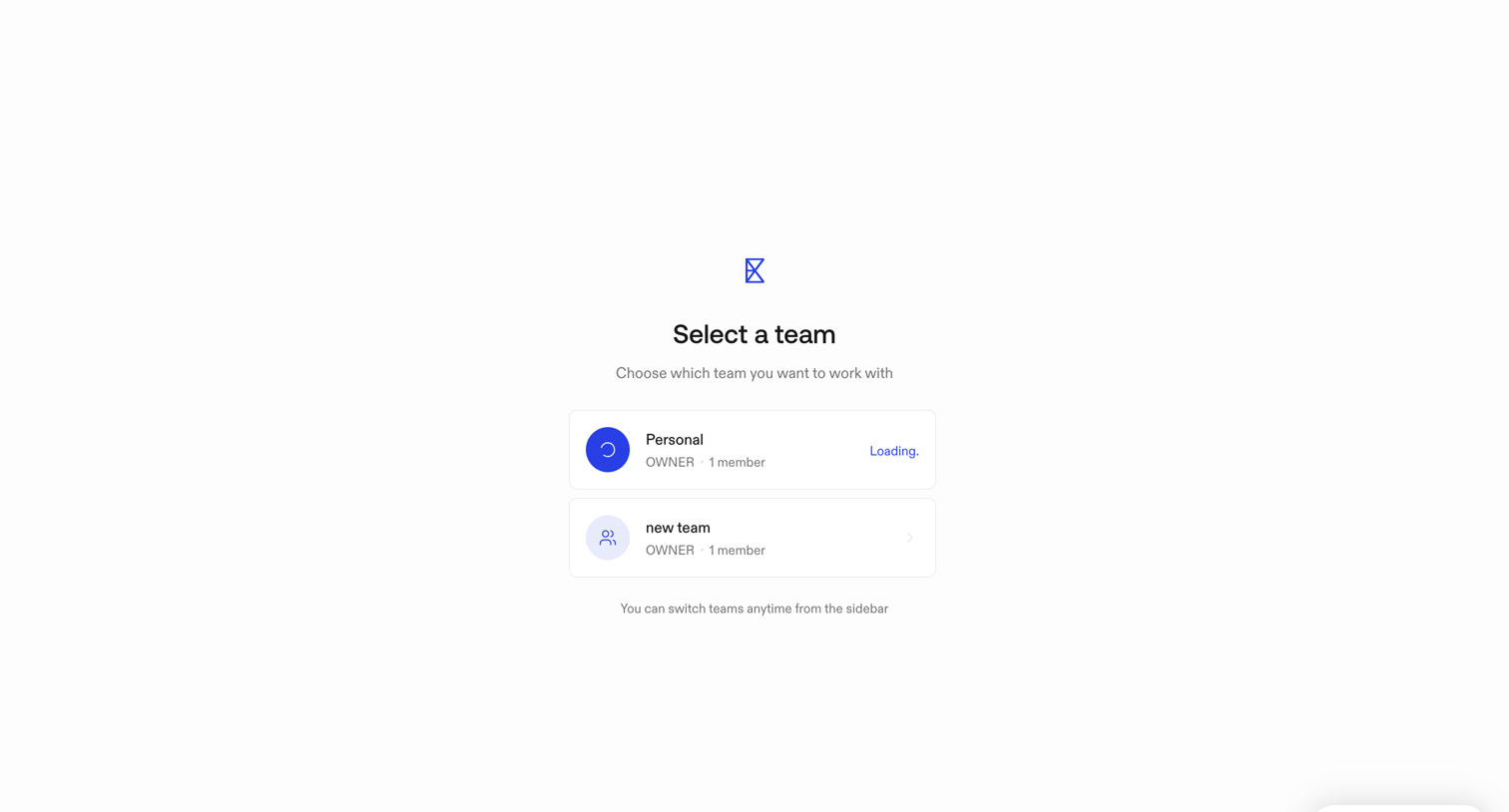

Onboarding step where the user selects which team workspace to enter, with the personal team currently loading.
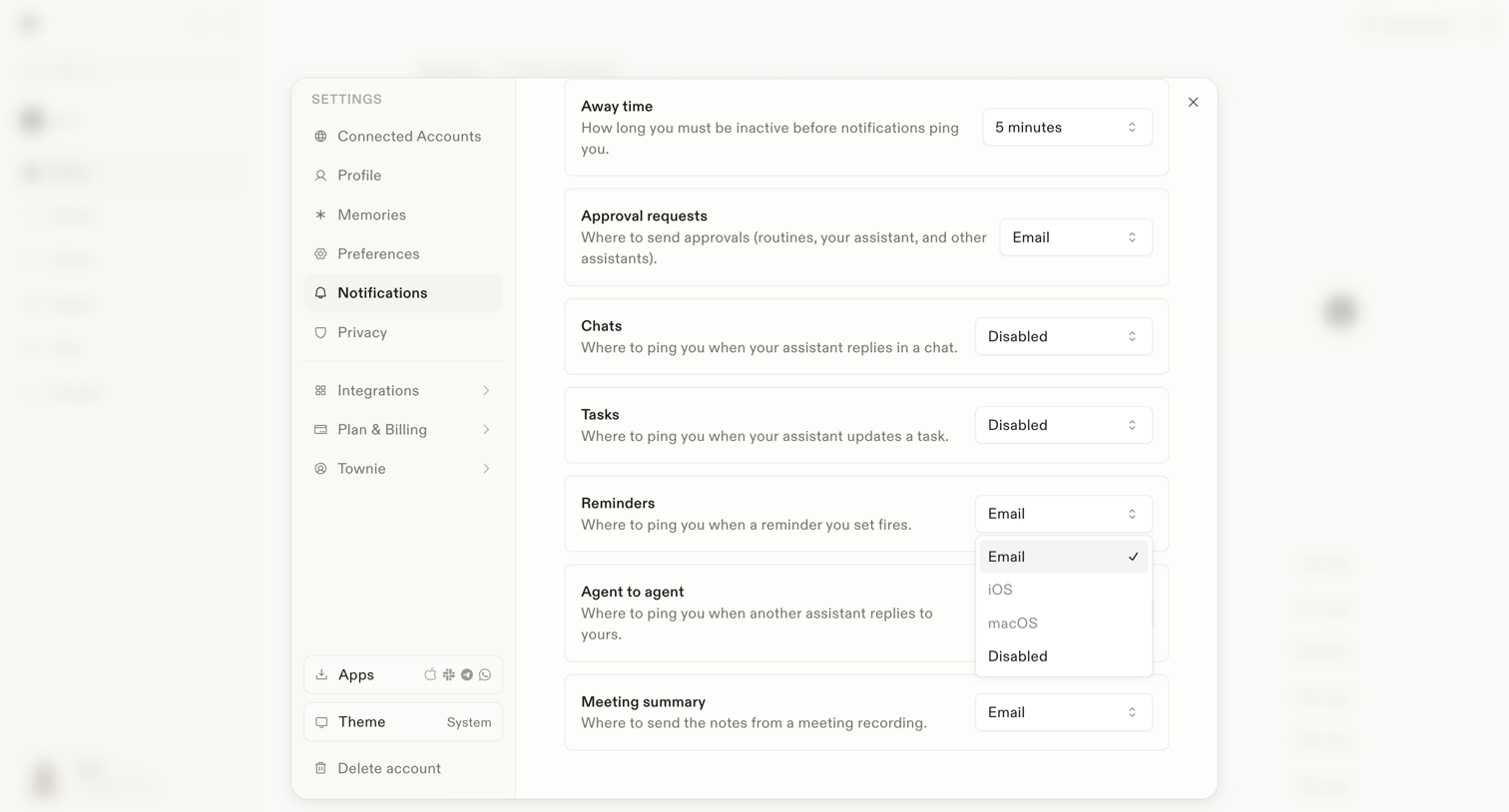

Settings modal where the user configures notification routing channels for events like away time, approval requests, chats, tasks, and meeting summaries.
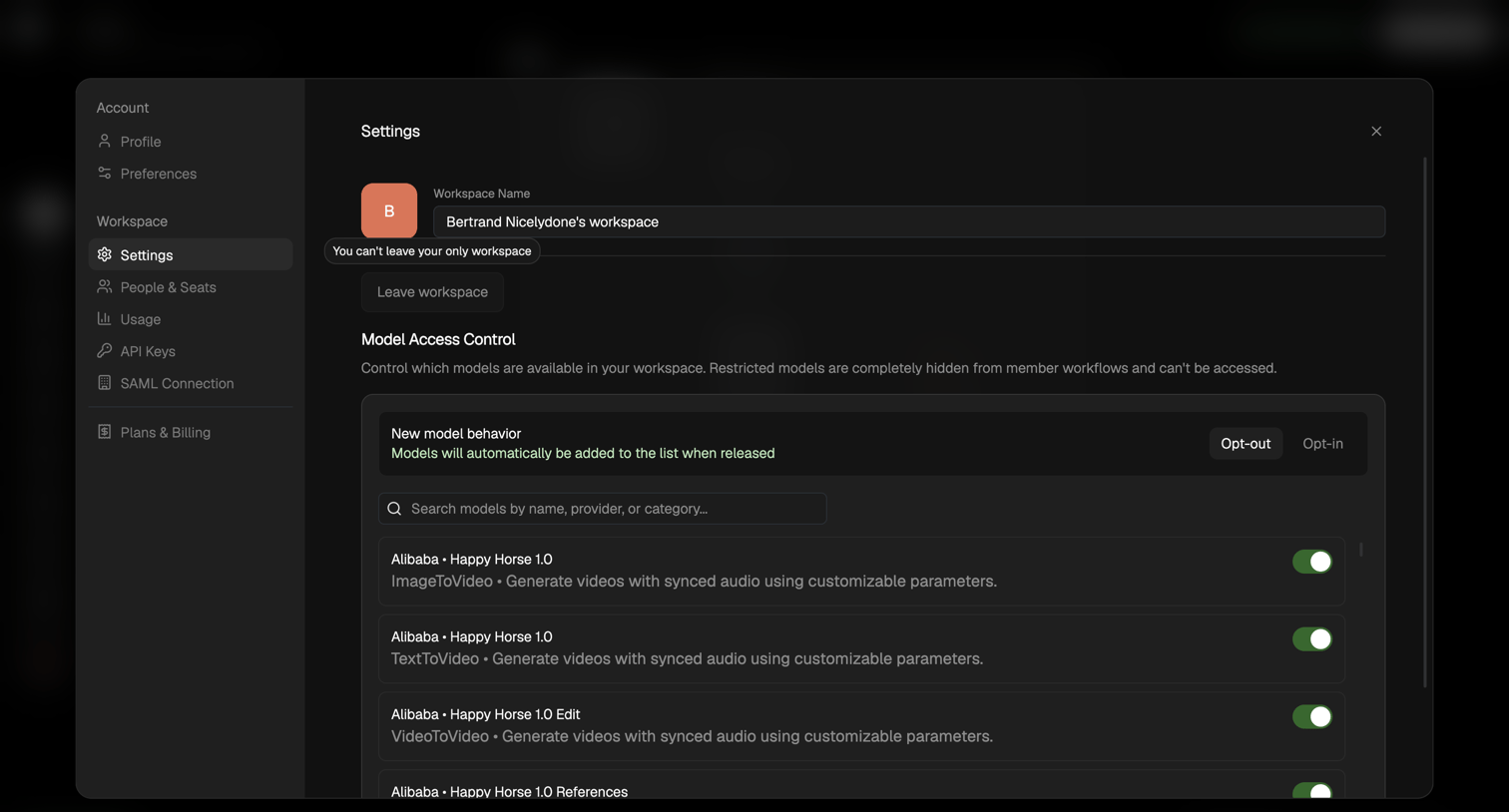

Settings modal where the user can rename their workspace and toggle access to specific AI models.
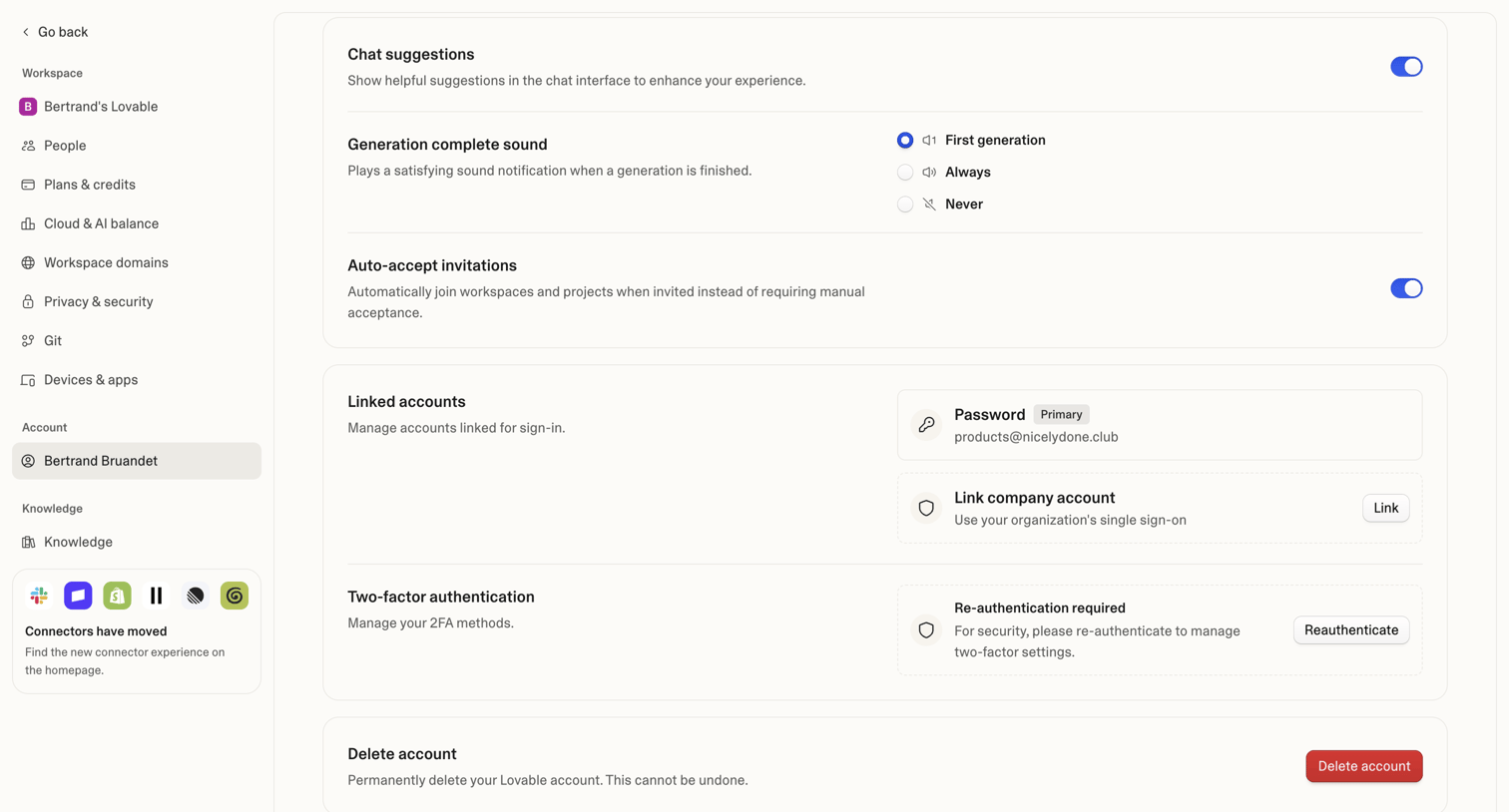

Settings page where the user manages their personal account preferences, linked sign-in methods, two-factor authentication, and account deletion.

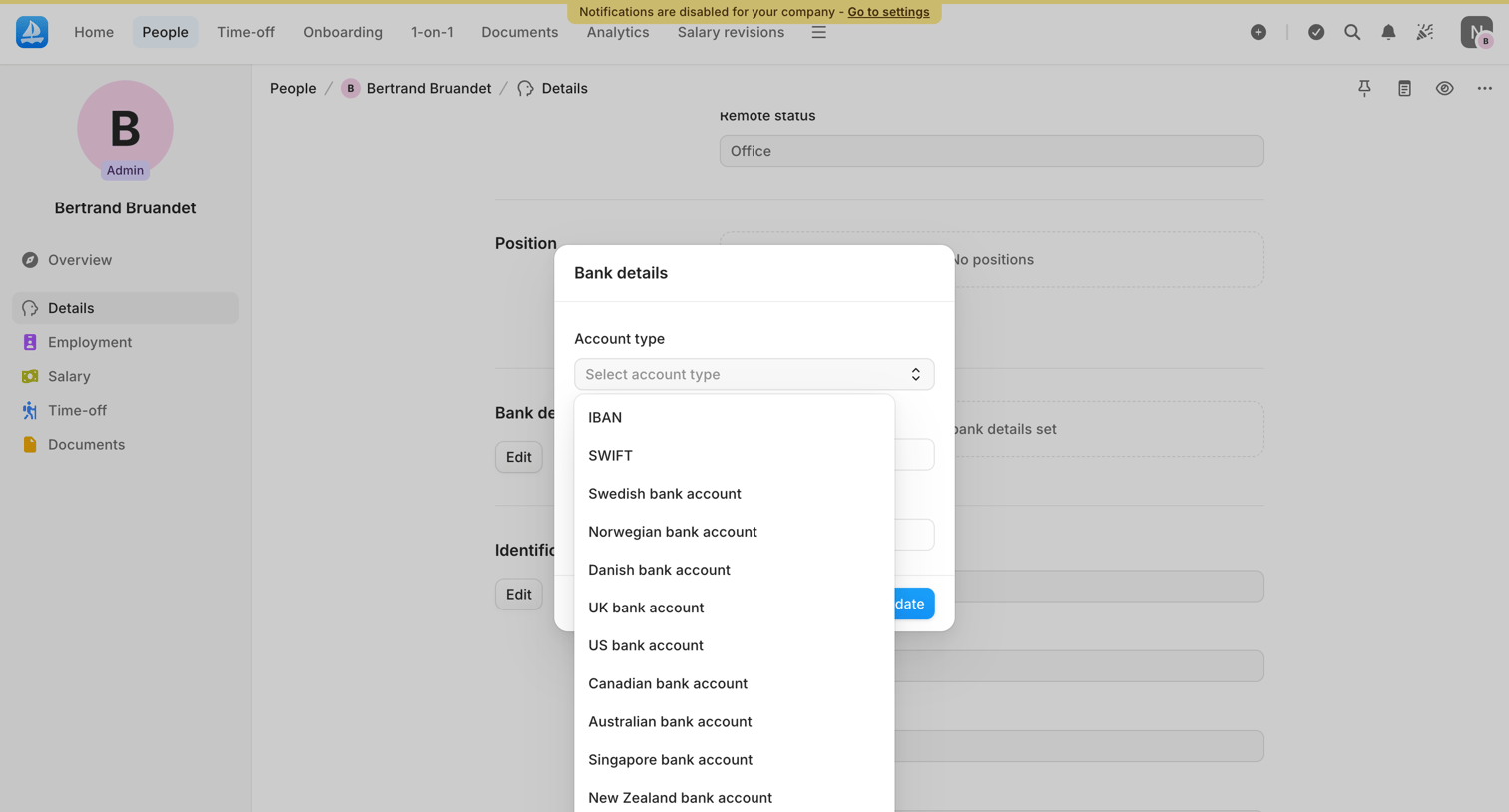

Detail page where an admin edits a team member's bank details via a modal, selecting the account type from a dropdown.
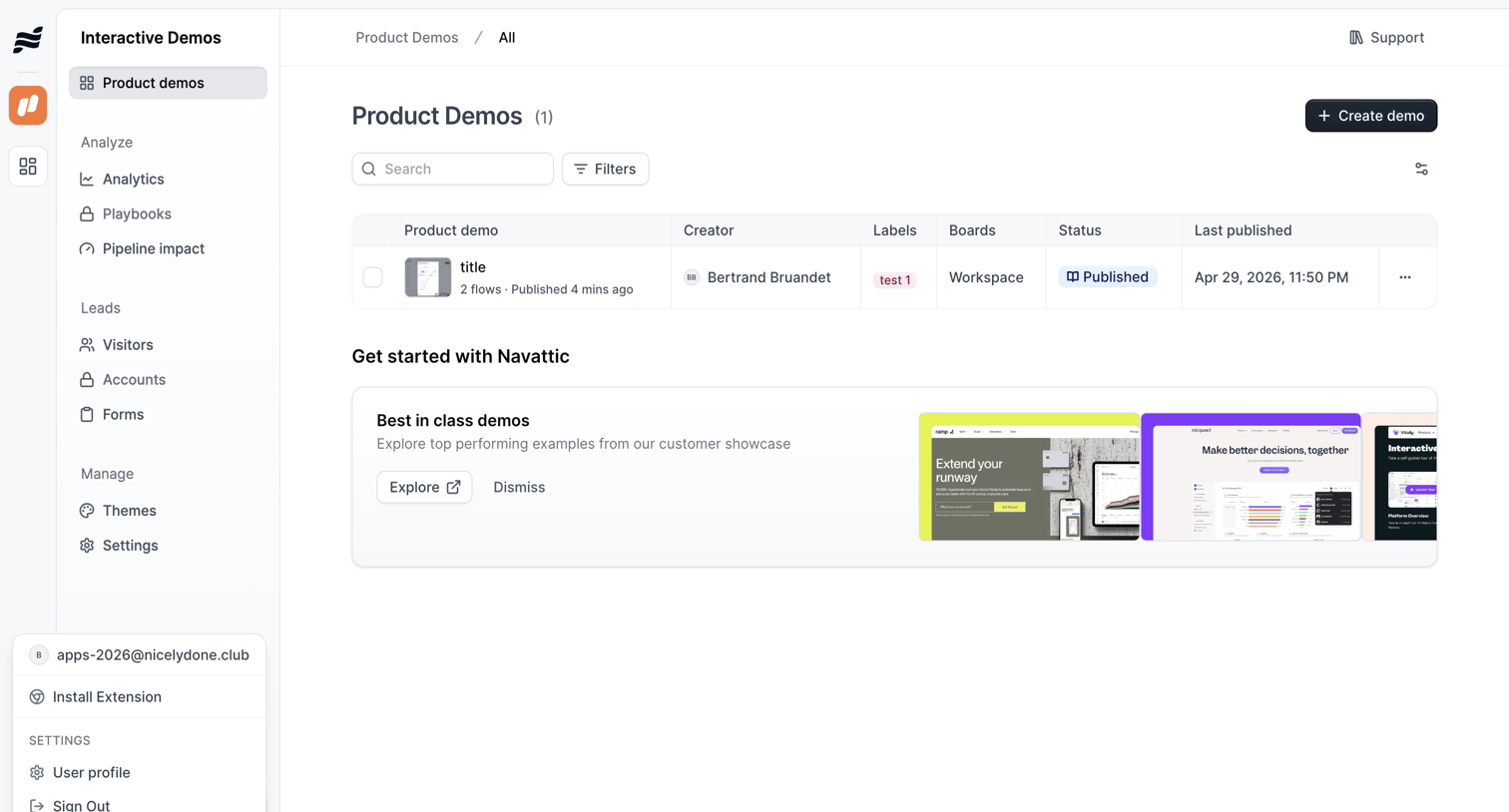

List view where the user manages their interactive product demos, with options to search, filter, and create new flows, alongside an onboarding banner promoting best-in-class examples.
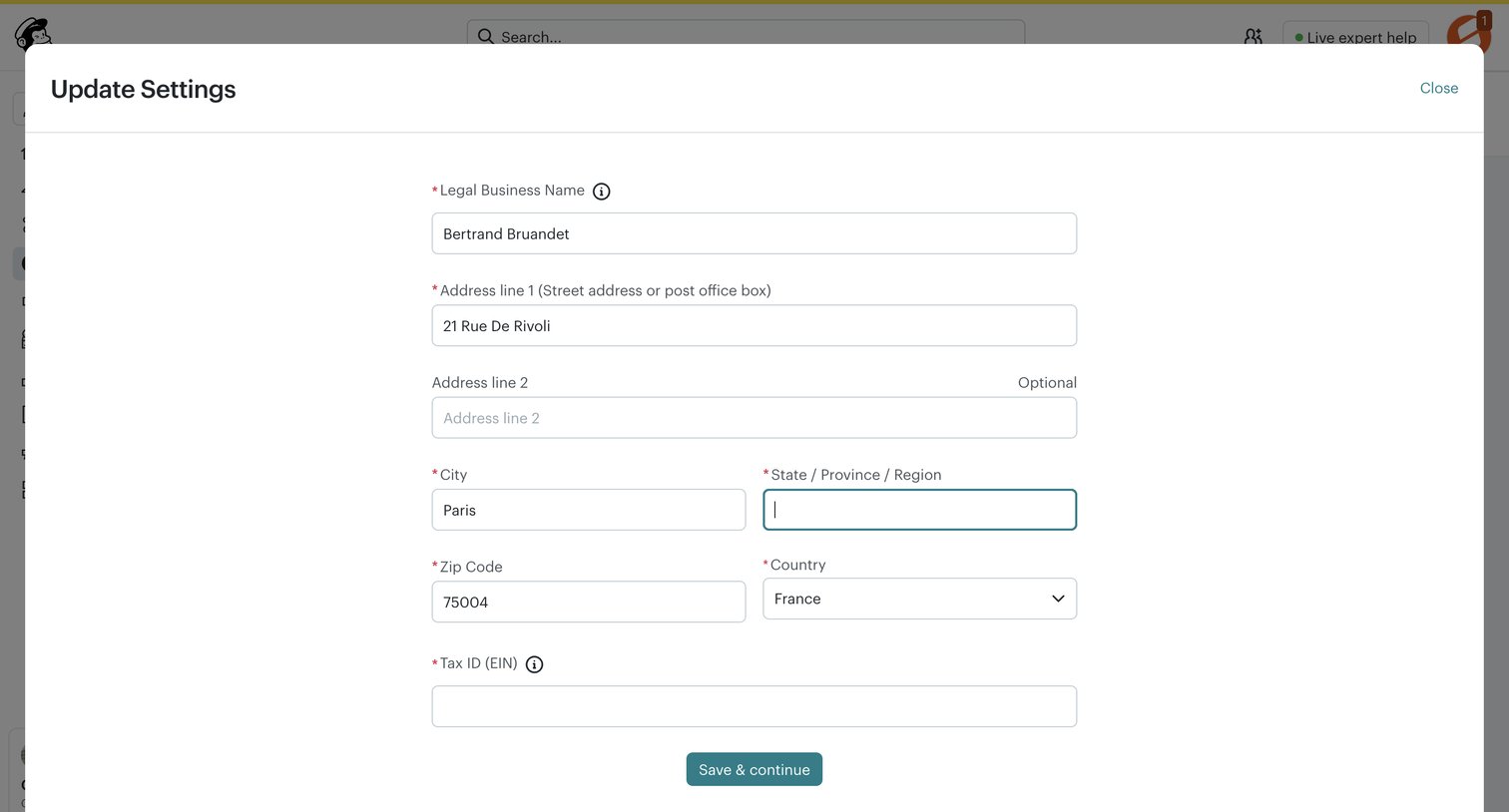

Settings modal where the user updates their legal business name, address, and tax ID.
Explore the full SaaS screen library
Upgrade to unlock the full library.
Trusted by the best teams







