Template selection screen examples
Template selection screen design examples from SaaS apps. See how apps present reusable starting points for new work. Explore how template previews, descriptions, and categories help people choose a design or…
Explore the examples
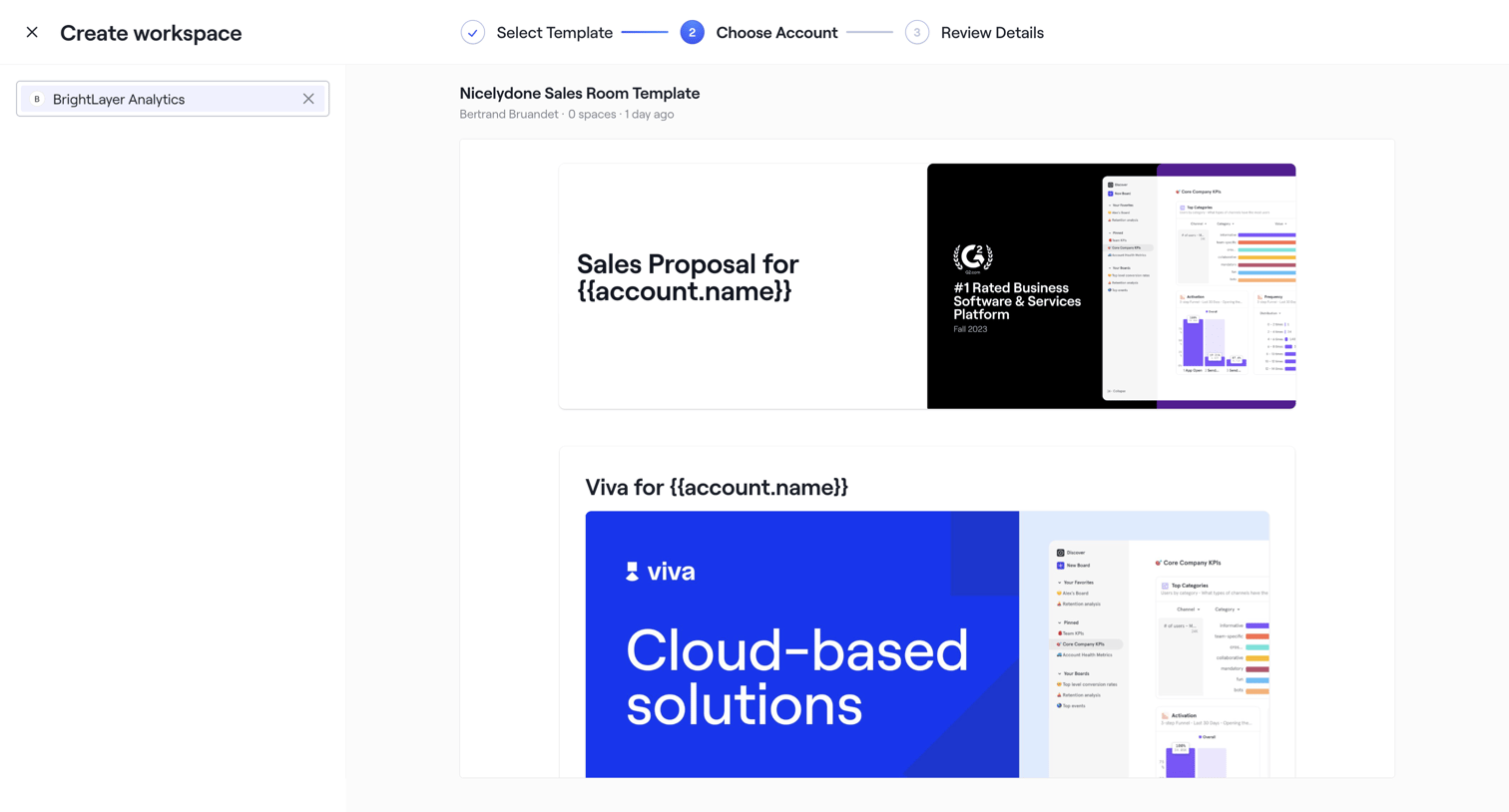

Creation wizard where the user selects an account to preview and generate personalized workspace templates.
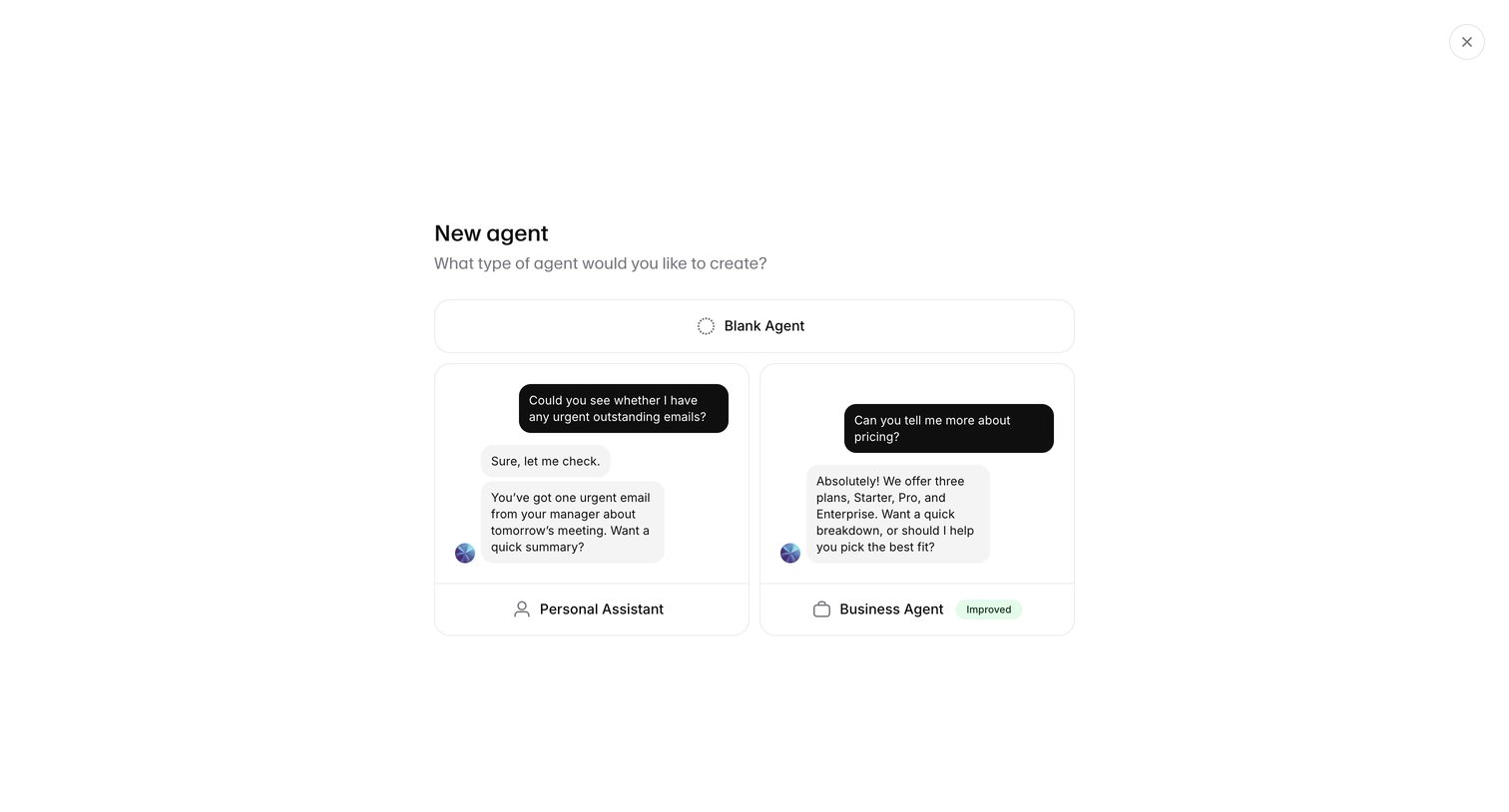

Creation modal where the user selects a starting template for a new AI agent, choosing between a blank agent, a personal assistant, or a business agent.
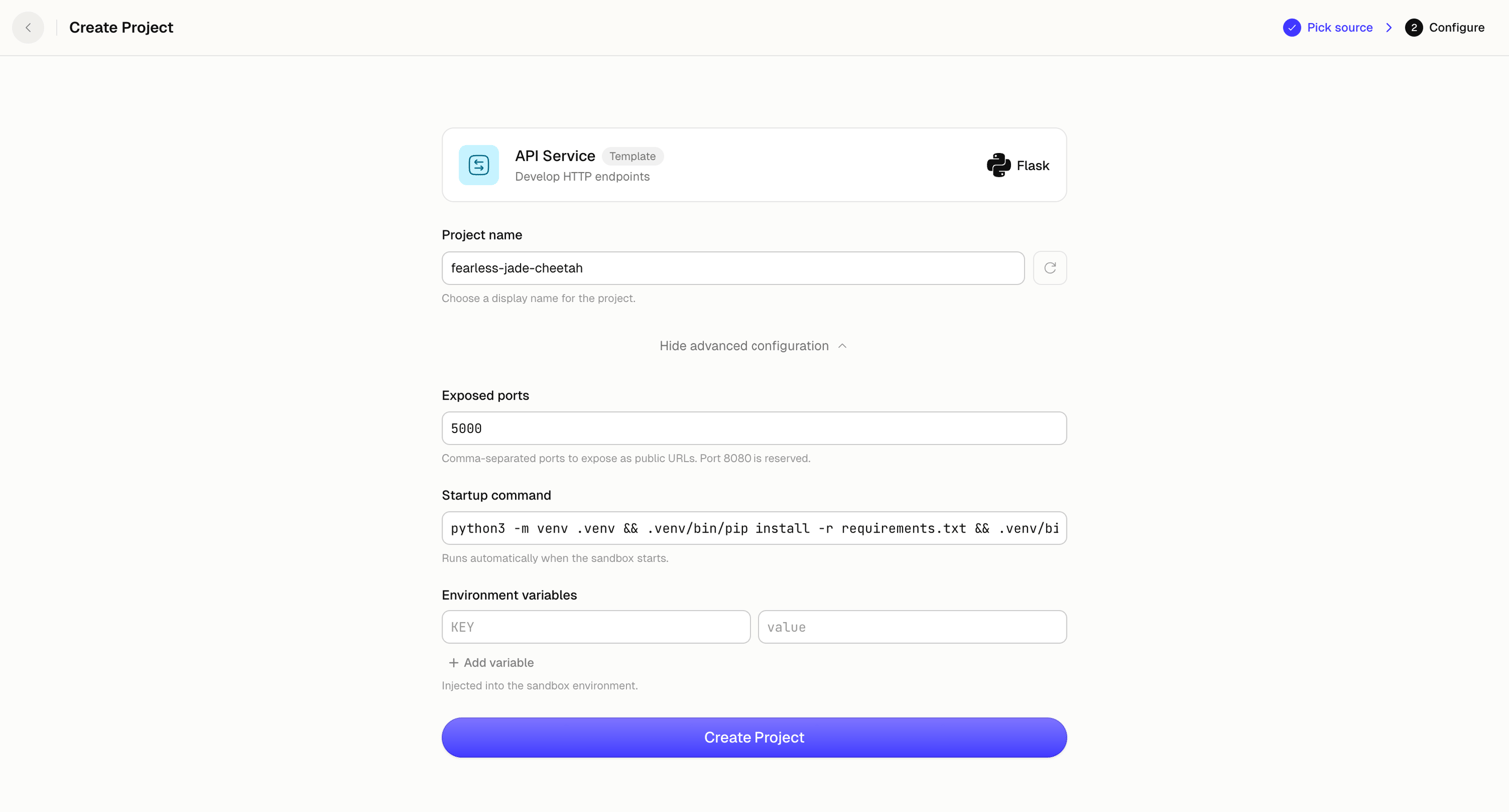

Creation wizard step where the user configures a new API service project by setting its name, exposed ports, startup command, and environment variables.
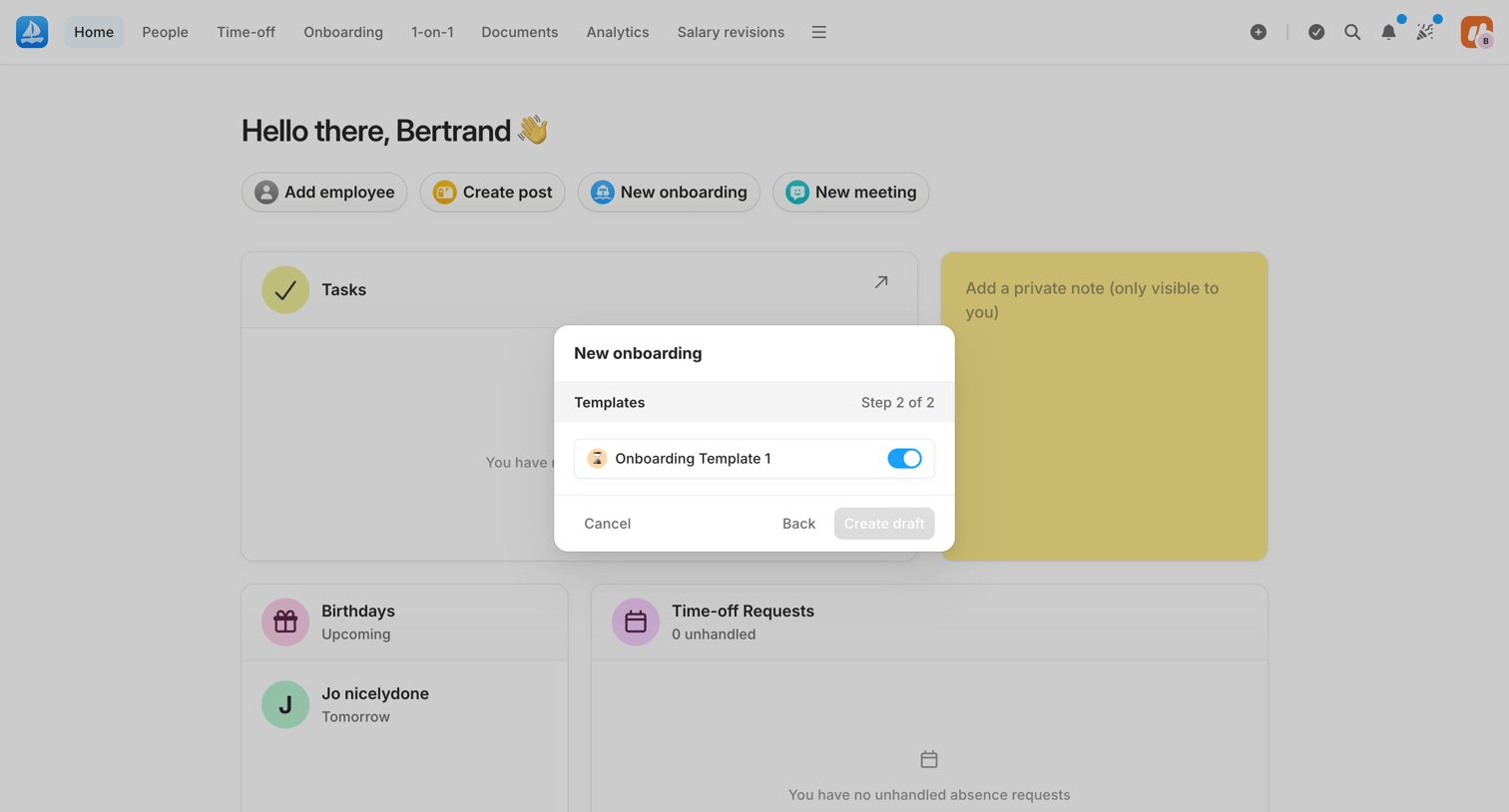

Dashboard where the user is creating a new onboarding flow by selecting a template from a modal.
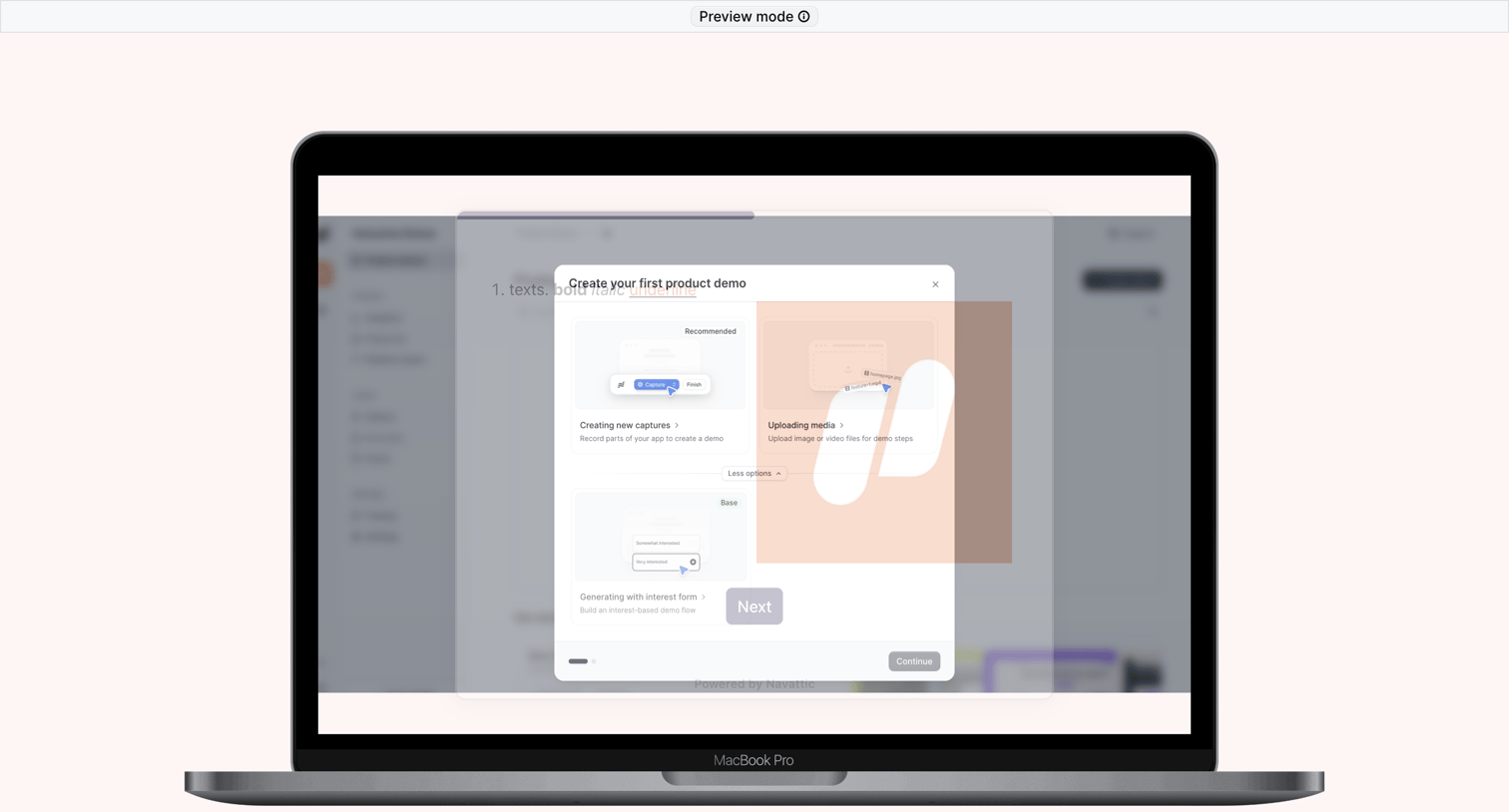

Onboarding modal where the user selects a method to create their first product demo, such as capturing screens or uploading media, guided by a product tour overlay.
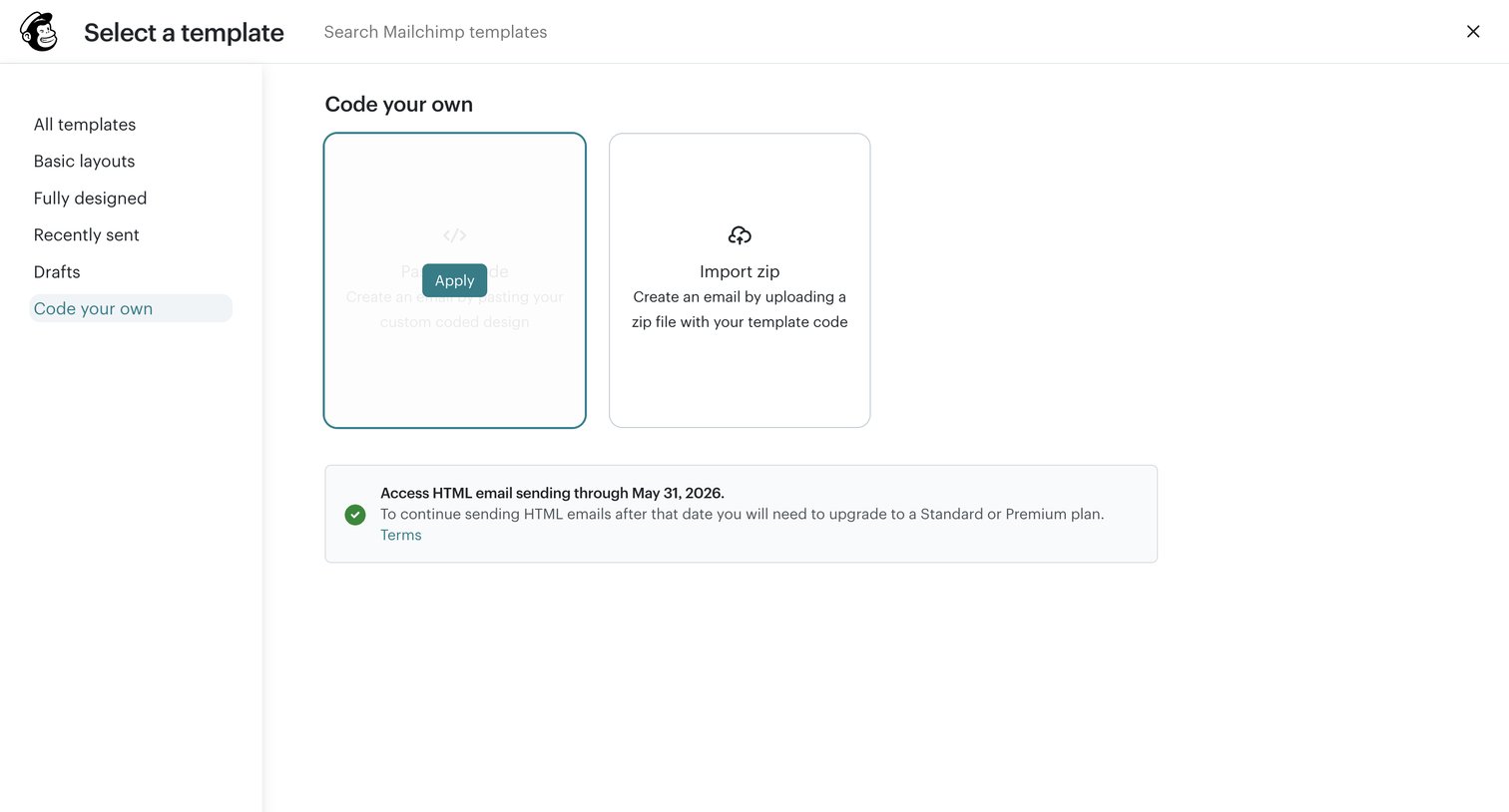

Template selection screen where the user chooses to code their own email by pasting code or importing a zip file.
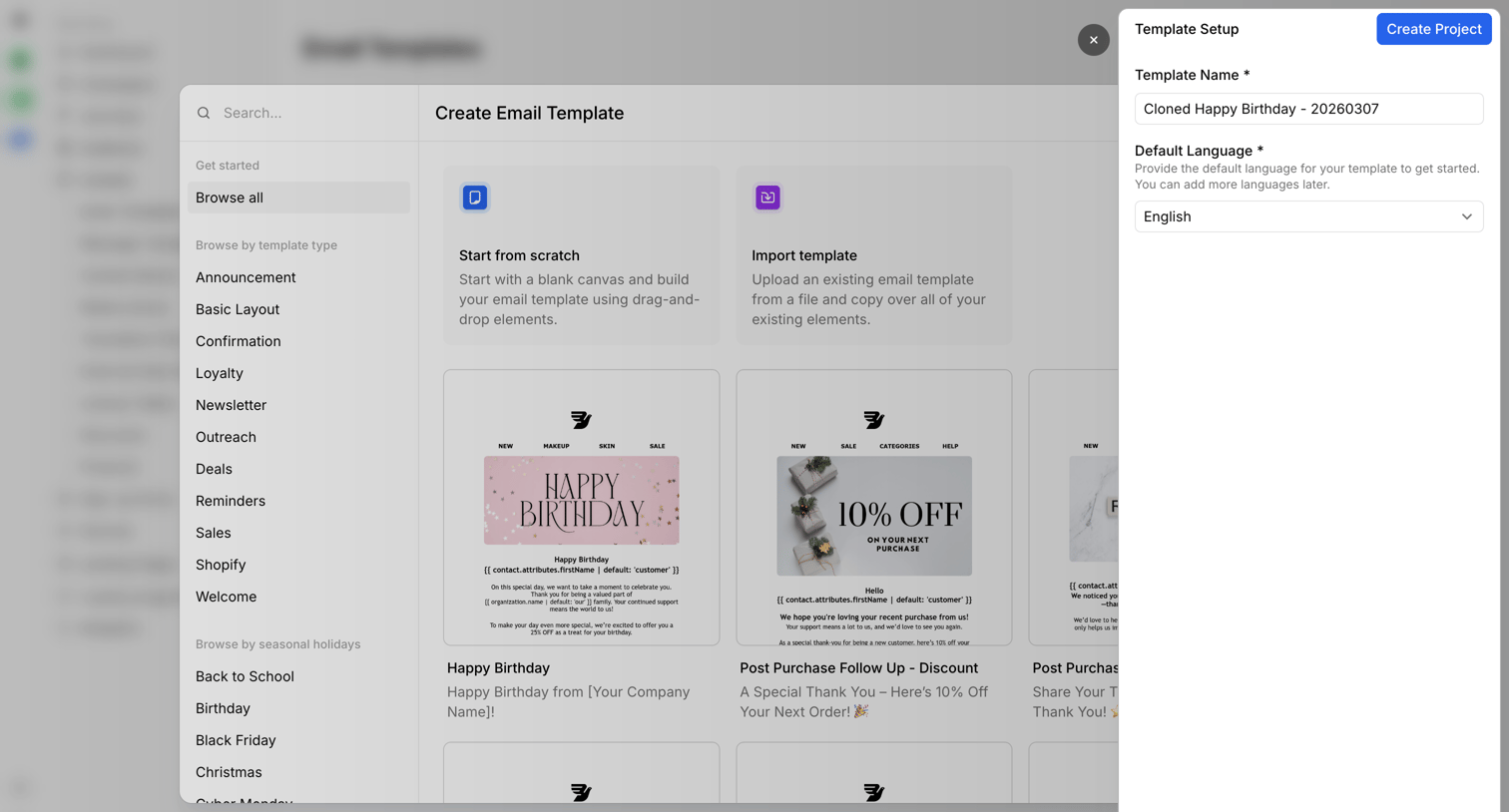

Create screen where the user selects an email template from a categorized grid and sets its name and default language in a side drawer.
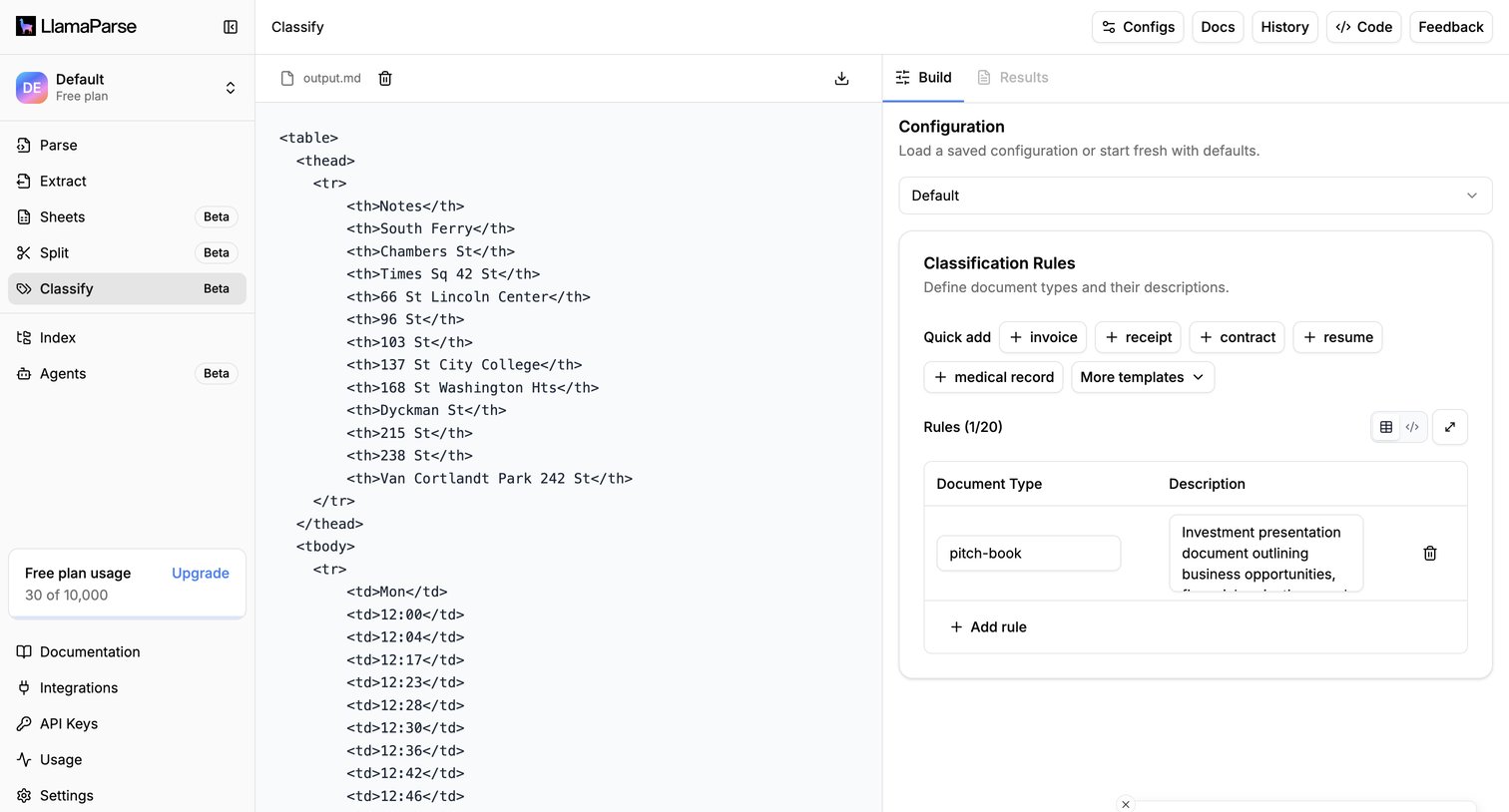

Project detail page where the user configures rules and templates to classify an uploaded document, with a live code preview of the parsed output.
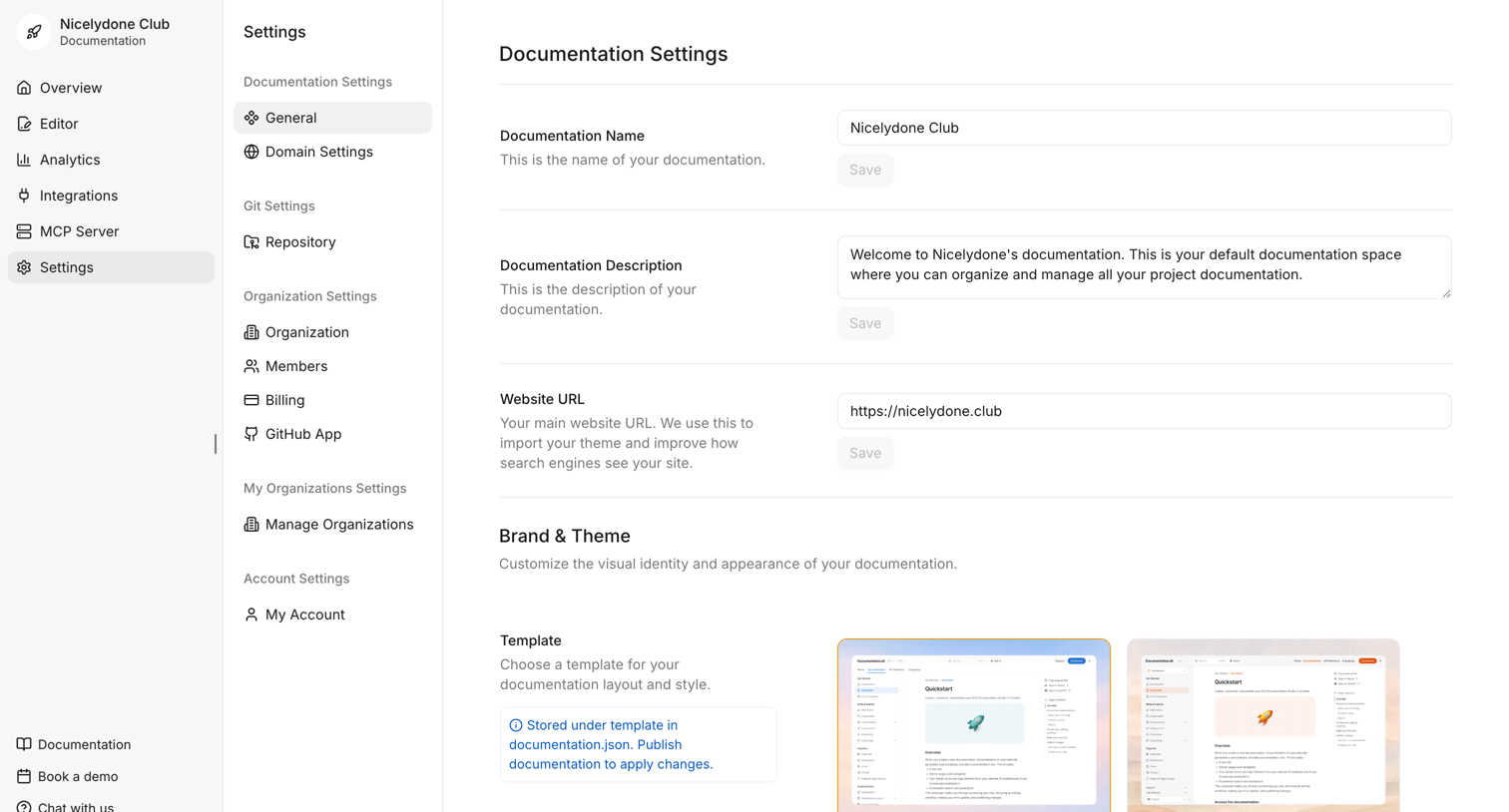

Settings page where the user configures general documentation details like name, description, website URL, and selects a visual template.
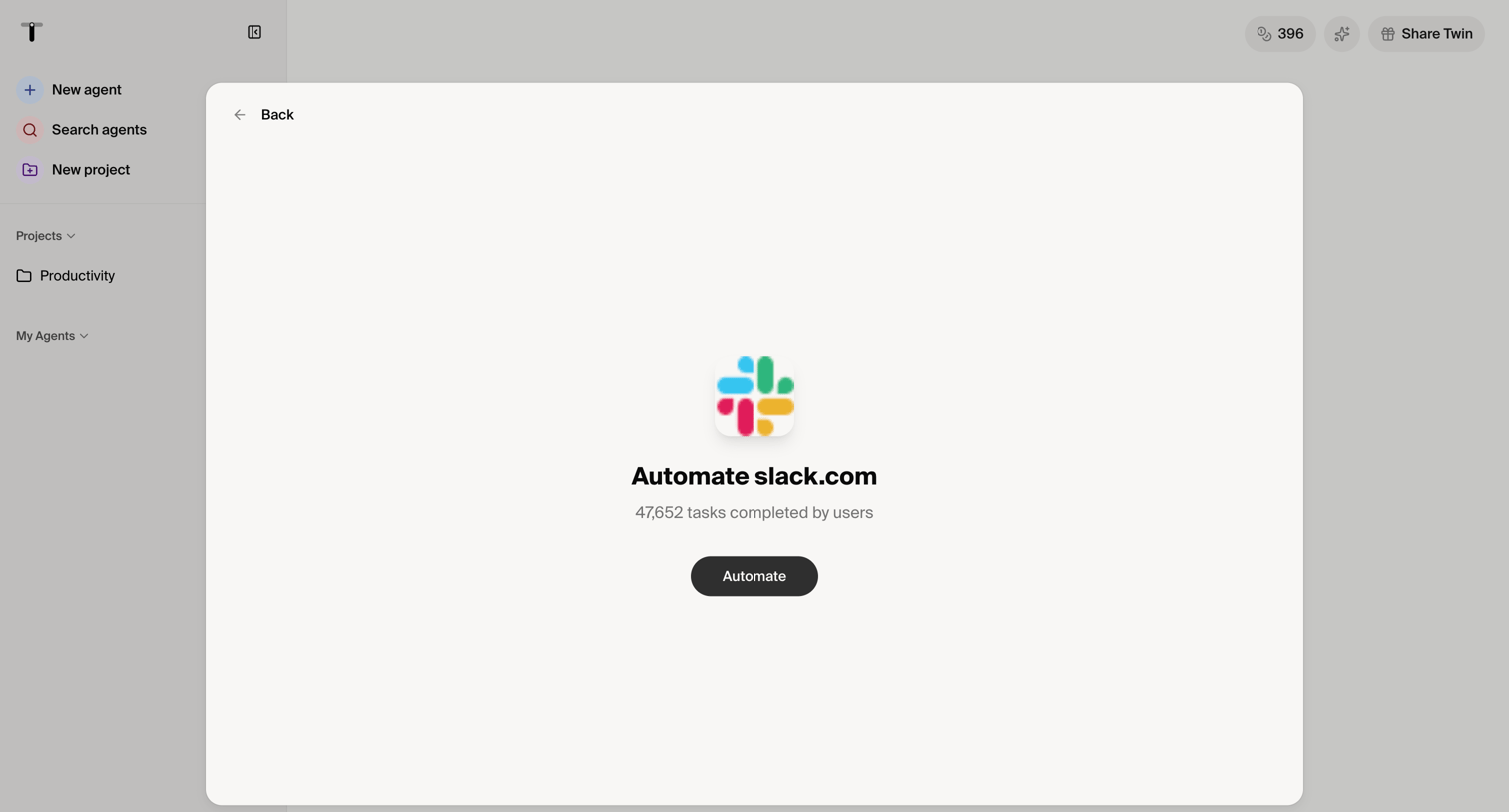

Modal overlay where the user can initiate an automation flow specifically for Slack, showing community usage statistics.
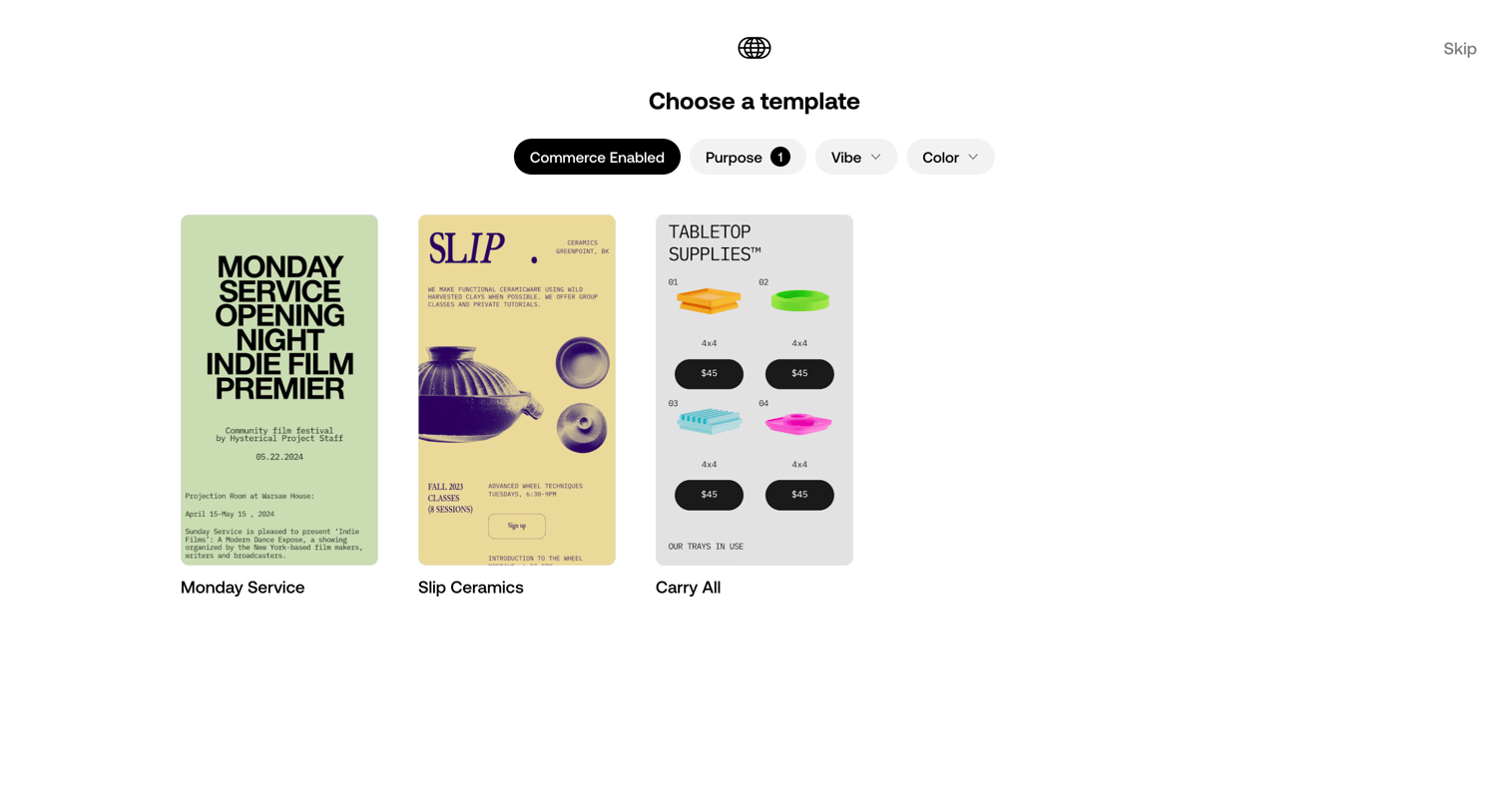

Onboarding step where the user chooses a starting template, with filters for commerce, purpose, vibe, and color.
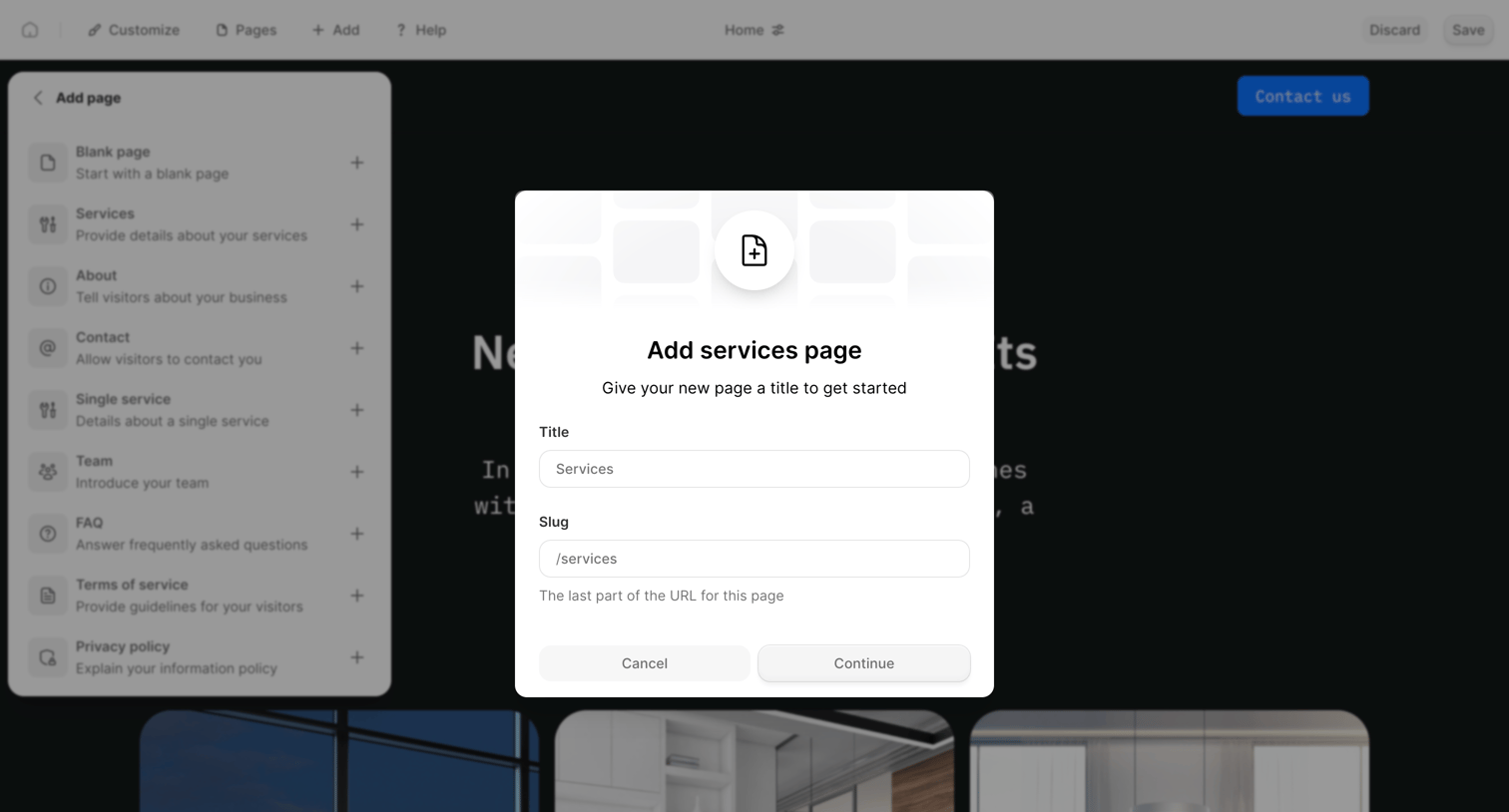

Design editor where the user configures the title and URL slug for a new services page via a modal overlay.
Explore the full SaaS screen library
Upgrade to unlock the full library.
Trusted by the best teams








About Template selection
See how apps present reusable starting points for new work. Explore how template previews, descriptions, and categories help people choose a design or structure to begin with.