Skip to content

Table headers screen examples

Table headers screen design examples from SaaS apps. Browse examples from Slite, Zapier, Front.

Explore the examples
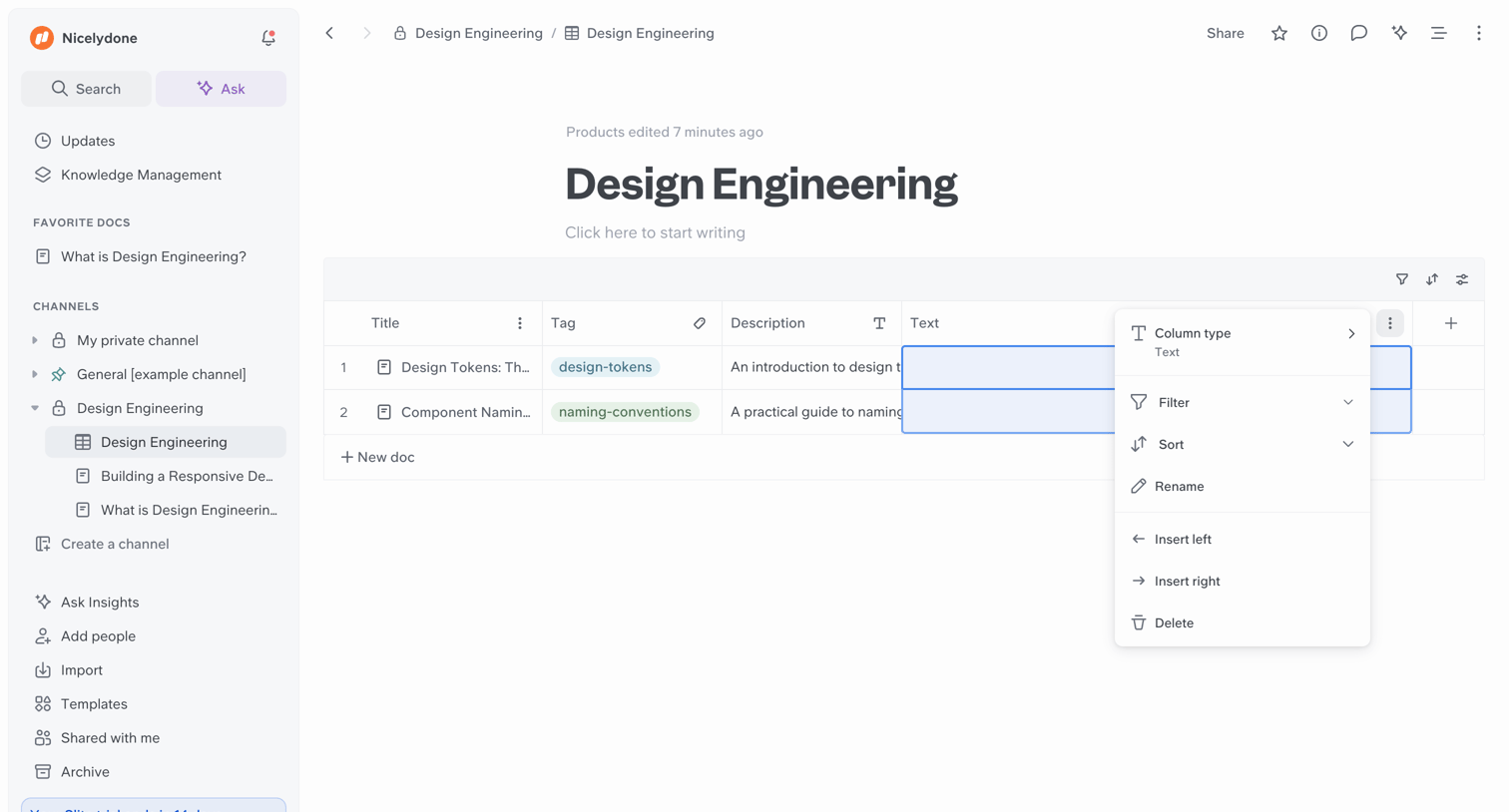
Slite - Design Engineering screen
Slite logo
Slite

Document editor where the user has opened a context menu to modify a column type within an inline data table.

Zapier - App Connections | Zapier screen
Zapier logo
Zapier

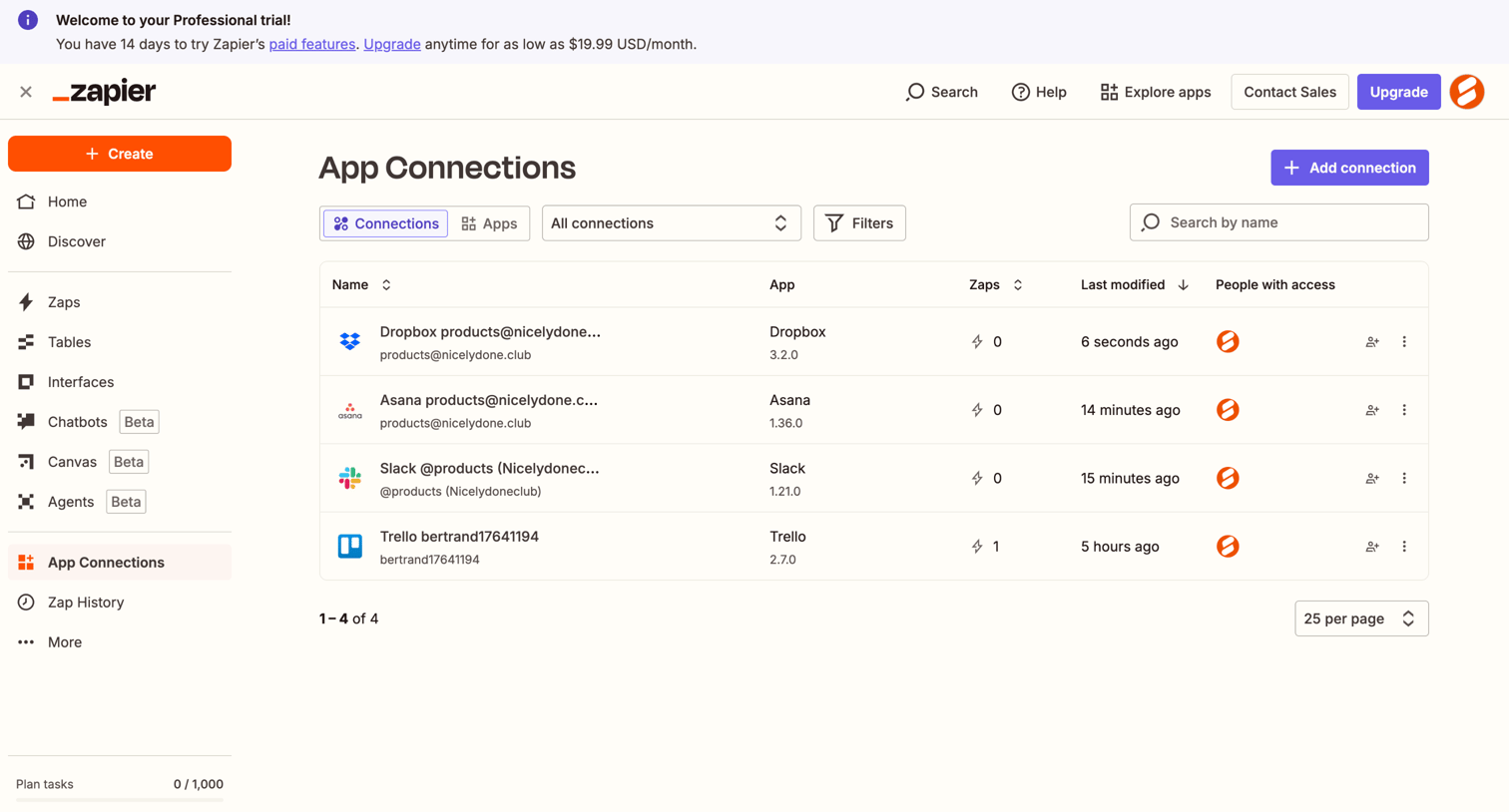
List view where the user manages and adds connected third-party applications like Dropbox, Asana, and Slack.
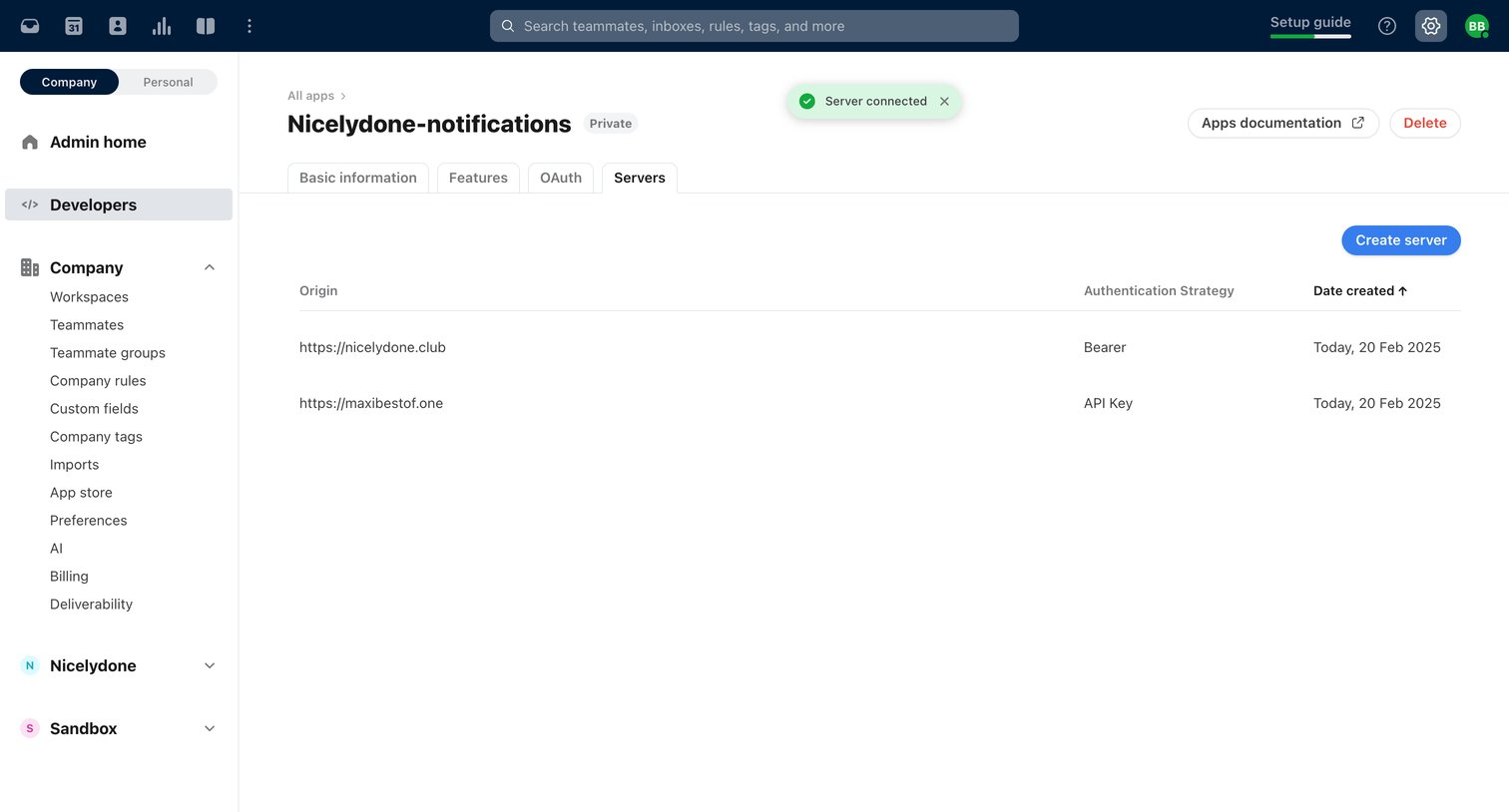

Front - Front (6) screen
Front logo
Front

Settings page where the user manages server origins and authentication strategies for a custom developer app.

Rayon - Master Bedroom | Rayon screen
Rayon logo
Rayon

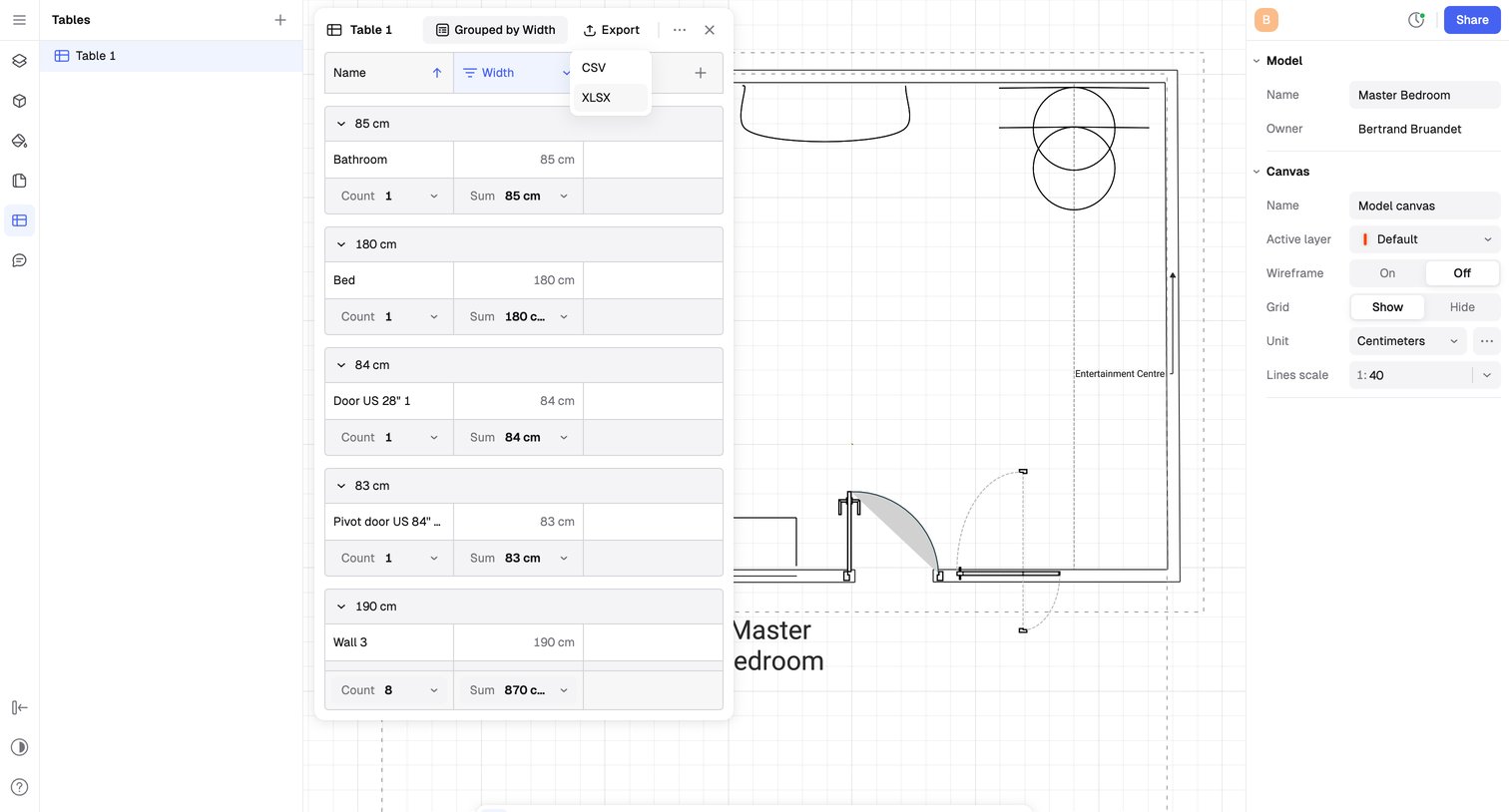
Design editor where the user is viewing a 2D floor plan canvas and exporting a grouped table of wall and door widths to CSV.
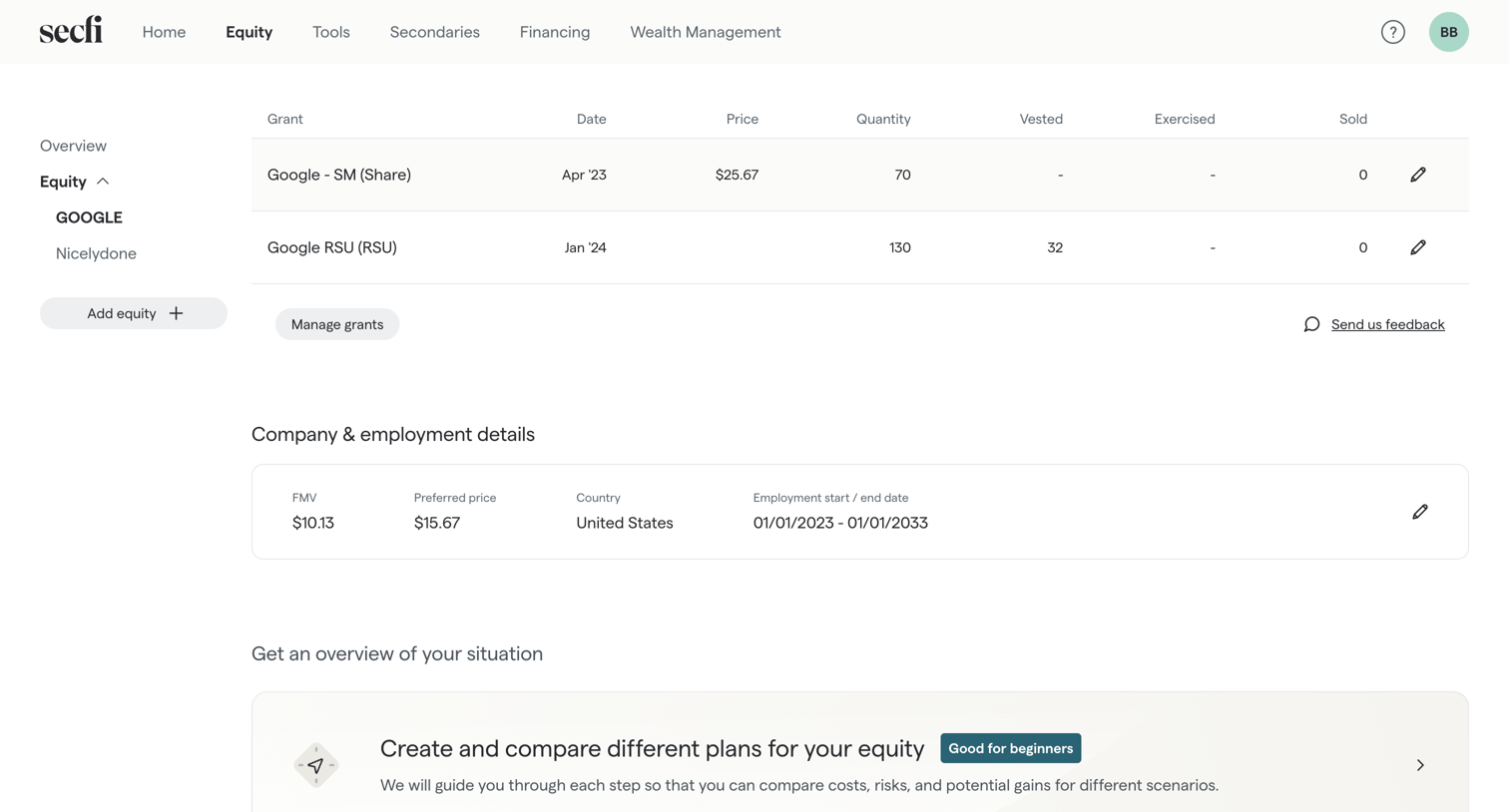

Secfi - Equity | Secfi screen
Secfi logo
Secfi

Detail page where the user views their Google equity grants, company details, and can start planning scenarios.

Macaw - Generation Settings | Macaw screen
Macaw logo
Macaw

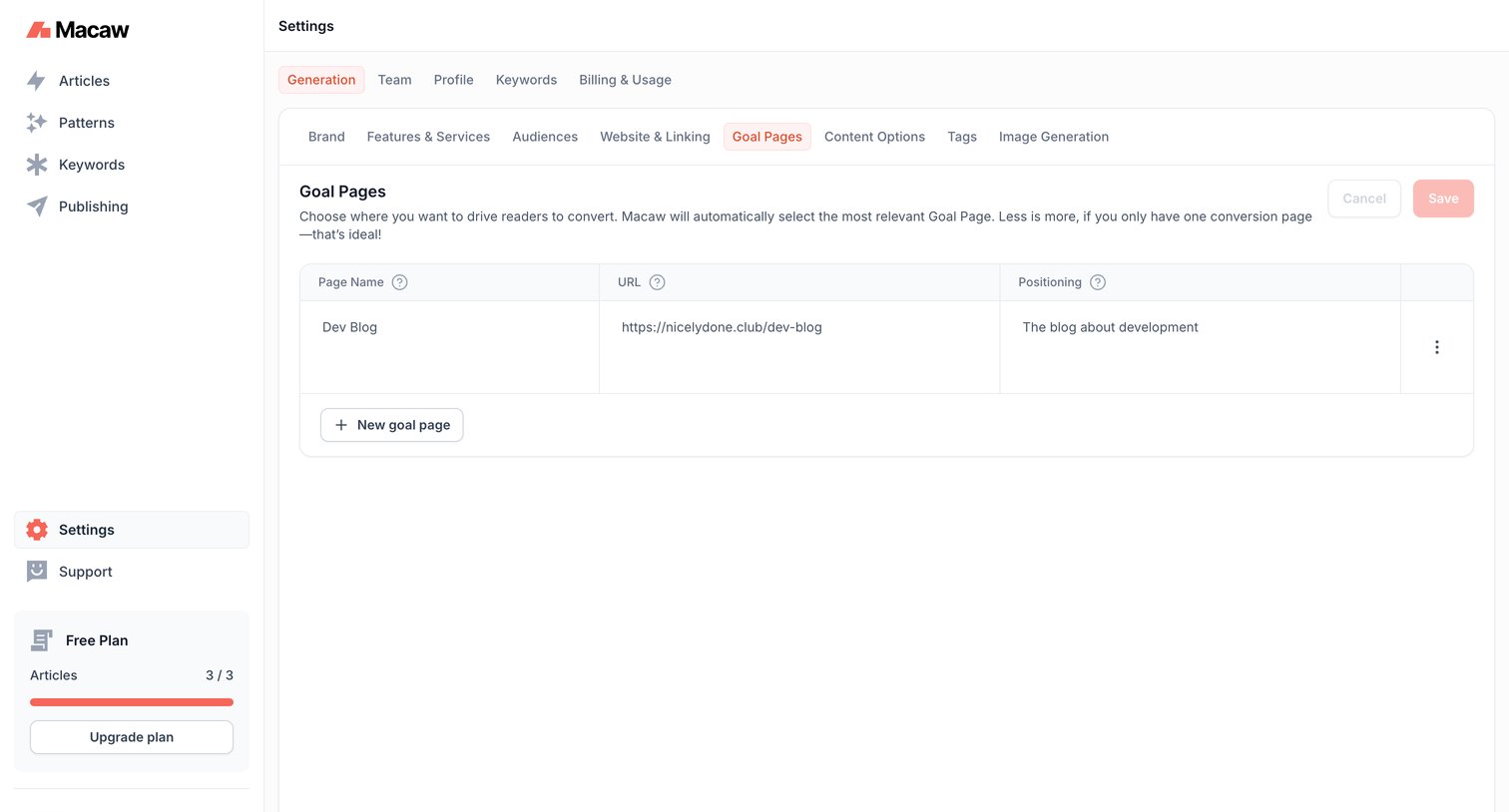
Settings page where the user configures goal pages and URLs to drive reader conversion for generated content.
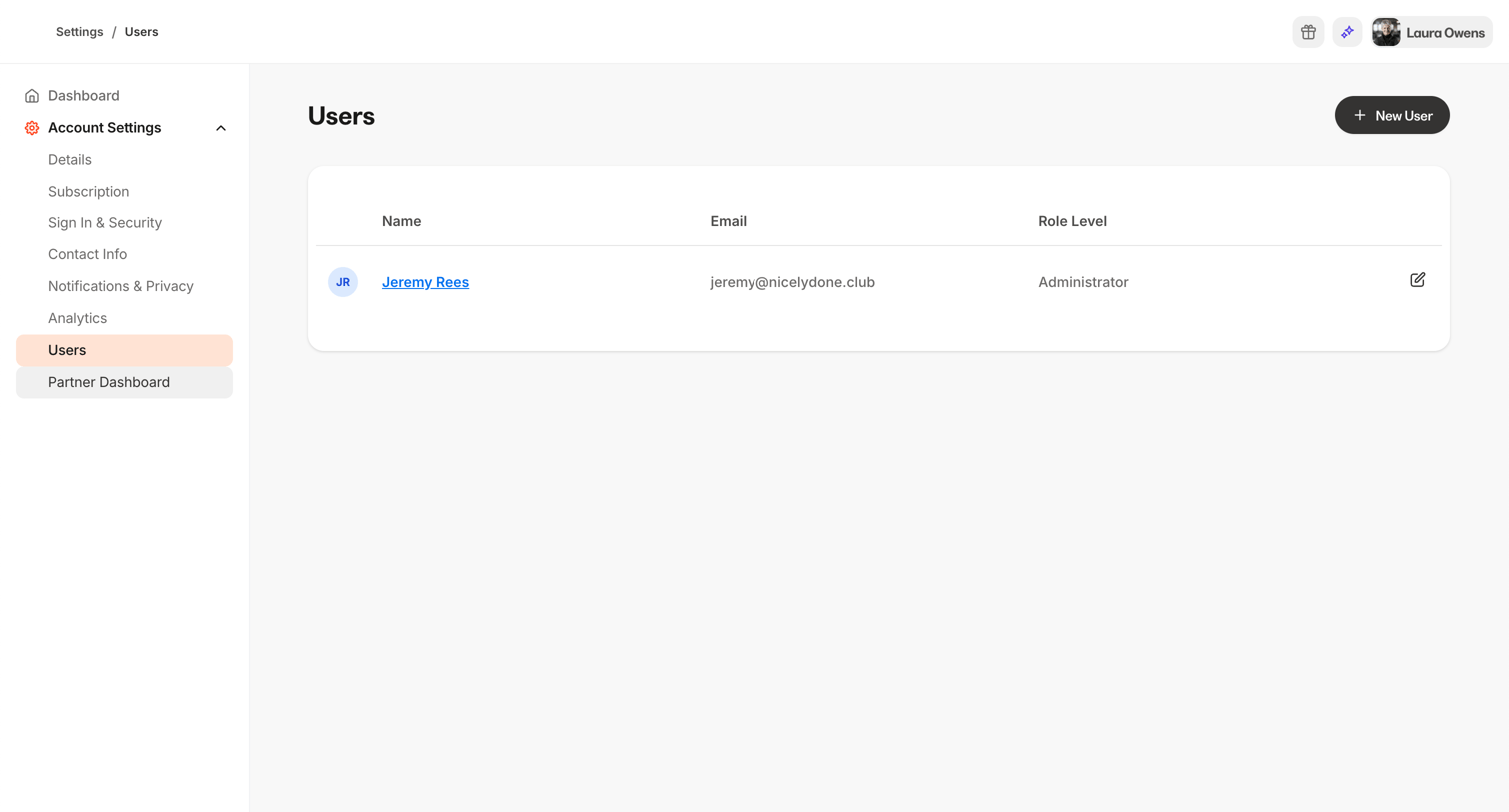
Kajabi - Kajabi - adminsettingsusers screen
Kajabi logo
Kajabi

Settings page where the user views and manages account users and their role levels.
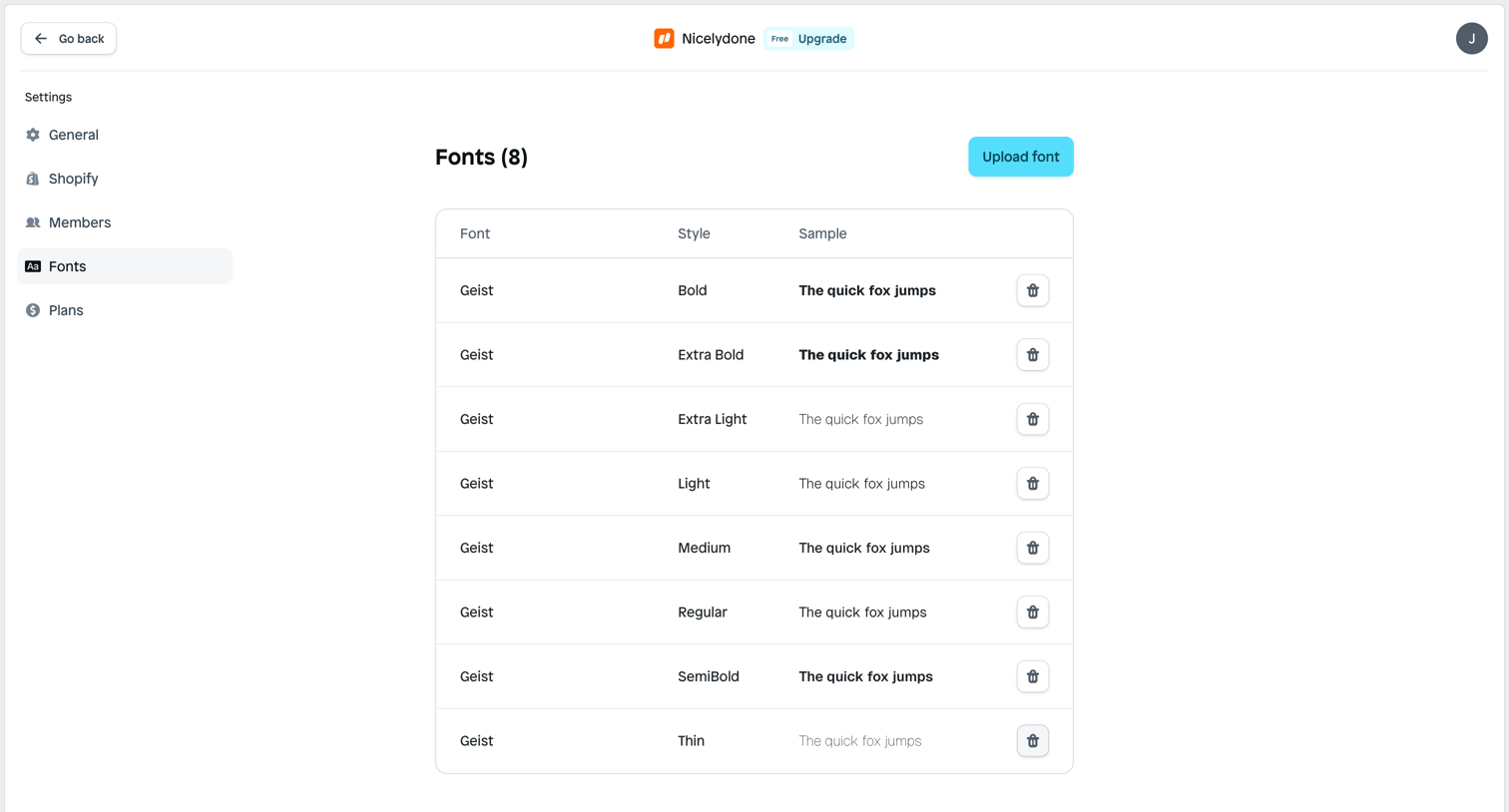
Instant - Fonts | Nicelydone screen
Instant logo
Instant

Settings page where the user manages custom fonts for their workspace, viewing a list of uploaded font styles and samples with options to delete or upload new ones.
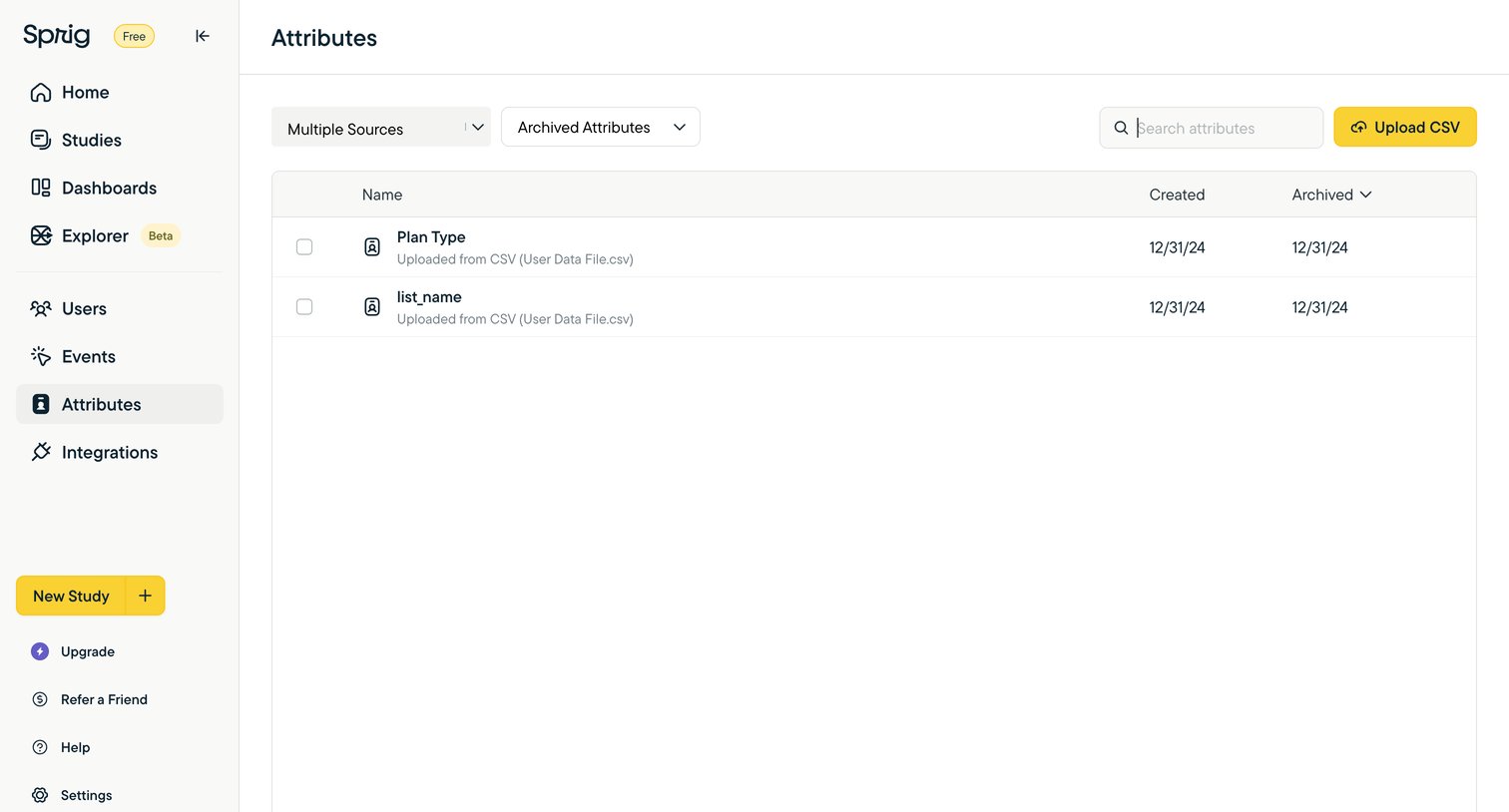

Sprig - Sprig | User Insights Platform for Teams Building Better Product E screen
Sprig logo
Sprig

List view where the user manages archived attributes uploaded from CSV files, with options to search, filter by source, and upload new data.
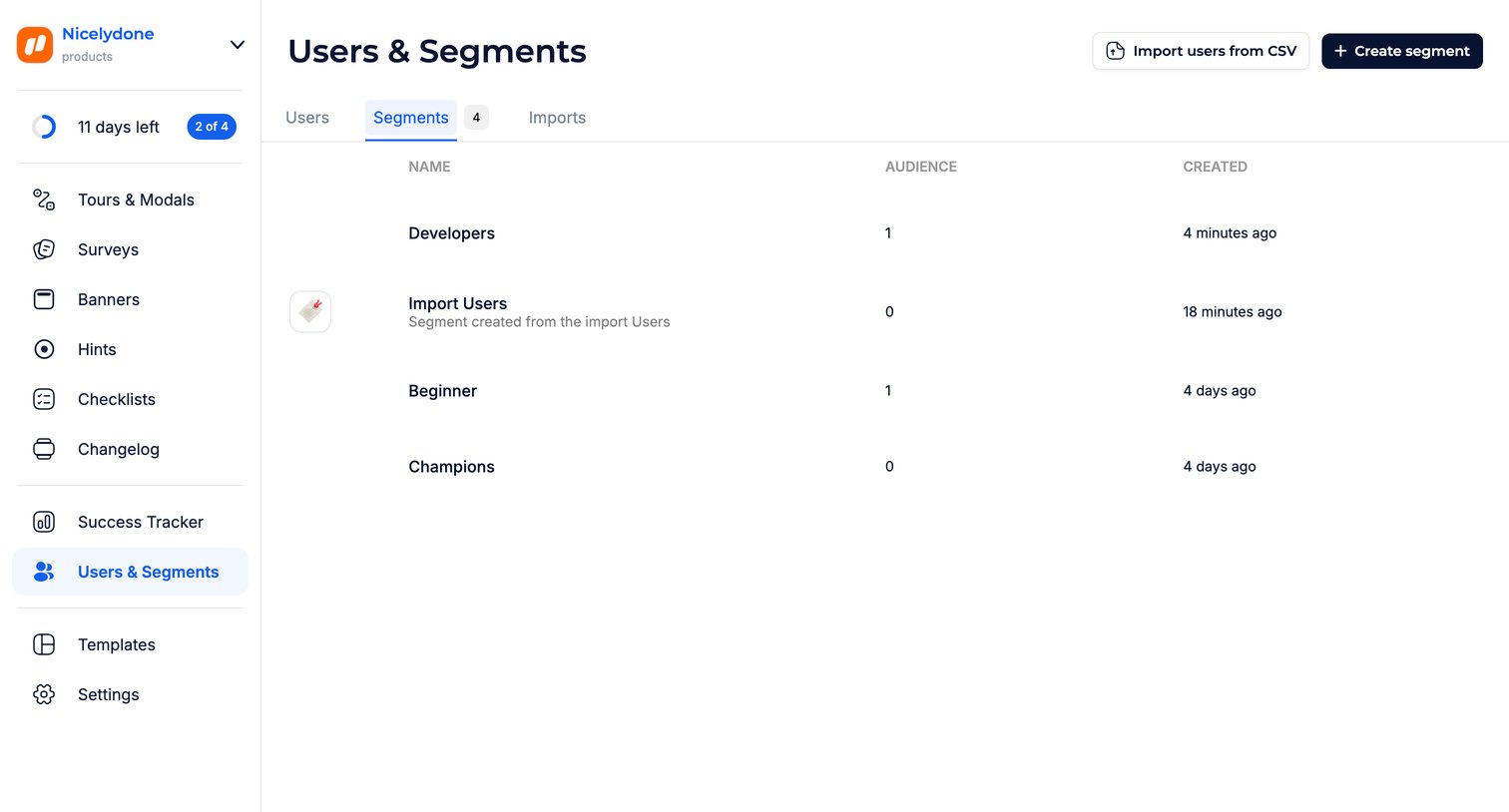

Jimo - Users · Jimo screen
Jimo logo
Jimo

List view where the user manages user segments, showing audience size and creation date for each.

Hashnode - Developer Settings - Hashnode screen
Hashnode logo
Hashnode

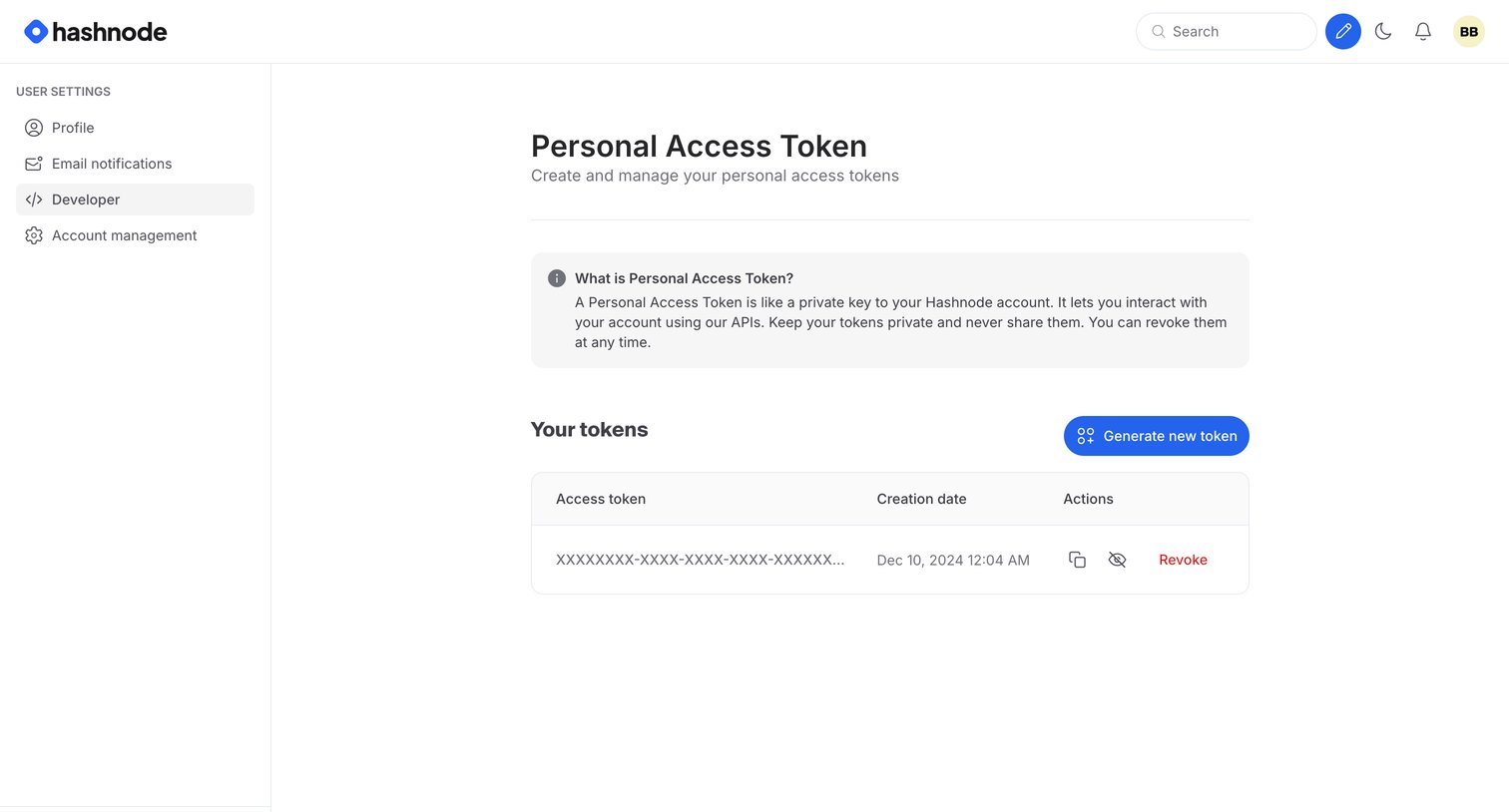
Settings page where the user manages their personal access tokens, including generating new ones and revoking existing ones.

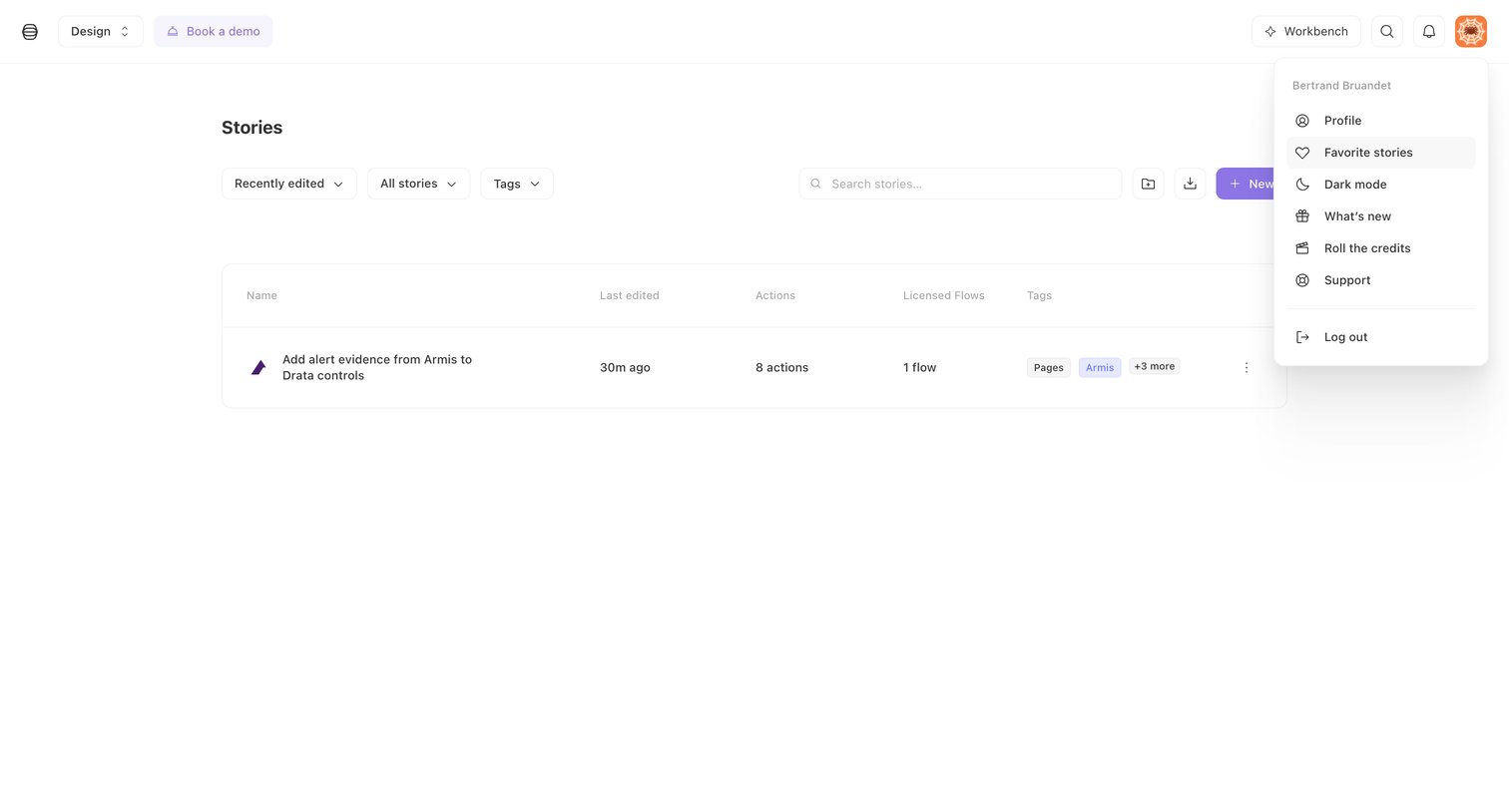
Tines - Stories - Tines screen
Tines logo
Tines

List view where the user manages their automation stories, with the user profile menu open showing options like dark mode and support.

Explore the full SaaS screen library

Upgrade to unlock the full library.

Trusted by the best teams