Skip to content

Summary screen examples

Summary screen design examples from SaaS apps. Browse examples from Cake, Firecrawl, Capsule.

Explore the examples
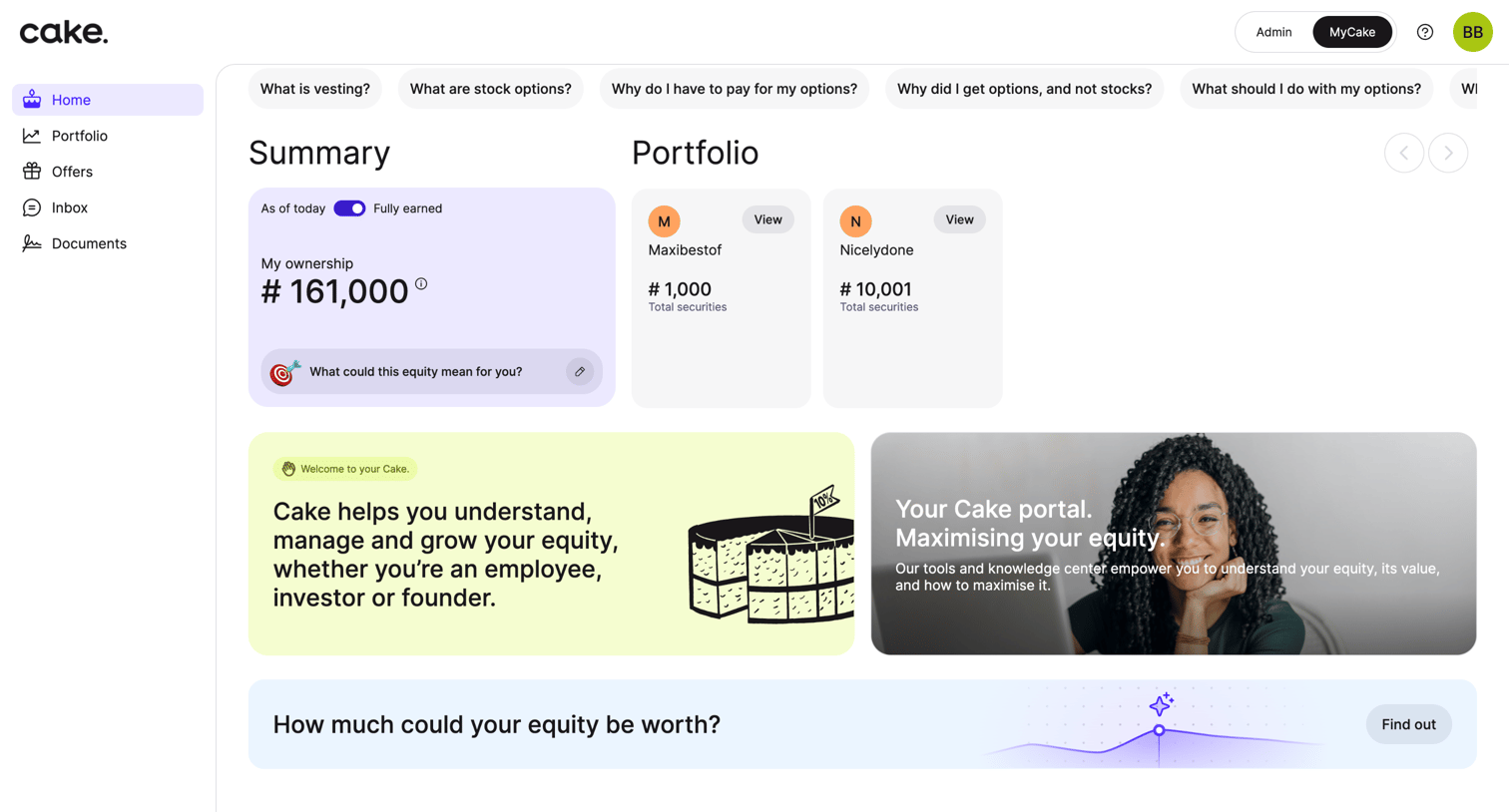
Cake - Cake Portfolio App screen
Cake logo
Cake

Home dashboard where an employee views their total vested equity, active portfolio grants, and educational resources about stock options.

Firecrawl - Firecrawl - The Web Data API for AI screen
Firecrawl logo
Firecrawl

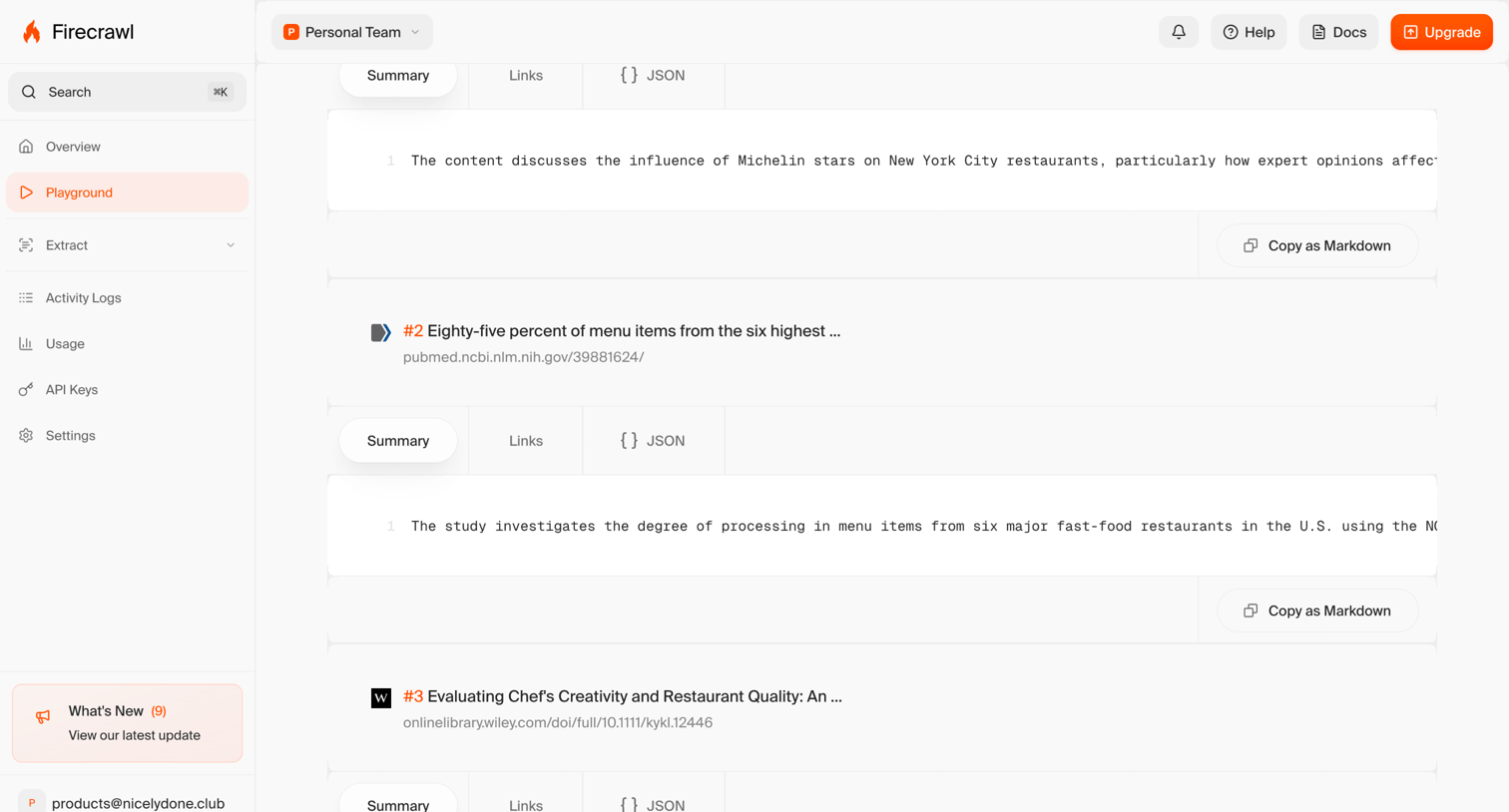
Search playground displaying extracted summaries and links from web results with options to view as JSON or copy as Markdown.
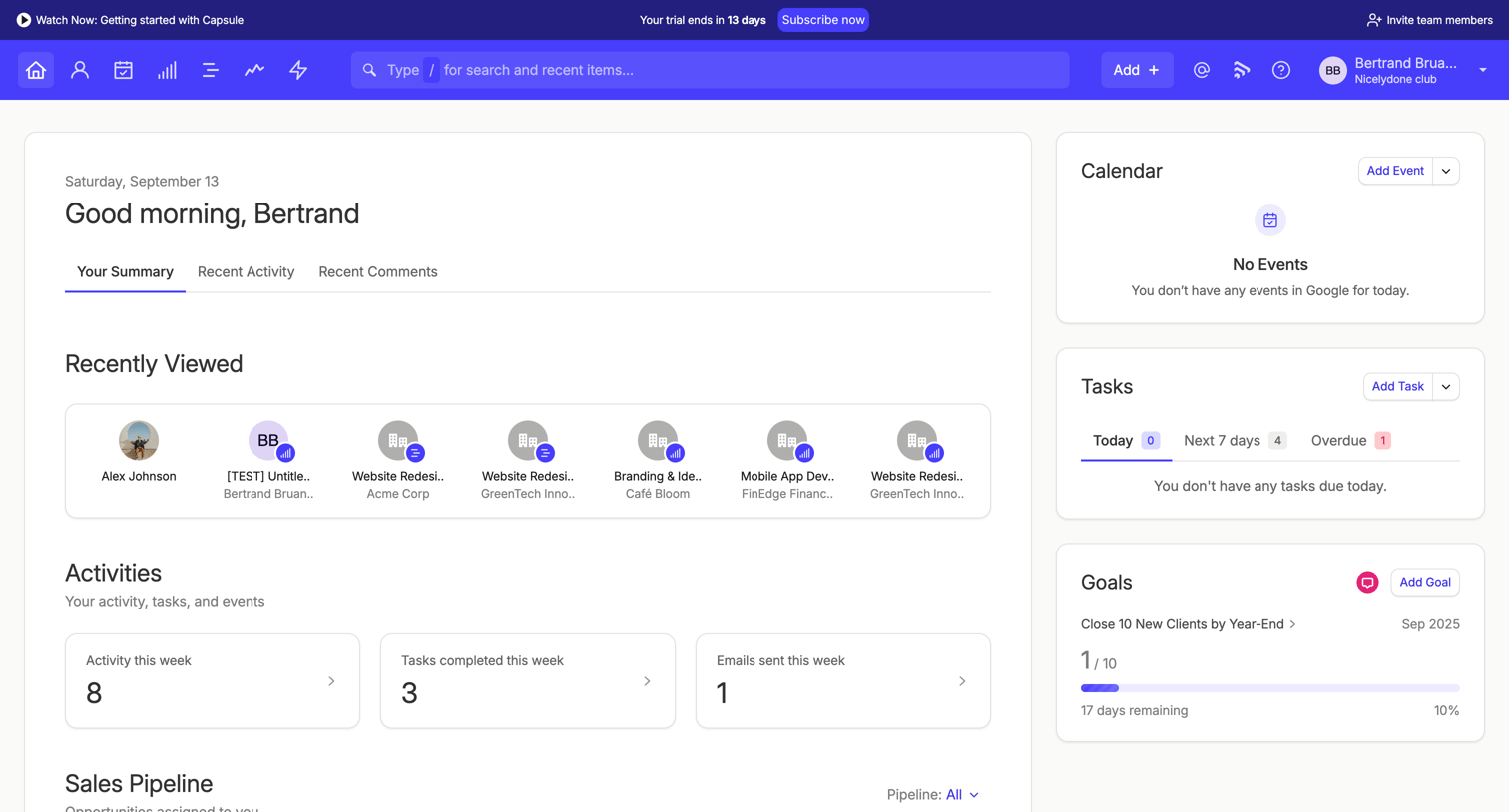

Capsule - Your Summary | Nicelydone club CRM screen
Capsule logo
Capsule

Dashboard where the user views their daily summary, recent activity, sales pipeline metrics, and upcoming tasks, with a prompt to subscribe before their trial ends.

Wynde screen
Wynde logo
Wynde

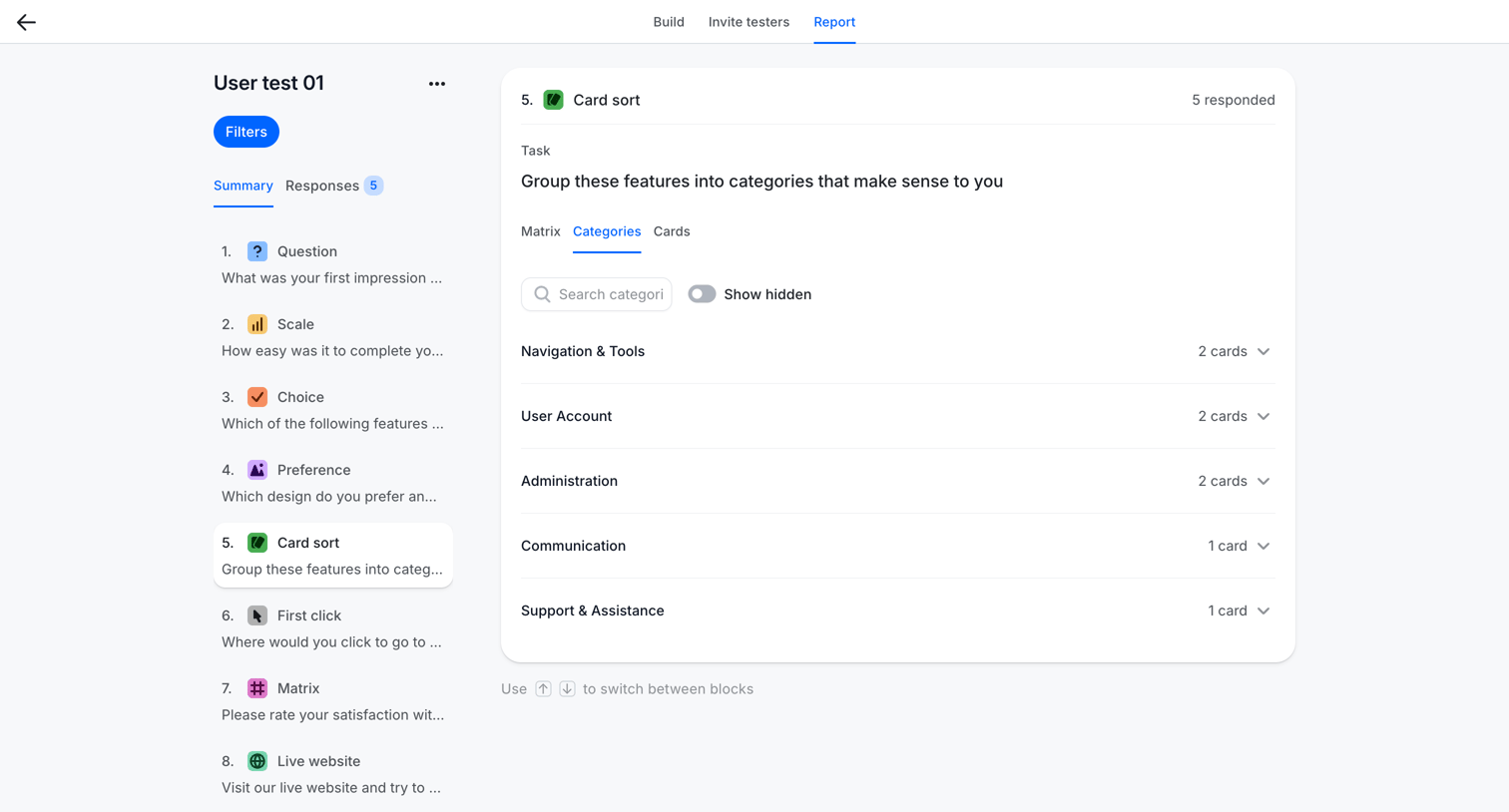
Detail page where the user views the aggregated categories and card counts from a card sort user test.

Zapier - Canvas screen
Zapier logo
Zapier

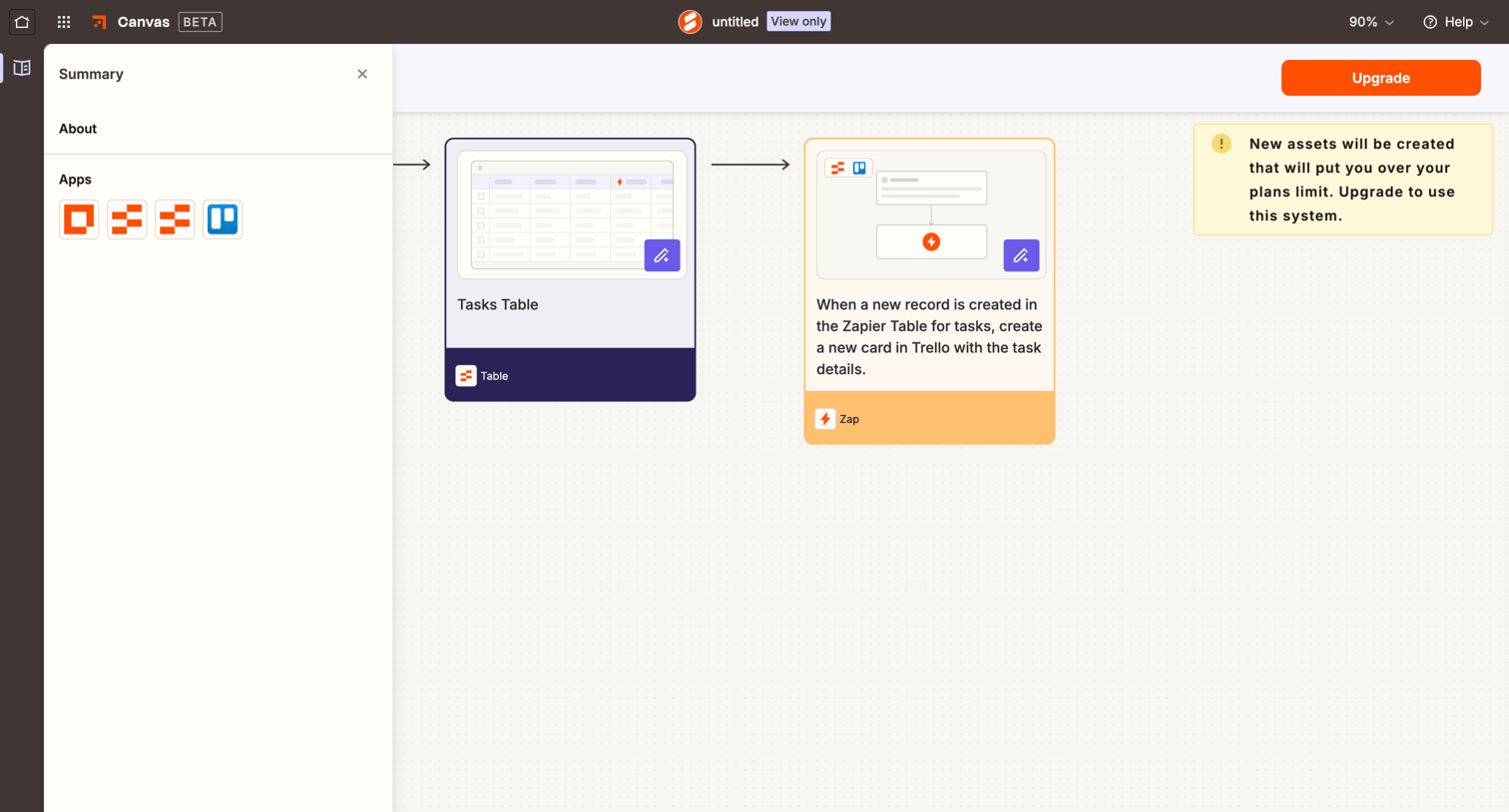
Design editor where the user previews a draft automation workflow and is prompted to upgrade their plan to create the new assets.
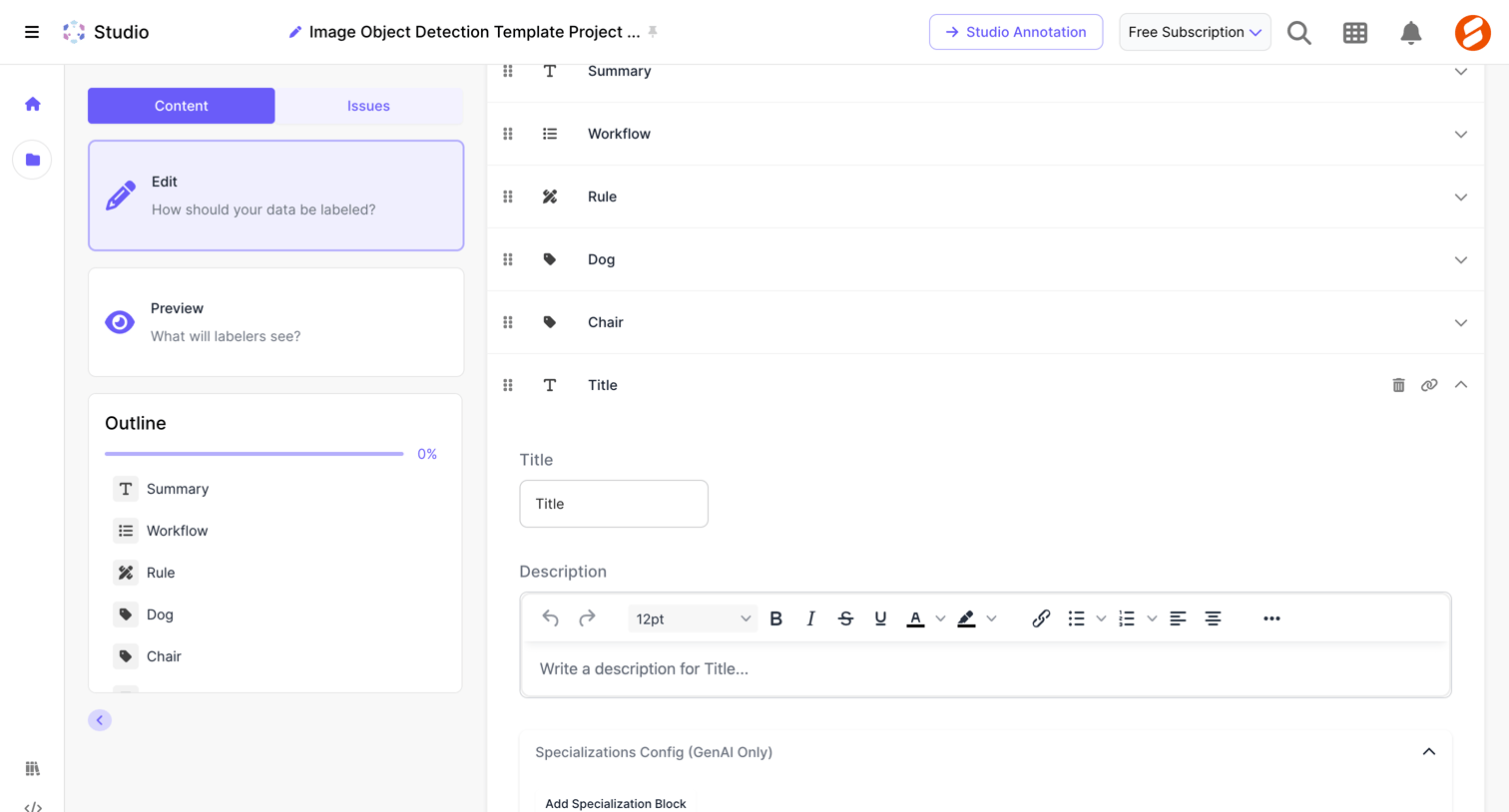

Scale - Scale Studio screen
Scale logo
Scale

Form builder where the user configures the title, description, and specializations for a data labeling template block.

The org - Autodesk | The Org screen
The org logo
The org

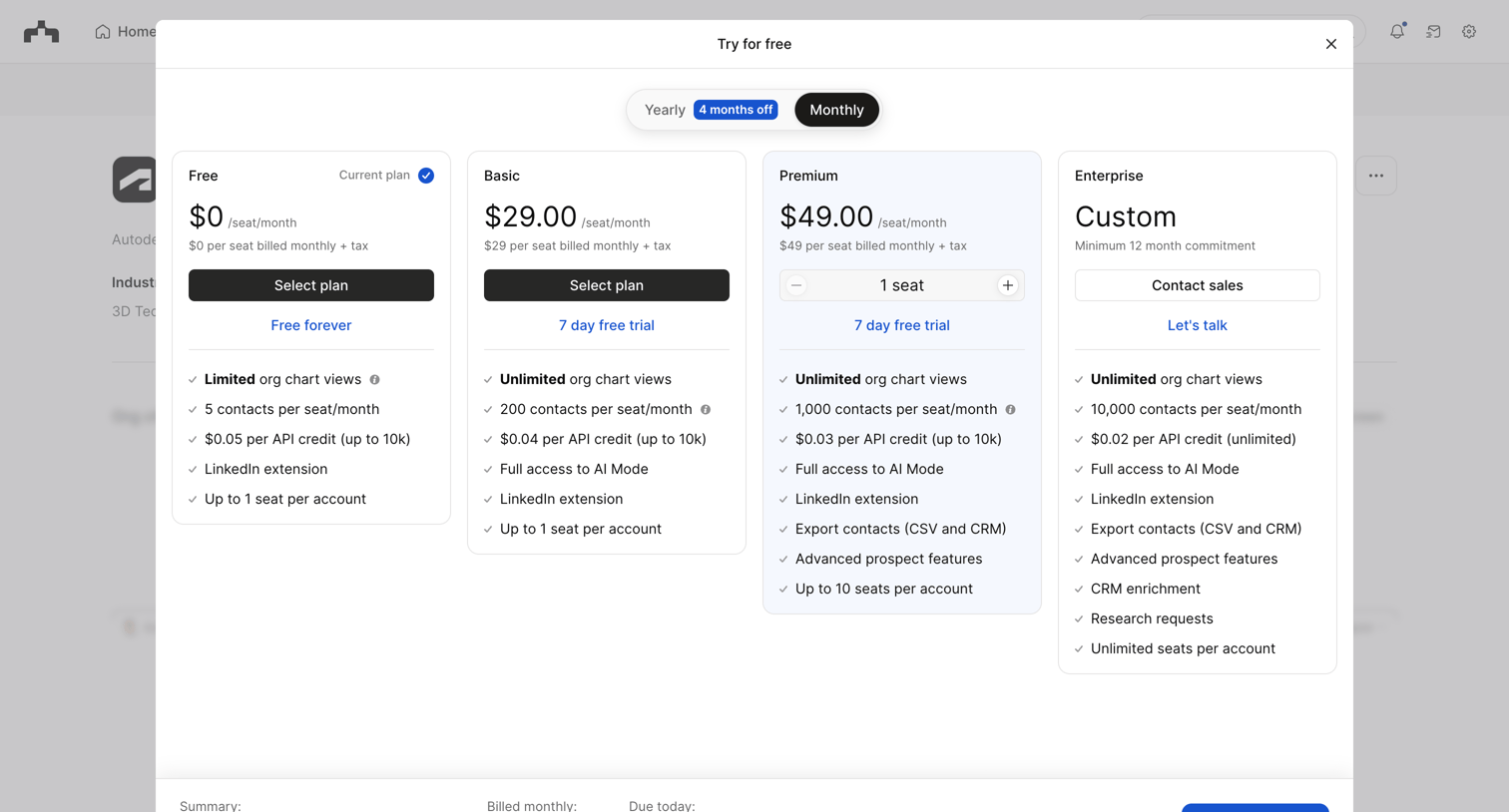
In-app pricing modal where the user compares four subscription tiers, selects a billing cycle, and starts a free trial for a paid plan.

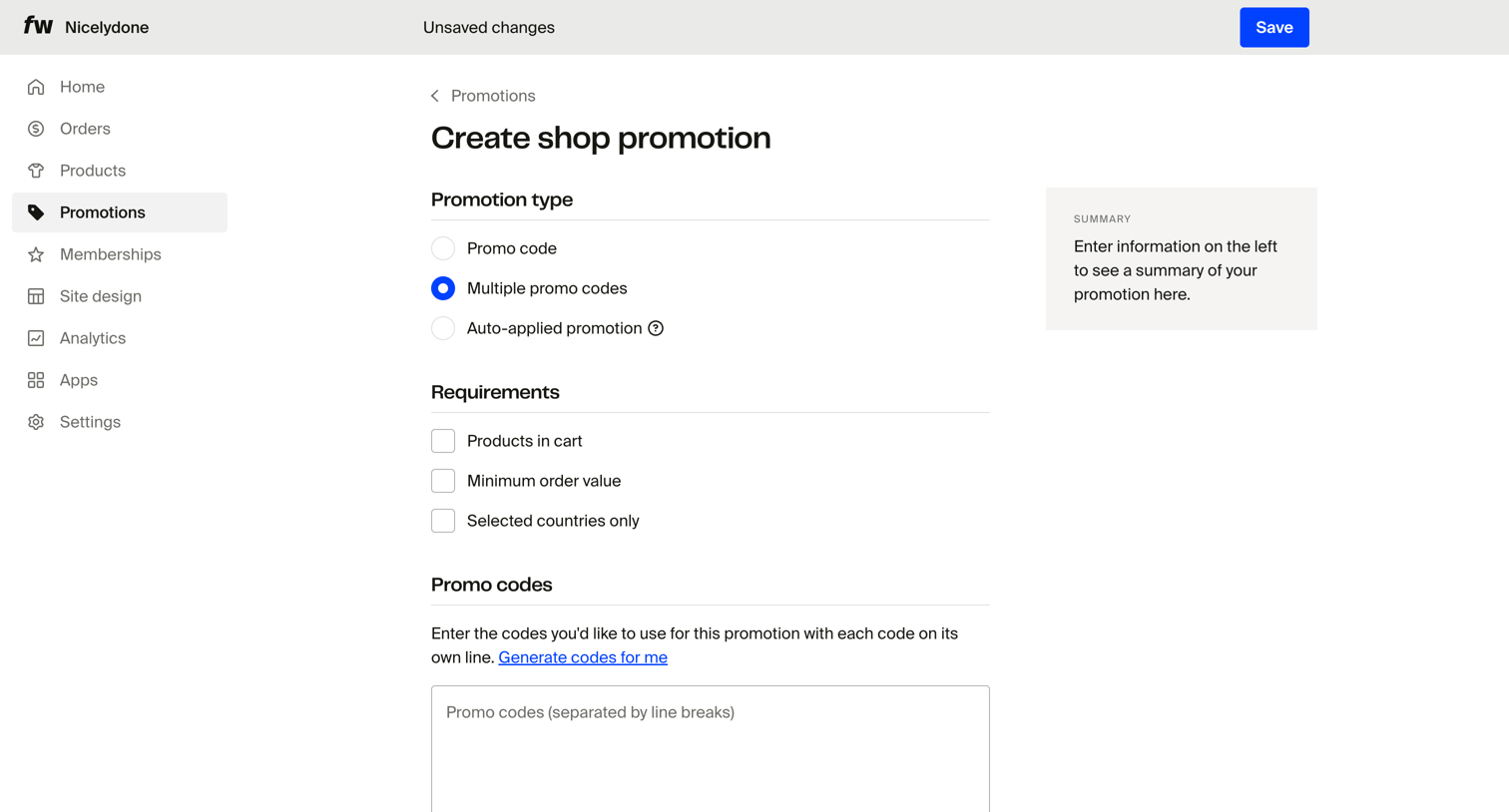
Fourthwall - Create shop promotion – Dashboard screen
Fourthwall logo
Fourthwall

Creation page where the user configures a new shop promotion by selecting the type, setting requirements, and entering promo codes.
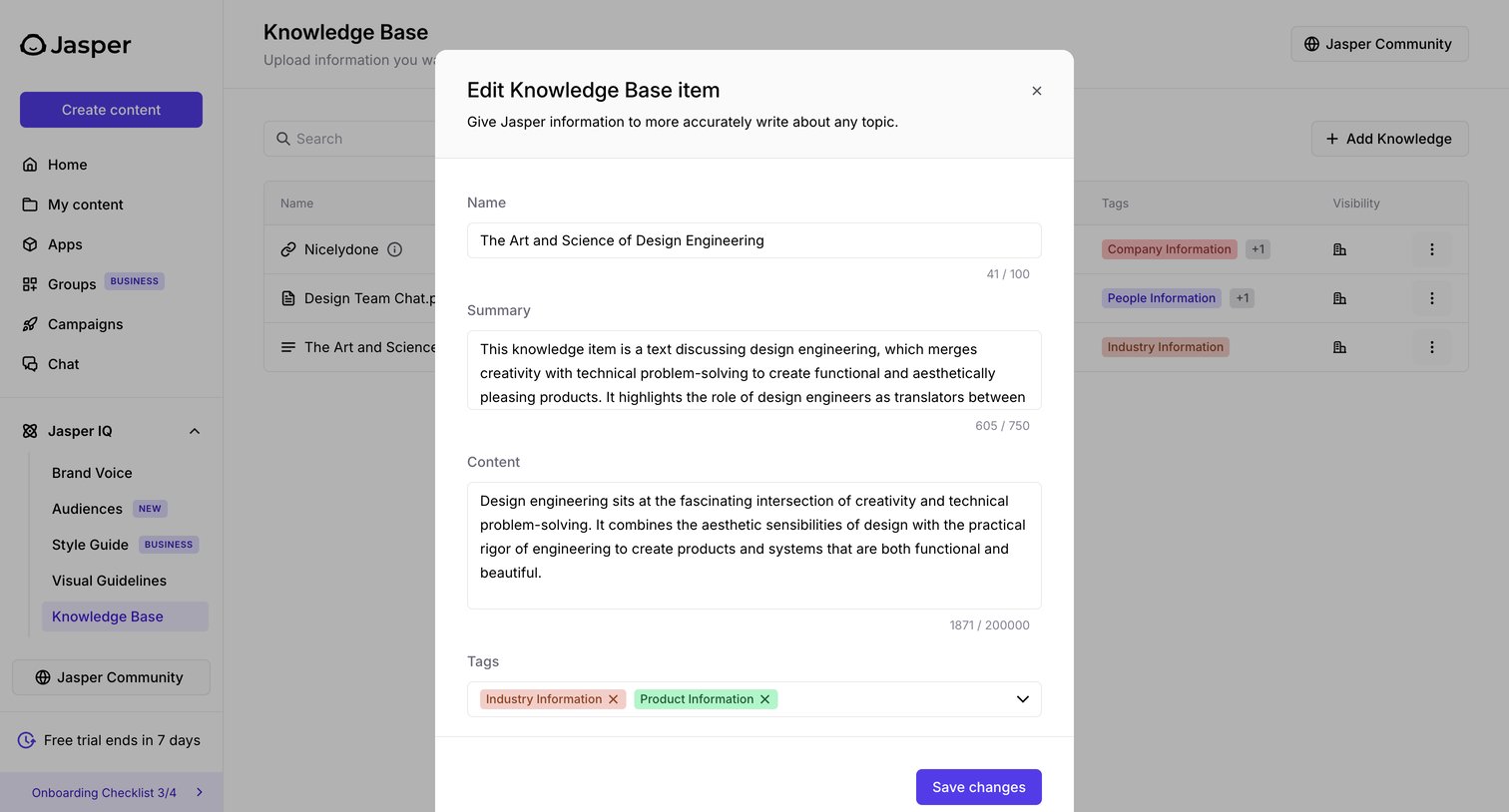

Jasper - Knowledge Base - Jasper screen
Jasper logo
Jasper

Settings page where the user edits a knowledge base item's name, summary, content, and tags to improve the AI's contextual understanding.

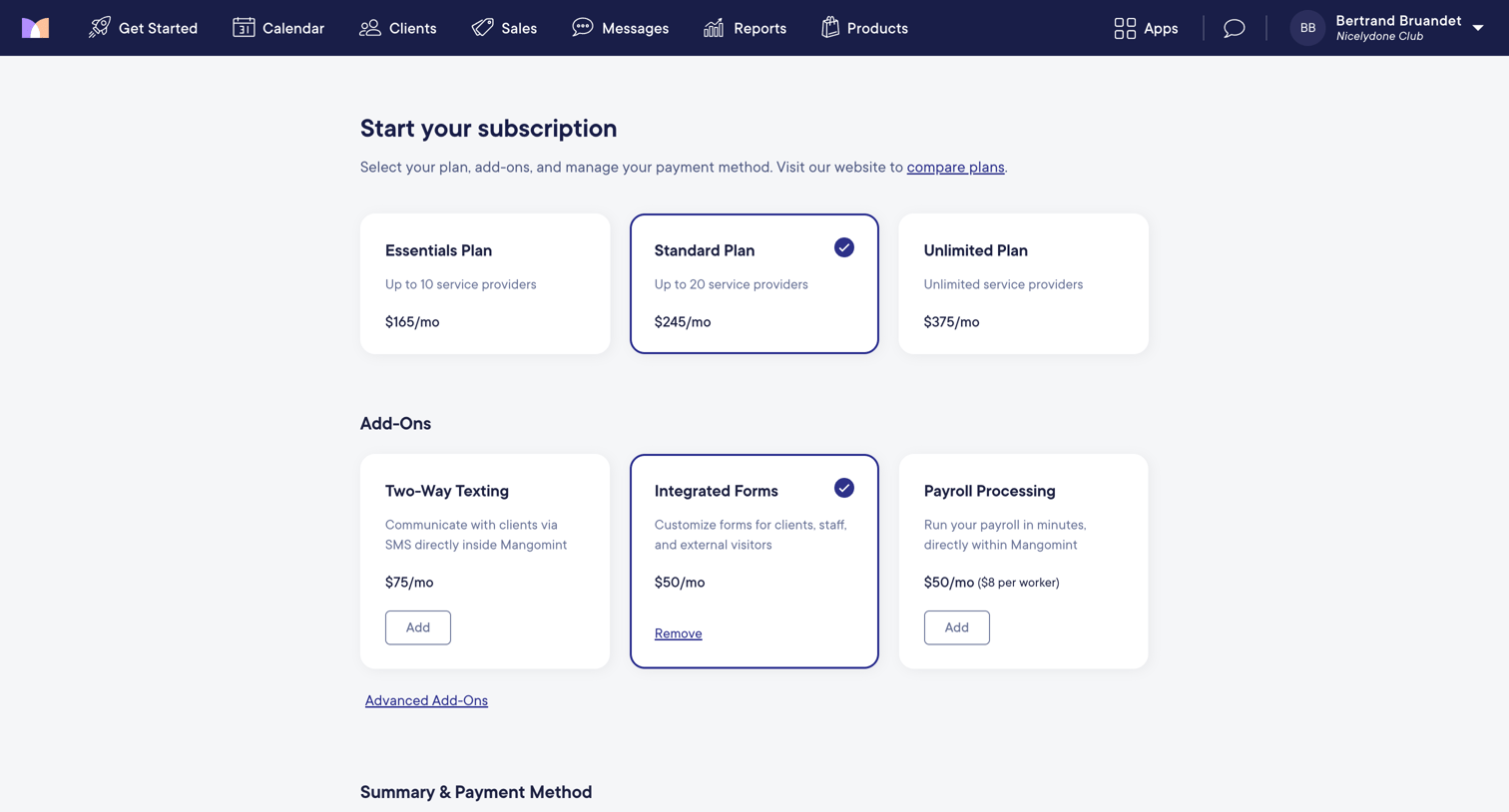
Mangomint - Mangomint App screen
Mangomint logo
Mangomint

Paywall screen where the user selects a subscription tier, adds optional features like texting or payroll, and enters their credit card to activate their trial.

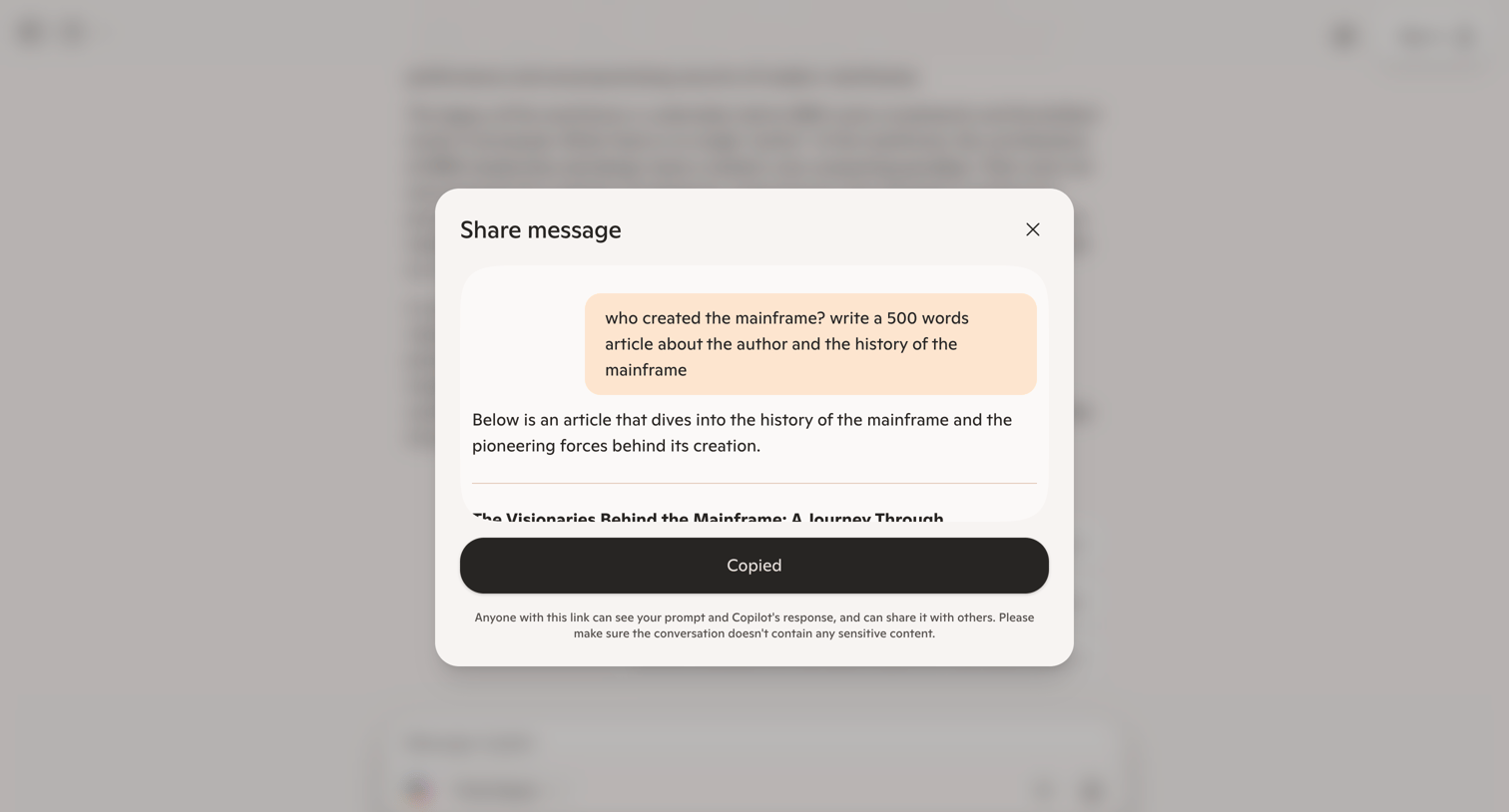
Copilot - Microsoft Copilot: Your AI companion screen
Copilot logo
Copilot

AI chat interface where the user has successfully copied a link to share a specific prompt and response about the history of the mainframe.

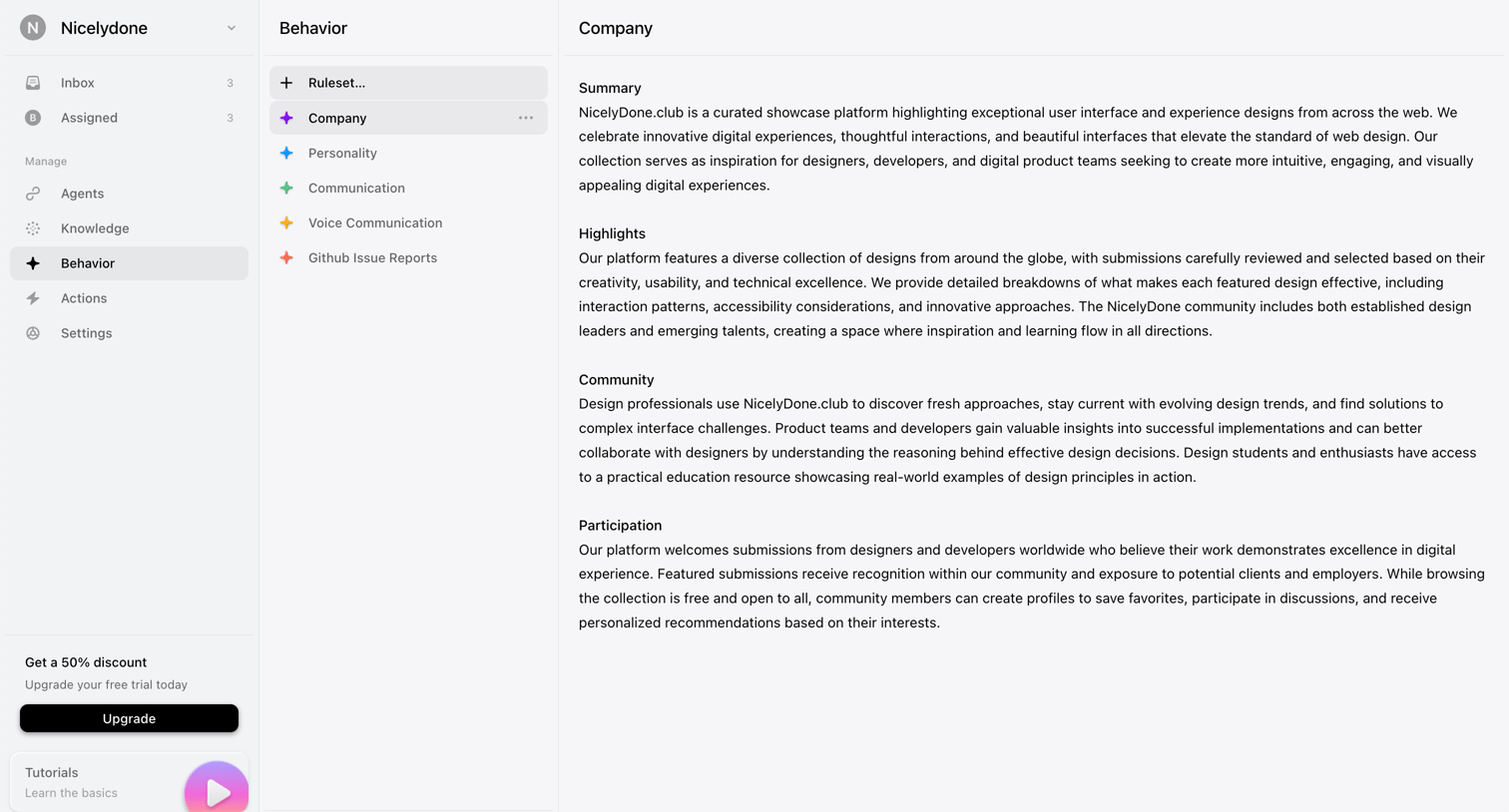
Lemni - Behavior › Company screen
Lemni logo
Lemni

Settings page where the user configures the personality, communication style, and company knowledge rulesets for their AI agents.

Explore the full SaaS screen library

Upgrade to unlock the full library.

Trusted by the best teams