Split view screen examples
Split view screen design examples from SaaS apps. Explore how interfaces present two areas beside each other. Look at how space, alignment, and focus communicate the relationship between the panels.
Explore the examples
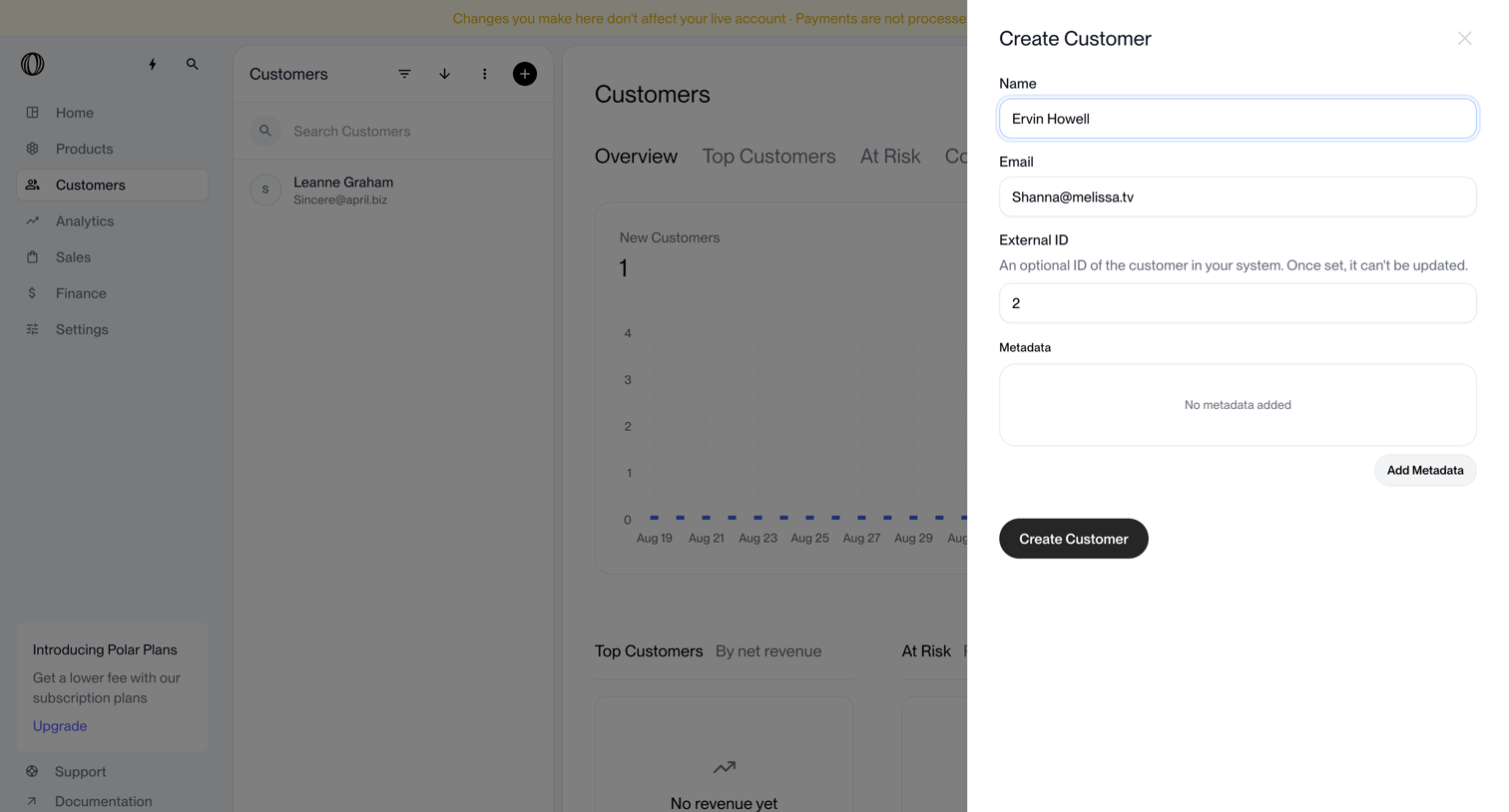

Dashboard where the user is creating a new customer via a side drawer, with a customer directory and overview metrics visible in the background.
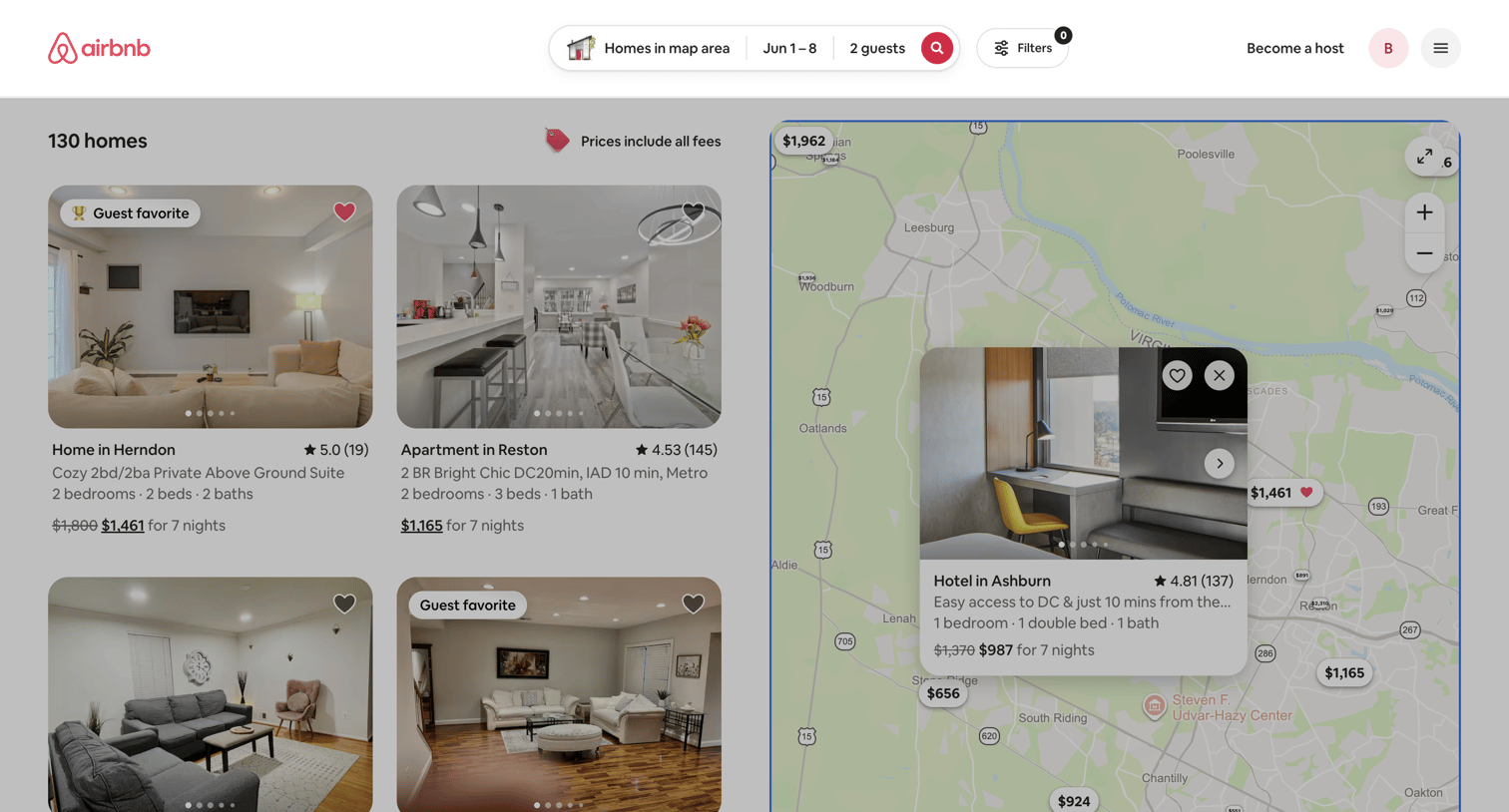

Search results page where the user browses available homes via a split map and list view, with options to filter and toggle total pricing.
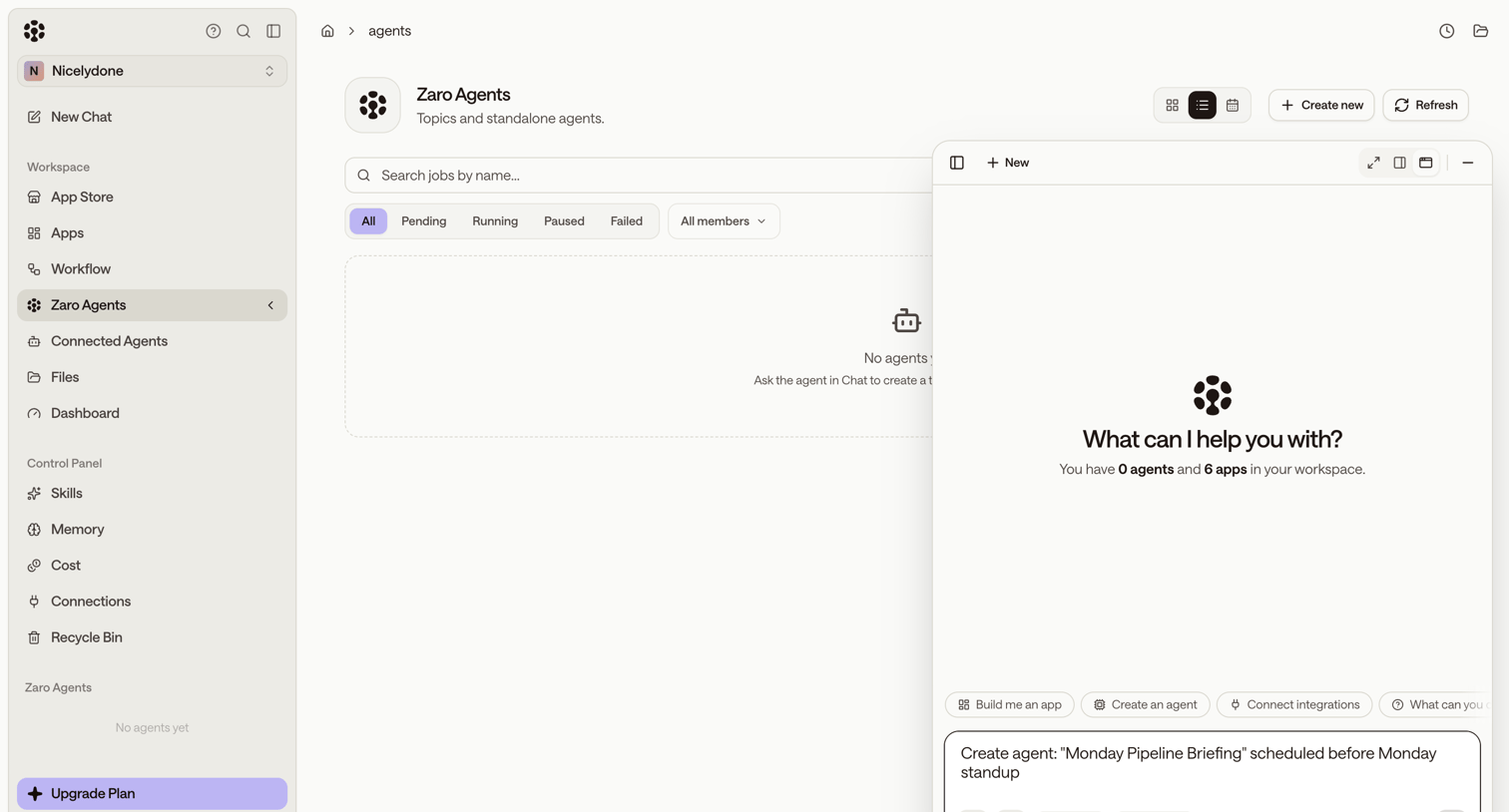

List view where the user manages Zaro Agents, currently showing an empty state with an active AI assistant panel ready to help create one.

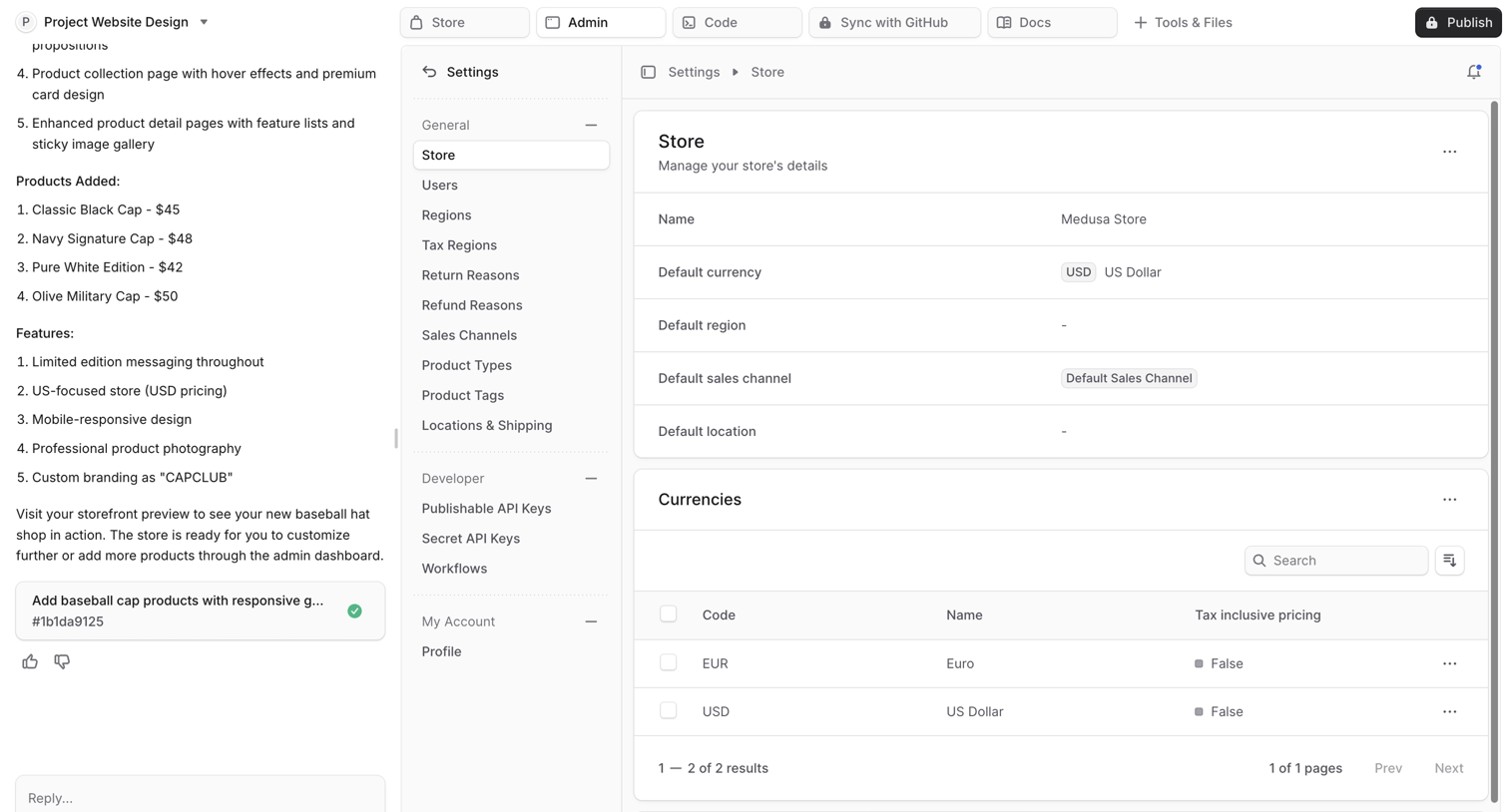

AI chat interface where the user reviews and configures the settings for a generated Medusa store, including currencies and regional defaults.
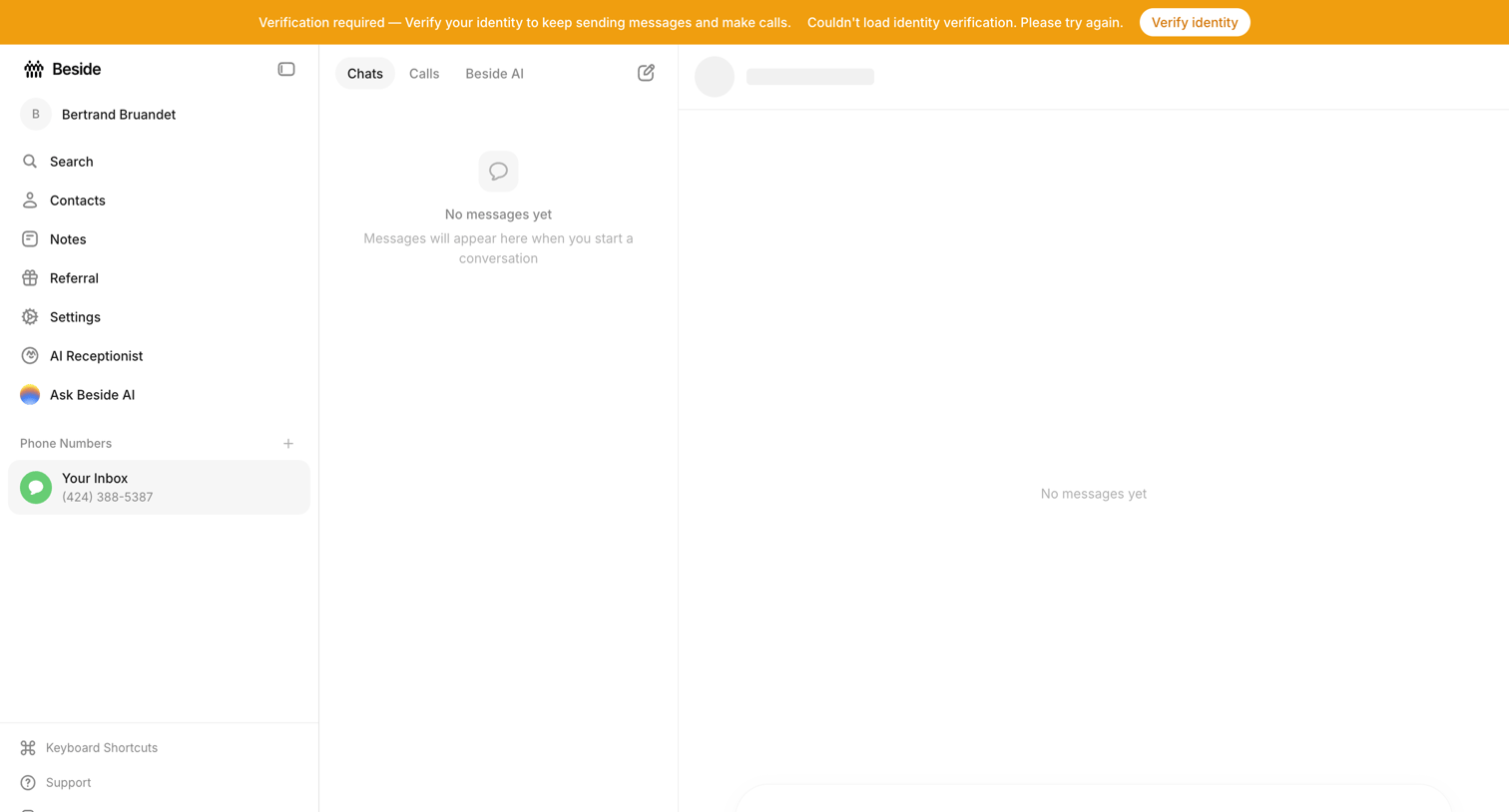

Inbox view where the user is prompted to verify their identity to continue sending messages, showing empty states for both the chat list and conversation panes.
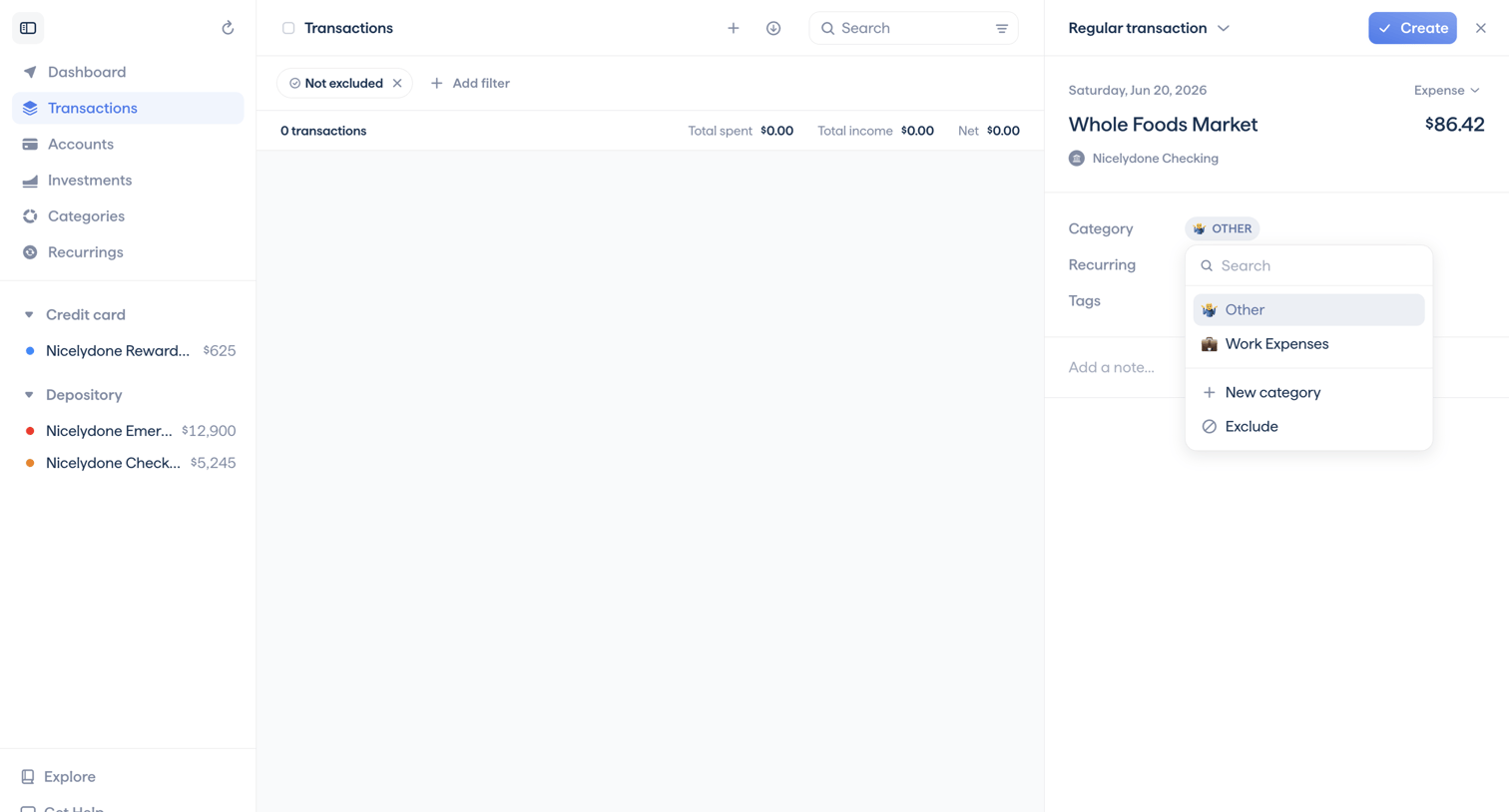

App view where the user creates a new regular transaction, currently selecting a category from an open combobox.
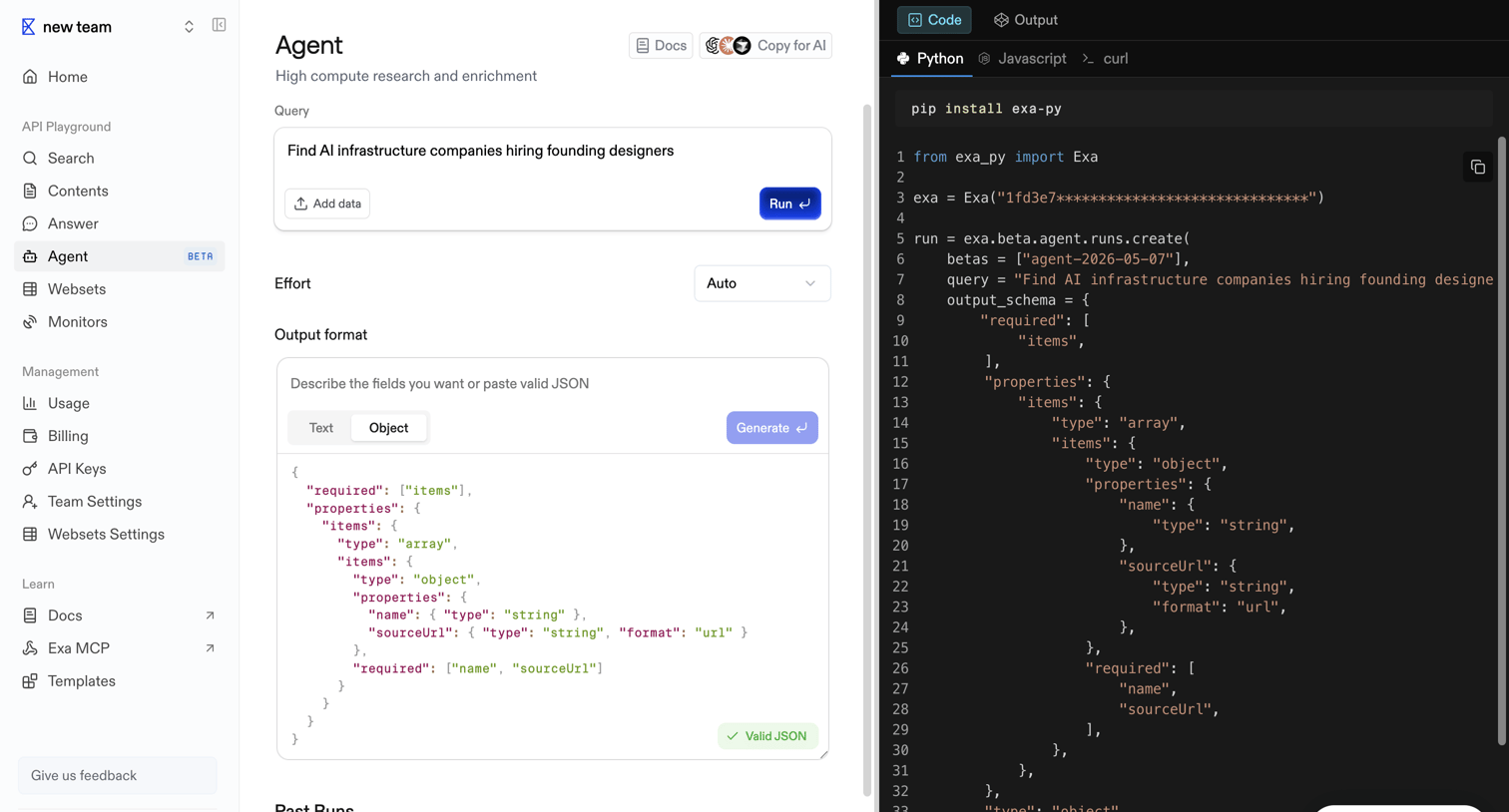

API playground where the user configures an AI agent query, effort level, and JSON output format while viewing the generated Python code.
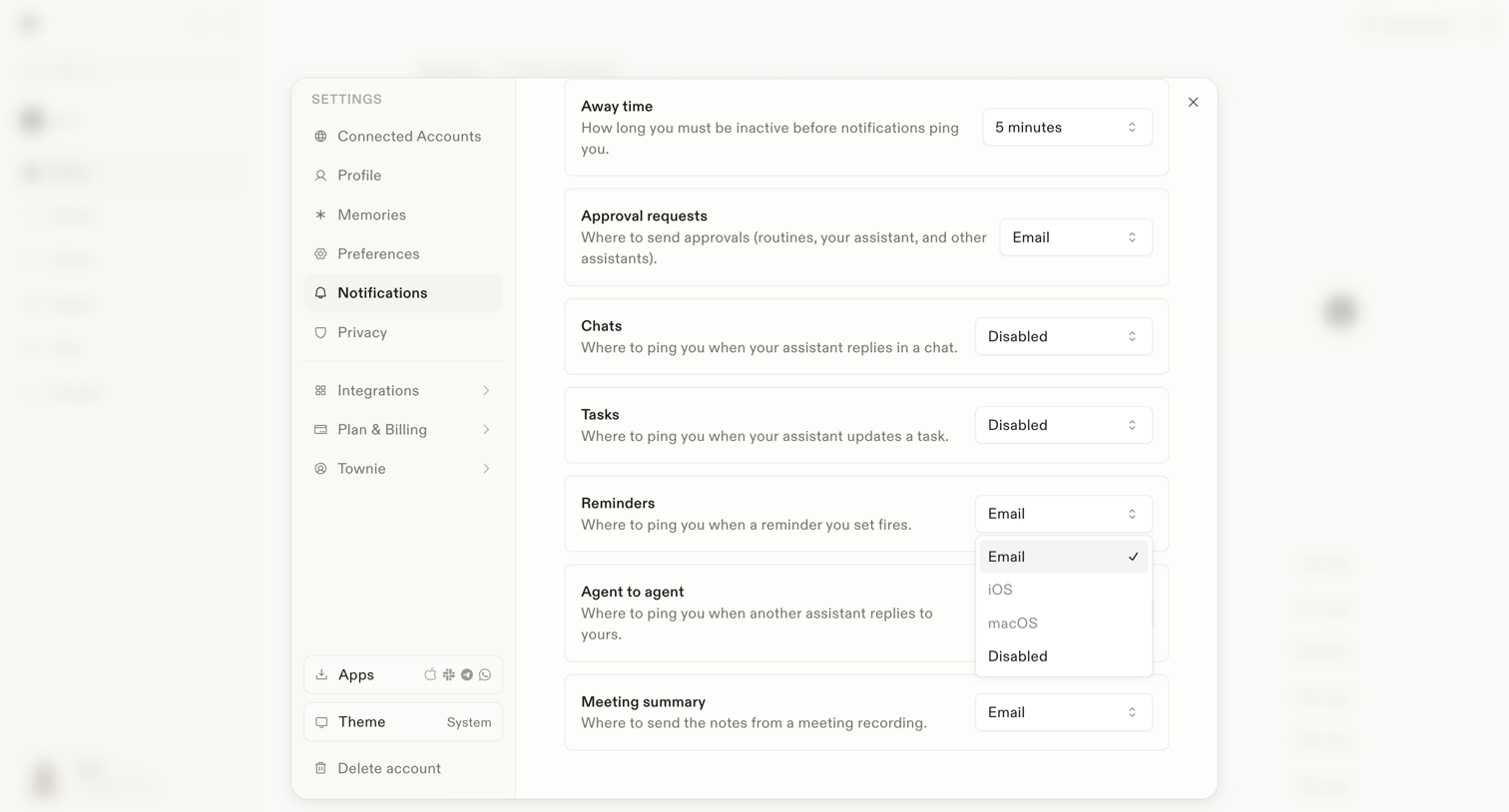

Settings modal where the user configures notification routing channels for events like away time, approval requests, chats, tasks, and meeting summaries.
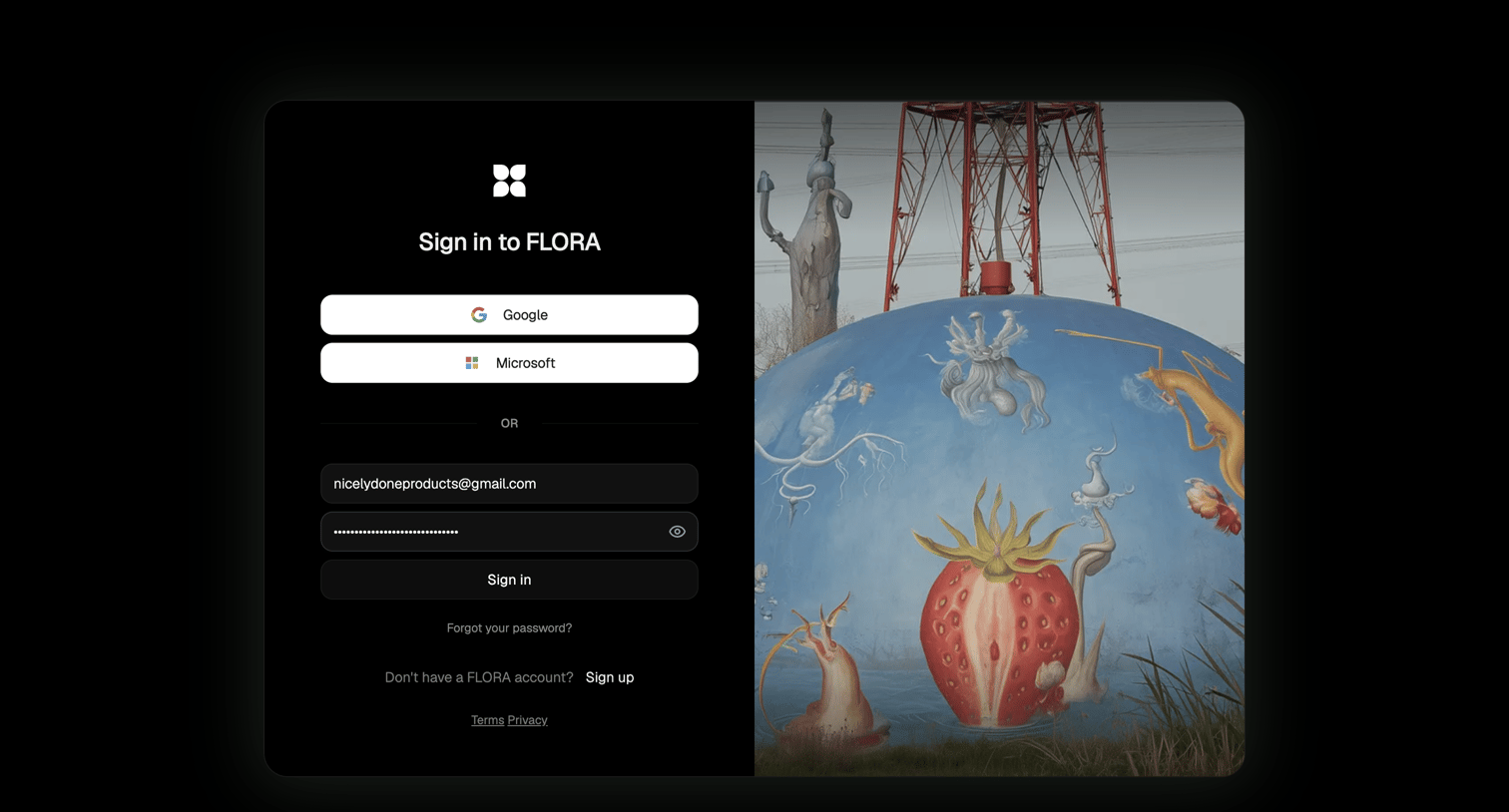

Sign-in screen where the user authenticates with Google, Microsoft, or email and password, featuring a split layout with a surreal image.
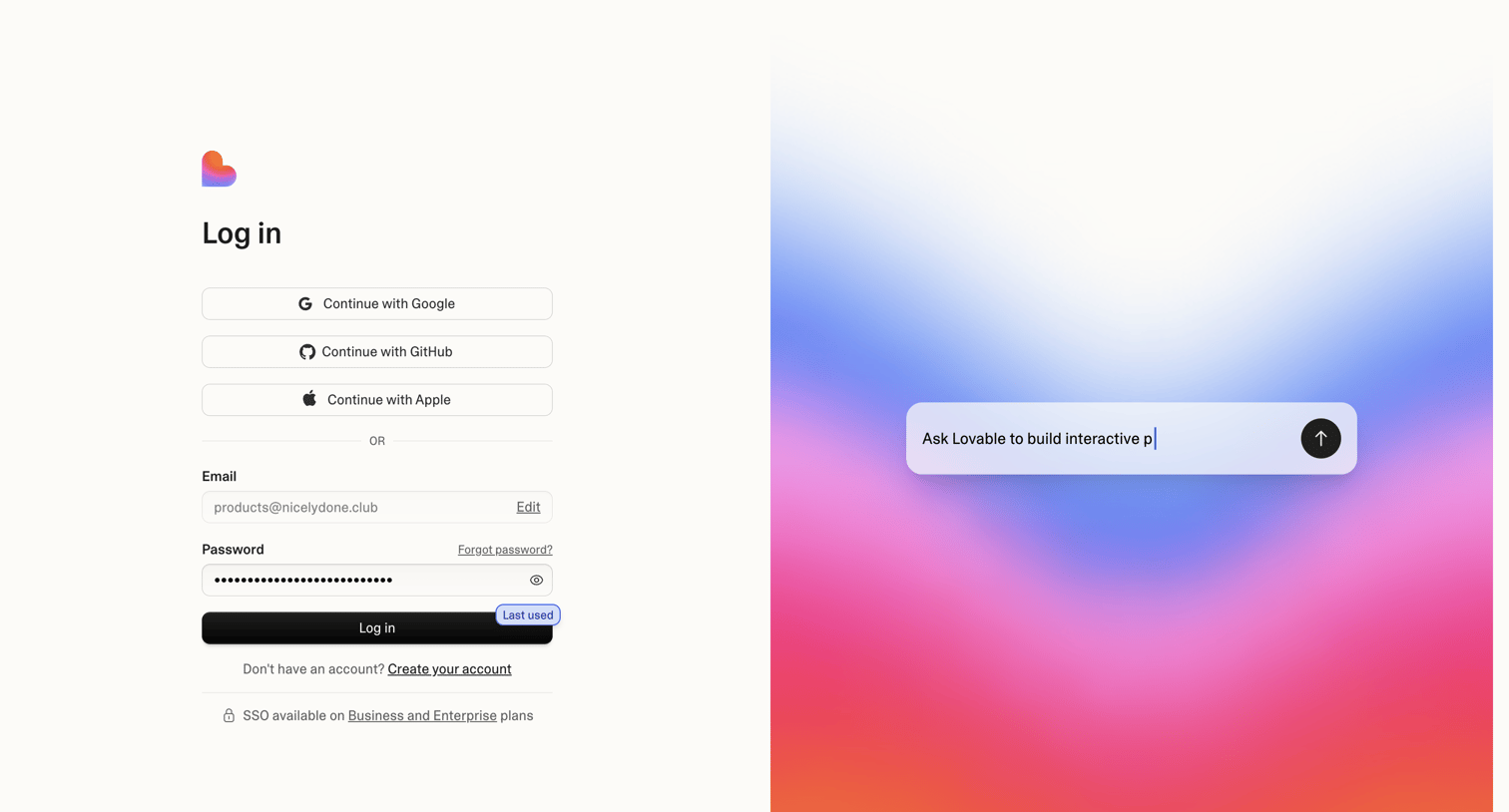


Calendar view where the user manages their grocery list tasks alongside their scheduled events, with an AI command bar available for quick actions.
Explore the full SaaS screen library
Upgrade to unlock the full library.
Trusted by the best teams








About Split view
Explore how interfaces present two areas beside each other. Look at how space, alignment, and focus communicate the relationship between the panels.