Sidebar navigation screen examples
Sidebar navigation screen design examples from SaaS apps. Browse examples from Bud, Polar, Magnific.
Explore the examples
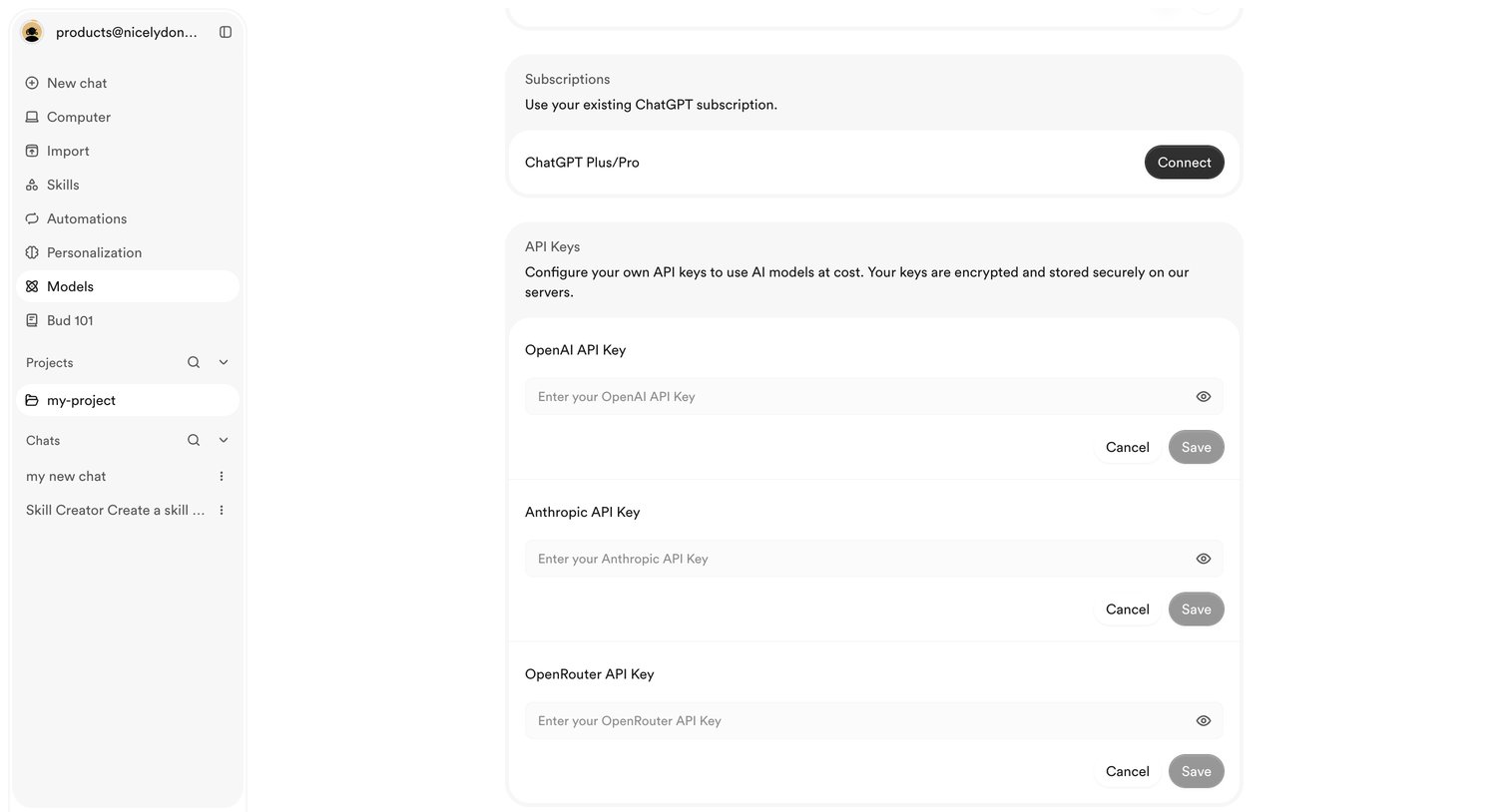

Settings page where the user configures their AI capabilities by connecting a ChatGPT subscription or entering custom API keys for OpenAI, Anthropic, and OpenRouter.
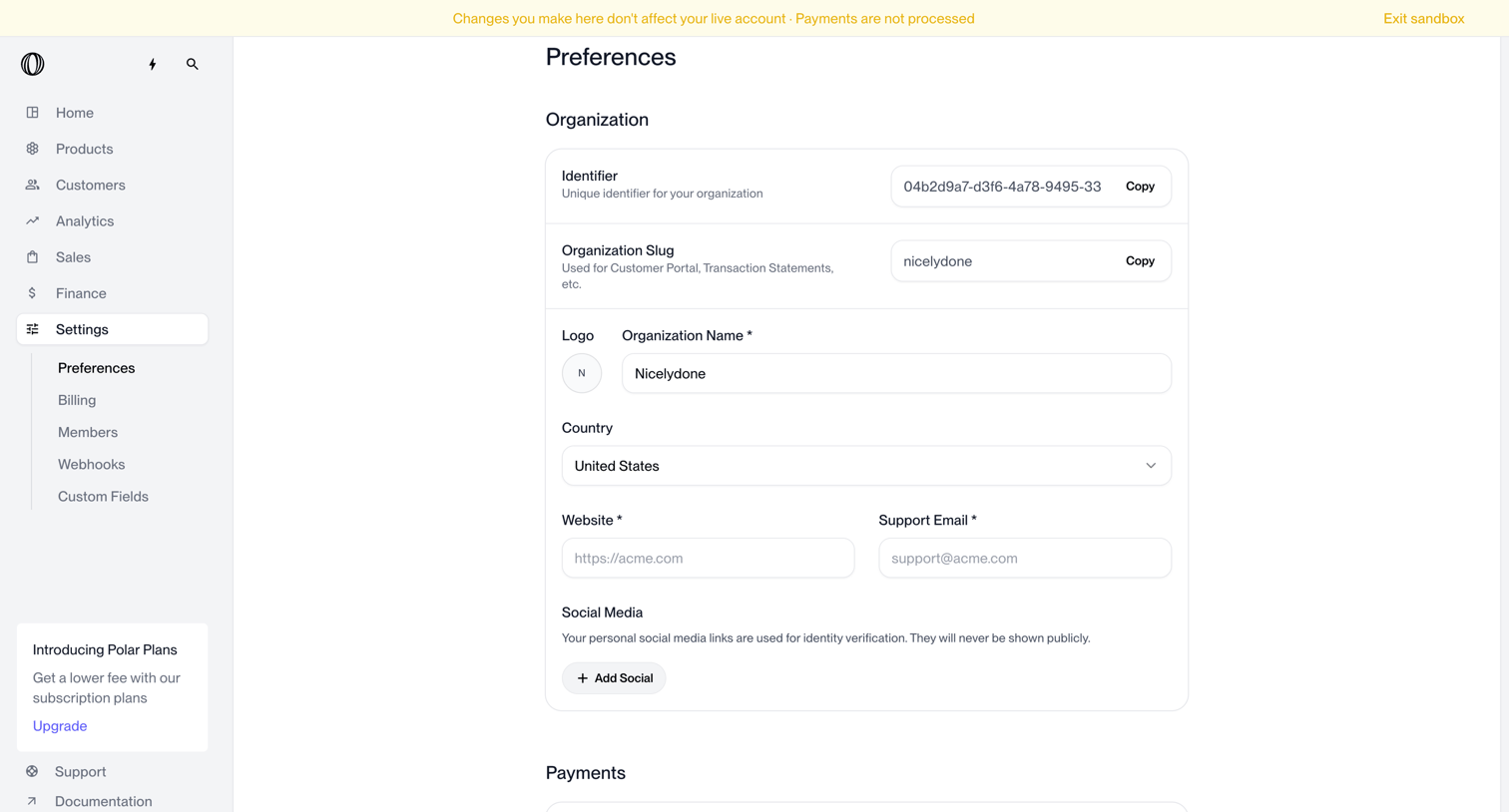

Settings page where the user configures organization details like name, country, website, and default payment currency.
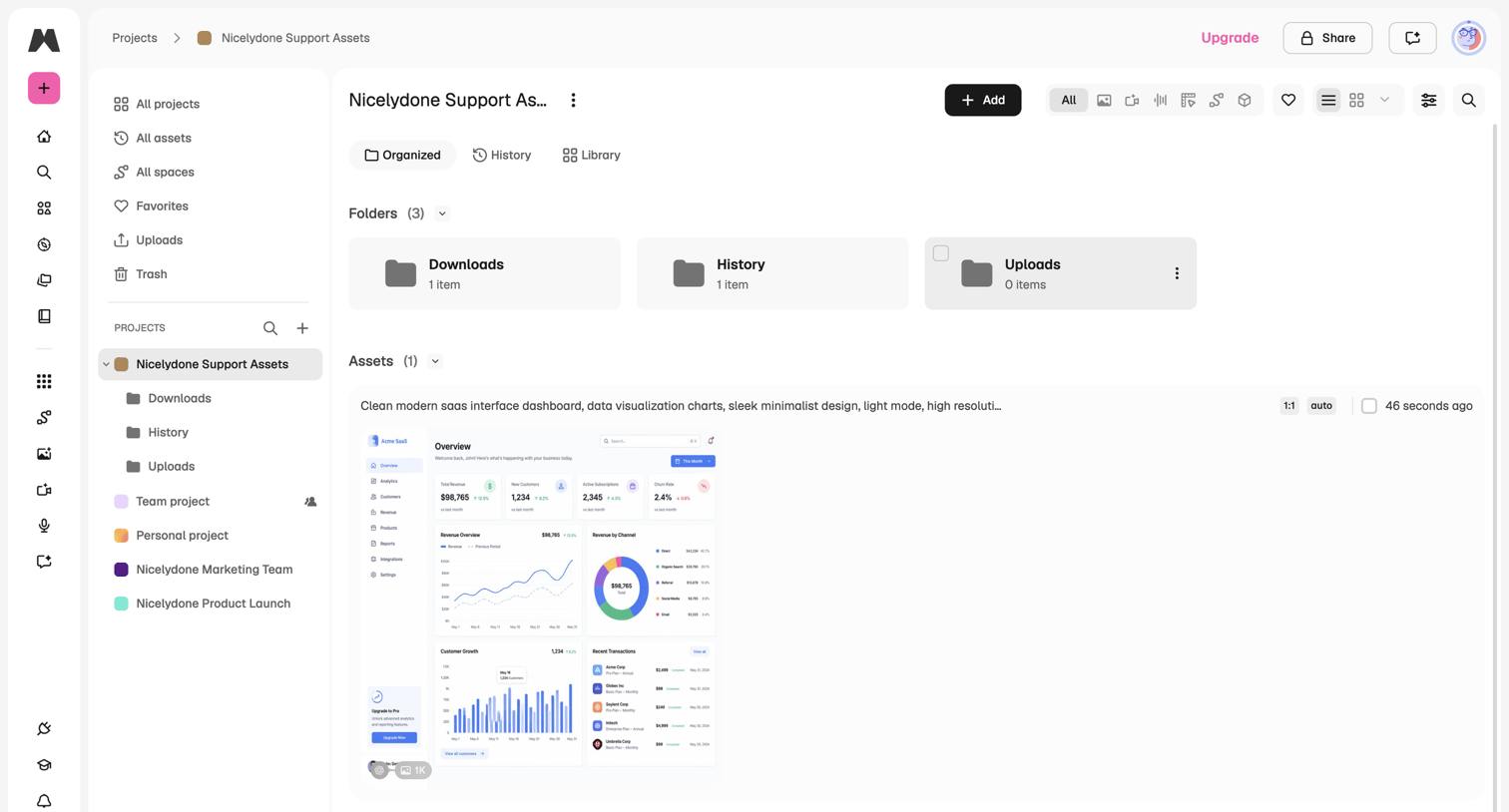

Detail page for a specific project where the user manages asset folders, reviews generated images, and filters the library view.
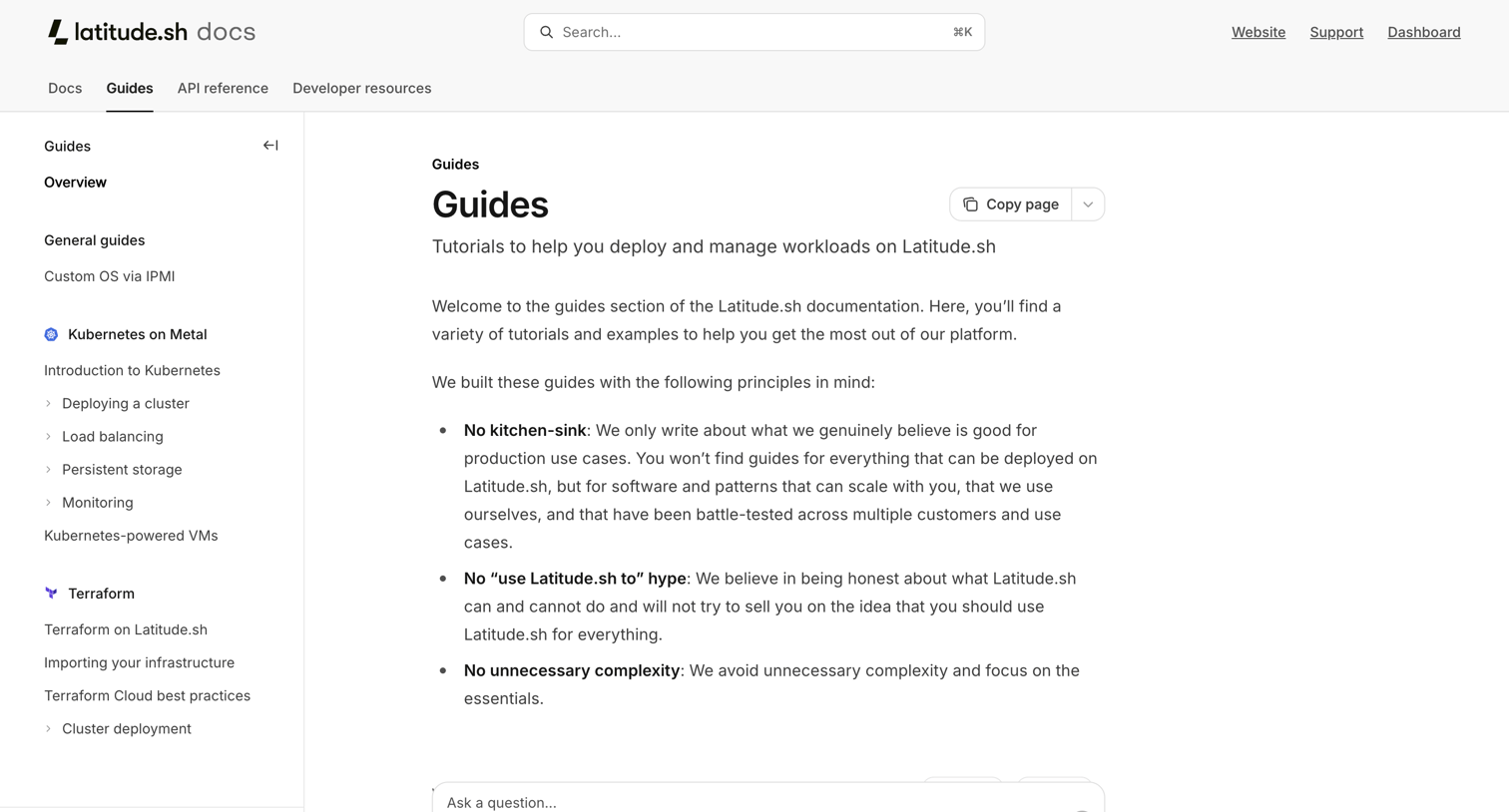

Developer documentation overview page for infrastructure guides featuring an AI-powered question input.

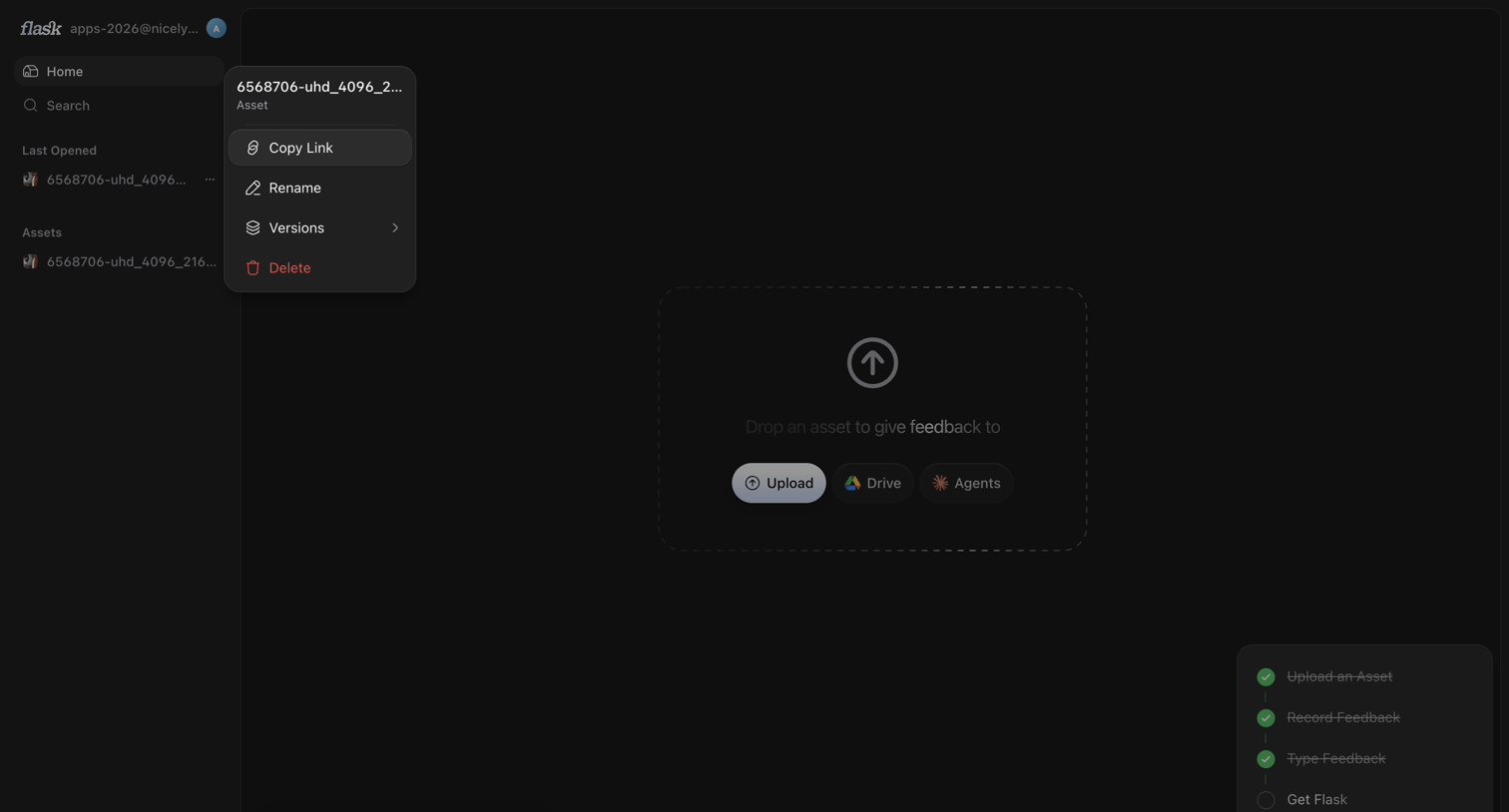

Home screen showing an empty state dropzone for uploading assets, with a context menu open on a recent file in the sidebar.
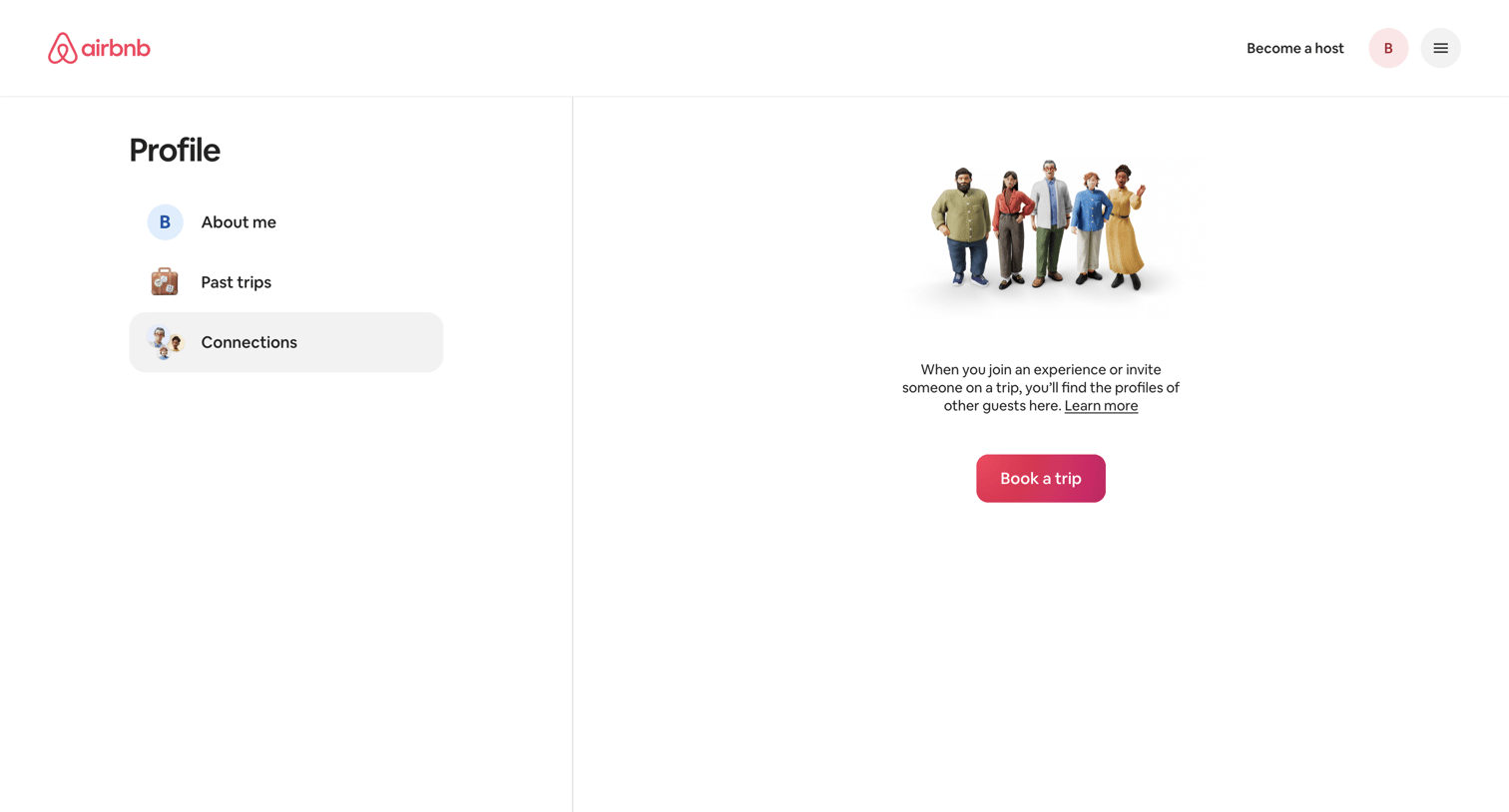

Profile settings page where the user views their connections, currently showing an empty state with an illustration and a prompt to book a trip.
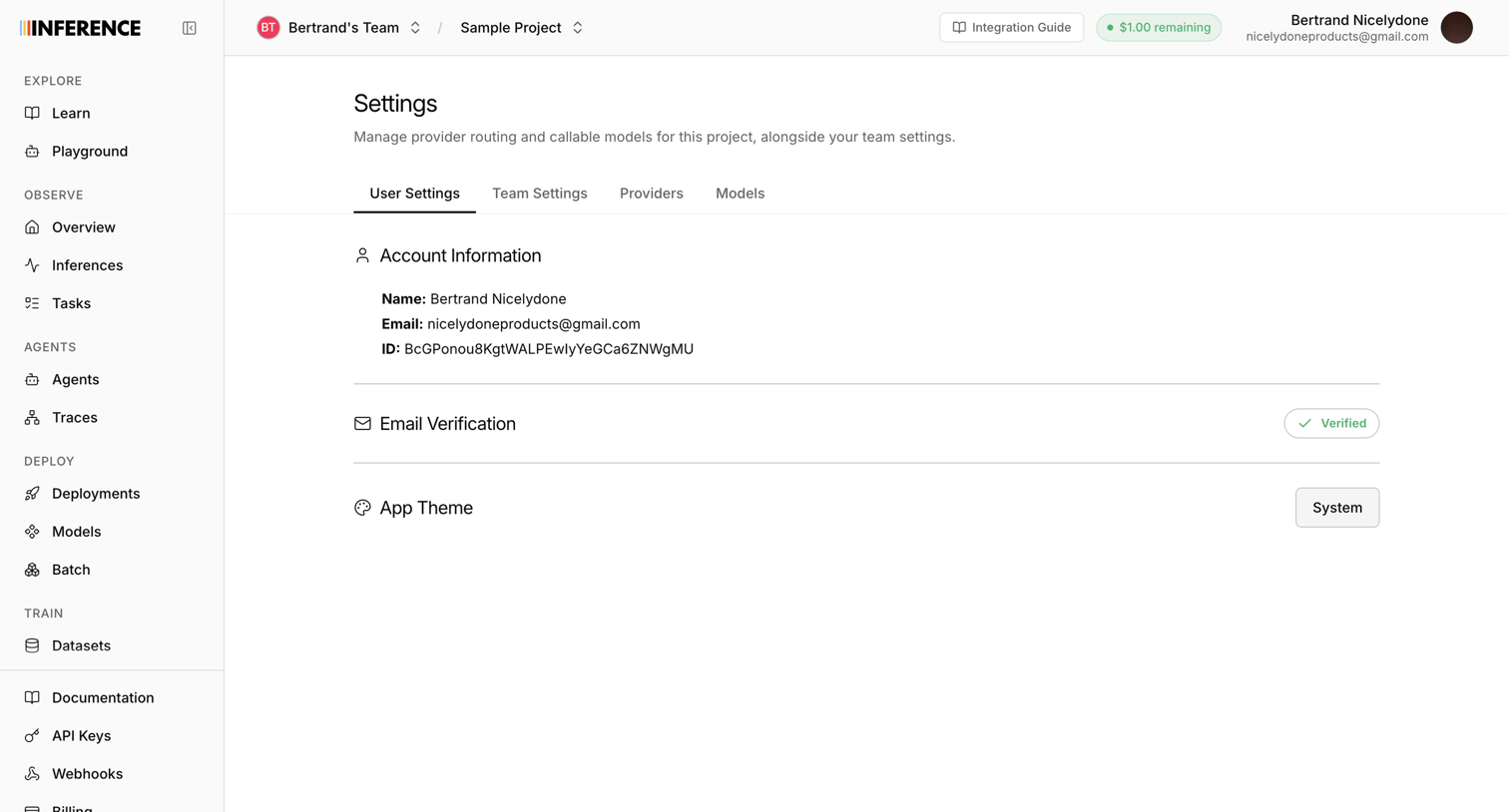

Settings page where the user views their account information, email verification status, and configures the app theme.
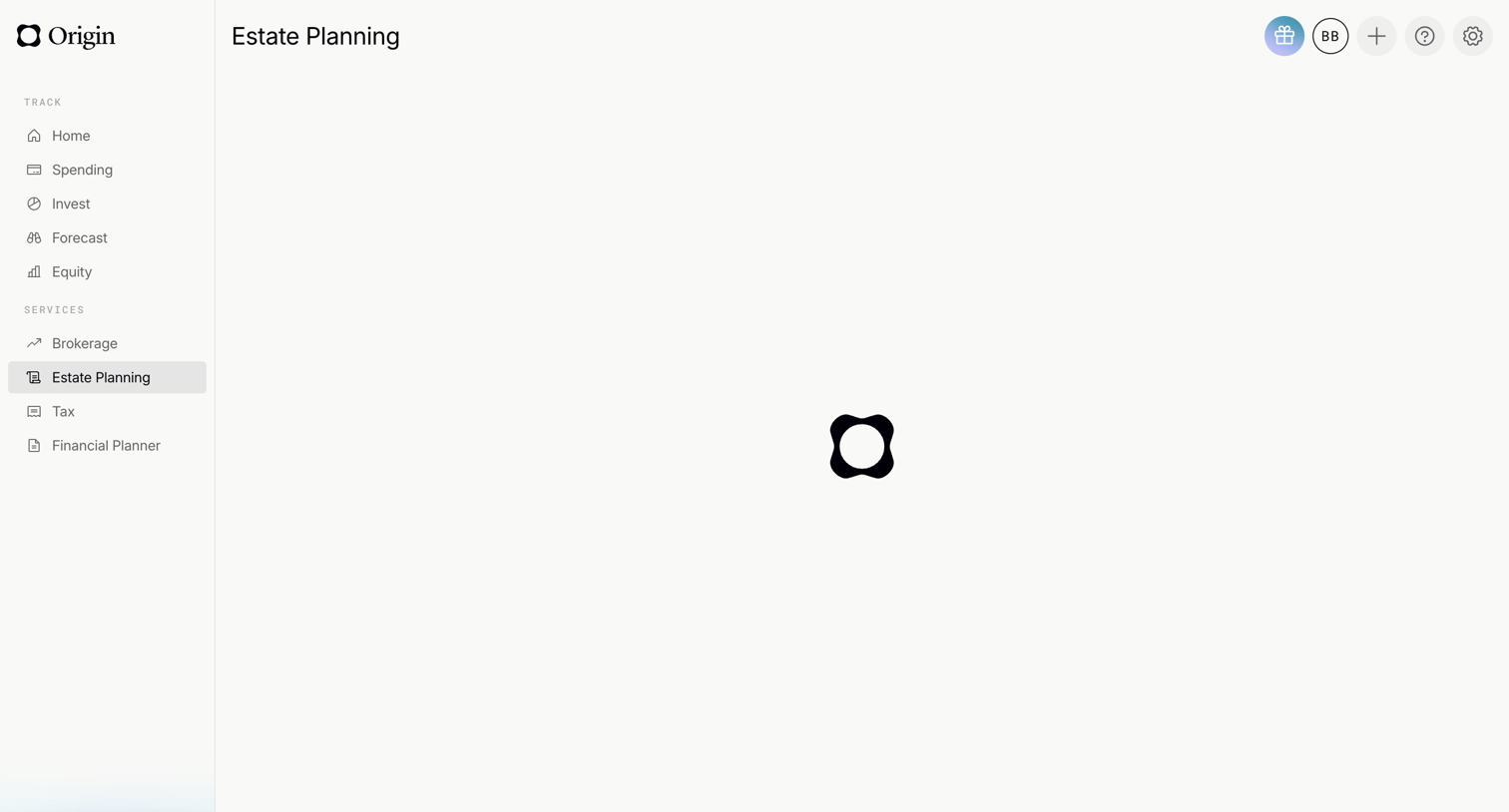

Dashboard loading screen for the estate planning service, featuring a central spinner while the content fetches.
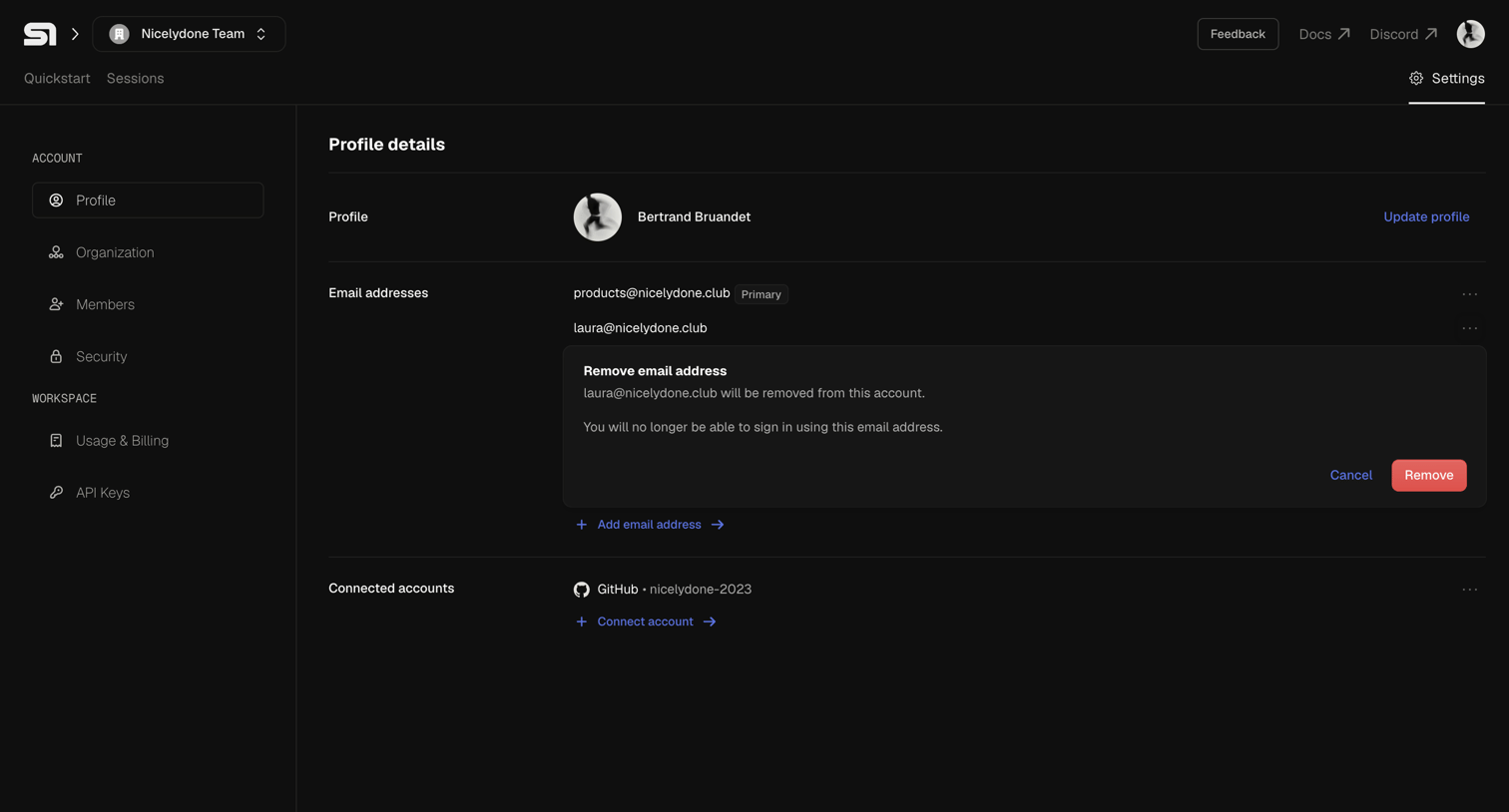

Settings page where the user manages their profile details, email addresses, and connected accounts, currently showing an inline confirmation to remove a secondary email.
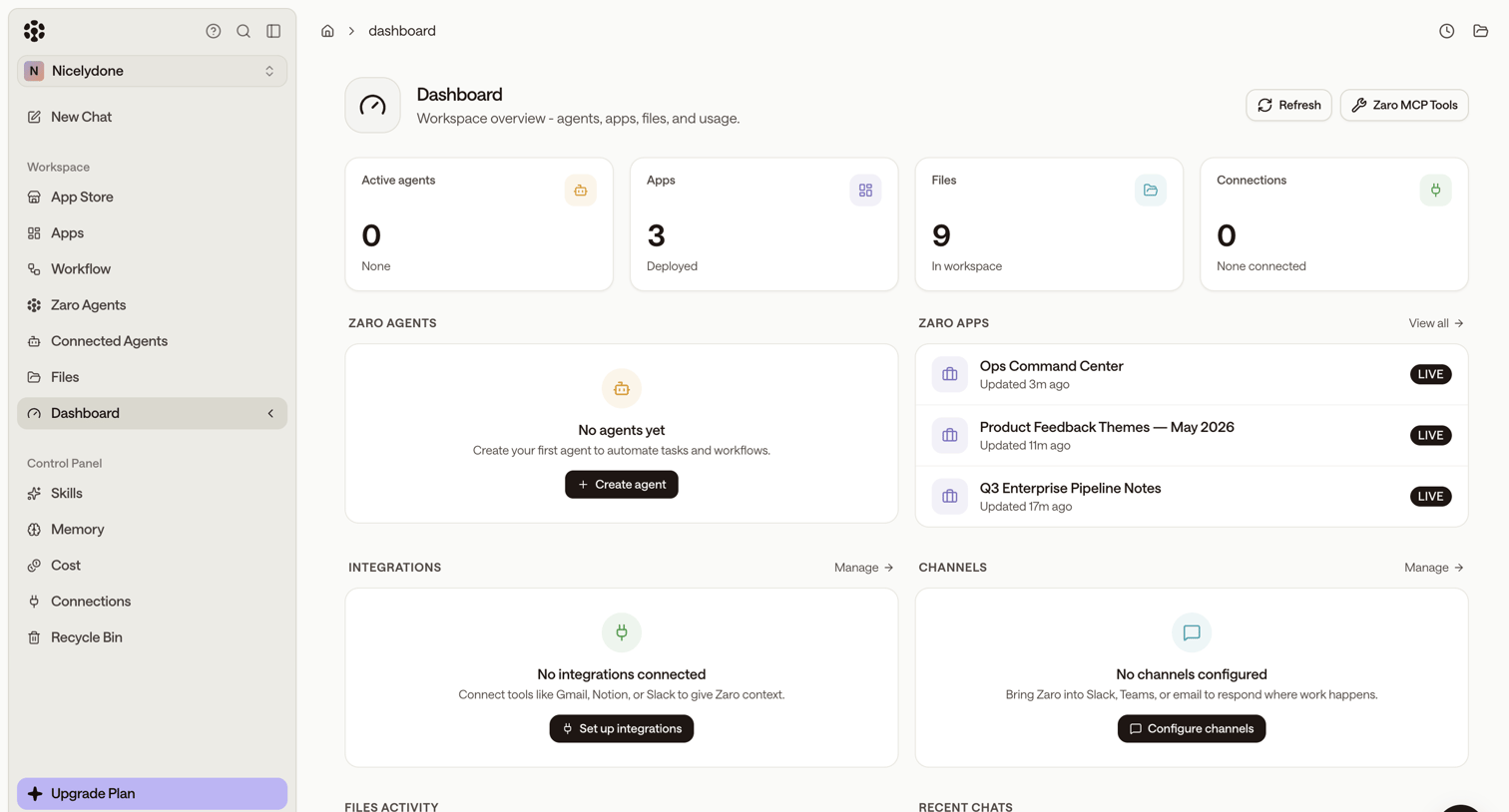

Dashboard with a workspace overview showing KPI tiles for active agents, apps, files, and connections, alongside empty states prompting the user to create agents and set up integrations.
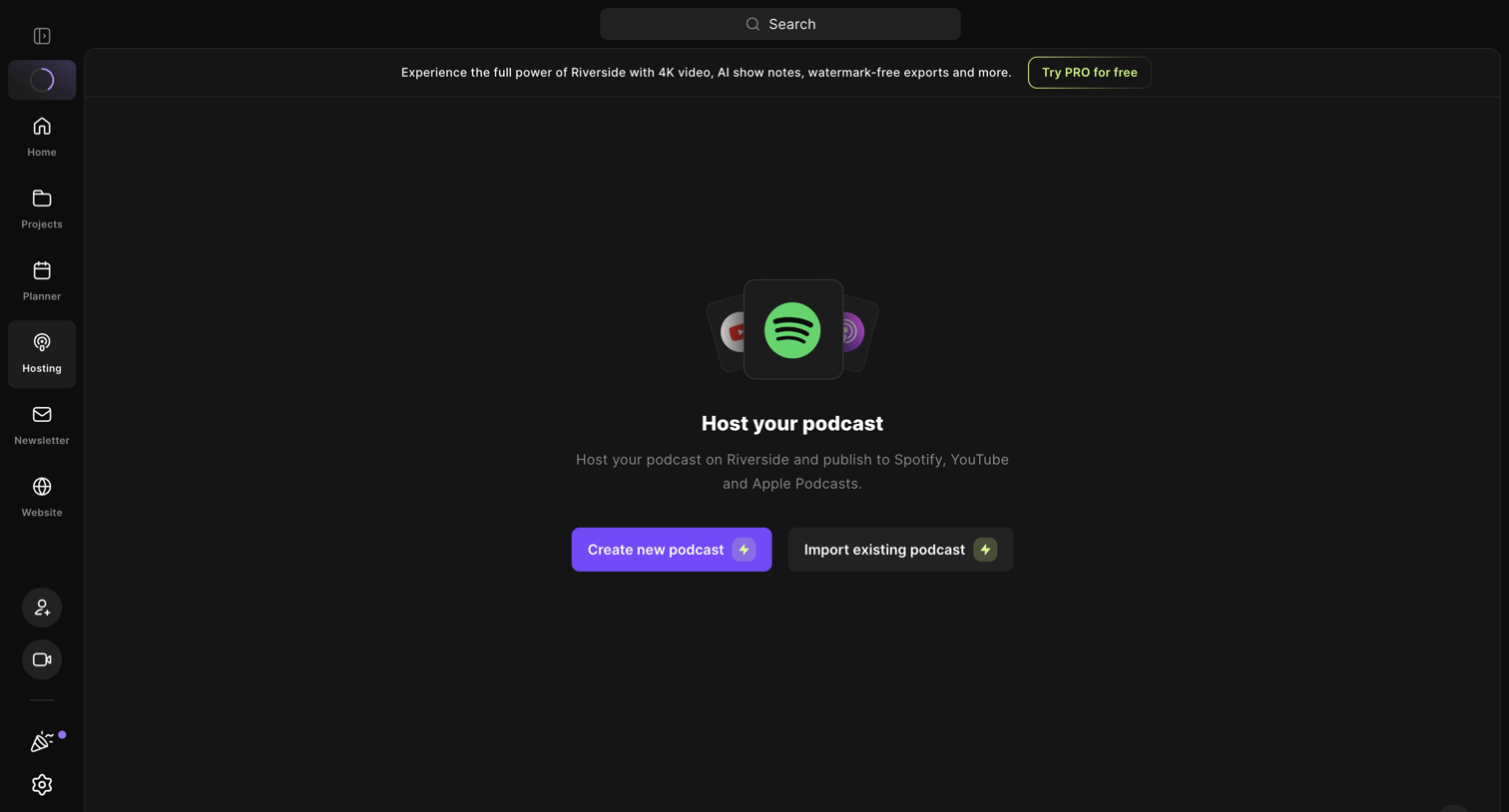

Empty state for the podcast hosting section prompting the user to create a new podcast or import an existing one.
Explore the full SaaS screen library
Upgrade to unlock the full library.
Trusted by the best teams







