Recent activity screen examples
Recent activity screen design examples from SaaS apps. Browse examples from Browserbase, Linear, Bird.
Explore the examples
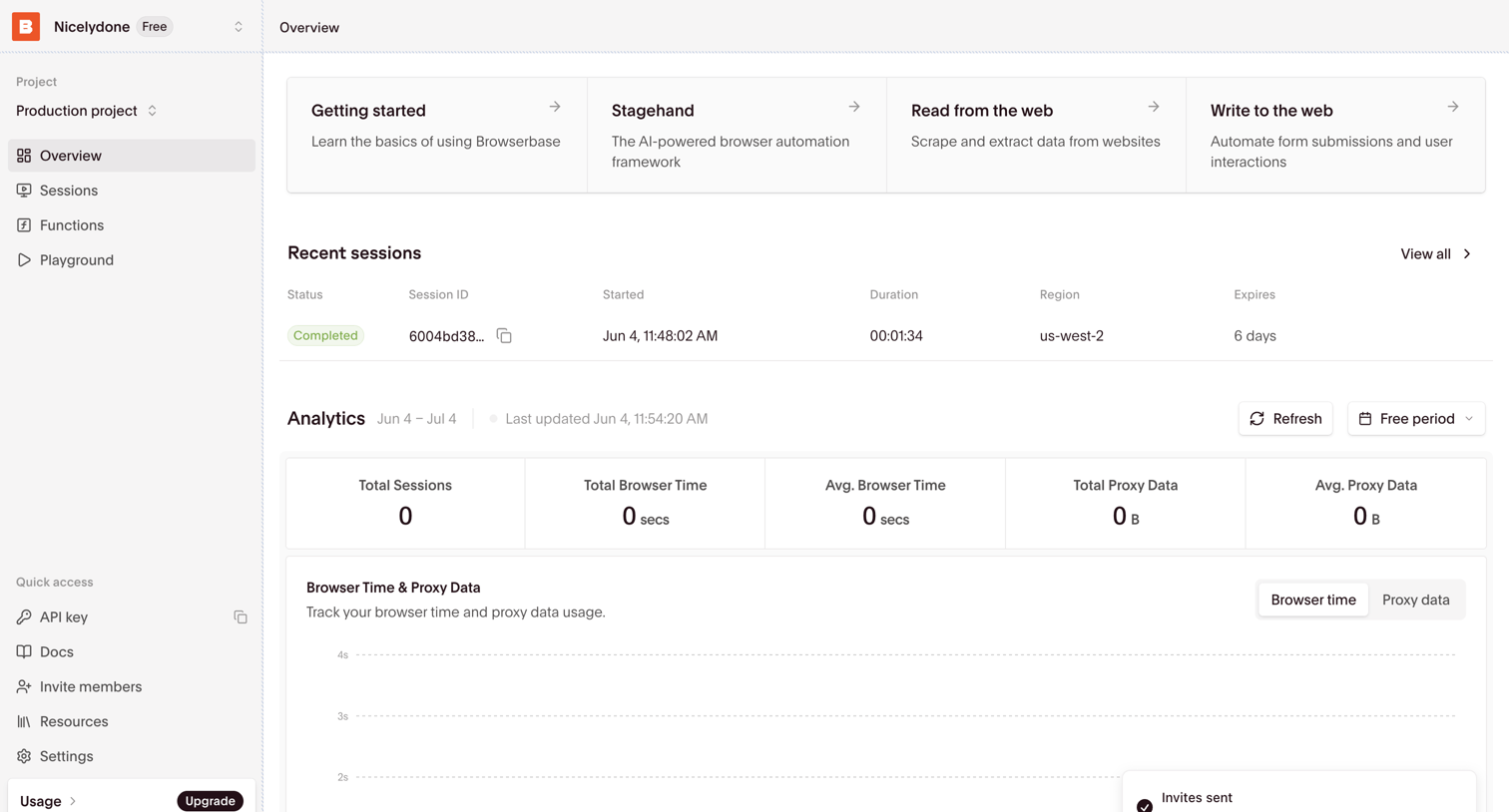

Dashboard where the user can access getting started guides, review recent browser sessions, and monitor usage analytics like total sessions and proxy data.
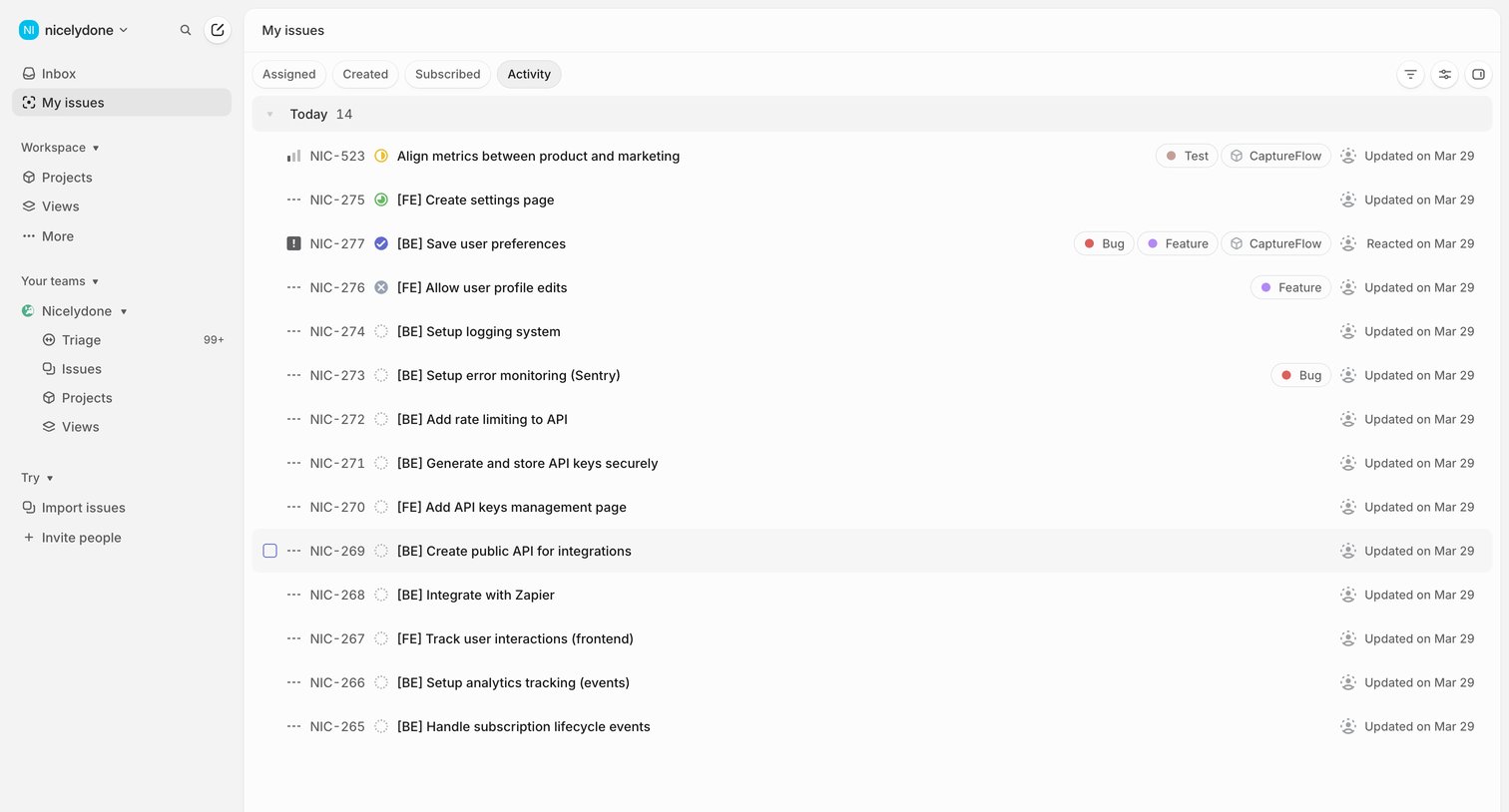

List view where the user reviews a chronological feed of recent updates, status changes, and comments across their assigned issues.
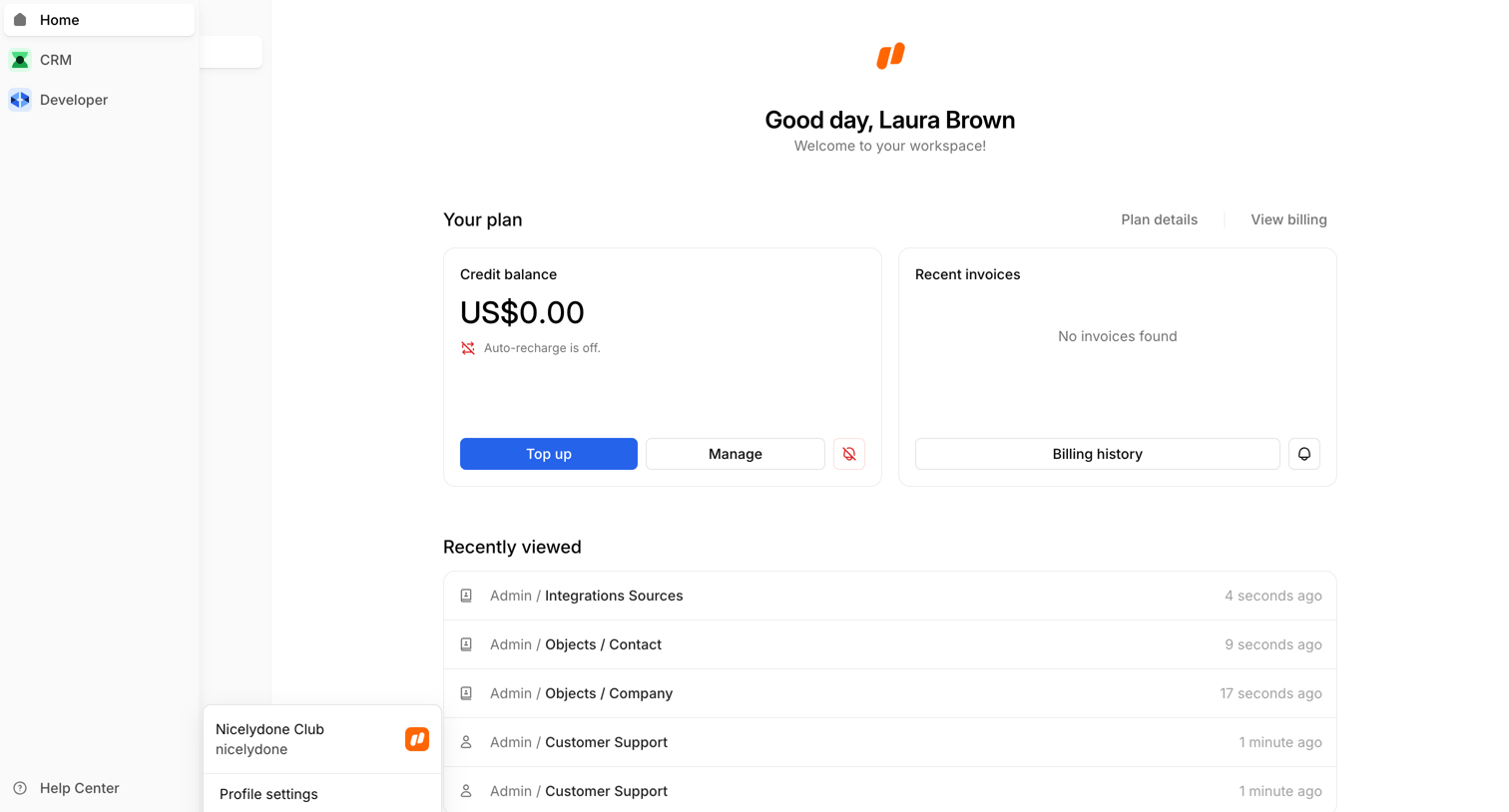

Home screen welcoming the user to their workspace, displaying credit balance, recent invoices, and a list of recently viewed items.
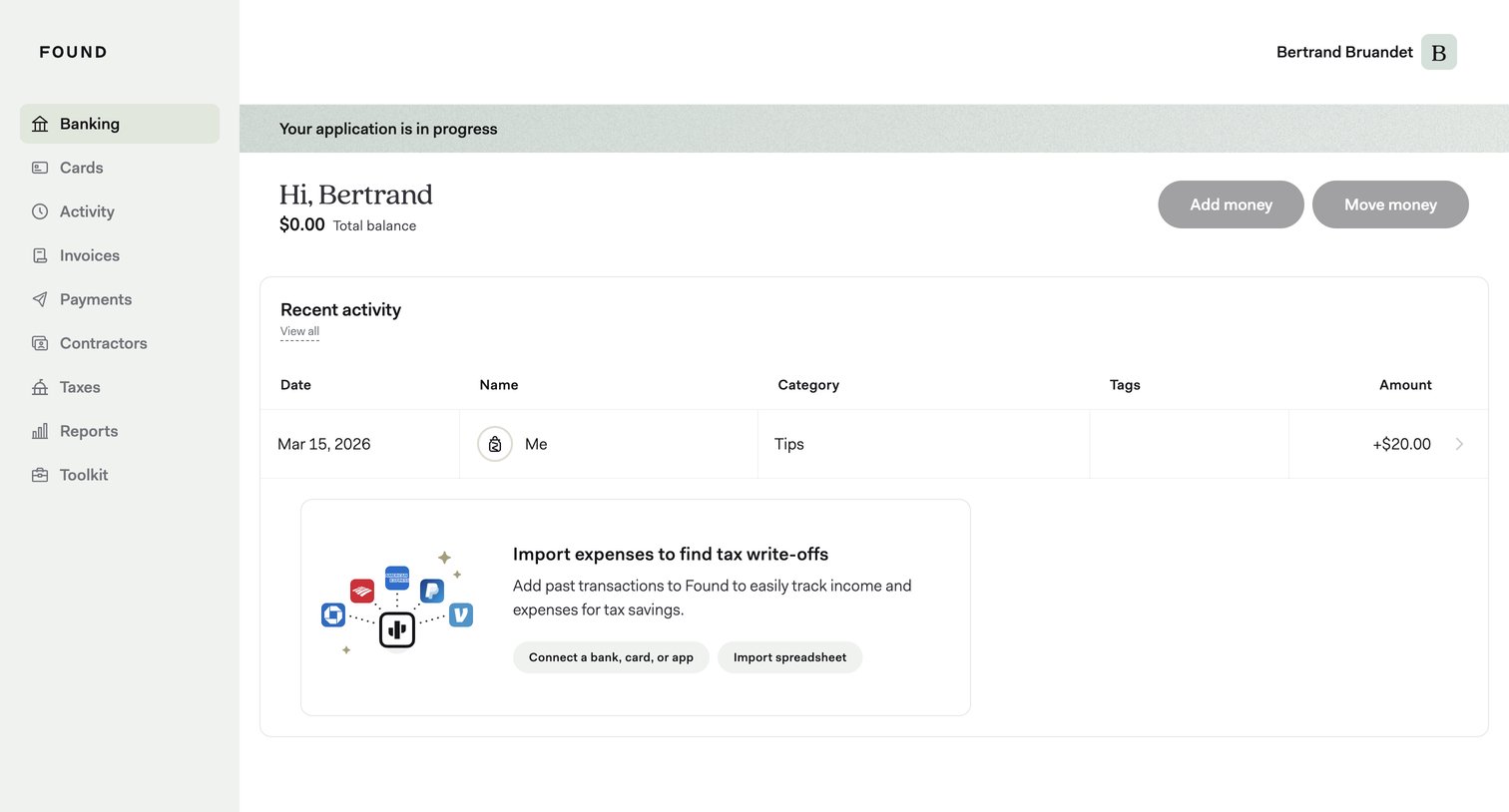

Dashboard showing the user's total balance, recent transaction activity, and prompts to import expenses or connect accounts.
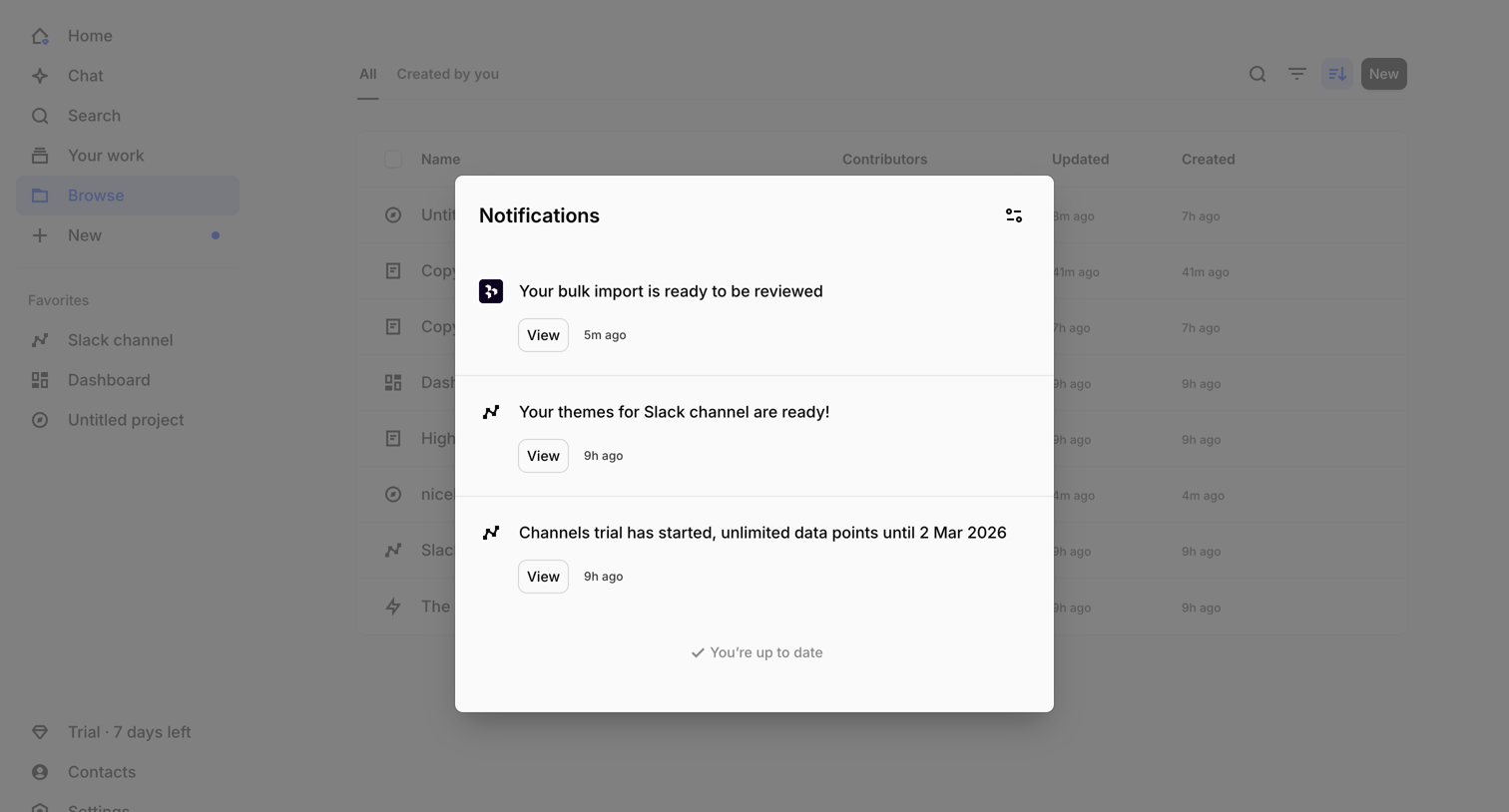

Inbox view where the user reviews recent notifications, such as bulk import readiness and channel themes, inside a central modal overlay.
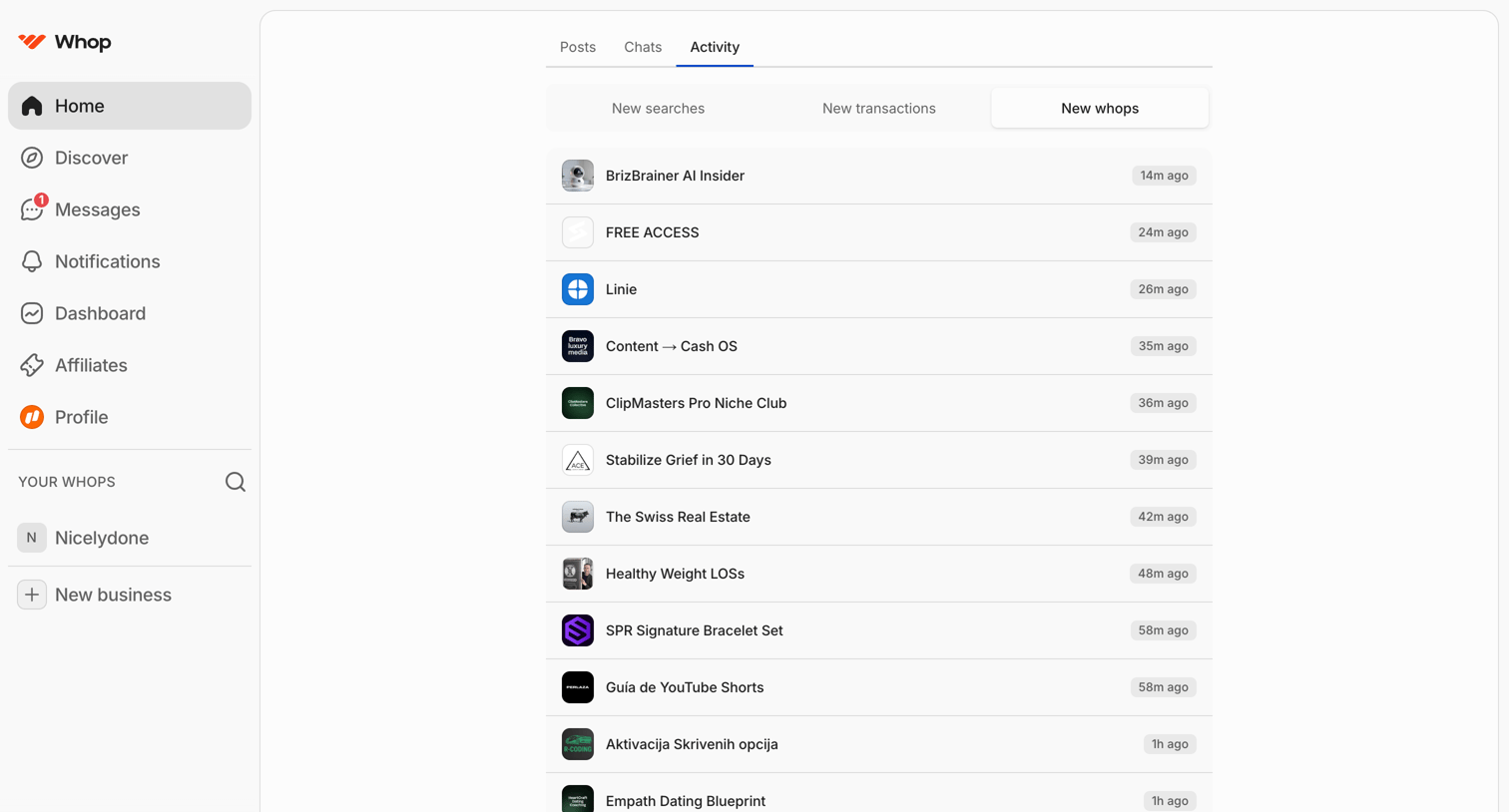

Home page feed showing a chronological list of new whops created, with tabs to switch between posts, chats, and general activity.
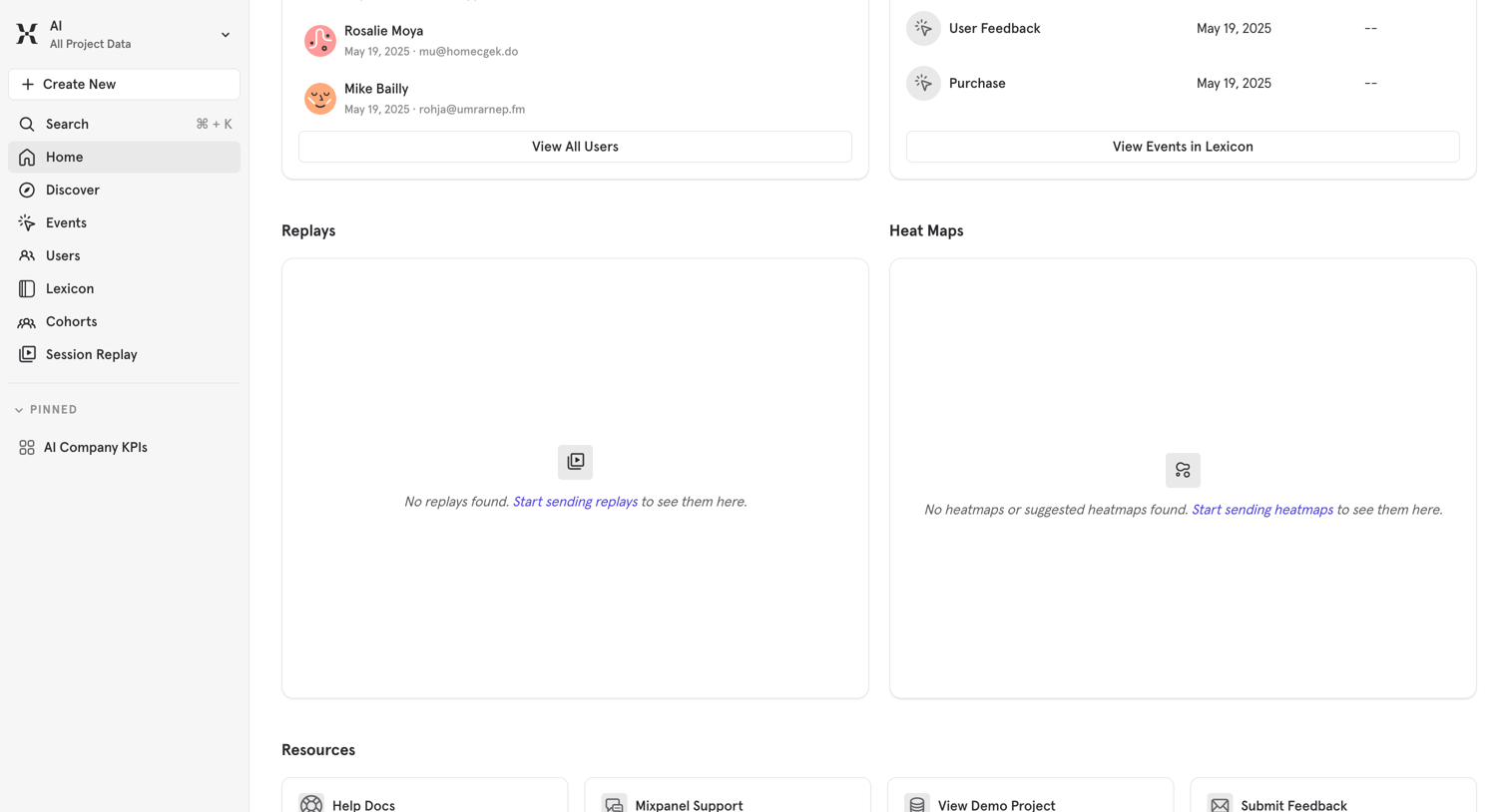

Home screen displaying recent users and events alongside empty states for replays and heatmaps, with quick links to resources at the bottom.
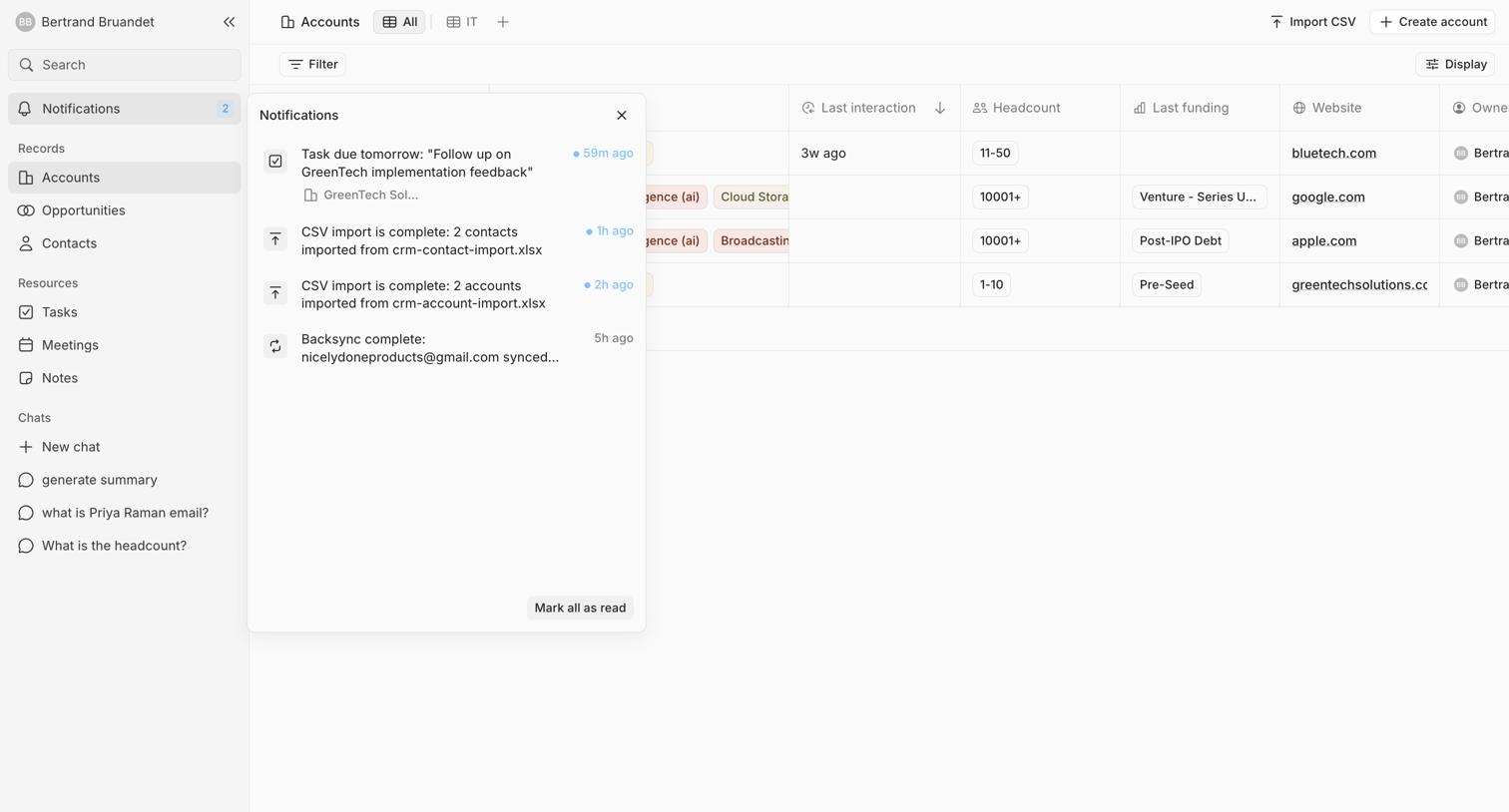

List view where the user manages customer accounts and views recent system notifications like task reminders and CSV import statuses.
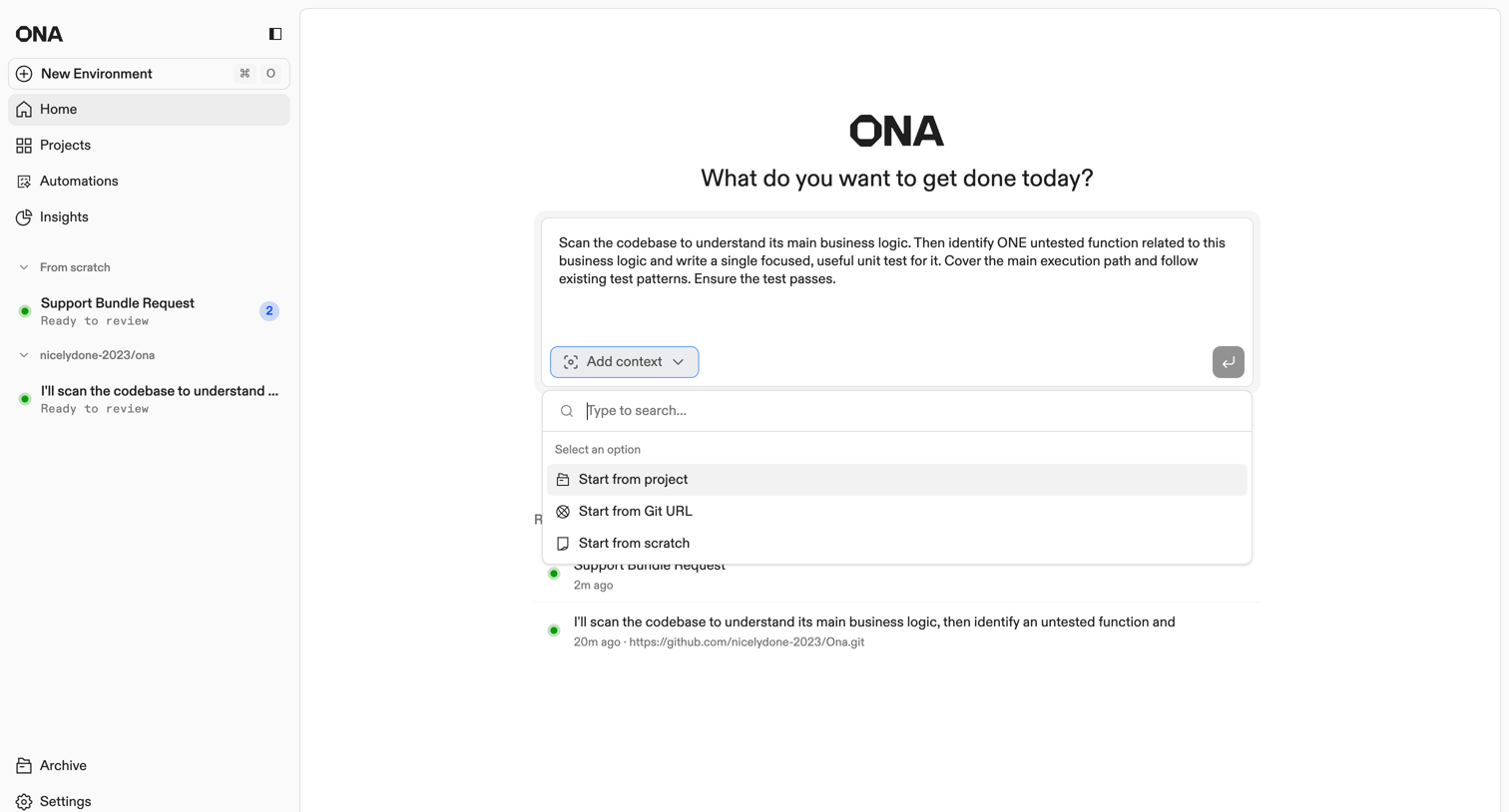

AI chat interface where the user starts a new task by entering a prompt and selecting context sources like a project or Git URL from an open combobox.
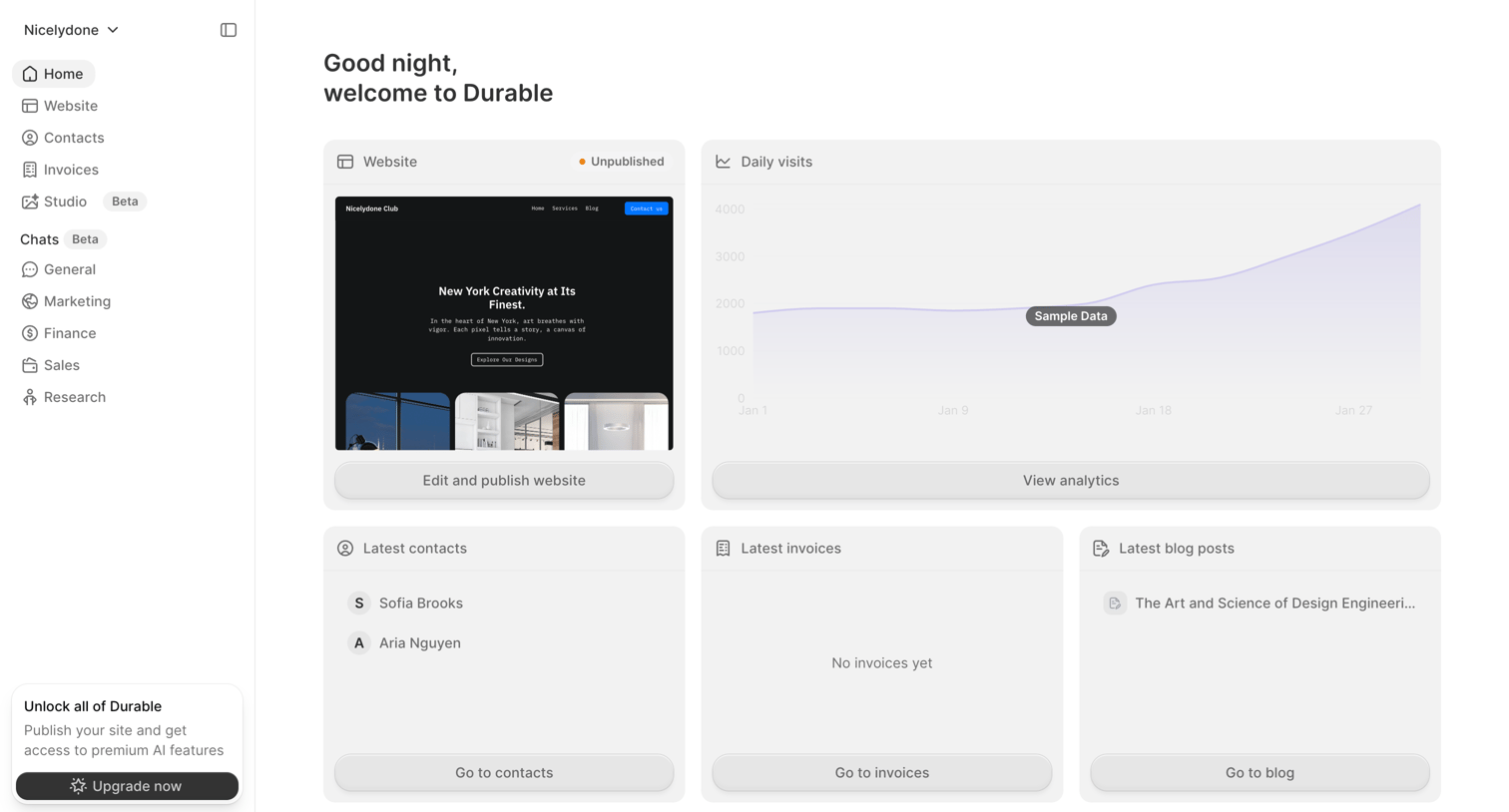

Home screen where the user views their website status, daily visits, recent contacts, and can upgrade to access premium features.
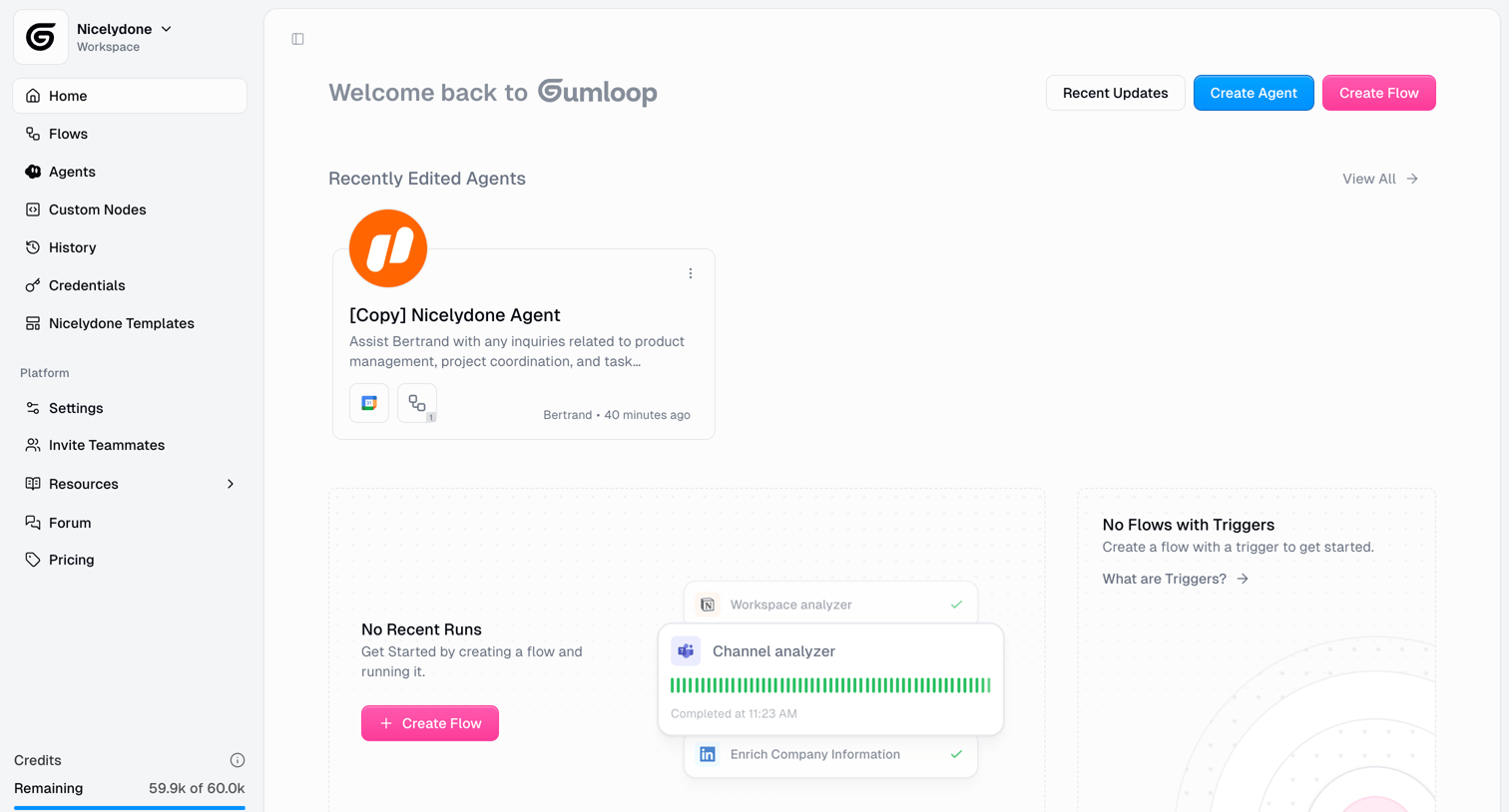

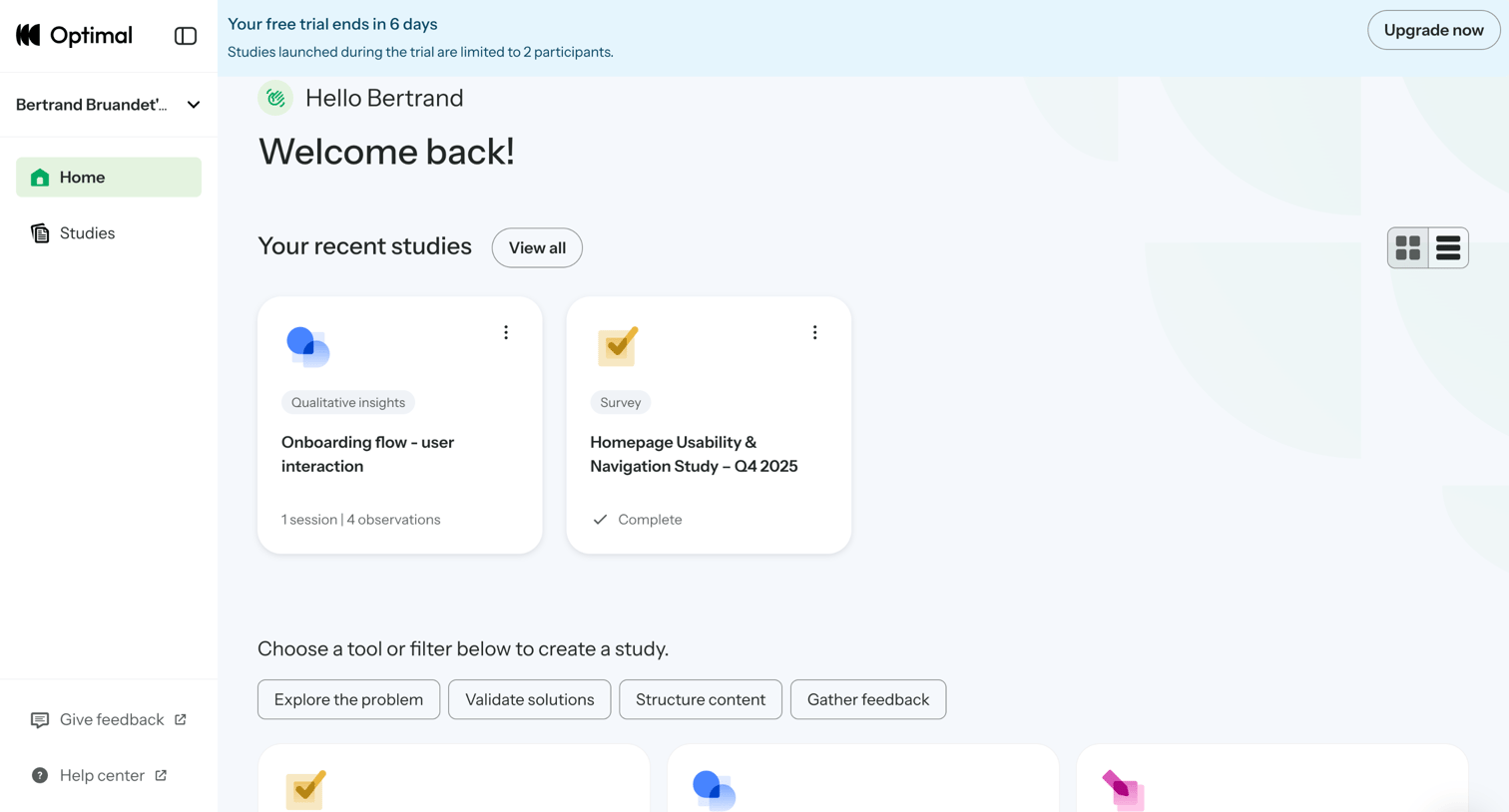

Home screen where the user can view recent studies, switch between grid and list layouts, and filter available tools to create a new study.
Explore the full SaaS screen library
Upgrade to unlock the full library.
Trusted by the best teams







