Real-time preview screen examples
Real-time preview screen design examples from SaaS apps. Browse examples from Maze, Glide, Outseta.
Explore the examples
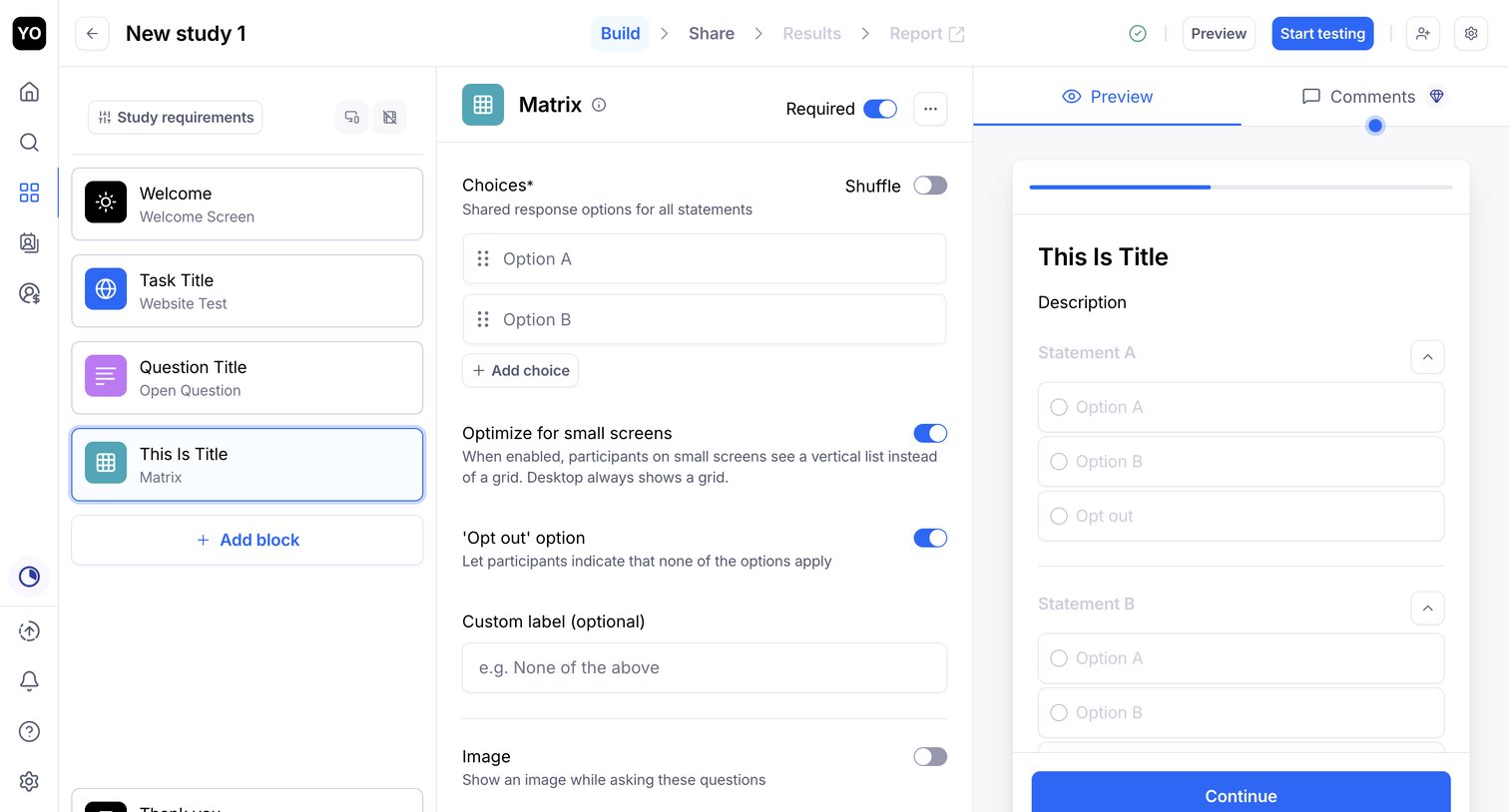

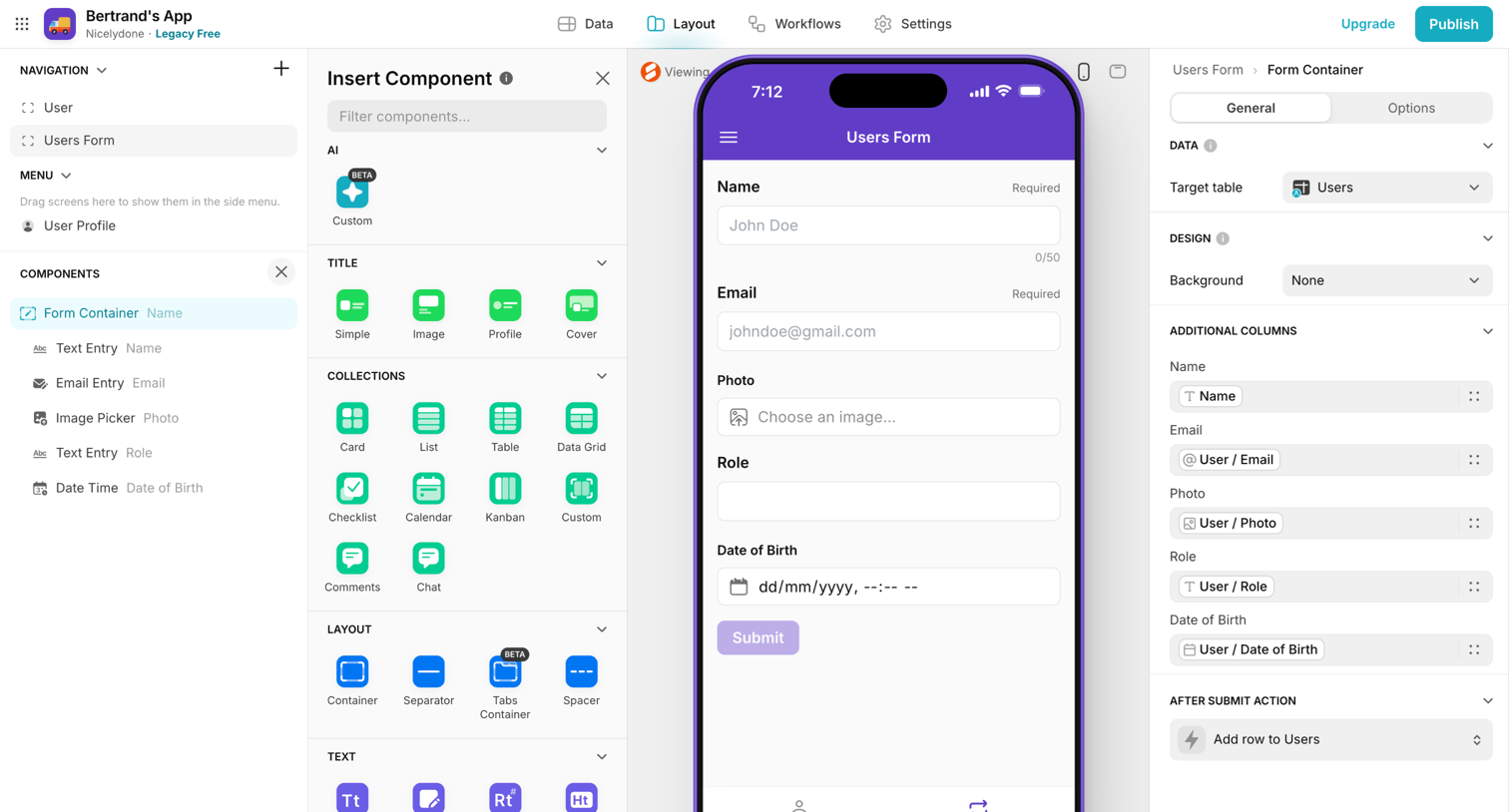

App builder interface where the user designs a form layout using a drag-and-drop component library and a live mobile preview.
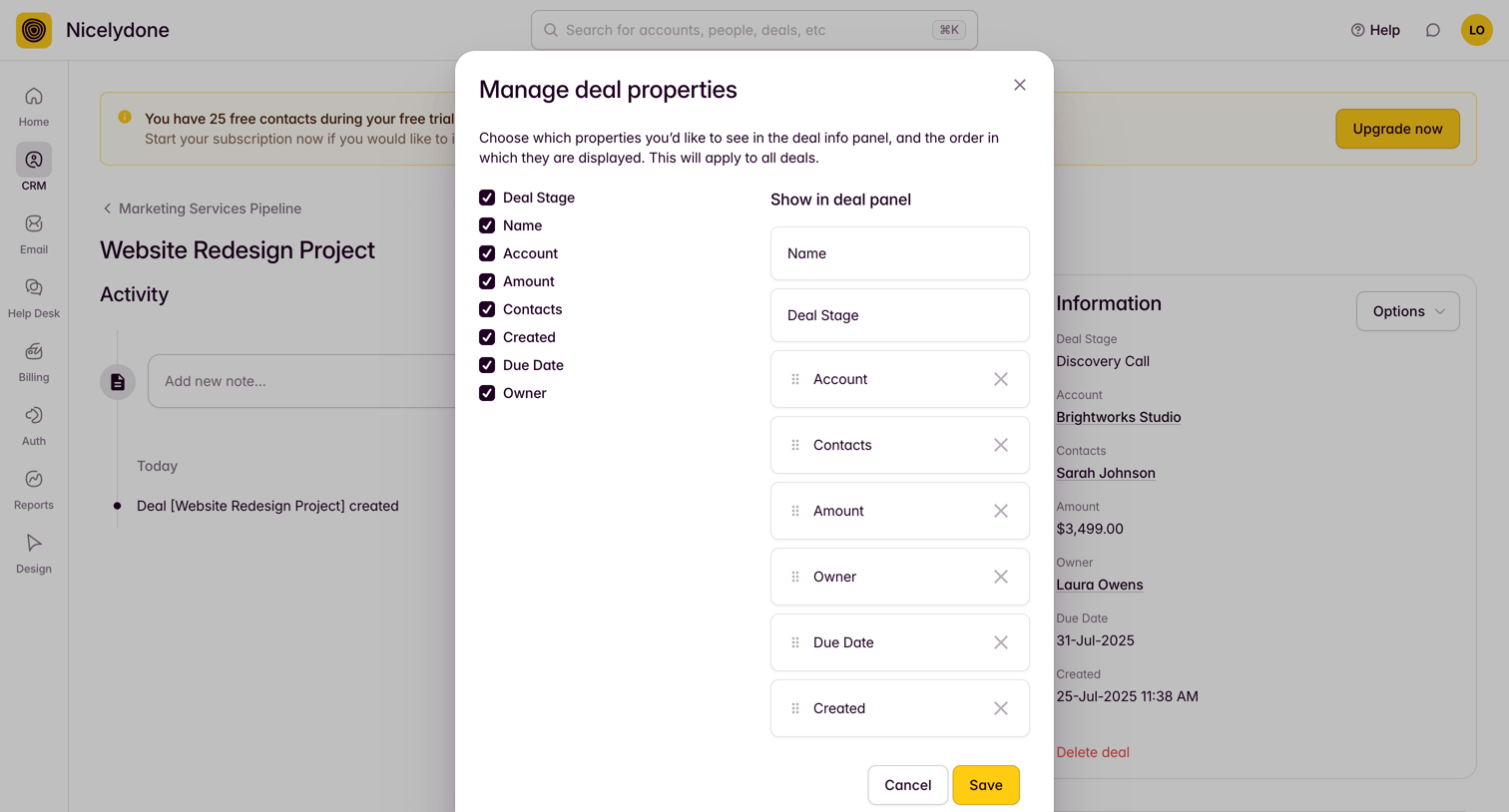

Detail page where the user configures which properties are displayed in the deal info panel and their order via a modal overlay.
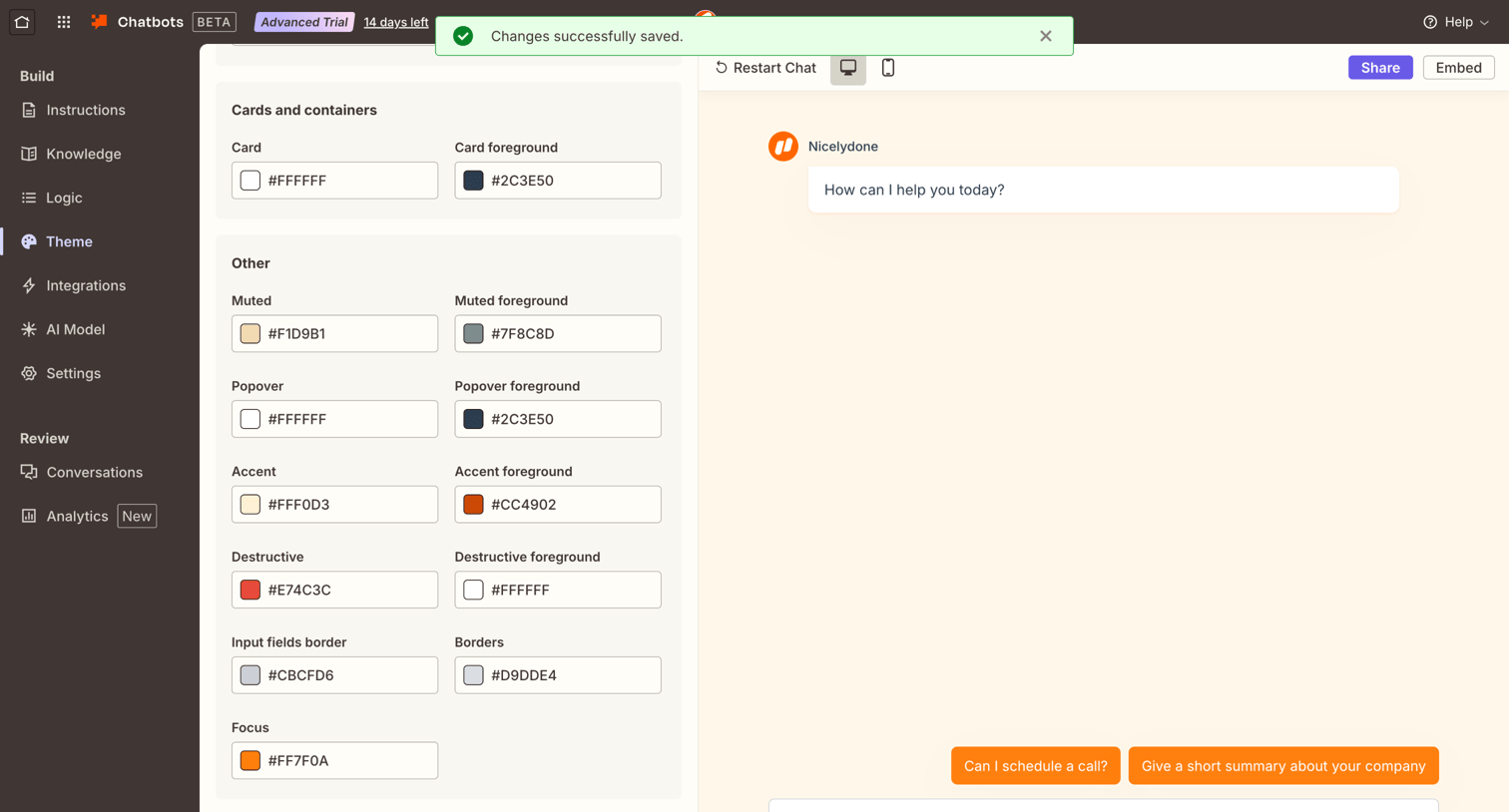

Settings page where the user customizes the color theme for their chatbot, including card, popover, and accent colors, with a live interactive preview.
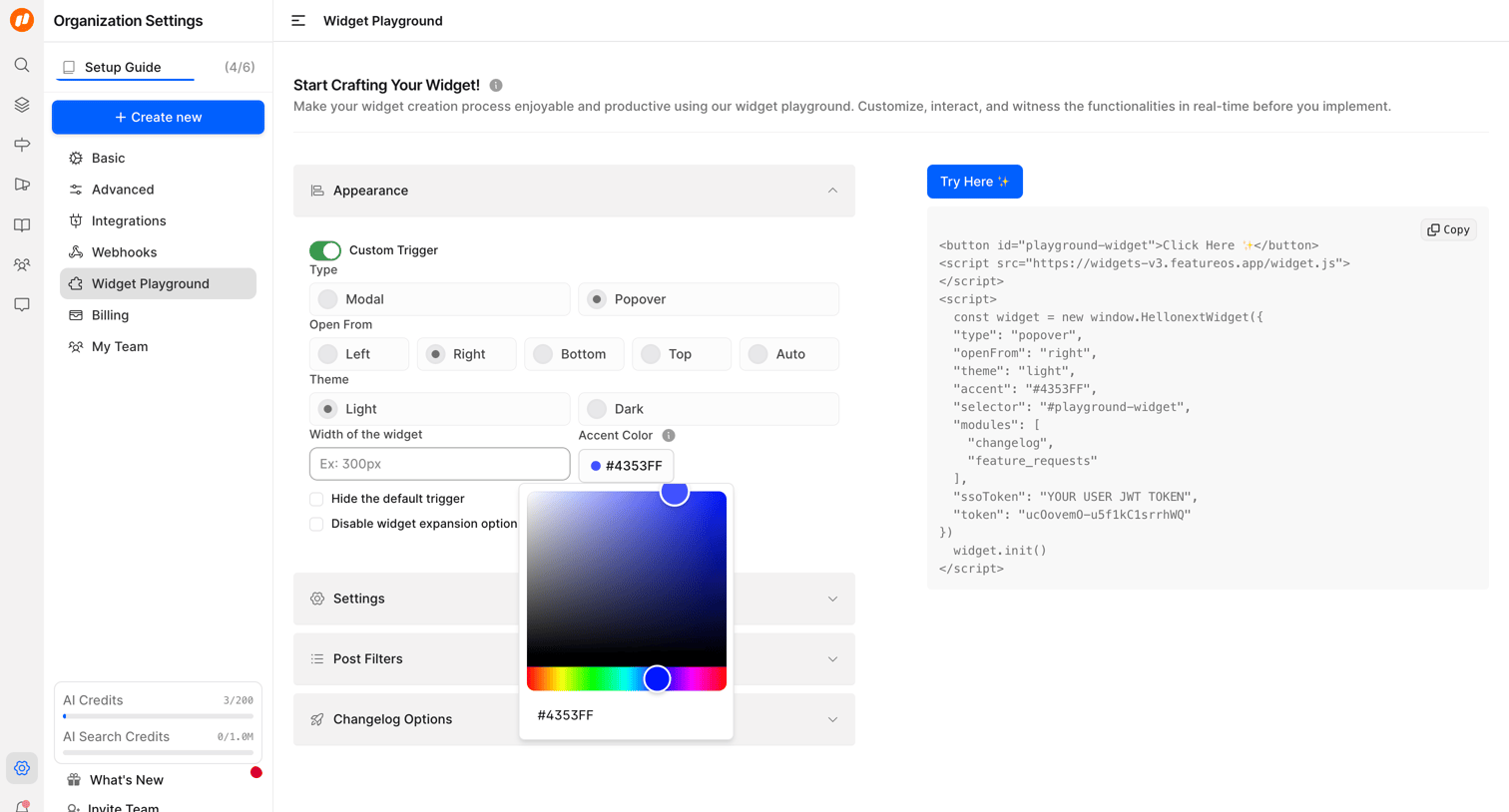

Settings page where the user configures a custom widget by adjusting its appearance, trigger type, and theme, while previewing the generated integration code.
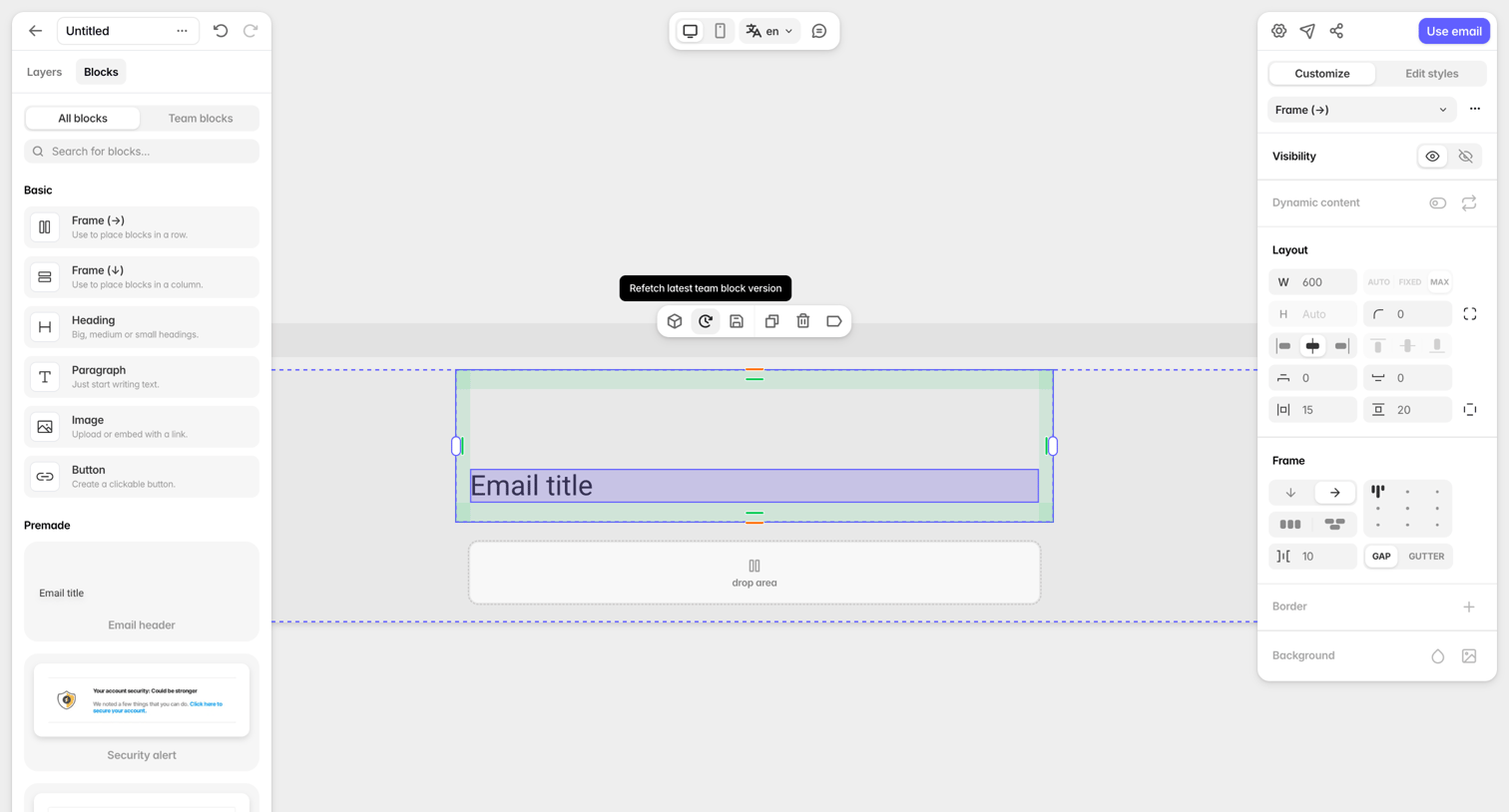

Design editor where the user builds an email template by dragging basic and premade blocks onto a canvas and configuring layout properties in the right inspector.
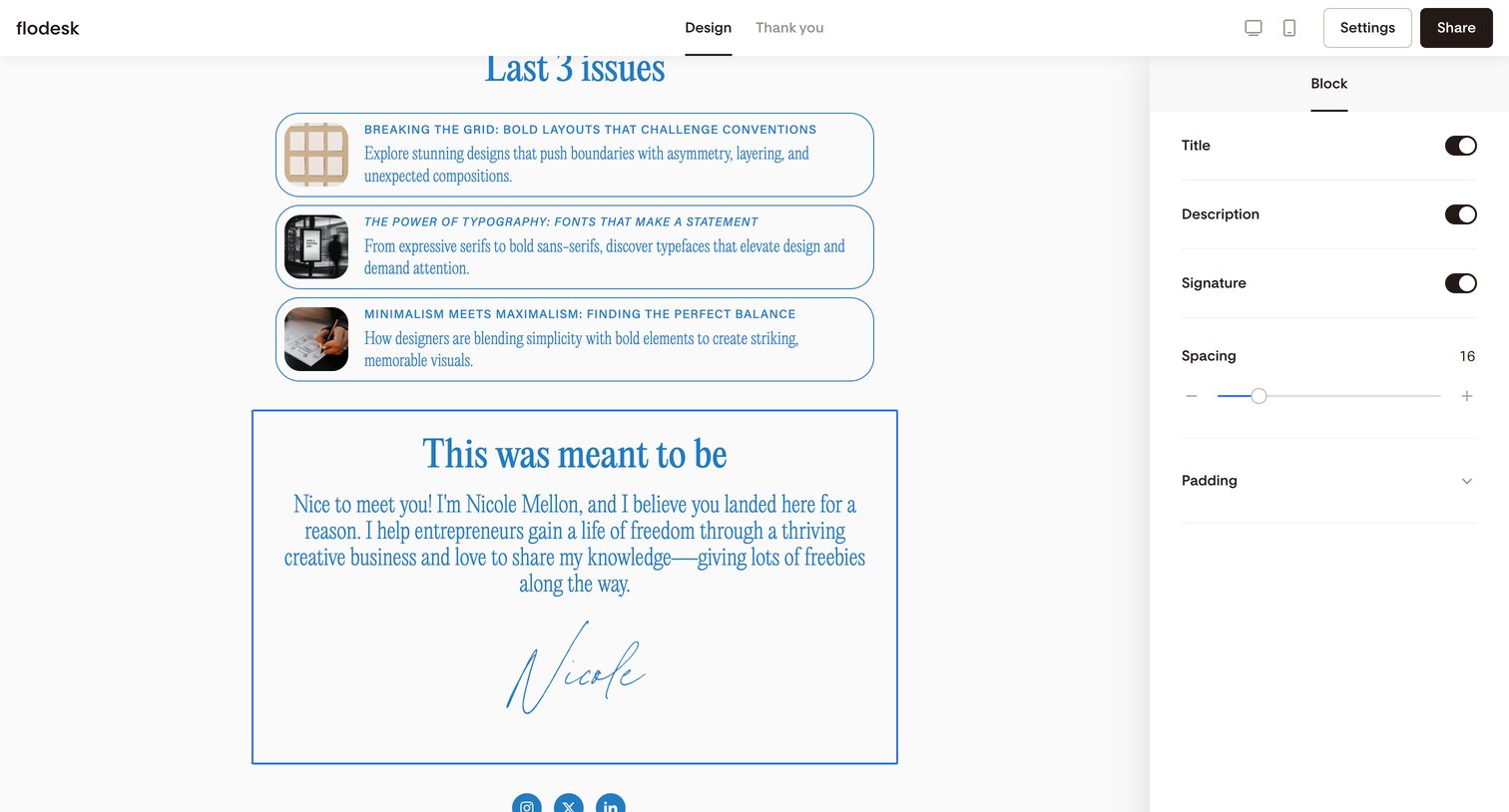

Form builder where the user customizes a selected block's title, description, and spacing settings via a right-hand properties panel.
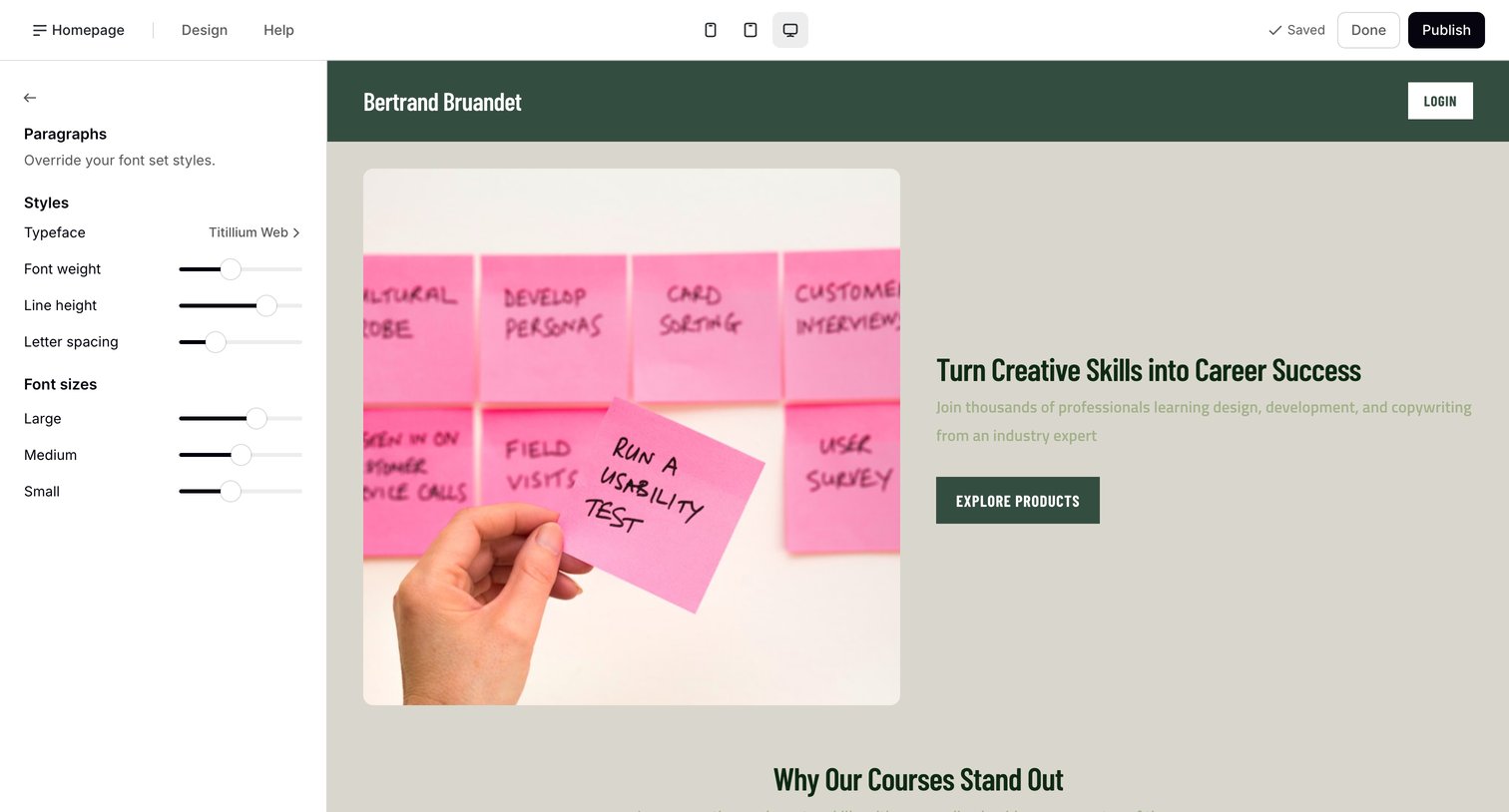

Design editor where the user customizes paragraph typography styles like typeface, weight, and size while viewing a live preview of their storefront.
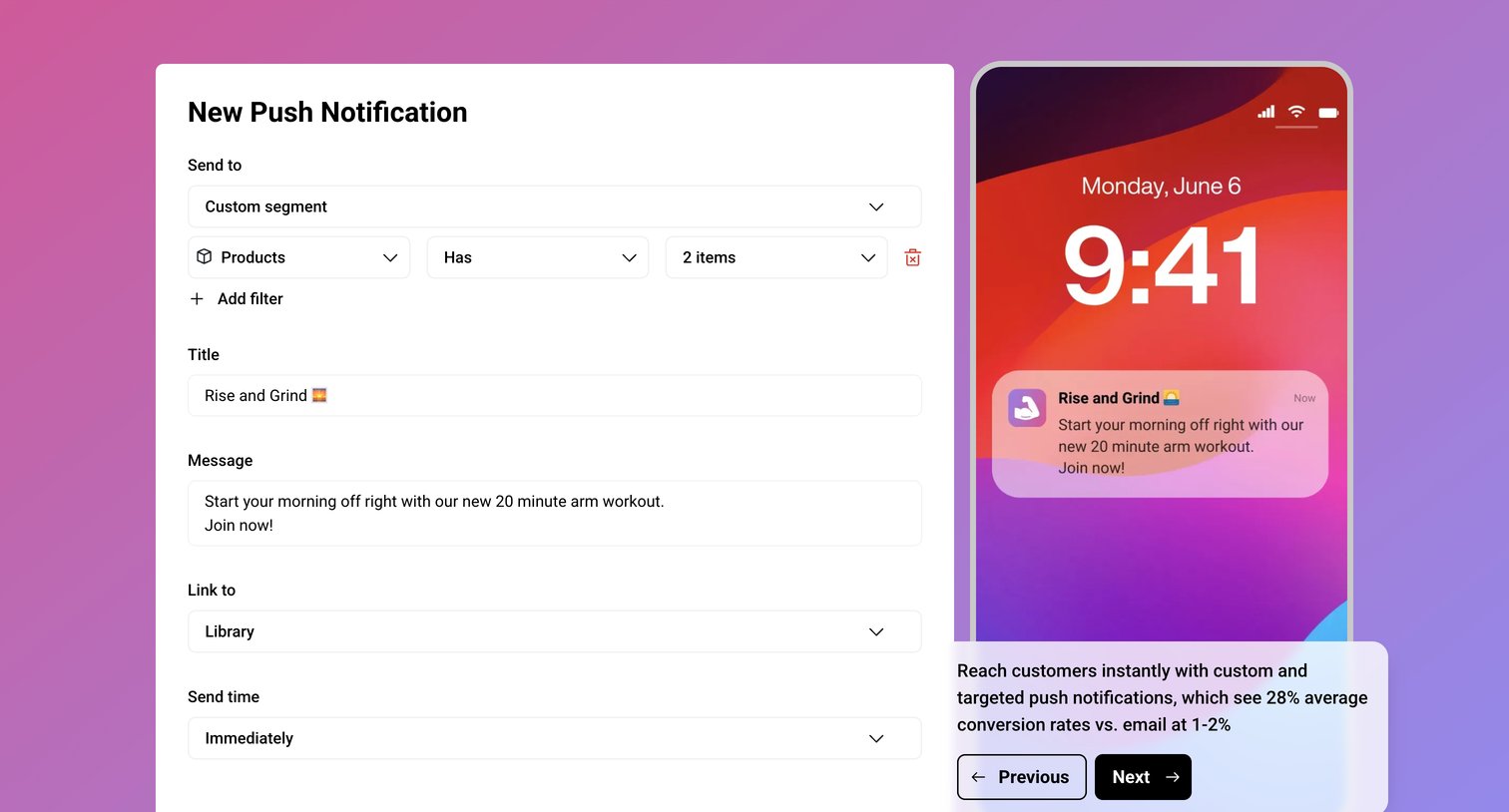

Interactive demo screen showing a form to compose a custom push notification with audience filters and a live mobile lock-screen preview.
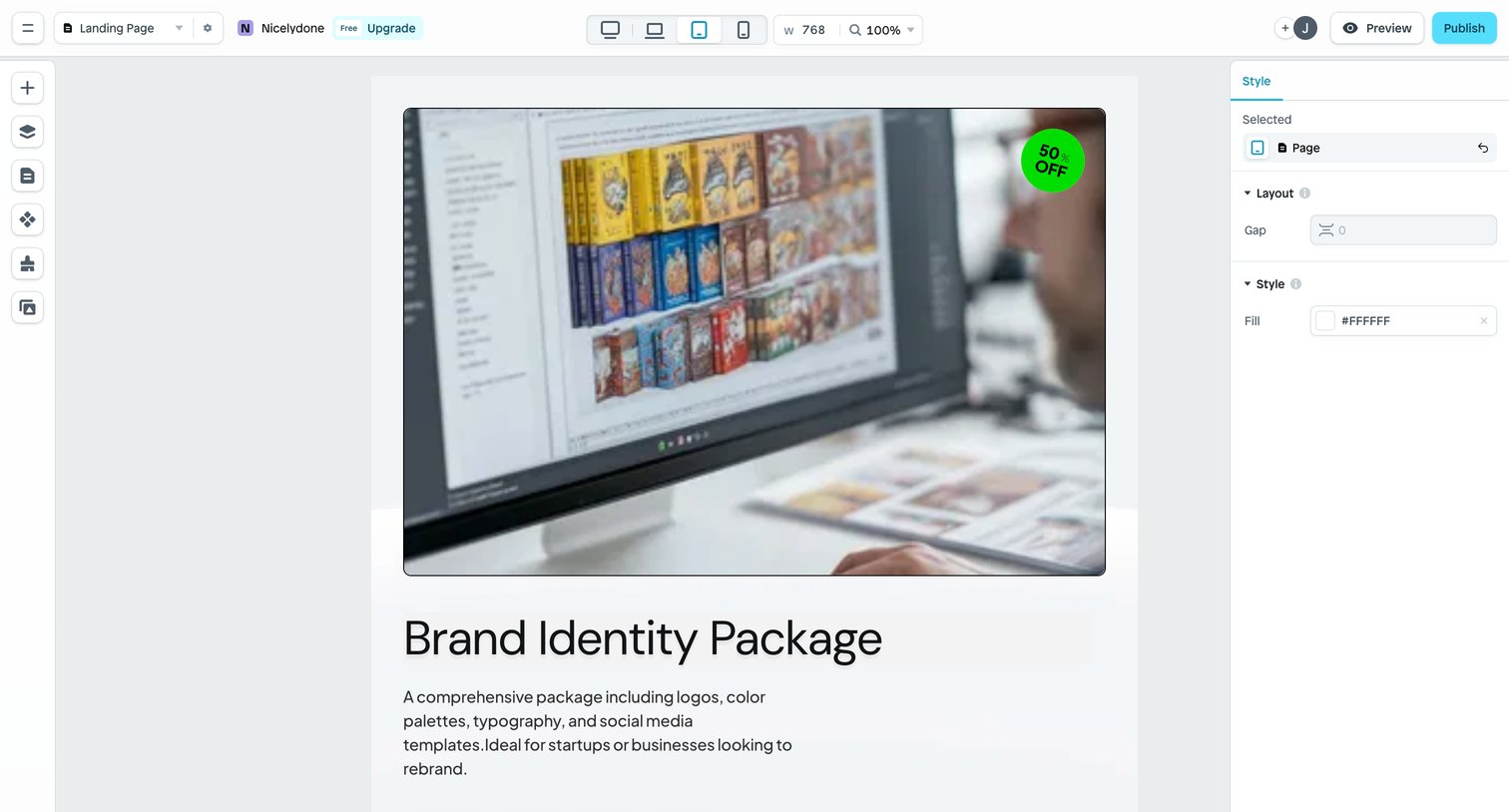

Design editor where the user configures the layout and fill color for a landing page while previewing it at tablet width.
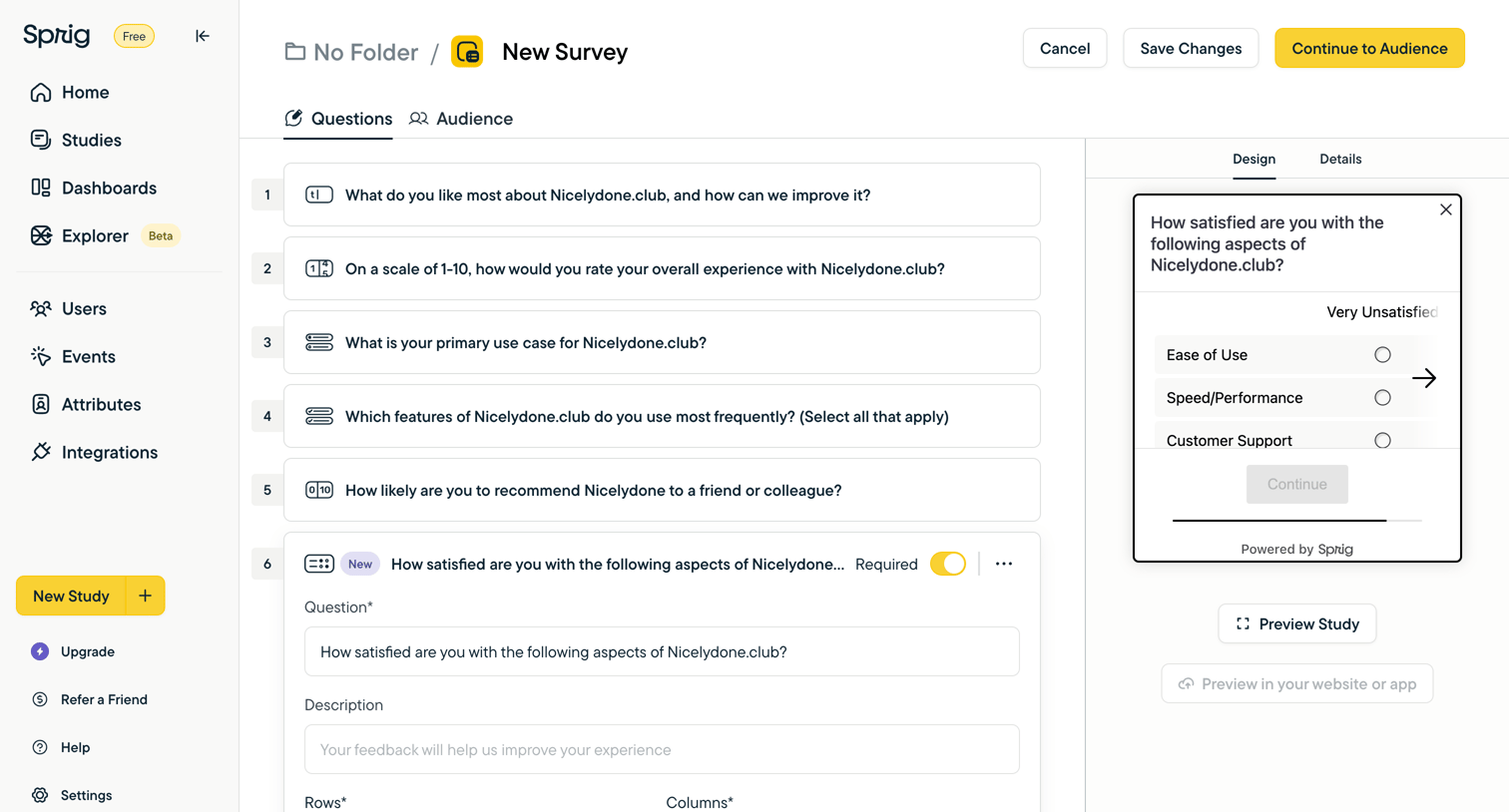

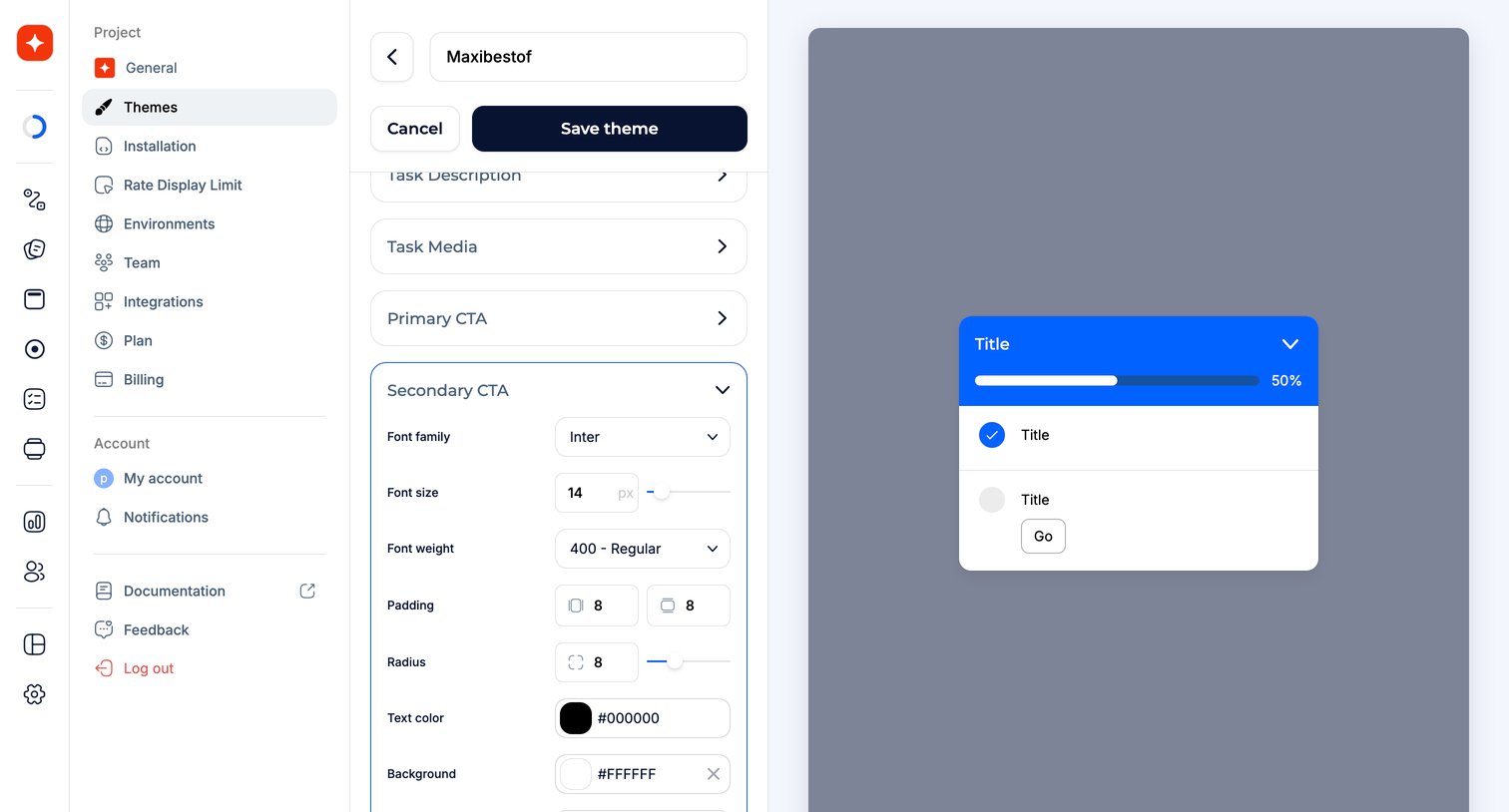

Explore the full SaaS screen library
Upgrade to unlock the full library.
Trusted by the best teams







