Project setup screen examples
Project setup screen design examples from SaaS apps. Browse examples from Alloy, Visitors, Dock.
Explore the examples
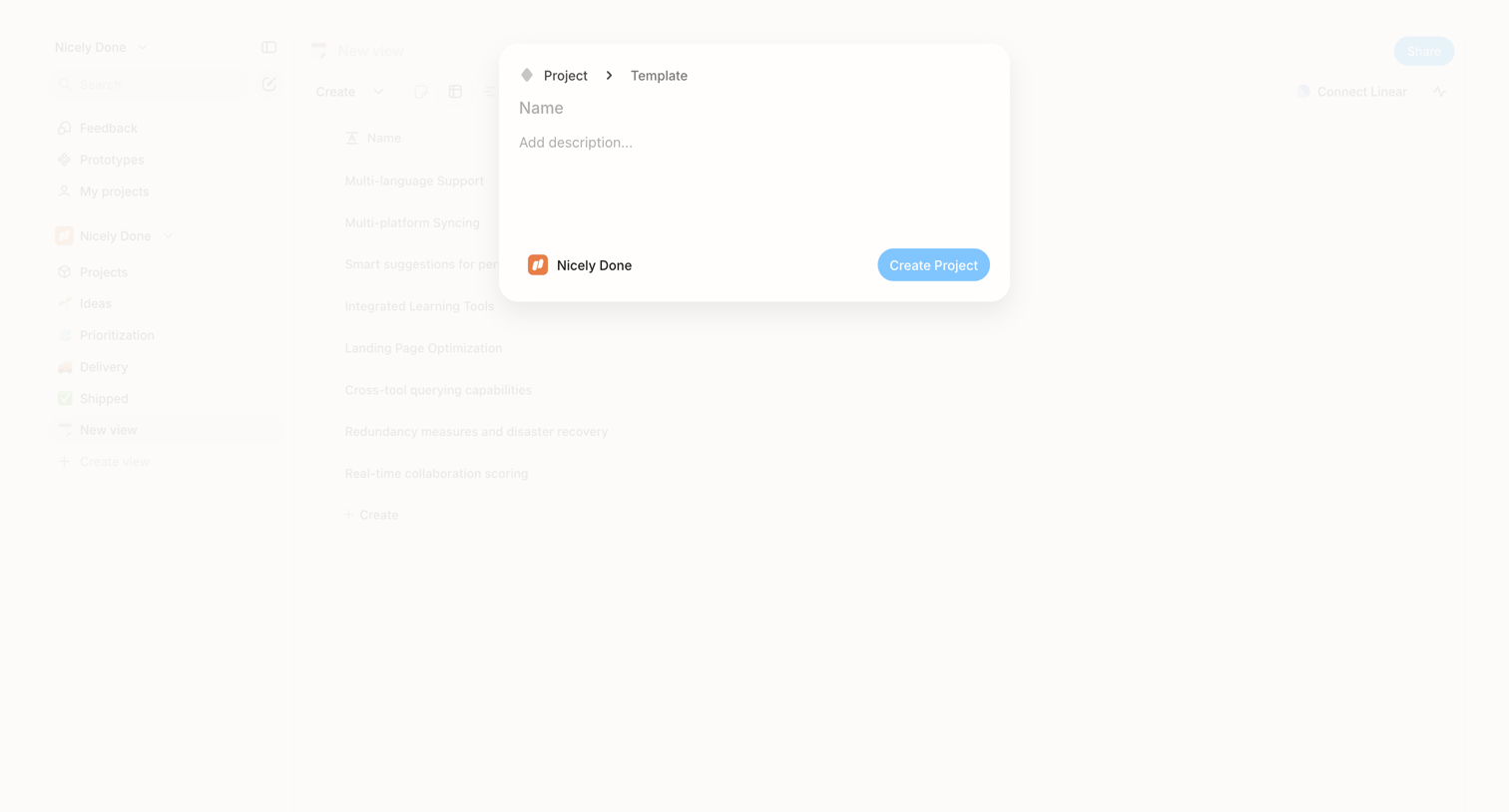

Create modal where the user names a new project, adds a description, and confirms the destination workspace.
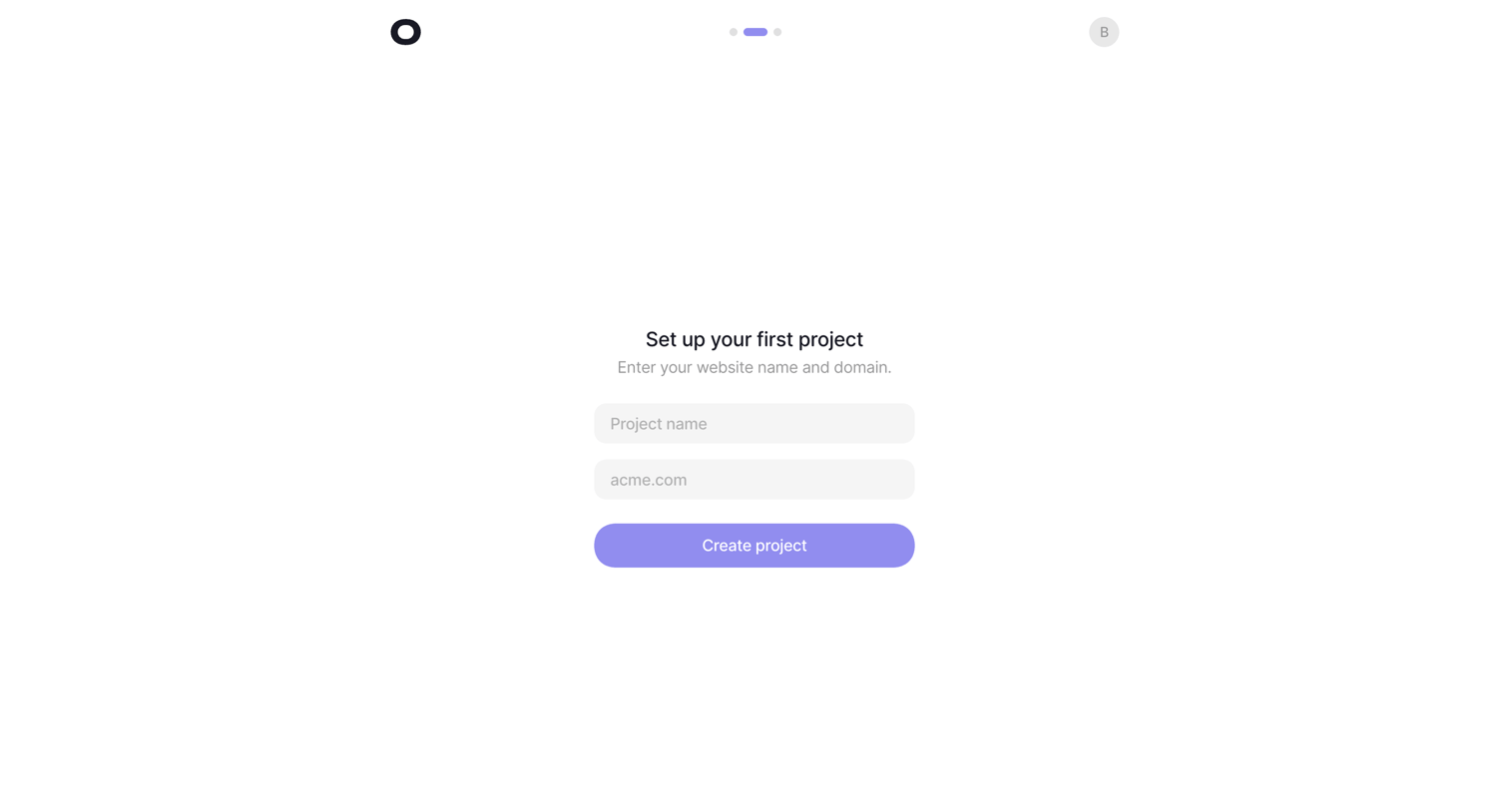

Onboarding step where the user names their first project and provides a website domain to complete setup.
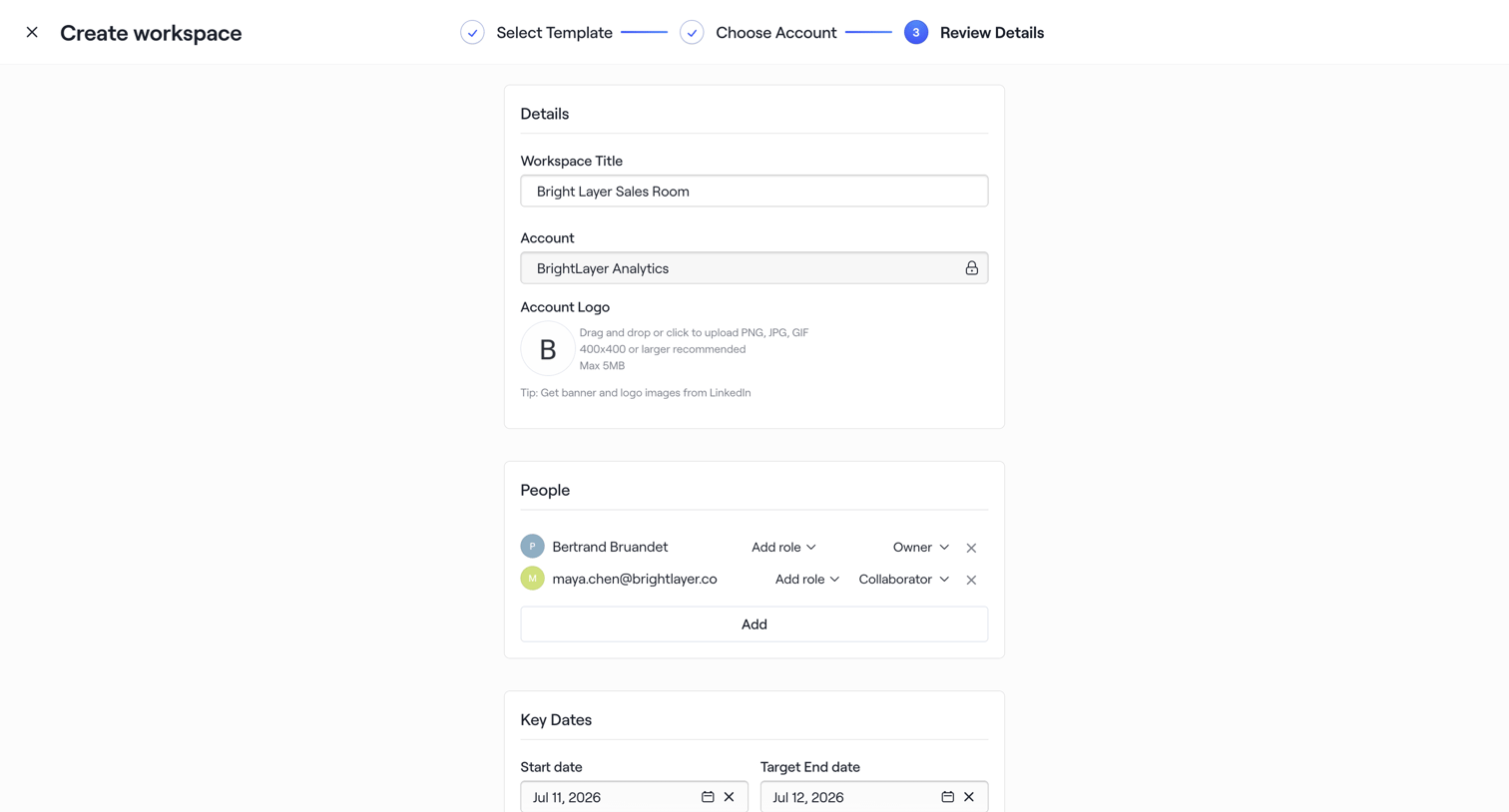

Creation wizard step where the user reviews details, assigns team members with specific roles, and sets key dates before finalizing the workspace.
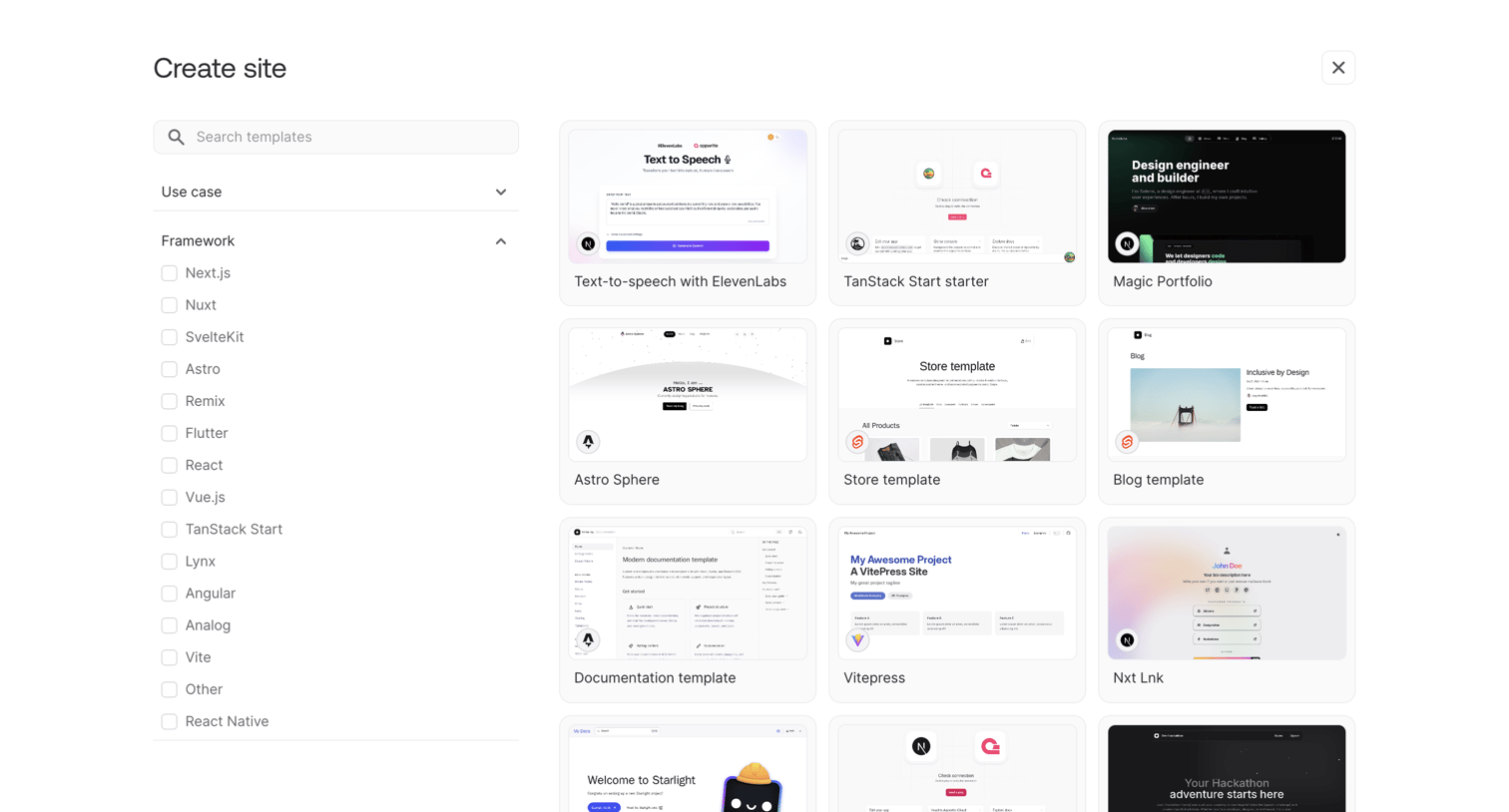

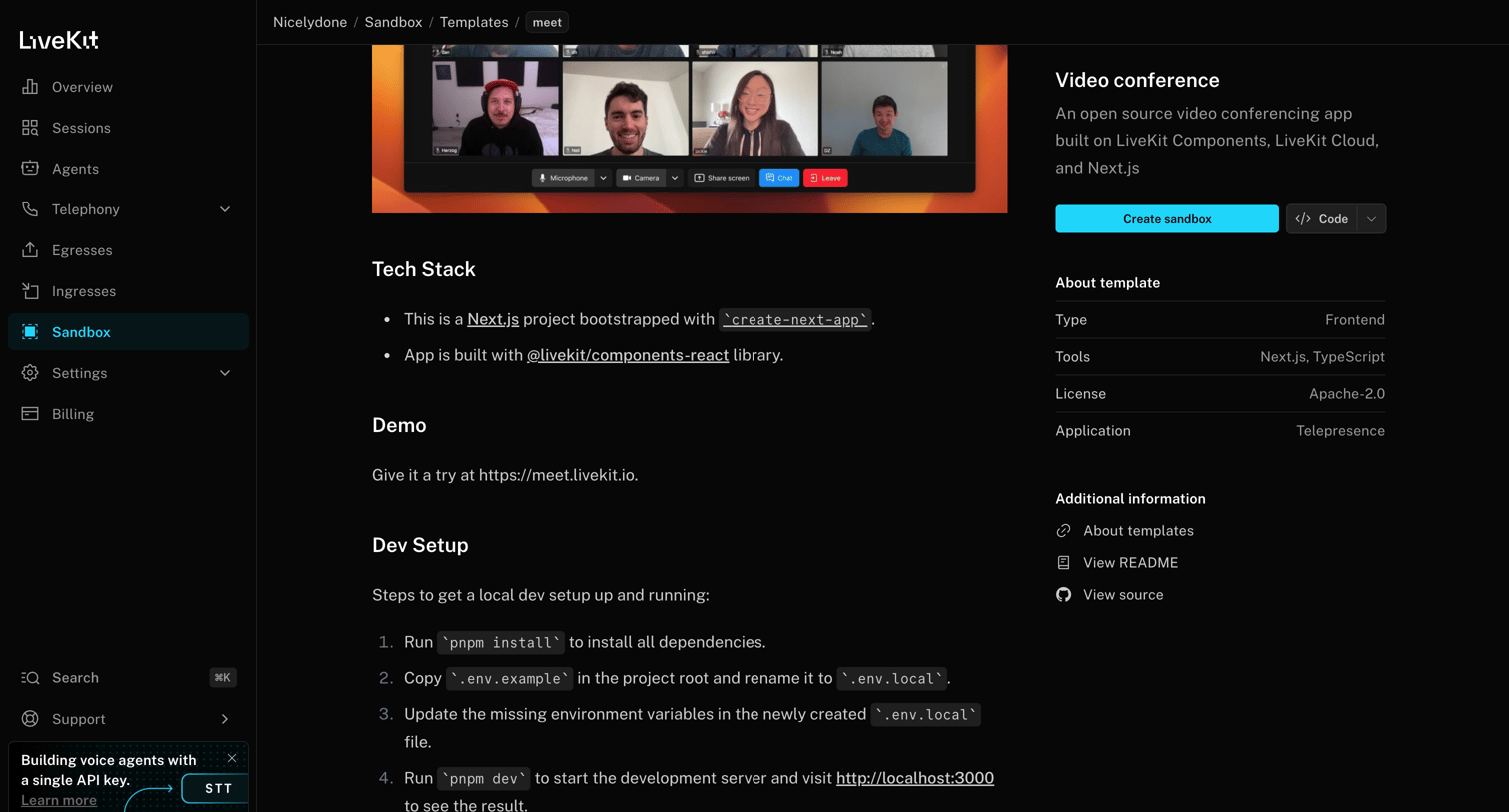
Creation screen where the user selects a starter template for their new site, with options to filter by use case and framework like Next.js, React, or Vue.
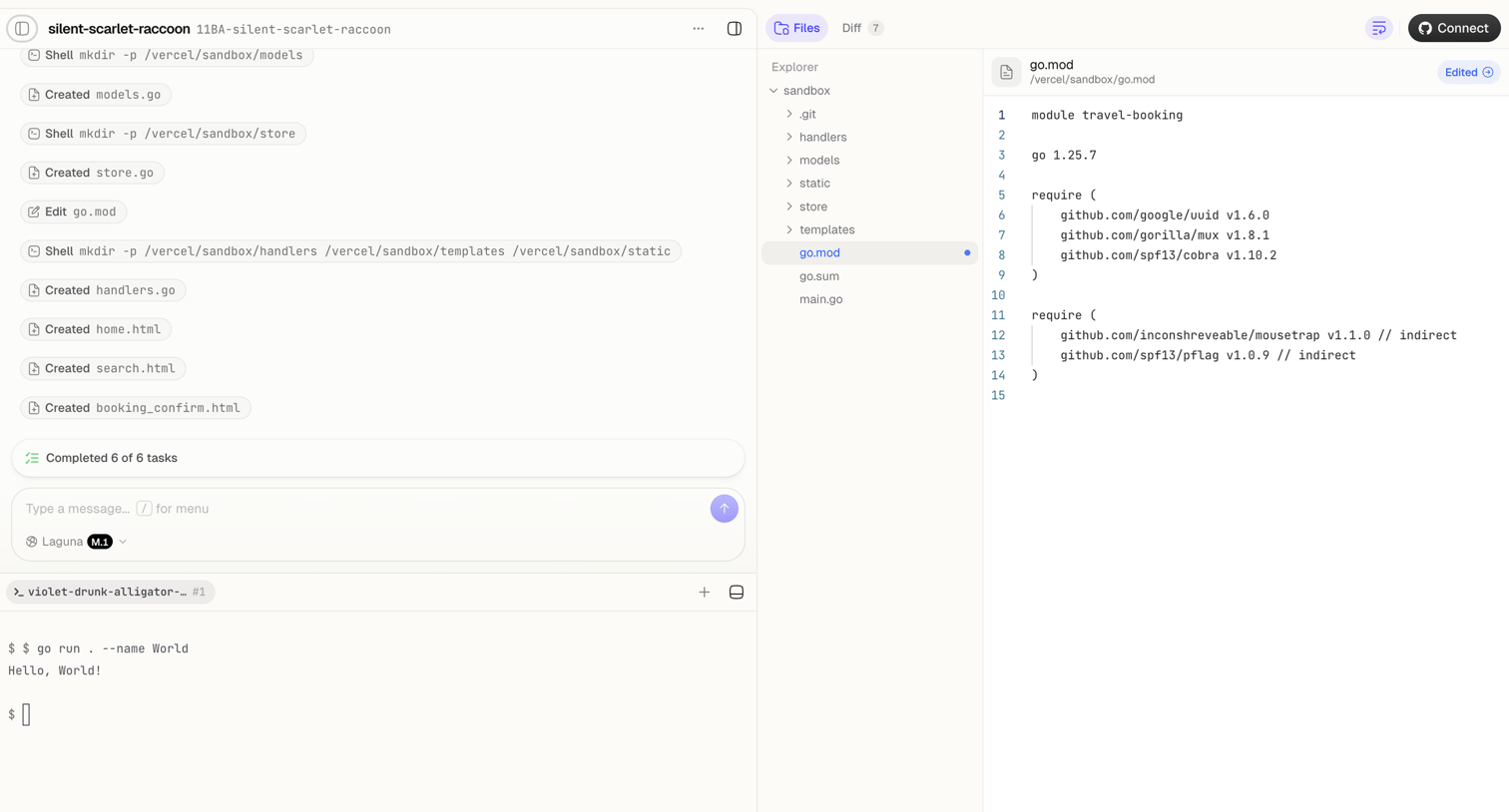

Agent trace interface where the user monitors an AI completing file creation and shell tasks, alongside a code editor showing the modified go.mod file and a live terminal.
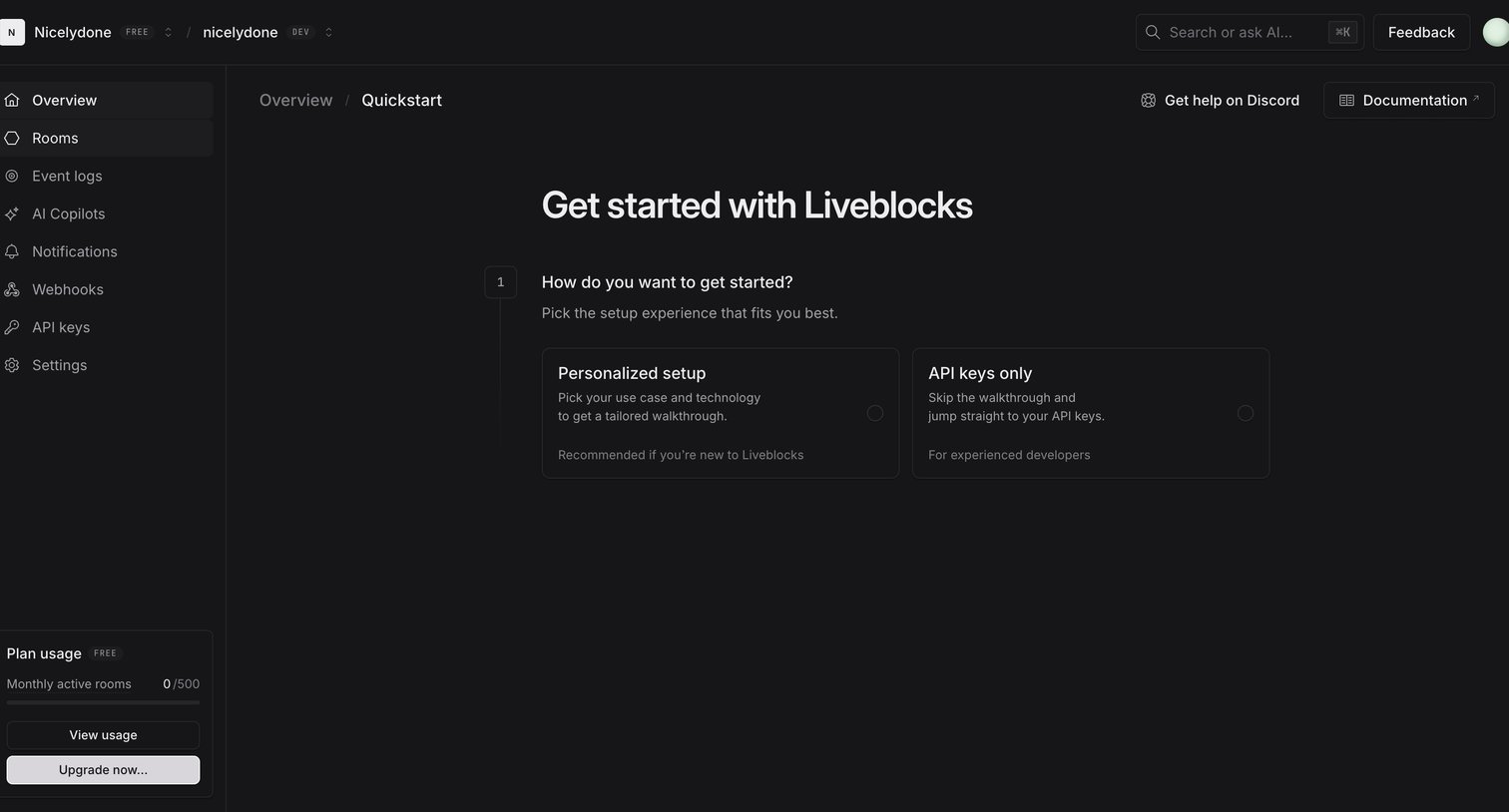

Onboarding step where the user chooses between a personalized setup walkthrough or jumping straight to API keys.
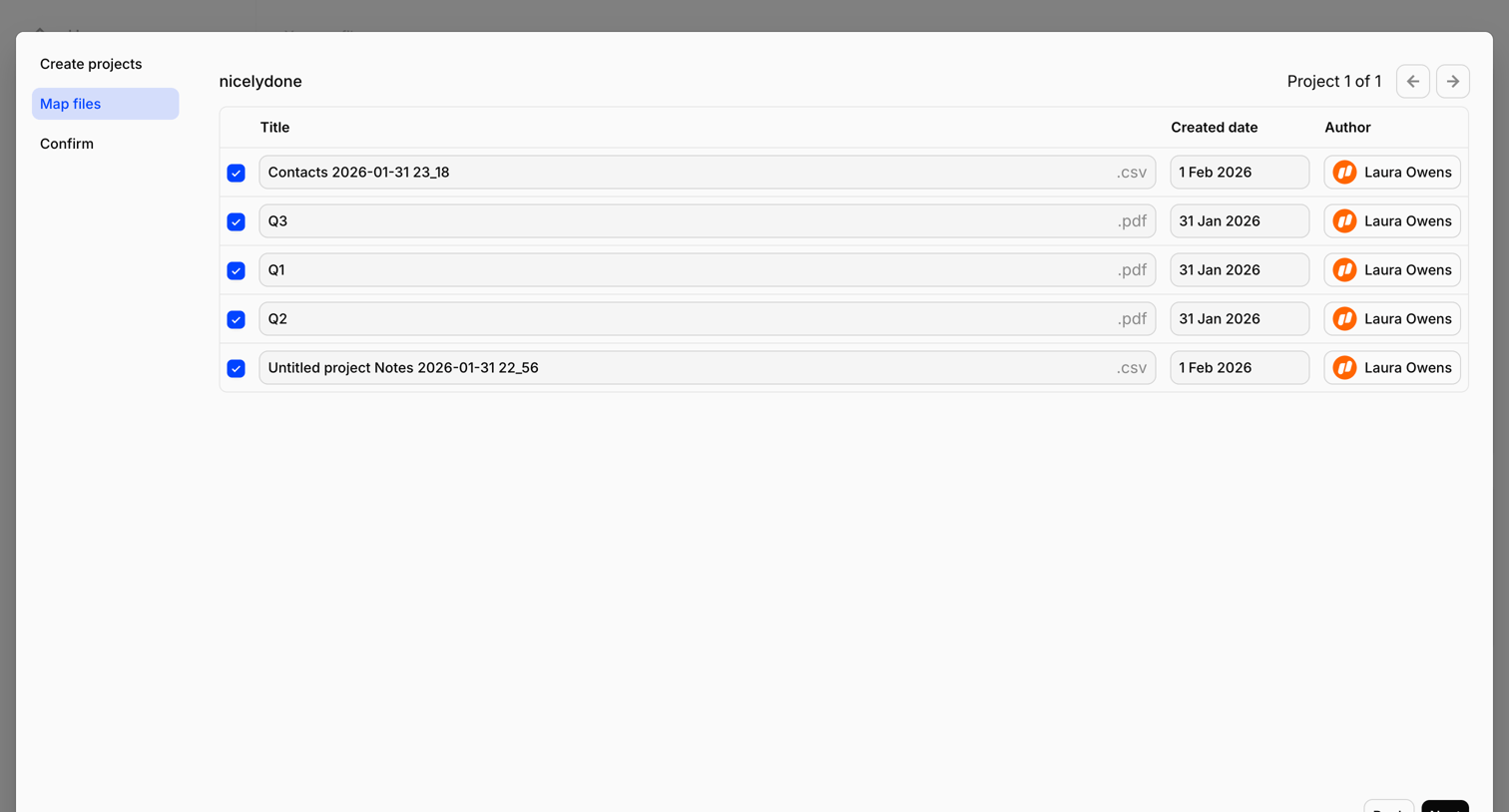

Wizard step where the user reviews and edits titles, creation dates, and authors for a batch of CSV and PDF files before finalizing the import.
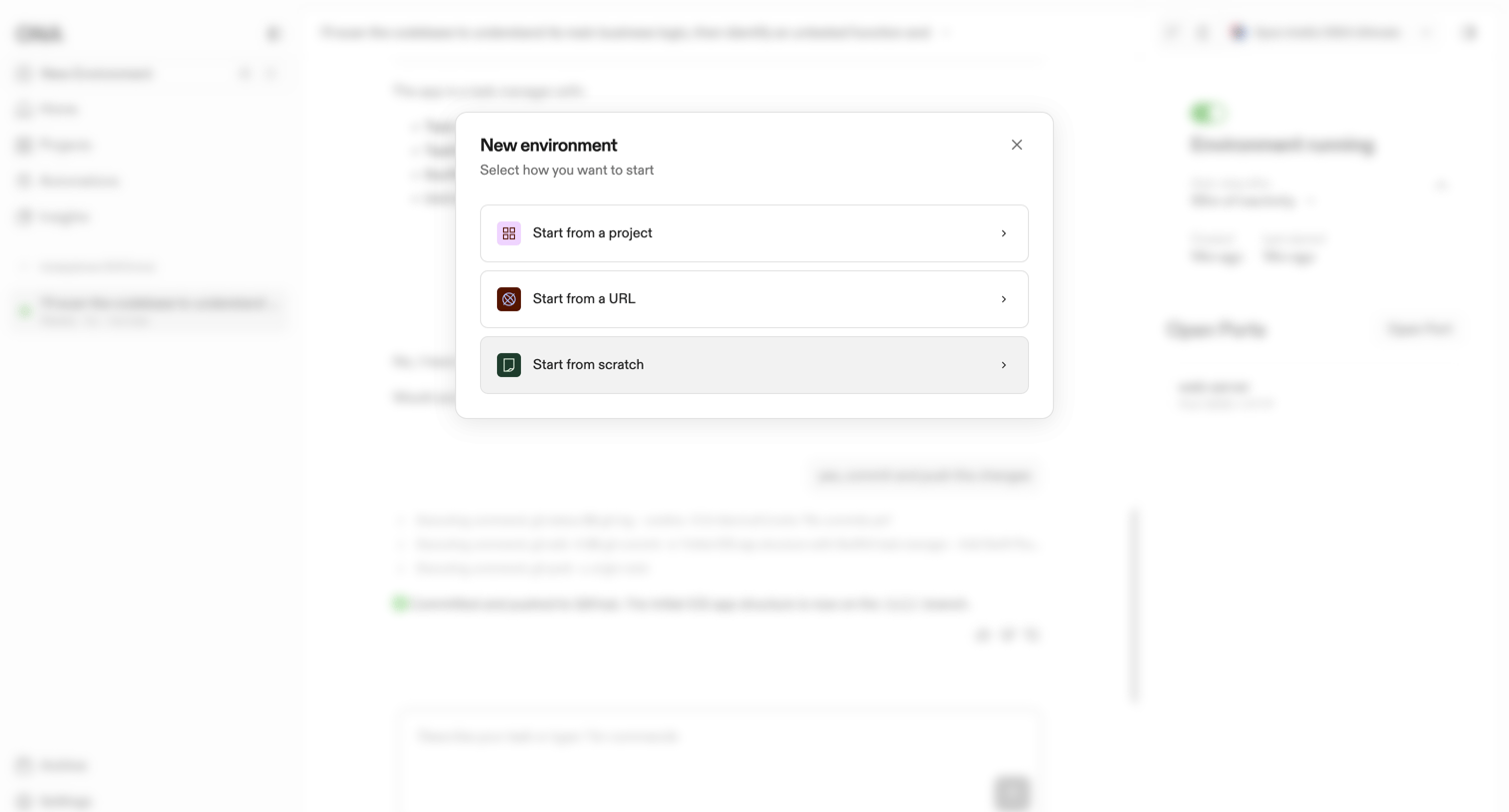

Modal overlay where the user chooses to create a new environment from an existing project, a URL, or entirely from scratch.

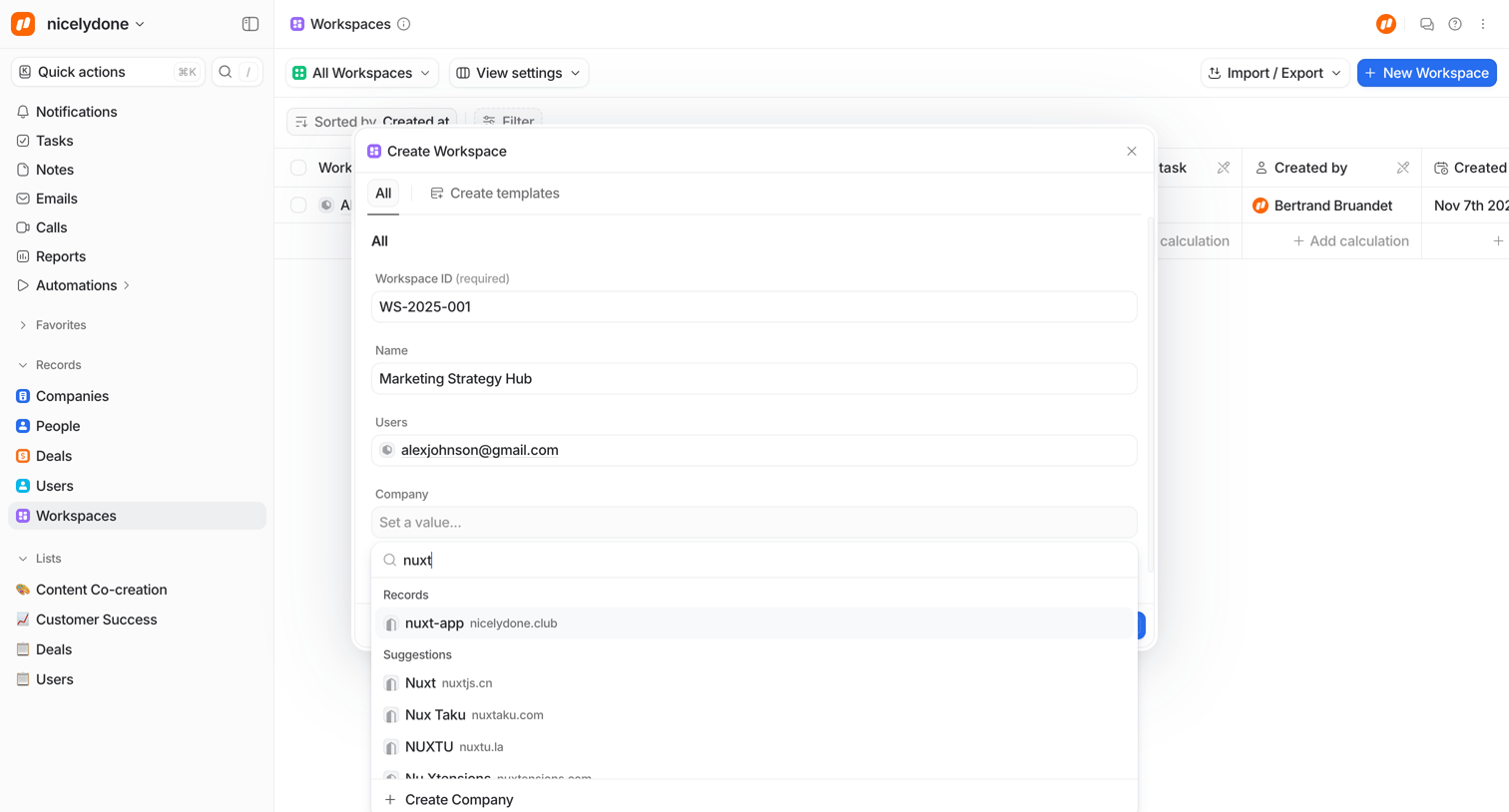

Create modal where the user configures a new workspace by setting an ID, naming it, assigning users, and searching for an associated company via an open combobox.
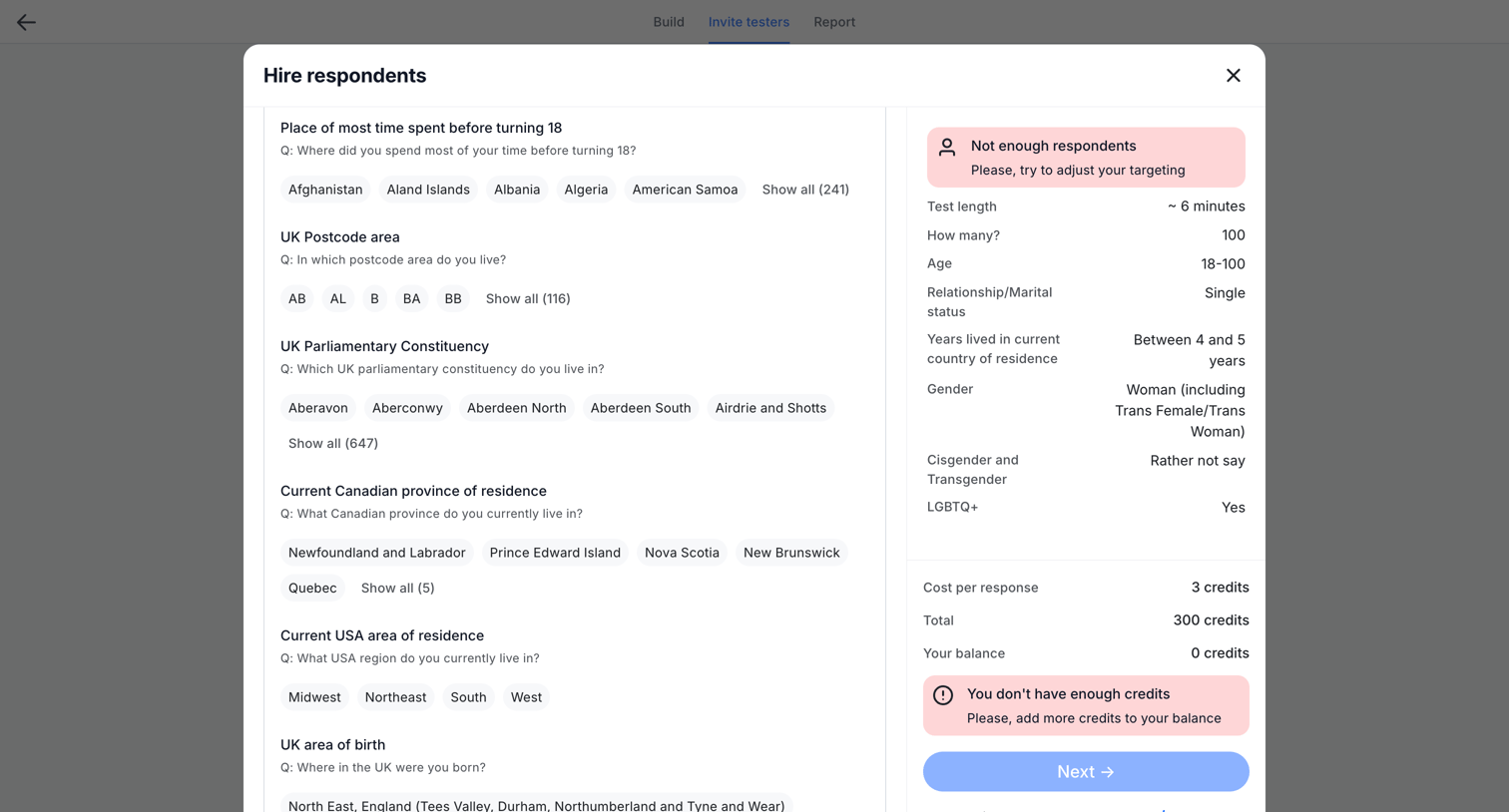

Modal where the user reviews selected demographic targeting criteria for a test and sees an order summary with errors for insufficient respondents and credits.
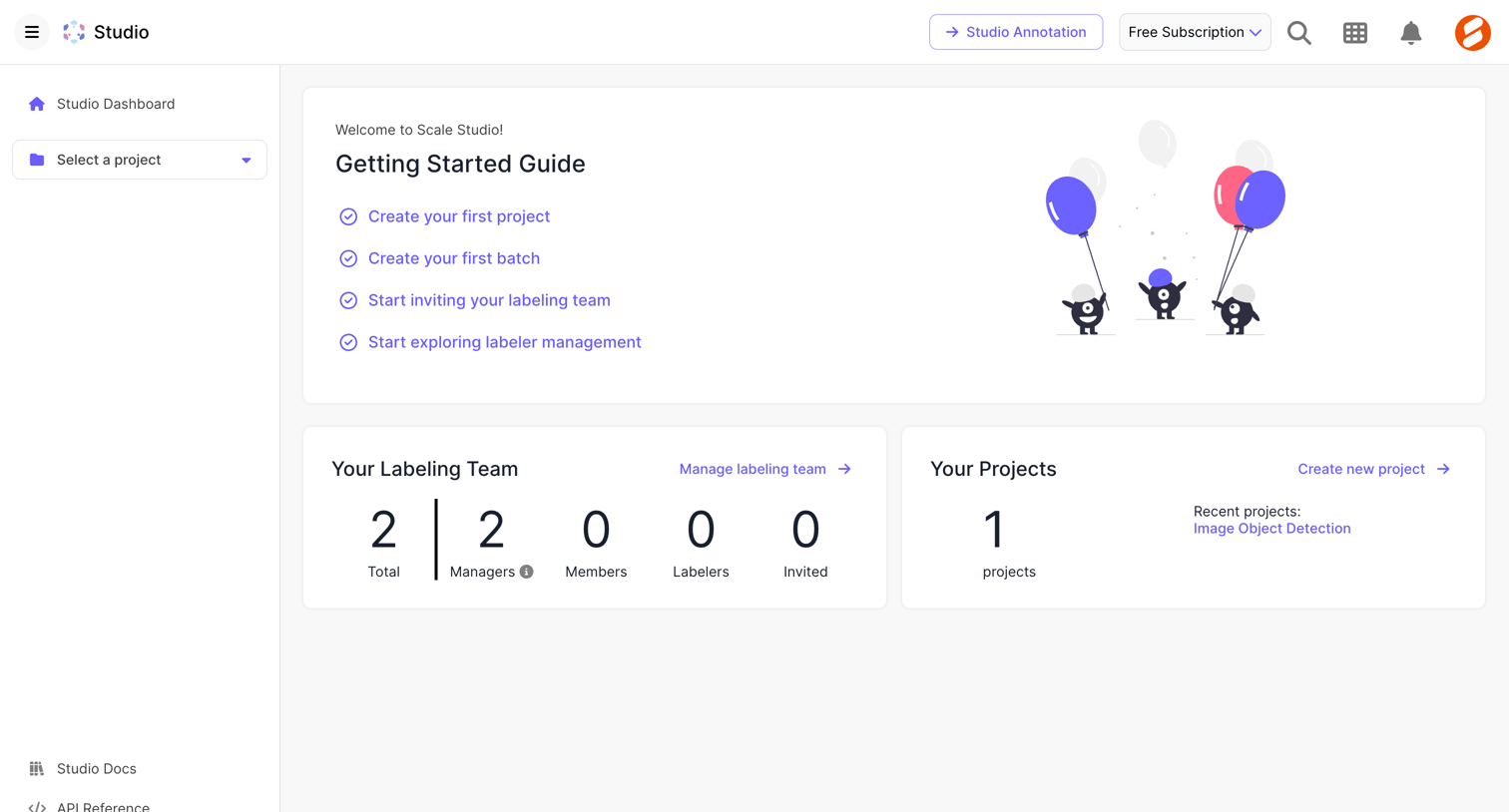

Dashboard featuring a getting started checklist, team size metrics, and a summary of recent projects.
Explore the full SaaS screen library
Upgrade to unlock the full library.
Trusted by the best teams







