Progress indicator screen examples
Progress indicator screen design examples from SaaS apps. Browse examples from Magnific, Inference, Origin Financial.
Explore the examples
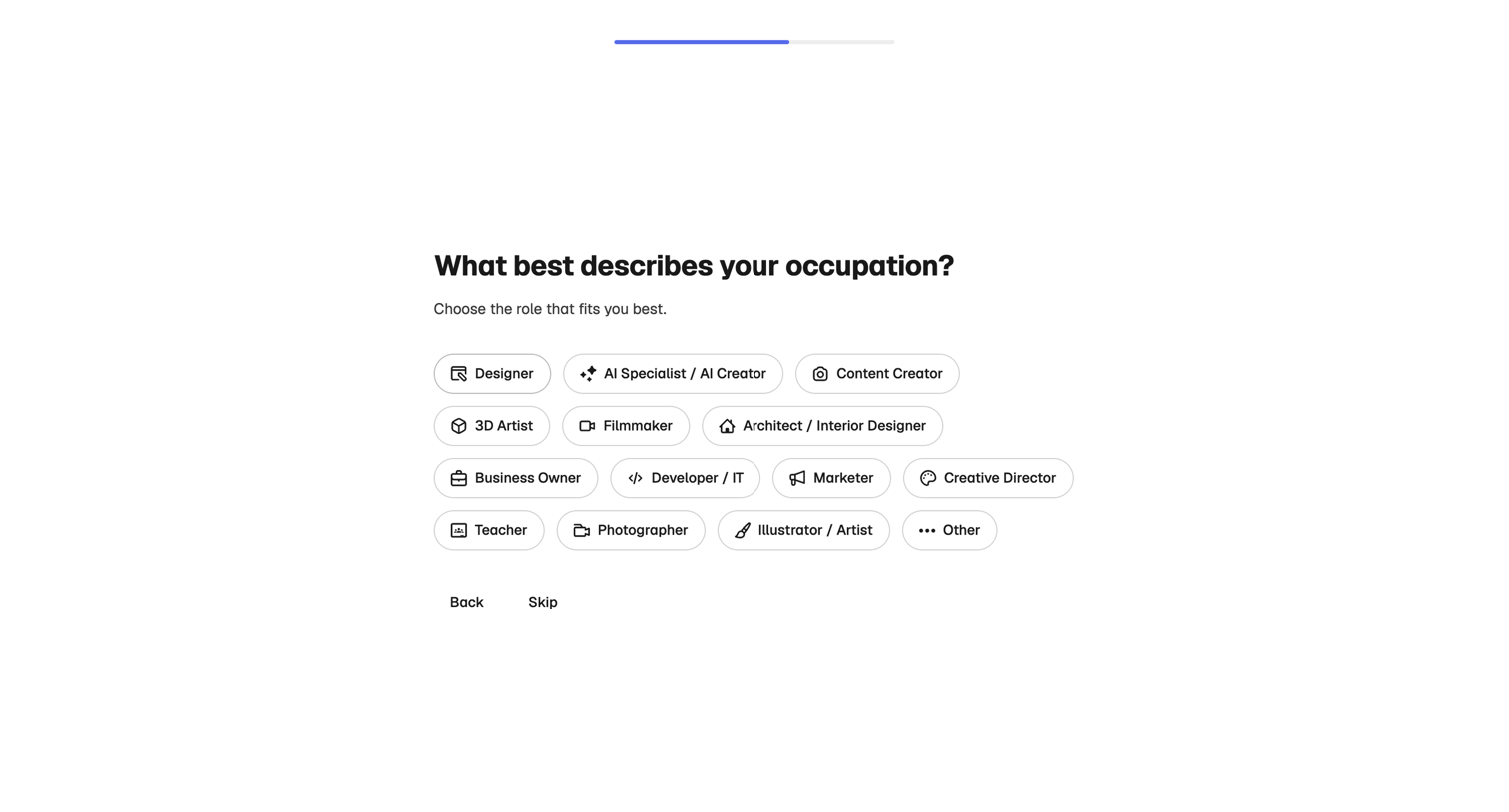

Onboarding step where the user selects their occupation from a grid of options like Designer, AI Specialist, or Content Creator to personalize their experience.
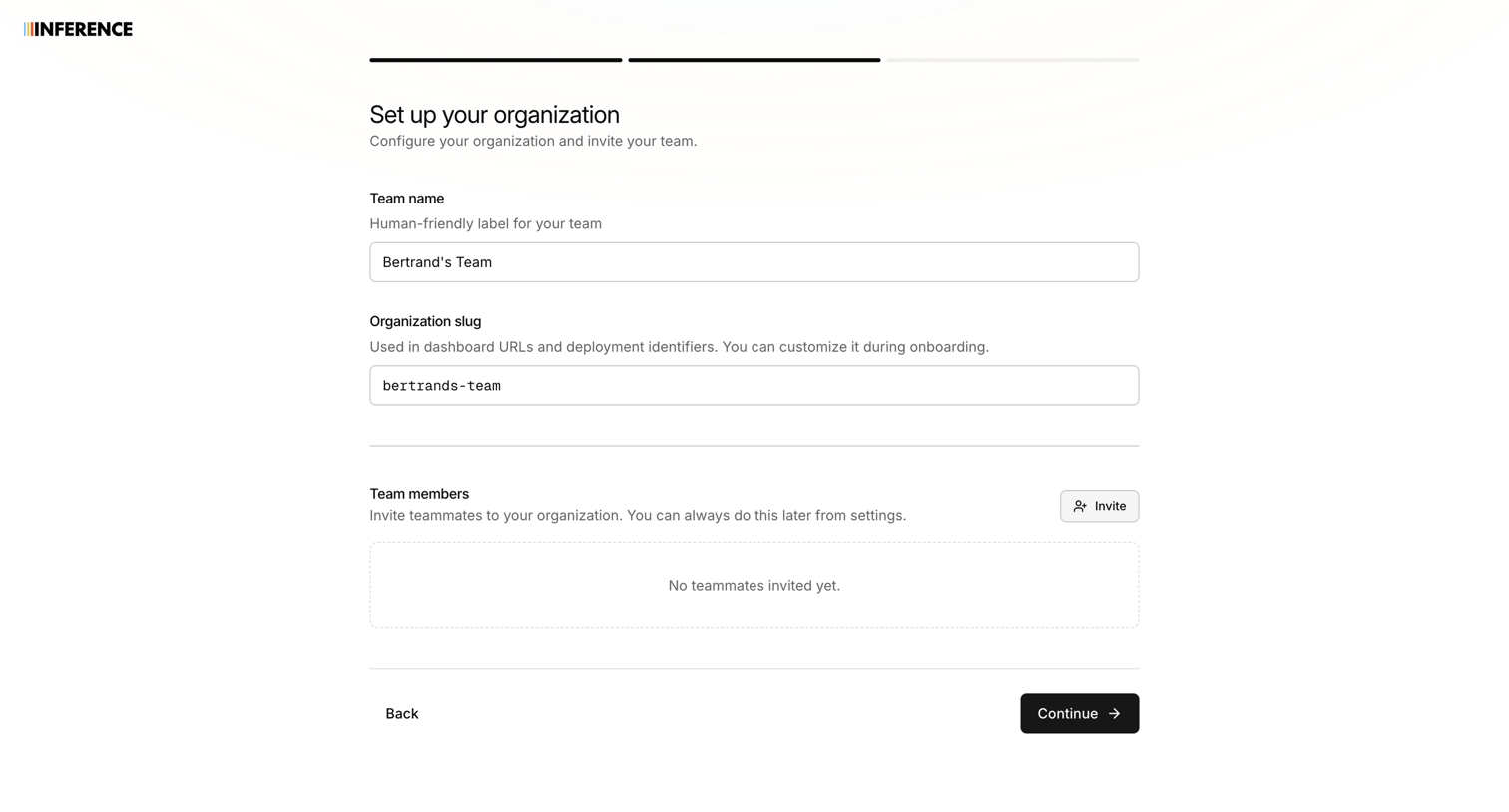

Onboarding step where the user names their organization, sets a custom slug, and can invite initial team members.
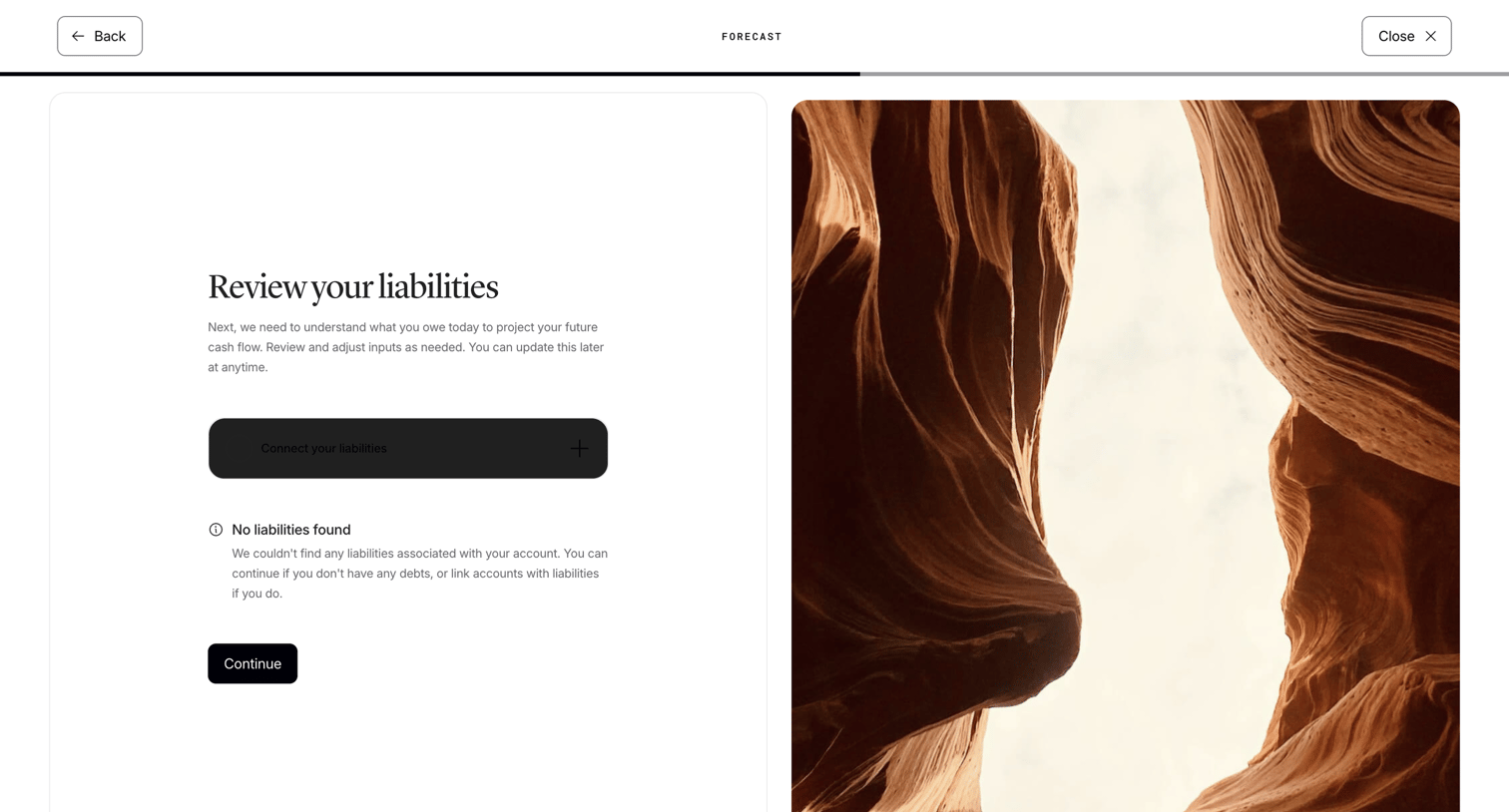

Onboarding step where the user reviews their liabilities for cash flow projection, showing an empty state with an option to connect accounts.
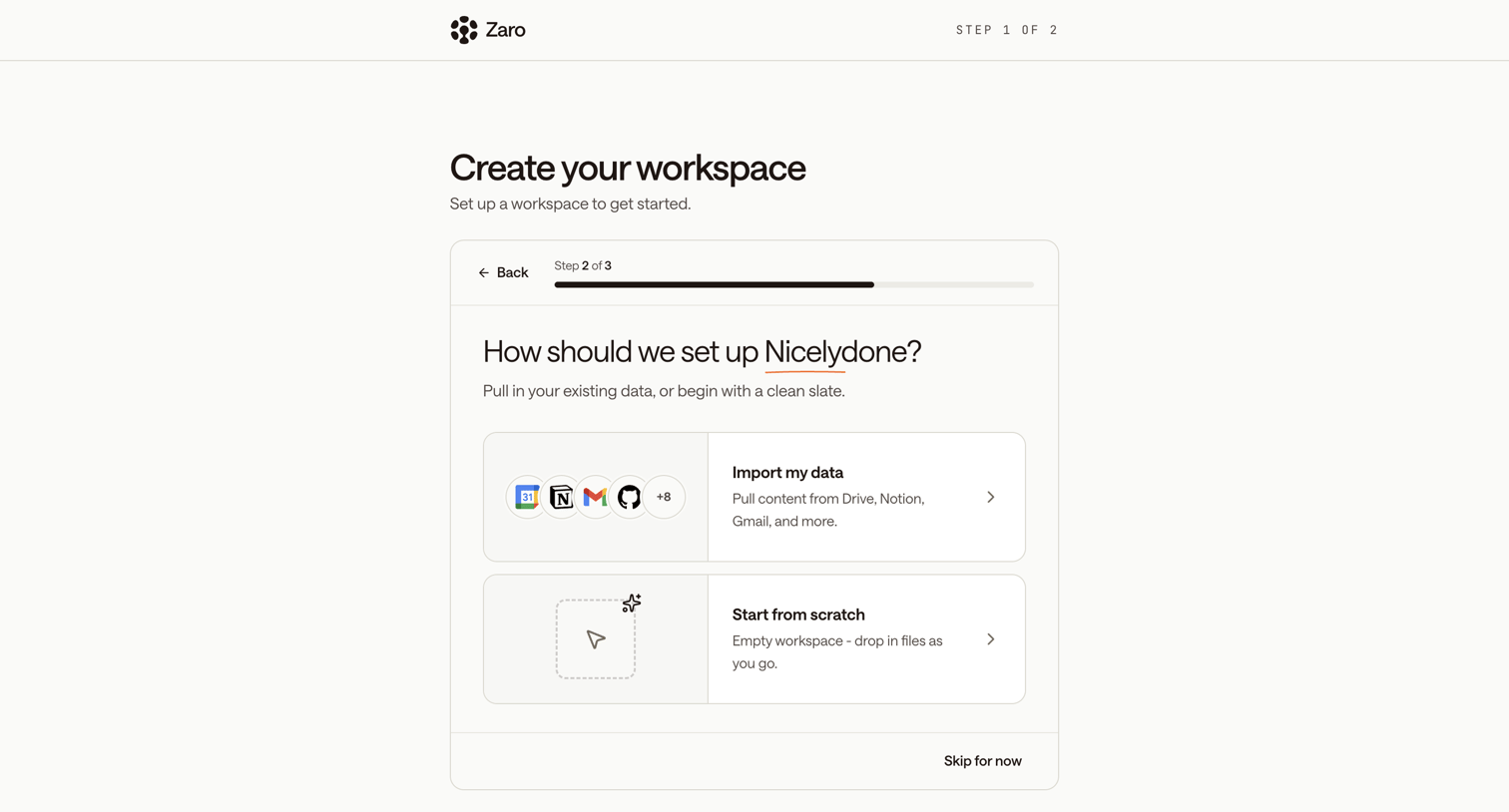

Onboarding step where the user chooses whether to import existing data from integrations or start from scratch for their new workspace.
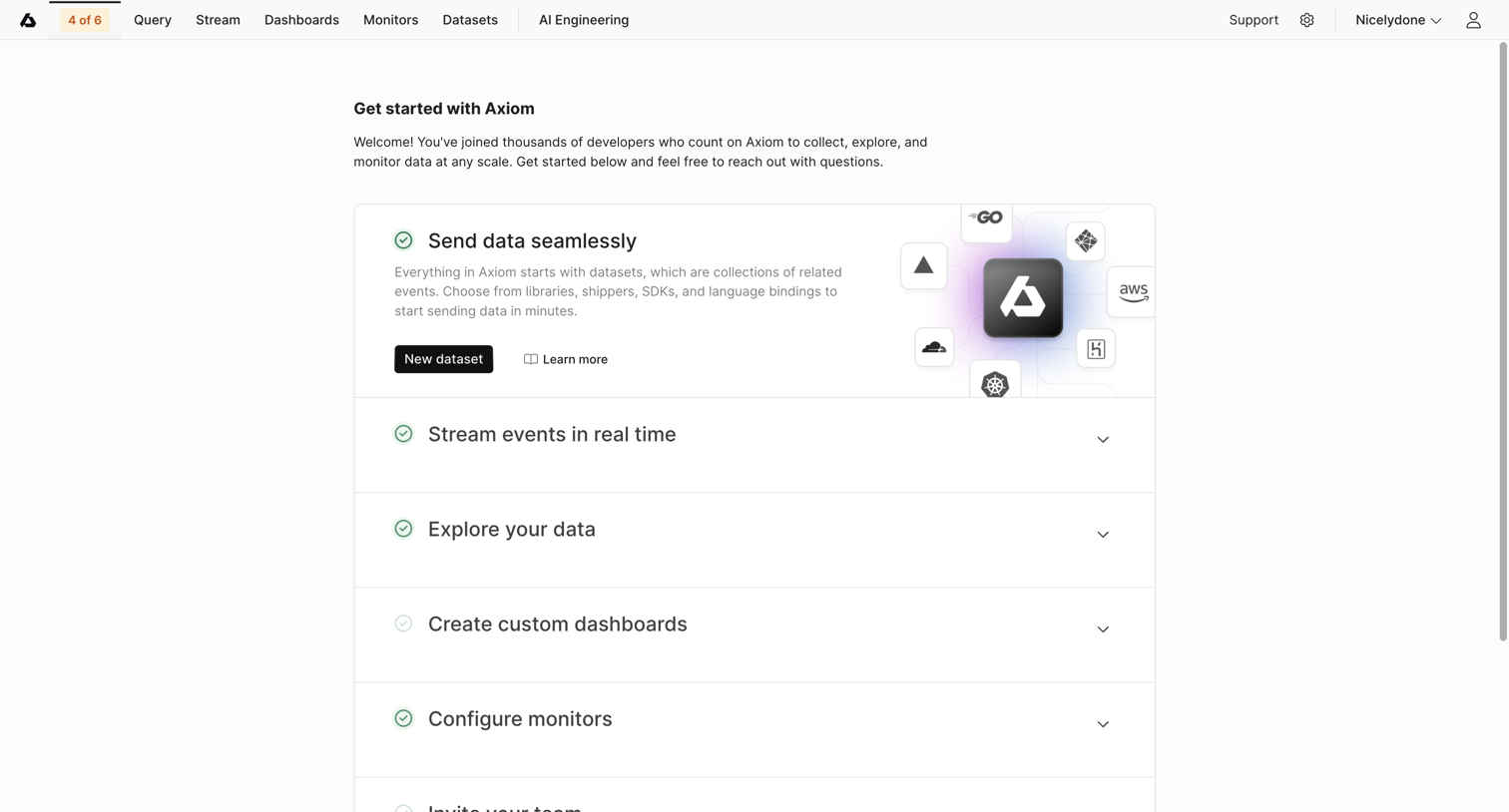

Onboarding page where the user completes a setup checklist including sending data, streaming events, and inviting their team.
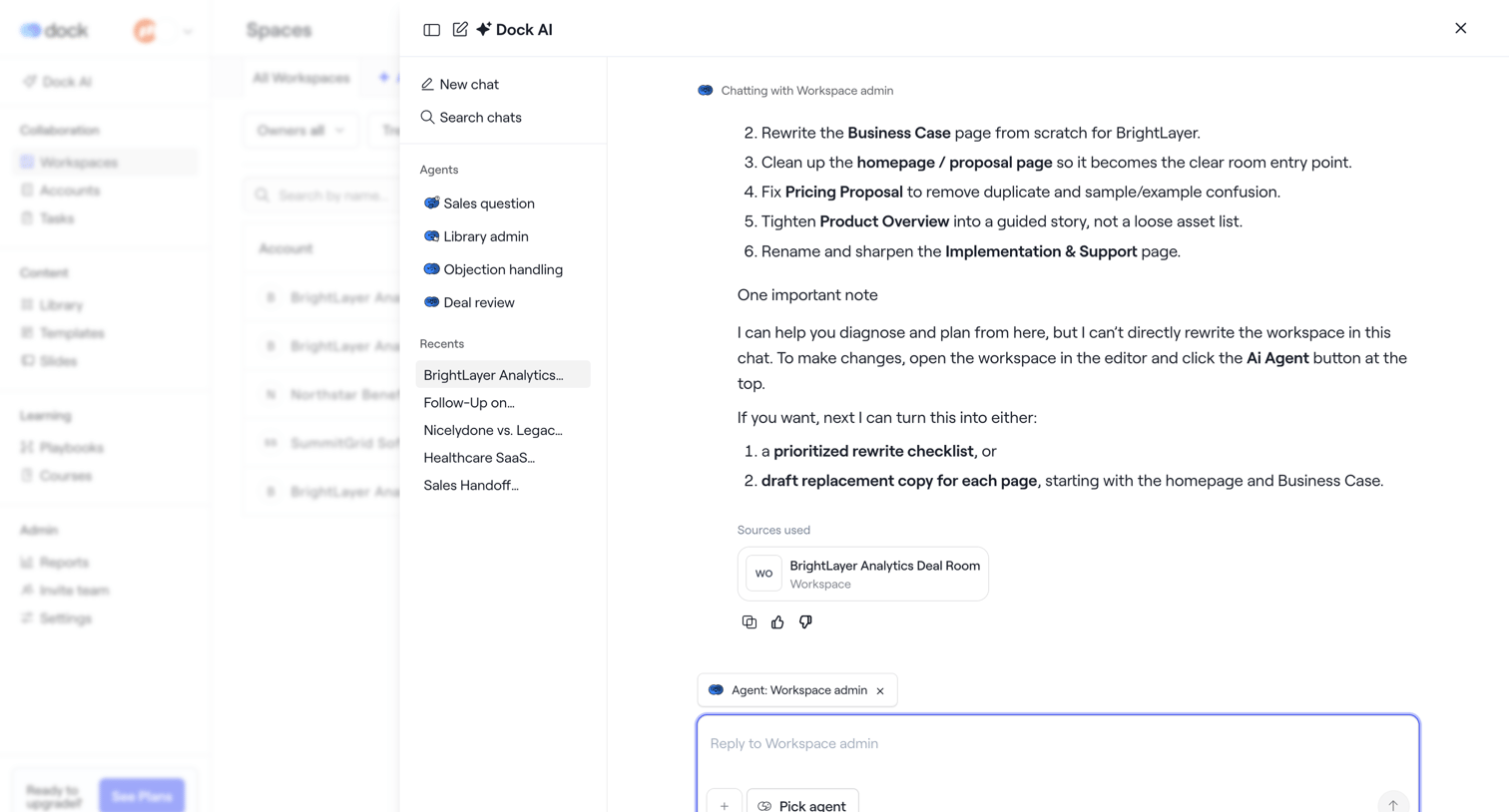

AI chat drawer where the user interacts with a workspace agent to rewrite documents and plan deal room content.
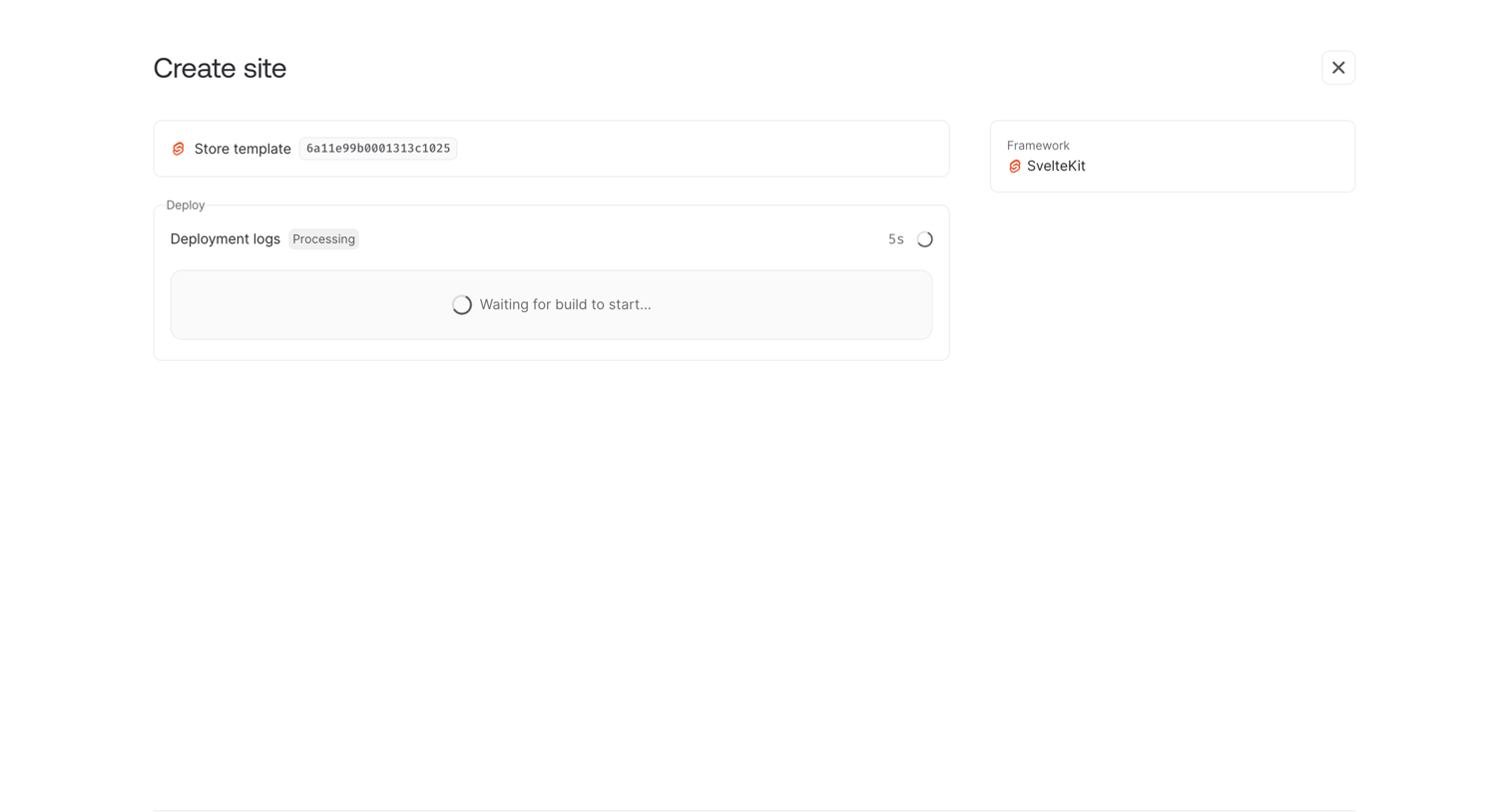

Creation flow step where the user waits for their new SvelteKit site to deploy from a template, with an option to continue in the background.
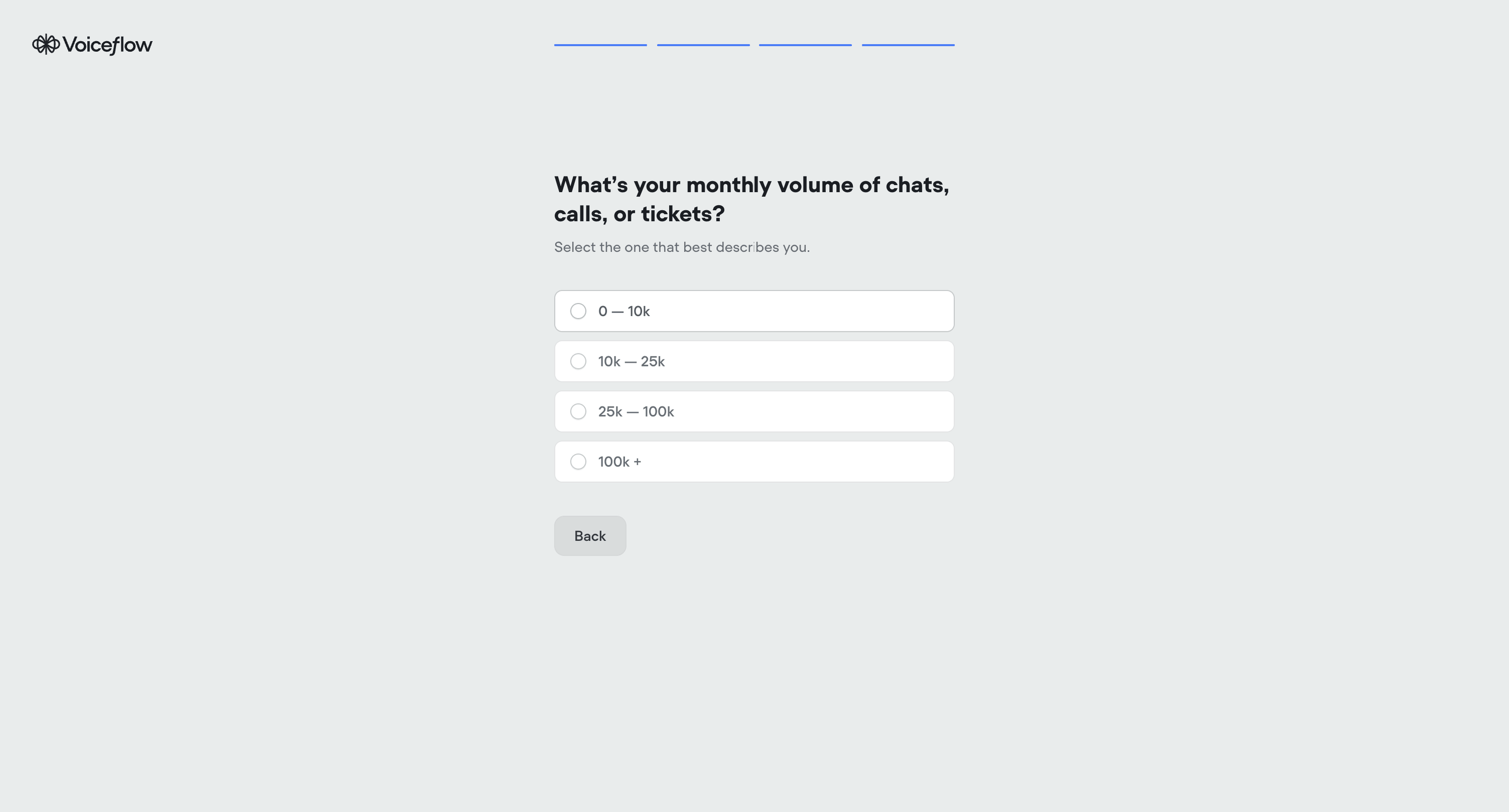

Onboarding step where the user selects their estimated monthly volume of chats, calls, or tickets from a list of ranges.
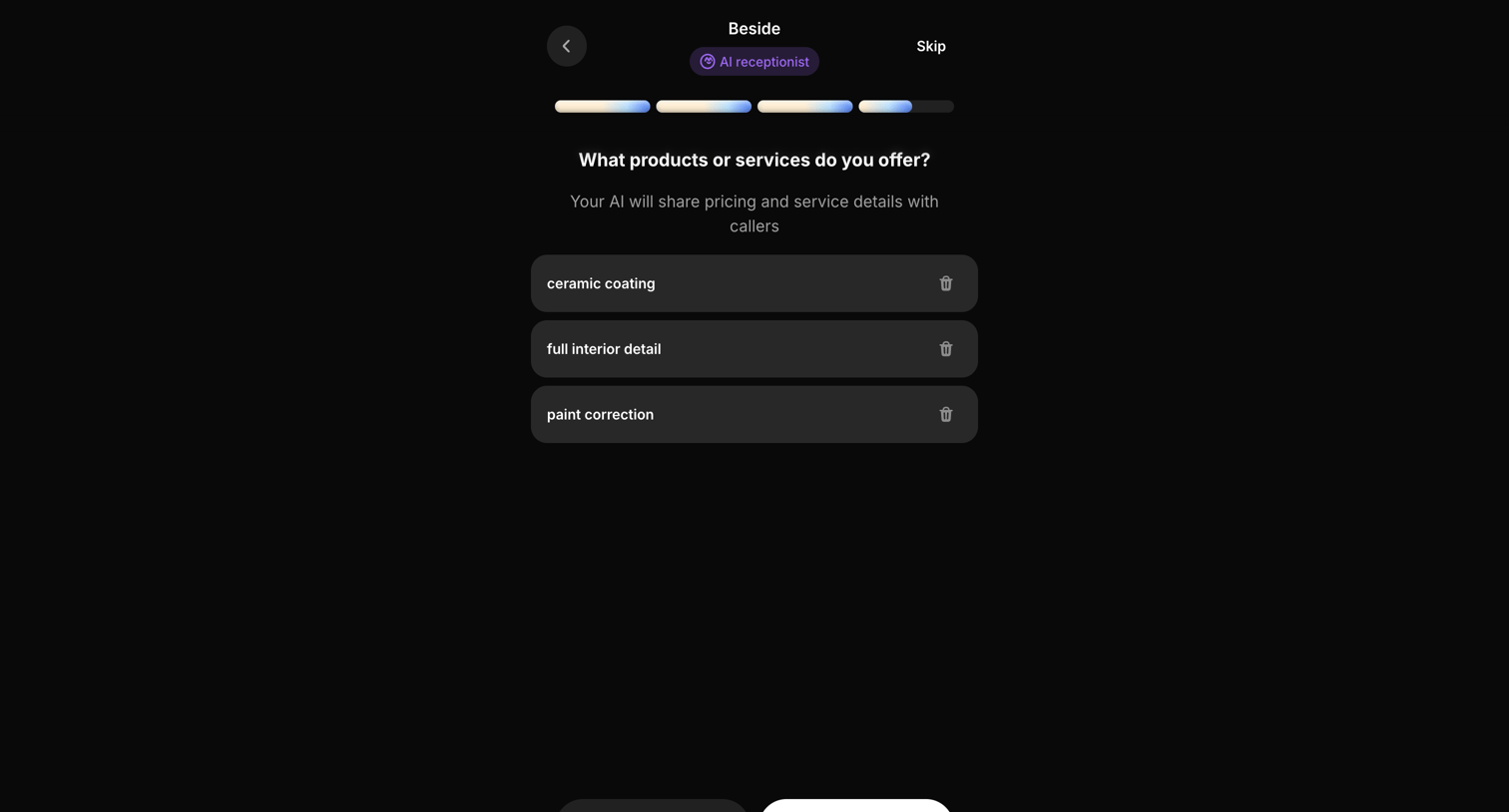

Onboarding step where the user lists specific services, like ceramic coating and paint correction, that their AI receptionist will offer to callers.
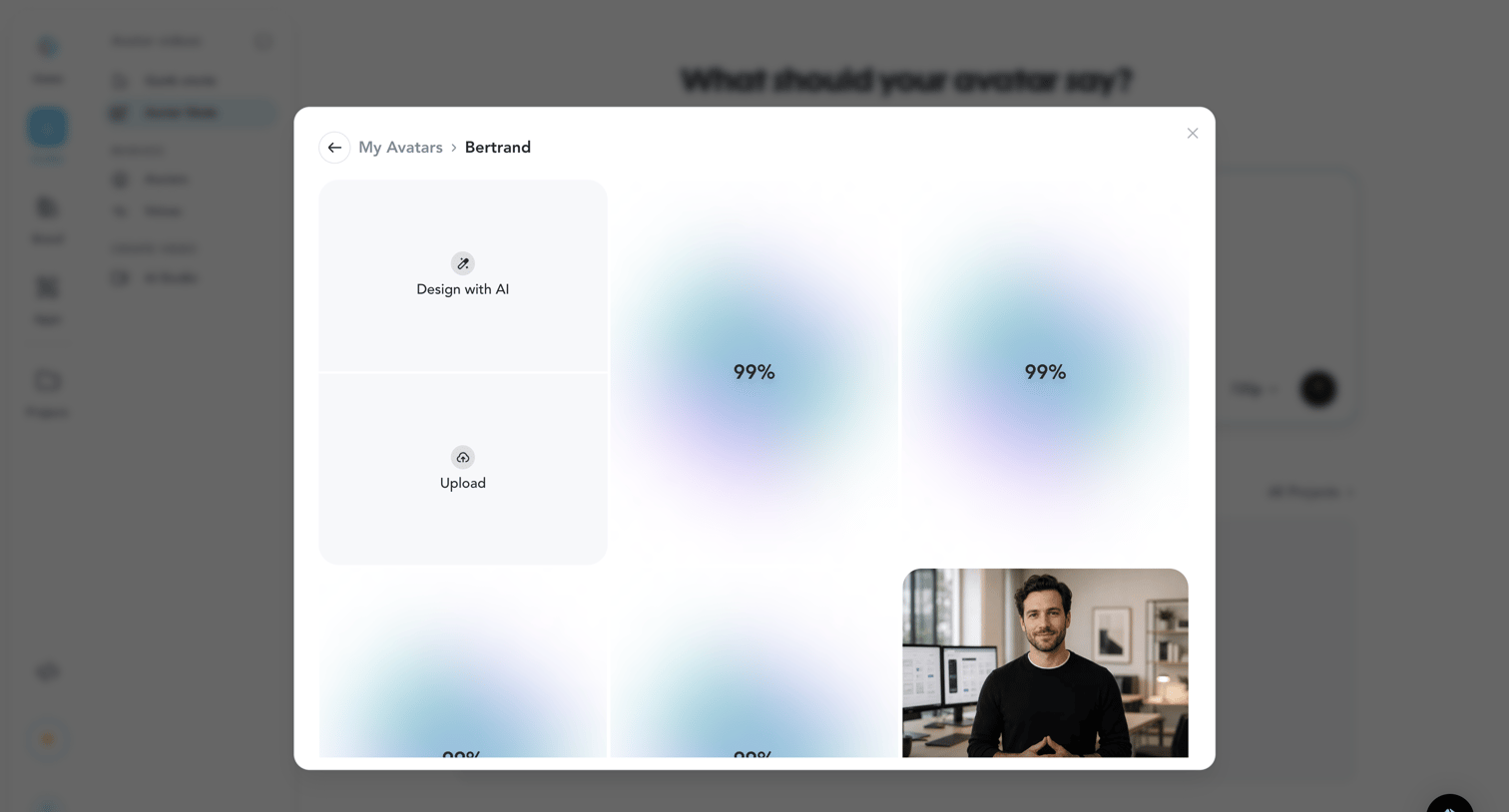

Detail page where the user is generating new visual assets for a specific avatar, showing several AI generations currently at 99% progress alongside an option to upload existing images.
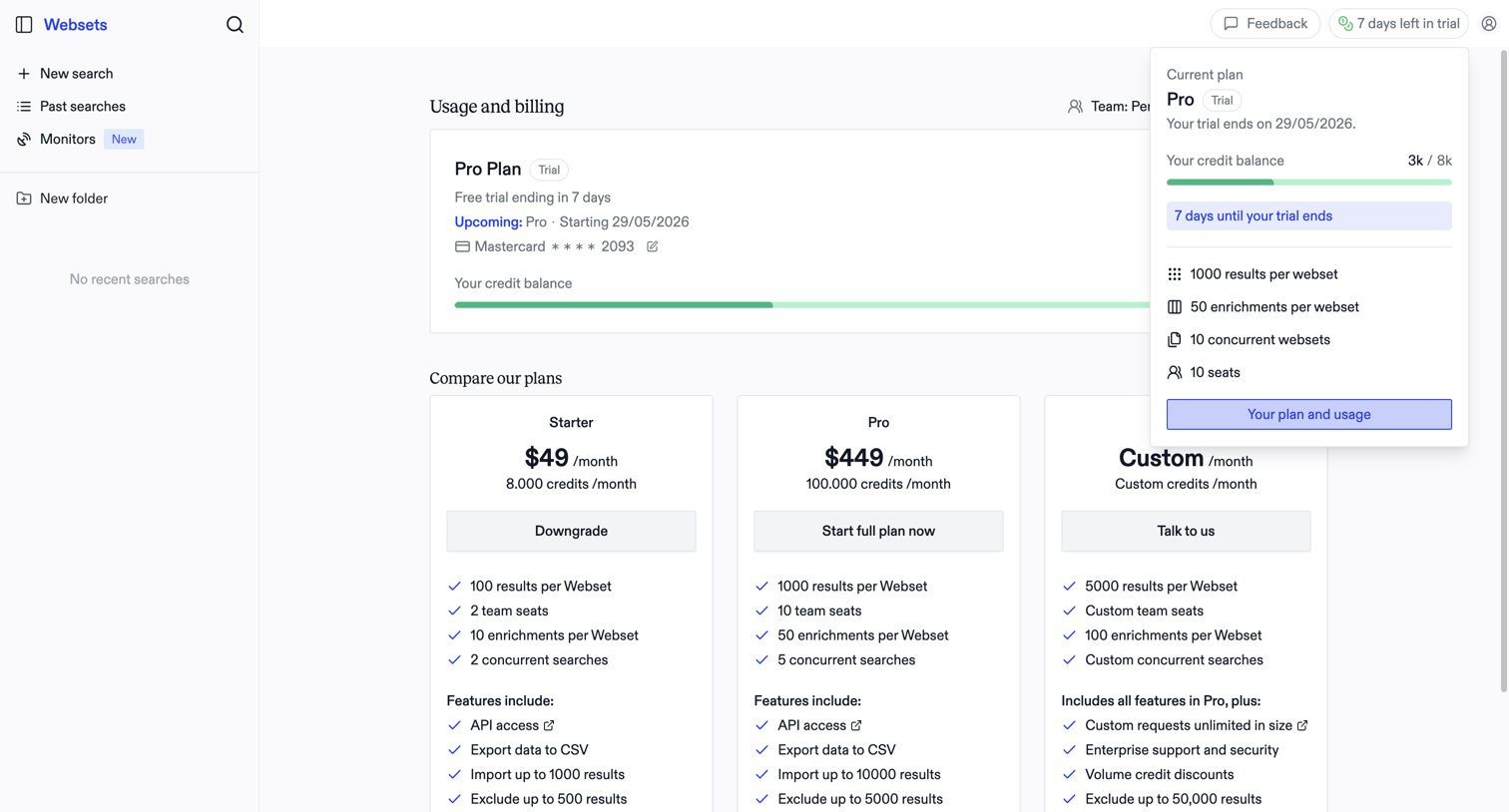

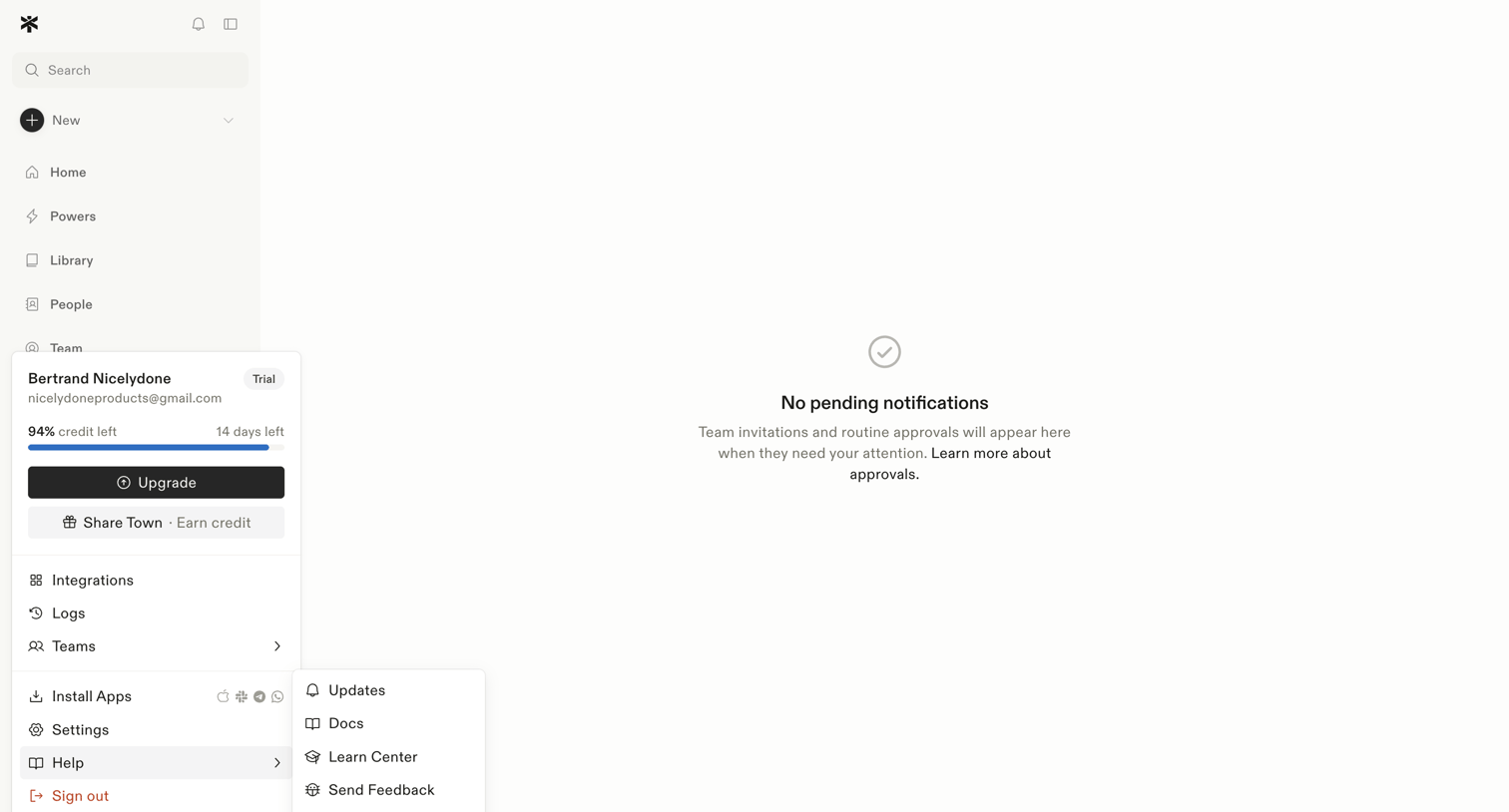

Inbox view where the user manages team invitations and routine approvals, currently showing a zero-state message with no pending items.
Explore the full SaaS screen library
Upgrade to unlock the full library.
Trusted by the best teams







