Option menu screen examples
Option menu screen design examples from SaaS apps. Browse examples from Evervault, Notion Mail, Record club.
Explore the examples
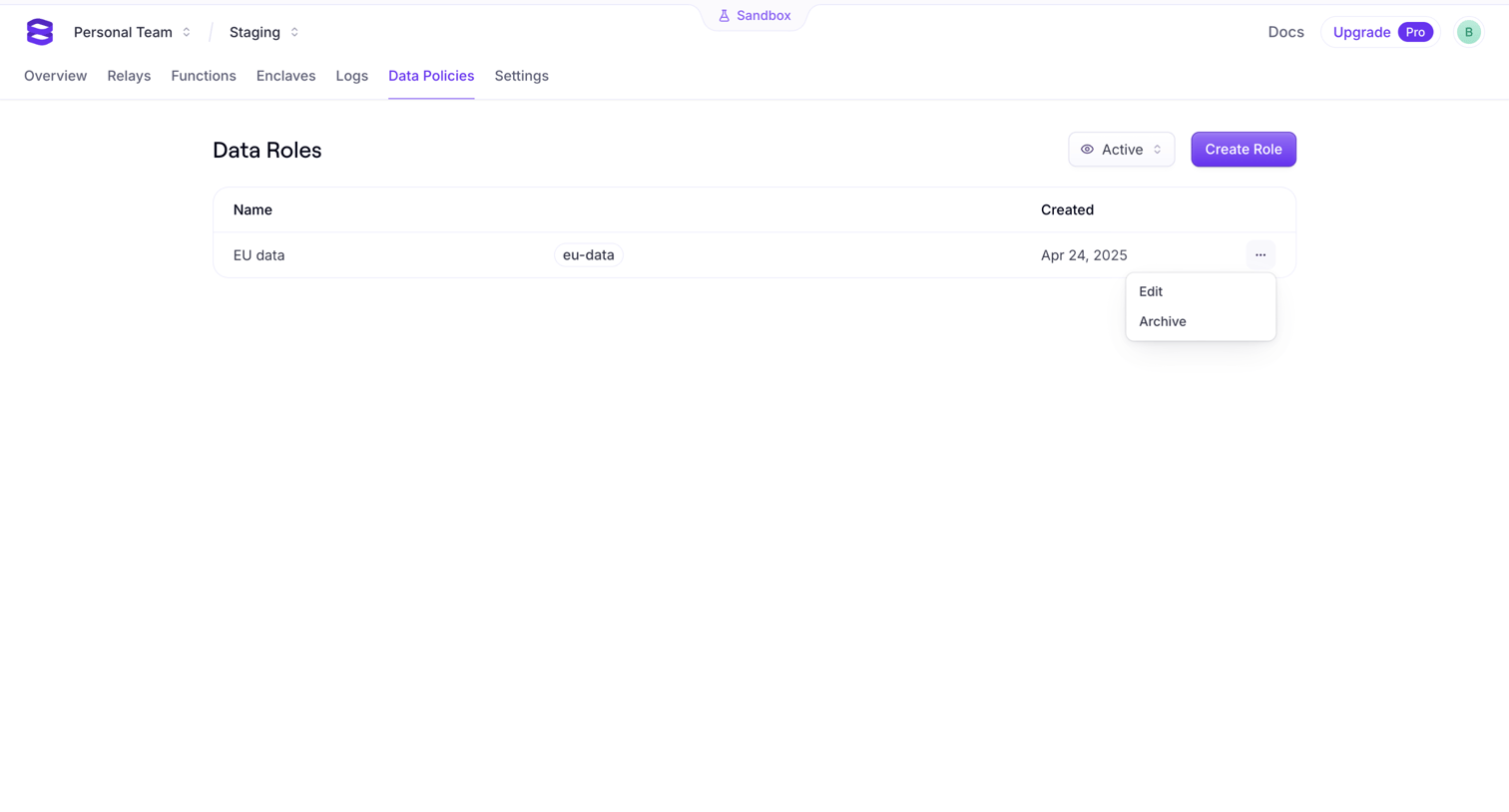

Data policies page where the user manages data roles for their staging environment, with options to create, edit, or archive specific policies.
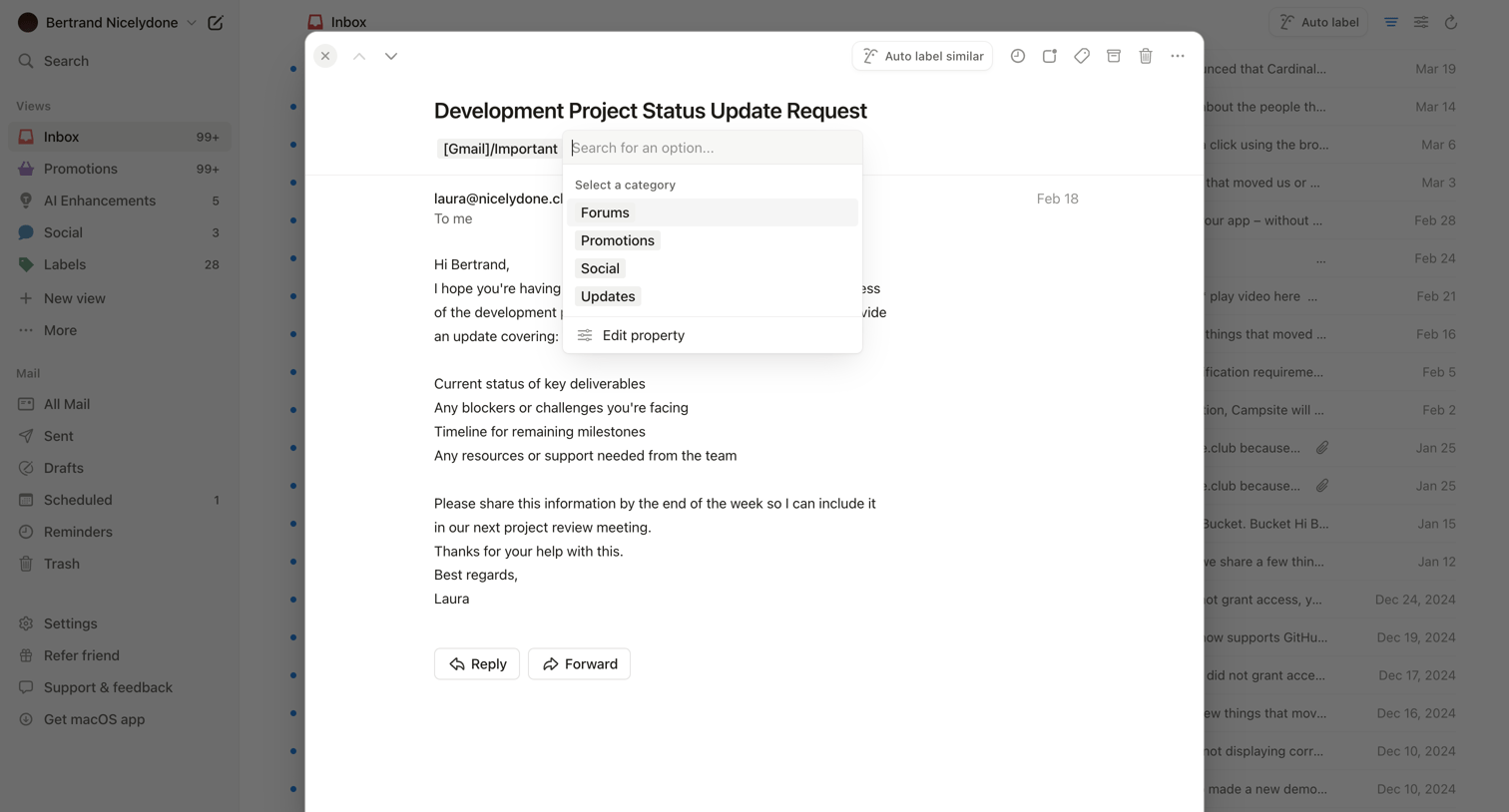

Email inbox where the user is viewing a specific message in a modal and has opened a dropdown to assign it a category like Forums, Promotions, or Social.

Community page showing a skeleton loading state for a feed of reviews, with a segmented control to toggle between everyone and following.
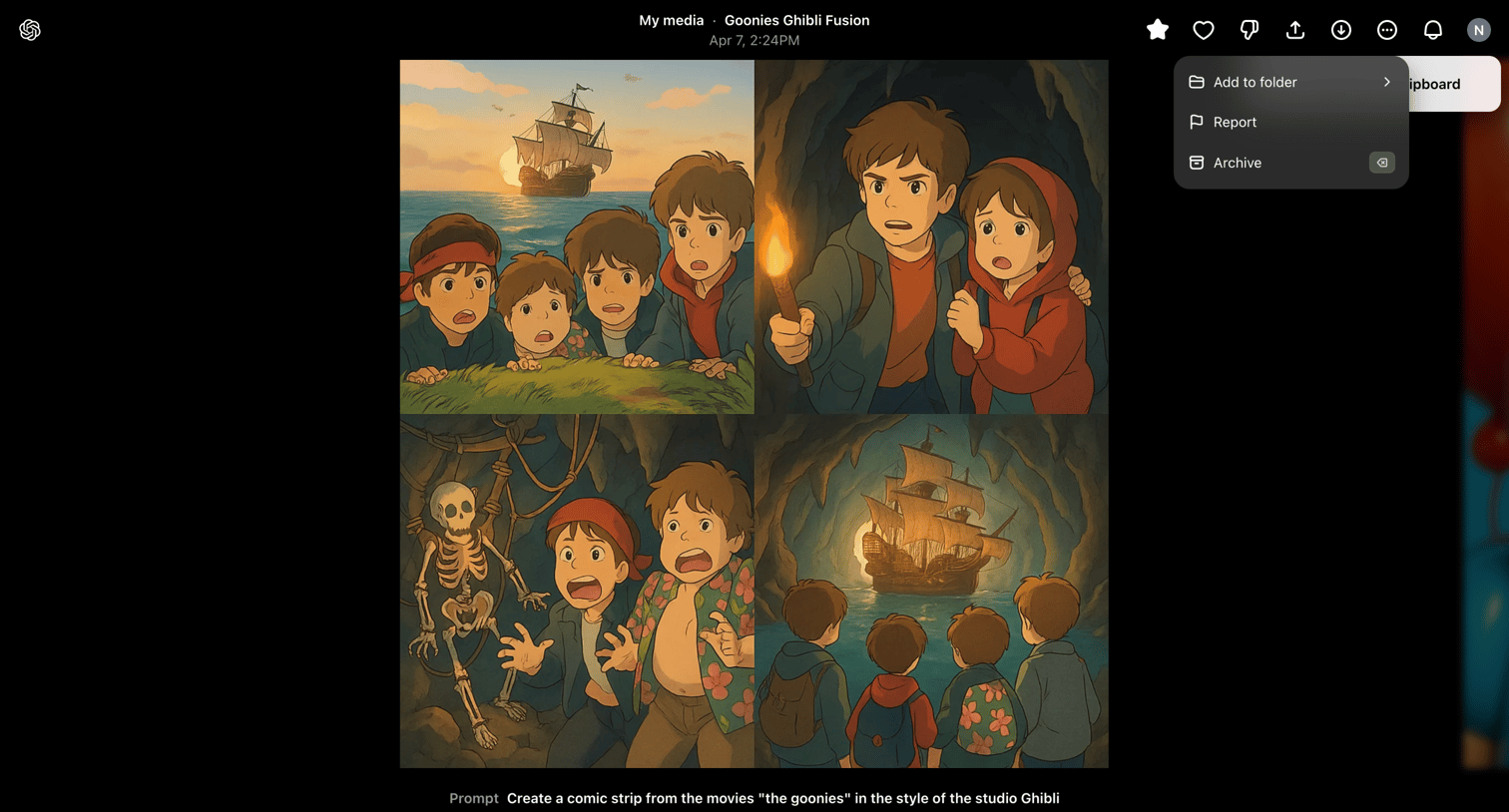

Detail page for an AI-generated image grid where the user can remix the prompt, create a video variation, or organize the asset into folders.
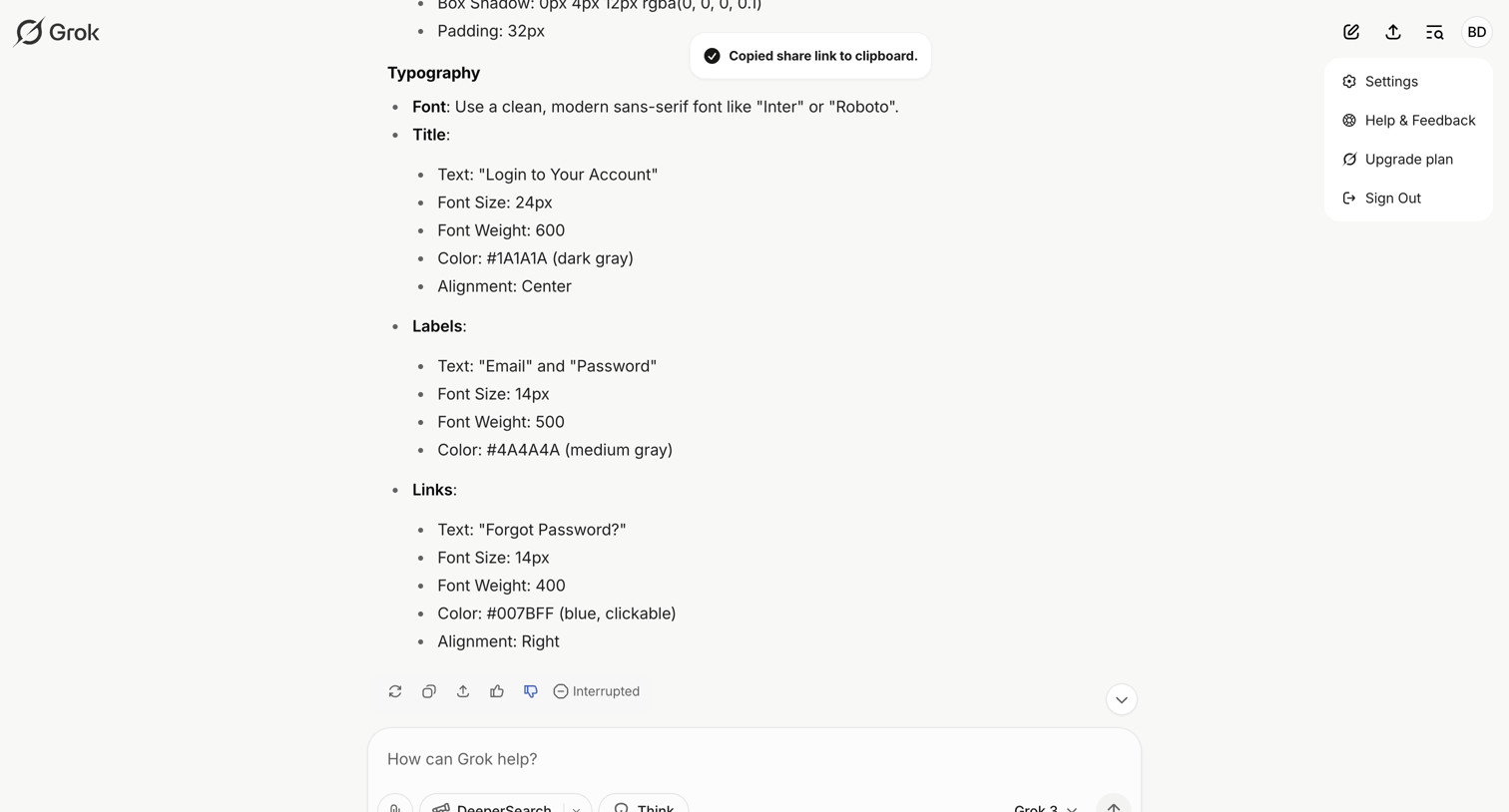

AI chat interface where the user views a generated UI design specification and a toast confirming a copied link, with an active composer for follow-up prompts.
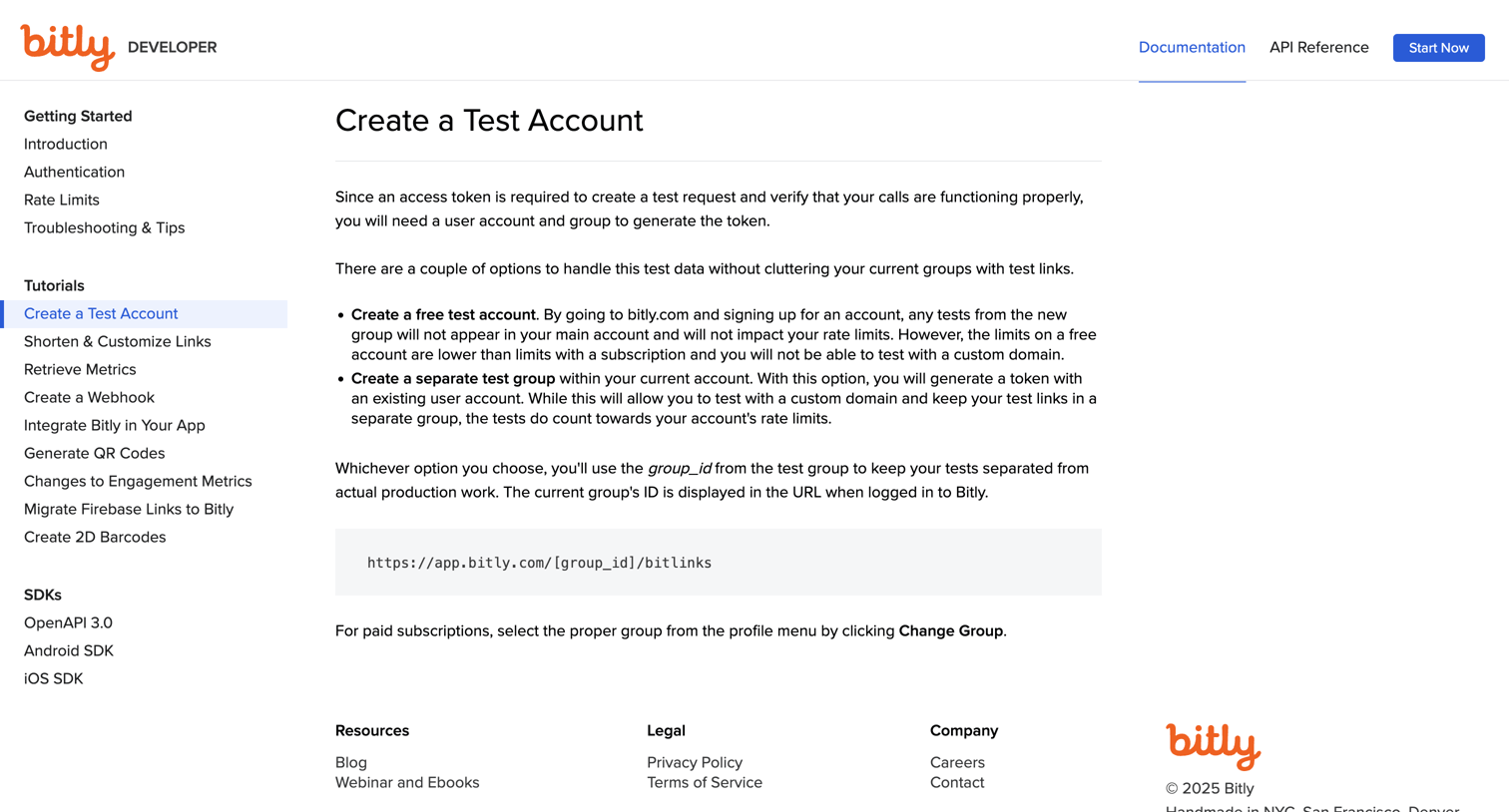

Developer documentation tutorial explaining how to create a test account and group to generate an access token without cluttering production data.
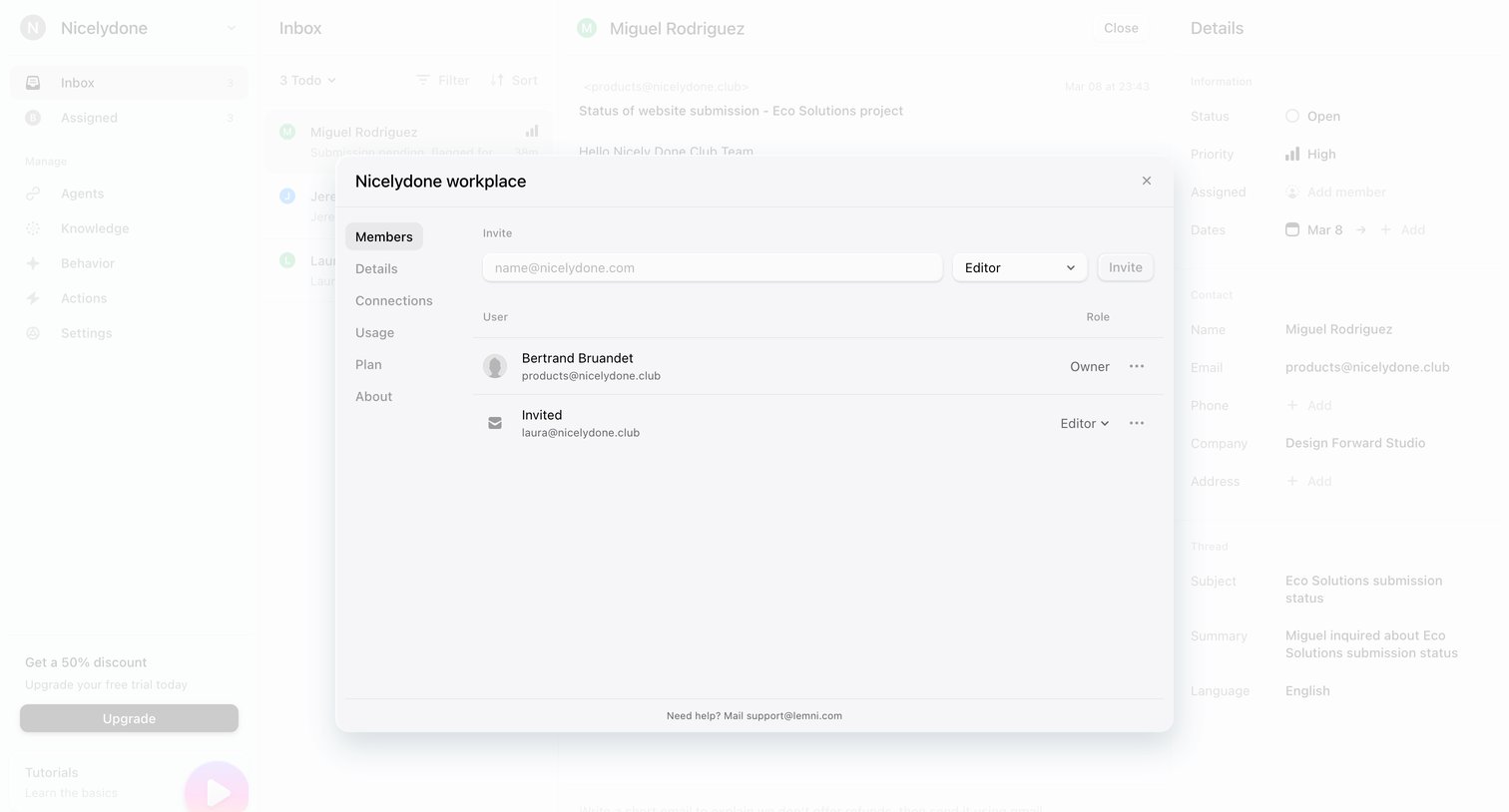

Settings modal where the user manages workspace members, invites new users by email, and assigns roles like Editor or Owner.
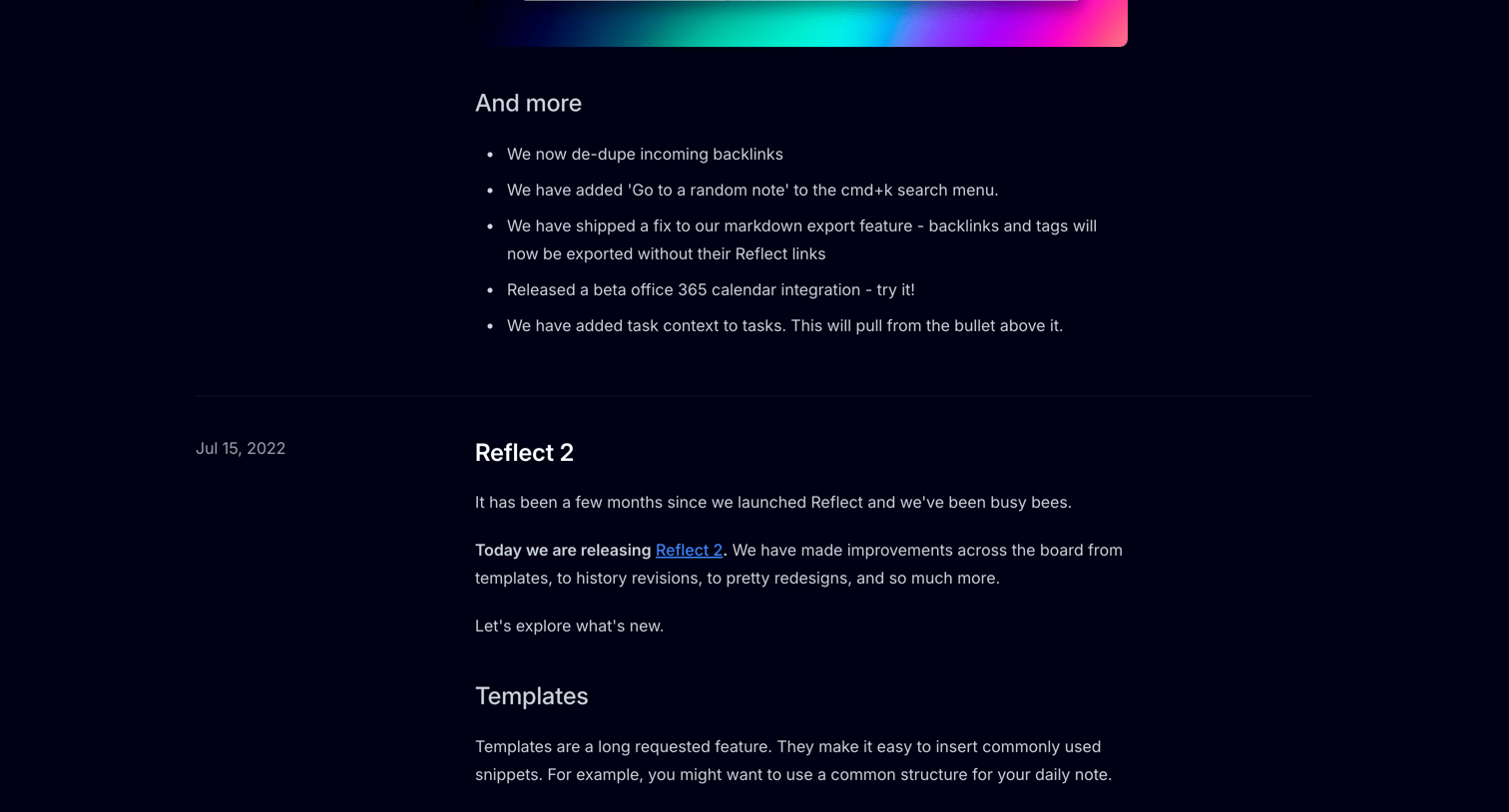

Changelog page detailing new features, editor improvements, and bug fixes for the Reflect app, organized by release date in a timeline format.
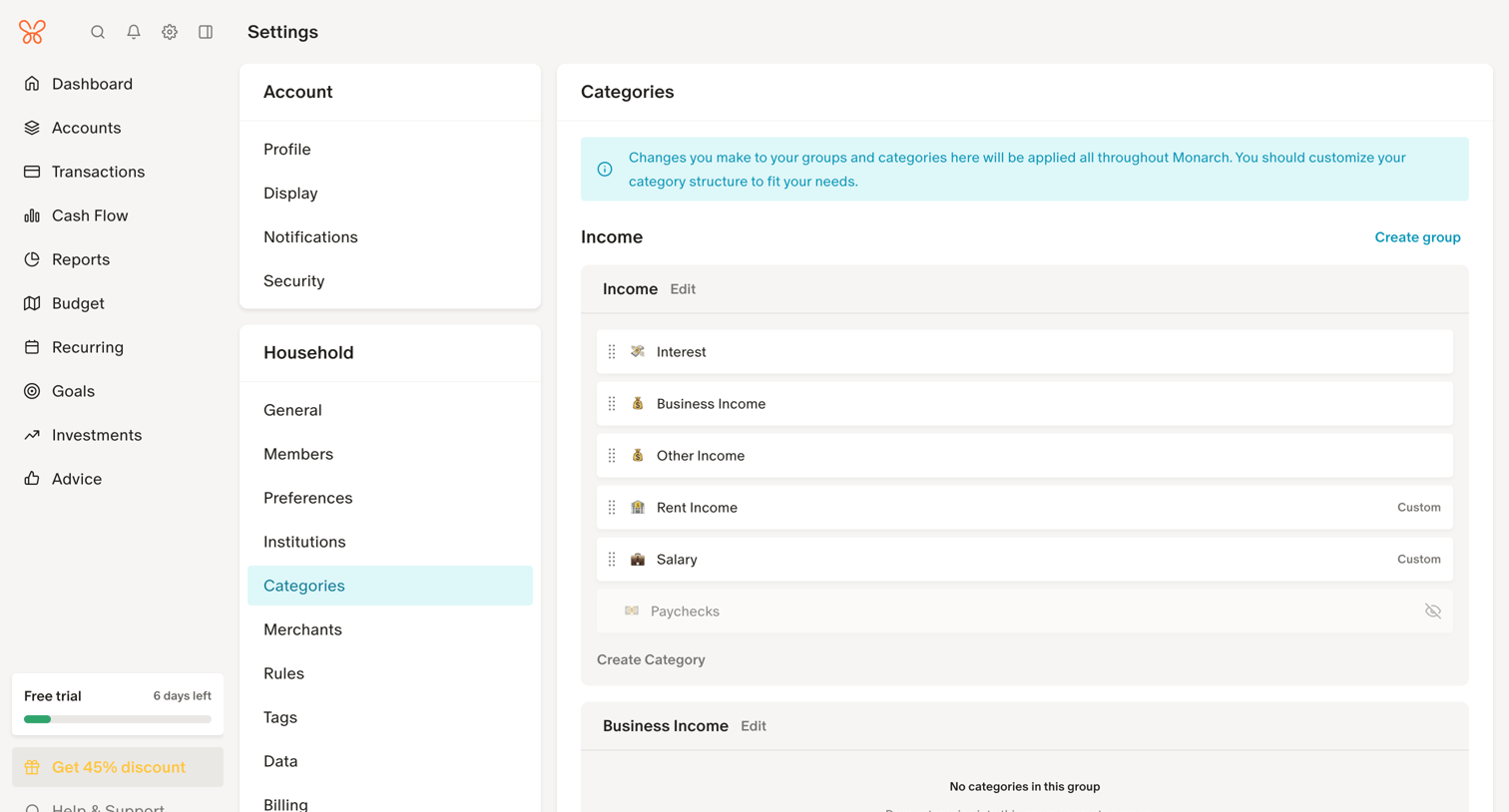

Settings page where the user manages their transaction categories by organizing them into Income, Expenses, and Transfers groups with drag-and-drop reordering.
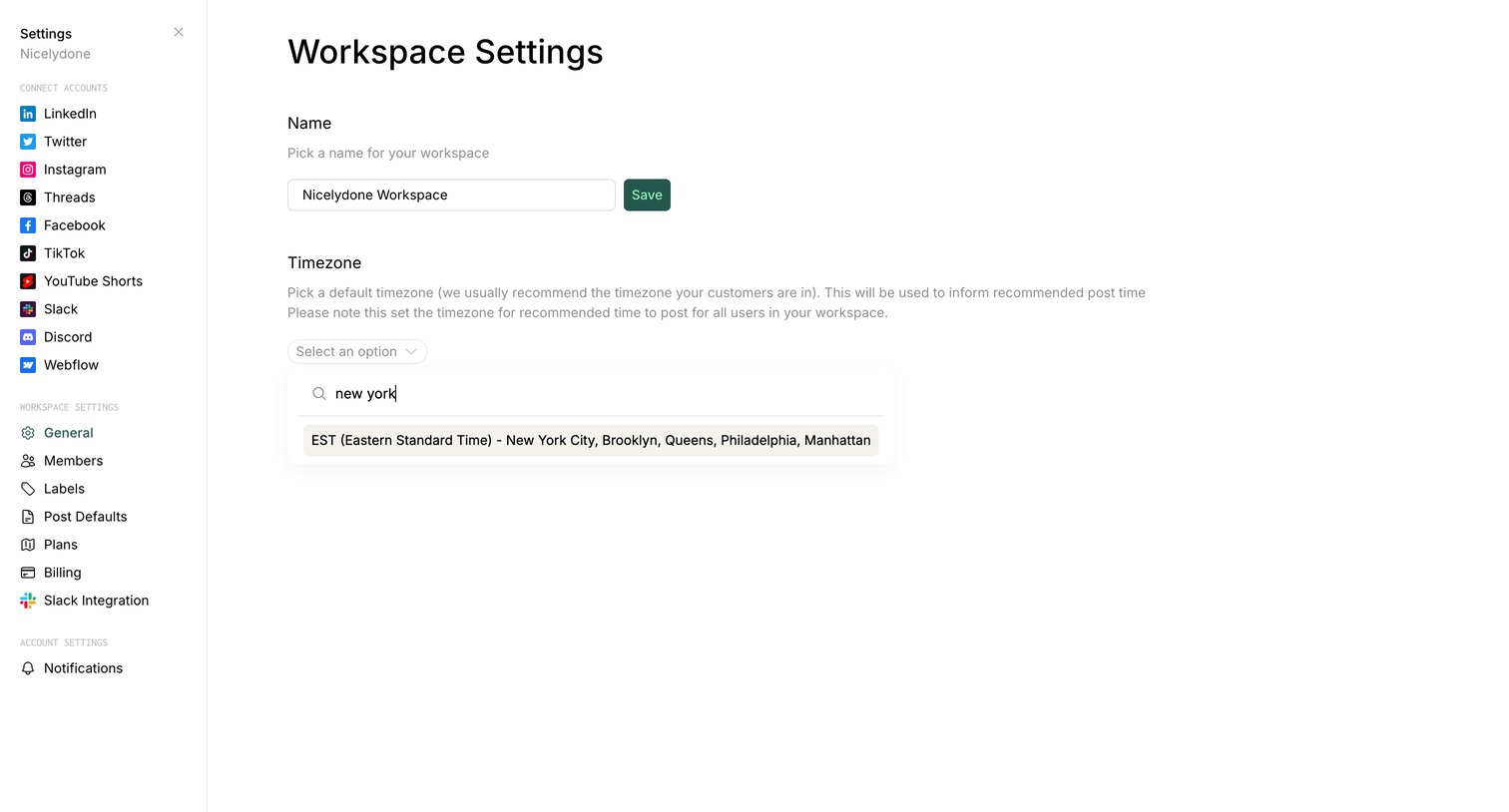

Settings page where the user configures their workspace name and default timezone.
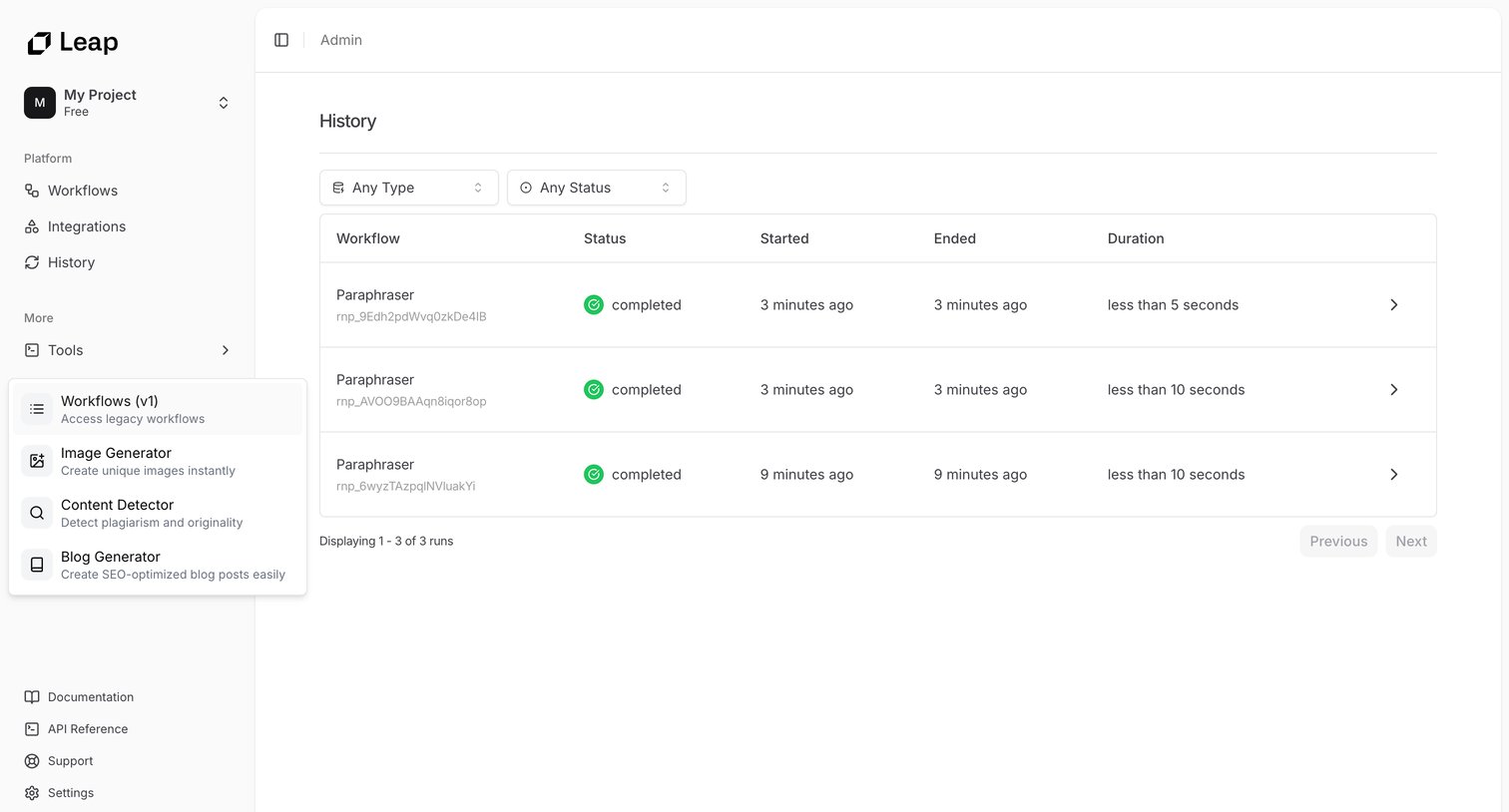

Admin history page where the user views past workflow executions, their status, and duration, with options to filter by type and status.
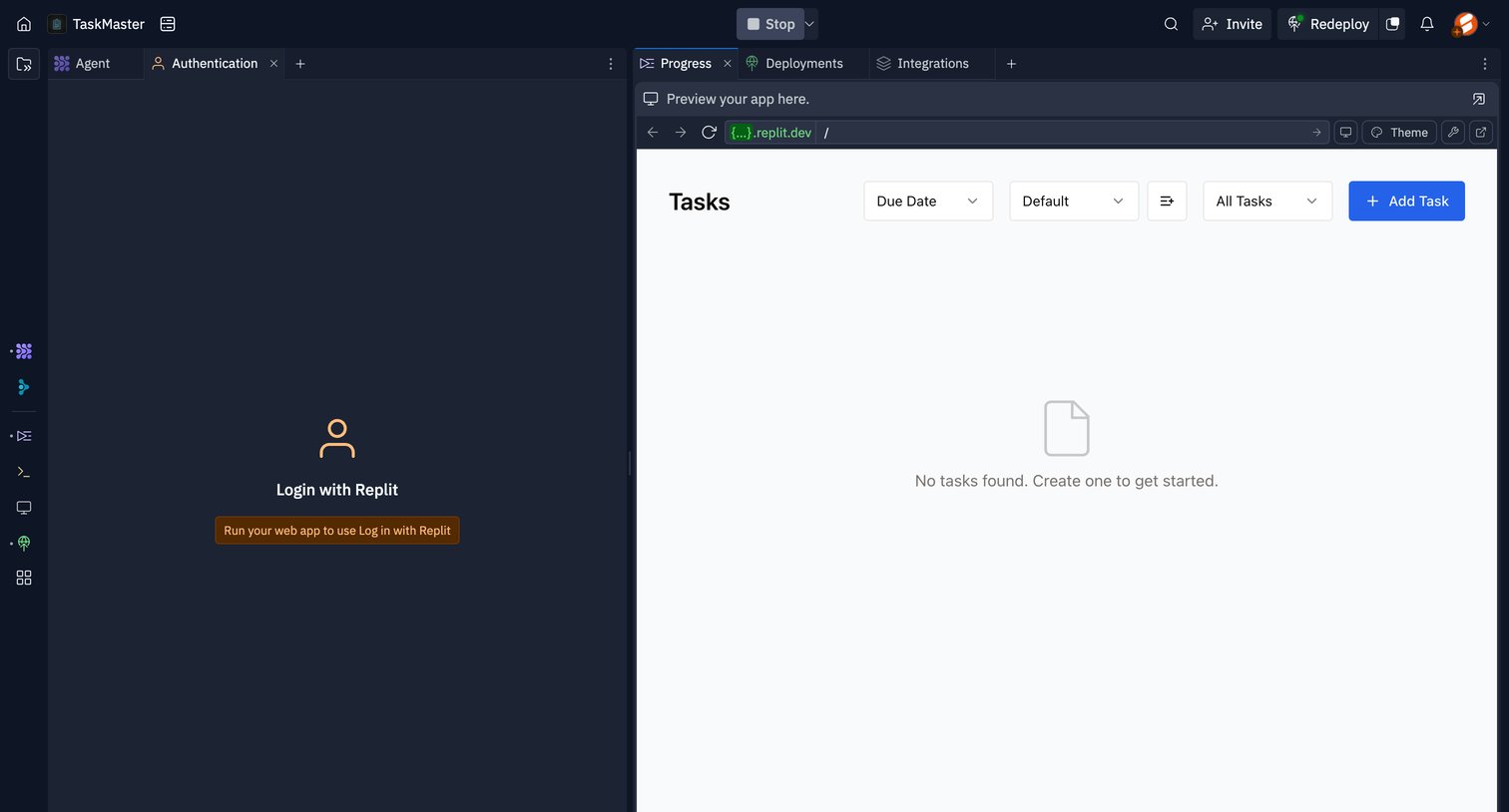

Explore the full SaaS screen library
Upgrade to unlock the full library.
Trusted by the best teams







