Notification center screen examples
Notification center screen design examples from SaaS apps. Browse examples from HeyGen, Town, Aboard.
Explore the examples
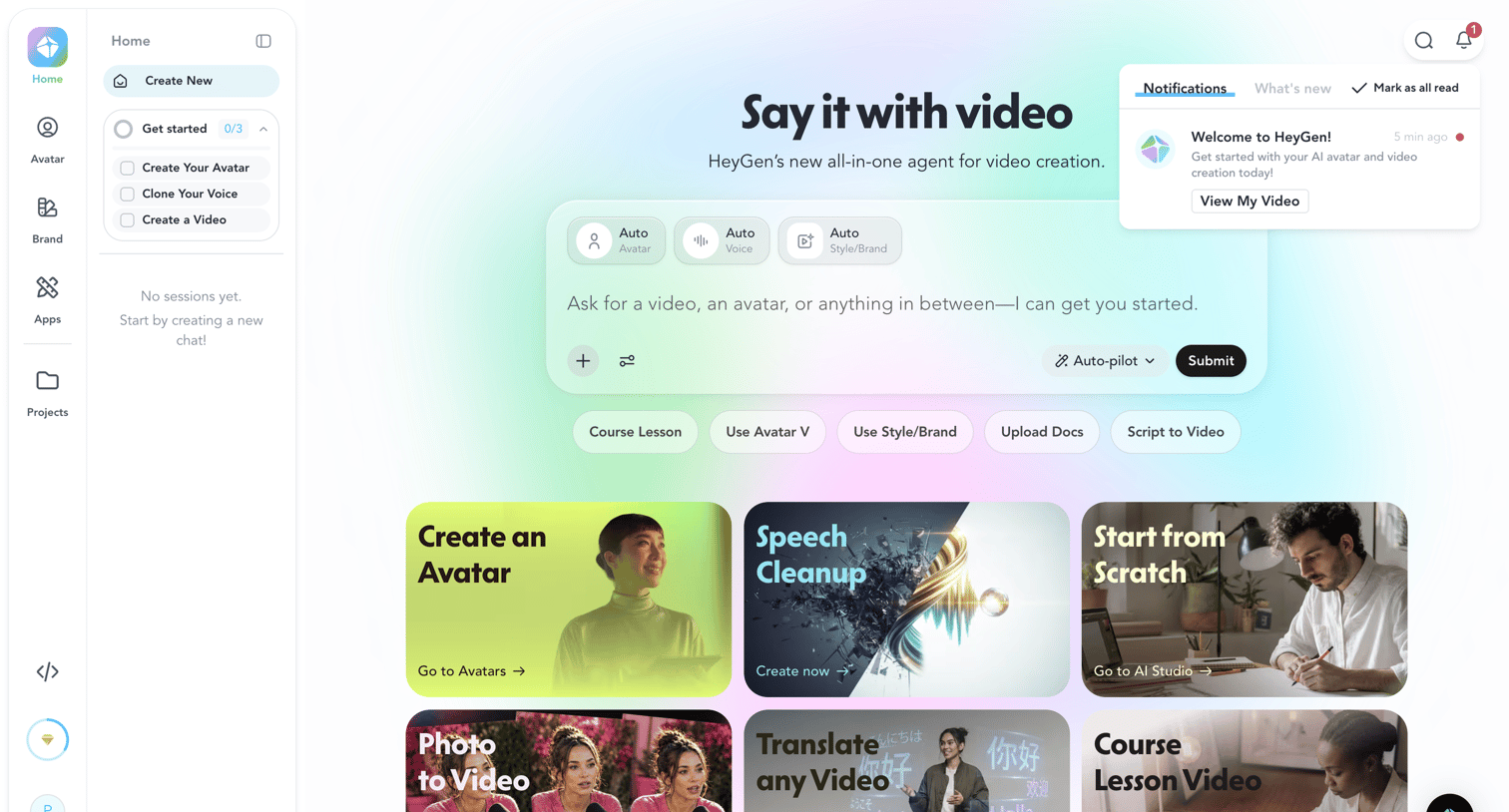

App home page where the user can prompt the AI agent to generate a video or choose from starting templates like creating an avatar, speech cleanup, or starting from scratch.
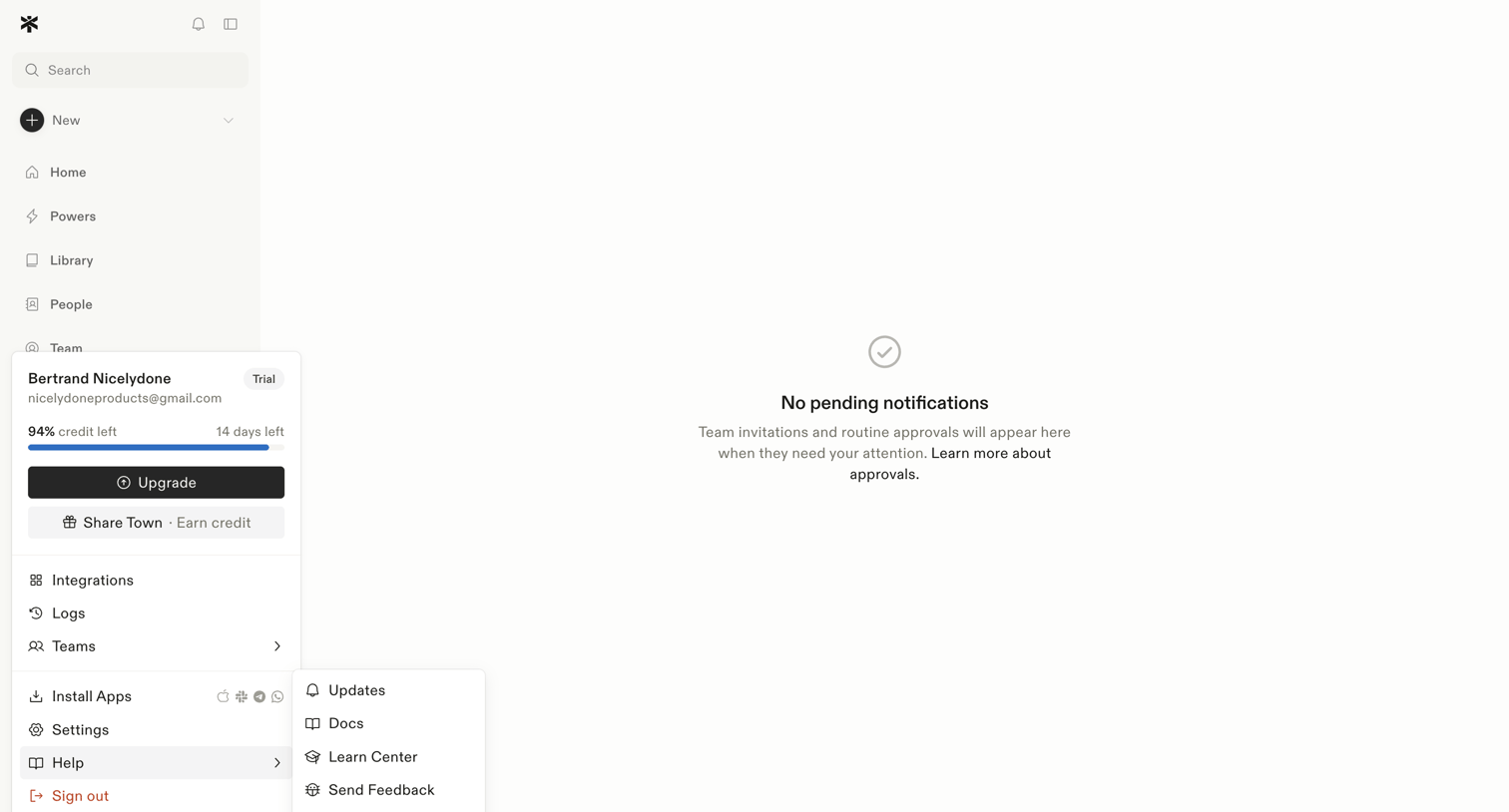

Inbox view where the user manages team invitations and routine approvals, currently showing a zero-state message with no pending items.
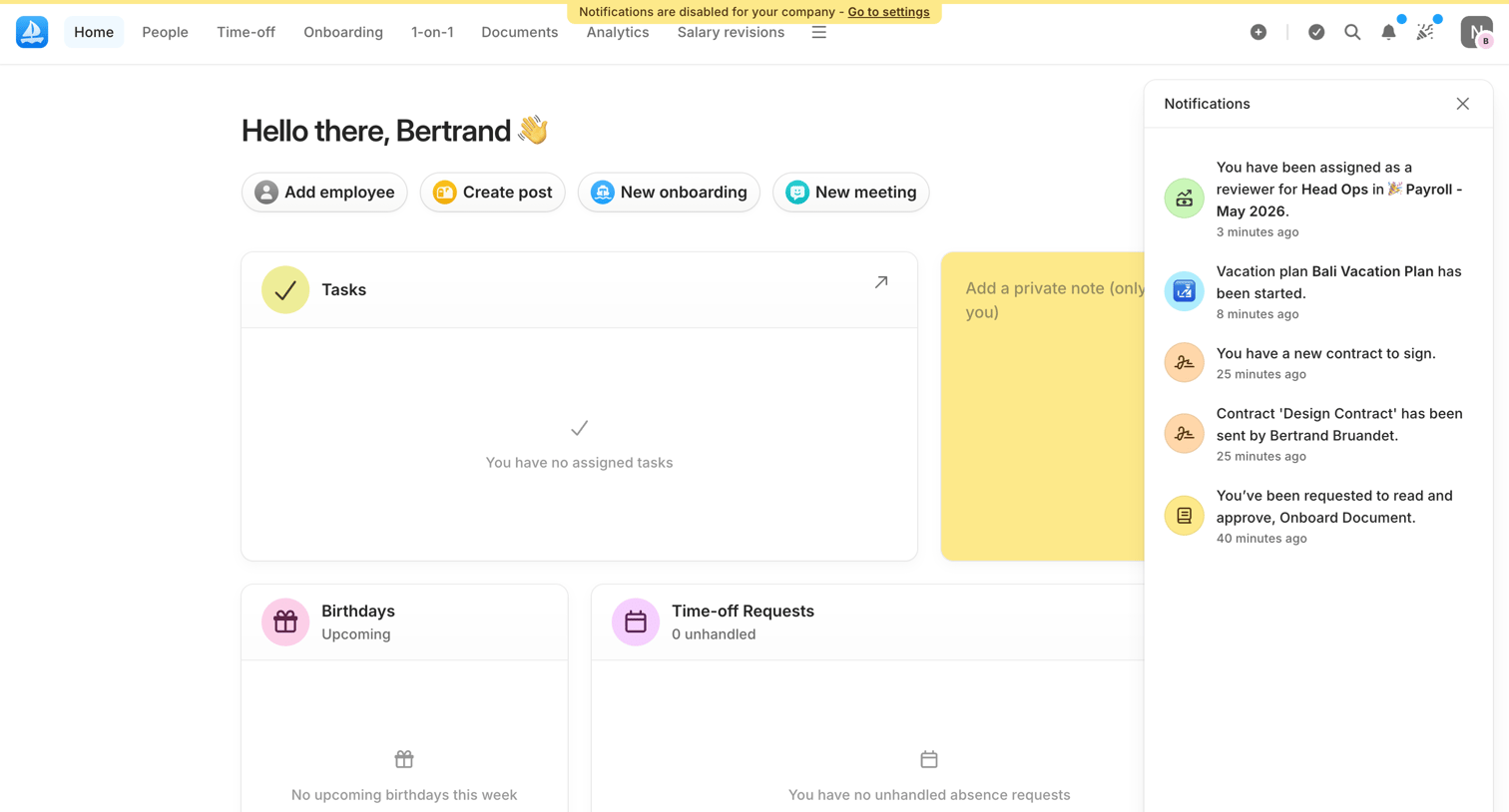

Home screen welcoming the admin with quick action buttons for adding employees or creating posts, alongside empty task widgets and an open notifications drawer.
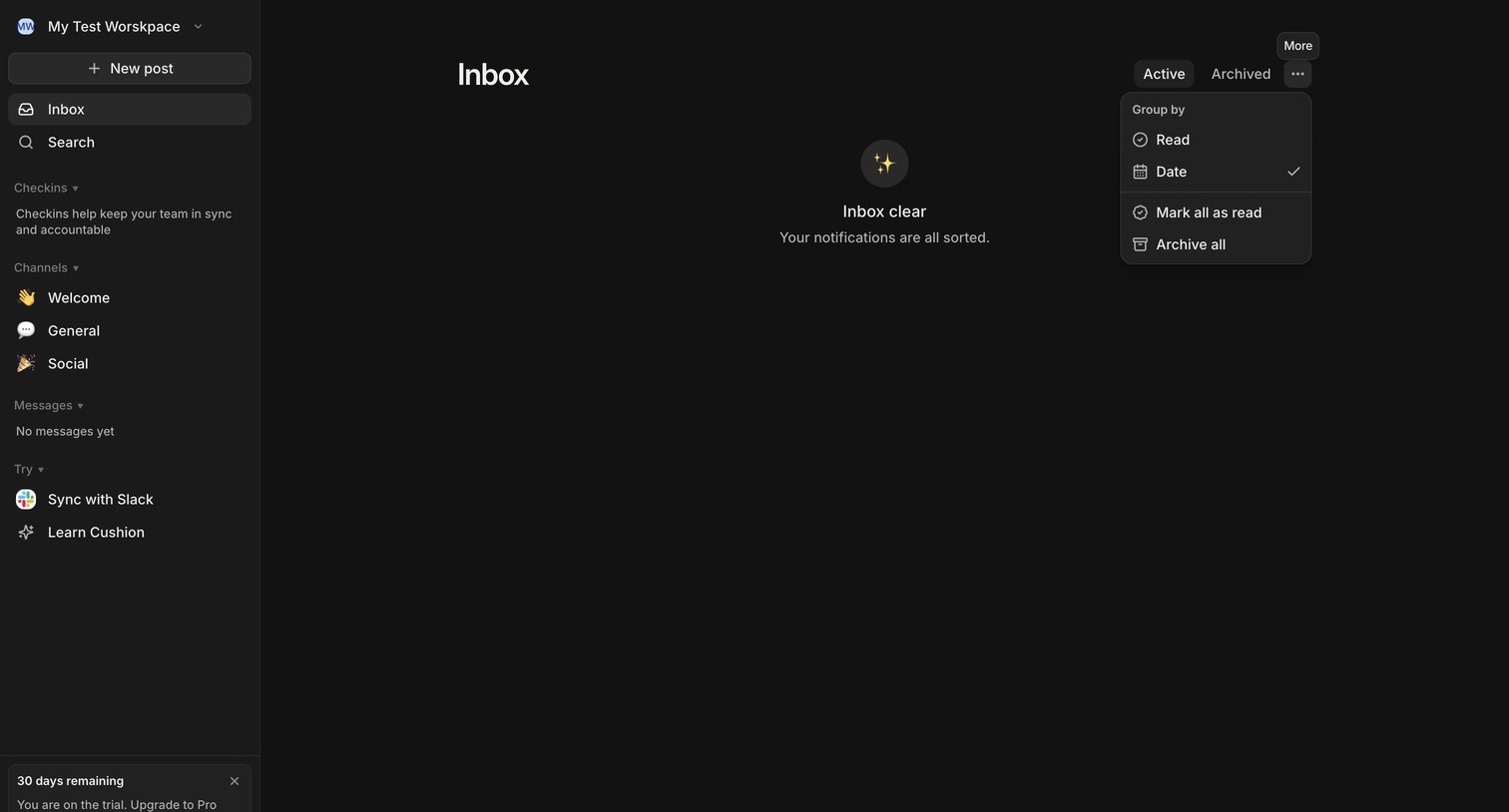

Inbox page where the user sees an empty state indicating all notifications are sorted, with a sidebar for navigation and an open dropdown menu for grouping and bulk actions.
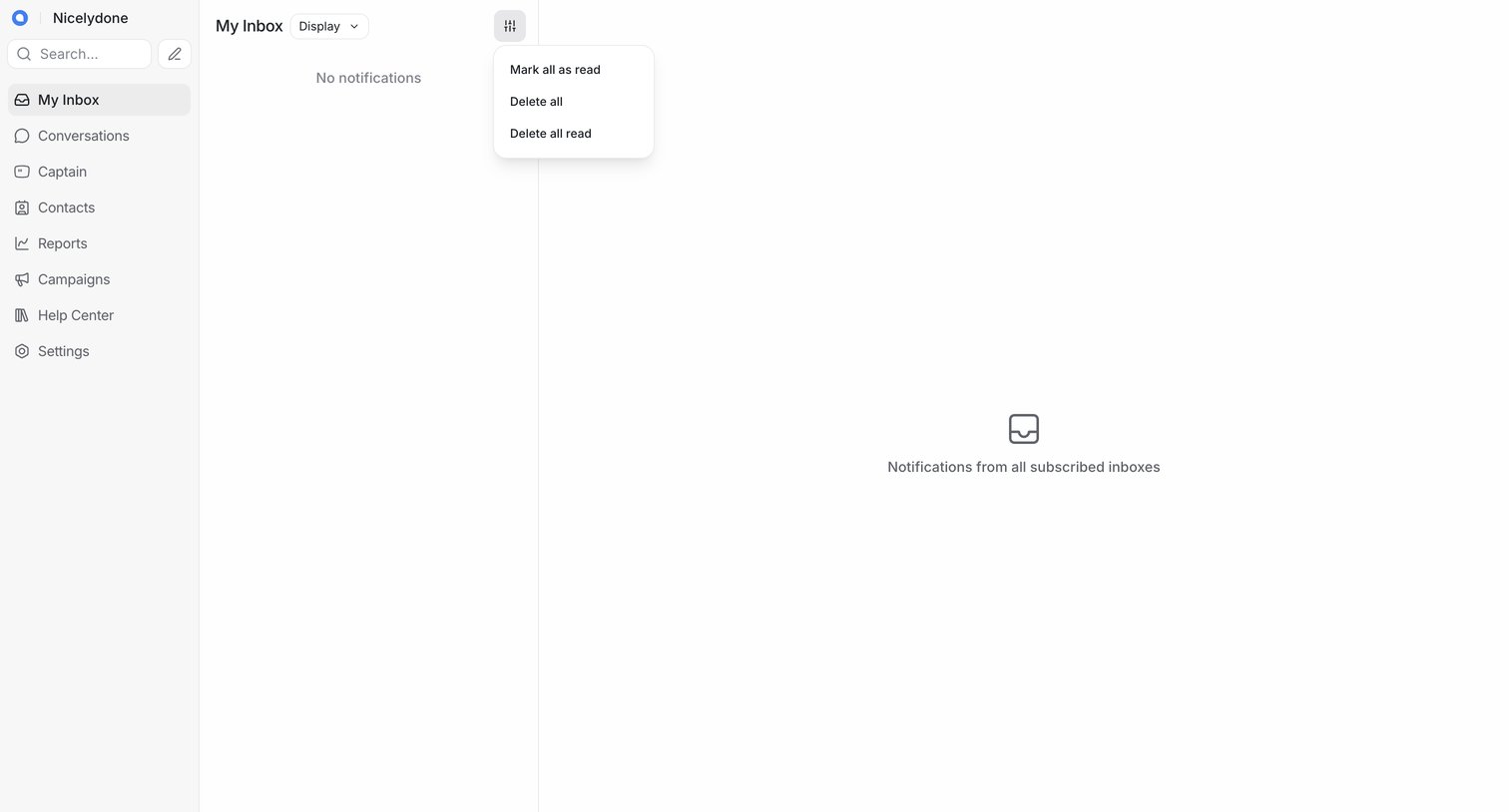

Inbox view where the user has no new notifications and can manage bulk actions like marking all as read or deleting them.
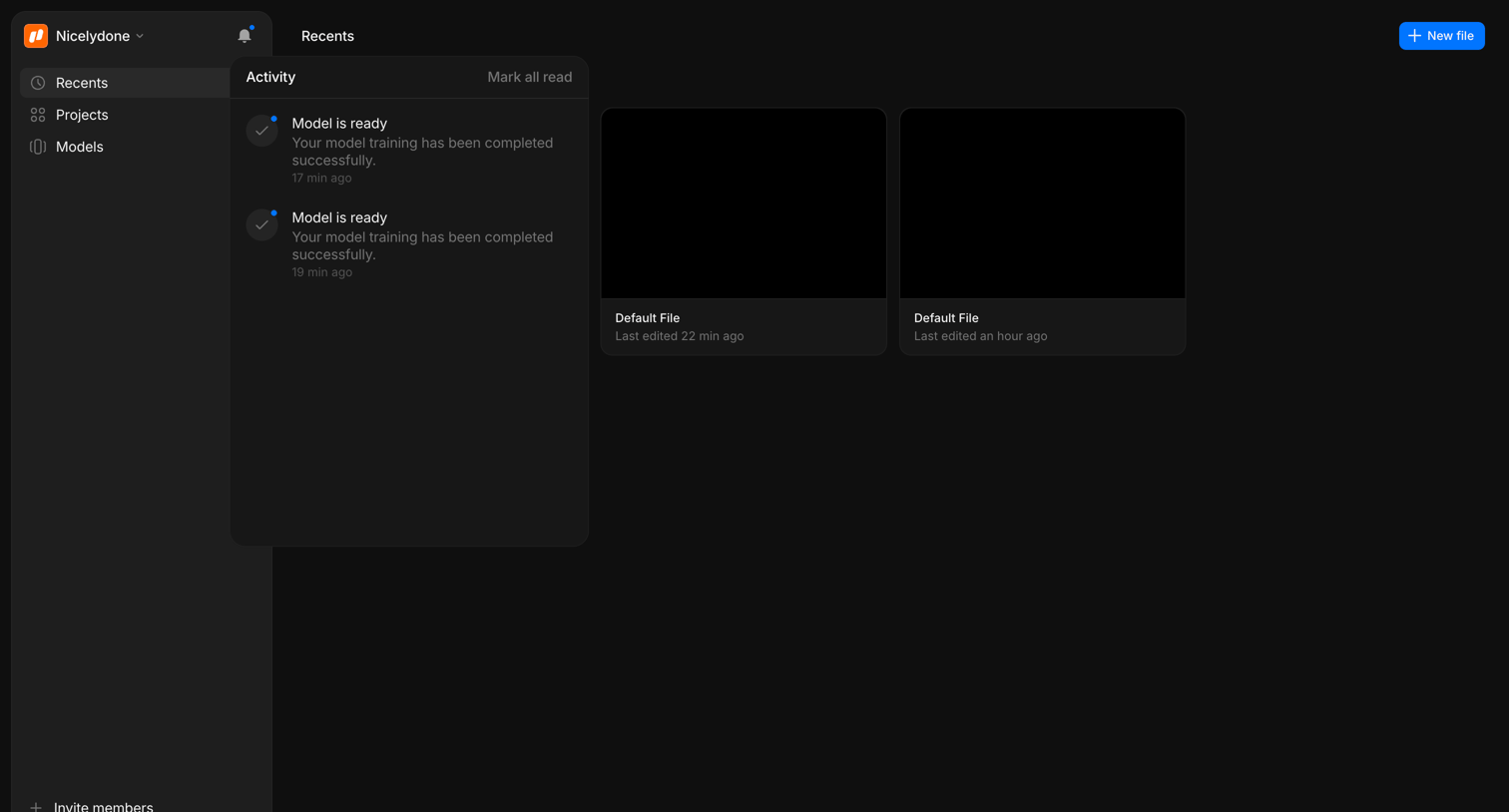

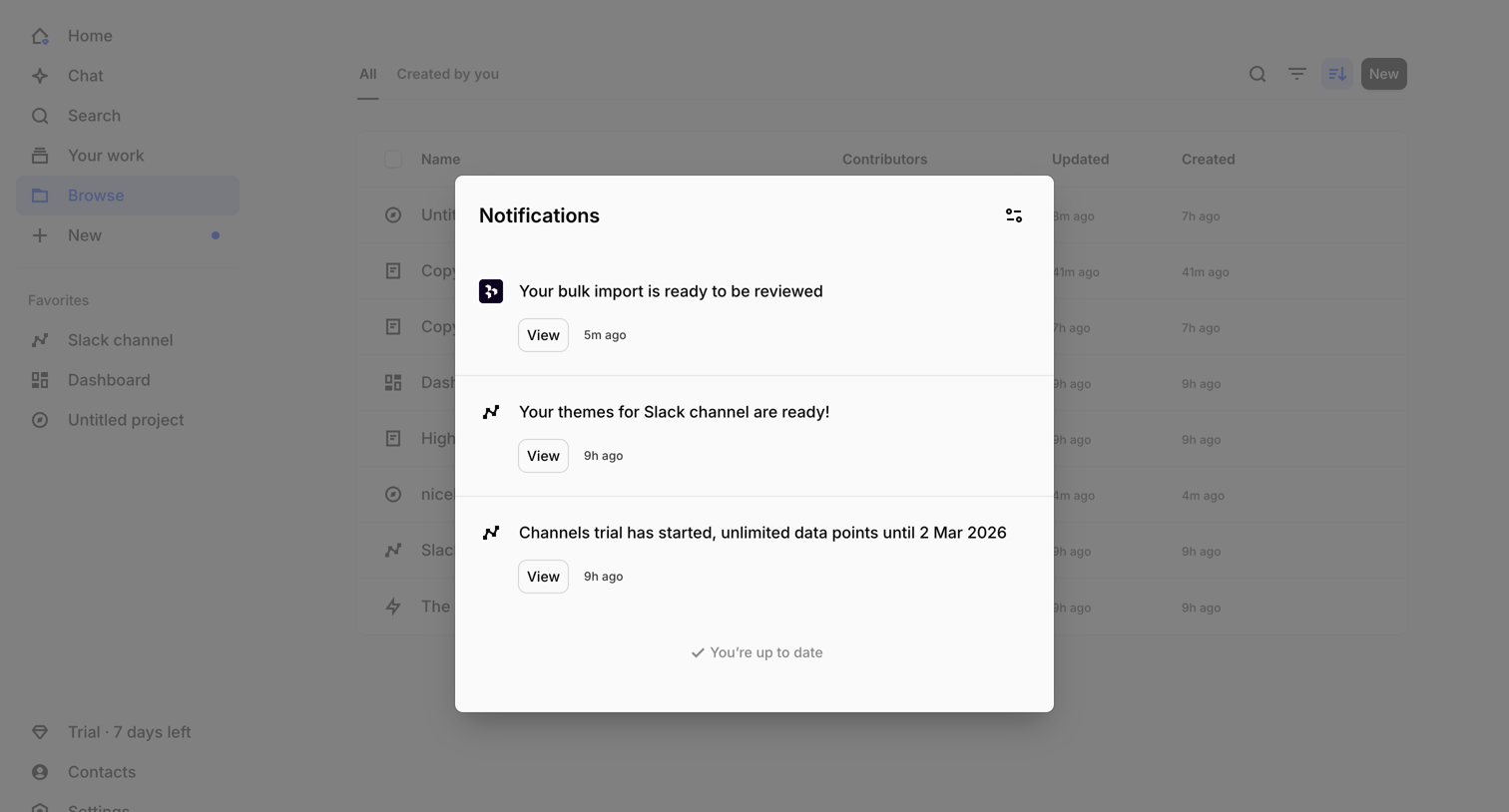

Inbox view where the user reviews recent notifications, such as bulk import readiness and channel themes, inside a central modal overlay.
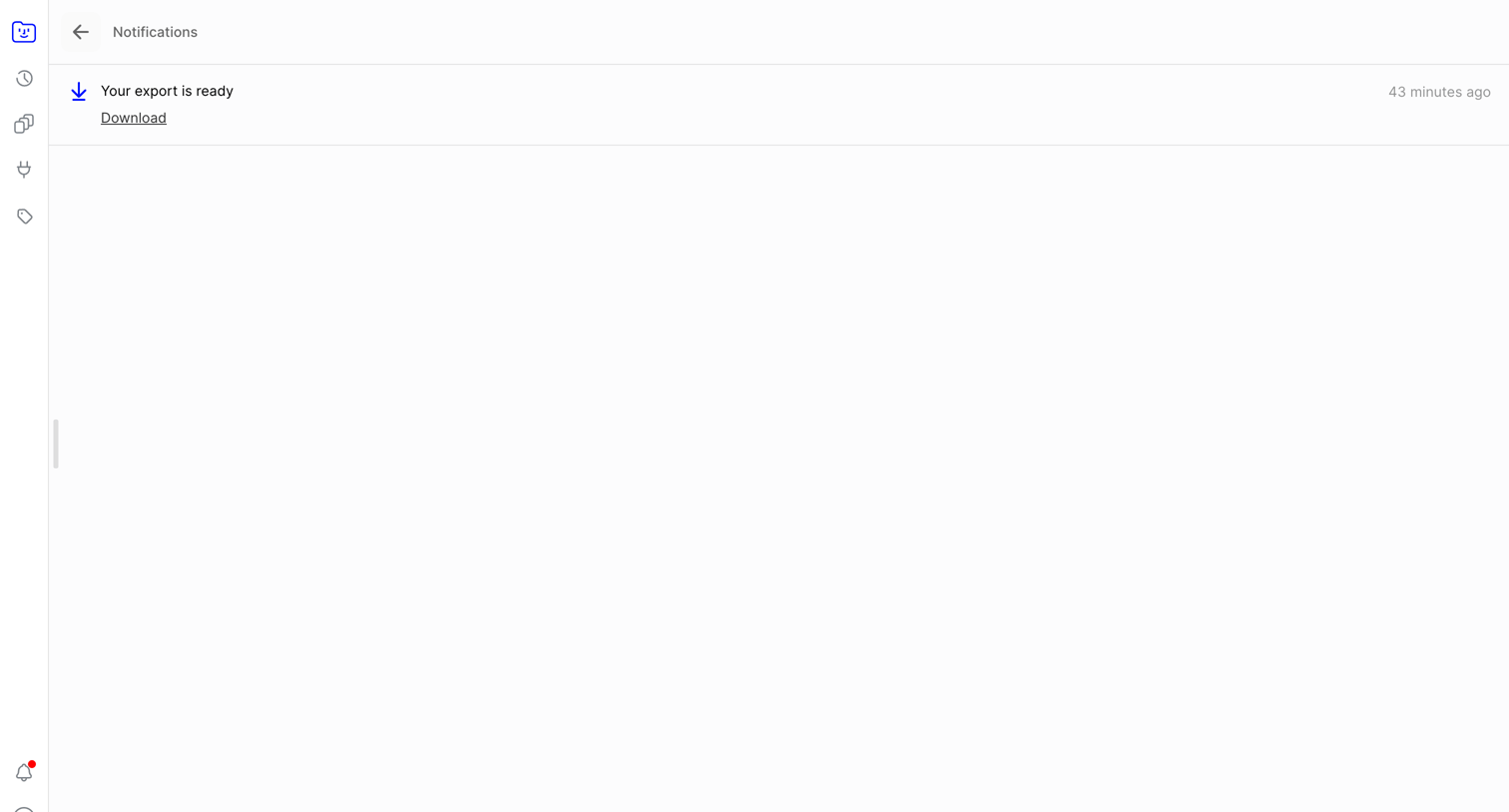

Inbox view showing a single notification that a data export is ready for download.
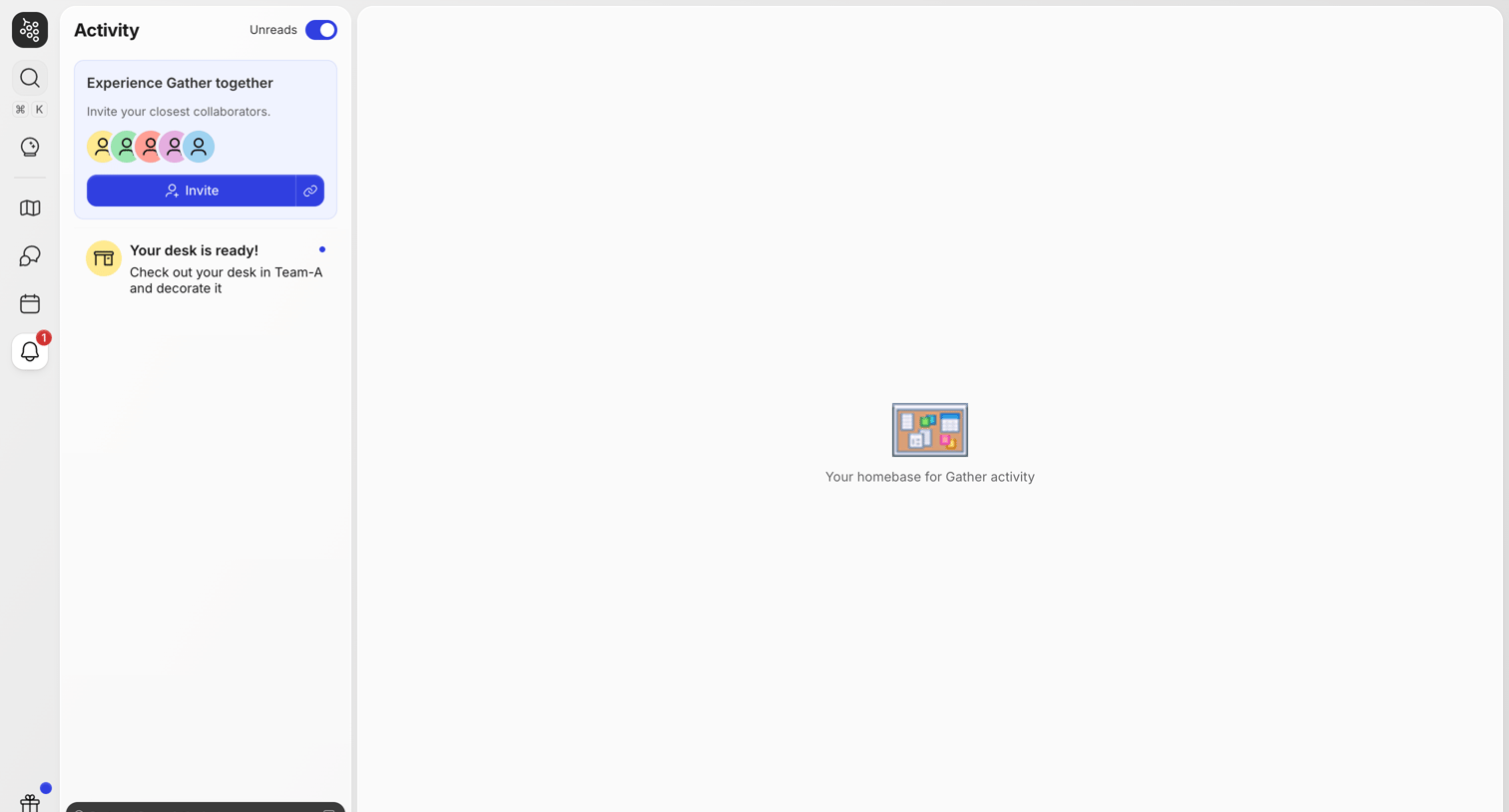

Activity feed where the user can view notifications, filter by unreads, and invite collaborators, currently showing an empty state in the main viewing area.
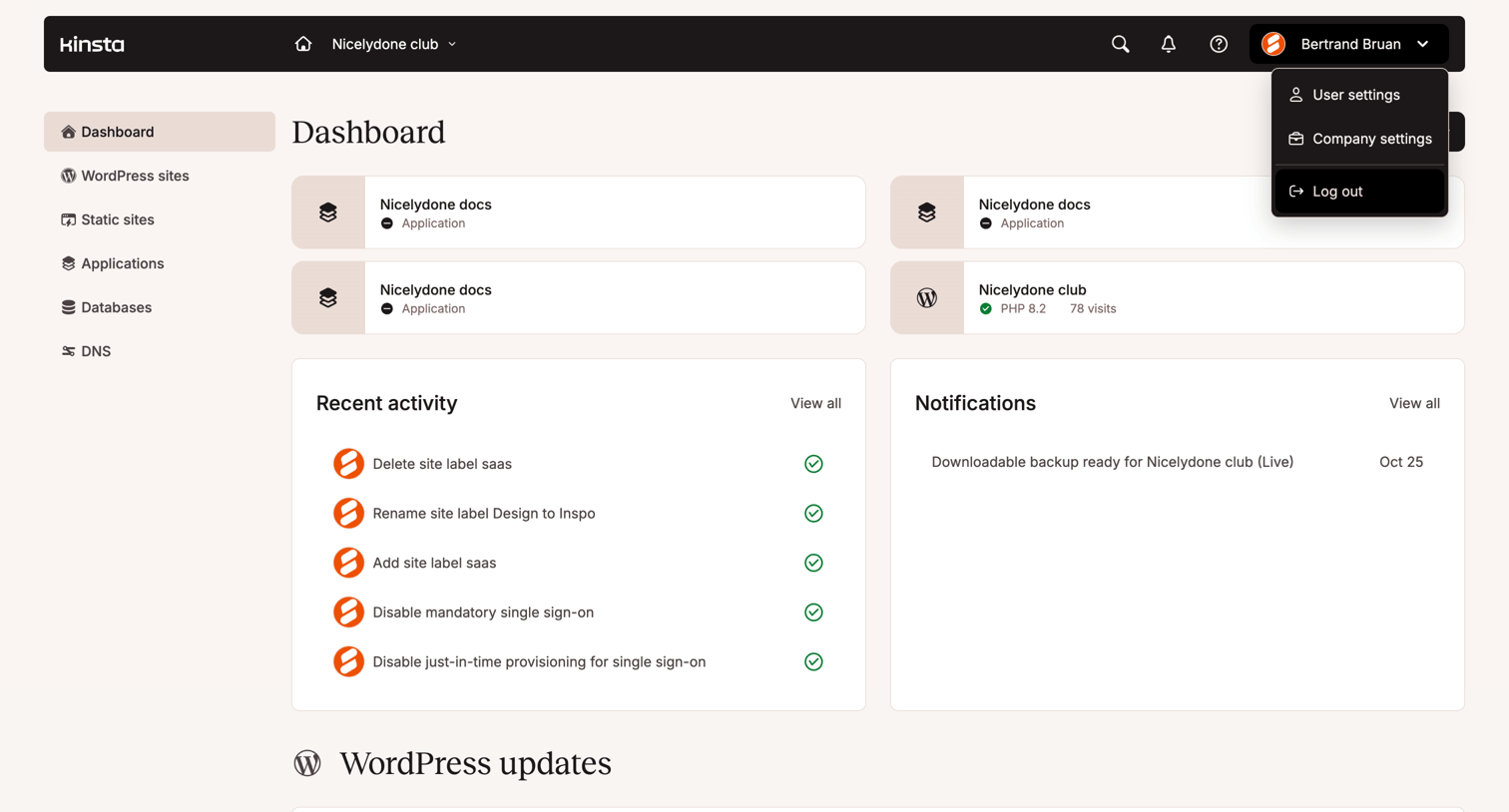

Dashboard overview showing recent activity, notifications, and quick access to hosted applications and WordPress sites.
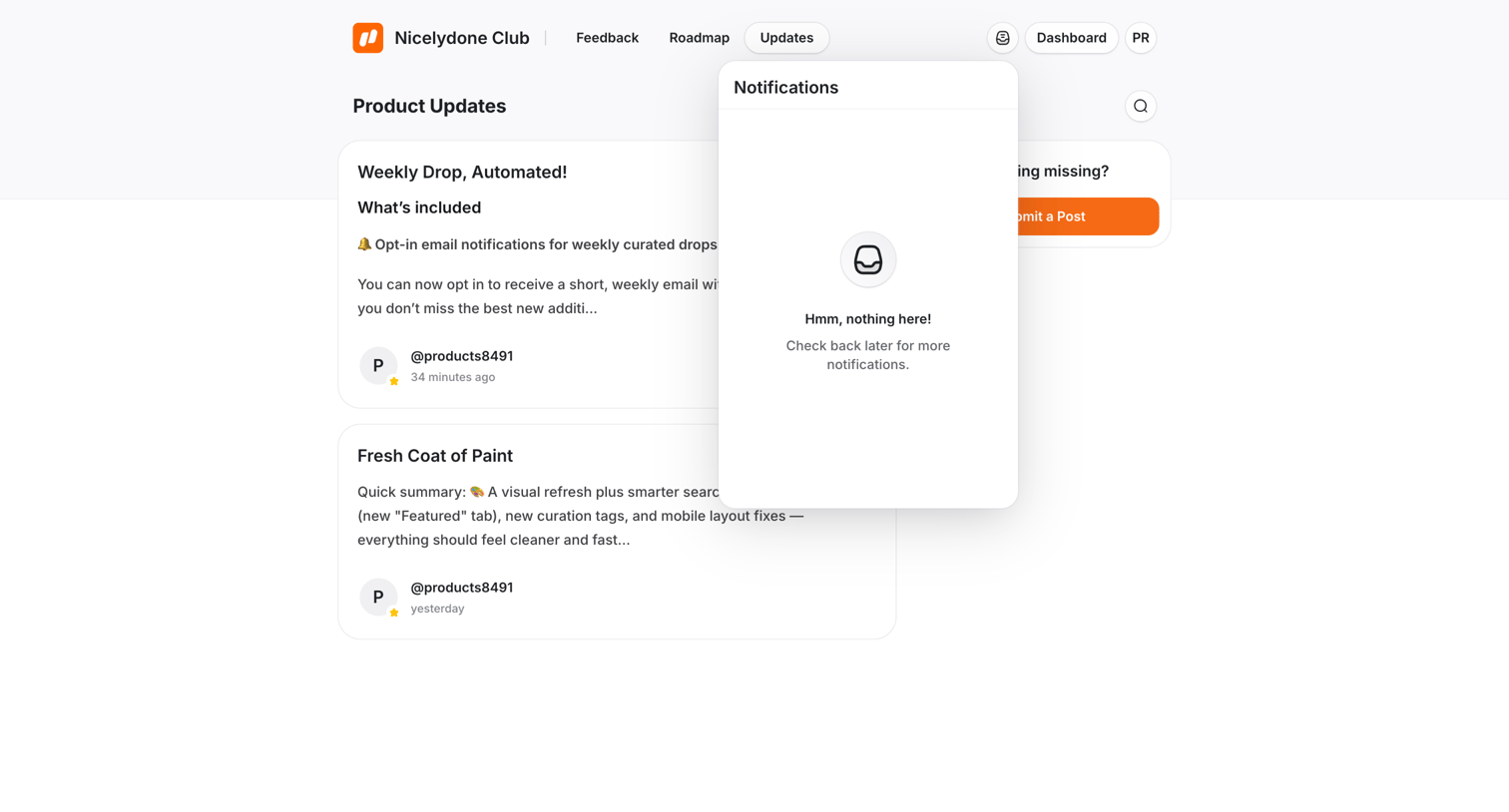

Product updates feed where the user has opened their notifications popover to find it empty.
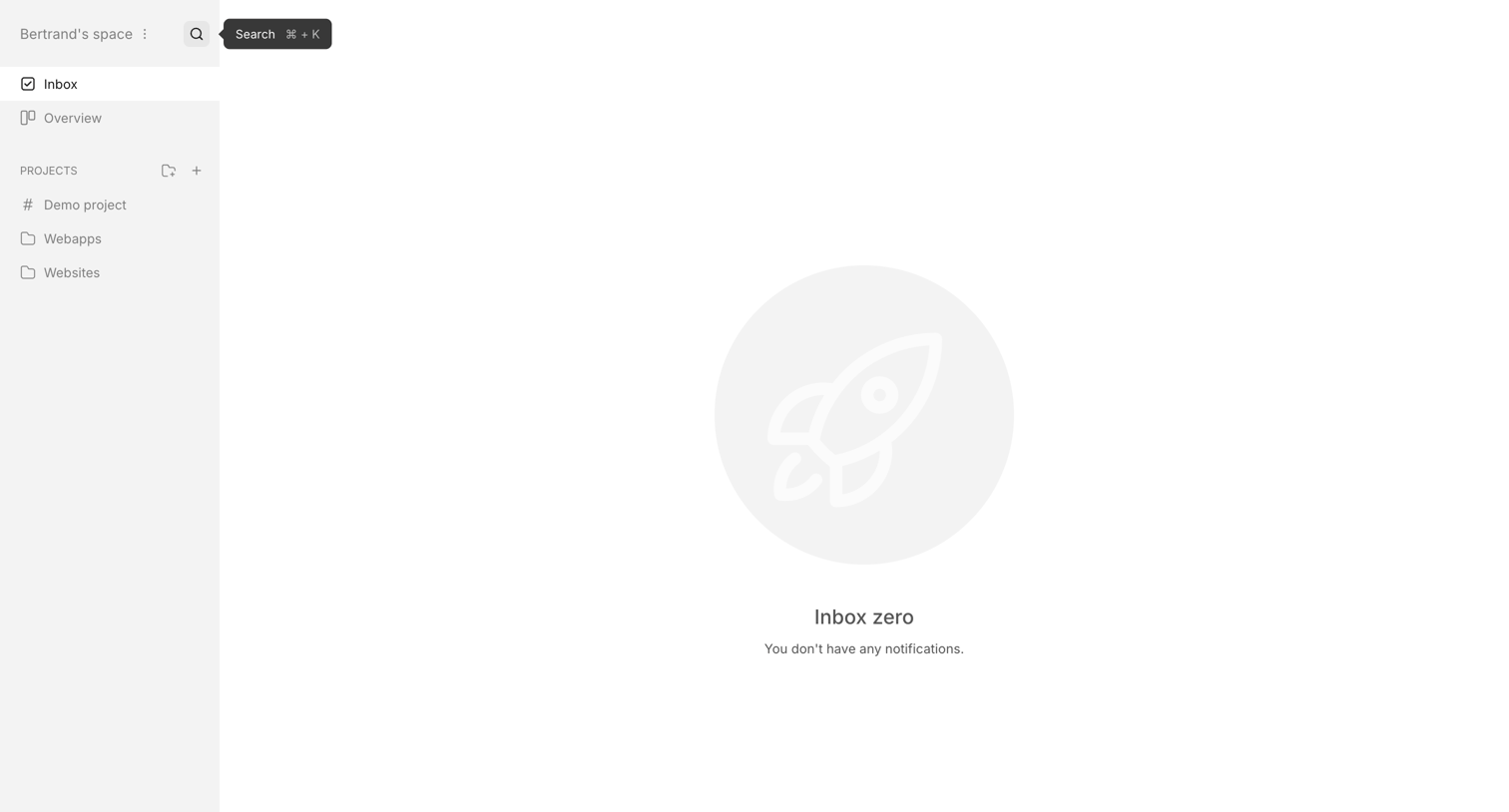

Inbox view showing an empty state with a rocket illustration and a message indicating no new notifications, alongside a sidebar with project navigation and a trial countdown.
Explore the full SaaS screen library
Upgrade to unlock the full library.
Trusted by the best teams







