Skip to content

Natural language processing screen examples

Natural language processing screen design examples from SaaS apps. Browse examples from Elevenlabs, Cofounder, Quin.

Explore the examples
Elevenlabs - ElevenAgents | ElevenLabs screen
Elevenlabs logo
Elevenlabs

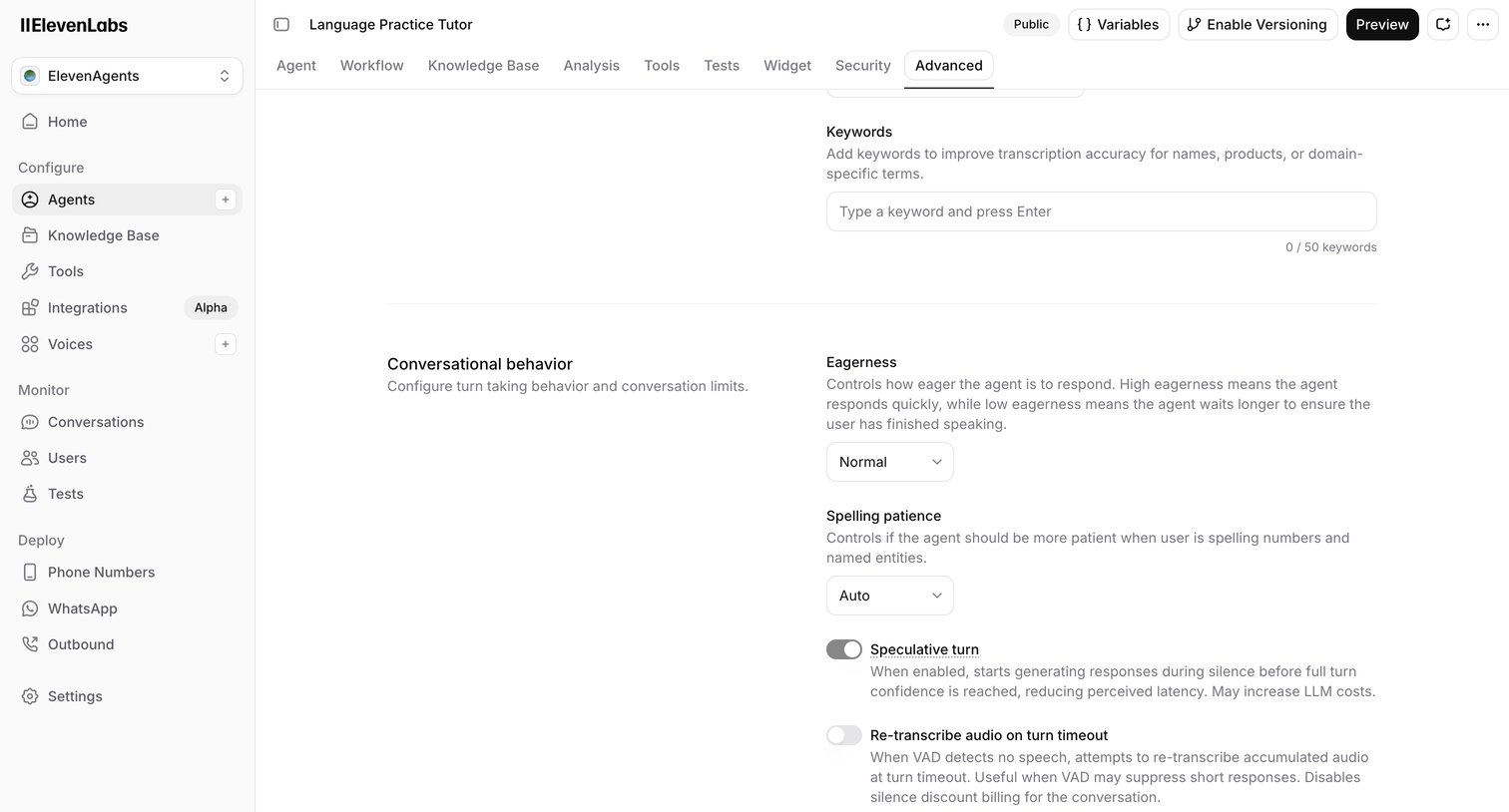
Settings page where the user configures advanced conversational behaviors for an AI agent, including eagerness, spelling patience, and speculative turns.

Cofounder screen
Cofounder logo
Cofounder

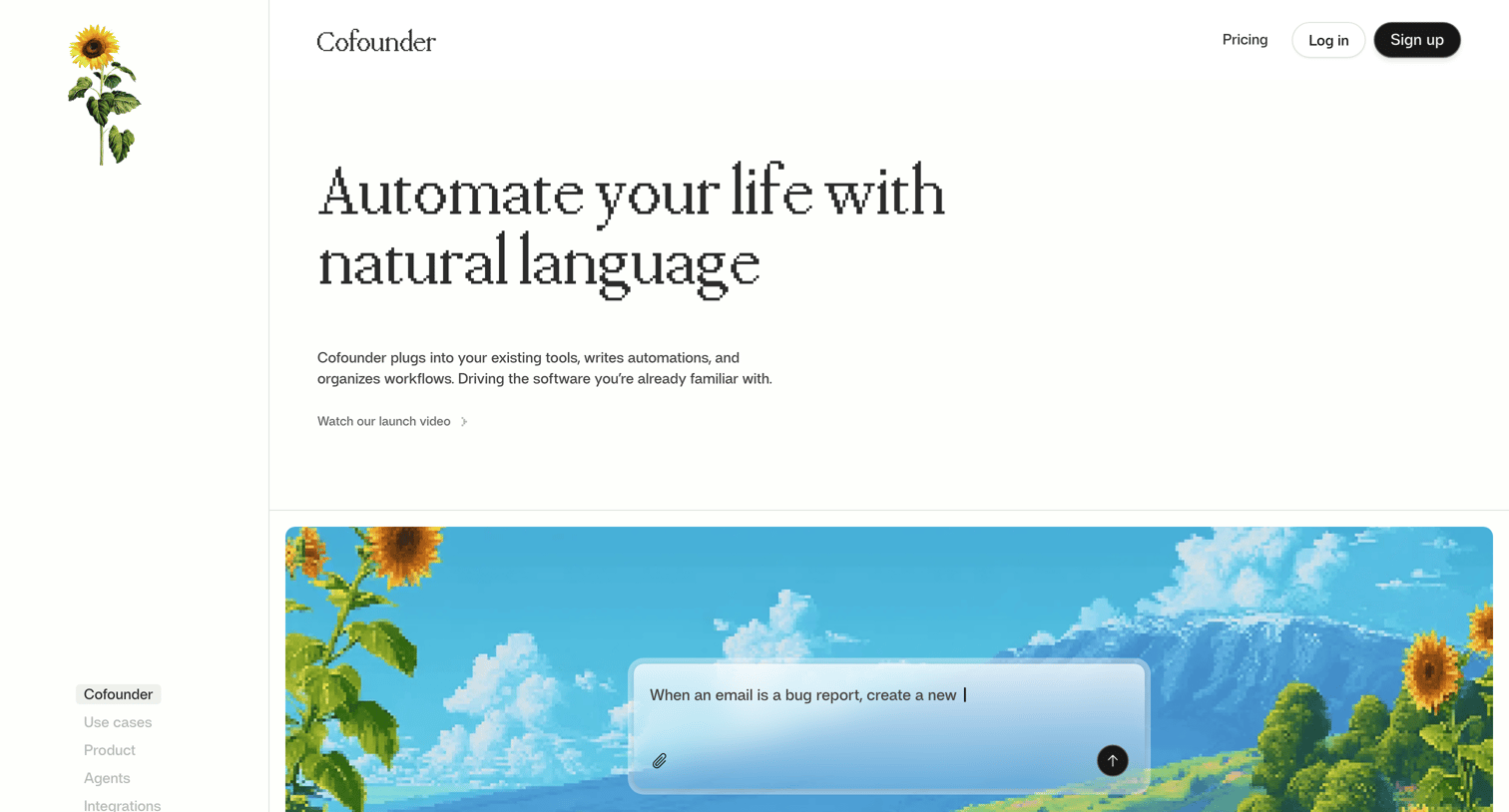
Landing page for an AI automation platform highlighting natural language workflows, specialized agents, supported integrations, and performance metrics.

Quin - Schedule a meeting with a... | Quin screen
Quin logo
Quin

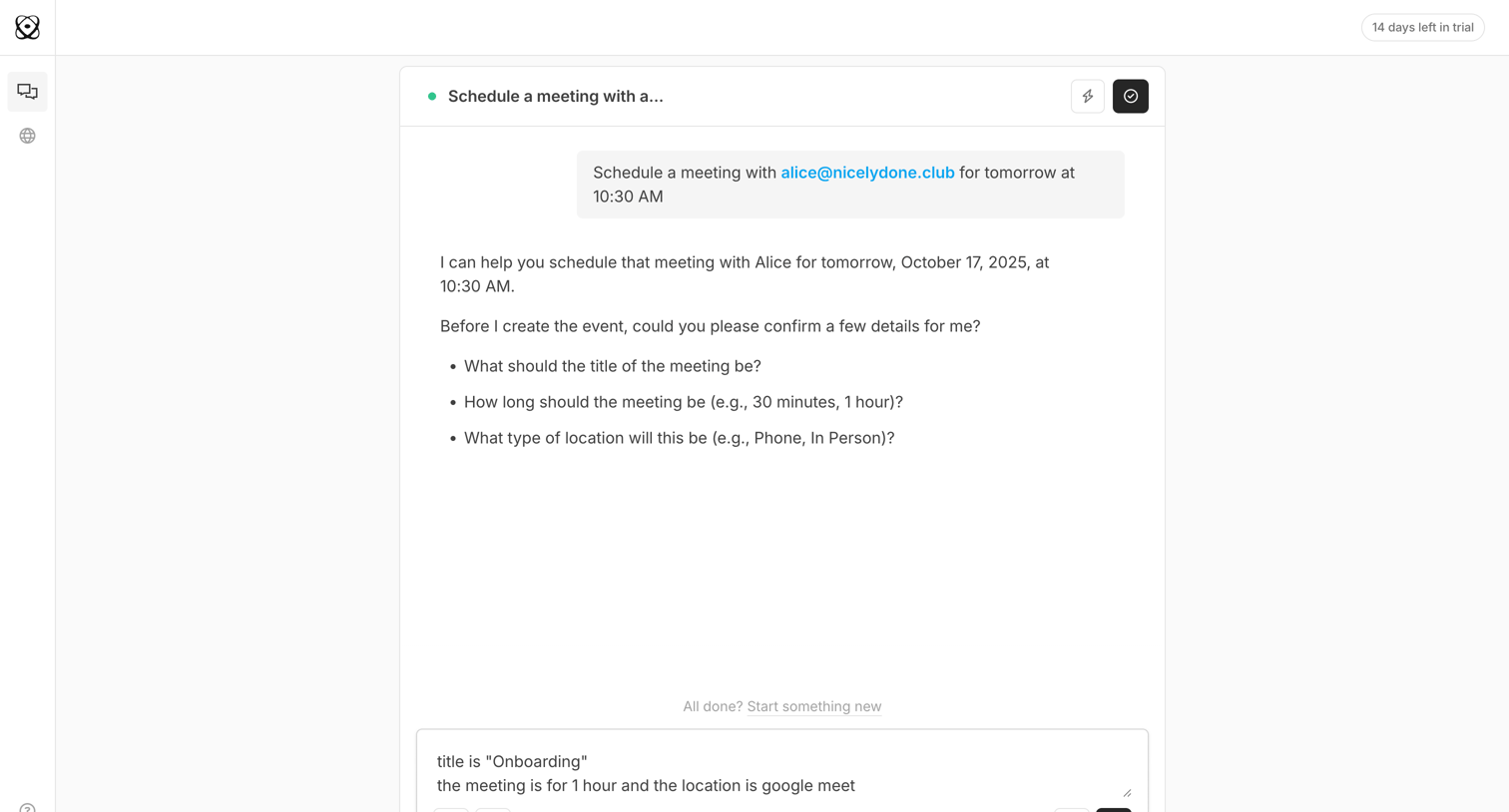
AI chat interface where the user is conversing with an assistant to schedule a meeting, currently providing details like title, duration, and location.

Cobot screen
Cobot logo
Cobot

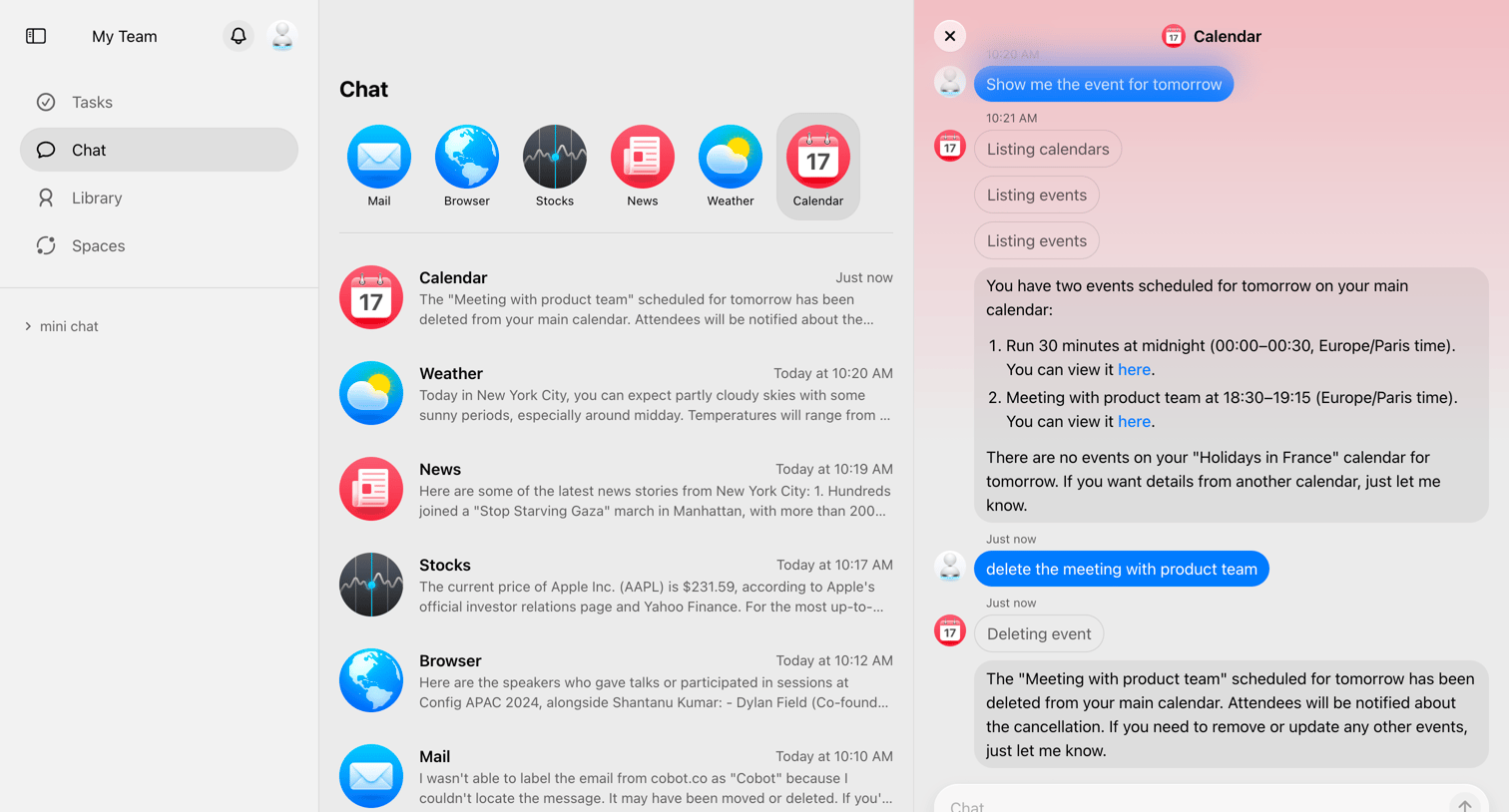
Inbox interface where the user chats with a calendar AI agent to manage events and view schedule updates.

The org - Chats | The Org screen
The org logo
The org

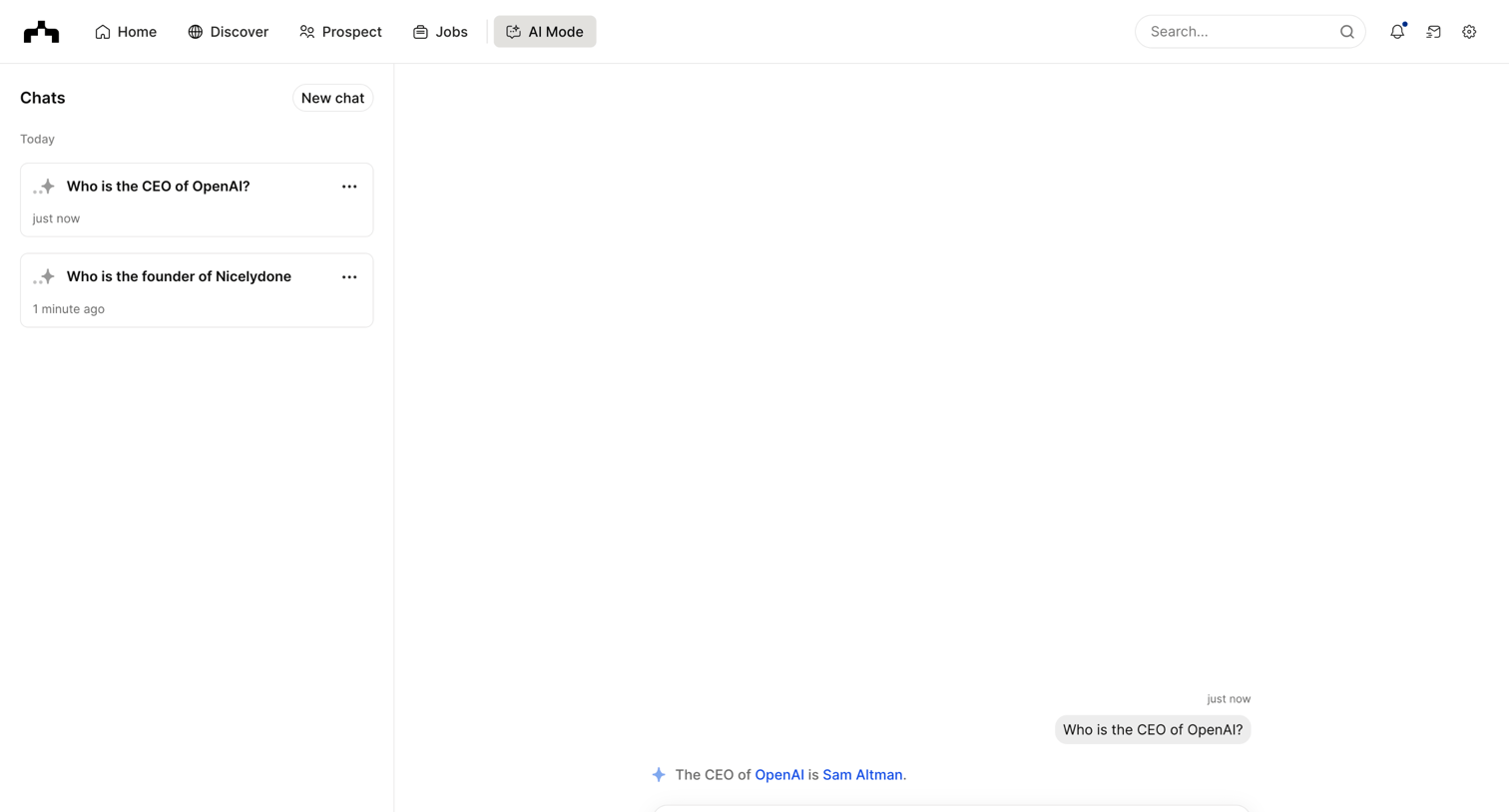
AI chat interface where the user asks questions about company personnel and views their chat history.

Hypermode - Hypermode – The AI development platform screen
Hypermode logo
Hypermode

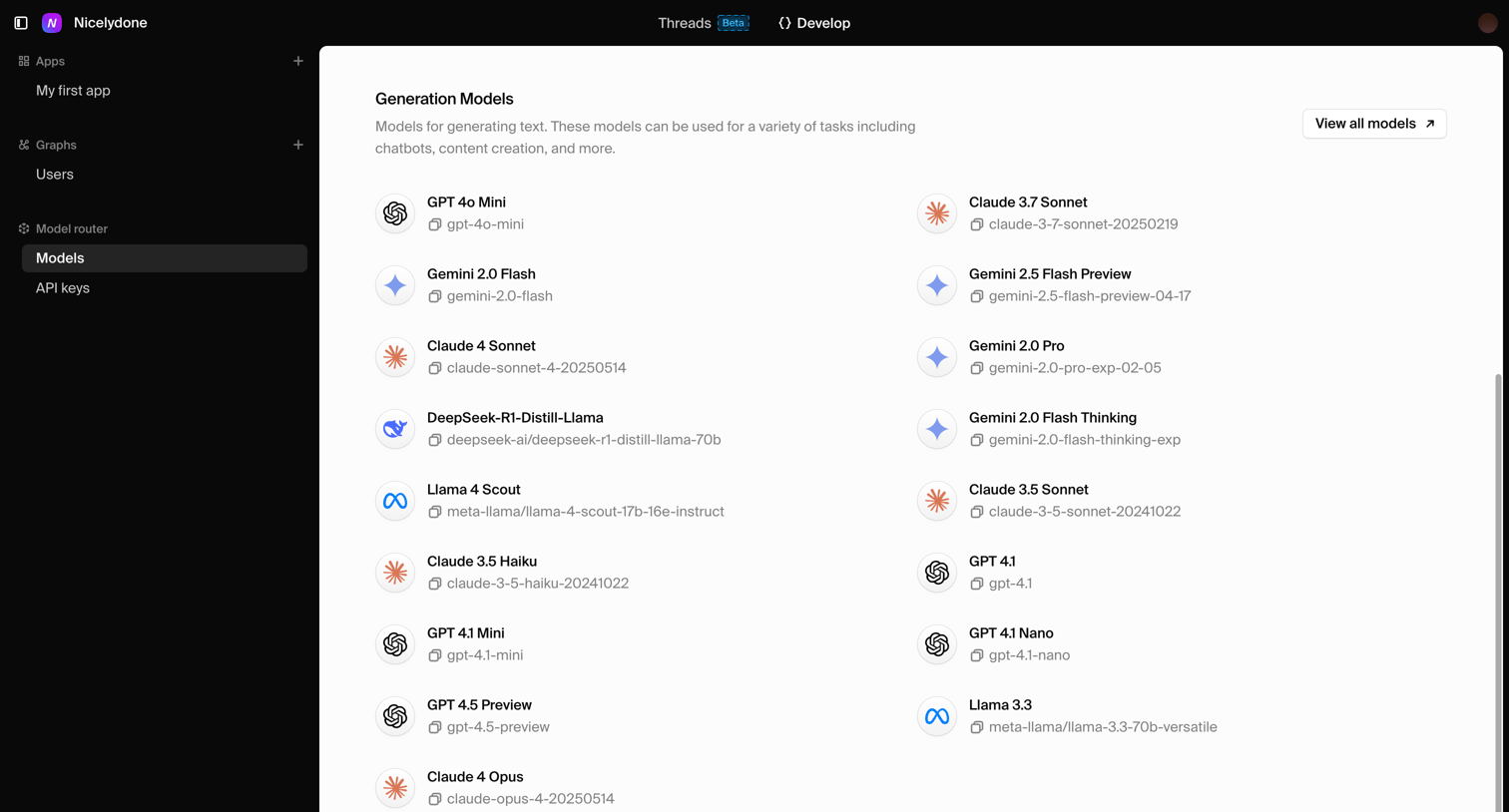
Settings page where the user views a grid of available AI generation models like GPT-4o, Claude, and Gemini for their application.
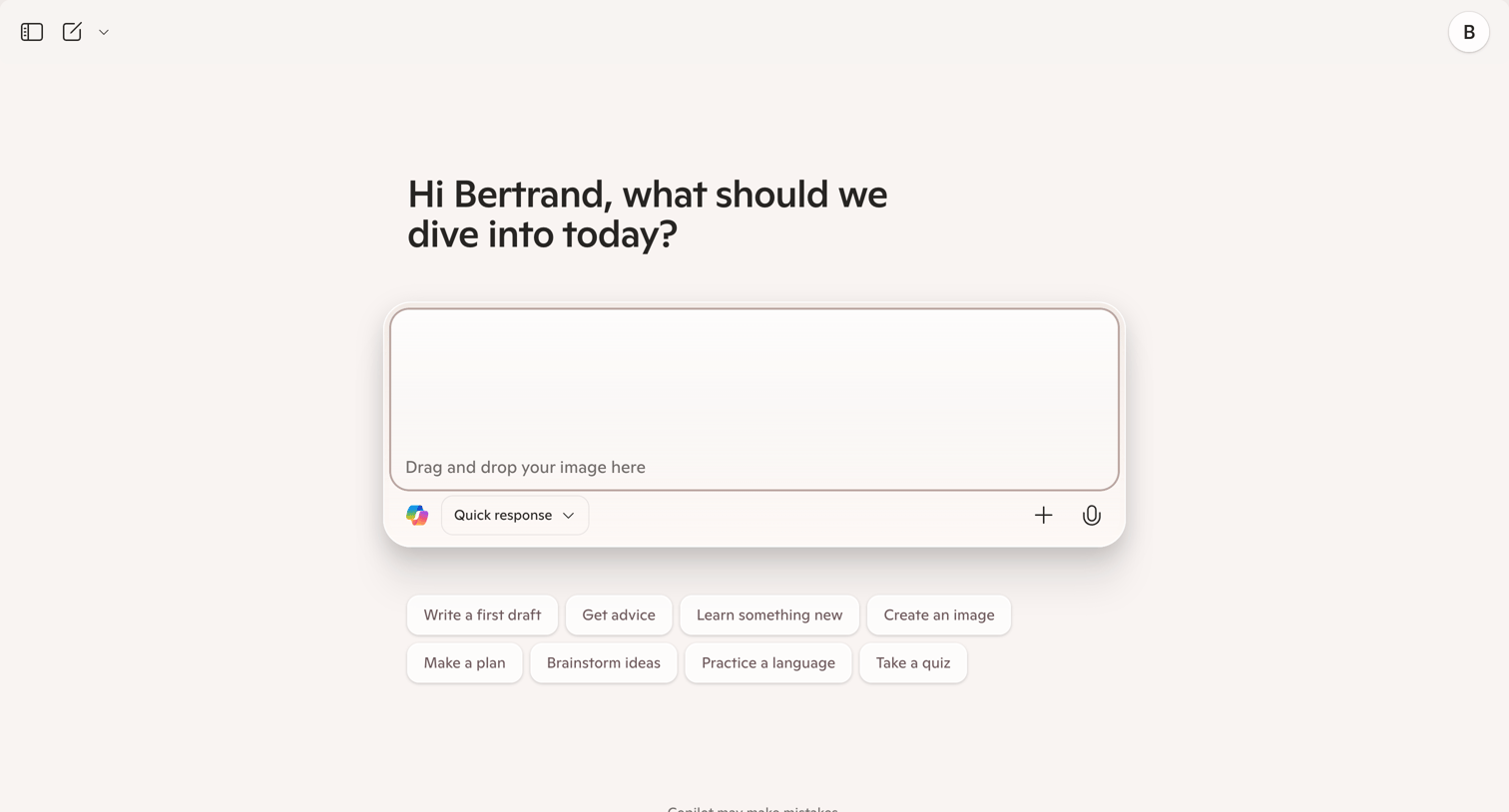

Copilot - Microsoft Copilot: Your AI companion screen
Copilot logo
Copilot

AI chat start screen where the user can enter a prompt, drop an image, or pick from suggested starter prompts like 'Write a first draft' or 'Get advice'.
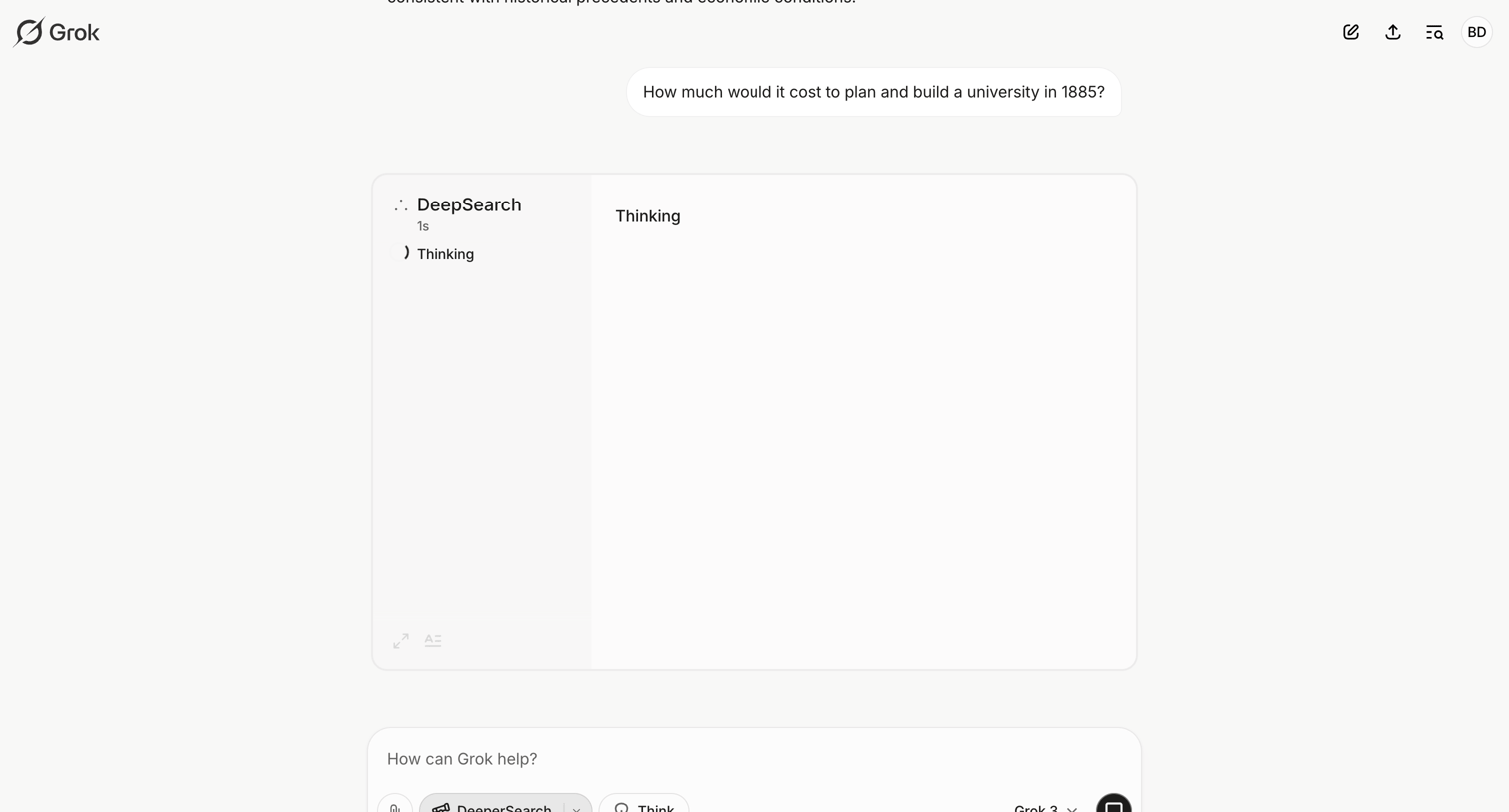

Grok - Cost of Building a University in 1885 - Grok screen
Grok logo
Grok

AI chat interface where the assistant is processing a historical cost estimation query using a deep search reasoning model.

Langdock - Movie Man screen
Langdock logo
Langdock

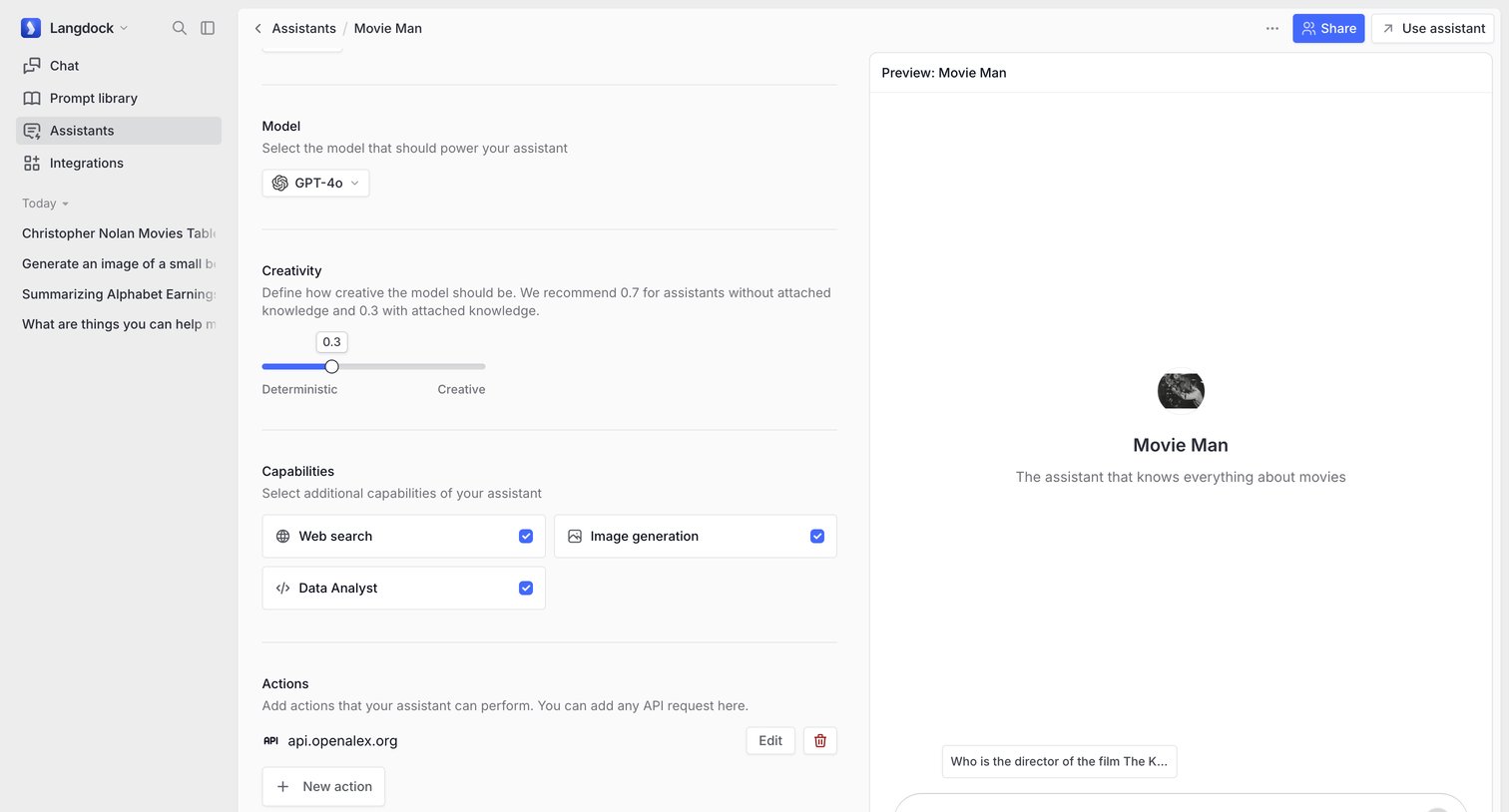
Settings page where the user configures an AI assistant's model, creativity level, capabilities like web search, and custom actions, alongside a live chat preview.
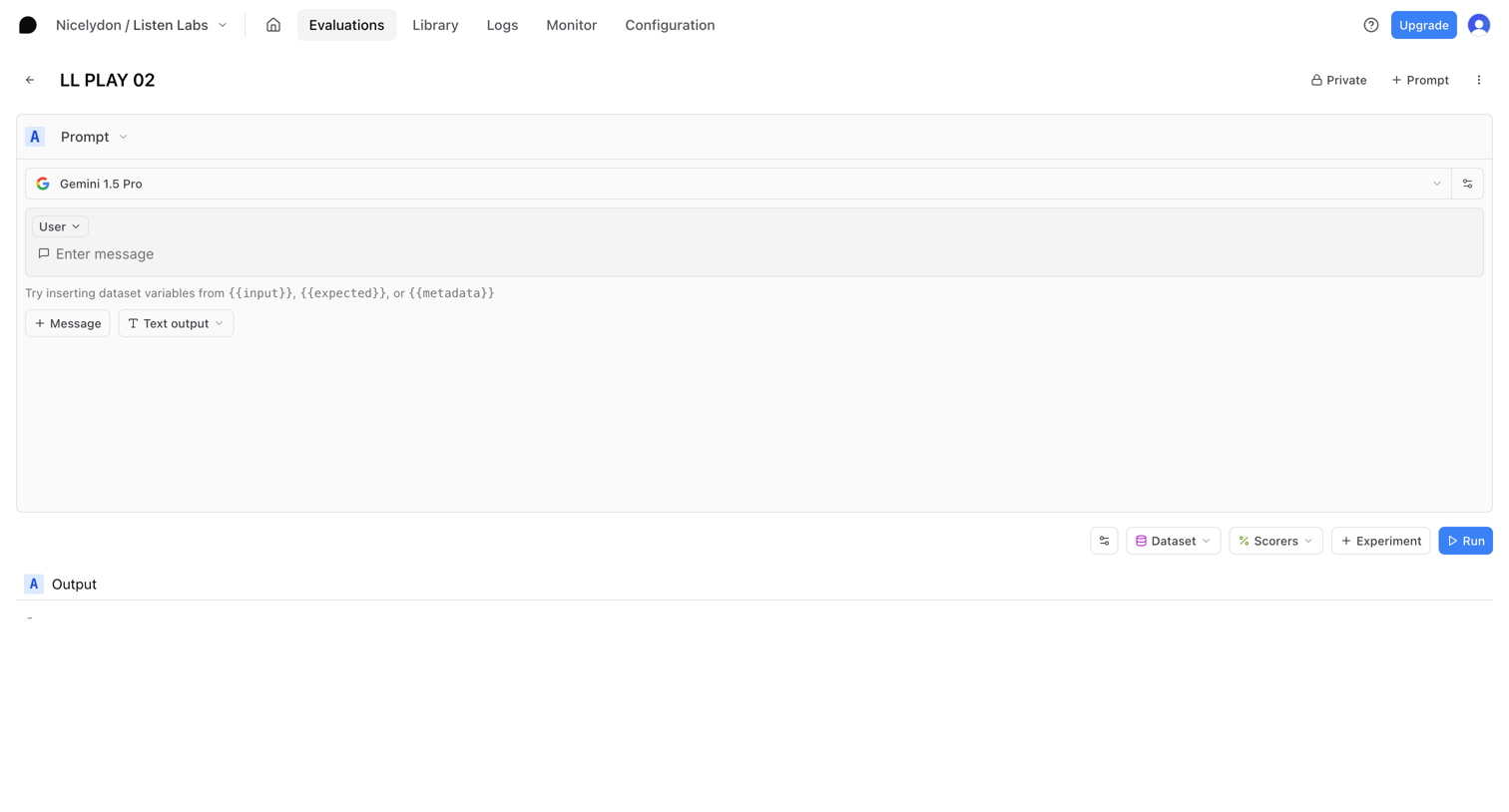

Braintrust - LL PLAY 02 - Playgrounds - Listen Labs - Braintrust screen
Braintrust logo
Braintrust

Detail page where the user configures and tests an AI prompt using Gemini 1.5 Pro, with options to insert dataset variables and attach scorers before running.
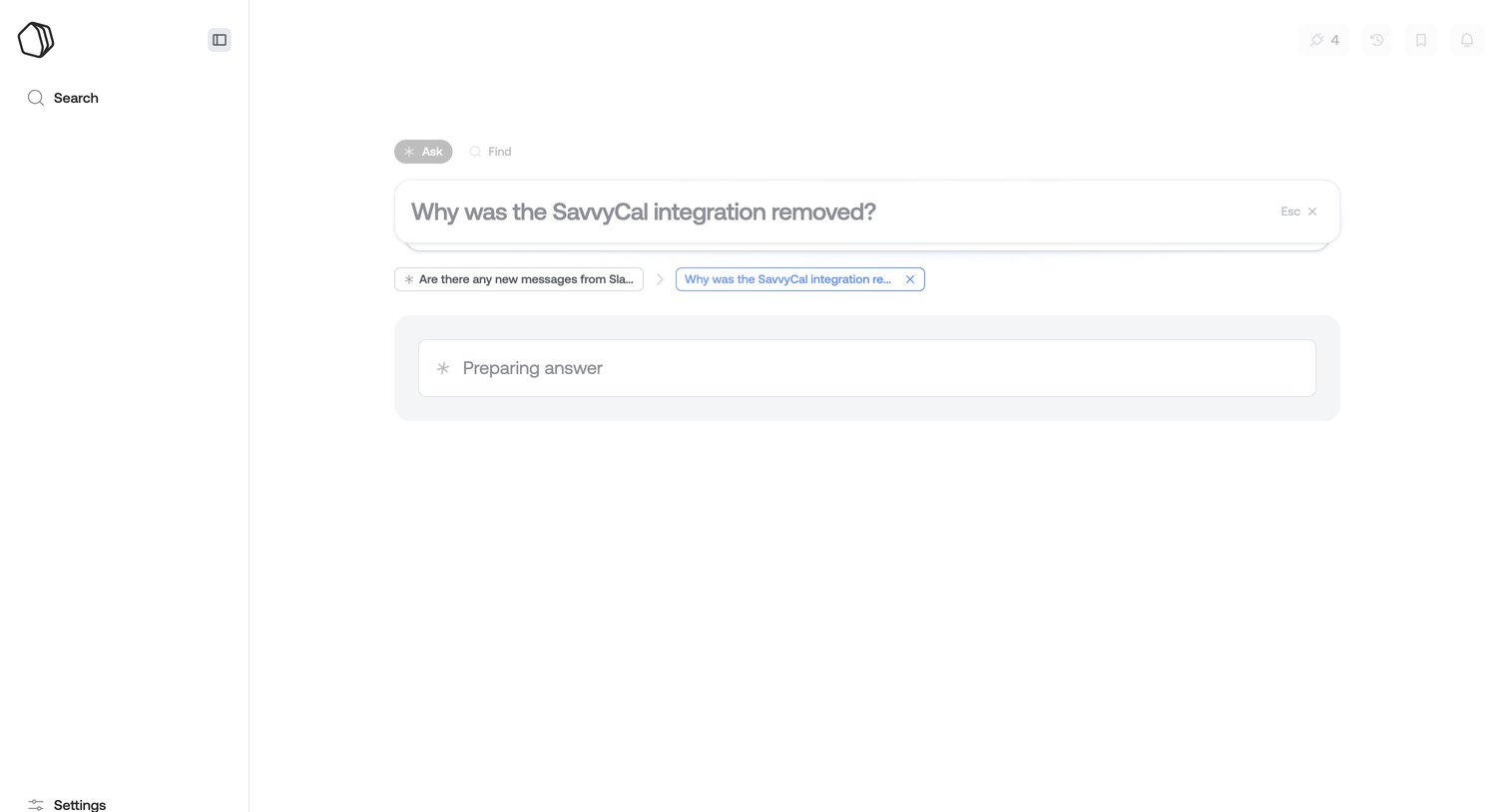

Qatalog screen
Qatalog logo
Qatalog

AI search interface where the user has asked about a removed integration and the system is preparing a generative answer.

ChatGPT screen
ChatGPT logo
ChatGPT

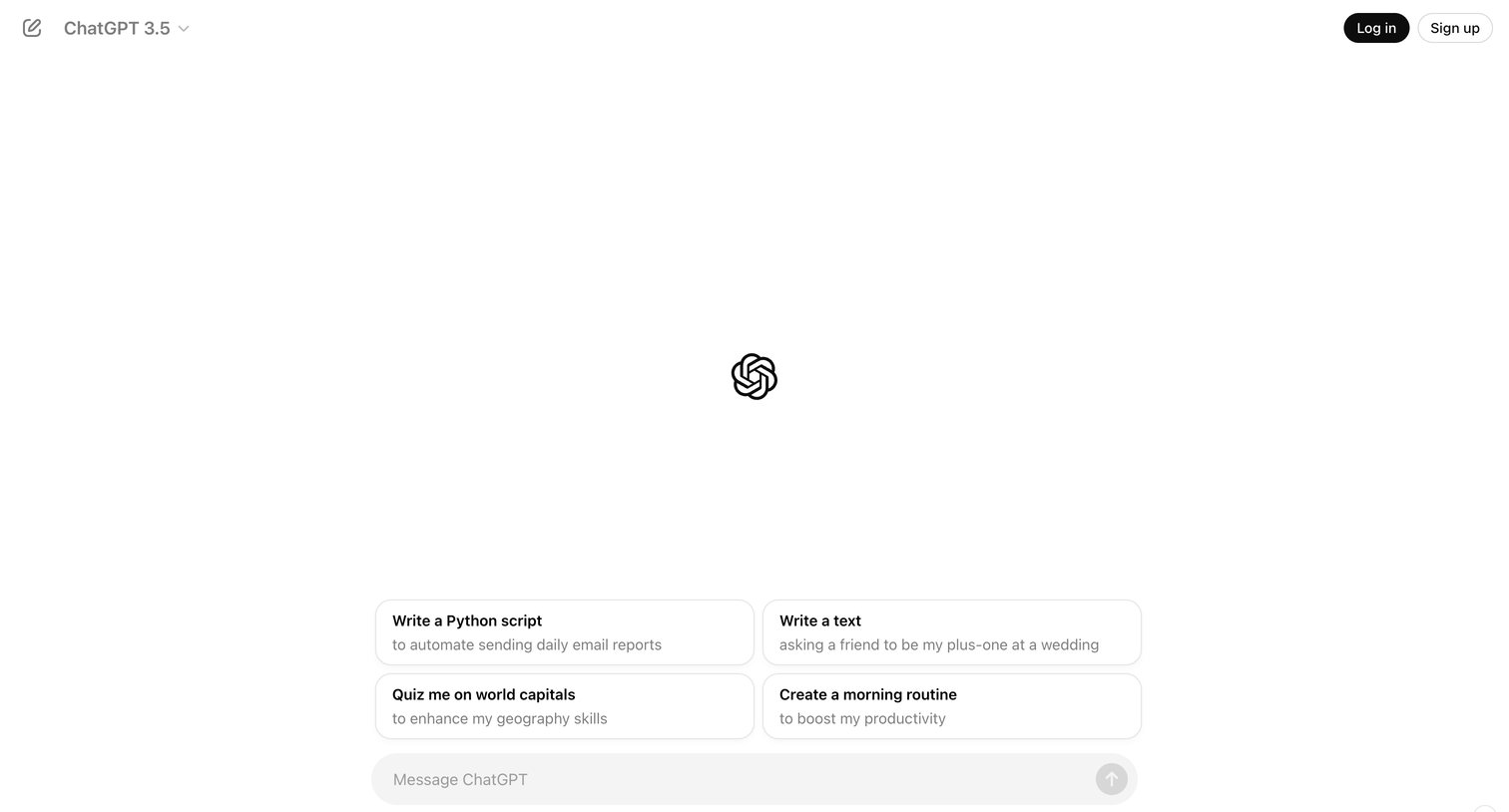
AI chat start screen where an unauthenticated user can select a model, pick a starter prompt like writing a Python script, or type a new message while being prompted to sign up.

Explore the full SaaS screen library

Upgrade to unlock the full library.

Trusted by the best teams