Modal interaction screen examples
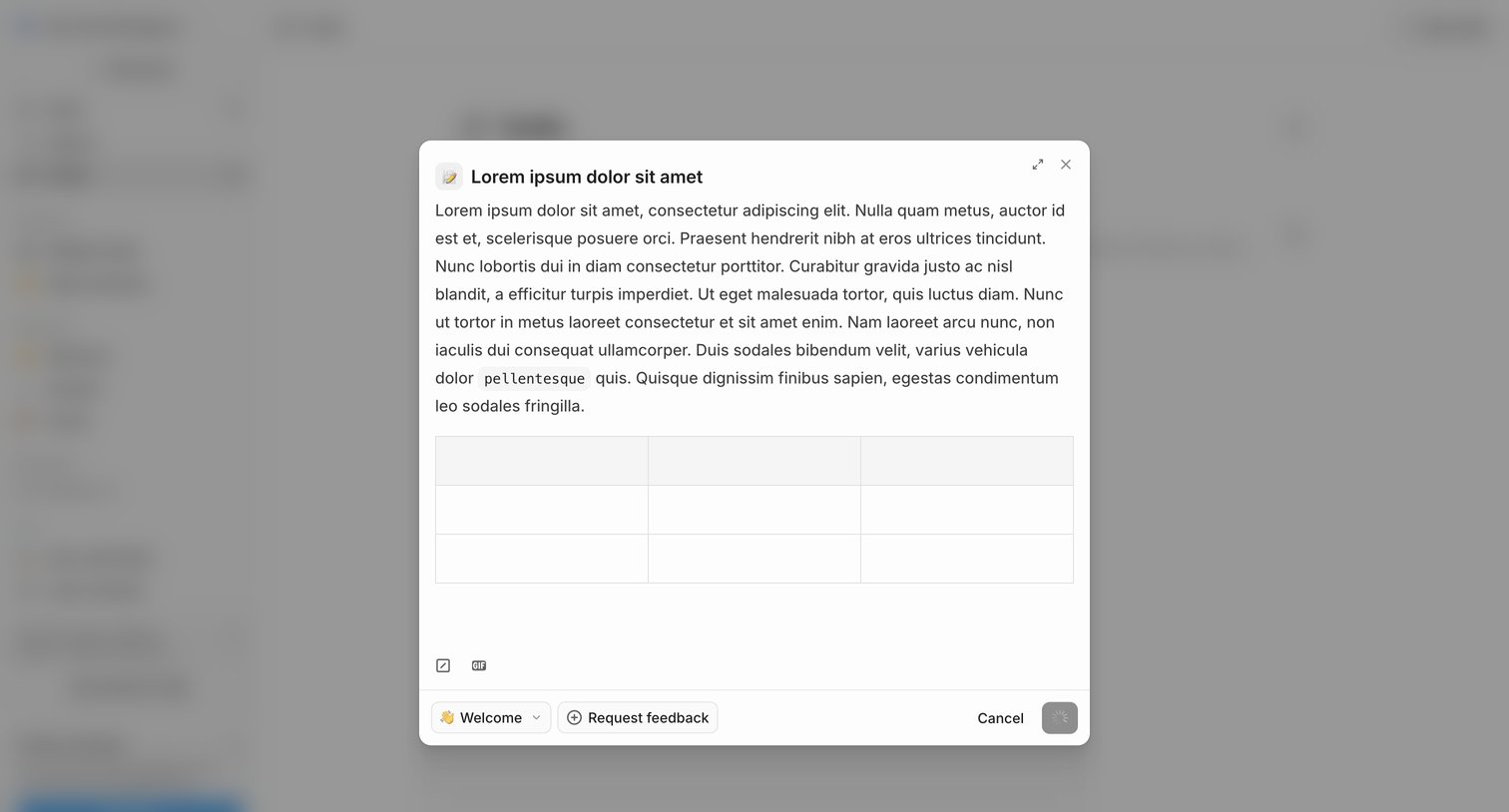
Modal interaction screen design examples from SaaS apps. Explore how interfaces present a focused task above the current page. Look at how modal headings, content, and close or completion actions define the…
Explore the examples

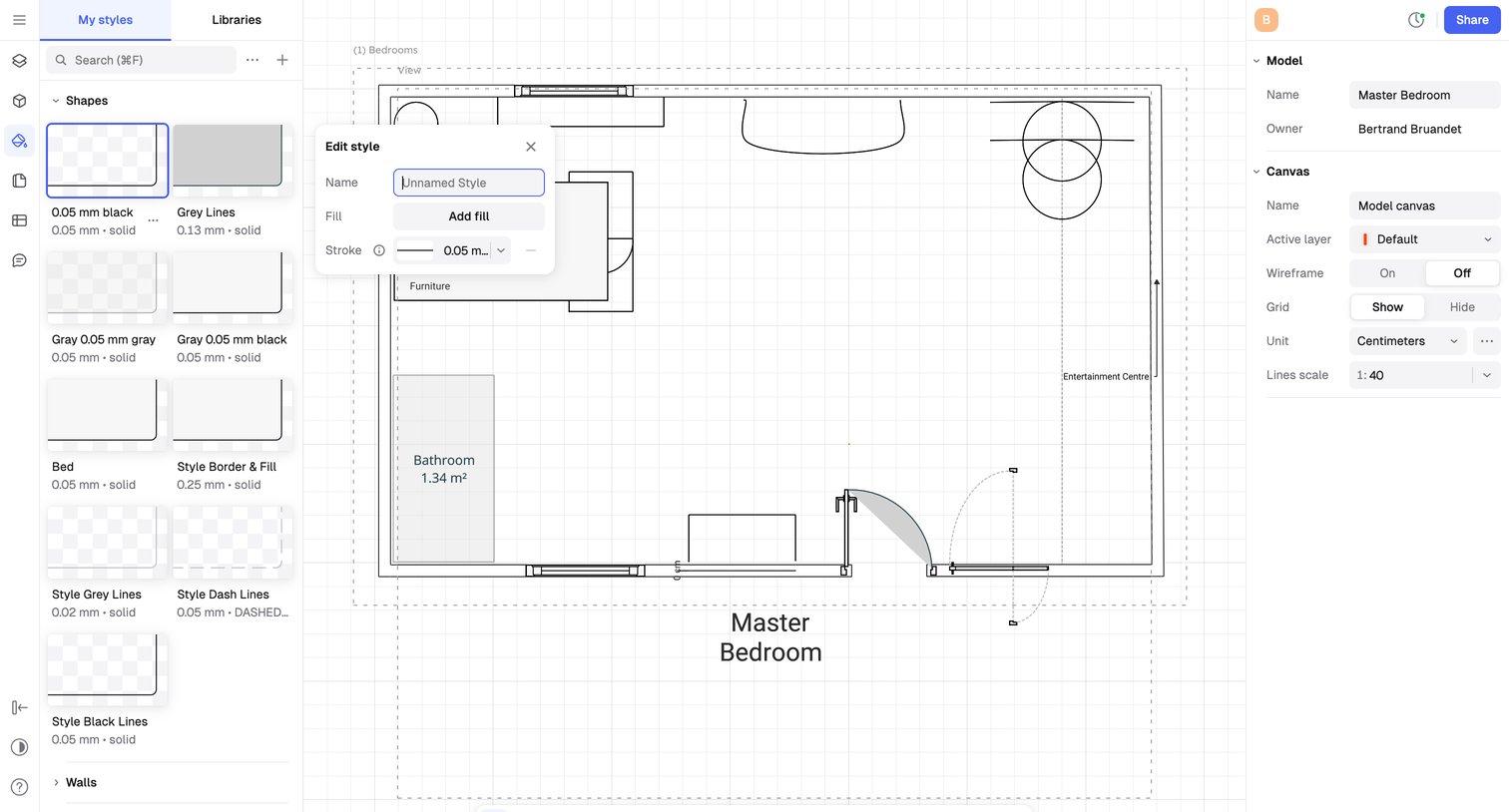

Design editor where the user is modifying the stroke style of a selected shape on a 2D floor plan canvas.
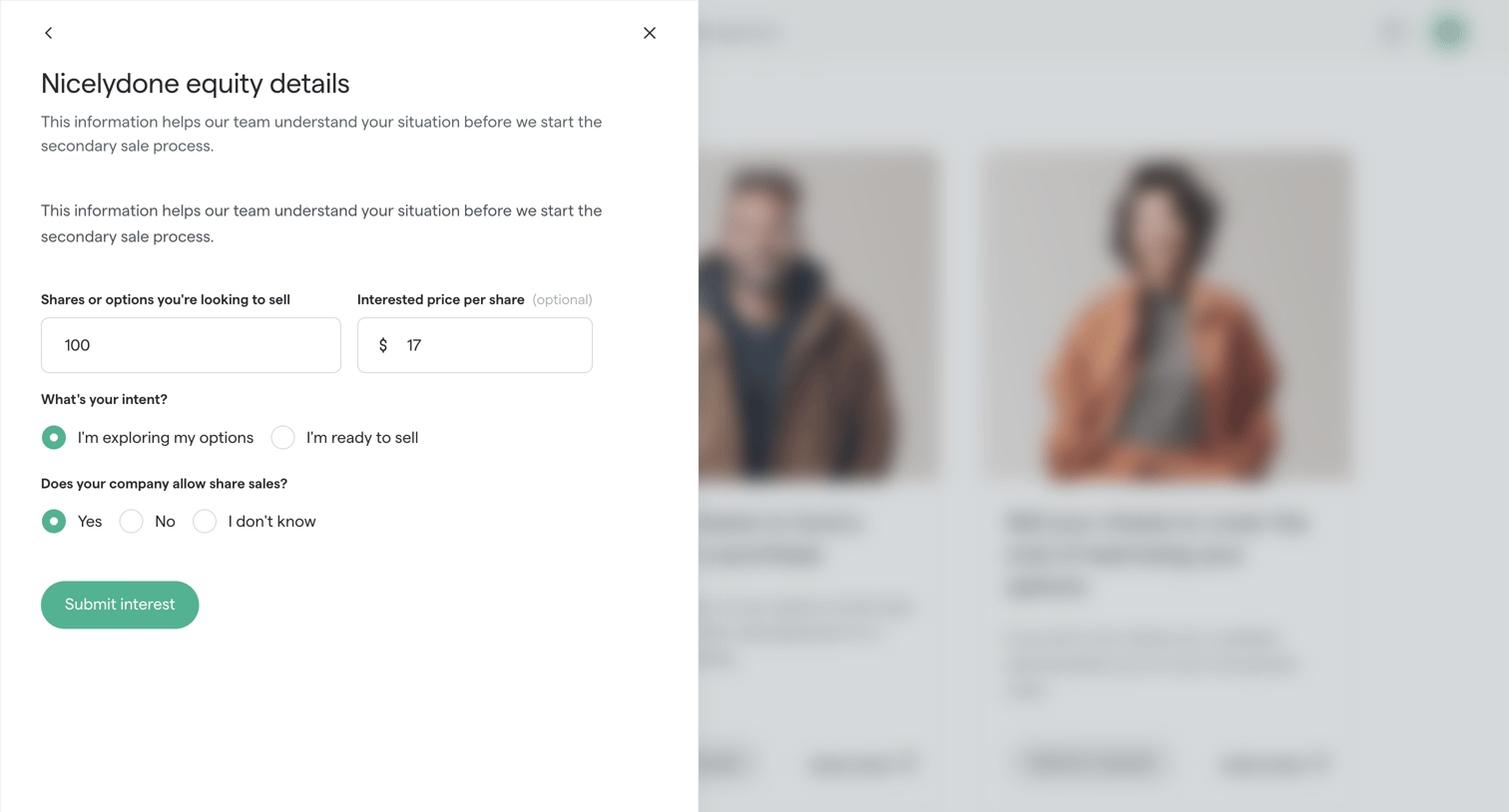

Drawer where the user submits their equity details, including share amount, price, and intent, to start the secondary sale process.
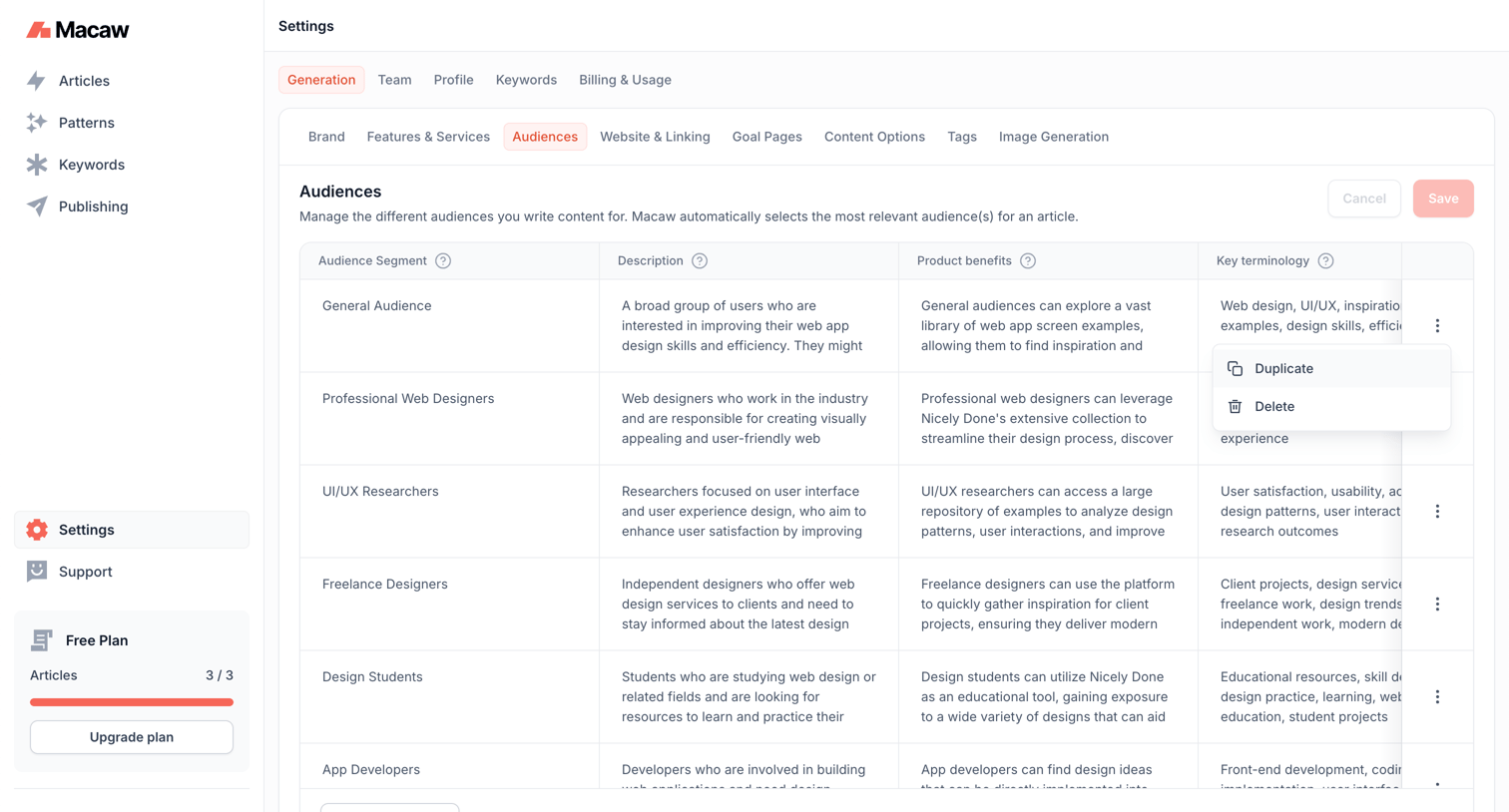

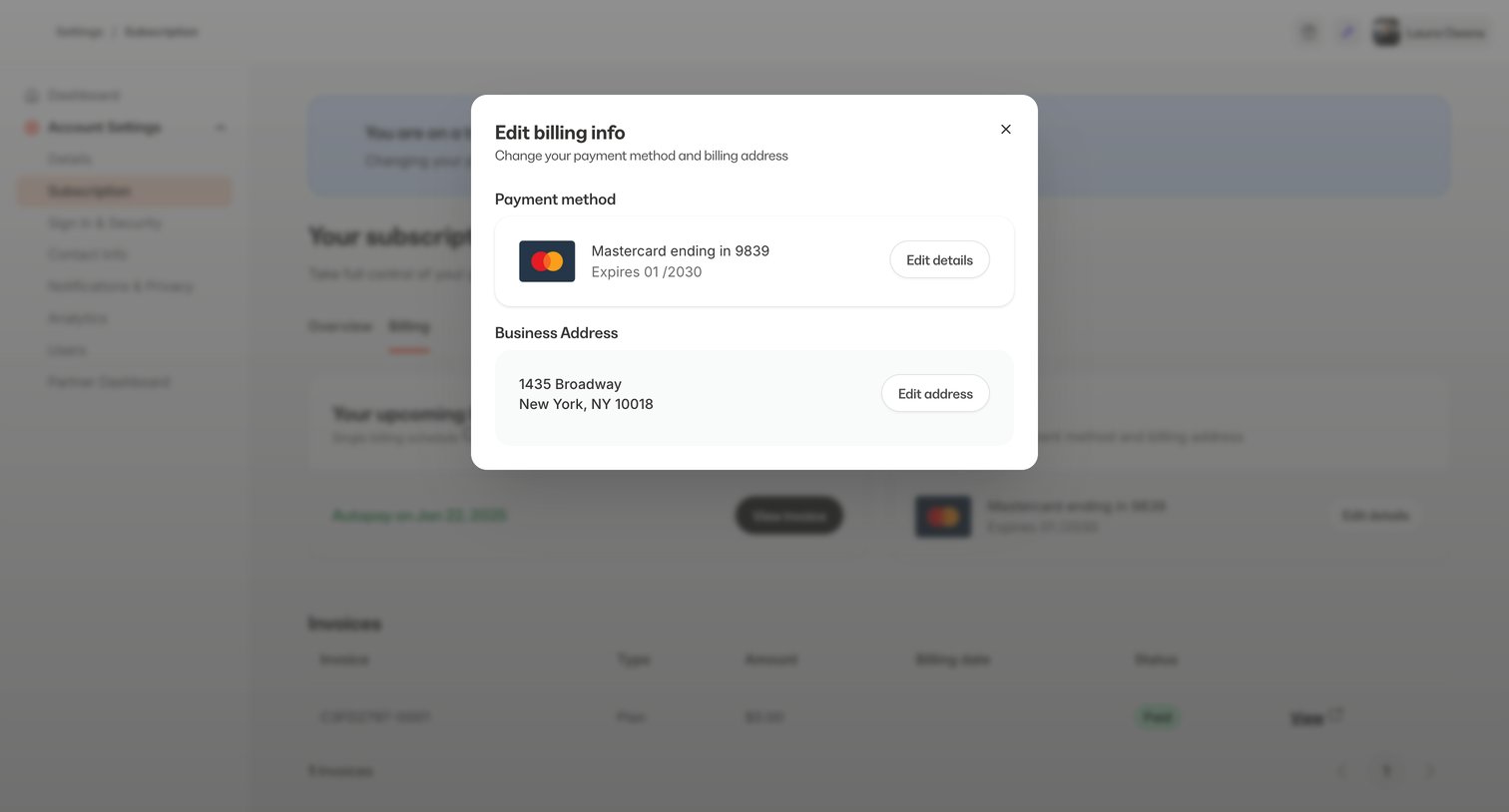

Settings page where the user edits their payment method and business address via a modal overlay.
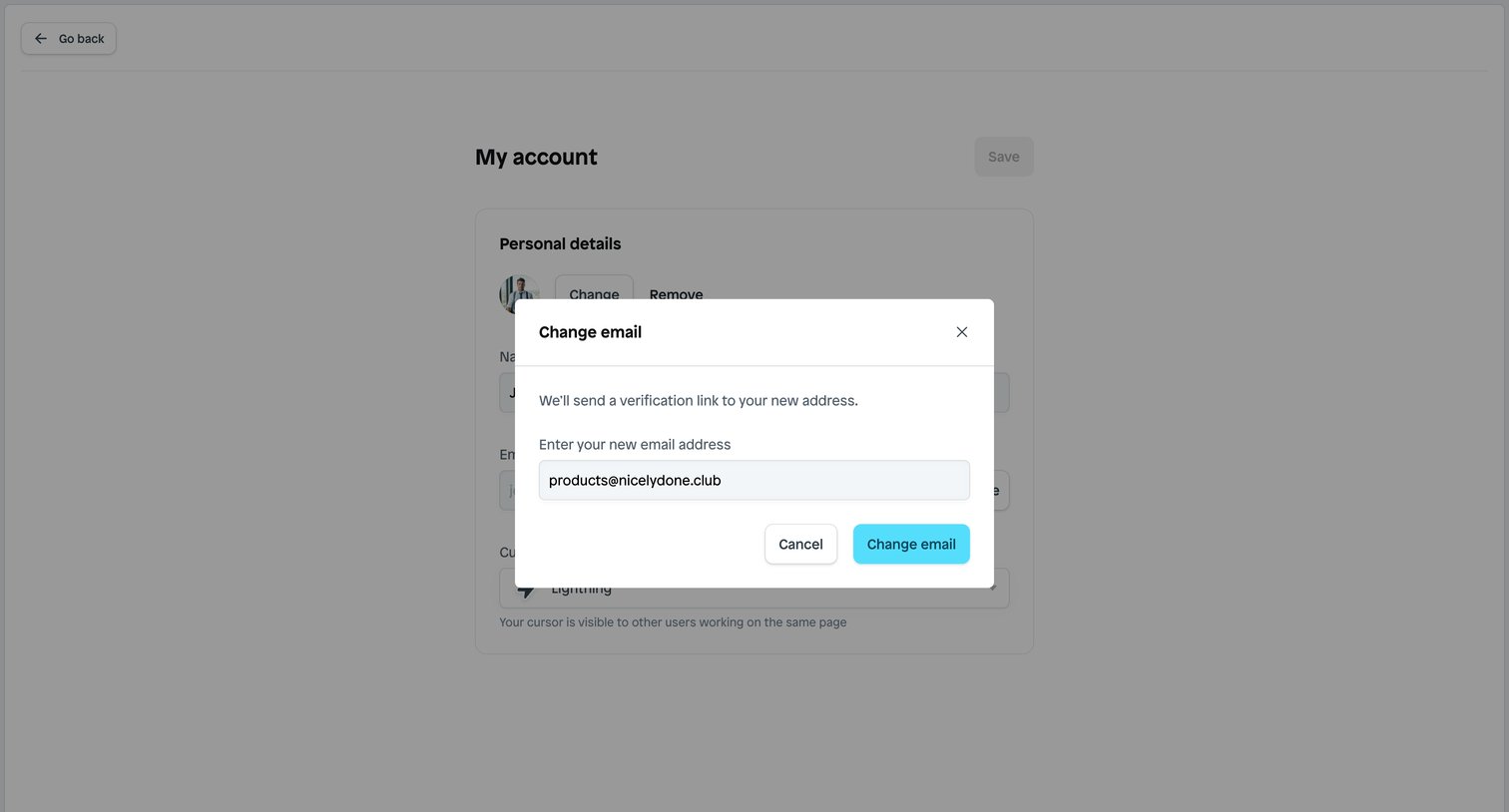

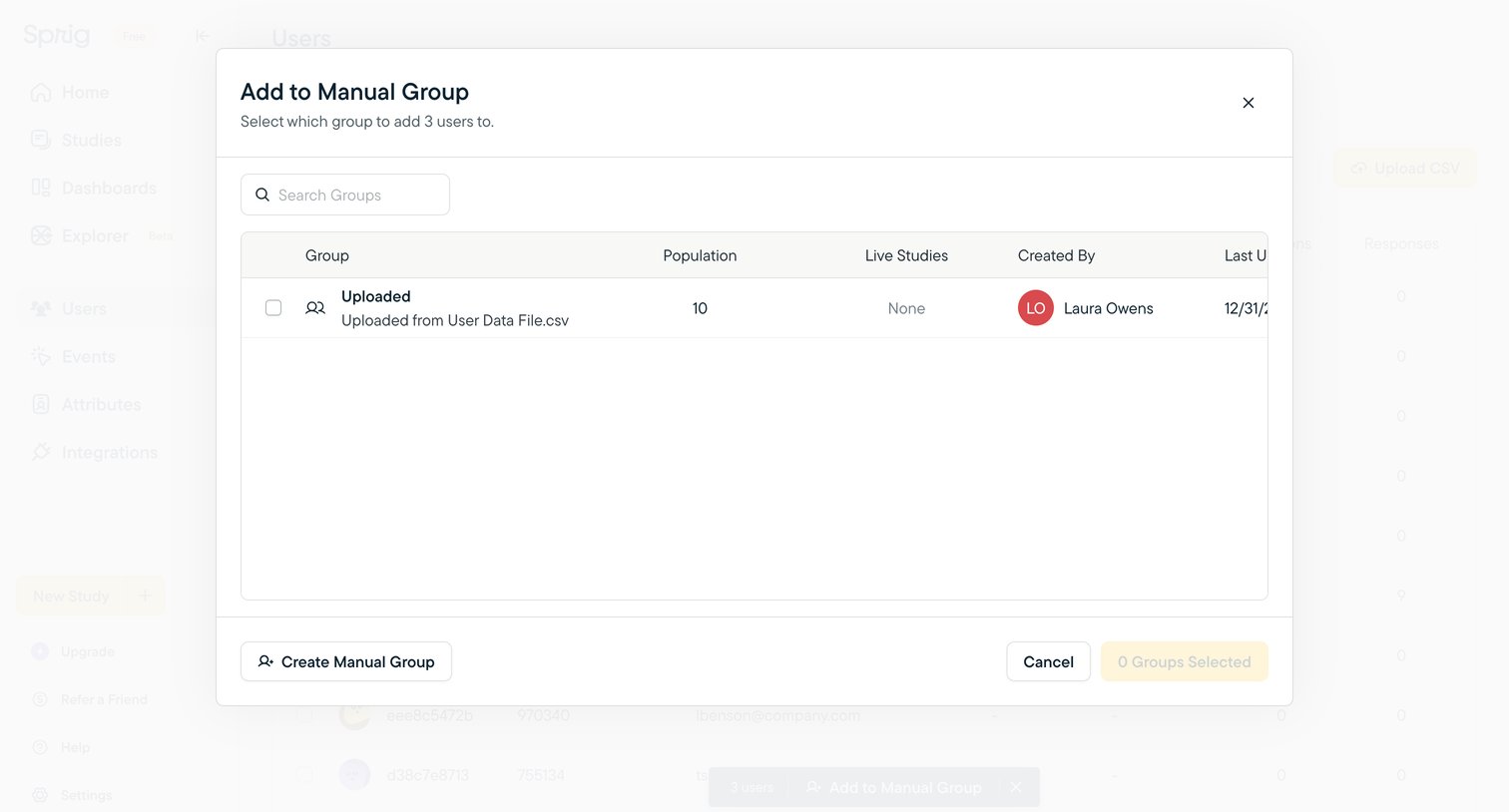

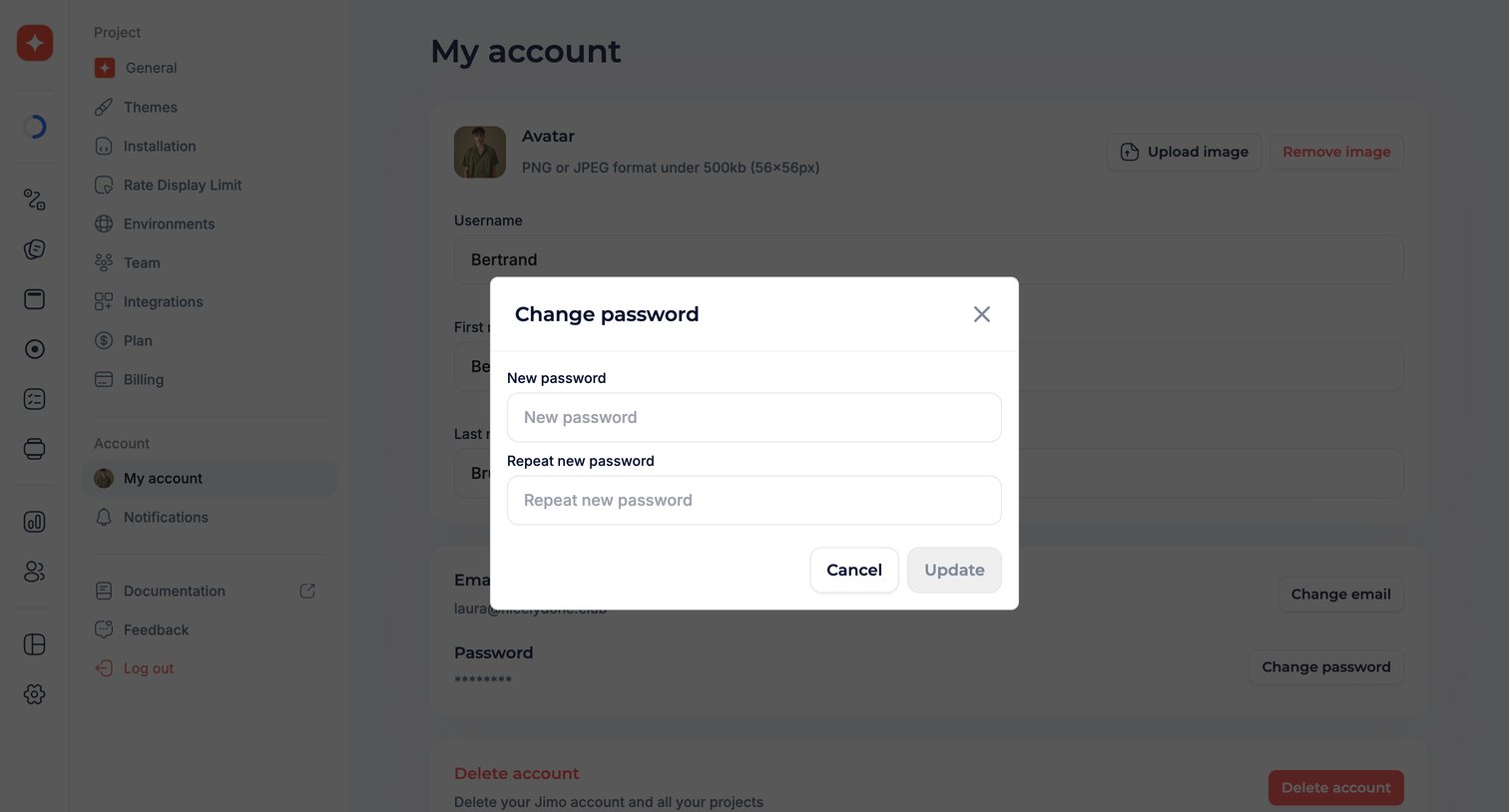

Settings page where the user updates their account password via a modal dialog.
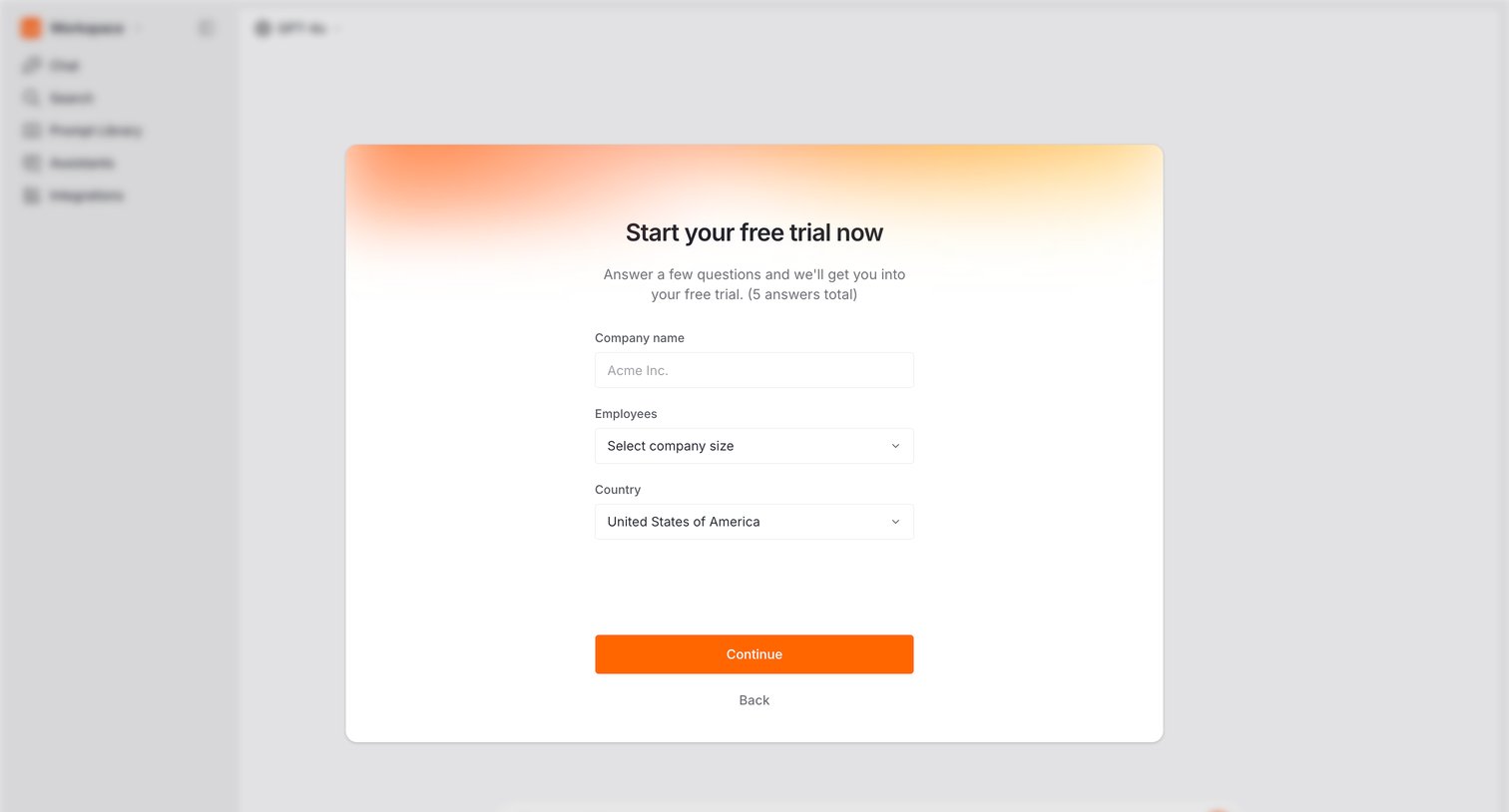

Onboarding step where the user provides their company name, size, and country to start a free trial.
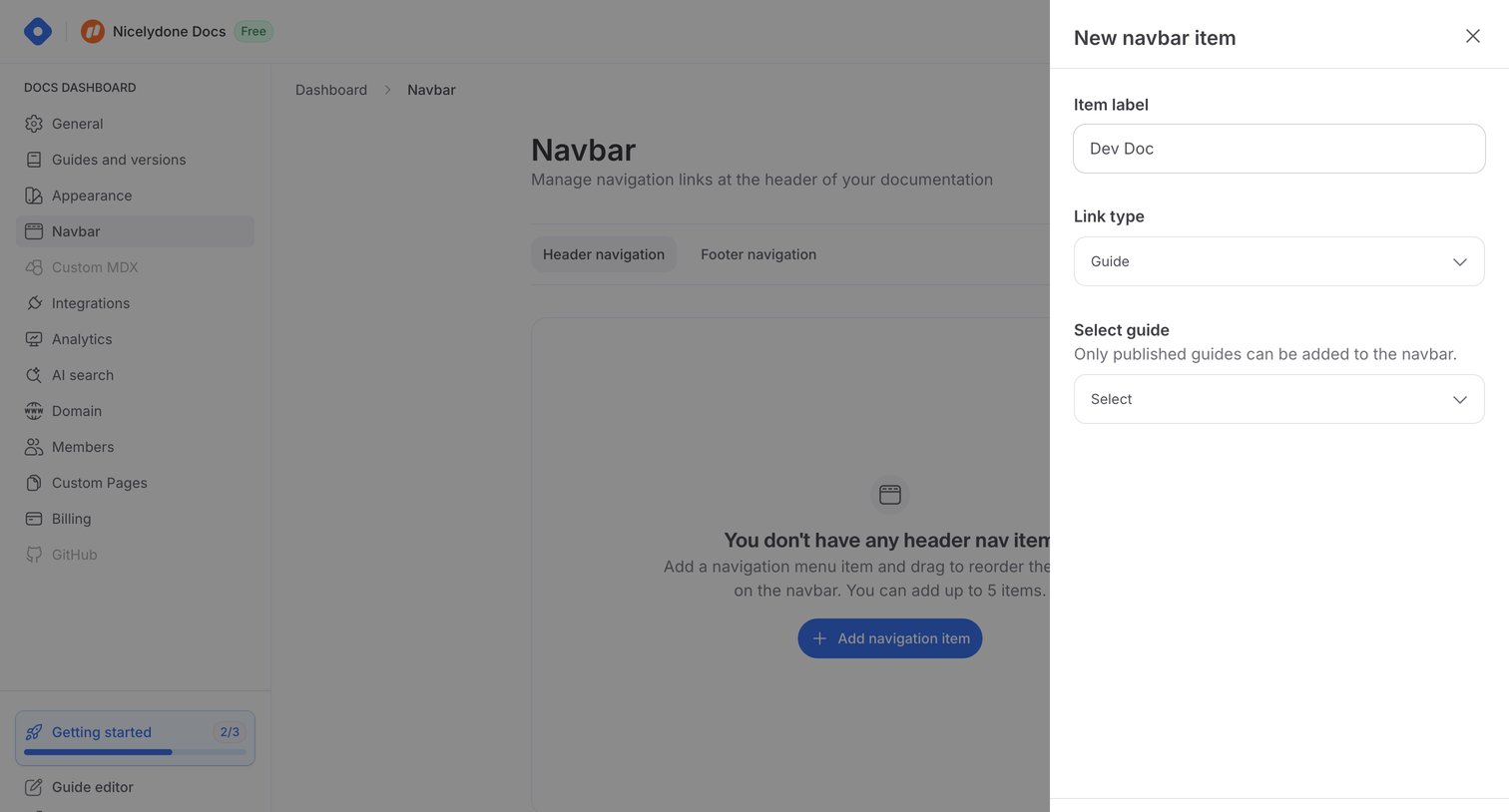

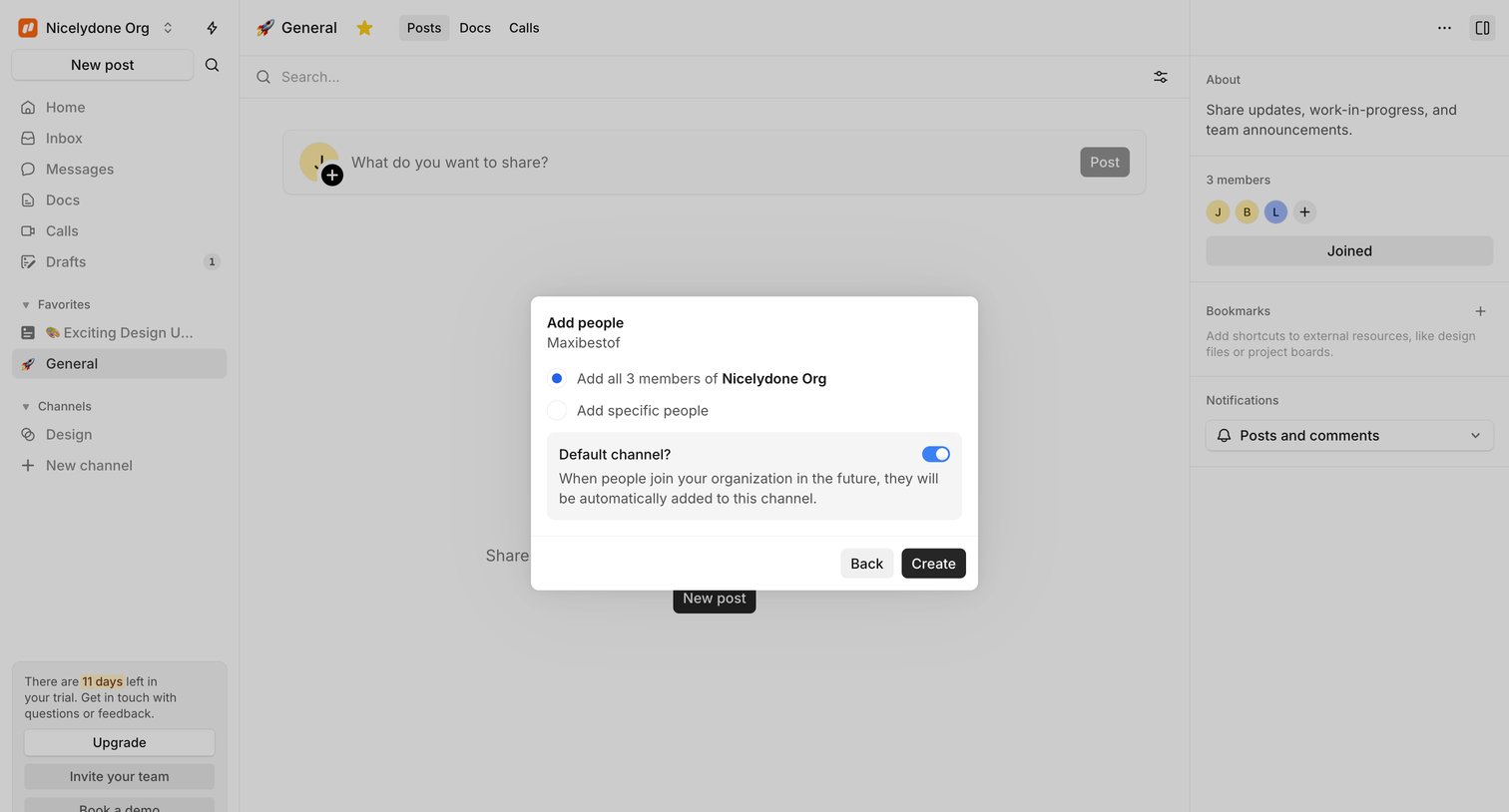

Feed view where the user configures default channel settings and adds existing organization members via a creation modal.
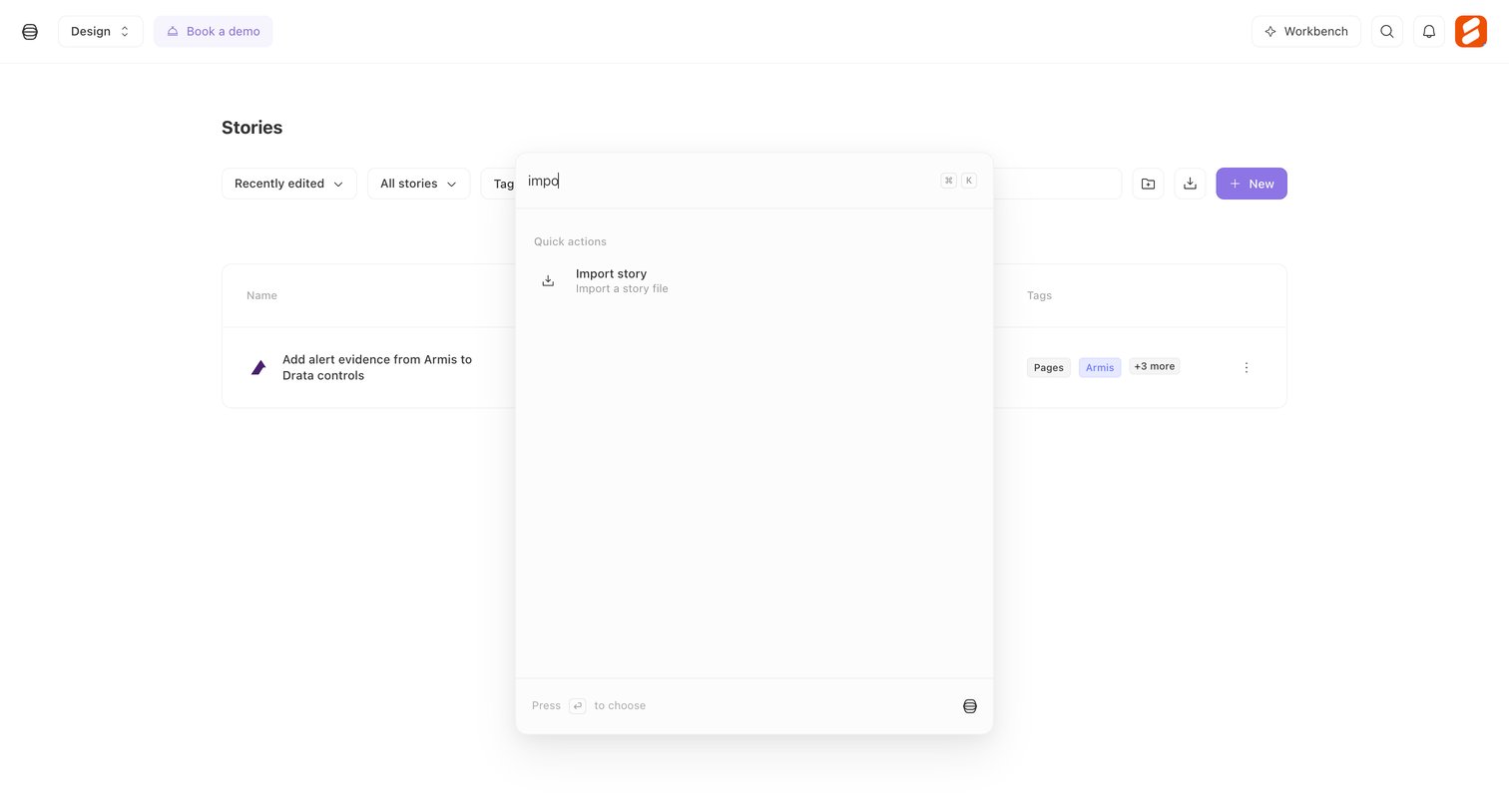

Search overlay where the user types to find quick actions like importing a story file.
Explore the full SaaS screen library
Upgrade to unlock the full library.
Trusted by the best teams








About Modal interaction
Explore how interfaces present a focused task above the current page. Look at how modal headings, content, and close or completion actions define the temporary workspace.