Modal finance screen examples
Modal finance screen design examples from SaaS apps. Browse examples from Monarch, Secfi, Increase.
Explore the examples
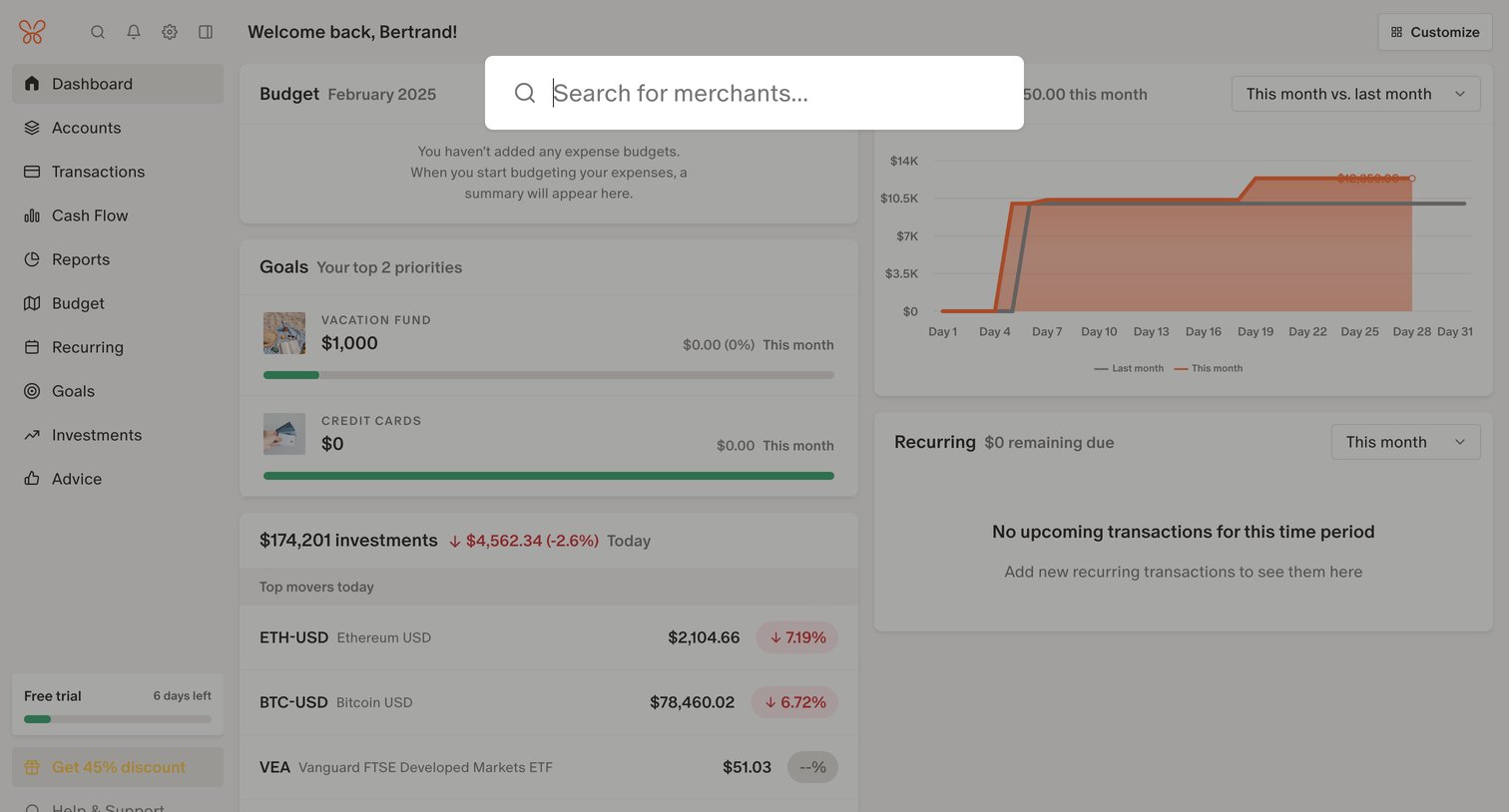

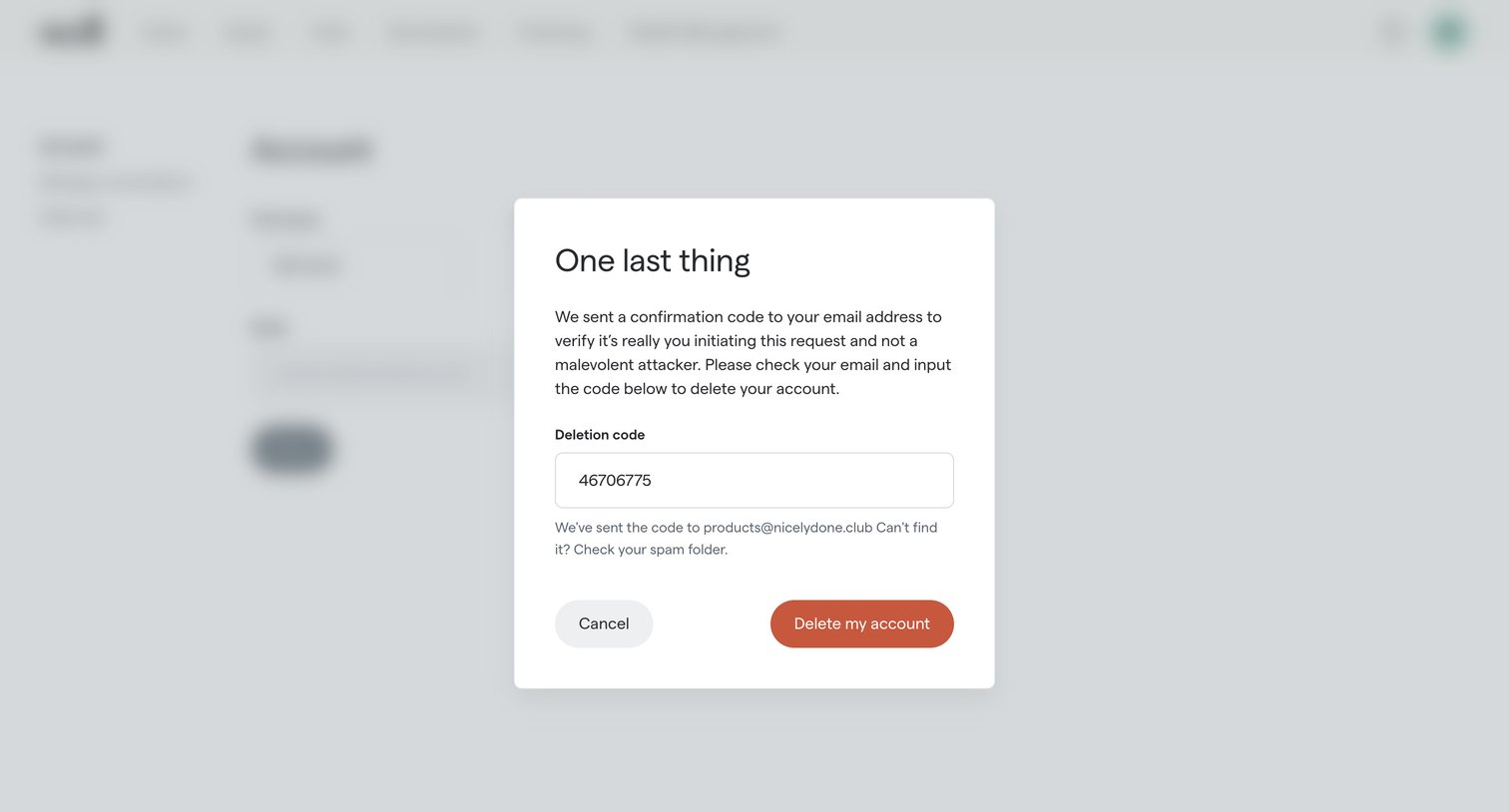

Settings page where the user must enter an email confirmation code to verify their identity before permanently deleting their account.
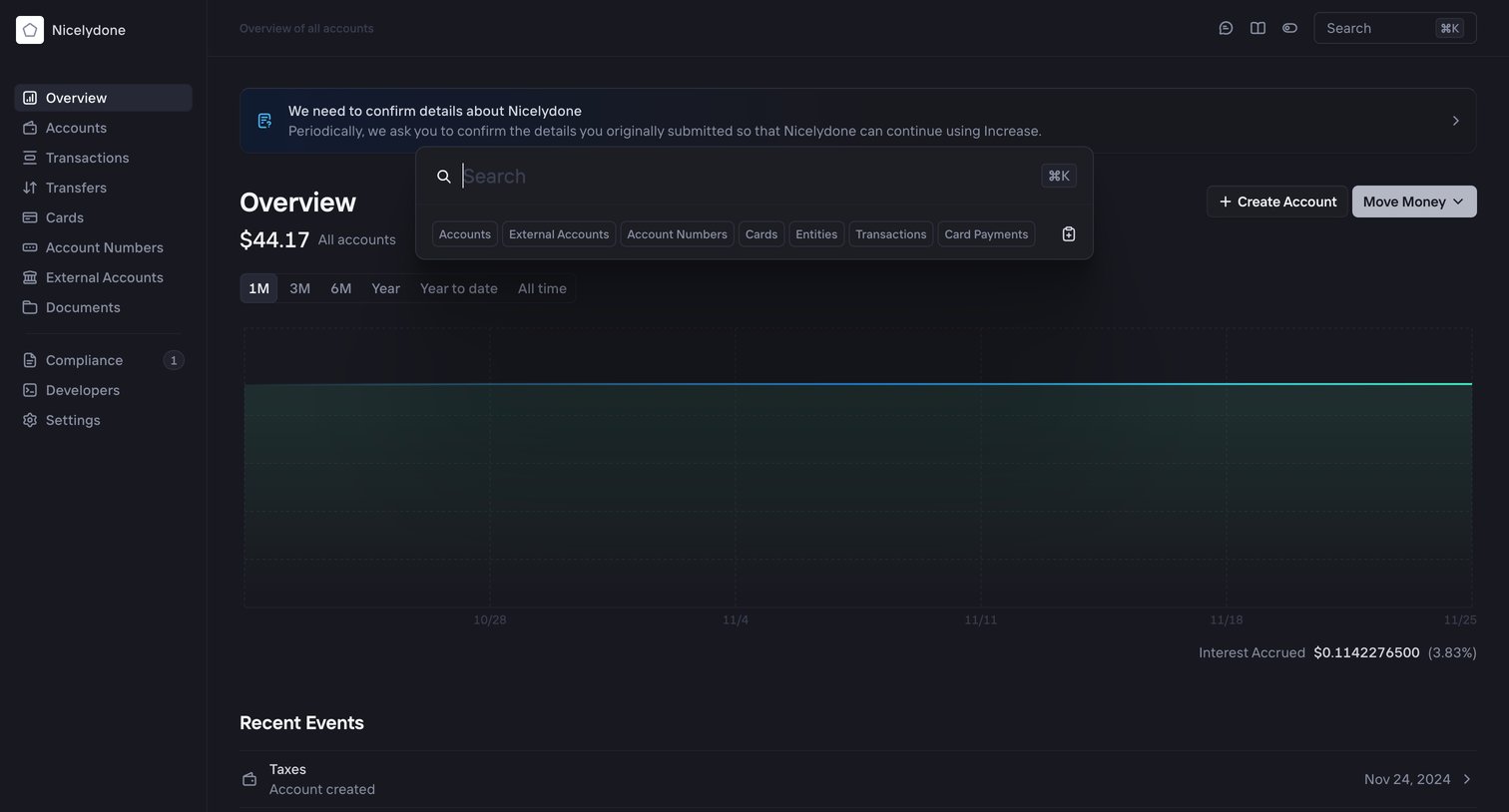

Dashboard showing total account balance, a balance history chart over time, and a list of recent events, with a command palette open for global search.
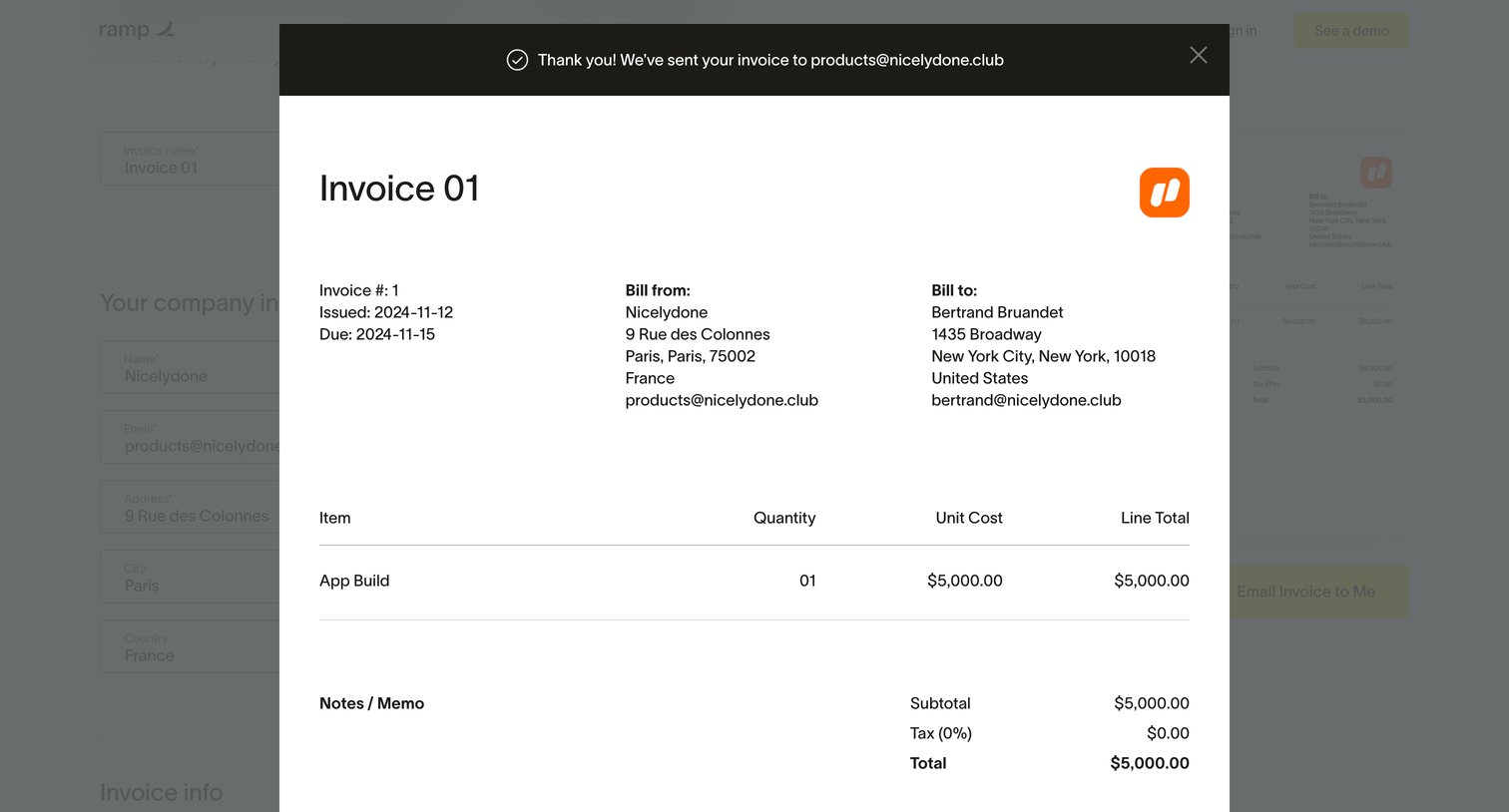

Marketing tool showing a success modal with a preview of the generated invoice after the user requested it via email.
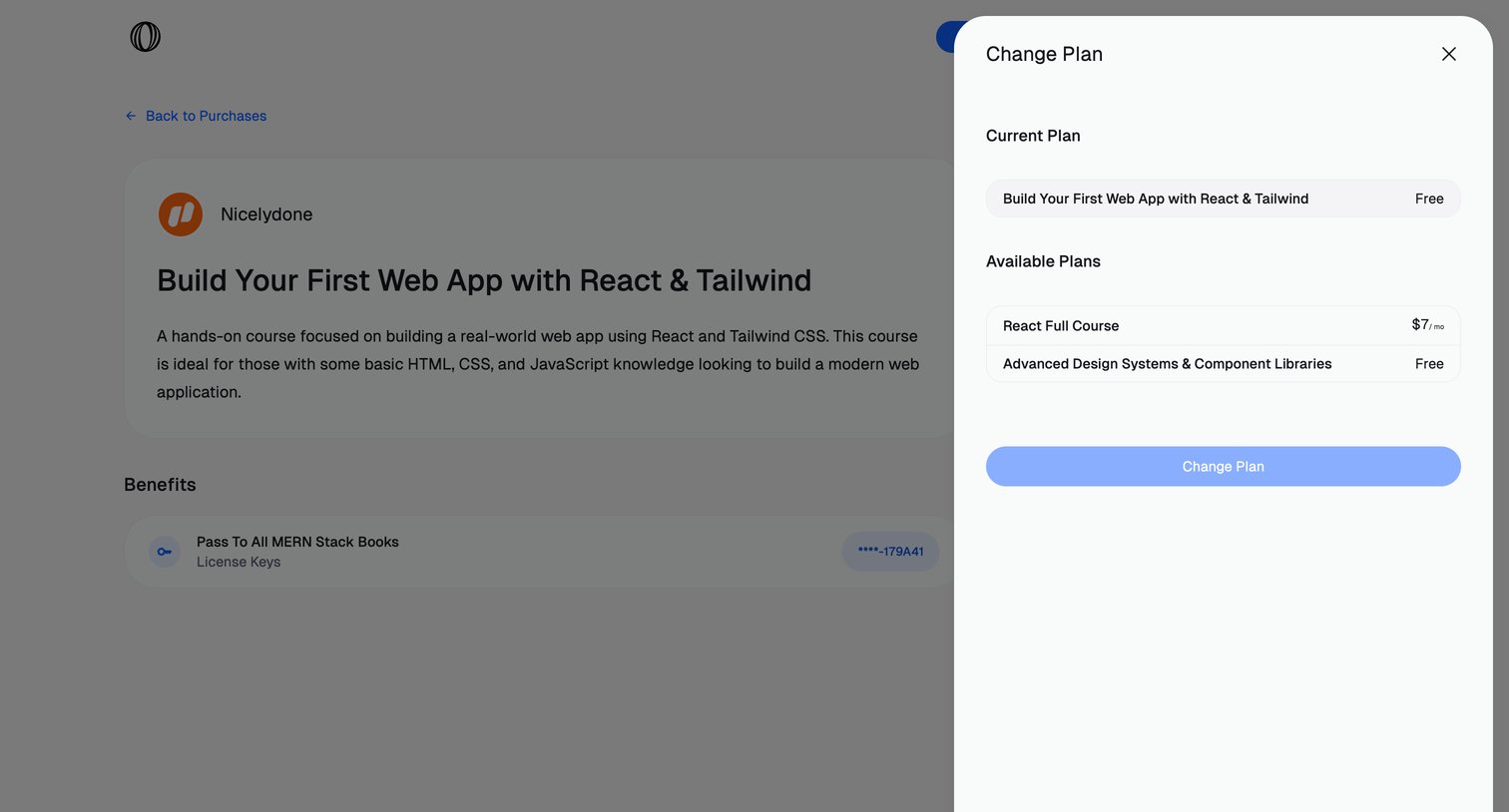

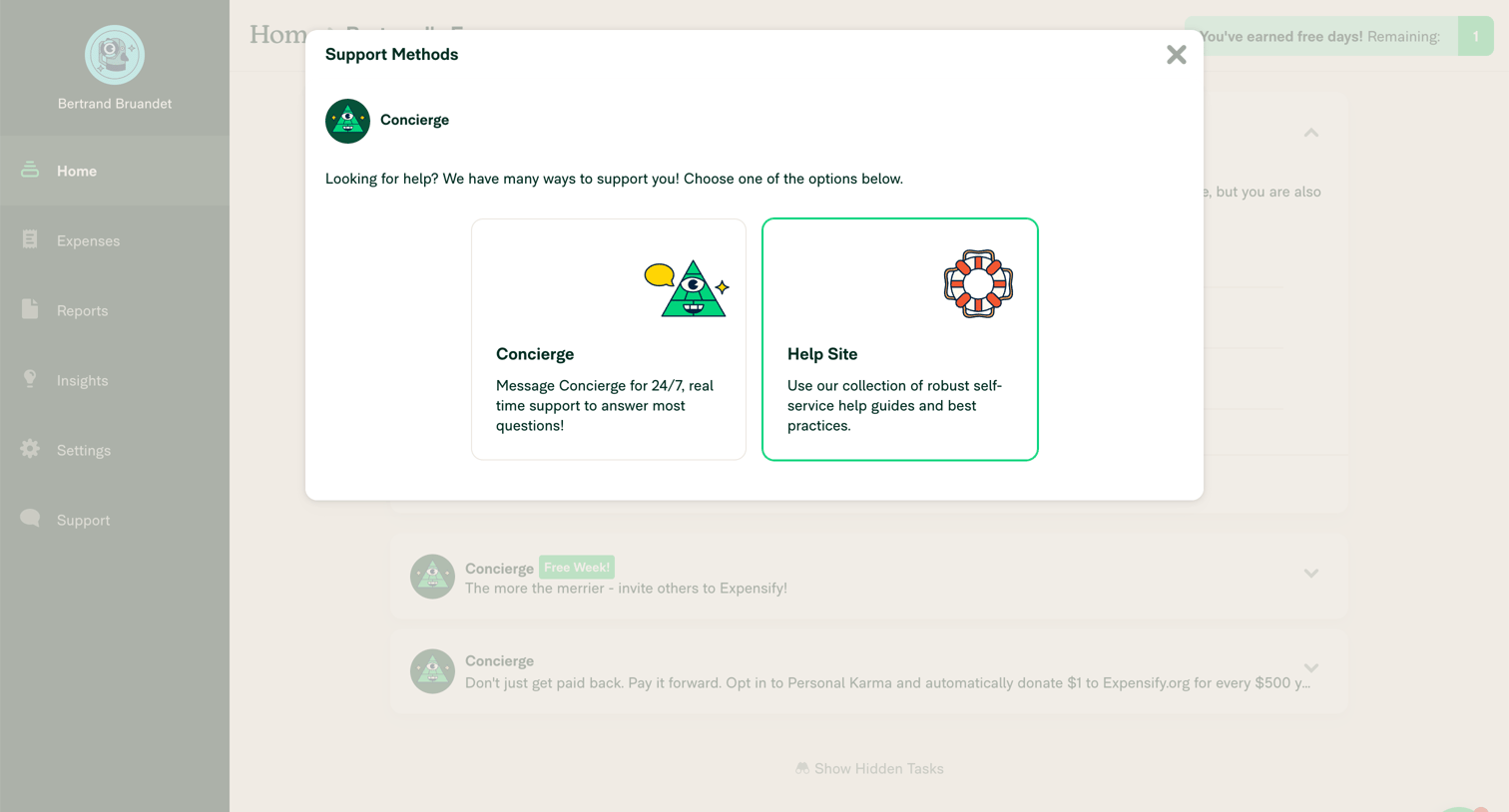

Home dashboard with a modal overlay where the user chooses between messaging a concierge or visiting the self-service help site.
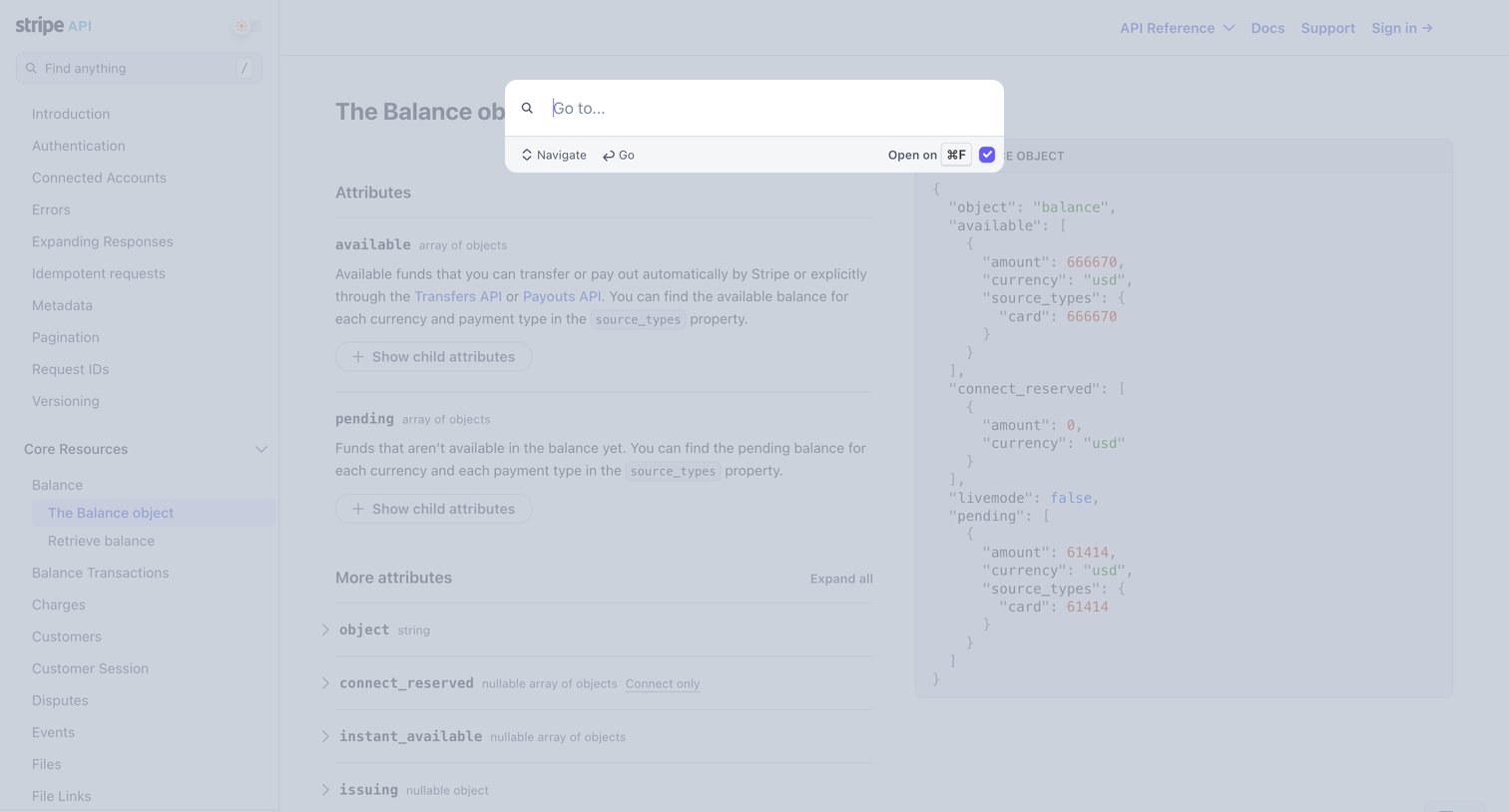

API reference documentation for the Balance object where the user has opened the command palette to quickly navigate or search.
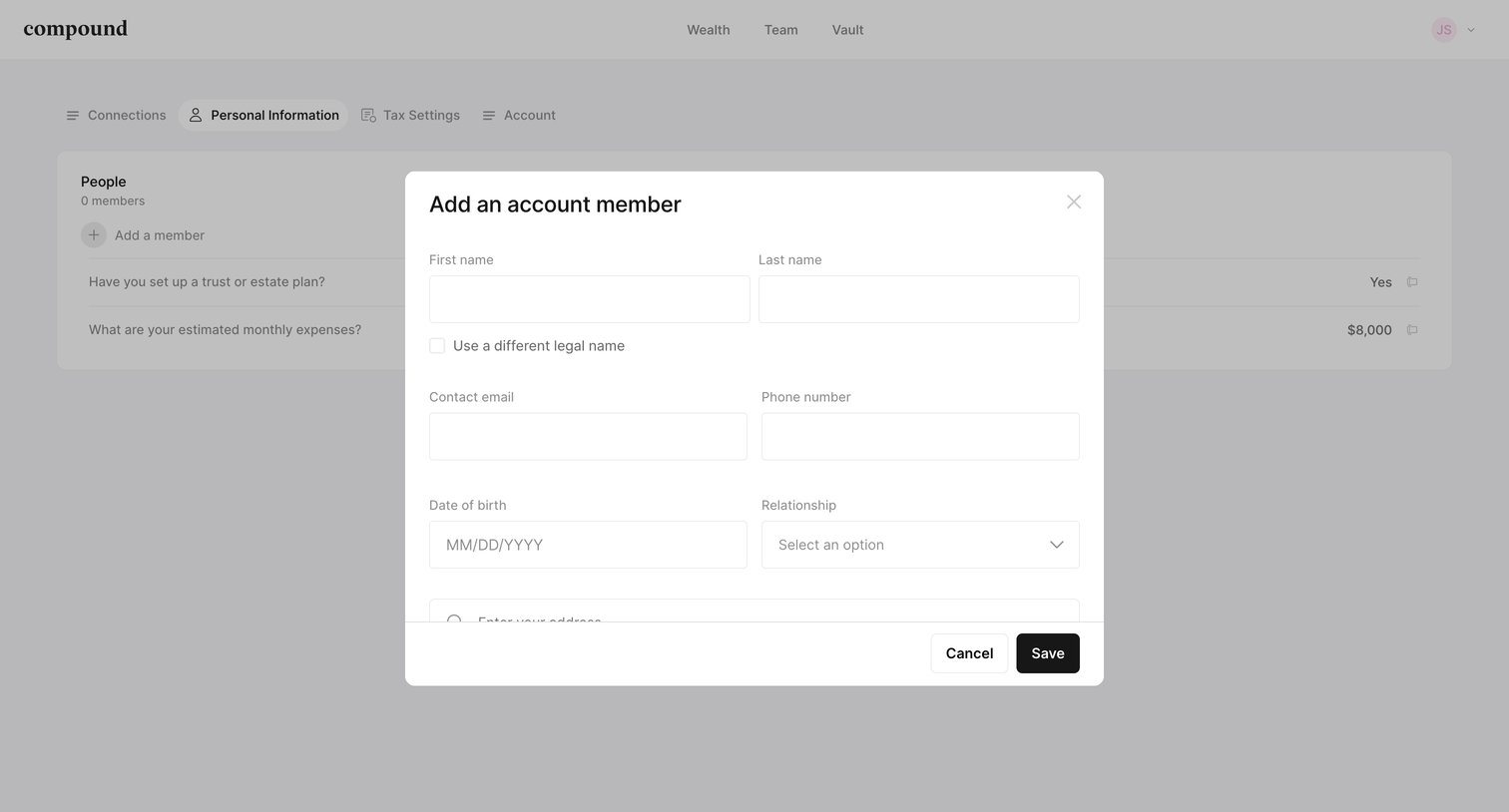

Settings page where the user adds a new account member by filling out their personal details like name, contact info, and relationship in a modal overlay.
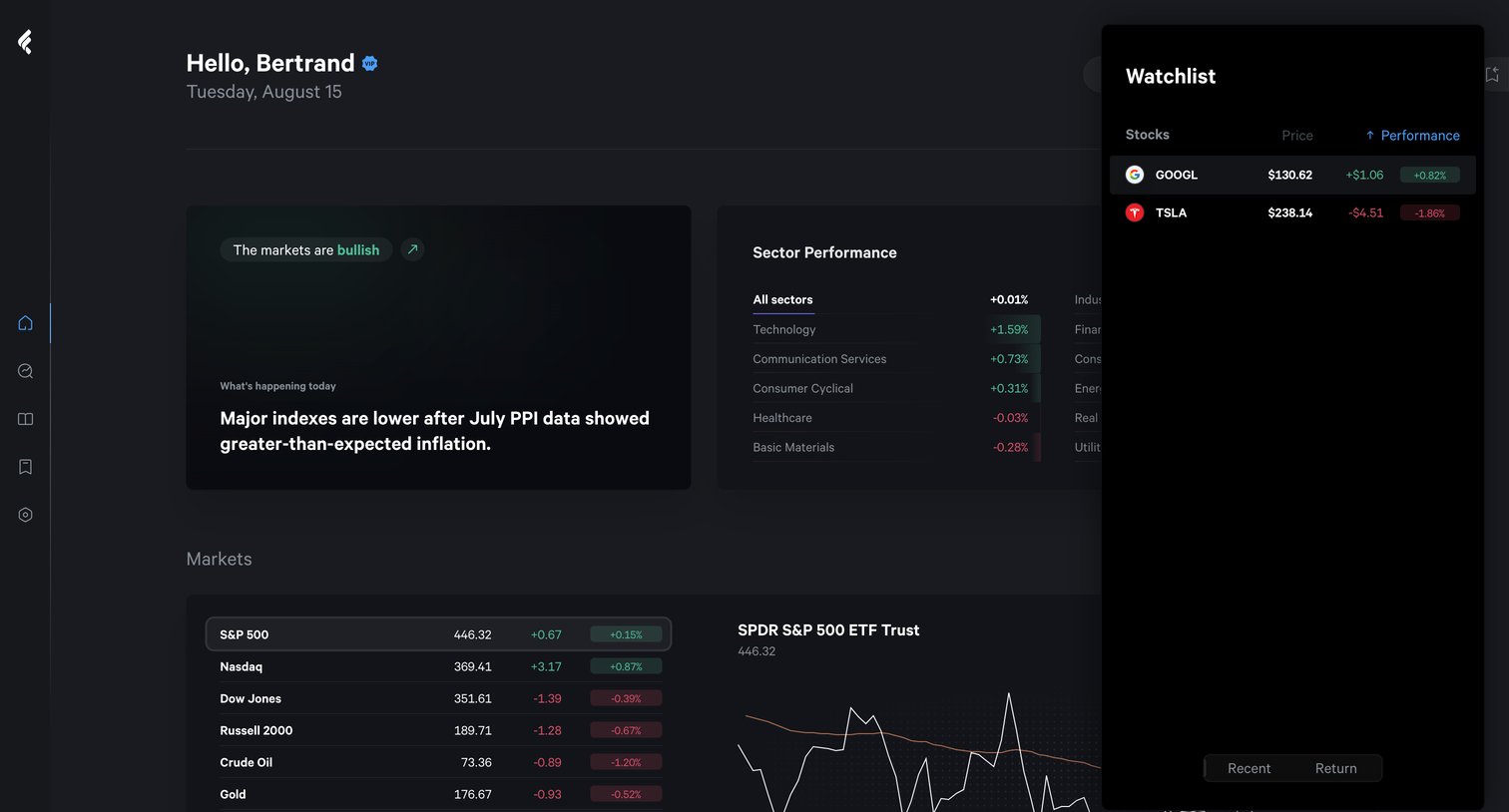

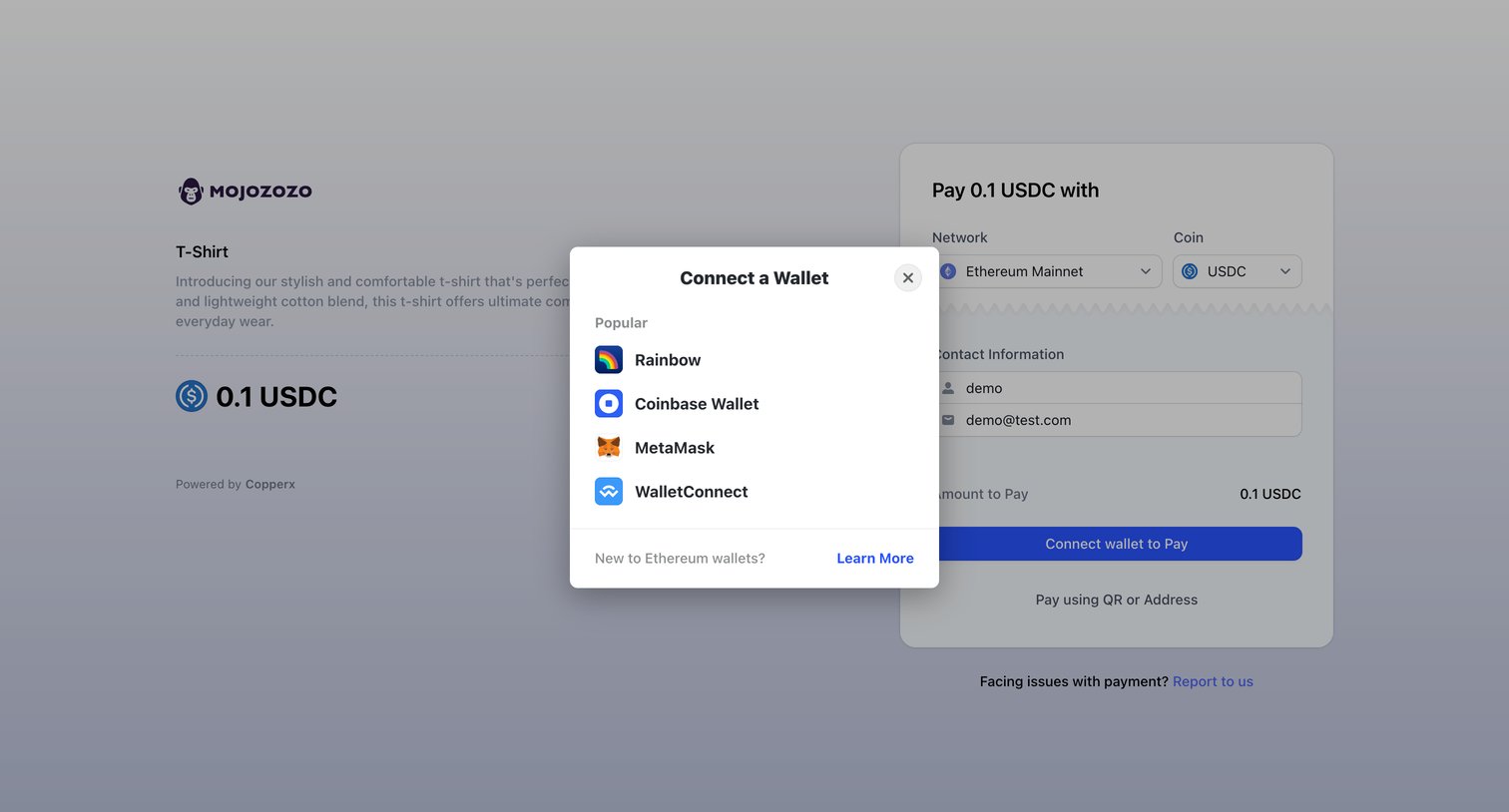

Checkout page where the user selects a crypto wallet like MetaMask or Rainbow to pay 0.1 USDC for a T-Shirt.
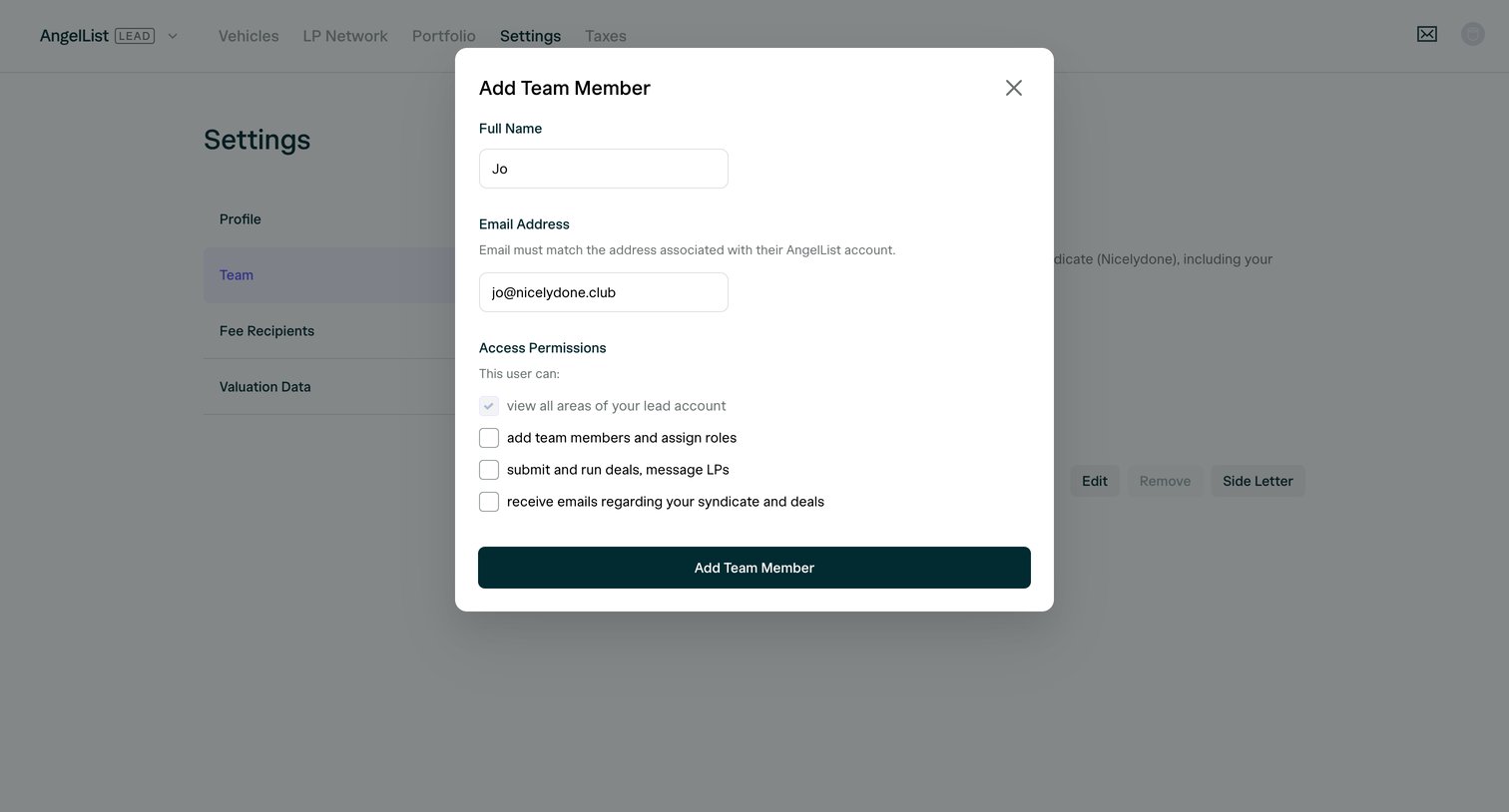

Settings page where the user adds a new team member by entering their name, email, and selecting access permissions via a modal.
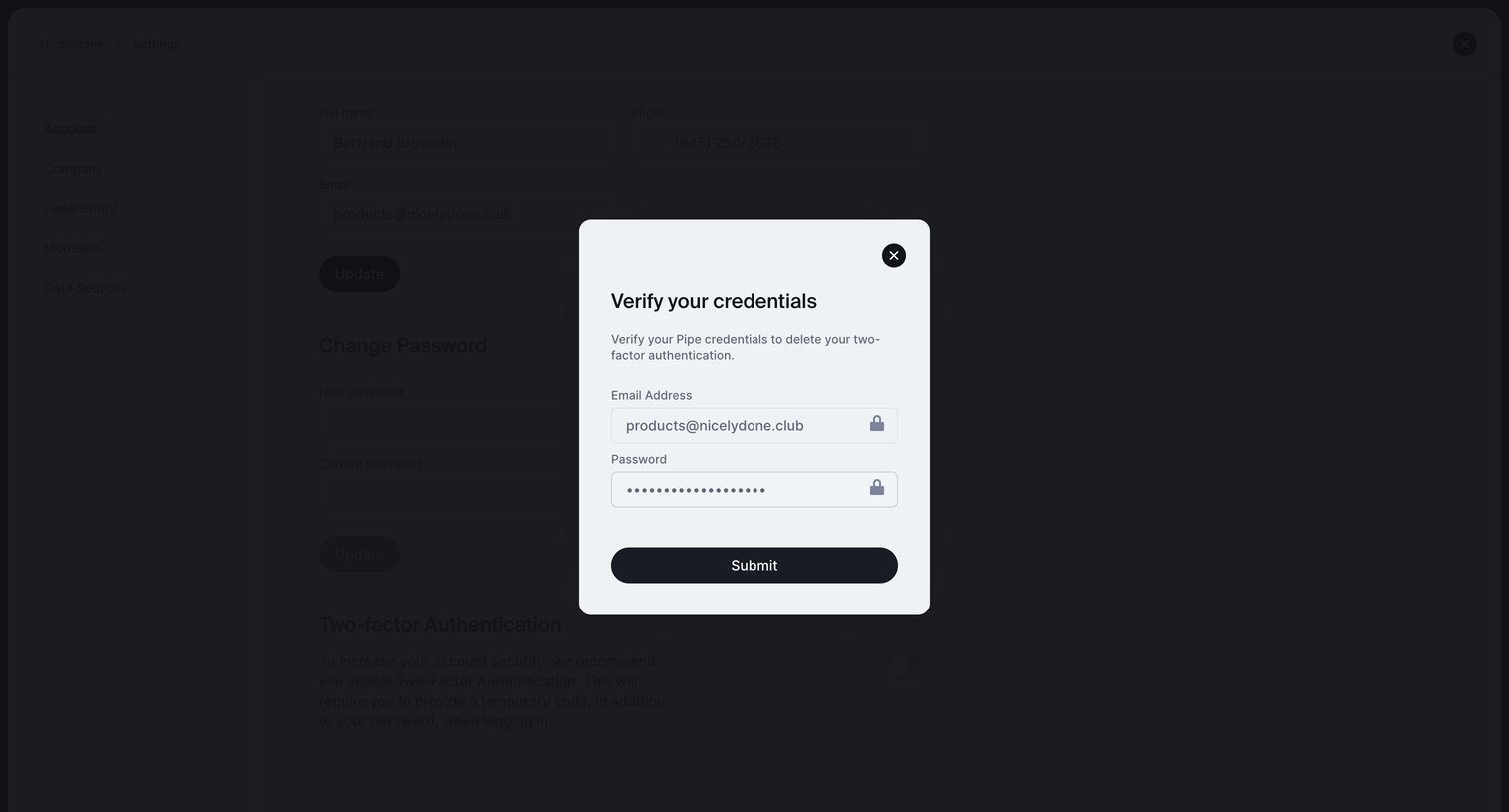

Settings page where the user must verify their email and password in a modal to disable two-factor authentication.
Explore the full SaaS screen library
Upgrade to unlock the full library.
Trusted by the best teams







