Skip to content

Pipe design examples

Explore Pipe UI design examples. The modern capital platform

Product screens
Pipe - Login | Pipe screen
Pipe logo
Pipe

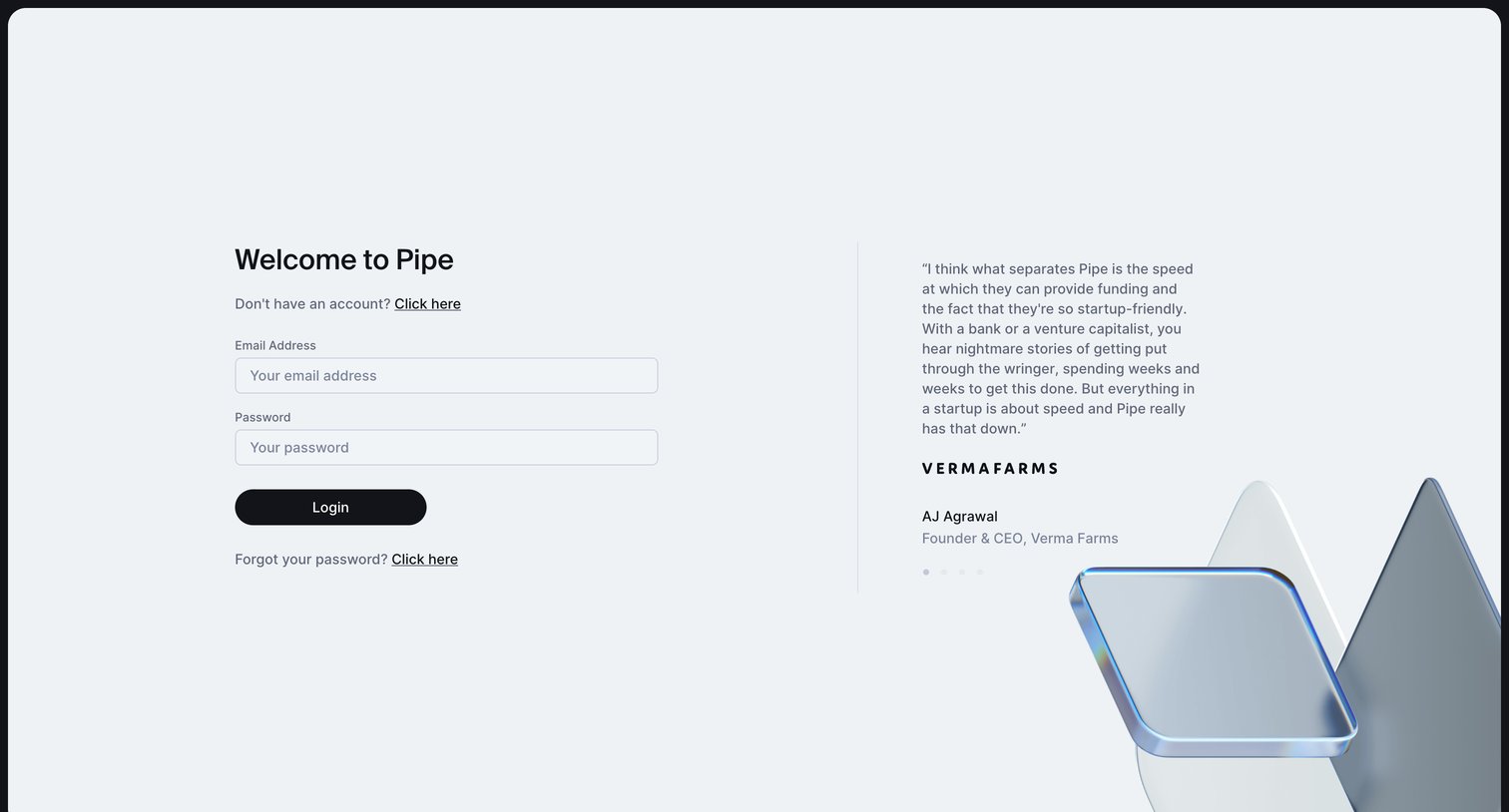
Sign-in screen where the user authenticates with email and password alongside a customer testimonial carousel.

Pipe - Request Password Reset | Pipe screen
Pipe logo
Pipe

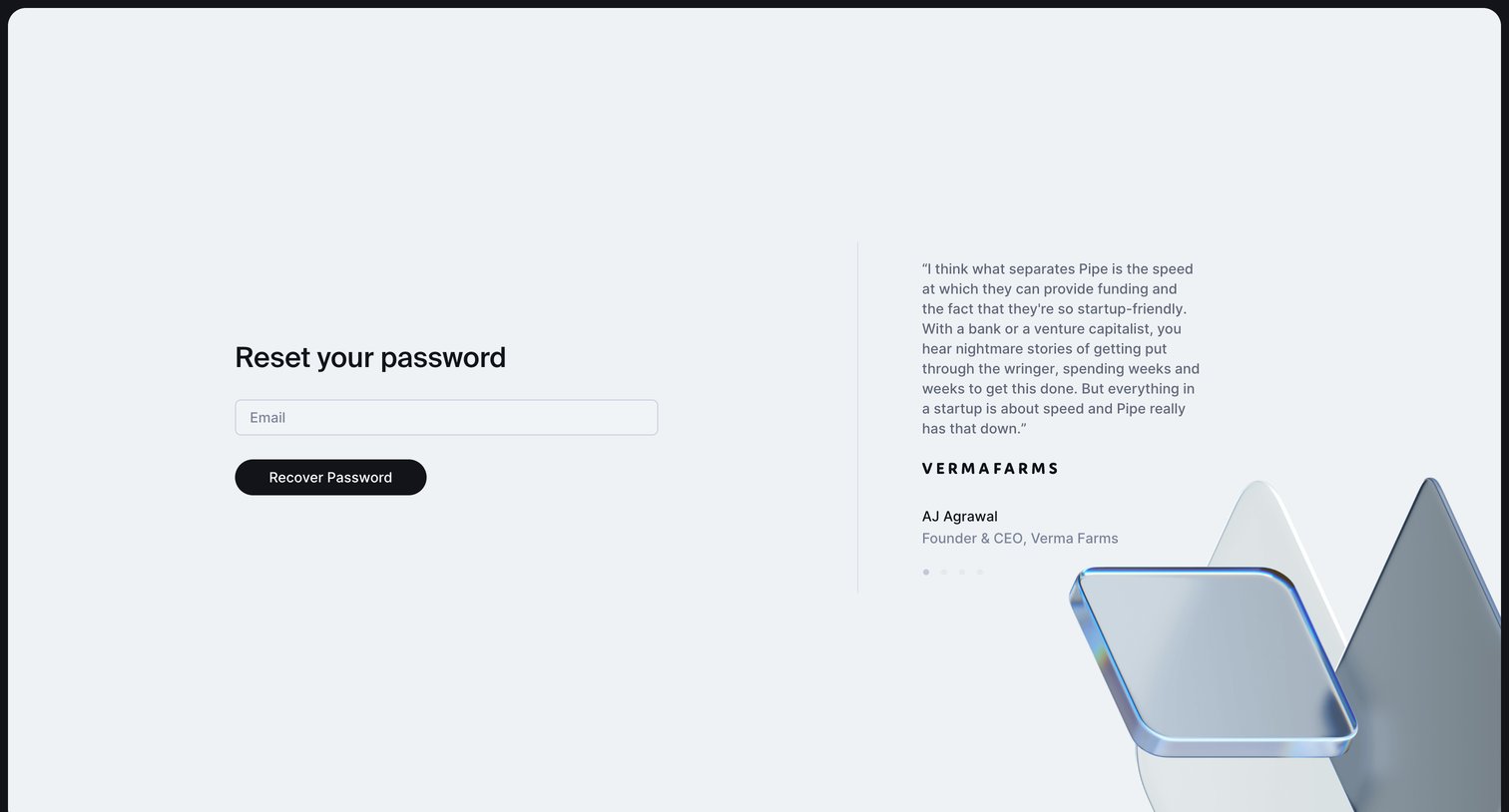
Password recovery screen where the user enters their email to receive a reset link, accompanied by a customer testimonial.
Pipe - Request Password Reset | Pipe screen
Pipe logo
Pipe

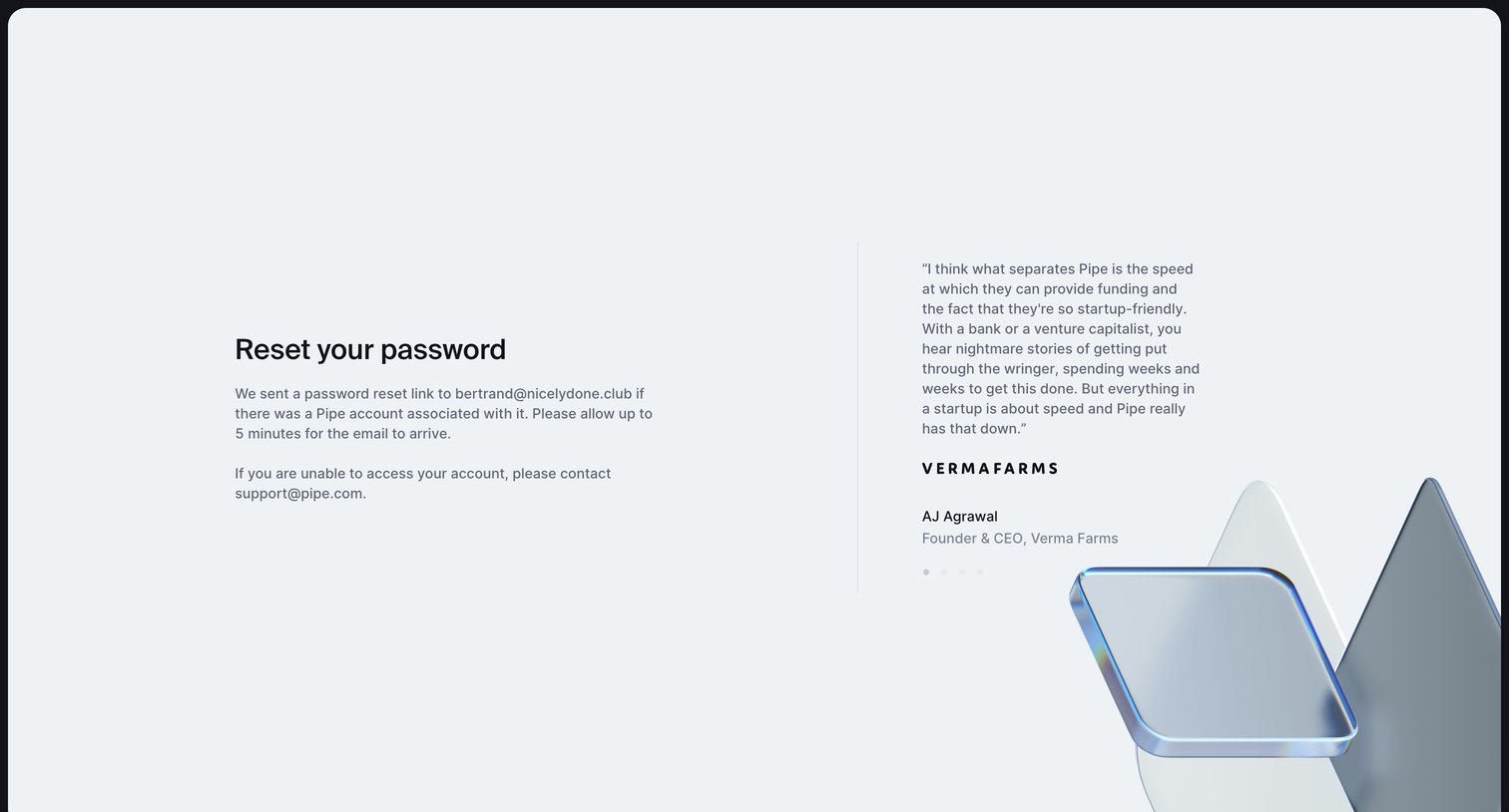
Auth screen confirming that a password reset link has been sent to the user's email address, featuring a customer testimonial on the side.
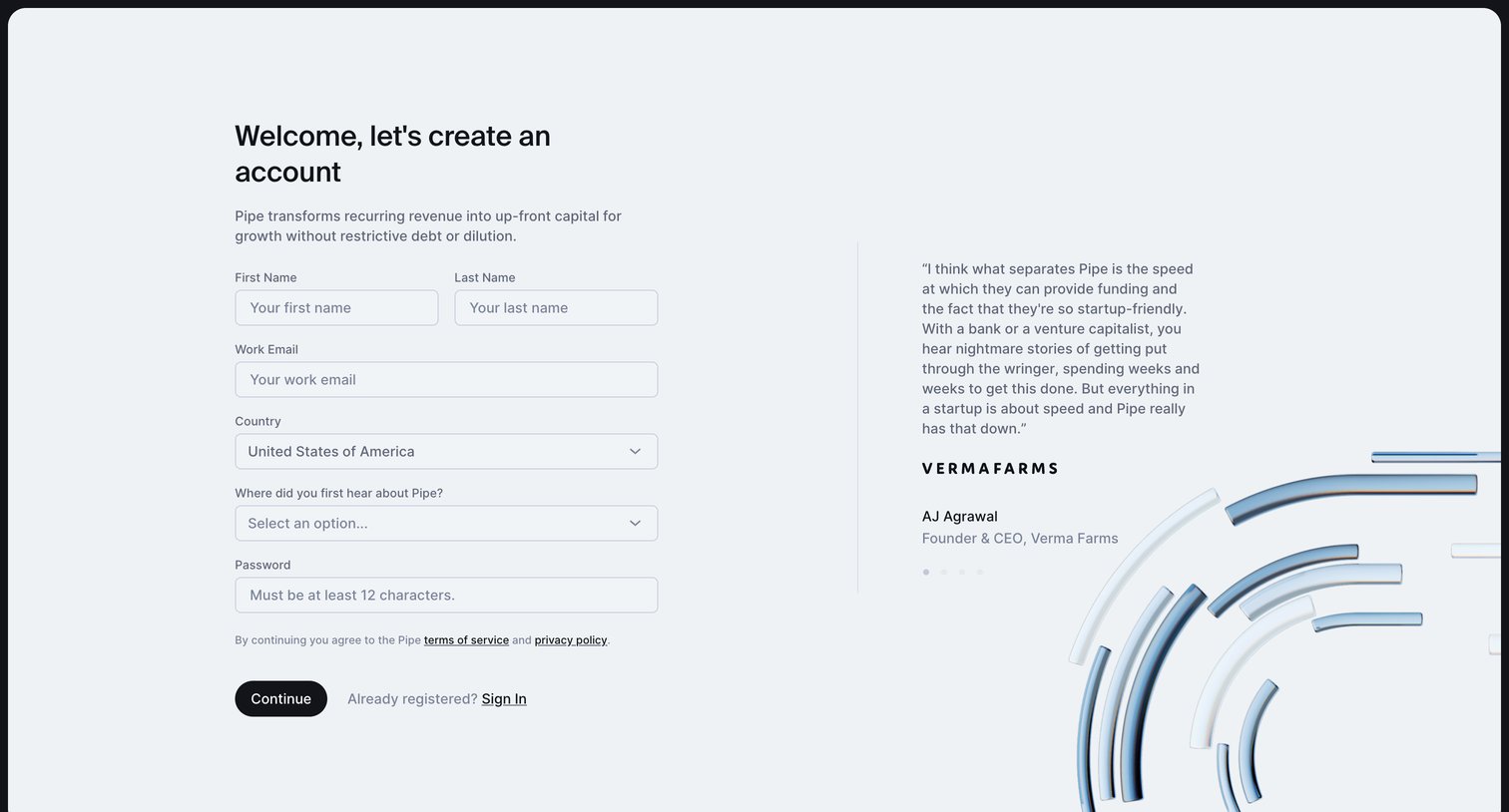
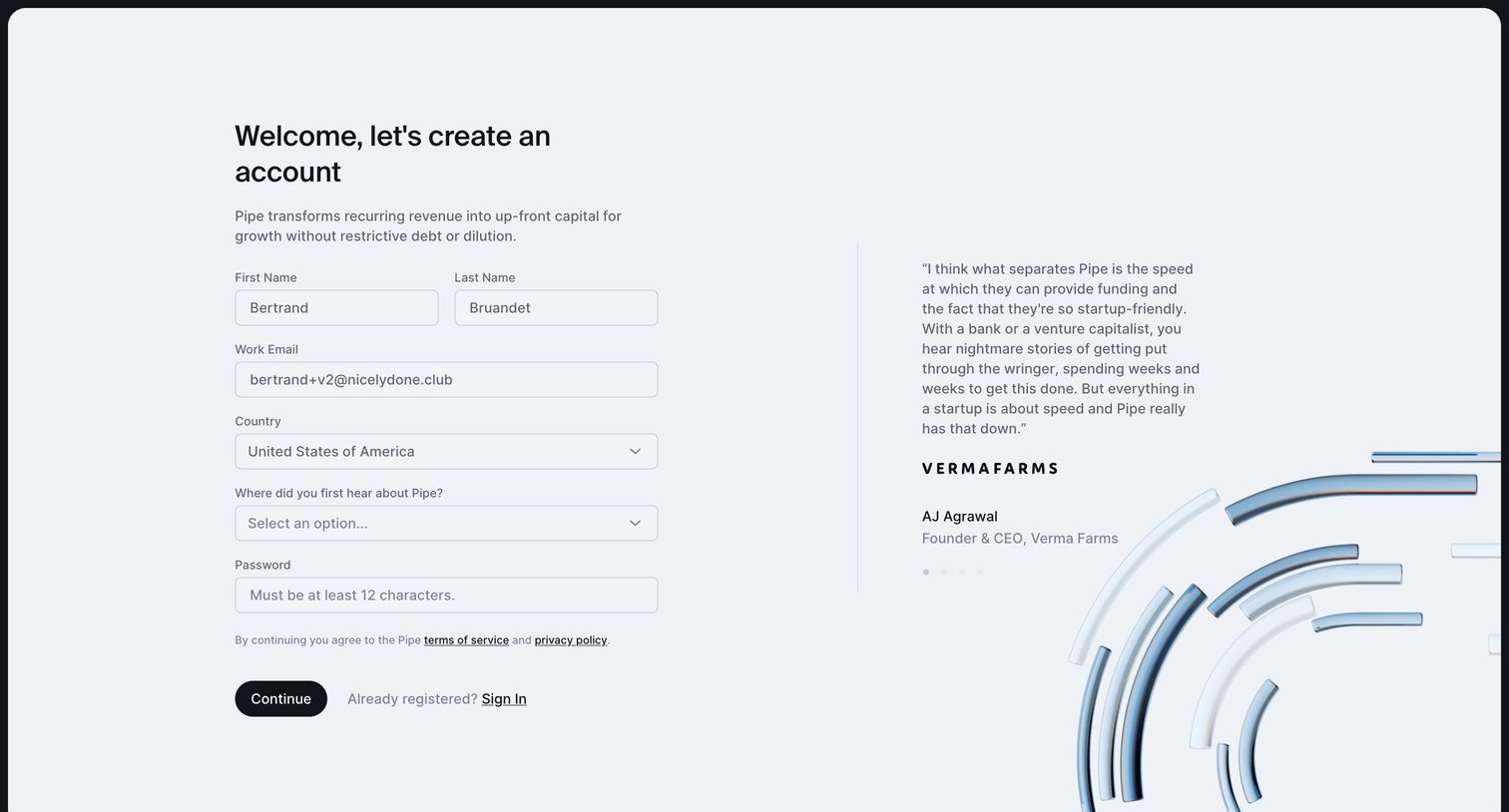
Pipe - Lets create an account screen
Pipe logo
Pipe

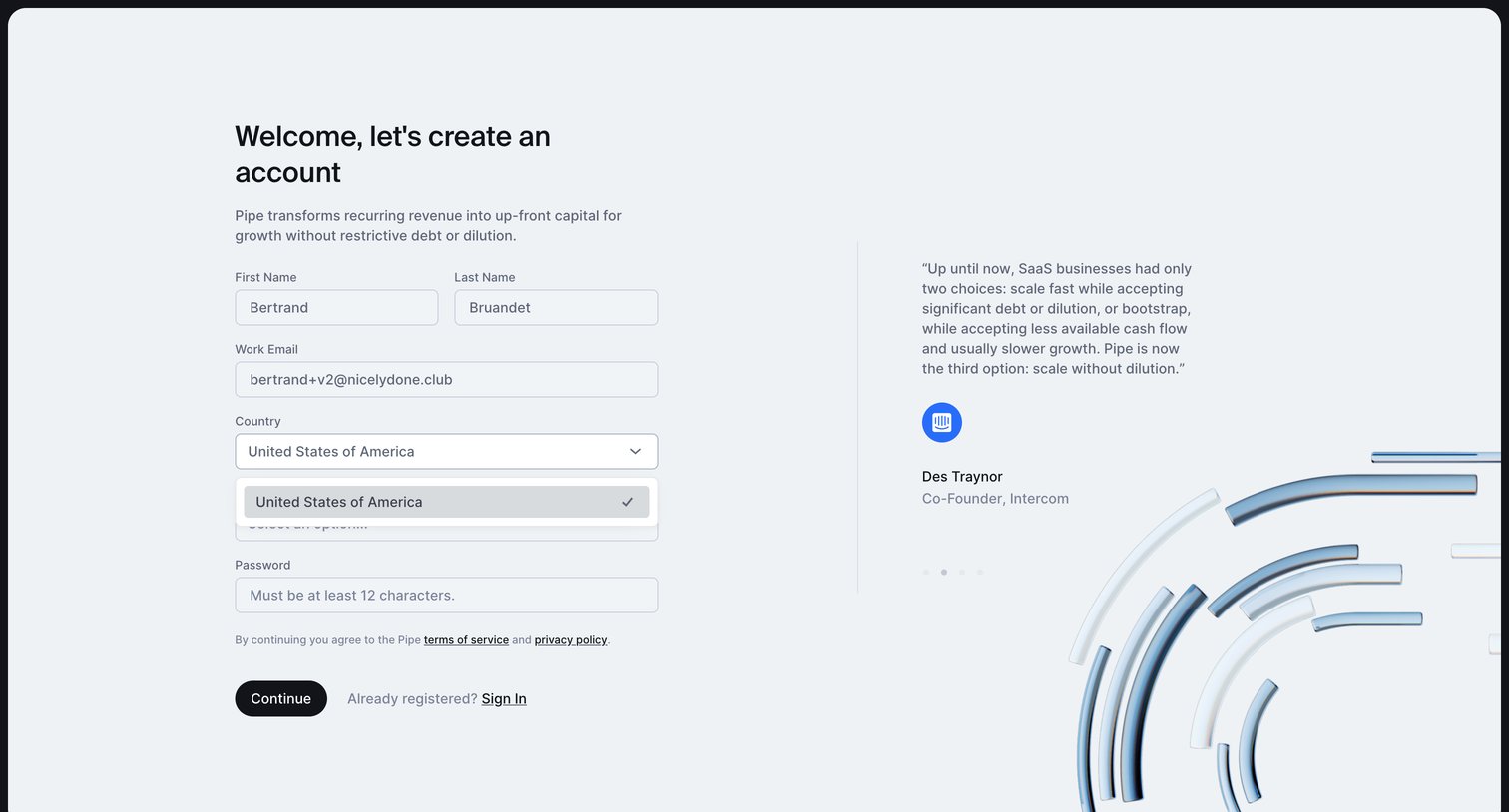
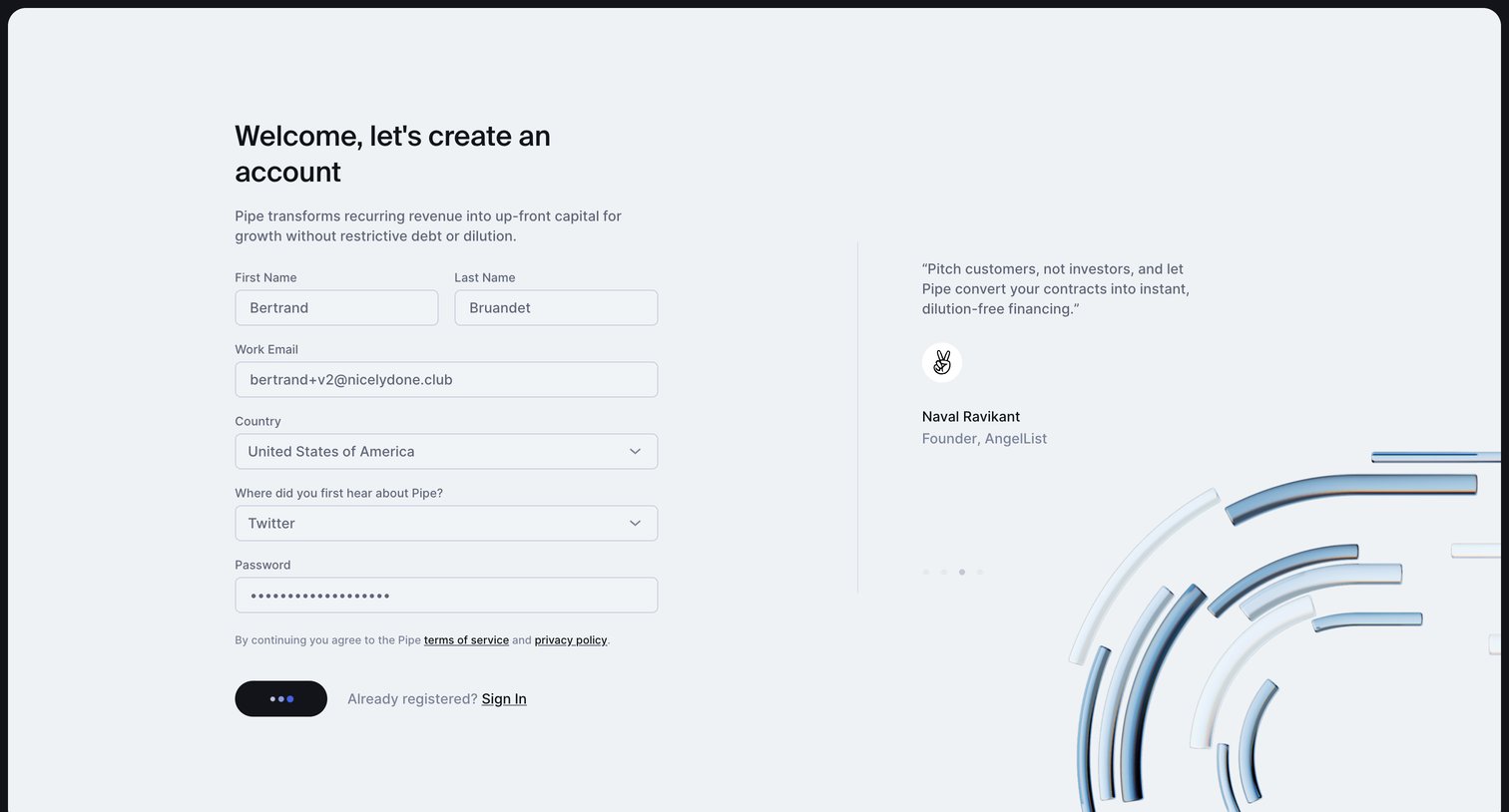
Signup page where the user enters their name, work email, country, referral source, and password to create an account, alongside a customer testimonial.

Pipe - Lets create an account screen
Pipe logo
Pipe

Signup page where the user creates an account by providing their name, work email, country, referral source, and password.

Pipe - Lets create an account screen
Pipe logo
Pipe

Signup page where the user creates an account by providing their name, email, country, and password alongside a customer testimonial.

Pipe - Lets create an account screen
Pipe logo
Pipe

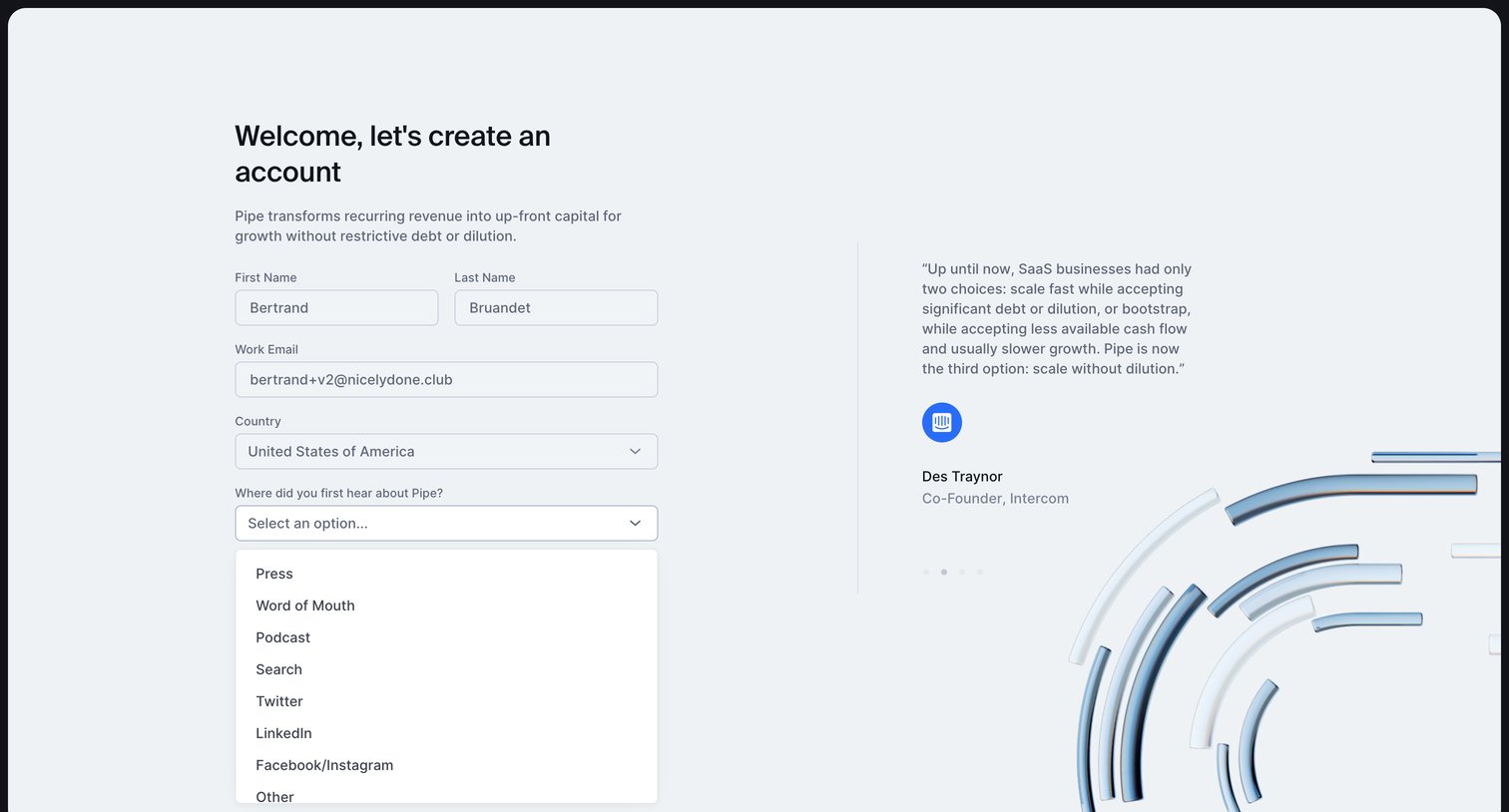
Signup screen where the user enters their name, email, country, and attribution source alongside a customer testimonial.

Pipe - Lets create an account screen
Pipe logo
Pipe

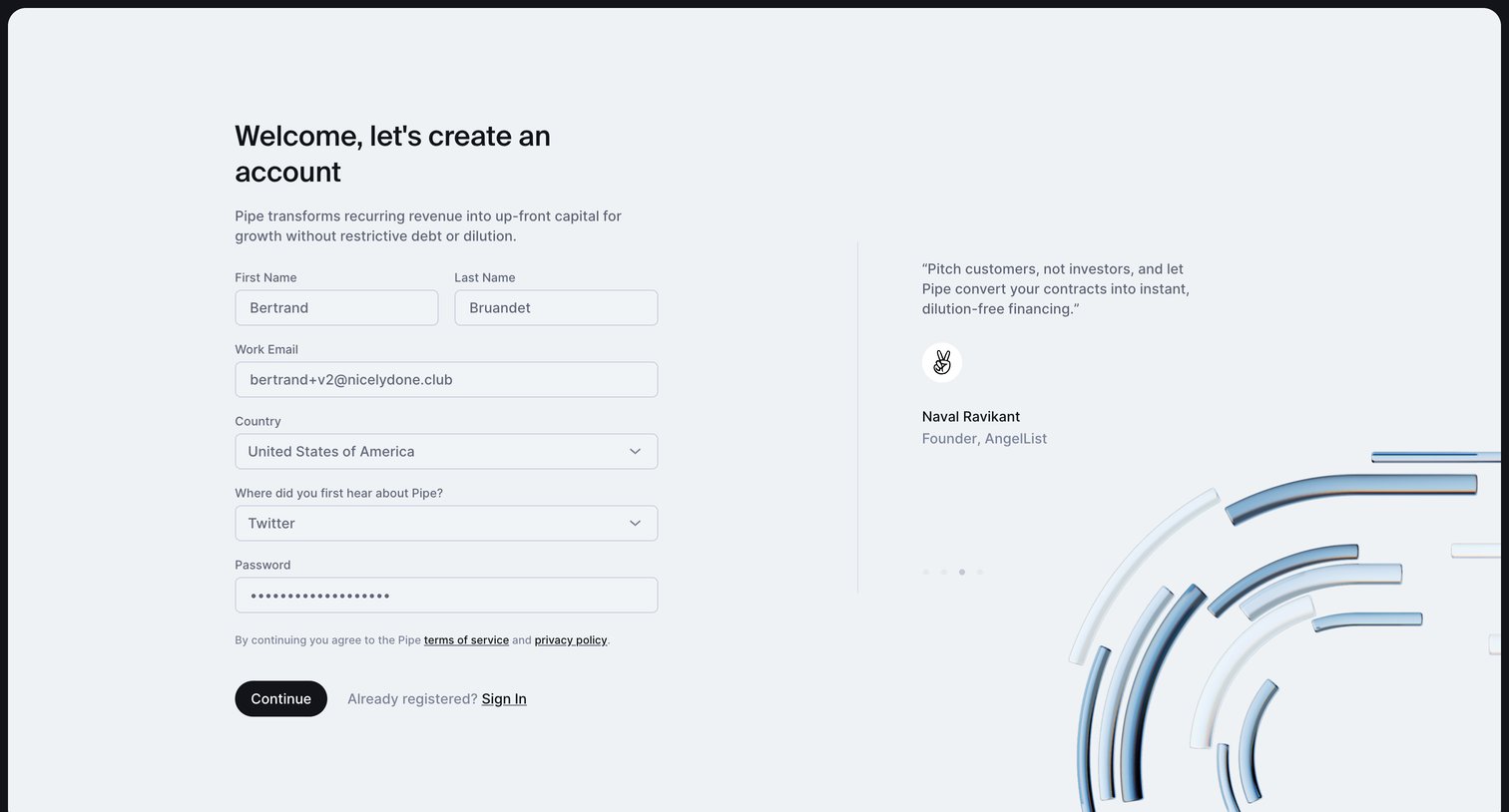
Signup screen where the user creates an account by providing their name, work email, country, and password, alongside a founder testimonial.

Pipe - Lets create an account screen
Pipe logo
Pipe

Signup page where the user enters their name, email, country, and password to create an account, accompanied by an investor testimonial.

Pipe screen
Pipe logo
Pipe

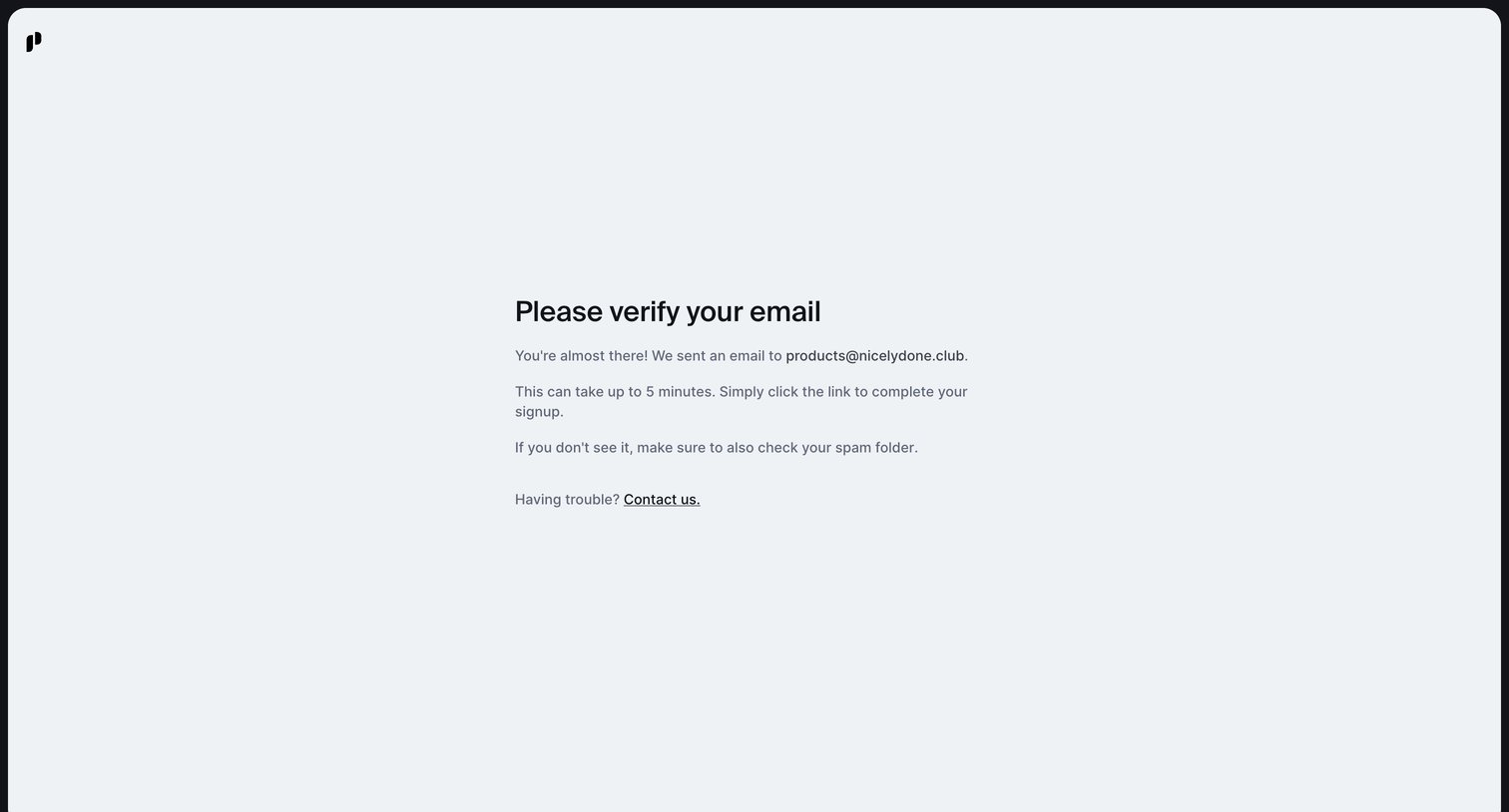
Verification screen instructing the user to check their inbox for a link sent to their email address to complete signup.
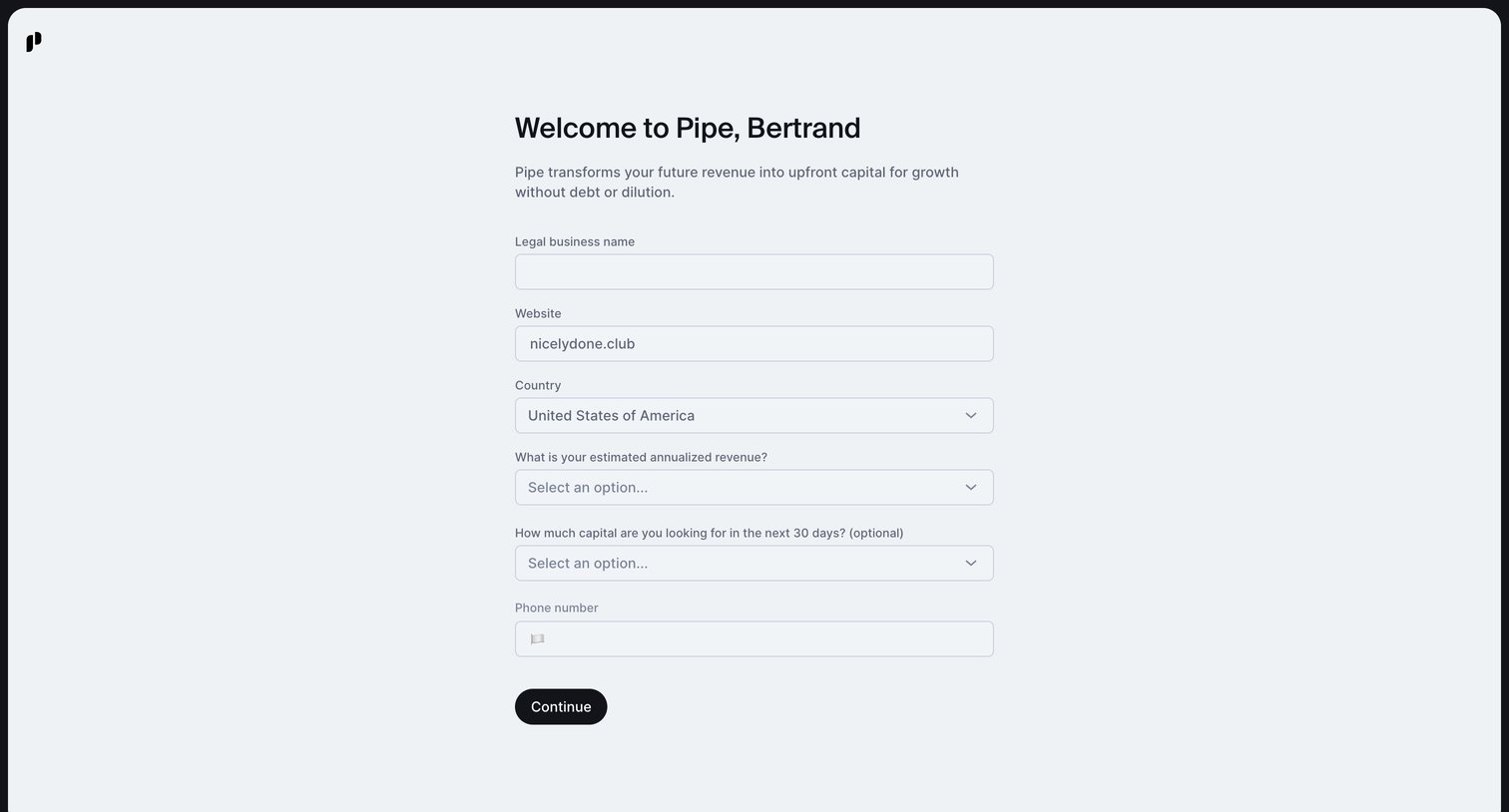
Pipe - Welcome to Pipe | Pipe screen
Pipe logo
Pipe

Onboarding step where the user provides their legal business name, website, country, estimated revenue, and capital needs to set up their profile.
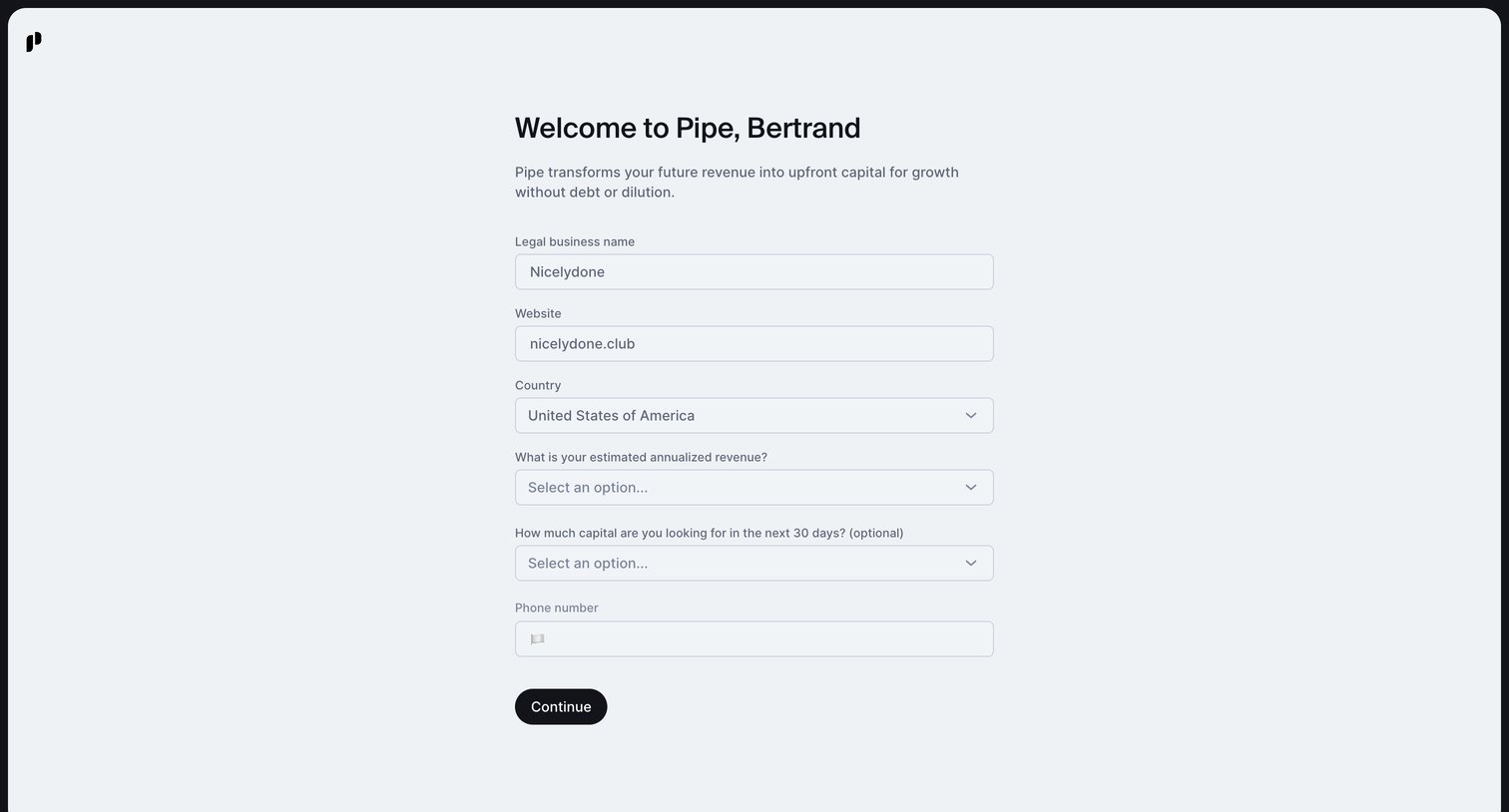
Pipe - Welcome to Pipe | Pipe screen
Pipe logo
Pipe

Onboarding step where the user provides their legal business name, website, country, estimated revenue, and capital needs to set up their account.

Browse the full SaaS app library

Explore real SaaS apps with their product screens, marketing screens, flows, and components.

Trusted by the best teams