Maps screen examples
Maps screen design examples from SaaS apps. Browse examples from Freckle, Reflect, ClickUp.
Explore the examples
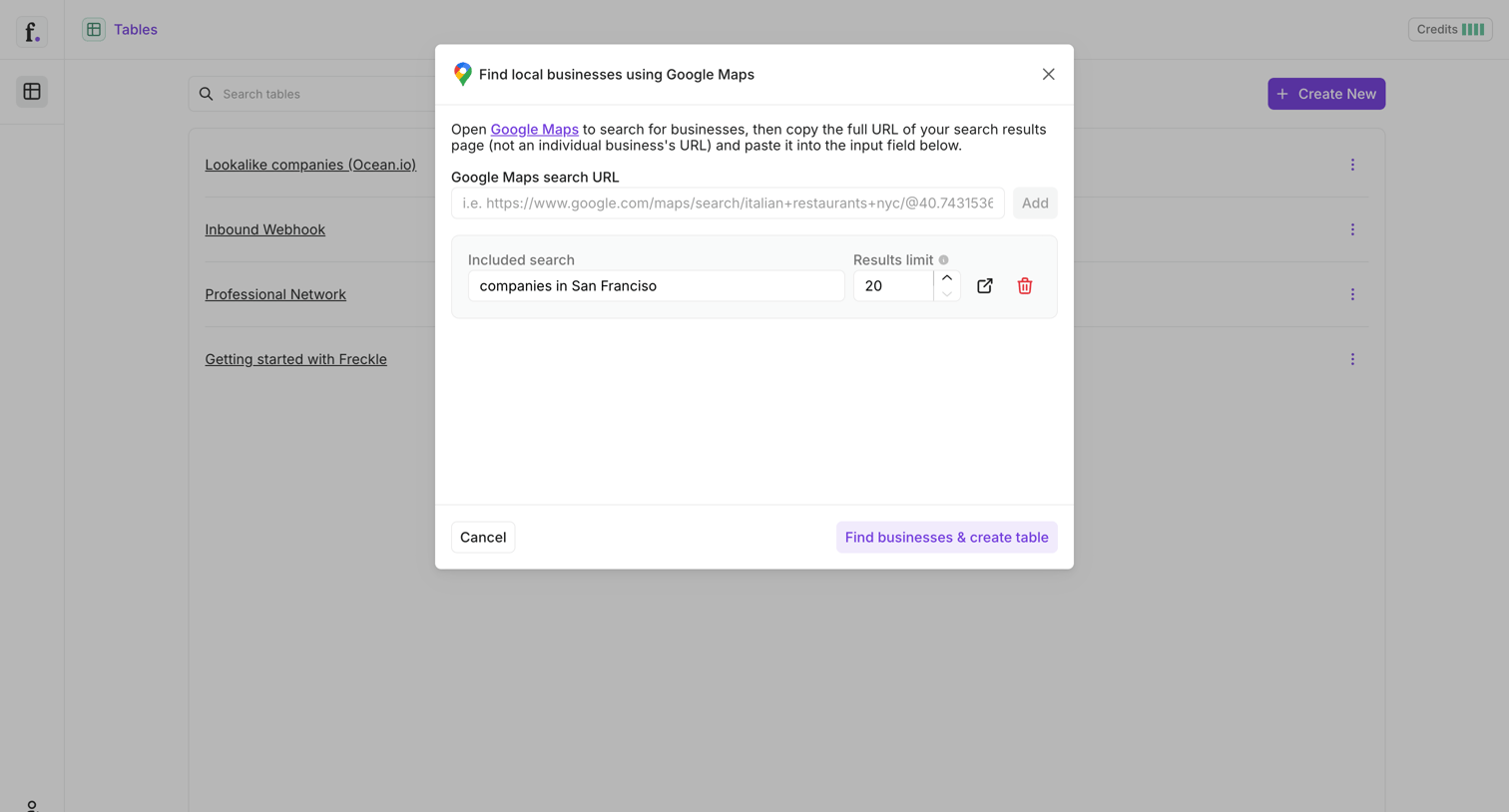

List view with an active modal where the user configures a Google Maps search URL and result limits to extract local business data into a new table.
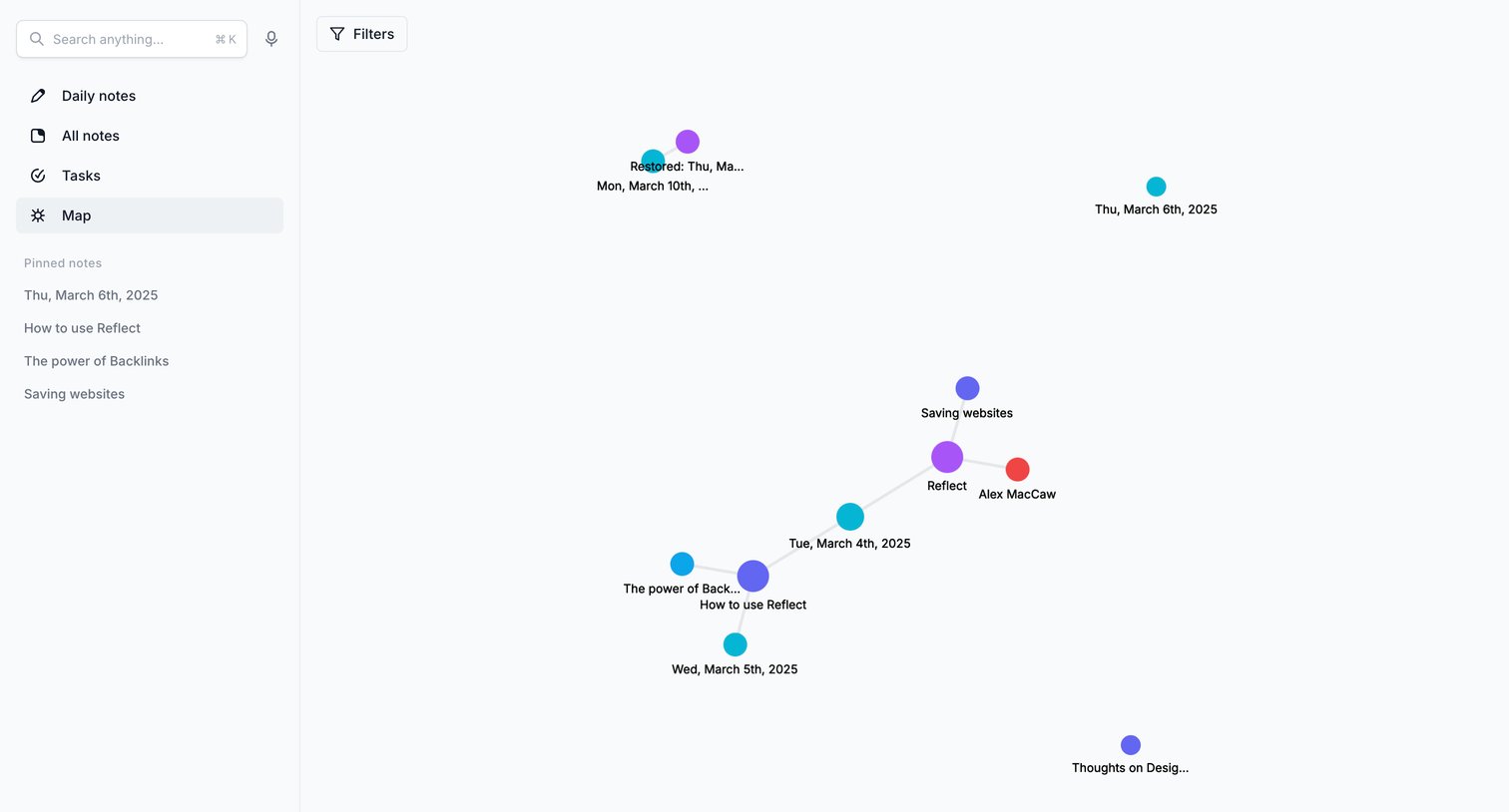

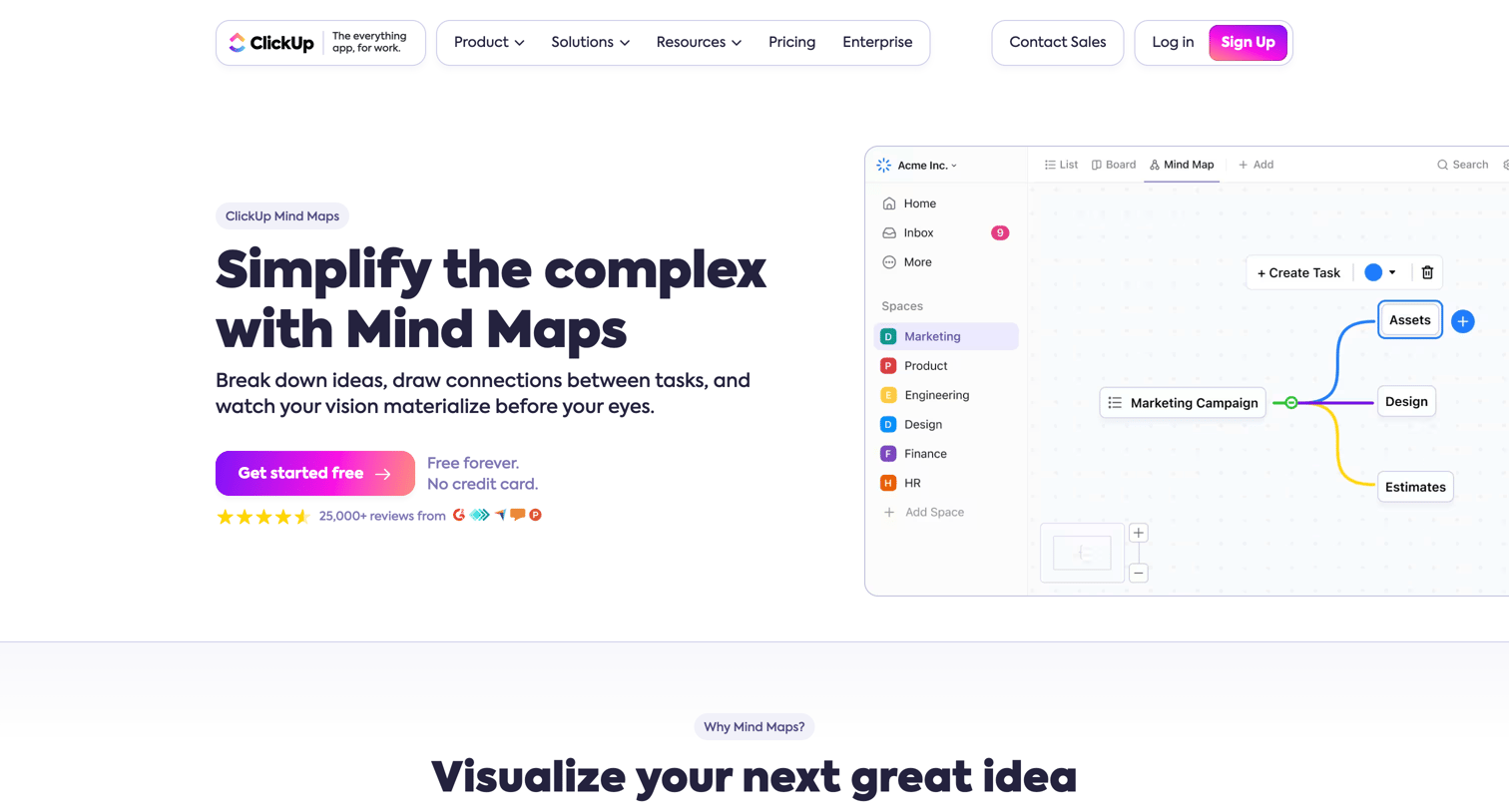

Feature page for a mind mapping tool where the user learns how to visualize ideas, re-layout structures, and turn nodes into actionable tasks.
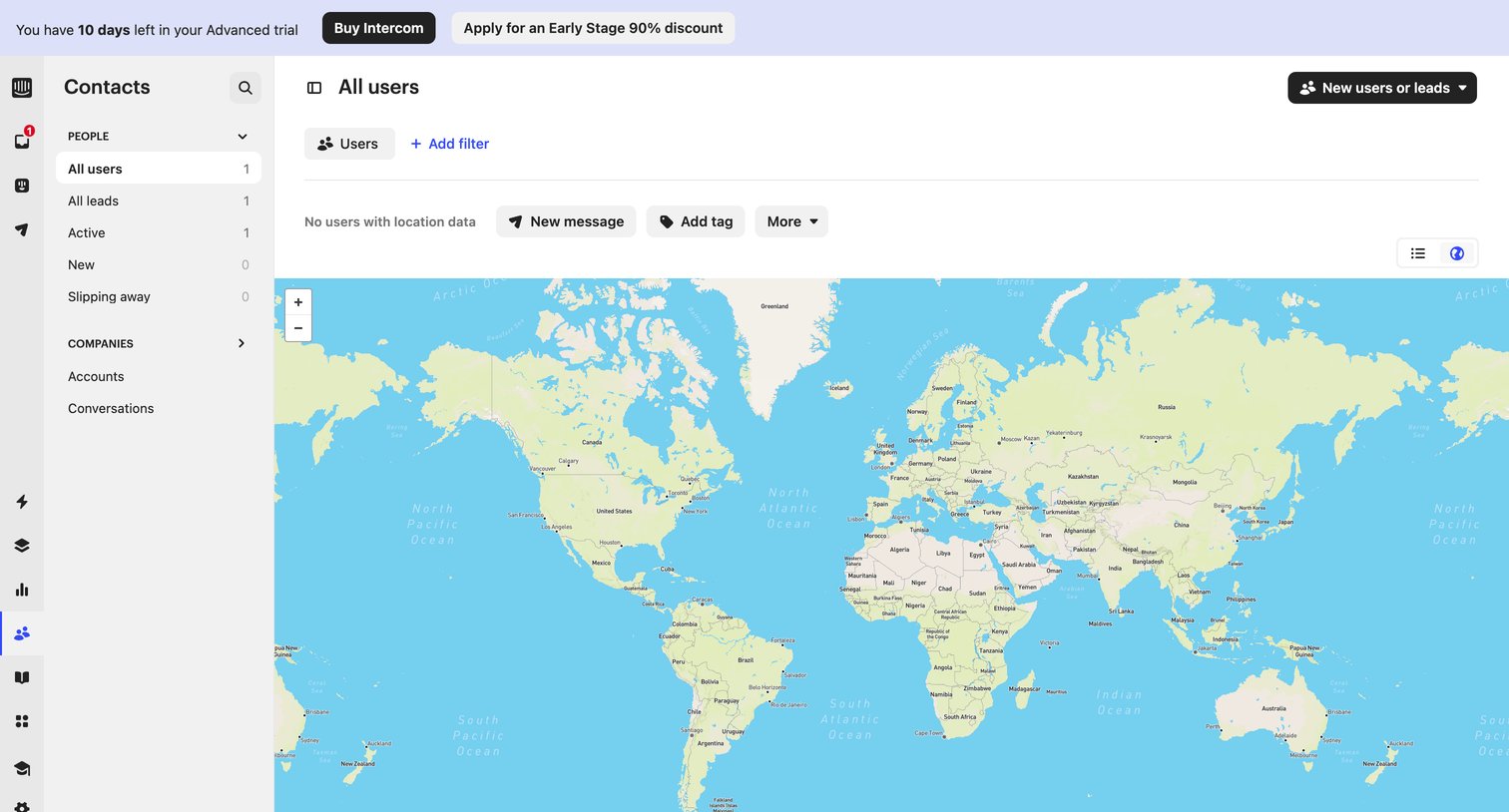

List view where the user views their contacts plotted on a world map, currently showing an empty state for location data beneath a trial expiration banner.
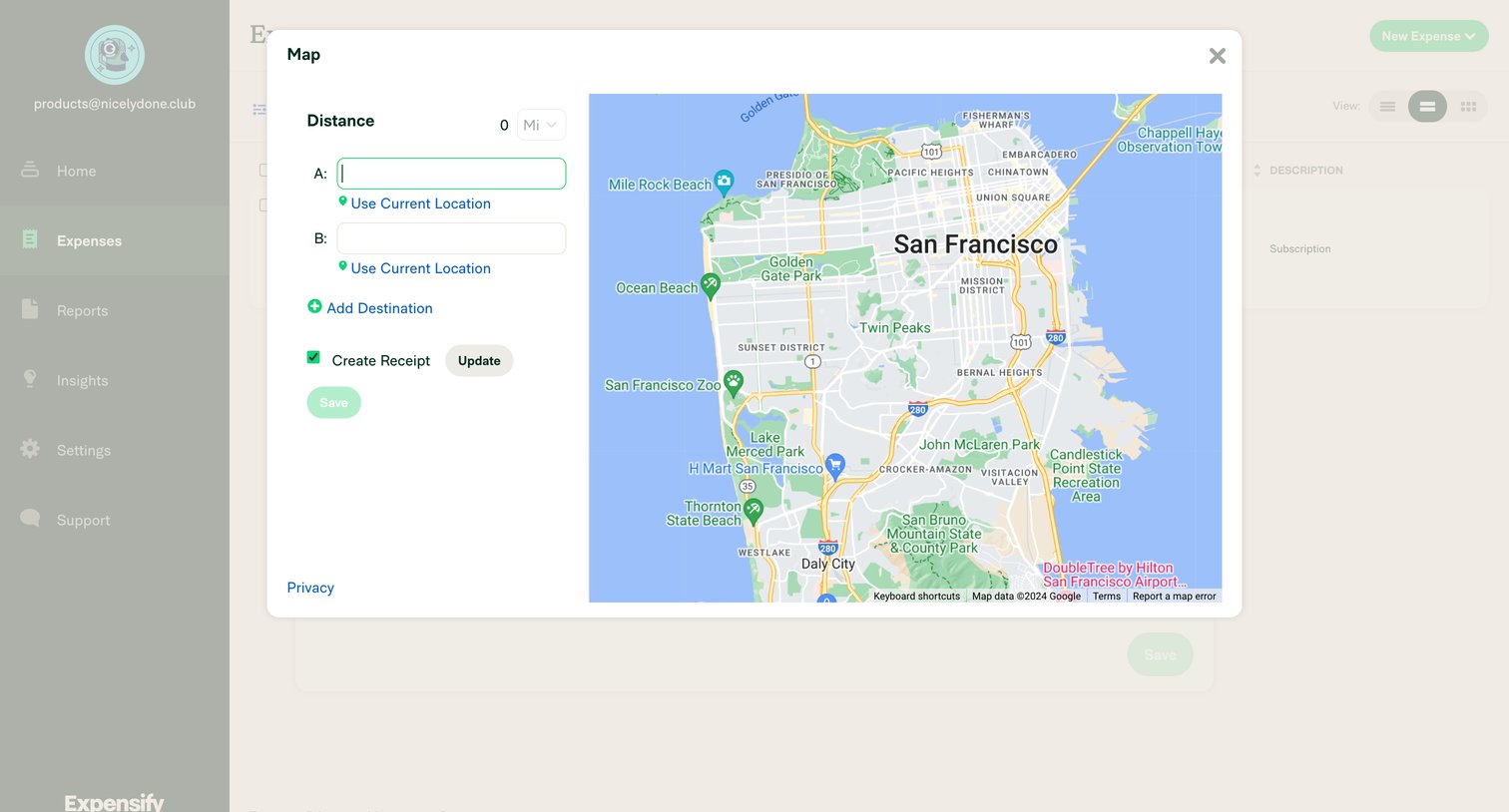

Create screen where the user calculates a distance-based expense by entering start and end locations on an interactive map.
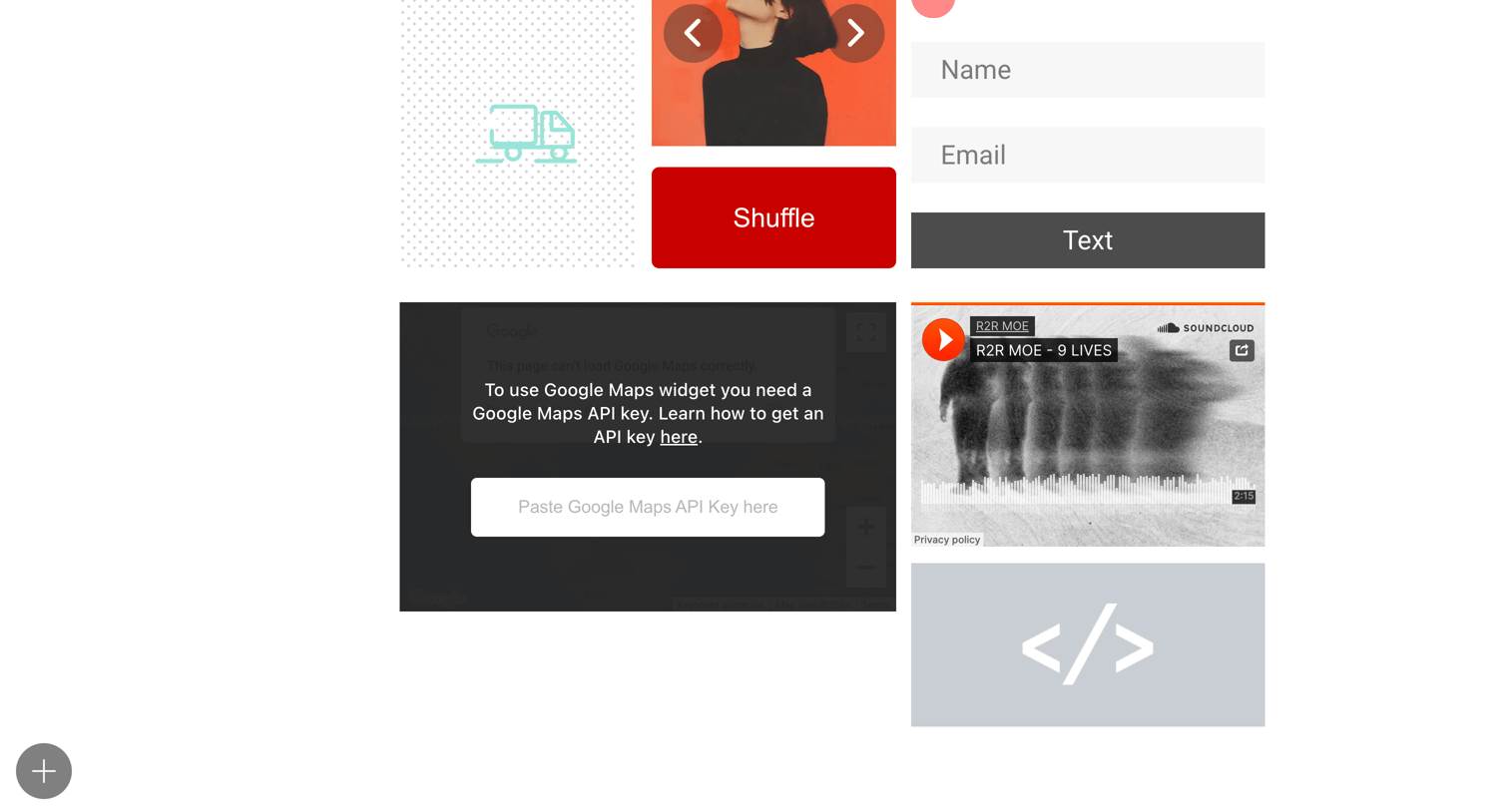

Design editor canvas where the user is arranging widgets like an image carousel, a contact form, an audio player, and a map block.
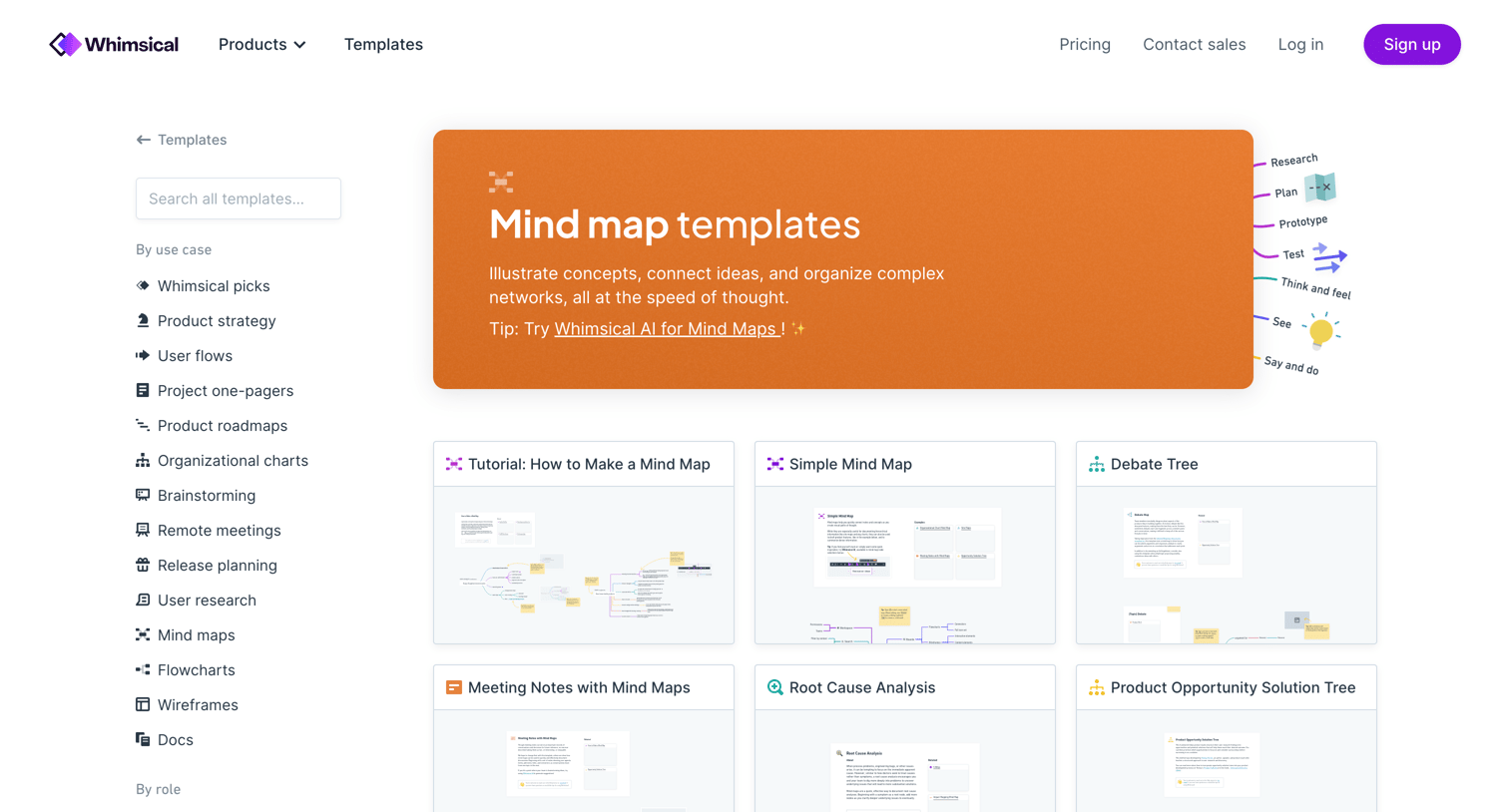

Template gallery where the user browses and selects mind map templates filtered by use case and role.
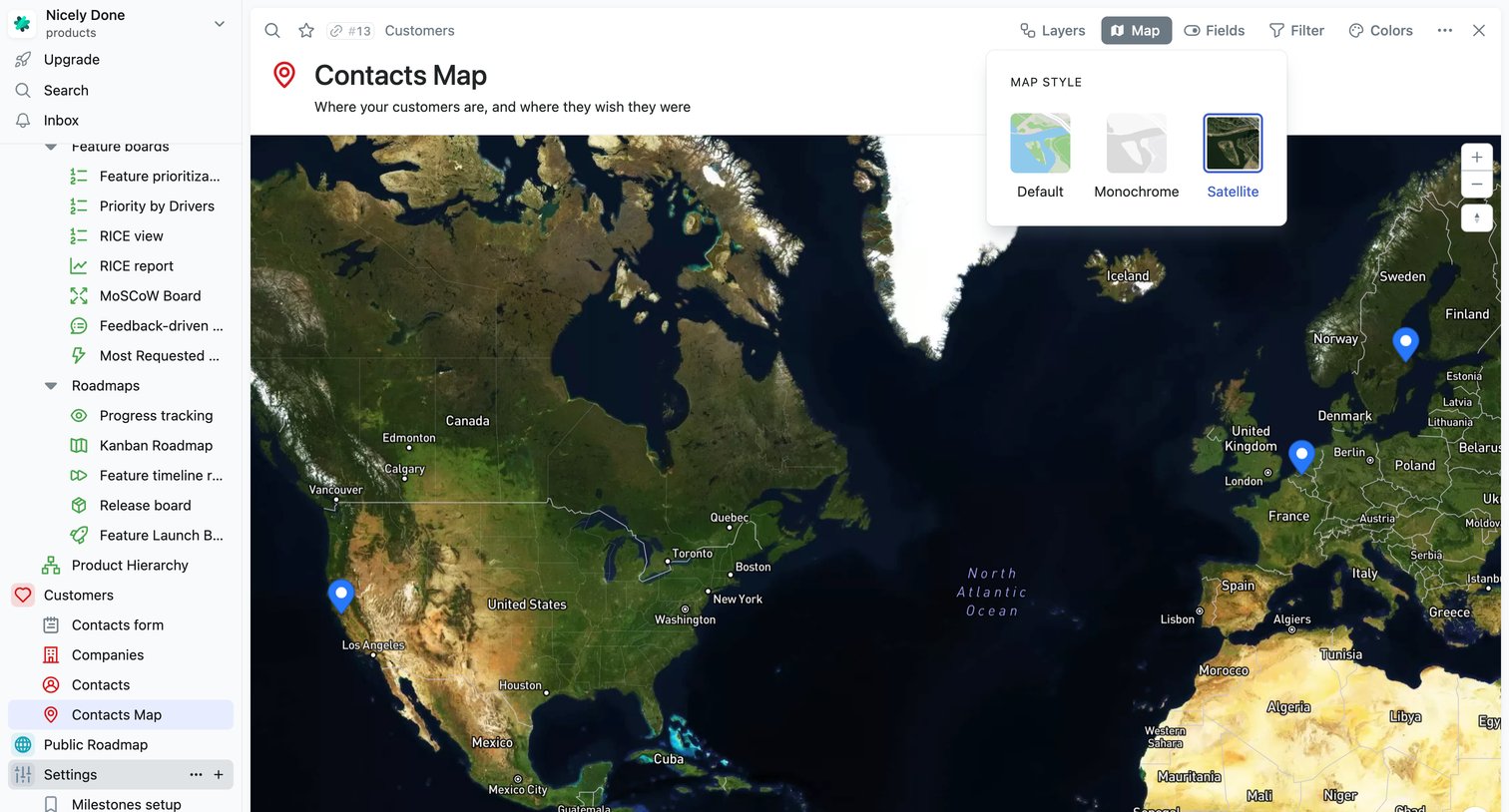

Map view displaying customer locations across the globe with an open popover to switch the map style to satellite.
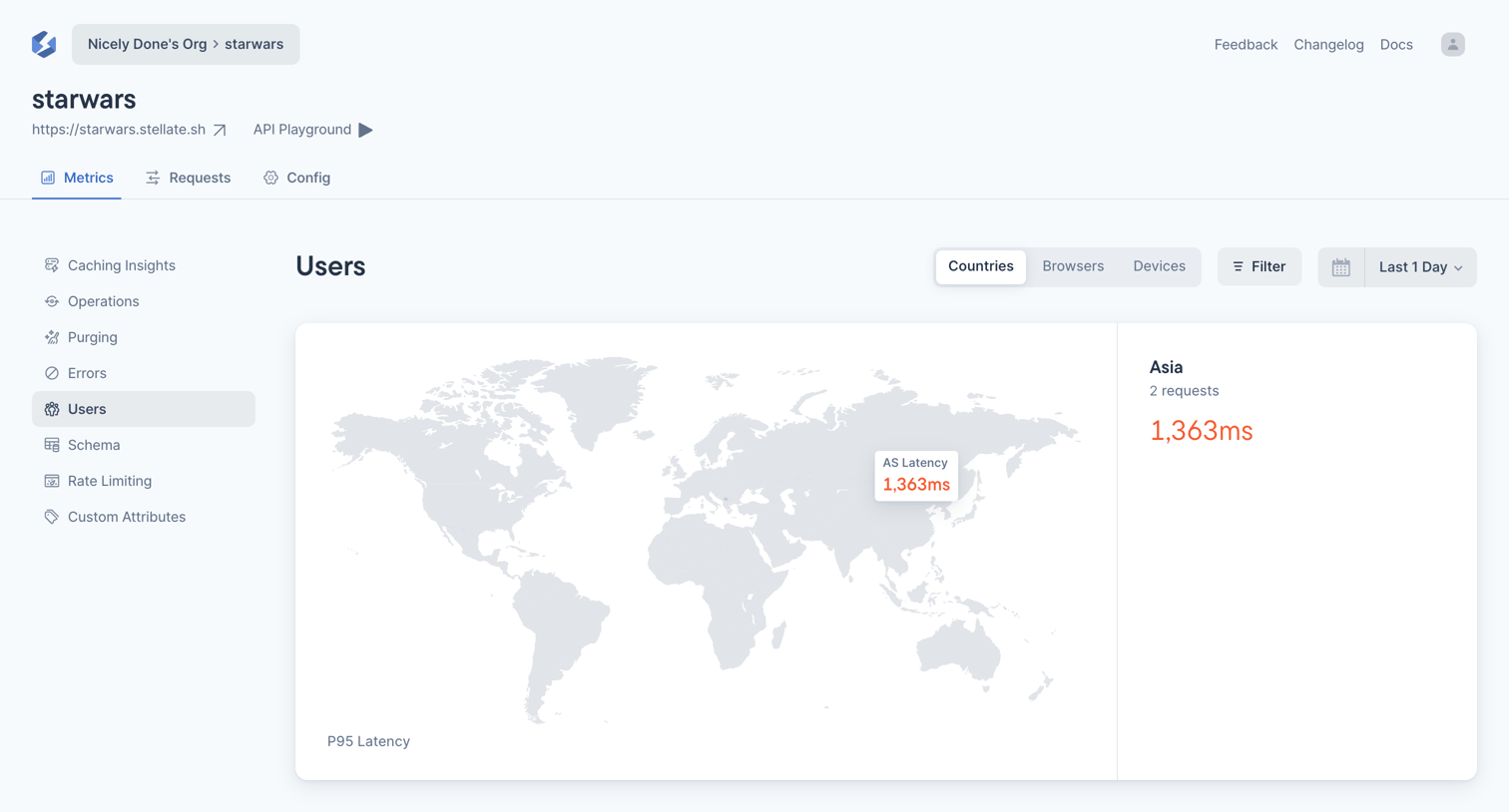

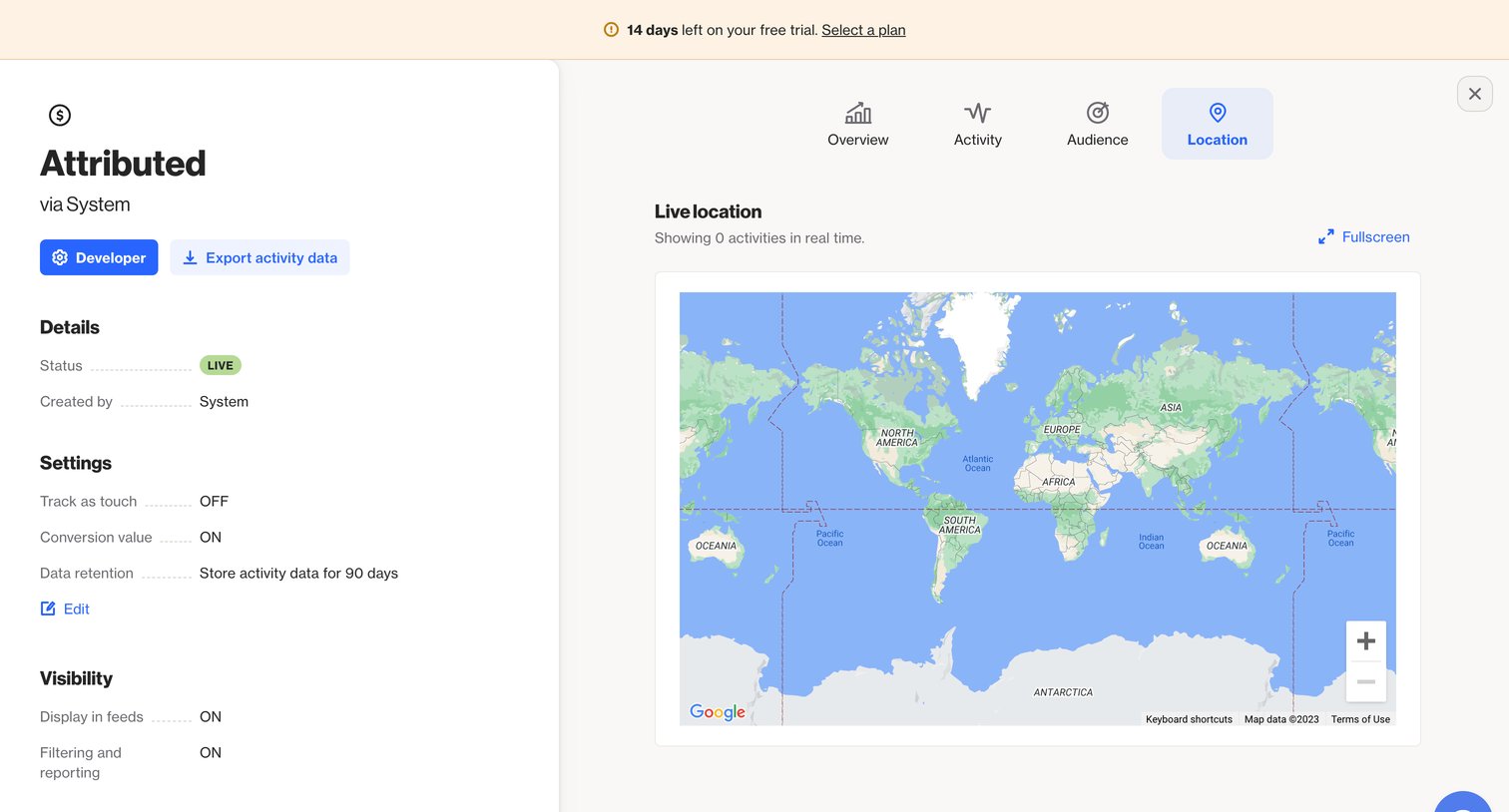

Detail page for a specific system activity, showing configuration settings on the left and a live interactive map of user locations on the right, with a trial expiration banner at the top.
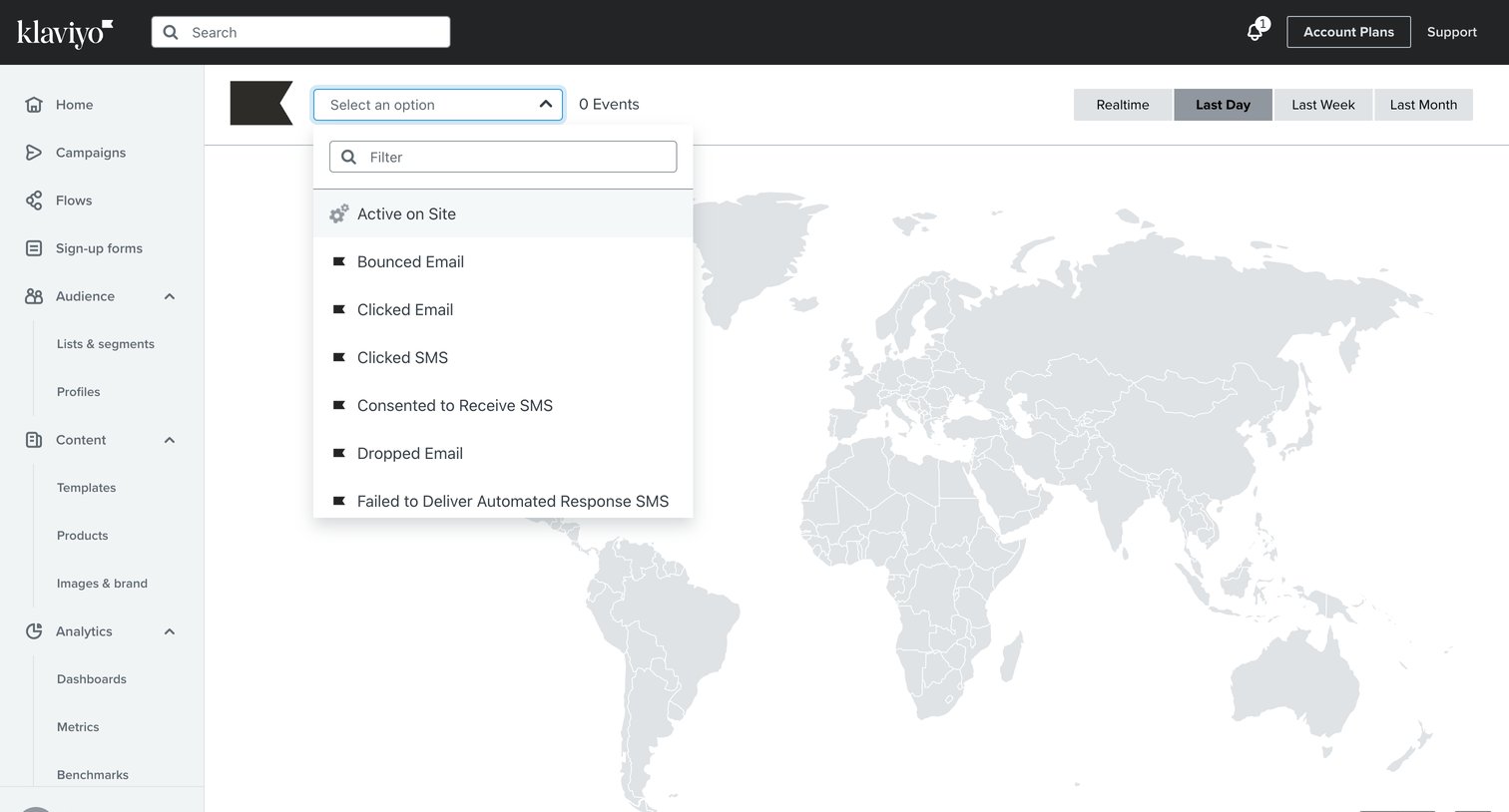

Dashboard map view where the user filters real-time or historical events like email clicks and site activity by geographic location.
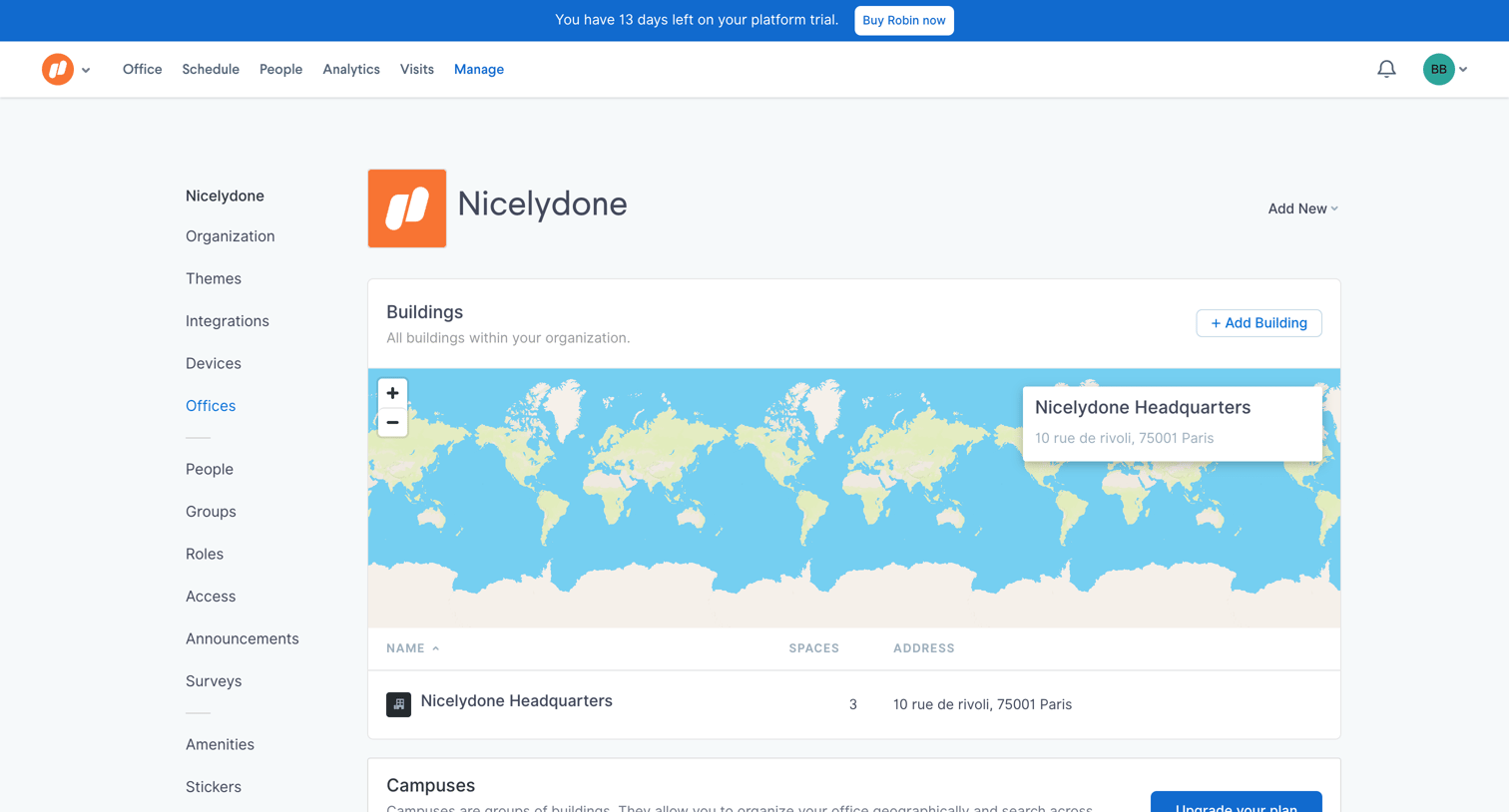

Settings page where the user manages physical office buildings on an interactive map and is prompted to upgrade to organize them into campuses.
Explore the full SaaS screen library
Upgrade to unlock the full library.
Trusted by the best teams







