Stellate design examples
Explore Stellate UI design examples. Edge Caching & Metrics for your GraphQL API
Product screens


Verification screen confirming that a magic login link has been successfully sent to the user's email address.
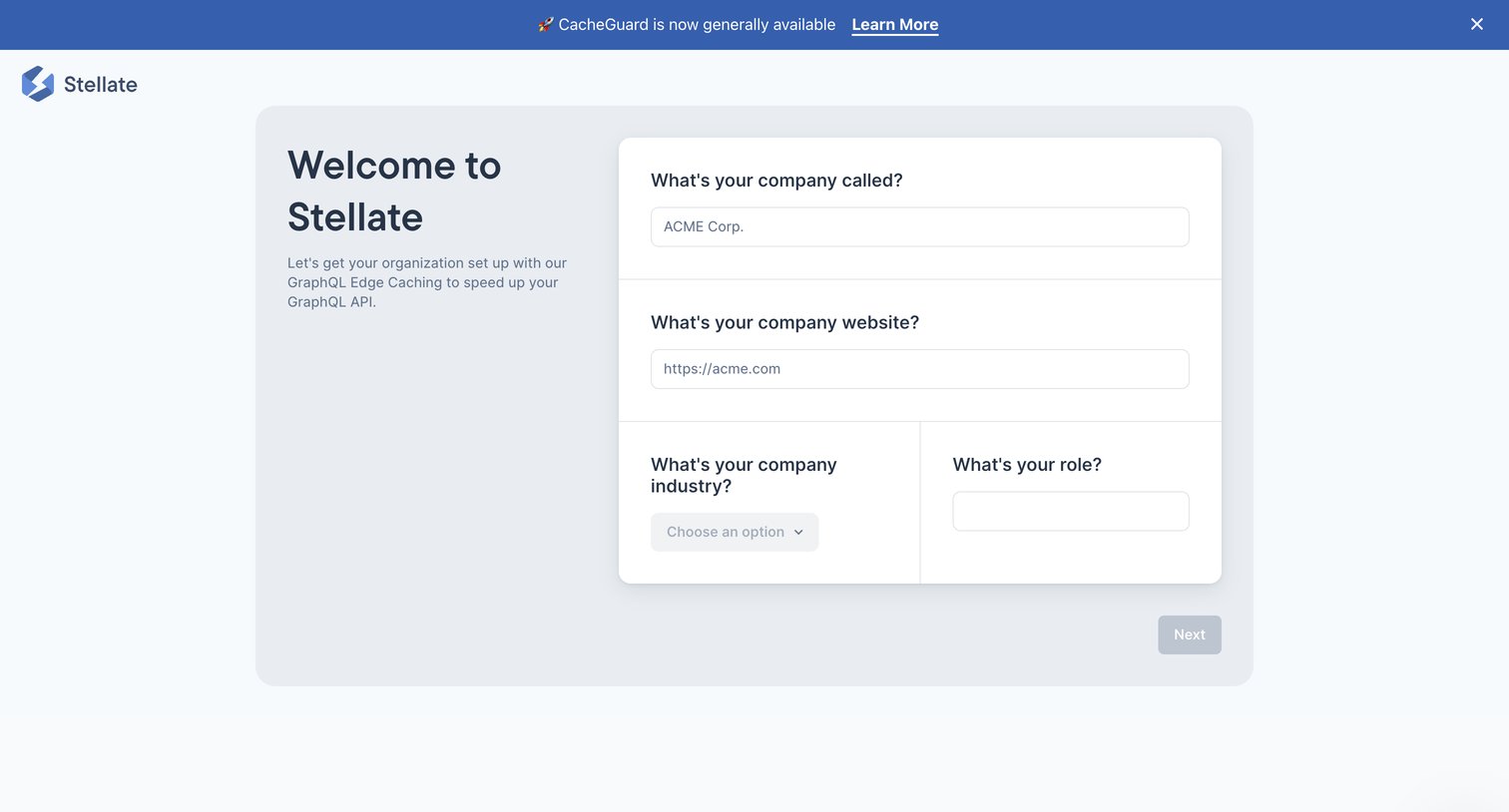
Onboarding step where the user sets up their organization by providing their company name, website, industry, and role.
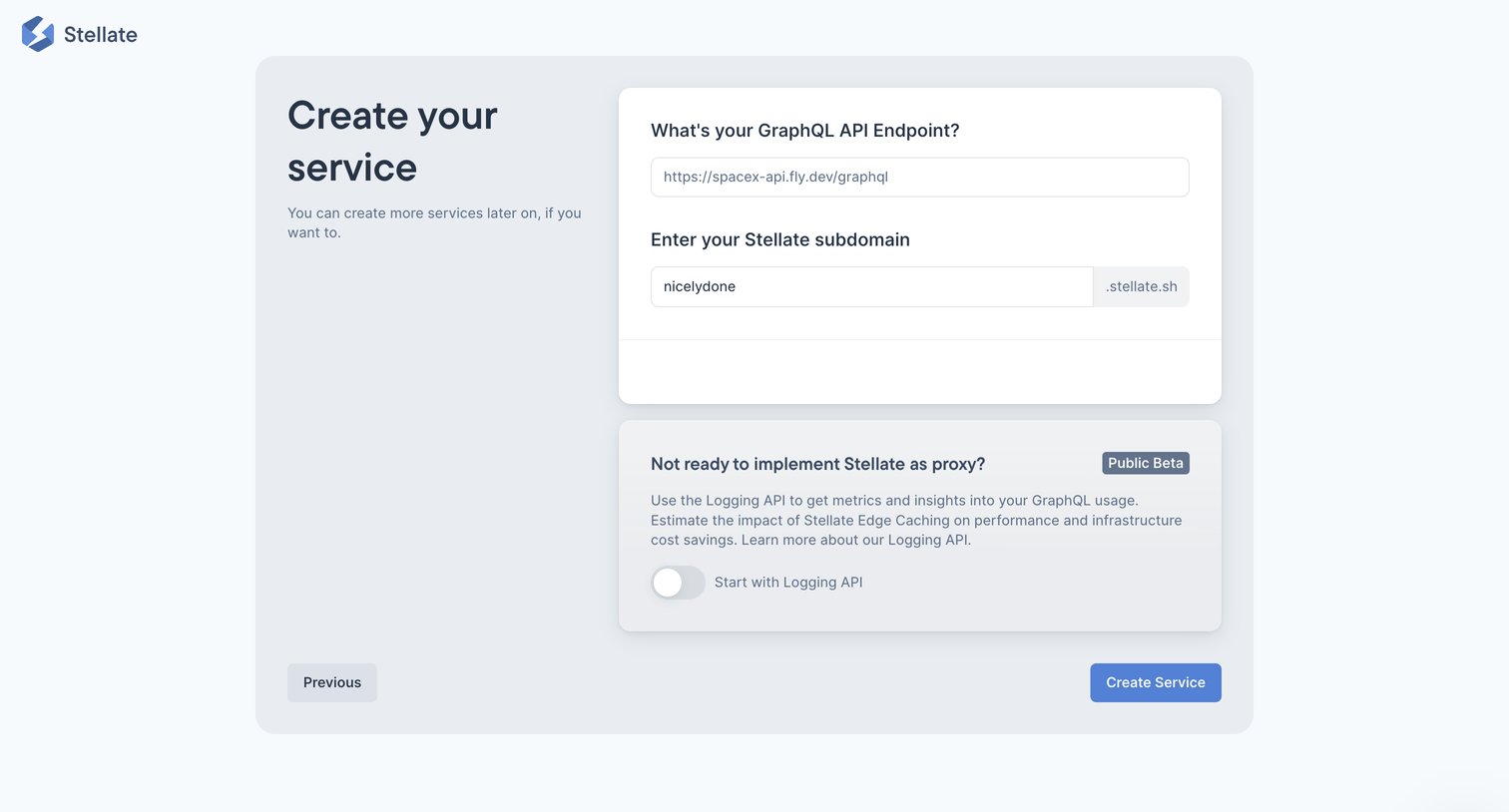
Onboarding step where the user configures their GraphQL API endpoint and Stellate subdomain to create a new service.
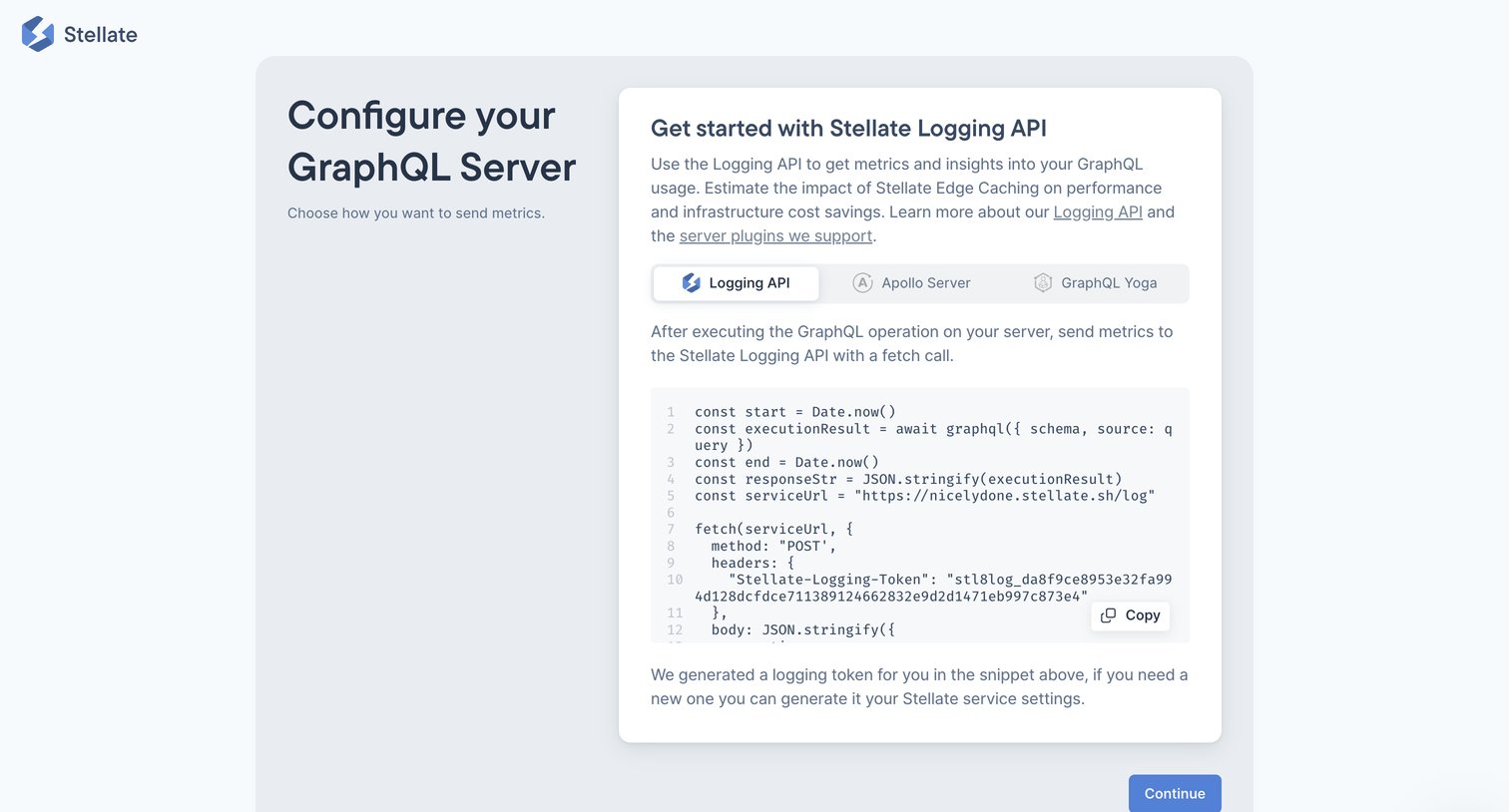
Onboarding step where the user configures their GraphQL server by selecting an integration method like Apollo Server or GraphQL Yoga and copying the provided code snippet.
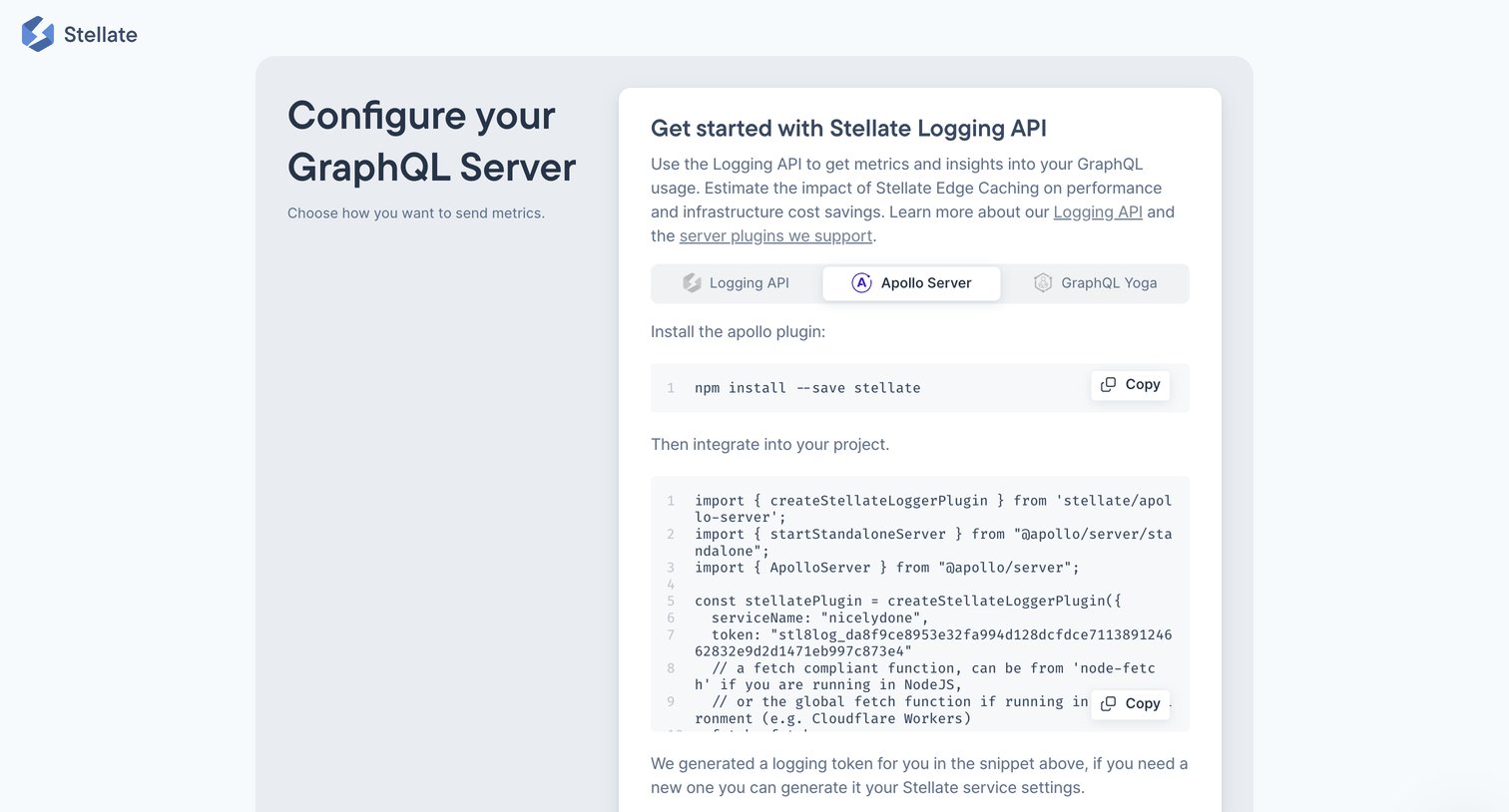
Onboarding step where the user configures their GraphQL server by selecting a framework and copying the provided installation and integration code snippets.
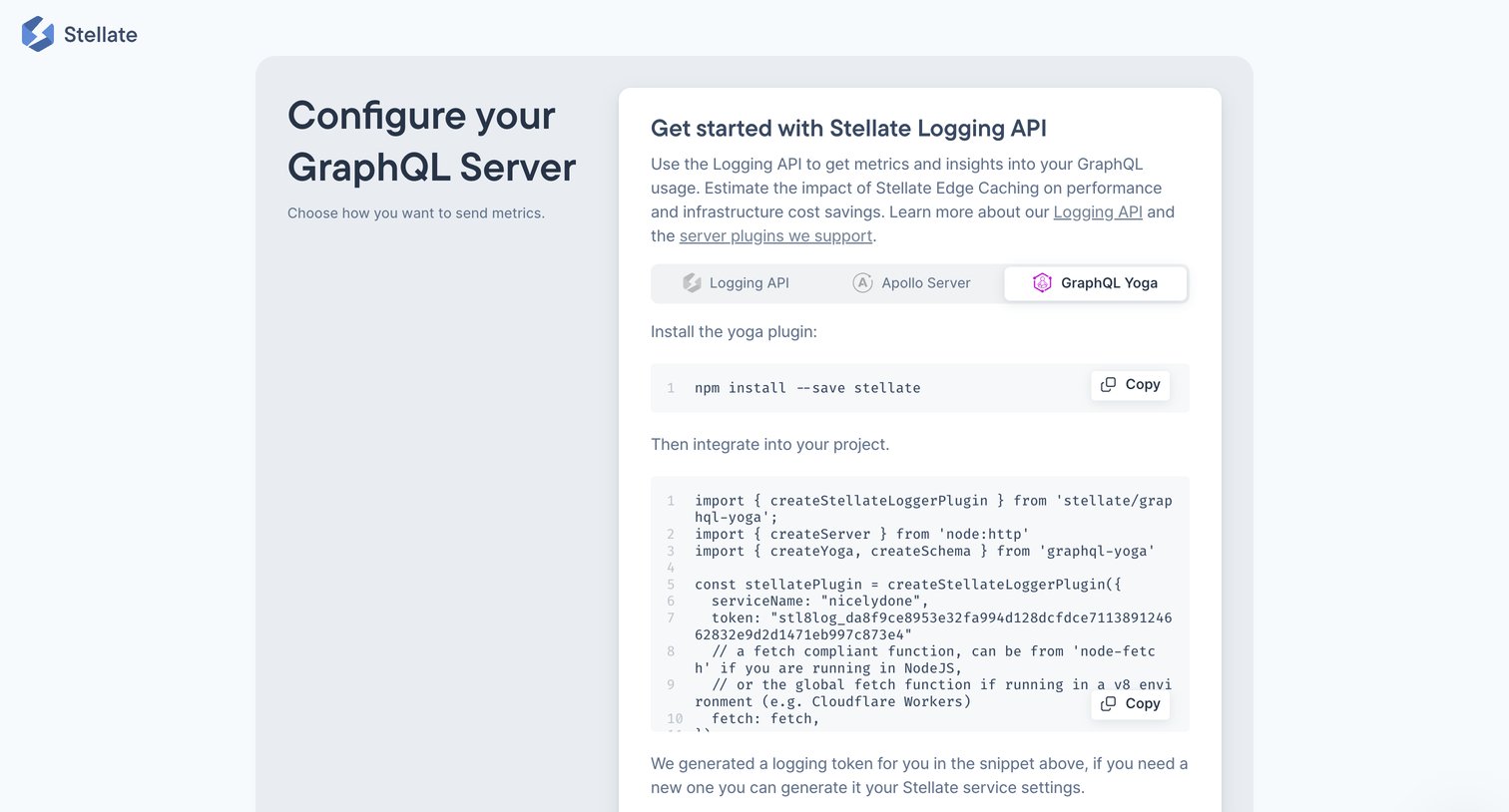
Onboarding step where the user configures their GraphQL server by selecting a framework like Apollo or Yoga and copying the provided installation code snippets.
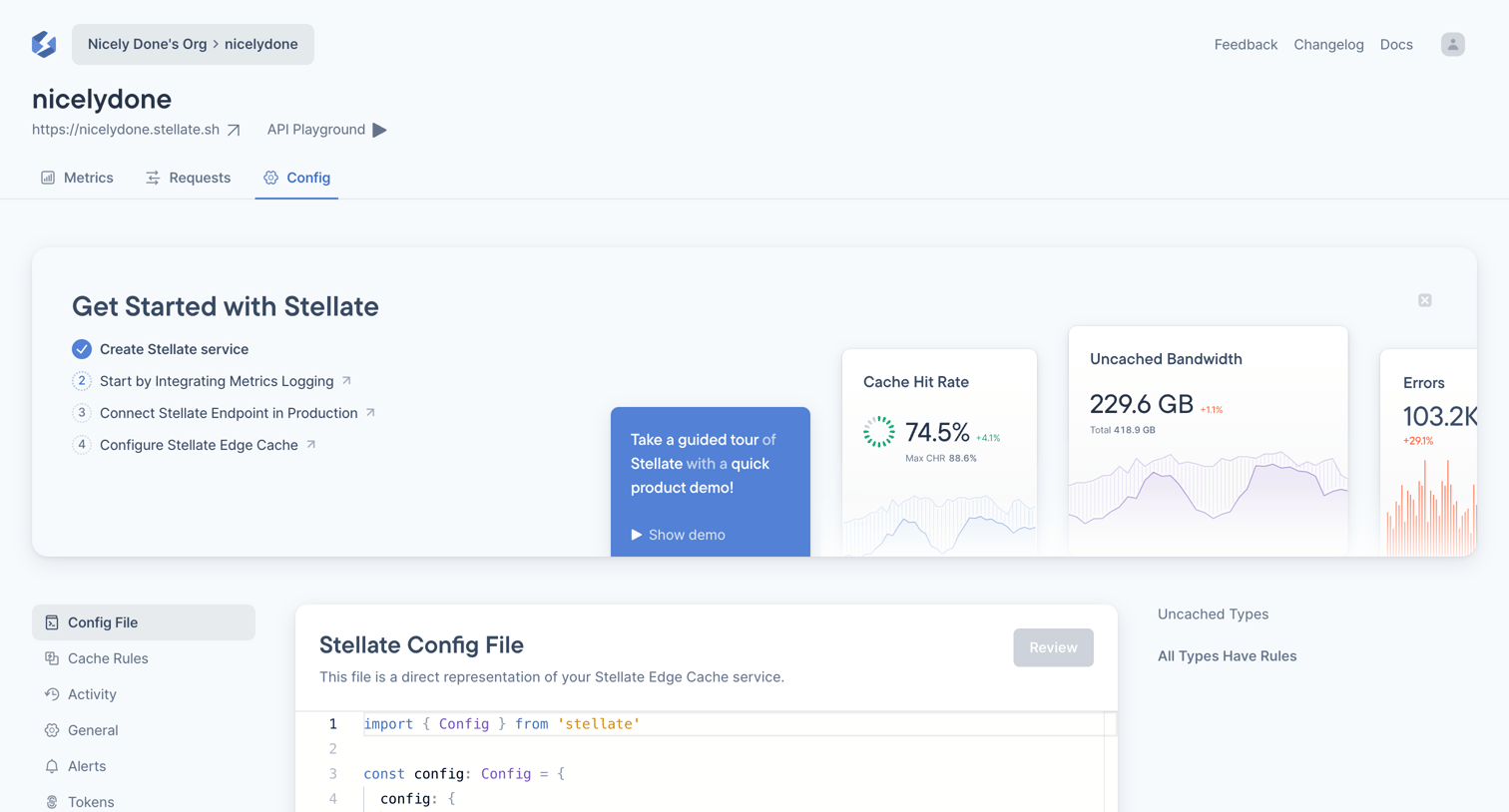
Inline code editor where the user configures their Stellate edge cache service, with a getting started checklist and metric previews visible above.
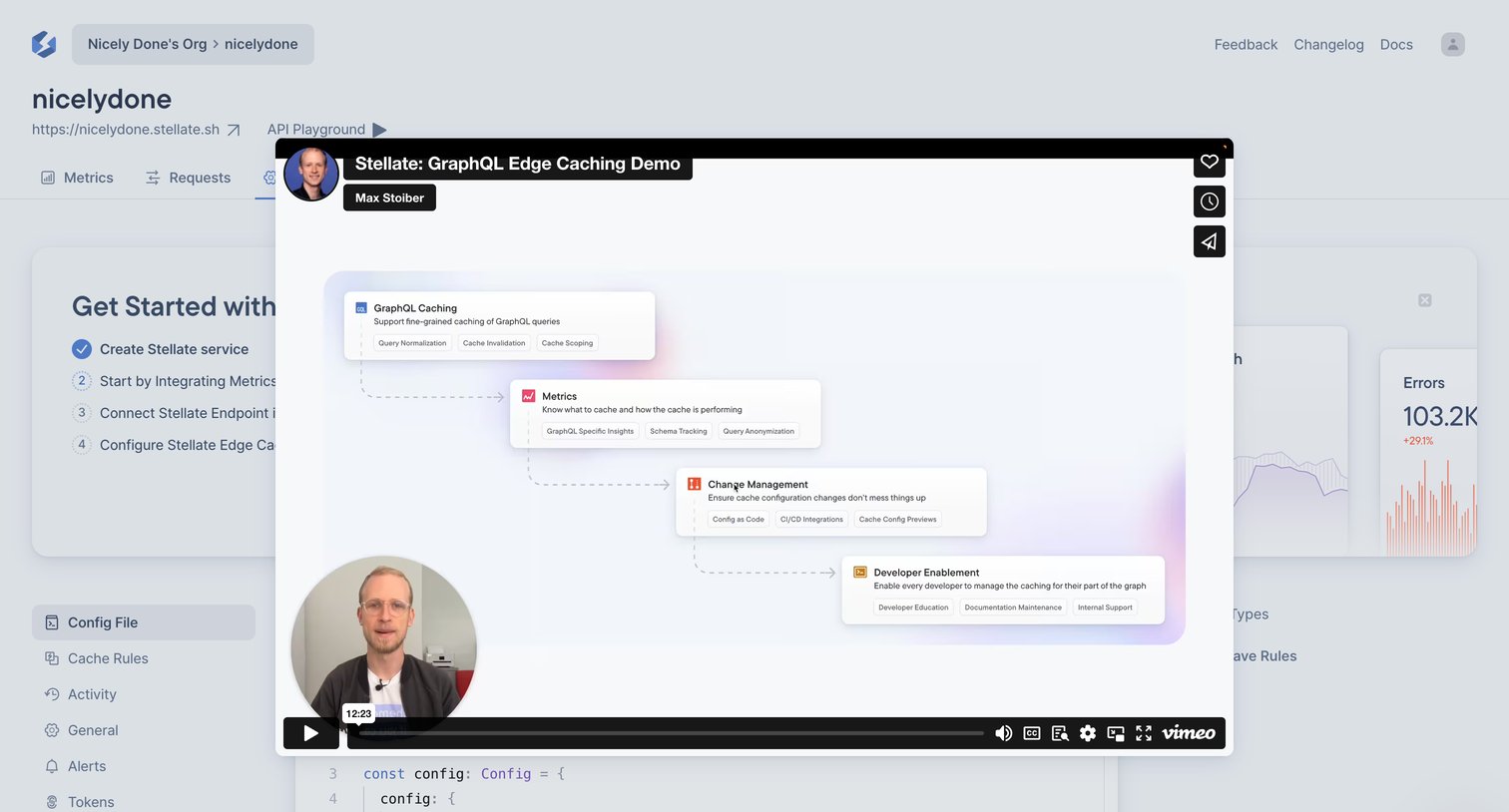
Settings page where a product demo video modal overlays a getting started checklist and a configuration code editor.
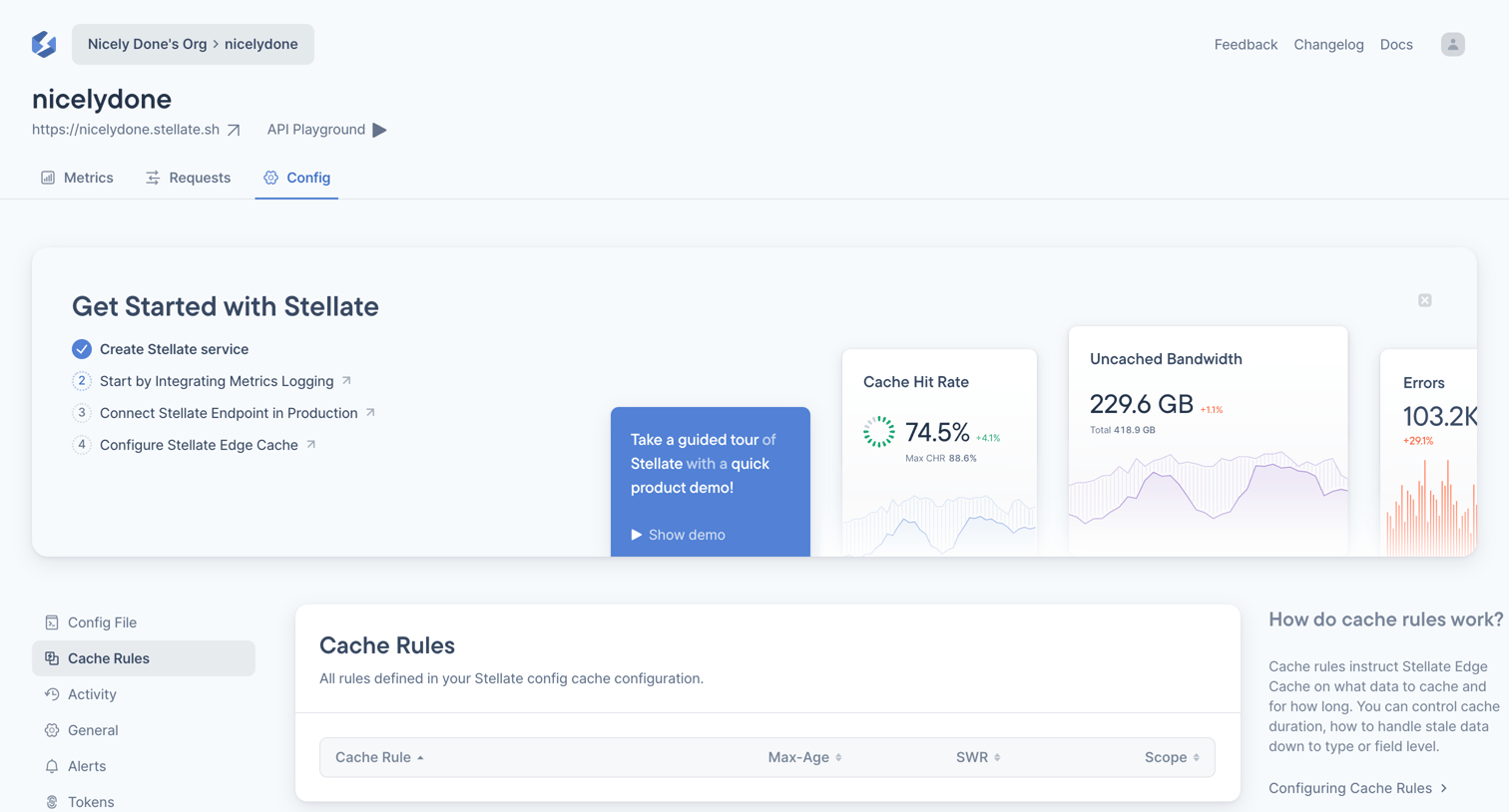
Settings page where the user configures Stellate edge cache rules, currently showing an empty state alongside an onboarding checklist and contextual help.
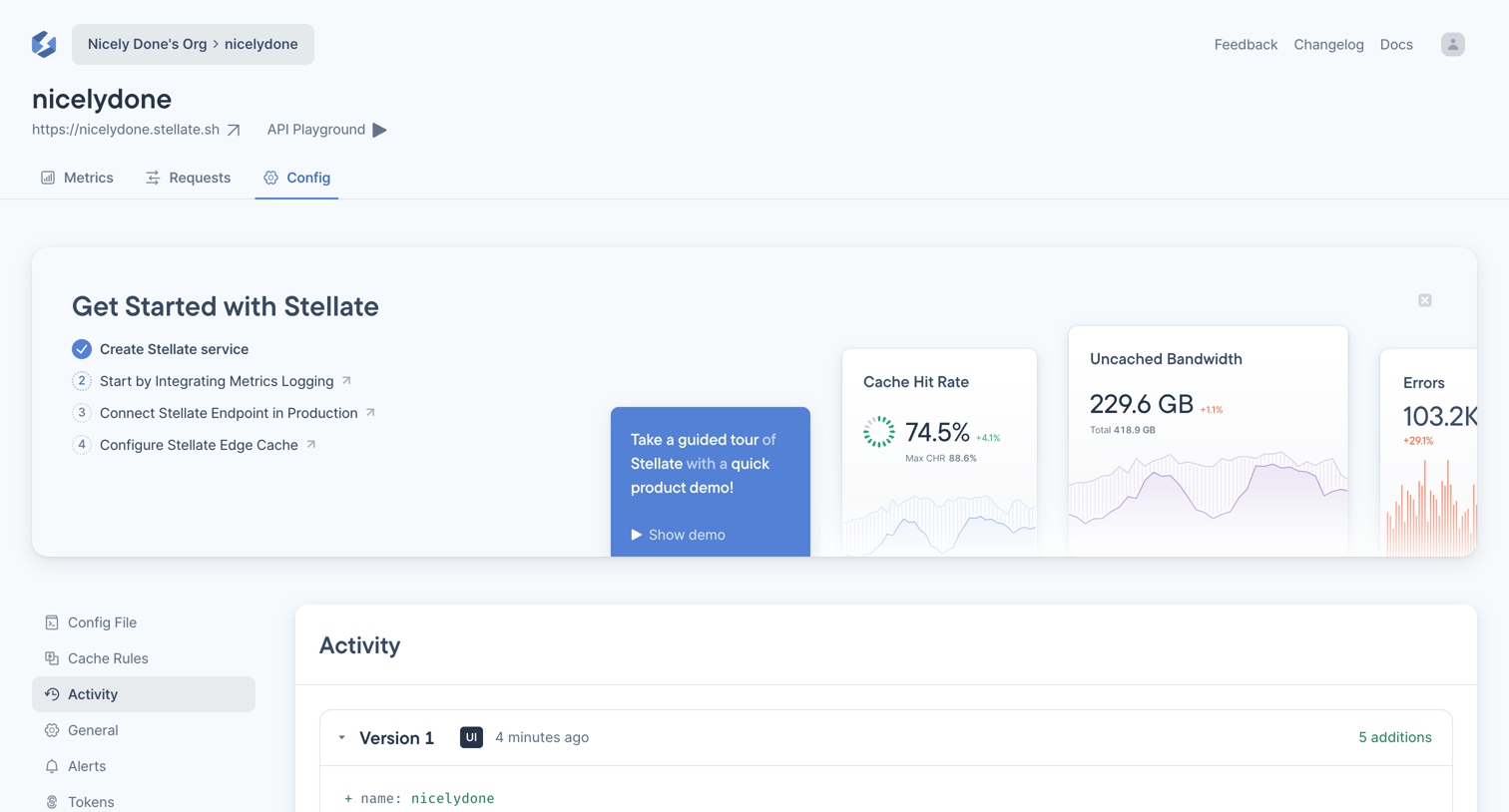
Settings page showing an activity log with a code diff for configuration changes, alongside an onboarding checklist and KPI preview banner.
Browse the full SaaS app library
Explore real SaaS apps with their product screens, marketing screens, flows, and components.
Trusted by the best teams







