Machine learning screen examples
Machine learning screen design examples from SaaS apps. Browse examples from Inference, Elevenlabs, Morphic.
Explore the examples
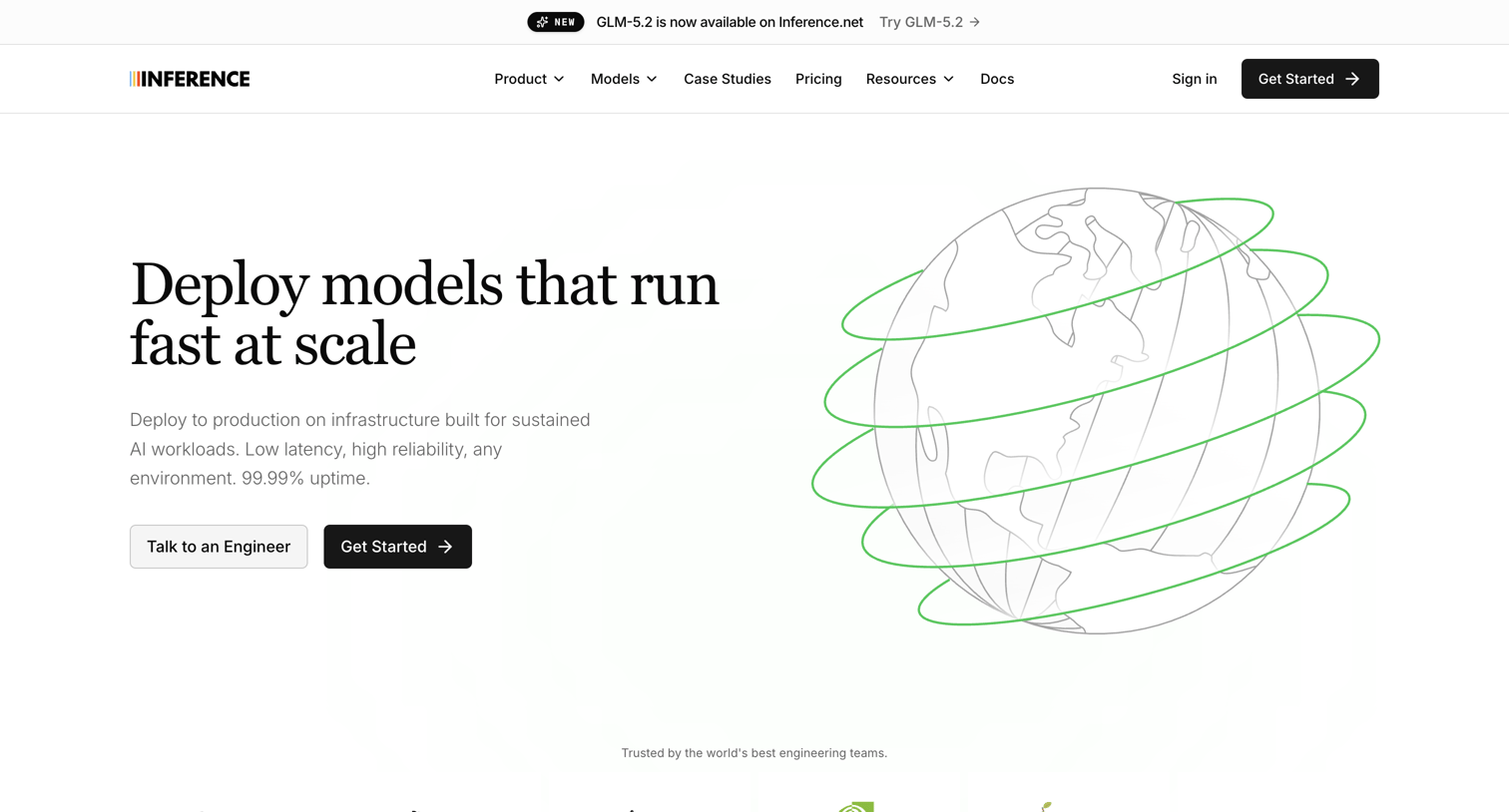

Product page for a model deployment service featuring a catalog table of supported models with hourly pricing, capability grids, and a research blog section.
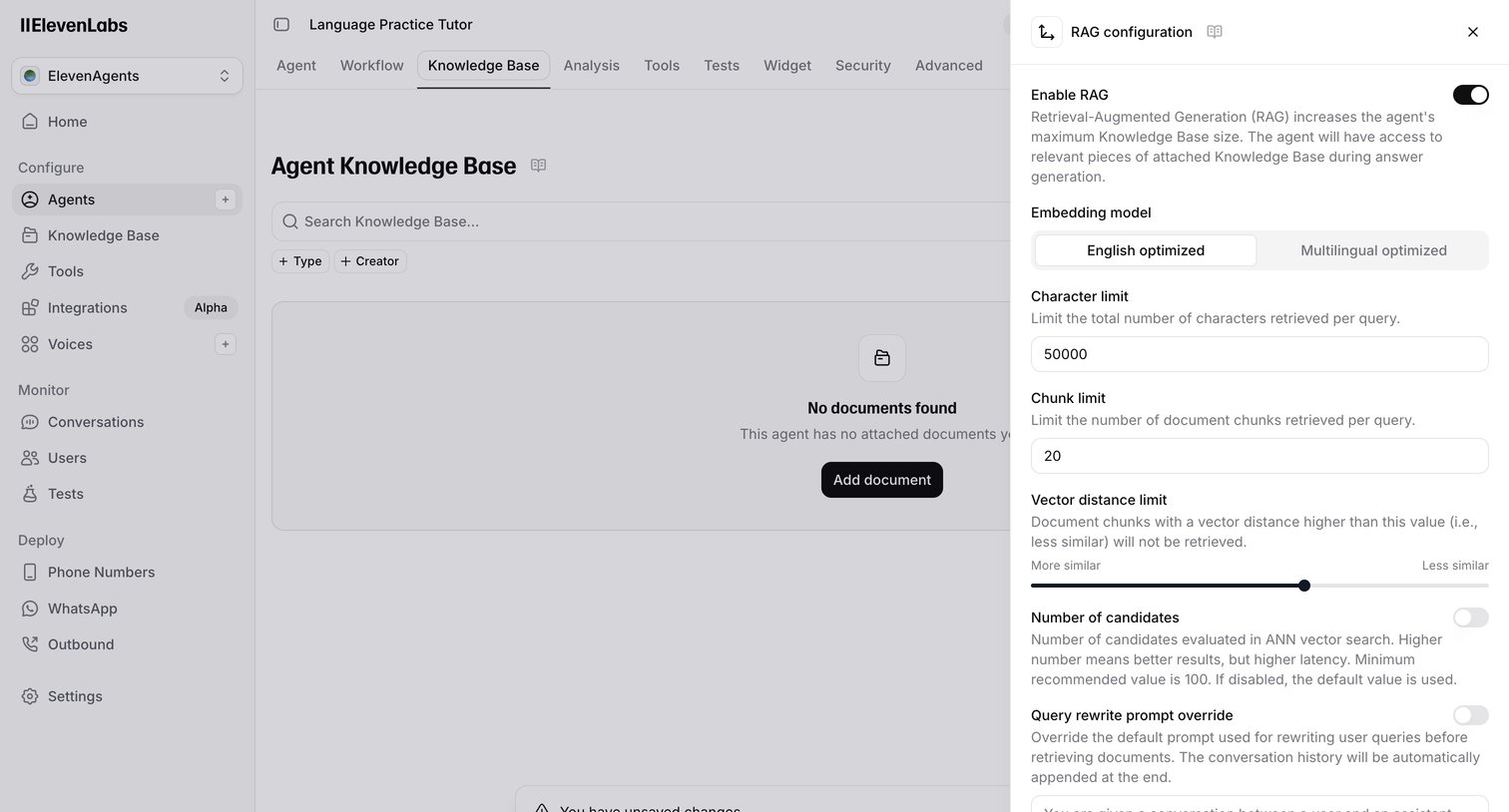

Settings page where the user configures the knowledge base and RAG parameters for an AI language practice tutor.
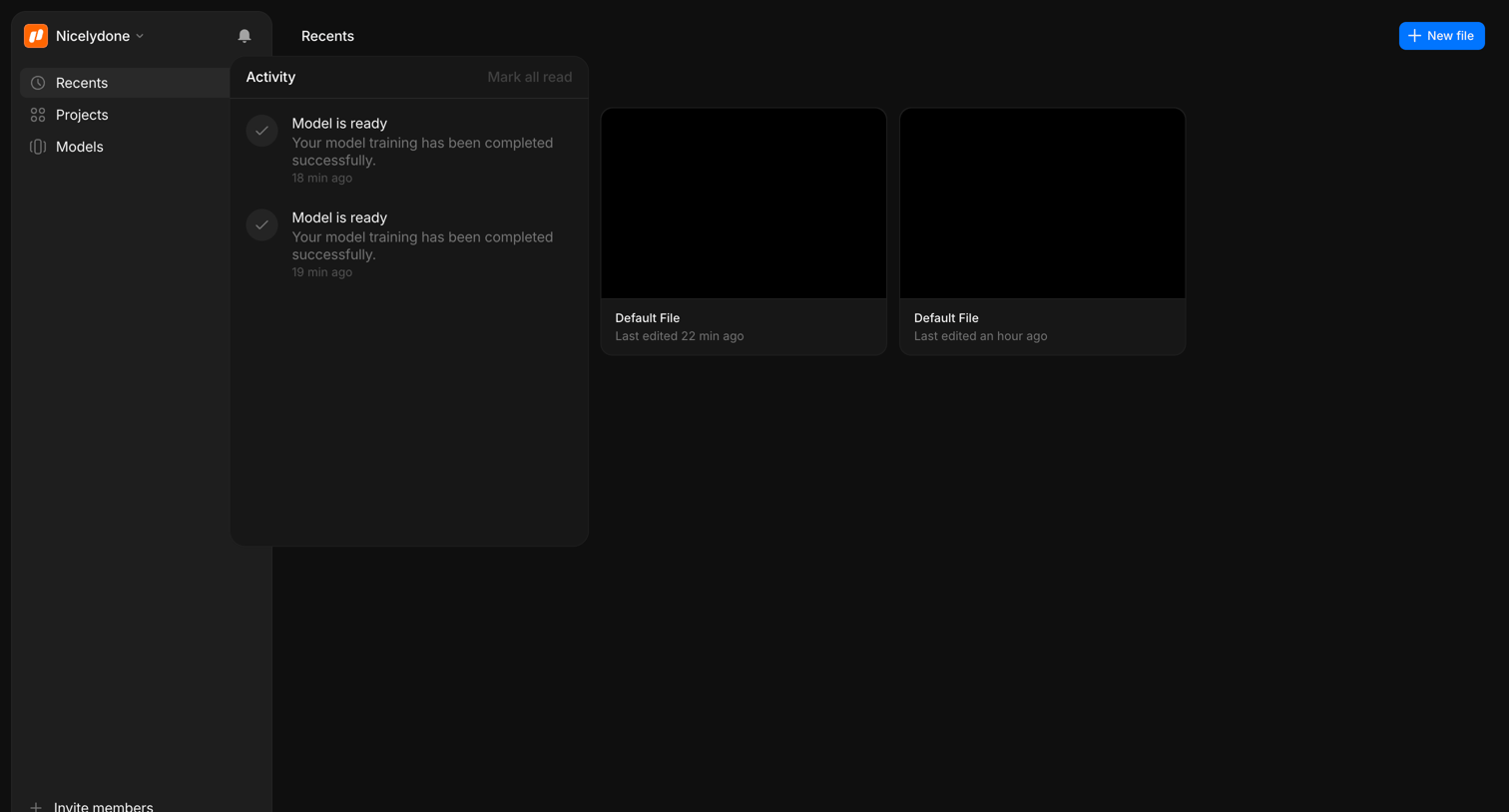

Home screen where the user views recently edited files and checks recent model training activity via a notification panel.

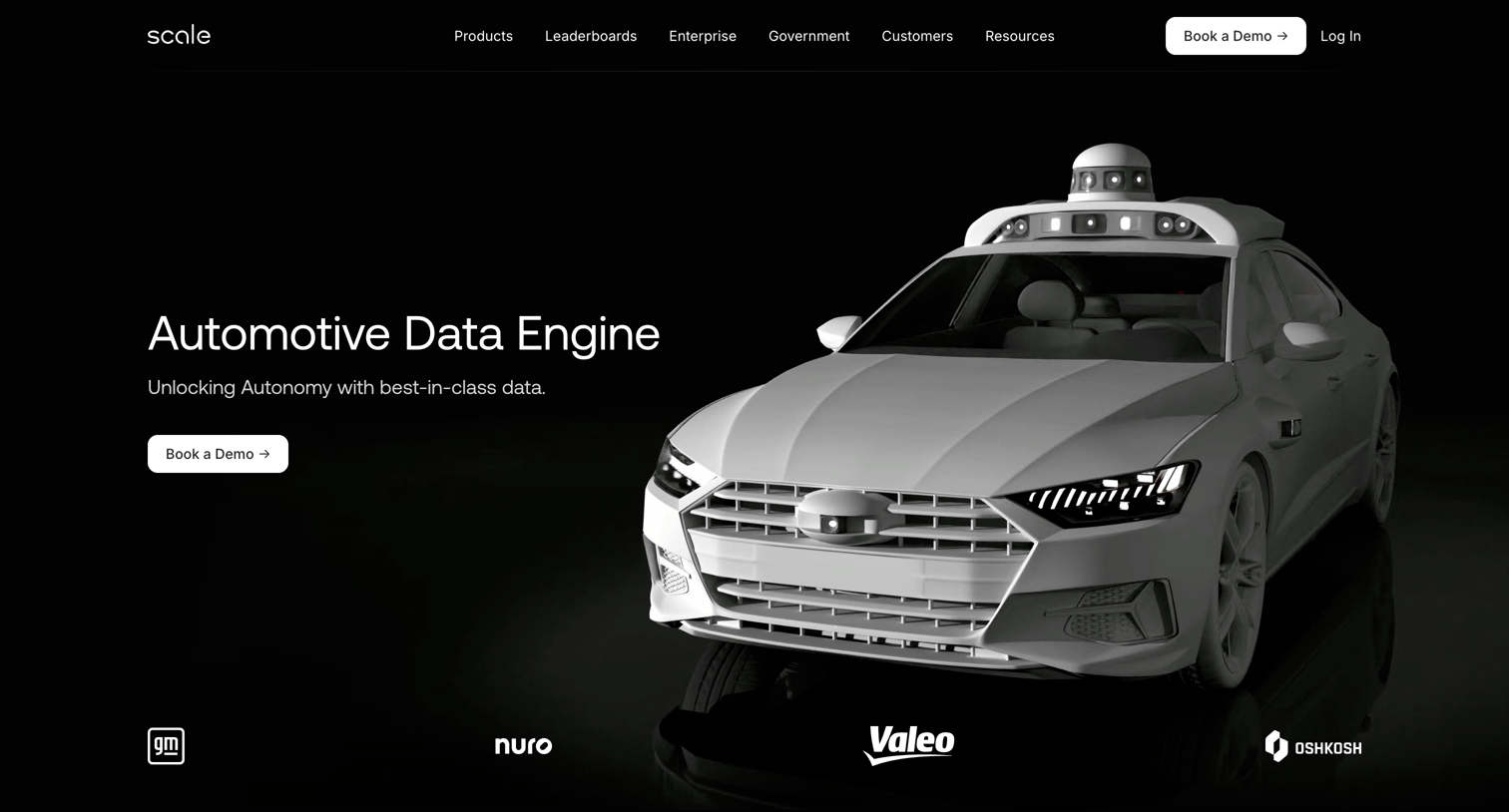

Product page for the automotive industry detailing data labeling, curation, and model evaluation phases for autonomous vehicle development.
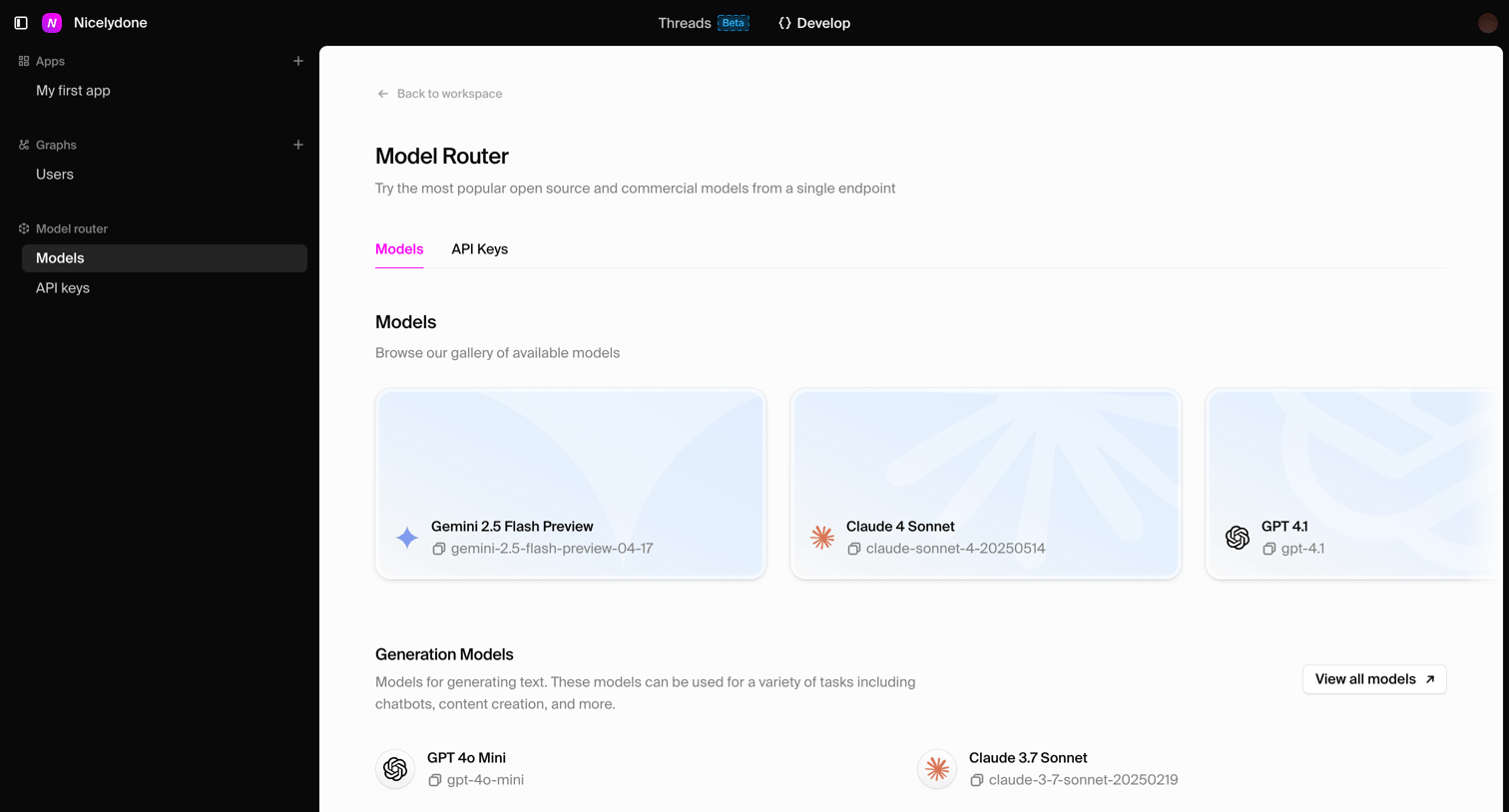

List view where the user browses and selects from a gallery of available AI models like Gemini, Claude, and GPT.
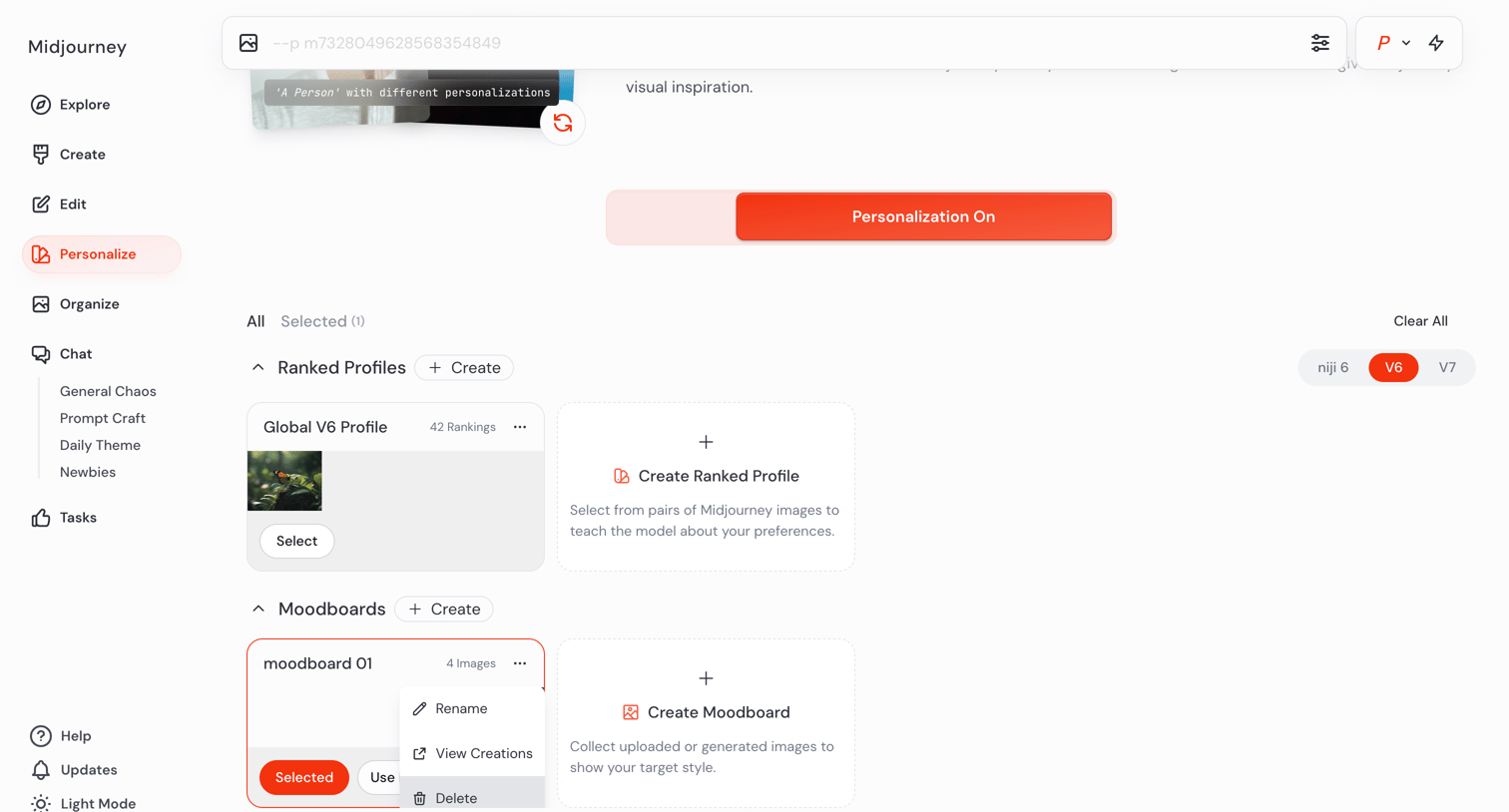

Settings page where the user configures their AI image generation style by managing ranked profiles and moodboards.
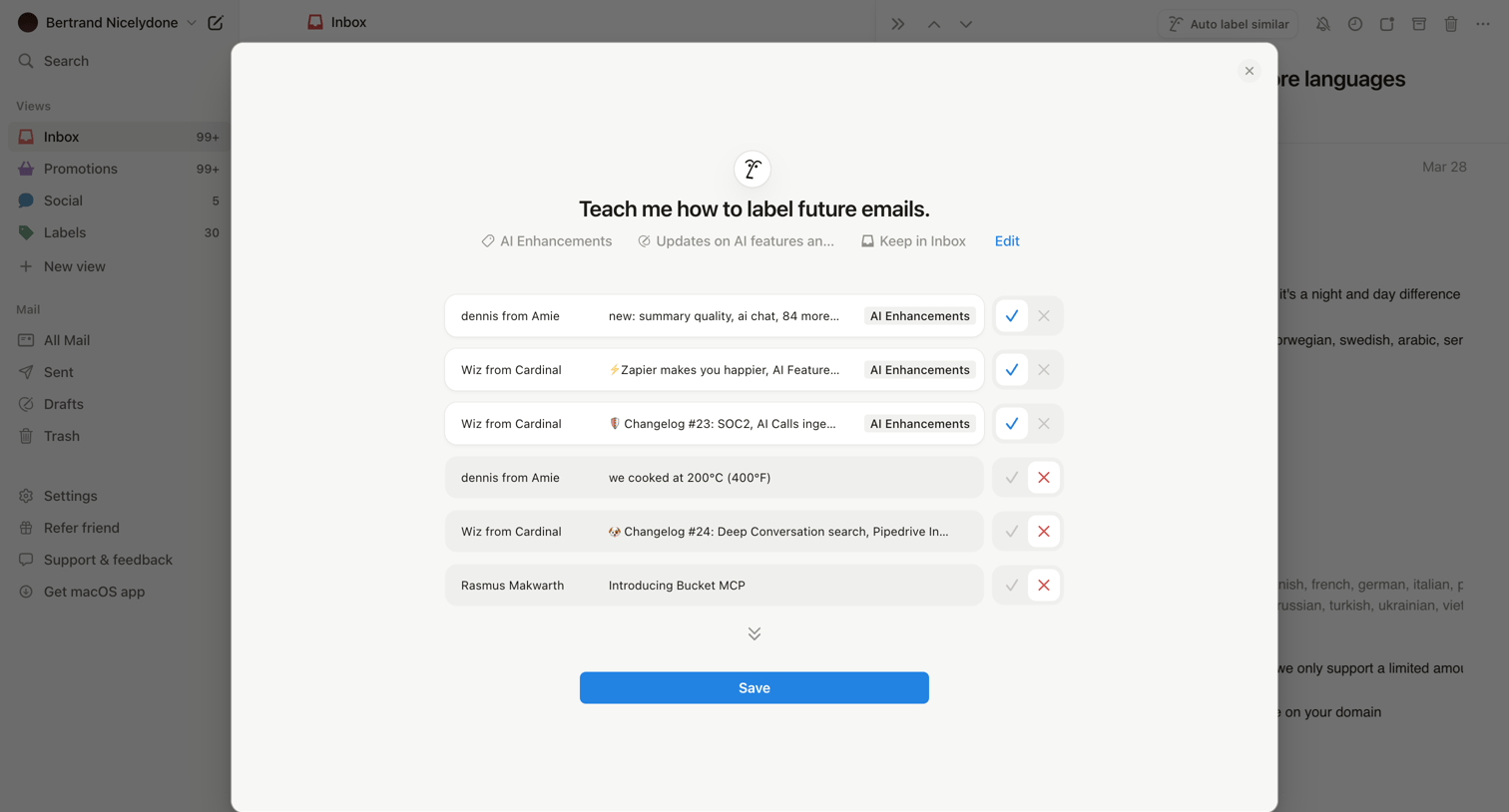

Inbox modal where the user reviews and approves or rejects AI-suggested labels for specific emails to train future auto-labeling.

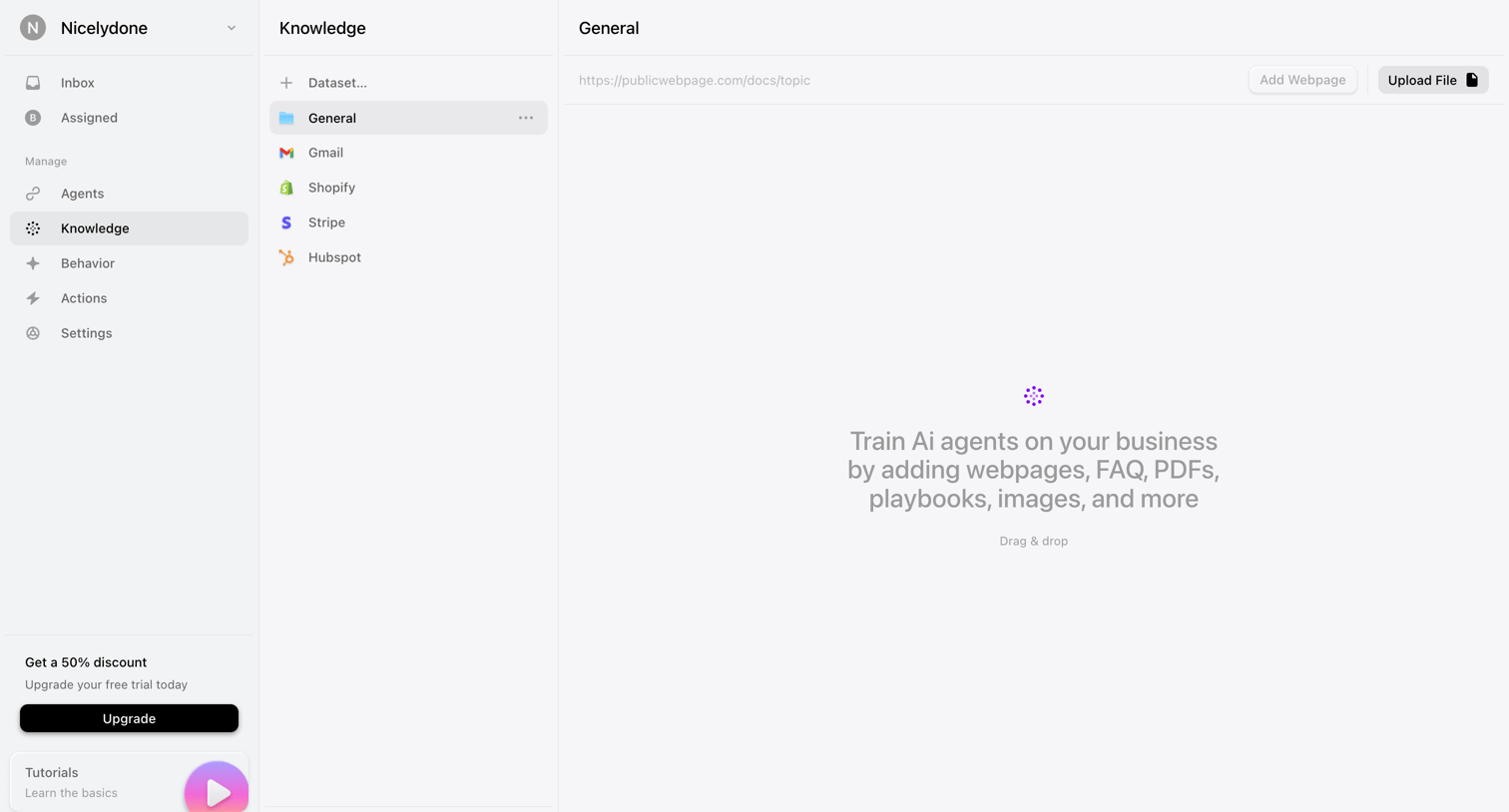

Settings page where the user manages datasets to train AI agents by adding webpages or uploading files.

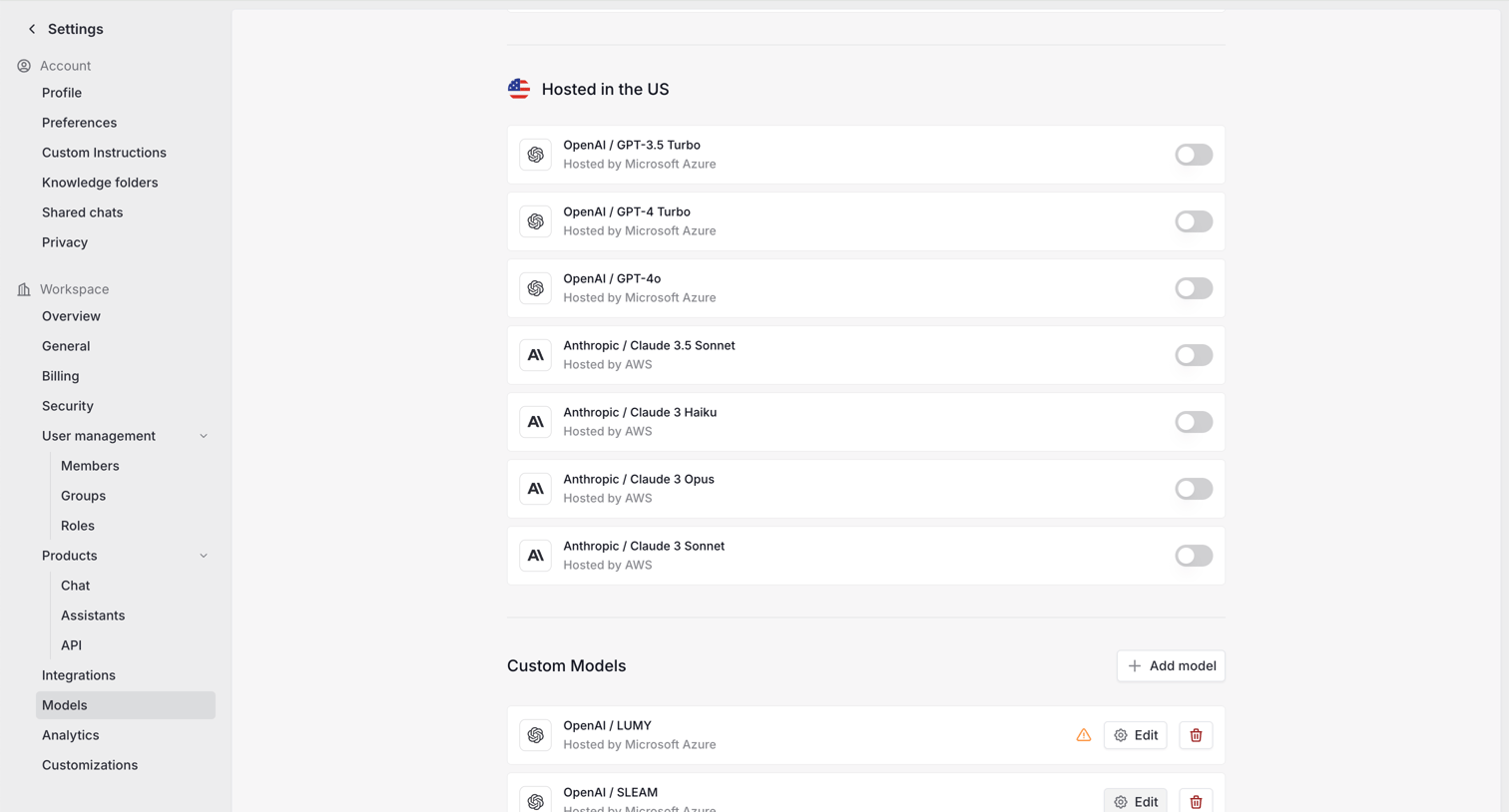

Settings page where the user enables or disables specific AI models hosted in the US and manages custom models for their workspace.
Explore the full SaaS screen library
Upgrade to unlock the full library.
Trusted by the best teams







