Knowledge management screen examples
Knowledge management screen design examples from SaaS apps. See how knowledge tools organize reusable information. Explore how documents, topic structure, and search connect a shared collection with individual answers.
Explore the examples

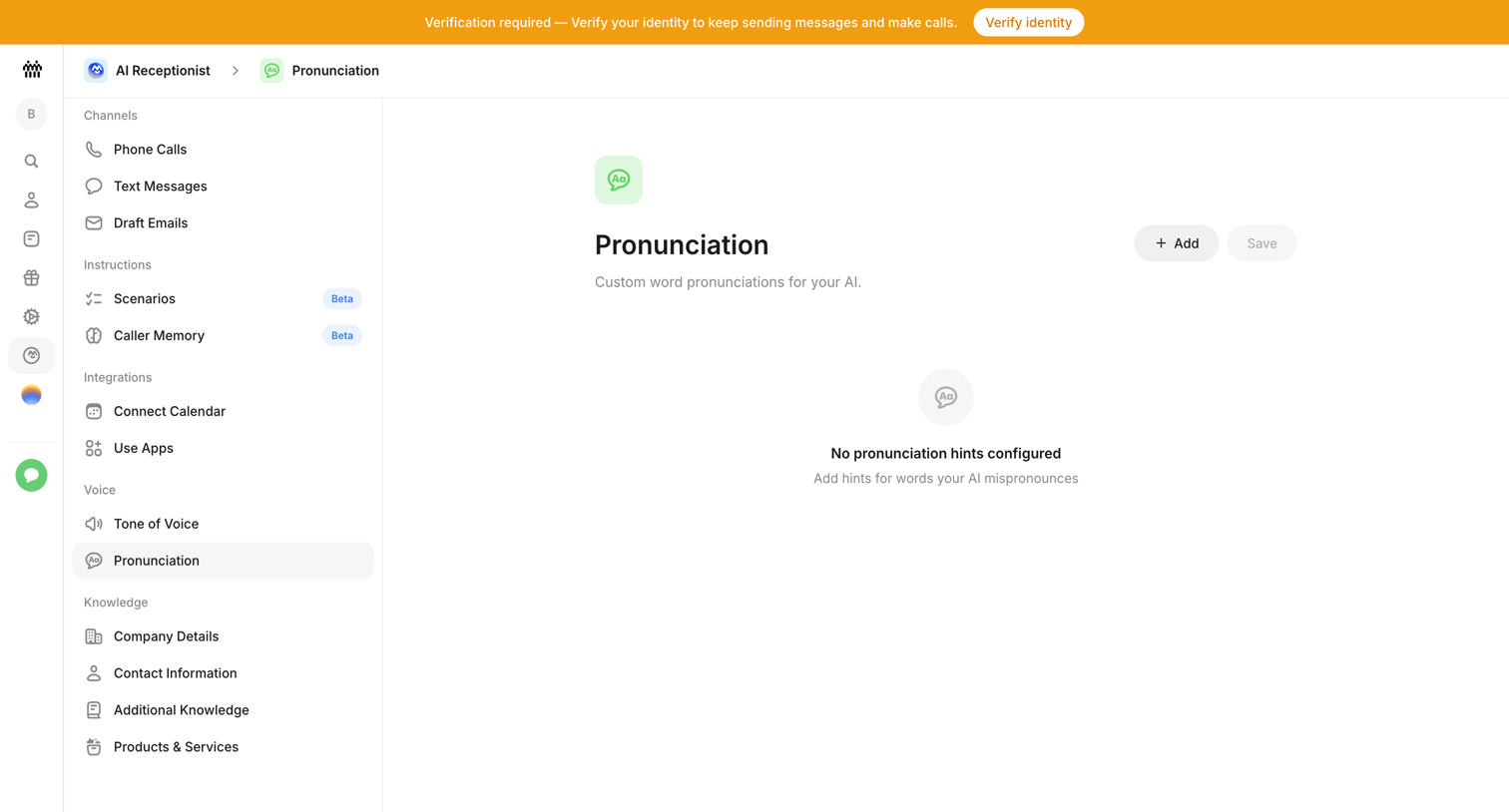

Settings page where the user configures custom word pronunciations for their AI receptionist, currently showing an empty state with a prompt to verify identity.
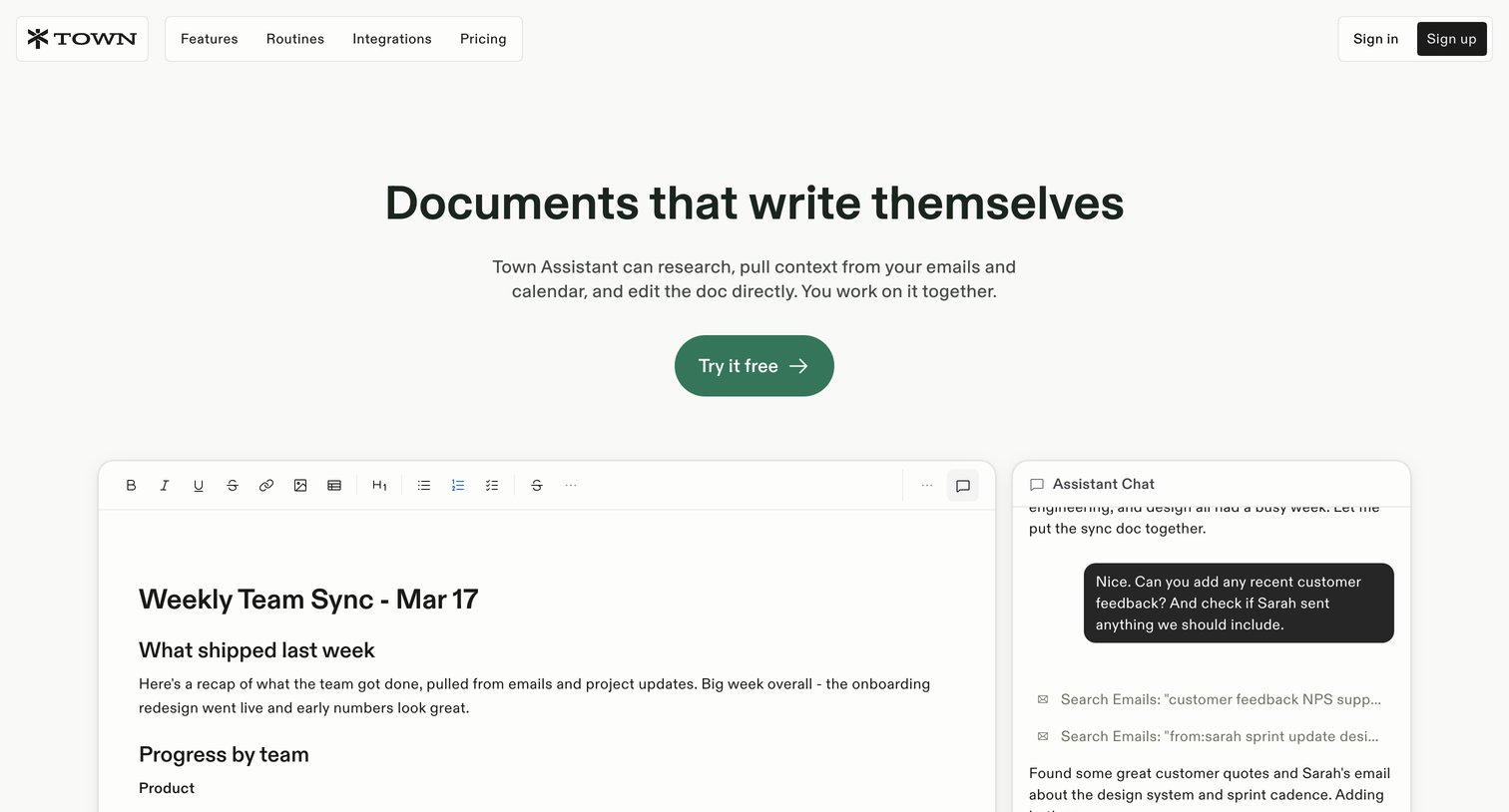

Feature page for Town Docs highlighting its AI-powered collaborative editor, chat assistant, and sharing capabilities through product UI mockups.
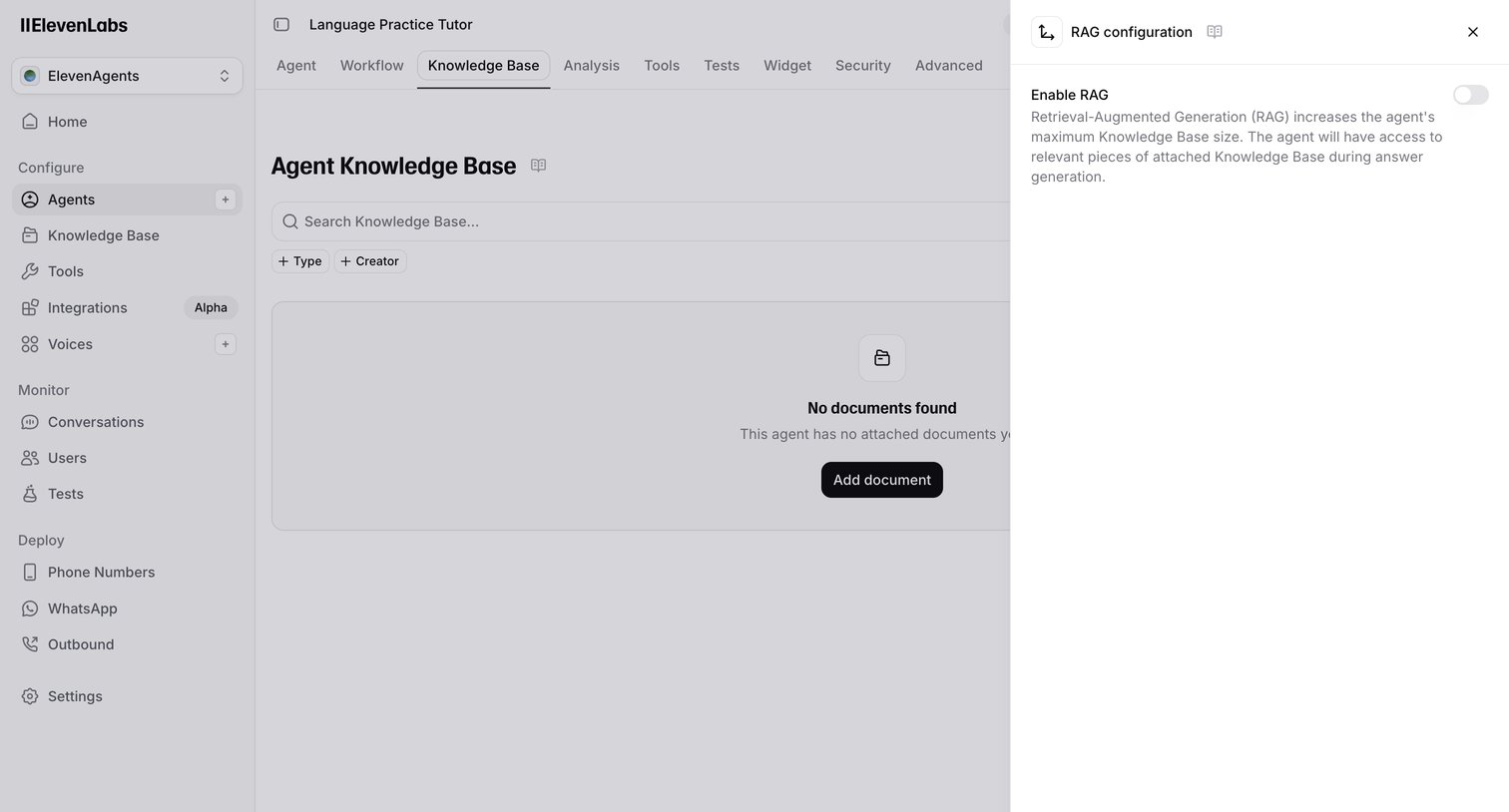

Settings page where the user configures the knowledge base for a specific AI agent, currently showing an empty state and a drawer to toggle RAG configuration.
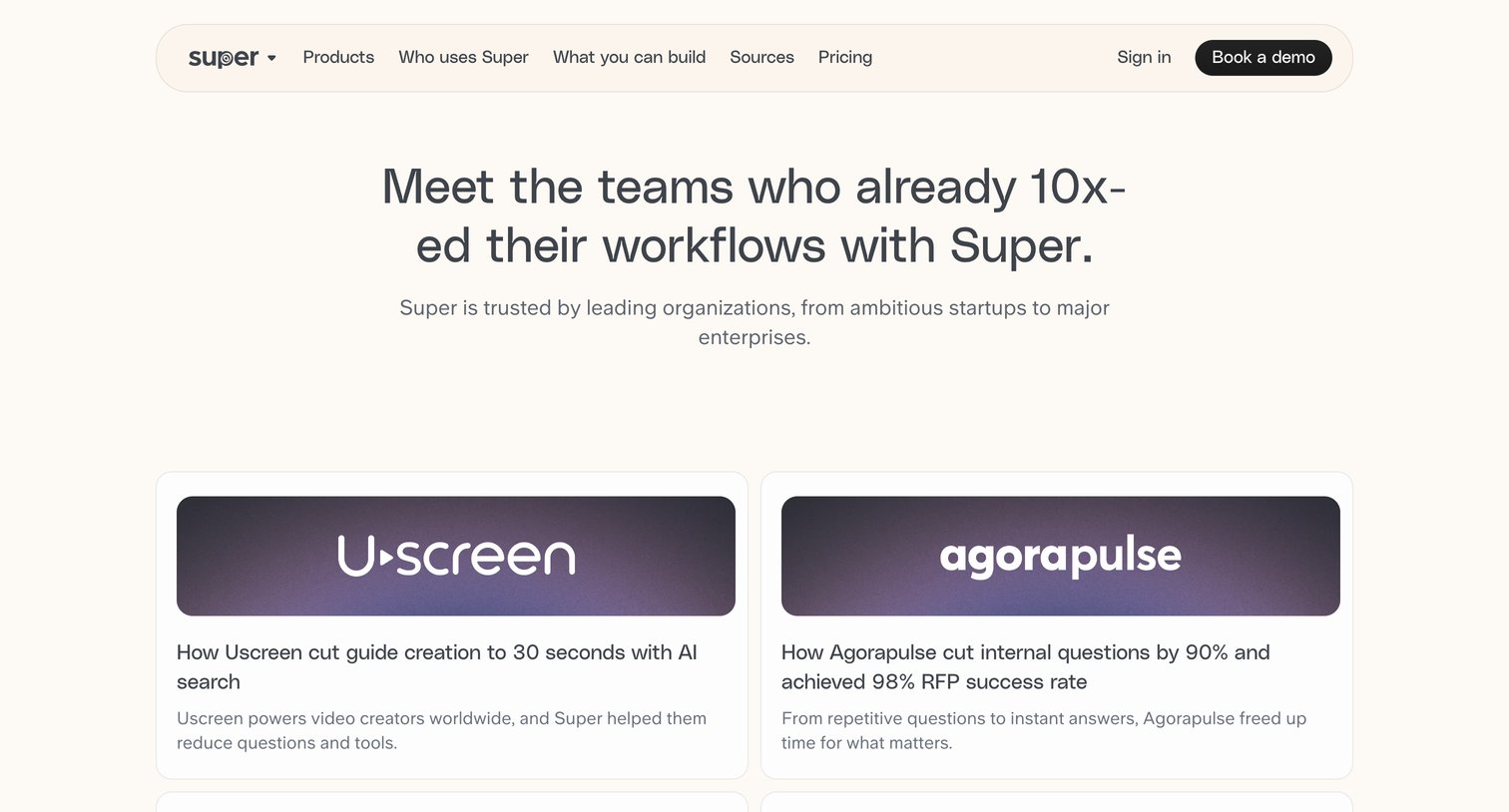

Marketing page where prospective users can read case studies from companies like Uscreen, Agorapulse, and Nedap who have improved their workflows using the product.
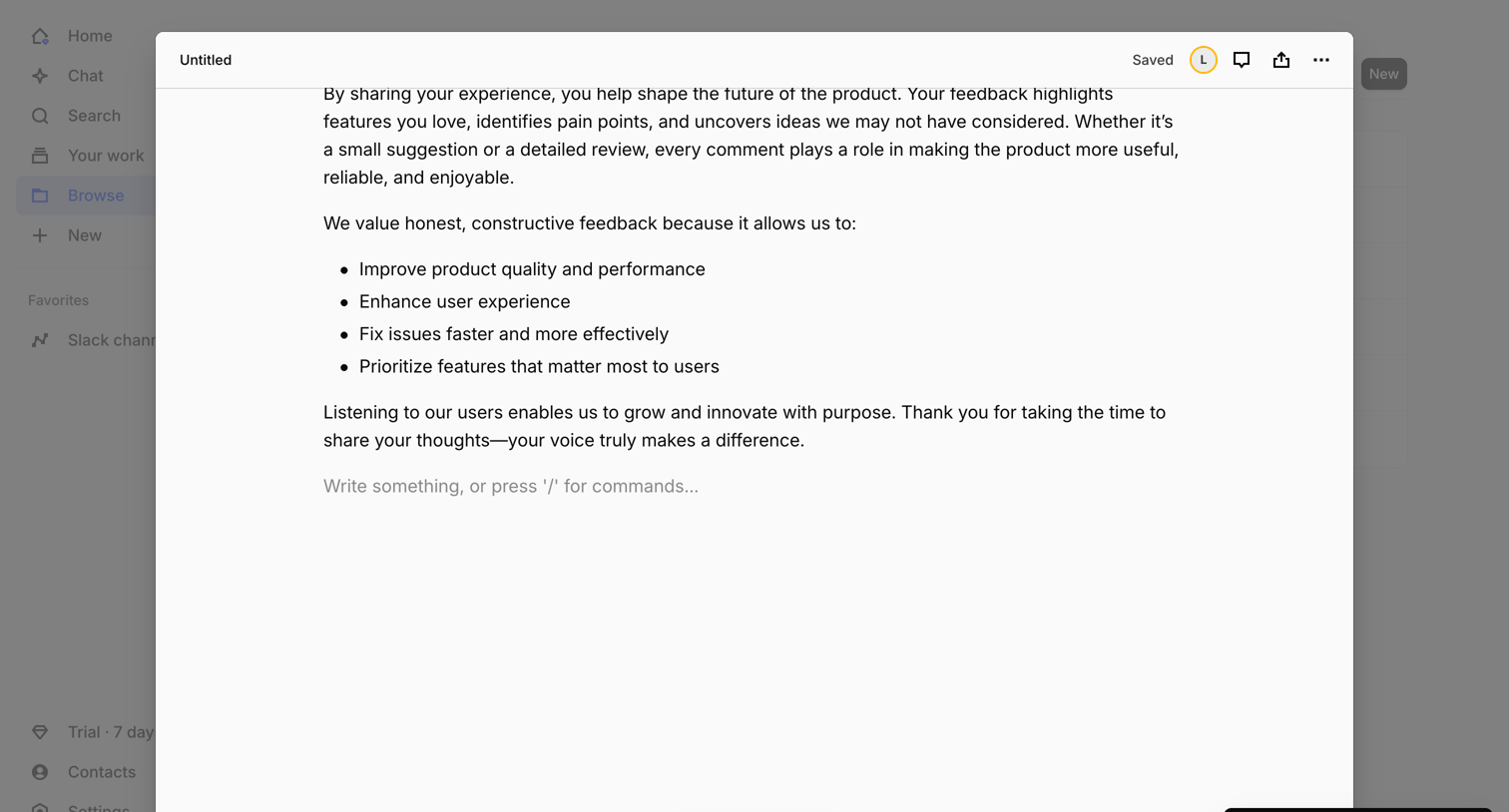

Content editor modal where the user writes a document with block commands while an AI summarization task runs in the background.
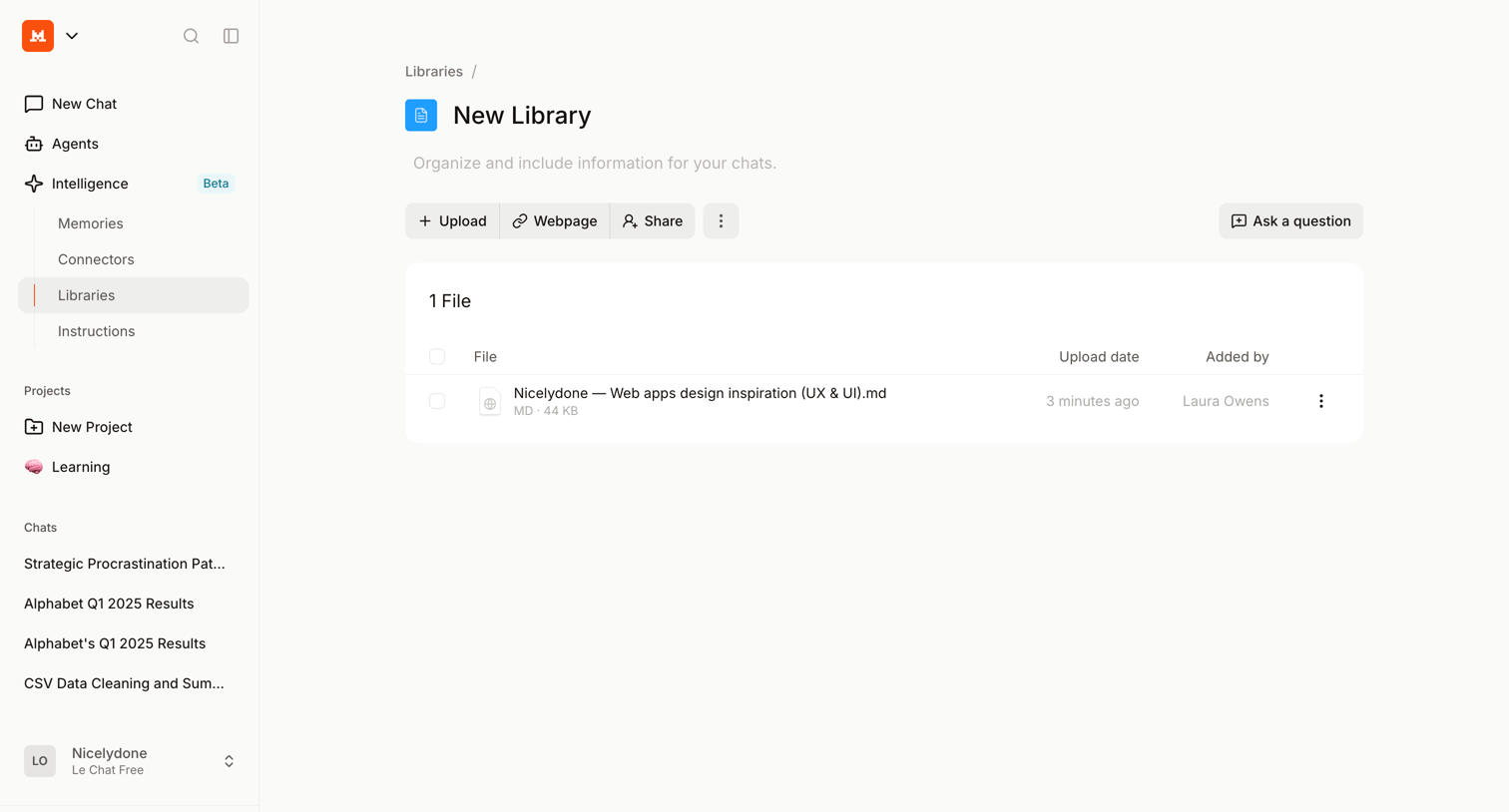

Detail page for a specific knowledge library where the user can manage uploaded files, add web pages, and configure shared access for their AI chats.
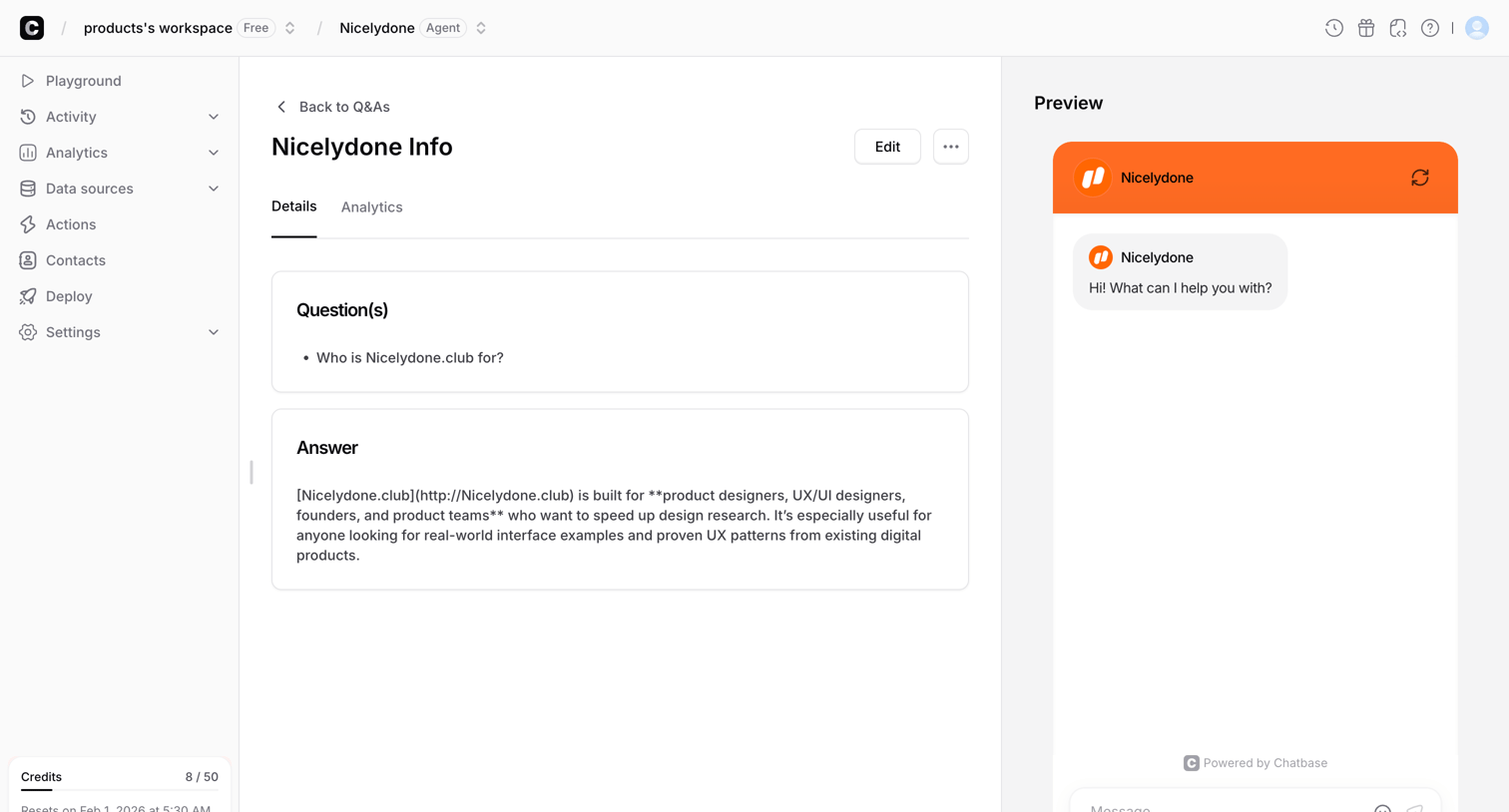

Detail page where the user views the question and answer content for a specific chatbot knowledge source alongside a live interactive preview.
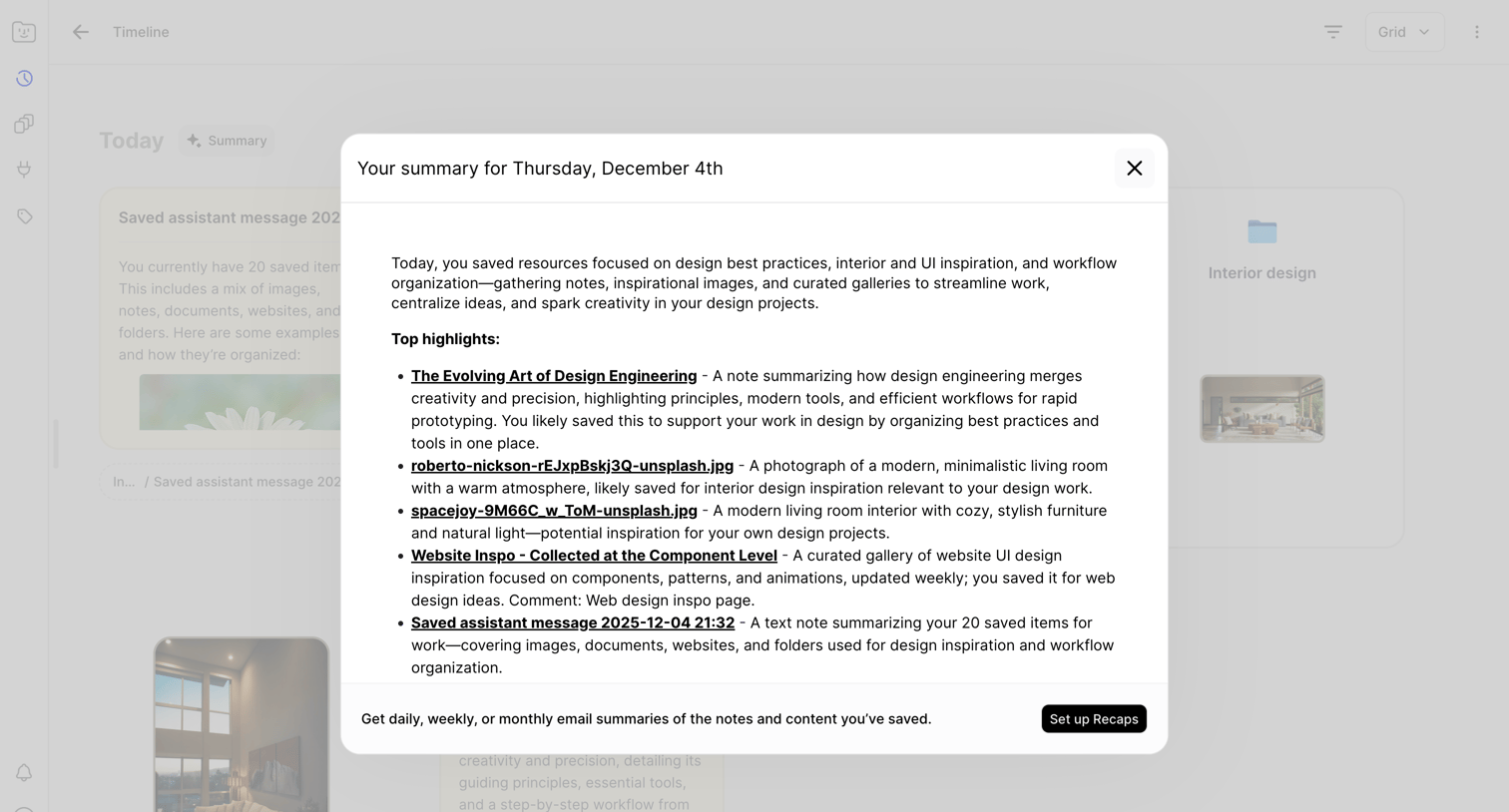

List view timeline where an AI-generated modal summarizes the user's saved design resources and highlights for the day, with a prompt to set up automated email recaps.
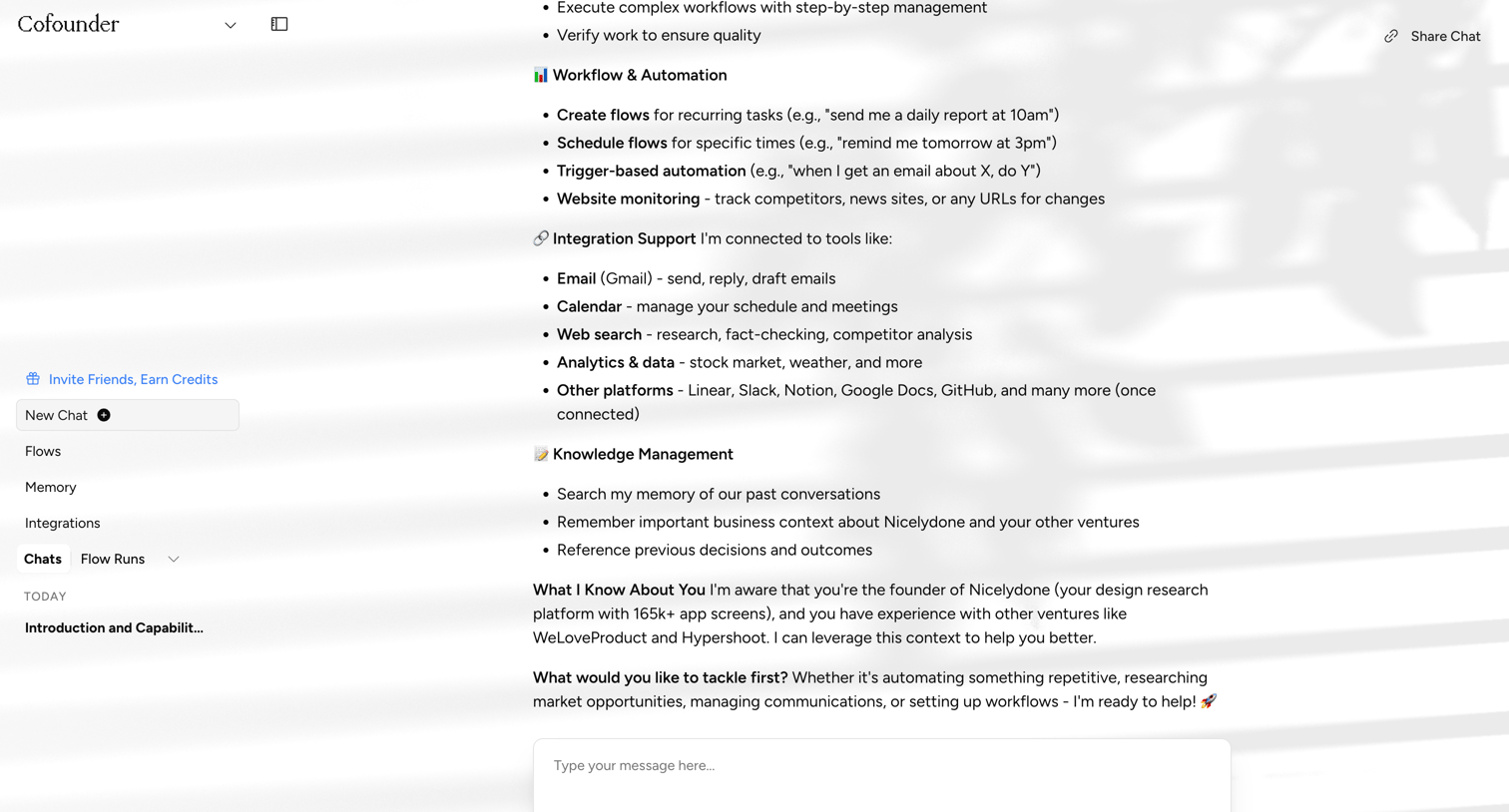

AI chat interface where the user interacts with an assistant capable of workflows, integrations, and knowledge management.
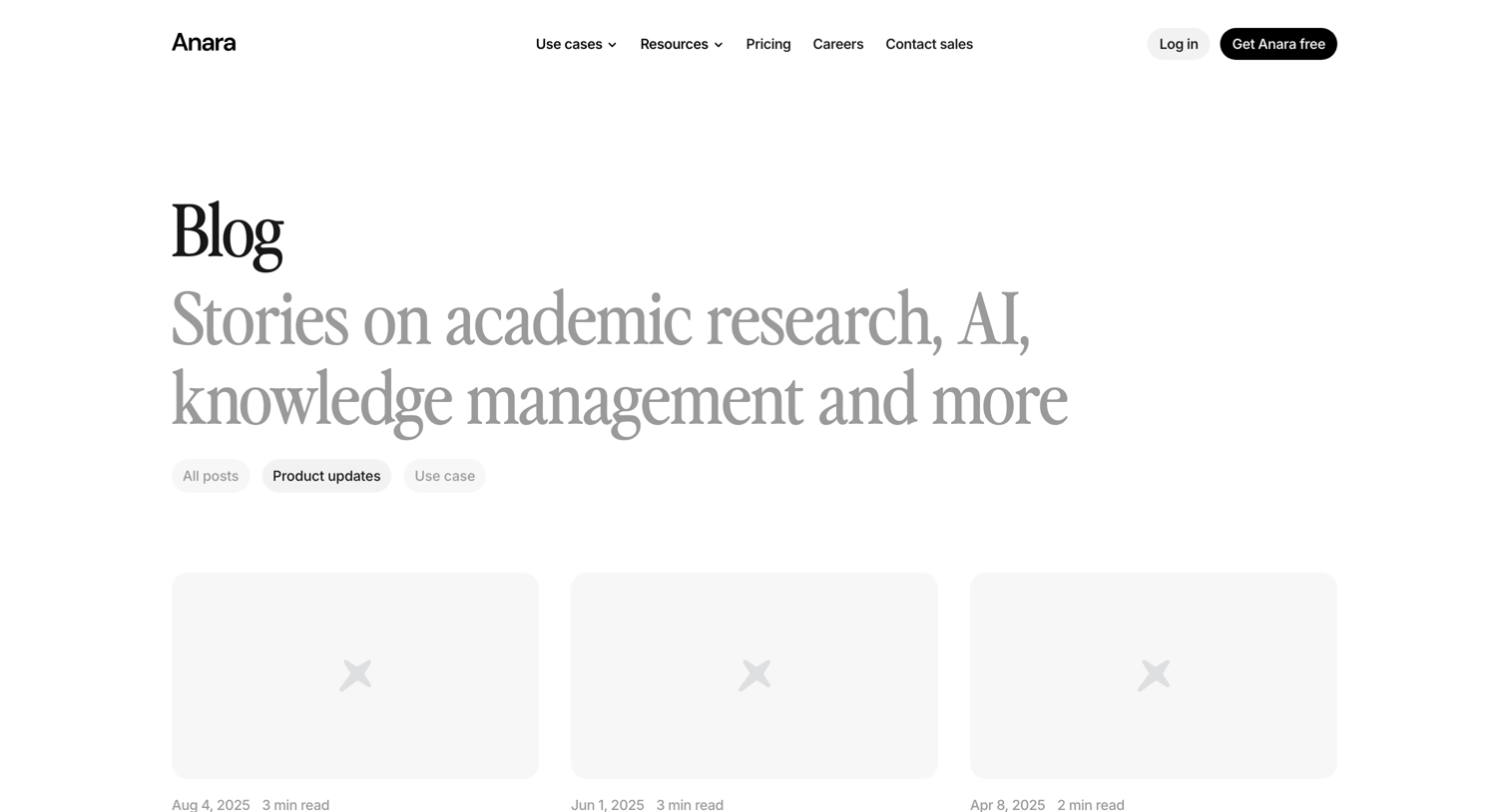

Blog index page filtered to show product updates, featuring a grid of articles and a large call-to-action section.
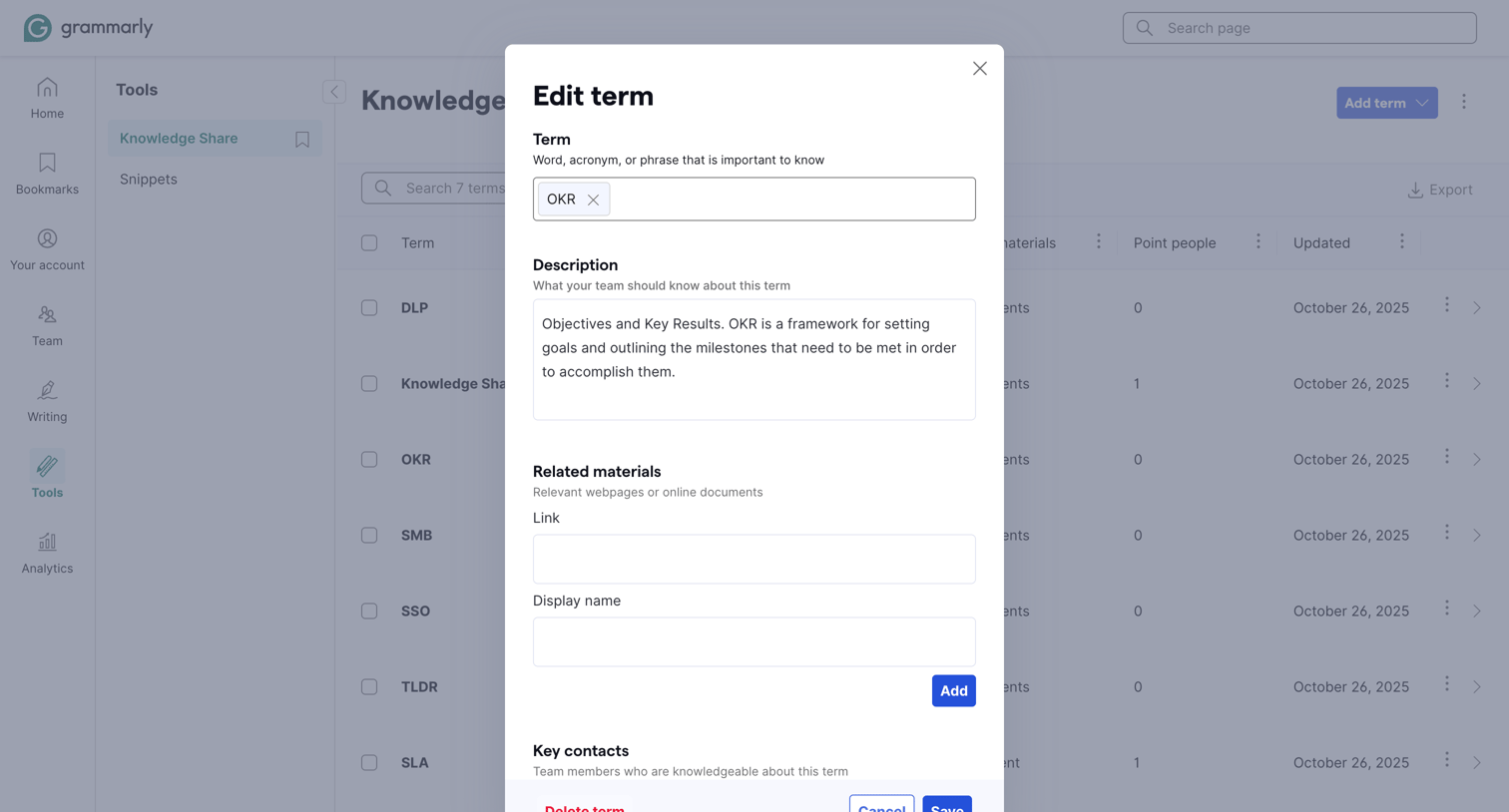

Explore the full SaaS screen library
Upgrade to unlock the full library.
Trusted by the best teams








About Knowledge management
See how knowledge tools organize reusable information. Explore how documents, topic structure, and search connect a shared collection with individual answers.