Kanban board screen examples
Kanban board screen design examples from SaaS apps. See how apps arrange work into columns that represent stages. Explore how cards, column labels, and movement controls expose the current position of each item.
Explore the examples
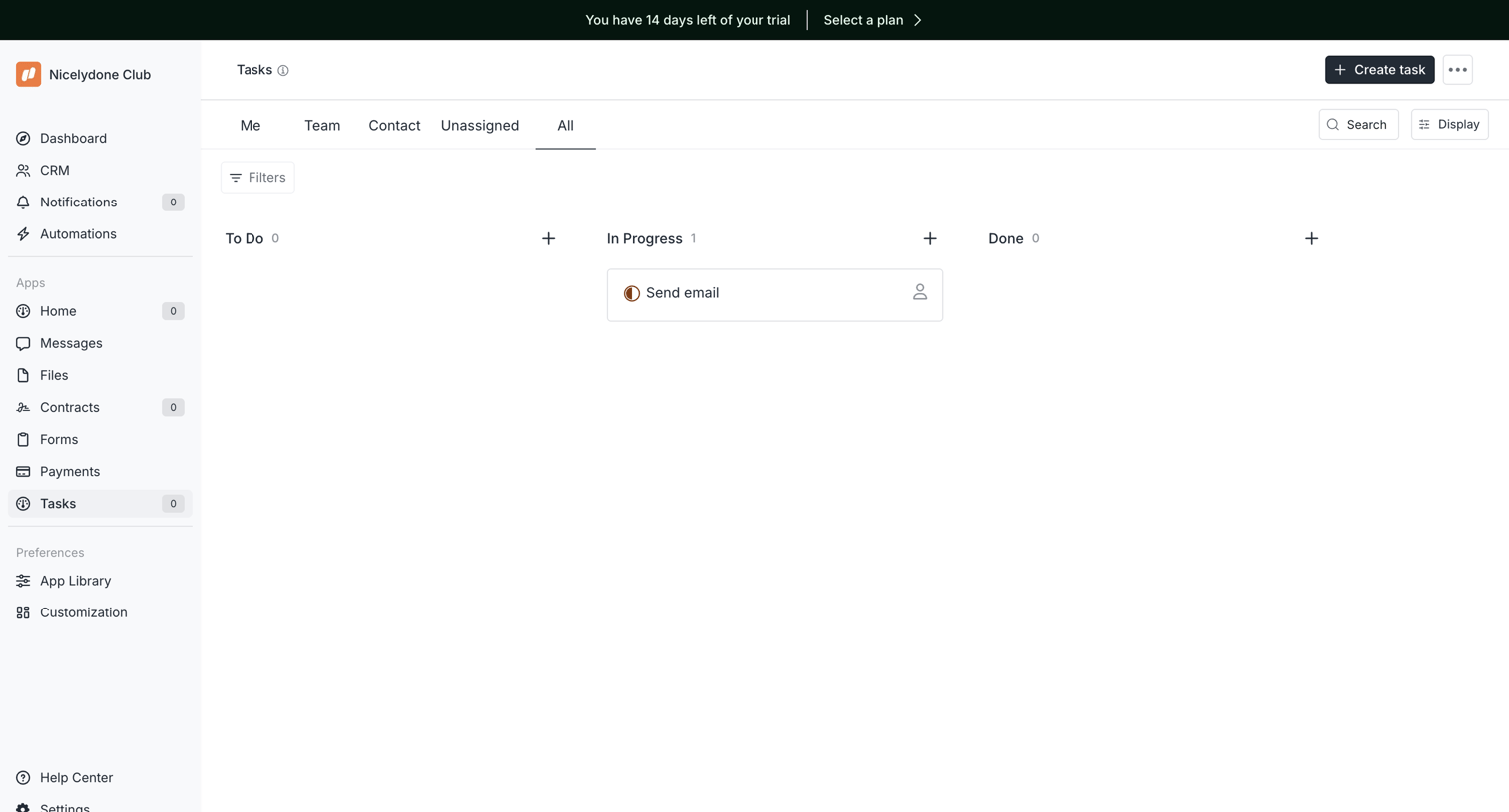

Task management board where the user views tasks organized by status columns like To Do, In Progress, and Done.
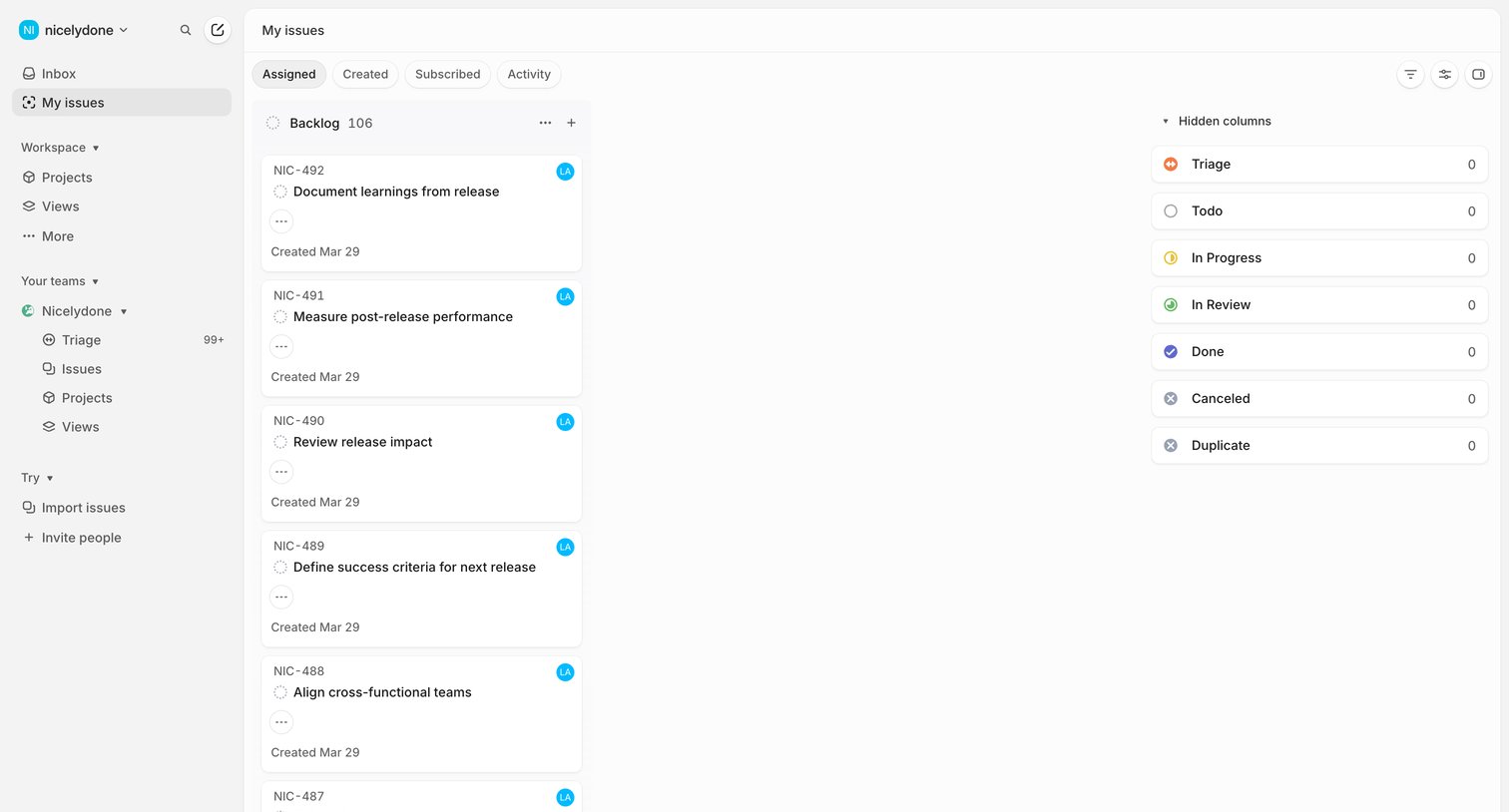

Kanban board showing assigned issues in the backlog with other status columns hidden.
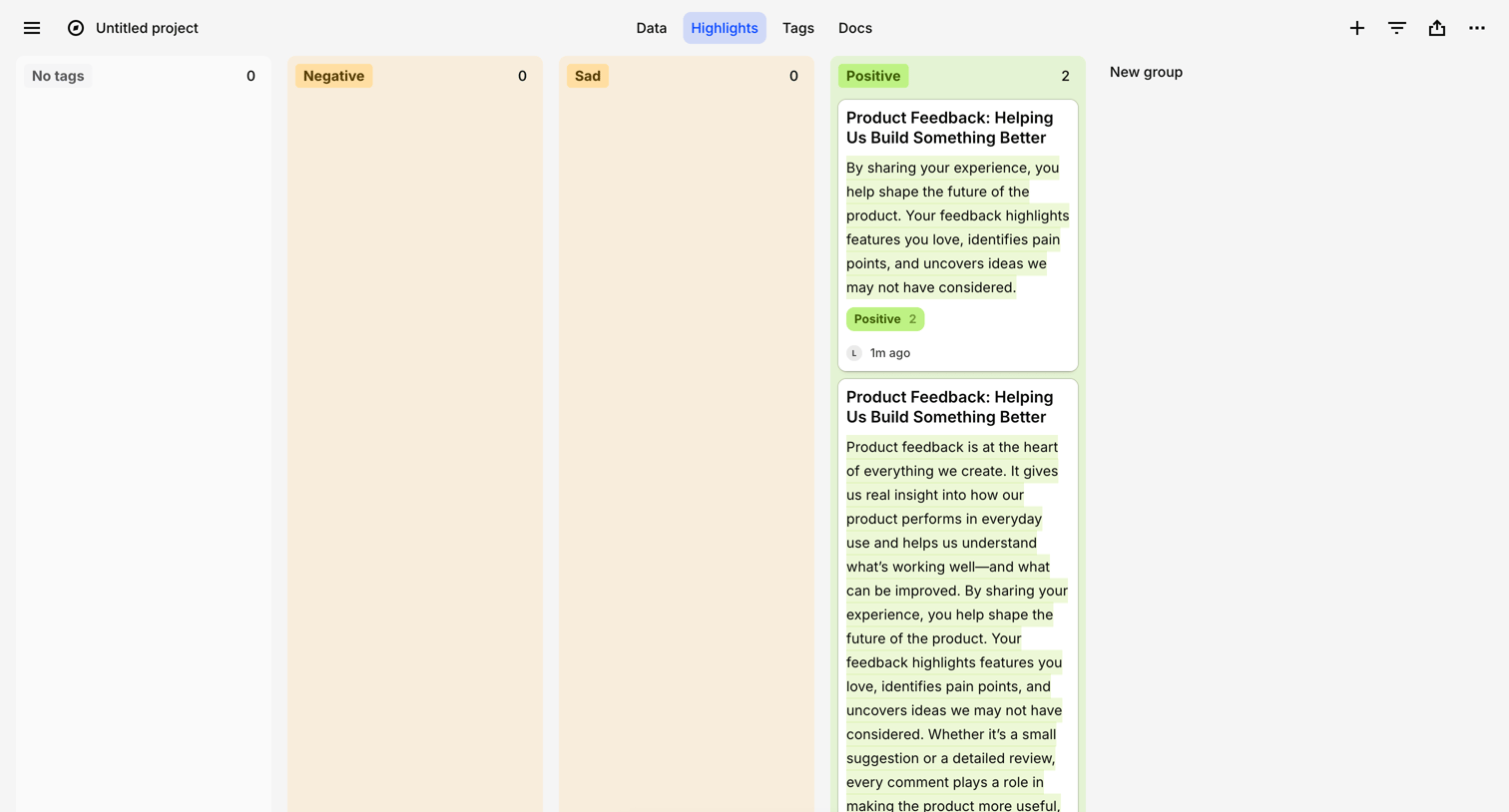

Highlights board where the user views feedback snippets grouped by sentiment tags like Positive, Negative, and Sad.
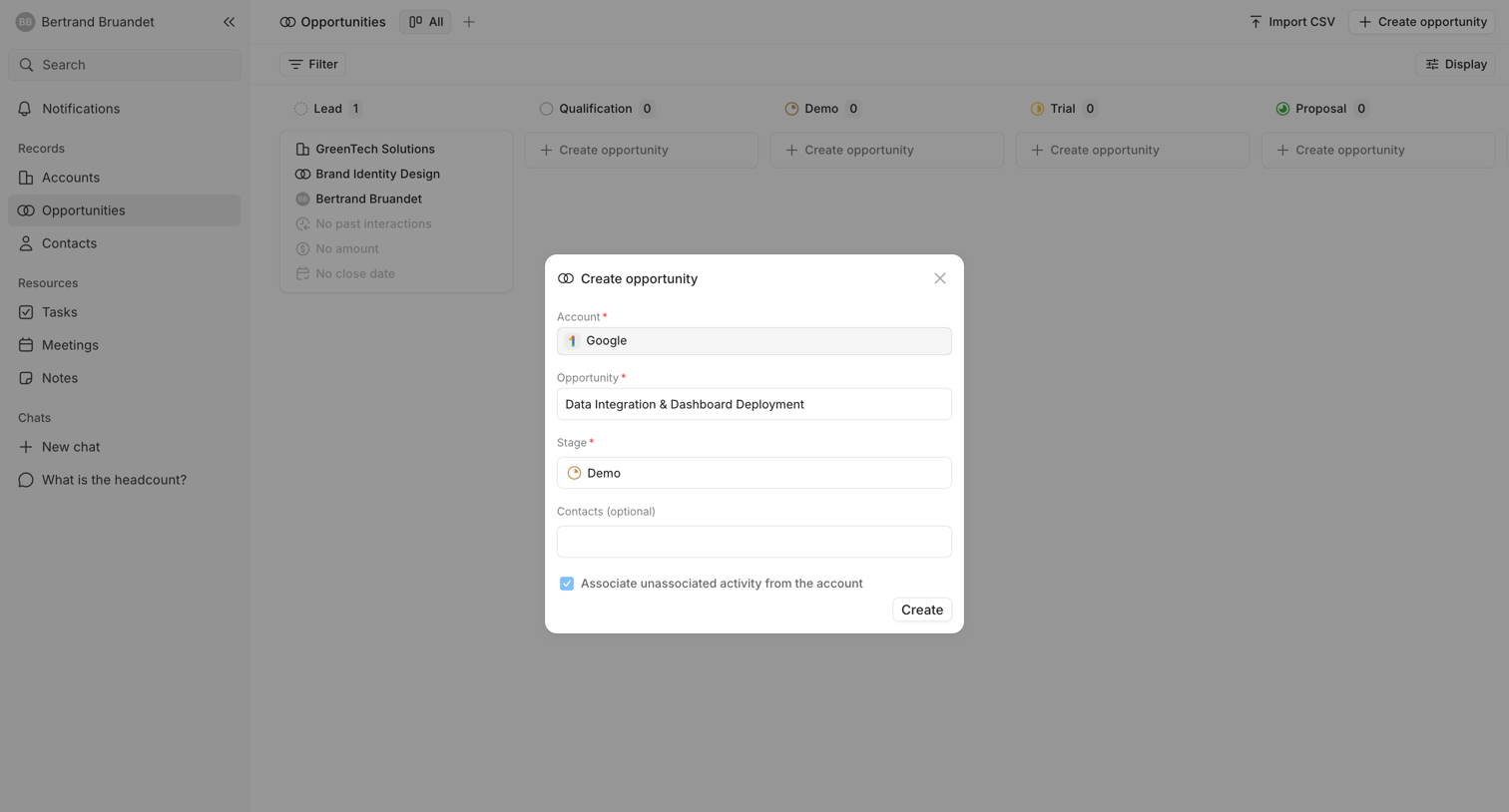

Create modal where the user fills in the account, opportunity name, pipeline stage, and optional contacts to add a new opportunity to the CRM.
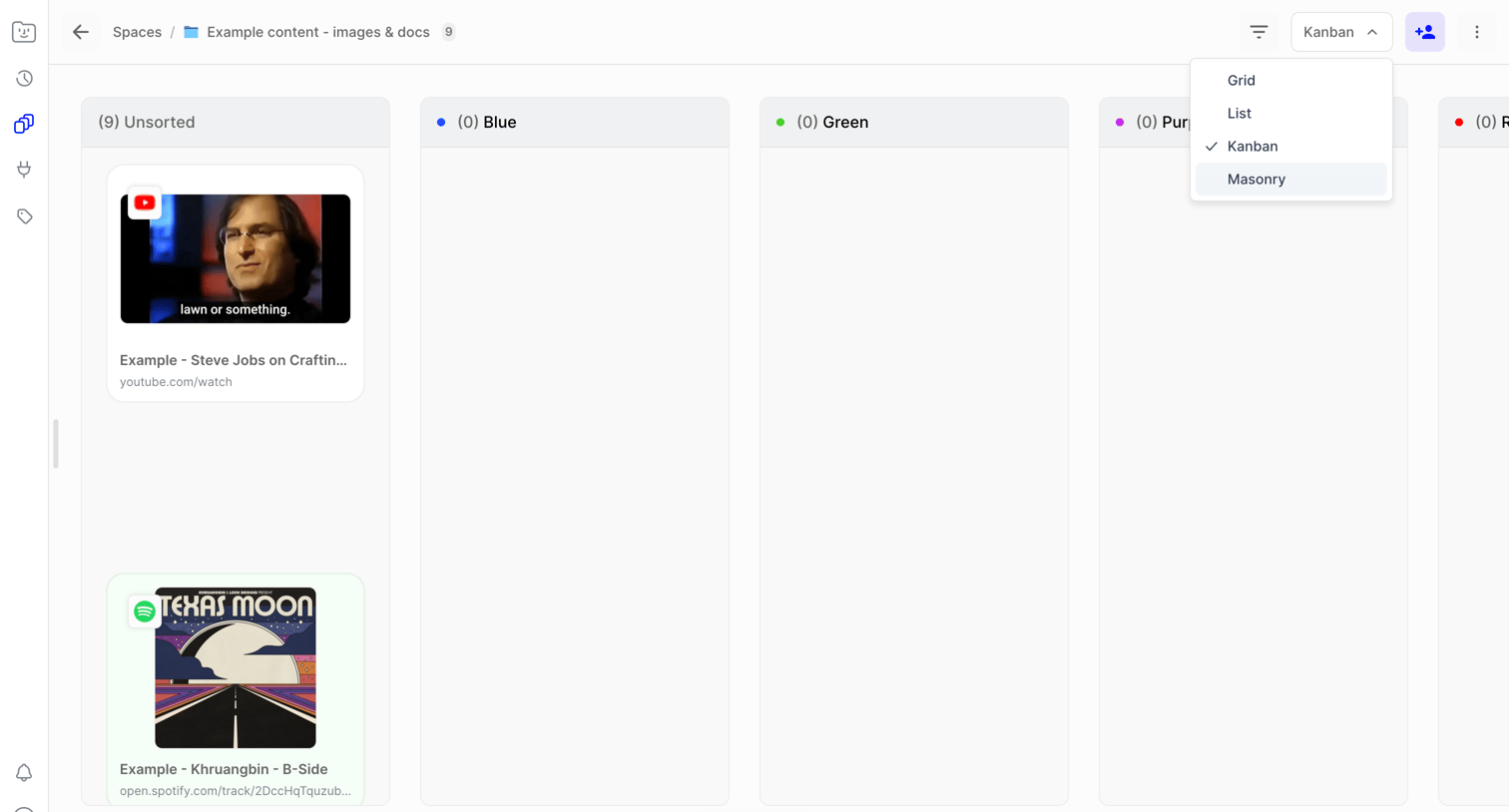

List view where the user is switching the layout of their saved content from a kanban board to other formats via a dropdown.
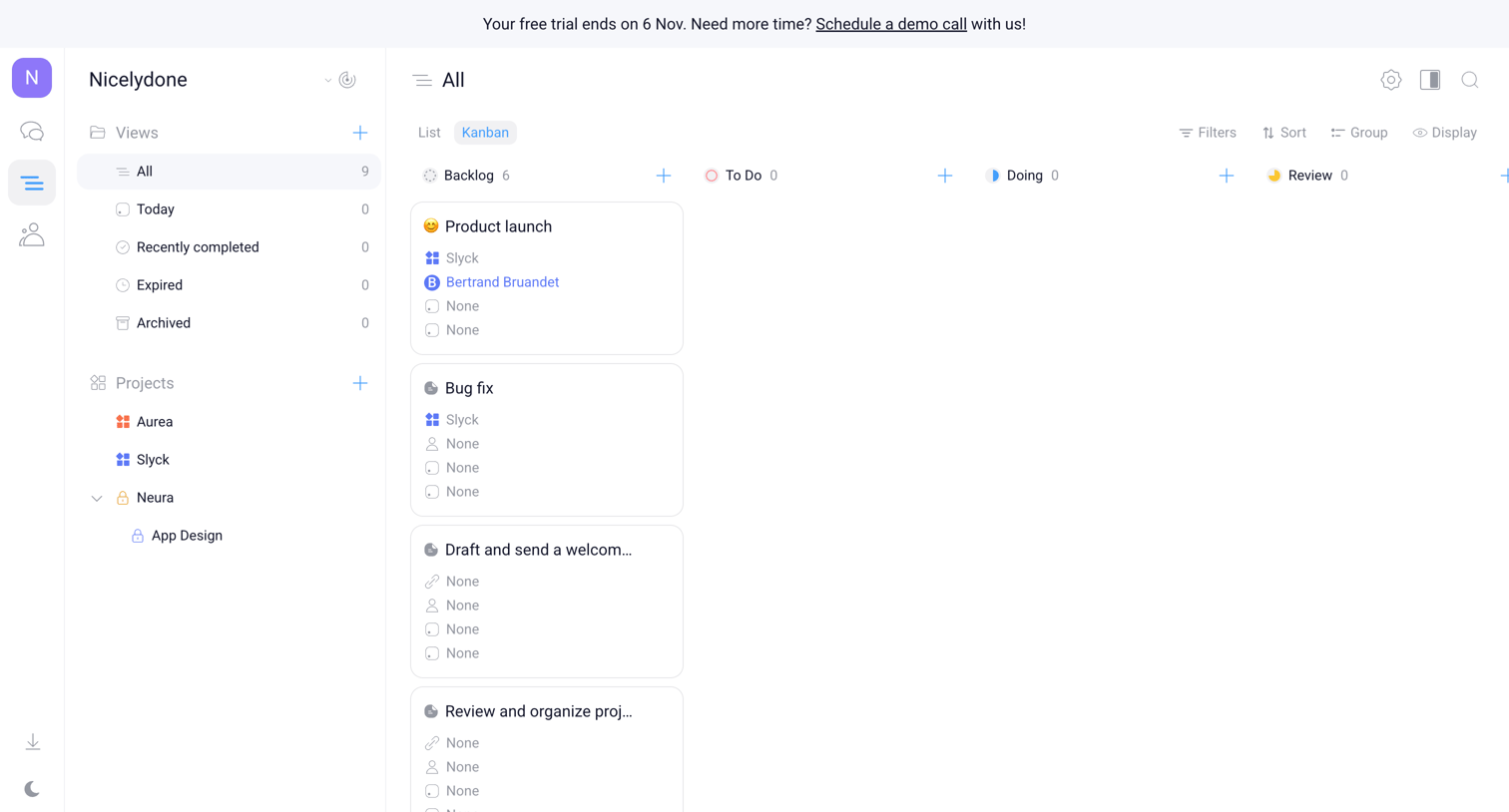

Task management board displaying all tasks organized in a kanban layout with columns for backlog, to do, doing, and review, alongside a dual side navigation panel.
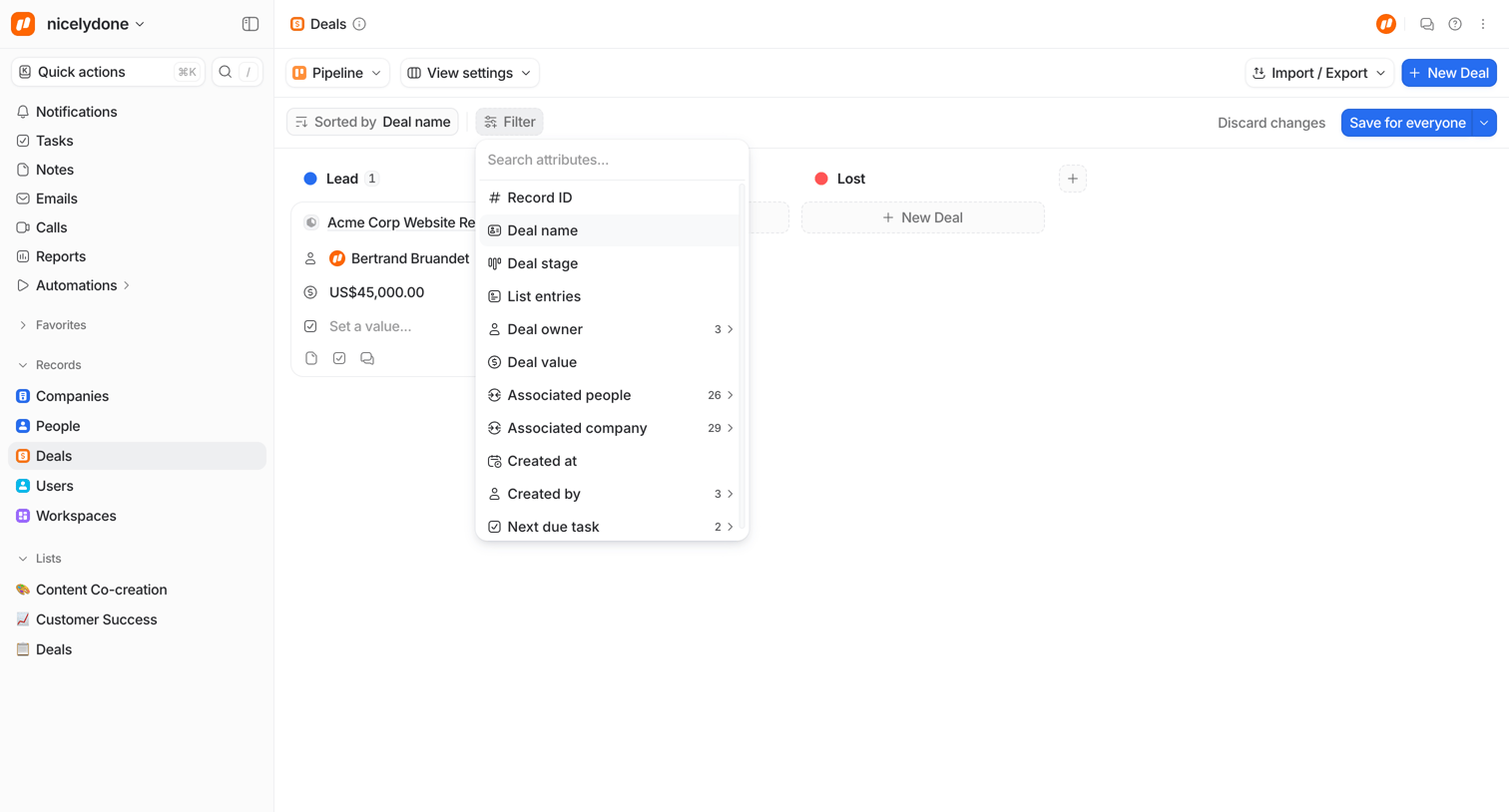

List view where the user manages sales deals in a pipeline board, currently configuring a filter by searching for deal attributes.
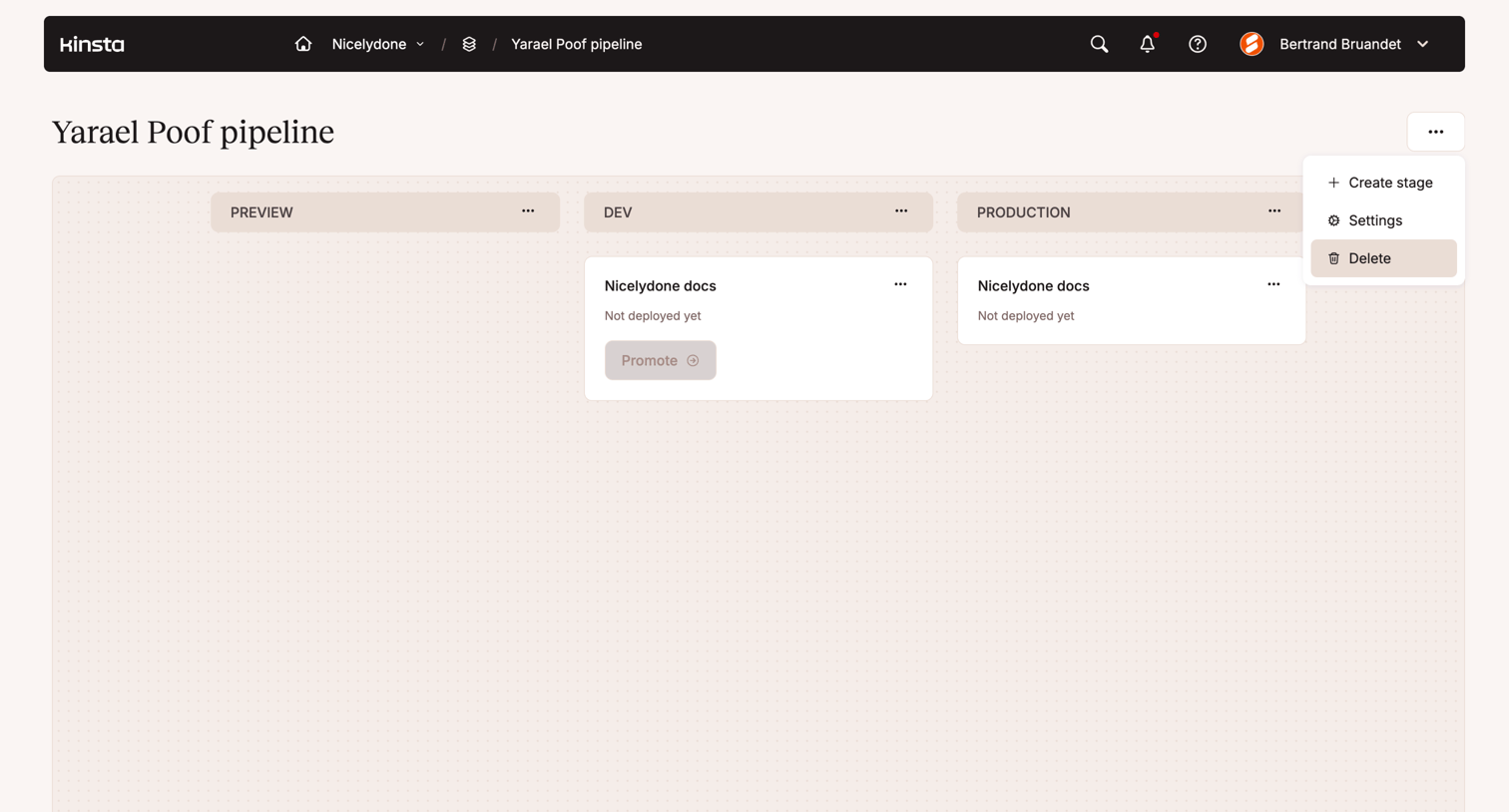

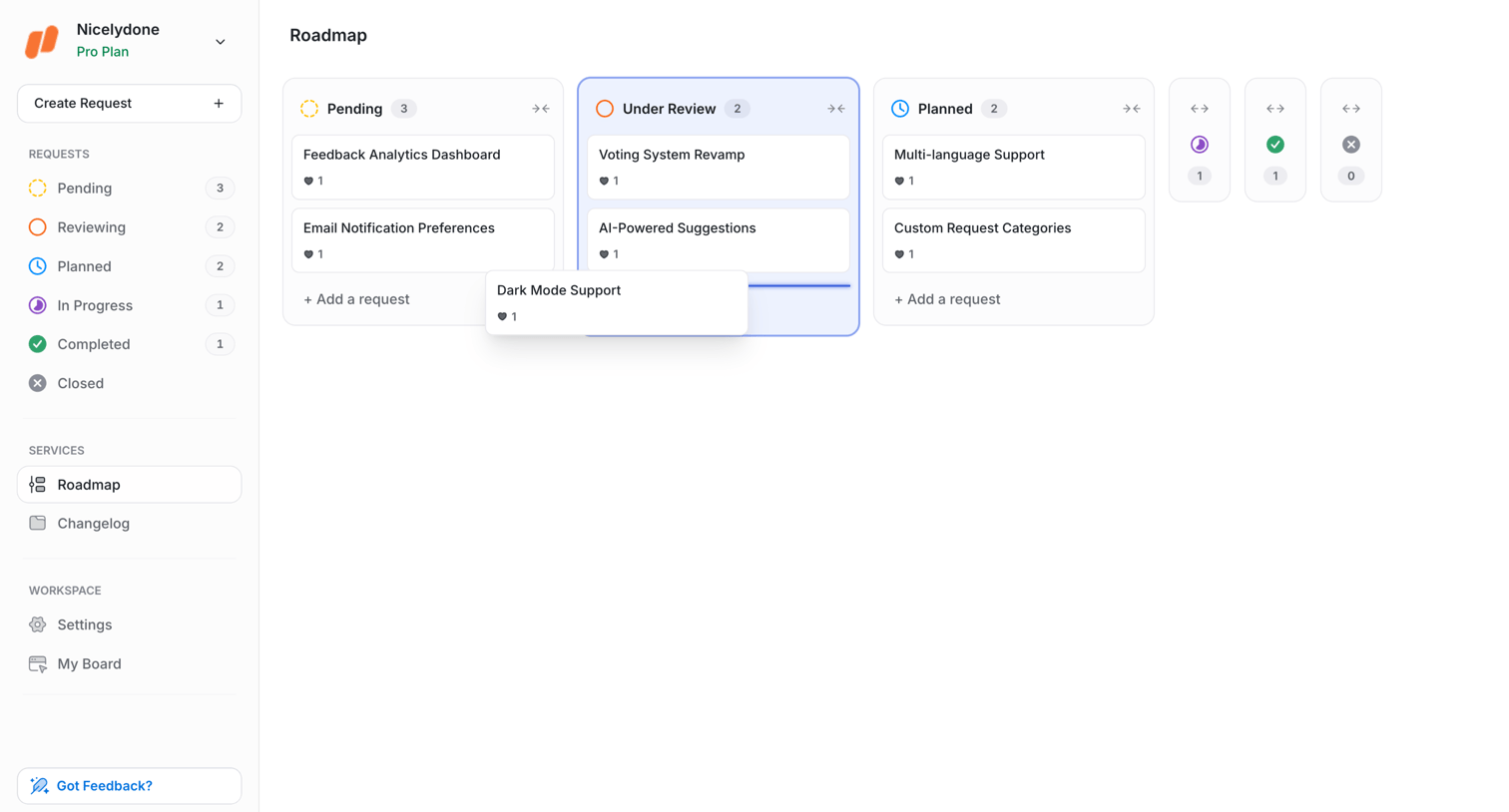

Kanban board where the user manages feature requests by dragging cards across statuses like pending, under review, and planned.
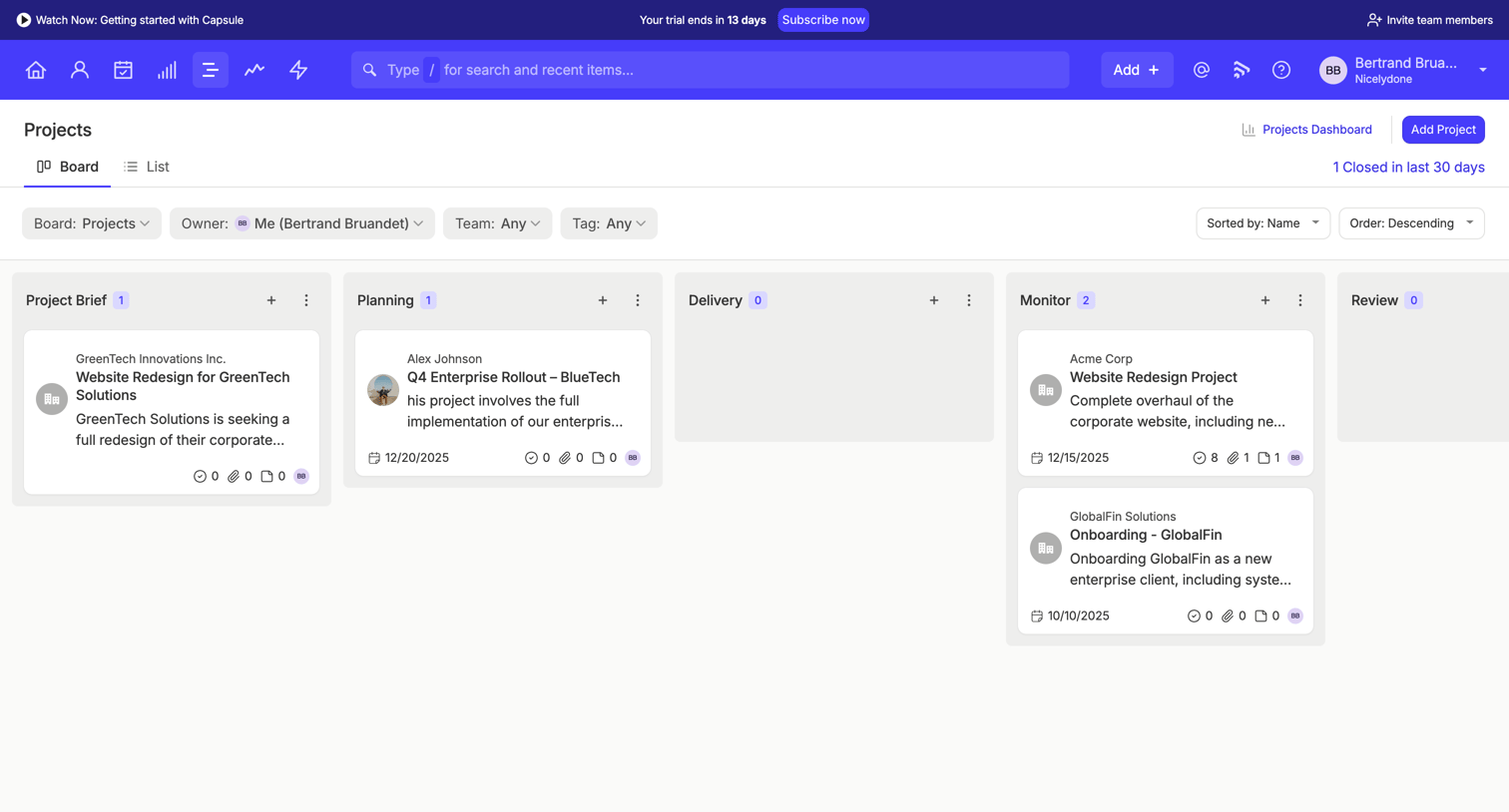

List view where the user manages projects across stages like Project Brief, Planning, Delivery, Monitor, and Review on a kanban board.


Explore the full SaaS screen library
Upgrade to unlock the full library.
Trusted by the best teams








About Kanban board
See how apps arrange work into columns that represent stages. Explore how cards, column labels, and movement controls expose the current position of each item.