Homepage screen examples
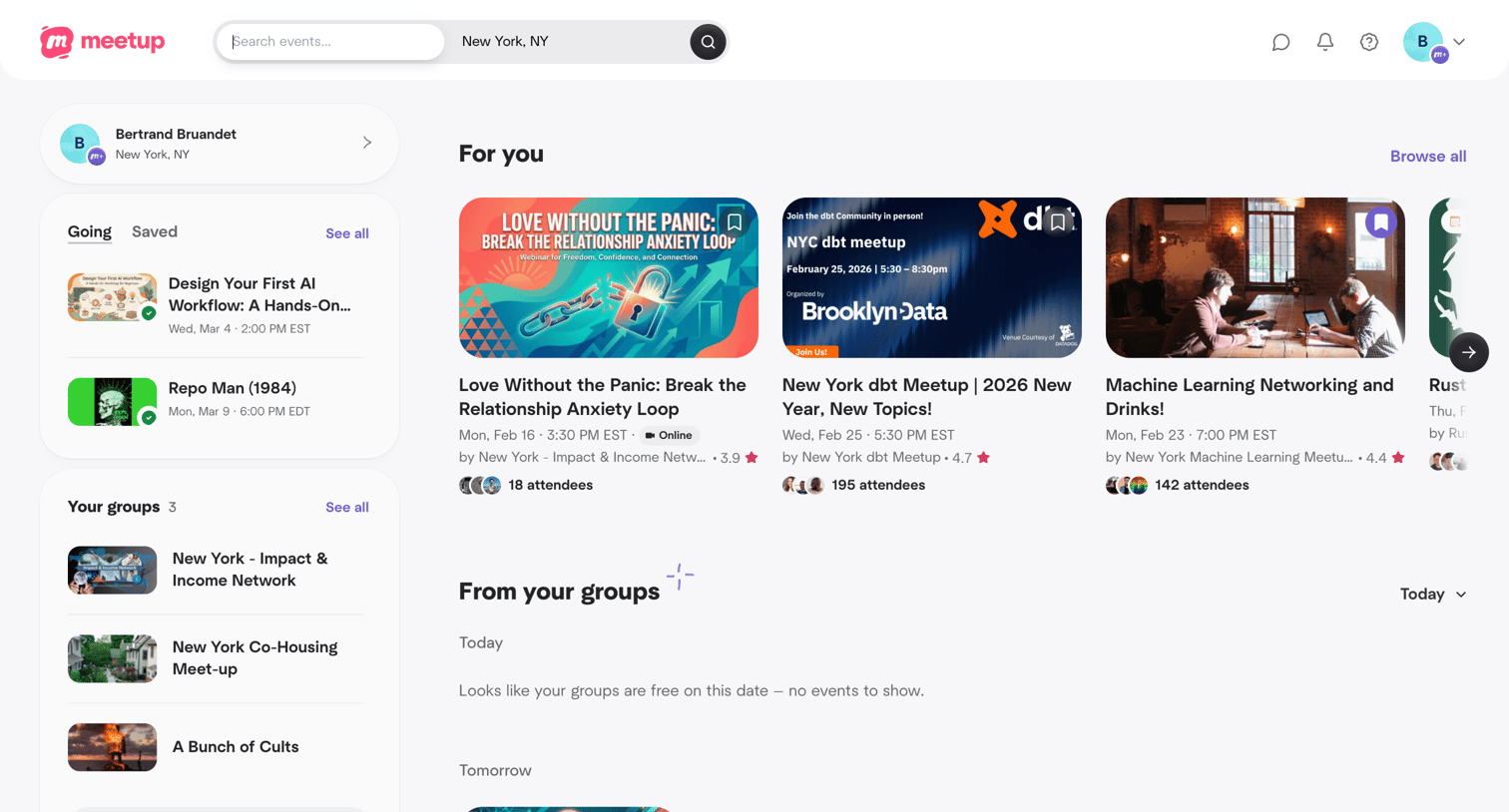
Homepage screen design examples from SaaS apps. Browse examples from Lovable, Meetup, Mighty.
Explore the examples
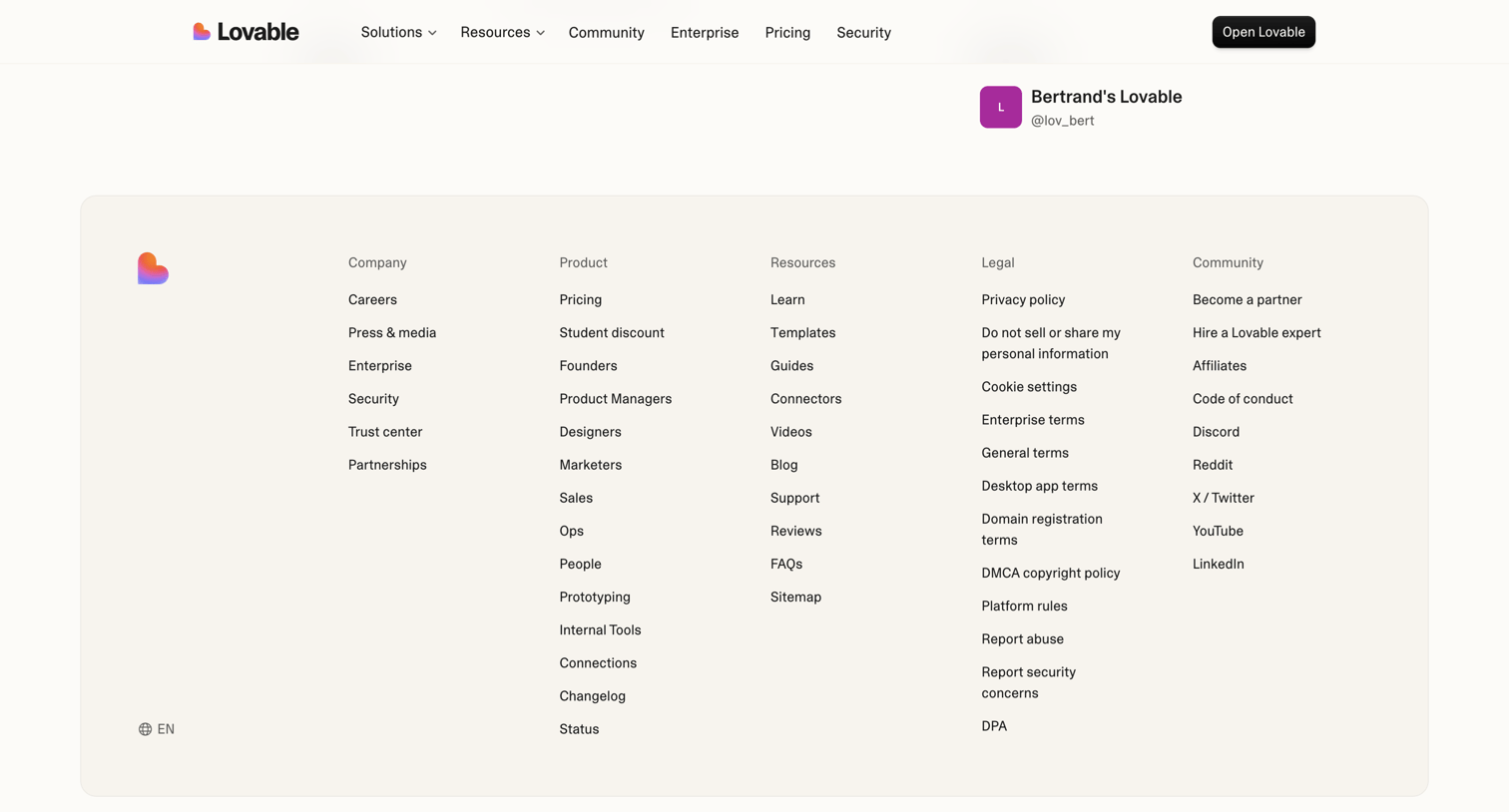

Product page showcasing a specific app created by a user, featuring a prominent 'Open Lovable' call to action and a comprehensive site footer.

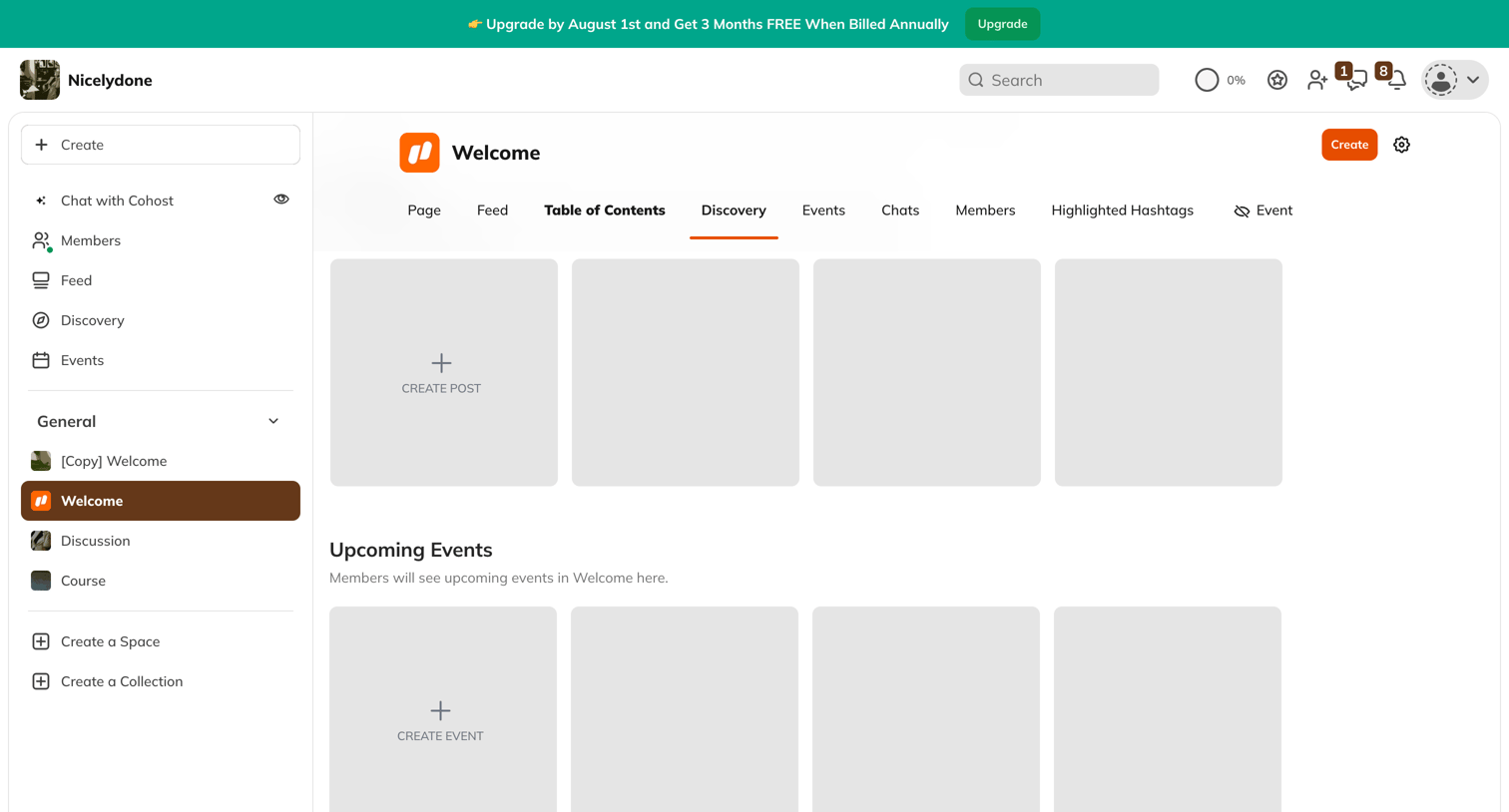

Home screen for a community space showing empty placeholder grids prompting the user to create their first discovery posts and upcoming events.
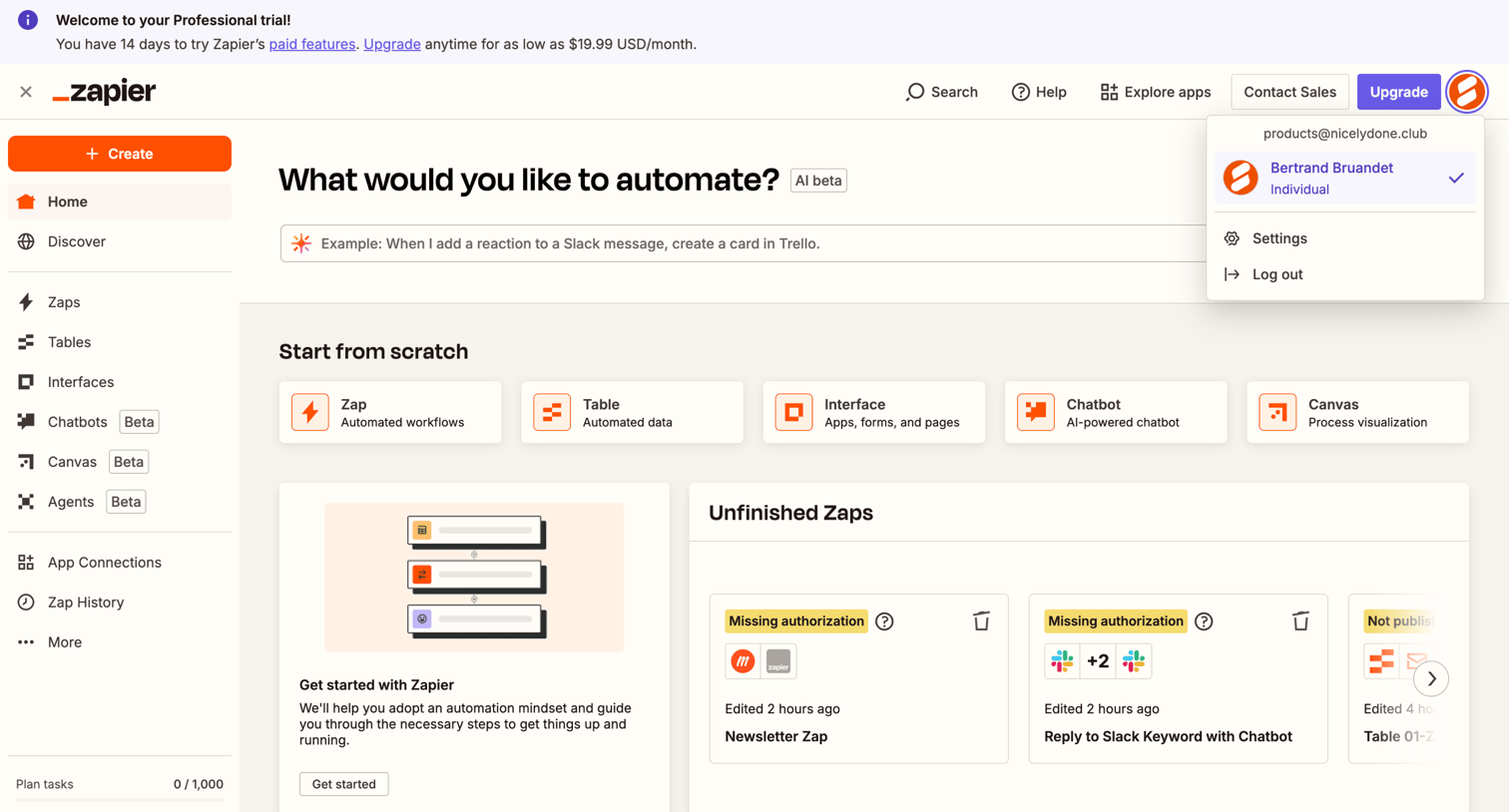

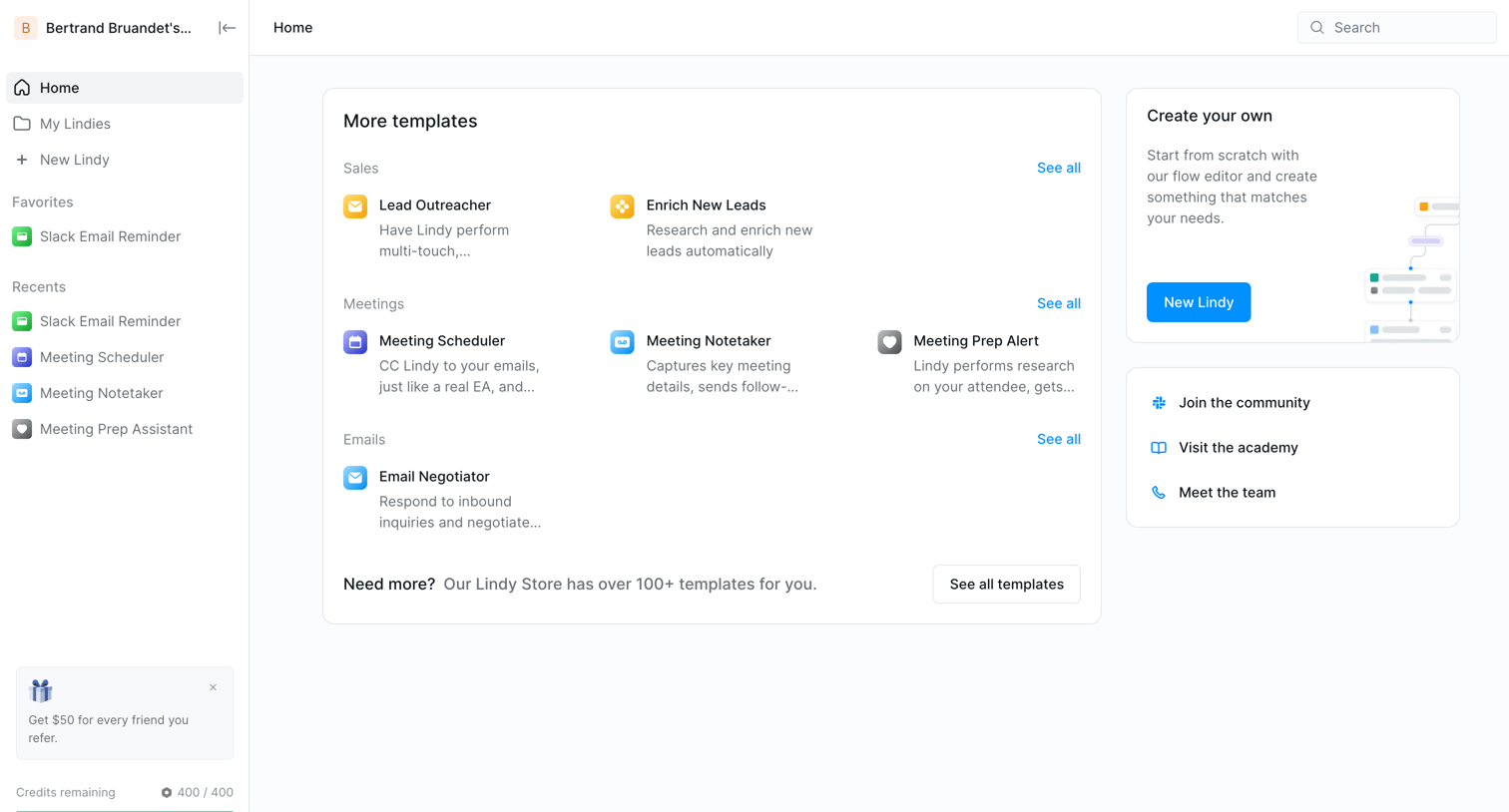
App home view where the user can create new automations via an AI prompt, resume unfinished workflows, or browse popular templates.


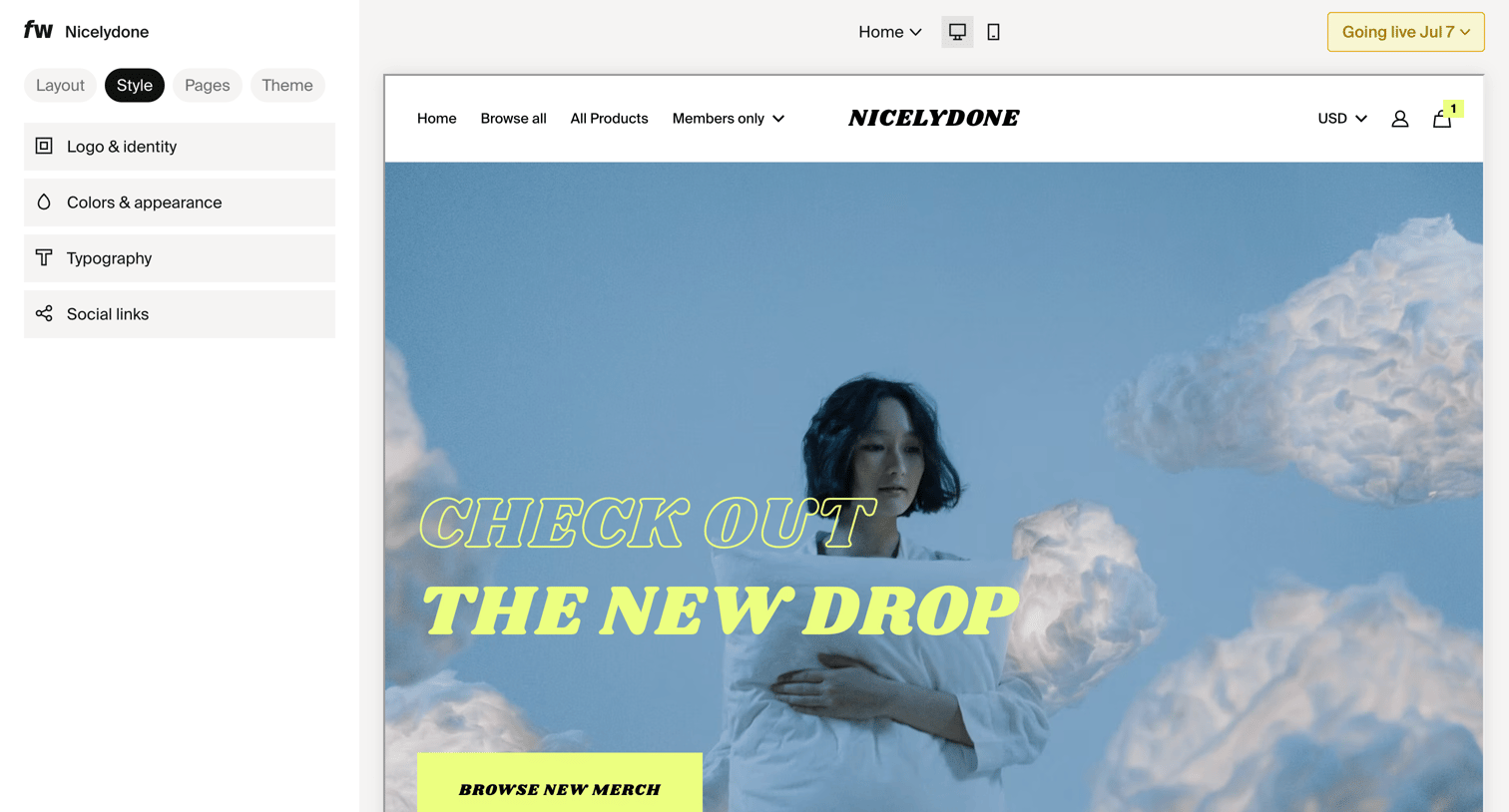

Design editor where the user customizes the style, layout, and theme of their storefront via a sidebar while previewing the changes on a live canvas.

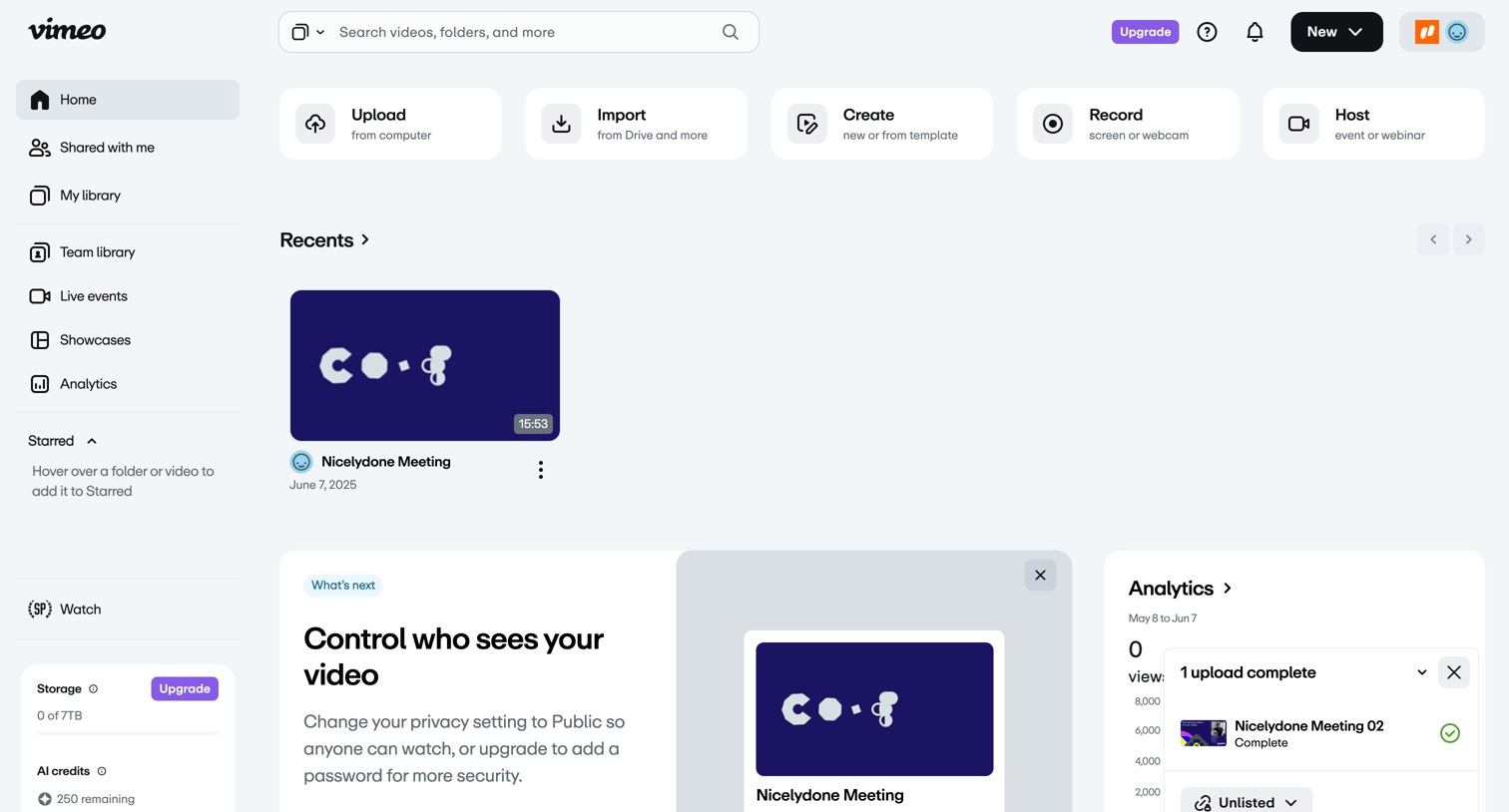

Home dashboard where the user can quickly upload or create new videos, view recent uploads, and check high-level analytics and storage usage.
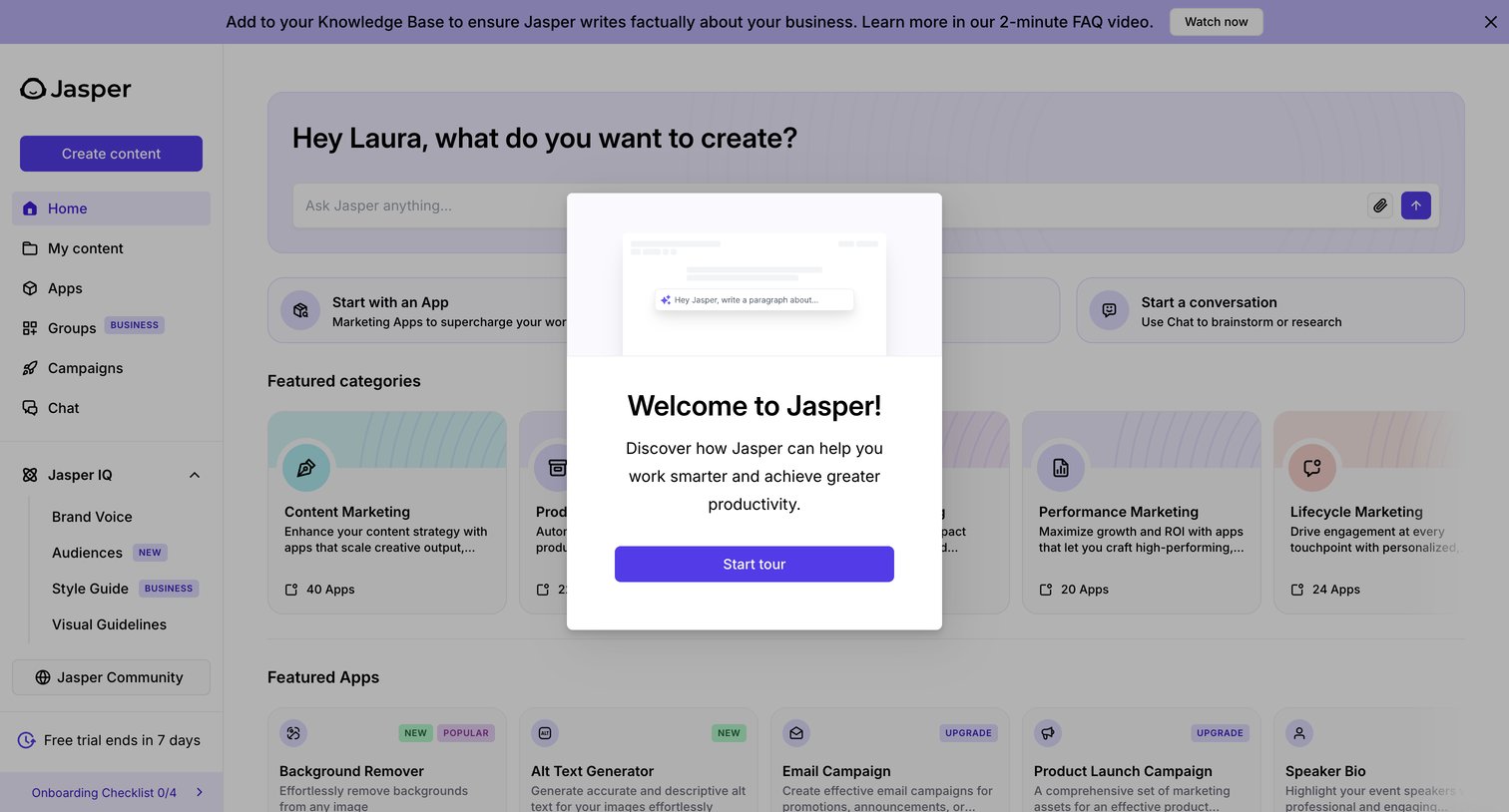

Home screen where a welcome modal prompts the user to start a product tour, overlaying an AI prompt input and featured template categories.
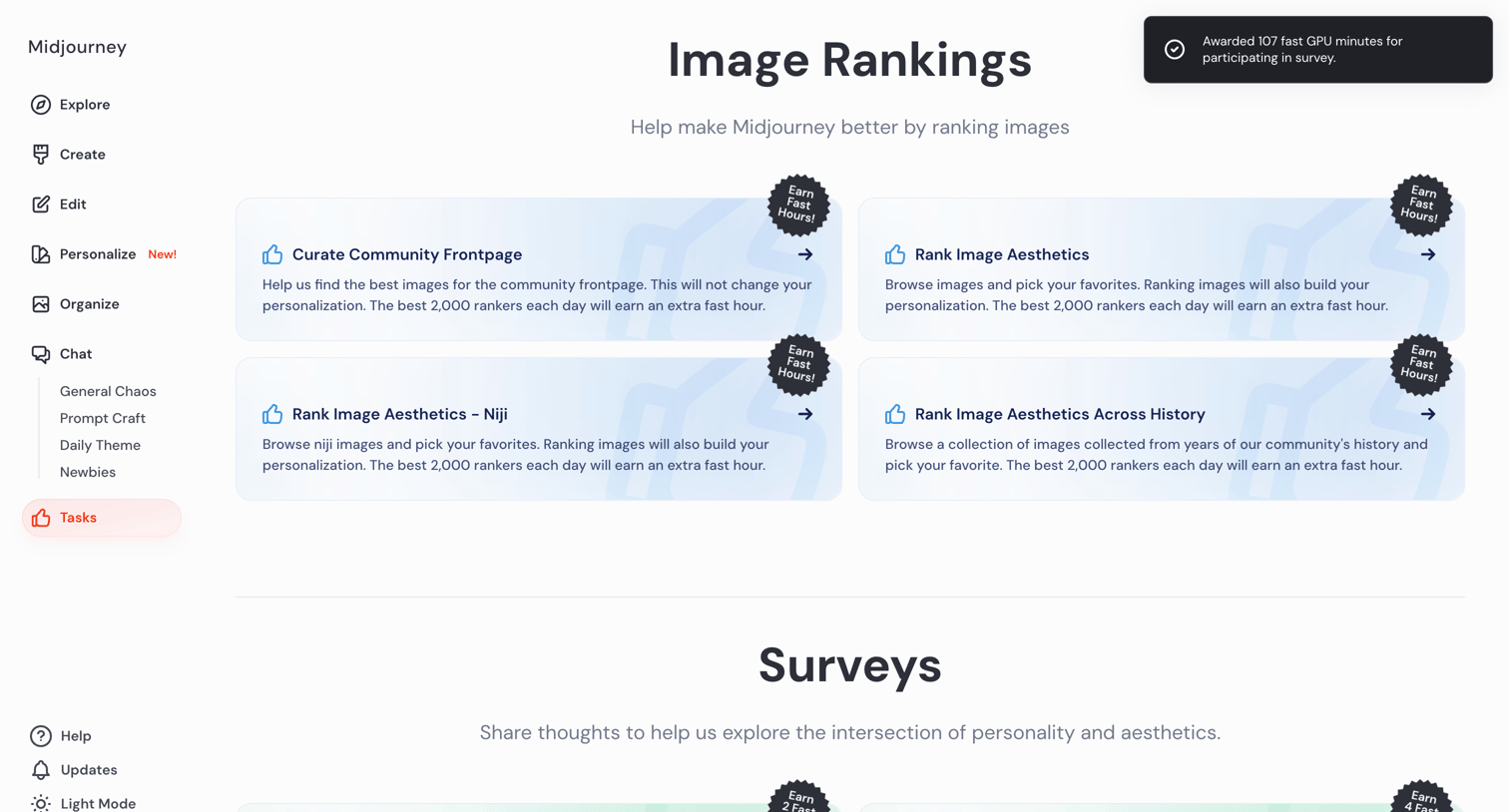

List view where the user can select image ranking tasks and surveys to earn fast GPU hours.
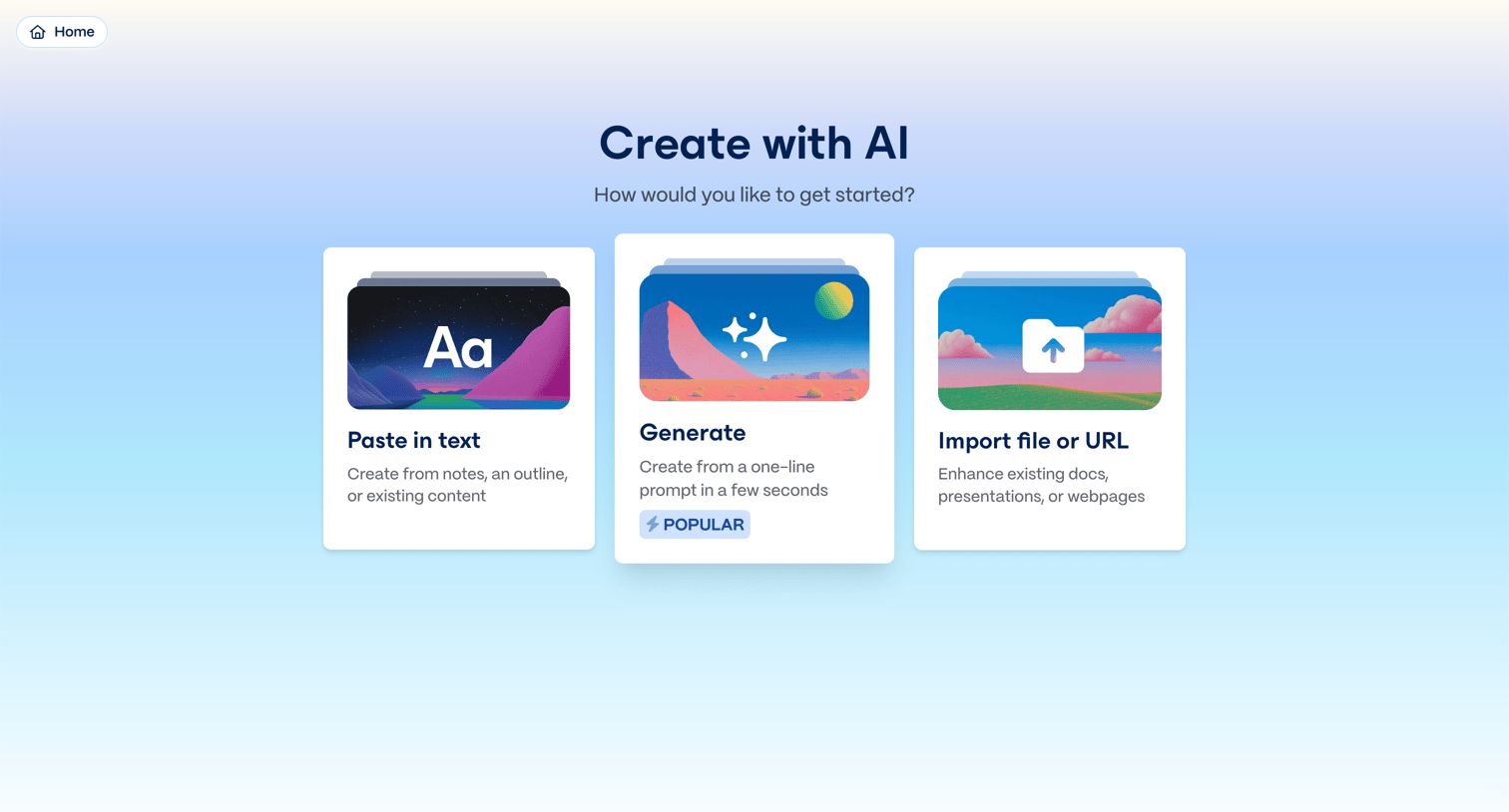

Creation screen where the user chooses to start with pasted text, a one-line prompt, or an imported file.
Explore the full SaaS screen library
Upgrade to unlock the full library.
Trusted by the best teams







