Guided tour screen examples
Guided tour screen design examples from SaaS apps. See how SaaS apps introduce features within the interface itself. Explore how tour steps point to controls and give people a way to continue or leave the…
Explore the examples
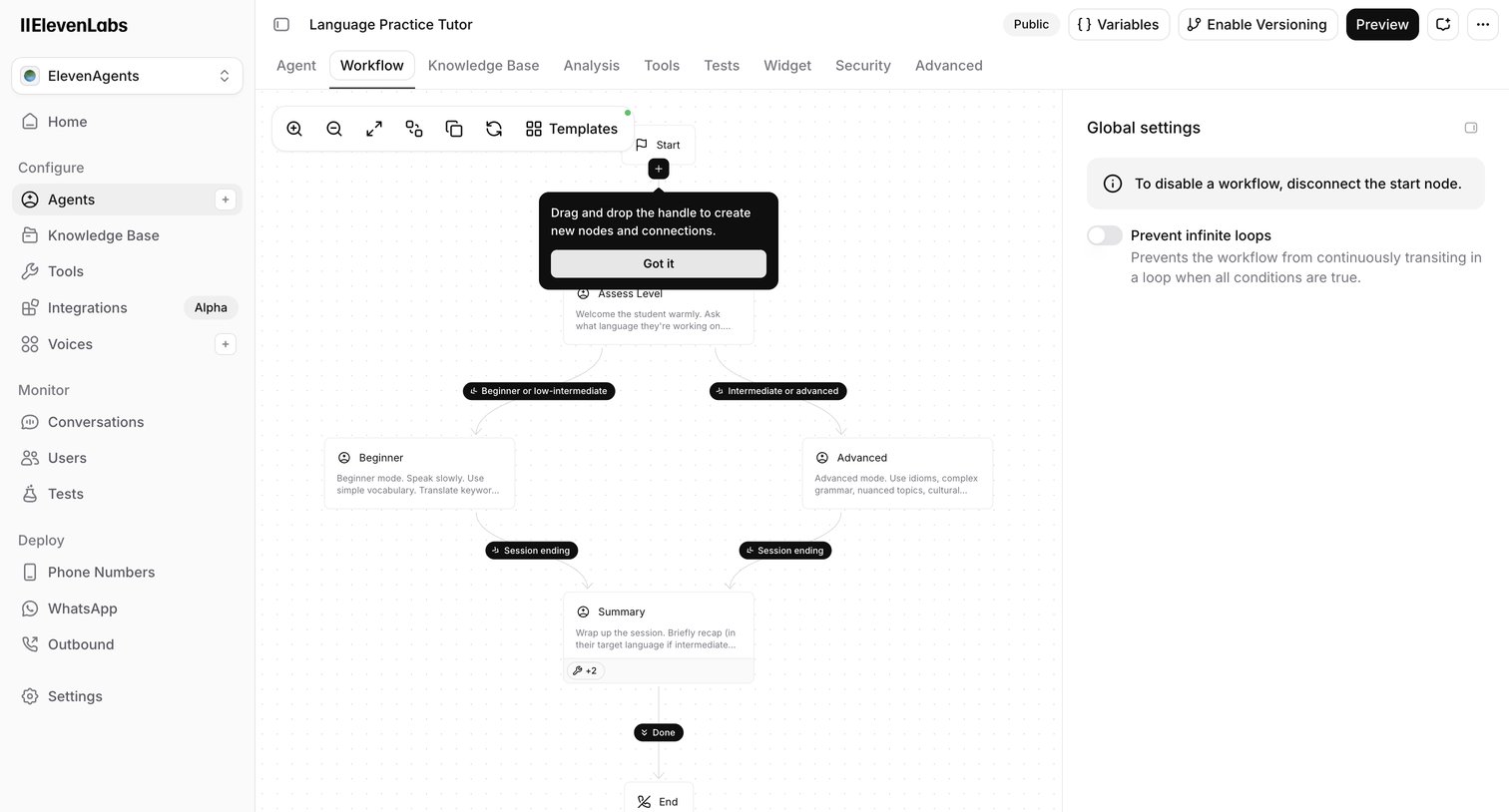

Design editor where the user builds a Language Practice Tutor agent using a node-based workflow canvas with branching logic for different skill levels.
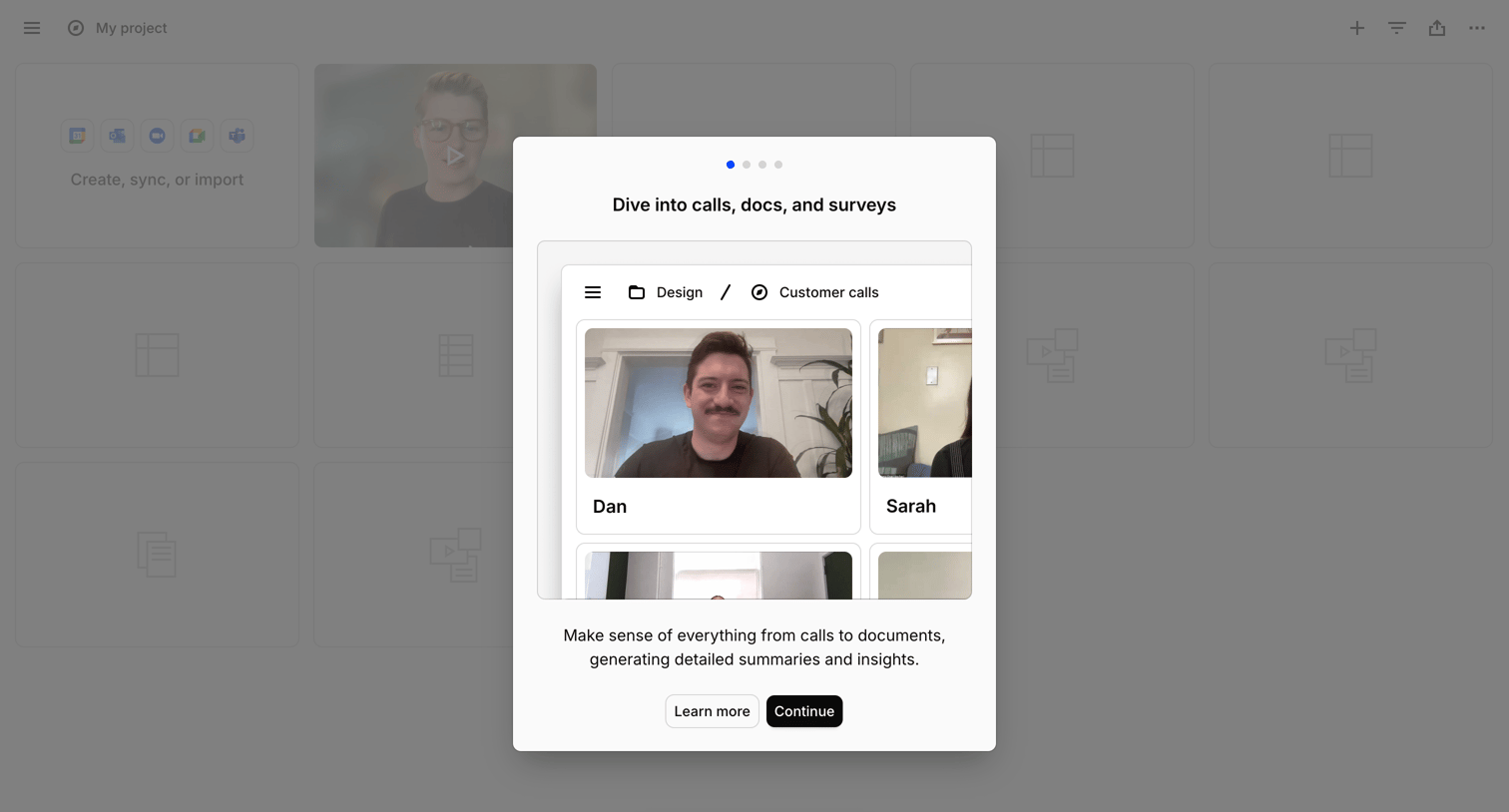

Onboarding modal introducing a feature to analyze calls and documents, overlaid on a project workspace with a floating AI chat entry point.
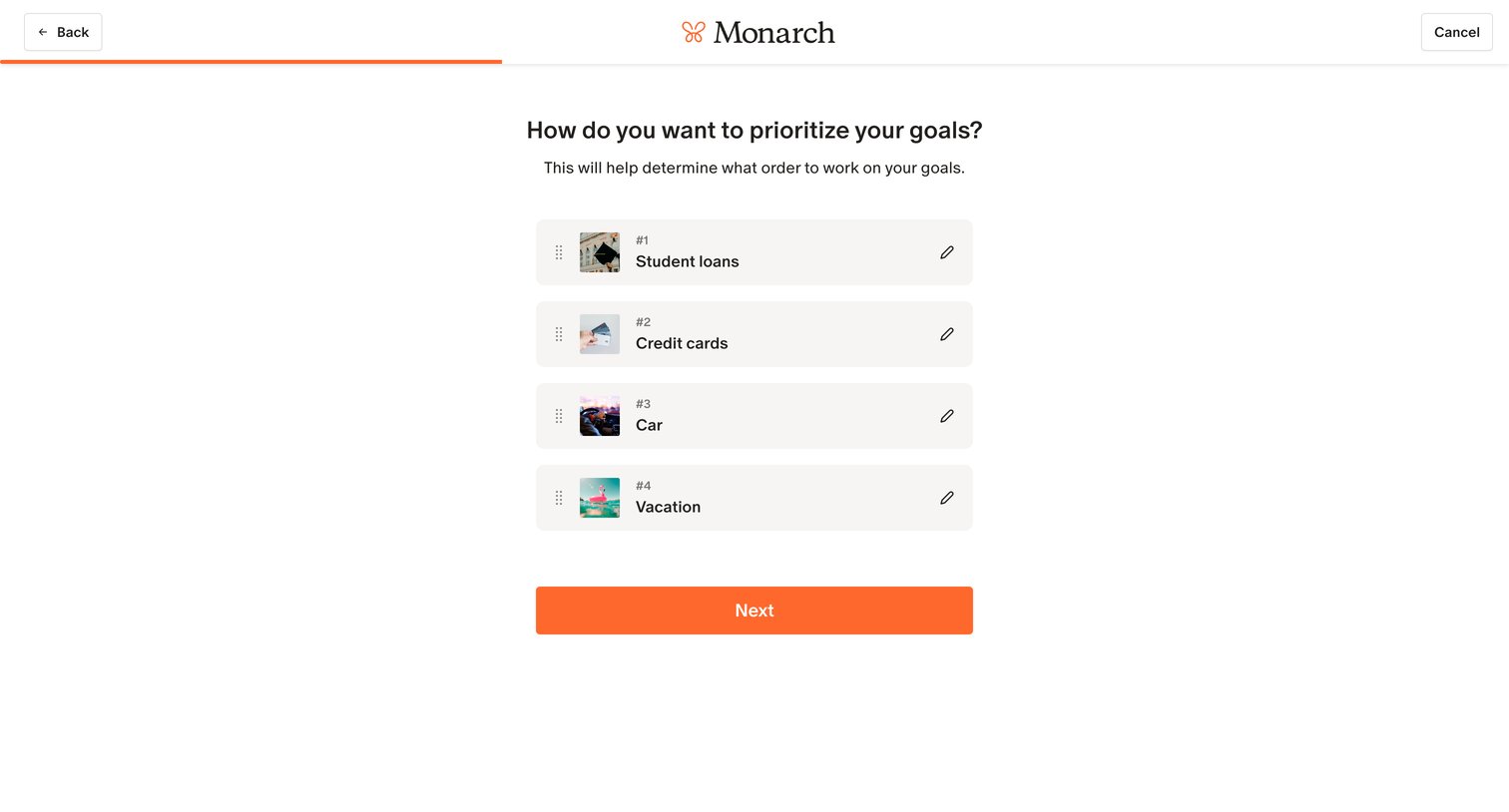

Onboarding step where the user ranks their financial goals like student loans, credit cards, and a car to determine priority.
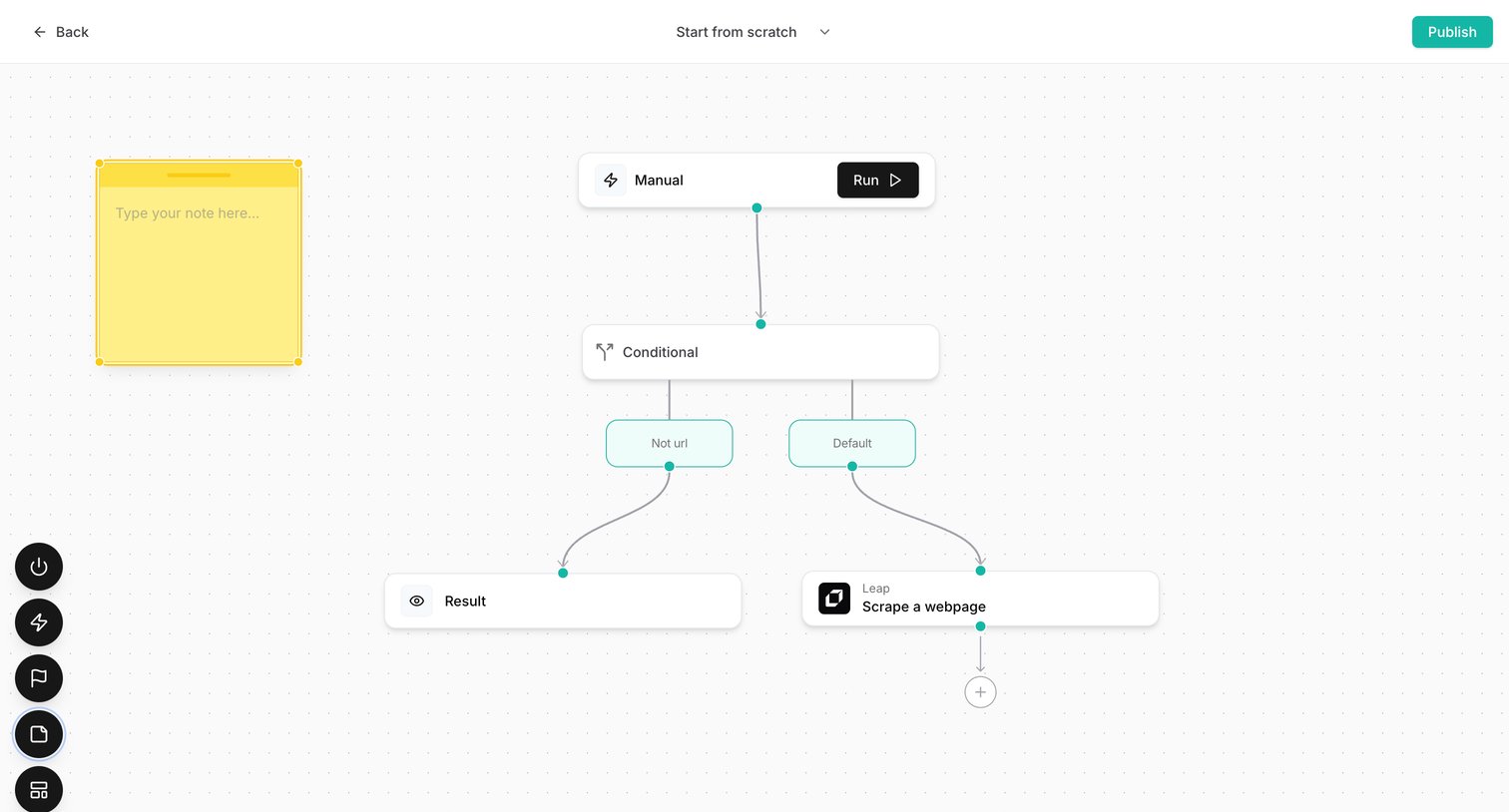

Design editor where the user builds an automation workflow connecting manual triggers, conditional logic, and web scraping actions on a node-based canvas.
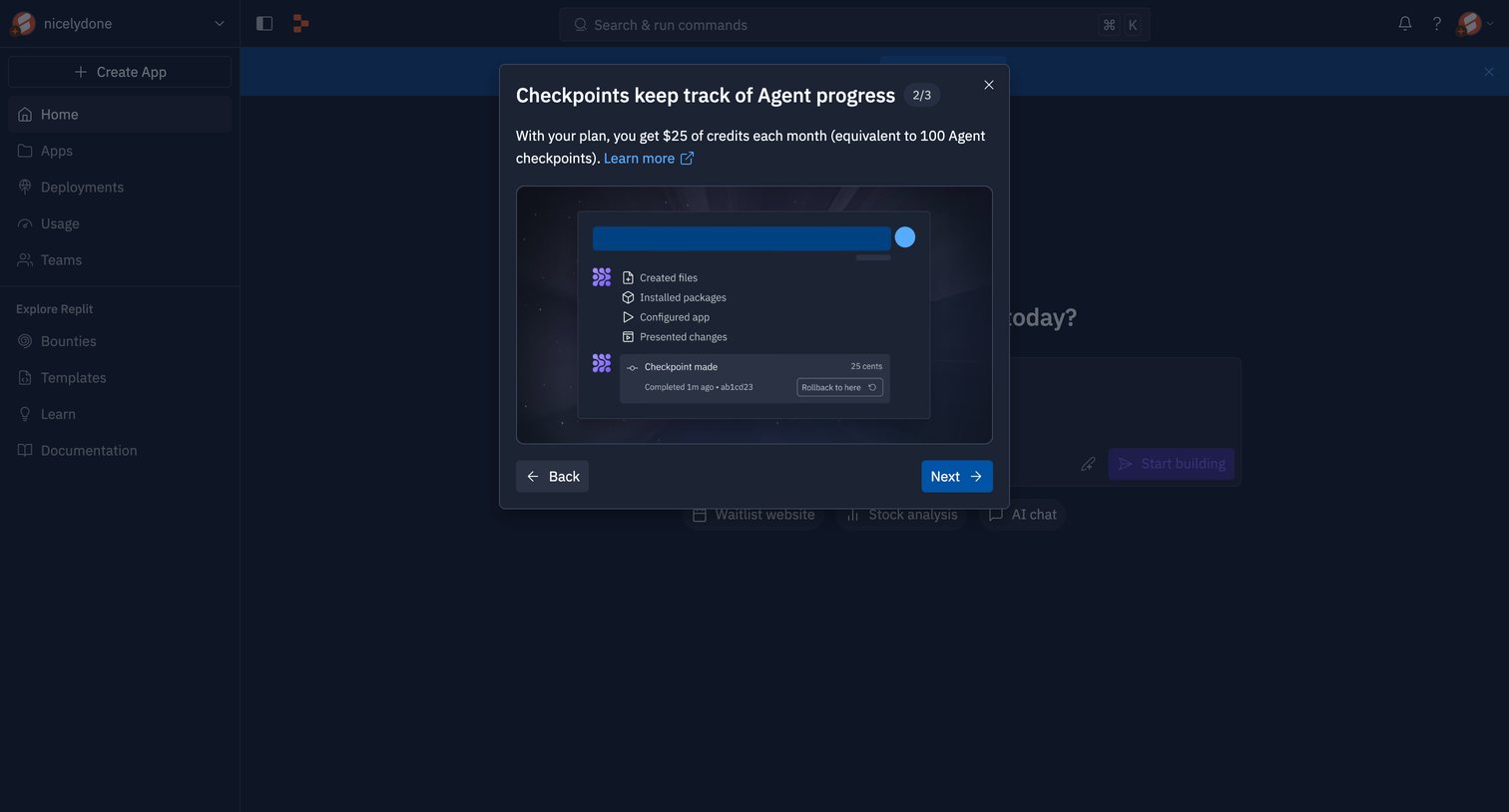

Onboarding step where a modal explains how checkpoints track AI agent progress and consume credits, featuring a step counter and navigation buttons over a dimmed workspace.
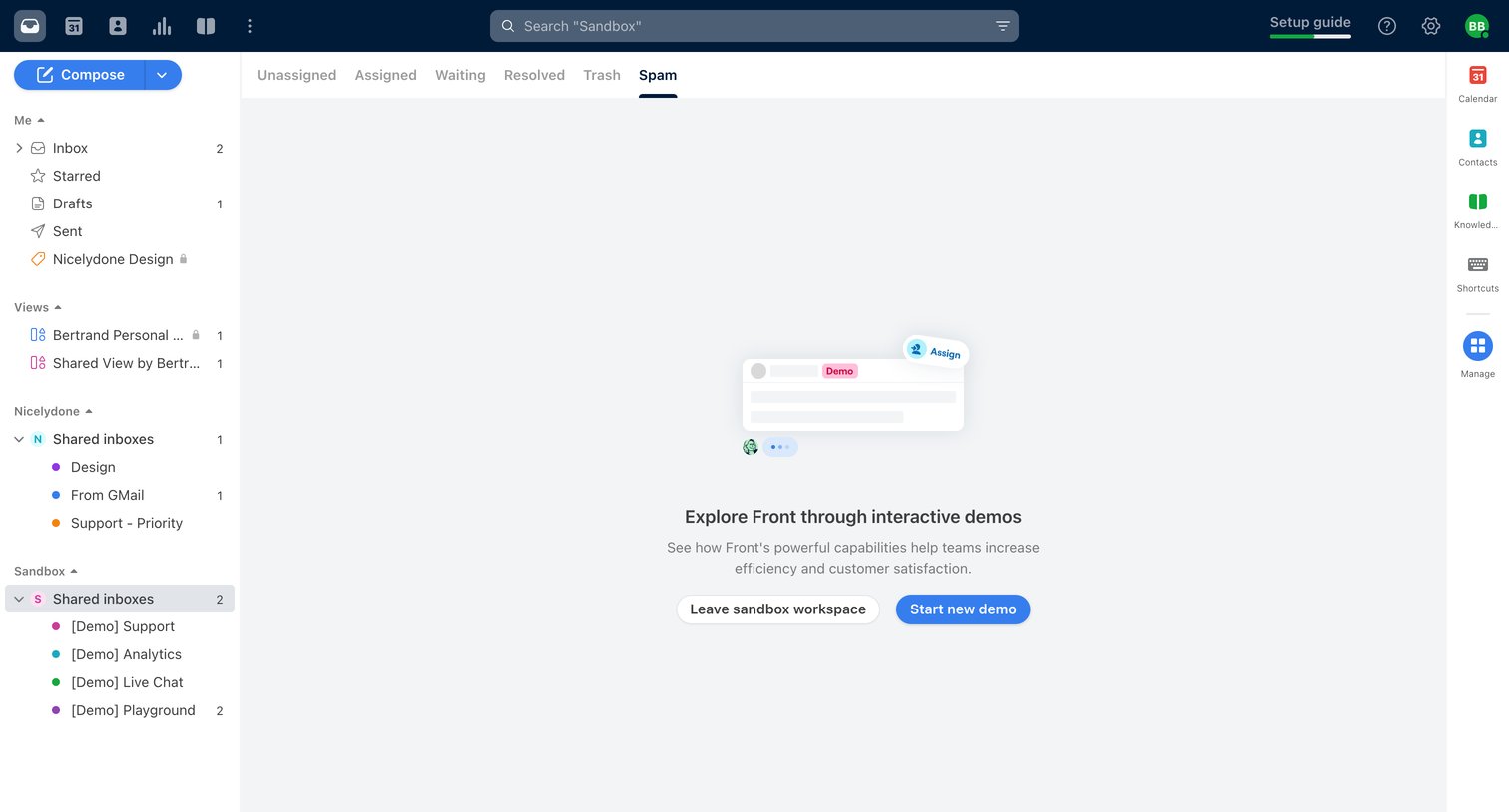

Inbox view showing an empty spam folder within a sandbox environment, prompting the user to explore interactive demos.
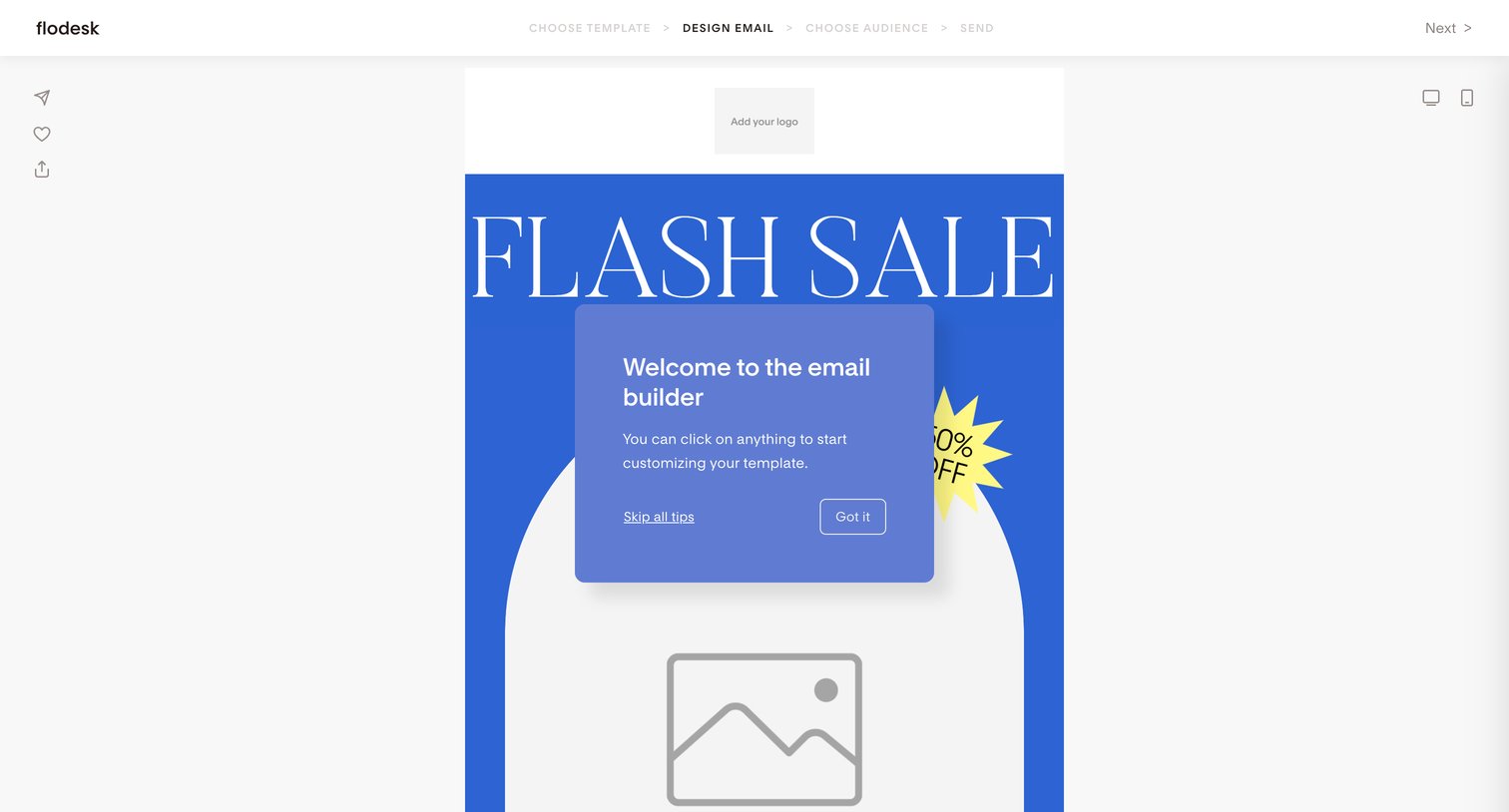

Design editor where the user builds an email campaign, currently showing a welcome modal that explains how to customize the template.
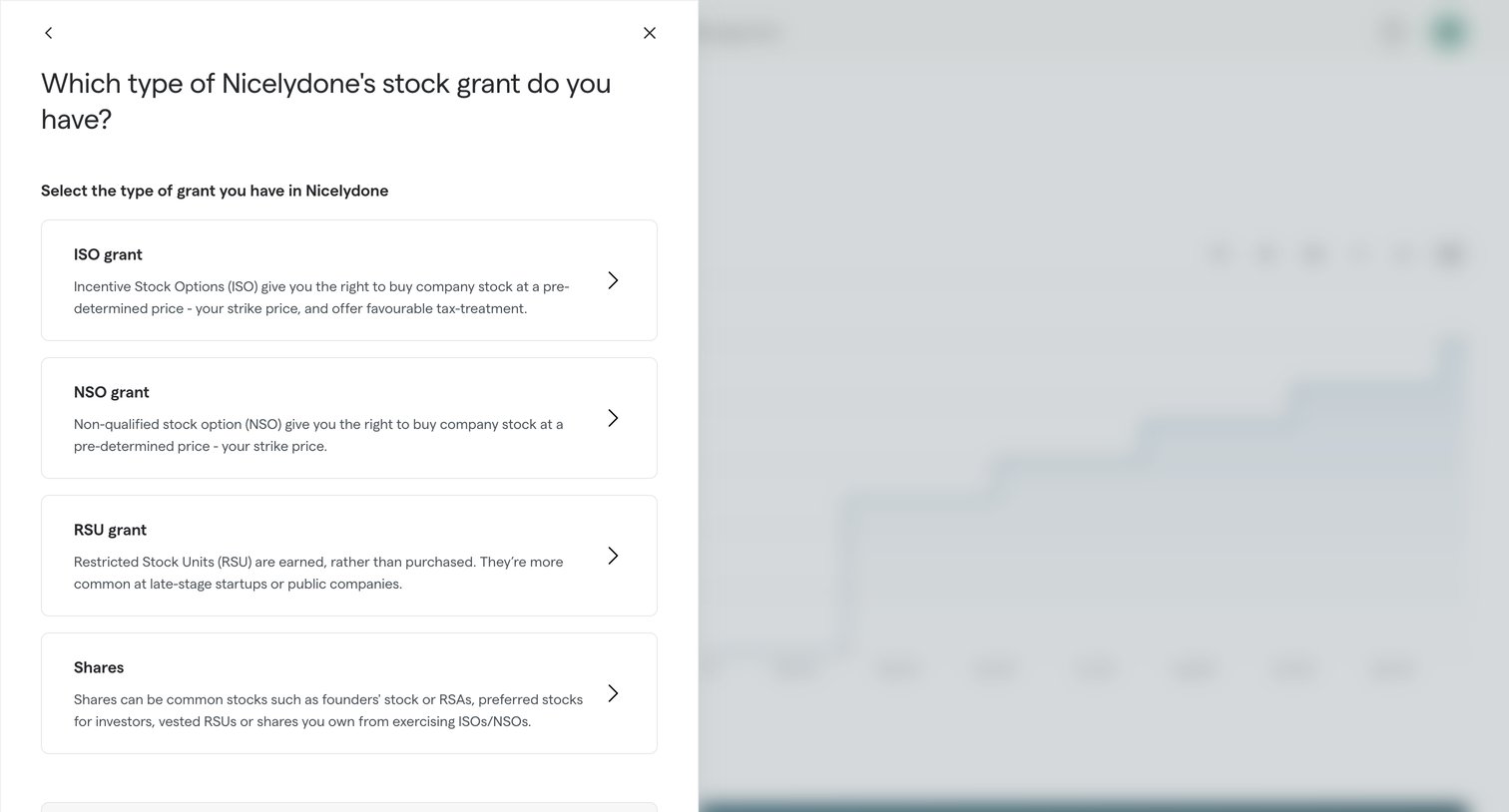

Creation wizard step where the user selects their specific stock grant type from options like ISO, NSO, RSU, or shares.

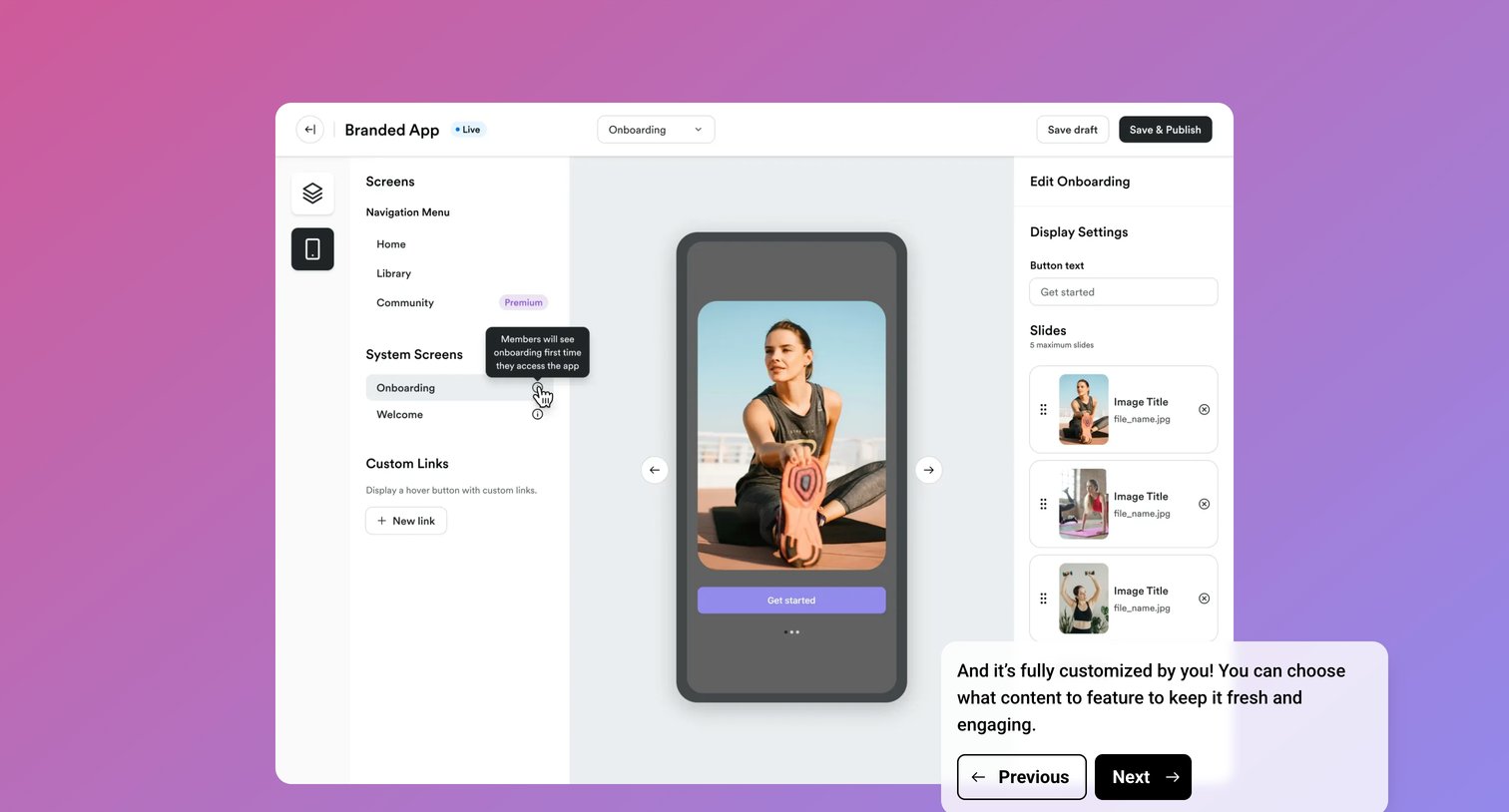

Design editor where the user customizes the mobile app's onboarding flow by editing button text and managing slider images while following a product tour.
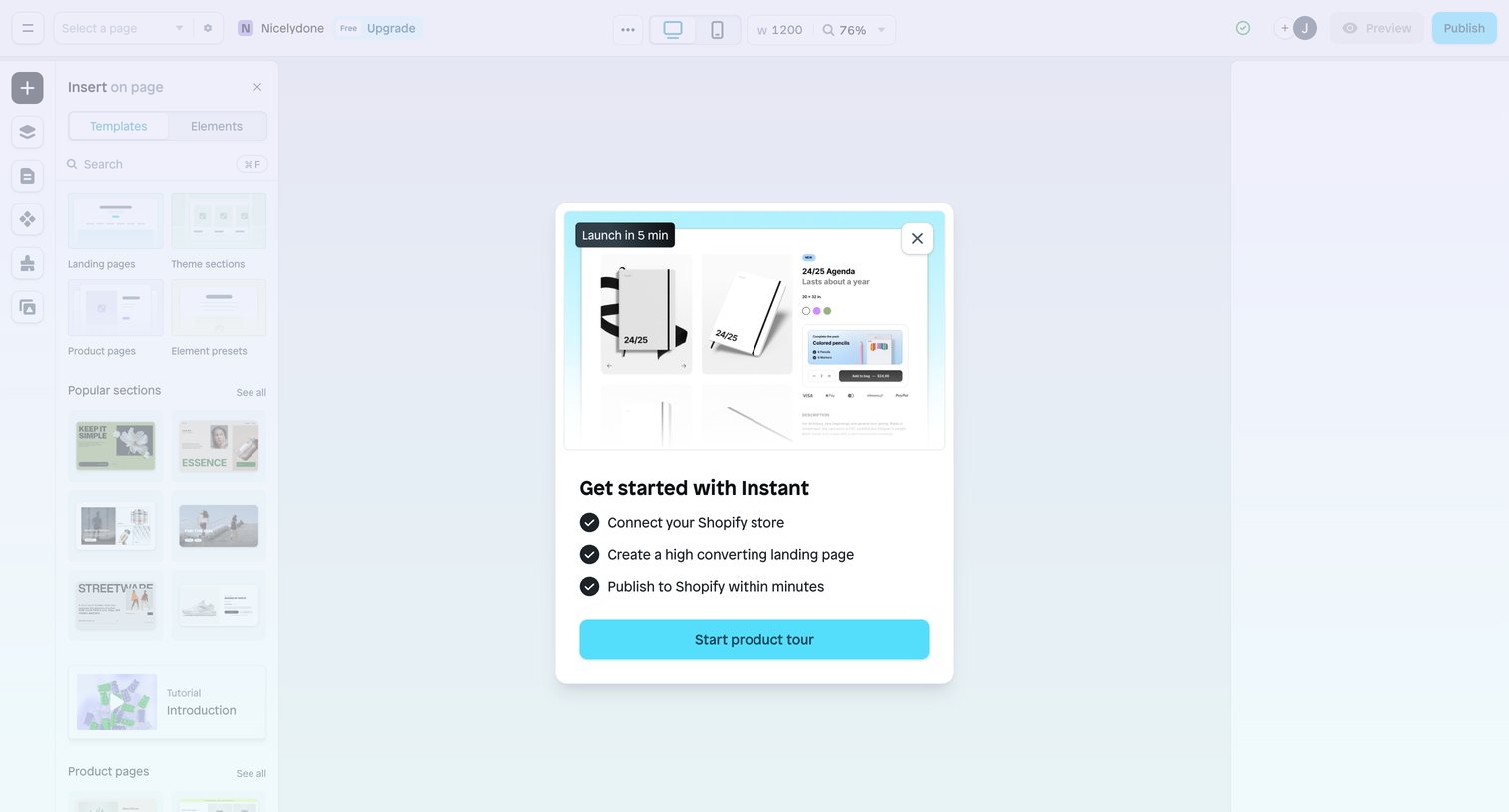

Design editor with an onboarding modal prompting the user to start a product tour and connect their Shopify store.
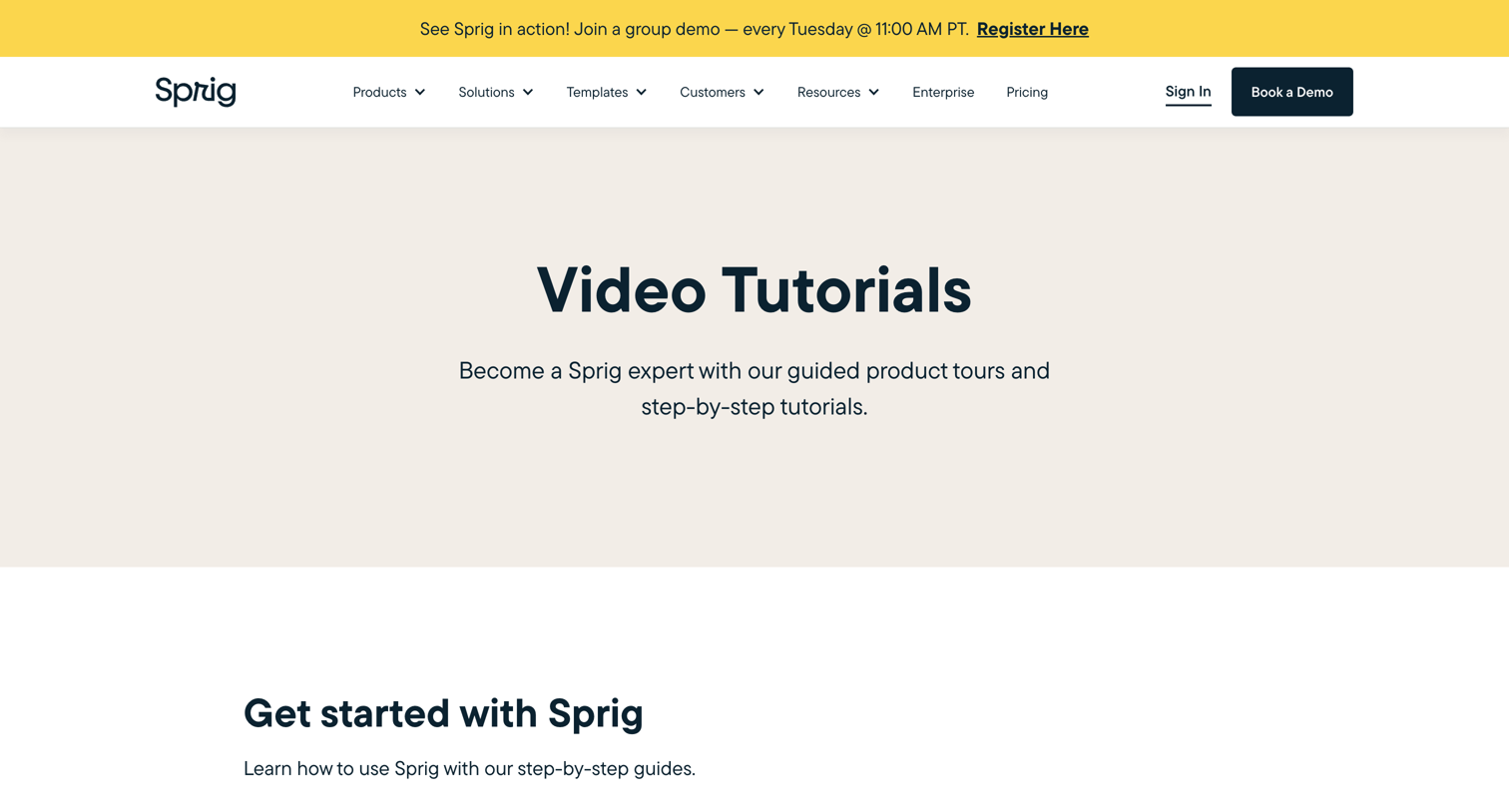

Resources page where the user browses a categorized directory of video tutorials and product tours to learn how to use Sprig.
Explore the full SaaS screen library
Upgrade to unlock the full library.
Trusted by the best teams








About Guided tour
See how SaaS apps introduce features within the interface itself. Explore how tour steps point to controls and give people a way to continue or leave the walkthrough.