Full screen modal screen examples
Full screen modal screen design examples from SaaS apps. Browse examples from Dock, Lovable, Navattic.
Explore the examples
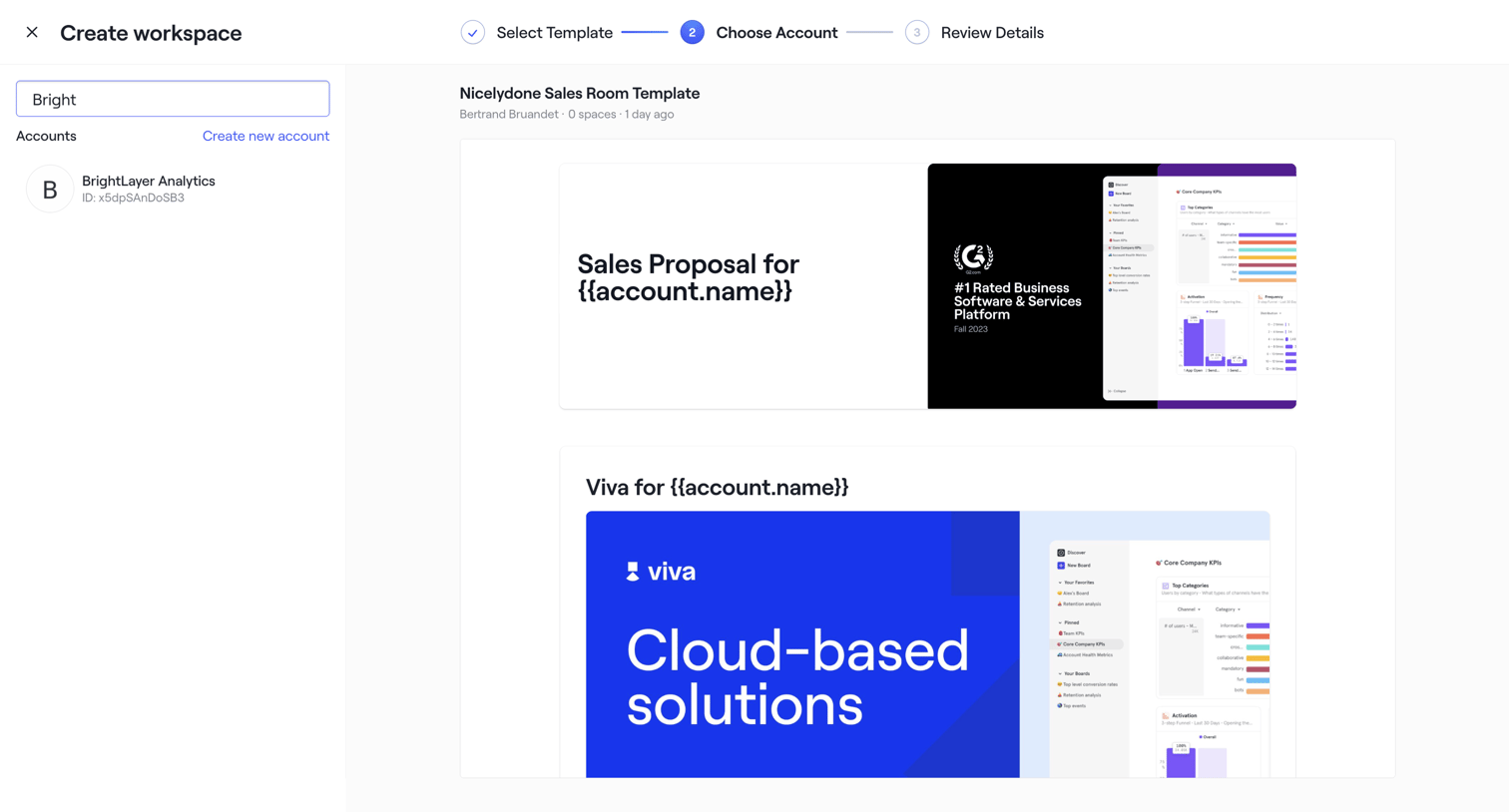

Workspace creation wizard where the user selects an account from a searchable list to apply to a chosen sales room template.
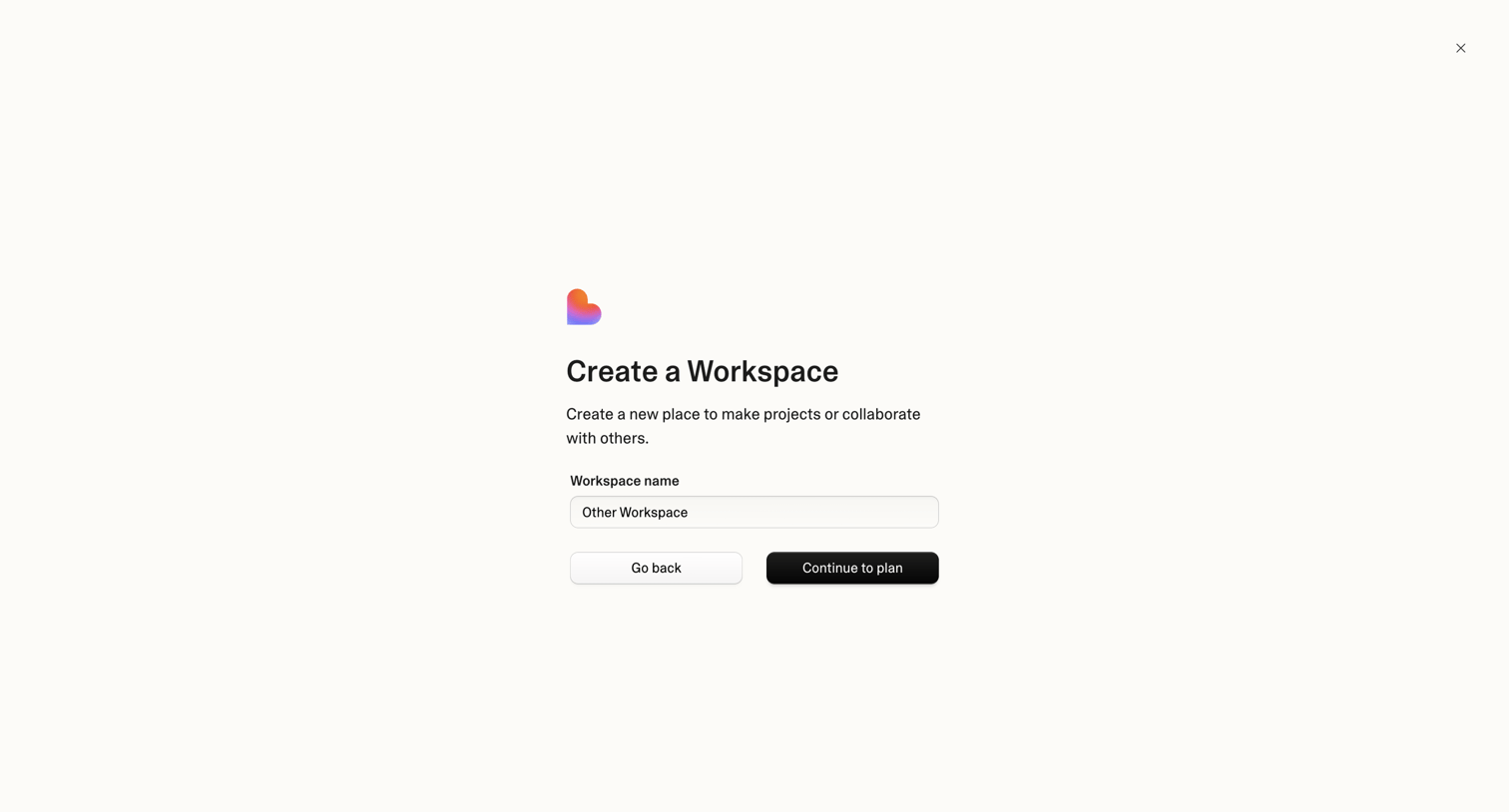

Creation modal where the user names a new workspace and proceeds to plan selection.

Detail page where the user views an interactive demo inside a large modal overlay, currently displaying an empty canvas with a prompt to learn about captures.
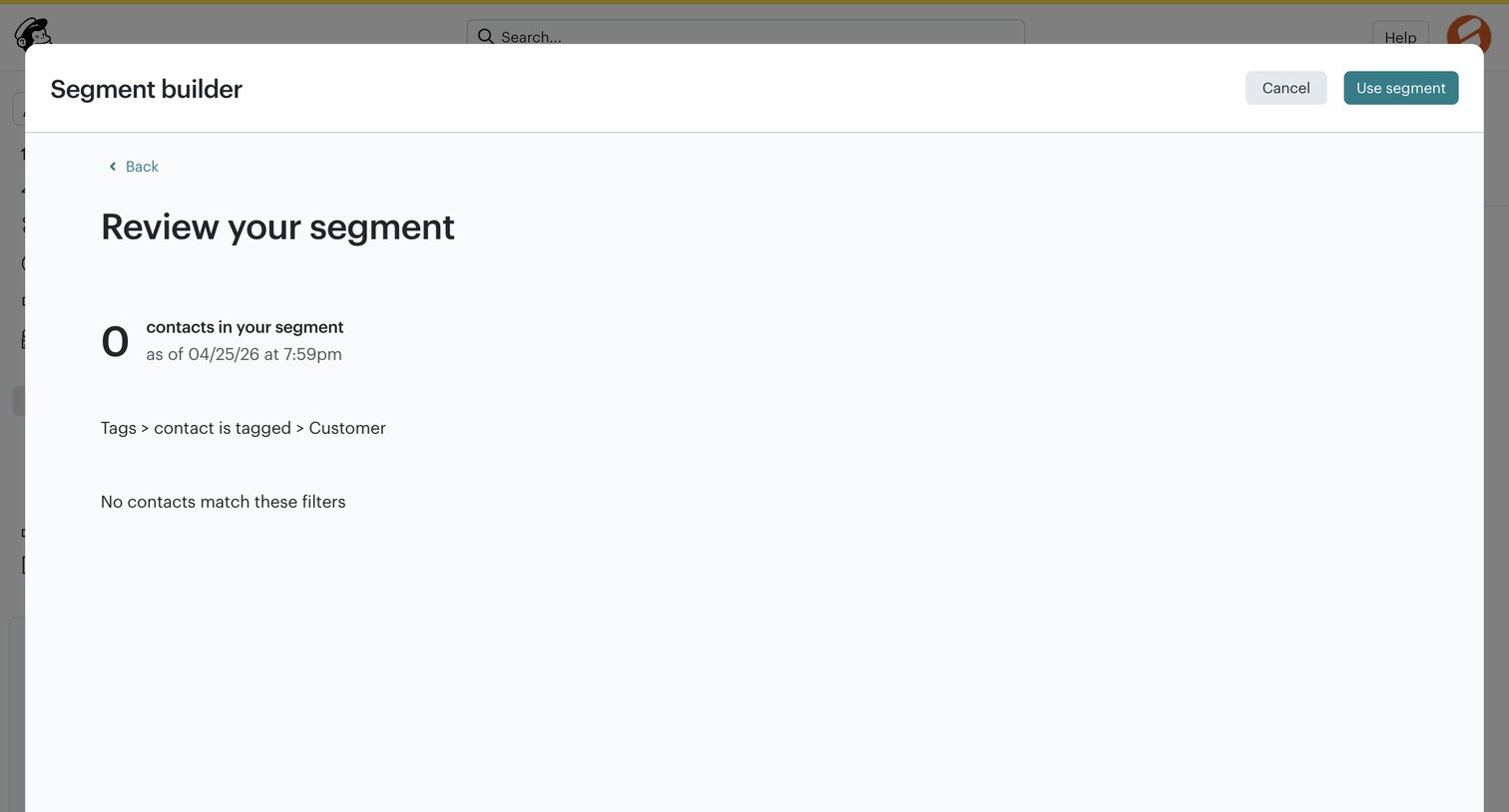

Creation wizard step where the user reviews a new audience segment based on tags, currently showing zero matching contacts.
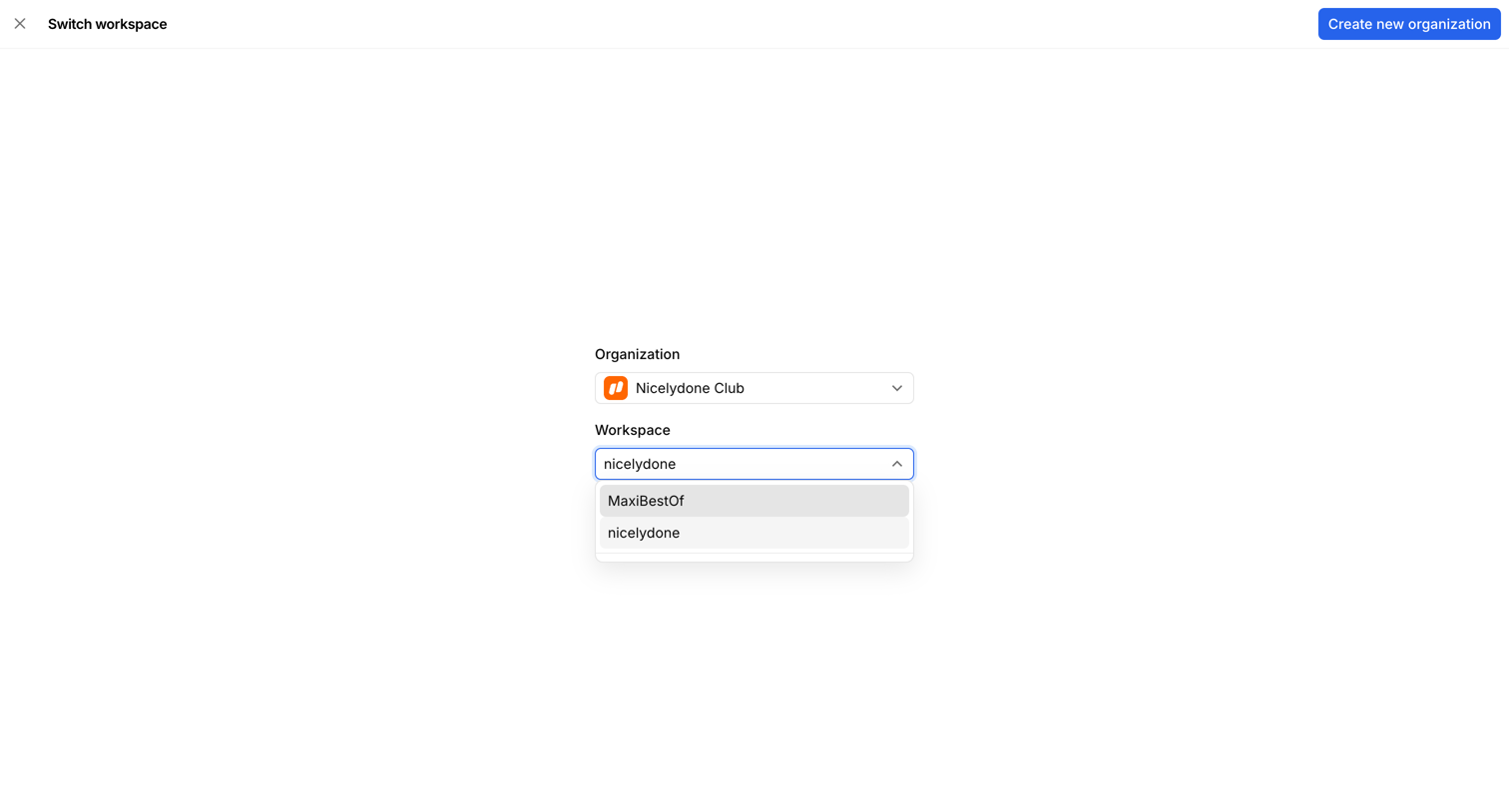

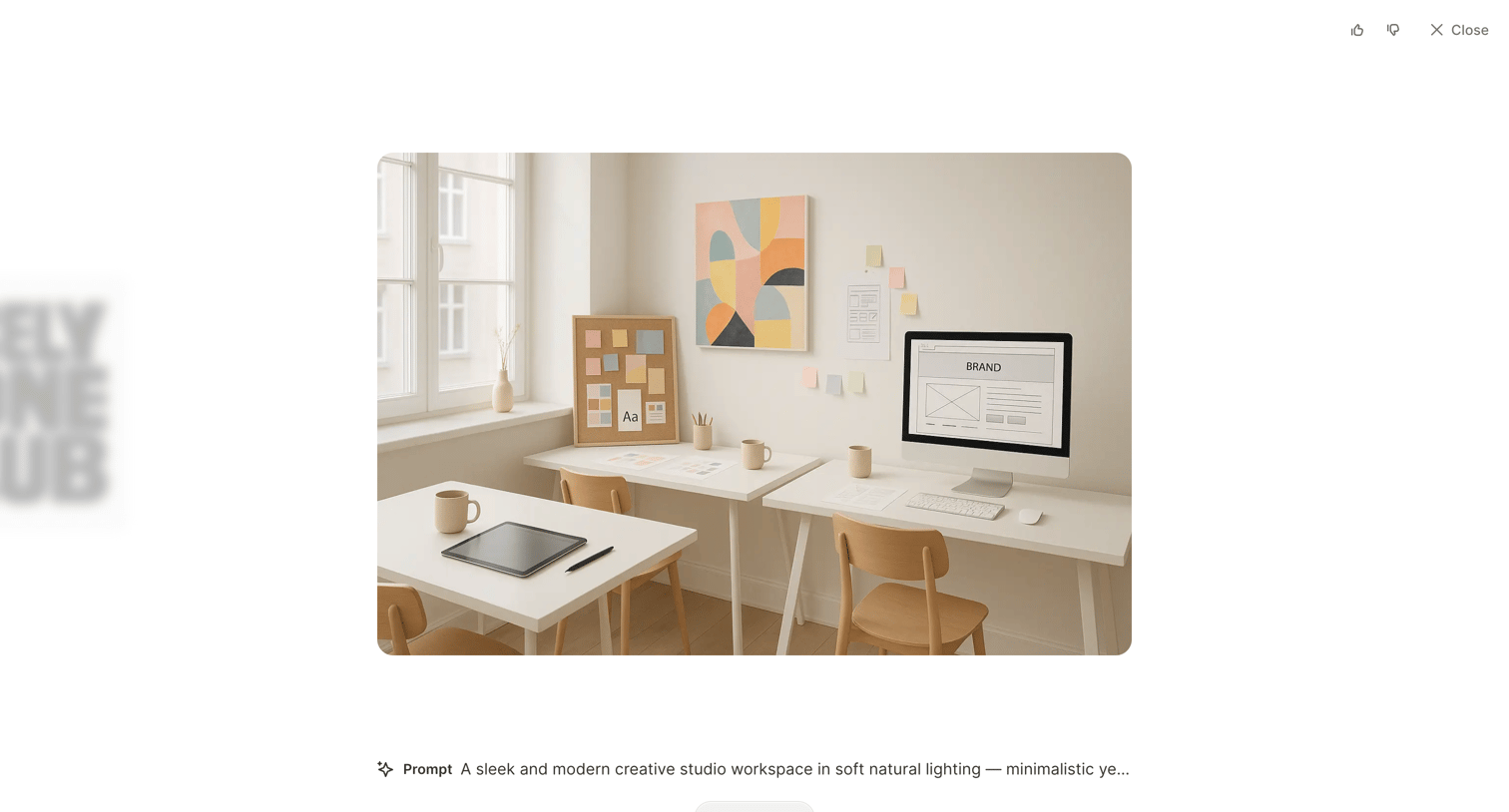

Detail page where the user views an AI-generated image, reads the prompt that created it, and can download the result or provide feedback.
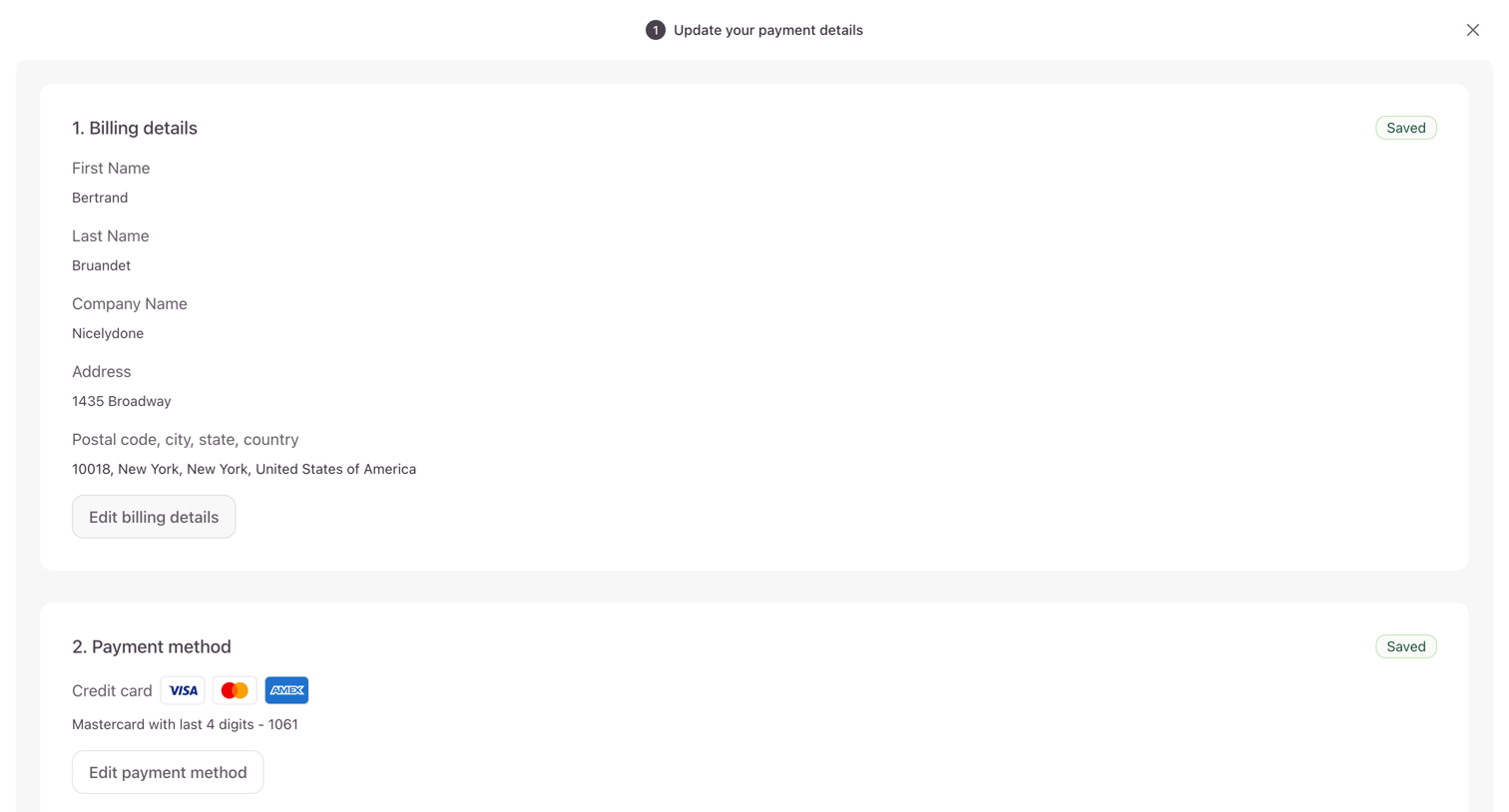

Full-screen settings modal where the user reviews their saved billing address and payment method, with options to edit each section.
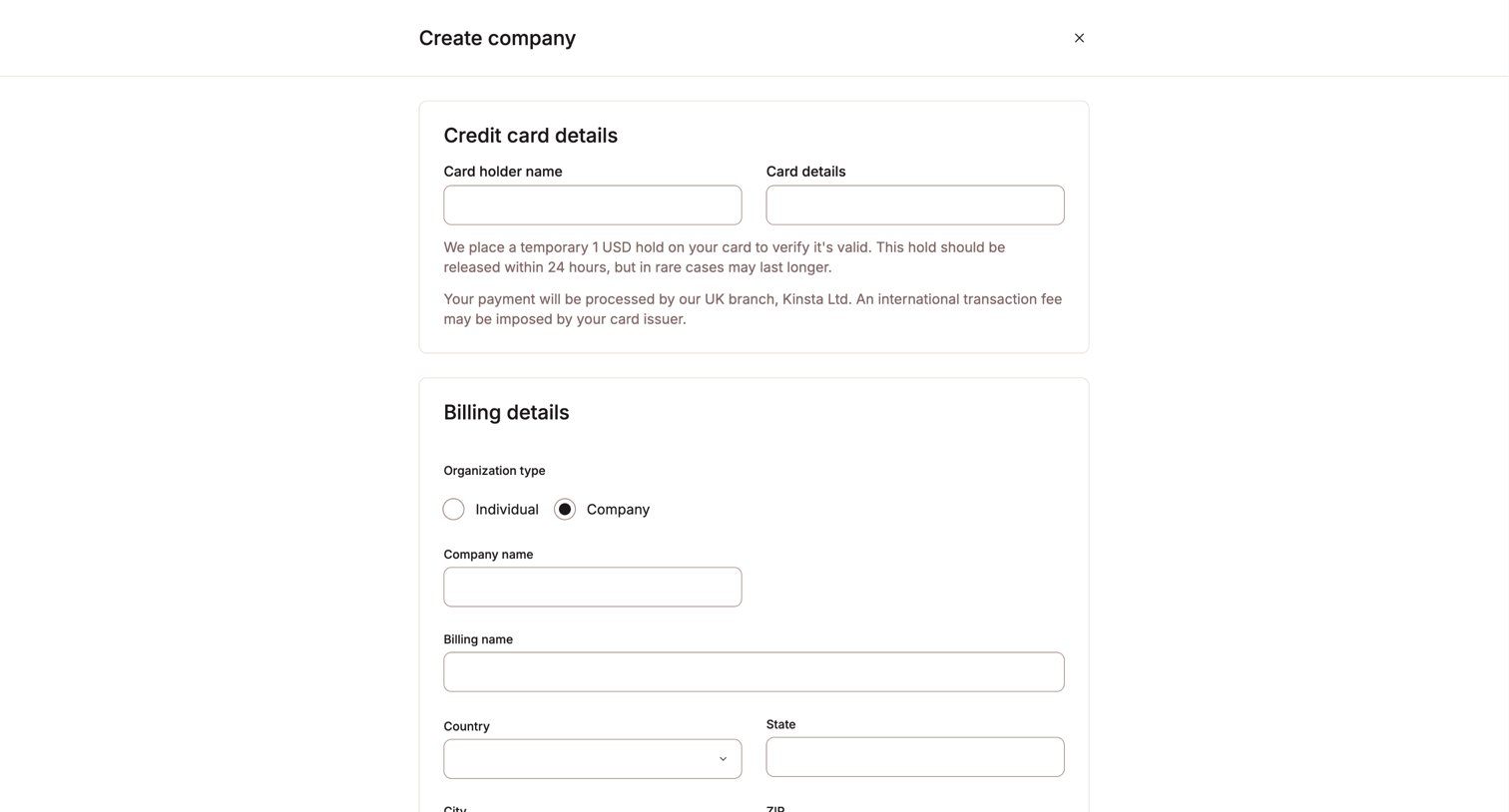

Creation form where the user enters credit card and billing details to set up a new company profile.
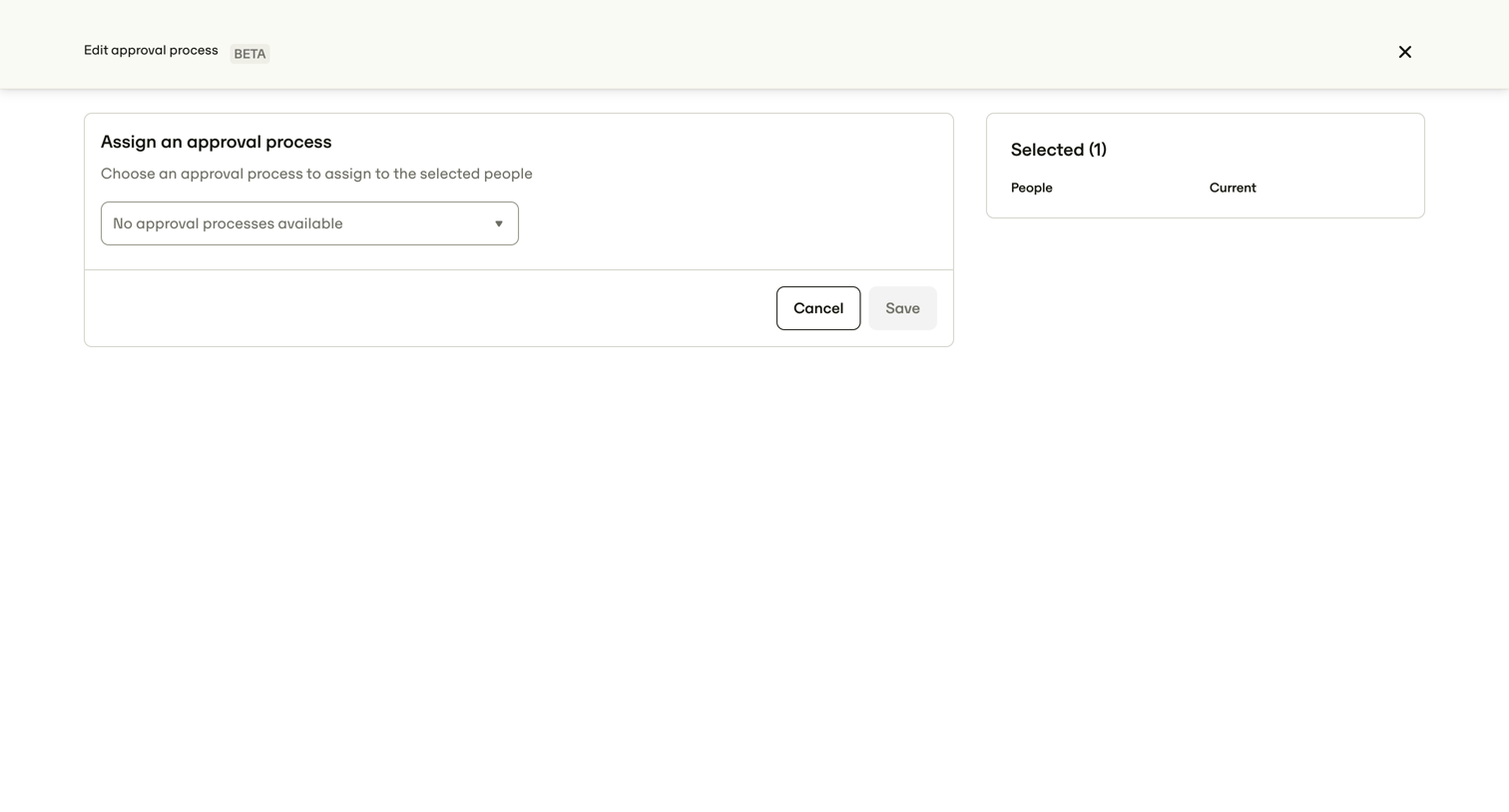

Full-screen overlay where the user assigns an approval process to selected people, showing a disabled save button because no processes are available to select.
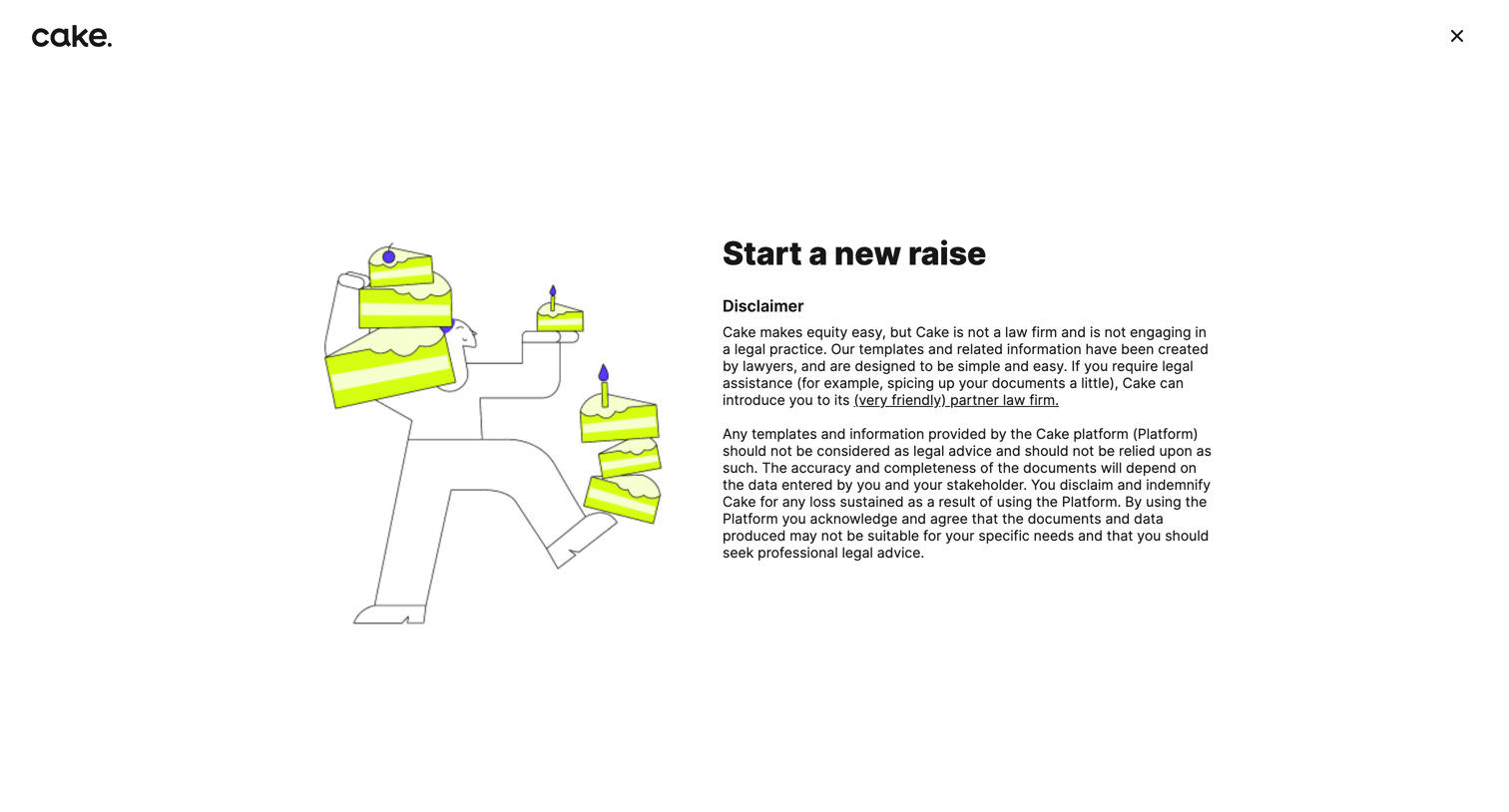

Creation wizard step where the user reads a legal disclaimer before starting a new equity raise.

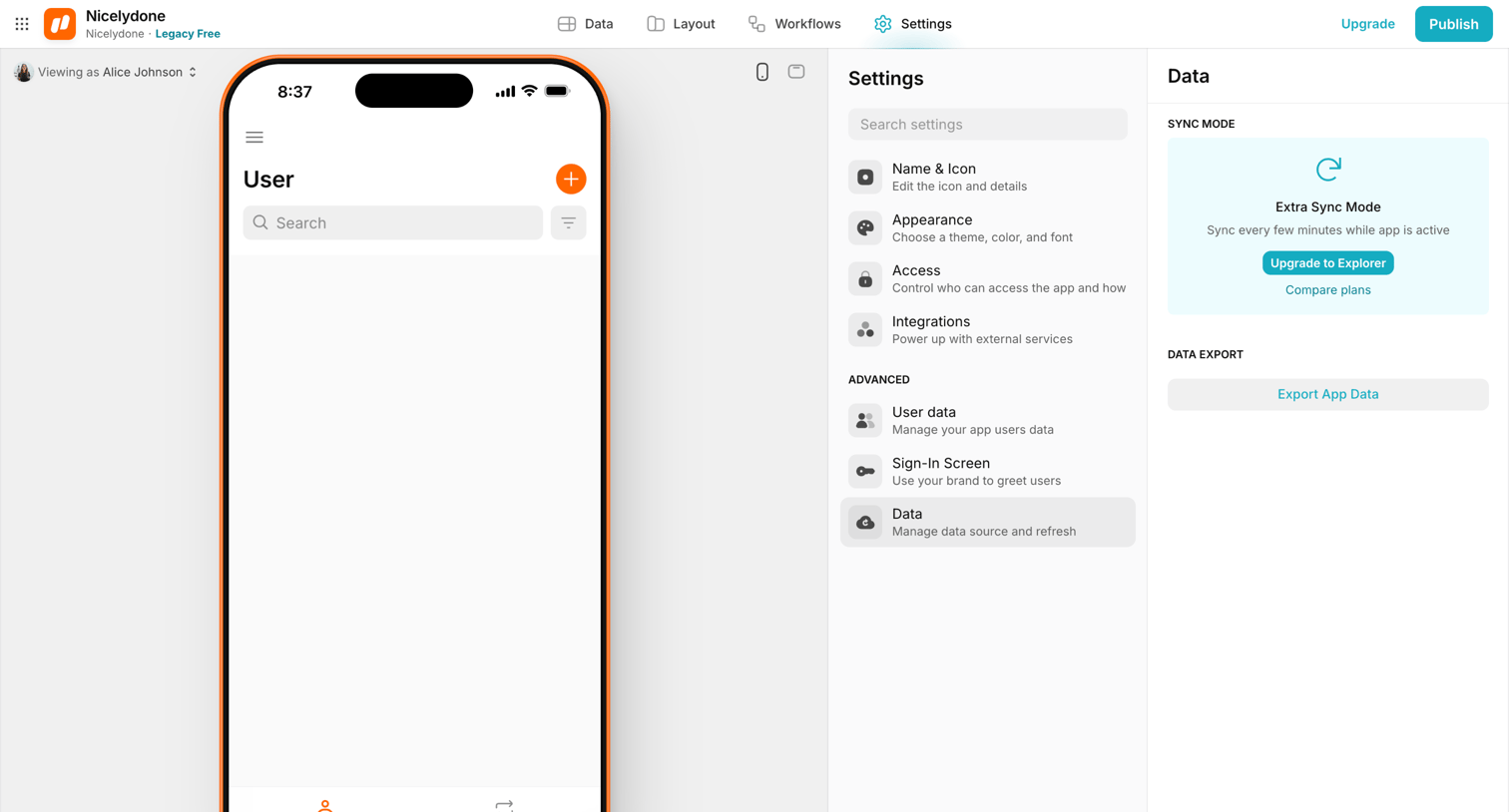

Design editor settings view where the user configures data sync modes and exports app data for a mobile application.
Explore the full SaaS screen library
Upgrade to unlock the full library.
Trusted by the best teams







