File management screen examples
File management screen design examples from SaaS apps. Explore how apps organize files, folders, and documents. Look at how item details, location, and file actions work together in list, grid, and detail views.
Explore the examples
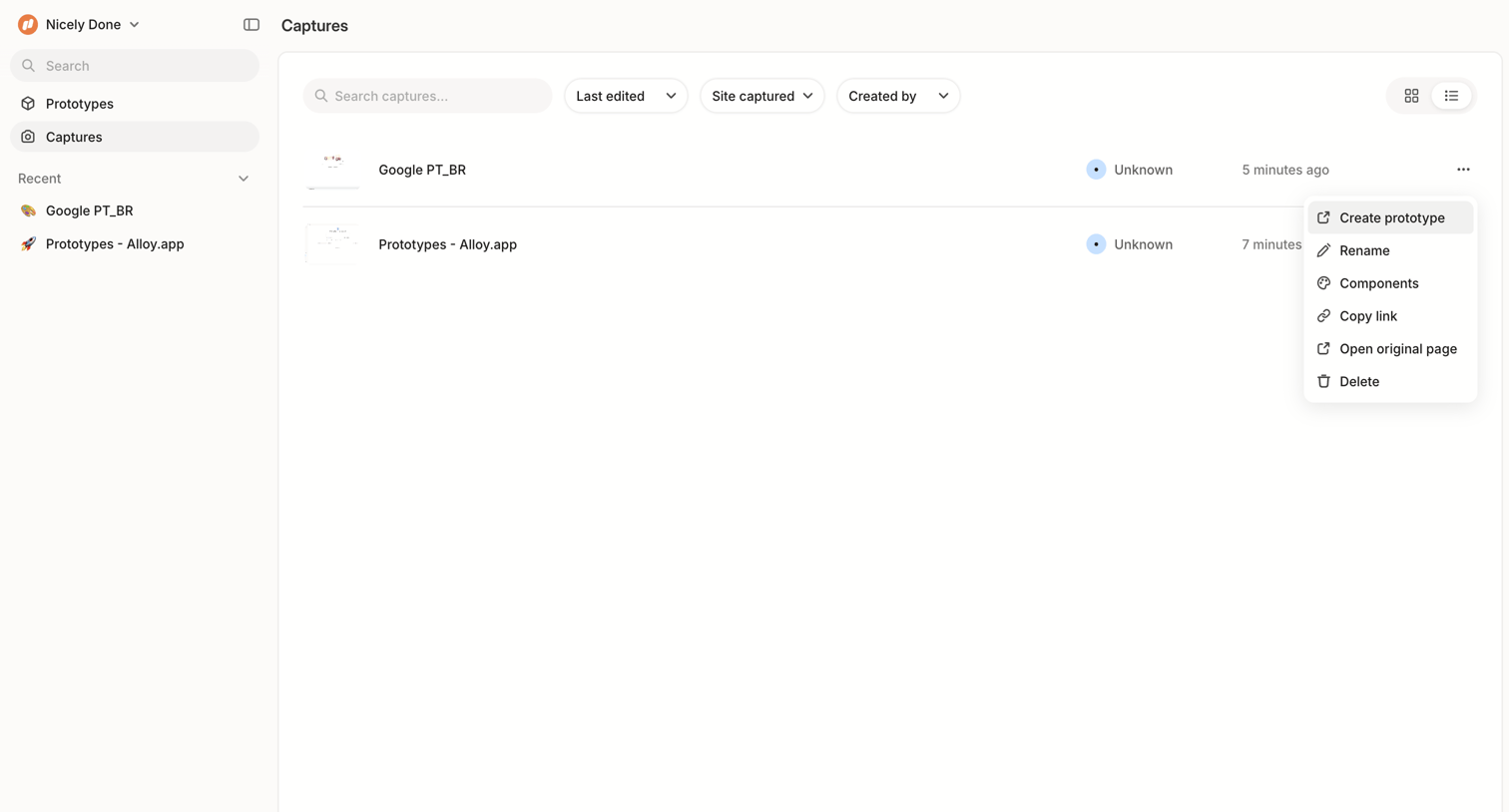

List view where the user manages saved captures, with options to search, filter by edit date or creator, and perform actions like renaming or deleting via an open context menu.
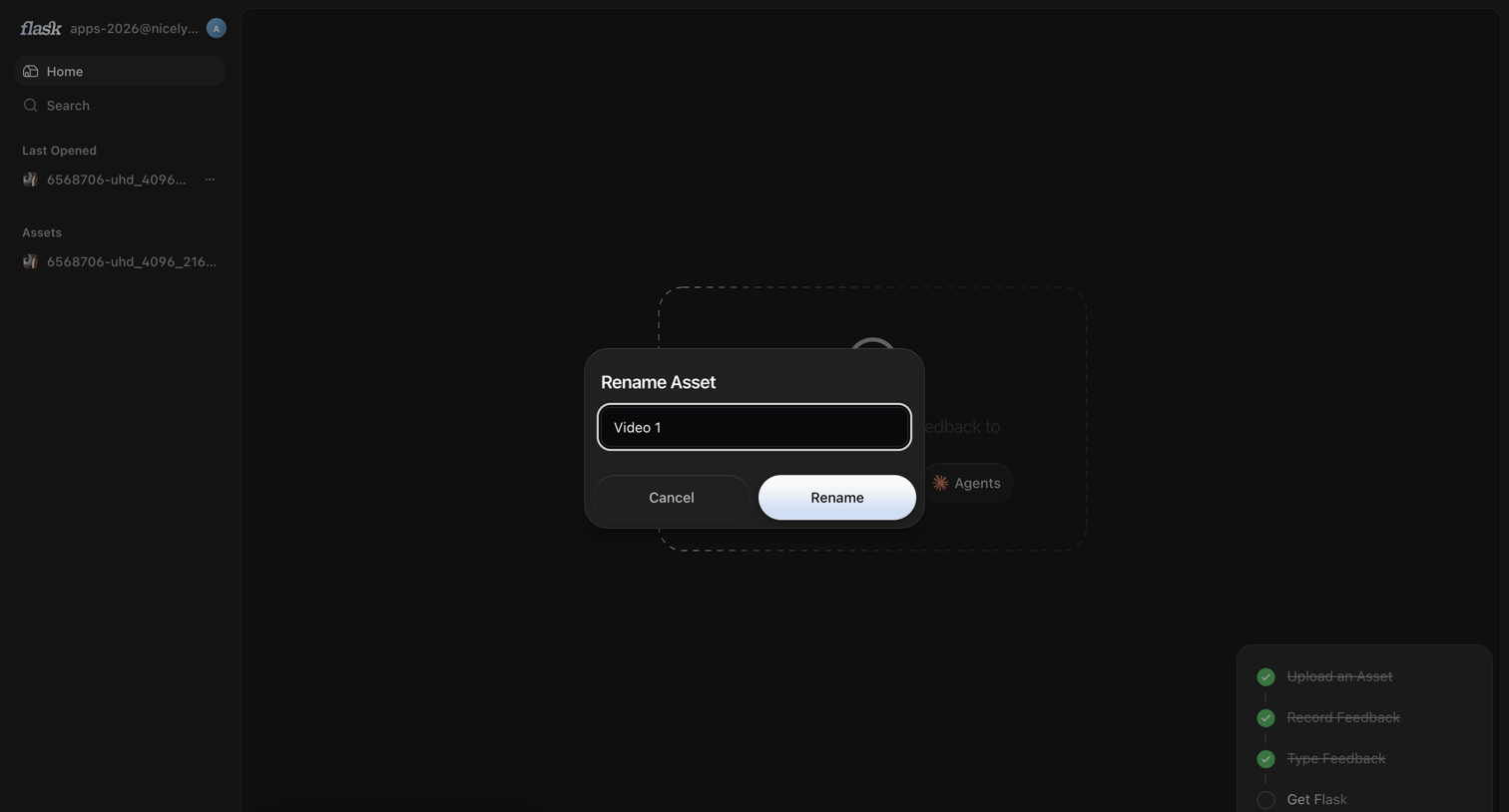

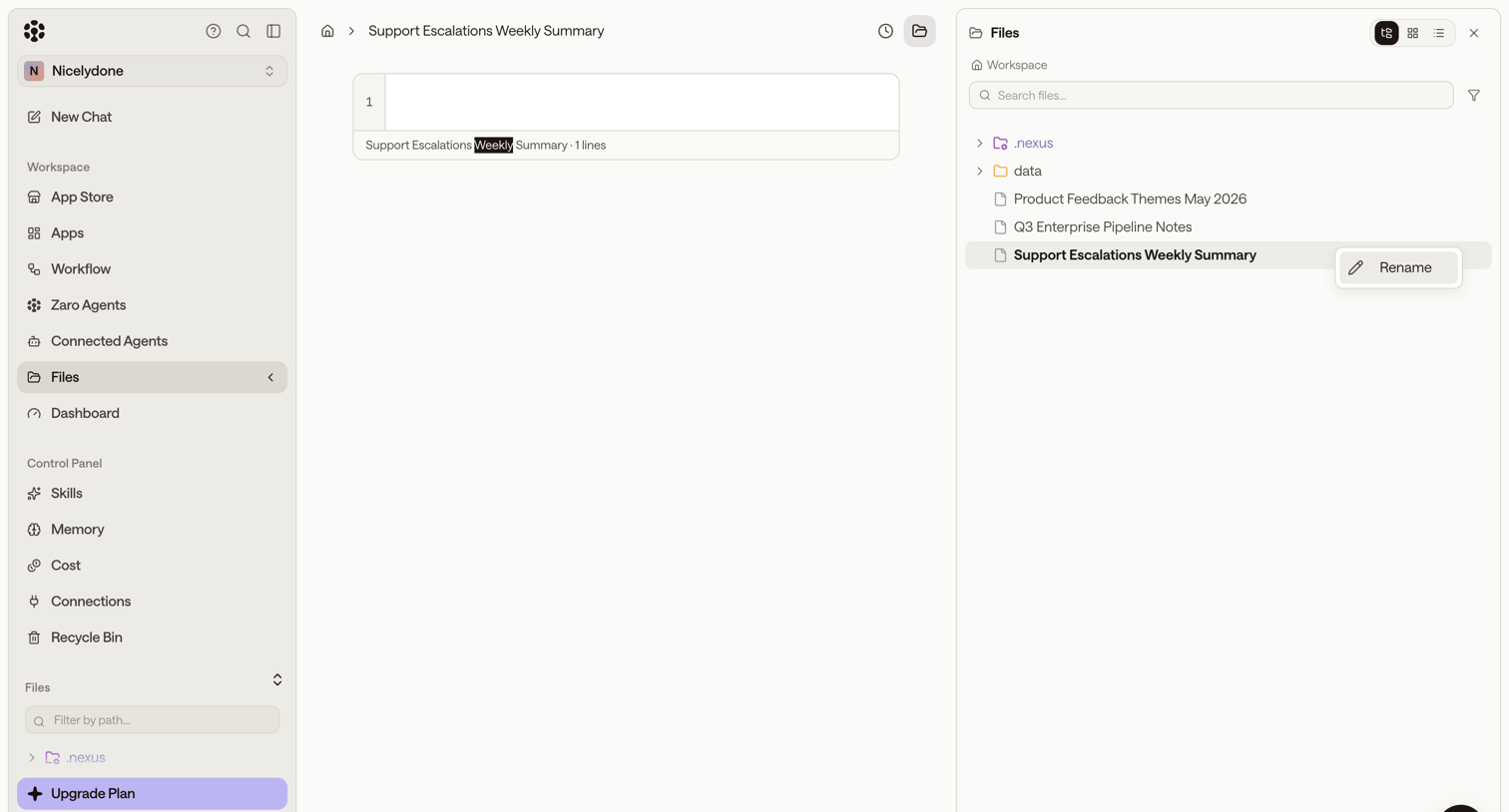

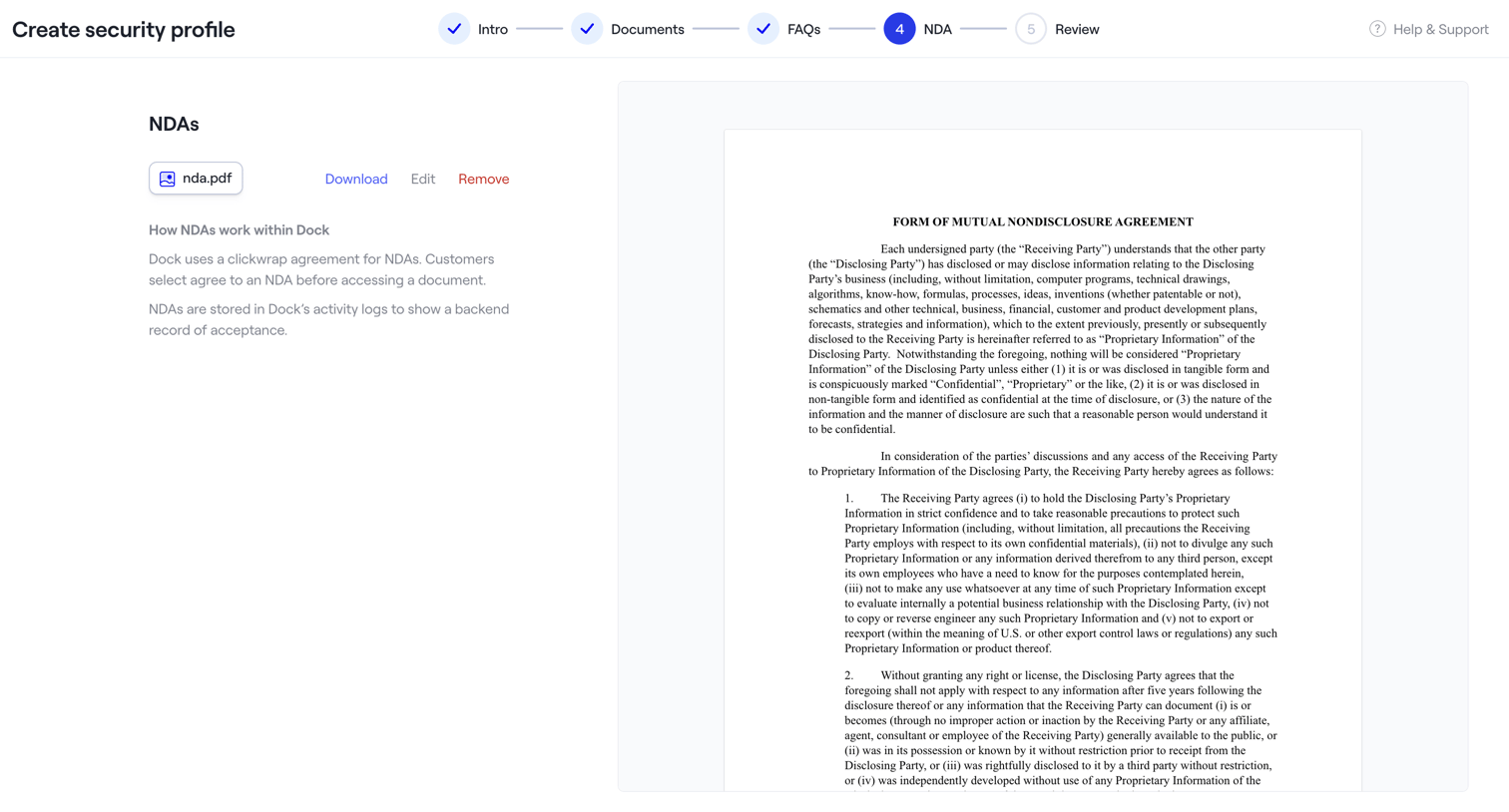

The screen is part of a multi-step wizard titled "Create security profile". A horizontal stepper at the top indicates the current progress: "Intro", "Documents", and "FAQs" steps are marked as completed with a checkmark, while "NDA" is the active step (4) highlighted in blue,…
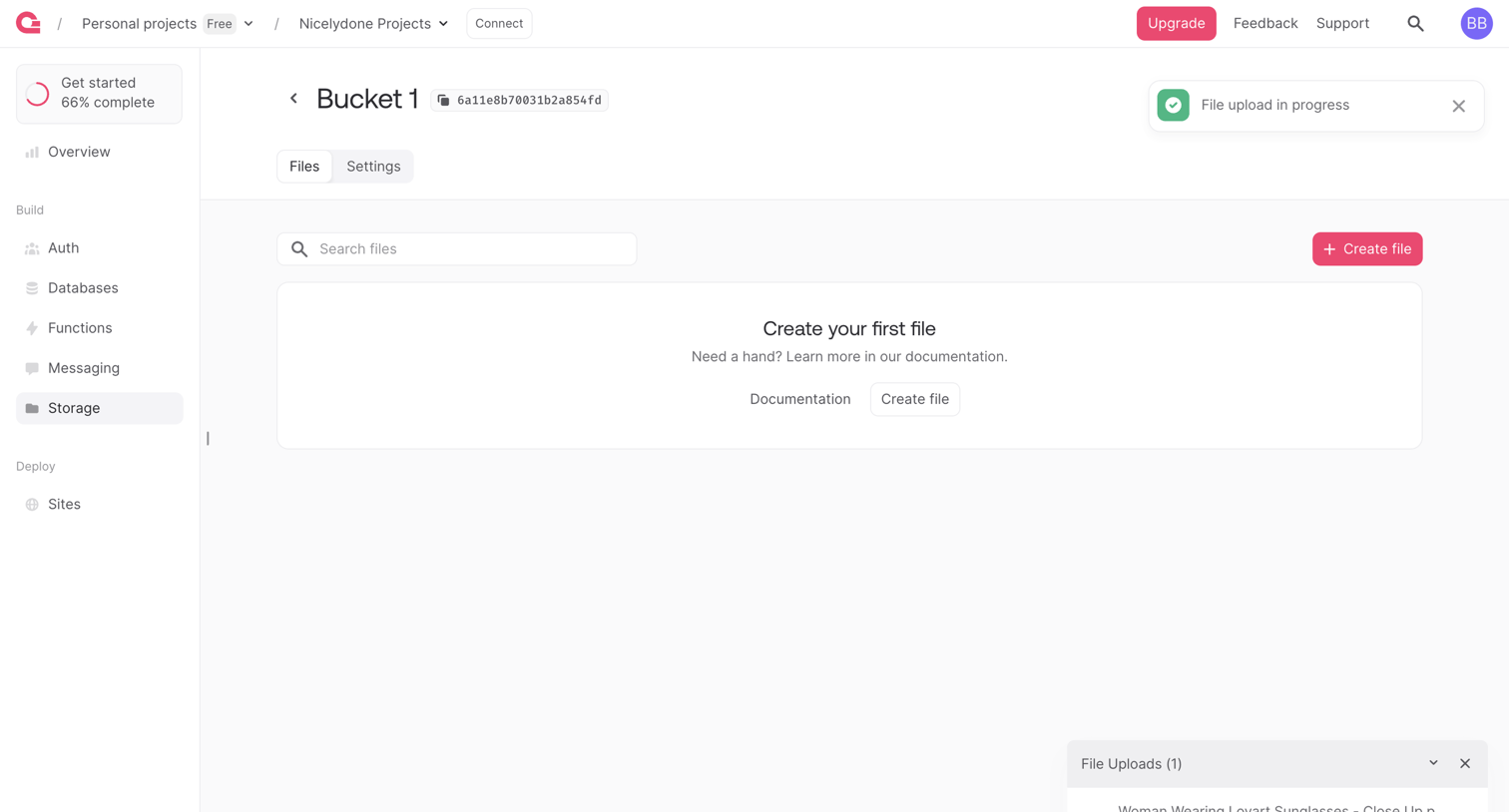

Detail page for a specific storage bucket showing an empty file list with a prompt to create the first file, while an active file upload manager is visible in the bottom right corner.
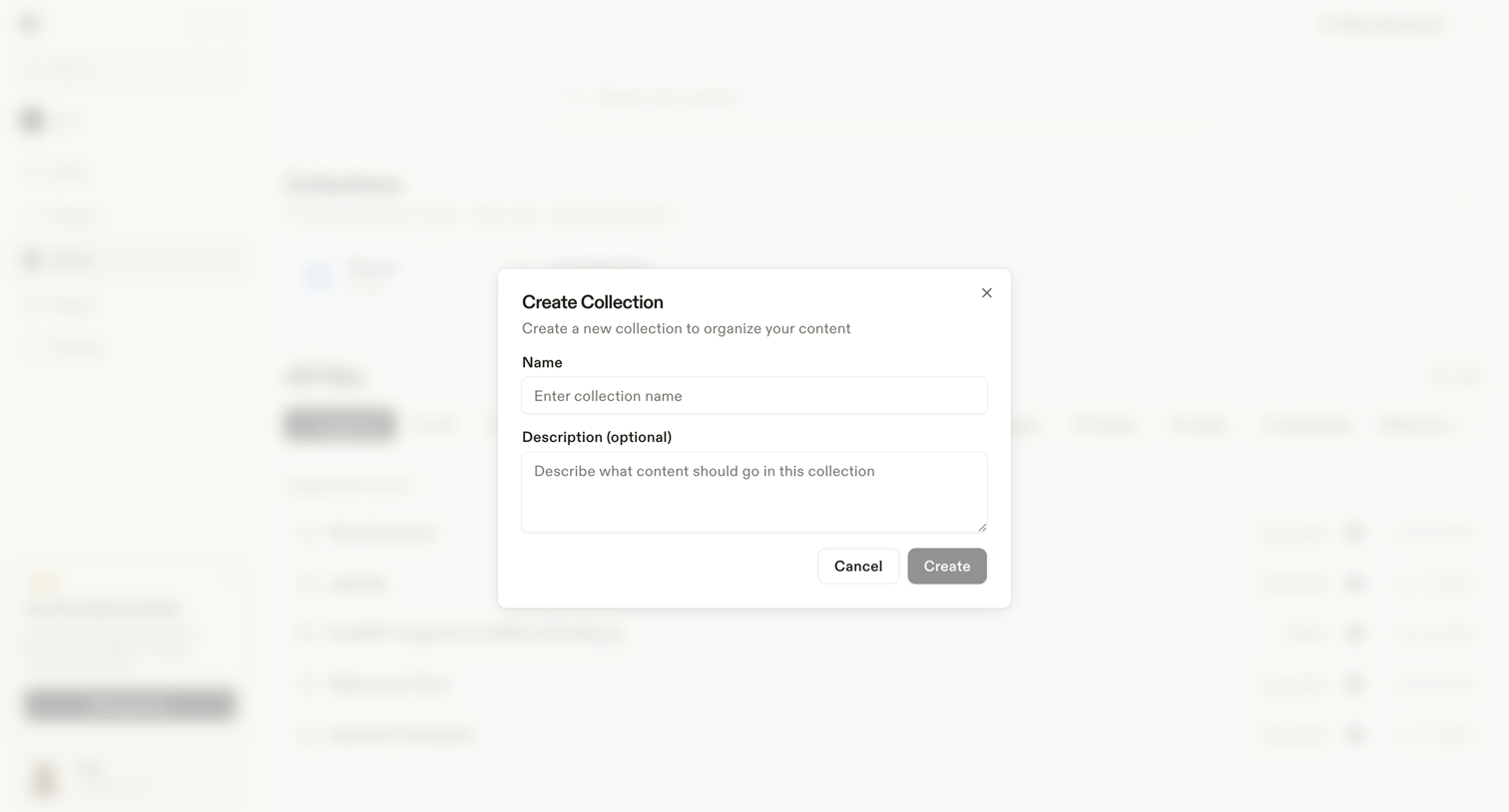

Modal where the user names and describes a new collection to organize their content.
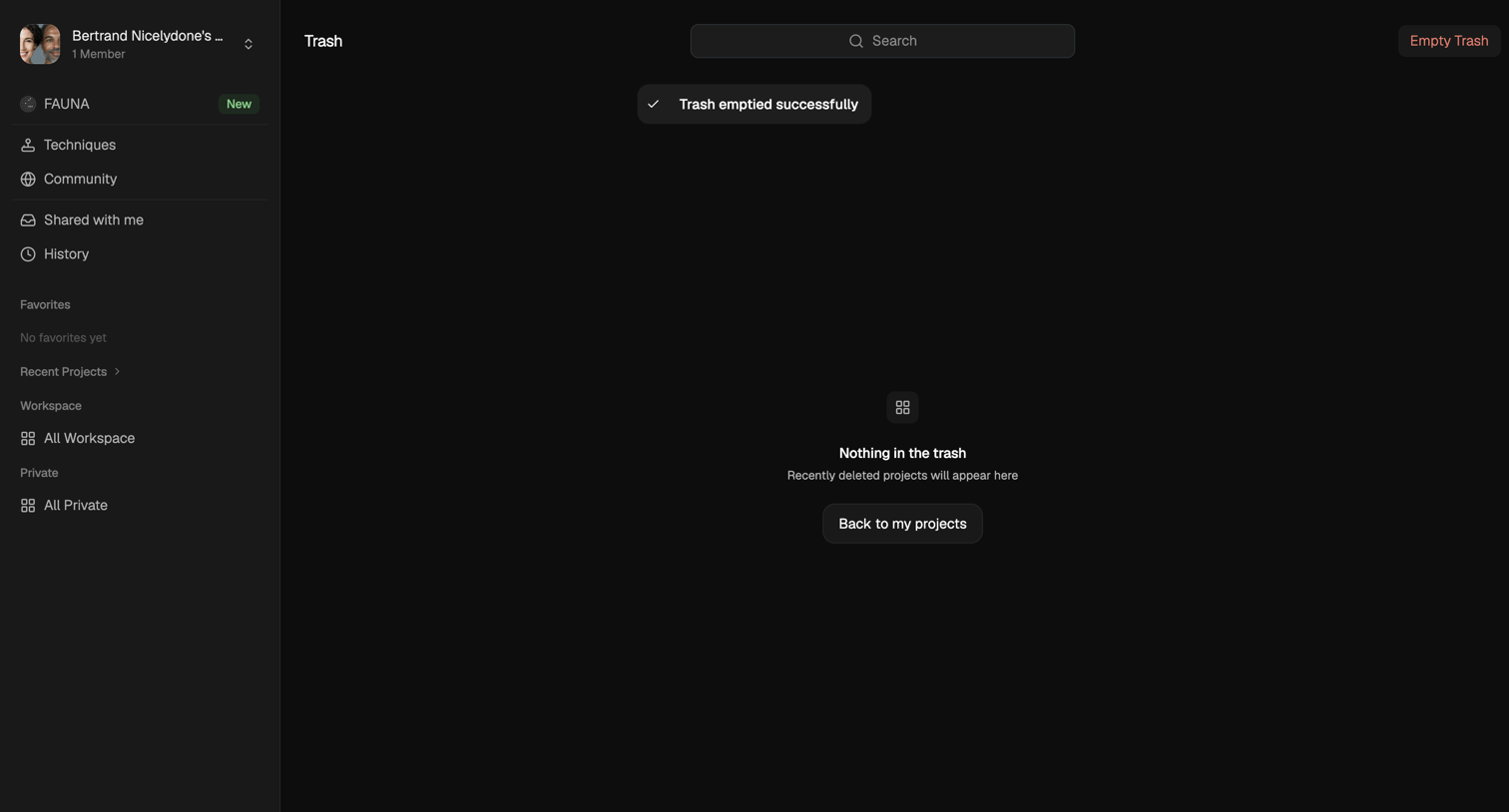

Trash page showing an empty state and a success toast after the user emptied all deleted projects.
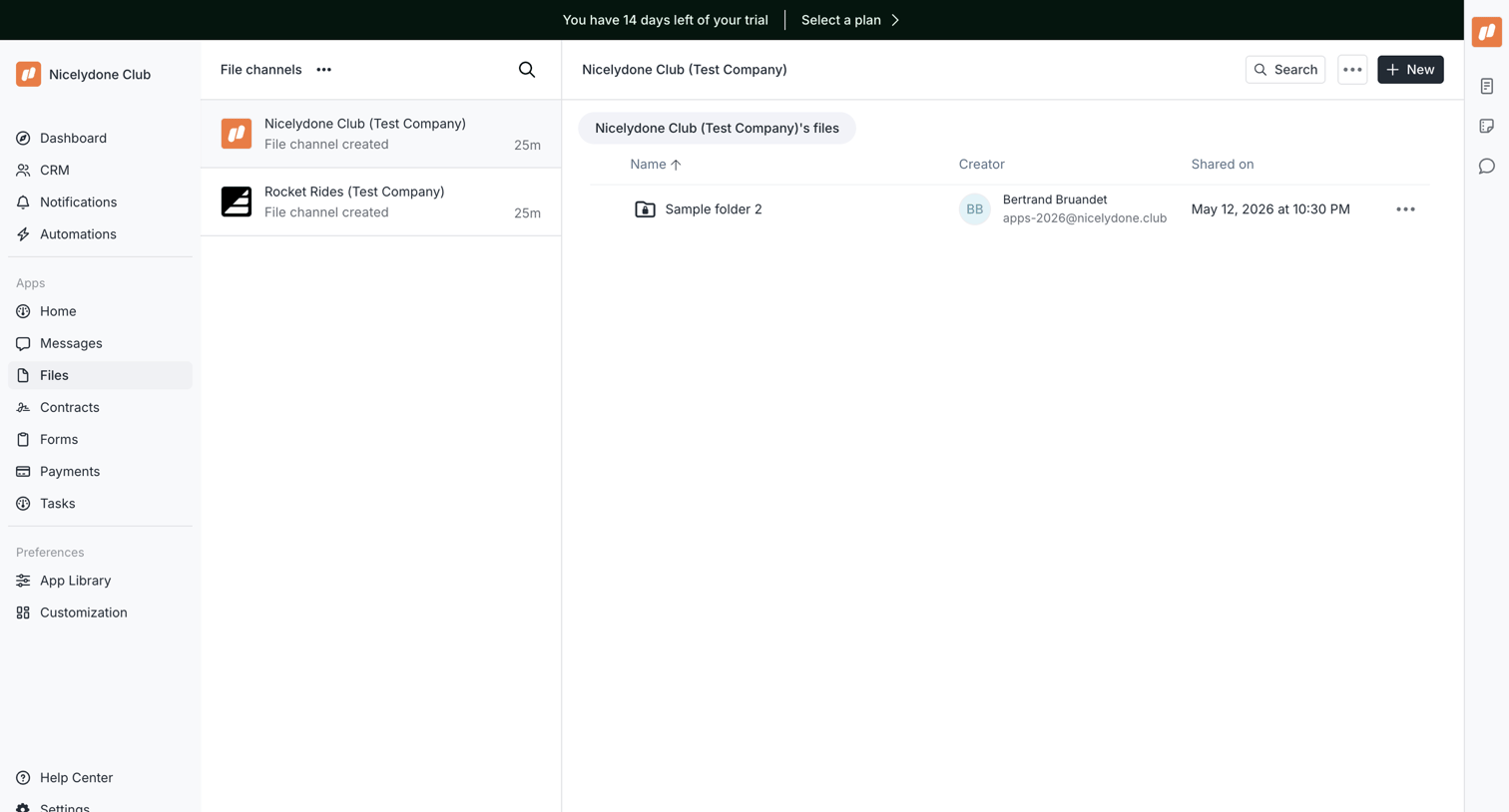

List view where the user browses folders and files within a selected workspace channel, while a trial countdown banner prompts an upgrade.
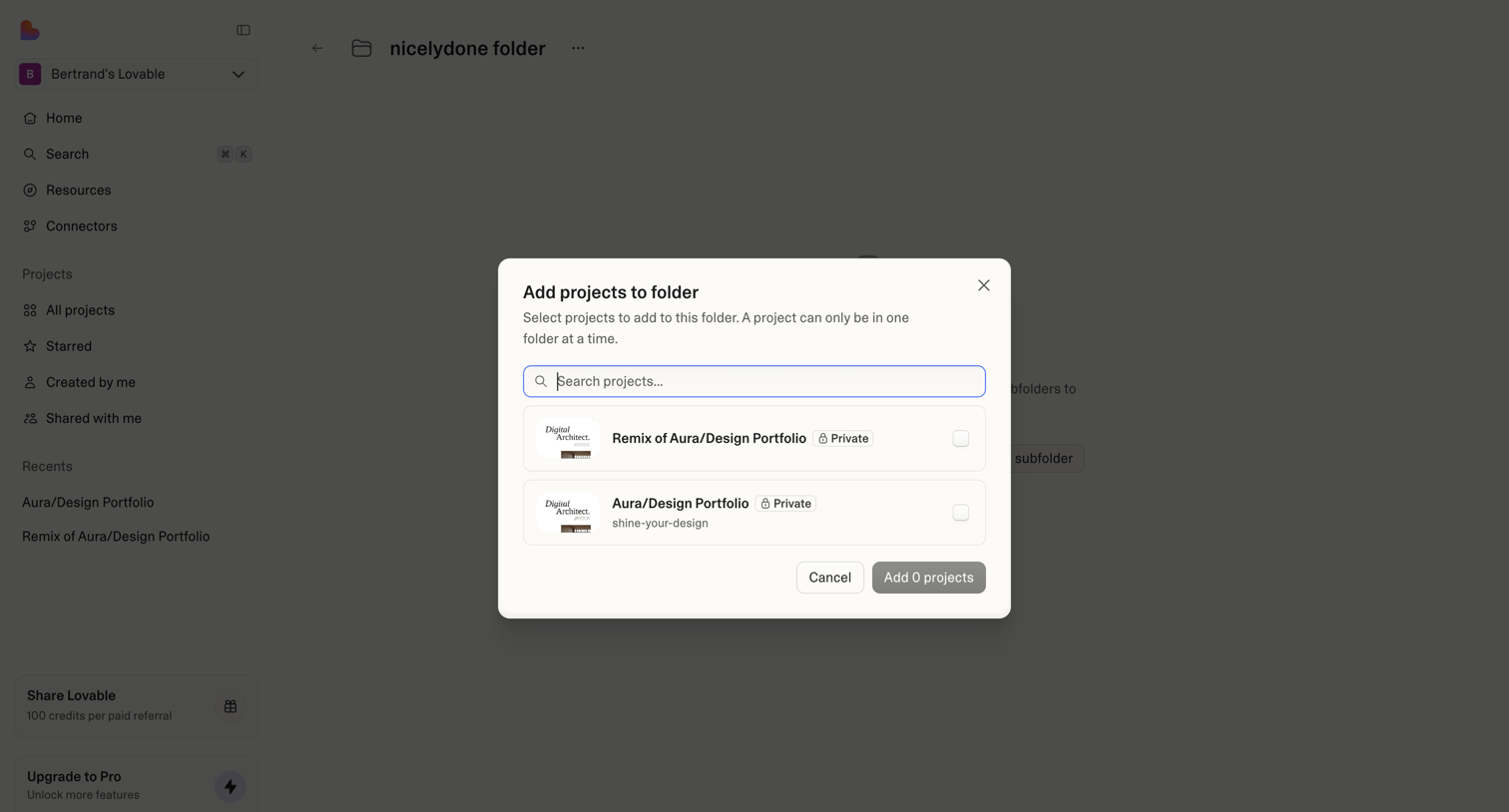

Modal where the user searches and selects existing projects to add to a specific folder.
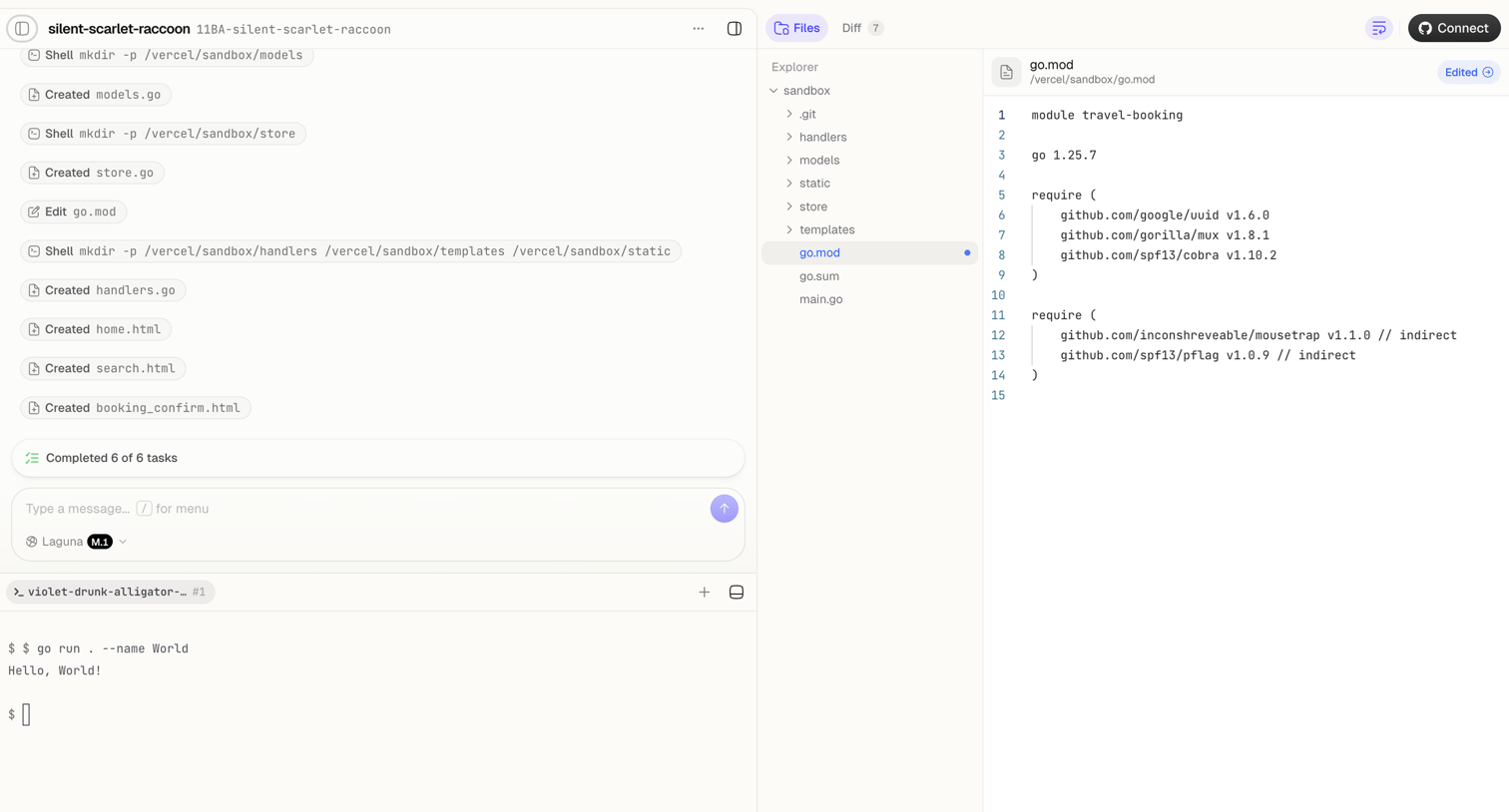

Agent trace interface where the user monitors an AI completing file creation and shell tasks, alongside a code editor showing the modified go.mod file and a live terminal.
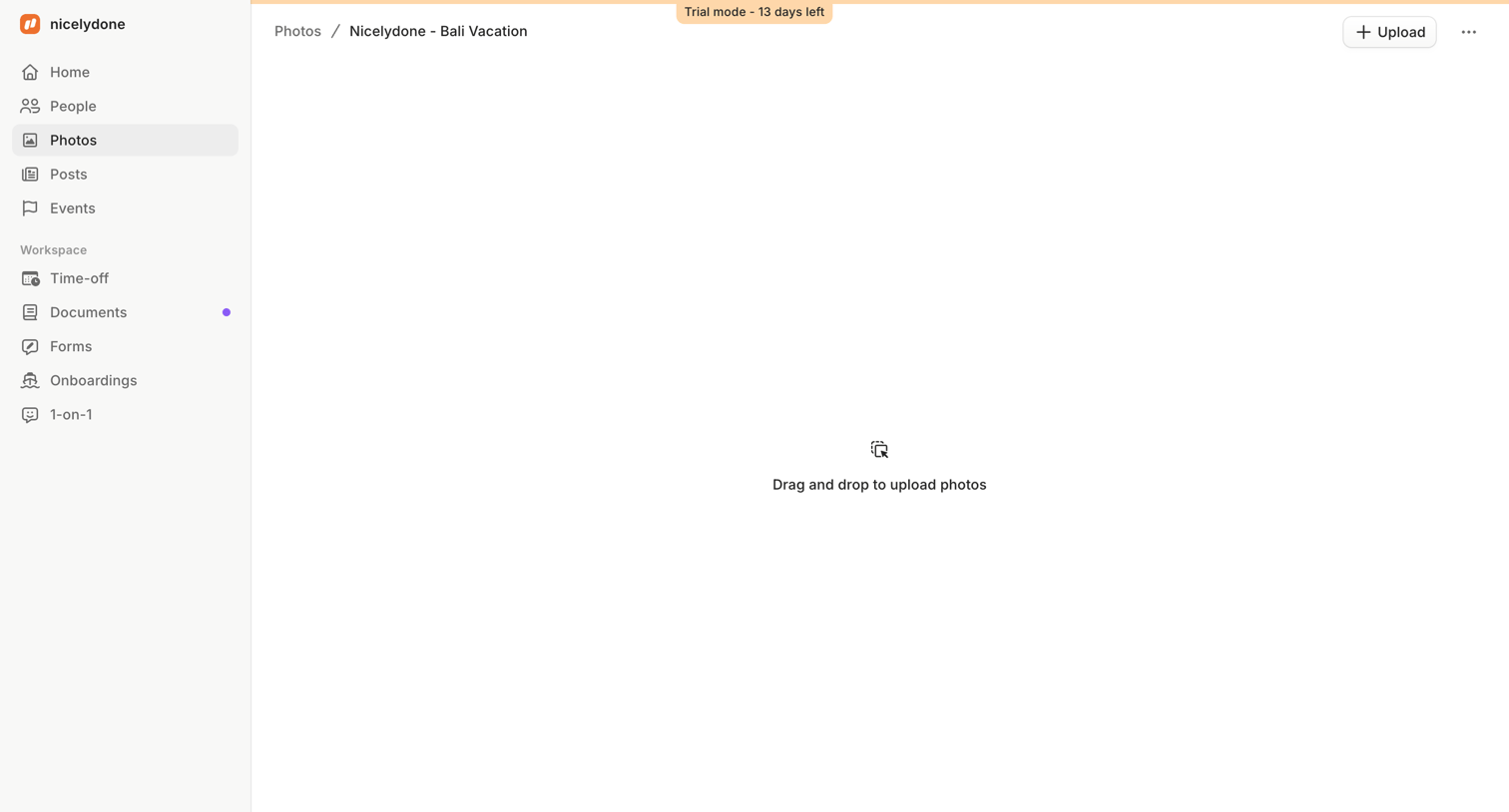

Detail page for a specific photo album showing an empty state with a drag-and-drop upload prompt.
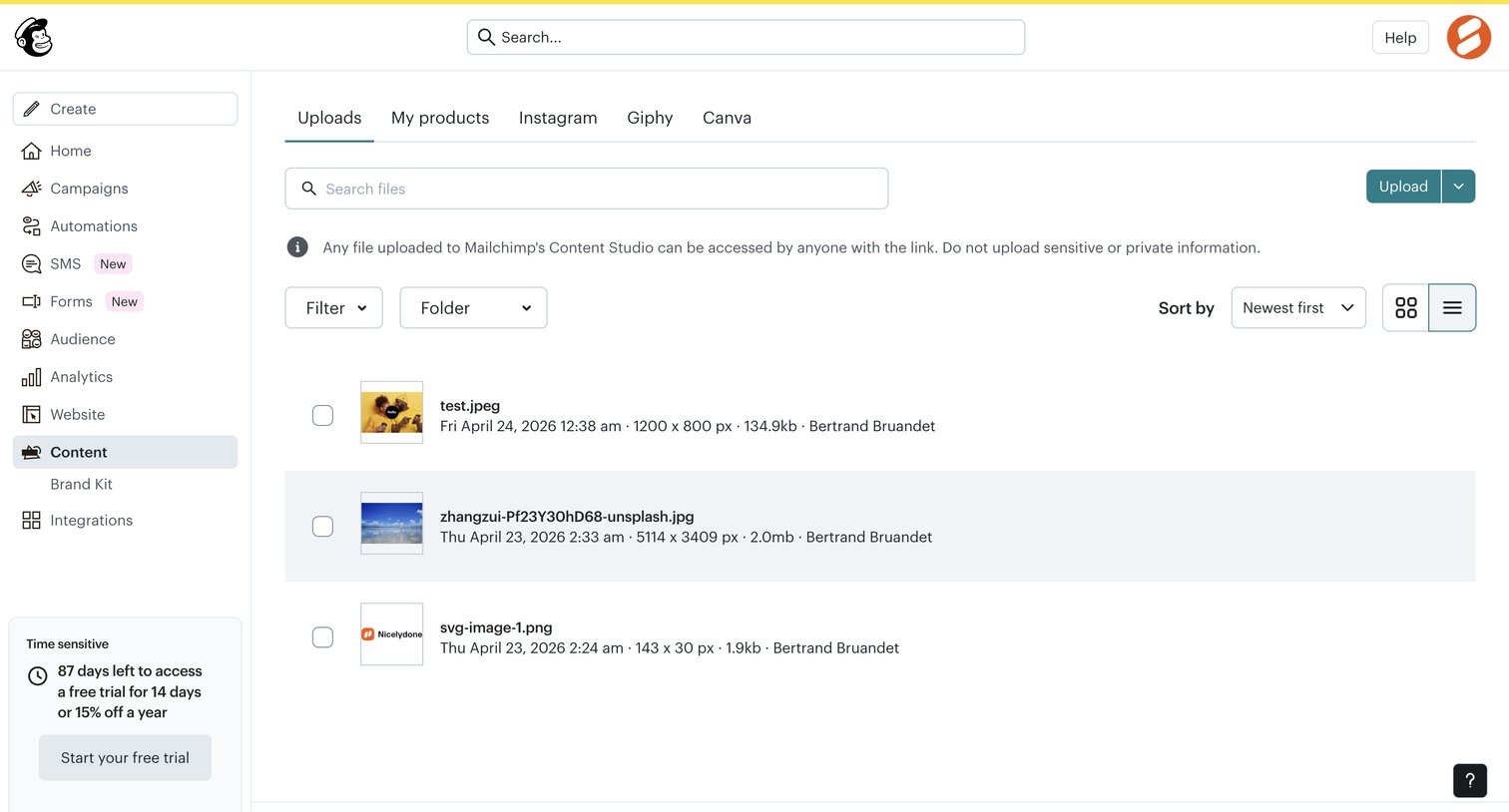

List view where the user manages uploaded files in their content studio, with options to search, filter by folder, and upload new assets.
Explore the full SaaS screen library
Upgrade to unlock the full library.
Trusted by the best teams








About File management
Explore how apps organize files, folders, and documents. Look at how item details, location, and file actions work together in list, grid, and detail views.