Dock · Settings
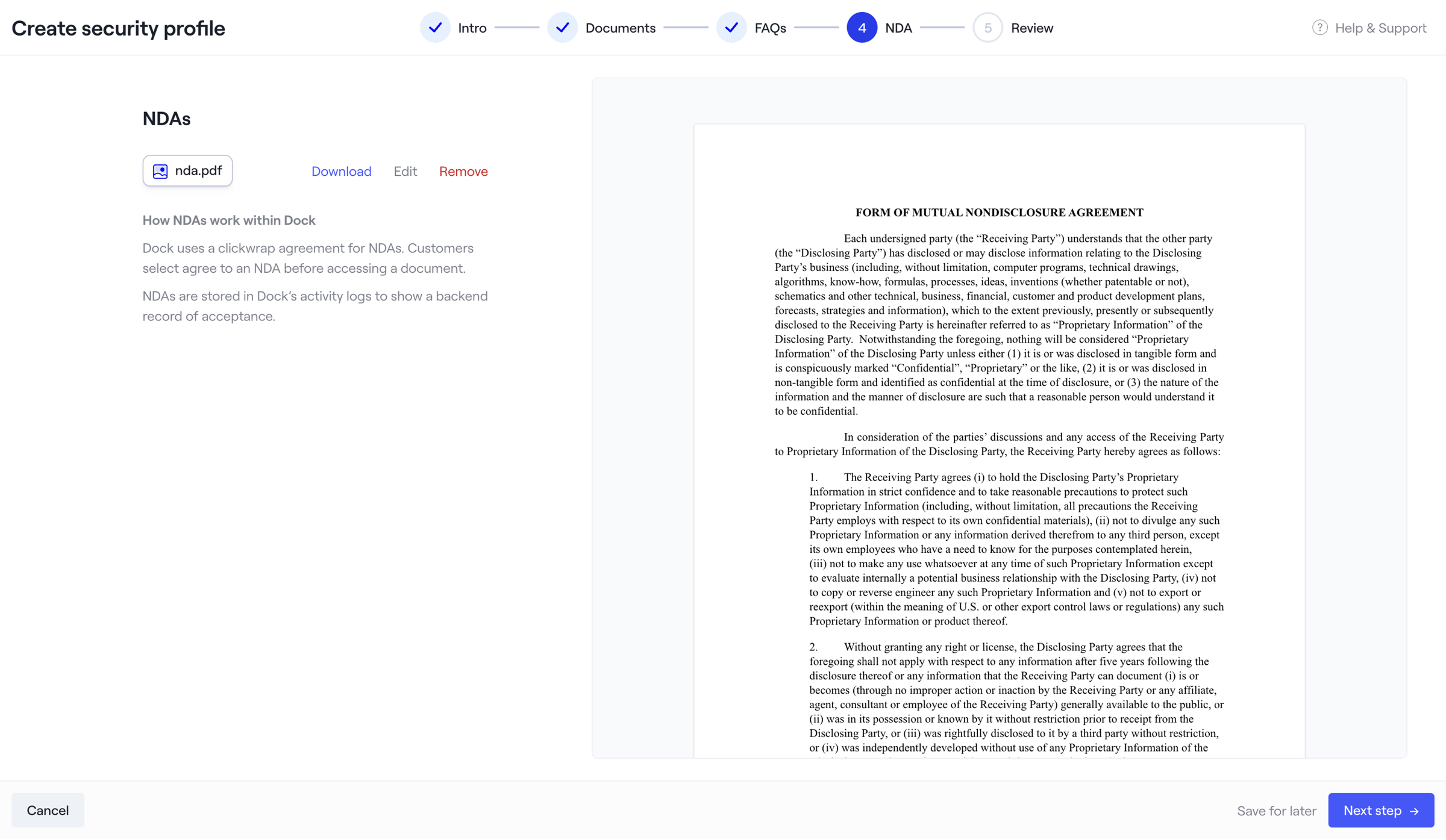
Screen UI design example from Dock. The screen is part of a multi-step wizard titled "Create security profile". A horizontal stepper at the top indicates the current progress: "Intro", "Documents", and "FAQs" steps are marked as completed with a checkmark, while "NDA" is the active step (4) highlighted in blue, and "Review" is the upcoming step (5). A "Help & Support" link is present in the top right corner. The main content area is divided into two columns. The left column is titled "NDAs" and contains a file chip for "nda.pdf" with a document icon, followed by text links for "Download", "Edit", and "Remove". Below this, there's a section titled "How NDAs work within Dock" with two paragraphs of explanatory text. The right column displays a preview of a legal document titled "FORM OF MUTUAL NONDISCLOSURE AGREEMENT", showing several paragraphs of its content. A sticky footer at the bottom contains a "Cancel" button on the left, and "Save for later" (secondary) and "Next step" (primary, enabled) buttons on the right.

The screen is part of a multi-step wizard titled "Create security profile". A horizontal stepper at the top indicates the current progress: "Intro", "Documents", and "FAQs" steps are marked as completed with a checkmark, while "NDA" is the active step (4) highlighted in blue,…
Explore the full SaaS screen library
Upgrade to unlock the full library.
Trusted by the best teams







