Features management screen examples
Features management screen design examples from SaaS apps. Browse examples from Bitly, Reflect, Monarch.
Explore the examples
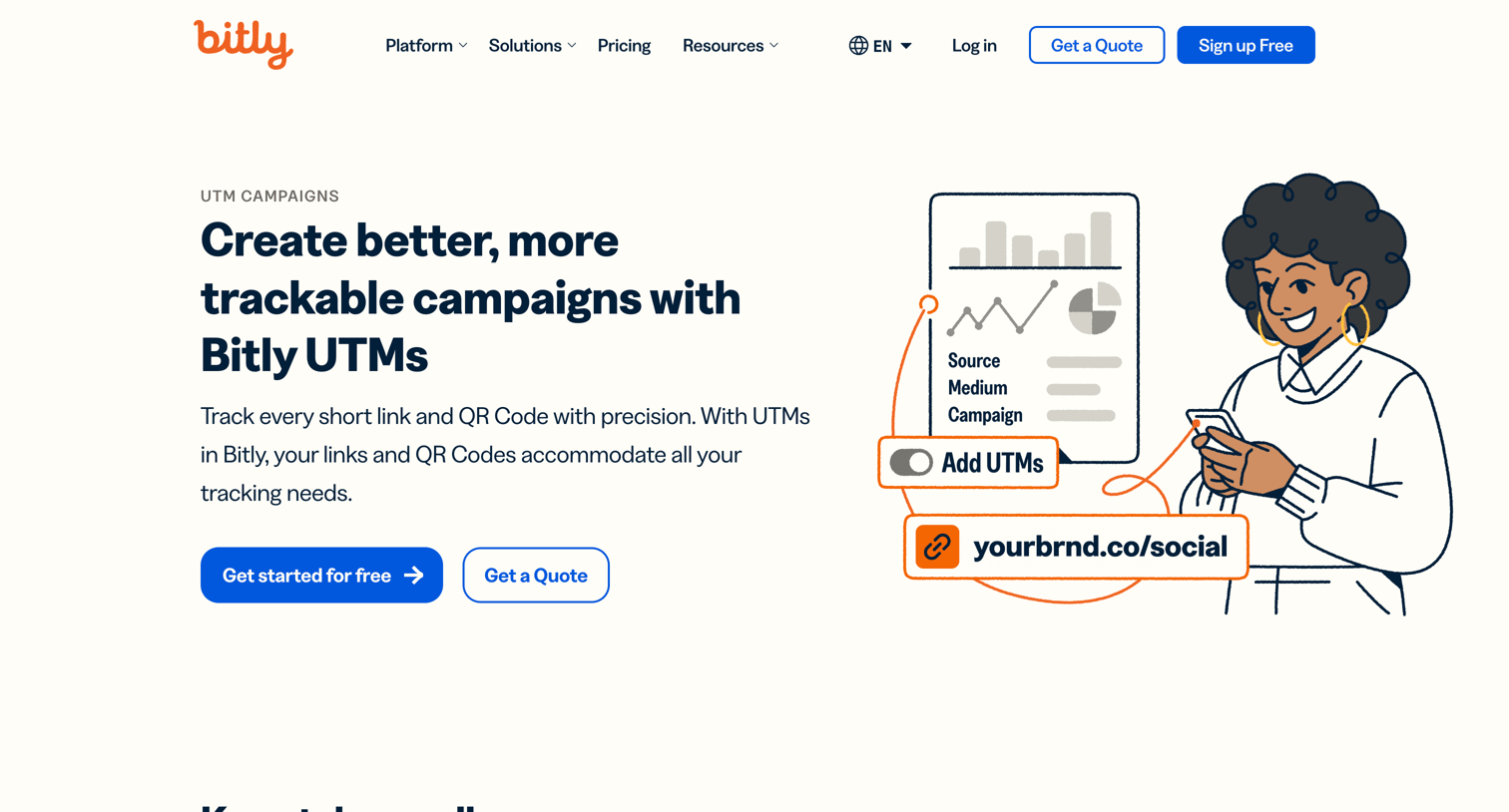

Feature page explaining how to create and track UTM campaigns with Bitly, highlighting parameter customization and template saving, followed by related platform tools and resources.
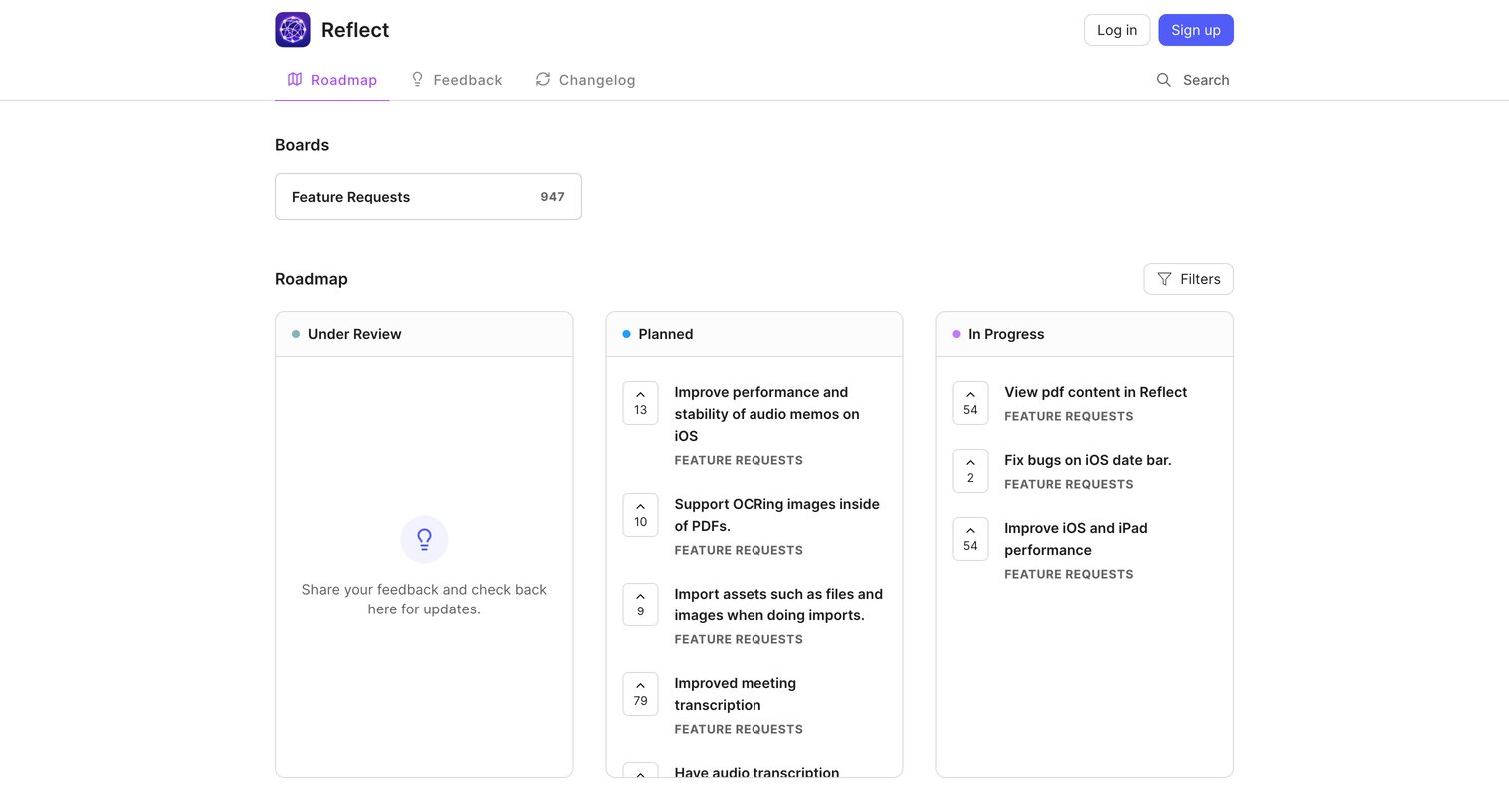

Public roadmap board where users can view planned and in-progress features, upvote requests, and filter by status.
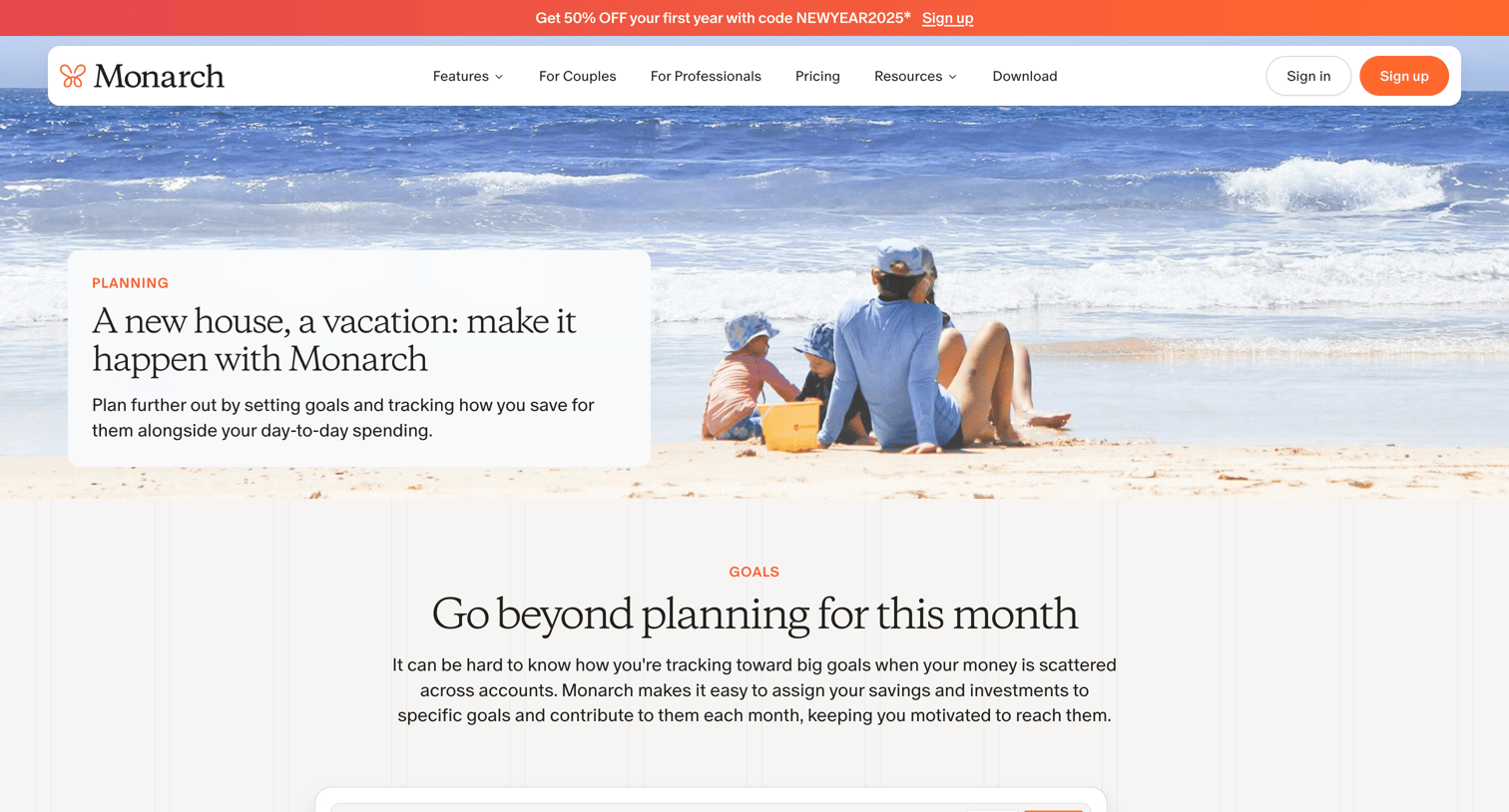

Marketing page explaining the financial planning and goal-setting features of Monarch Money, including how to assign accounts to specific goals.

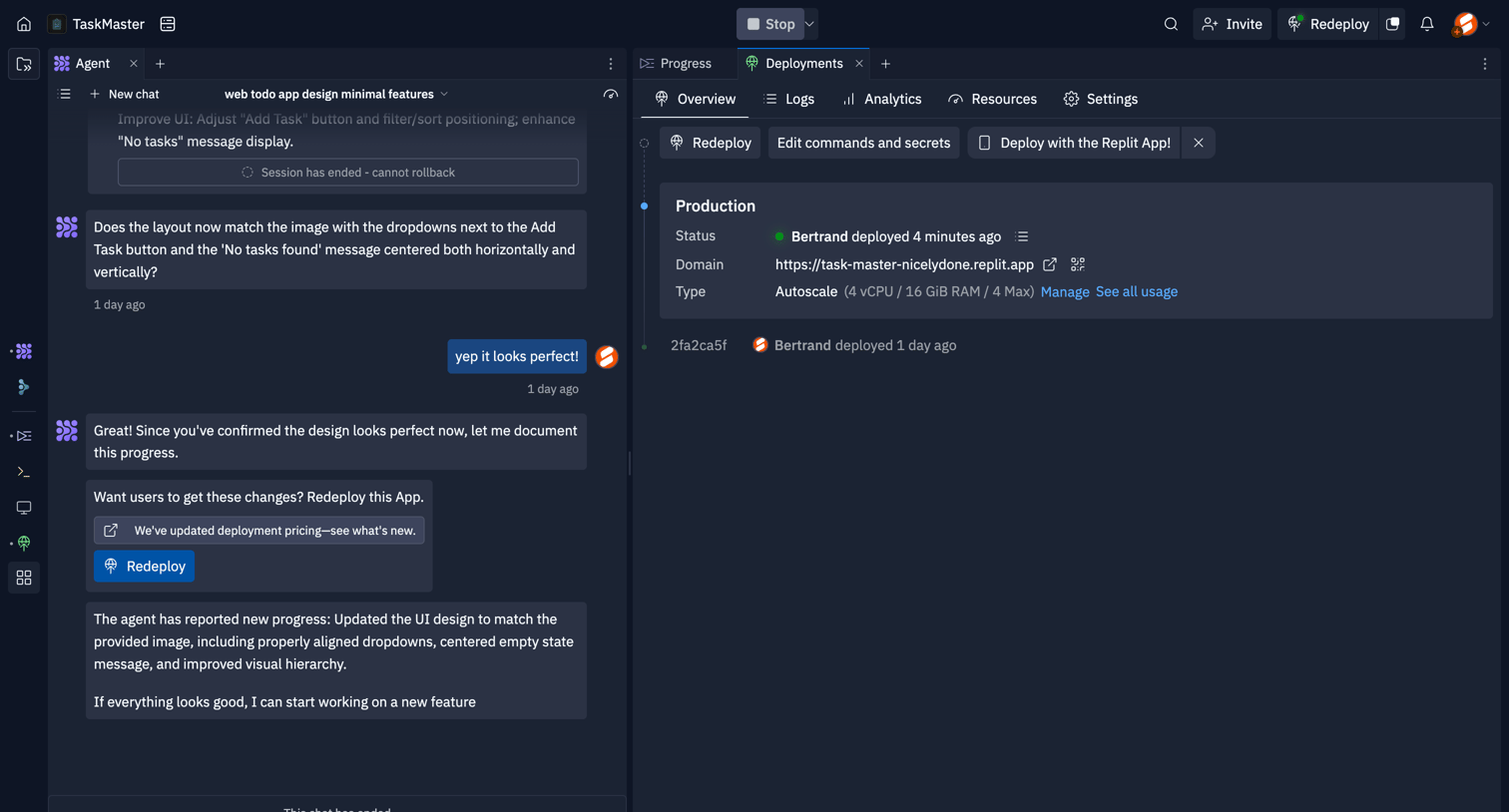

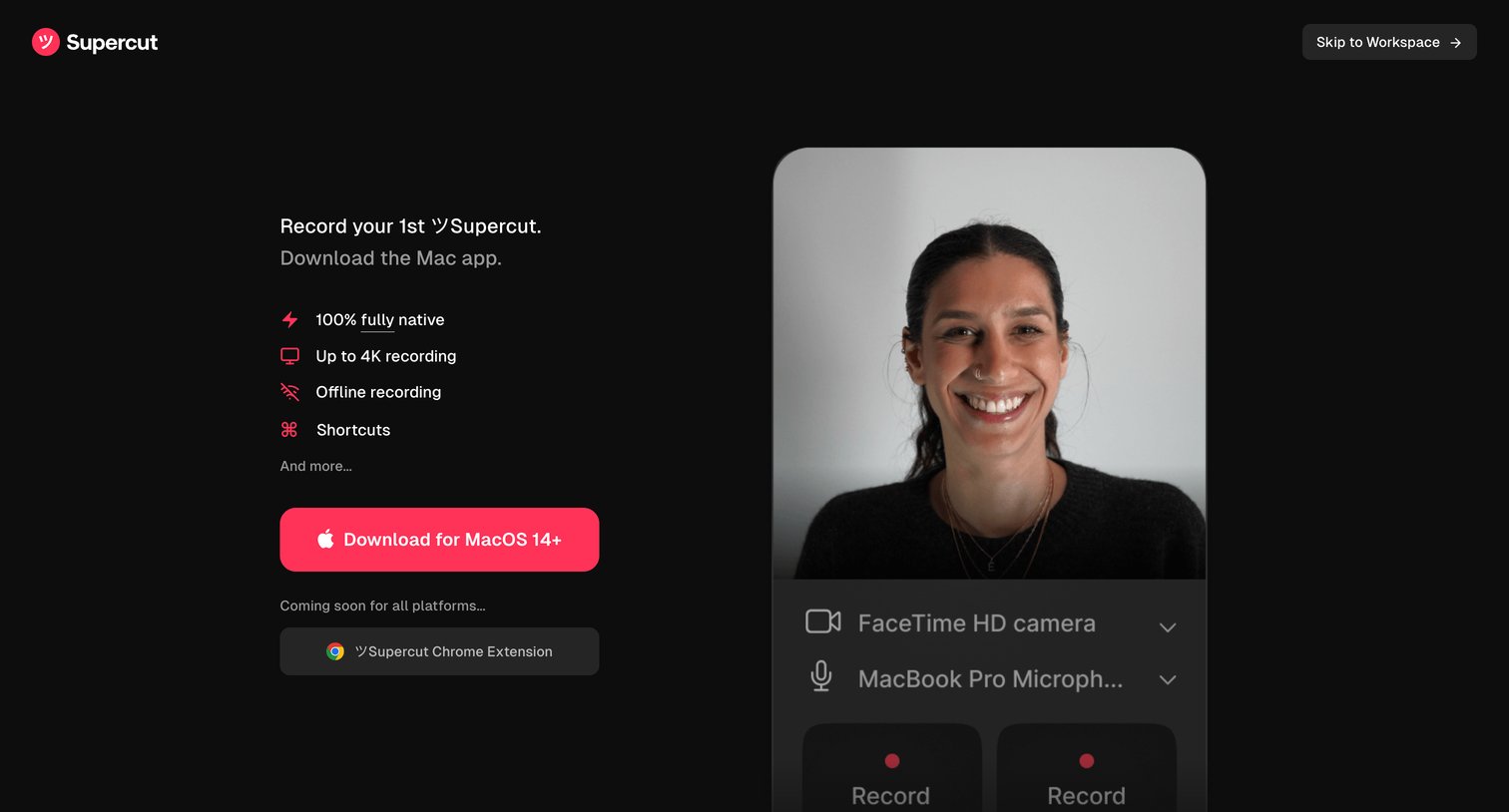

Onboarding step where the user is prompted to download the Mac app to start recording, featuring a live camera preview and device selection.
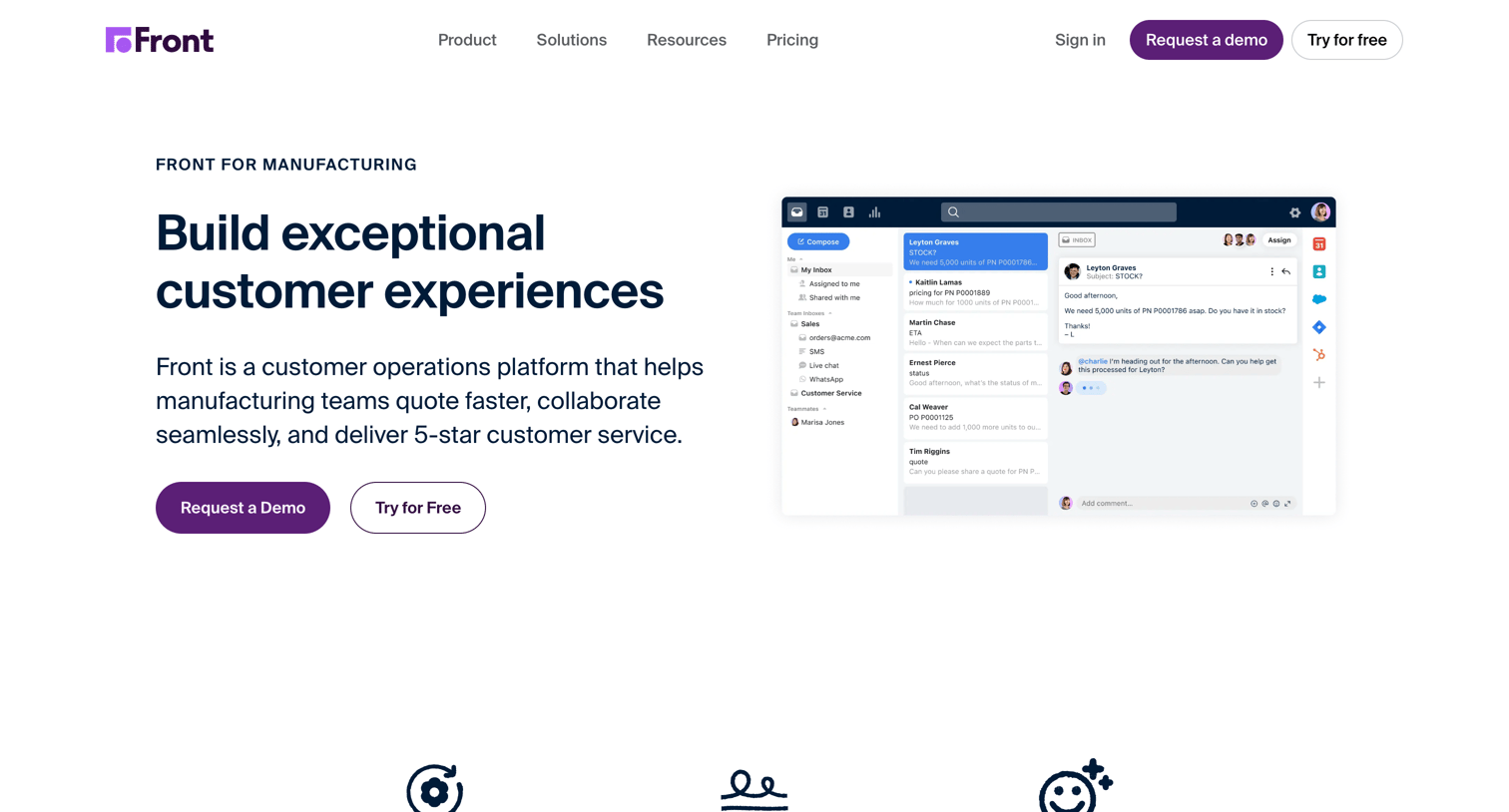

Marketing page detailing how the platform serves manufacturing and distributor teams, featuring customer success metrics, workflow comparisons, and integration capabilities.
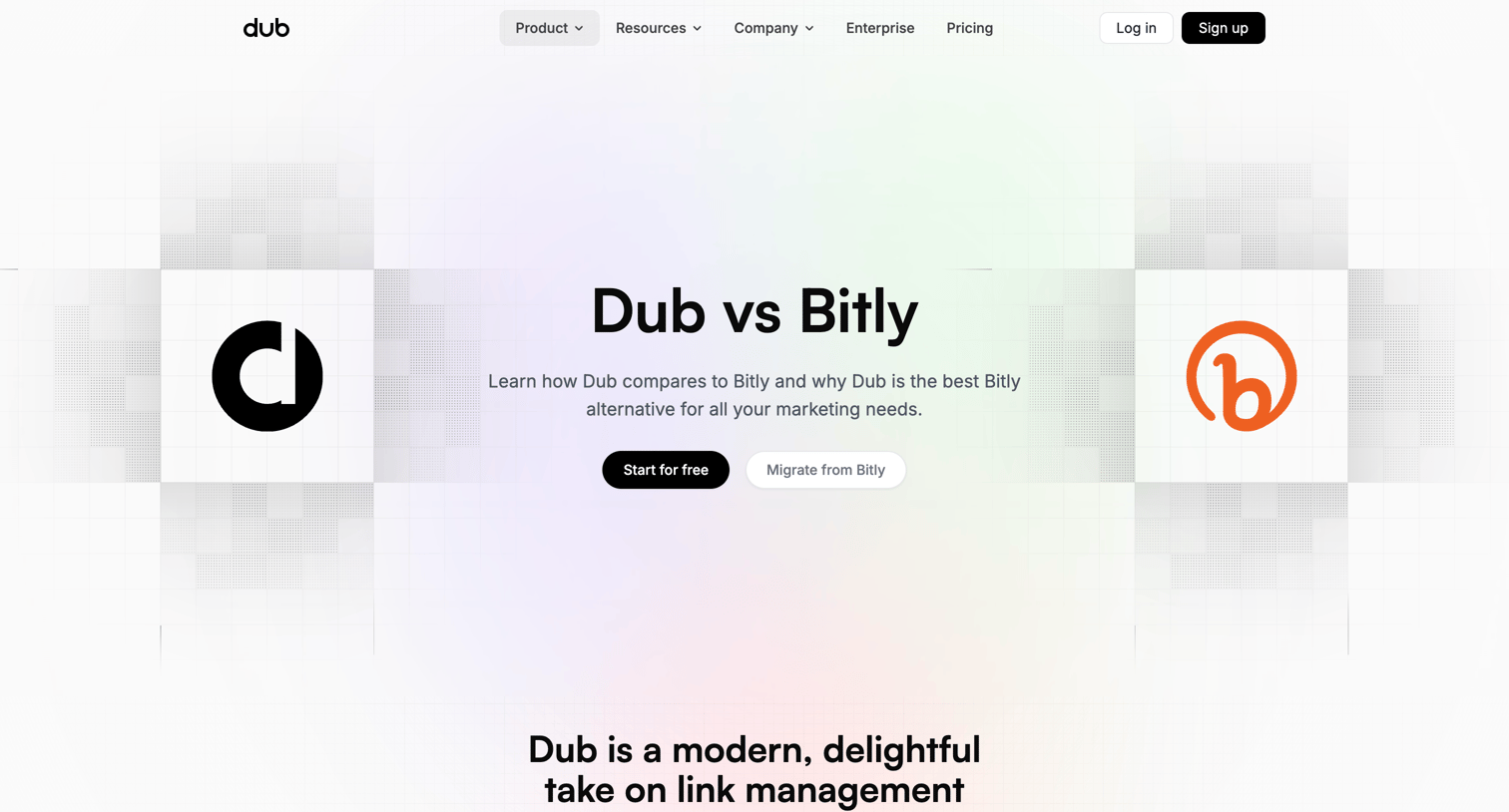

Marketing page comparing Dub to Bitly, featuring an interactive product comparison slider, a detailed feature and pricing comparison table, migration steps, and customer testimonials.
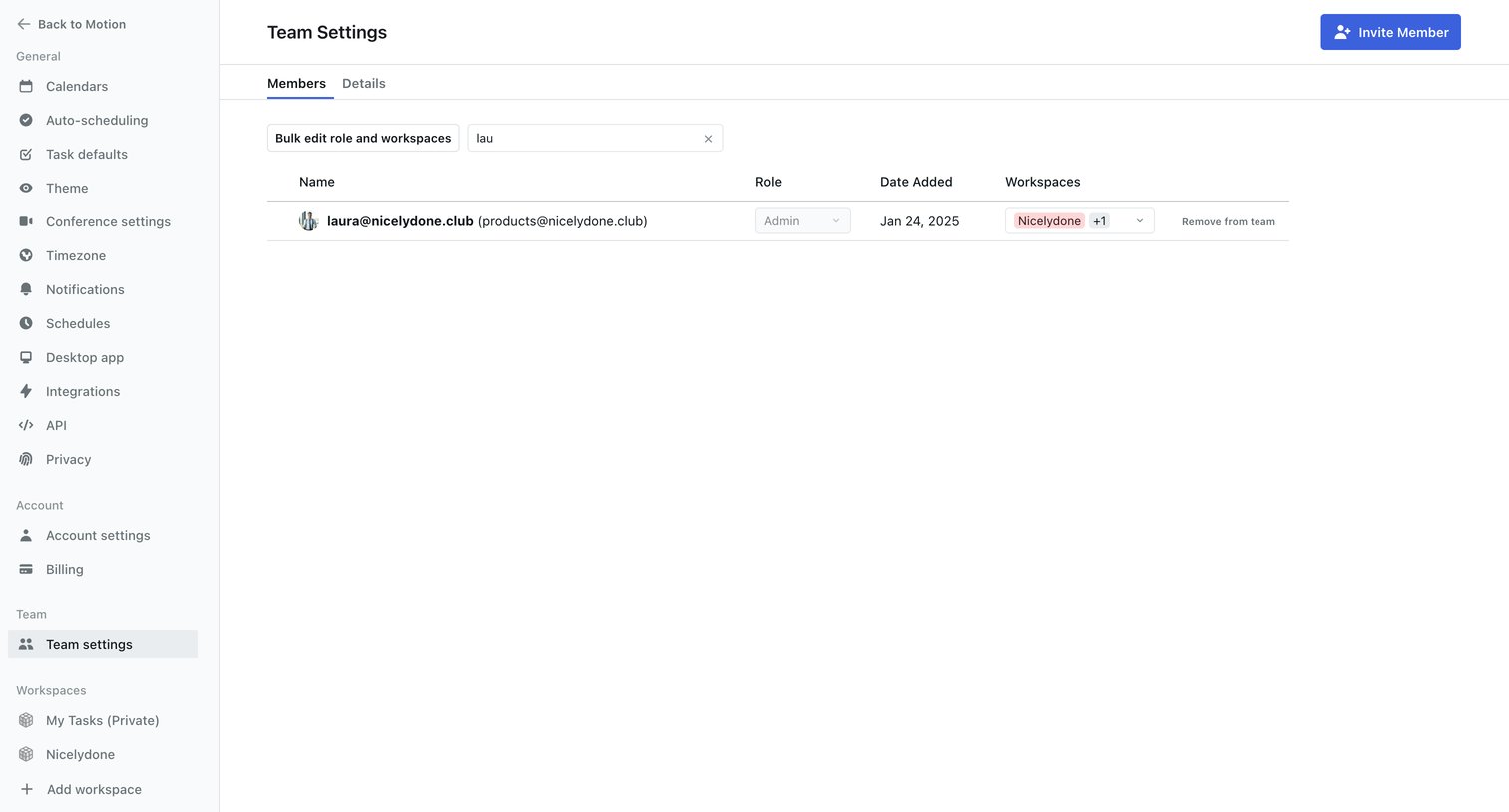

Settings page where the user manages team members, including their roles and workspace access, with options to invite new members or perform bulk edits.
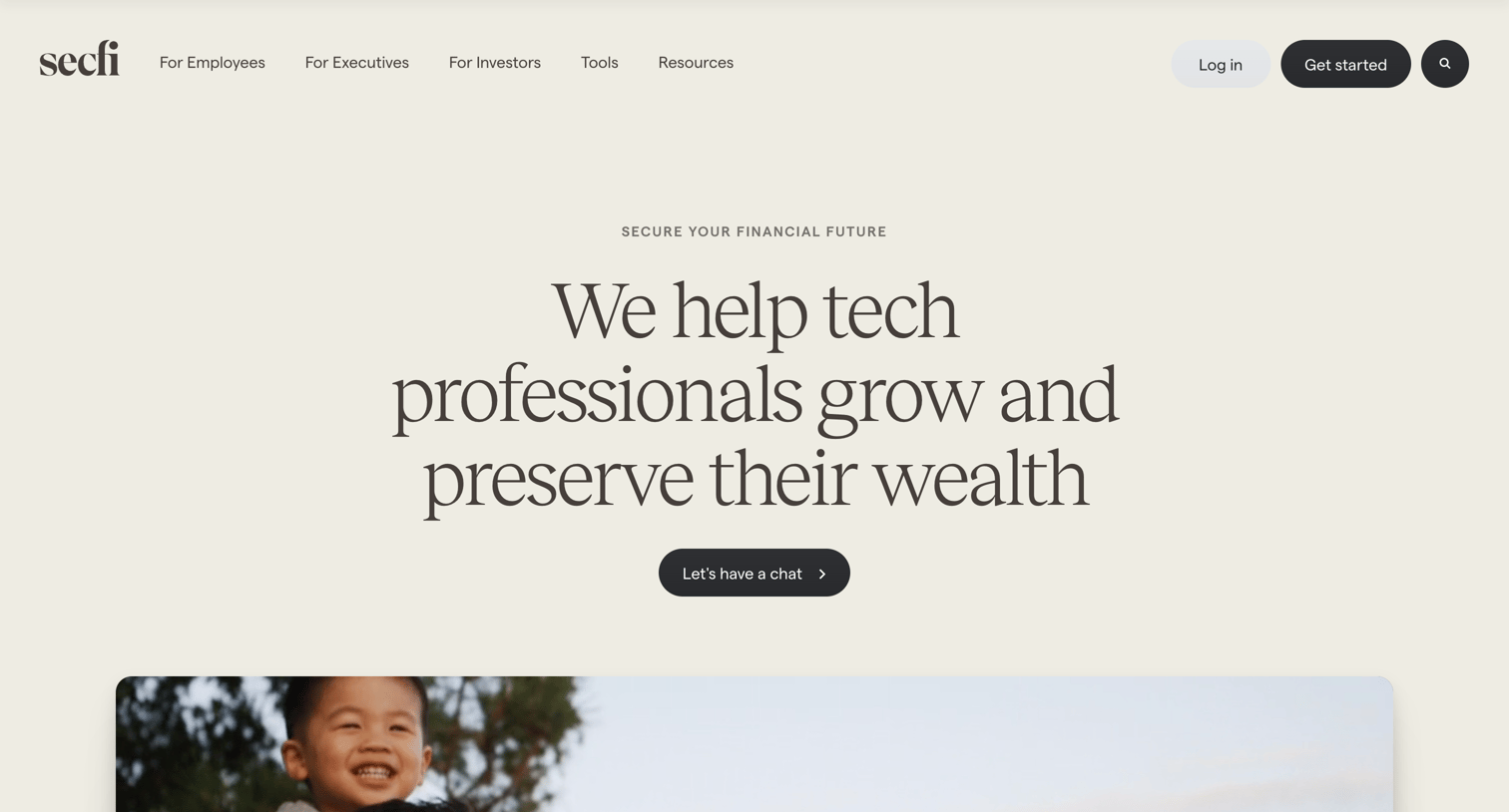

Product page for a wealth management service detailing the advisory process, transparent pricing model, team members, and client testimonials.
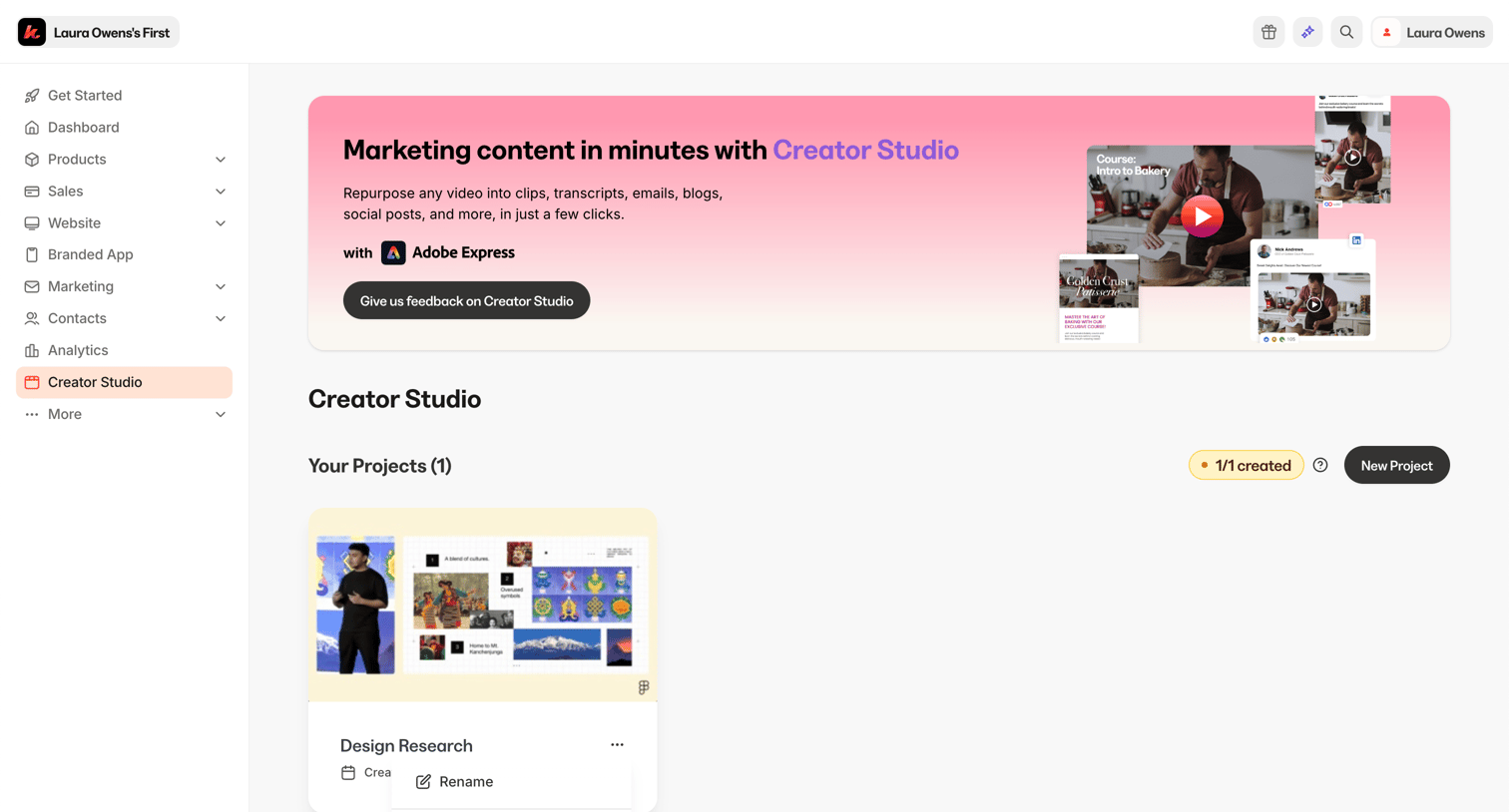

List view where the user manages their Creator Studio projects, featuring a promotional banner and a quota indicator showing 1/1 created projects.

Explore the full SaaS screen library
Upgrade to unlock the full library.
Trusted by the best teams







