Exporting data screen examples
Exporting data screen design examples from SaaS apps. Browse examples from Capsule, Outseta, Zapier.
Explore the examples
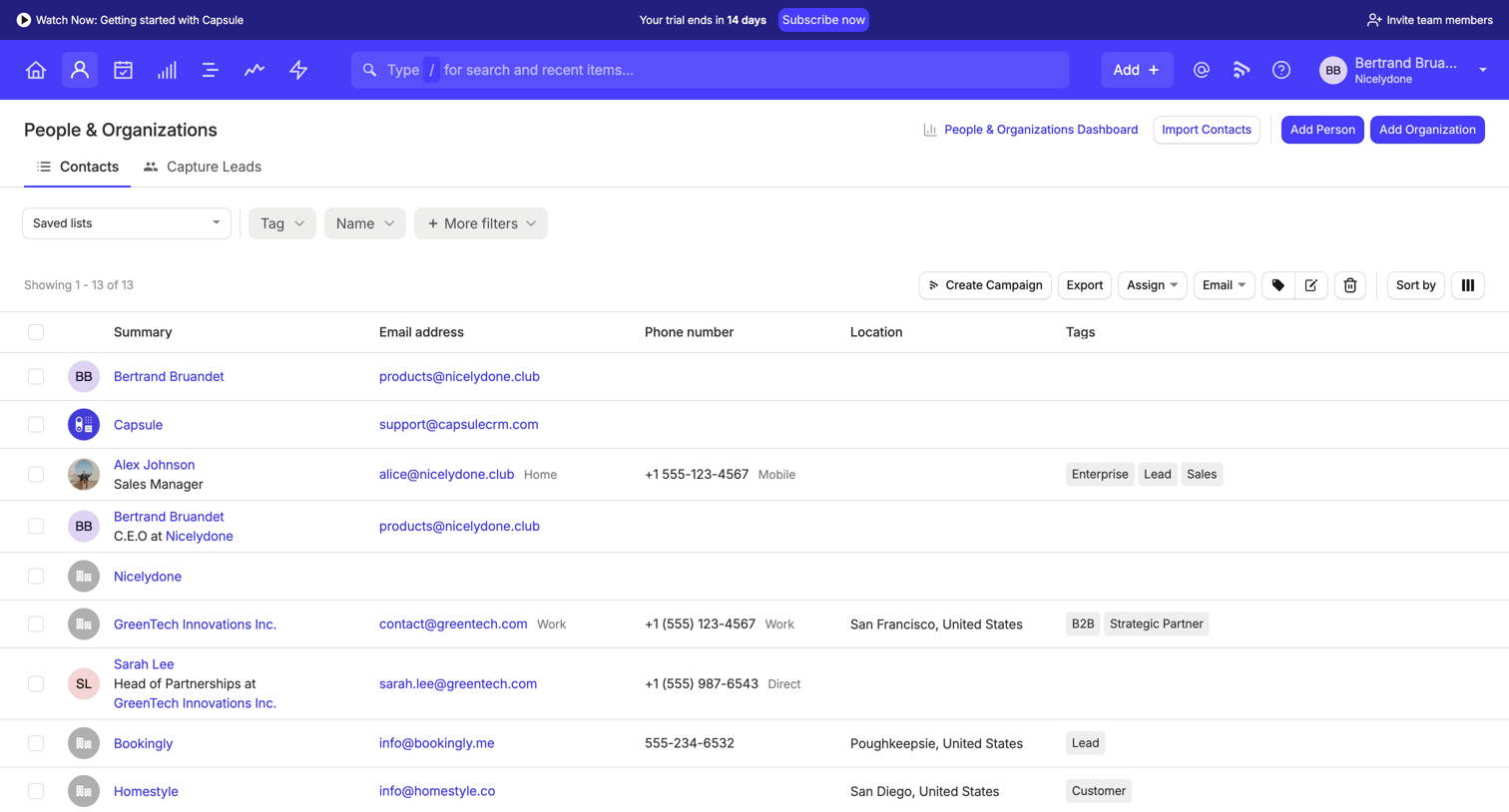

List view where the user manages contacts and organizations, featuring filtering, bulk actions, and a trial upgrade banner.
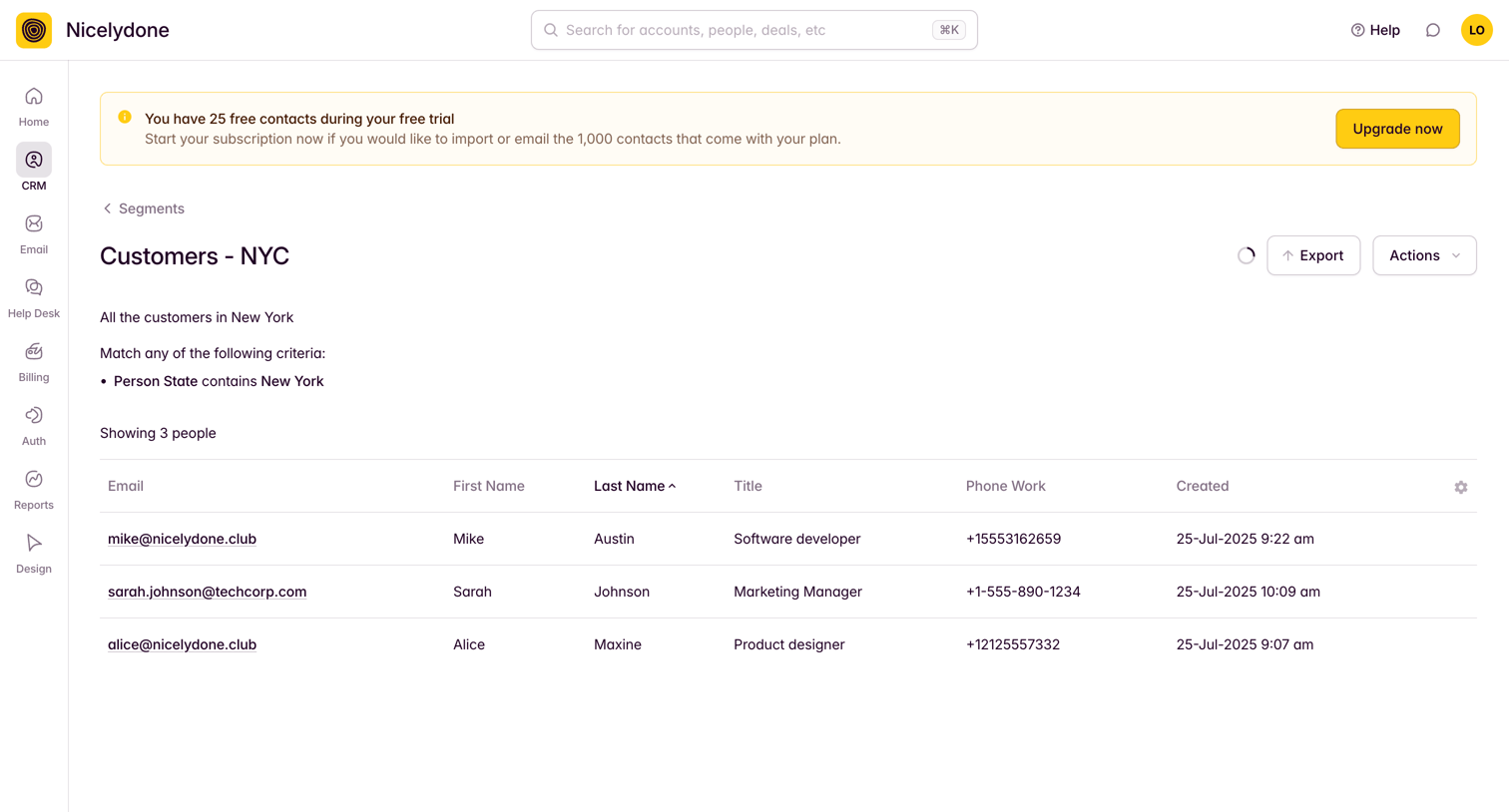

List view showing a filtered segment of customers in New York, featuring a prominent free trial upgrade banner.
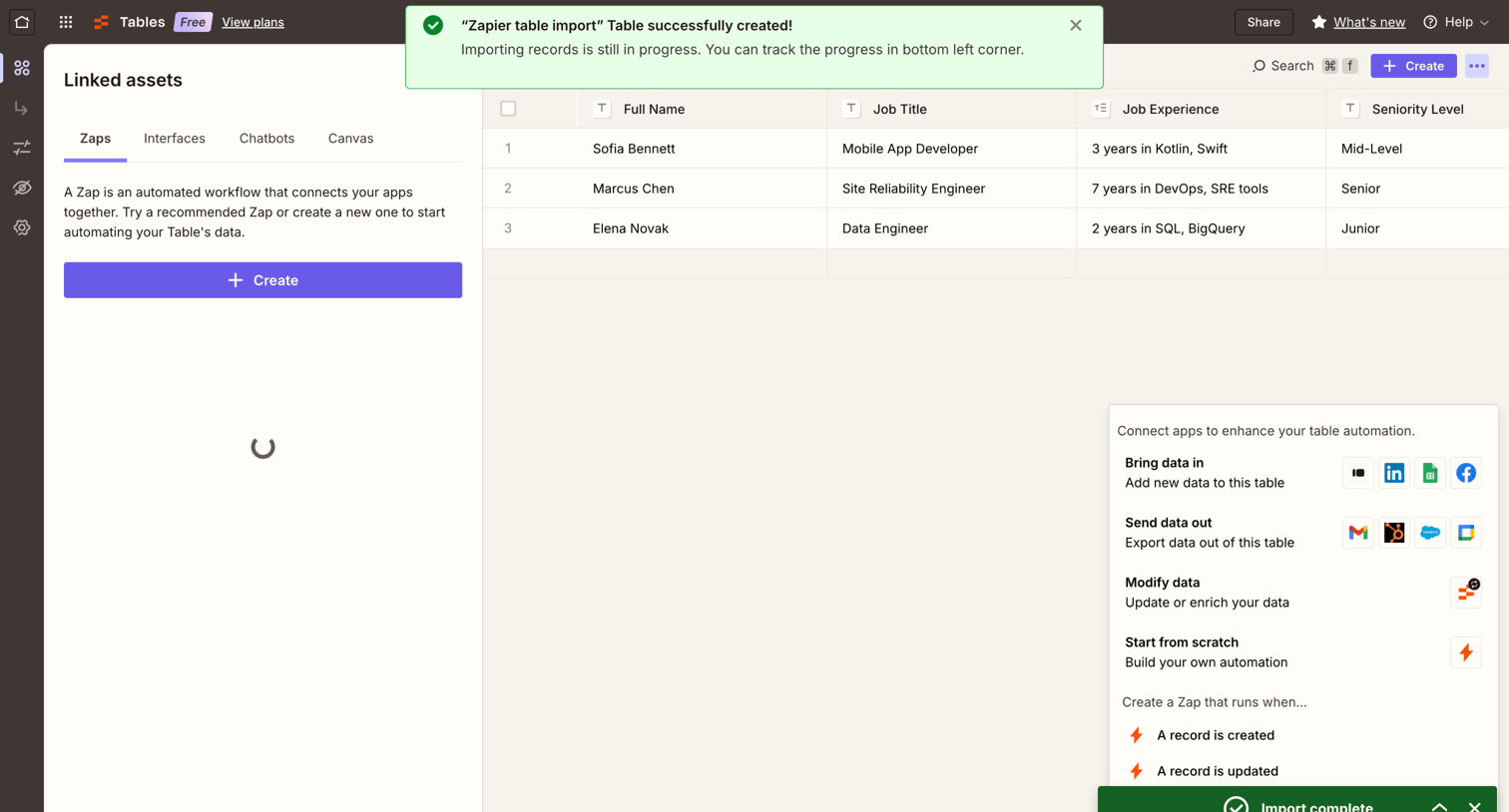

Data table view where the user manages records and can connect automated workflows via a linked assets sidebar.
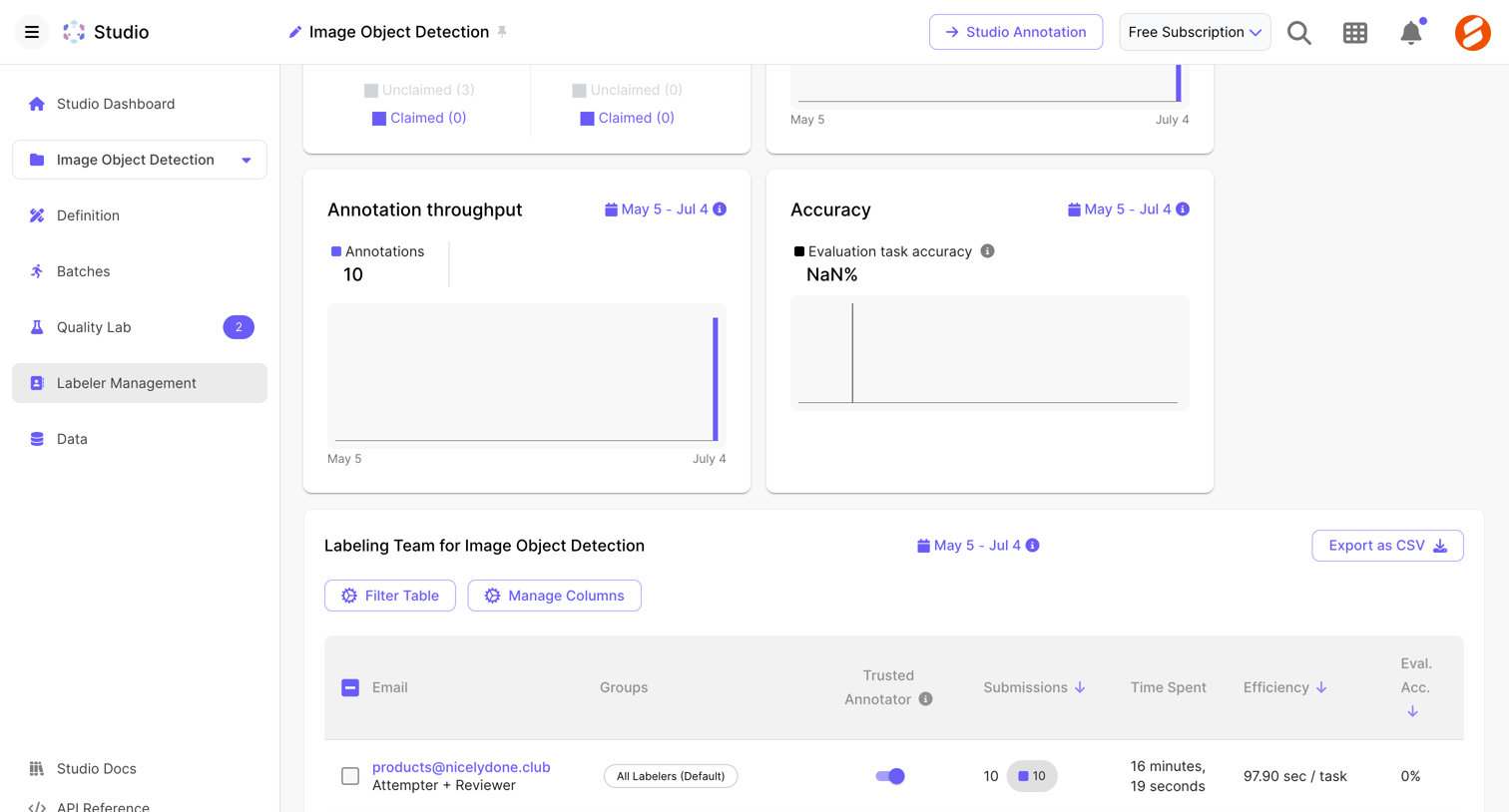

Dashboard for an image object detection project showing annotation throughput, accuracy charts, and a data table managing the labeling team's performance.
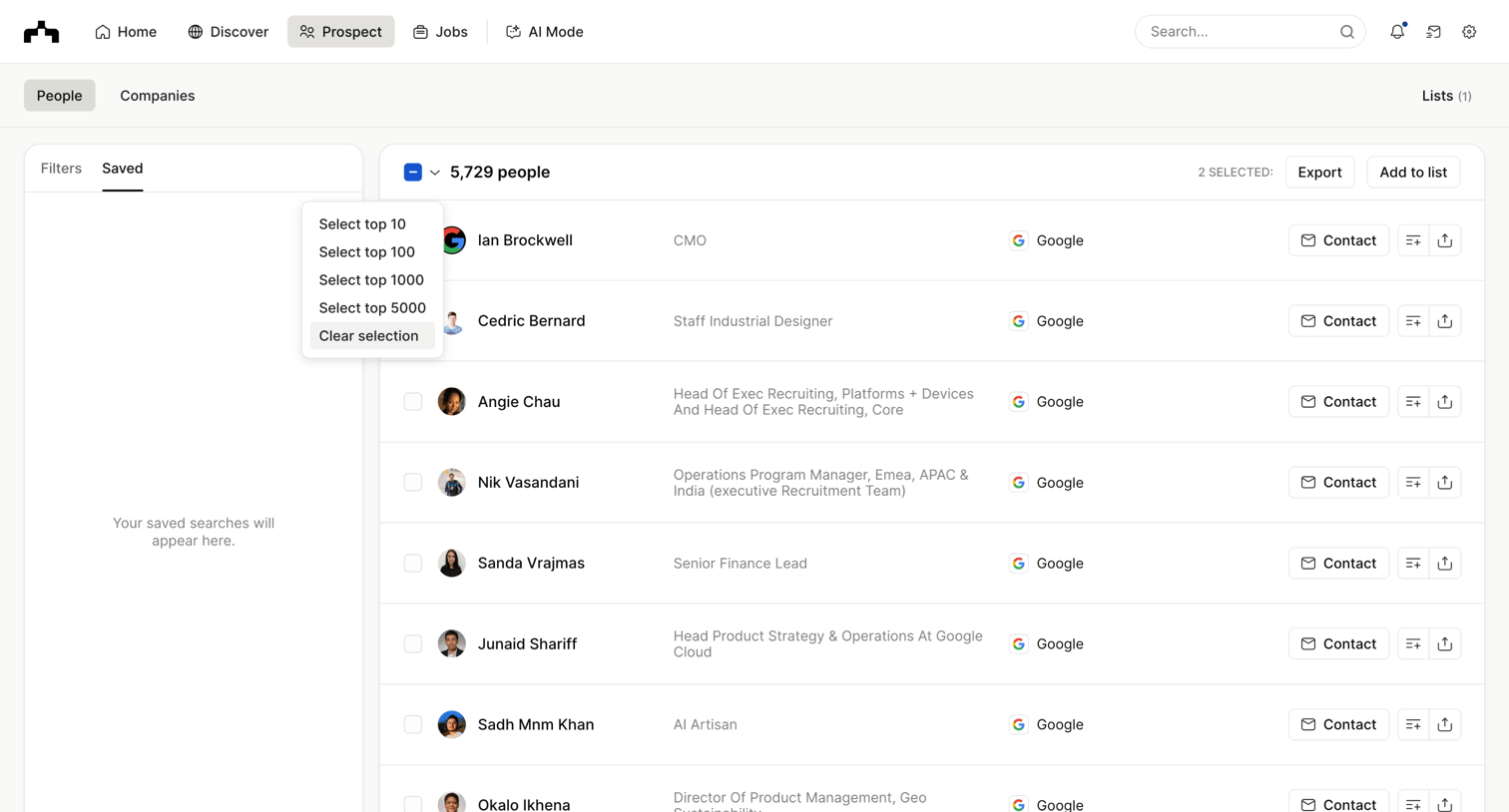

Directory list view where the user can browse prospects, apply saved searches, and perform bulk actions like exporting or adding to lists.
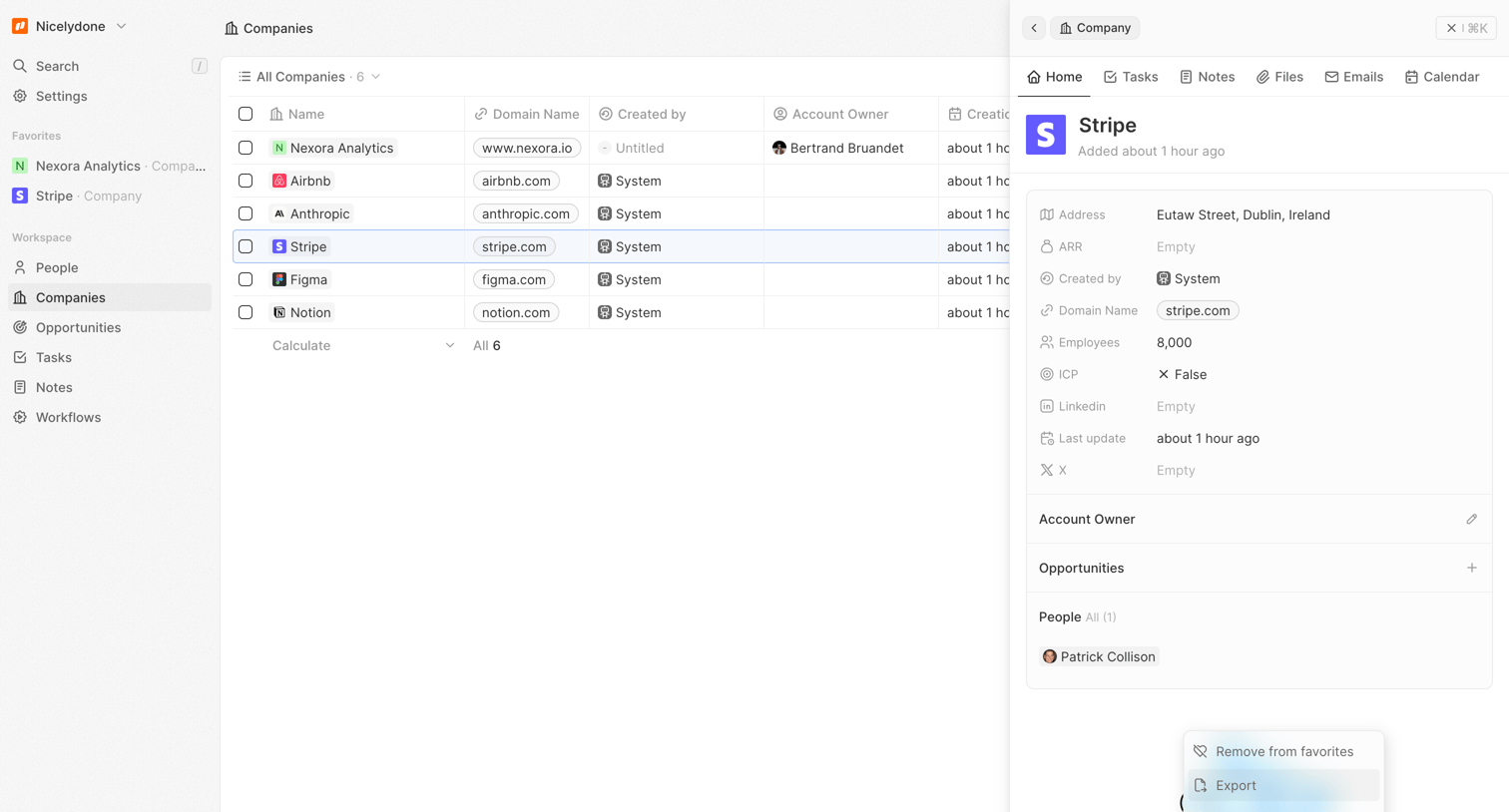

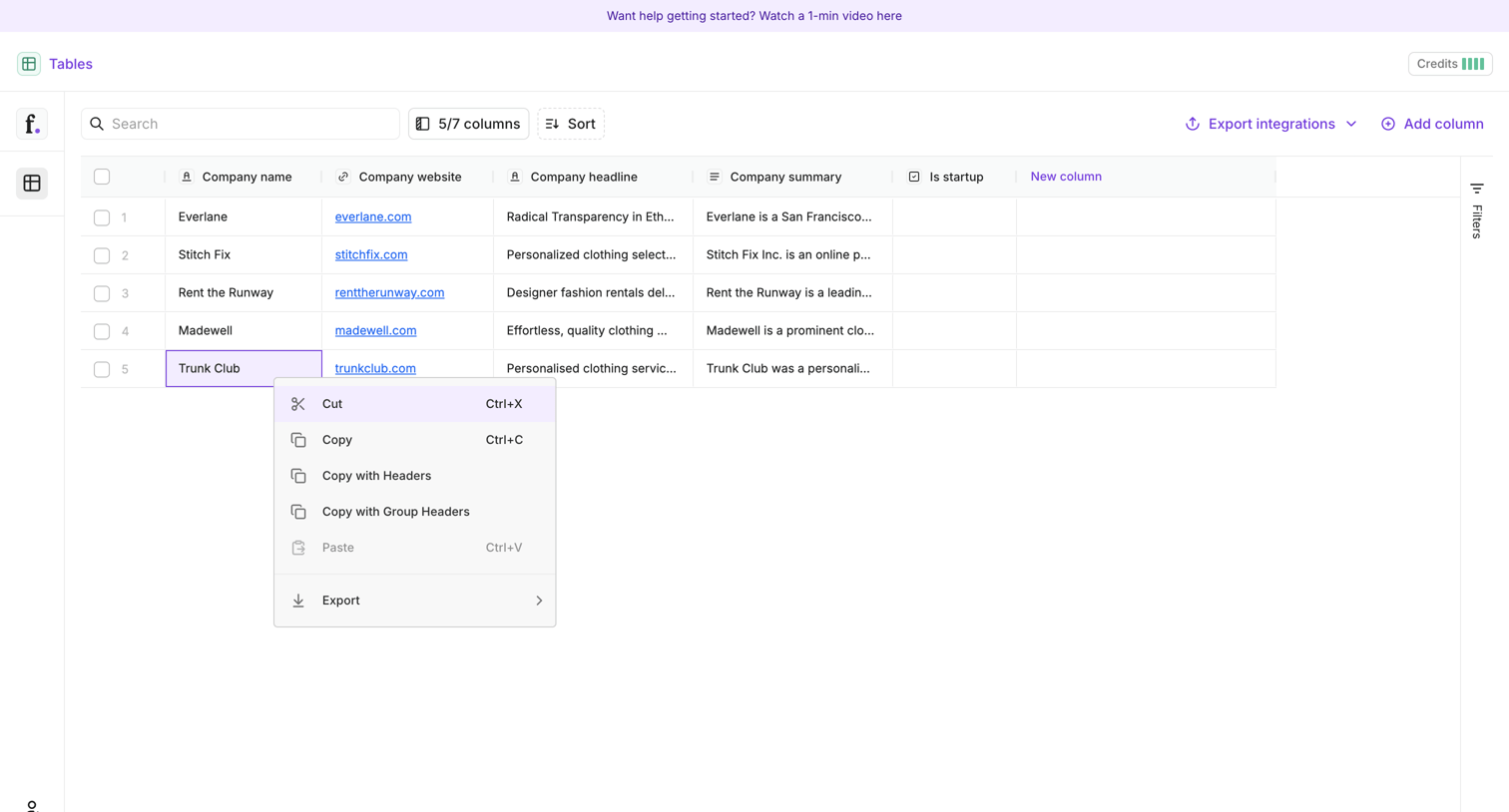

List view where the user manages a table of company data with options to search, sort, and export to integrations.
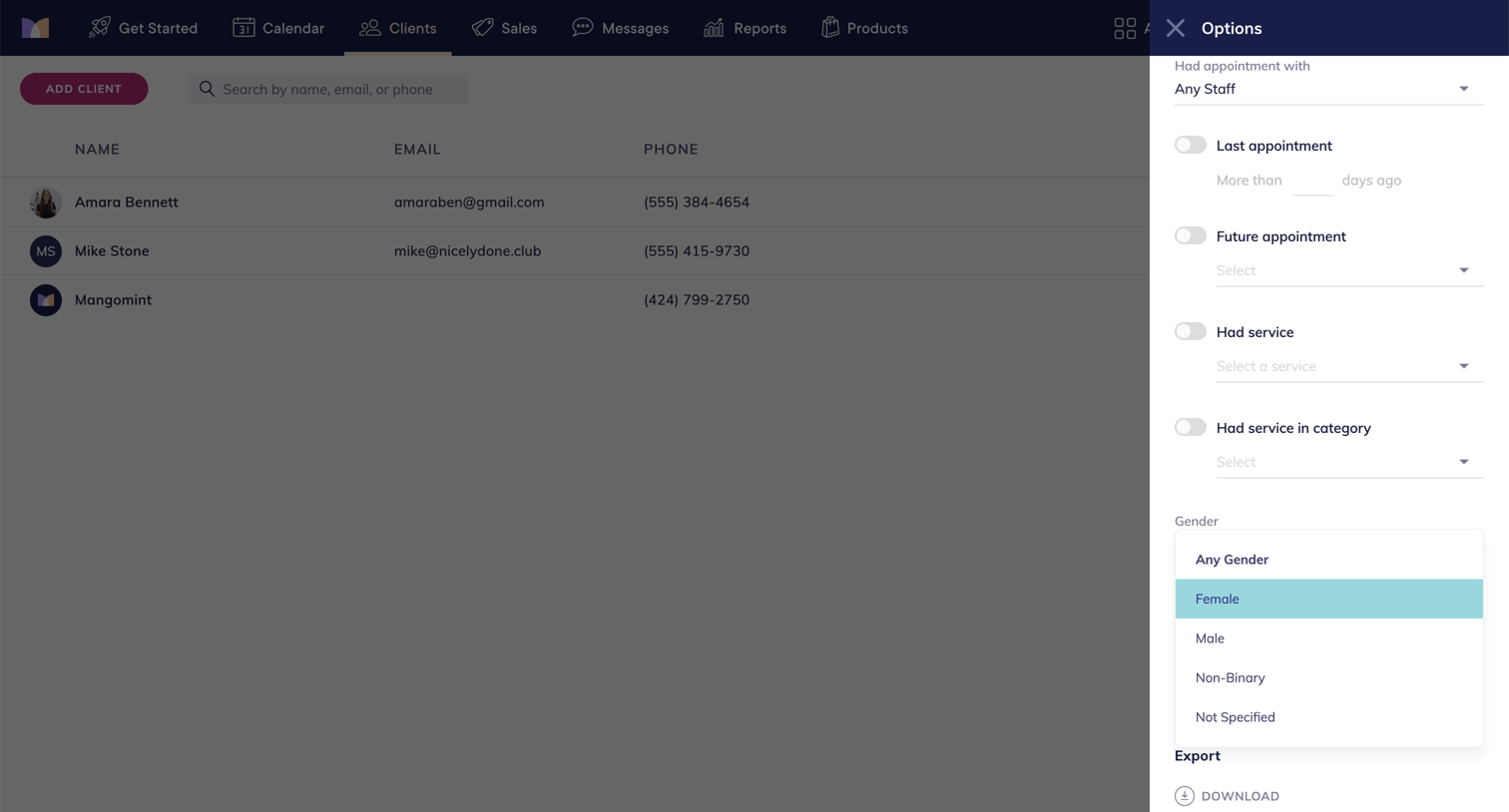

List view of clients with a right-side drawer open for applying detailed filters like appointment history, services, and gender, along with an export option.
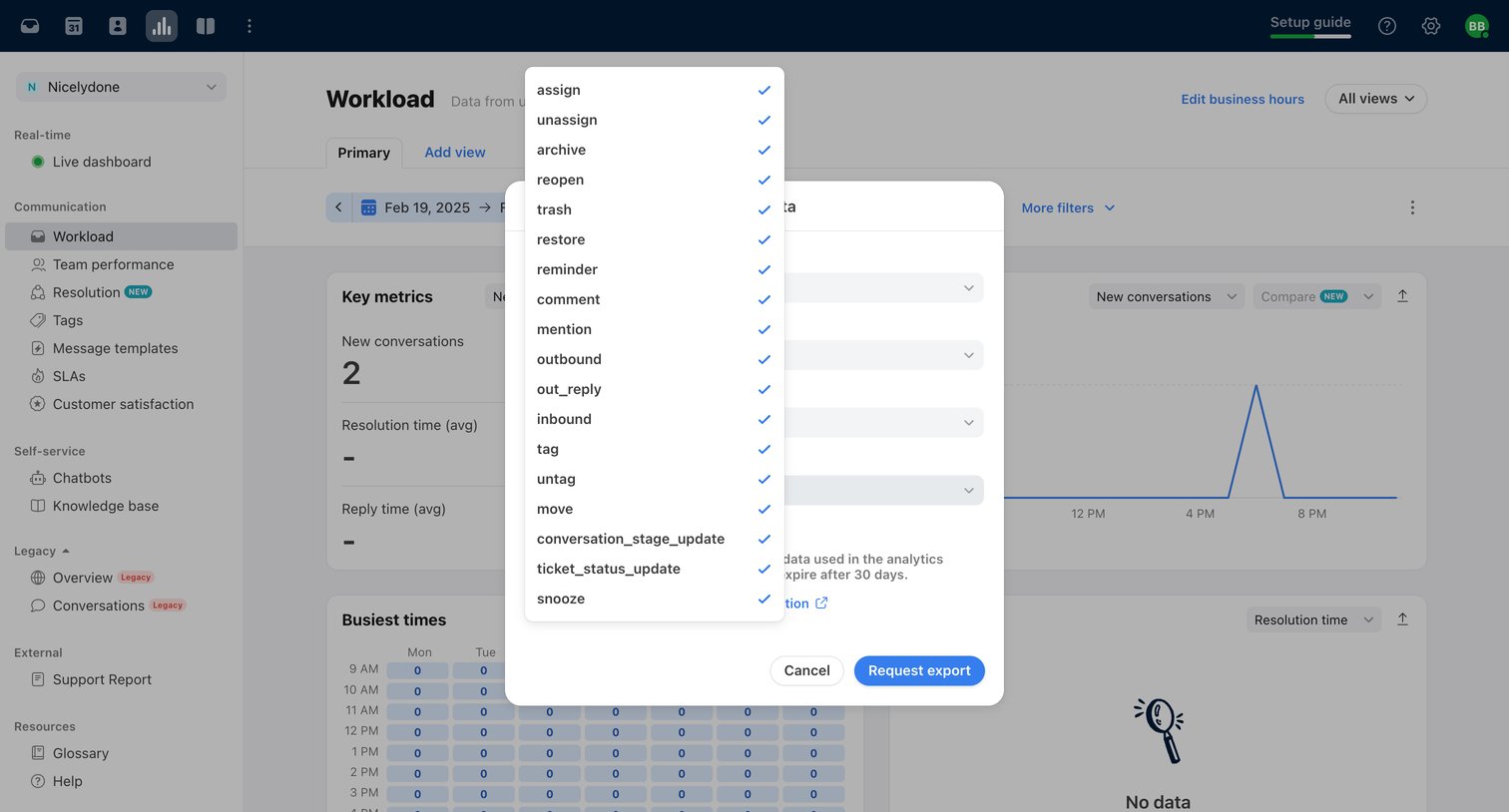

Dashboard showing team workload analytics with an open modal where the user configures a data export by selecting specific event types like assign, comment, and mention.
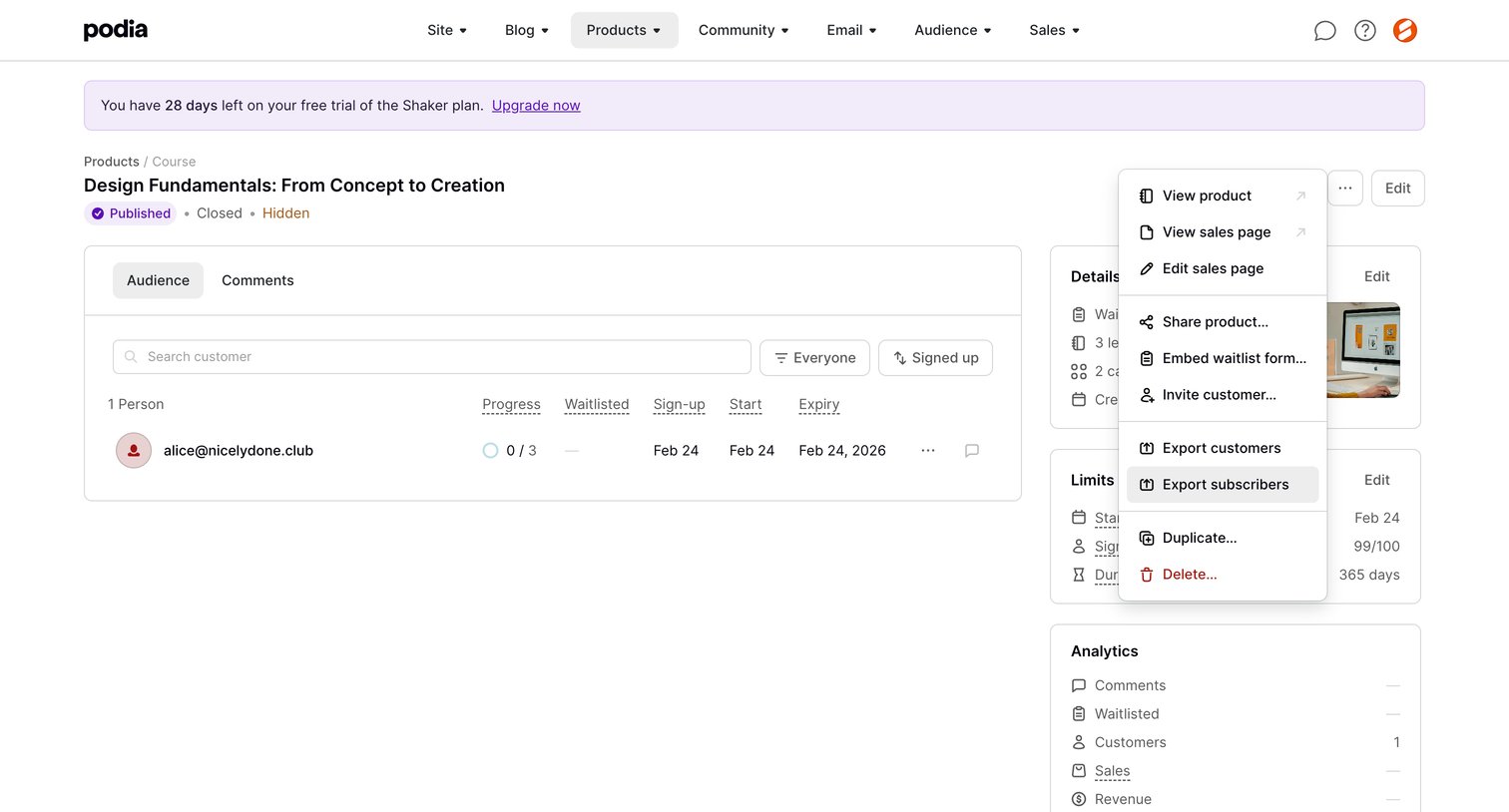

Detail page for a specific course where the creator can manage the audience, view product details, limits, and analytics, and access a prominent actions menu.
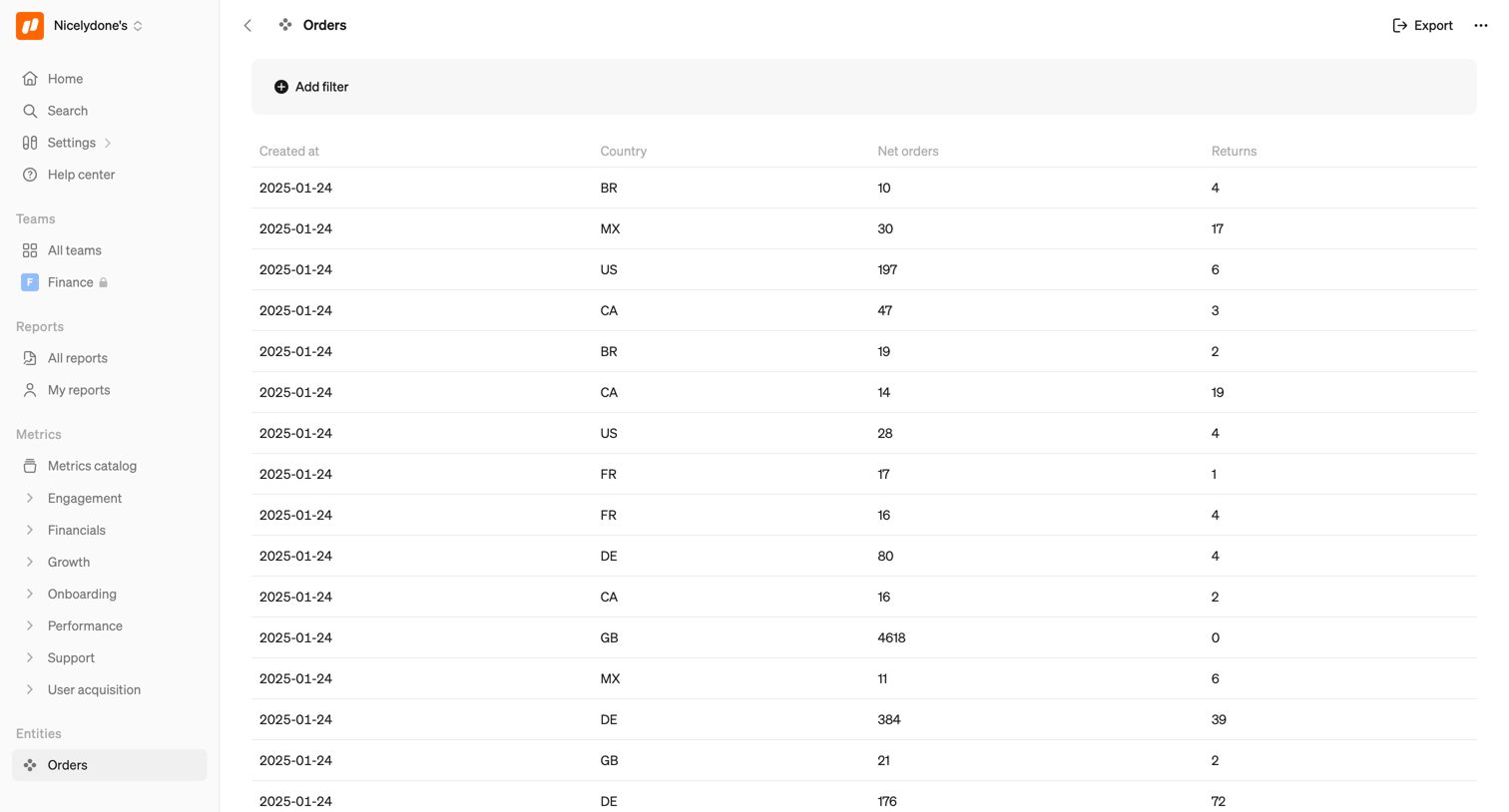

List view where the user reviews recent orders, including country, net orders, and returns, with options to filter and export the first 100 records.
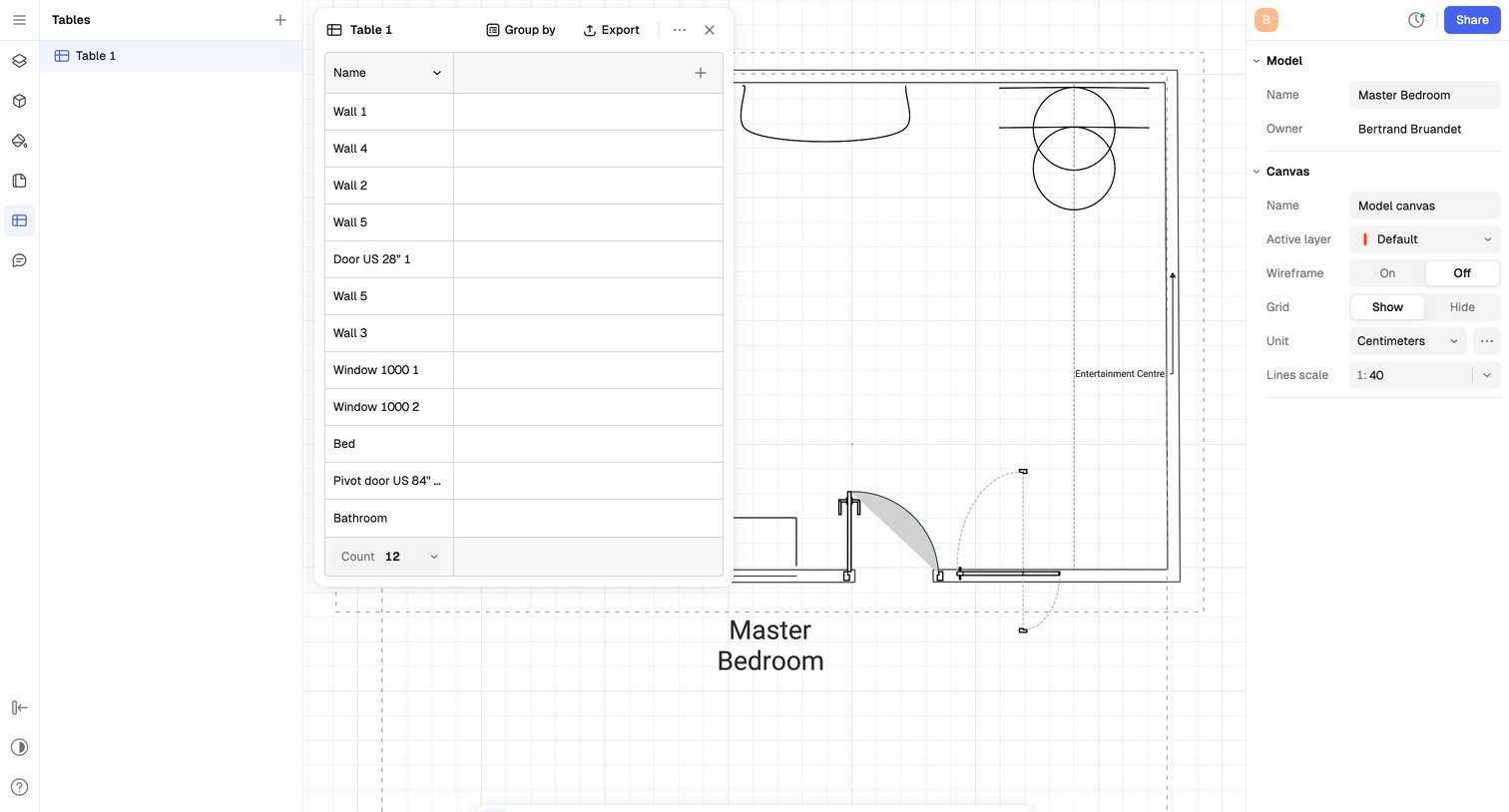

Design editor where the user is working on a floorplan canvas, featuring a floating data table of wall elements and a right-side inspector panel to configure canvas properties like grid and scale.
Explore the full SaaS screen library
Upgrade to unlock the full library.
Trusted by the best teams







