Empty state message screen examples
Empty state message screen design examples from SaaS apps. Browse examples from Dock, Flora, Found.
Explore the examples
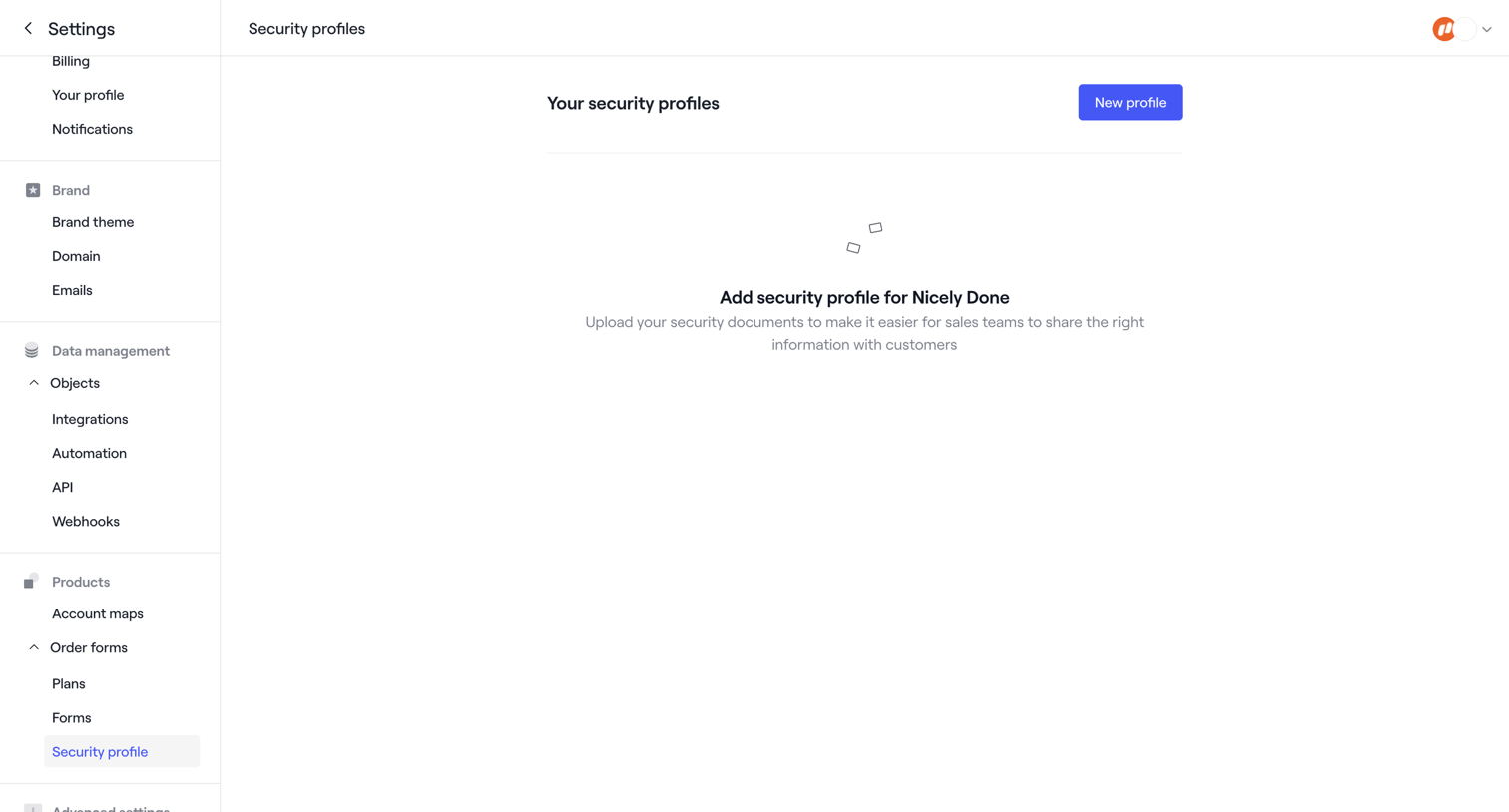

Settings page where the user can add a new security profile by uploading security documents for their sales team.
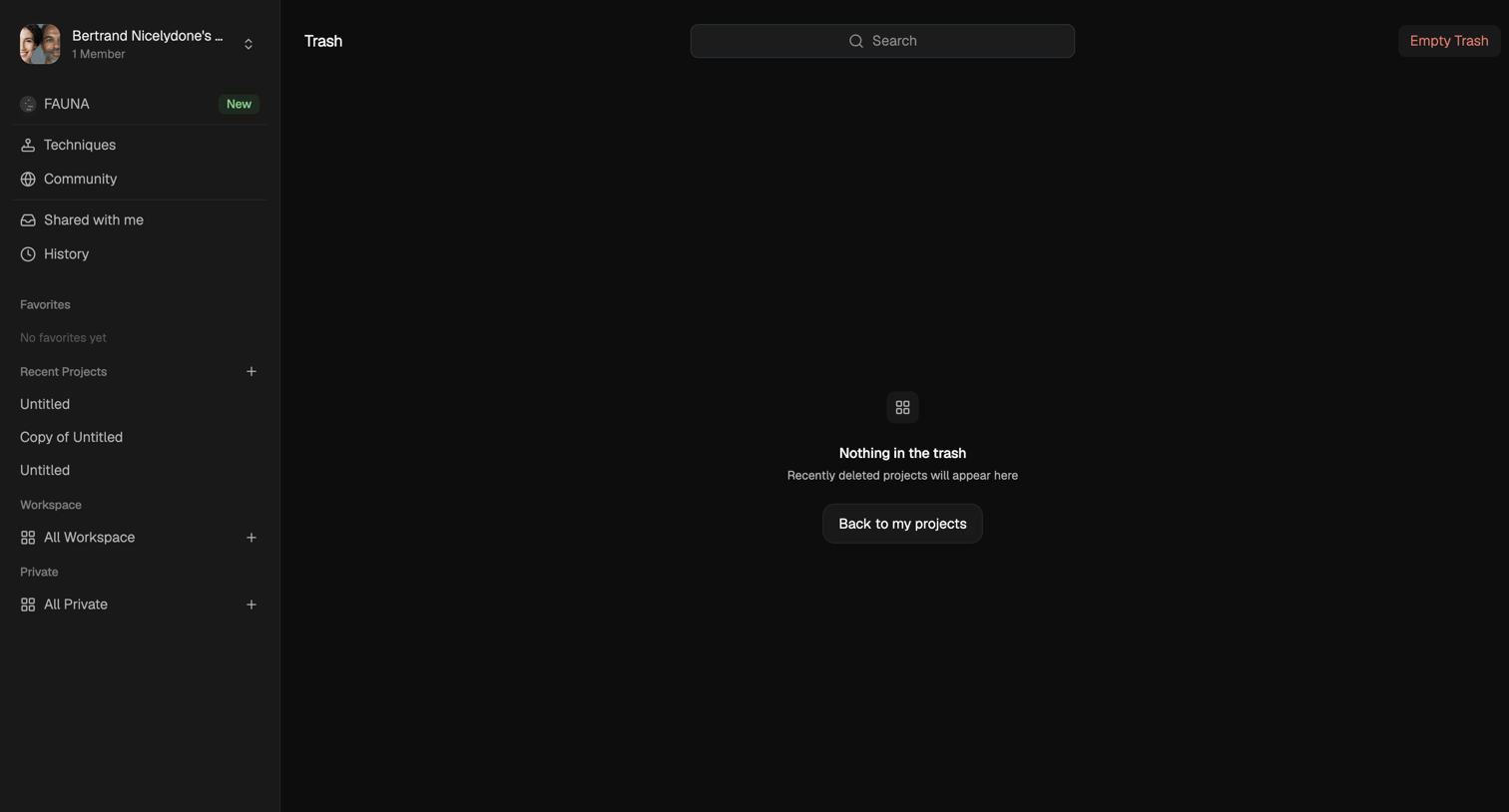

Trash view where the user manages deleted projects, currently showing an empty state with a prompt to return to active projects.
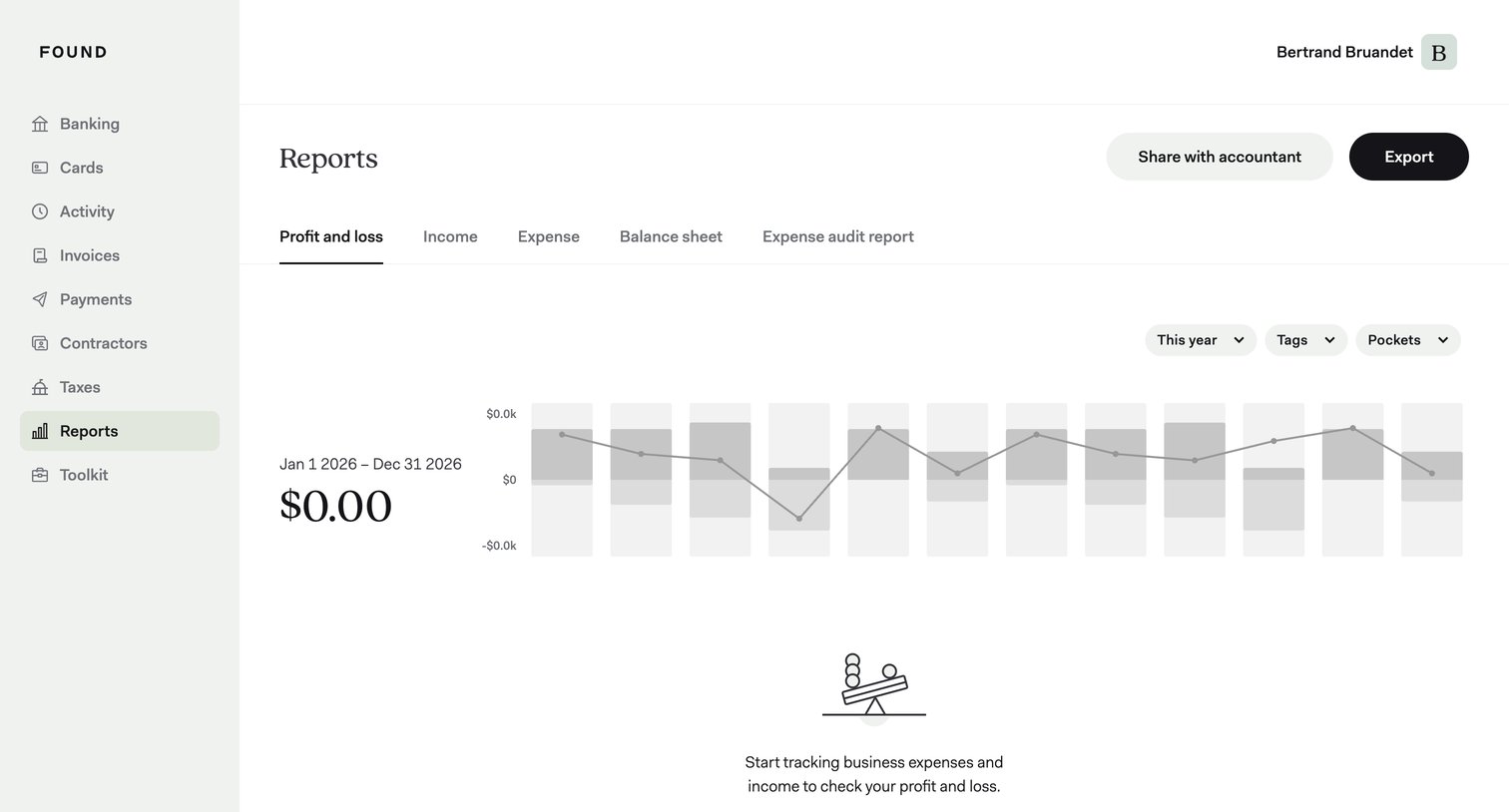

Analytics dashboard showing an empty profit and loss report with a prompt to start tracking expenses, alongside filters for year, tags, and pockets.
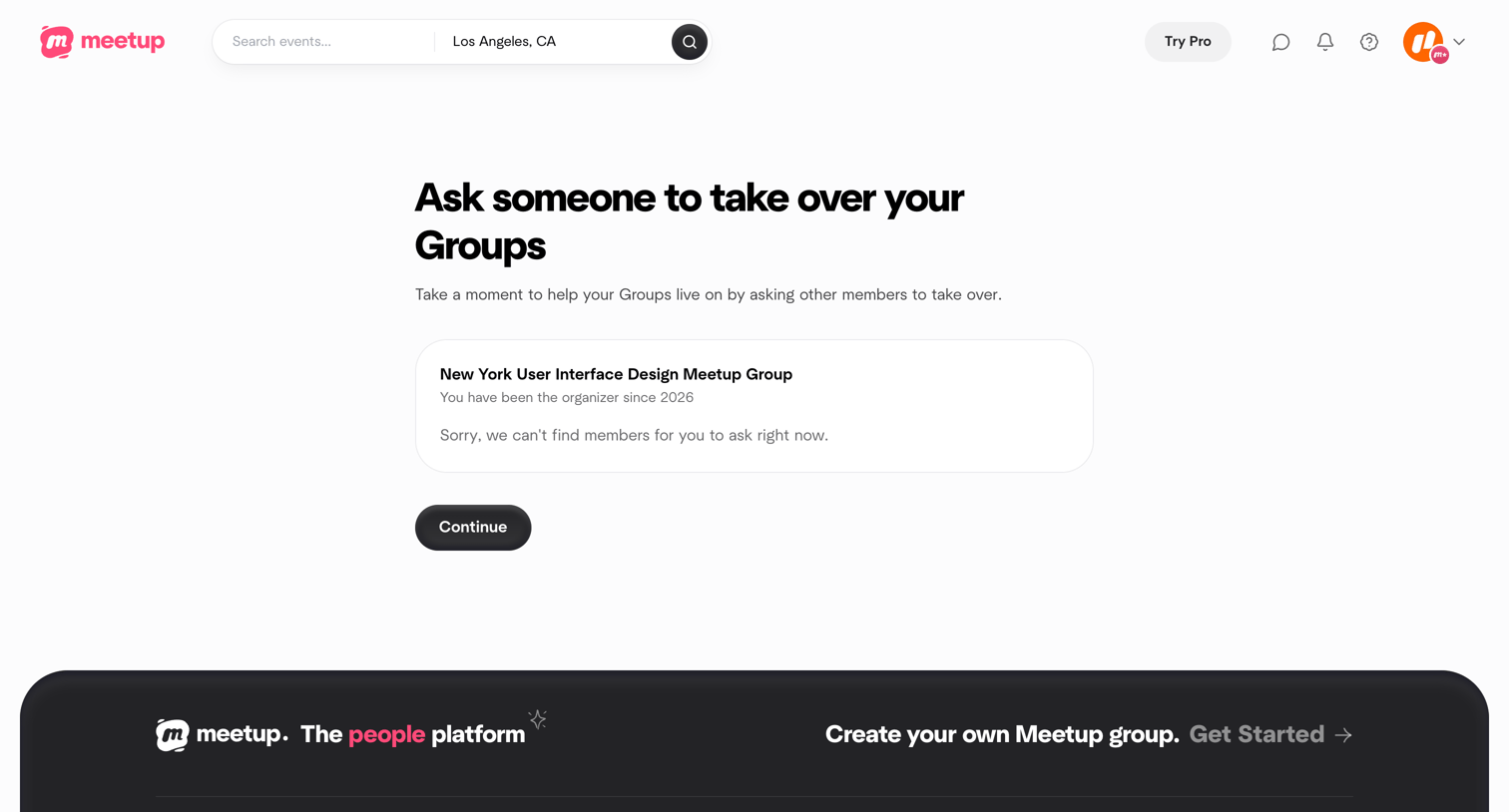

Account settings step where the user is asked to nominate a new organizer for their group before canceling their subscription, showing an empty state when no members are available.
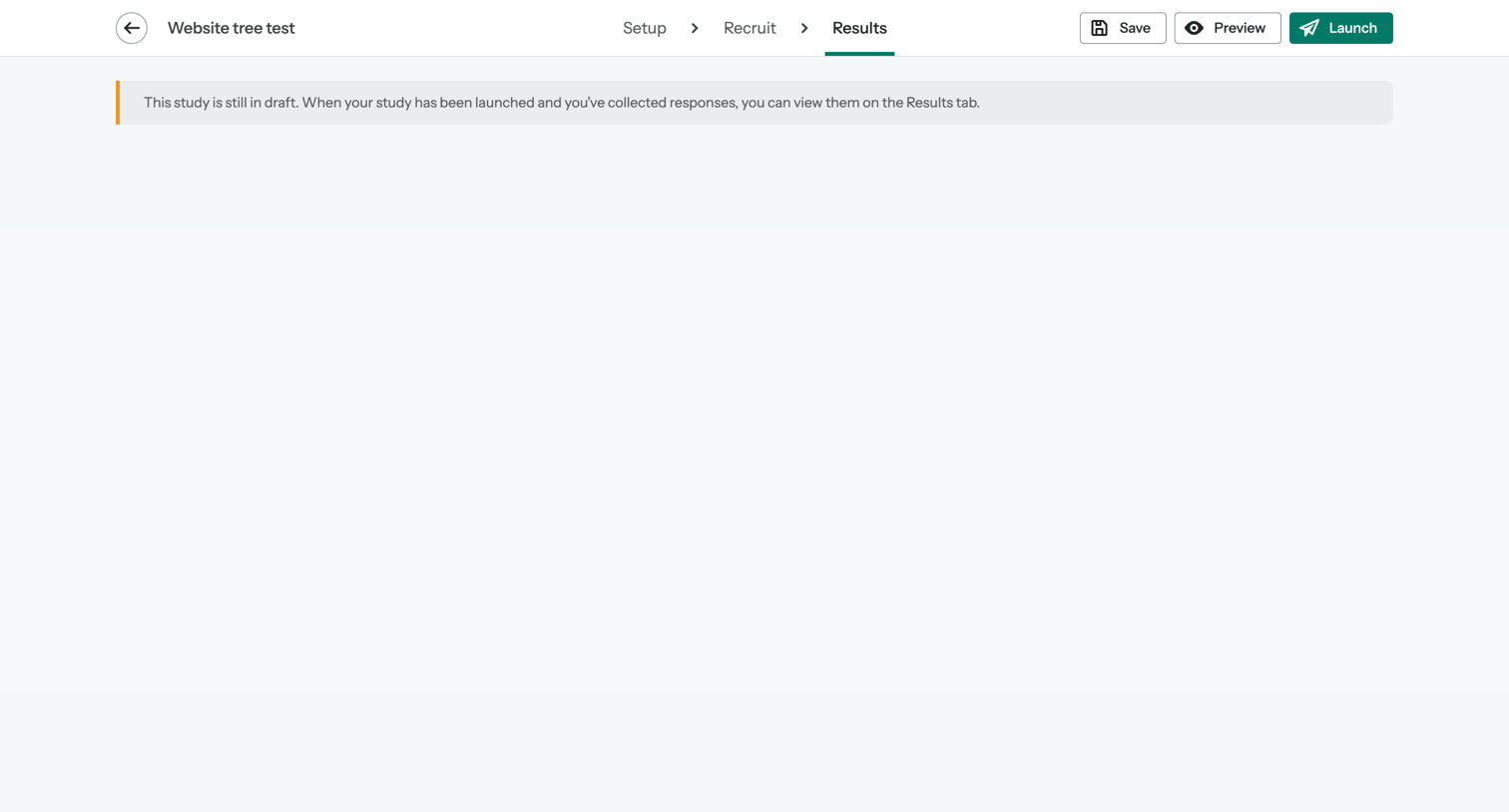

Dashboard empty state for a draft tree testing study, explaining that results will populate after the study is launched.
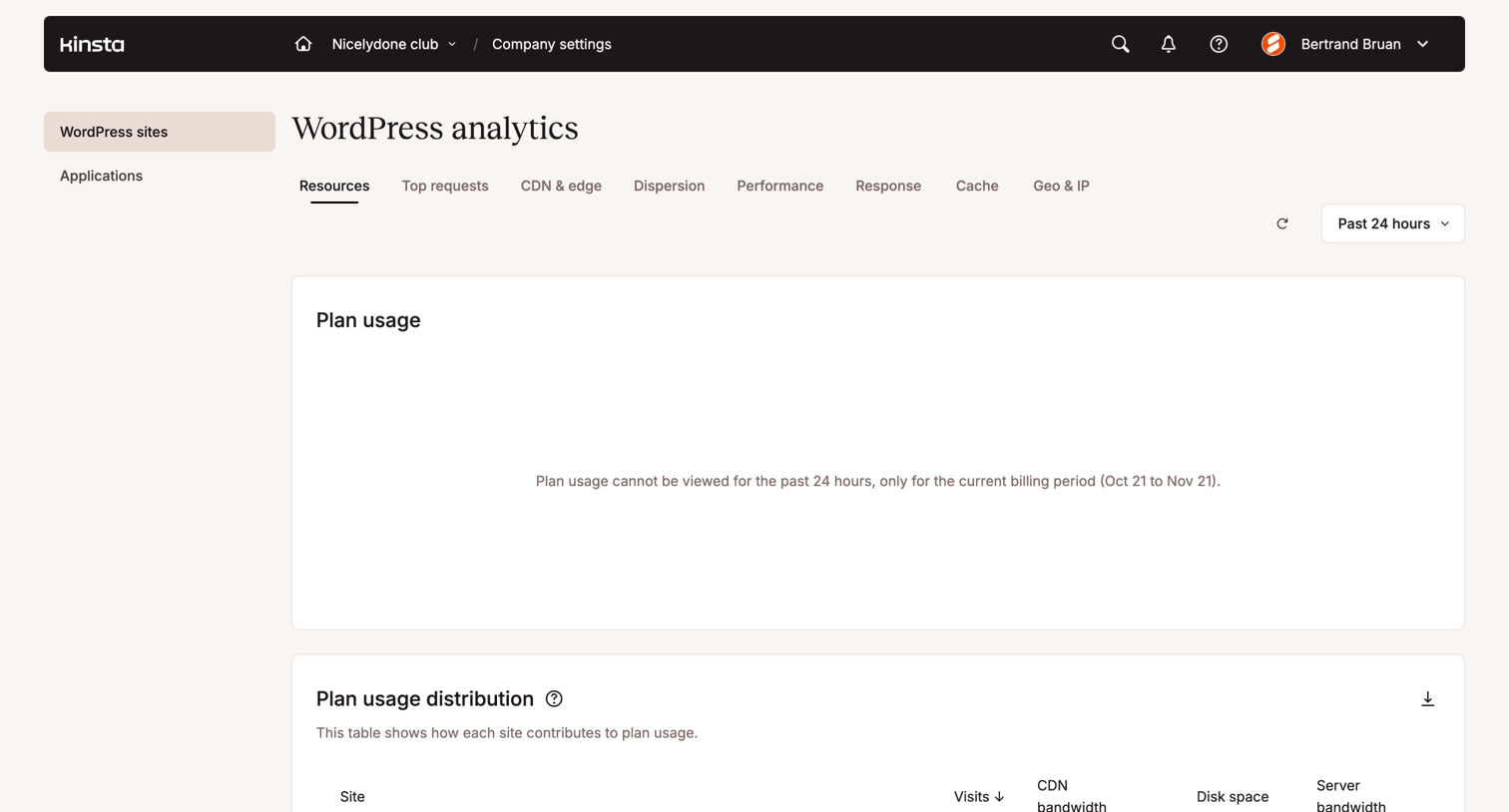

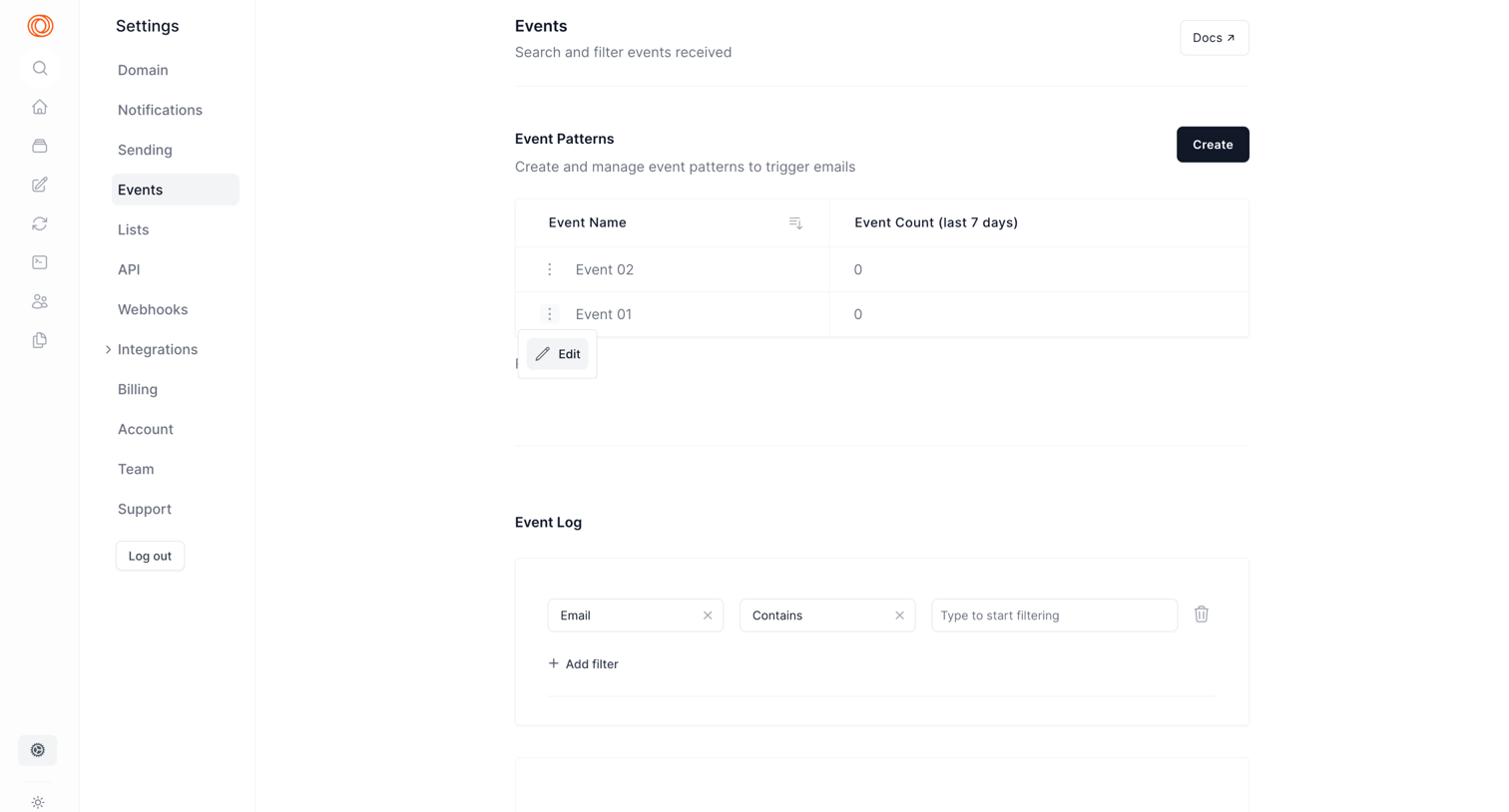

Settings page where the user manages event patterns to trigger emails and filters the received event log.
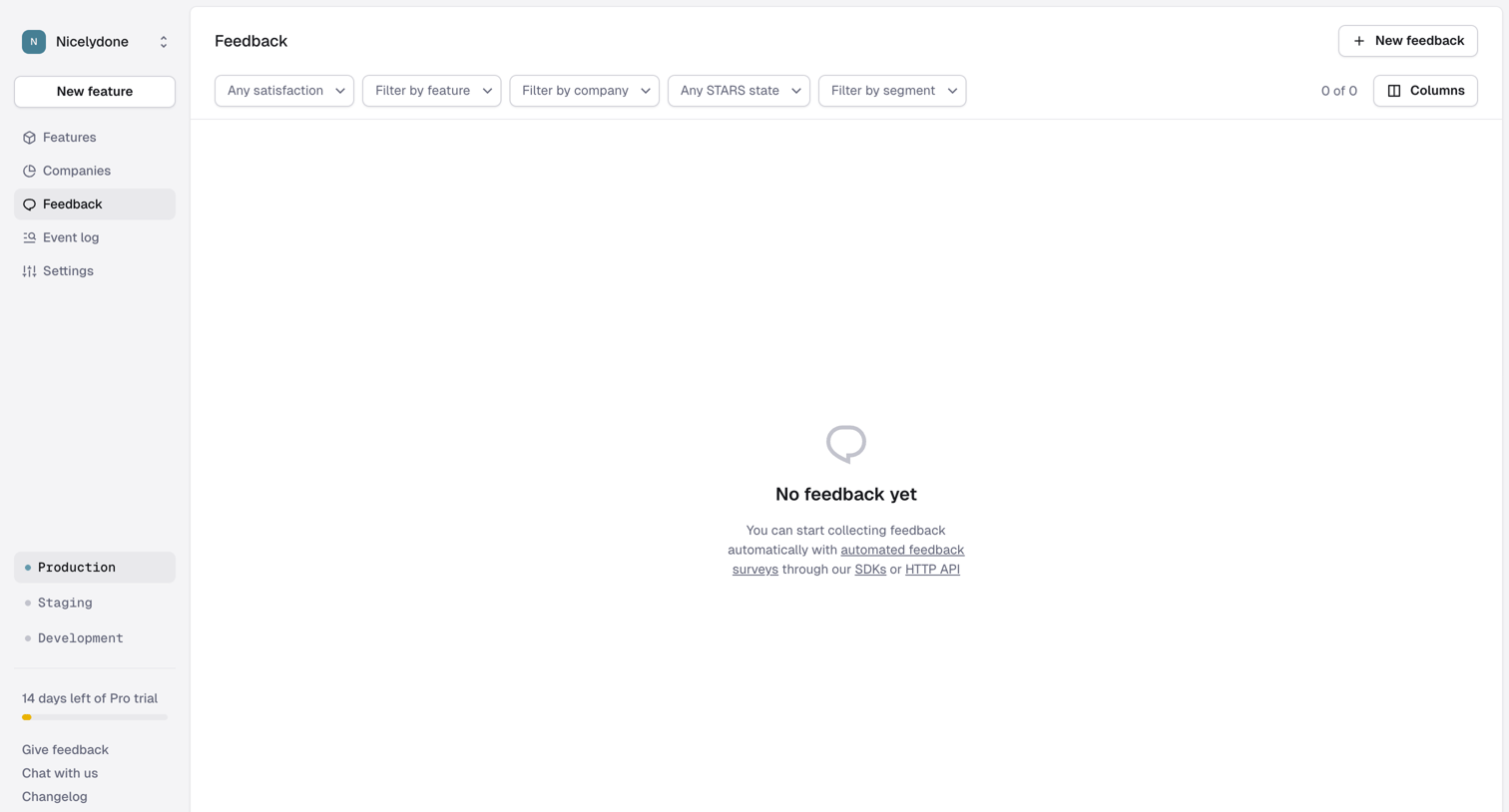

Feedback list view in an empty state, prompting the user to start collecting feedback automatically via surveys, SDKs, or API.
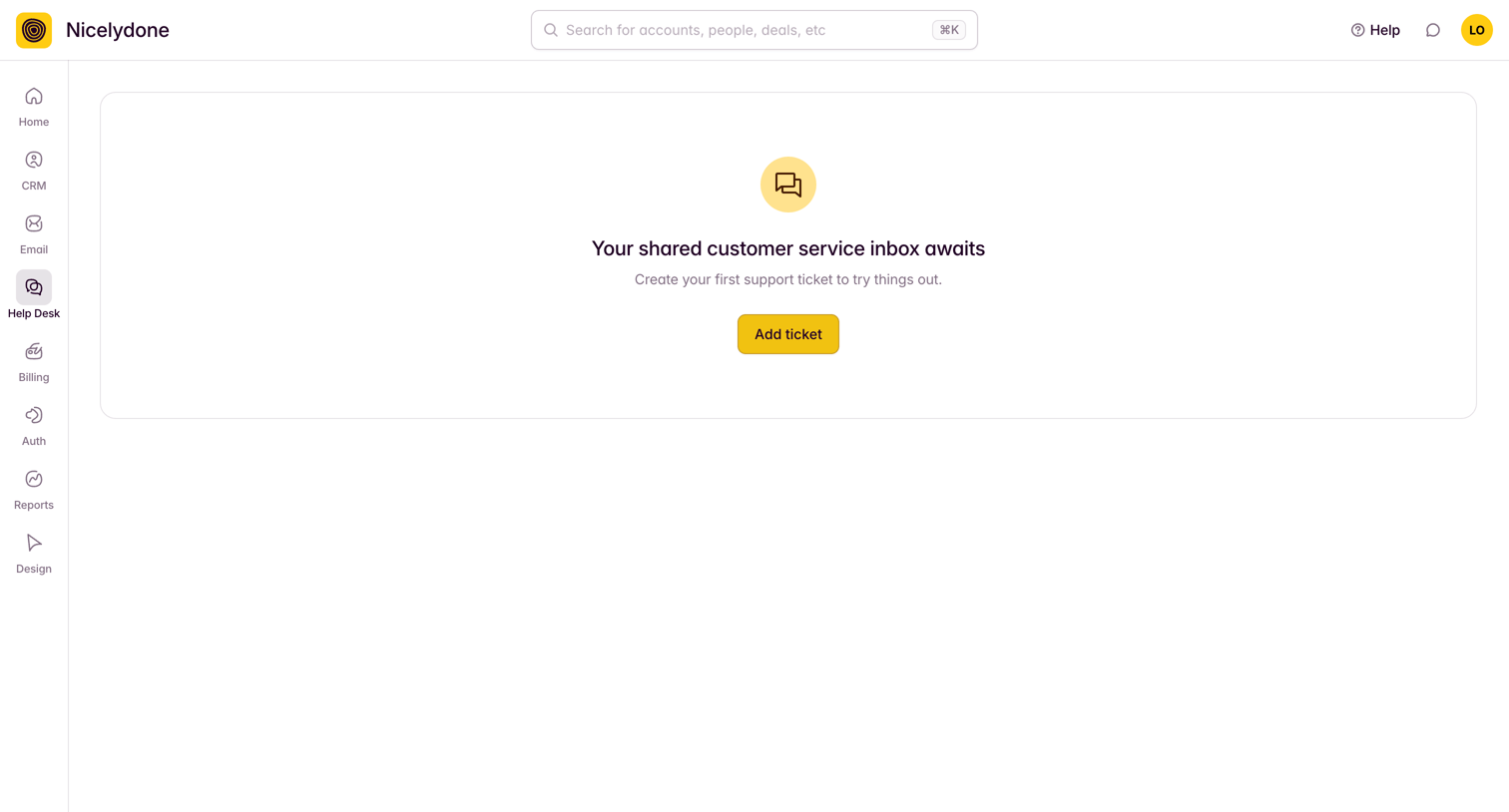

Help desk inbox where the user is prompted to create their first support ticket.
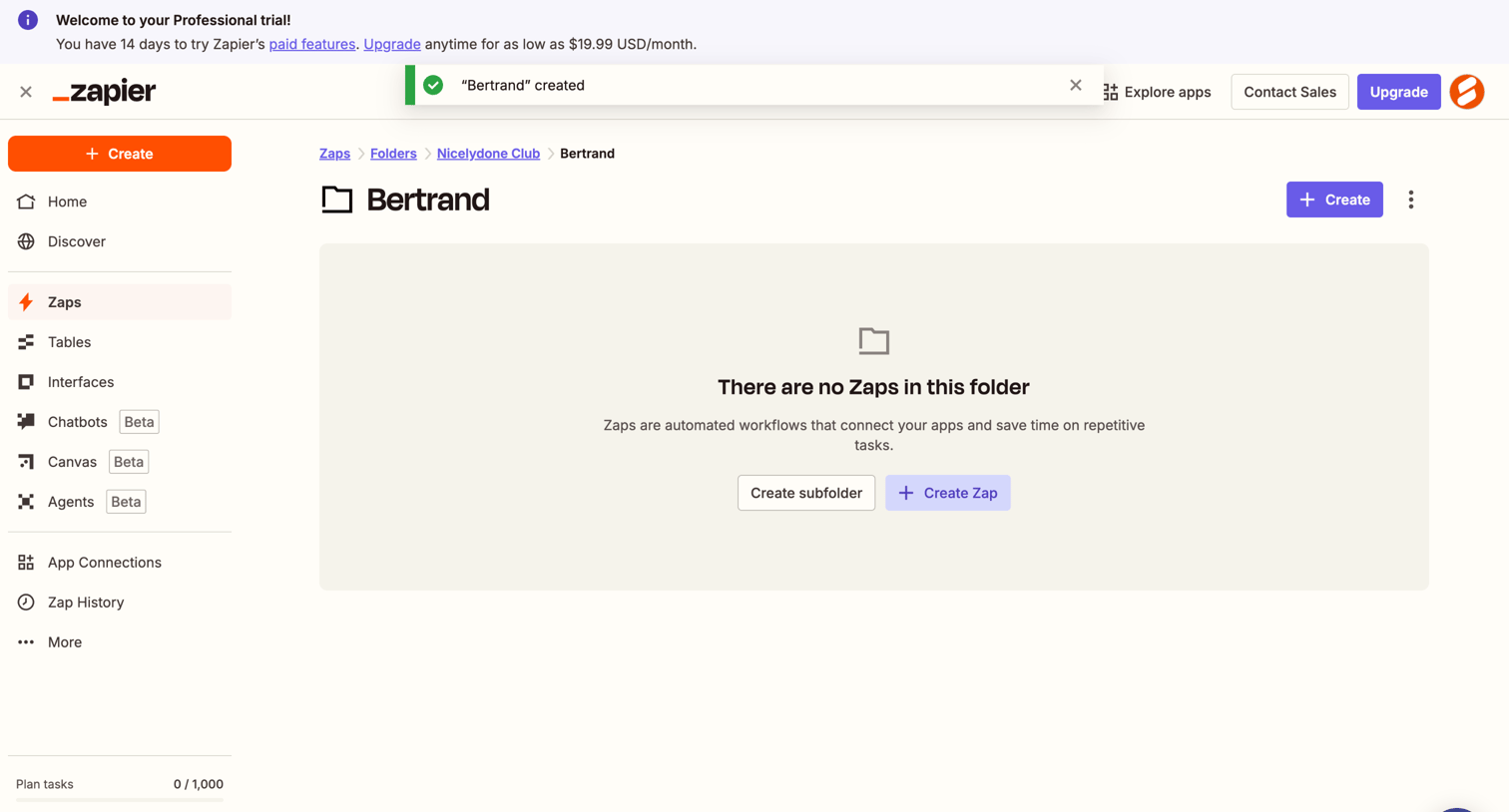

List view where the user sees an empty folder and is prompted to create a subfolder or a new automated workflow.
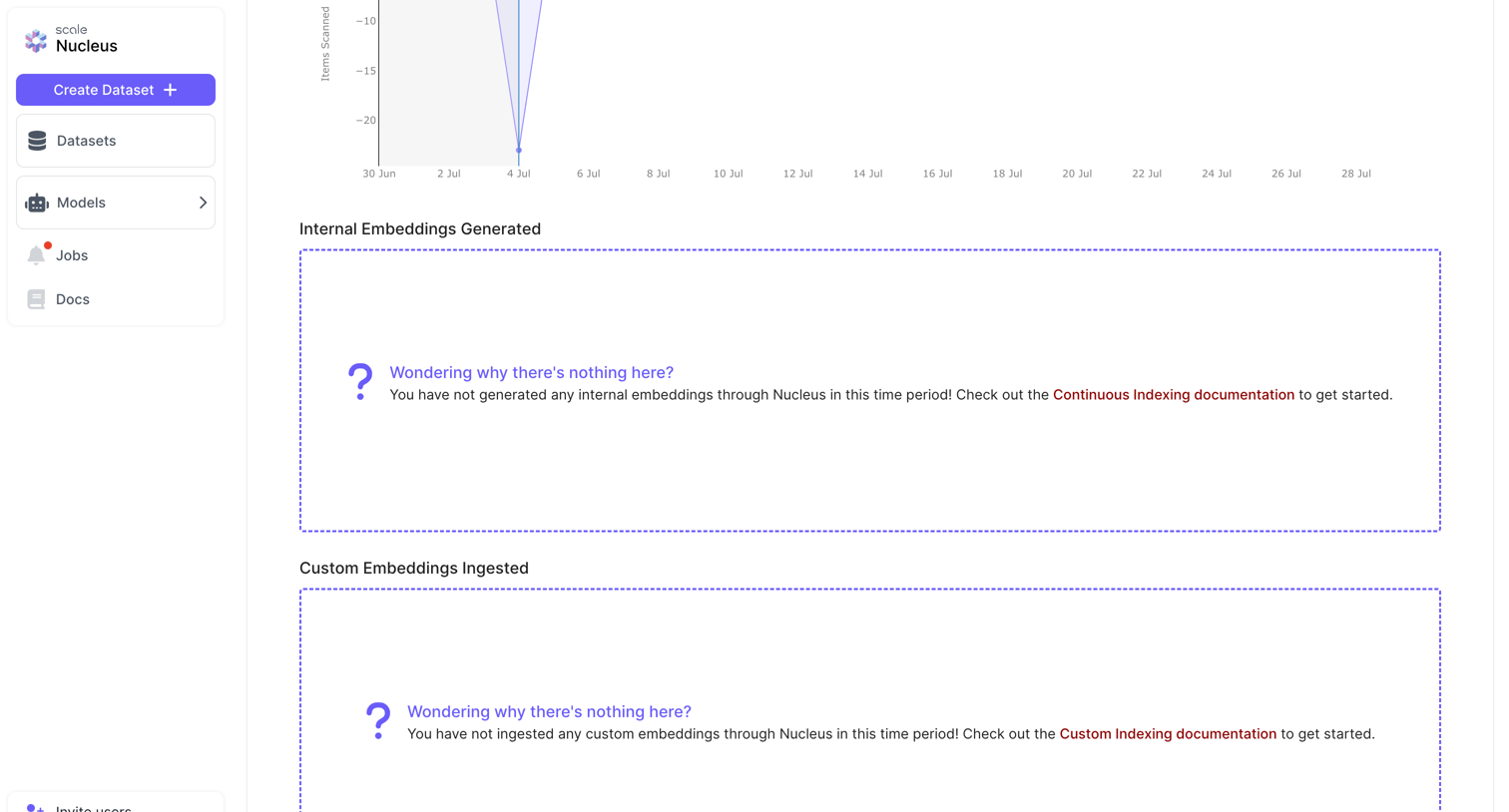

Billing settings page displaying usage charts and empty states for internal and custom embeddings ingestion.
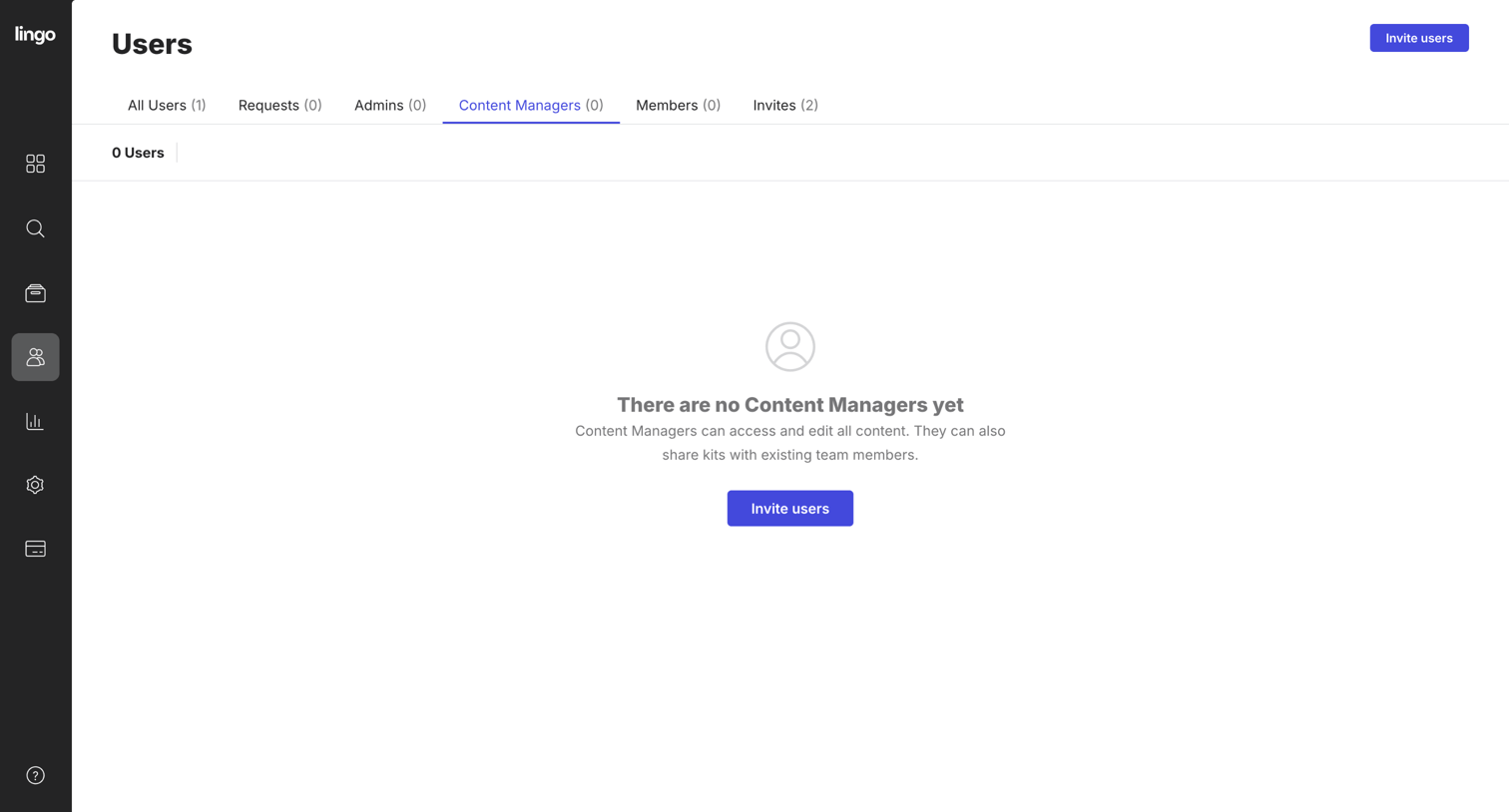

Settings page where the user manages team members, currently showing an empty state for the Content Managers role.
Explore the full SaaS screen library
Upgrade to unlock the full library.
Trusted by the best teams







