Ebooks screen examples
Ebooks screen design examples from SaaS apps. Browse examples from Grok, Lemni, Front.
Explore the examples
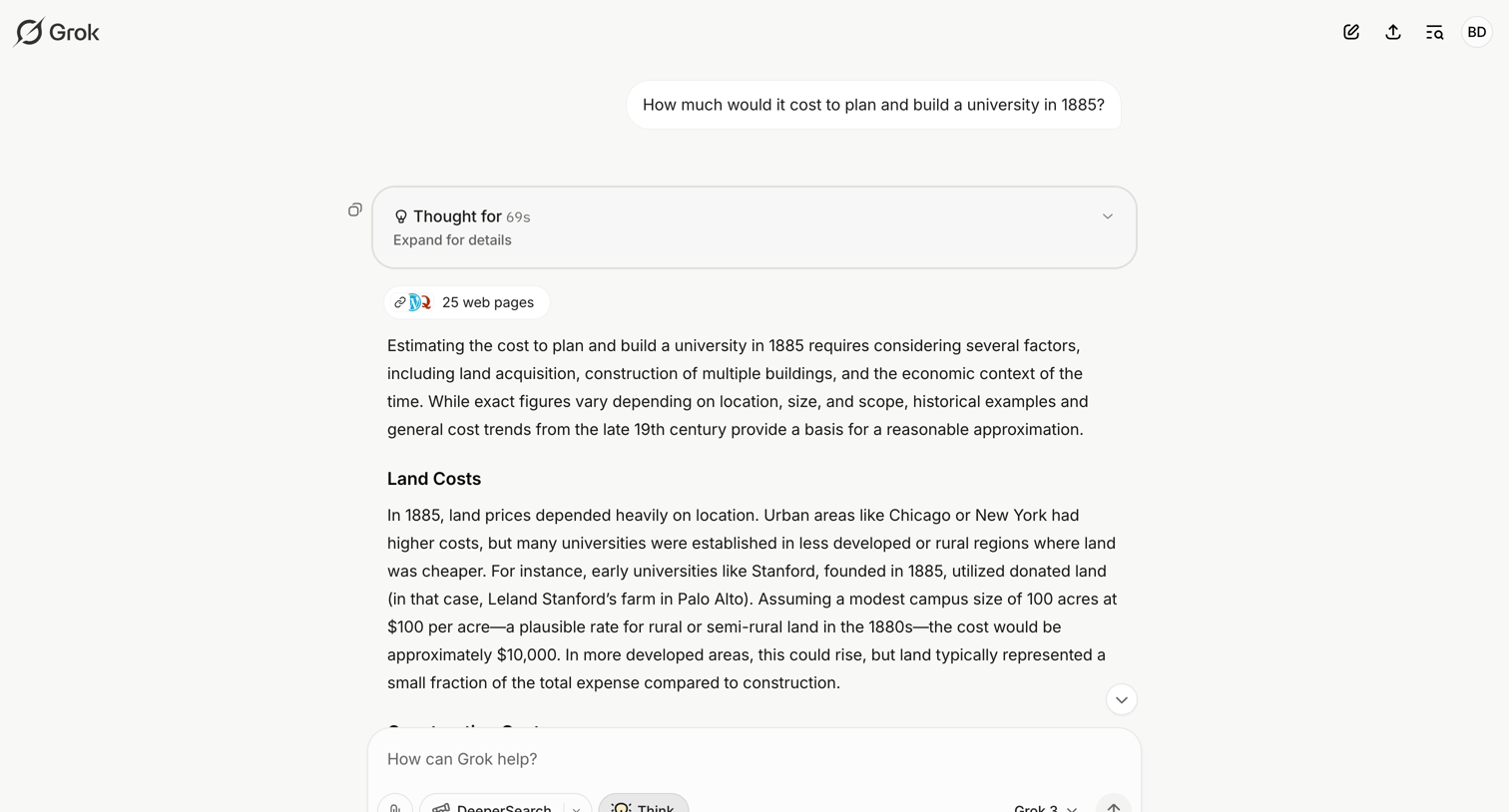

AI chat interface where the user views a detailed historical cost estimate response, including an expandable reasoning block and web search citations.
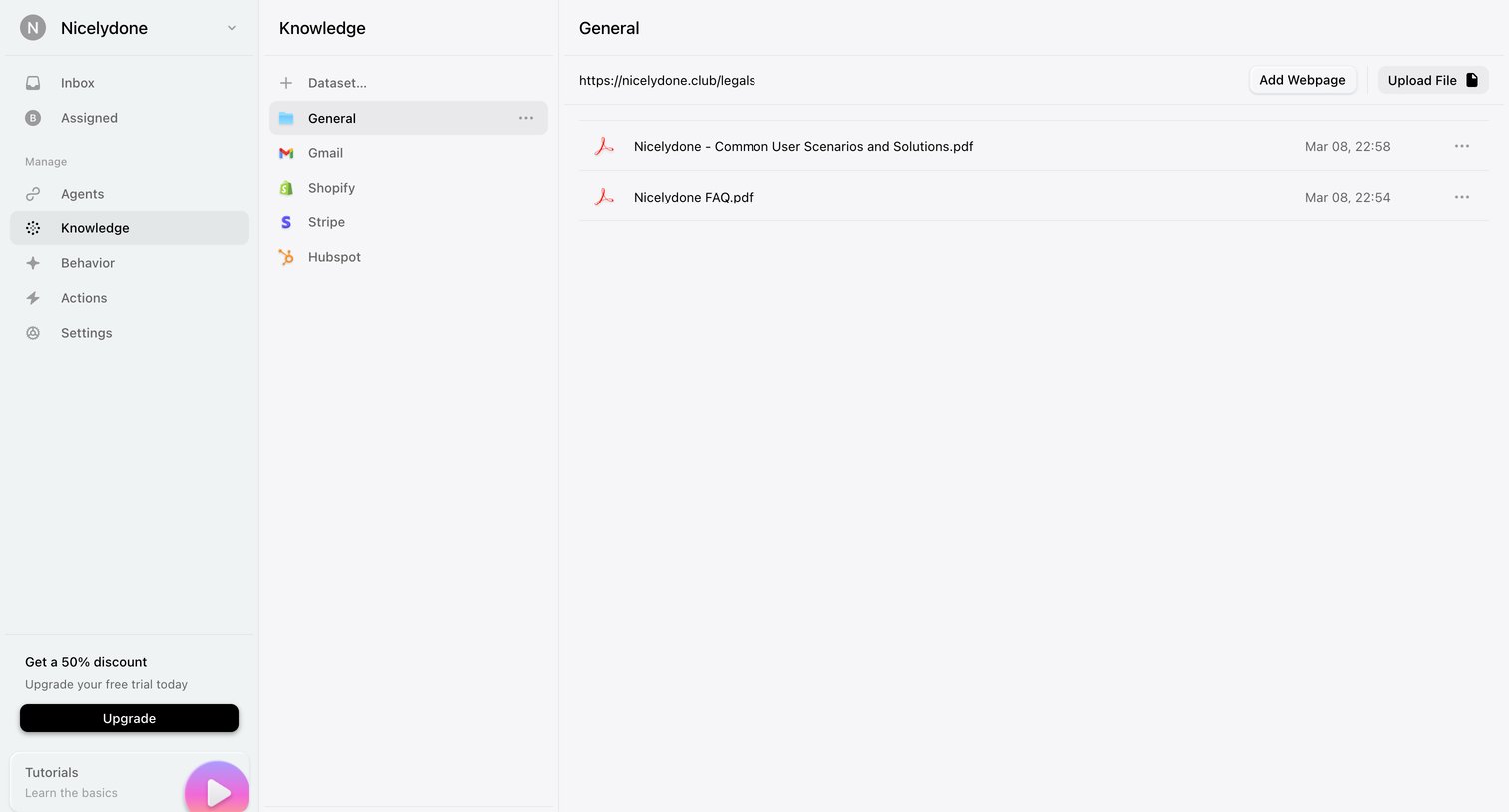

Settings page where the user manages datasets and uploads files or webpages to build their AI agent's knowledge base.
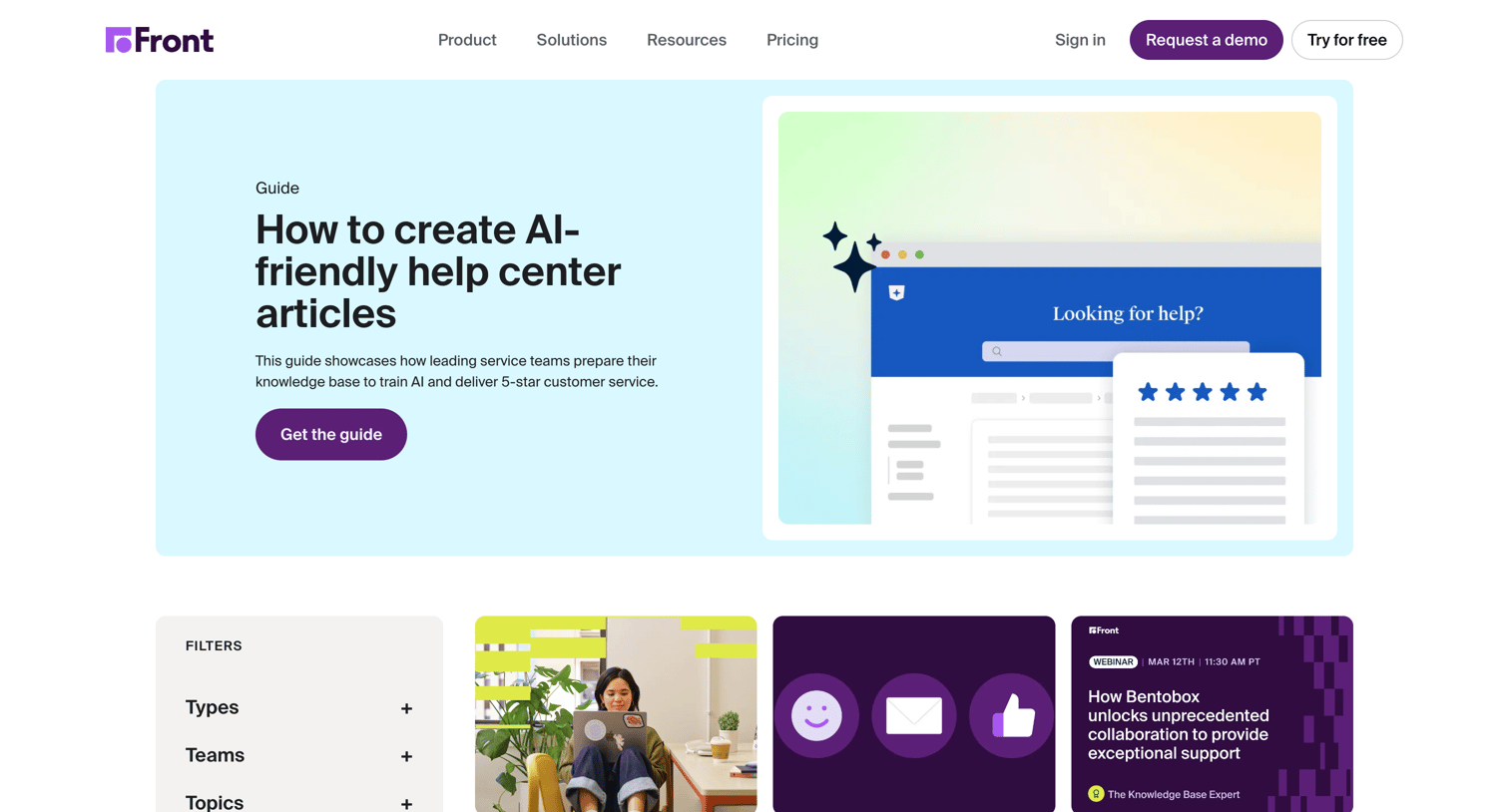

Resources page where the user browses and filters guides, worksheets, and webinars by type, team, topic, and industry.
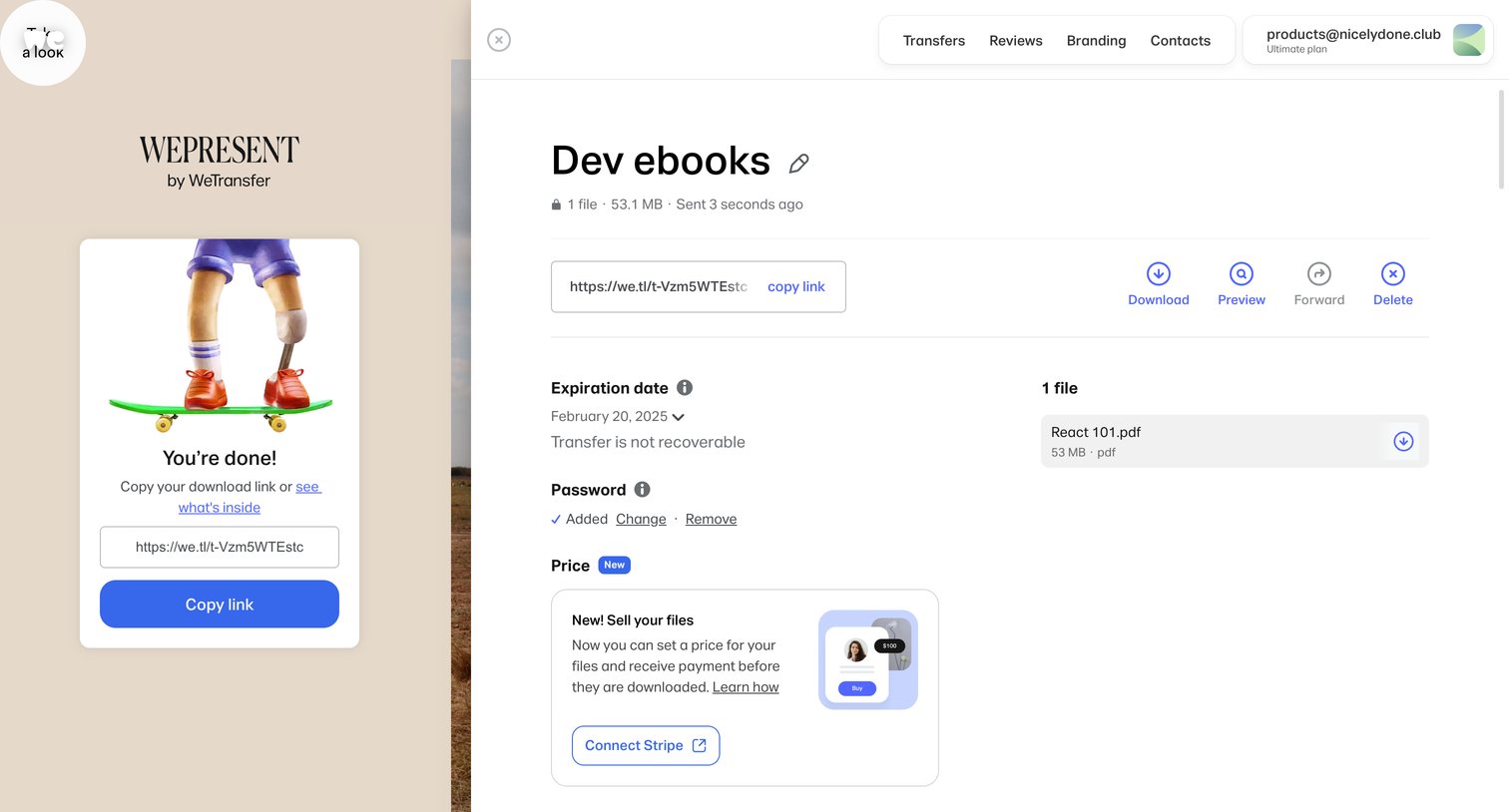

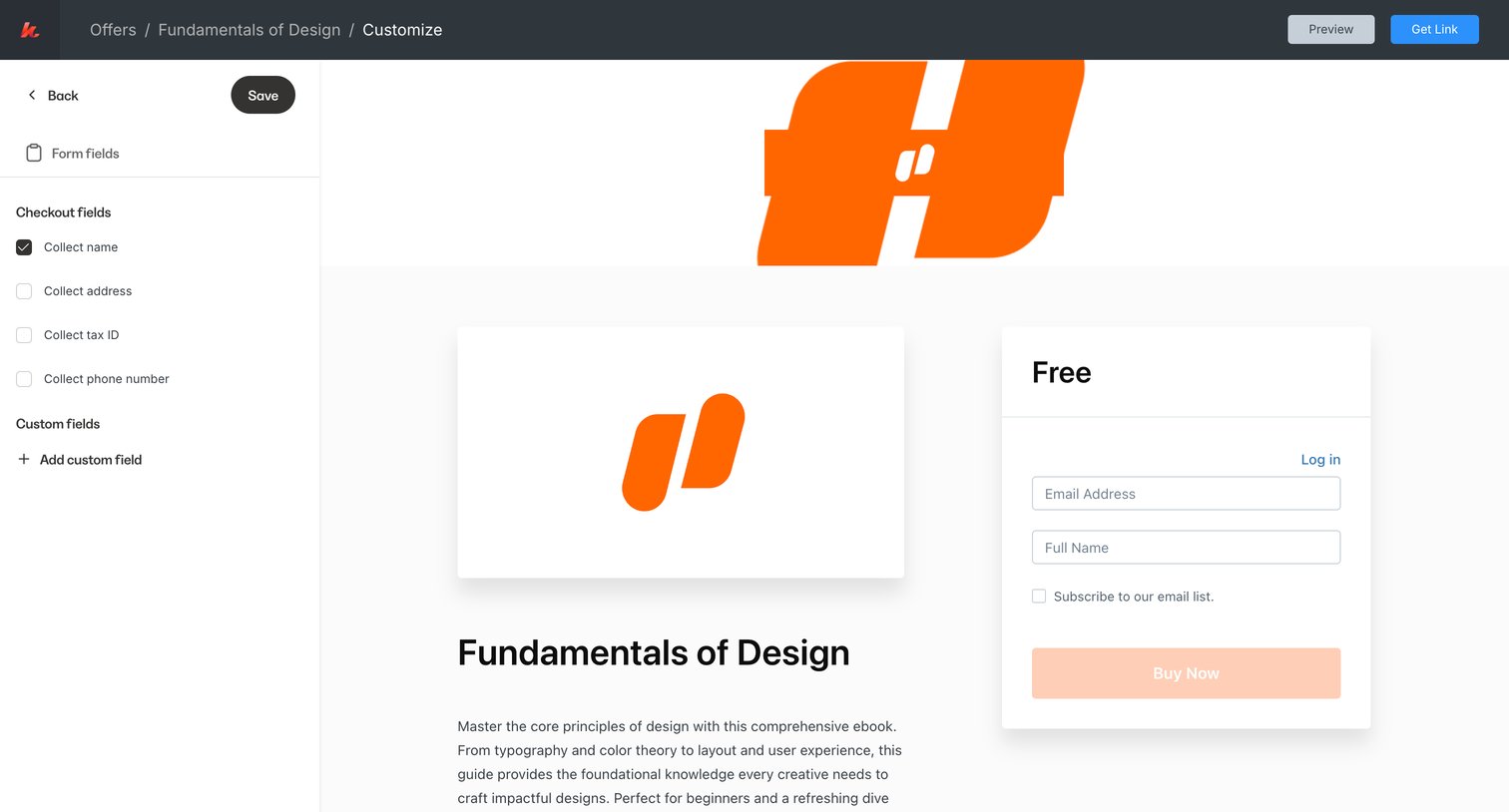
Detail drawer showing a completed file transfer with options to copy the link, download, forward, and configure expiration, password, and pricing via Stripe.
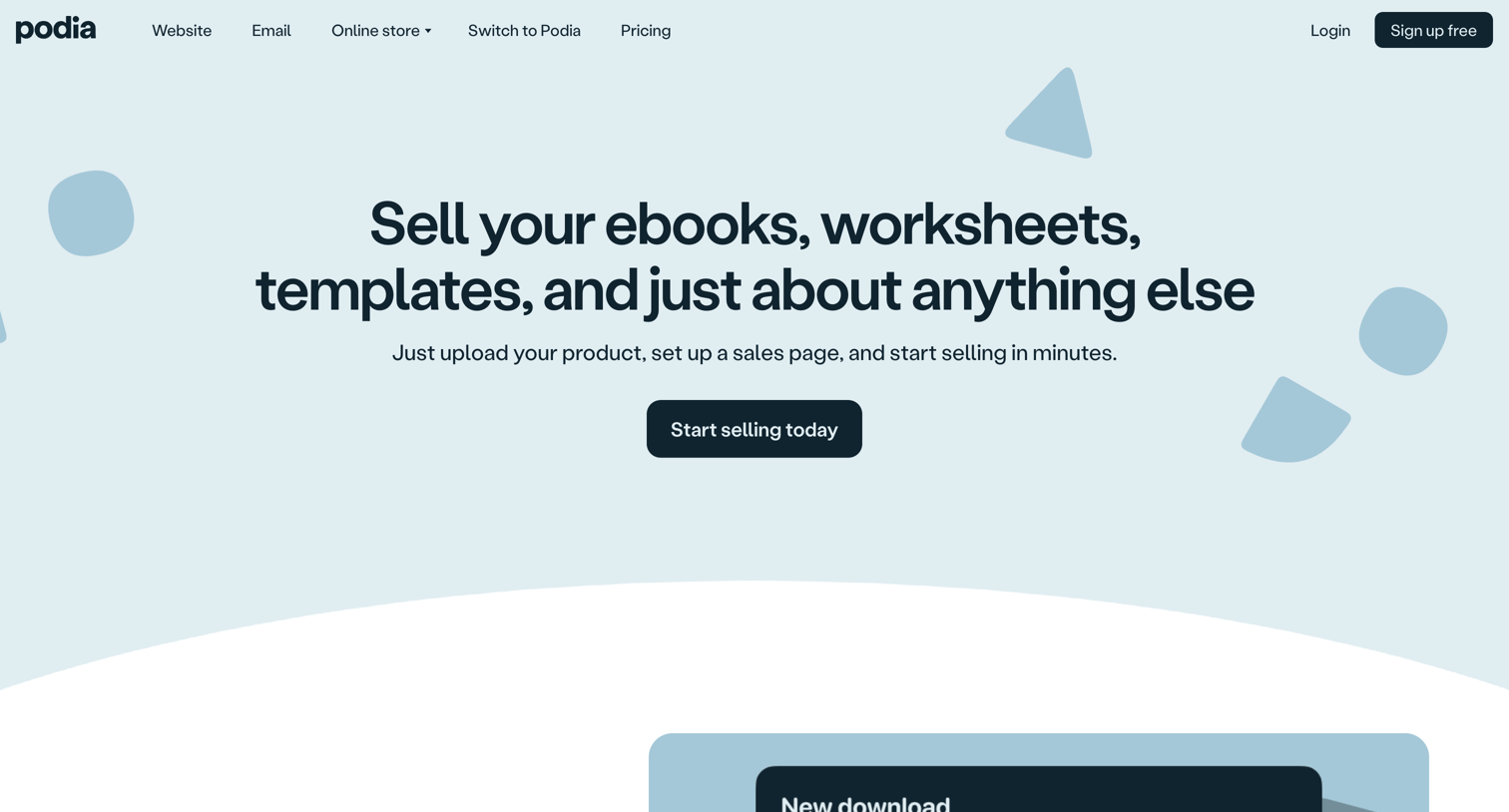

Feature page explaining how creators can upload, sell, and deliver digital products like ebooks and templates, highlighting key benefits, customer stories, and a comprehensive feature checklist.
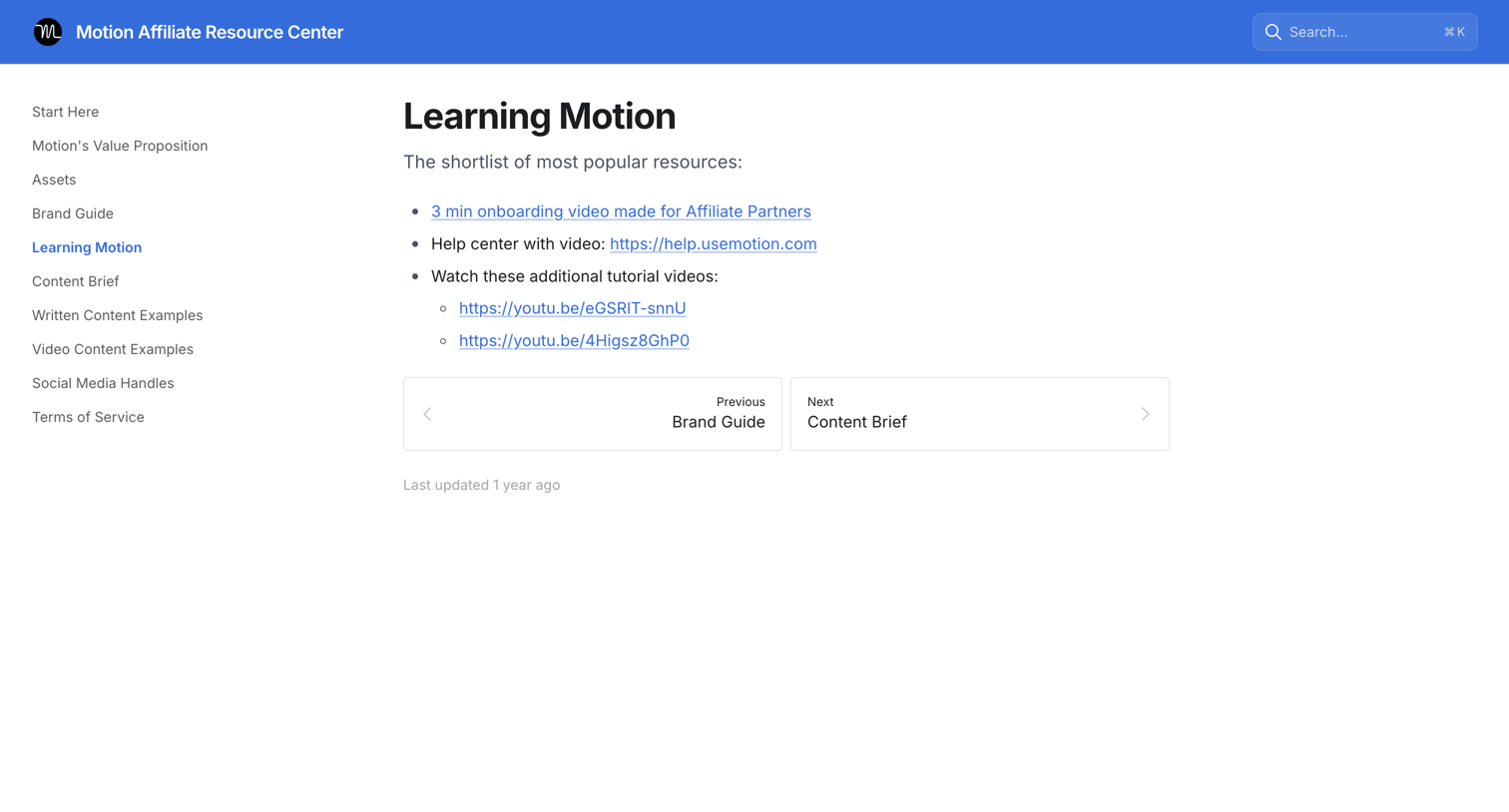

Guide page providing affiliate partners with a shortlist of popular resources including onboarding videos and help center links.
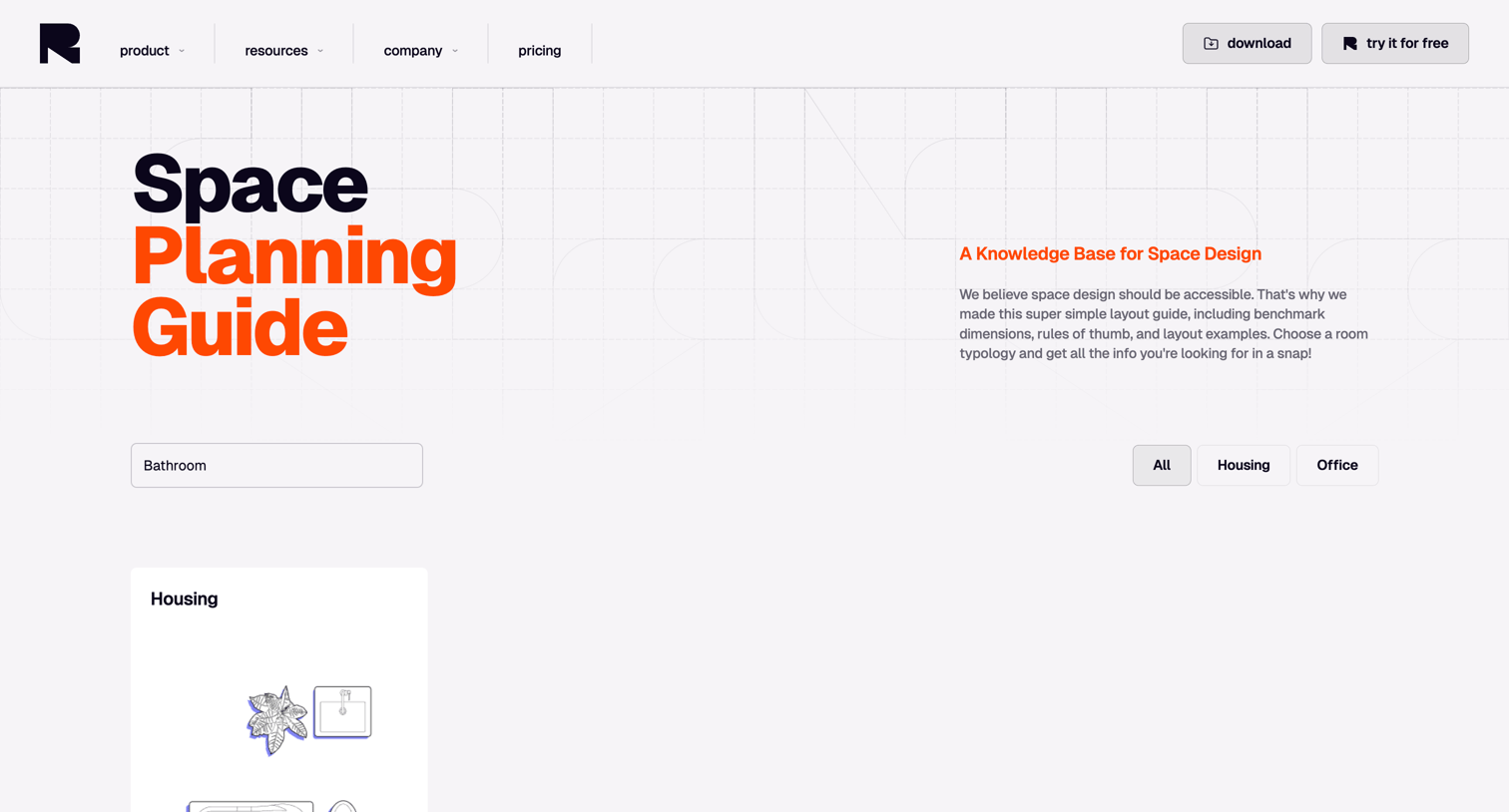

Resource page offering a searchable space planning guide where users can filter benchmark dimensions and layout examples by room typology.

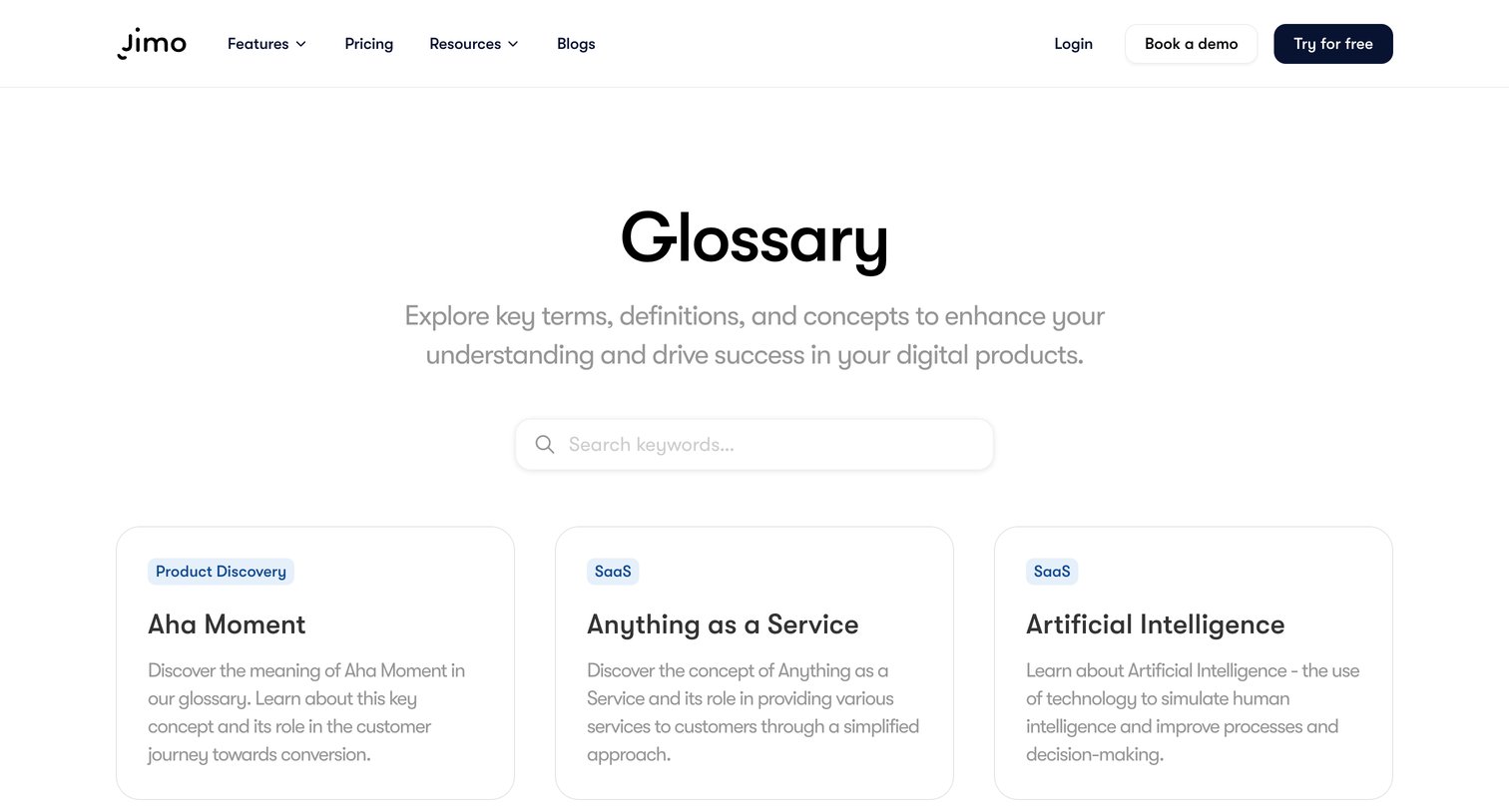

Glossary page where the user searches for key terms and browses definitions related to digital products via a grid of cards.
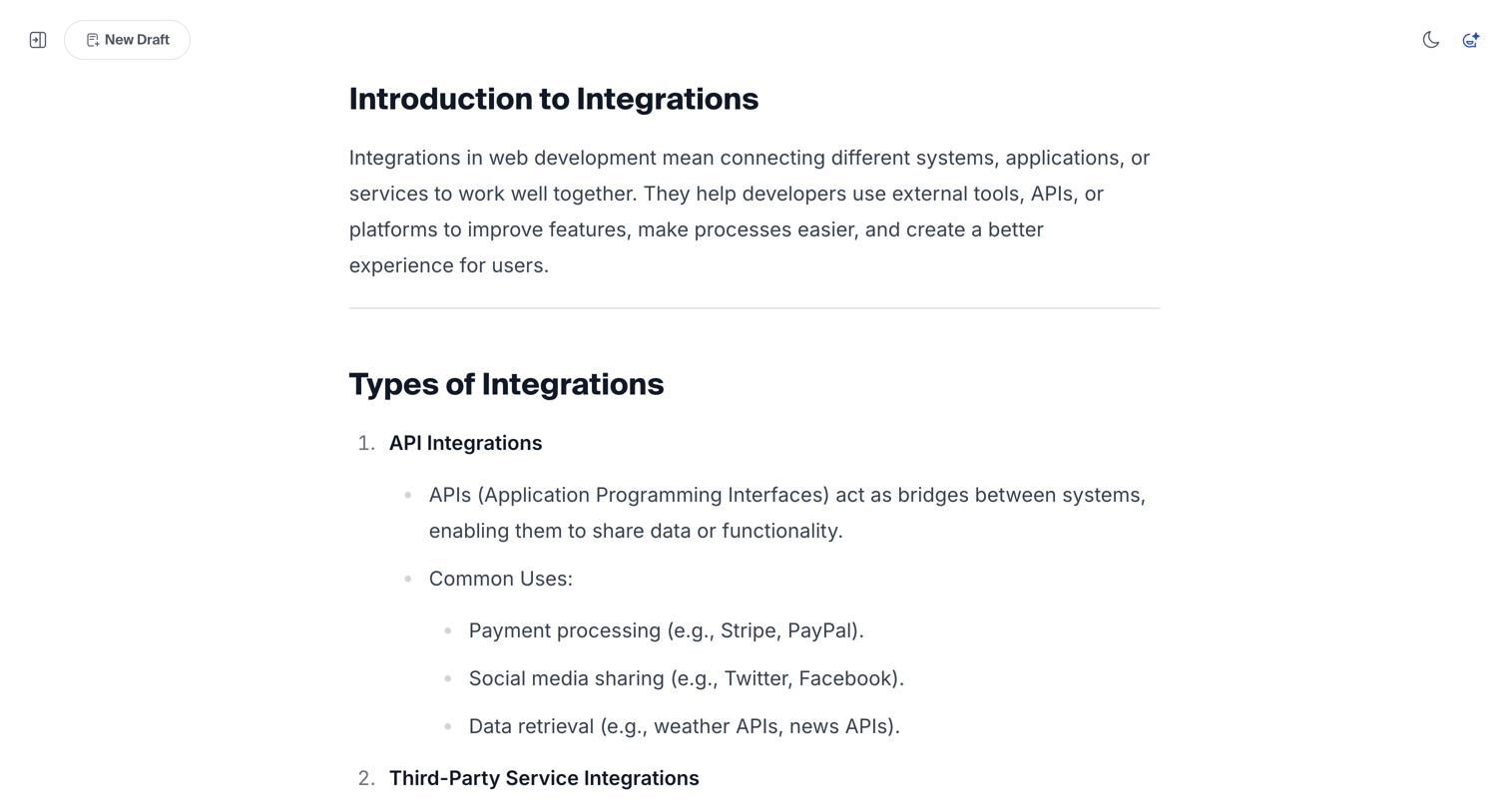

Content editor where the user is writing or reviewing a structured article about software integrations.
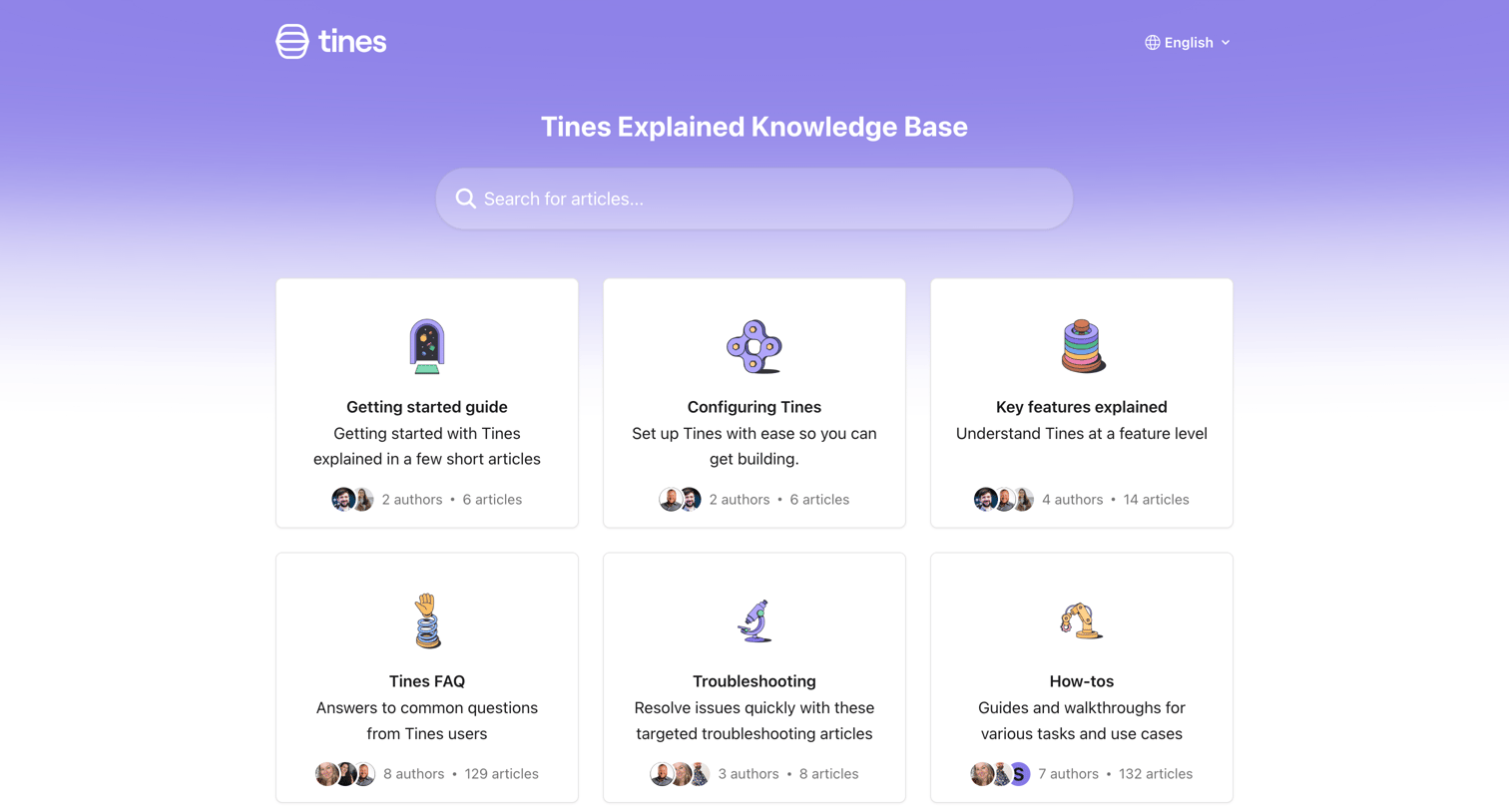

Help center homepage where the user can search for articles, browse categories like Getting started and Troubleshooting, or jump to popular articles.
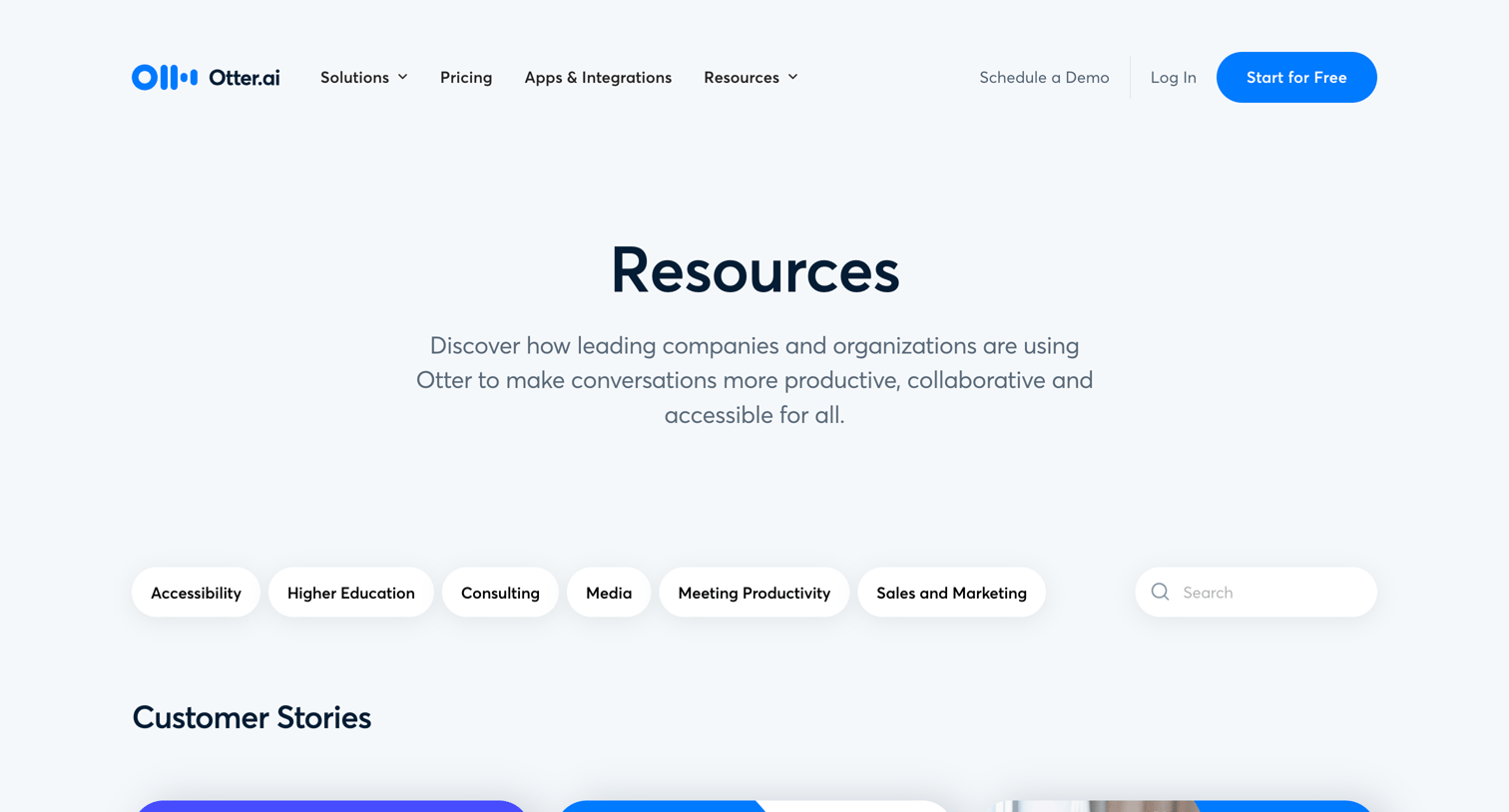

Resources page where the user can browse customer stories, reports, and webinars filtered by topics like accessibility and meeting productivity.
Explore the full SaaS screen library
Upgrade to unlock the full library.
Trusted by the best teams







