Document sharing screen examples
Document sharing screen design examples from SaaS apps. Browse examples from Dock, Town, Assembly AI App Builder.
Explore the examples
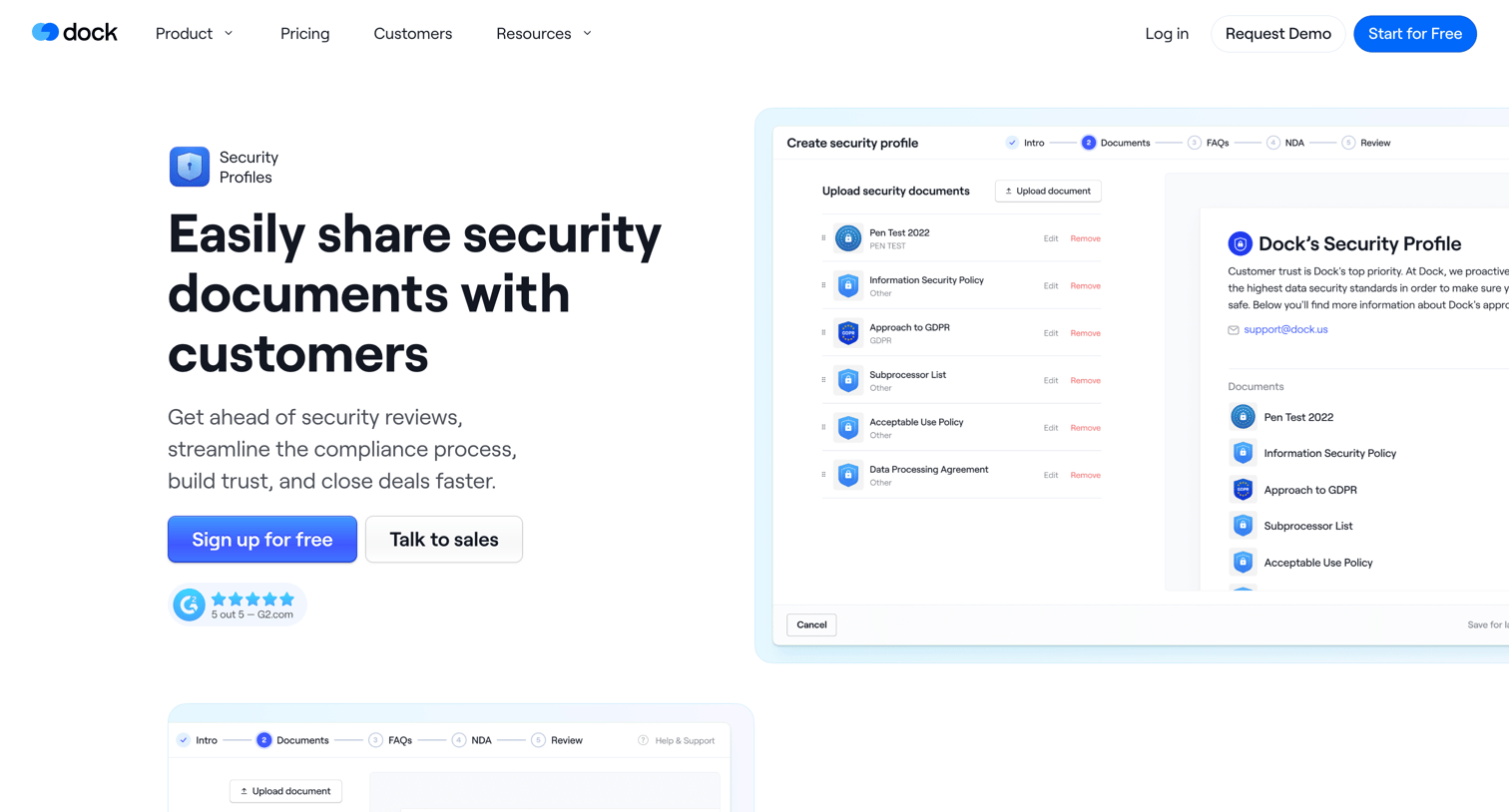

Feature page explaining how teams can create and share security profiles, documents, and NDAs with customers.
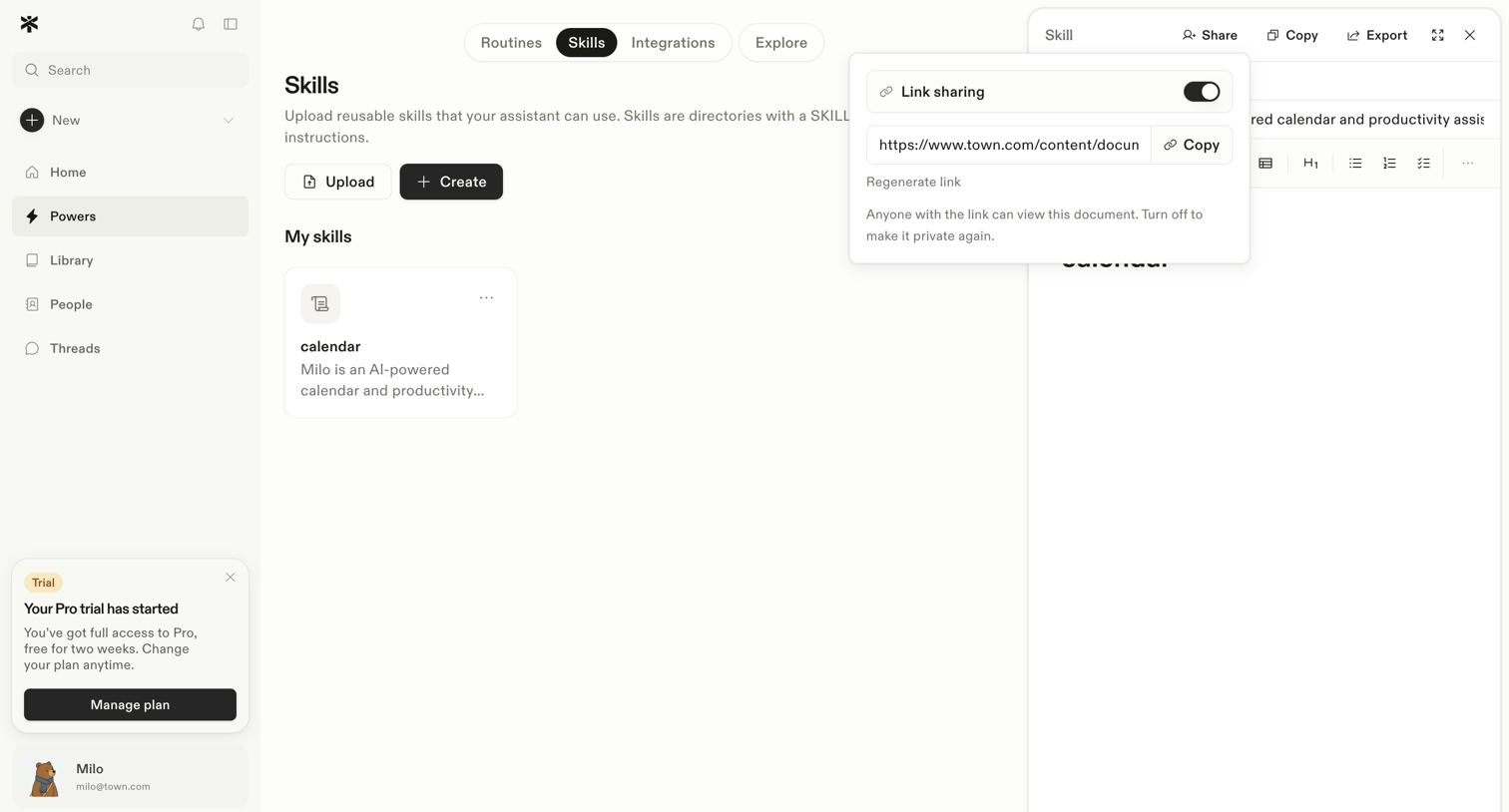

Content editor where the user edits instructions for an AI calendar skill and configures link sharing via an open popover.
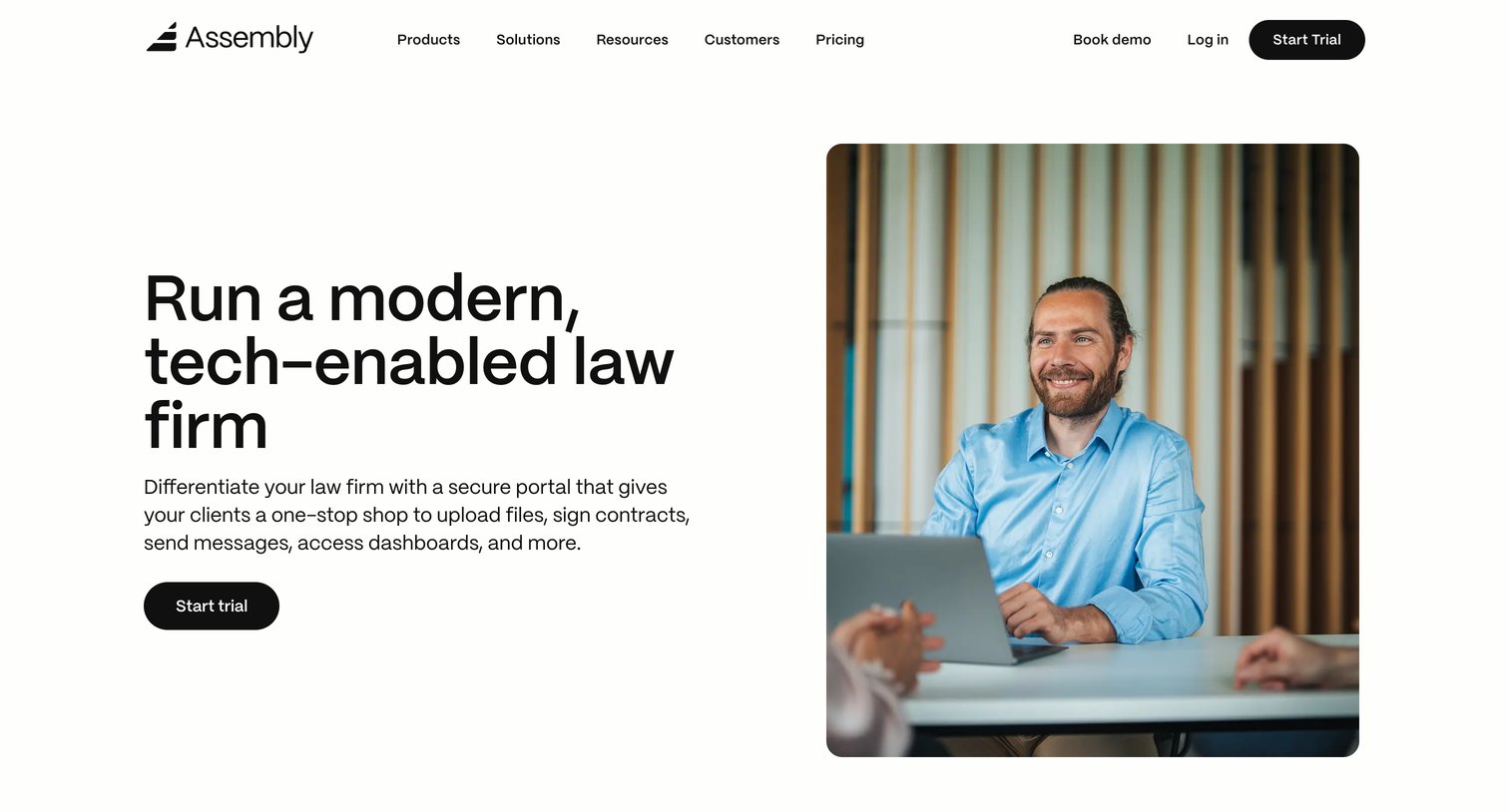

Use case page detailing how law firms can use the platform for client portals, document sharing, and practice management.
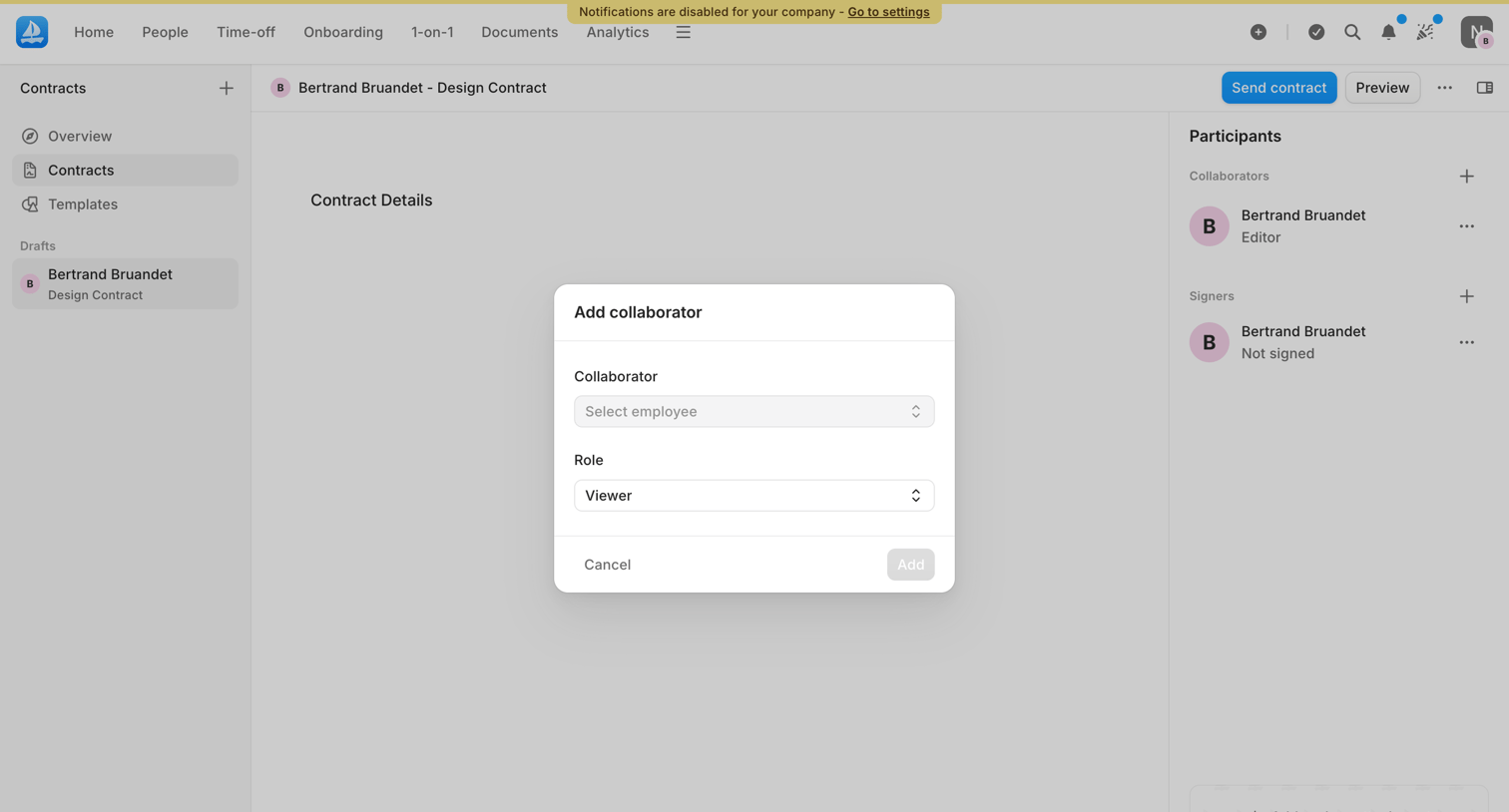

Detail page for a design contract where the user is adding a collaborator via a modal, with participants and draft details visible in the background.
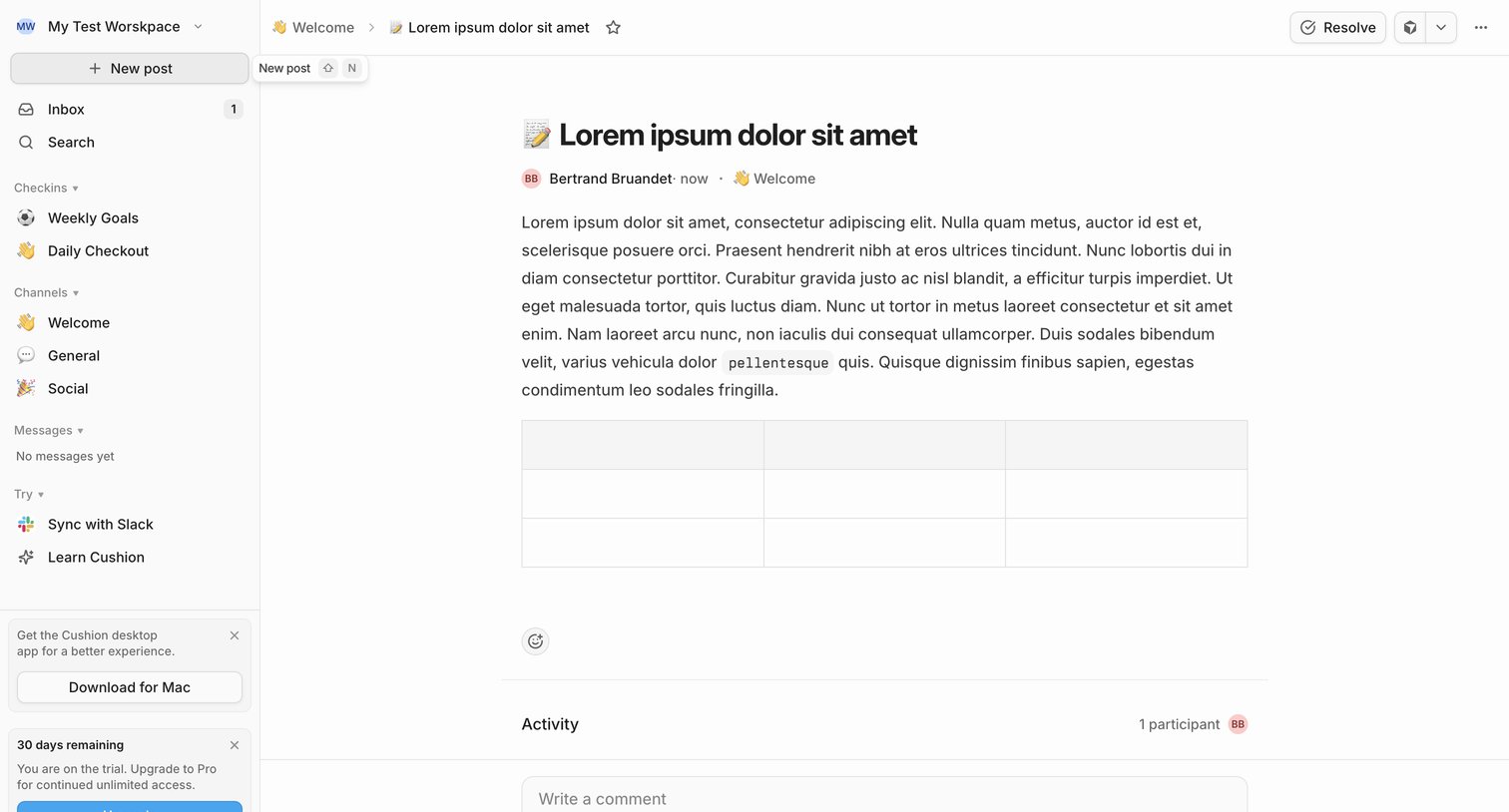

Detail page where a user reads a team update in the Welcome channel, views activity participants, and can write a comment or resolve the post.
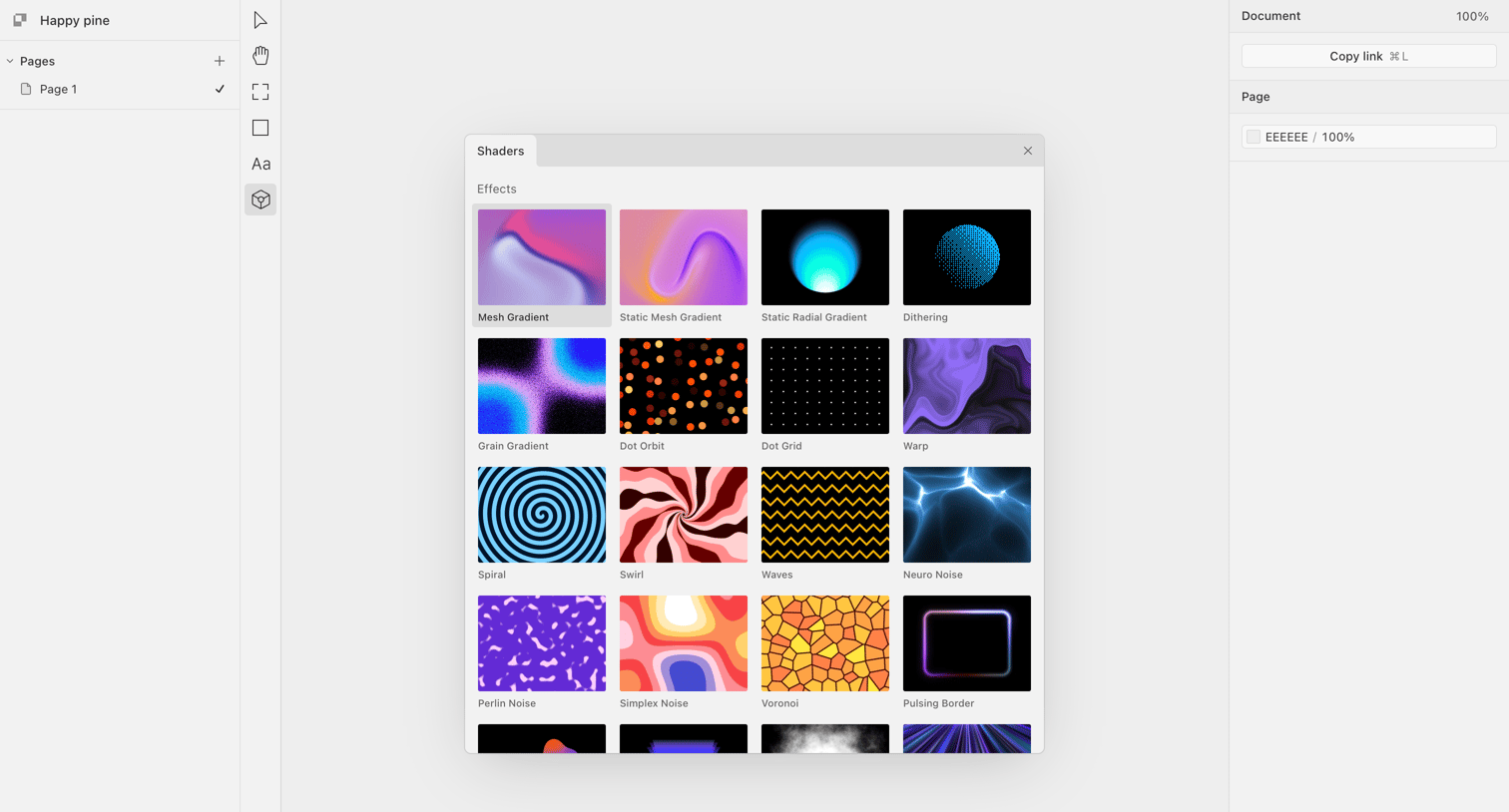

Design editor canvas with a central modal open for selecting various shader effects like mesh gradients, noise, and spirals to apply to an element.
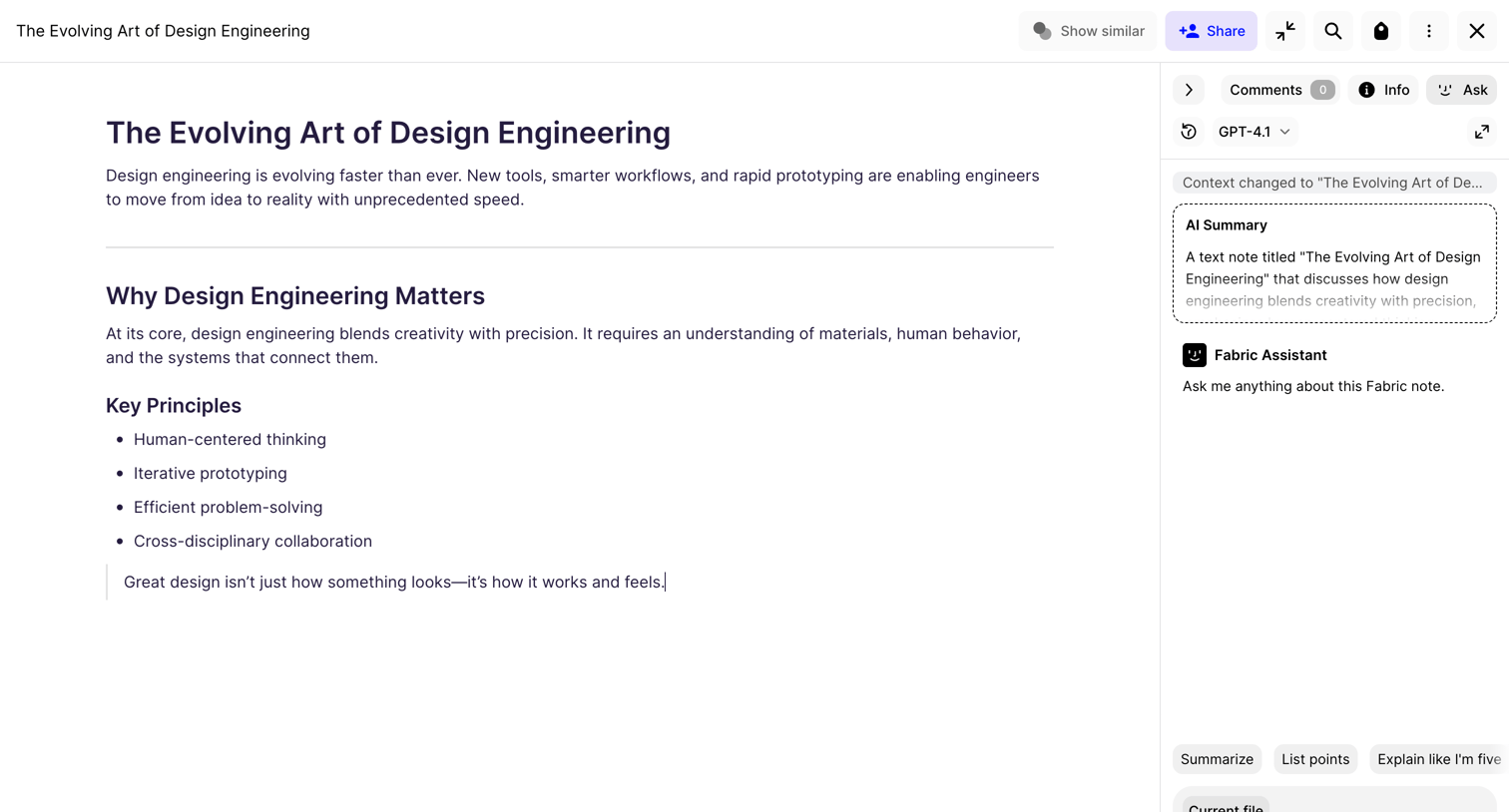

Document editor where the user is writing an article about design engineering with an AI assistant panel open for summarizing and asking questions.
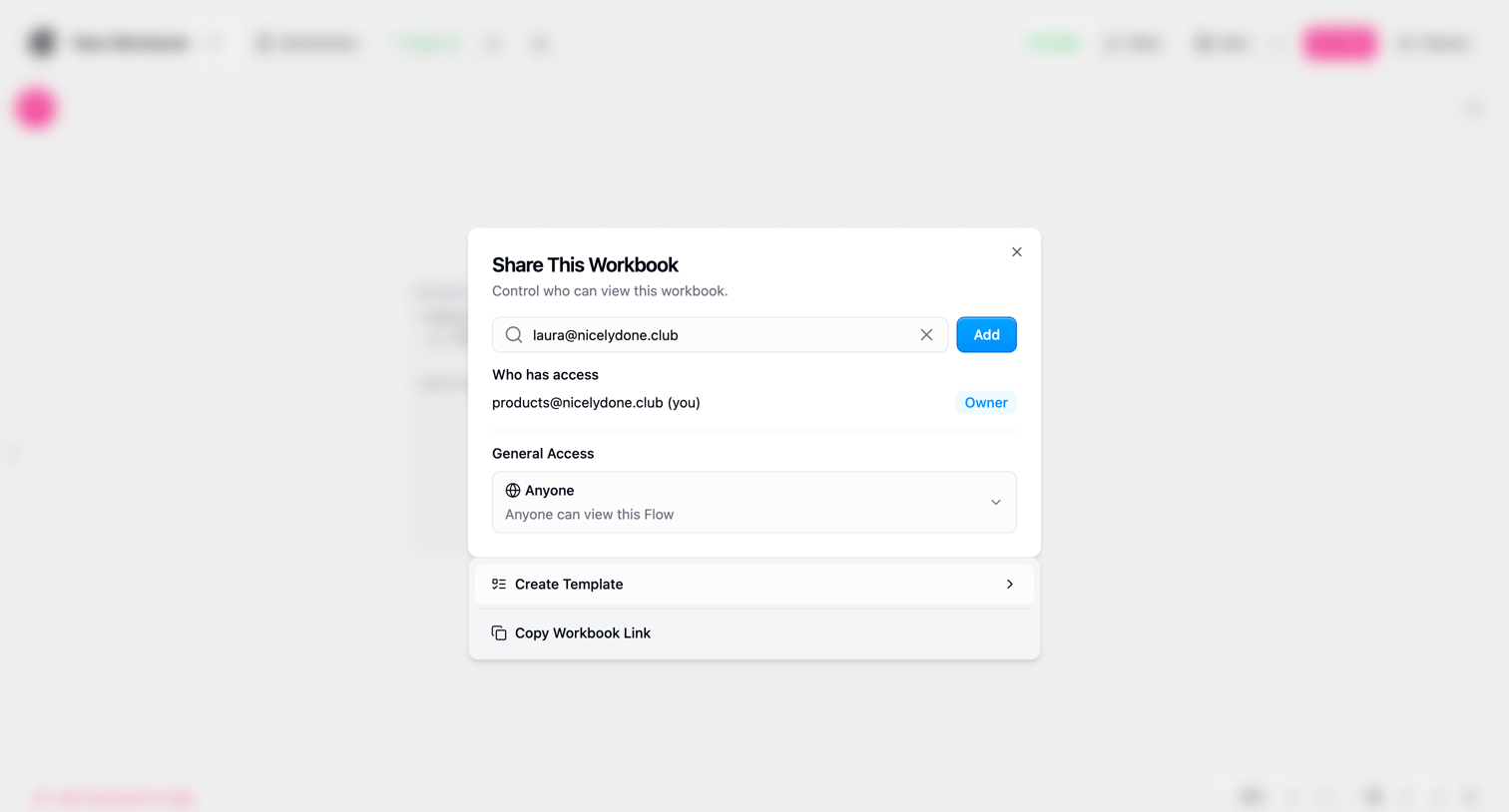

Modal overlay where the user invites collaborators by email and configures general access permissions for a workflow.
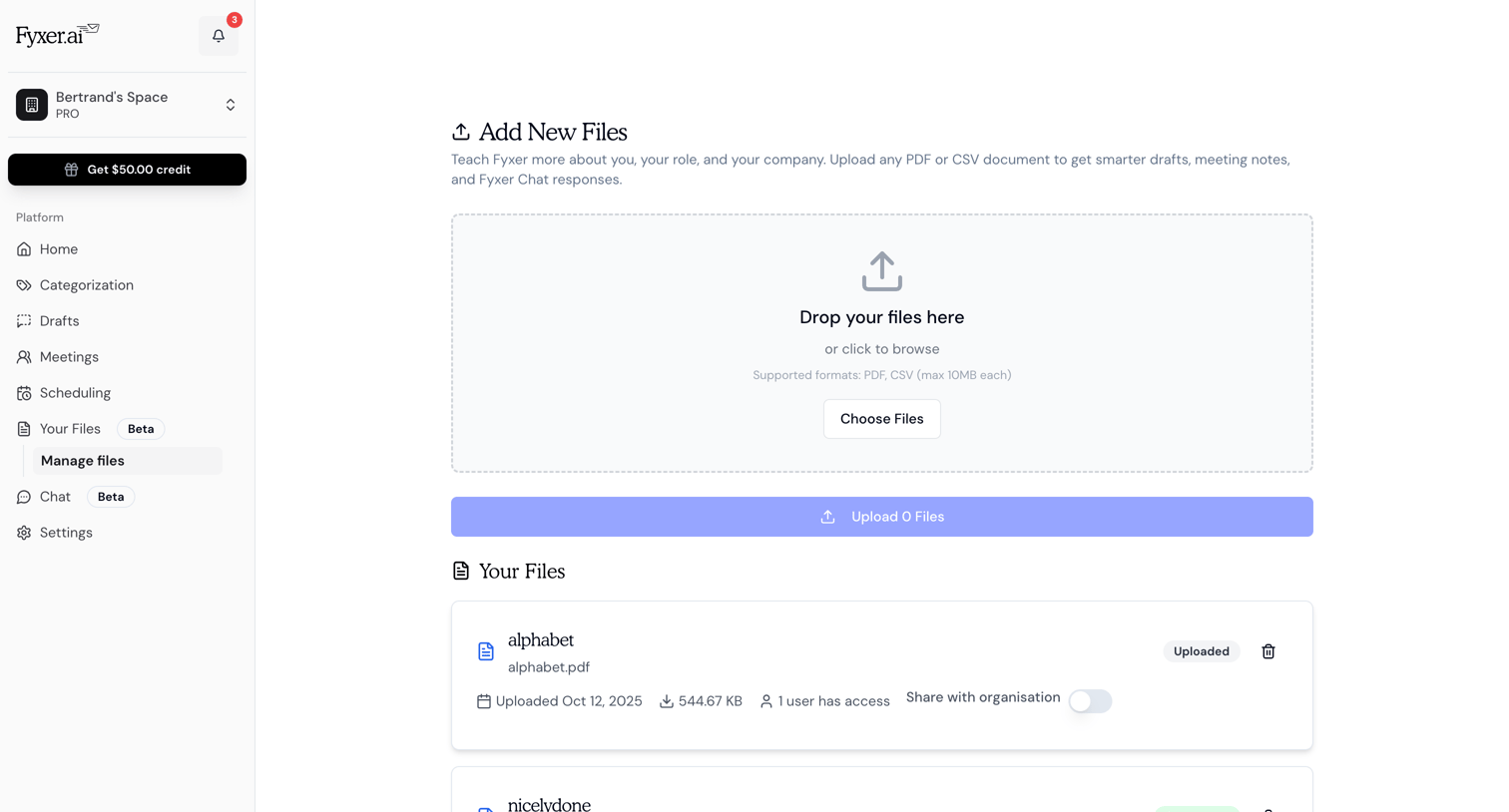

List view where the user uploads PDF or CSV documents to teach the AI assistant and manages access to previously uploaded files.
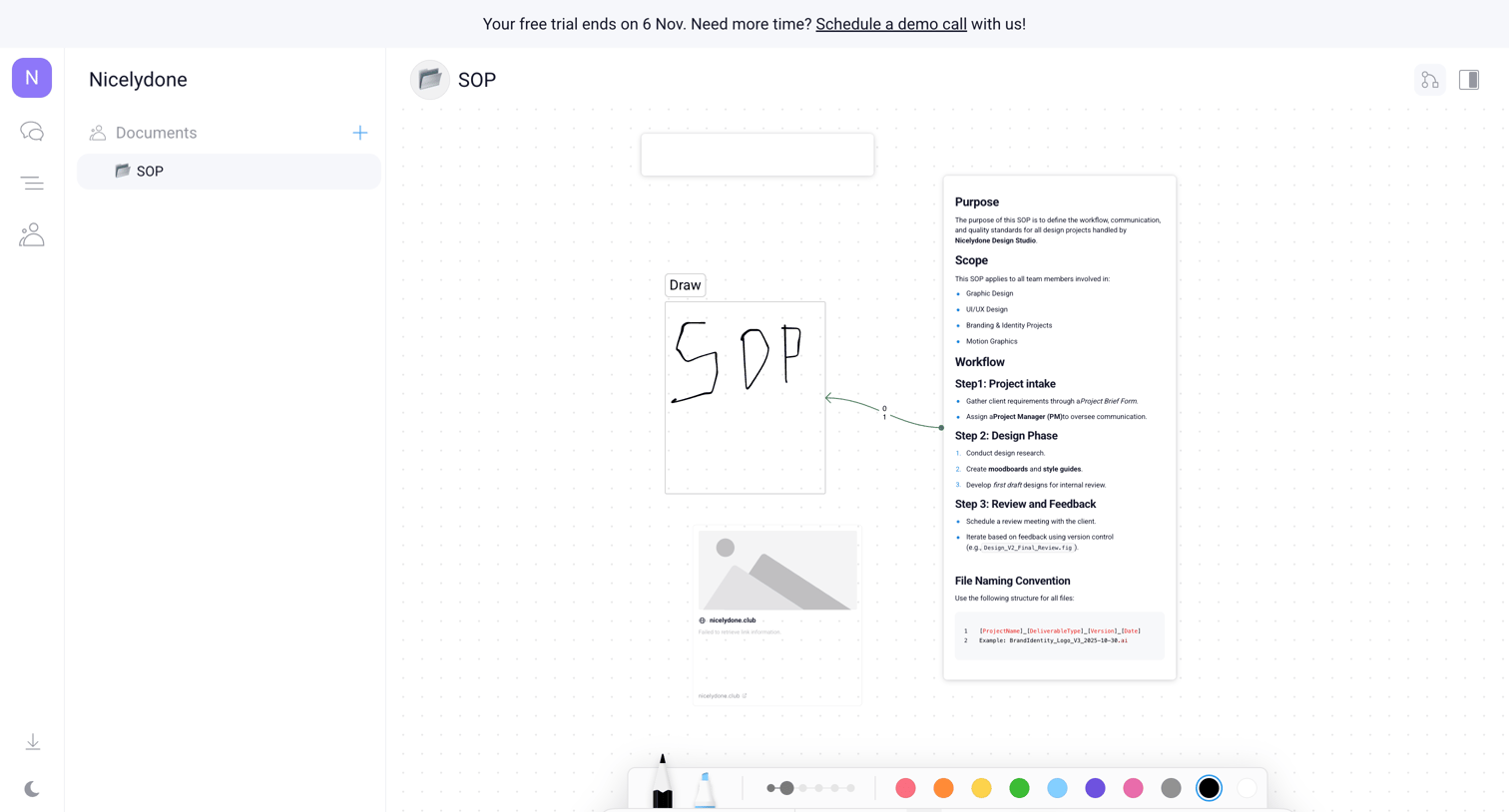

Whiteboard editor where the user creates an SOP using text blocks, drawing tools, and image placeholders on an infinite canvas.
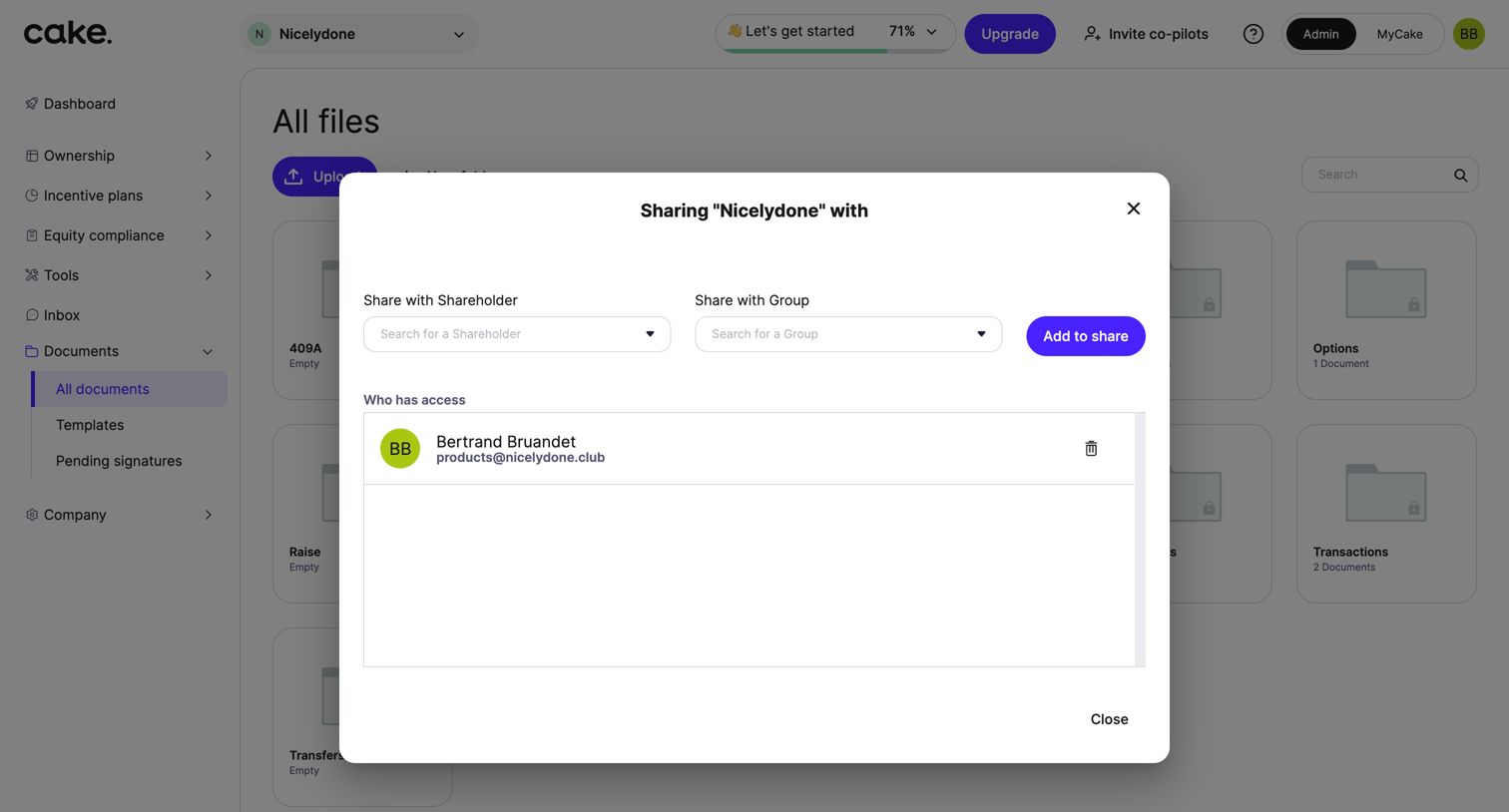

List view where the user manages access to a folder by sharing it with specific shareholders or groups via a modal.
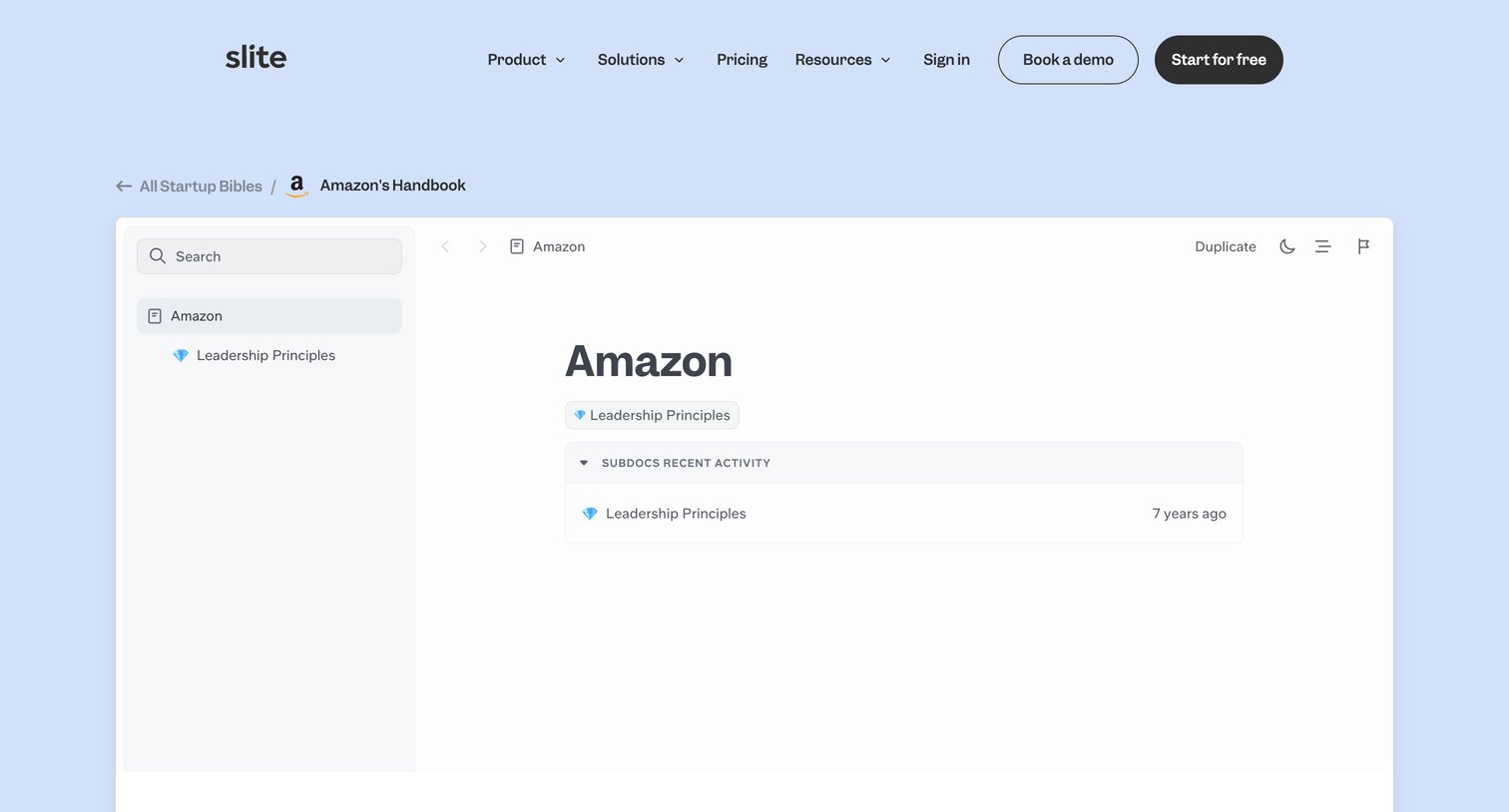

Marketing resource page where the user can view the Amazon startup handbook template, duplicate it, or browse other company handbooks like Gitlab and Hotjar.
Explore the full SaaS screen library
Upgrade to unlock the full library.
Trusted by the best teams







