Document creation screen examples
Document creation screen design examples from SaaS apps. Browse examples from Zaro, Dock, Aboard.
Explore the examples
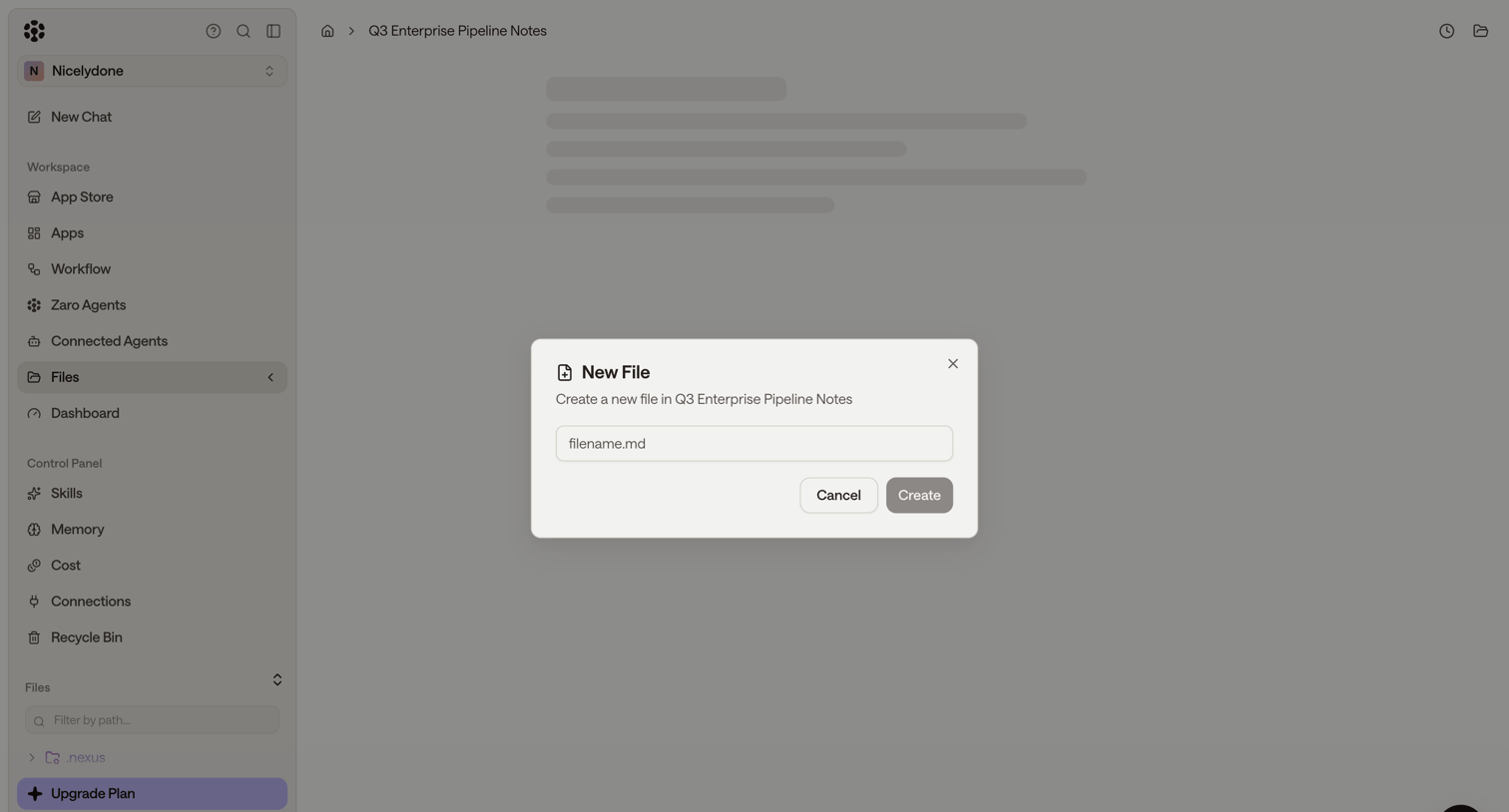

Detail page where the user creates a new markdown file named filename.md within the Q3 Enterprise Pipeline Notes directory via a centered modal.
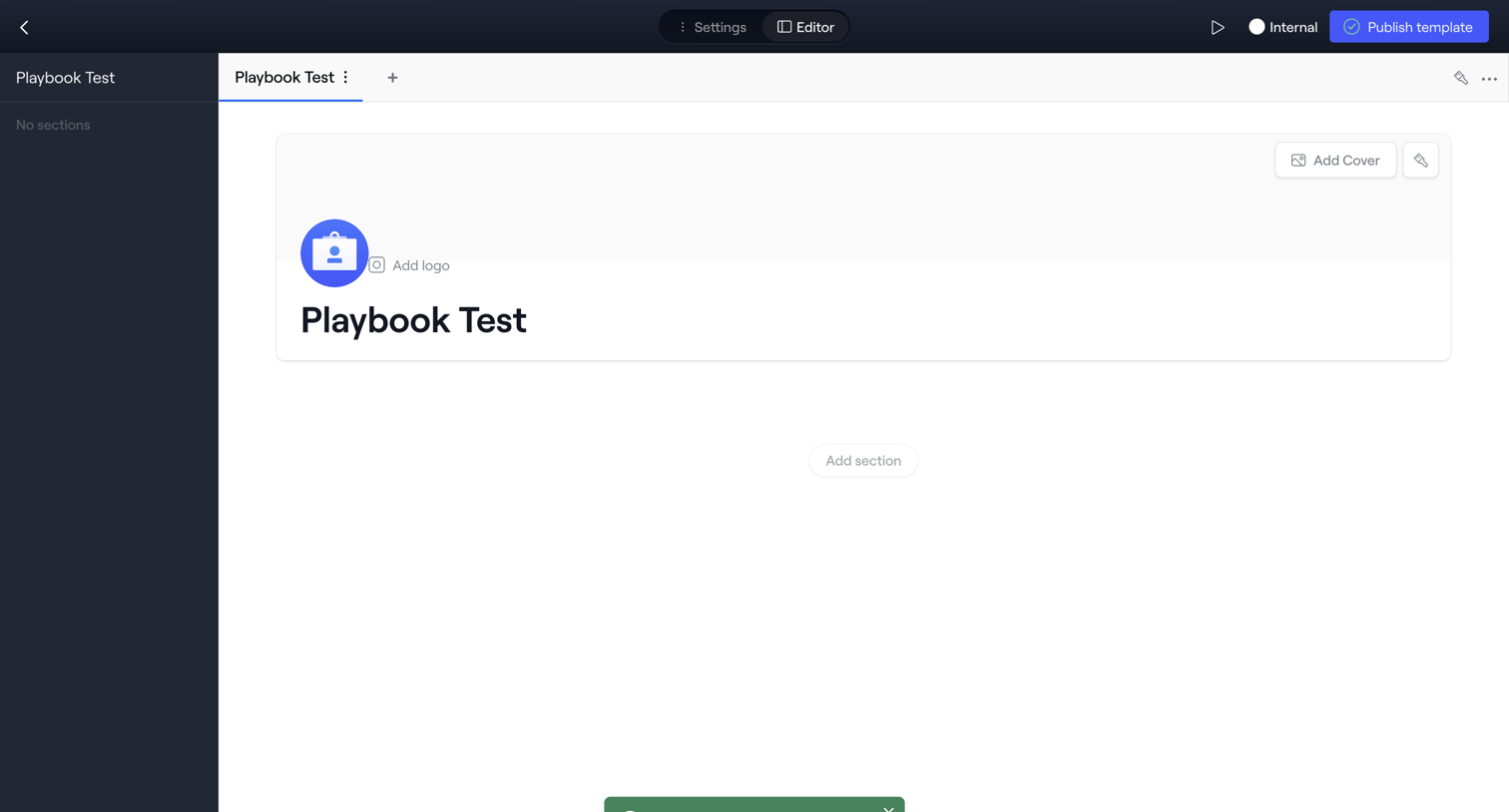

Block-based content editor where the user sets up a new playbook template by adding a cover, logo, and sections.
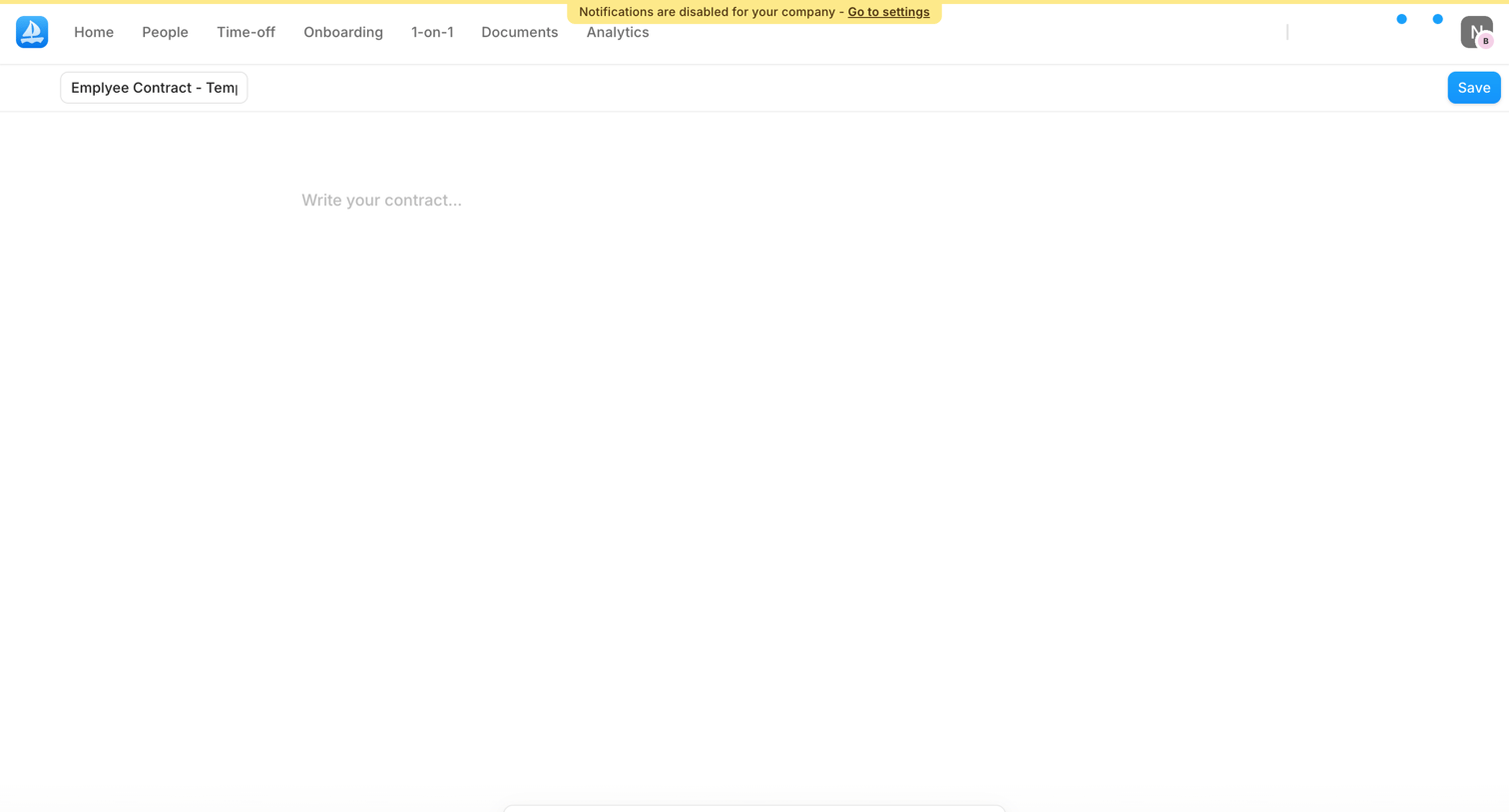

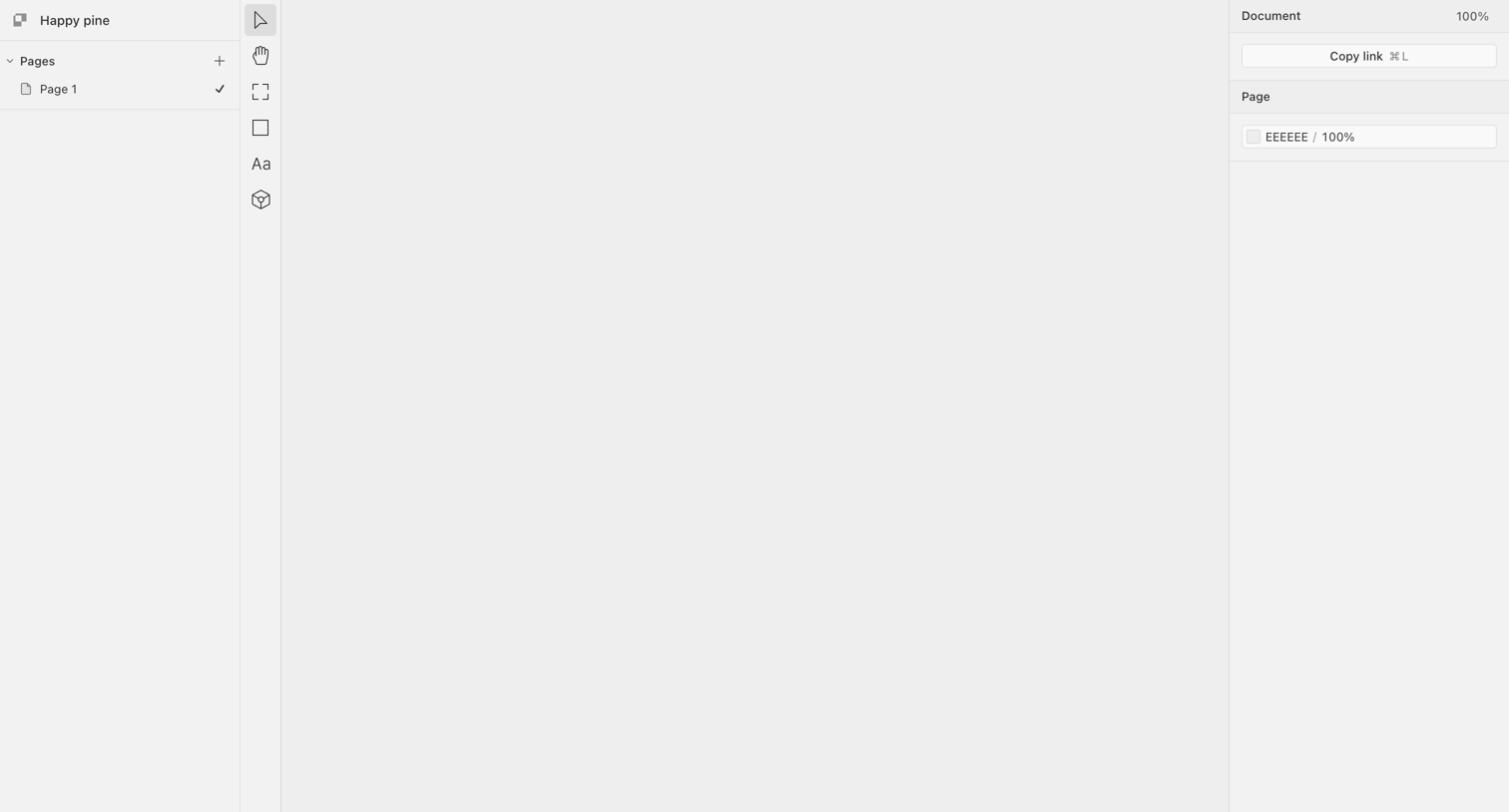

Design editor with an empty canvas, a pages list on the left, a central vertical toolbar, and a properties inspector on the right.
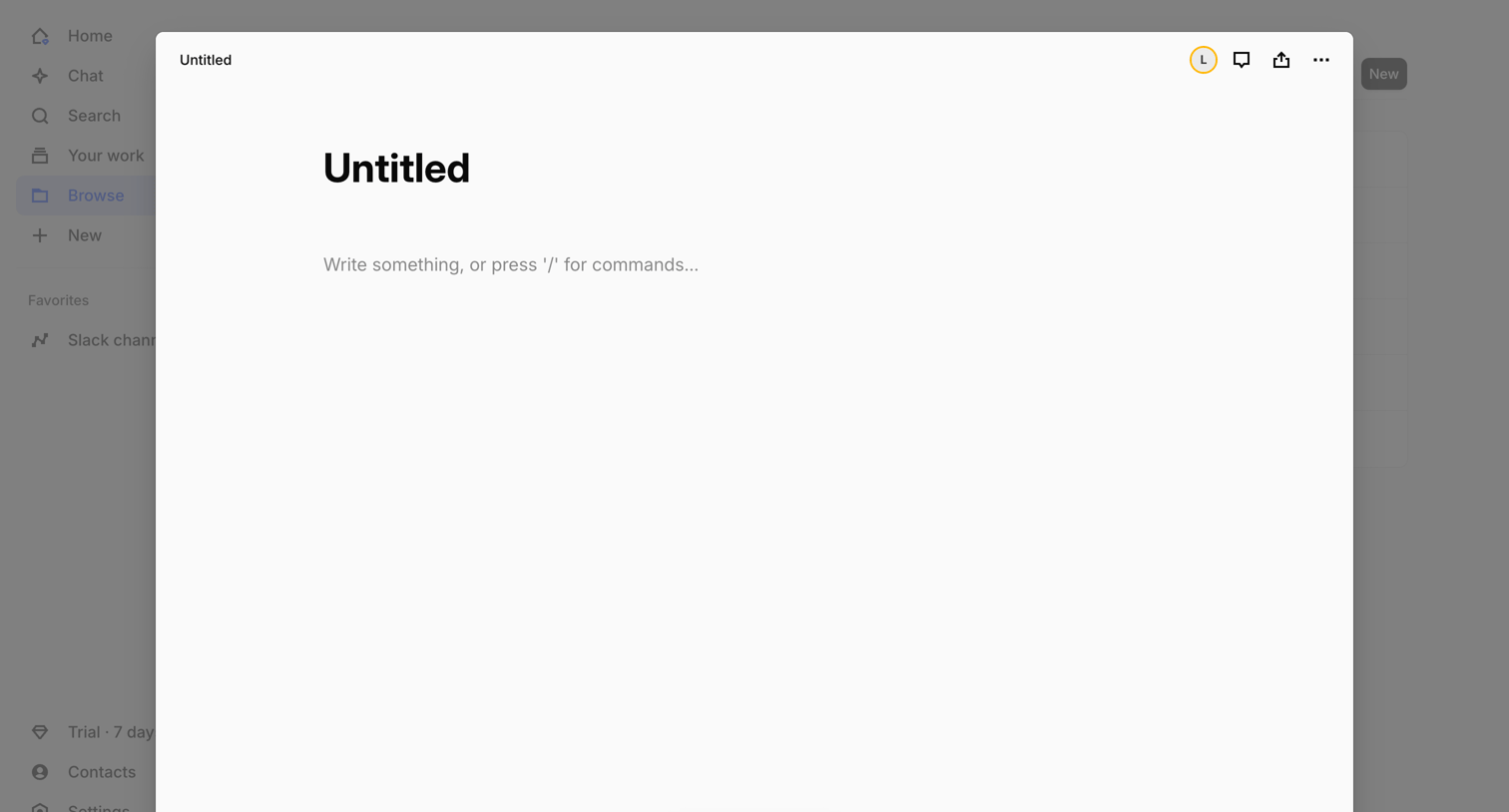

Content editor modal where the user starts writing a new document with block commands or AI assistance.
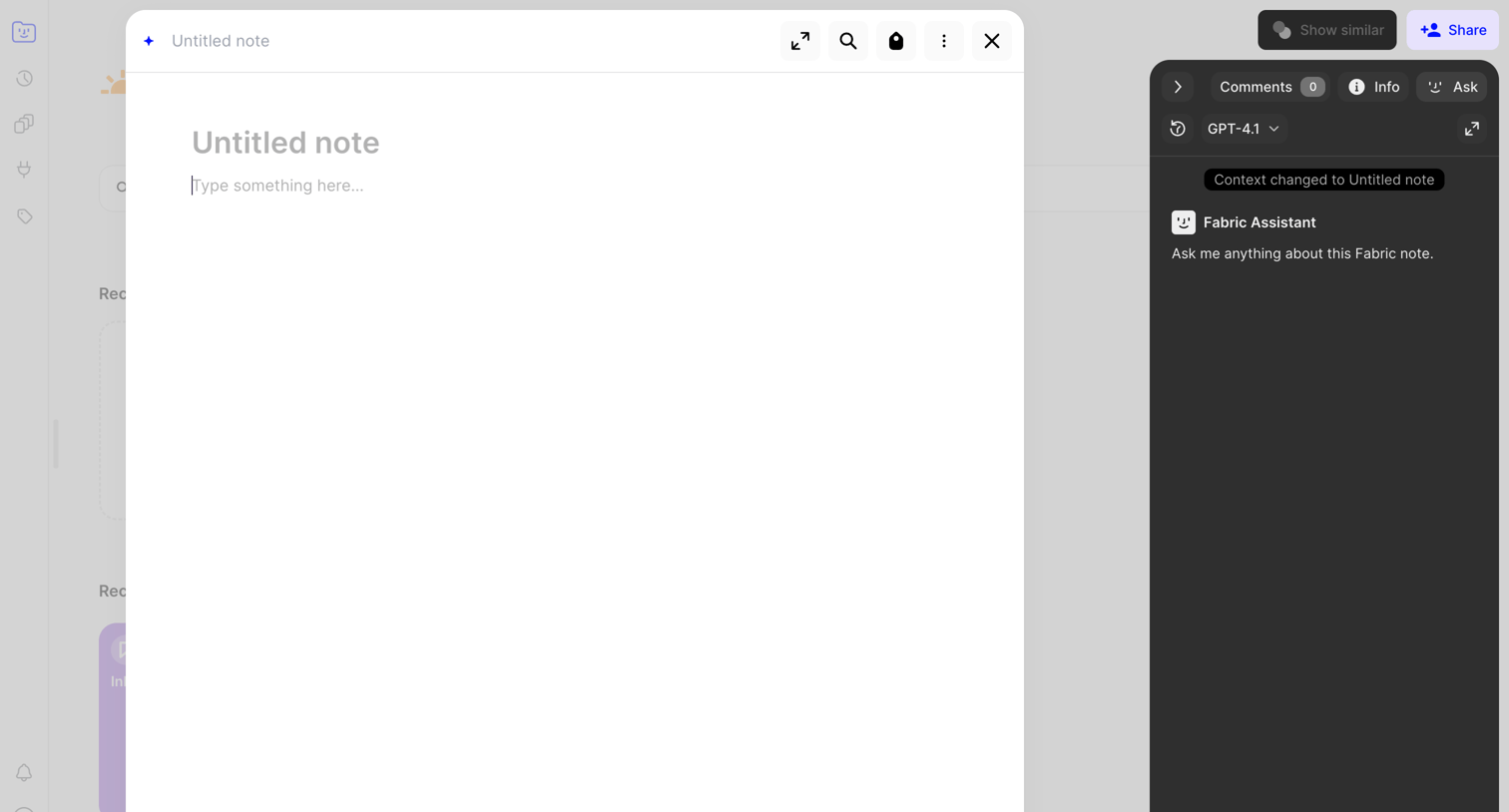

Content editor modal where the user drafts a new note while an AI assistant processes the file context in a dark side panel.
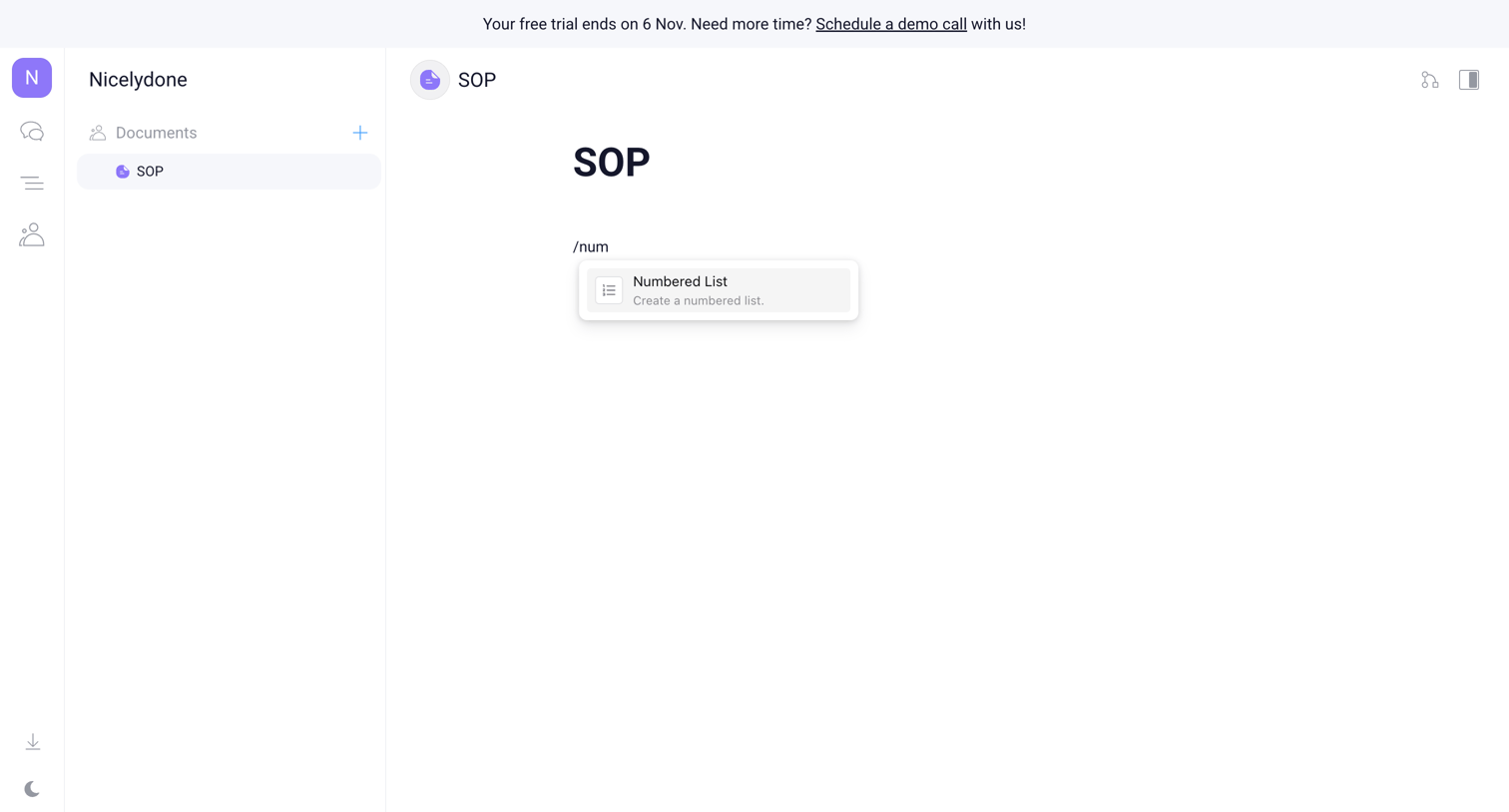

Document editor where the user is using a slash command to insert a numbered list into a new SOP document.
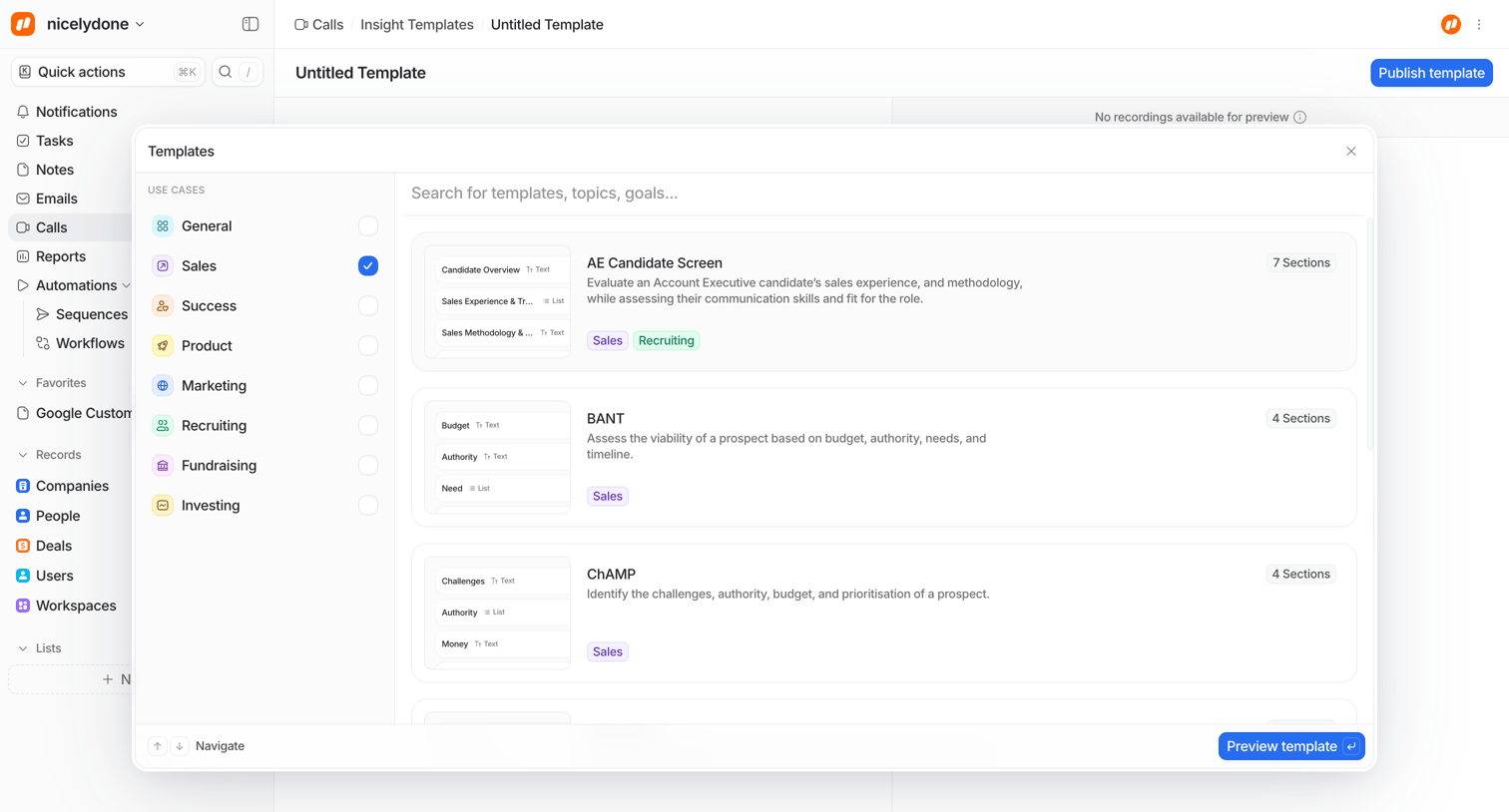

Create page where the user selects a call insight template from categories like Sales, Success, and Product to start a new document.
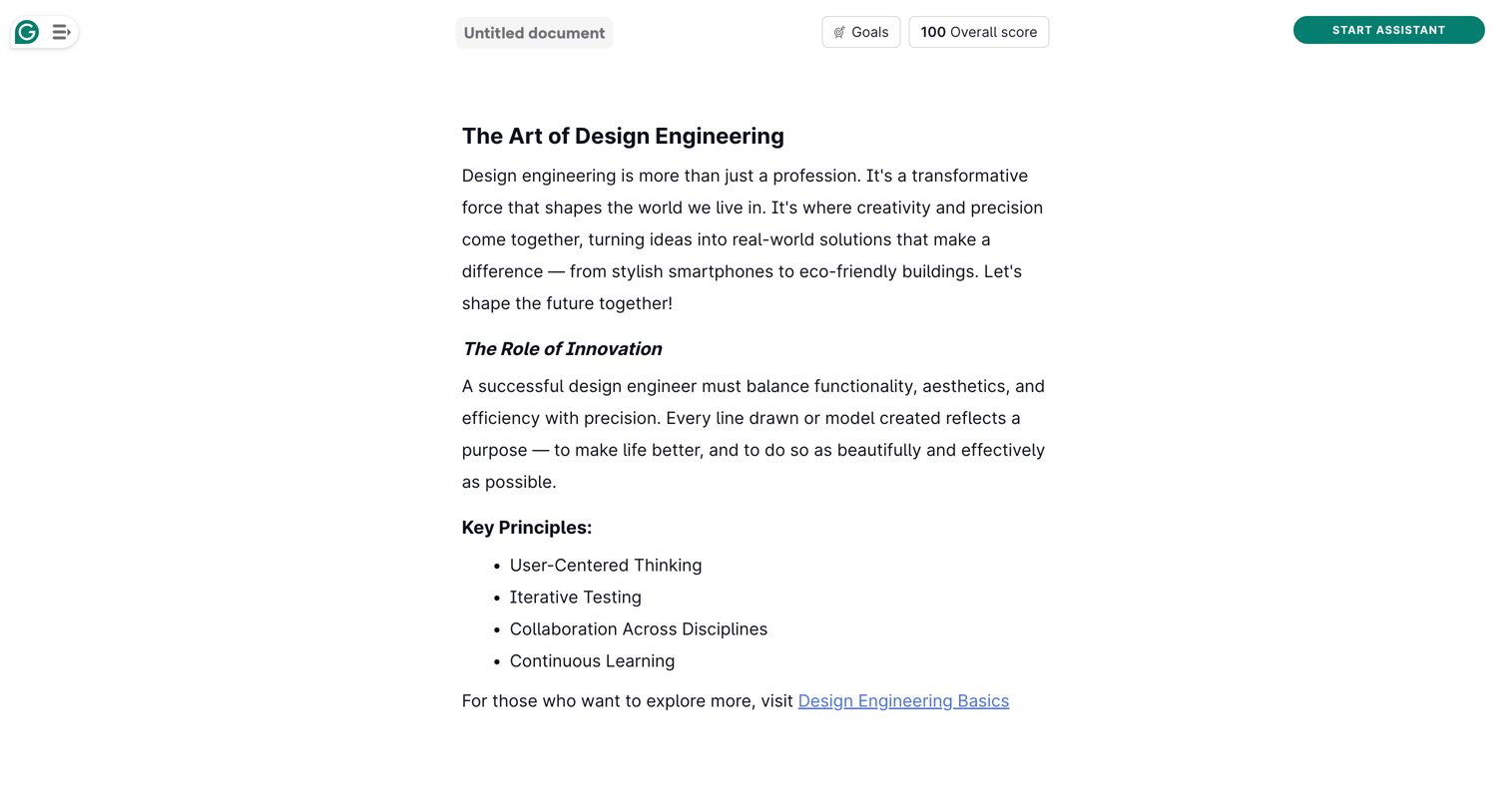

Content editor where the user writes and formats text, with options to set goals and start an AI assistant.
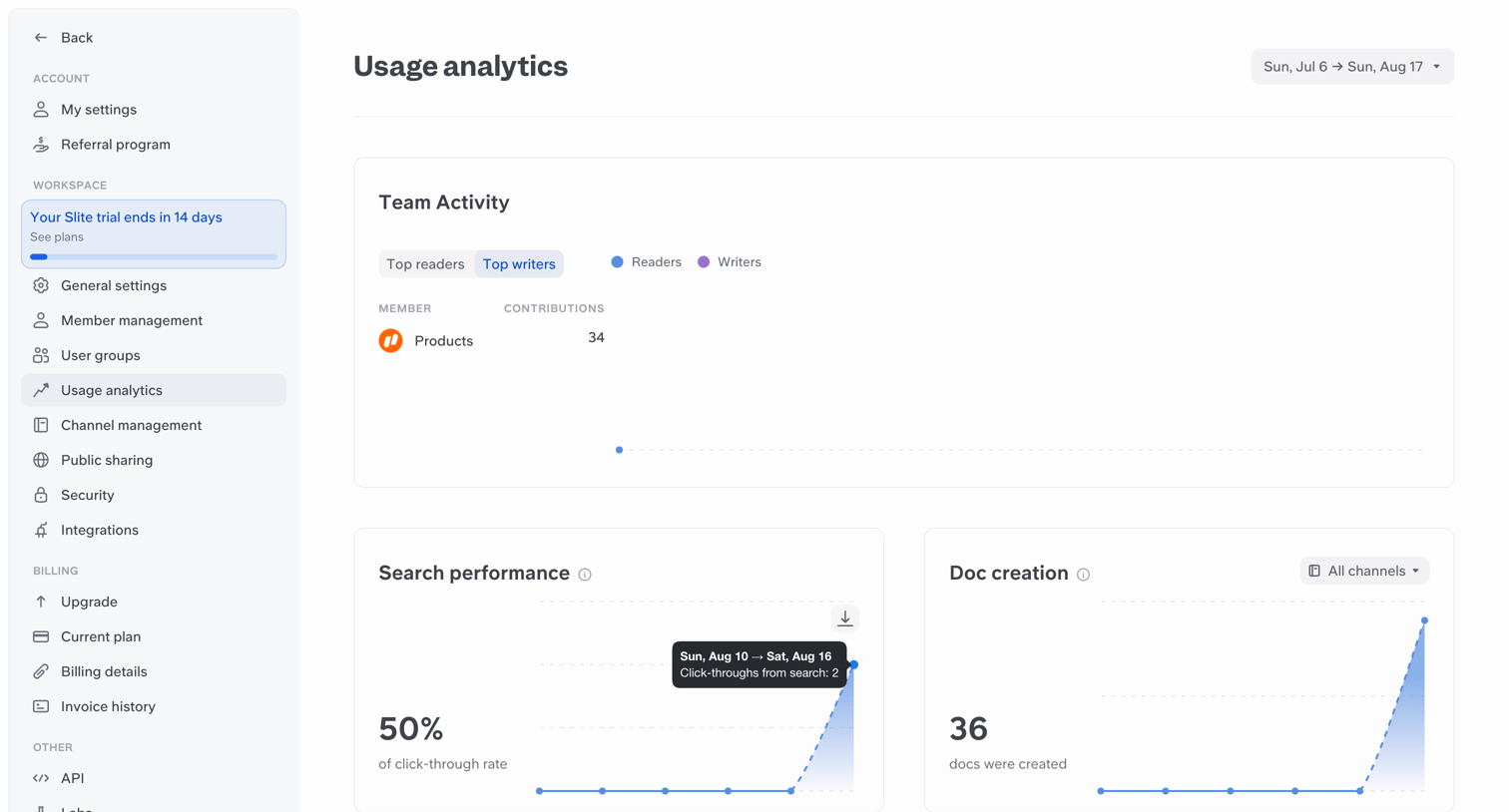

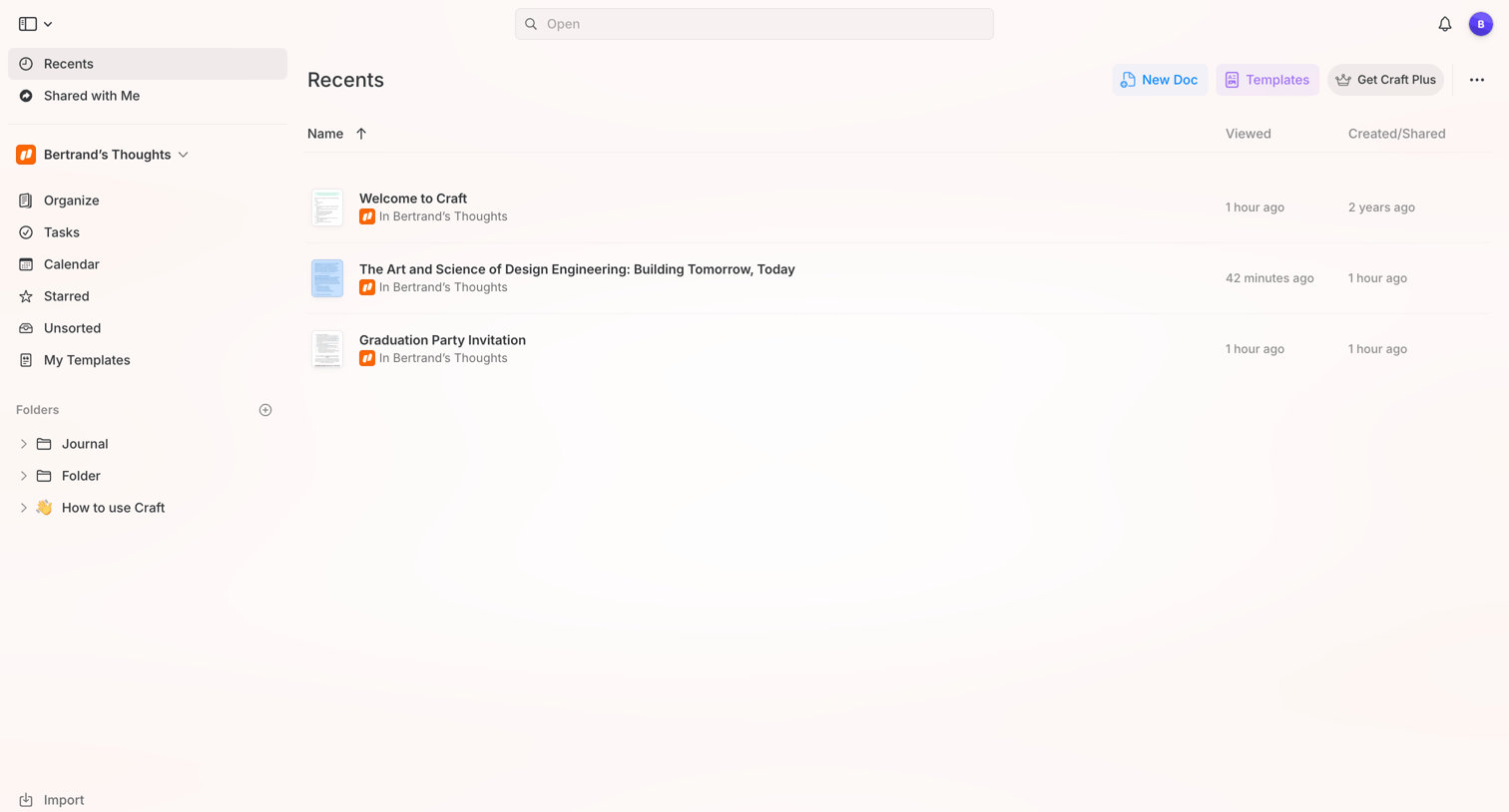

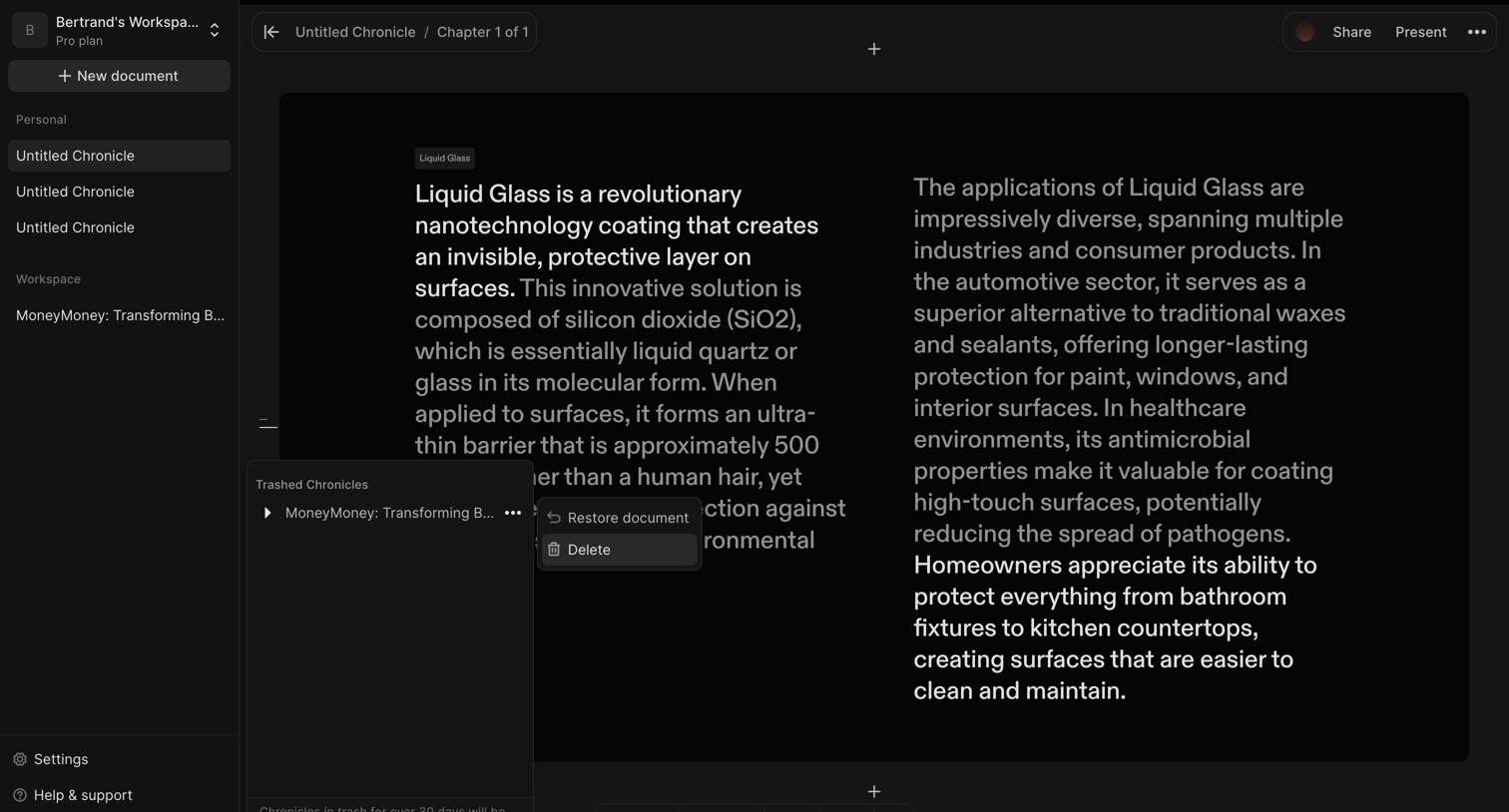

Content editor where the user is viewing a document about Liquid Glass and has opened the trash popover to restore or delete a trashed chronicle.
Explore the full SaaS screen library
Upgrade to unlock the full library.
Trusted by the best teams







