Skip to content

Delete form screen examples

Delete form screen design examples from SaaS apps. Browse examples from Outseta, Mangomint, Flodesk.

Explore the examples
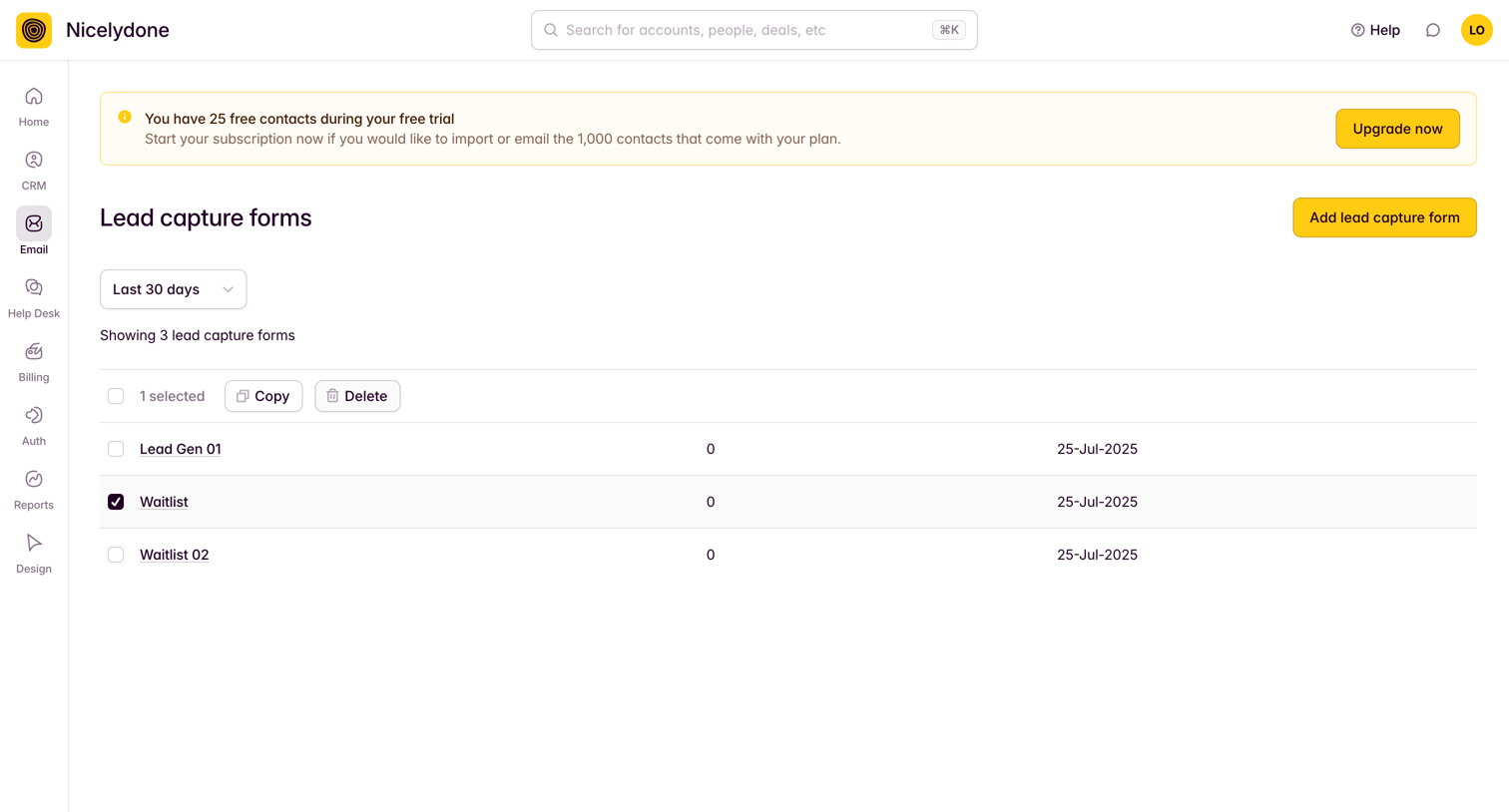
Outseta - Custom Forms screen
Outseta logo
Outseta

List view where the user manages lead capture forms, with a prominent trial limitation banner prompting an upgrade.
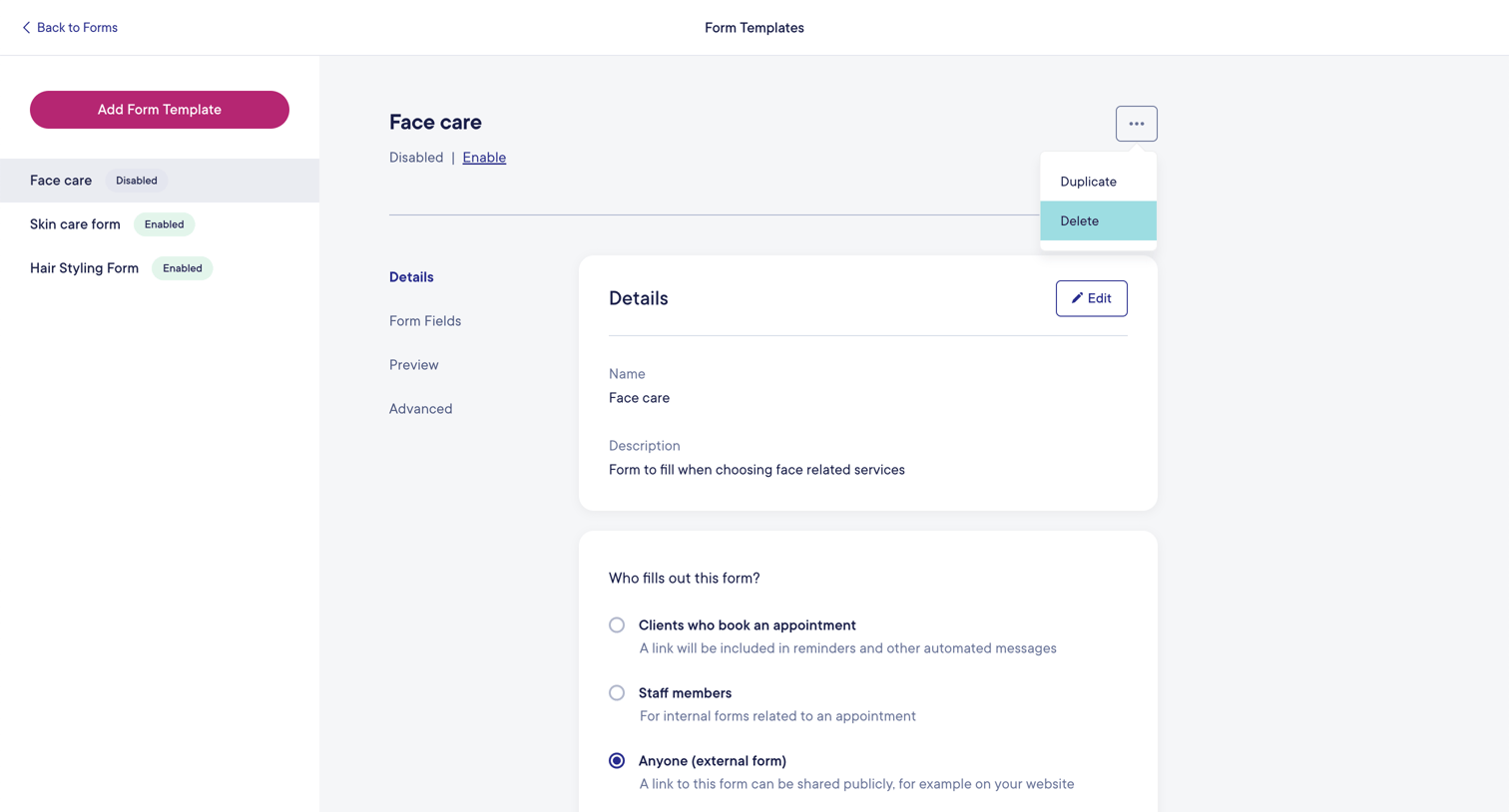

Mangomint - Mangomint App screen
Mangomint logo
Mangomint

Settings page where the user configures details, sharing options, and target audience for a specific form template.

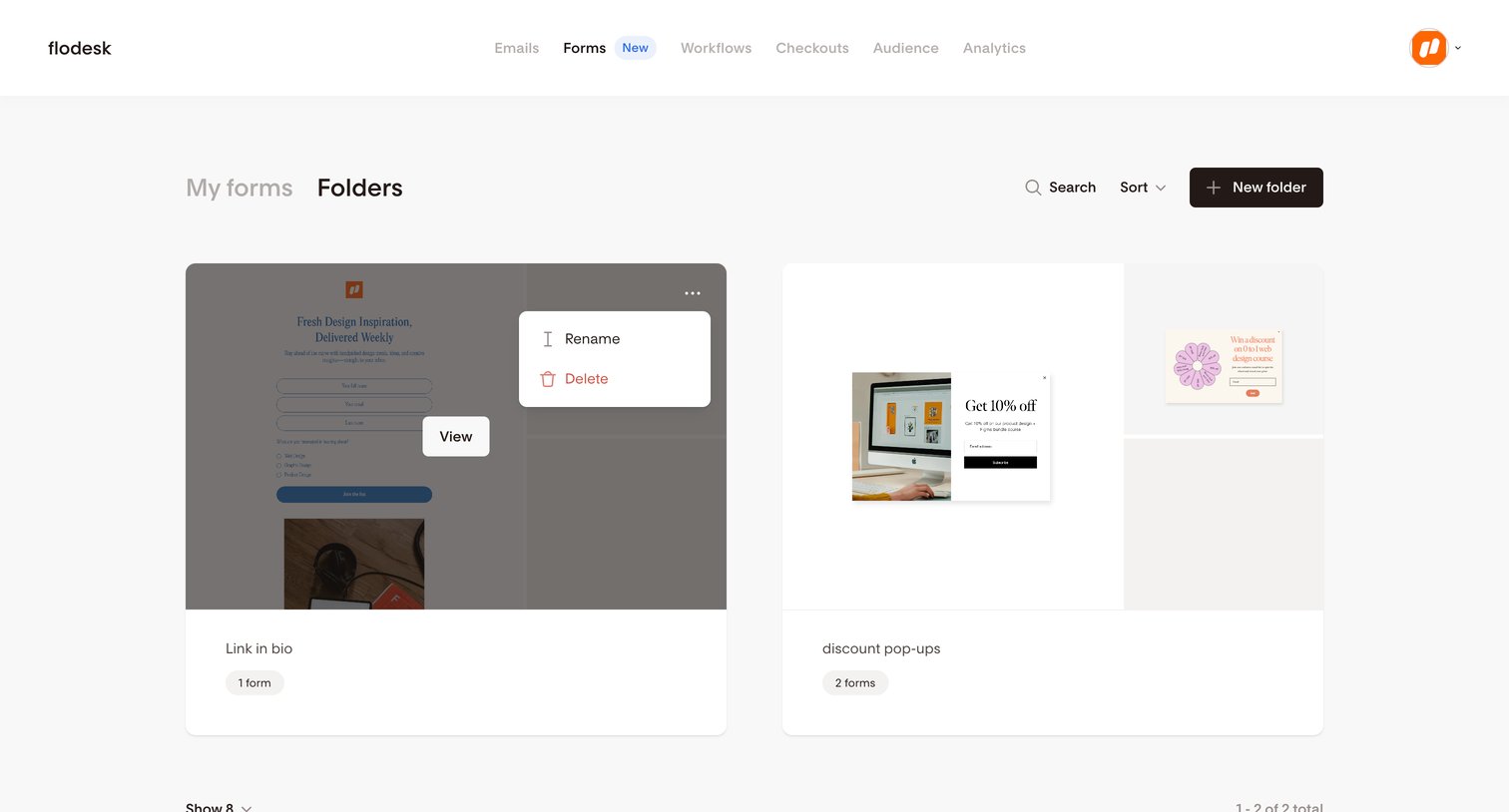
Flodesk - Folders | Flodesk screen
Flodesk logo
Flodesk

List view where the user manages their form folders, viewing visual previews and accessing folder actions like rename and delete.

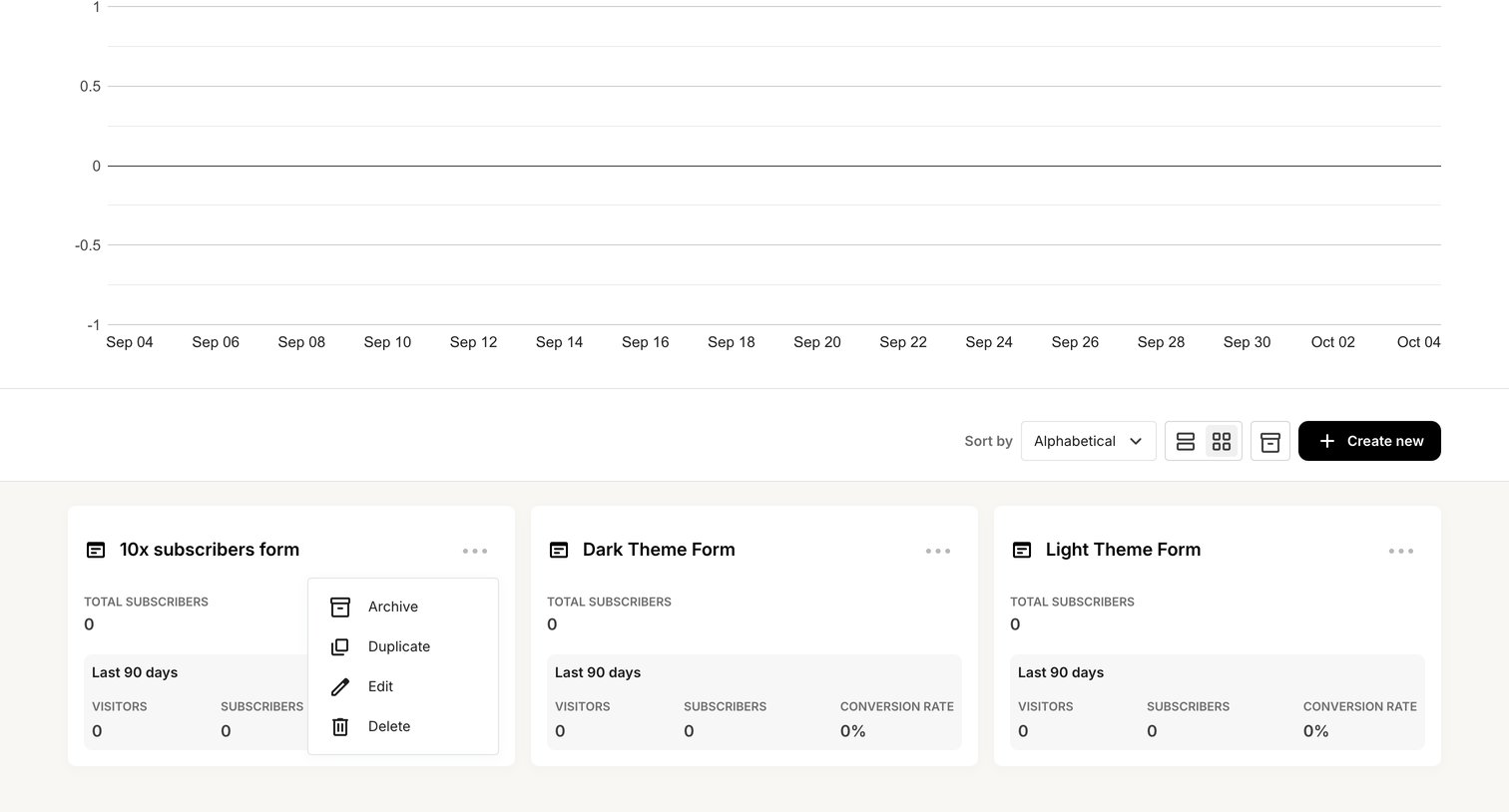
Kit - Forms - Kit screen
Kit logo
Kit

List view where the user manages their forms, views aggregate subscriber analytics on a line chart, and can toggle between grid and list layouts while accessing actions like duplicate and archive via context menus.

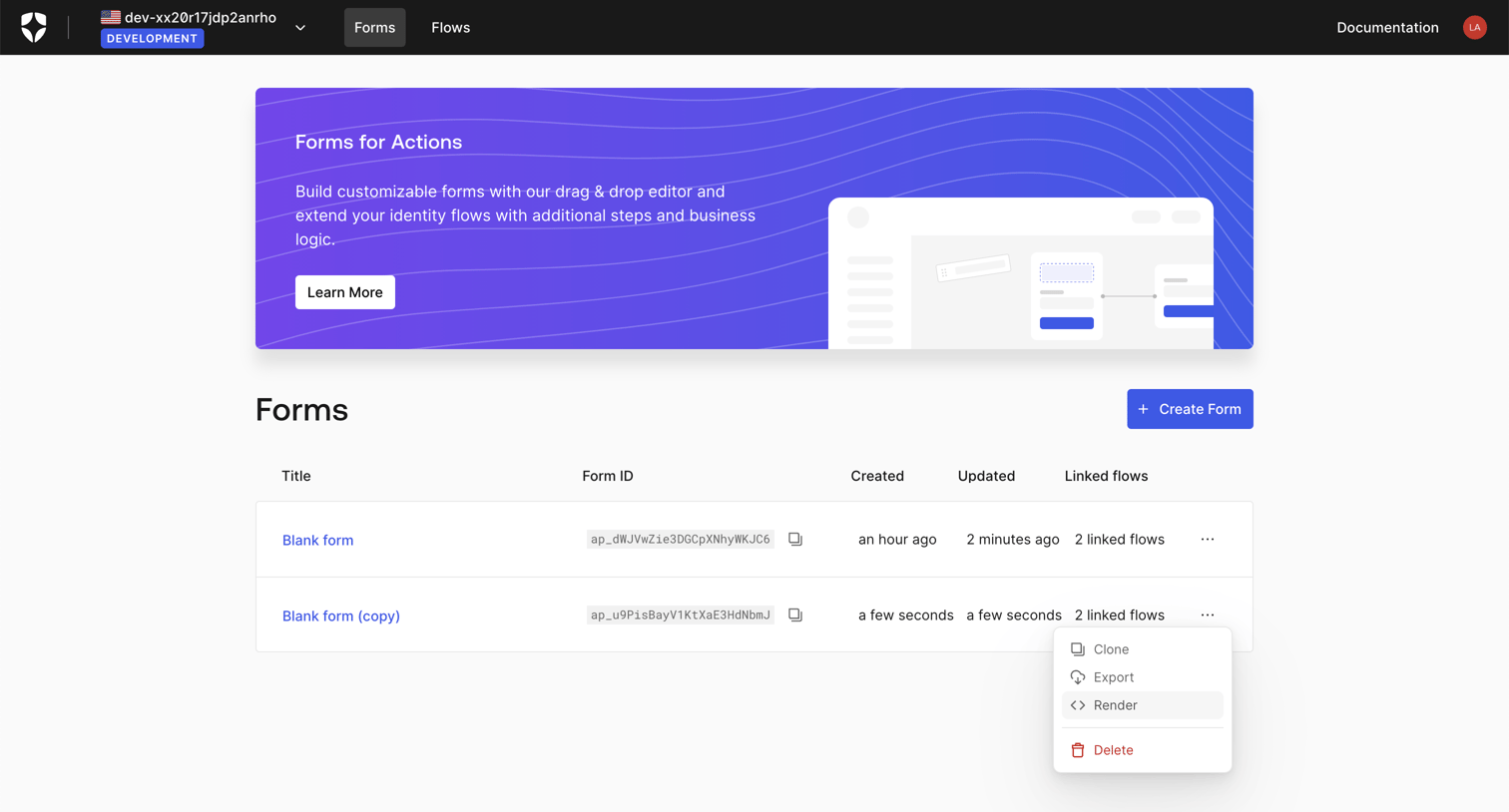
Auth0 - Form List screen
Auth0 logo
Auth0

List view where the user manages customizable forms for identity flows, with options to create, clone, export, or delete them.
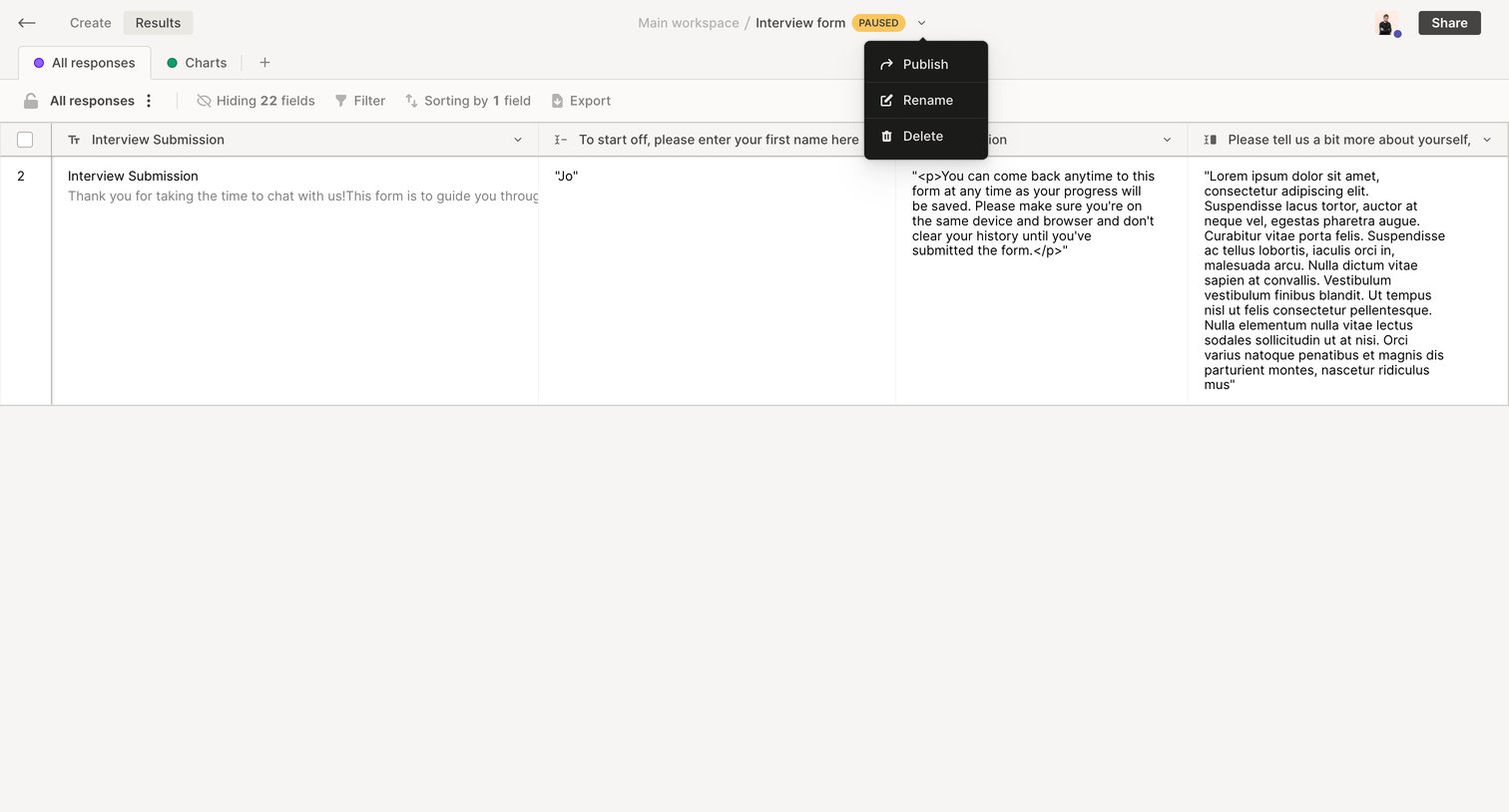

QuestionScout - Results - QuestionScout screen
QuestionScout logo
QuestionScout

List view where the user manages submitted responses for a paused interview form, with tools to filter, sort, and export the data.
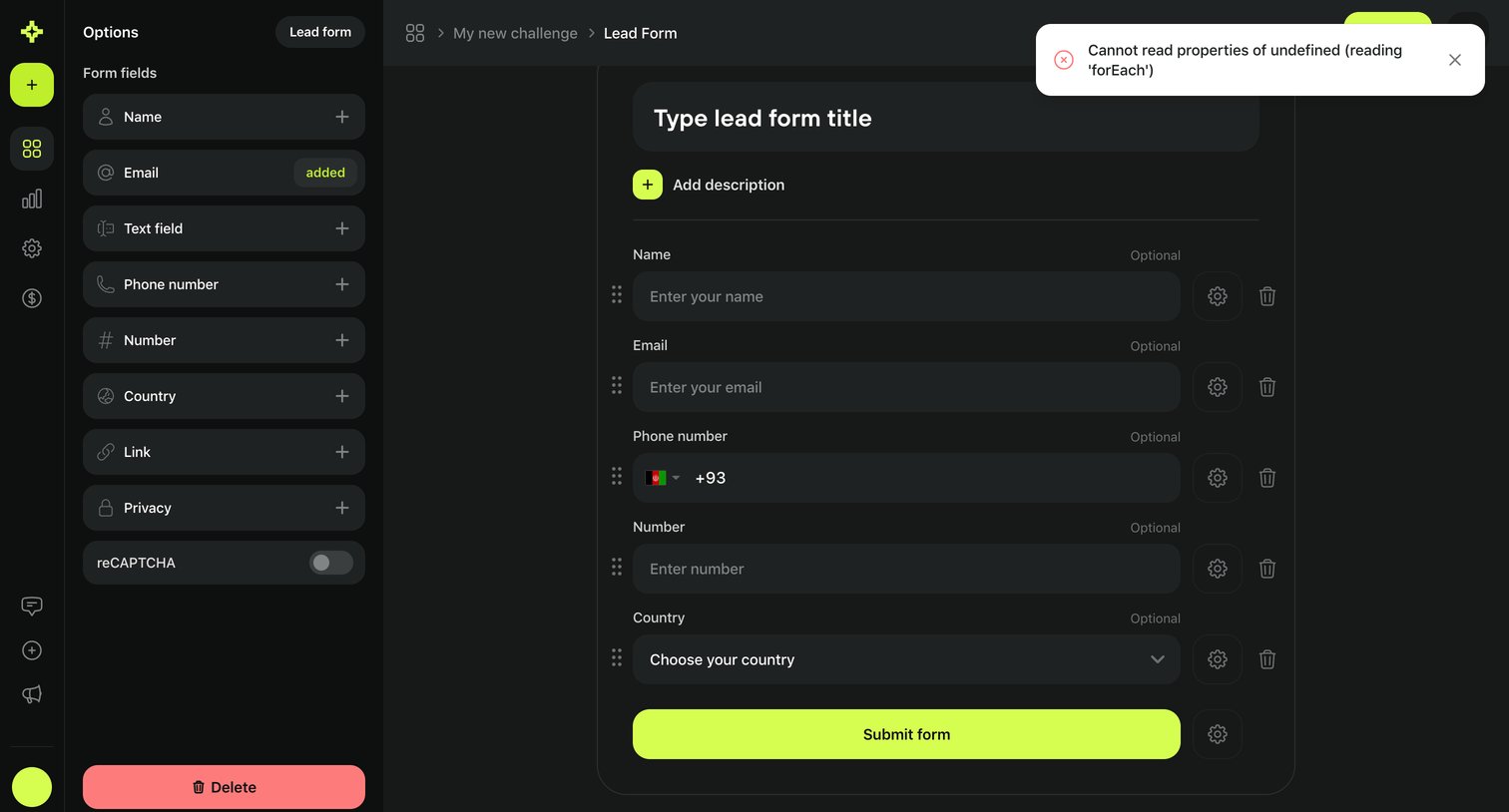

Meiro - Lead form · My new challenge · Meiro screen
Meiro logo
Meiro

Form builder where the user configures lead capture fields like name, email, and phone number within a dark-themed canvas.

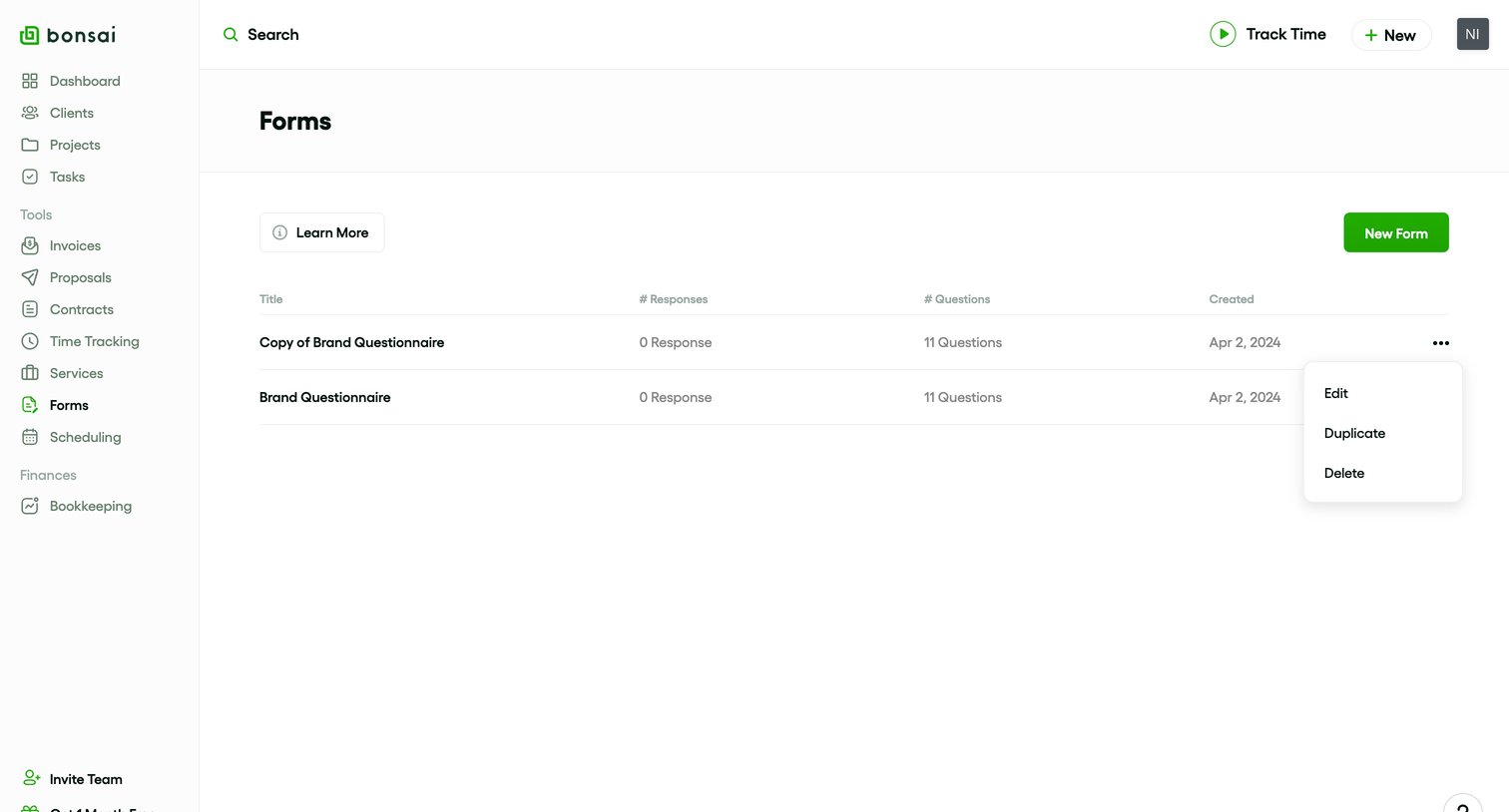
Bonsai - Client Forms - Bonsai screen
Bonsai logo
Bonsai

List view where the user manages their created forms, viewing response counts and accessing edit or duplicate actions via a context menu.

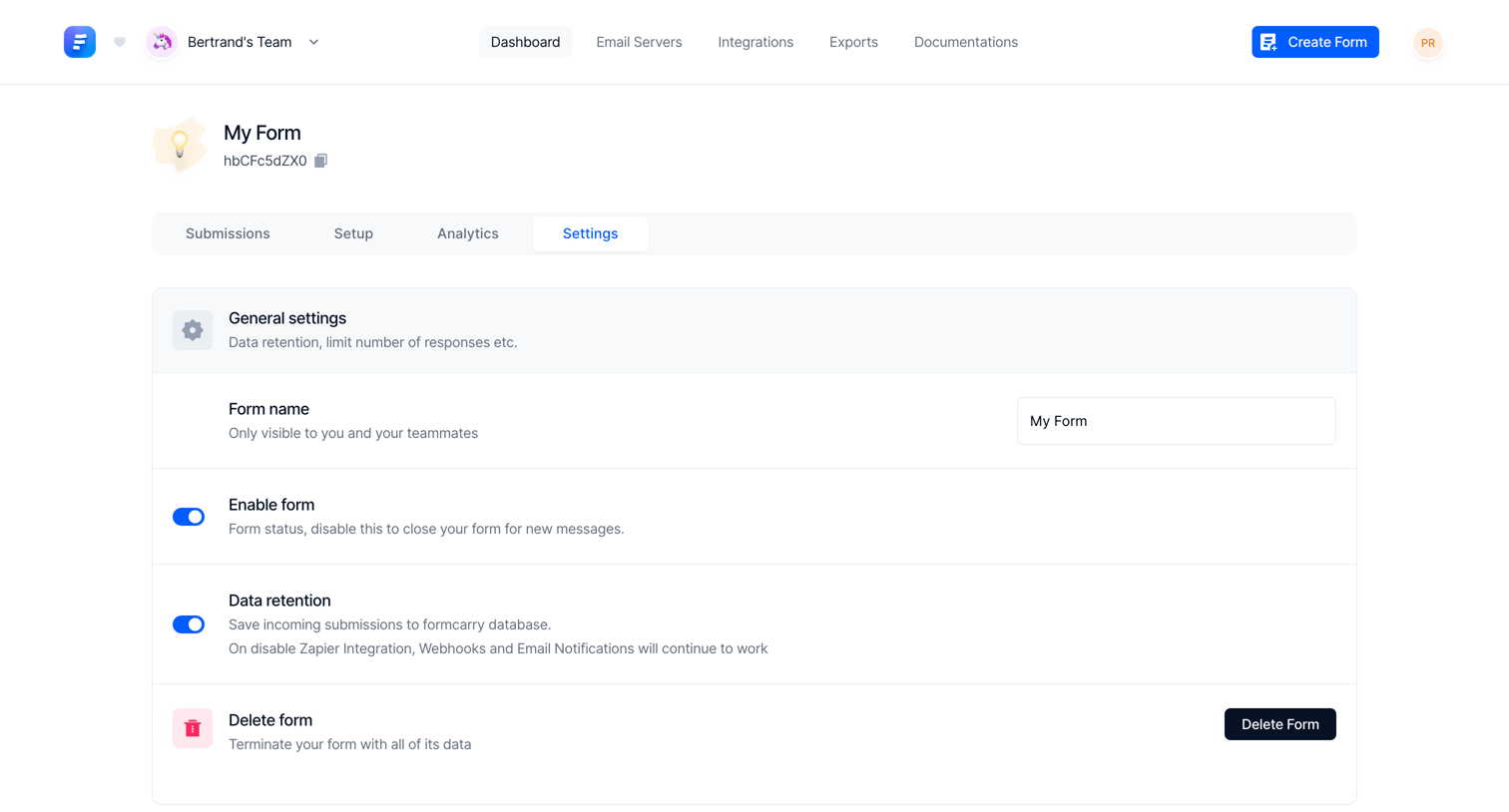
Formcarry - Settings - My Form screen
Formcarry logo
Formcarry

Settings page where the user configures general options, email notifications, security, and webhooks for a specific form.

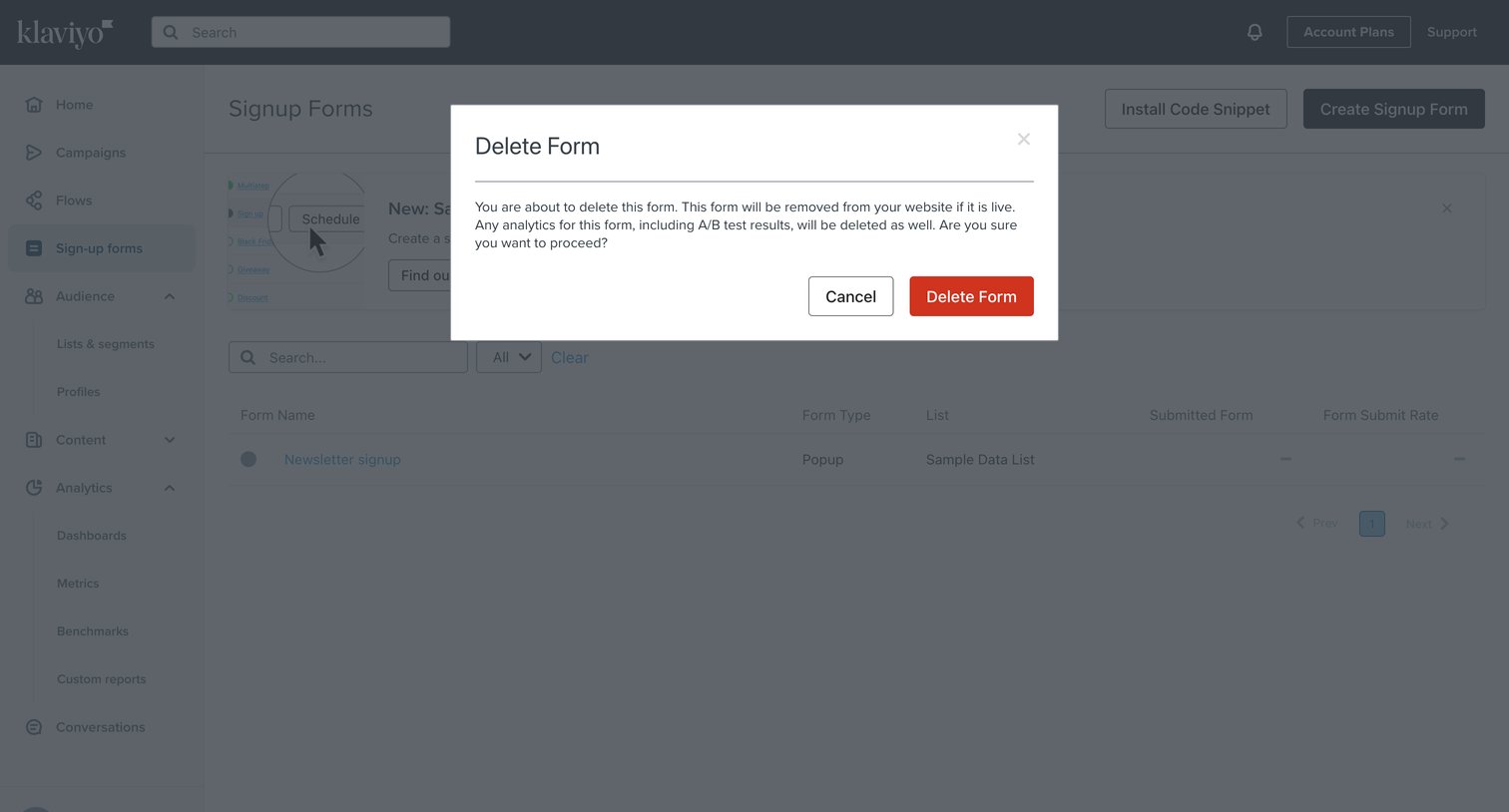
Klaviyo - Forms | Klaviyo screen
Klaviyo logo
Klaviyo

List view of signup forms with a modal prompting the user to confirm the deletion of a specific form.
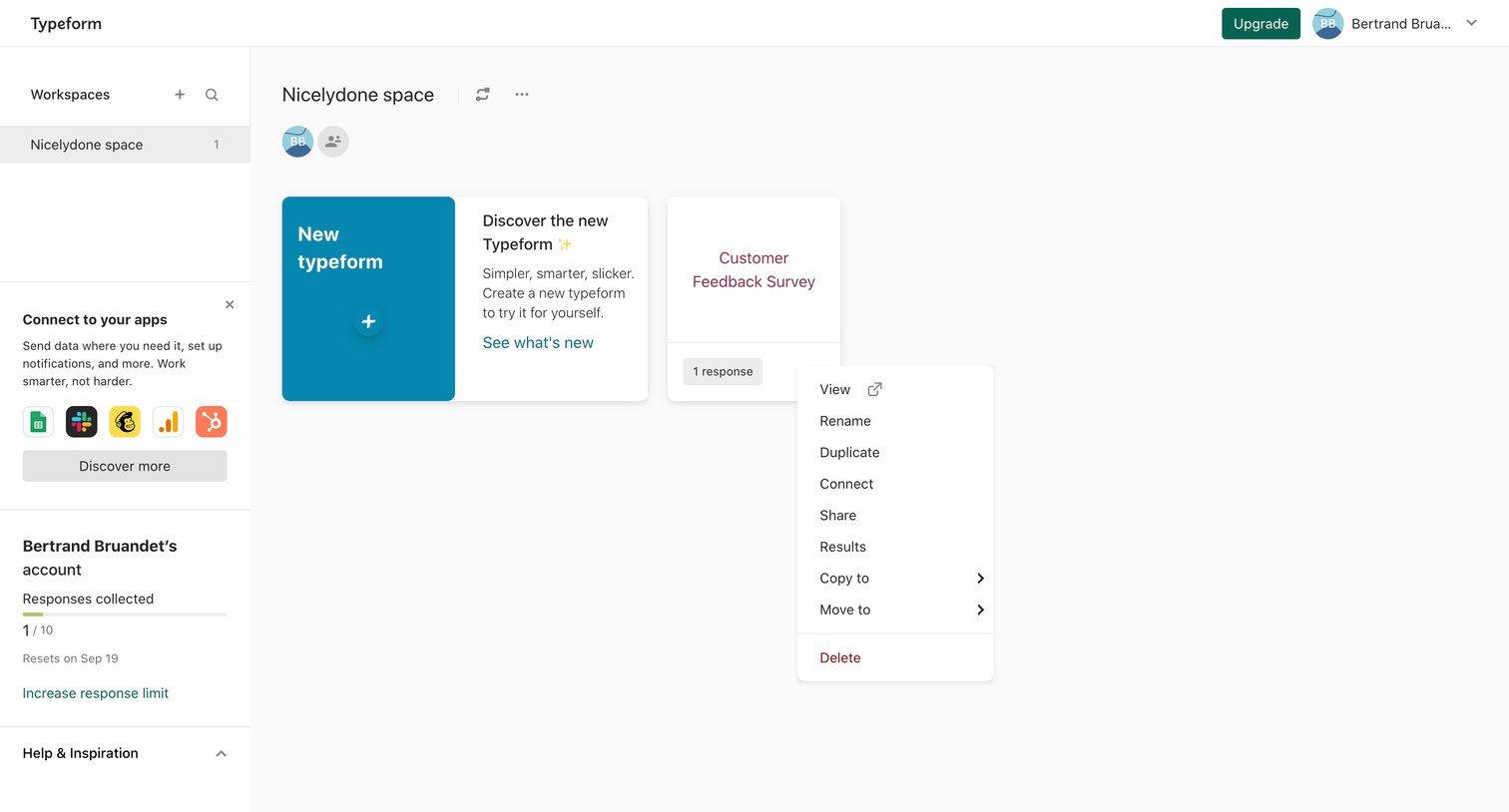

Typeform - Typeform - Workspaces screen
Typeform logo
Typeform

Workspace view where the user manages their typeforms, monitors response limits, and can create new forms or access item-level actions via a context menu.


Formkeep - Settings screen
Formkeep logo
Formkeep

Settings page where the user configures basic details like name, favicon, and redirect URL for a specific form.

Explore the full SaaS screen library

Upgrade to unlock the full library.

Trusted by the best teams