Data import screen examples
Data import screen design examples from SaaS apps. Browse examples from Inference, Zaro, Appwrite.
Explore the examples
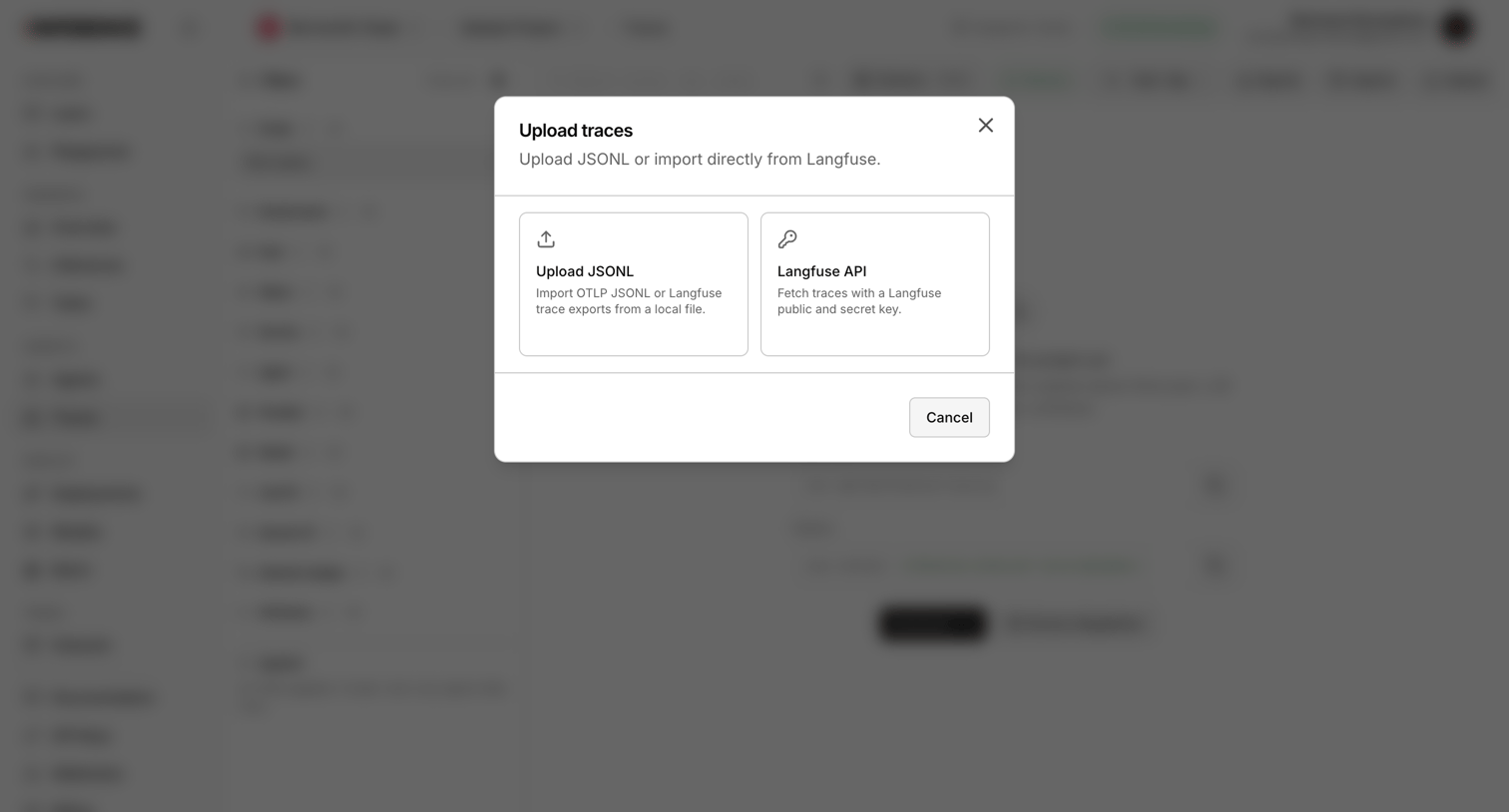

Modal overlay where the user chooses to upload trace data via JSONL file or import it directly using the Langfuse API.
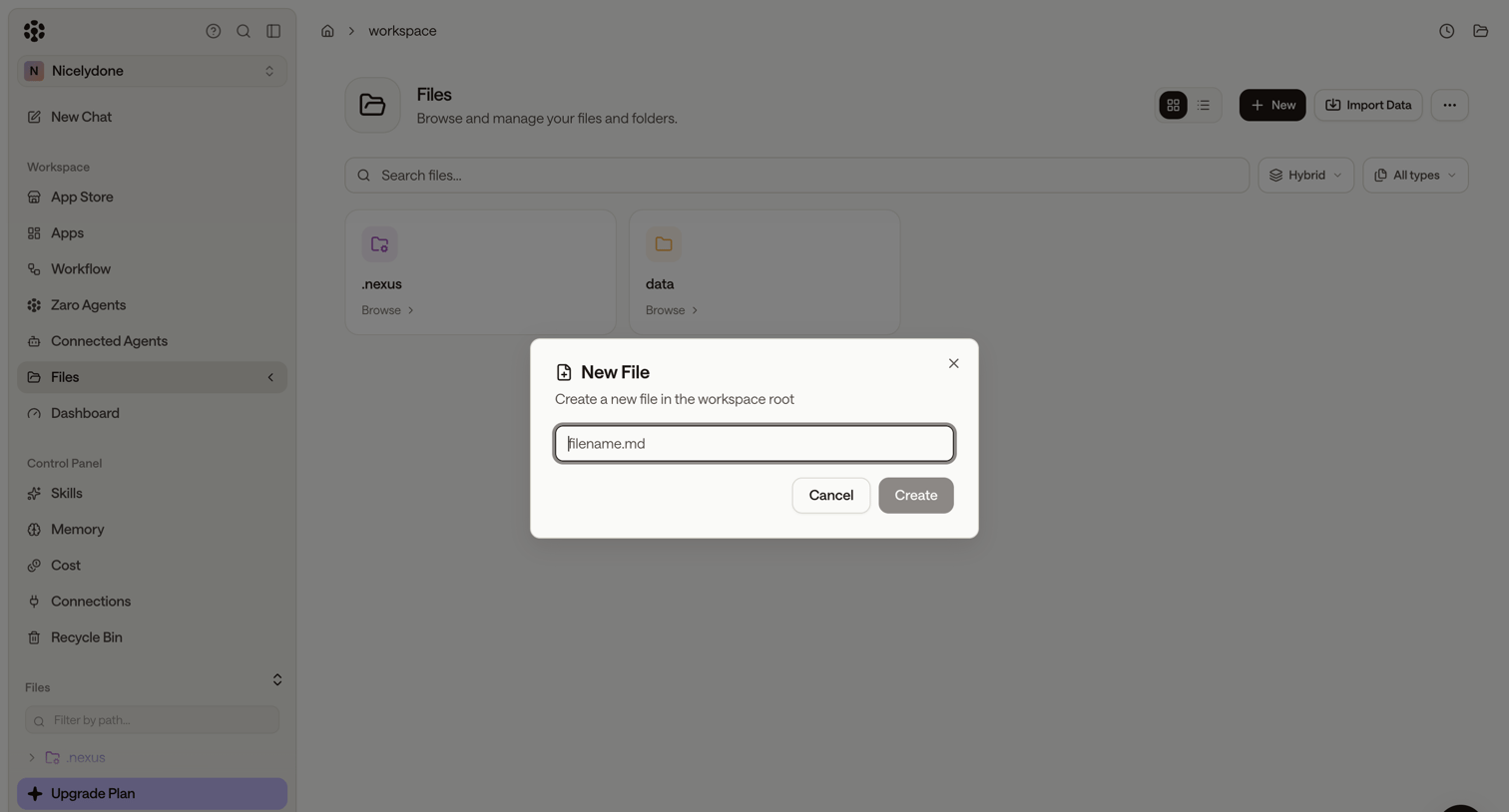

File manager workspace where the user is creating a new markdown file in the root directory via a modal overlay.
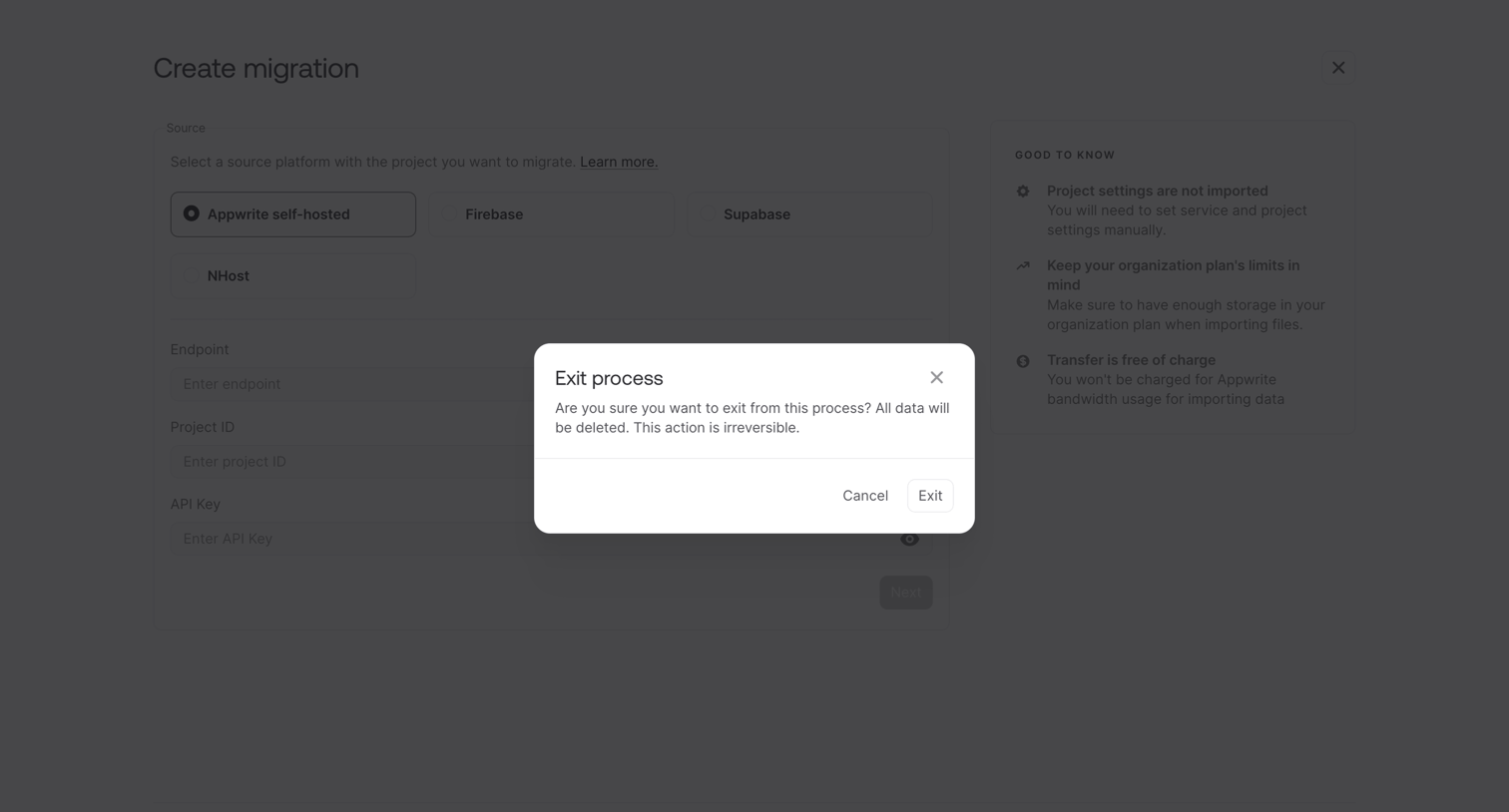

Alert dialog asking the user to confirm exiting the migration creation process, warning that all entered data will be lost.
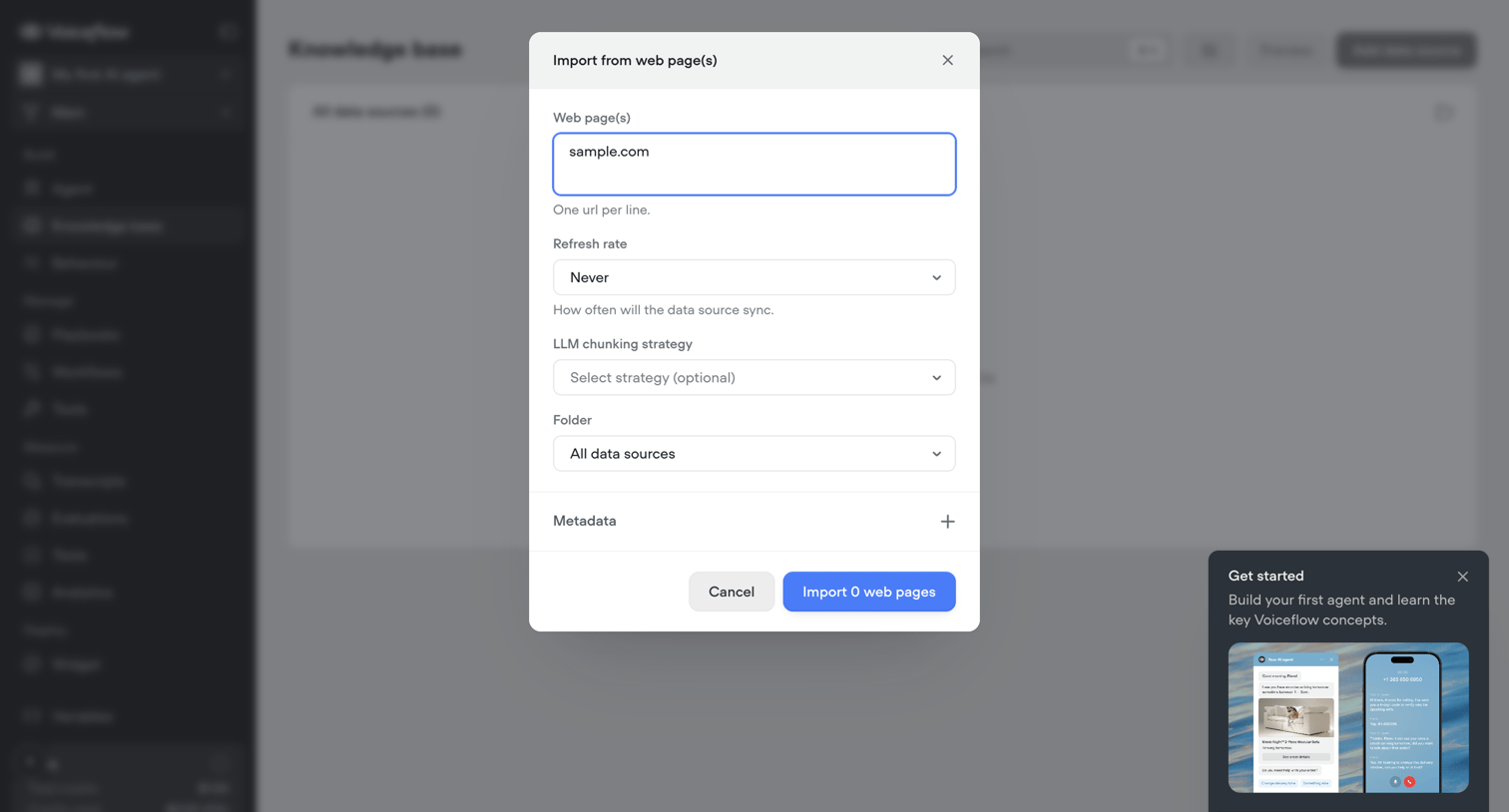

Modal where the user imports web pages into their AI agent's knowledge base by pasting URLs and configuring sync settings.
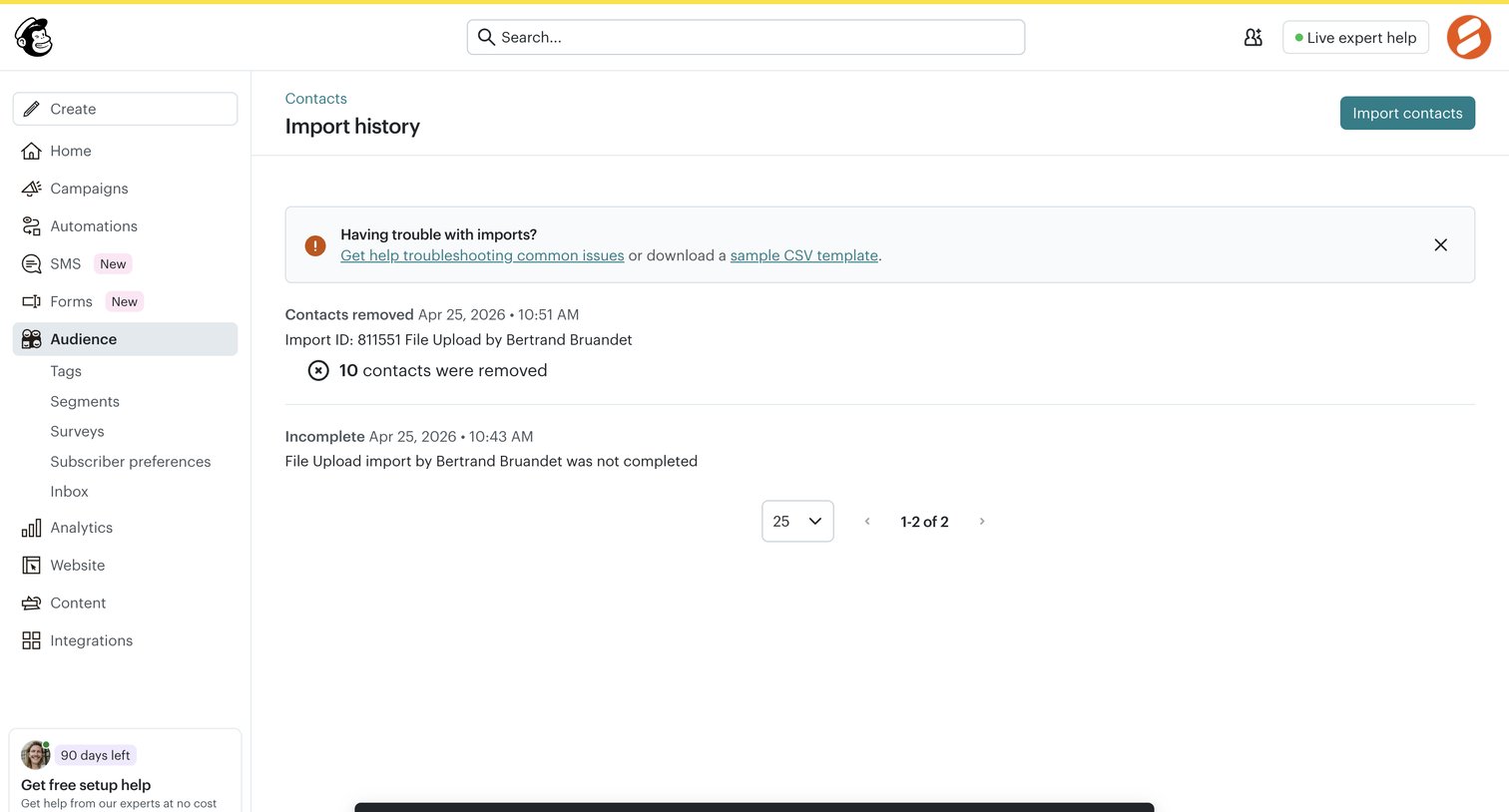

List view where the user reviews the status of past contact imports, monitors an ongoing undo process via a toast notification, and can initiate a new import.
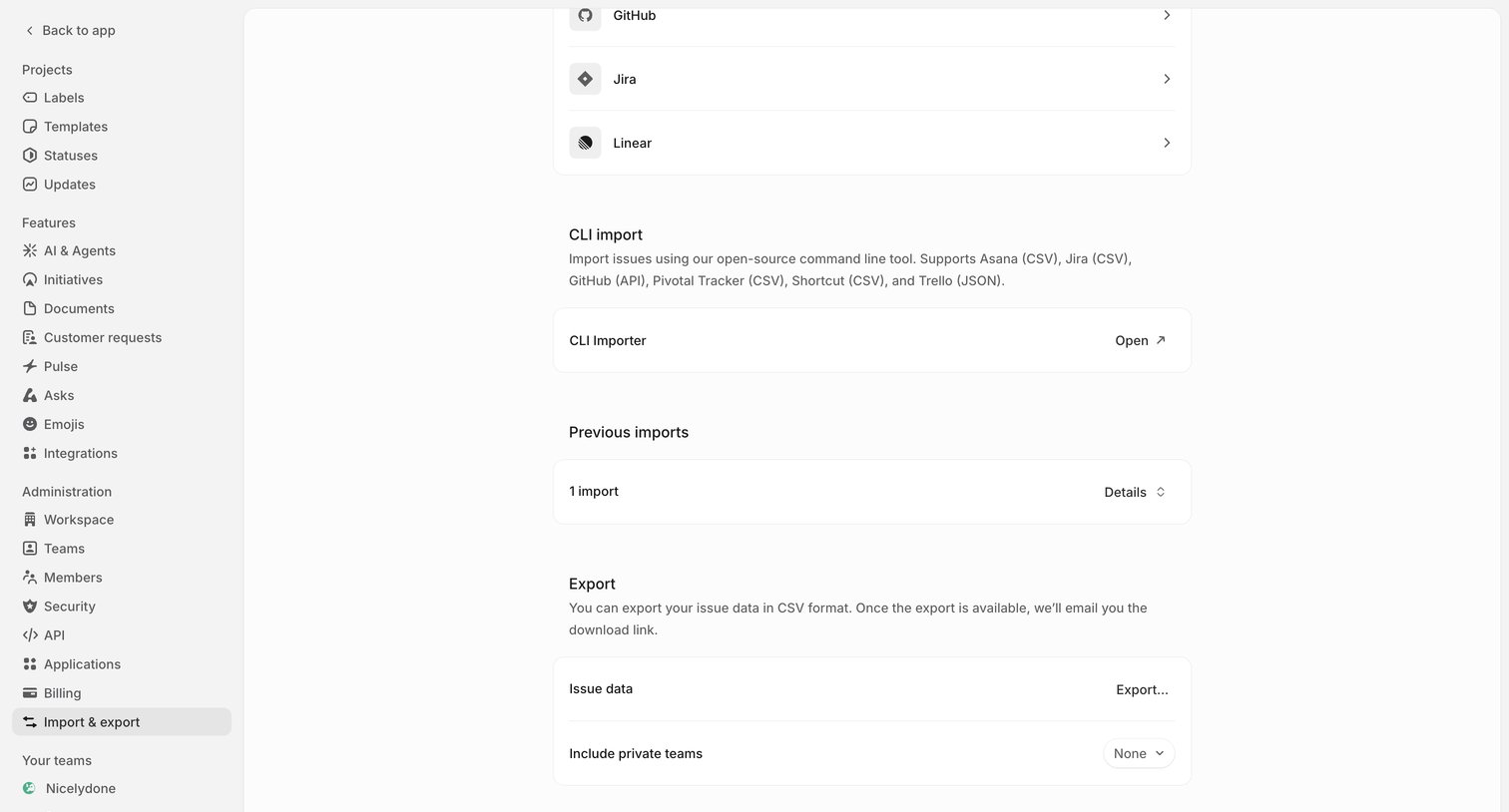

Settings page where the user configures data migration by importing from tools like GitHub or Jira, managing previous imports, or exporting issue data to CSV.
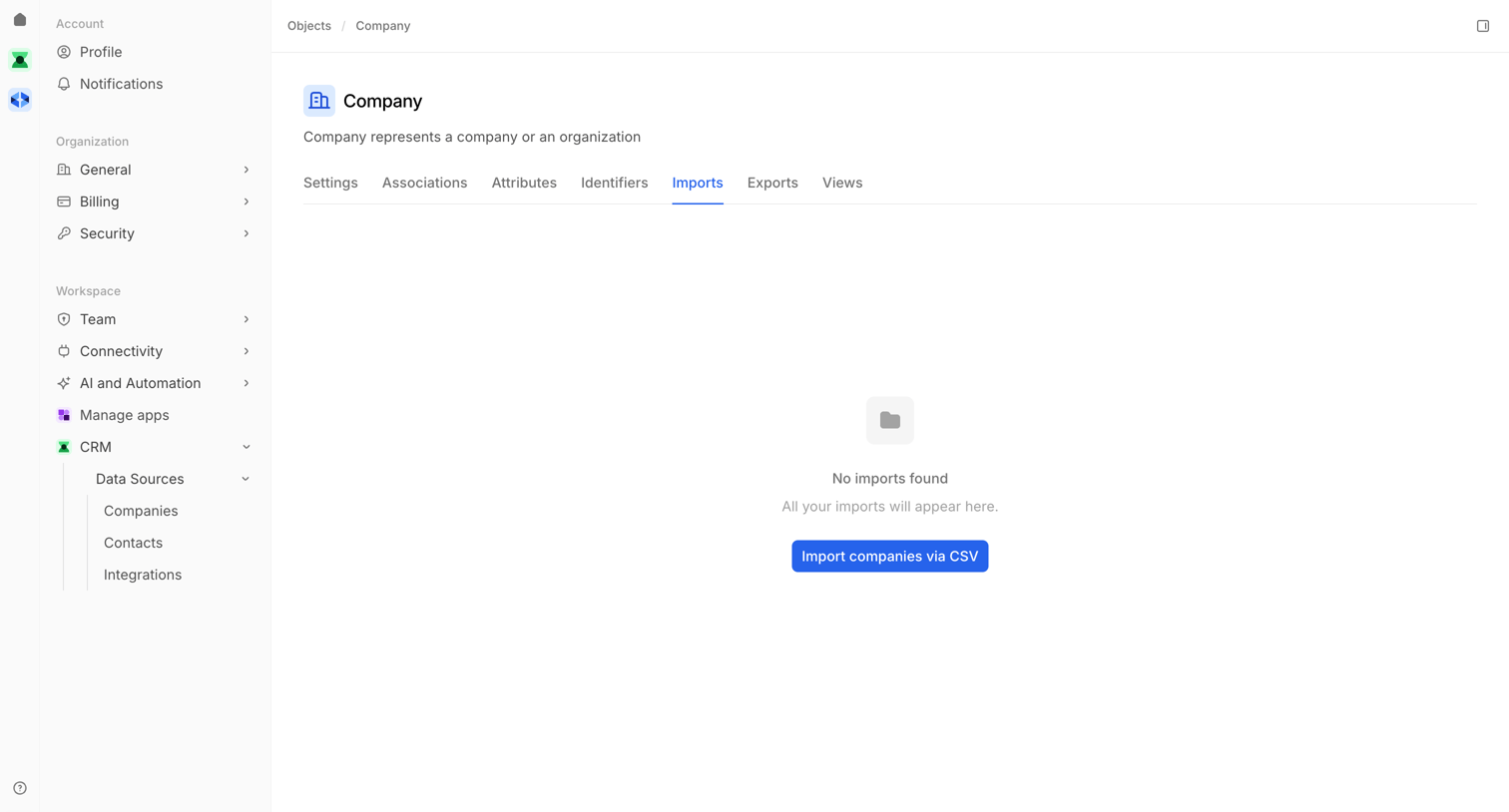

Settings page for the Company object showing an empty state for imports with a CTA to import via CSV.
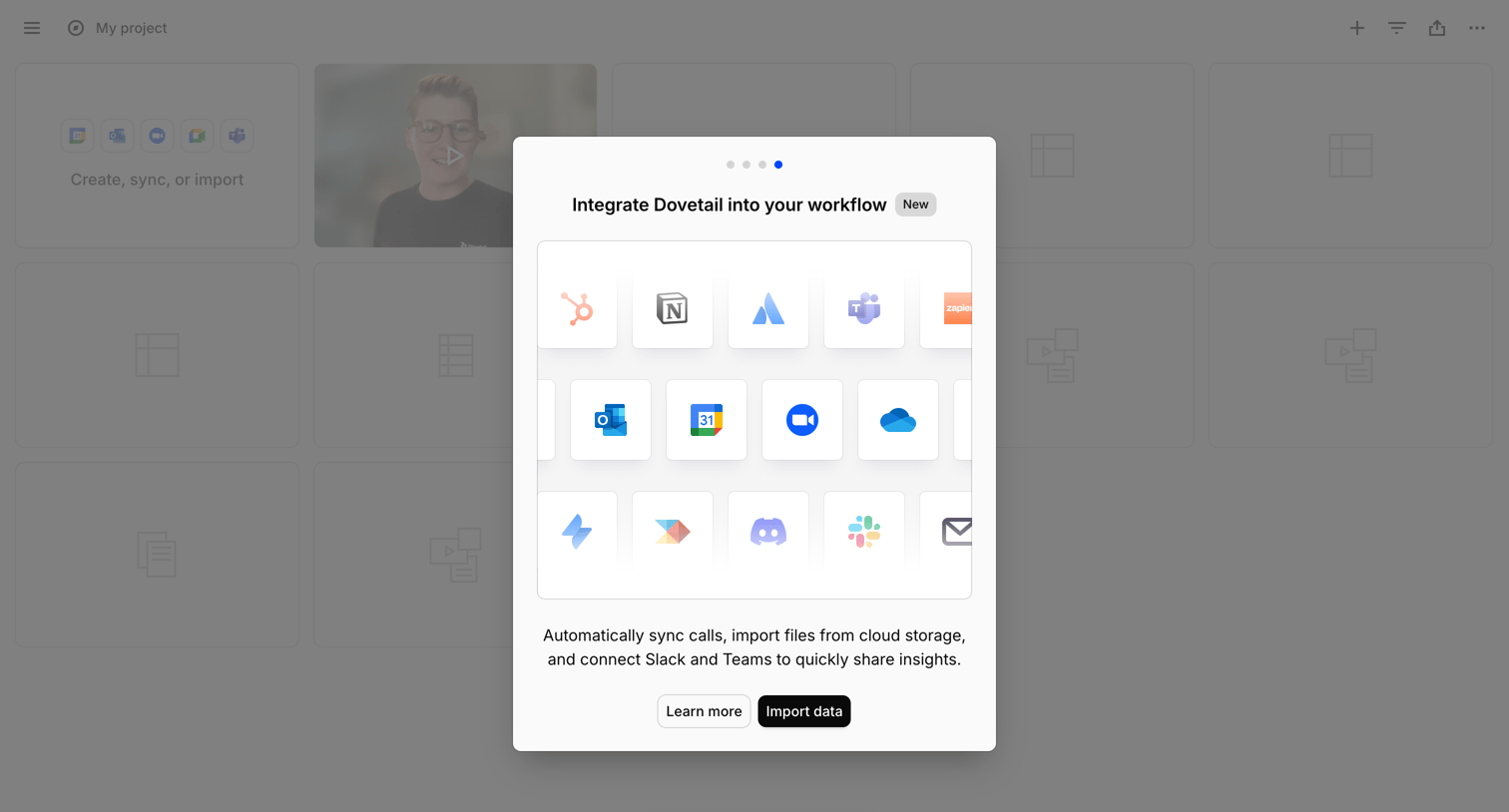

List view with a modal prompting the user to integrate their workflow by connecting apps like Slack, Teams, and Google Drive to import data.
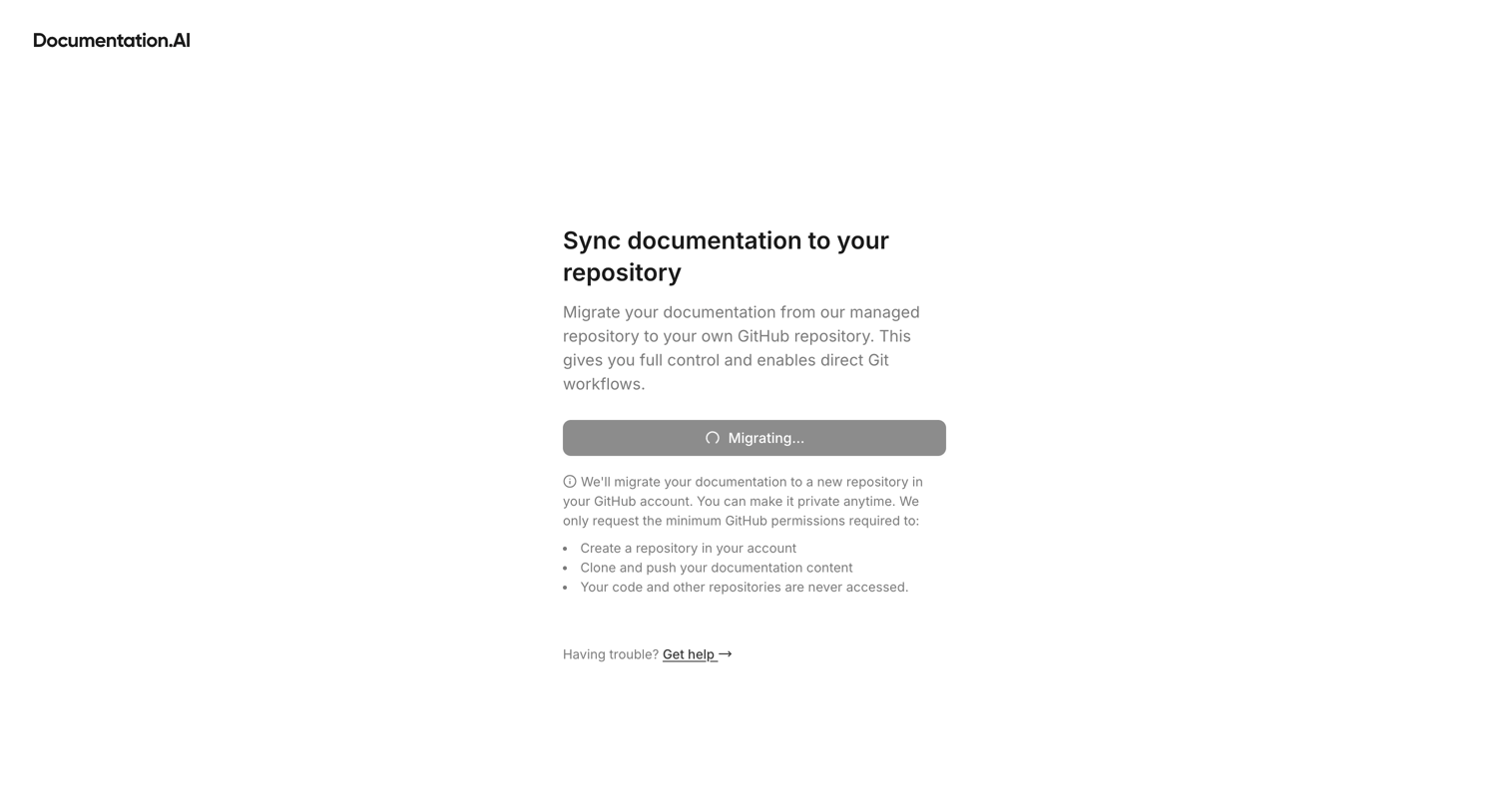

Create flow where the system is actively migrating documentation to a connected GitHub repository, displaying a loading state and permission details.
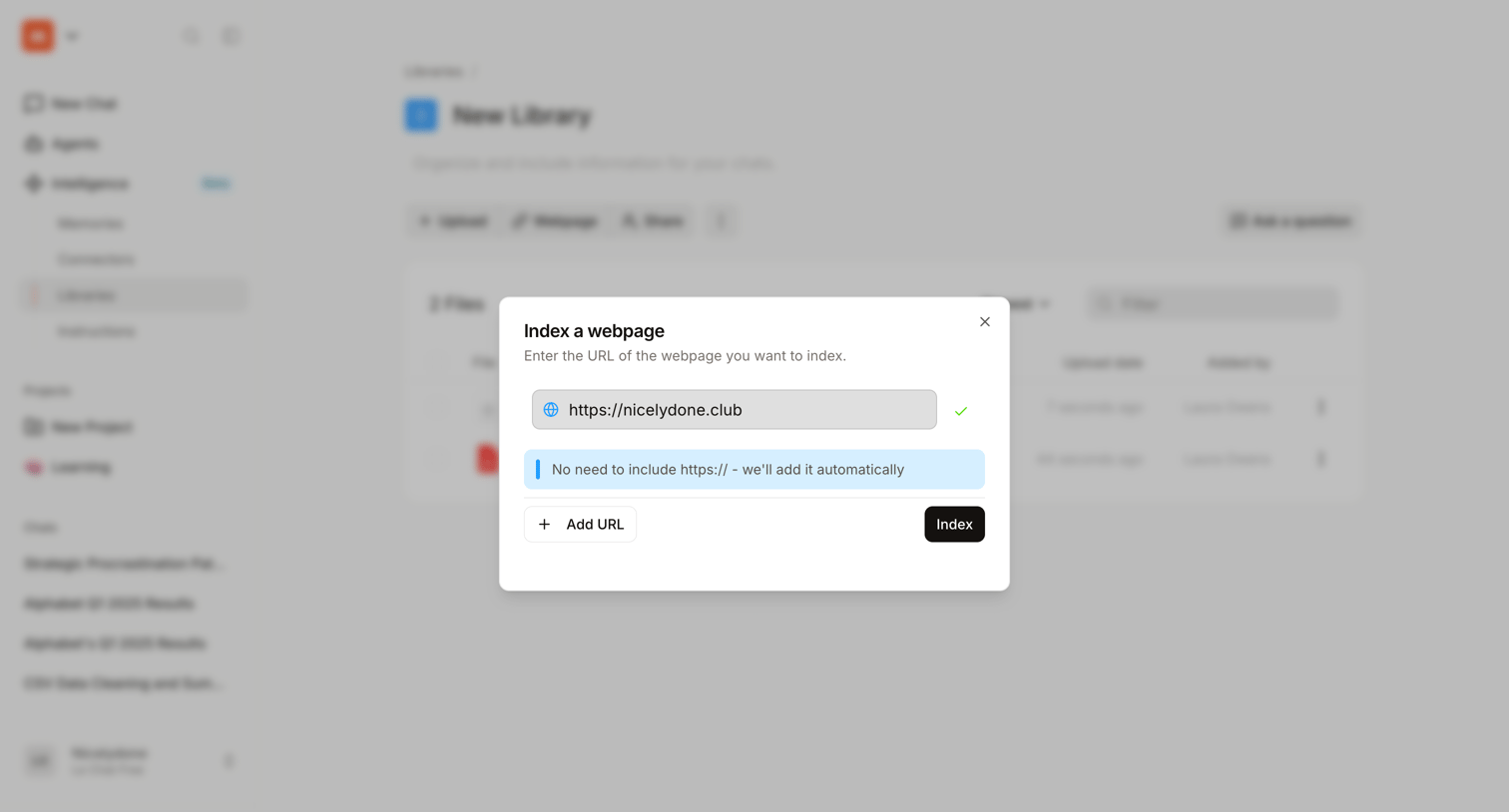

Modal where the user enters a URL to index a webpage into their AI knowledge library.
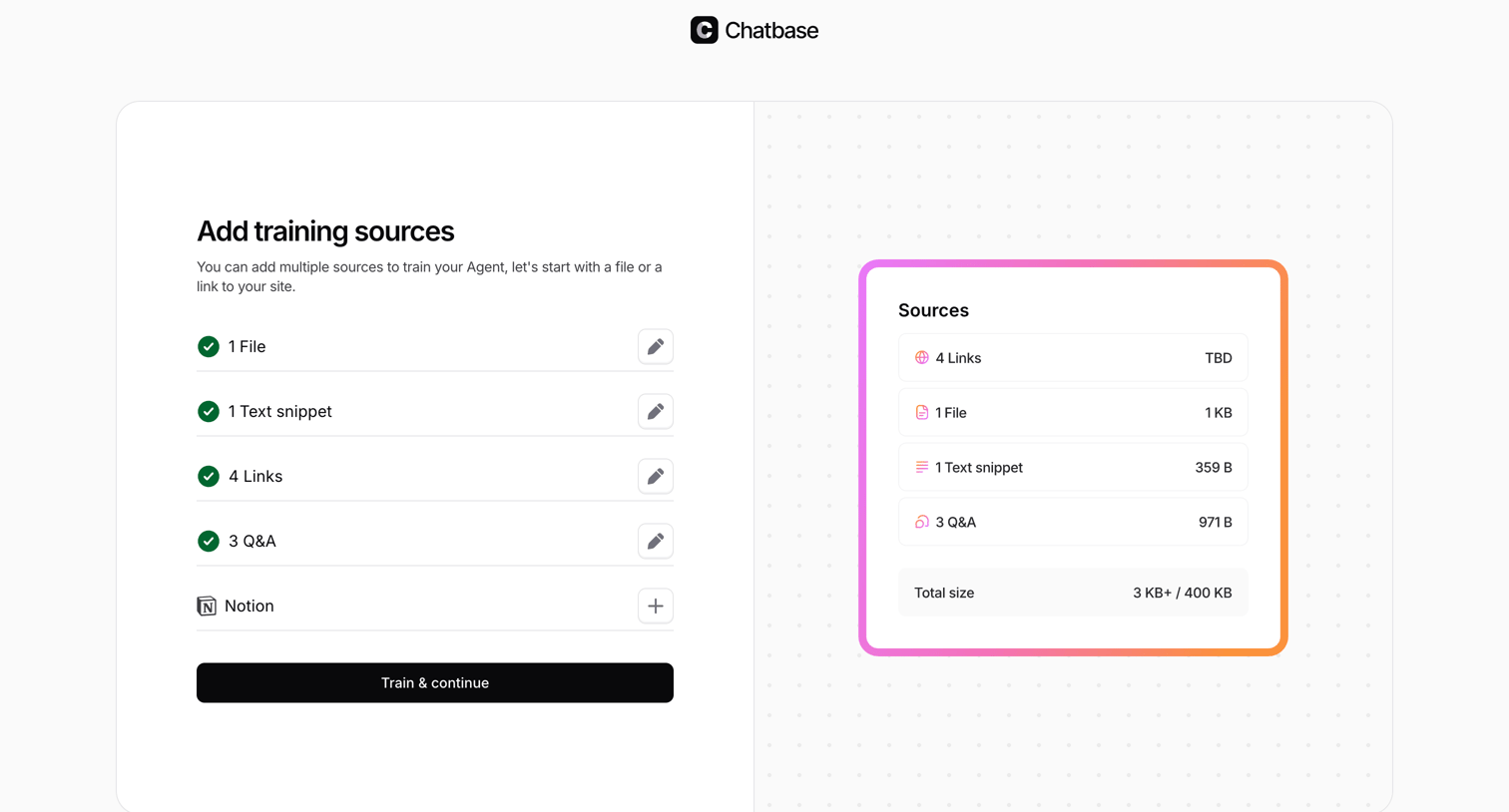

Onboarding step where the user adds training sources like files, text snippets, links, and Q&A to train their AI agent.
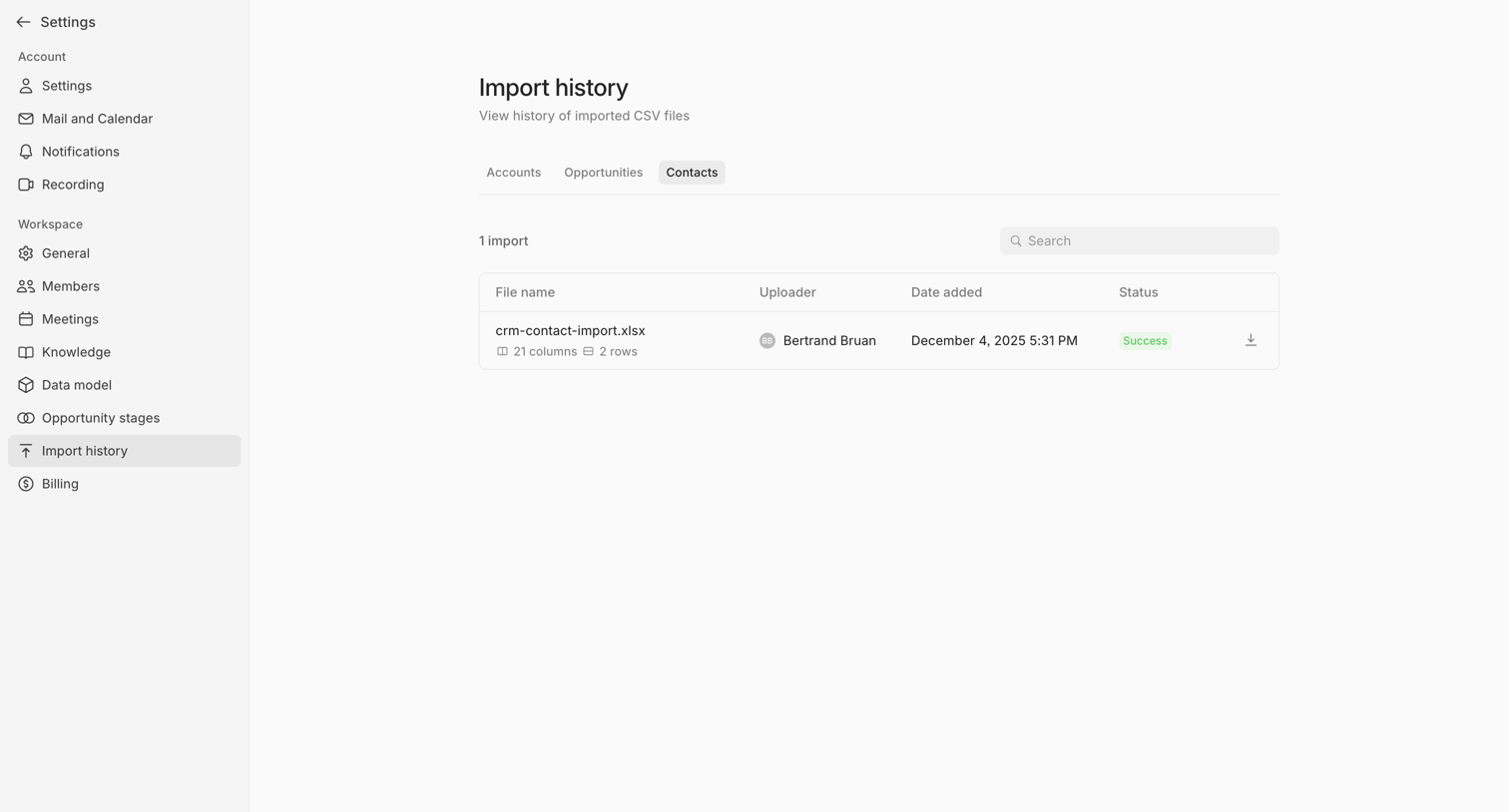

Settings page where the user views the history of imported CSV files for contacts, including file details, uploader, date, and success status.
Explore the full SaaS screen library
Upgrade to unlock the full library.
Trusted by the best teams







